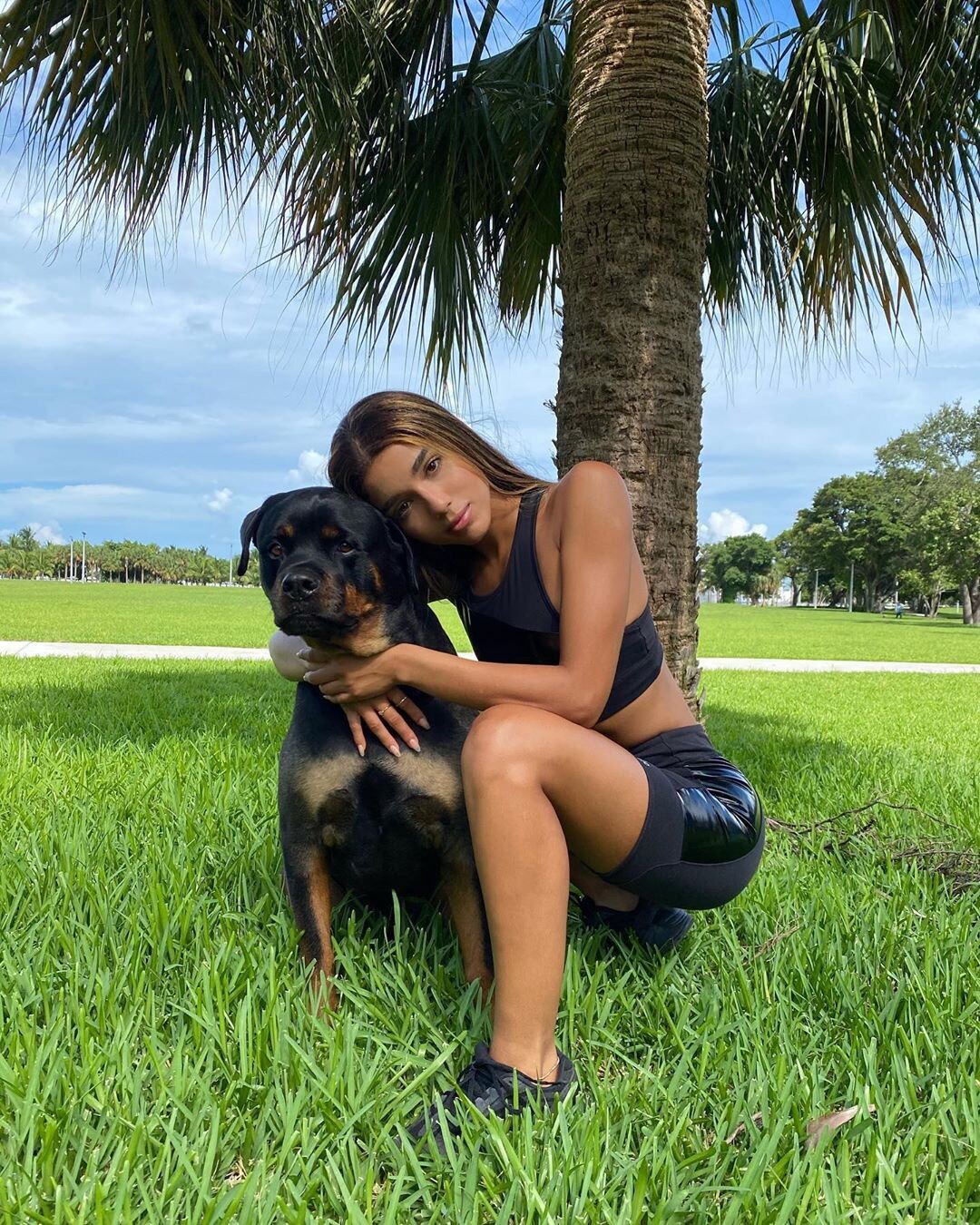
FRED 1401
Members
-
Joined
-
Last visited
Everything posted by FRED 1401
-
 117529470_736059666961746_1116504599201067866_n.mp4
OOOHHHHHHHHHHHHHHH , LES MALDIVES , J'ADOOOOOOREEEEEEEEEEEEEEE MES PREFEREES DE PHOTOS DE LA BELLE
117529470_736059666961746_1116504599201067866_n.mp4
OOOHHHHHHHHHHHHHHH , LES MALDIVES , J'ADOOOOOOREEEEEEEEEEEEEEE MES PREFEREES DE PHOTOS DE LA BELLE






 SAVAGE X FENTY by RIHANNA

 UN VENDREDI AU SOLEIL



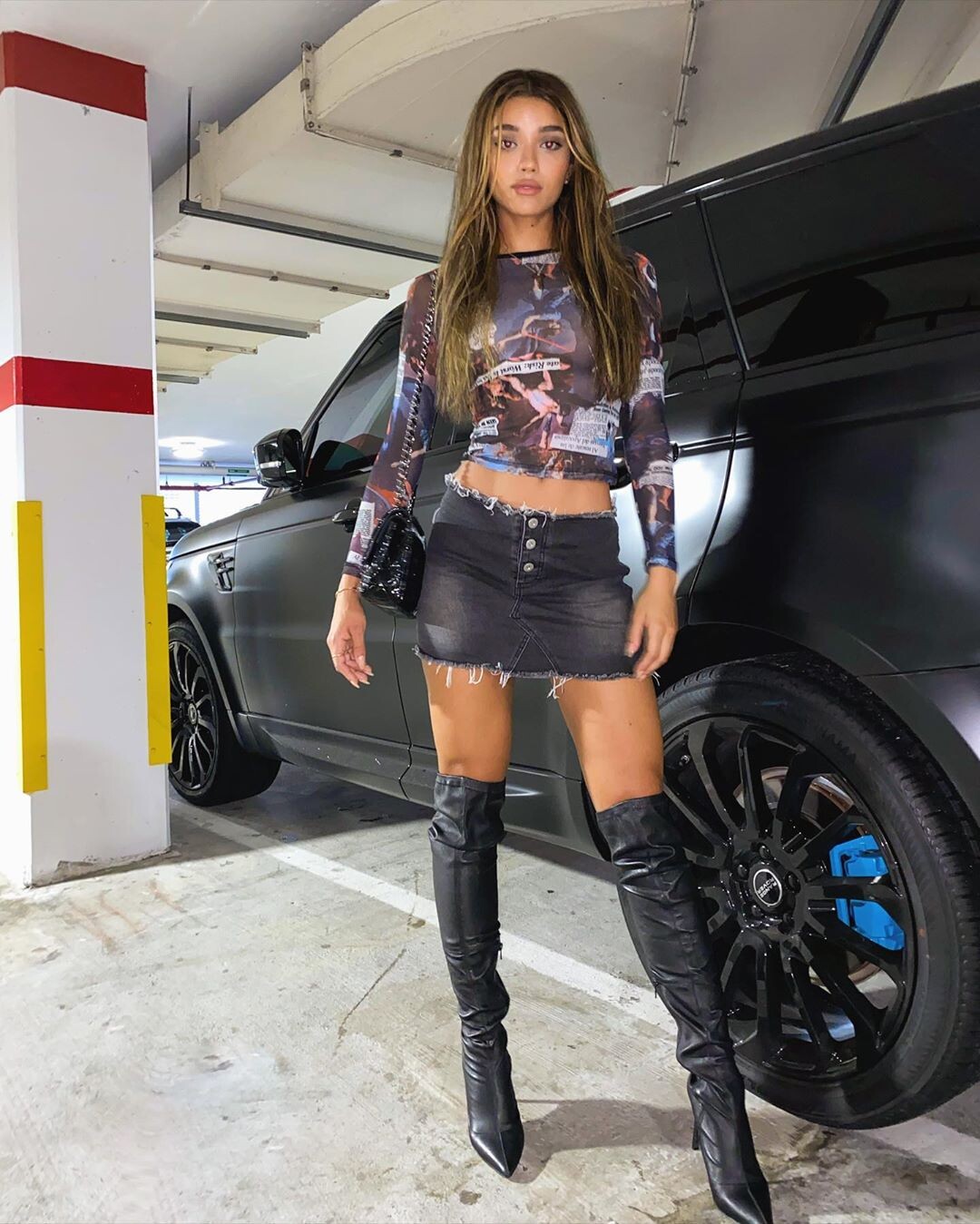
 YOVANNA DANS LE CLIP DE "HAWAI" de maluna
115650212_974042246382966_6317452741571109255_n.mp4
111131700_287270759023381_3368046170086038434_n.mp4
110179520_108266500879320_5661130369312472579_n.mp4
YOVANNA DANS LE CLIP DE "HAWAI" de maluna
115650212_974042246382966_6317452741571109255_n.mp4
111131700_287270759023381_3368046170086038434_n.mp4
110179520_108266500879320_5661130369312472579_n.mp4
Account
Navigation
Search
Configure browser push notifications
Chrome (Android)
- Tap the lock icon next to the address bar.
- Tap Permissions → Notifications.
- Adjust your preference.
Chrome (Desktop)
- Click the padlock icon in the address bar.
- Select Site settings.
- Find Notifications and adjust your preference.
Safari (iOS 16.4+)
- Ensure the site is installed via Add to Home Screen.
- Open Settings App → Notifications.
- Find your app name and adjust your preference.
Safari (macOS)
- Go to Safari → Preferences.
- Click the Websites tab.
- Select Notifications in the sidebar.
- Find this website and adjust your preference.
Edge (Android)
- Tap the lock icon next to the address bar.
- Tap Permissions.
- Find Notifications and adjust your preference.
Edge (Desktop)
- Click the padlock icon in the address bar.
- Click Permissions for this site.
- Find Notifications and adjust your preference.
Firefox (Android)
- Go to Settings → Site permissions.
- Tap Notifications.
- Find this site in the list and adjust your preference.
Firefox (Desktop)
- Open Firefox Settings.
- Search for Notifications.
- Find this site in the list and adjust your preference.