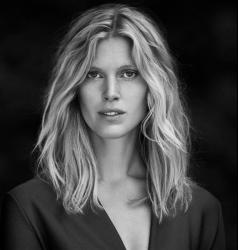
miss
Members
-
Joined
-
Last visited
Everything posted by miss
-
Elle Spain, January 1987

-
Vogue US, April 1991 Judit Mascó, Niki Taylor, Karen Mulder Photo: Patrick Demarchelier
 Elle Norway - April 1997 First Norwegian Elle edition *my scans
 Allure March 2014, "Loud & Clear" – Photographed by Mario Testino Frida may also appear in this editorial, if there are more images from the complete story. So far, though, the only images I've been able to find feature Alyssa Miller and Hailey Clauson.Norwegian magazin - 2018
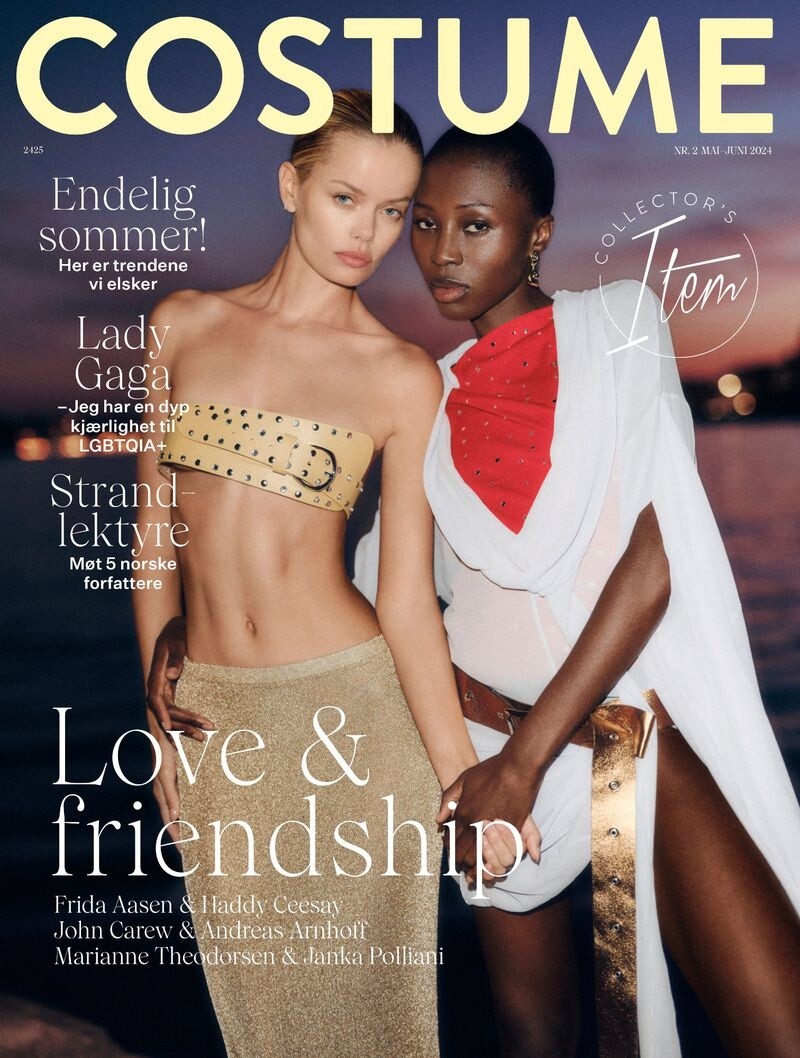
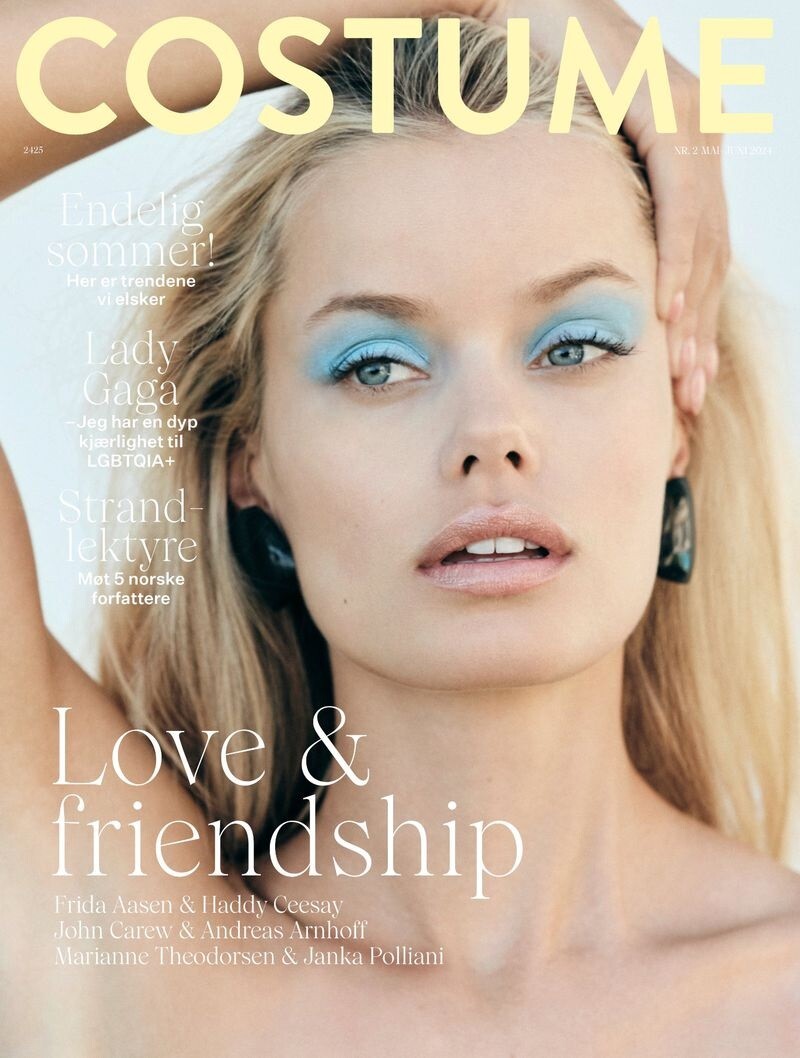
 Costume Norway May/June 2024 - part 2 - Frida Aasen & Haddy Ceesay
 Costume Norway May/June 2024
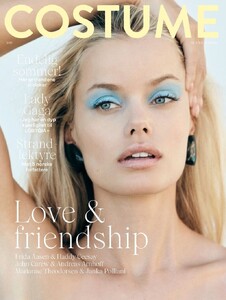 yes of course it's Tatjana, my fault - it went a little fast here 😅 - sorry... and thanks for telling meCleo - January 2008
 Sorry if pictures have been posted before...
.thumb.JPG.125c841146e51cb32bb7922037c01c9d.JPG)
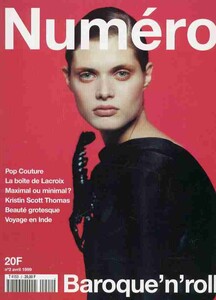
 Margherita Missoni Elle USA September 2005 Fur Sure Photo Gilles Bensimon


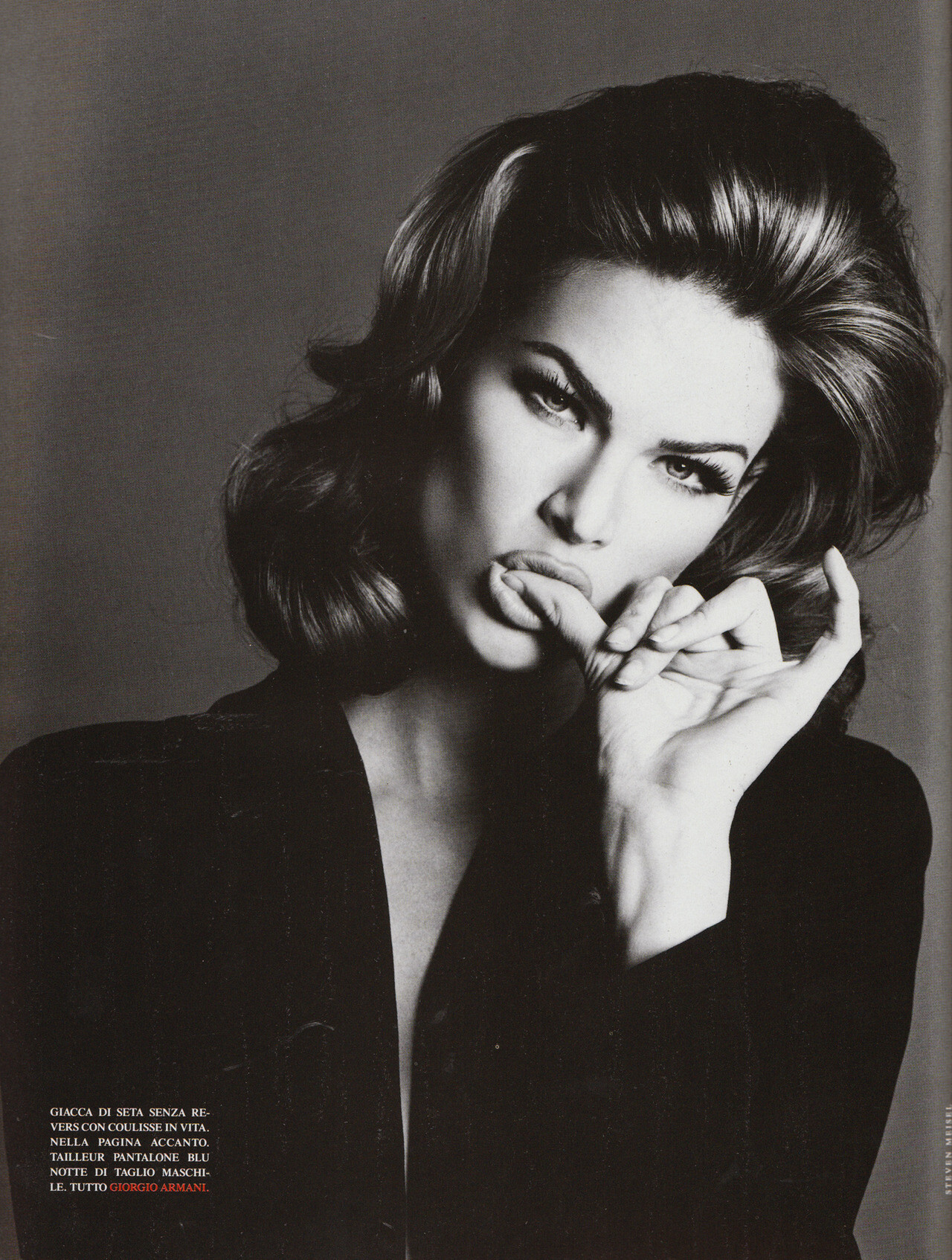
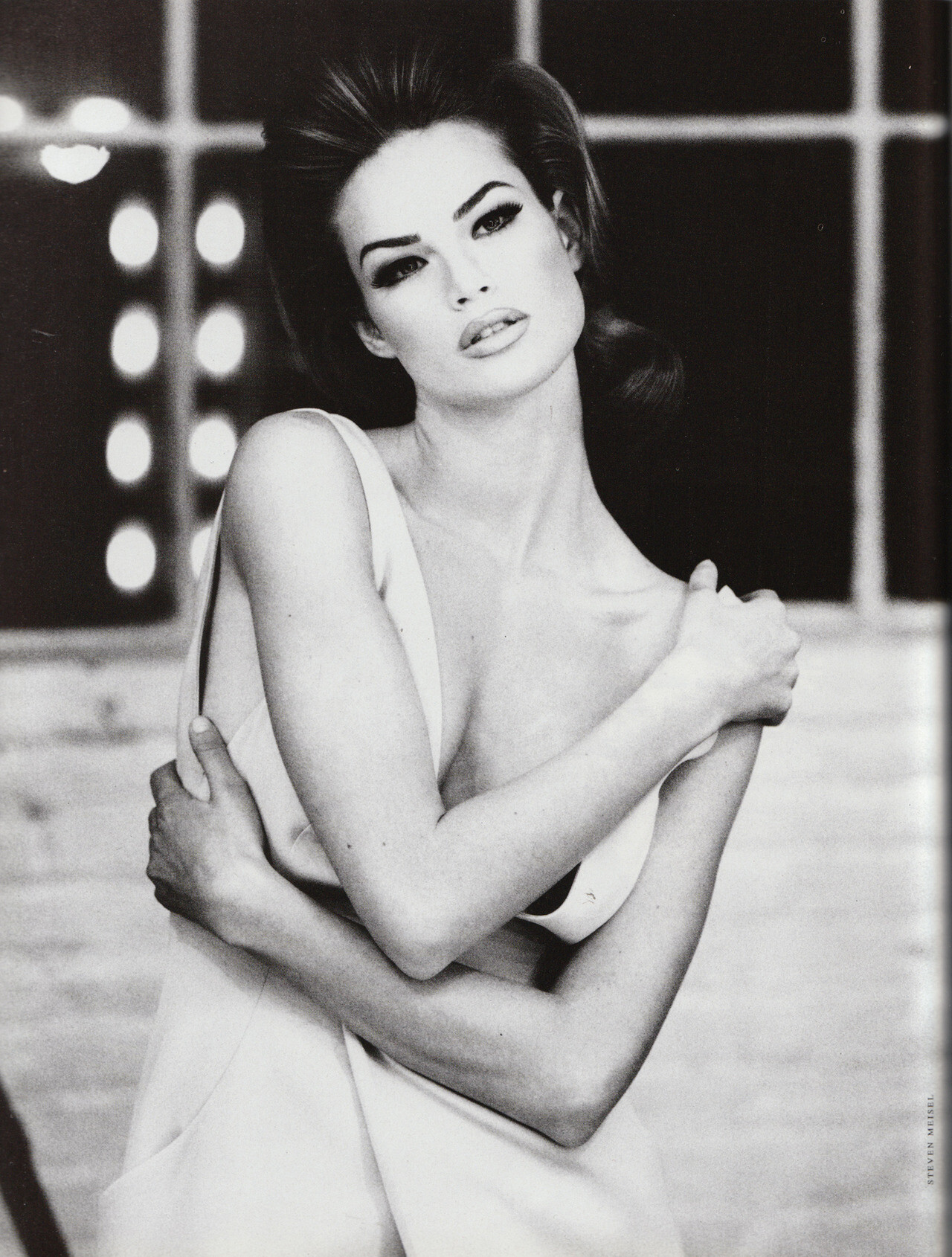
 ... by Steven Meisel, 1992
 1996
1996 Meghan by Mario Testino, 1992





.JPG.3dcb9b446bcc00df096db50771df87cb.JPG)




Account
Navigation
Search
Configure browser push notifications
Chrome (Android)
- Tap the lock icon next to the address bar.
- Tap Permissions → Notifications.
- Adjust your preference.
Chrome (Desktop)
- Click the padlock icon in the address bar.
- Select Site settings.
- Find Notifications and adjust your preference.
Safari (iOS 16.4+)
- Ensure the site is installed via Add to Home Screen.
- Open Settings App → Notifications.
- Find your app name and adjust your preference.
Safari (macOS)
- Go to Safari → Preferences.
- Click the Websites tab.
- Select Notifications in the sidebar.
- Find this website and adjust your preference.
Edge (Android)
- Tap the lock icon next to the address bar.
- Tap Permissions.
- Find Notifications and adjust your preference.
Edge (Desktop)
- Click the padlock icon in the address bar.
- Click Permissions for this site.
- Find Notifications and adjust your preference.
Firefox (Android)
- Go to Settings → Site permissions.
- Tap Notifications.
- Find this site in the list and adjust your preference.
Firefox (Desktop)
- Open Firefox Settings.
- Search for Notifications.
- Find this site in the list and adjust your preference.