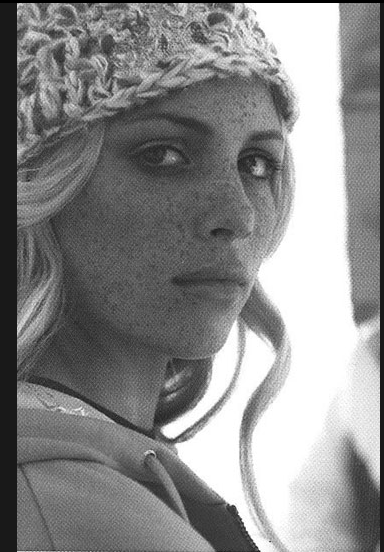
tinkerbelle
Members
-
Joined
-
Last visited
Everything posted by tinkerbelle
-
 help needed, more info ~I moved this thread from Model-ID to Actress Section for she does seem to be an Actress rather than a model. Here's a link to her imdb-page: http://www.imdb.com/name/nm3055678/ .
-
no info sorry I found him on abercrombie website he's too cute
 wanna see them too !!!
the close up is really good
you're welcome
better quality
wanna see them too !!!
the close up is really good
you're welcome
better quality thanx !! I'm so bad... lol
 sweet ! I love the candids
second isn't working sweetie! can't wait to see his concert !!
yummy
I thought they had split up?? and you're in ryan phillippe 's thread baby
sweet ! I love the candids
second isn't working sweetie! can't wait to see his concert !!
yummy
I thought they had split up?? and you're in ryan phillippe 's thread babyAccount
Navigation
Search
Configure browser push notifications
Chrome (Android)
- Tap the lock icon next to the address bar.
- Tap Permissions → Notifications.
- Adjust your preference.
Chrome (Desktop)
- Click the padlock icon in the address bar.
- Select Site settings.
- Find Notifications and adjust your preference.
Safari (iOS 16.4+)
- Ensure the site is installed via Add to Home Screen.
- Open Settings App → Notifications.
- Find your app name and adjust your preference.
Safari (macOS)
- Go to Safari → Preferences.
- Click the Websites tab.
- Select Notifications in the sidebar.
- Find this website and adjust your preference.
Edge (Android)
- Tap the lock icon next to the address bar.
- Tap Permissions.
- Find Notifications and adjust your preference.
Edge (Desktop)
- Click the padlock icon in the address bar.
- Click Permissions for this site.
- Find Notifications and adjust your preference.
Firefox (Android)
- Go to Settings → Site permissions.
- Tap Notifications.
- Find this site in the list and adjust your preference.
Firefox (Desktop)
- Open Firefox Settings.
- Search for Notifications.
- Find this site in the list and adjust your preference.