
tinkerbelle
Members
-
Joined
-
Last visited
Everything posted by tinkerbelle
-
 more for you
-
sorry if repost. thats the only pic of her I like

-
with nicholas rippy

-
thanx for all pix !

-
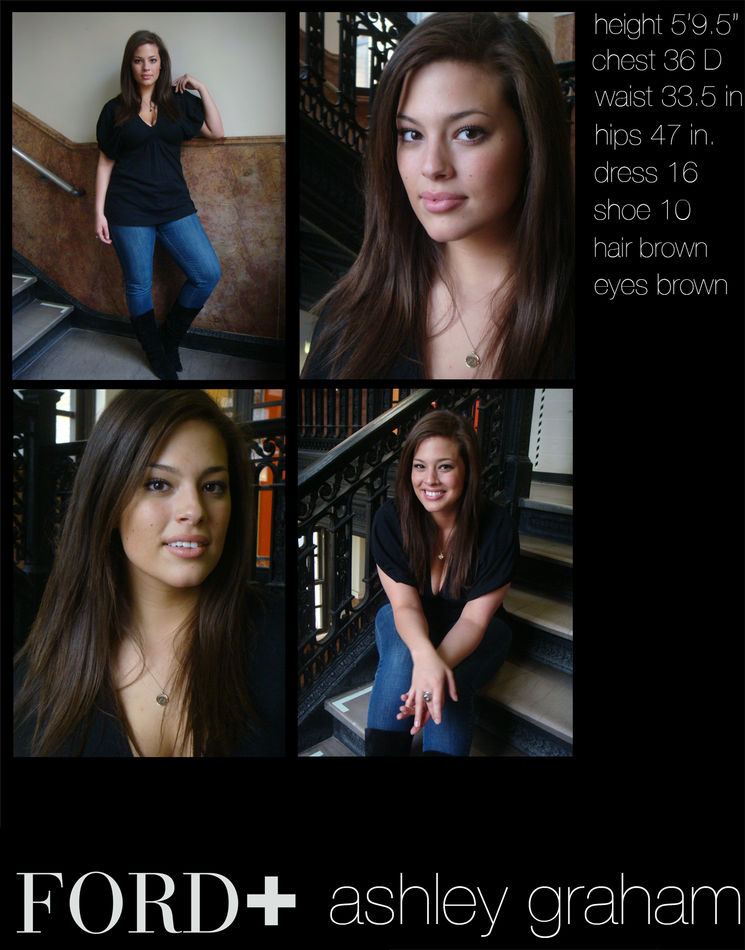
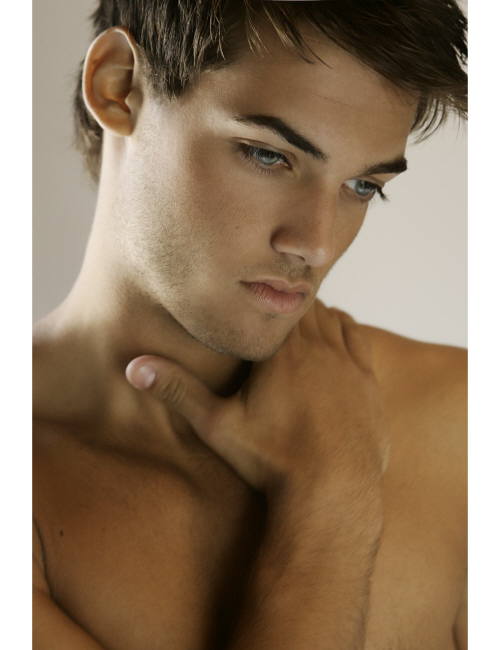
from ford models
 only like him when not shaved
love that one
only like him when not shaved
love that one stop posting uninteresting messages LOL yummy !!
 nevermind he's mine lol
 you're welcome !
 yessica novarino
 tuanne looks great !!
thanx sweety !!
one more !
tuanne looks great !!
thanx sweety !!
one more ! still
still
 more
more
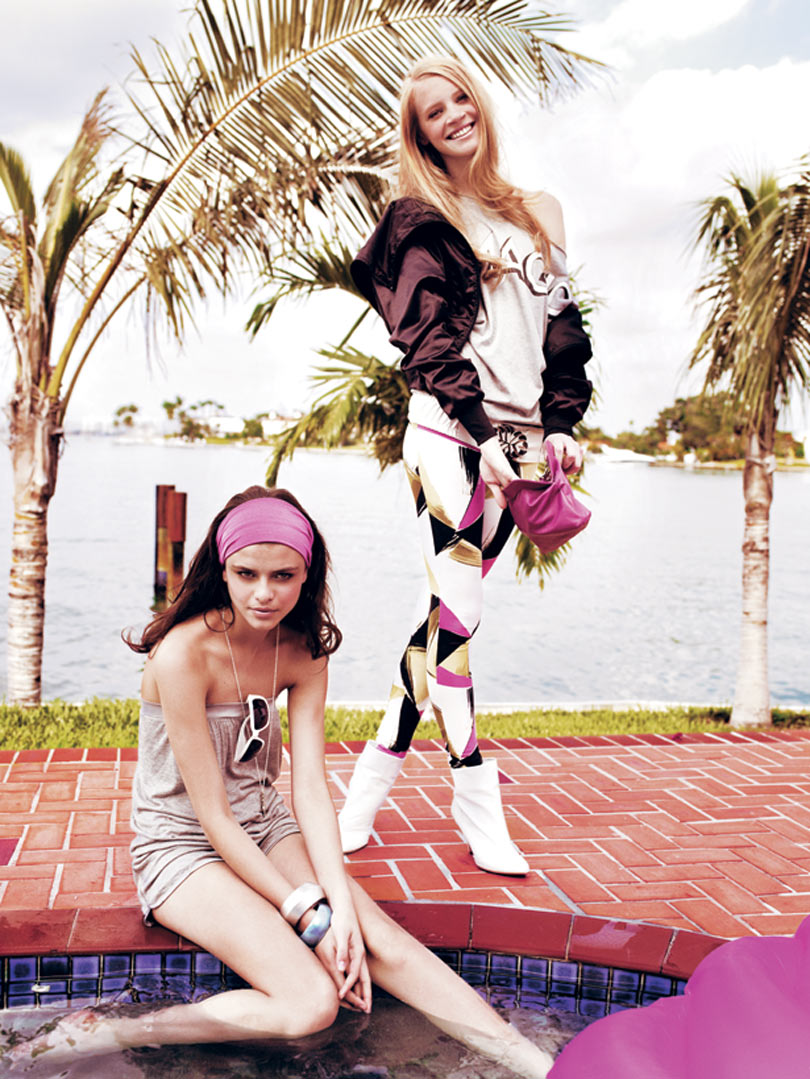
 so lovely on this shoot with thais and sam way
 too bad they're small snifff thanx anyway


















Account
Navigation
Search
Configure browser push notifications
Chrome (Android)
- Tap the lock icon next to the address bar.
- Tap Permissions → Notifications.
- Adjust your preference.
Chrome (Desktop)
- Click the padlock icon in the address bar.
- Select Site settings.
- Find Notifications and adjust your preference.
Safari (iOS 16.4+)
- Ensure the site is installed via Add to Home Screen.
- Open Settings App → Notifications.
- Find your app name and adjust your preference.
Safari (macOS)
- Go to Safari → Preferences.
- Click the Websites tab.
- Select Notifications in the sidebar.
- Find this website and adjust your preference.
Edge (Android)
- Tap the lock icon next to the address bar.
- Tap Permissions.
- Find Notifications and adjust your preference.
Edge (Desktop)
- Click the padlock icon in the address bar.
- Click Permissions for this site.
- Find Notifications and adjust your preference.
Firefox (Android)
- Go to Settings → Site permissions.
- Tap Notifications.
- Find this site in the list and adjust your preference.
Firefox (Desktop)
- Open Firefox Settings.
- Search for Notifications.
- Find this site in the list and adjust your preference.