
Ariesdior
Members
-
Joined
-
Last visited
Everything posted by Ariesdior
-
 Valentino Spring 2010
 -
Celebrating her recent involvement in the Muse Magazine “Natasha Obsessed” issue, dedicated entirely to model Natasha Poly, colette held a special event to welcome the fashion star. Building out a shop-in-shop for the model, colette presented a special installation of Natasha product from various brands, including Missoni, Givenchy, Jil Sander, Fornasetti, and Billy Sullivan. Natasha was on hand for the opening during a meet and greet session with her fans. The special section will remain open until November 7th, 2009. tfs
 I loved her at Hermes
John Galliano Spring 2010 (she opened) tfs
I loved her at Hermes
John Galliano Spring 2010 (she opened) tfs Hermes Spring 2010 tfs
 Elie Saab Spring 2010

 Elie Saab Spring 2010

 Elie Saab Spring 2010 (she opened & closed)
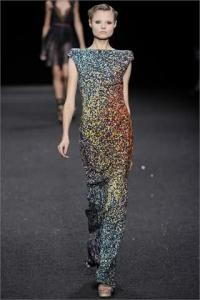
 Elie Saab Spring 2010

 VS Pink
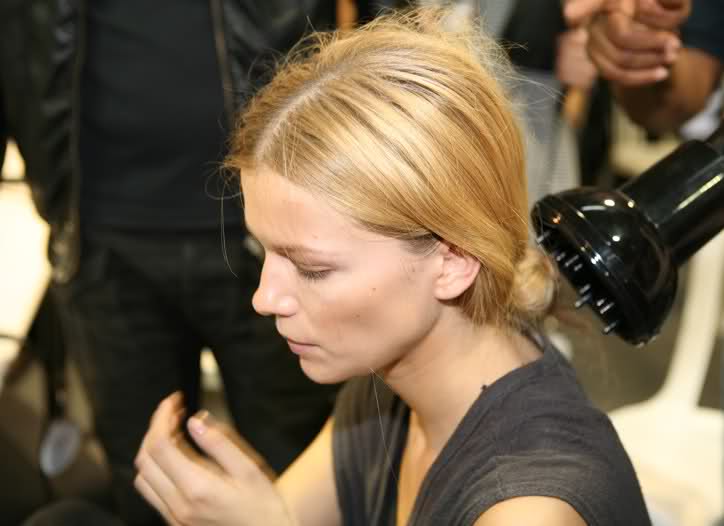
 The make up is really bad but the hair is just funny
VI October 2009 A Coat Mania Photo: Emma Summerton Models: Karlie Kloss, Jourdan Dunn Scanned by Dicasette
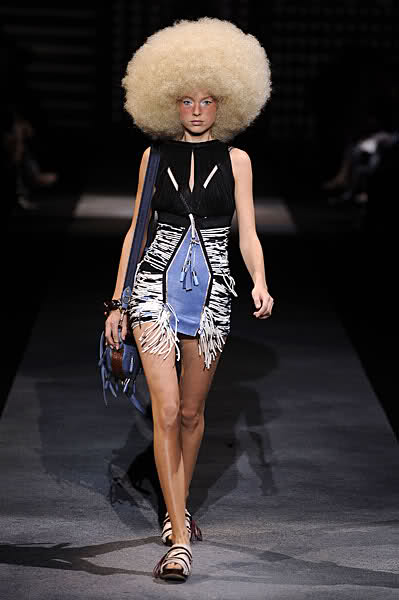
Louis Vuitton Spring 2010 tfs
The make up is really bad but the hair is just funny
VI October 2009 A Coat Mania Photo: Emma Summerton Models: Karlie Kloss, Jourdan Dunn Scanned by Dicasette
Louis Vuitton Spring 2010 tfs Louis Vuitton Spring 2010 (she closed) tfs
 Louis Vuitton Spring 2010
 Louis Vuitton Spring 2010 tfs
Uniqlo F/W 09/10
Louis Vuitton Spring 2010 tfs
Uniqlo F/W 09/10 Louis Vuitoon Spring 2010
 Louis Vuitton Spring 2010 tfs
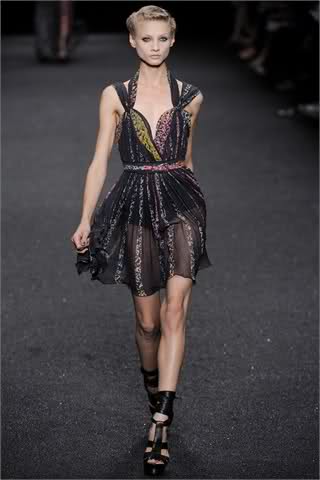
 I have no idea who he is probably a fan. you're welcome Louis Vuitton Spring 2010 tfs
























Account
Navigation
Search
Configure browser push notifications
Chrome (Android)
- Tap the lock icon next to the address bar.
- Tap Permissions → Notifications.
- Adjust your preference.
Chrome (Desktop)
- Click the padlock icon in the address bar.
- Select Site settings.
- Find Notifications and adjust your preference.
Safari (iOS 16.4+)
- Ensure the site is installed via Add to Home Screen.
- Open Settings App → Notifications.
- Find your app name and adjust your preference.
Safari (macOS)
- Go to Safari → Preferences.
- Click the Websites tab.
- Select Notifications in the sidebar.
- Find this website and adjust your preference.
Edge (Android)
- Tap the lock icon next to the address bar.
- Tap Permissions.
- Find Notifications and adjust your preference.
Edge (Desktop)
- Click the padlock icon in the address bar.
- Click Permissions for this site.
- Find Notifications and adjust your preference.
Firefox (Android)
- Go to Settings → Site permissions.
- Tap Notifications.
- Find this site in the list and adjust your preference.
Firefox (Desktop)
- Open Firefox Settings.
- Search for Notifications.
- Find this site in the list and adjust your preference.