Ariesdior
Members
-
Joined
-
Last visited
Everything posted by Ariesdior
-
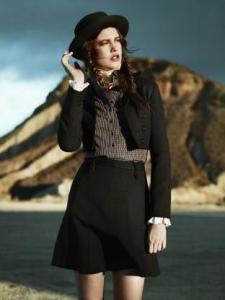
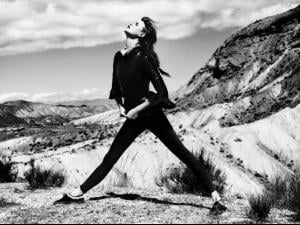
 I haven't seen these before







-
Lanvin Fall 2008
-
Louis Vuitton Fall 2008
-
I am loving this girl
-
Numéro
-
Christian Dior Resort 2009
-
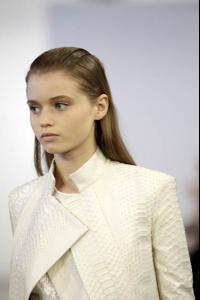
Calvin Klein
-
Chanel
-
I do believe that is him. thanks yours forever
models1.co.uk
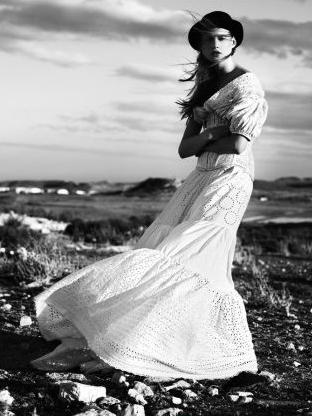
Vogue Nippon June 2008 Life is a Beach Photographed by Laurie Bartley Styled by Sissy Vian Make-up by Shon Hair by Lisa Huoghton
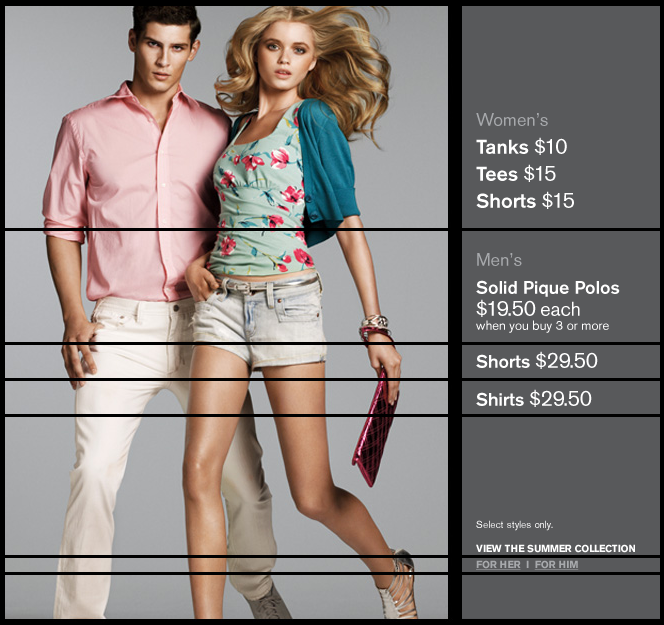
abercrombieandfitchmodels.blogspot.com
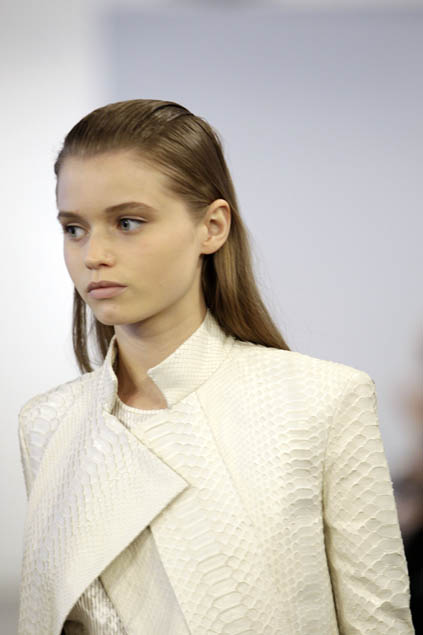
Givenchy Paris F/W 08-09 Backstage
Account
Navigation
Search
Configure browser push notifications
Chrome (Android)
- Tap the lock icon next to the address bar.
- Tap Permissions → Notifications.
- Adjust your preference.
Chrome (Desktop)
- Click the padlock icon in the address bar.
- Select Site settings.
- Find Notifications and adjust your preference.
Safari (iOS 16.4+)
- Ensure the site is installed via Add to Home Screen.
- Open Settings App → Notifications.
- Find your app name and adjust your preference.
Safari (macOS)
- Go to Safari → Preferences.
- Click the Websites tab.
- Select Notifications in the sidebar.
- Find this website and adjust your preference.
Edge (Android)
- Tap the lock icon next to the address bar.
- Tap Permissions.
- Find Notifications and adjust your preference.
Edge (Desktop)
- Click the padlock icon in the address bar.
- Click Permissions for this site.
- Find Notifications and adjust your preference.
Firefox (Android)
- Go to Settings → Site permissions.
- Tap Notifications.
- Find this site in the list and adjust your preference.
Firefox (Desktop)
- Open Firefox Settings.
- Search for Notifications.
- Find this site in the list and adjust your preference.