jj3
Members
-
Joined
Everything posted by jj3
-
 @thelovemagazine @kegrand @bitton by @studio_jackson #LOVEME17
-
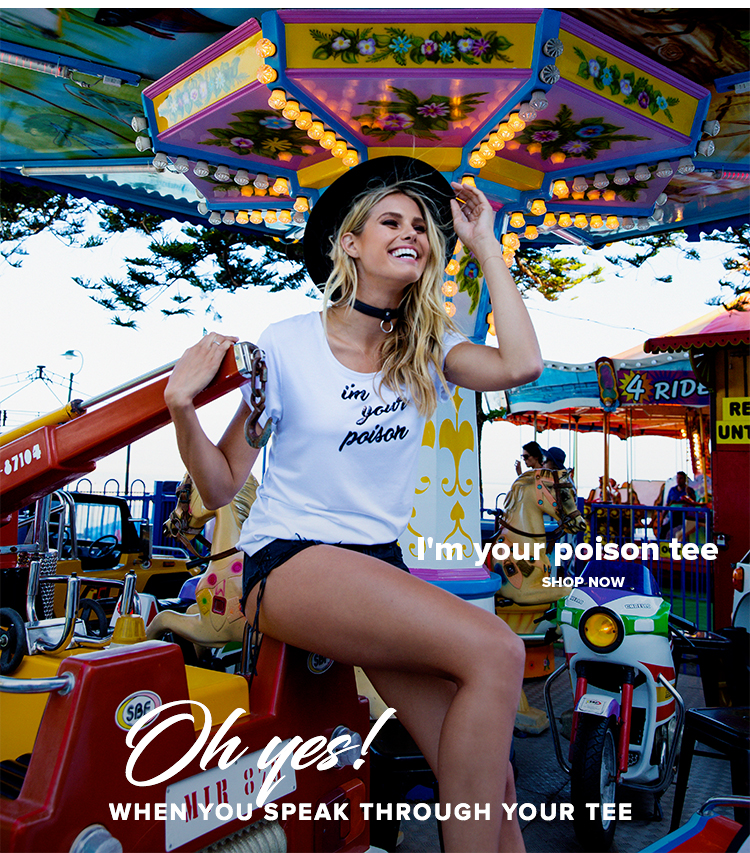
@natalie_roser for @roserthelabel. PH @neildixonphoto H&Mu by @samanthaleemua




-
@thekandelstudio

-
@stevedietgoedde
 Thank you for the adds !
I think we all have different sources of inspiration. As we say, admiration is the first step to respect. And i could add, first step for inspiration.
I'm not your ennemie Lyla, let's close that convos, it's better ... I understand what you mean, i take your advices
You're wrong, i won't even watch it, but thanks for taking care of me. And of course, my english is so bad, you know that, isn't it. You see, you're always looking for a dispute, i'm not. So maybe i should find a video all made and send it to you, to make you realise that, but i'm sure you won't even watch it either I'm not angry or anything, i'm just sad of you're constant ... let's say ... "coldness" with me I don't need that. I asked nothing. I thought we were "friends", really, but when i read all that ...
Thank you for the adds !
I think we all have different sources of inspiration. As we say, admiration is the first step to respect. And i could add, first step for inspiration.
I'm not your ennemie Lyla, let's close that convos, it's better ... I understand what you mean, i take your advices
You're wrong, i won't even watch it, but thanks for taking care of me. And of course, my english is so bad, you know that, isn't it. You see, you're always looking for a dispute, i'm not. So maybe i should find a video all made and send it to you, to make you realise that, but i'm sure you won't even watch it either I'm not angry or anything, i'm just sad of you're constant ... let's say ... "coldness" with me I don't need that. I asked nothing. I thought we were "friends", really, but when i read all that ...Account
Search
Configure browser push notifications
Chrome (Android)
- Tap the lock icon next to the address bar.
- Tap Permissions → Notifications.
- Adjust your preference.
Chrome (Desktop)
- Click the padlock icon in the address bar.
- Select Site settings.
- Find Notifications and adjust your preference.
Safari (iOS 16.4+)
- Ensure the site is installed via Add to Home Screen.
- Open Settings App → Notifications.
- Find your app name and adjust your preference.
Safari (macOS)
- Go to Safari → Preferences.
- Click the Websites tab.
- Select Notifications in the sidebar.
- Find this website and adjust your preference.
Edge (Android)
- Tap the lock icon next to the address bar.
- Tap Permissions.
- Find Notifications and adjust your preference.
Edge (Desktop)
- Click the padlock icon in the address bar.
- Click Permissions for this site.
- Find Notifications and adjust your preference.
Firefox (Android)
- Go to Settings → Site permissions.
- Tap Notifications.
- Find this site in the list and adjust your preference.
Firefox (Desktop)
- Open Firefox Settings.
- Search for Notifications.
- Find this site in the list and adjust your preference.









.jpg.1c1f5273edc9b7eff12df34aa22b9352.jpg)


.jpg.f489869c691b268bbbf792b5c91796b3.jpg)
.jpg.05c9cbafa5772fdaf24e4d77f06ab9a1.jpg)

.jpg.ef73cb2e896e02deed76c9df005efdf2.jpg)