
DanniCullen
Members
-
Joined
-
Last visited
Everything posted by DanniCullen
-
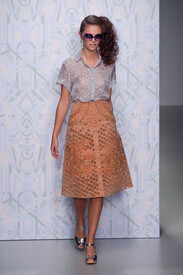
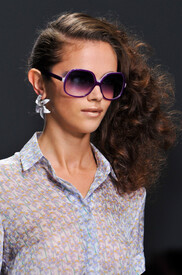
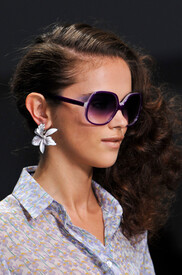
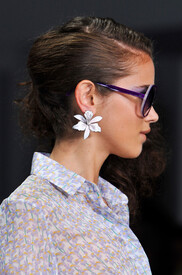
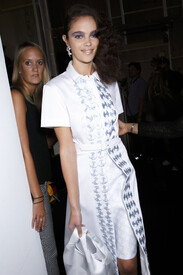
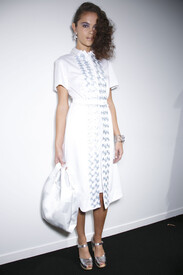
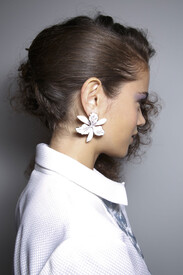
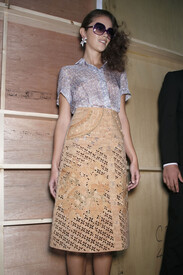
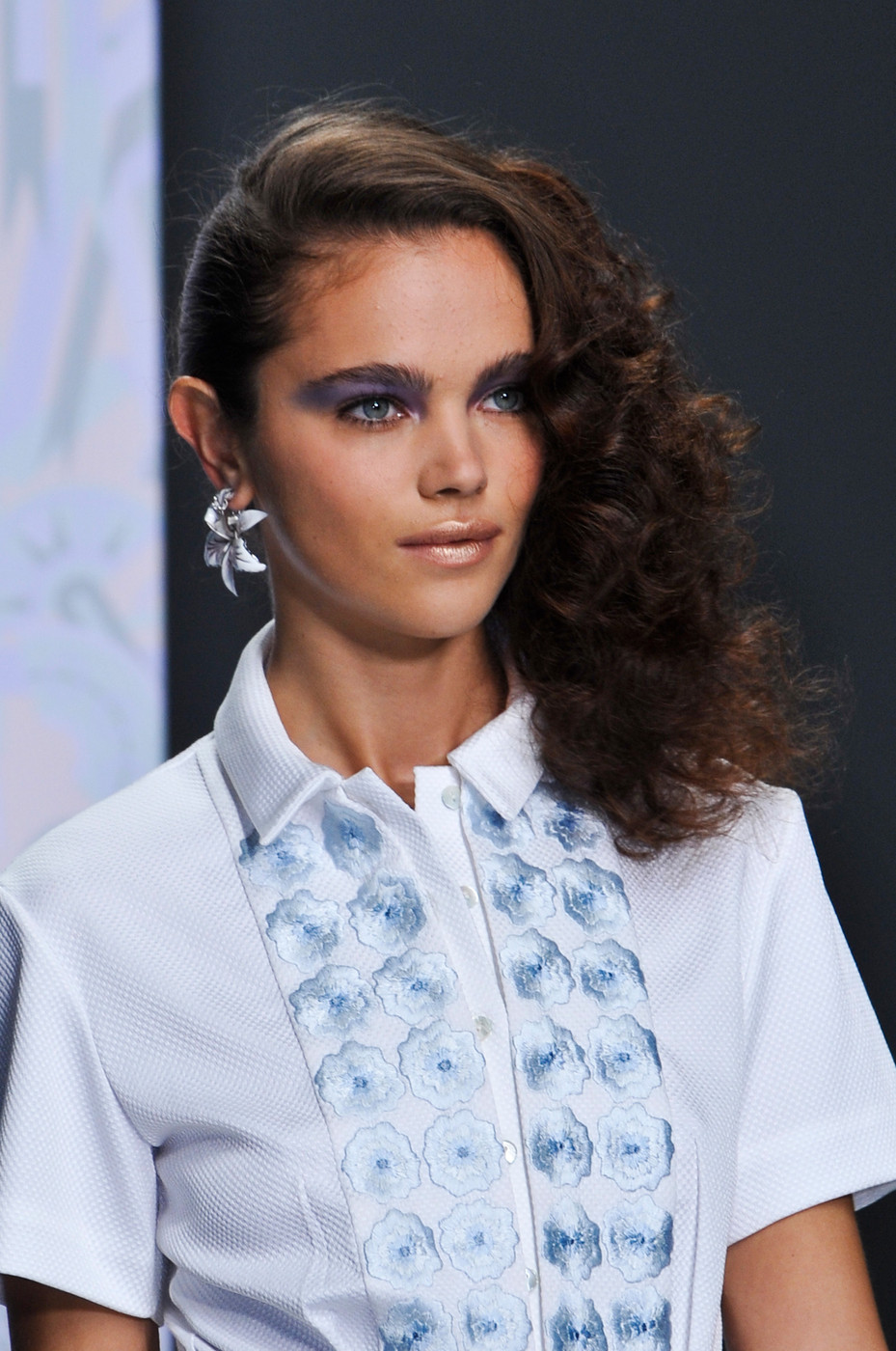
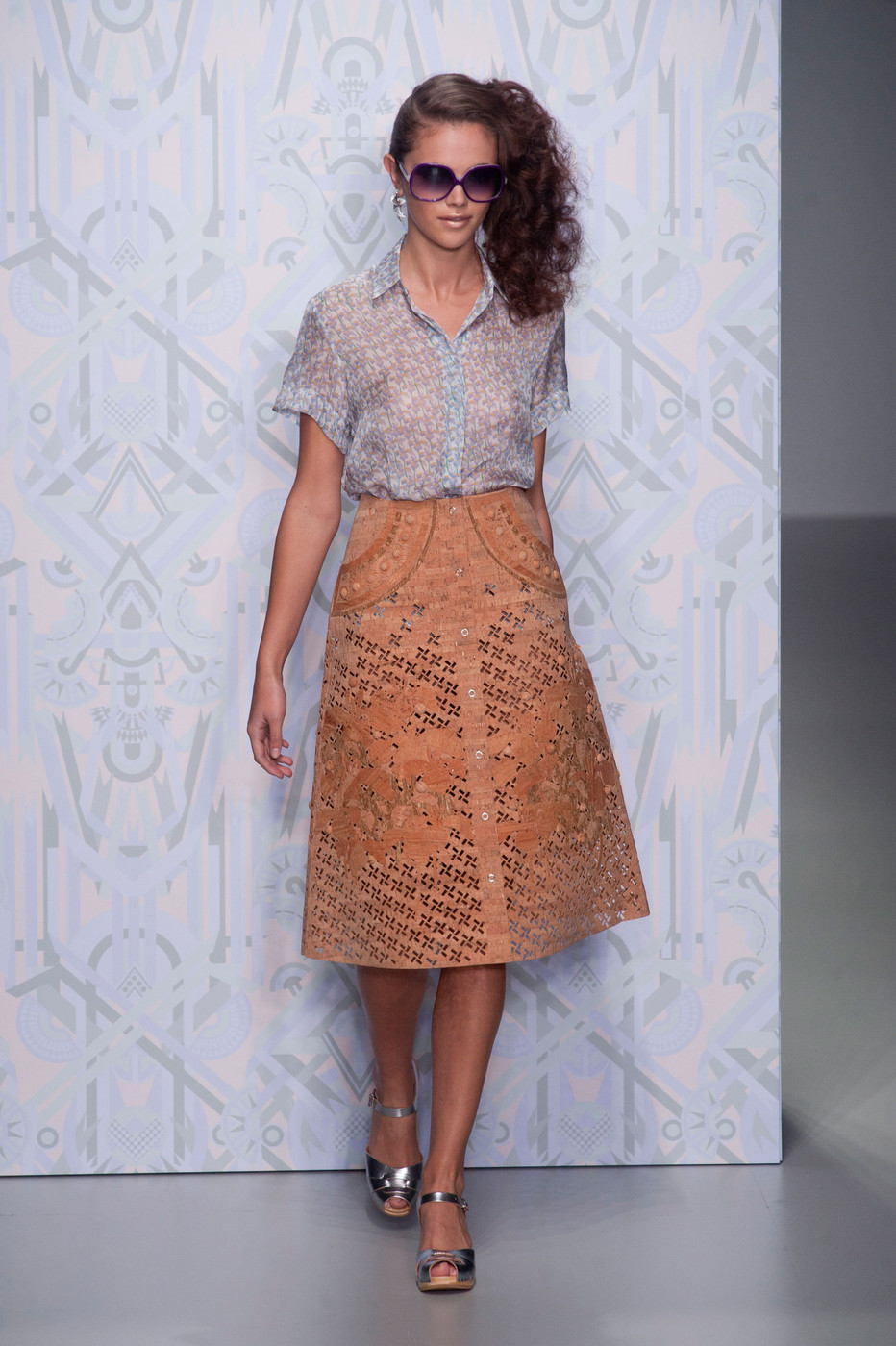
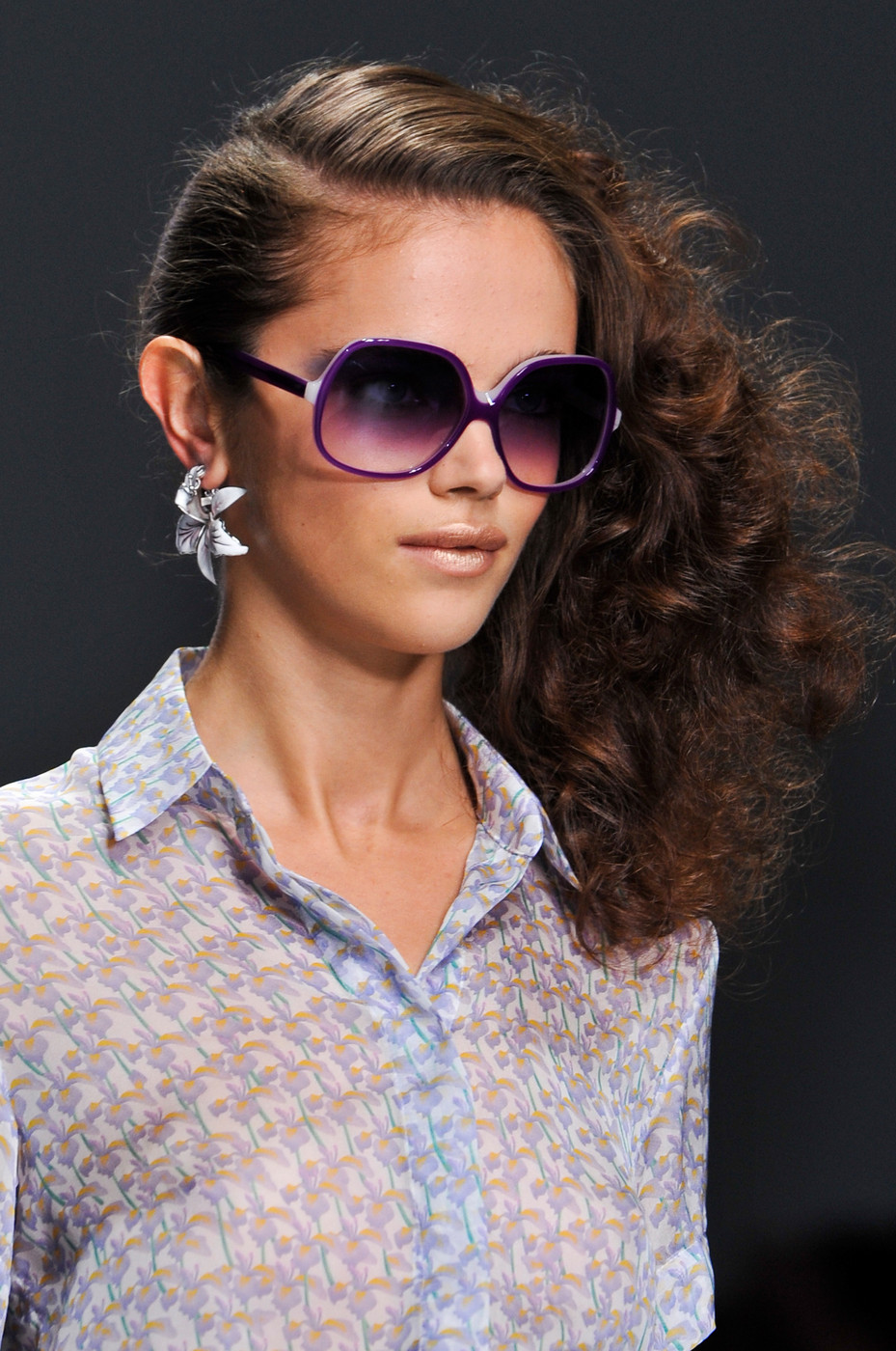
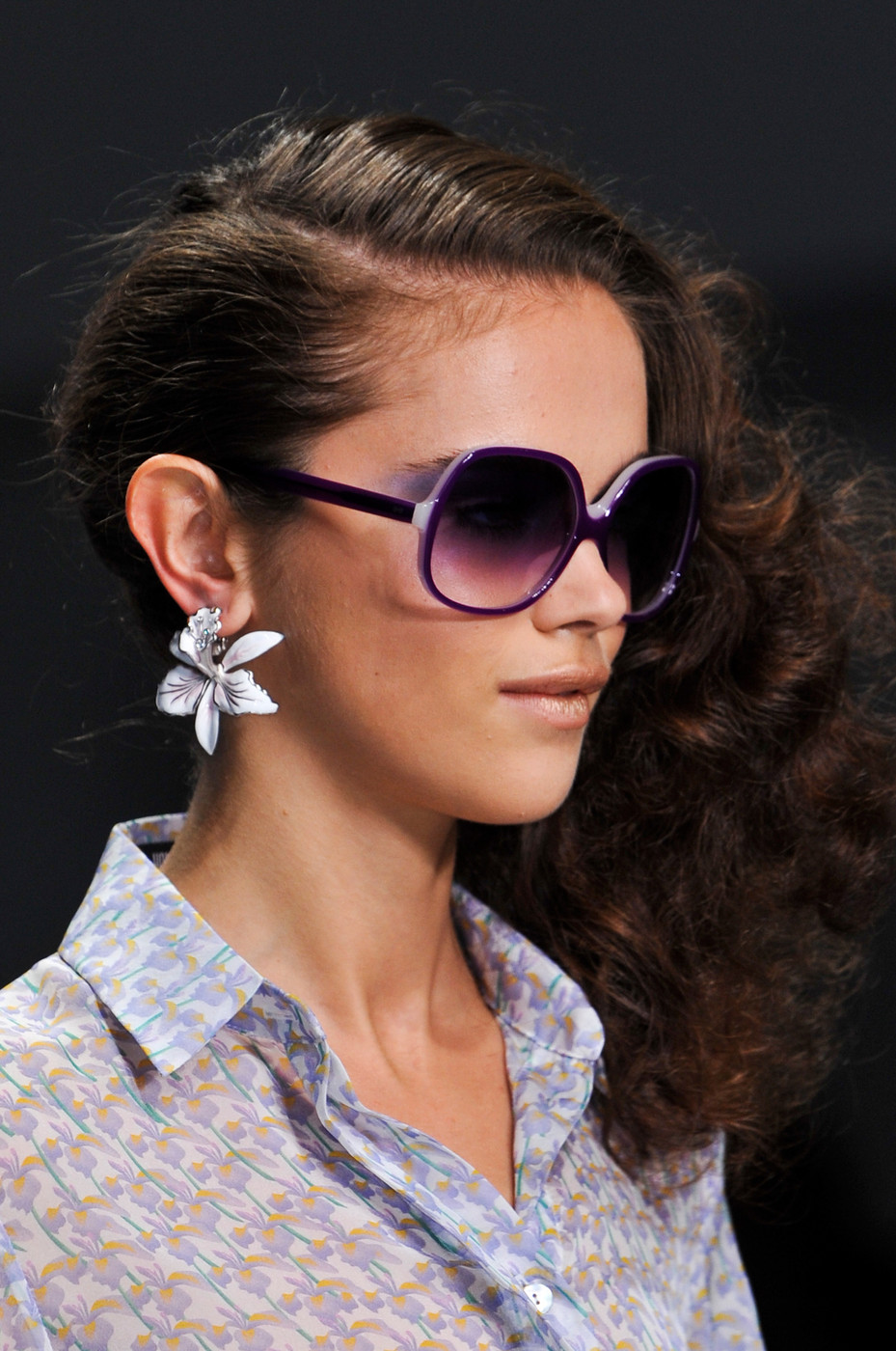
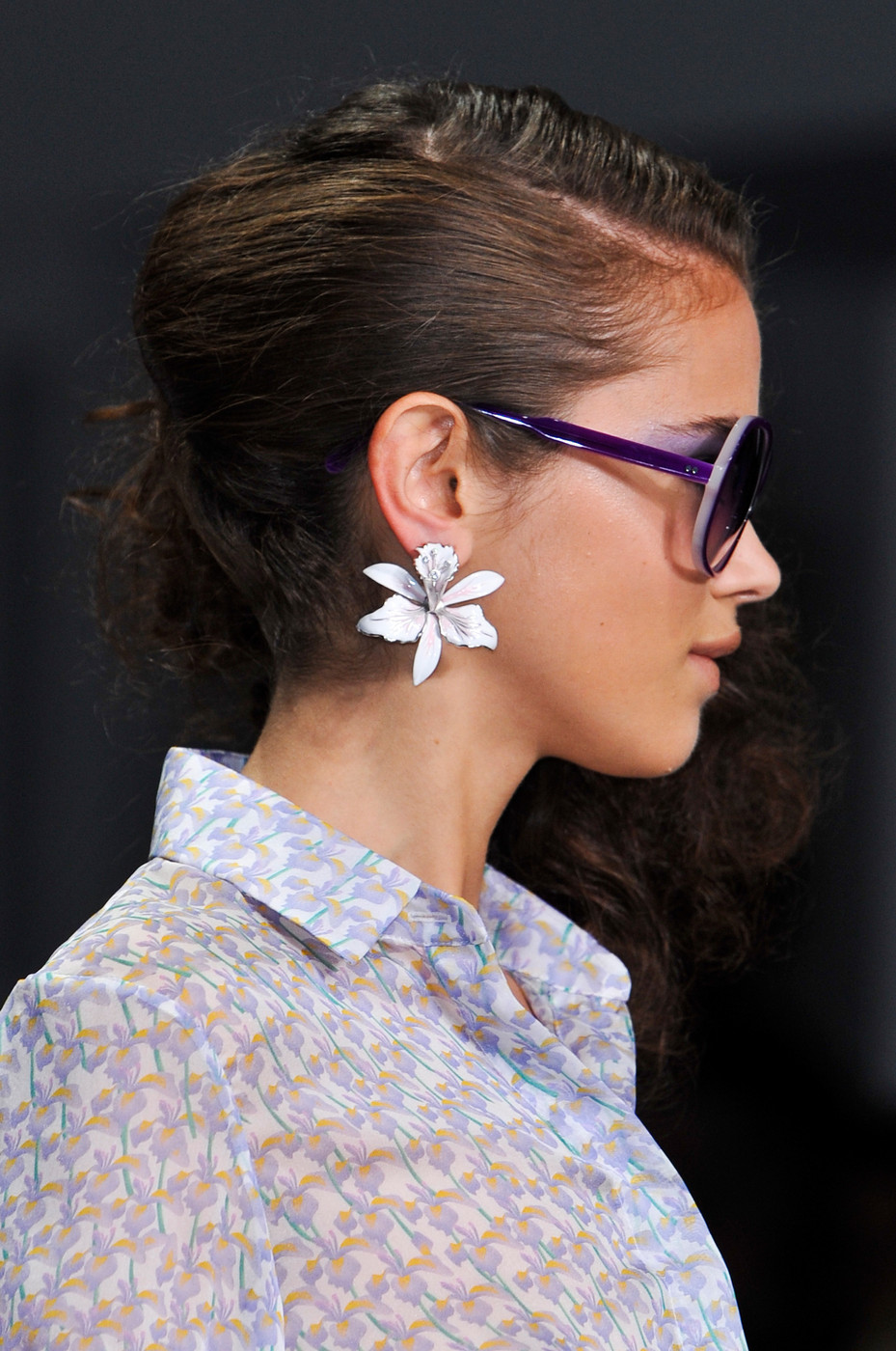
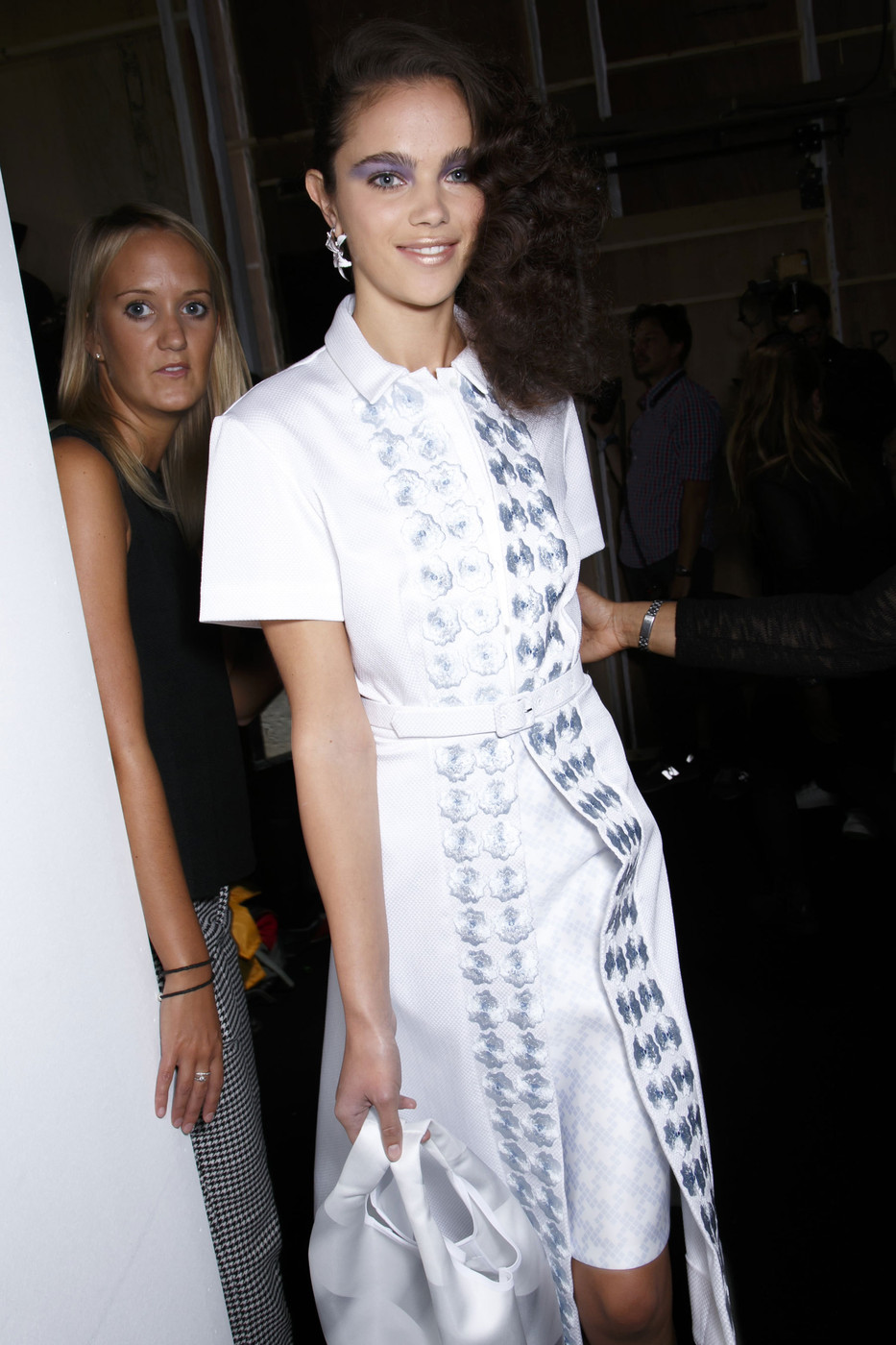
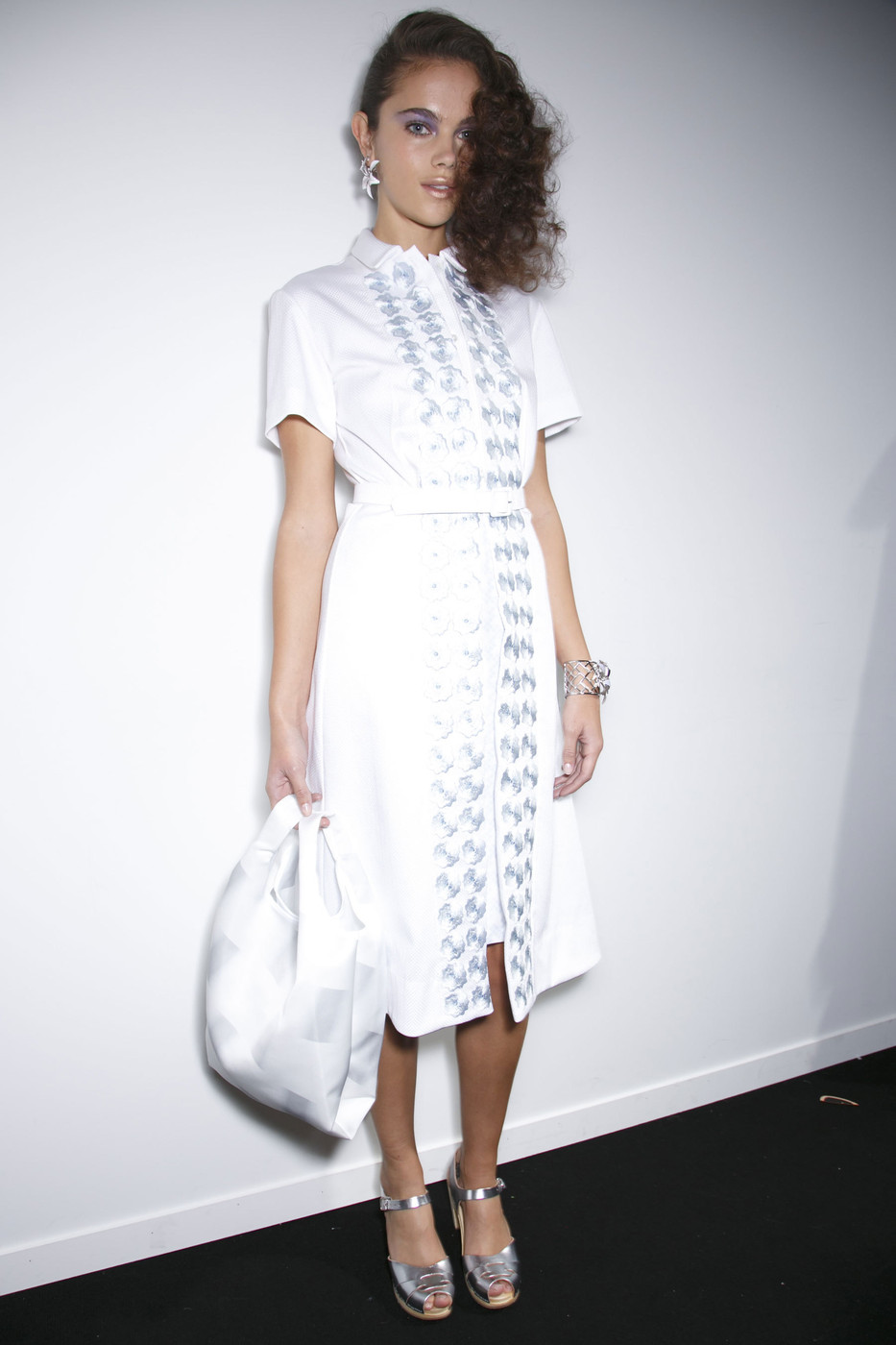
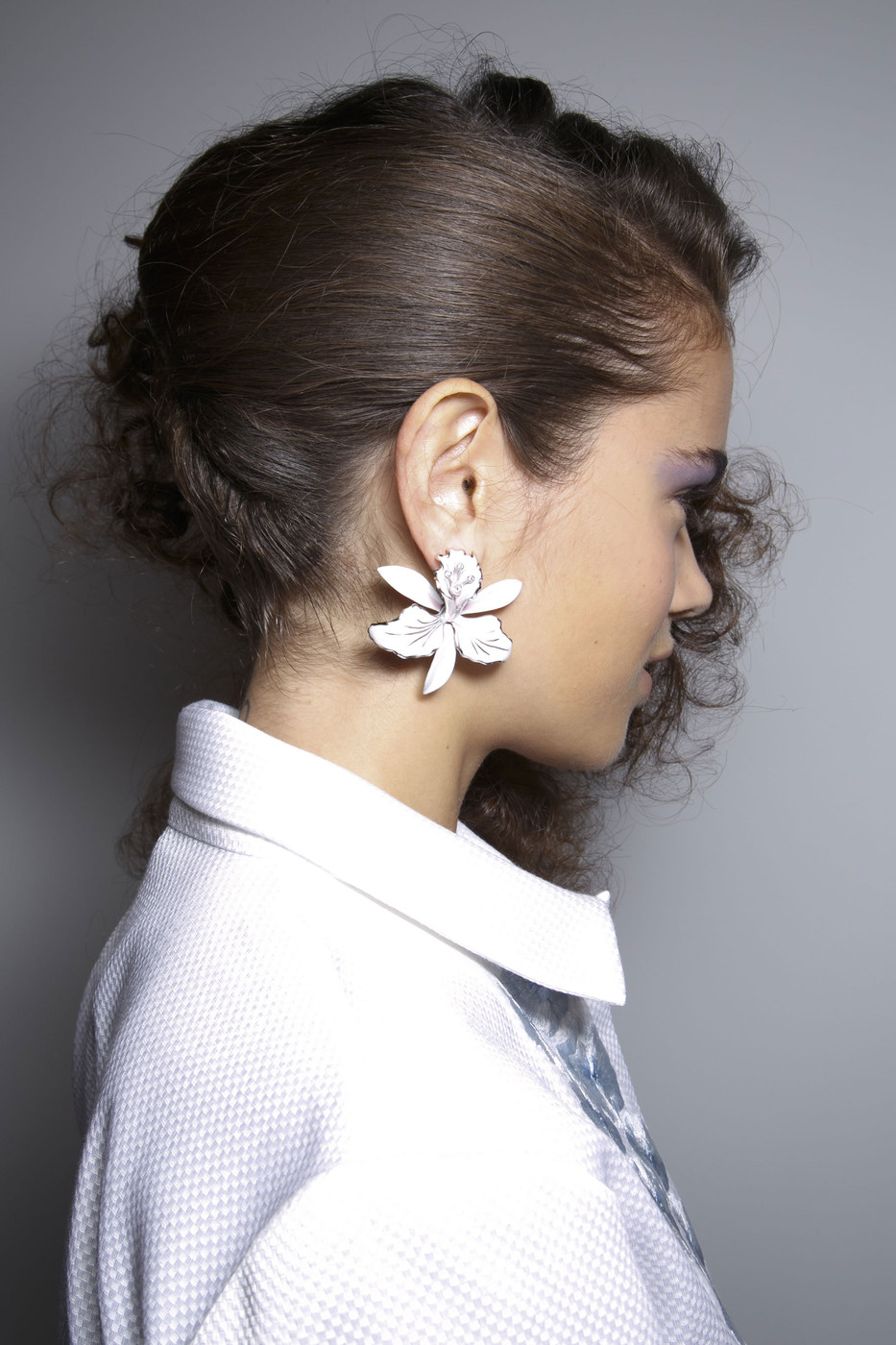
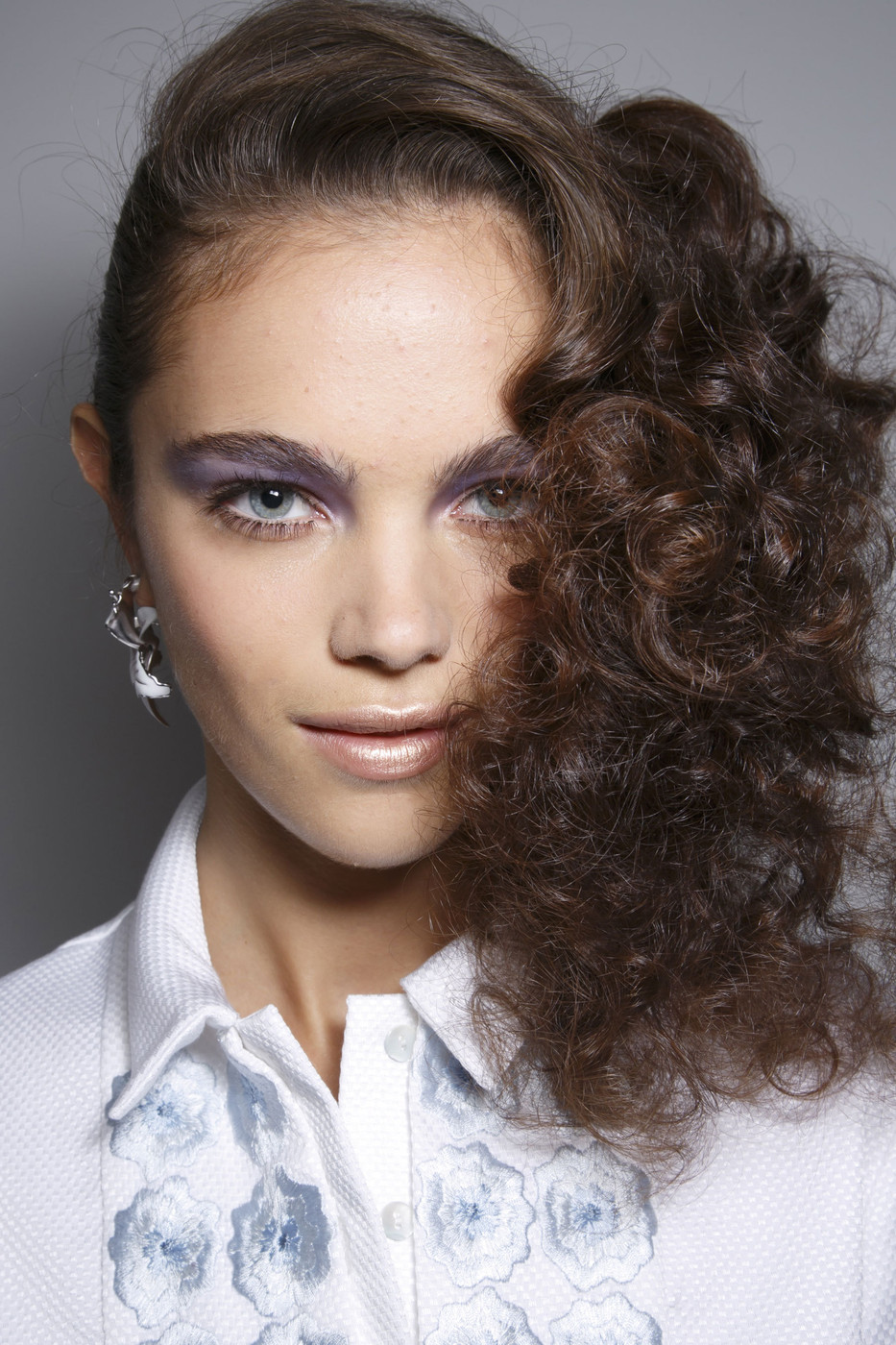
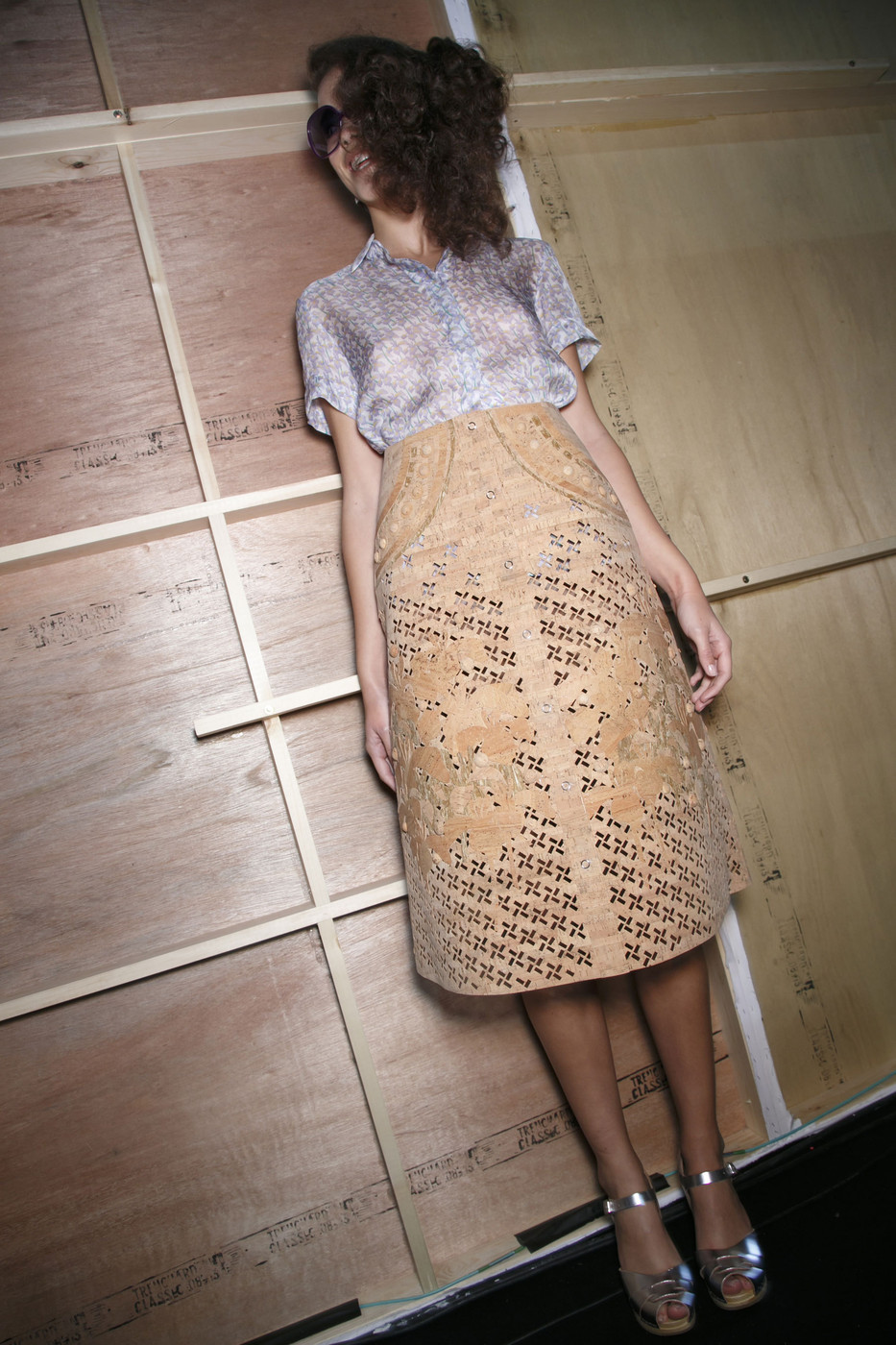
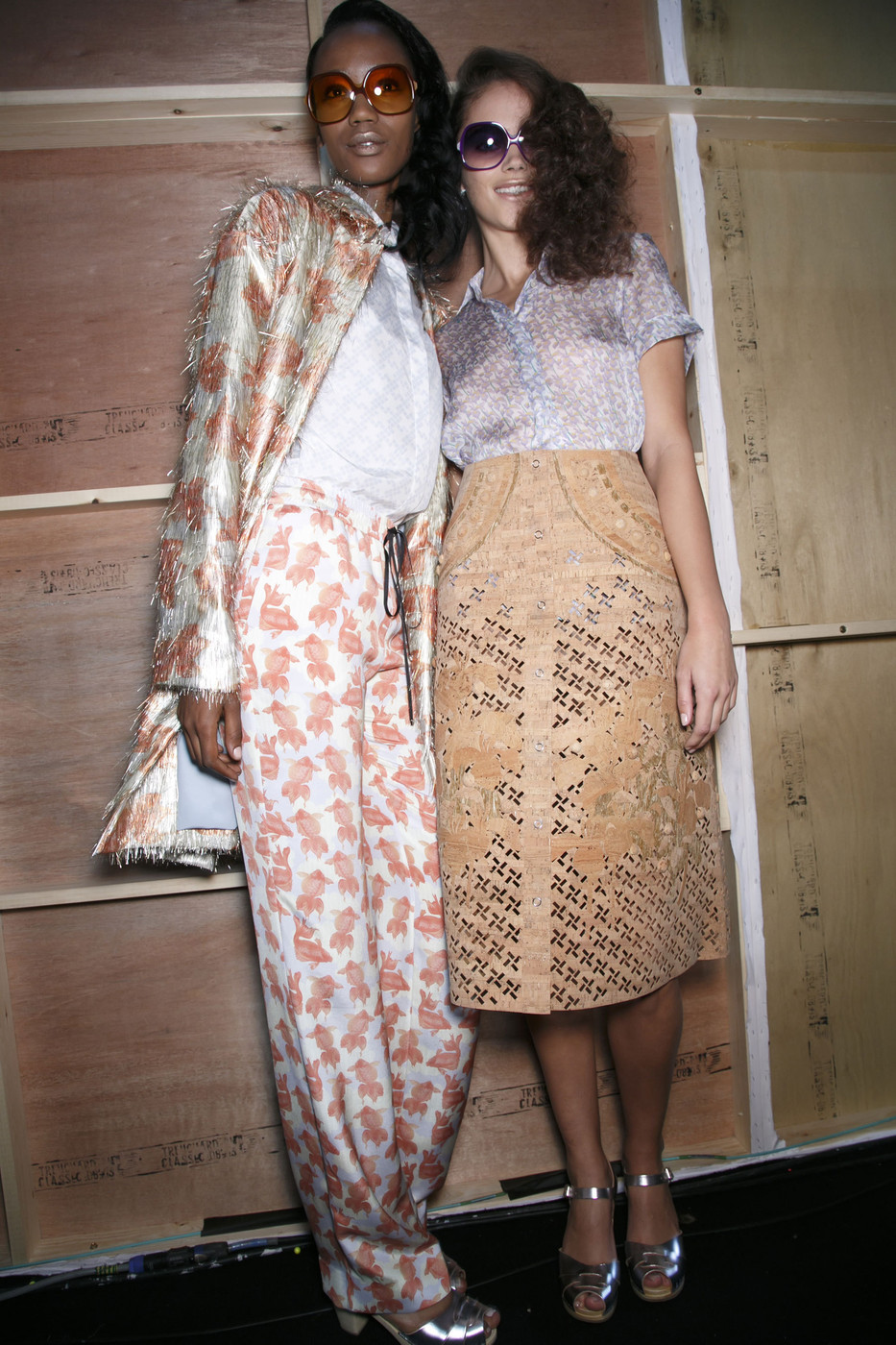
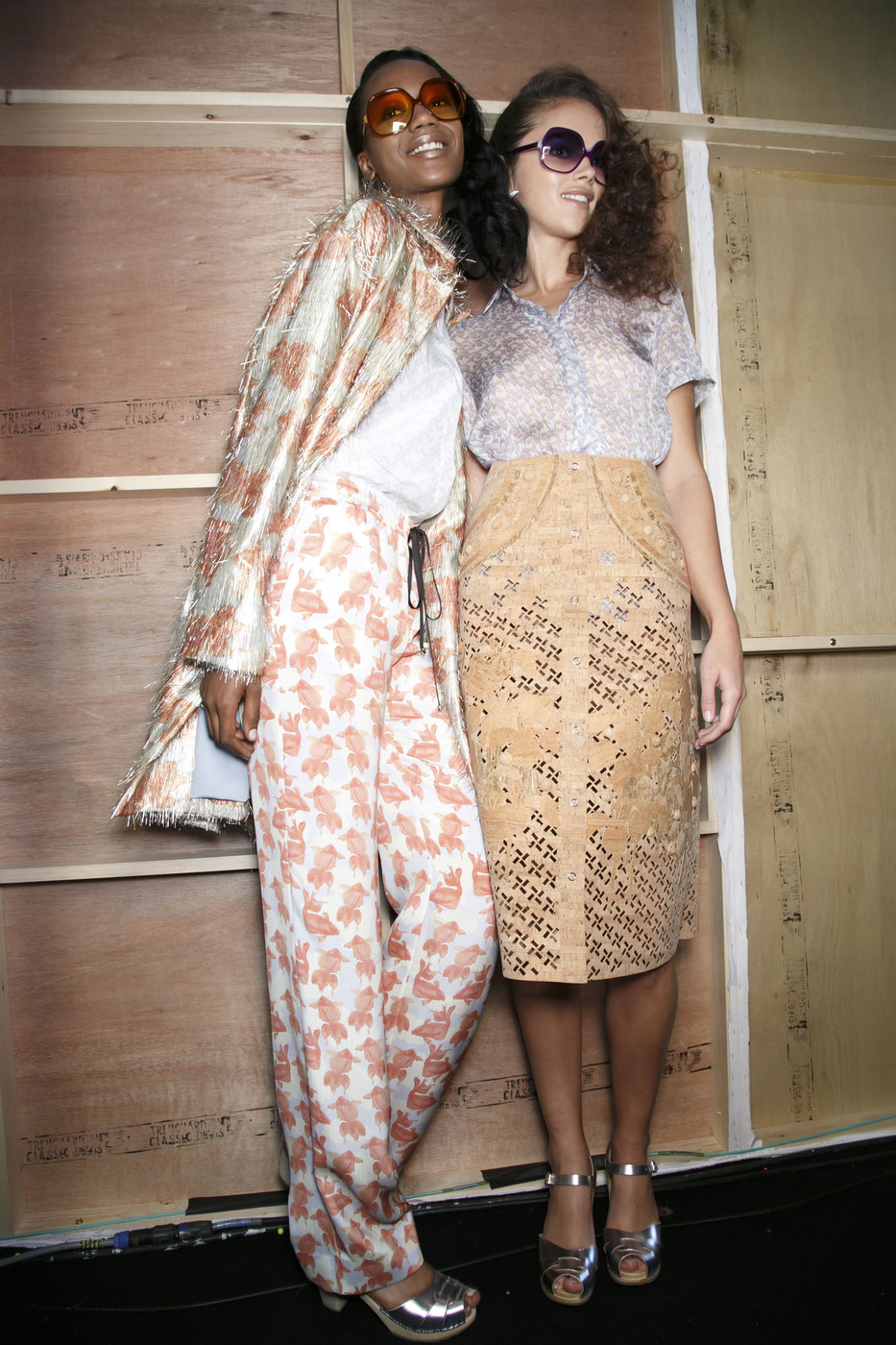
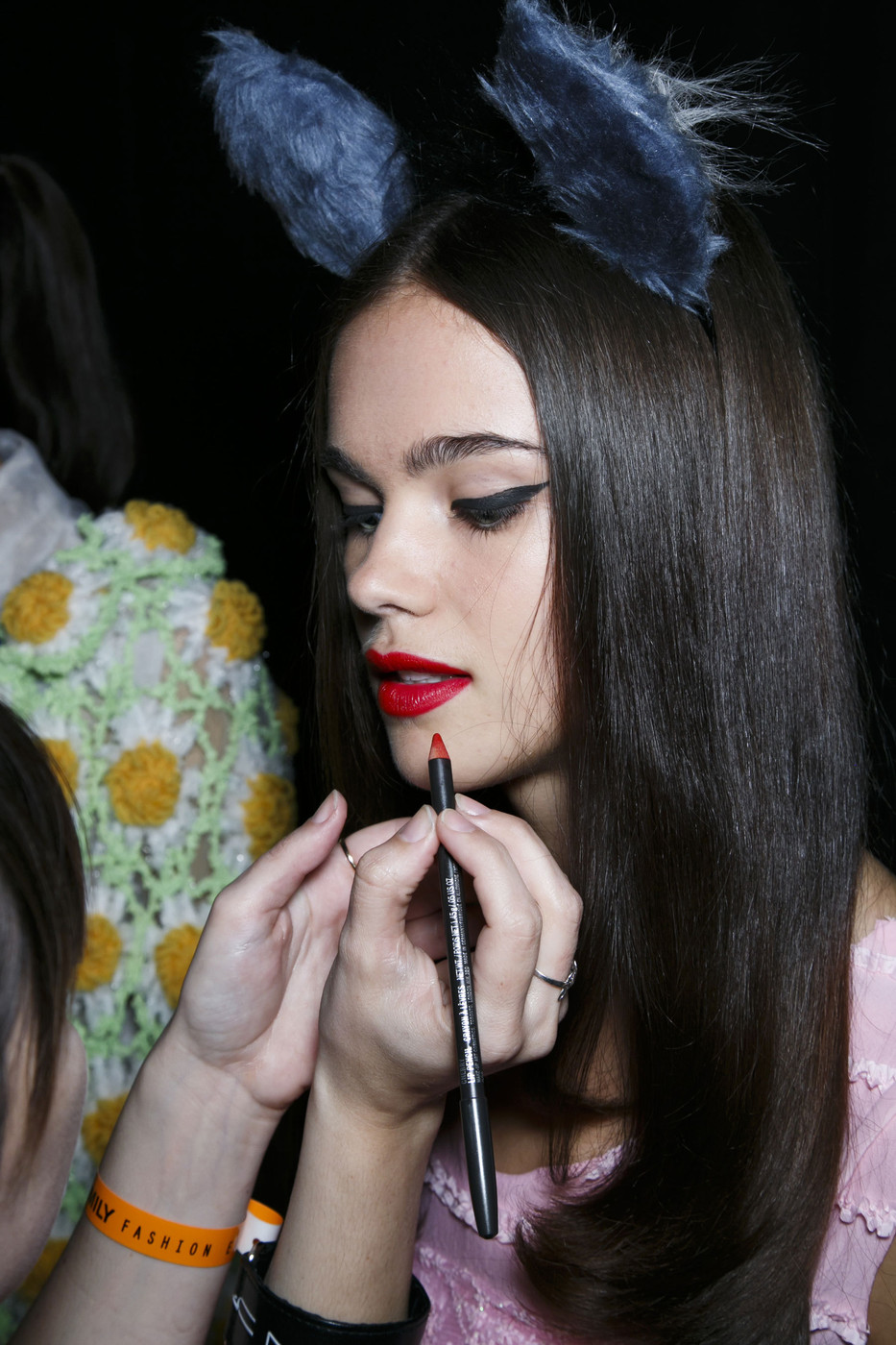
 Holly Fulton S/S 2014 HQs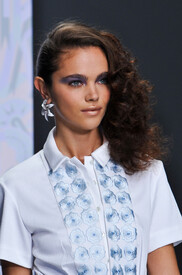
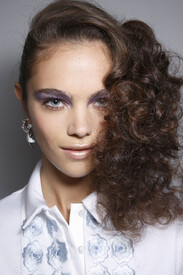
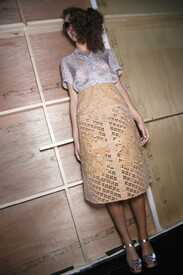
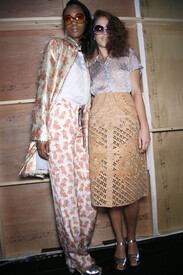
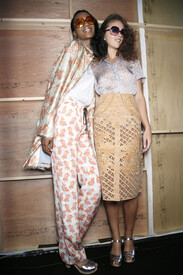
-
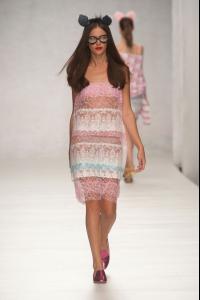
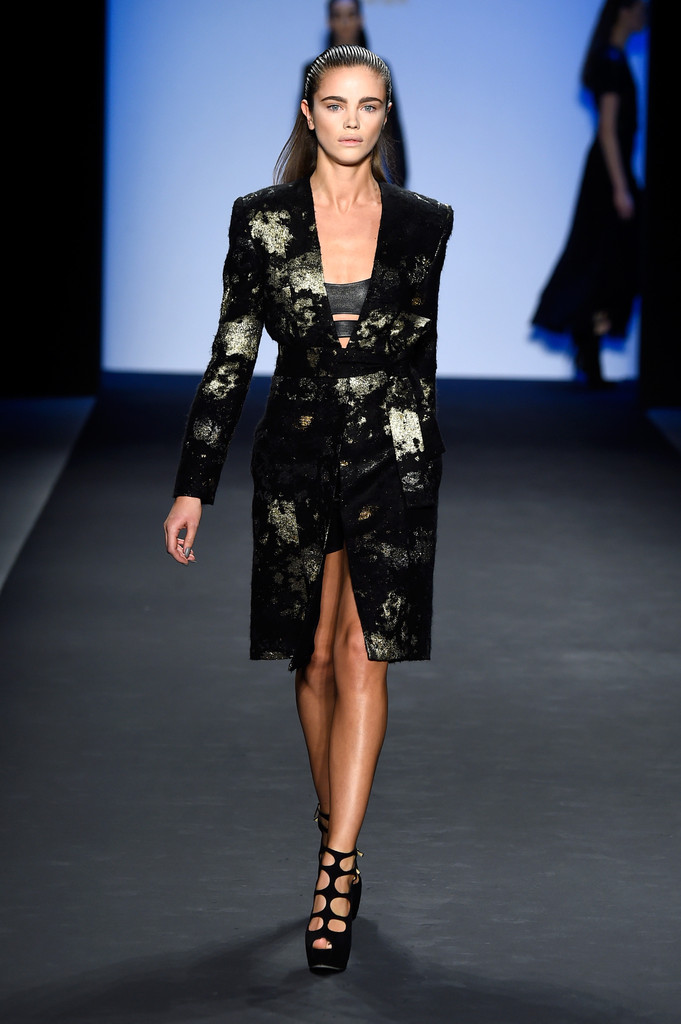
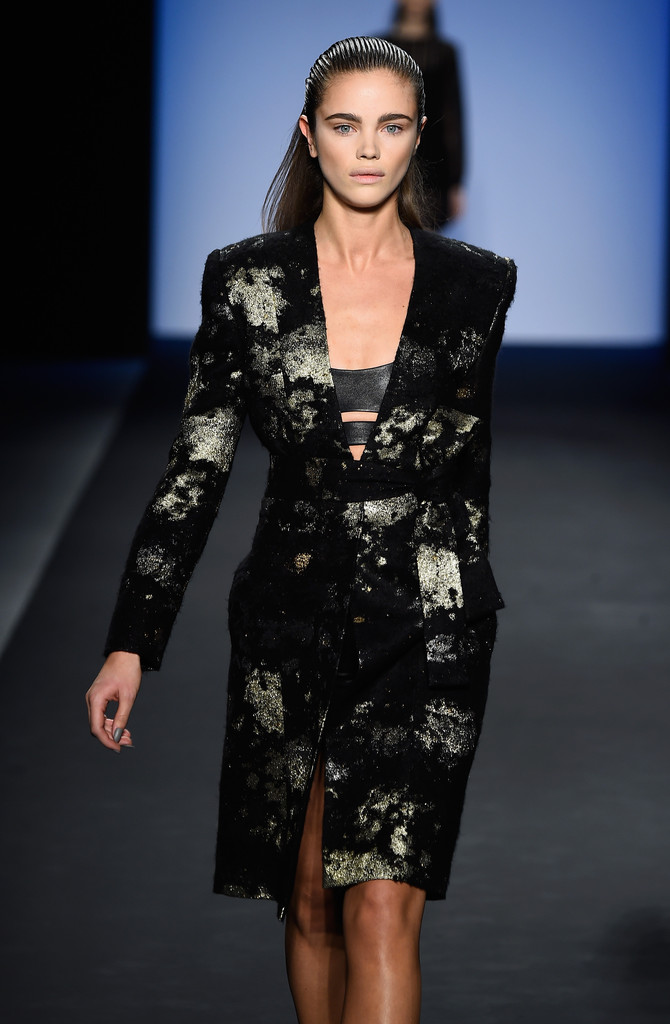
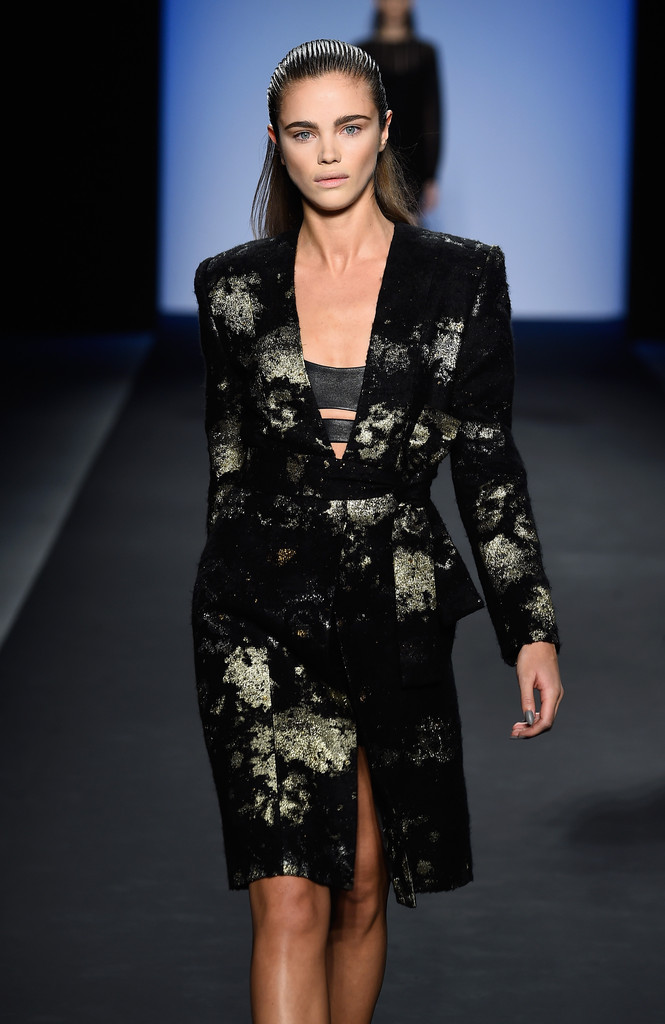
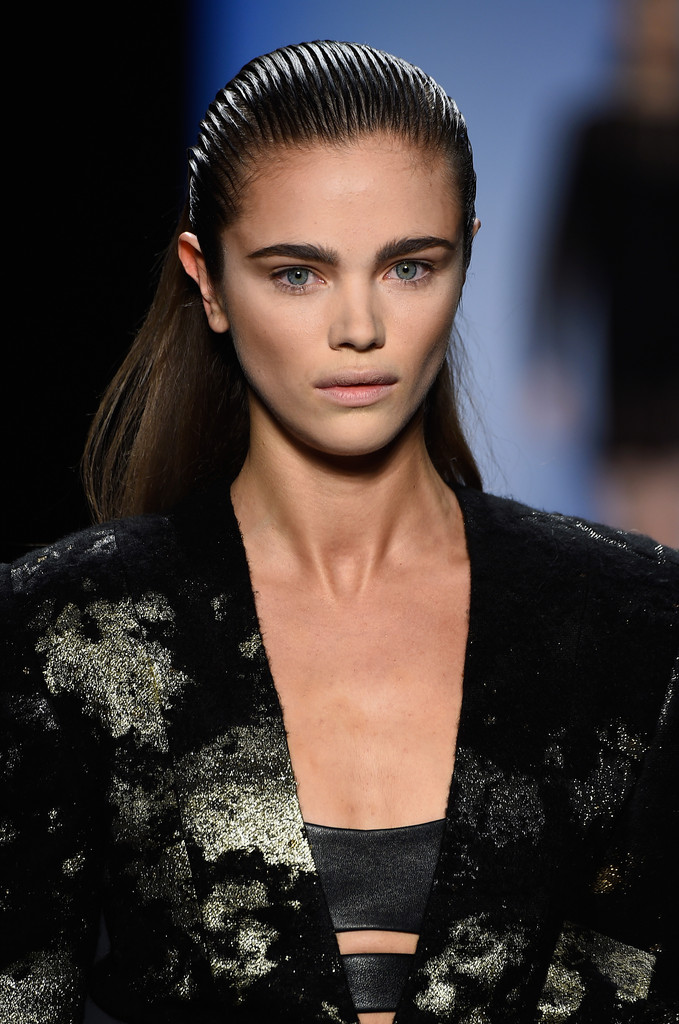
Fashion East ss14 - London August Getty fw15 - New York

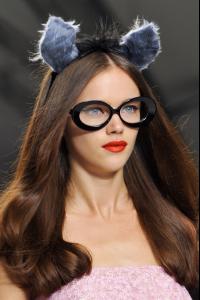
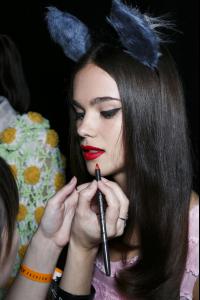
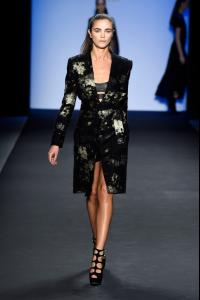
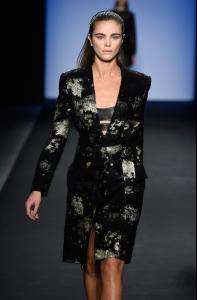
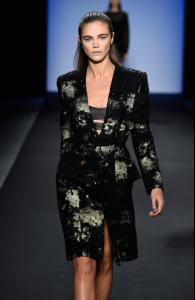
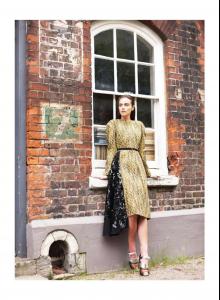
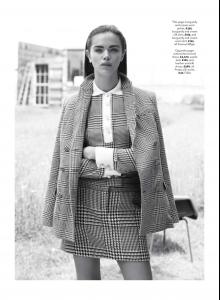
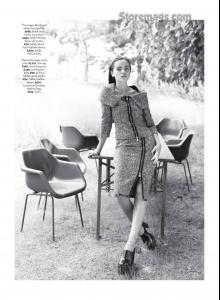
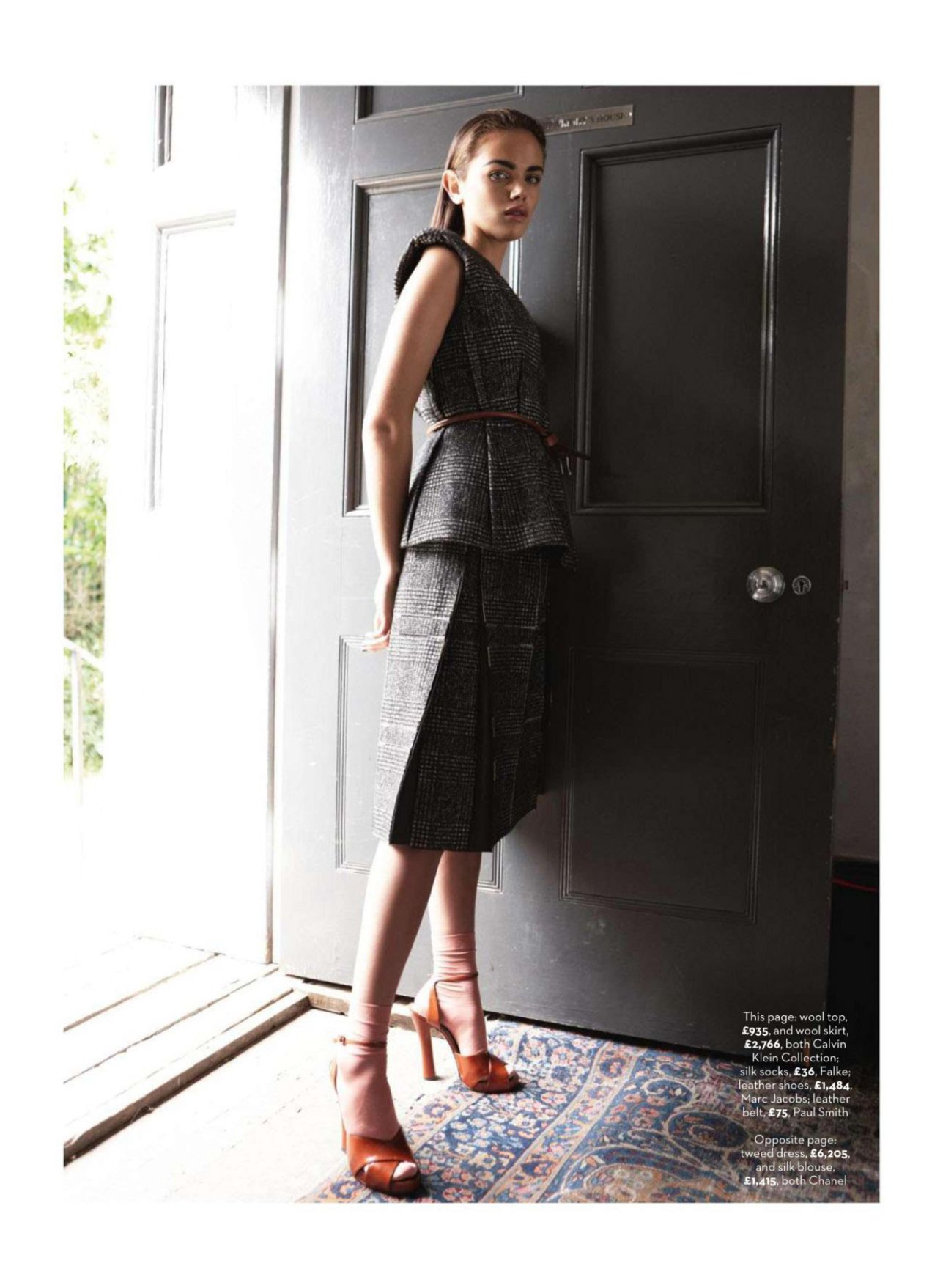
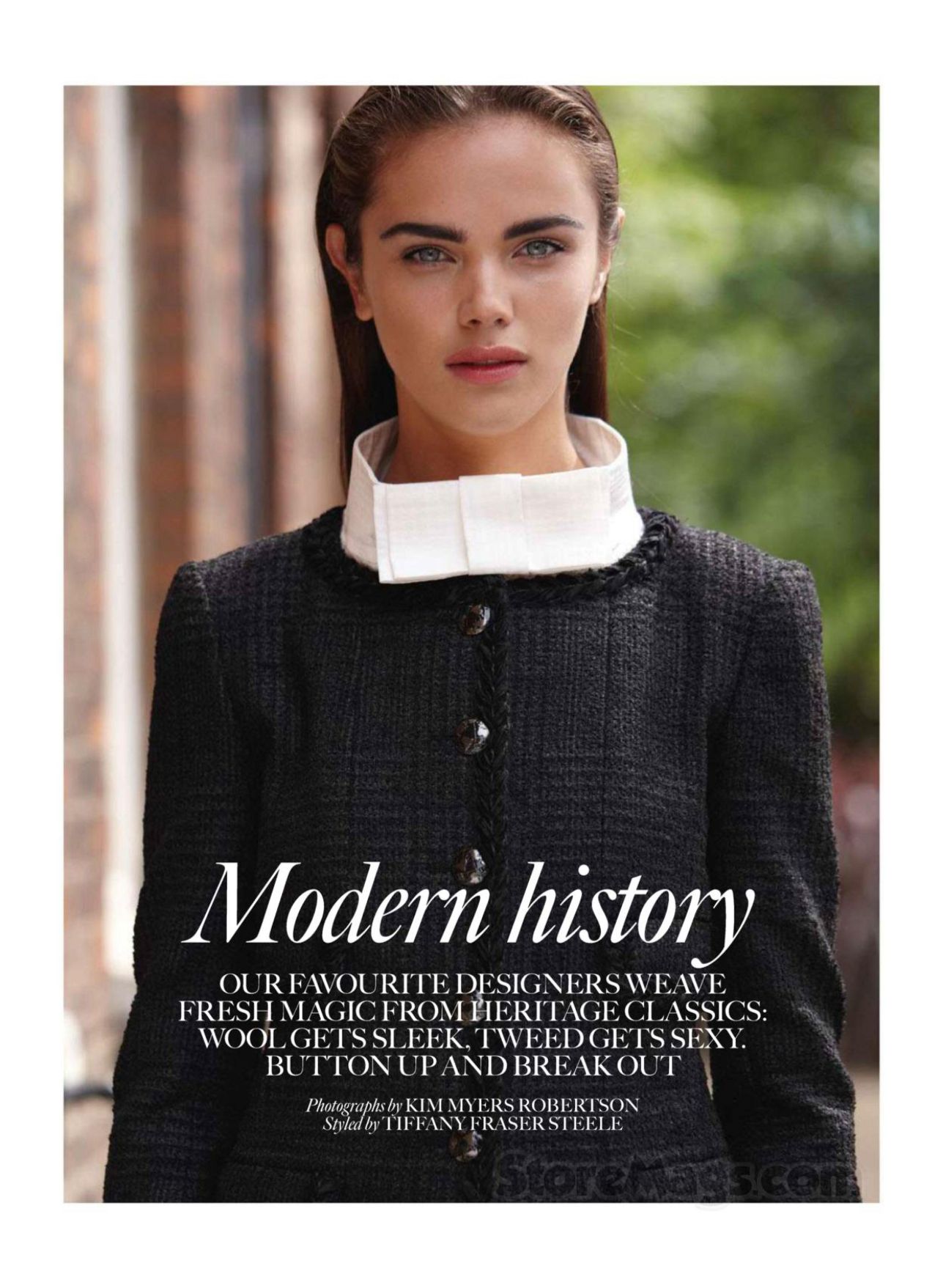
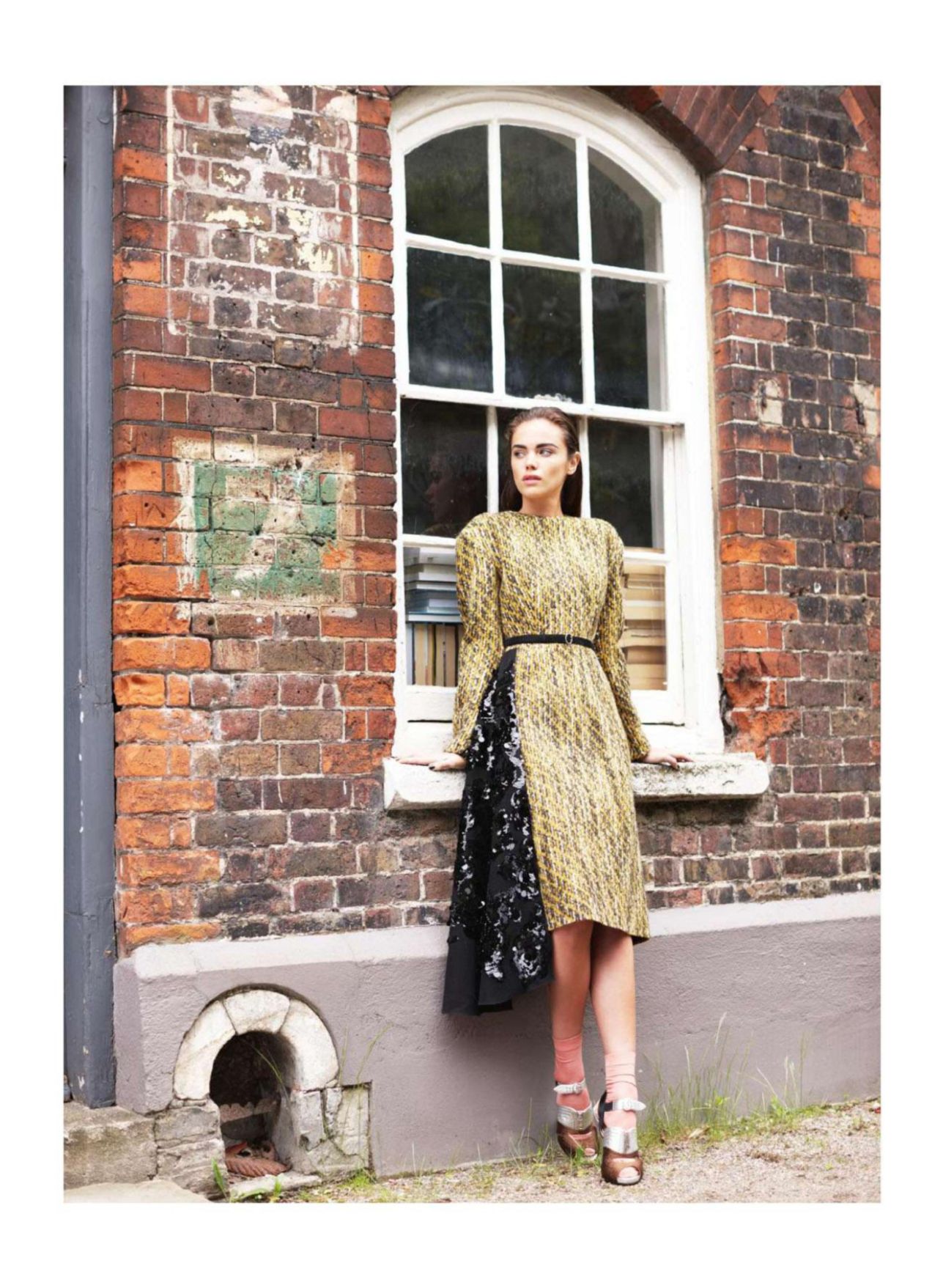
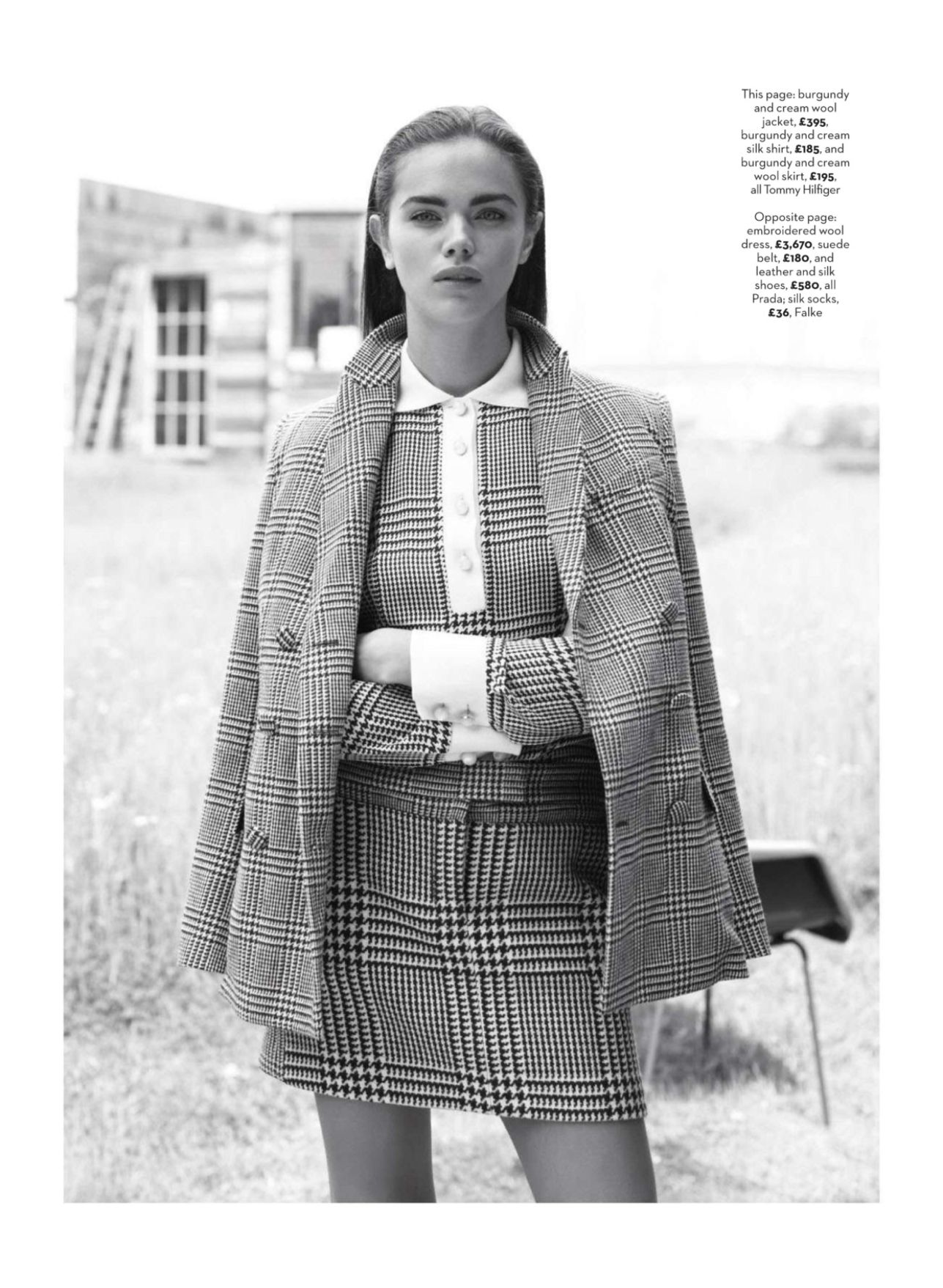
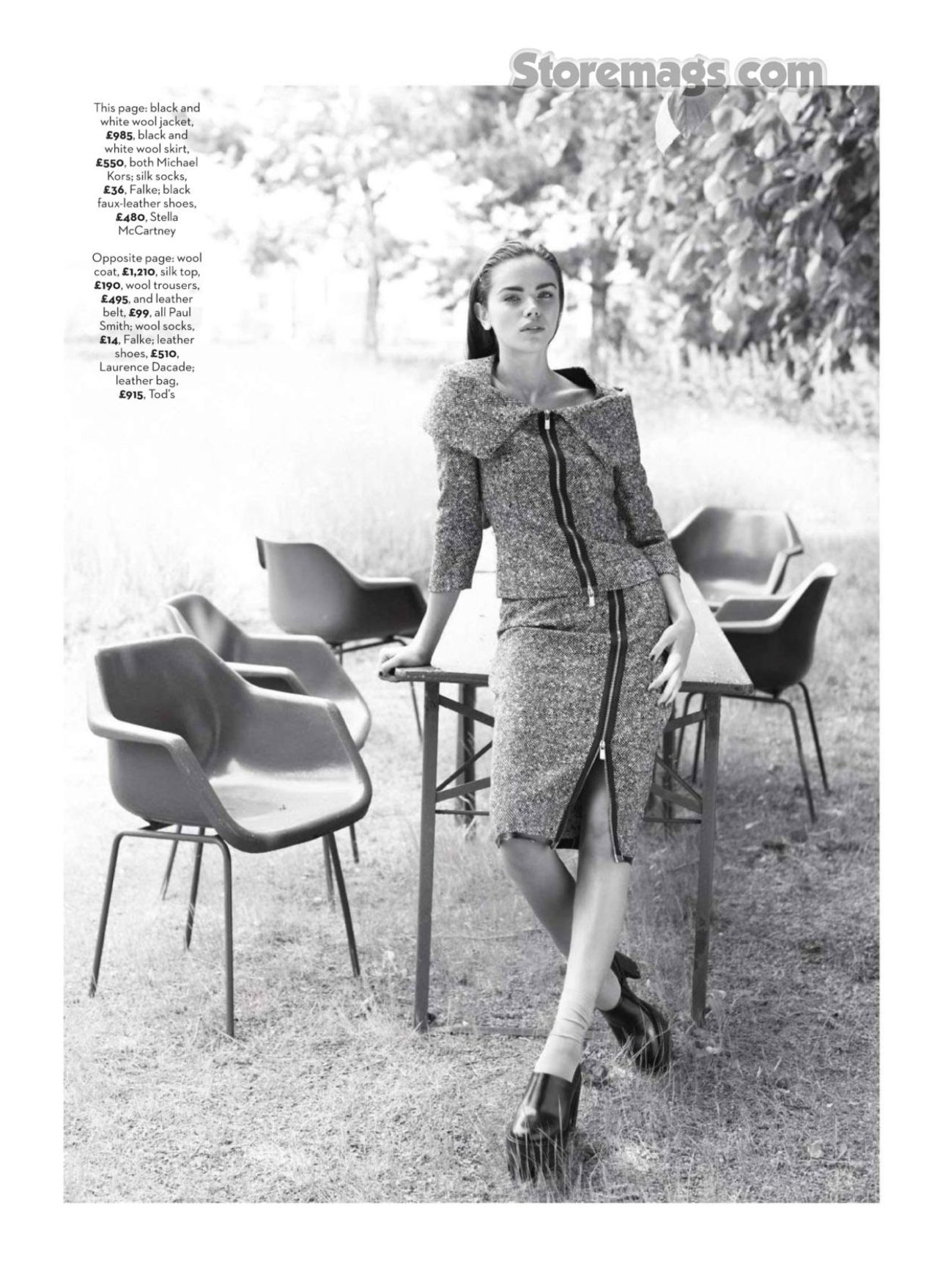
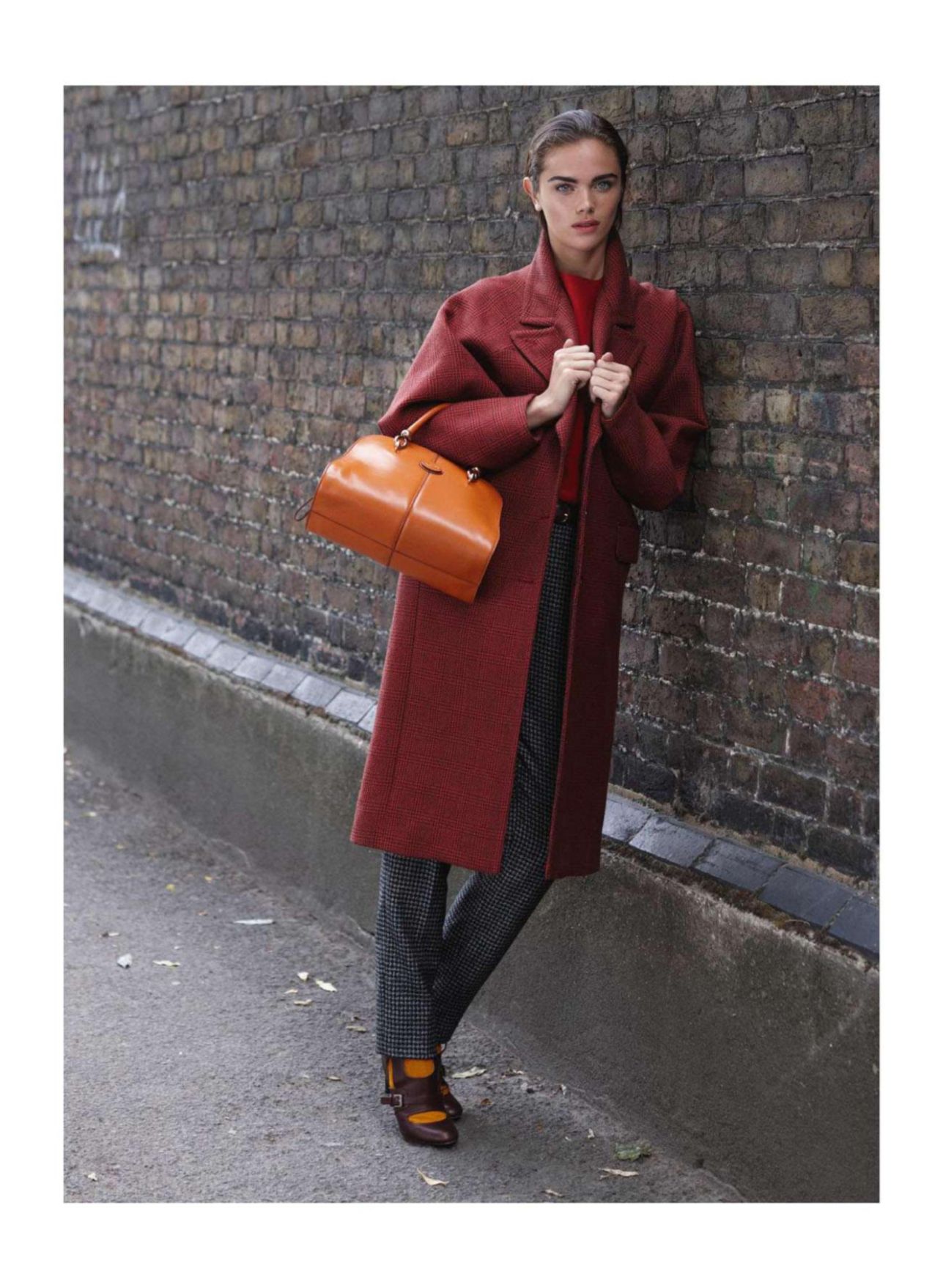
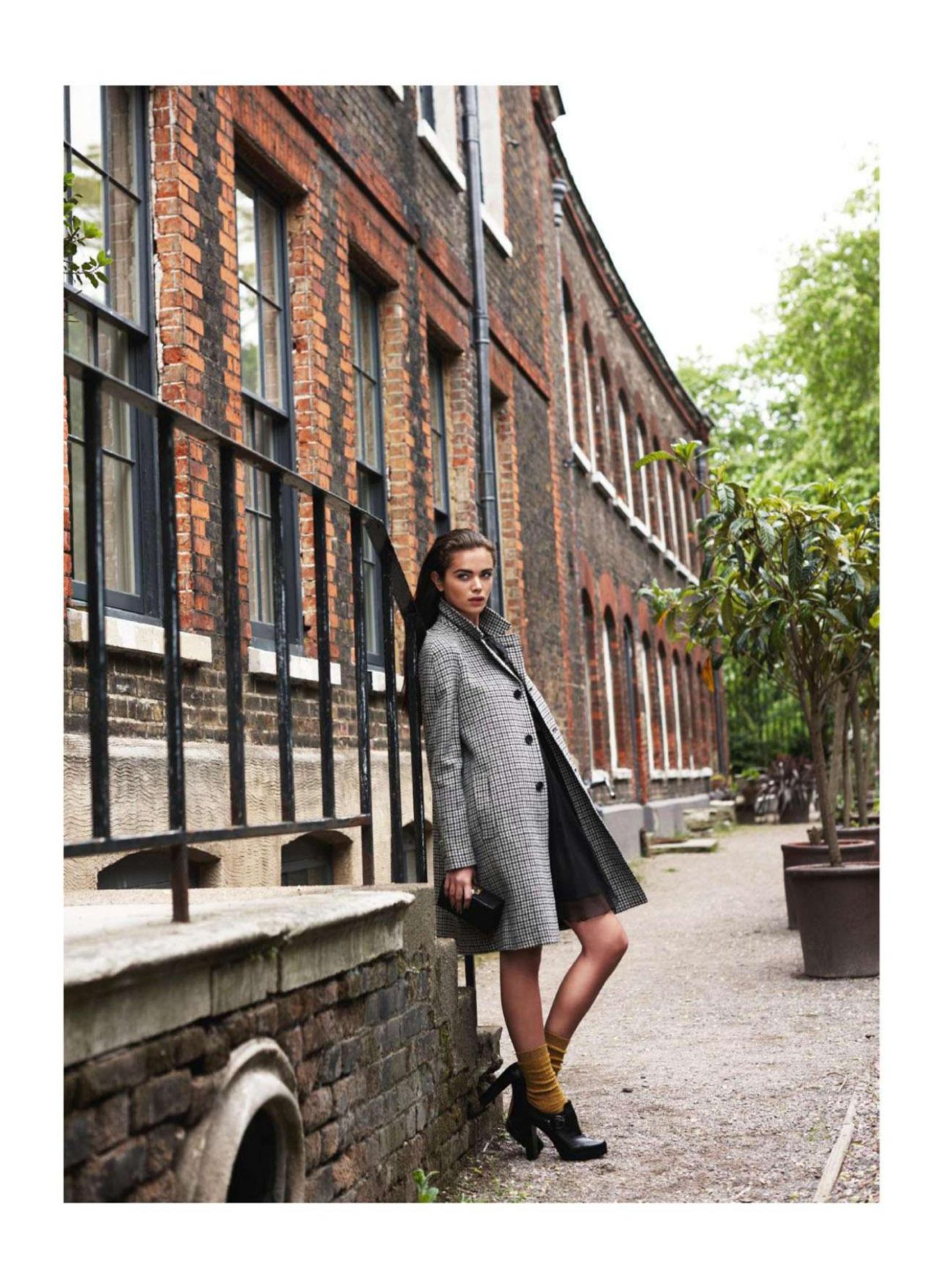
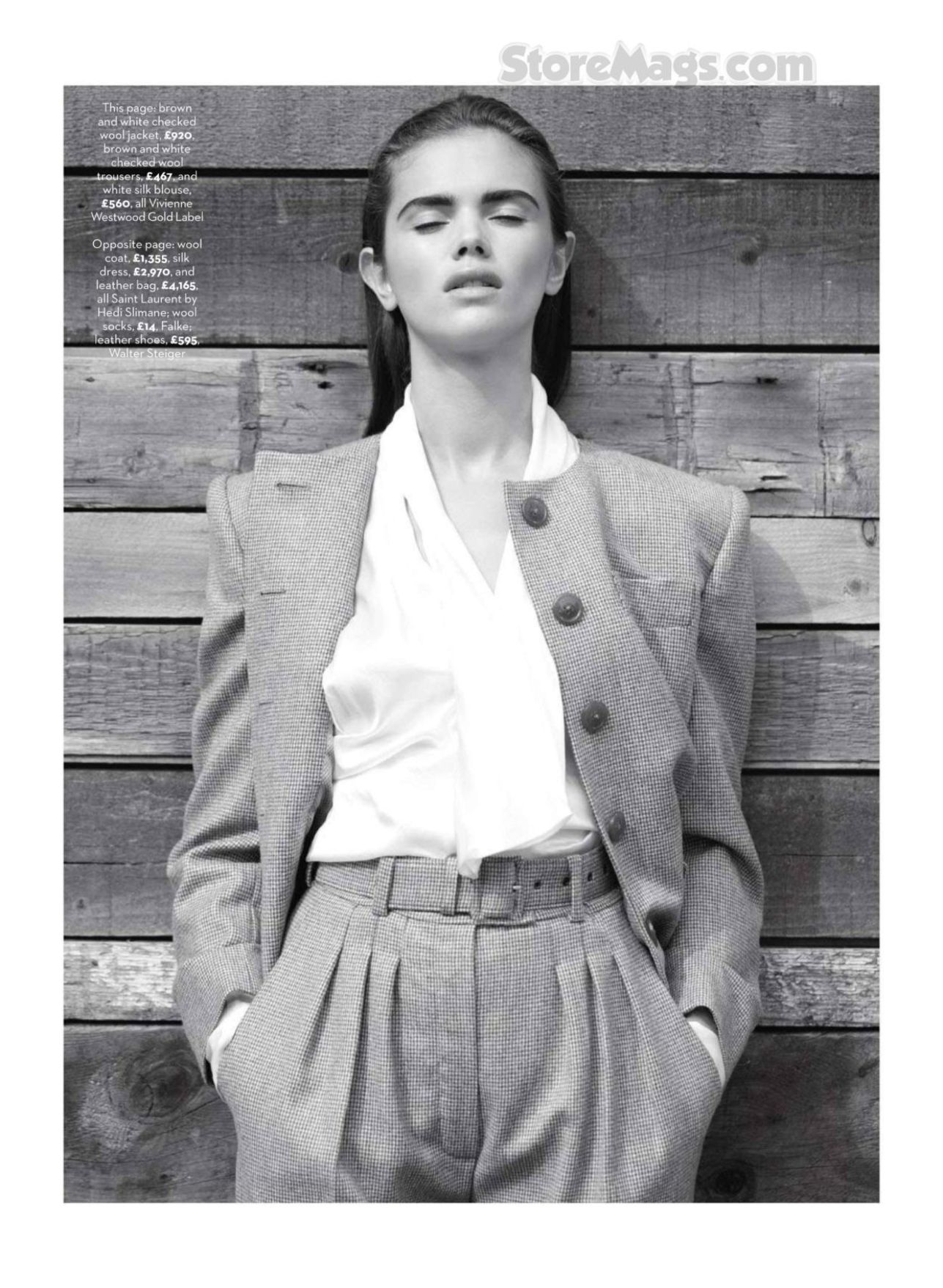
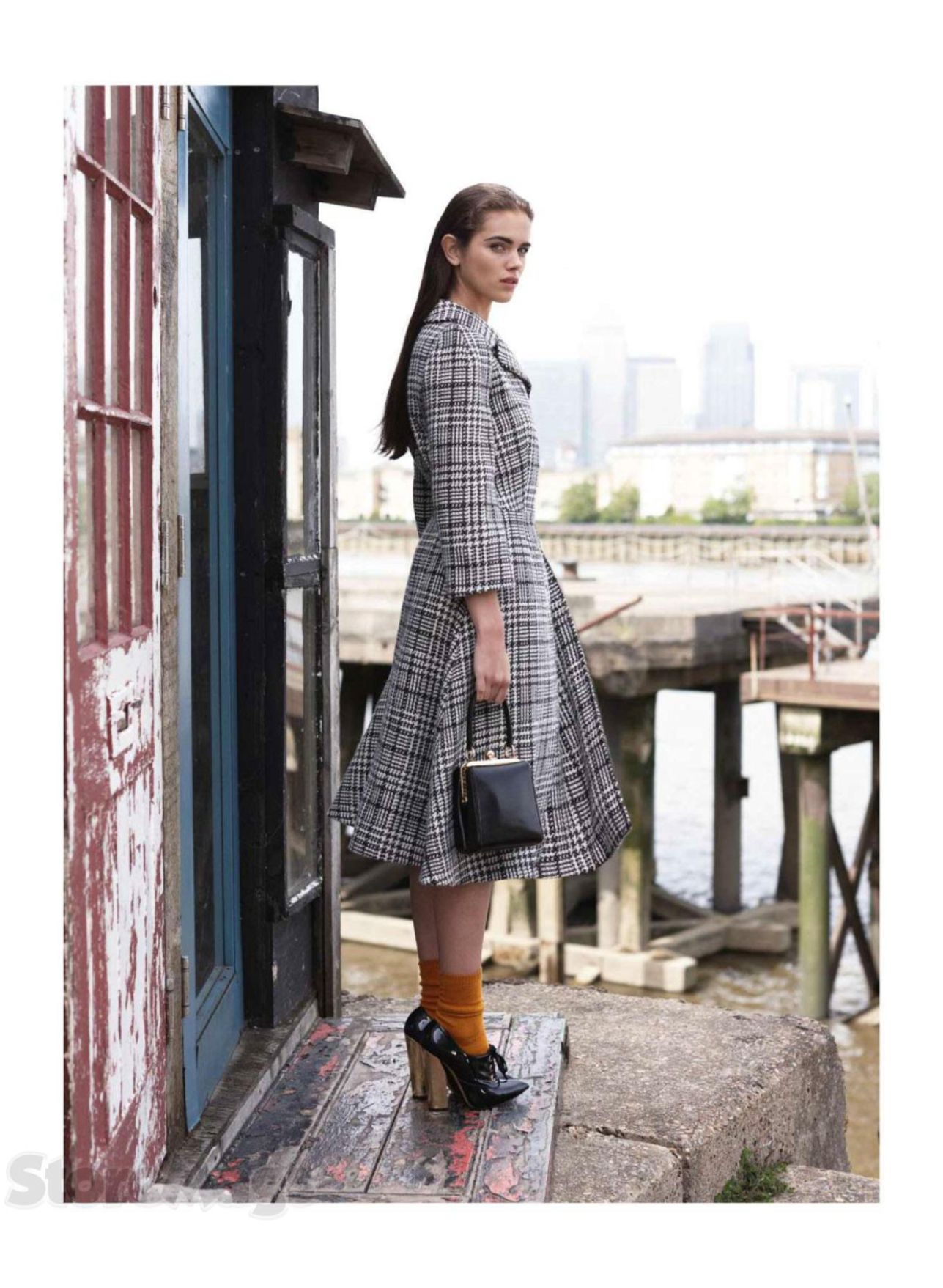
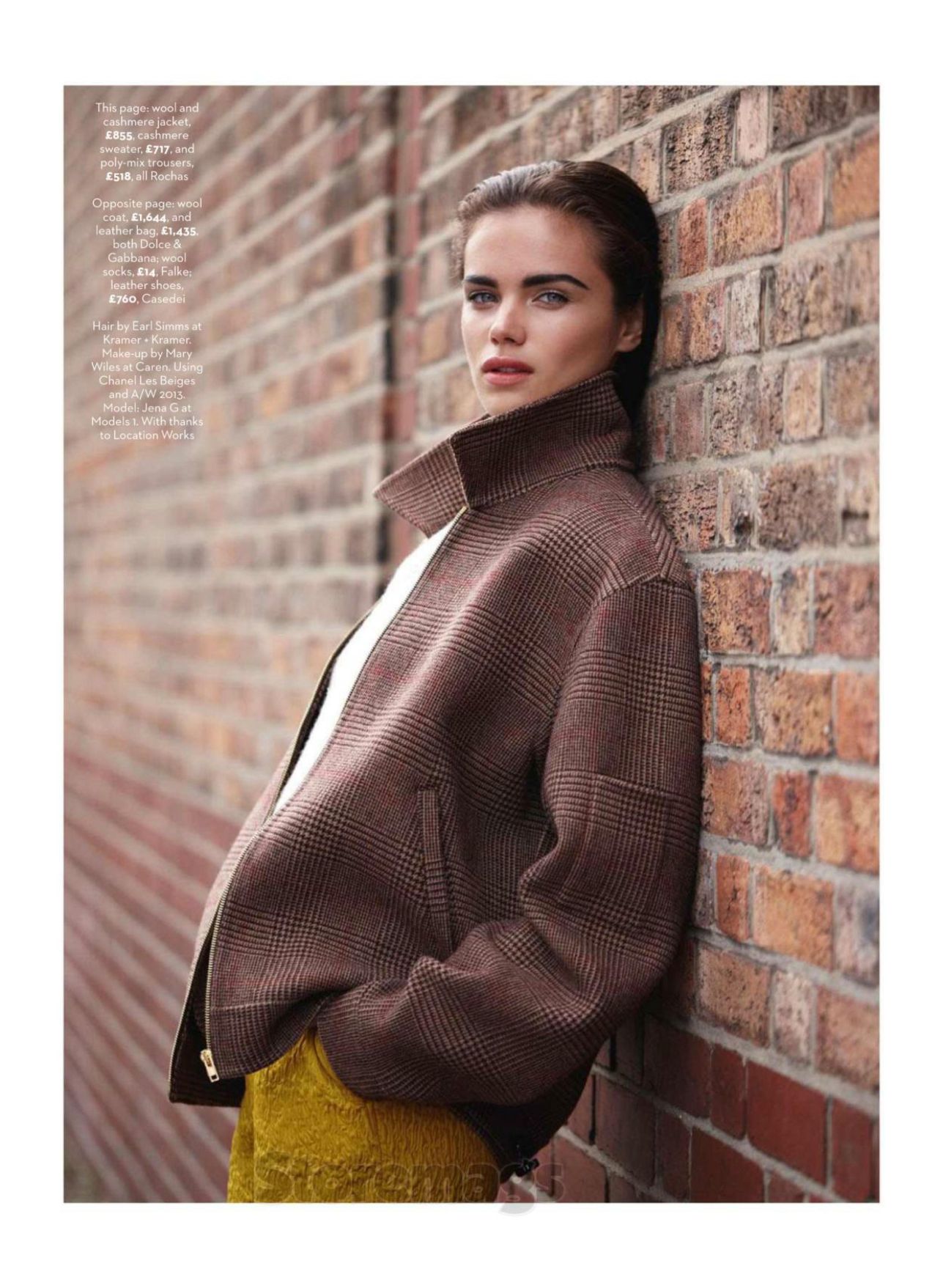
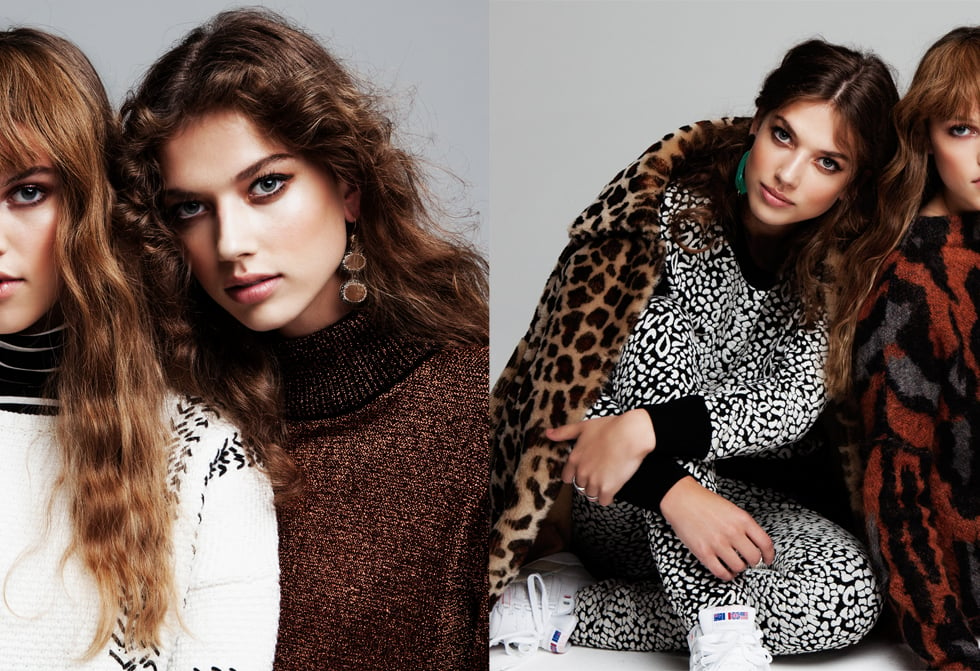
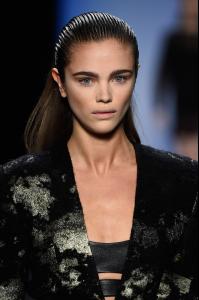 Marie Claire UK October 2013 'Modern History' Photographer: Kim Myers Robertson Stylist: Tiffany Fraser Steele Hair: Earl Simms Make-up: Mary Wiles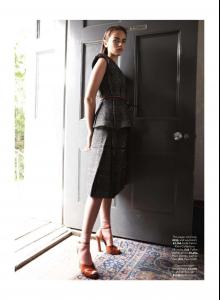

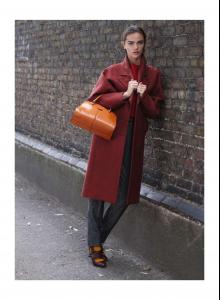
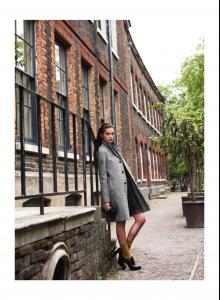

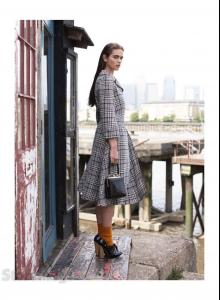
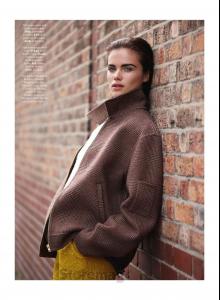 IG Video: http://websta.me/p/1047732872589456610_1636228180 http://websta.me/p/1043639272729589708_1636228180
latintimes.com
New face with Fourteen Model Management No stats yet.
IG Video: http://websta.me/p/1047732872589456610_1636228180 http://websta.me/p/1043639272729589708_1636228180
latintimes.com
New face with Fourteen Model Management No stats yet.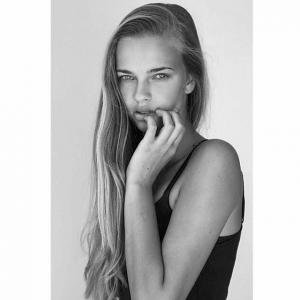
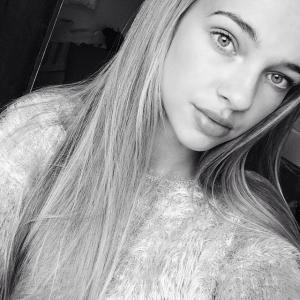
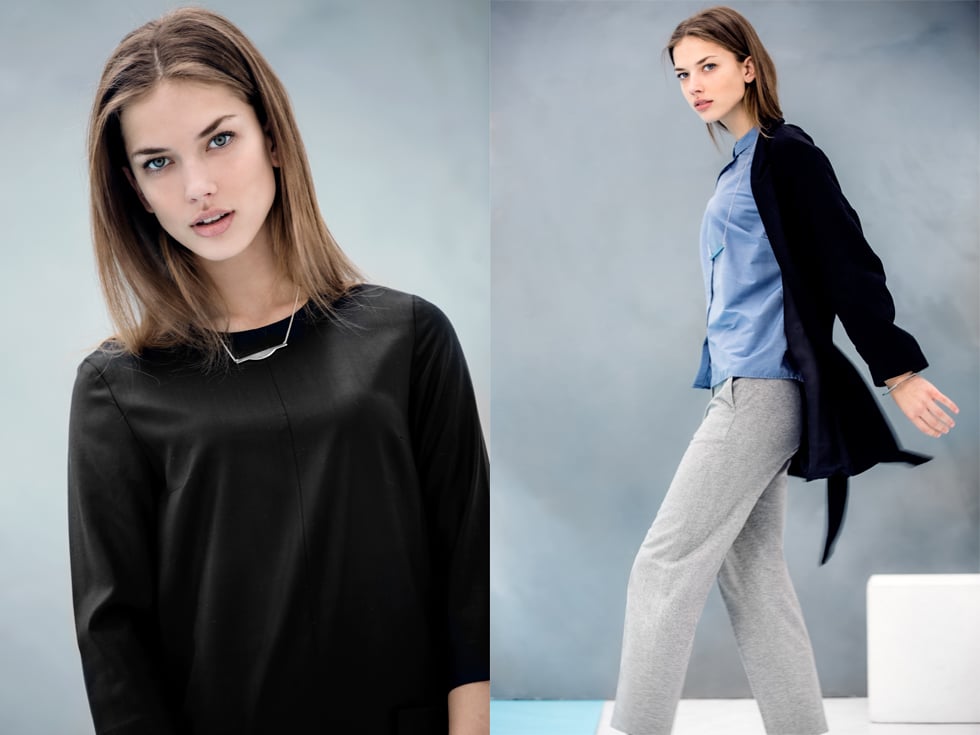
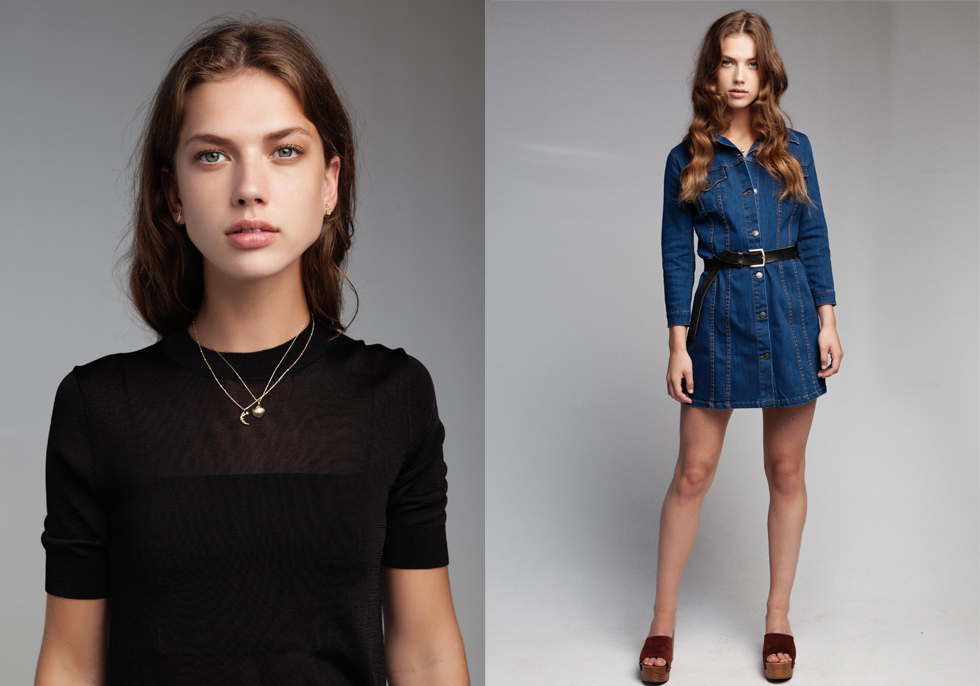
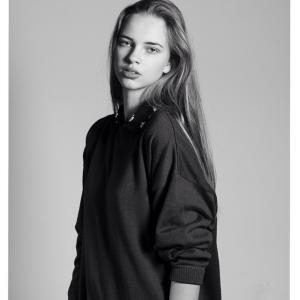 Gorgeous girl with Fourteen Model Management Height: 174cm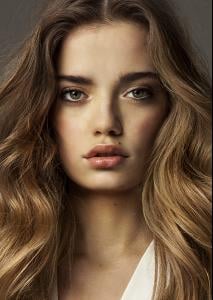

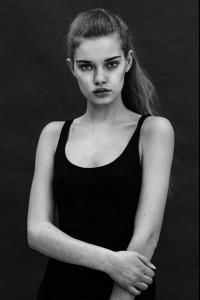
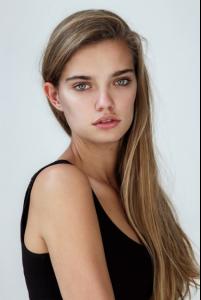
 Height 175cm / 5 ft 9 inch Bust 80cm / 31 inch Waist 64cm / 25 inch Hips 90cm / 35 inch Dress 34 Shoe size 38-39 / 5½ Eye color Blue/Green Hair color Light brown Agency: Ulla Models Dutch ELLE Septemper 2015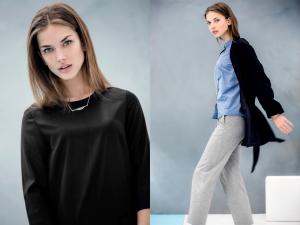
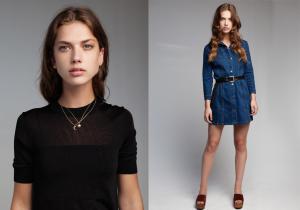
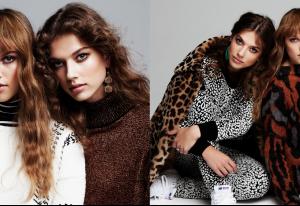 models.com
^It's mainline. Not Pink
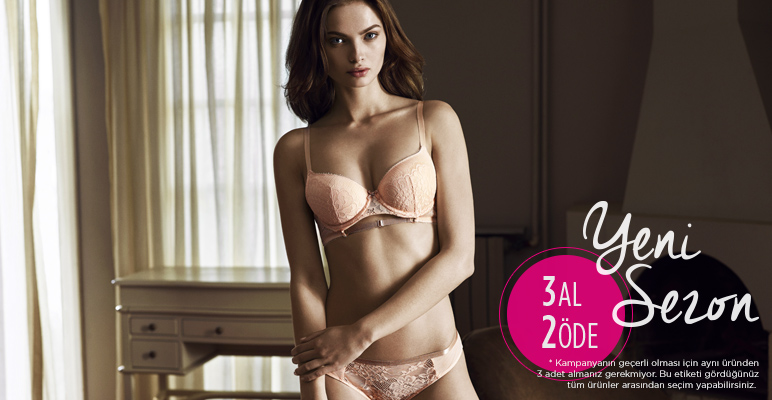
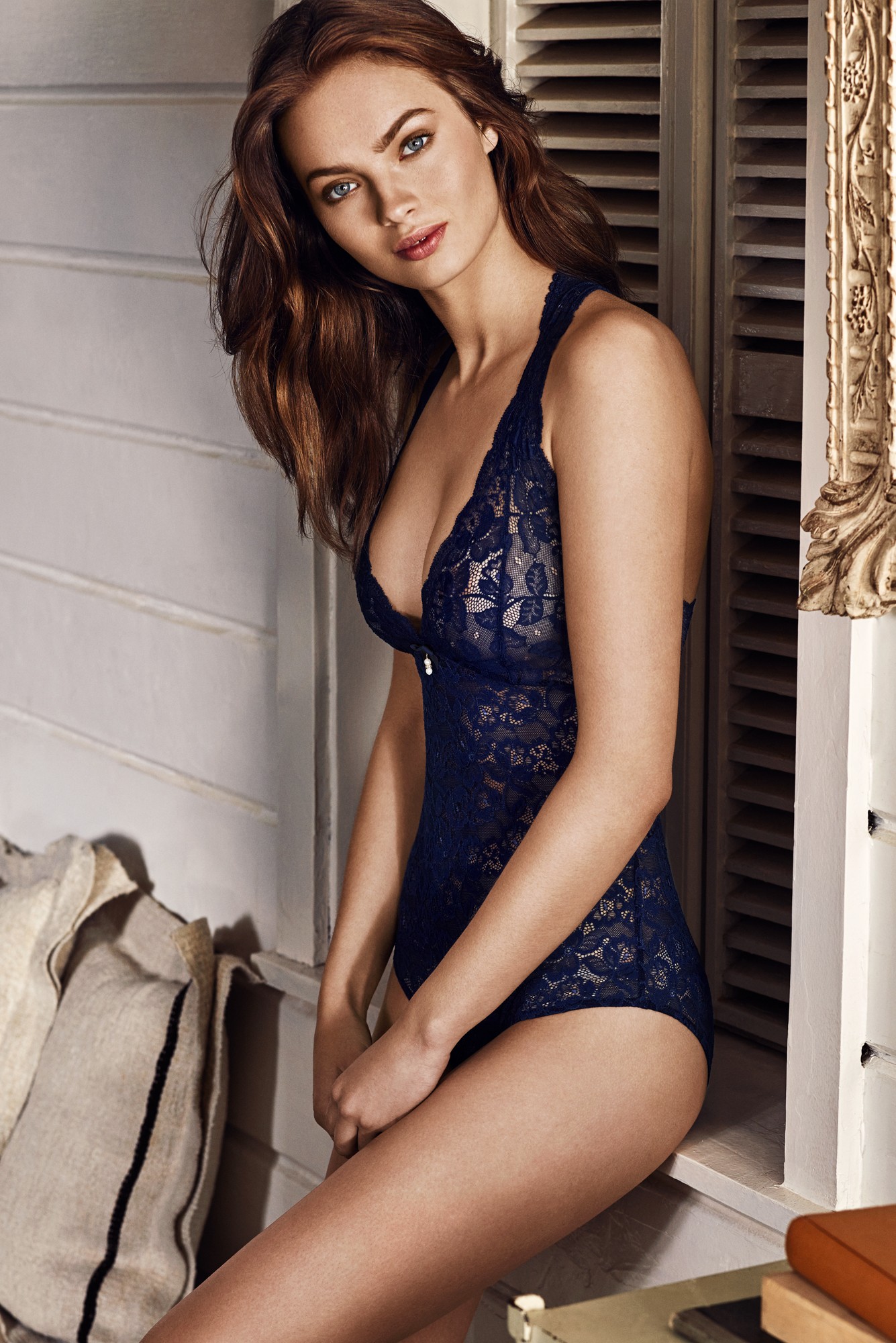
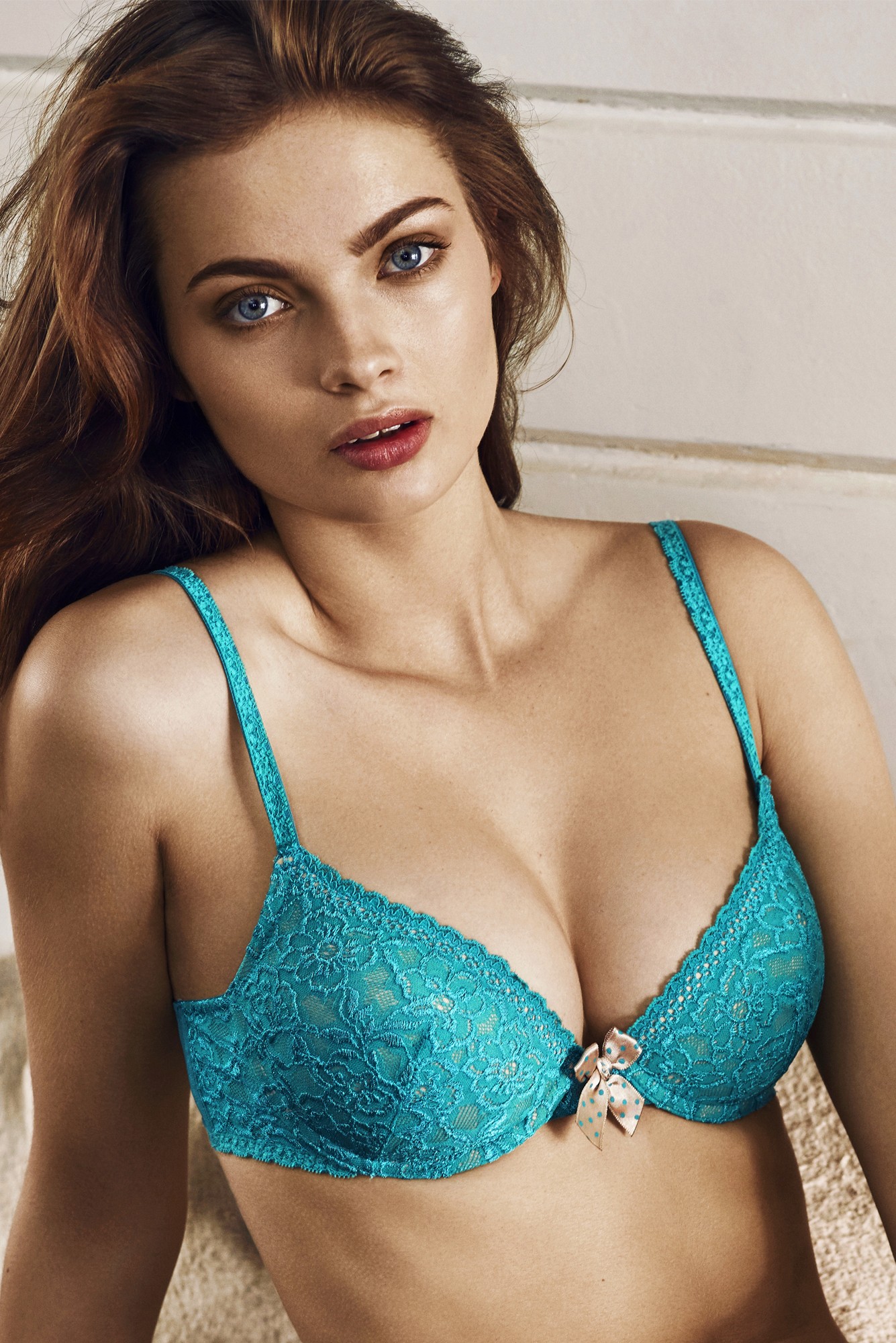
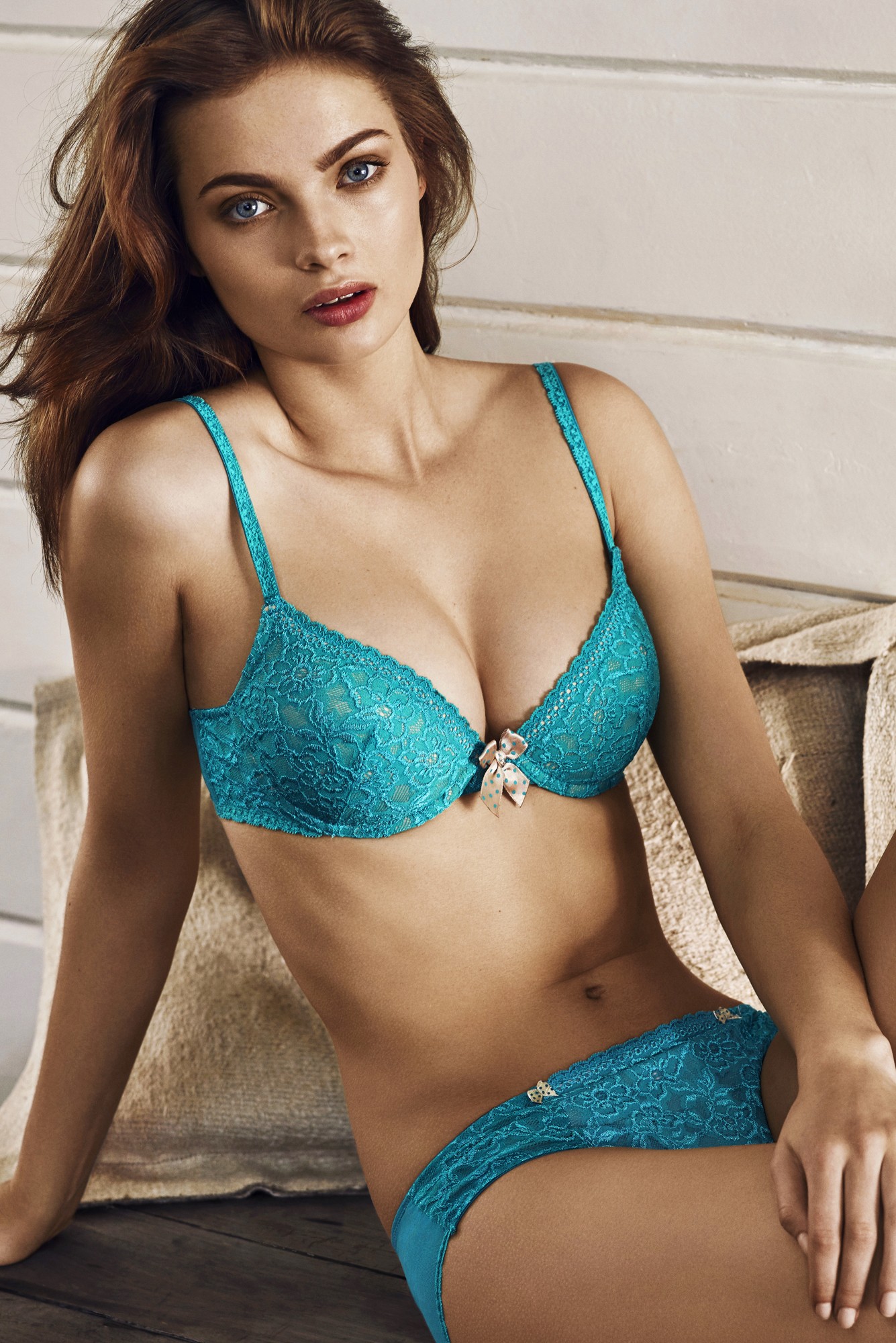
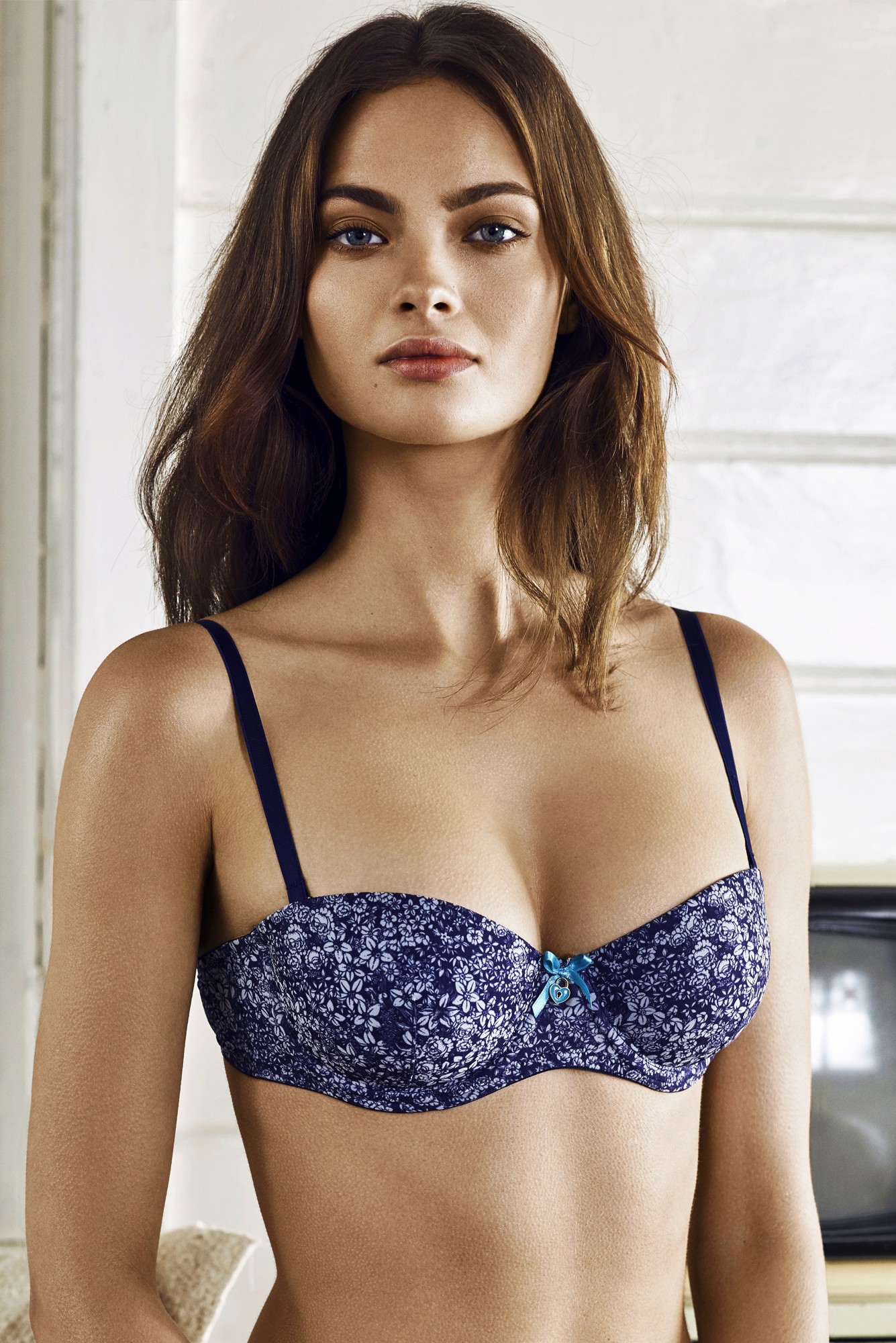
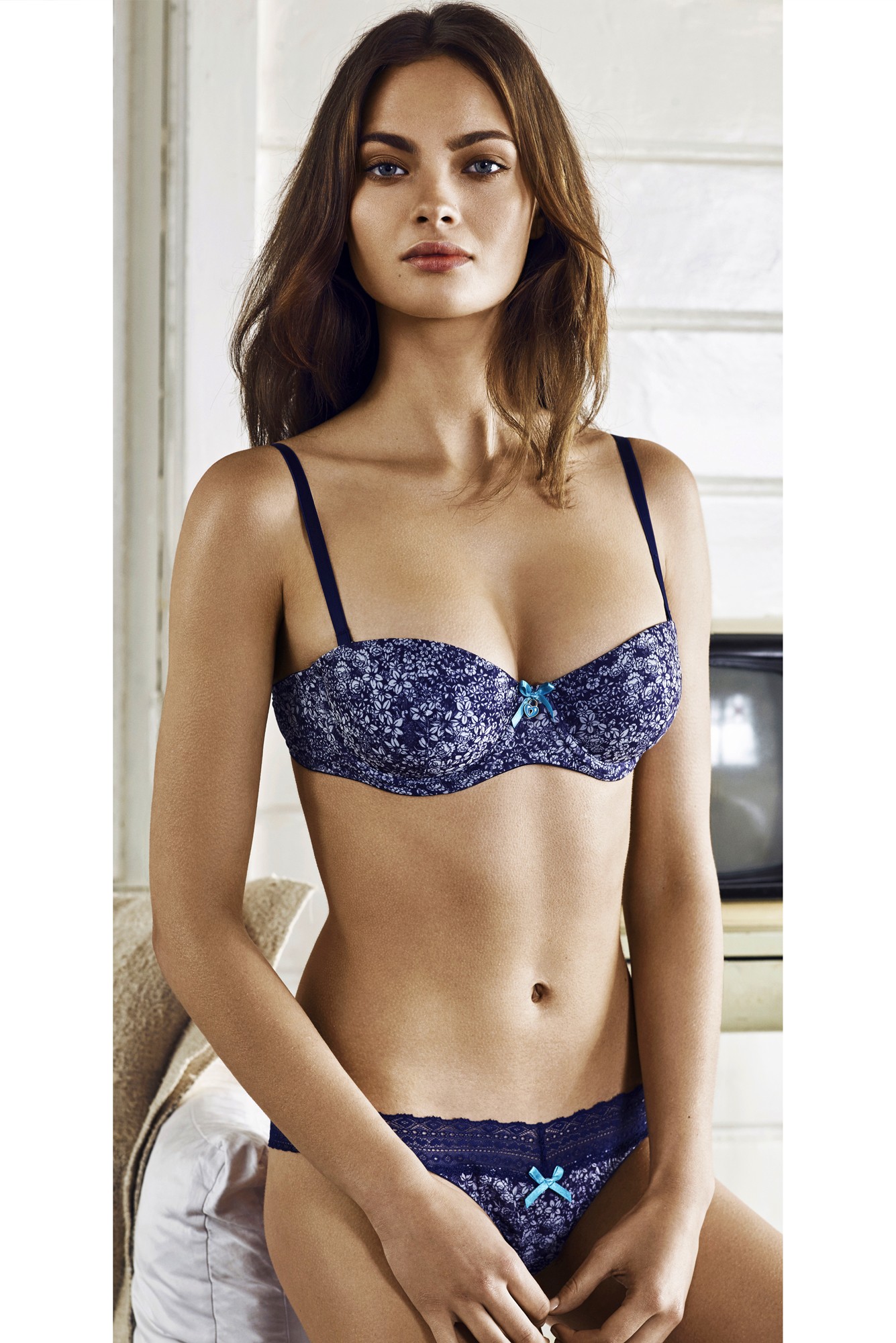
Penti Lingerie 2015
models.com
^It's mainline. Not Pink
Penti Lingerie 2015
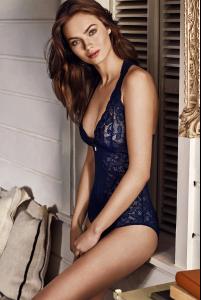


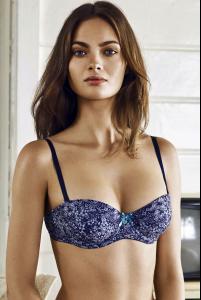
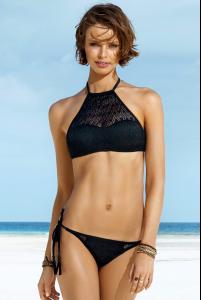
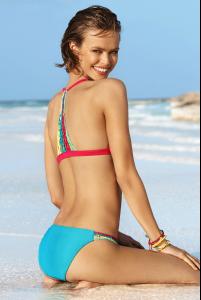
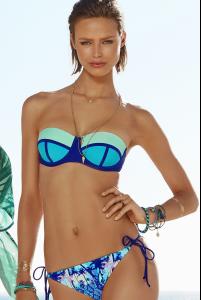
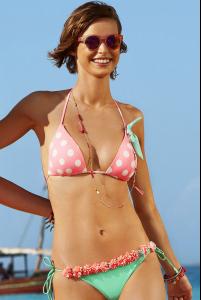
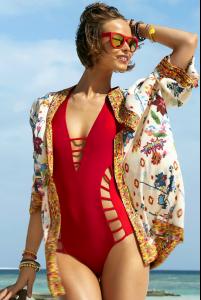
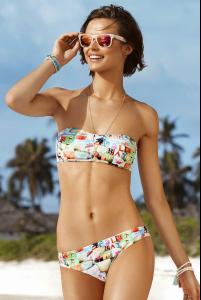
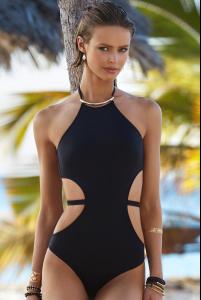
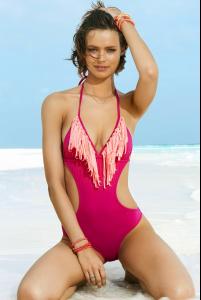
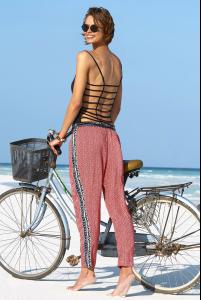
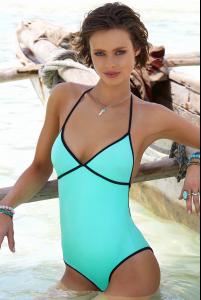
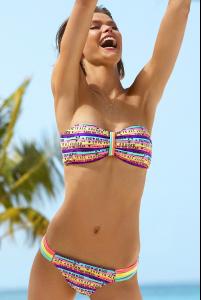
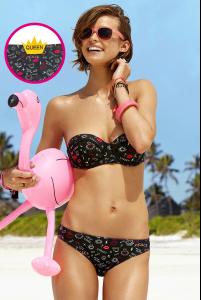
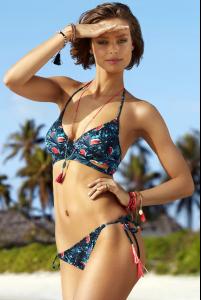
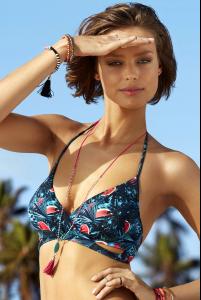
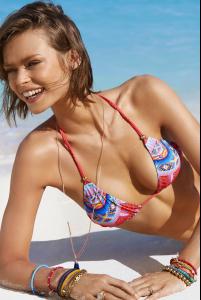
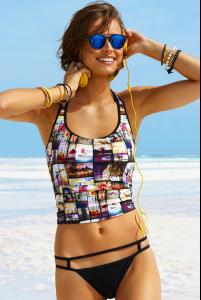
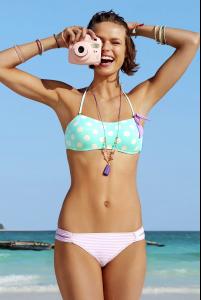
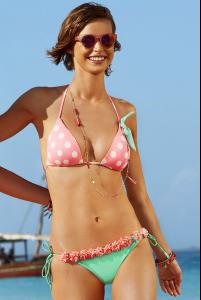
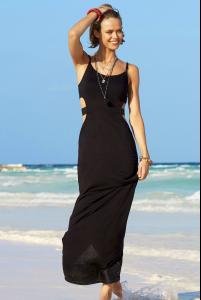
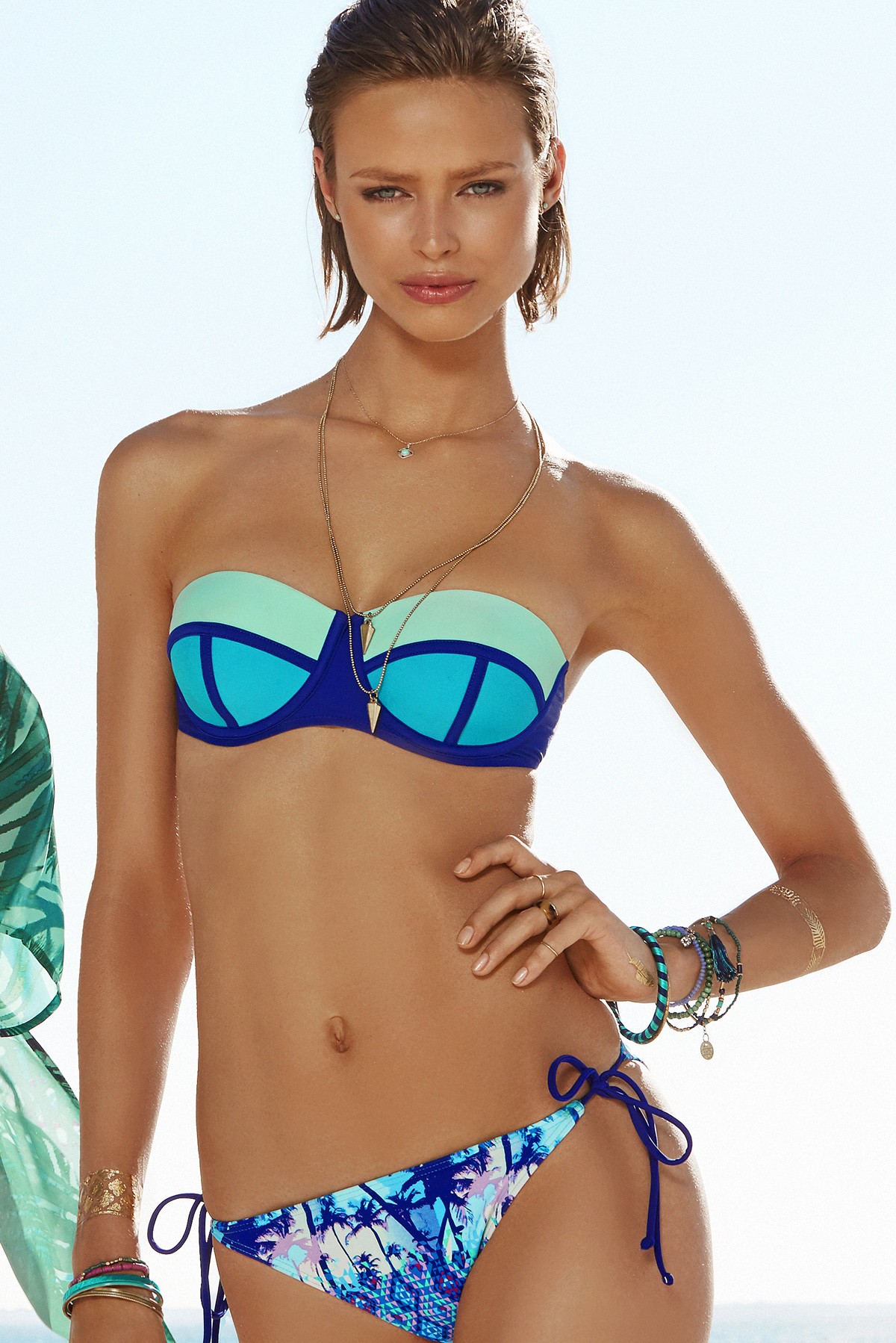
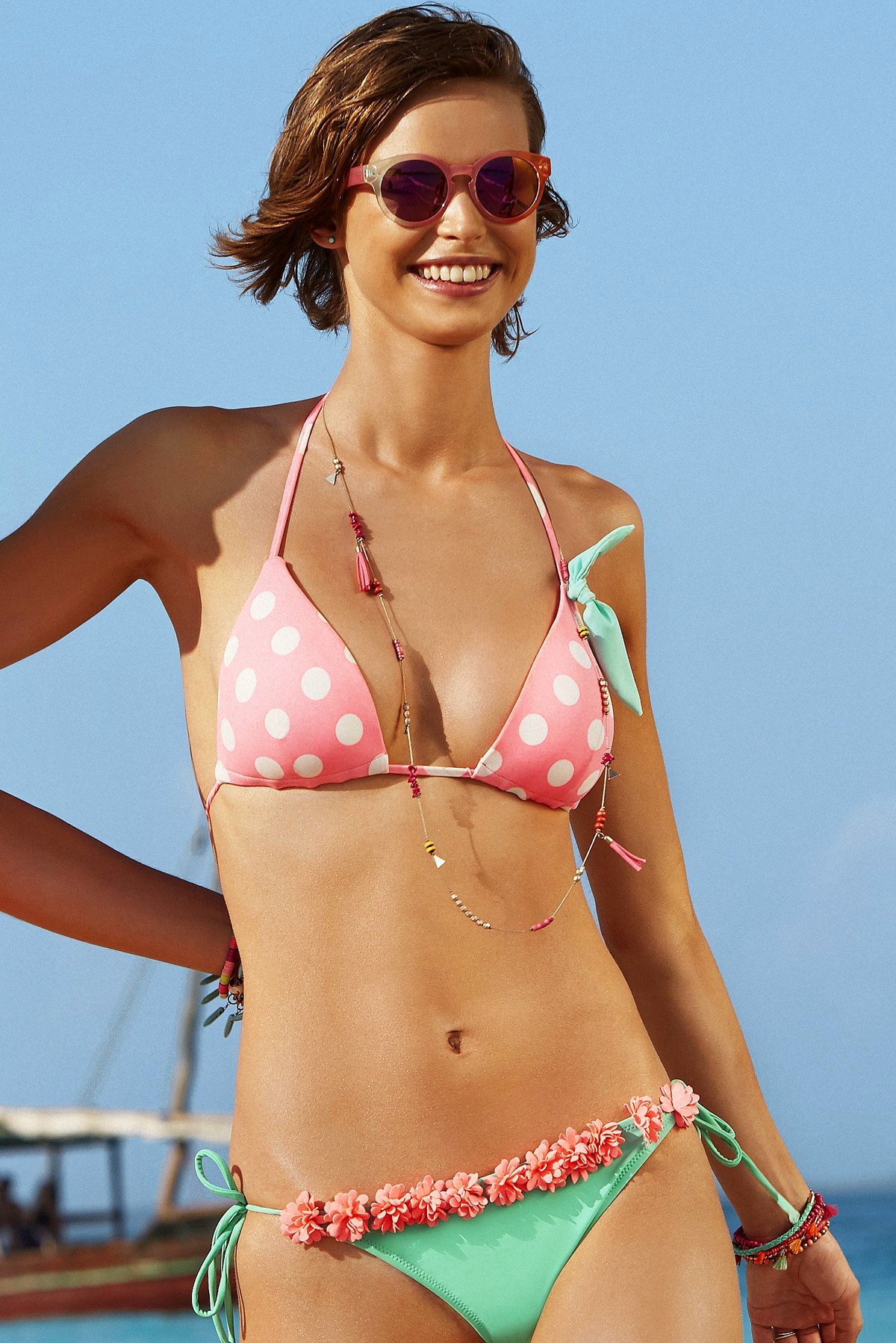
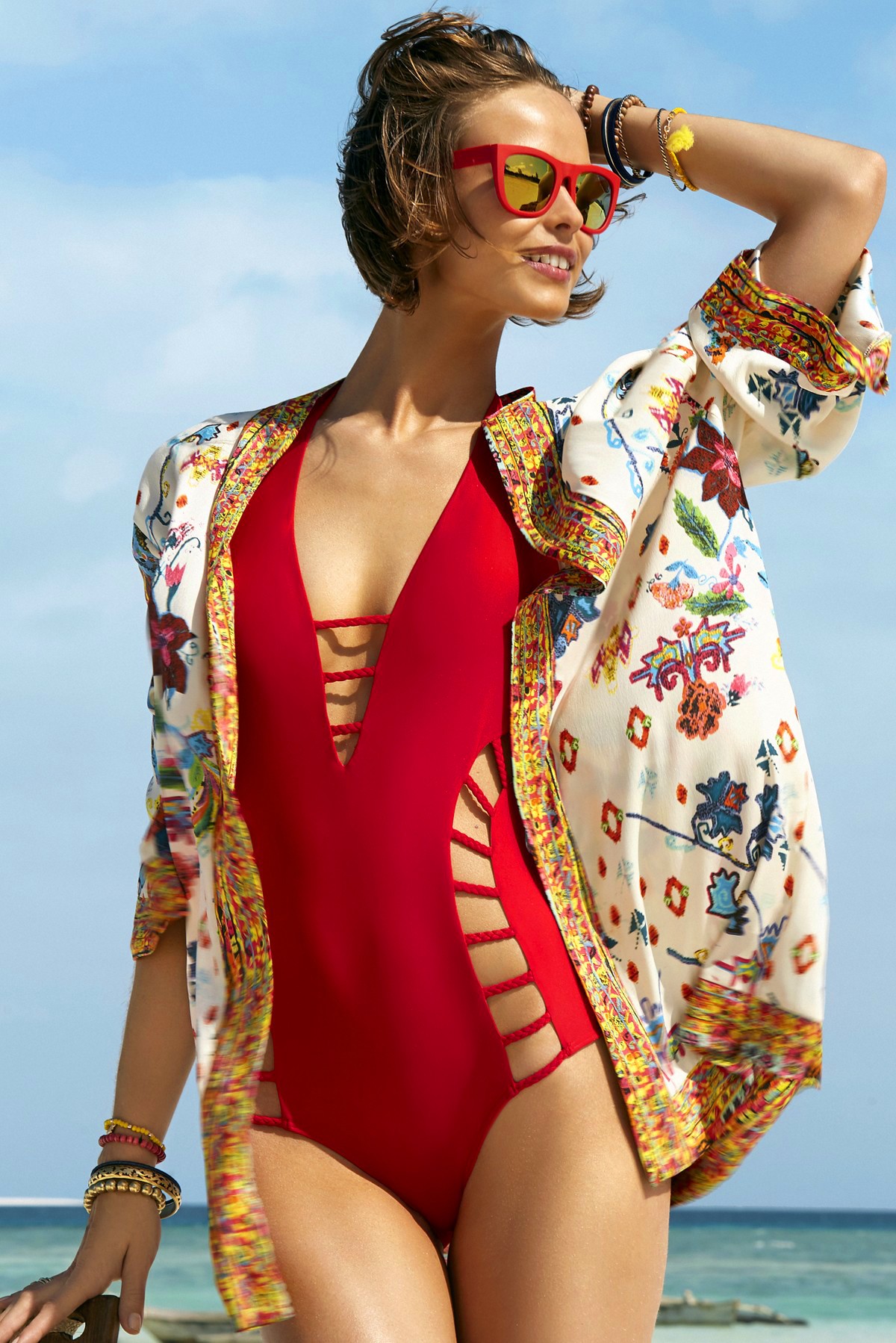
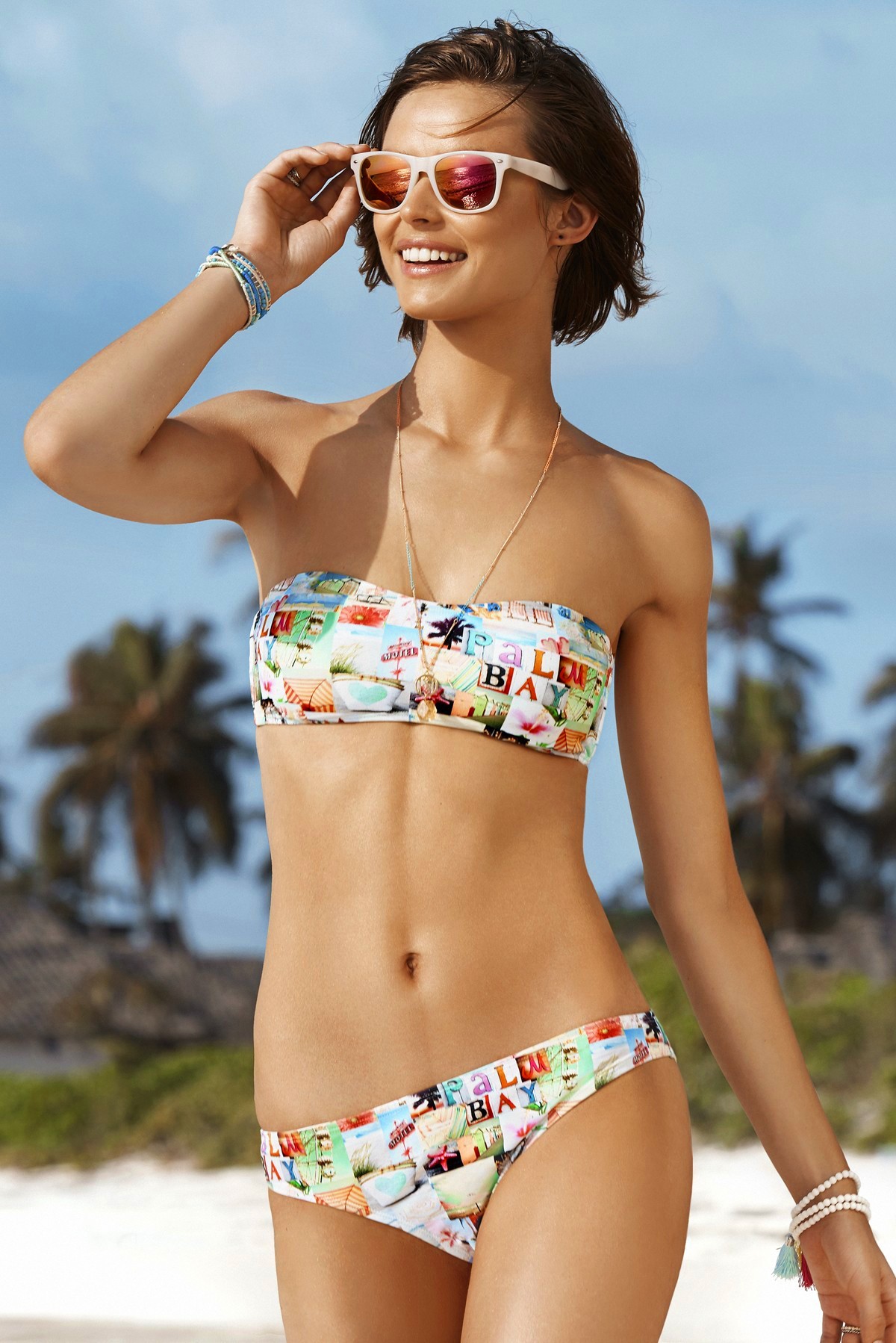
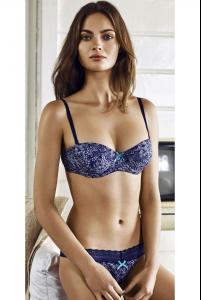 Penti 2015 Catalog (Some pics not posted)
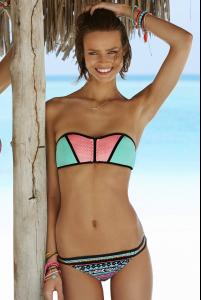
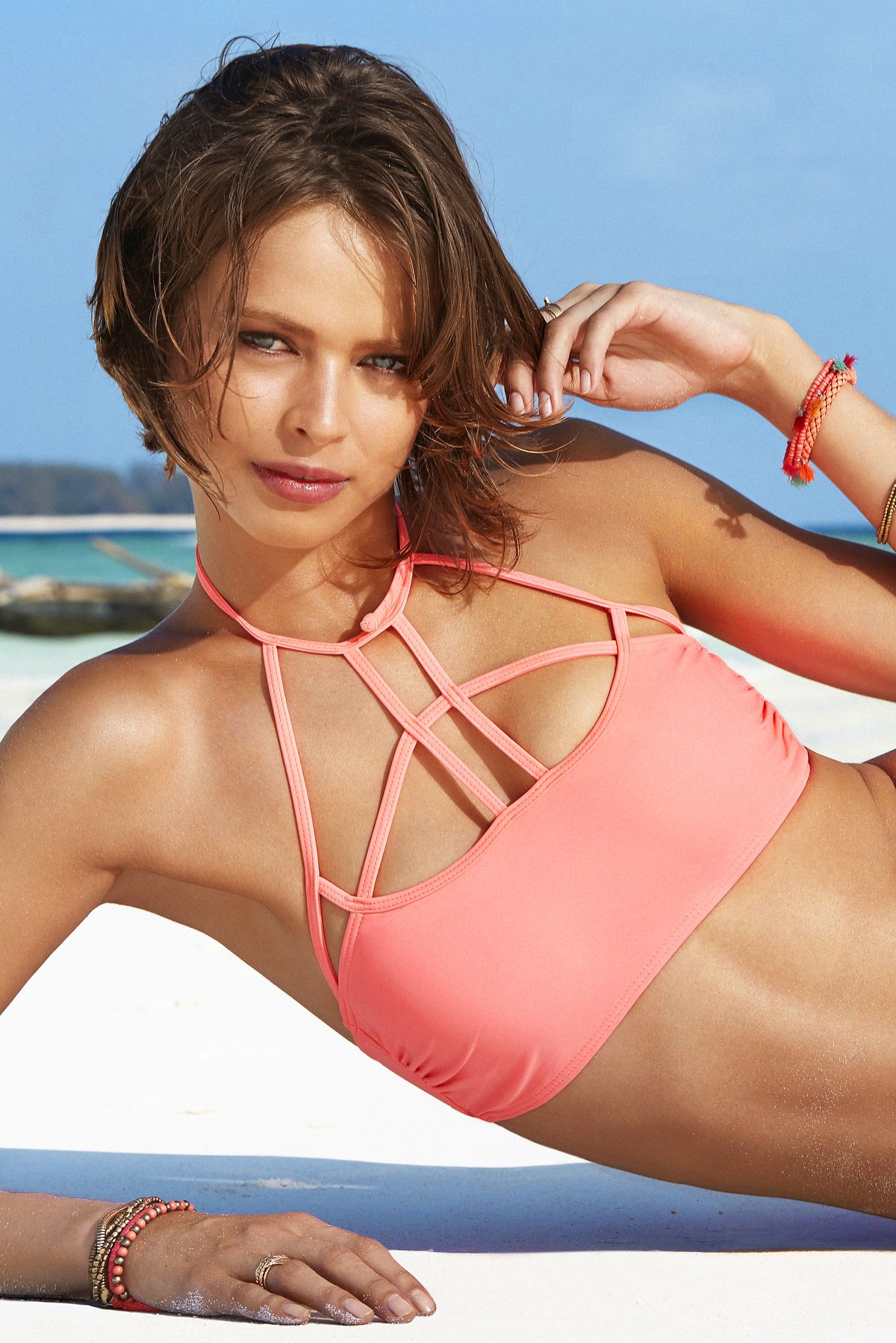
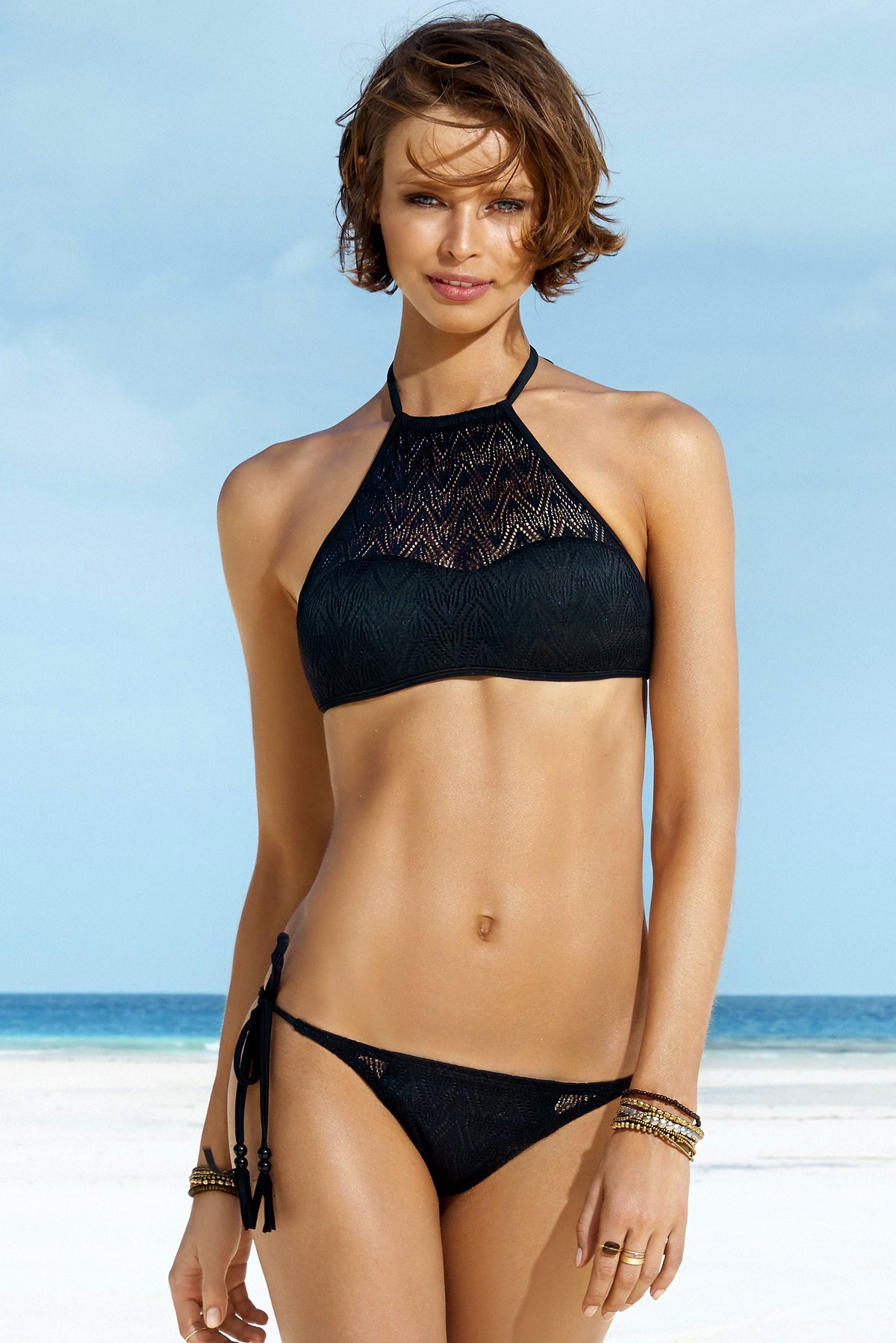
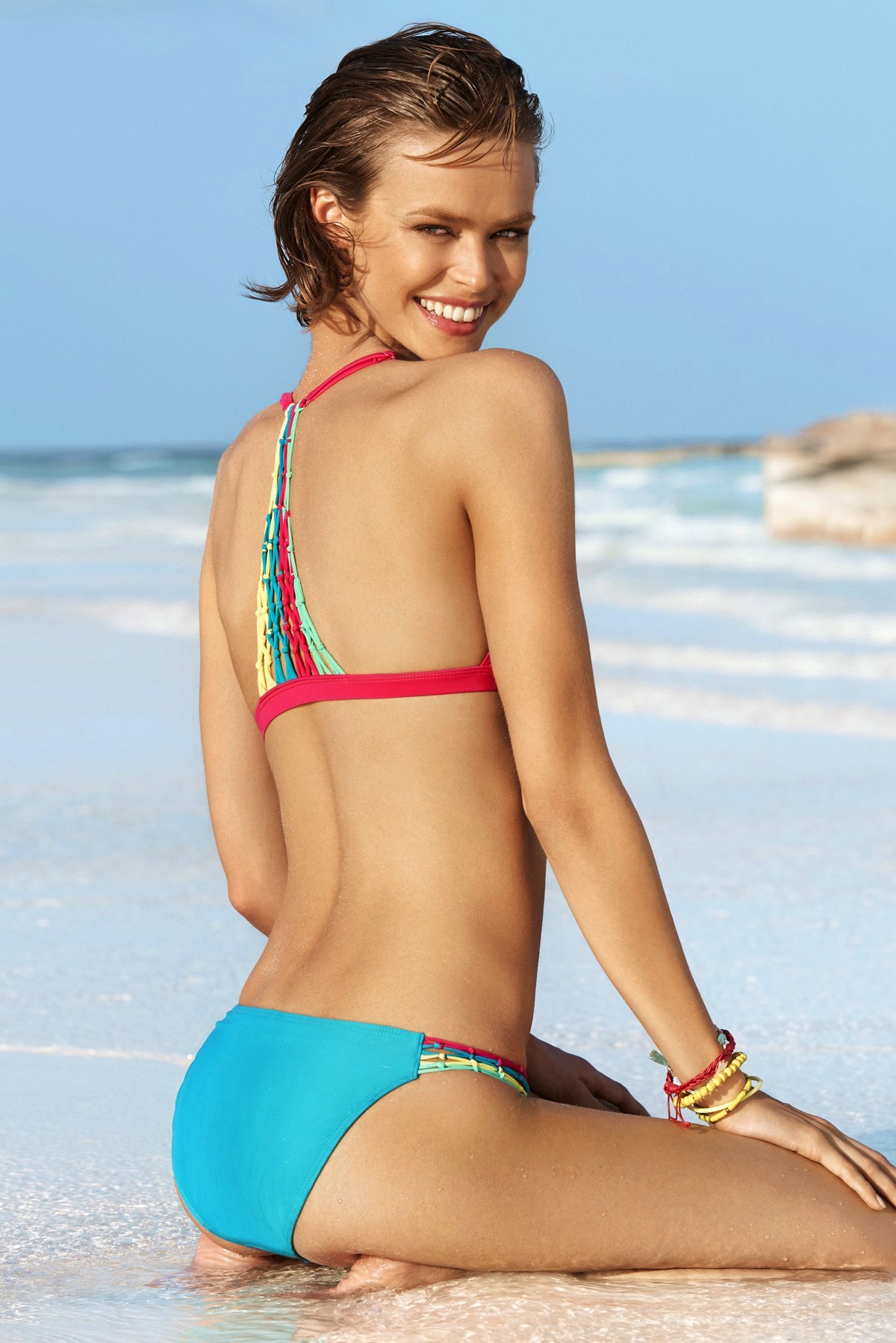
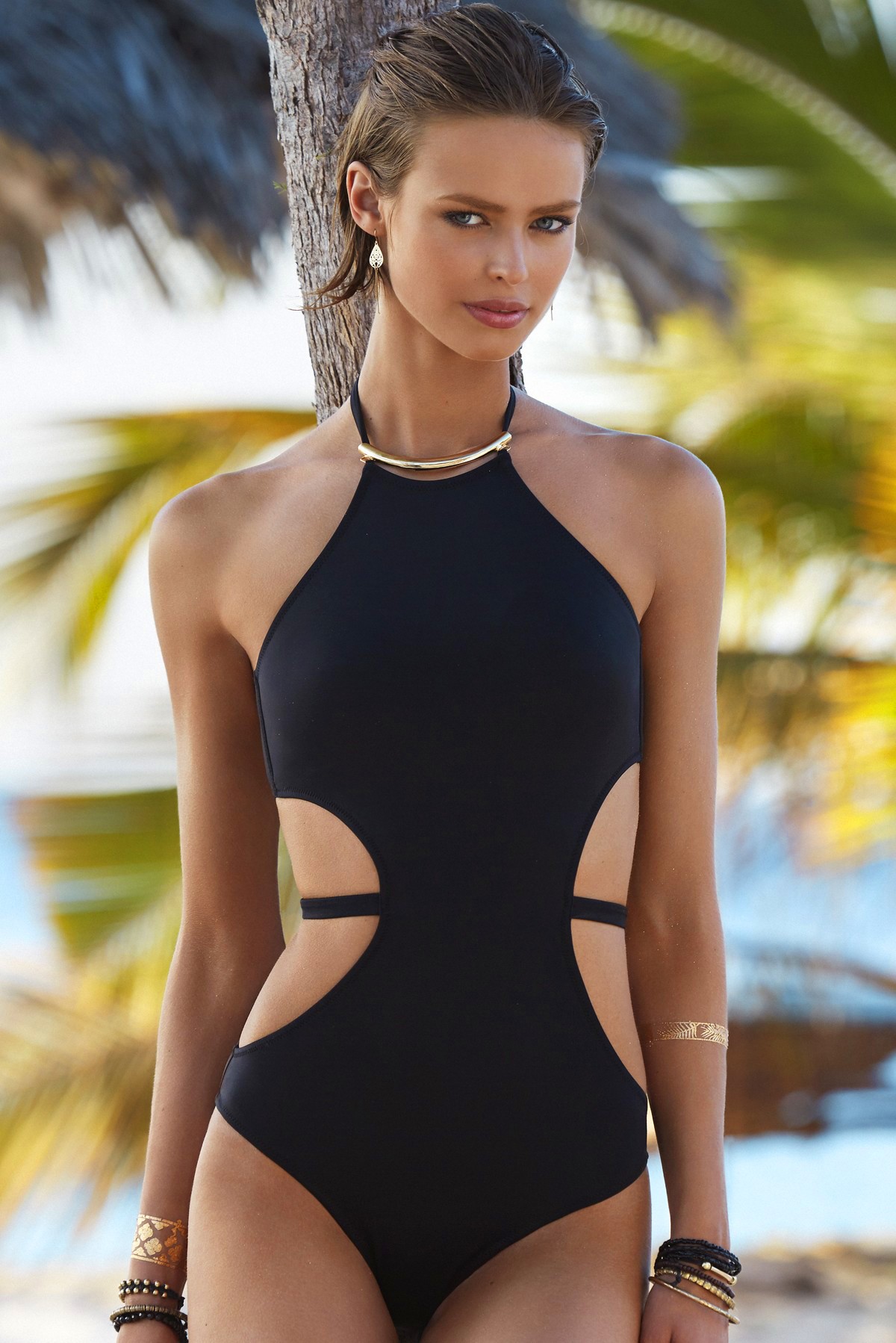
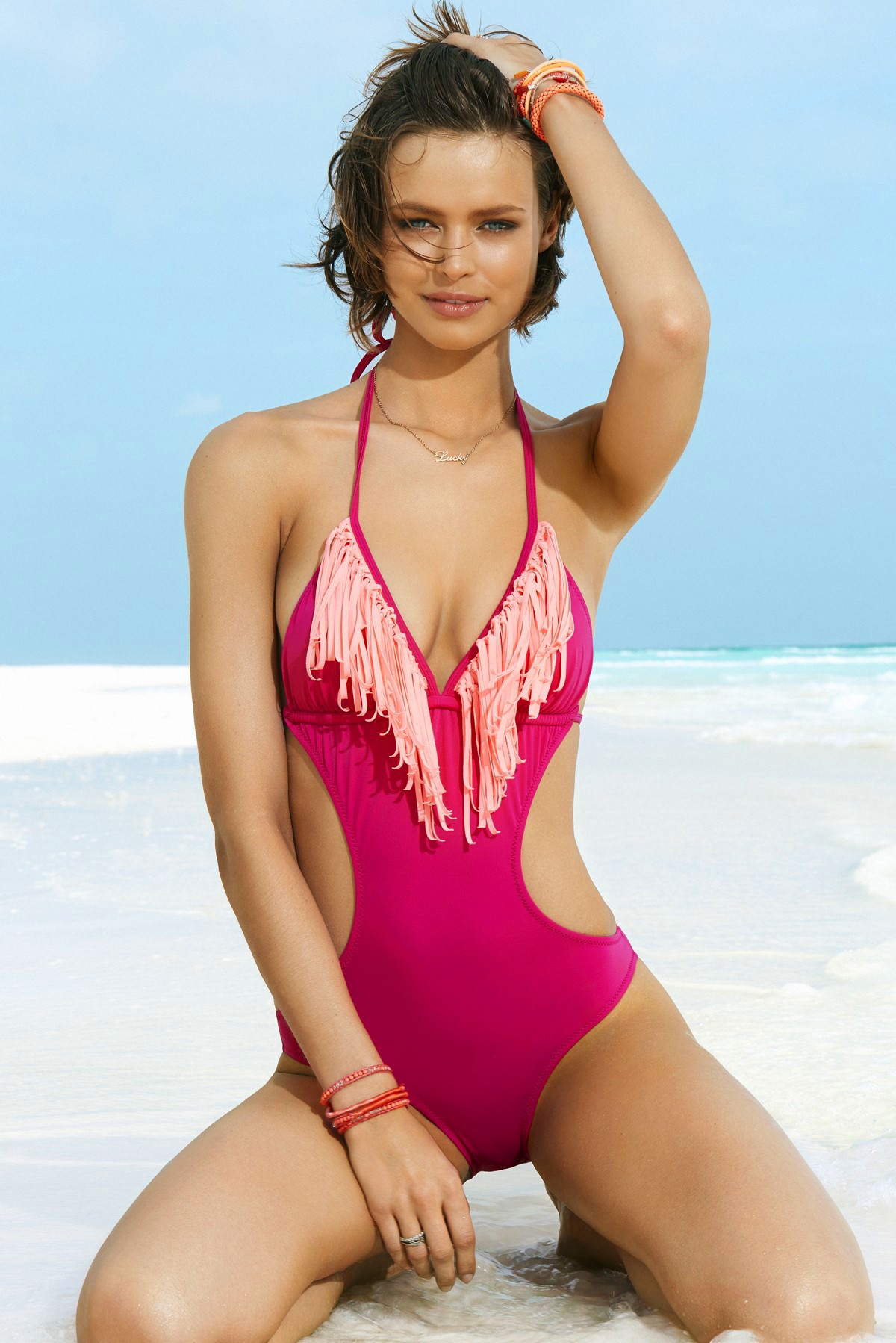
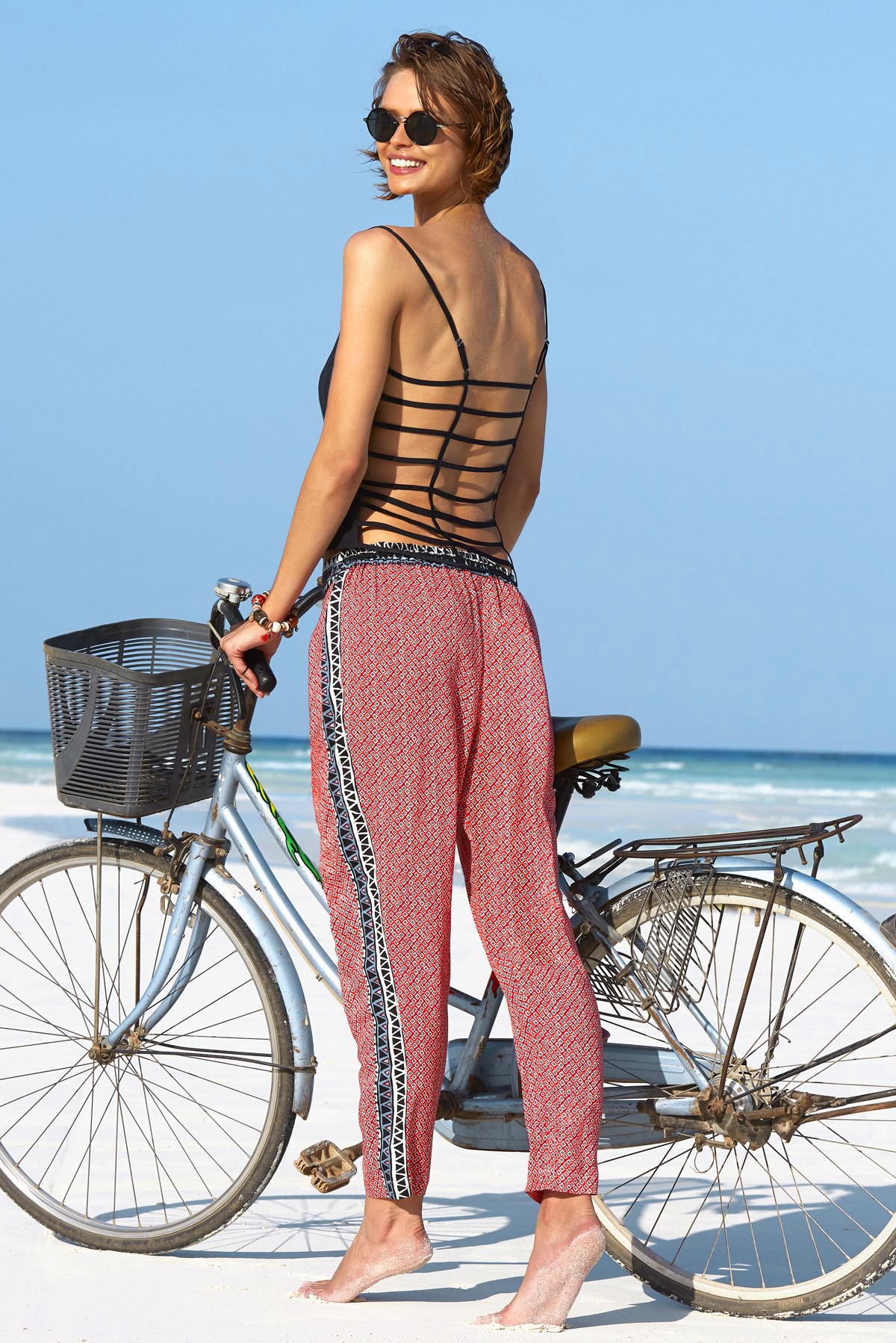
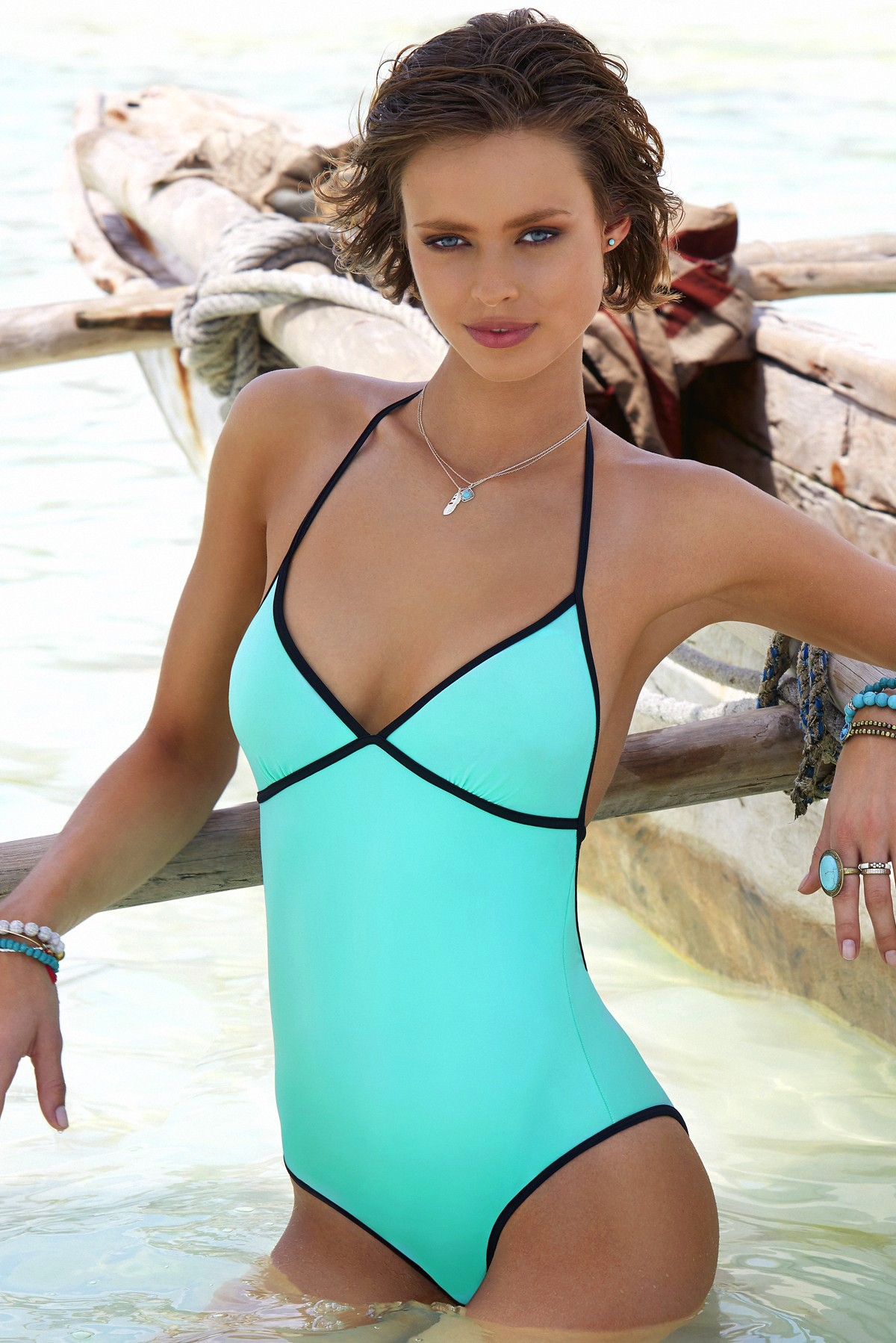
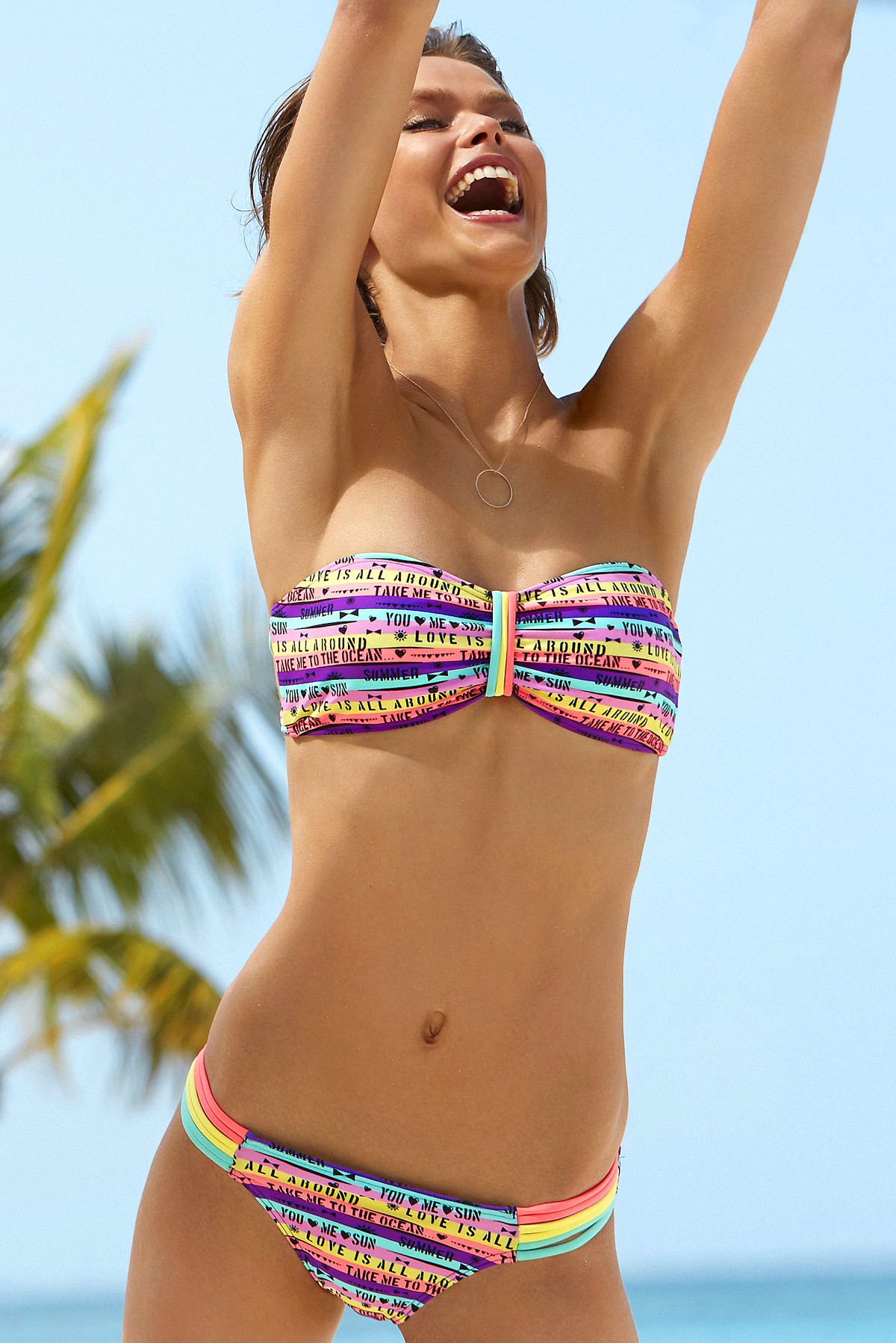
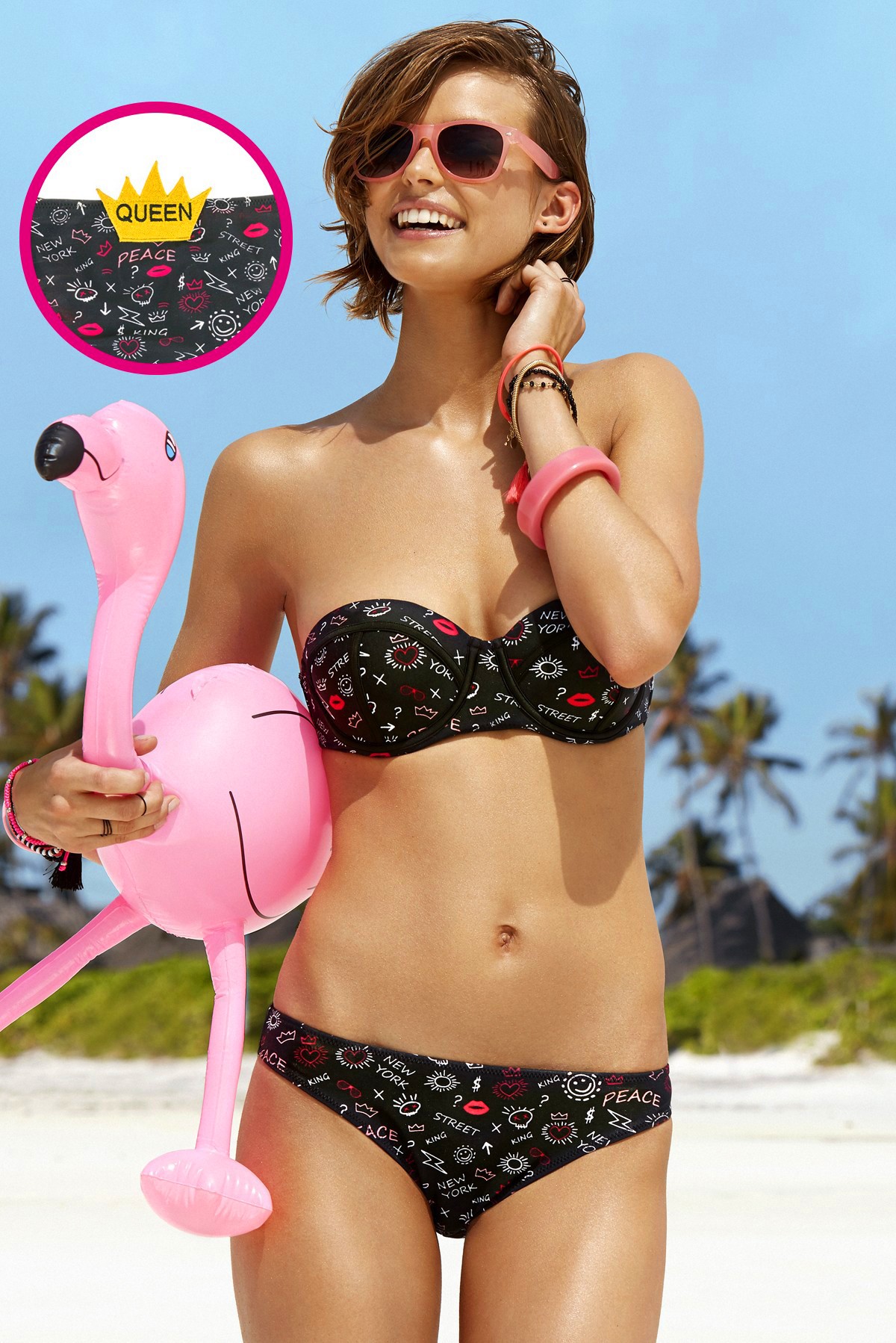
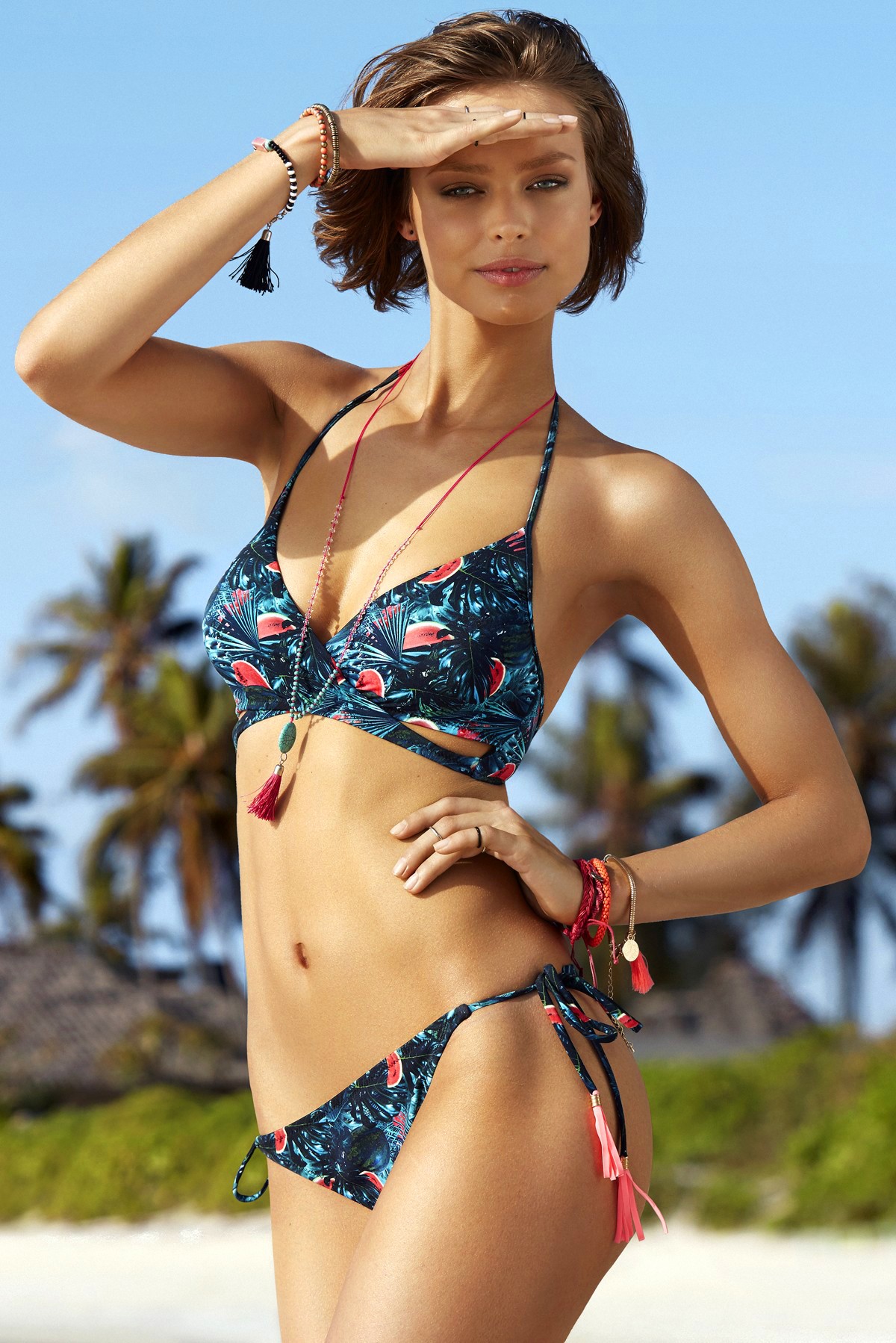
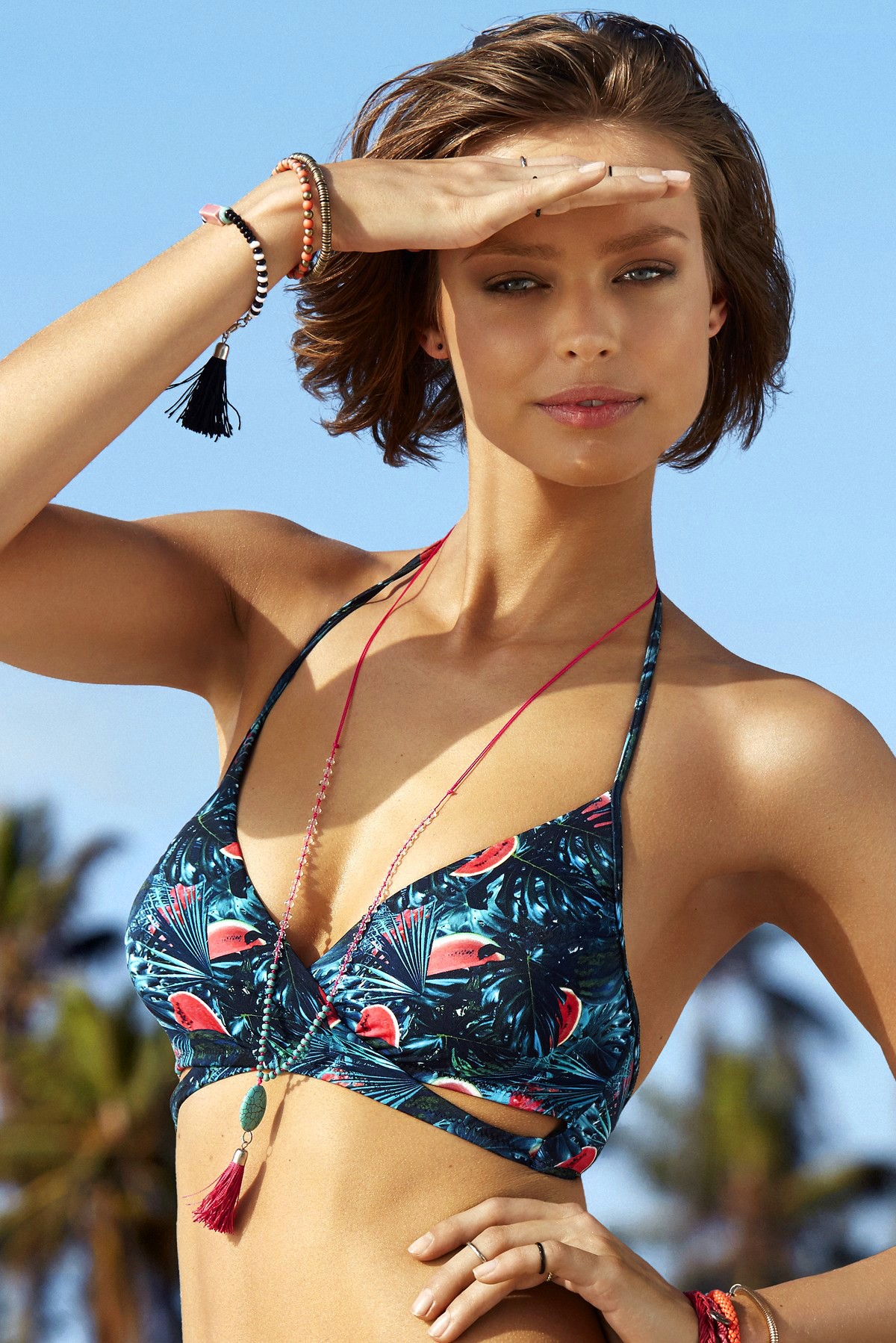
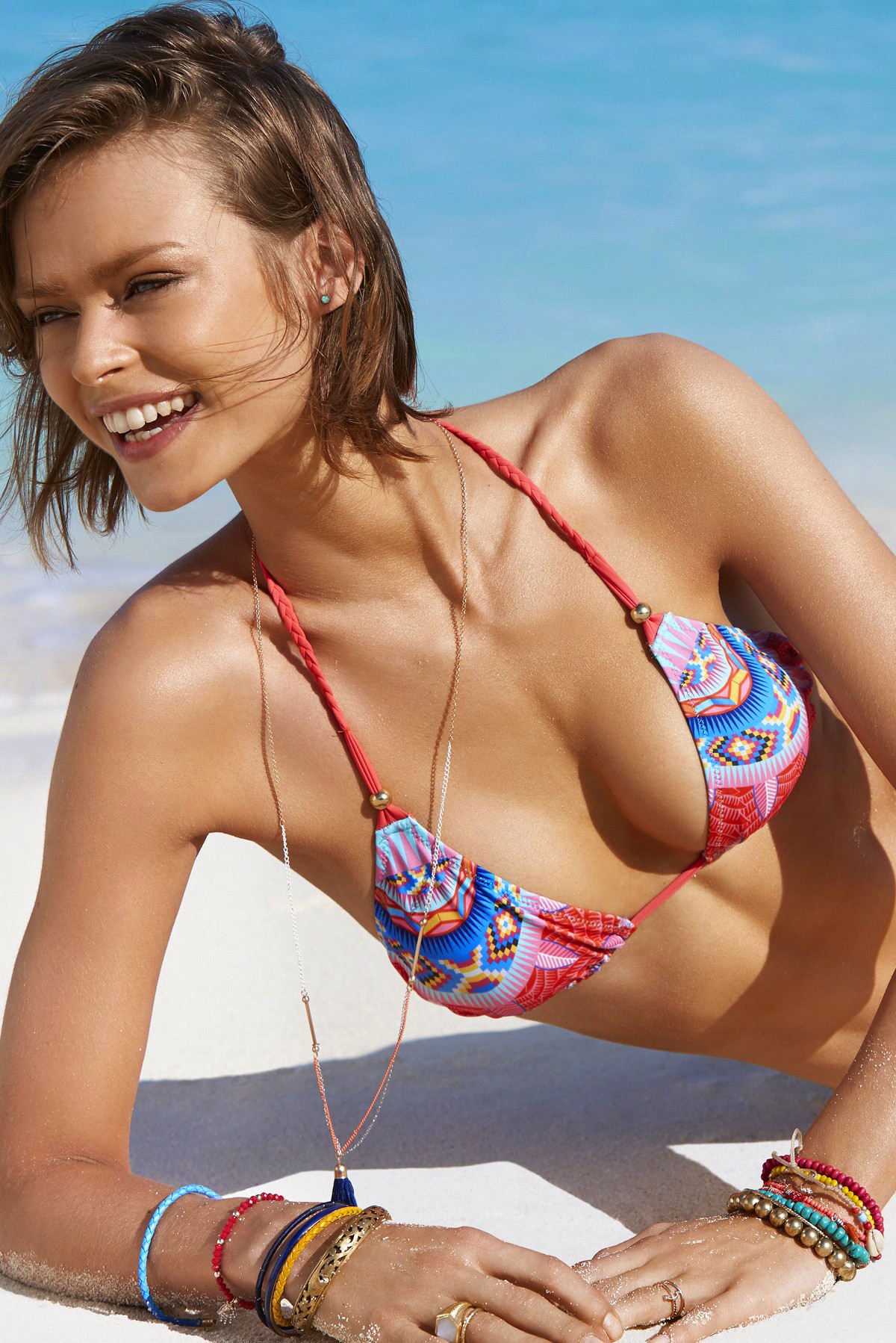
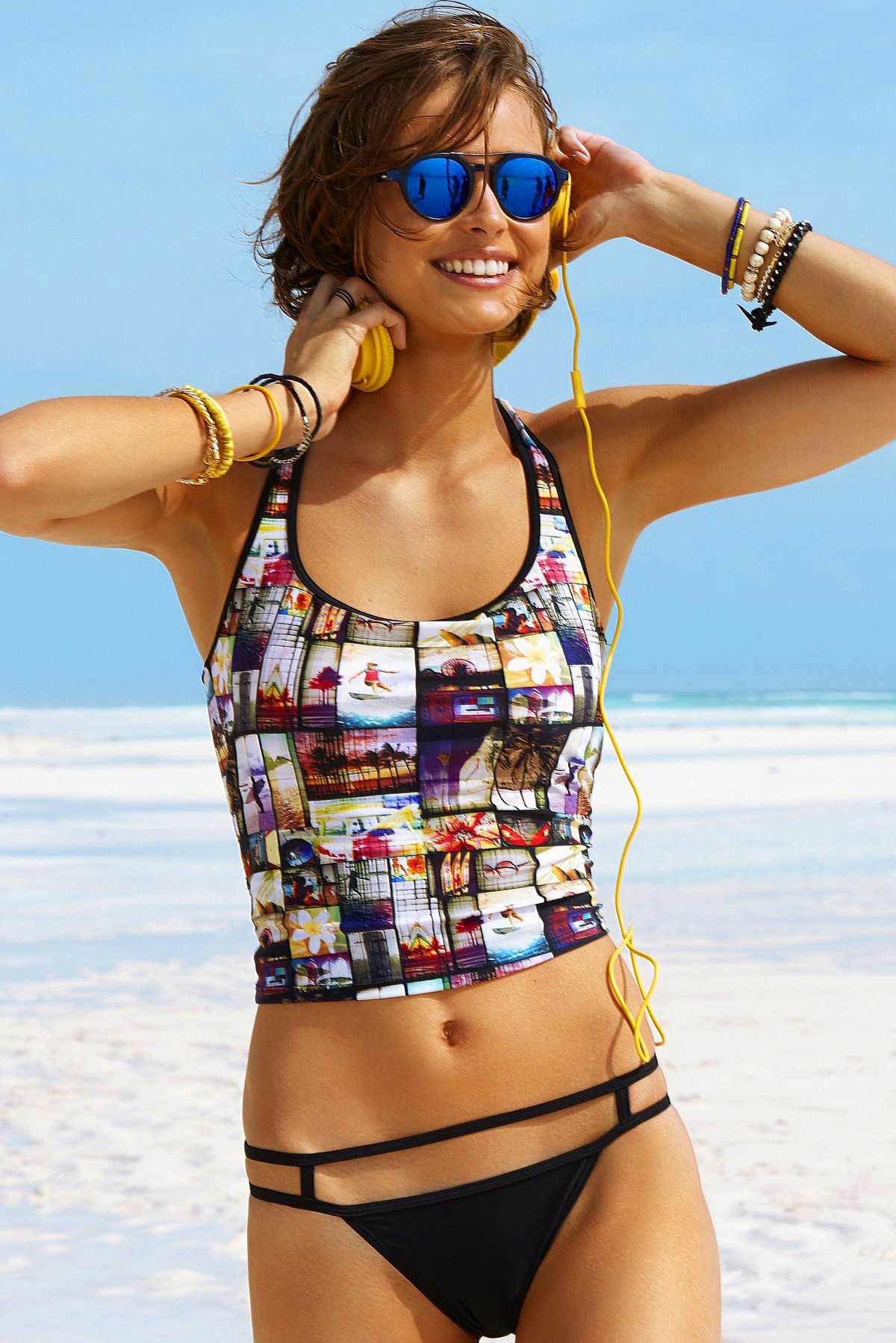
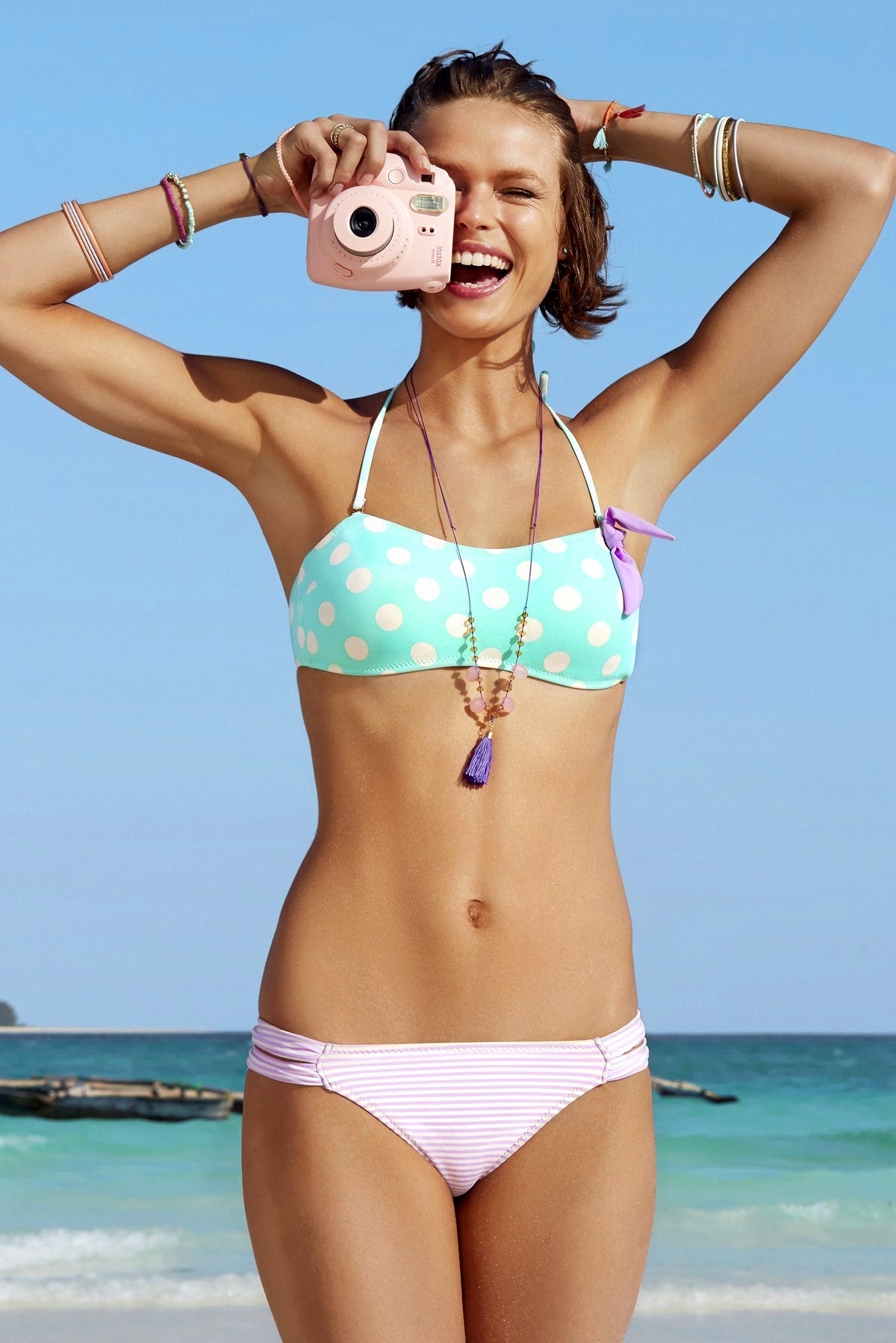
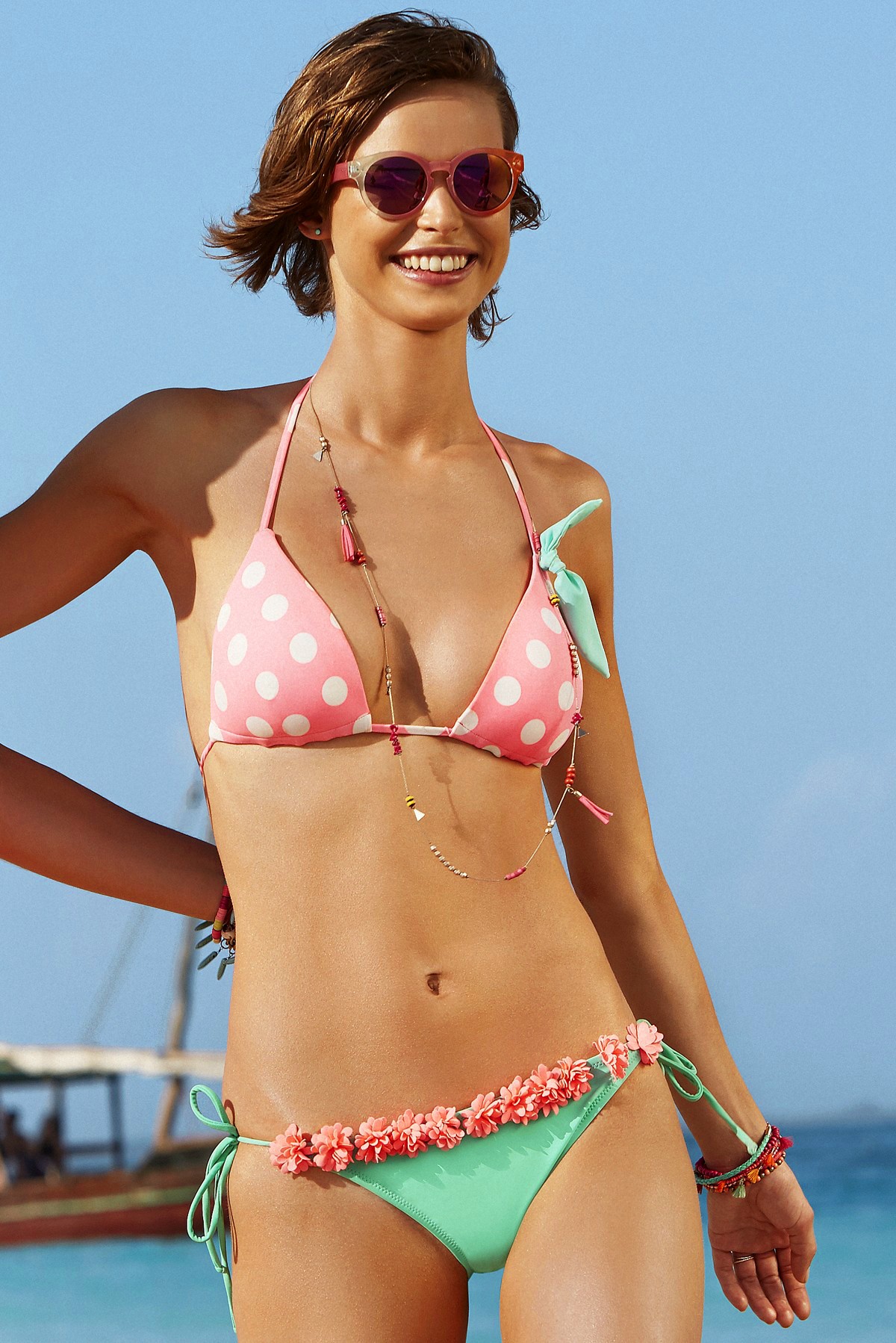
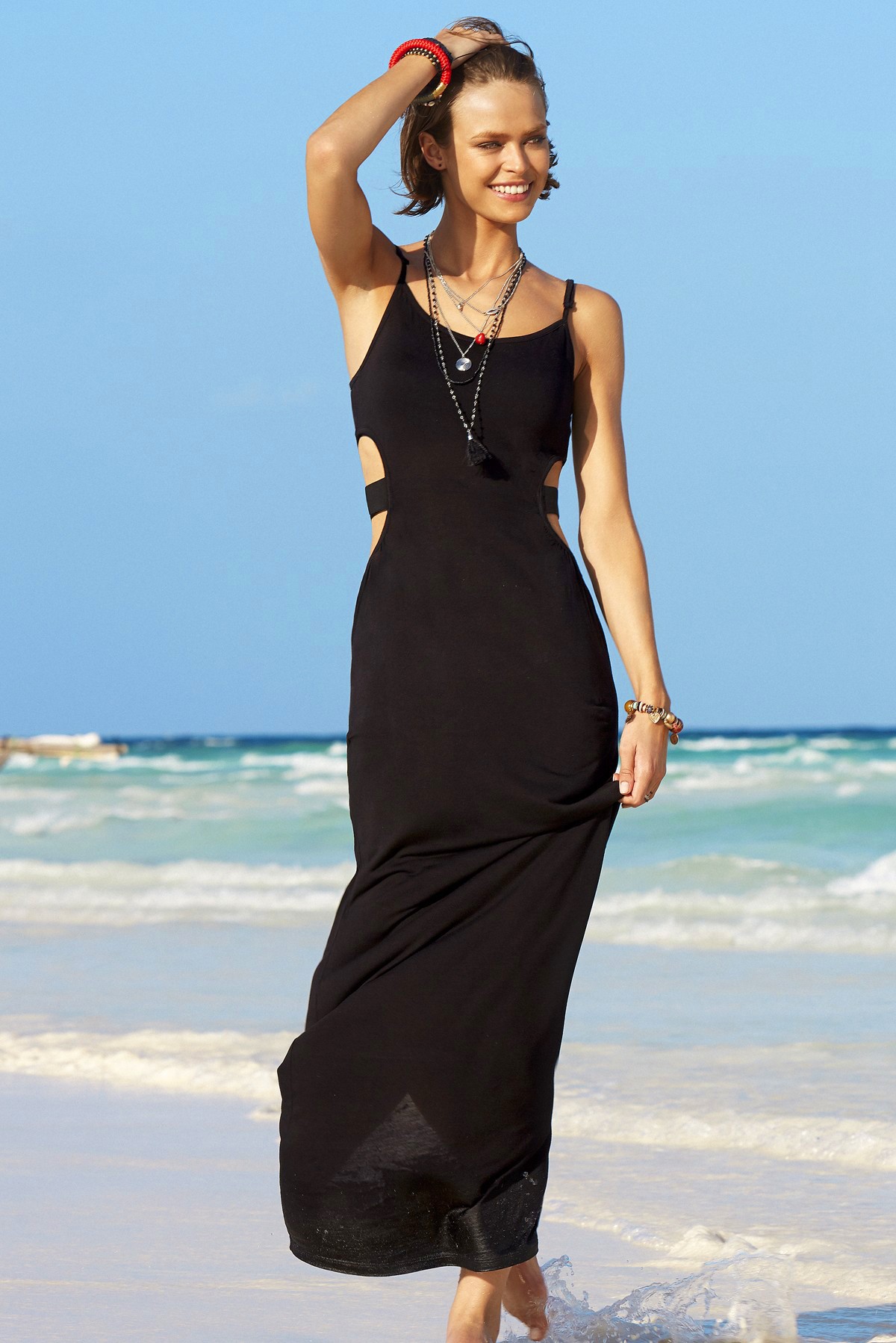
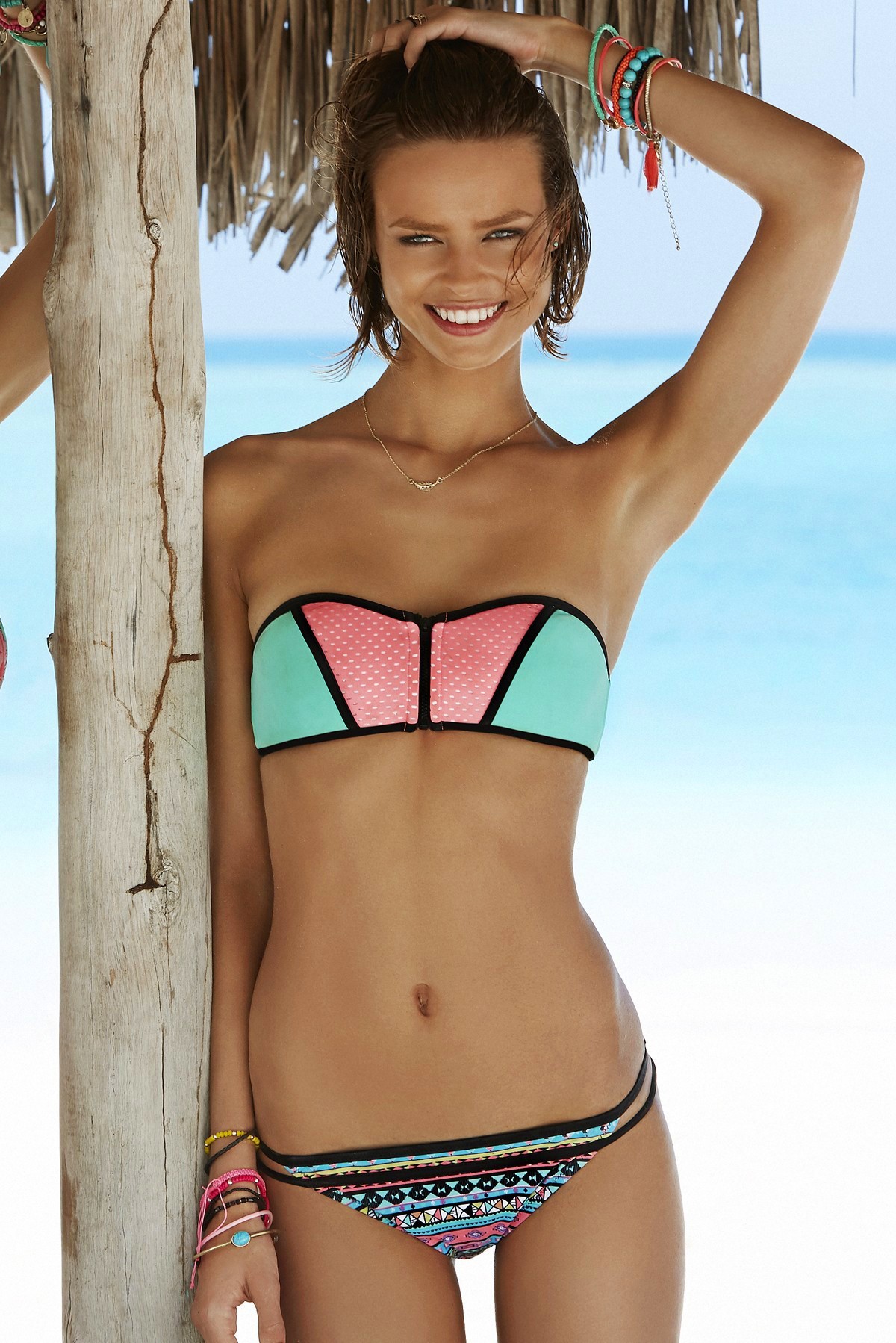
Penti Swimwear Summer 2015
Penti 2015 Catalog (Some pics not posted)
Penti Swimwear Summer 2015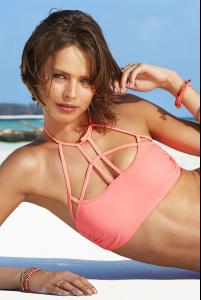
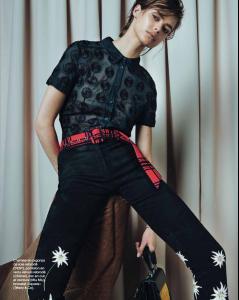
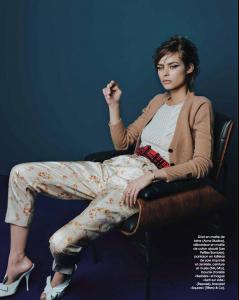
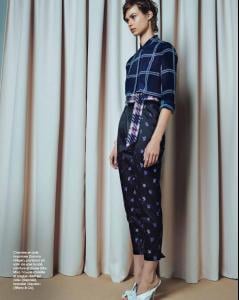
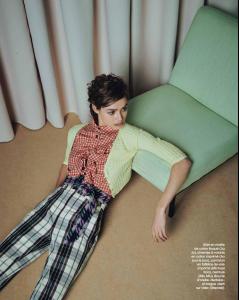
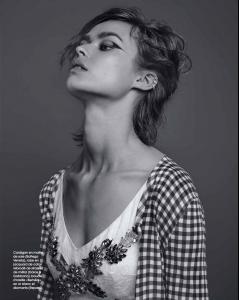
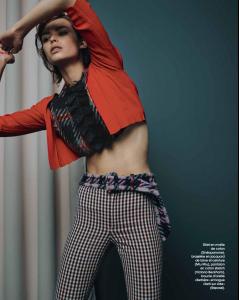
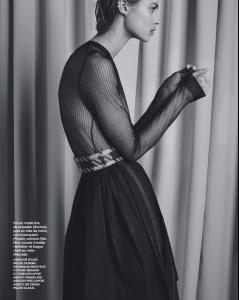
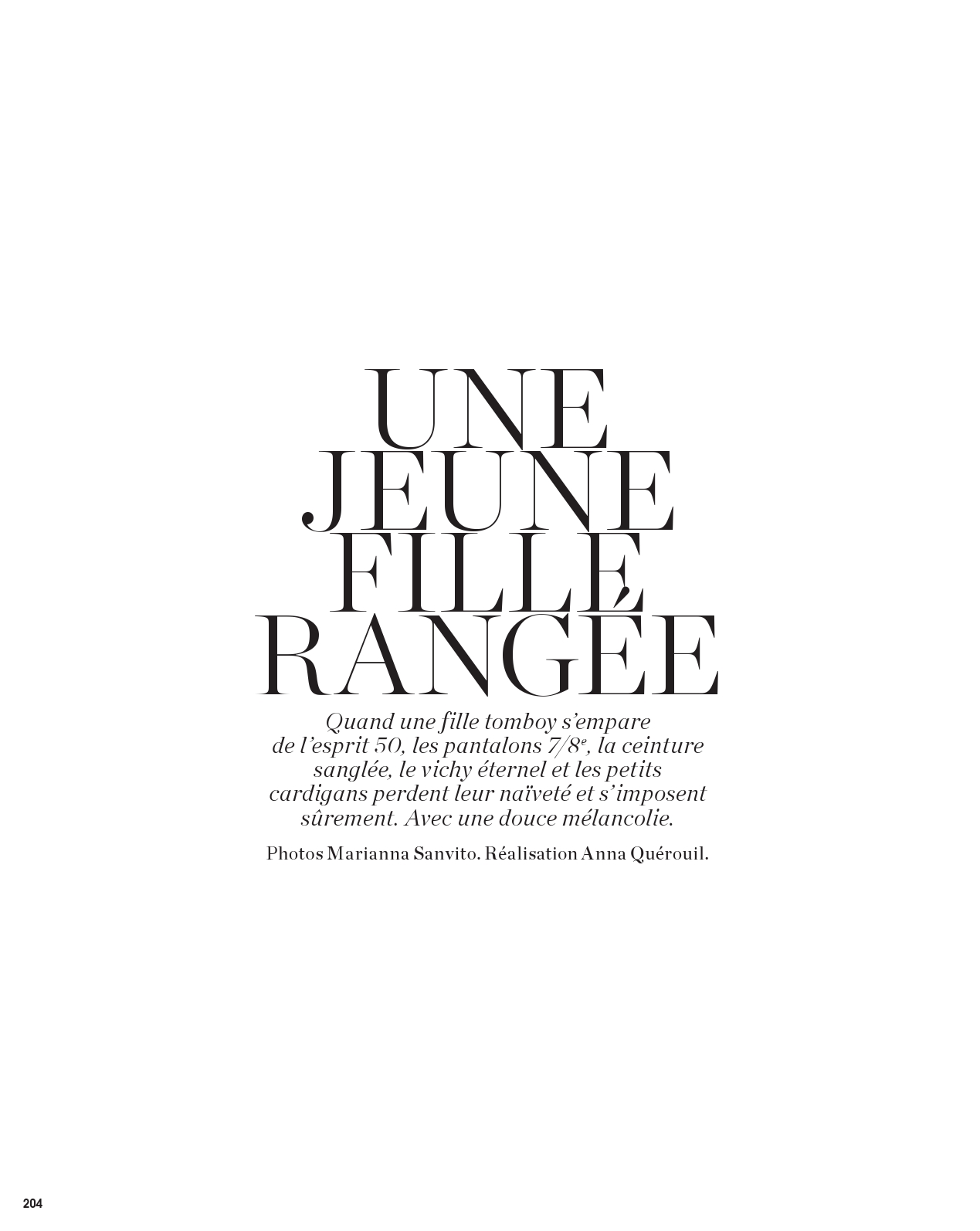
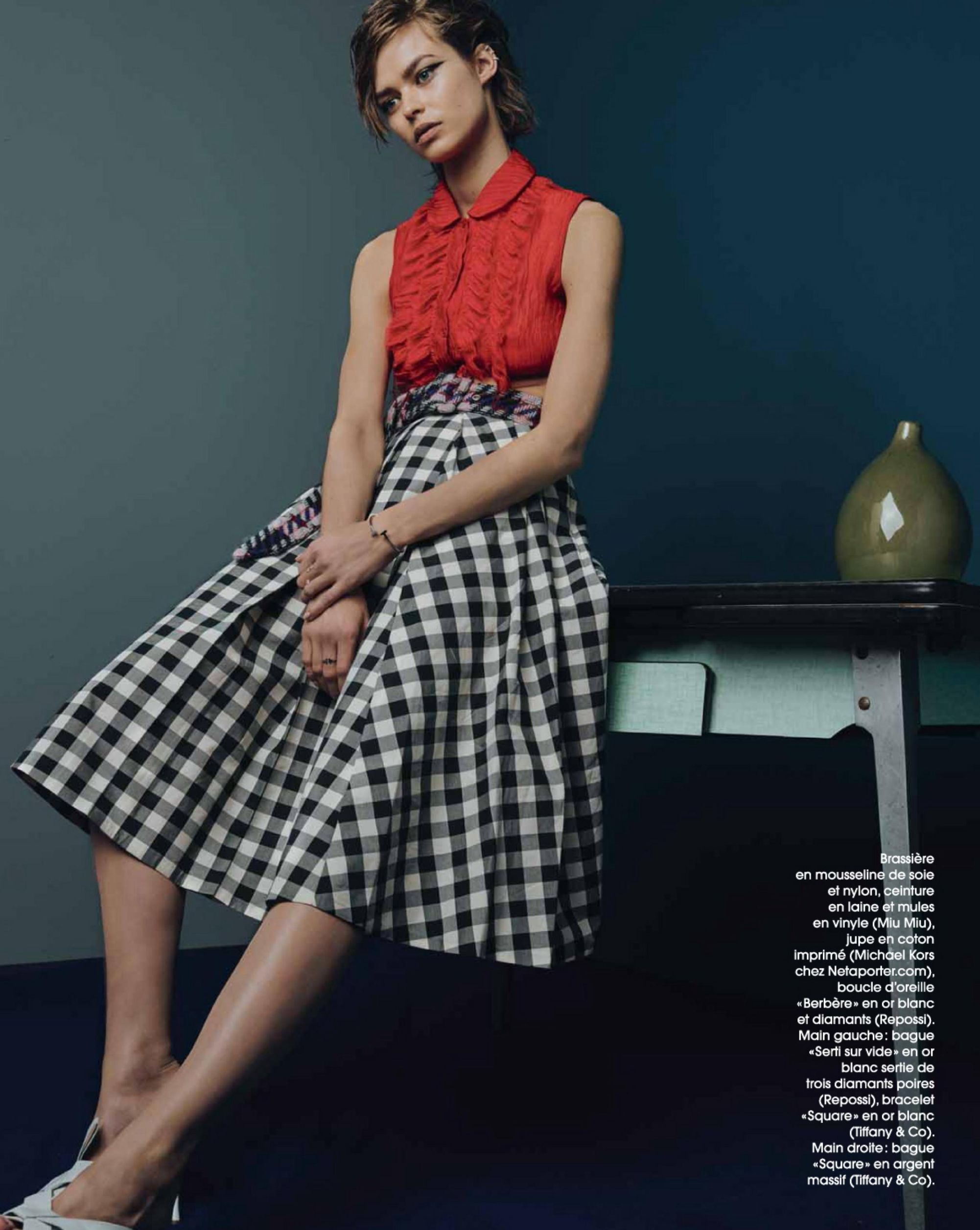
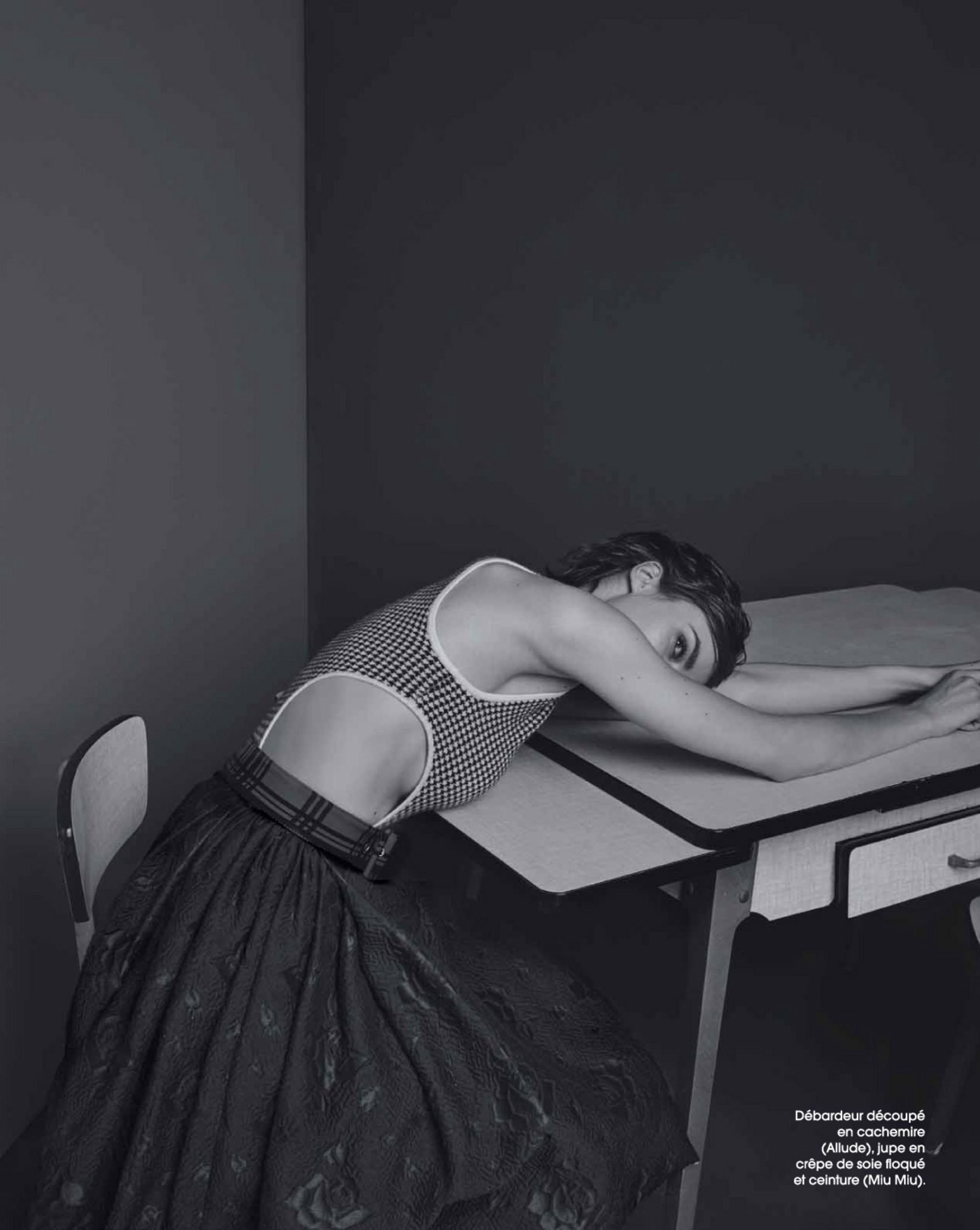
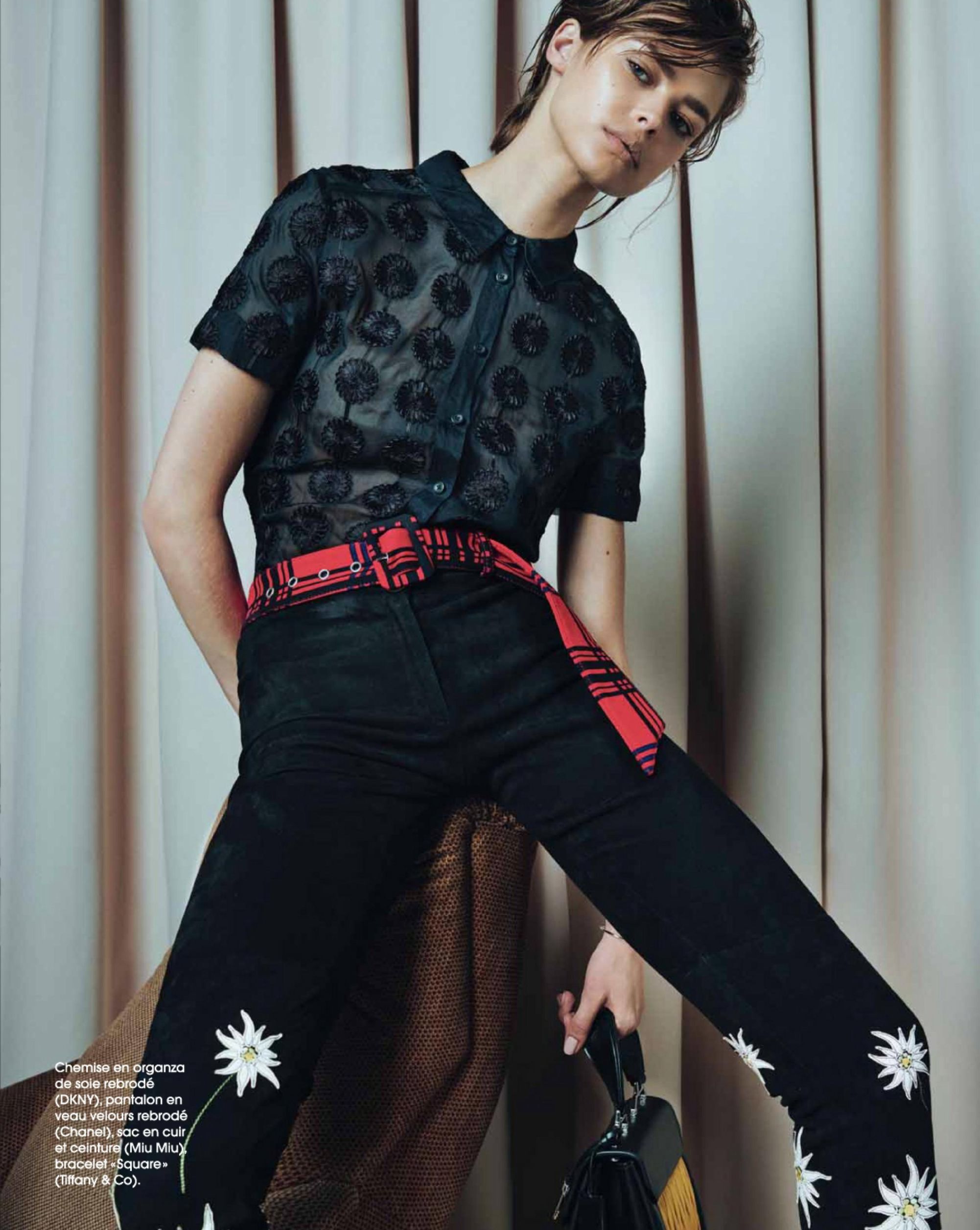
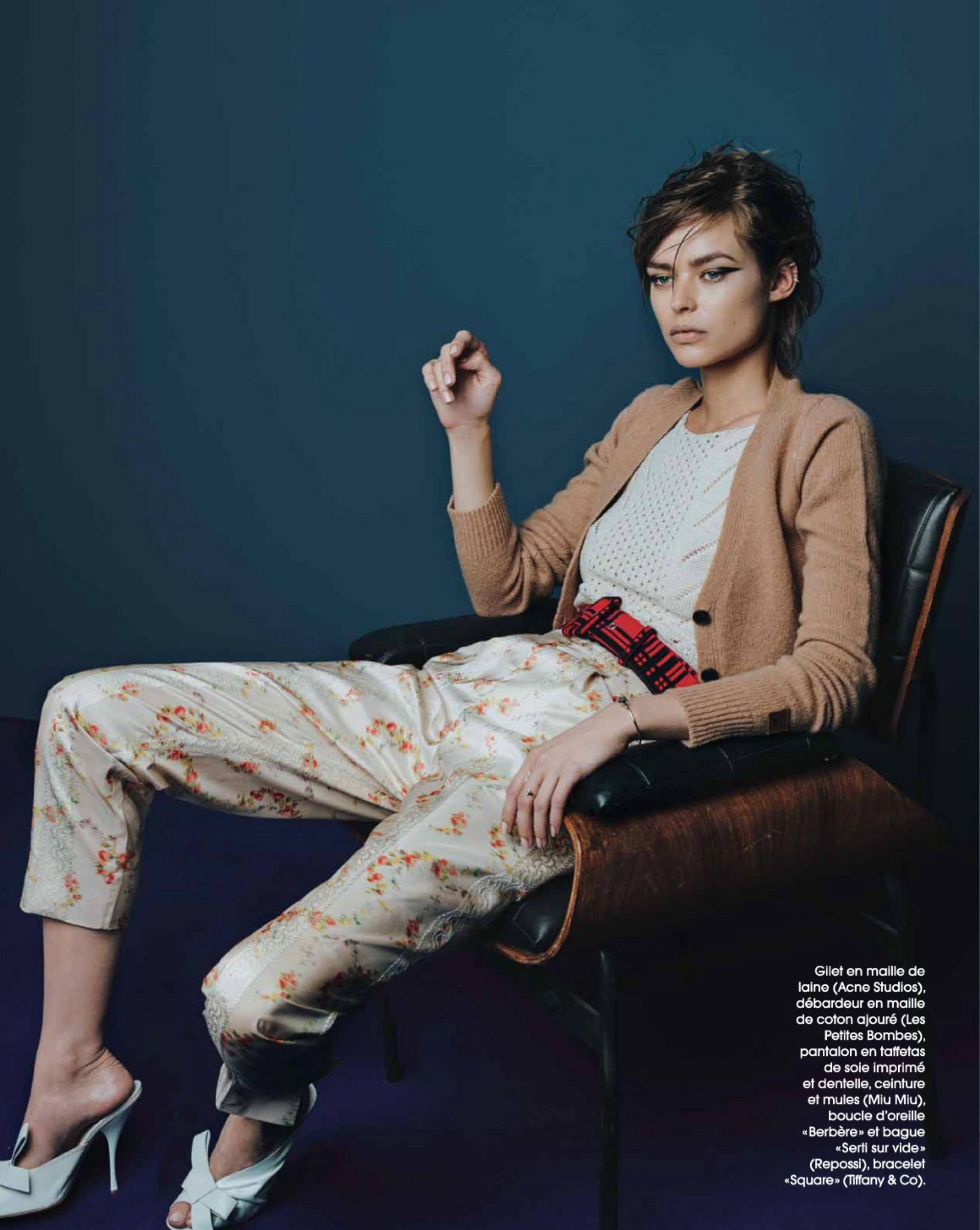
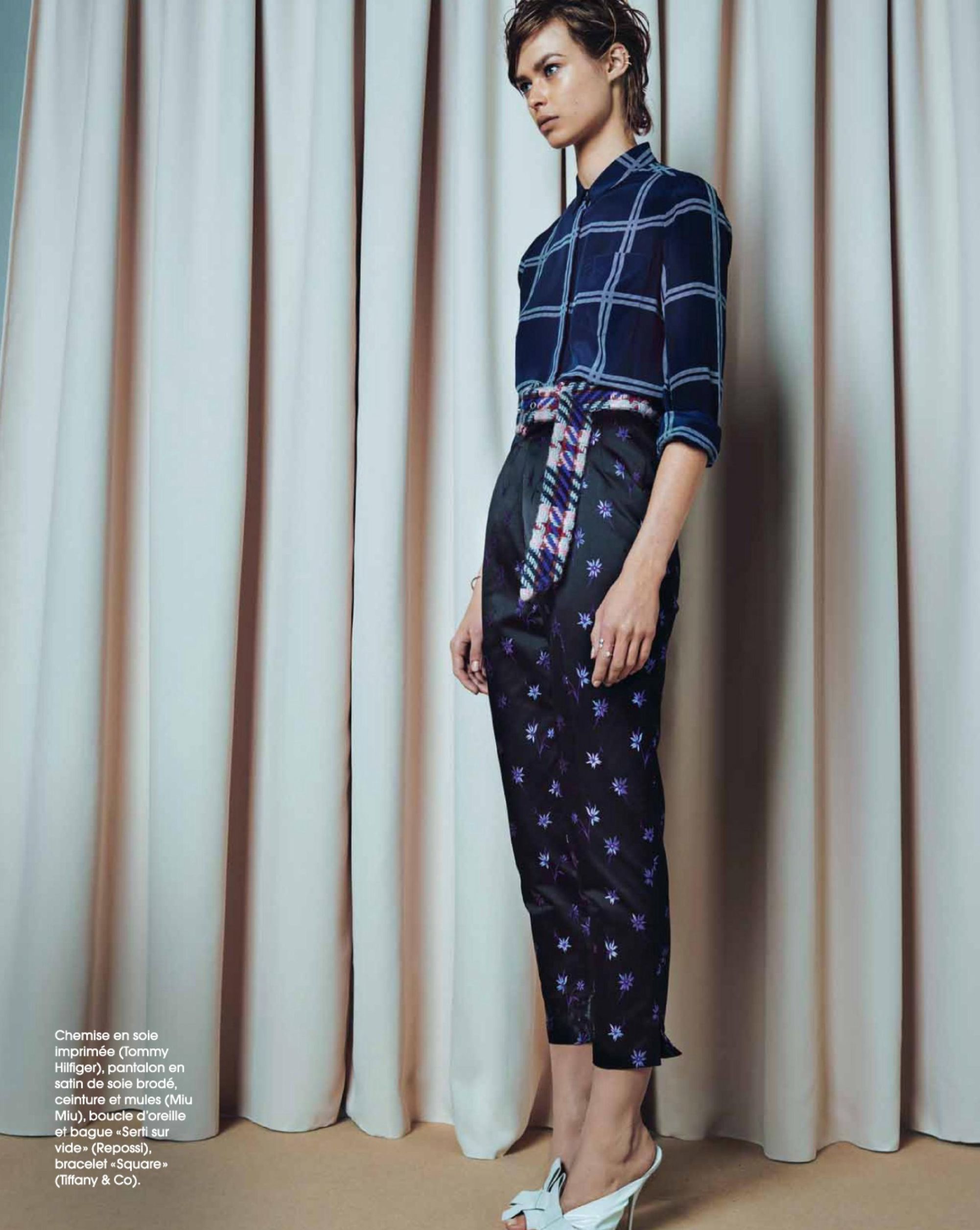
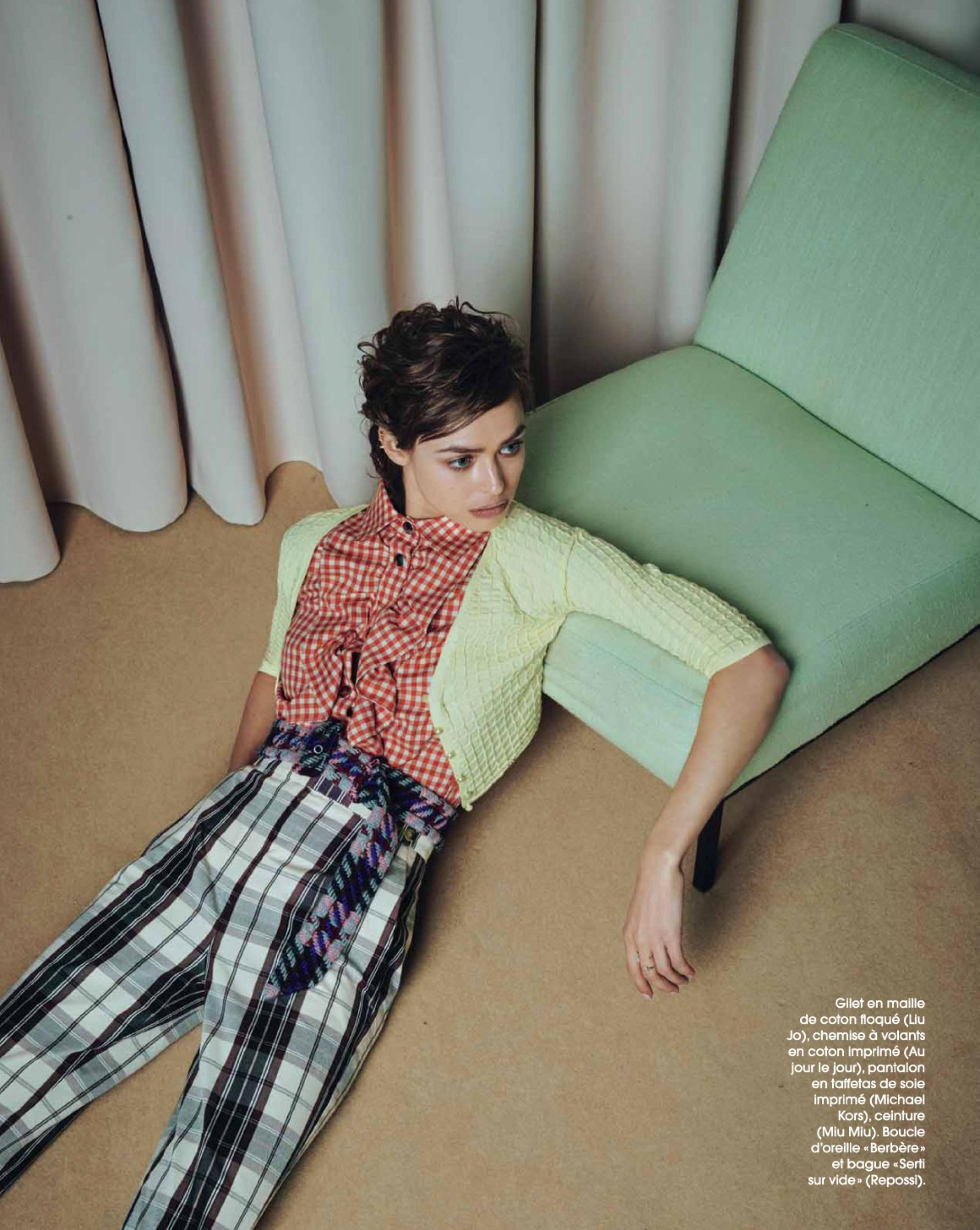
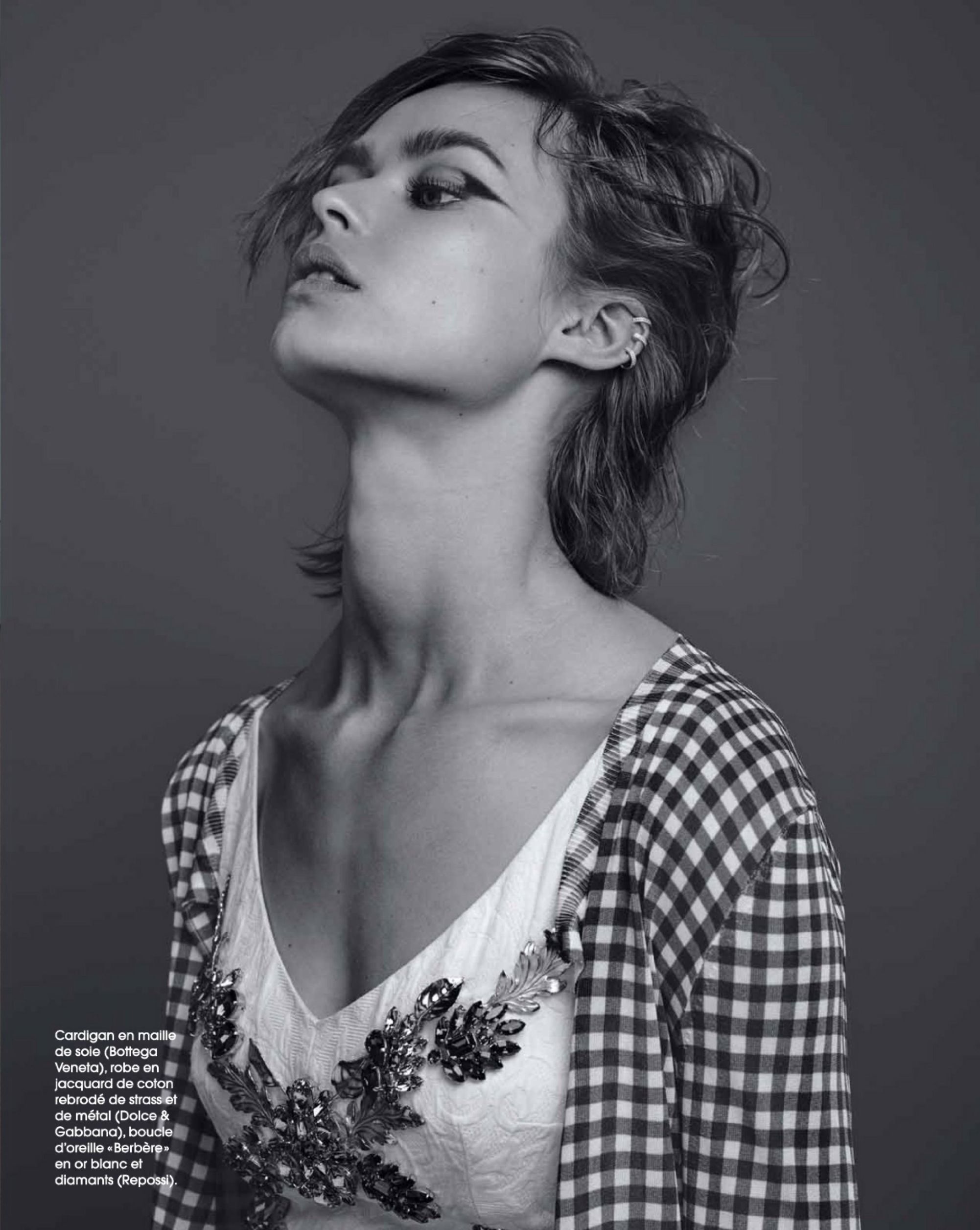
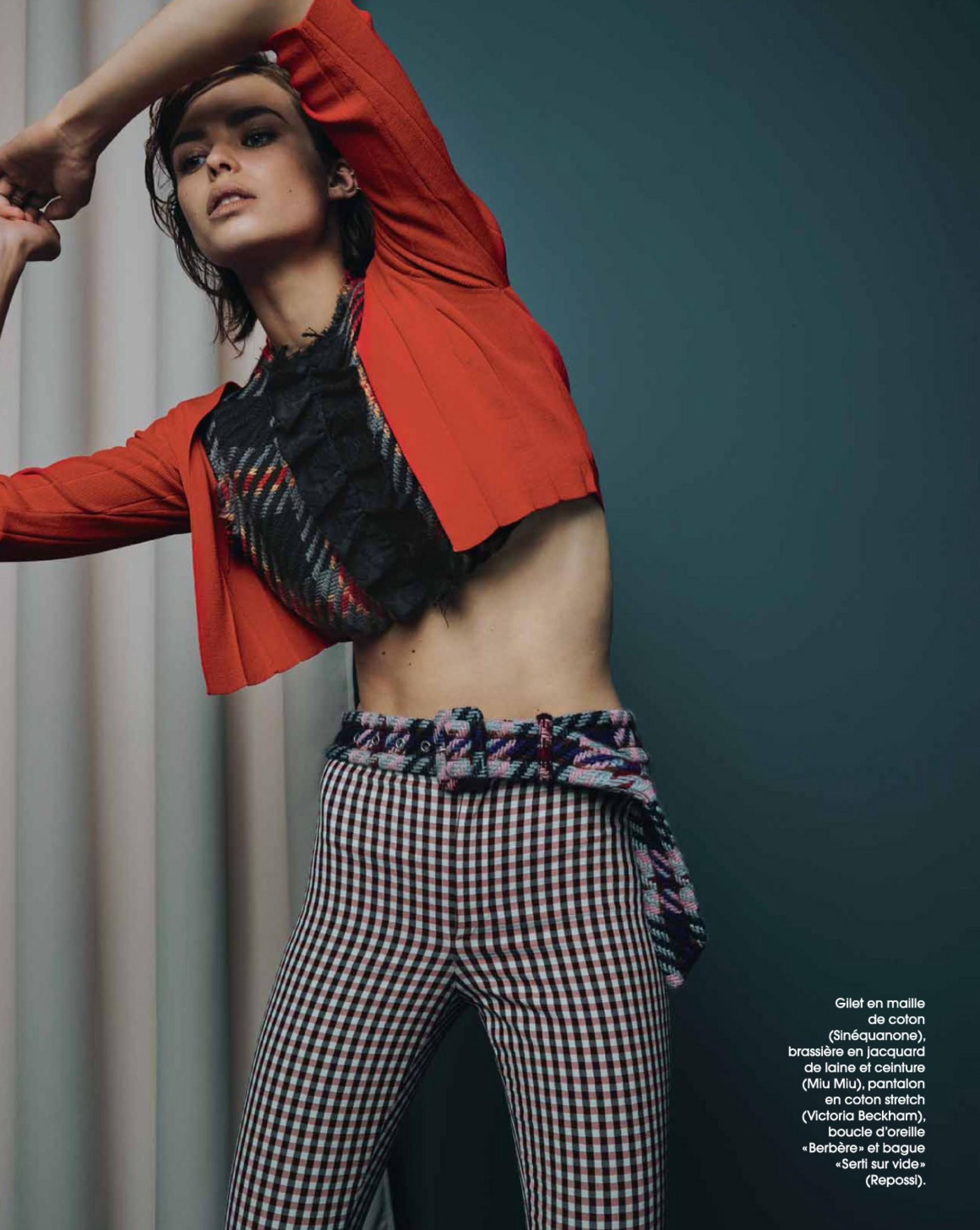
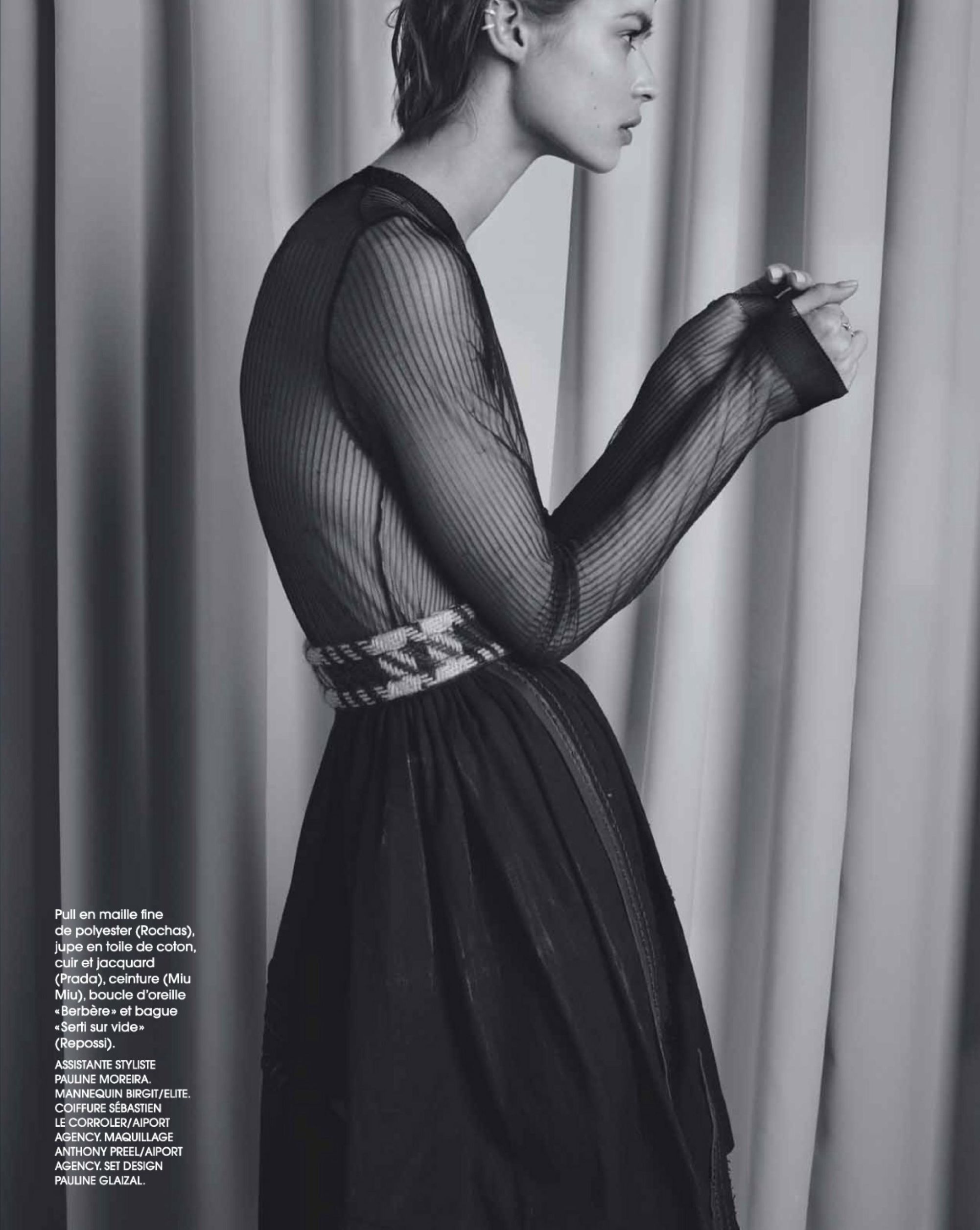
 "Une Jeune Fille Rangée" = "A Dutiful Daughter" for Marie Claire France July 2015 Photographer: Marianna Sanvito Stylist: Anna Quérouil Hair: Sébastien Le Corroller at Airport Agency Make-up: Anthony Preel at Airport Agency Set Design: Pauline Glaizal Model: Birgit Kos Source: imcmagazine.com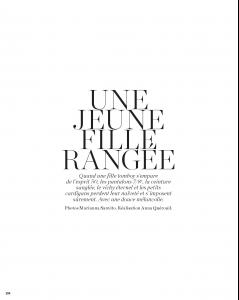
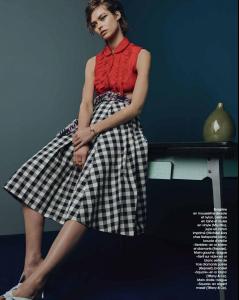
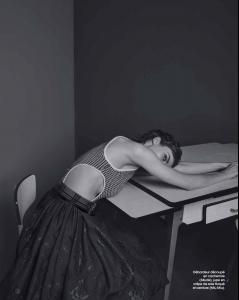
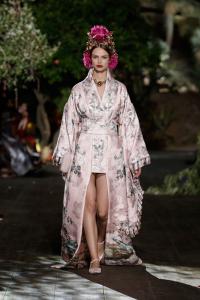
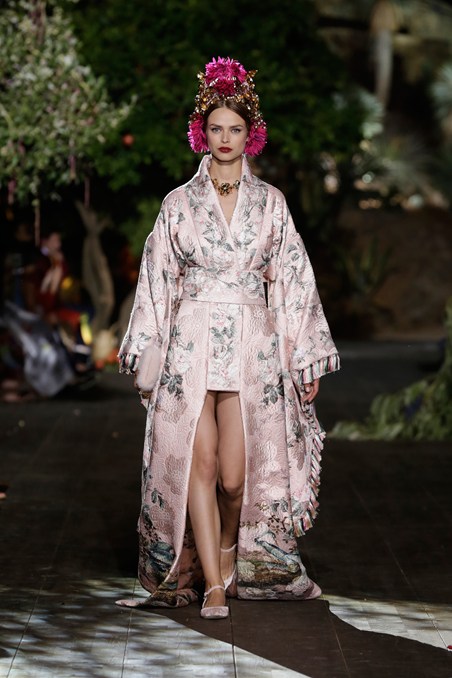
 Dolce & Gabbana Alta Moda 2016
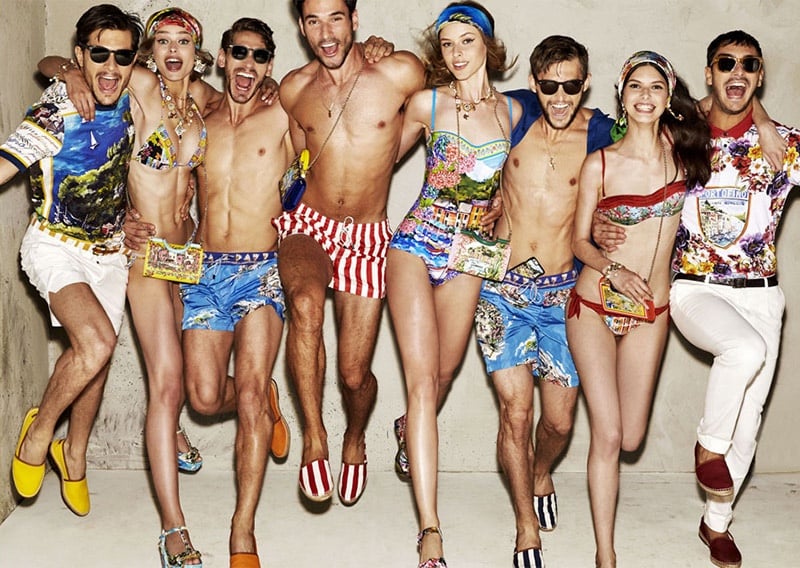
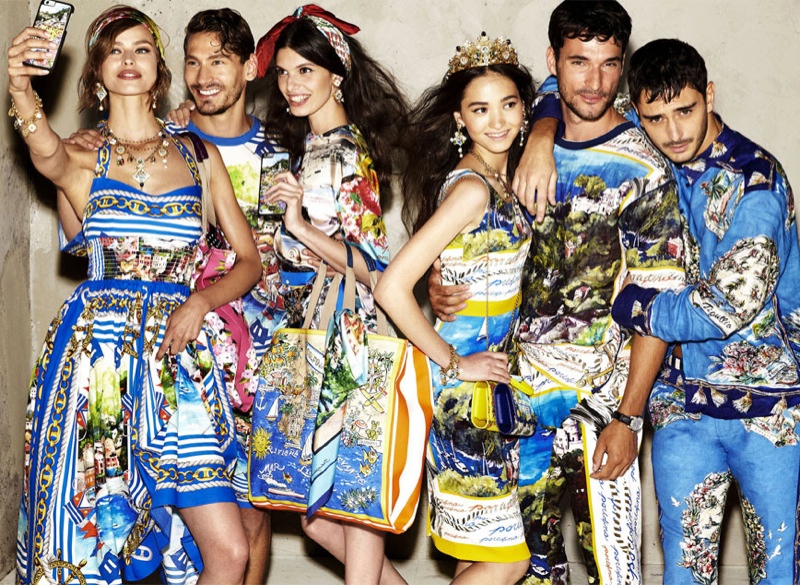
 Dolce & Gabbana spring 2015 limited-edition Portofino collection
 ^That last pic
Daniela x15
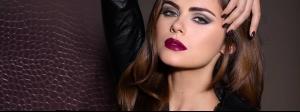
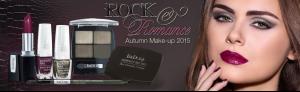
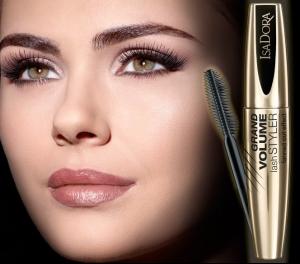
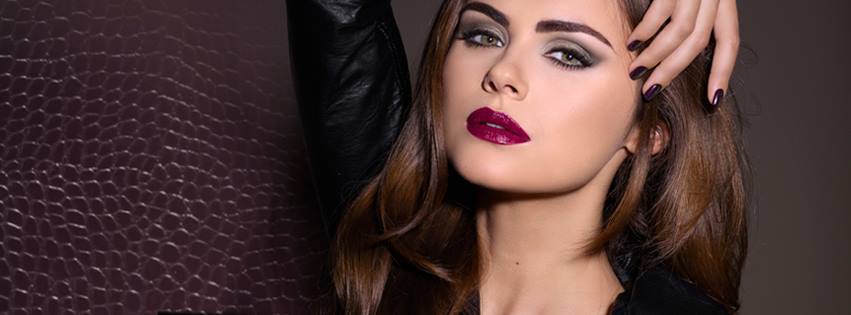
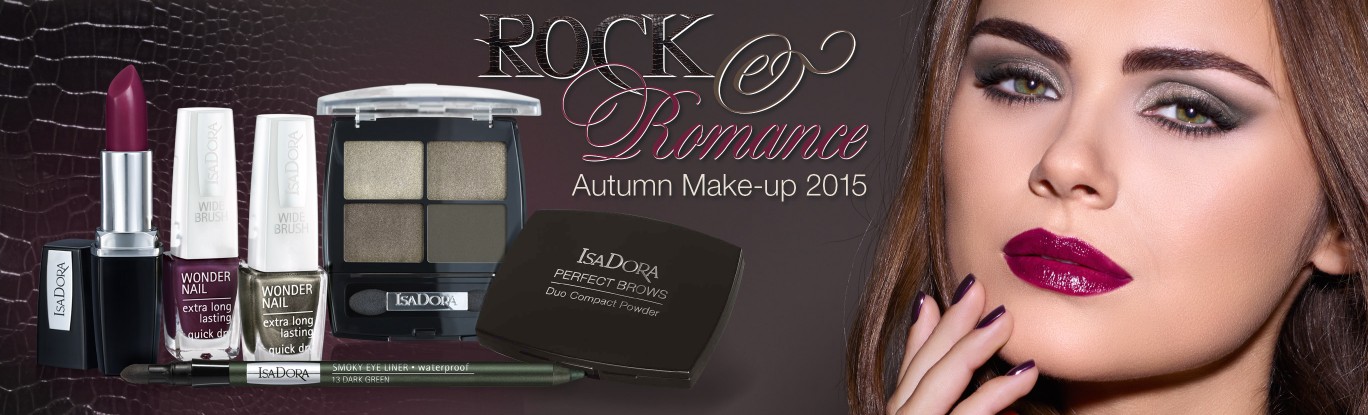
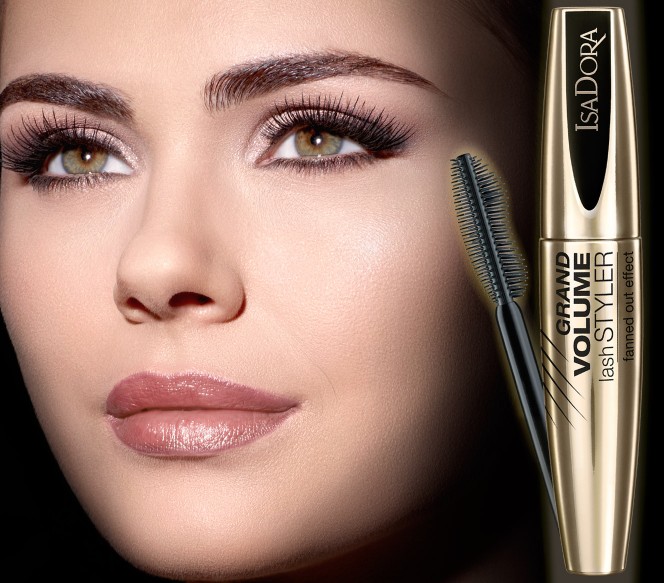
Isadora
^That last pic
Daniela x15
Isadora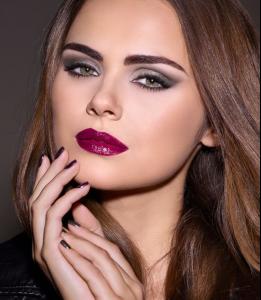
 fashionmilk.com Robin has modelled for G-Star Raw and is currently on there website. (I can't grab the pics)
Tanya 5 Robin 10
fashionmilk.com Robin has modelled for G-Star Raw and is currently on there website. (I can't grab the pics)
Tanya 5 Robin 10
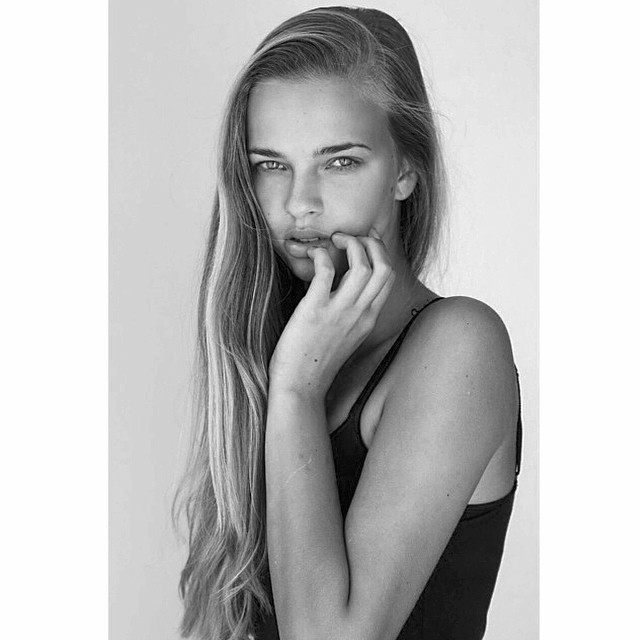
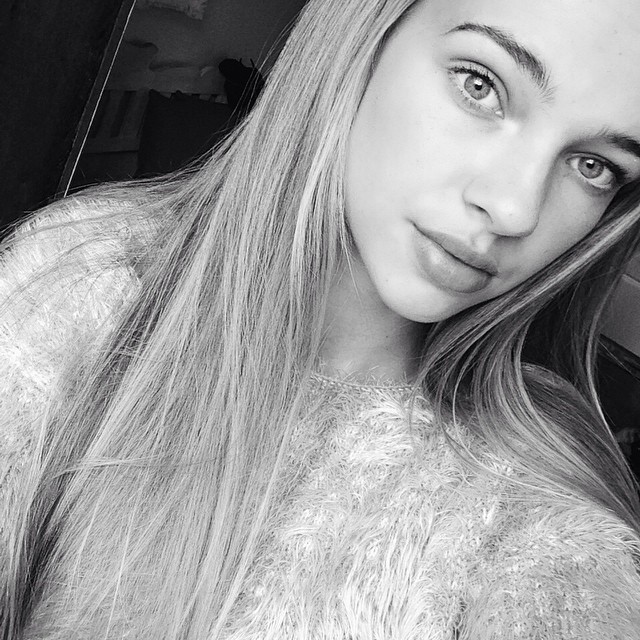
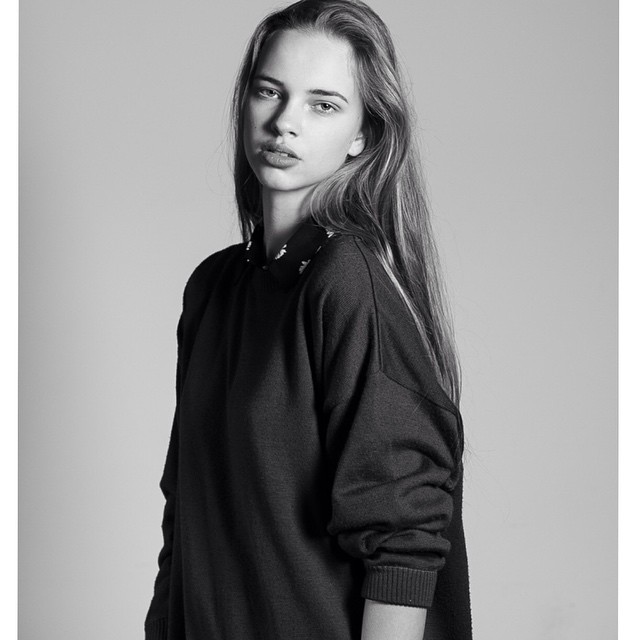
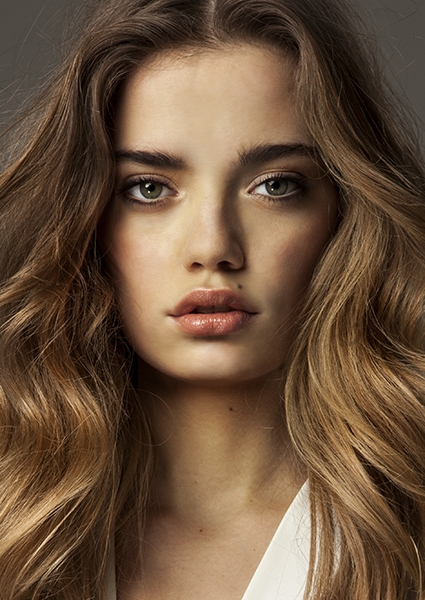
Account
Search
Configure browser push notifications
Chrome (Android)
- Tap the lock icon next to the address bar.
- Tap Permissions → Notifications.
- Adjust your preference.
Chrome (Desktop)
- Click the padlock icon in the address bar.
- Select Site settings.
- Find Notifications and adjust your preference.
Safari (iOS 16.4+)
- Ensure the site is installed via Add to Home Screen.
- Open Settings App → Notifications.
- Find your app name and adjust your preference.
Safari (macOS)
- Go to Safari → Preferences.
- Click the Websites tab.
- Select Notifications in the sidebar.
- Find this website and adjust your preference.
Edge (Android)
- Tap the lock icon next to the address bar.
- Tap Permissions.
- Find Notifications and adjust your preference.
Edge (Desktop)
- Click the padlock icon in the address bar.
- Click Permissions for this site.
- Find Notifications and adjust your preference.
Firefox (Android)
- Go to Settings → Site permissions.
- Tap Notifications.
- Find this site in the list and adjust your preference.
Firefox (Desktop)
- Open Firefox Settings.
- Search for Notifications.
- Find this site in the list and adjust your preference.