

shade le
Members
-
Joined
-
Last visited
Everything posted by shade le
-

-
-
loungewear black-friday-2019.mp4
-
loungewear 78207259_609879899550500_747009194058293568_n.mp4

-
-
IG with Lauren Jensen

-
-
-
IG 78624234_1367380960083898_7662035373108337524_n.mp4
-
-
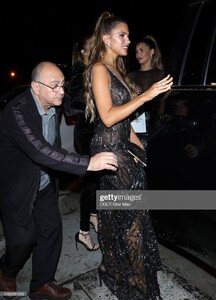
is seen on November 19, 2019 in Los Angeles, California gettyimages-1188915835-640_adpp.mp4 gettyimages-1188916003-640_adpp.mp4
is seen on November 19, 2019 in Los Angeles, California












 at Vital Proteins Collagen Water Beverly Hills Bash 11/16/2019 gettyimages with Iskra Lawrence and Camille Kostek




 3rd Annual #REVOLVEawards, Hollywood, Nov 15 '19































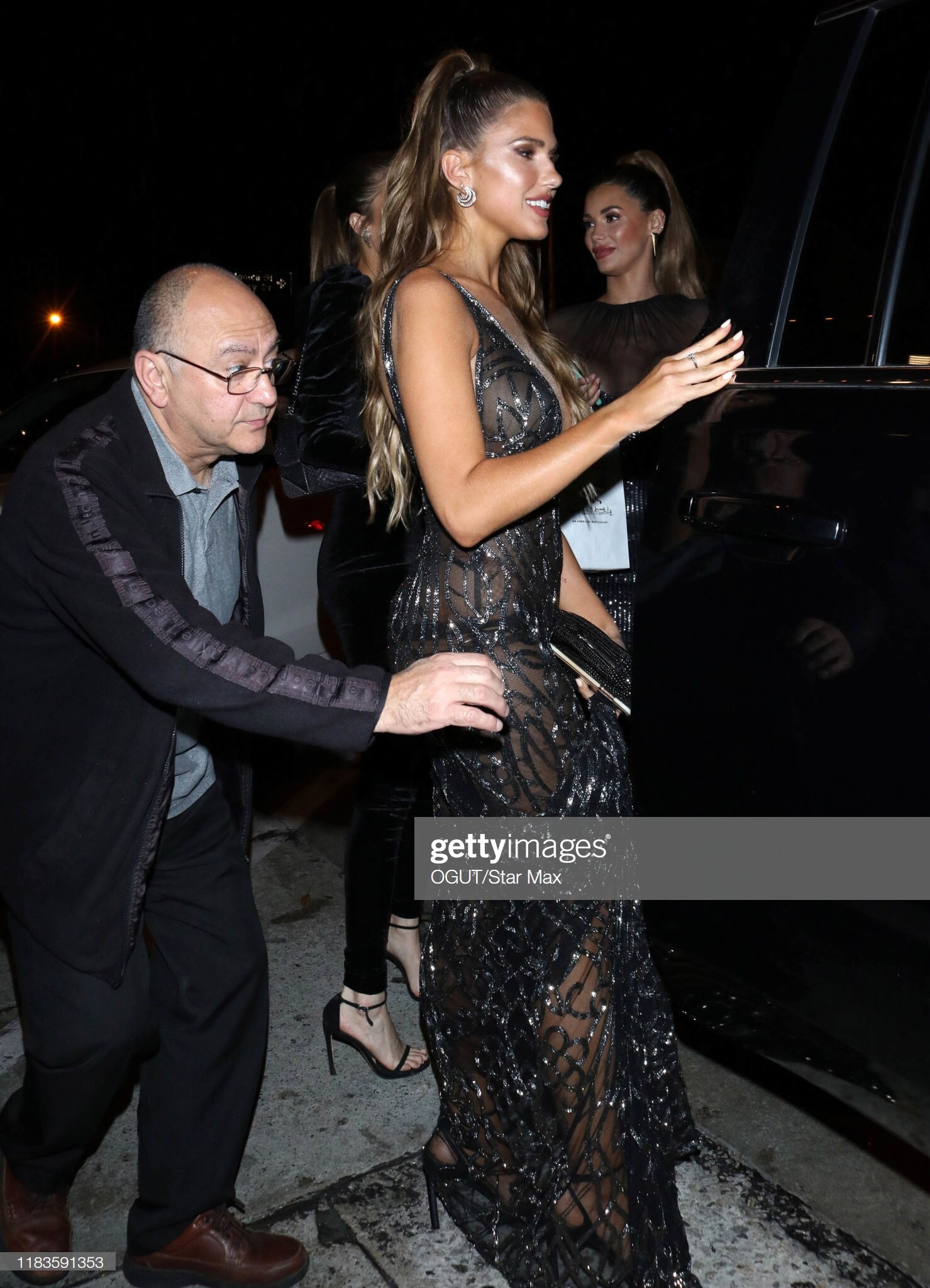
 arrives at the 3rd Annual #REVOLVEawards 2019 held at Goya Studios, Los Angeles, 15.11.2019


 attends the 3rd annual #REVOLVEawards at Goya Studios on November 15, 2019 in Hollywood, California




























































































































Account
Search
Configure browser push notifications
Chrome (Android)
- Tap the lock icon next to the address bar.
- Tap Permissions → Notifications.
- Adjust your preference.
Chrome (Desktop)
- Click the padlock icon in the address bar.
- Select Site settings.
- Find Notifications and adjust your preference.
Safari (iOS 16.4+)
- Ensure the site is installed via Add to Home Screen.
- Open Settings App → Notifications.
- Find your app name and adjust your preference.
Safari (macOS)
- Go to Safari → Preferences.
- Click the Websites tab.
- Select Notifications in the sidebar.
- Find this website and adjust your preference.
Edge (Android)
- Tap the lock icon next to the address bar.
- Tap Permissions.
- Find Notifications and adjust your preference.
Edge (Desktop)
- Click the padlock icon in the address bar.
- Click Permissions for this site.
- Find Notifications and adjust your preference.
Firefox (Android)
- Go to Settings → Site permissions.
- Tap Notifications.
- Find this site in the list and adjust your preference.
Firefox (Desktop)
- Open Firefox Settings.
- Search for Notifications.
- Find this site in the list and adjust your preference.