
BarbieErin
Members
-
Joined
-
Last visited
Everything posted by BarbieErin
-
 DLU deleted scenes, no idea where the person got this. https://www.instagram.com/p/CZ5Hru4MMuS/?utm_medium=copy_link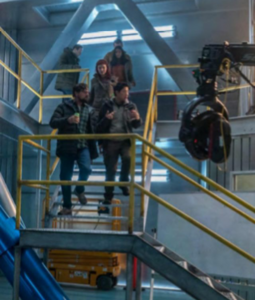
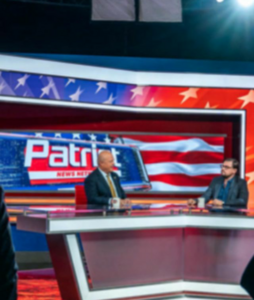
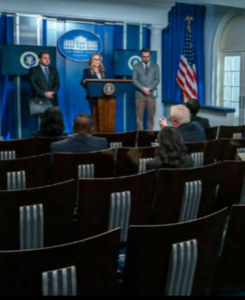
-
https://www.instagram.com/p/CZ7geE2MrHq/?utm_medium=copy_link





-
Forgot to say I'am quite happy KOTFM will be released this year, that's great news. Thanks all for the updates.
-
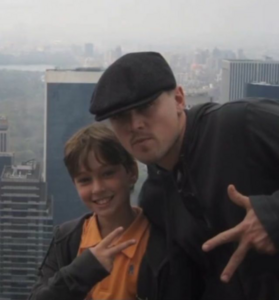
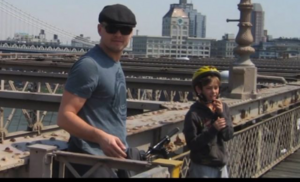
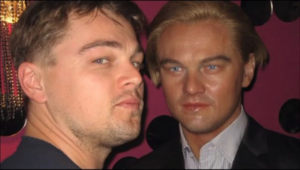
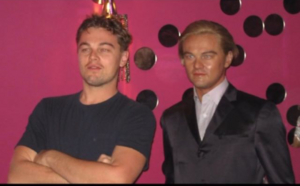
Pics from the Bar Refaeli's family reality show, personal pics we certainly have not seen before.
-
Hot. 🔥
-
Agree 100%
-
Lol, I would watch this movie.
Completely agree, it's ridiculous. Leo himself already said he would never say that.
I'am 100% sure it's not her, but that doesn't mean they broke up.
TMITIM bts
That's not Camila.
I don't think it's true.
Haha, The Power of the BORE is strong. I felt the same, when this boring movie will end please?
Ok, thanks for your opinion, @YouNoMe
I can't.
Absolutely LOVED DLU score, I'am happy too.
🤣
Haha
I wonder about it too, wish someone would ask him about her in some interview.
Well, according to astrological stuff... Leo's problem is solved cause I'am a Taurus, lmao.
Is this really your opinion on Leo's performance in Don't Look Up?
It doesn't make sense this song was not nominated, tbh.
Why and how Just Look Up was not nominated for best song? I know No time to Die is going to win, and I do love that song but I also loved Just Look Up and thought it was worthy of at least a nod.
Congrats to DLU 4 Oscar nods.