
BarbieErin
Members
-
Joined
-
Last visited
Everything posted by BarbieErin
-
 luckygirl: thanks for the pics, he looks handsome. ox: thanks for the NY post sight. shirah: thanks for the vid, how cute he taking a pic of Toni's ad.
 -
Yeah When we saw him rock the ponytail for the first time in quite sometime (on that plane) I was liking it, but I'm over it already... I'll take loose haired Leo any day over ponied up Leo. Same here, like it was cute the first time but not anymore, hehe. And his hair looks so beautiful in that biking pic, it doesn't need the ponytail.
-
luckygirl: thanks for the pic, I love his hair like that too... much better without the ponytail. ox: thanks for more pics and the tweets.
-
Yeah I also wonder why he's letting it grow so long that he needs to put it in a ponytail. Figured he just couldn't be bothered to cut it but perhaps there's another reason. haha, that sounds so much like Leo. Like he won't cut until he really needs to do it... But yeah, let's see if it's his own choice or because he needs to let his hair grow.
-
I wonder if Leo is using this little ponytail because he needs to let his hair grow for some new role? Or just because... Also wonder what will really be his next project? Because we hear so many things but nothing is confirmed, I'am curious.
-
ox: thanks for the new biking pics. luckygirl: Never saw those pics too, thanks.
-
Interview about Titanic, he also talks about his imitations. He looks soo adorable! https://www.youtube.com/watch?v=5bXPUQn8Jbw
-
kat: thanks for the tweets, want pics of Leo and Tobey. Also thanks for the HQ version of Wolf pic.
-
sugarwater thanks for the info and ox thanks to post the pic from People. shine: thanks for the new pics, Leo, I wanted to see your face but I'am glad to see your arms, hehe.
-
lua: thanks for the pic. sick: thanks for those pics, interesting. kat: thanks for the article.
-
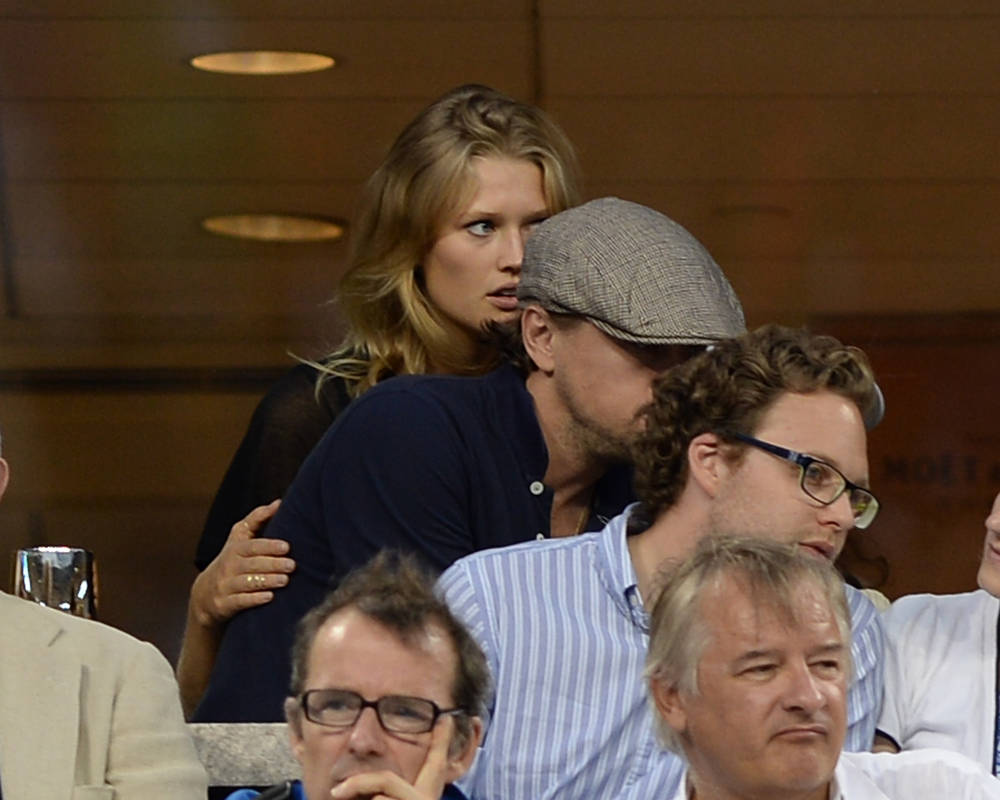
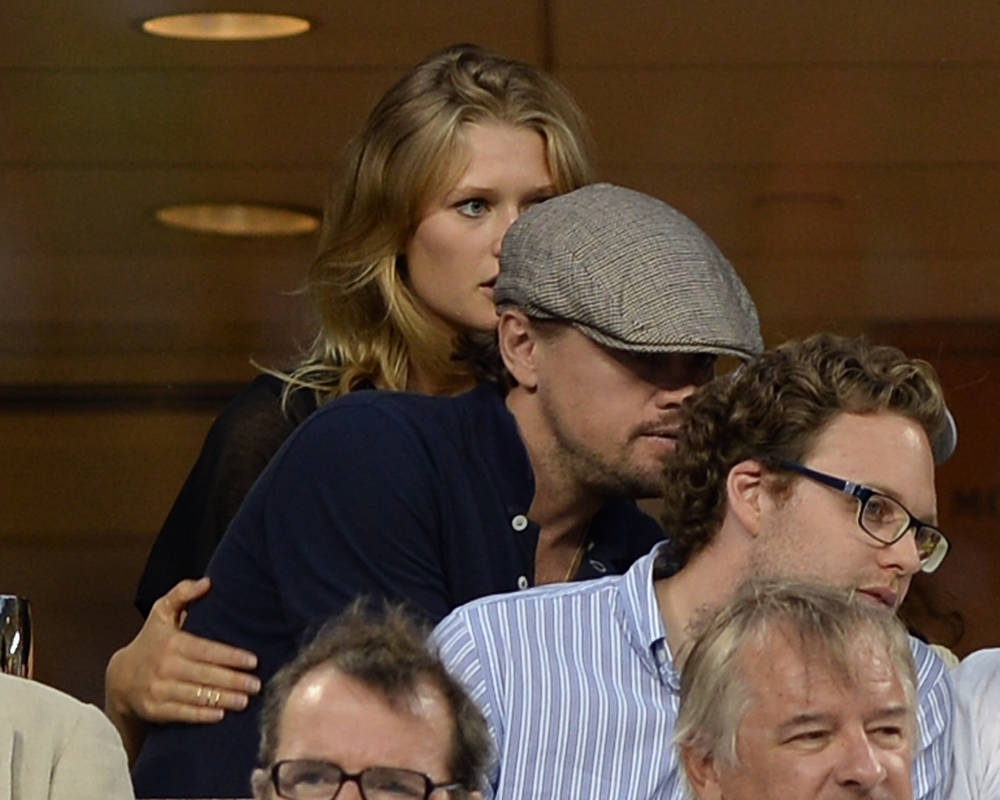
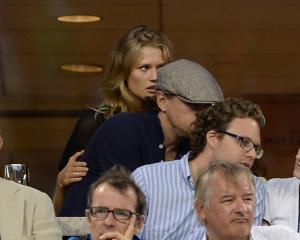
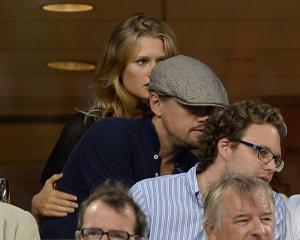
More 2 of Leo and Toni, from simplyleonardodicaprio.com
-
thanks for all the pics and video, kat.
-
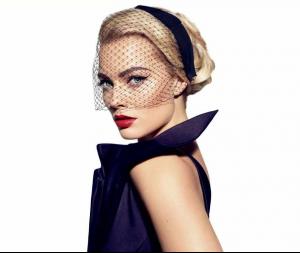
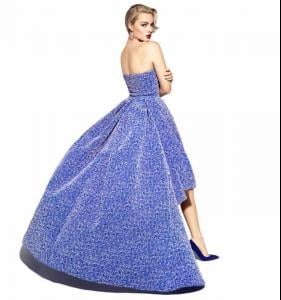
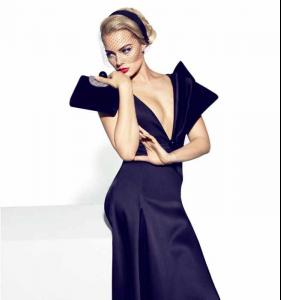
WOW, she's absolutely beautiful!

-
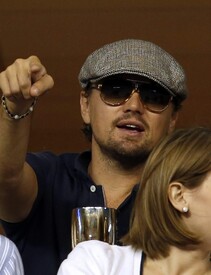
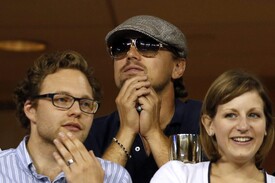
More 2 pics:
-
Found one more pic from US open, you can see Leo and Toni.

-
Who wants to see Leo speaking portuguese in Gatsby? Once again Leo being dubbed by my "friend" Christiano Torreão. https://www.youtube.com/watch?v=nm3I6urwGR4
-
I like.
-
THIS, exactly.
-
Thanks for ALL the news, girls.
-
tonigarrnmania: thanks for all the pics and HQ's as well. ox: thanks for more pics, comments of the photographer of NY magazine, with sure wasn't hard work... and thanks for Margot's comments of her test, that sounds funny. kat: thanks for more pics too.
-
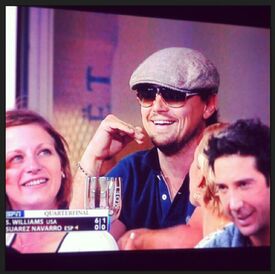
OMG, I melt with his smile. thanks luckygirl.

-
WOW girls, you are the BEST, so many news. nanda: thanks for Leo's pic with the little fan and other fans as well. Also thanks for Leo pics at US open, it seems he turned fan of tennis. ox: thanks for the sighting, tweets and for all the new pics. kat: thanks for the tweets. pink: thanks to upload TGG interview at Youtube. And welcome Marjo92blabla!
-
thanks joyezz, Leo speaking chinese? He always surprise me... But I can't see the video...
-
Oh this bring good memories... Graham King speech for winning best picture with The Departed, he thanks Leo at 2:36, he also produced Blood Diamond and praises Leo's work, so nice to watch this again. We can see Leo hugging his mother too, cute. https://www.youtube.com/watch?v=7i7tUNXSj7M
-
I love their friendship as well and that vid is soo nice.