Jump to content
View in the app

A better way to browse. Learn more.

Bellazon

A full-screen app on your home screen with push notifications, badges and more.

To install this app on iOS and iPadOS
  1. Tap the Share icon in Safari
  2. Scroll the menu and tap Add to Home Screen.
  3. Tap Add in the top-right corner.
To install this app on Android
  1. Tap the 3-dot menu (⋮) in the top-right corner of the browser.
  2. Tap Add to Home screen or Install app.
  3. Confirm by tapping Install.

radolgc

Members
  • Joined

  • Last visited

Posts posted by radolgc

  1. 7 hours ago, zauberkorn said:

    Wow, I never see it before. Thanks Rado. :)

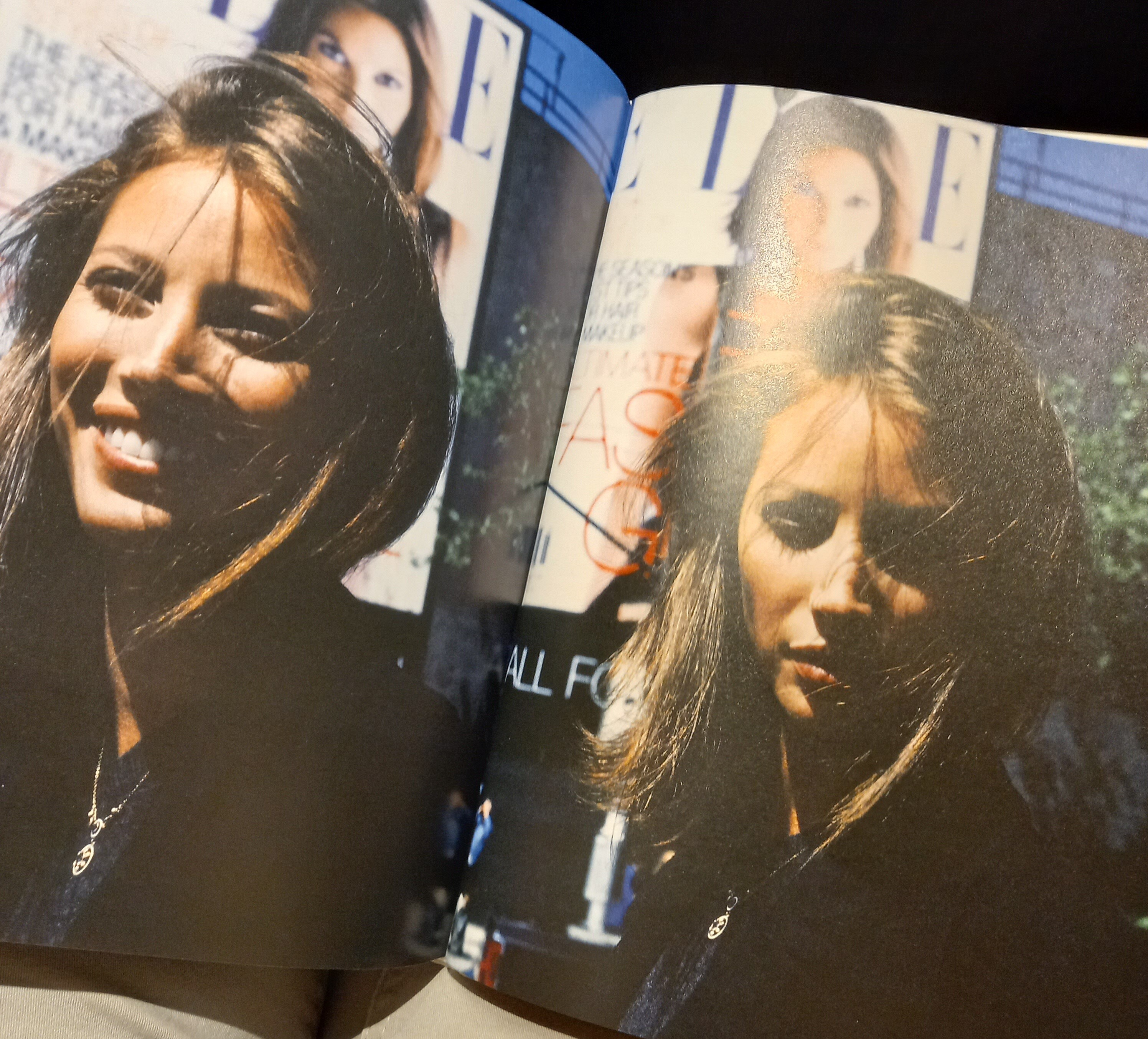
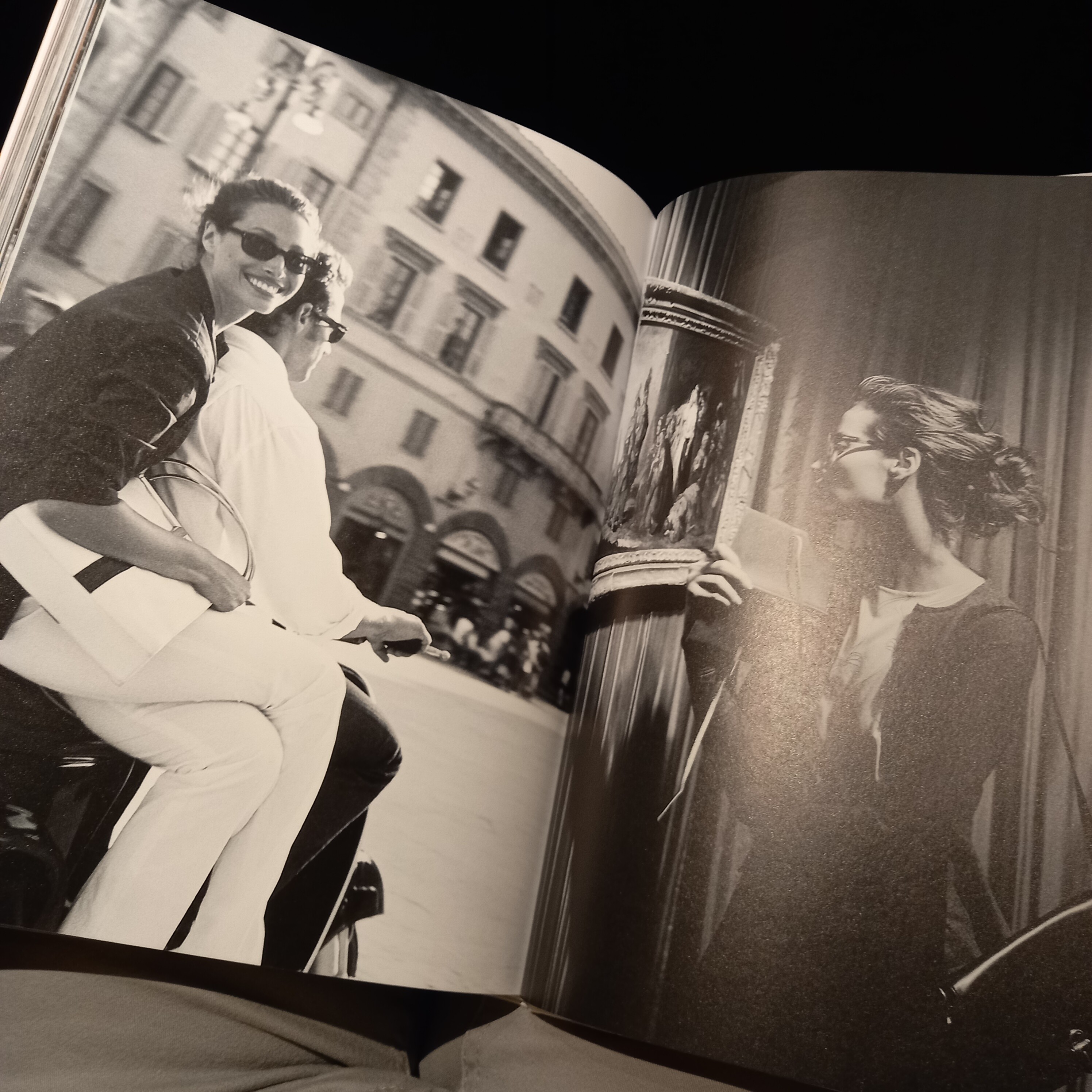
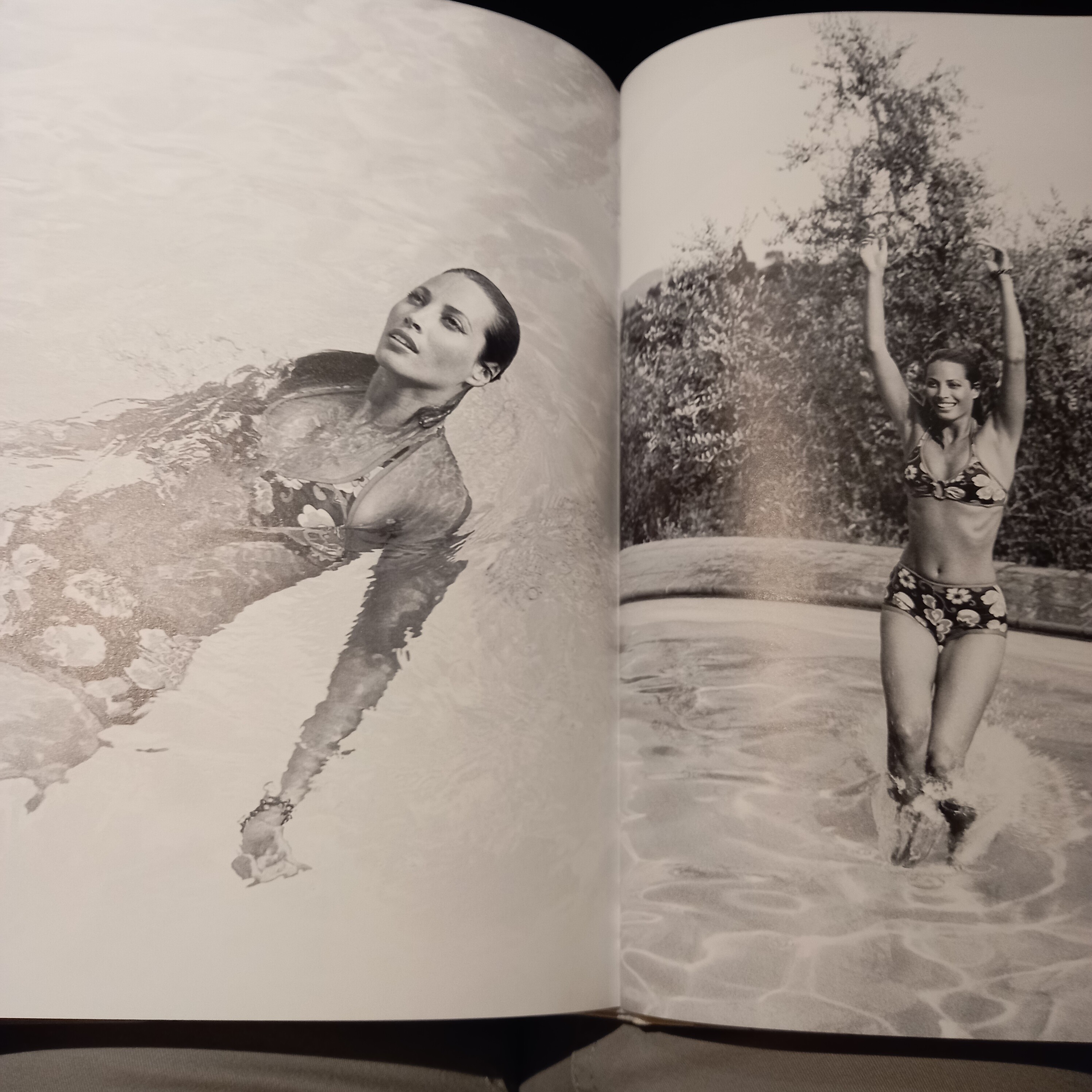
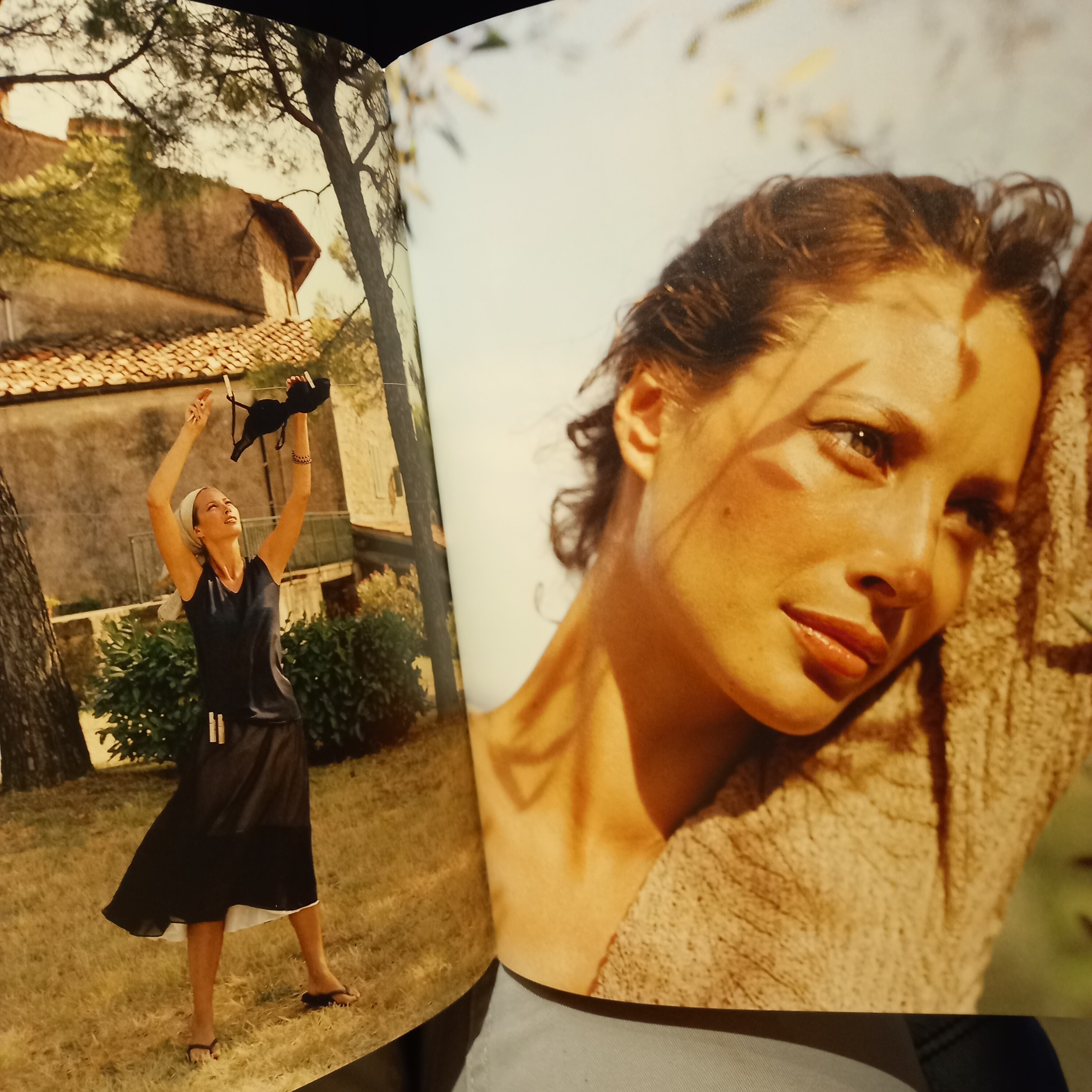
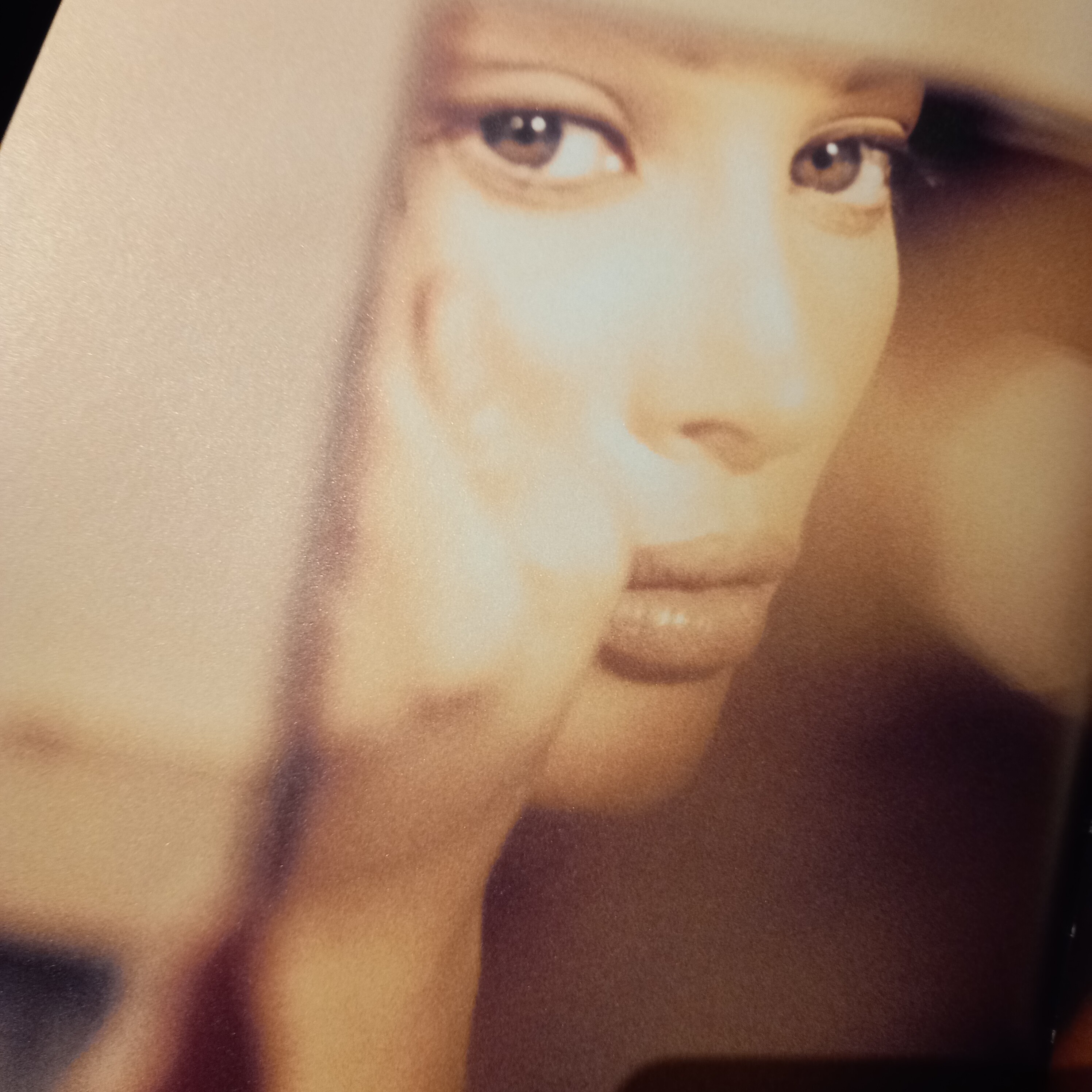
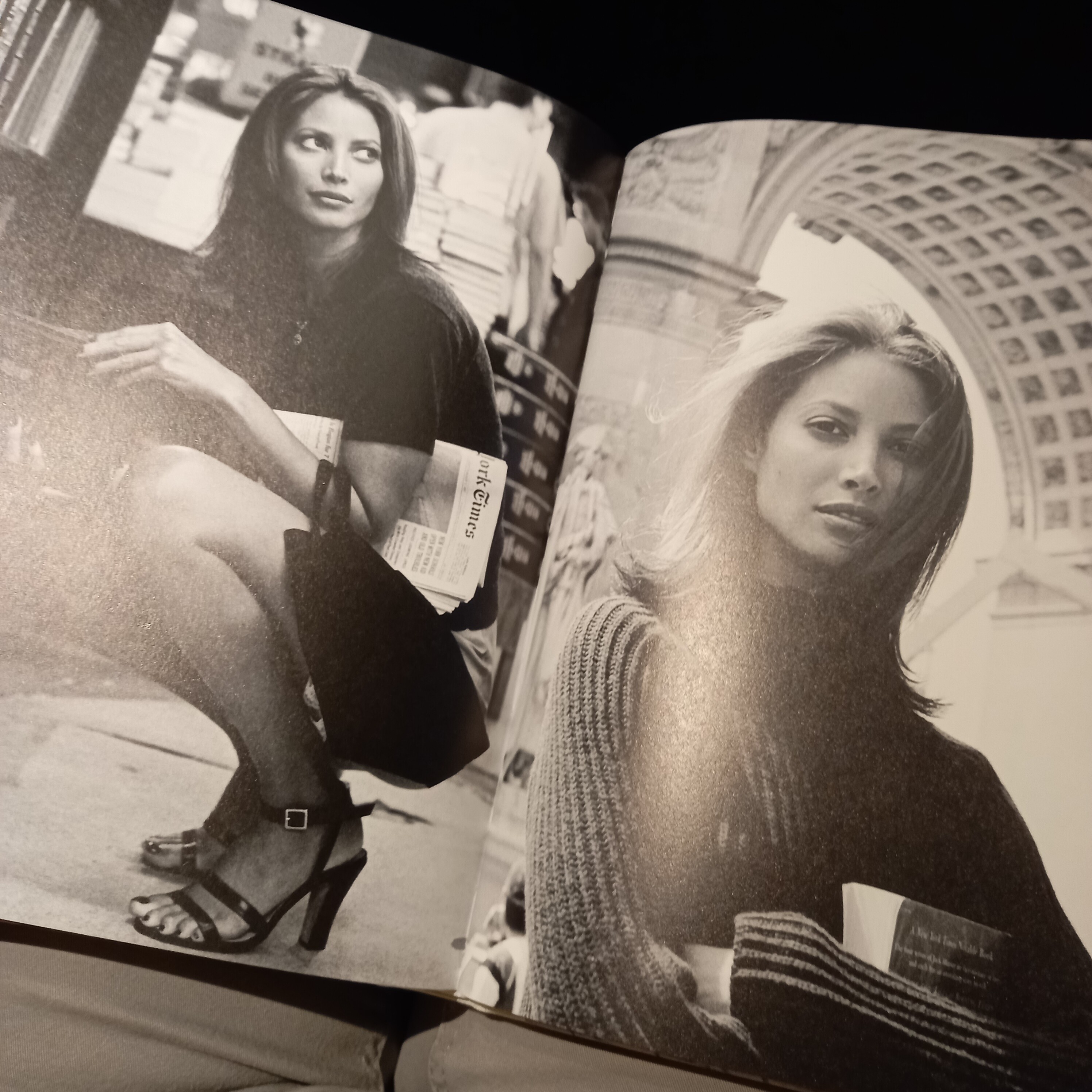
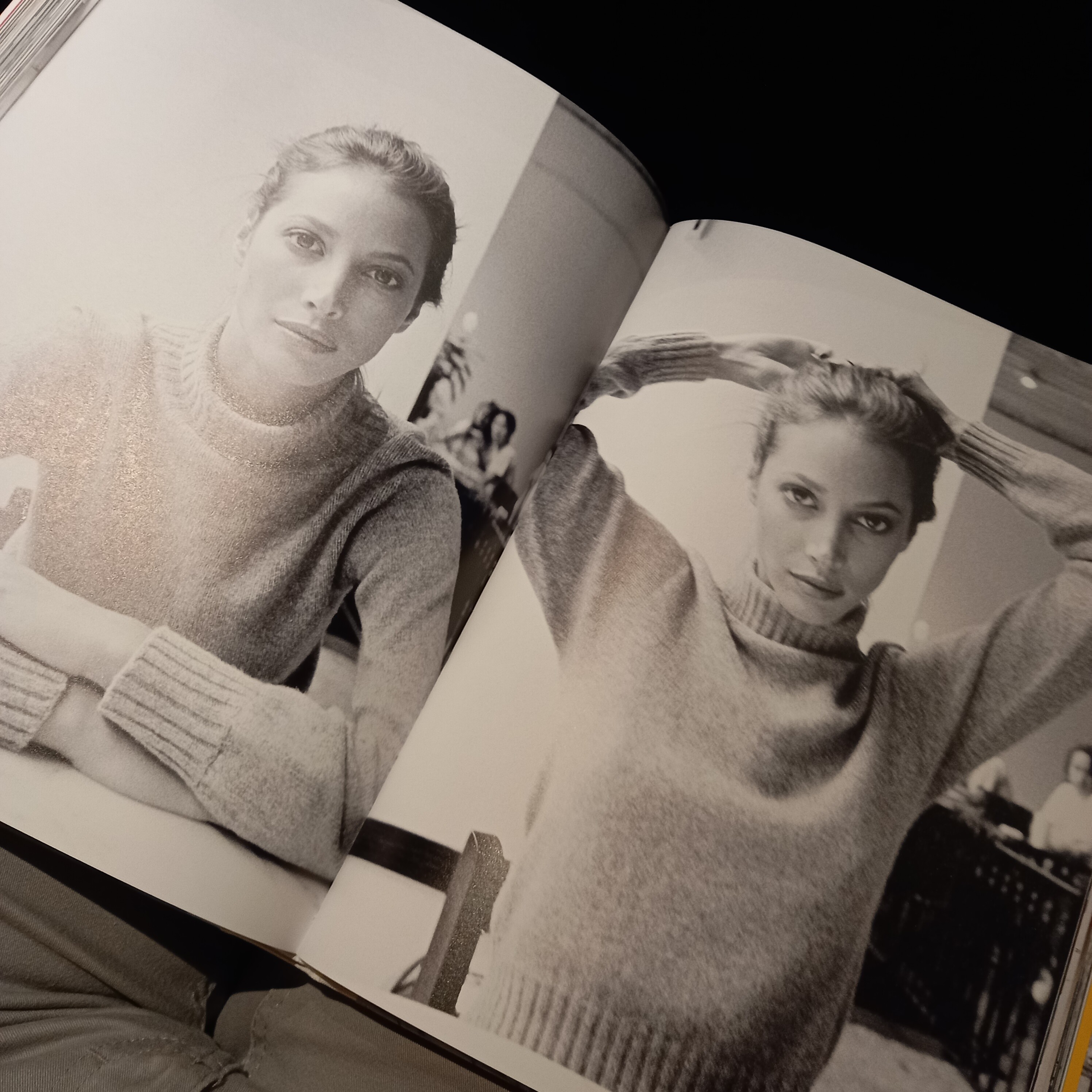
    The photo is published in a book, i just bought it in Germany a few days ago, you can easily find it in a big book store. I can show you the look of the cover, there is a black female model wearing glasses. I think it was even on a discount.

  2. 2 hours ago, Fleur19 said:

    DUDE, SHAME ON YOU FOR WRITING SUCH NONSENCE. I HOPE THERE ARE MODERATORS HERE WHO CAN TAKE THE RIGHT MEASURES FOR SUCH INAPPROPRIATE, HATEFULL AND UNTRUE COMMENTS. YOU SHOULD BE BANNED FOR LIFE FROM PLACES LIKE THIS ONE!!!!!!

  3. 48 minutes ago, Tagold said:

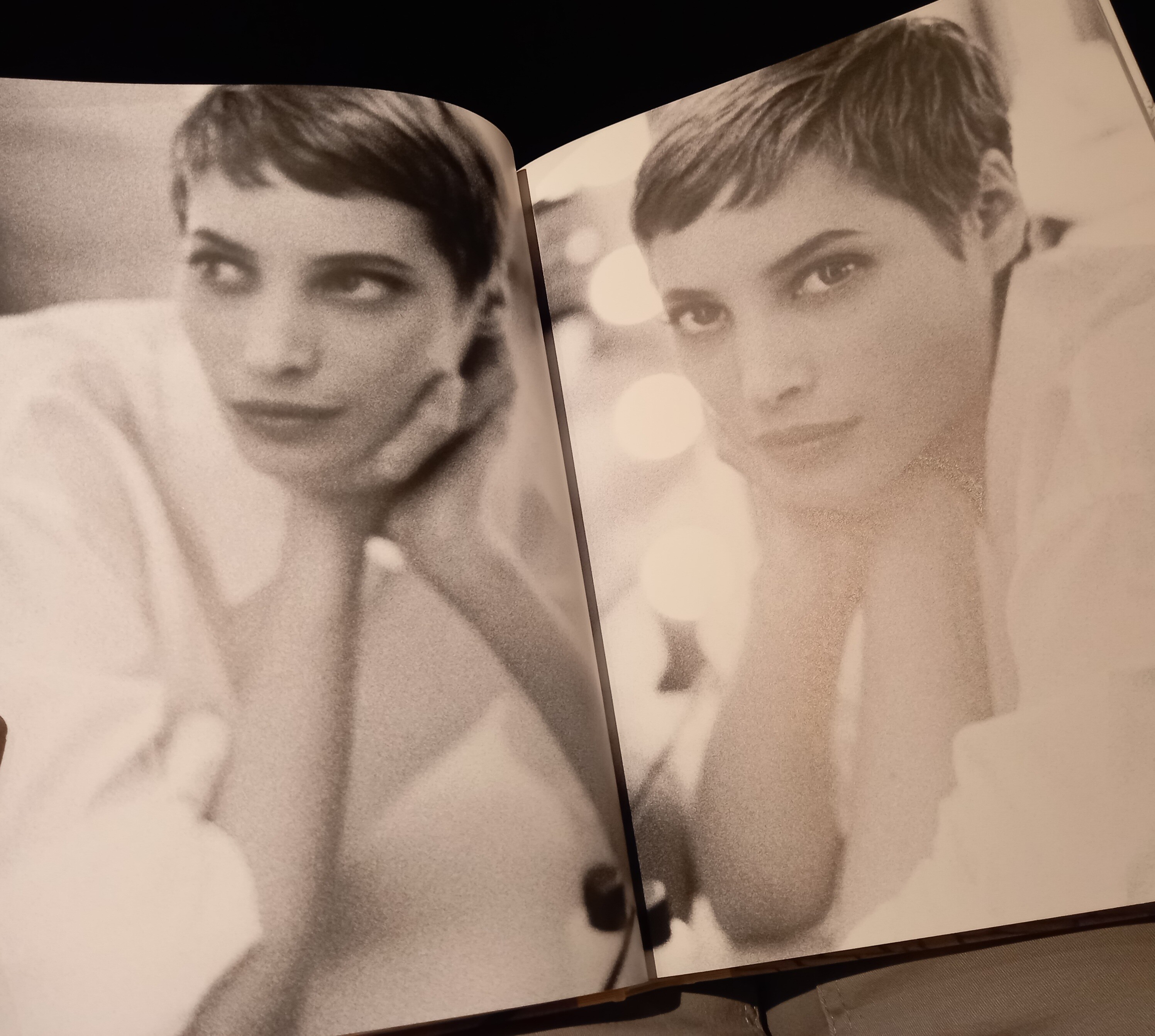
    The first panel is of course Pamela Hanson, 1997
    The second panel is from a Maxamera ad, 1995 (my scan)
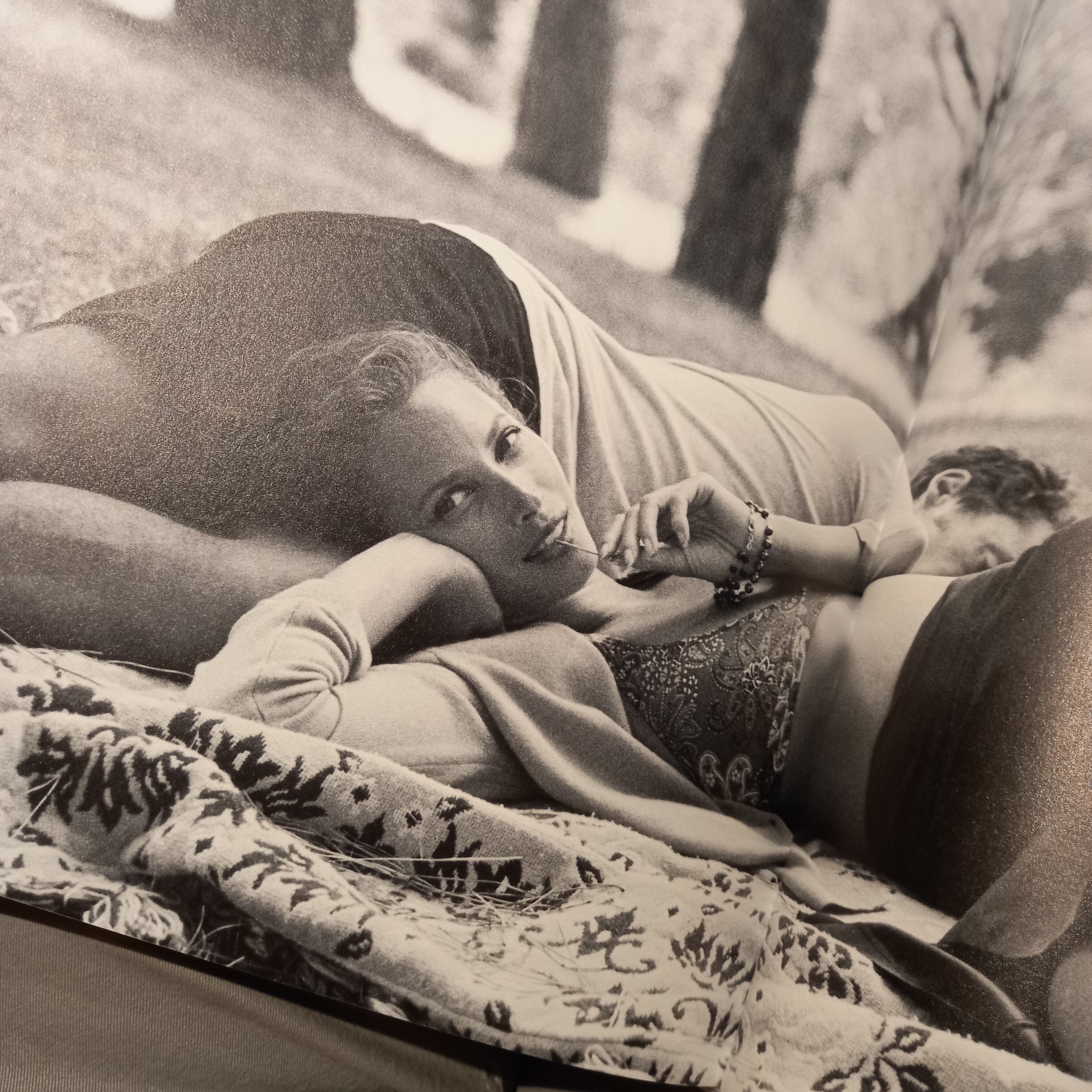
    The third one? I have no info.

    bw69t14 Turl bw out sweater Pamela Hanson for Esquire, November 1997.jpg bw69t15 Turl bw out max sweater port 1995.jpg bw69t18 out grey ports.jpg

    The third one looks like the cover of the book Models or something like that by Arthur Elgort i think...

  4. 3 hours ago, danny-19 said:


    Thank you for the beautiful scans heart
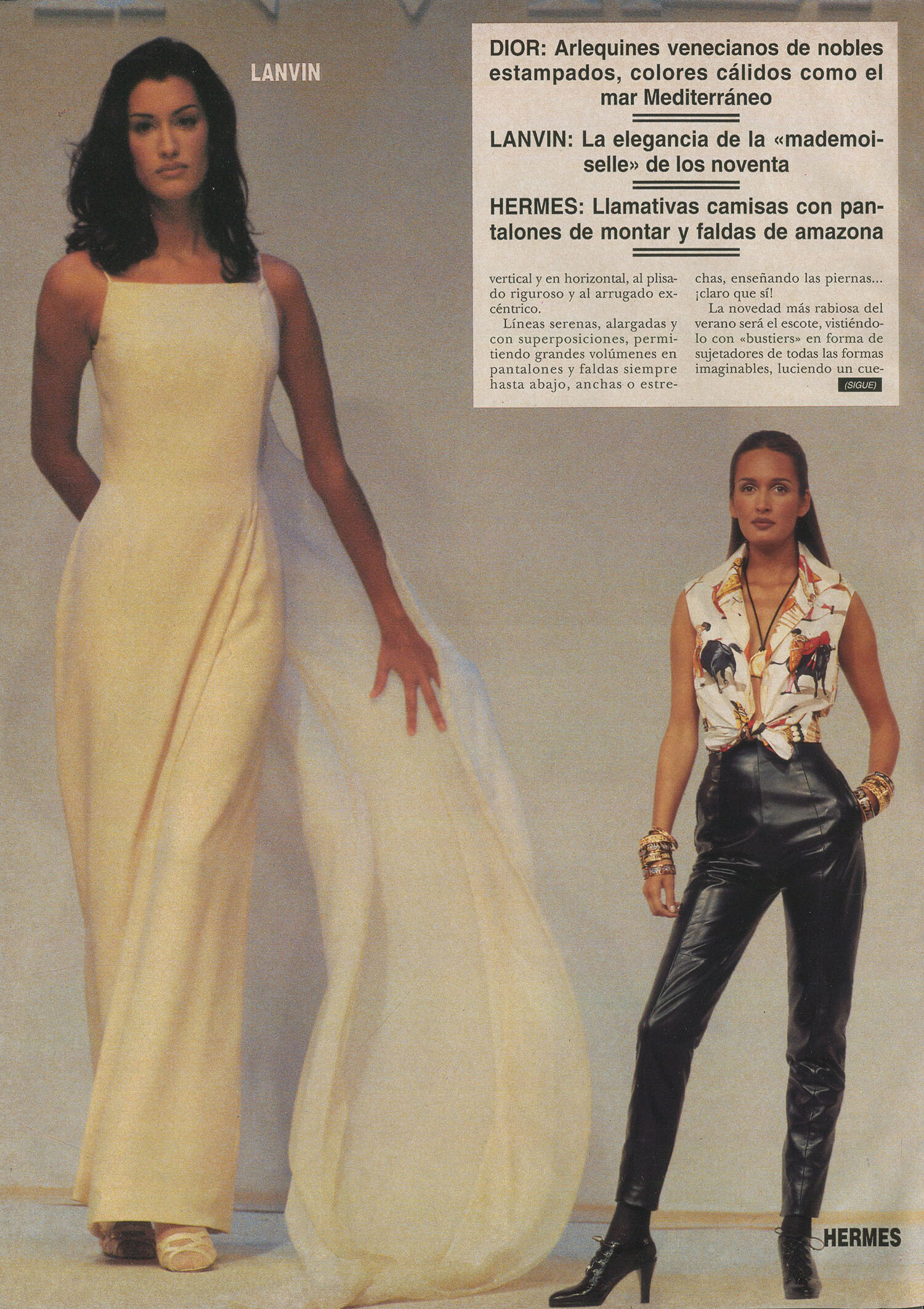
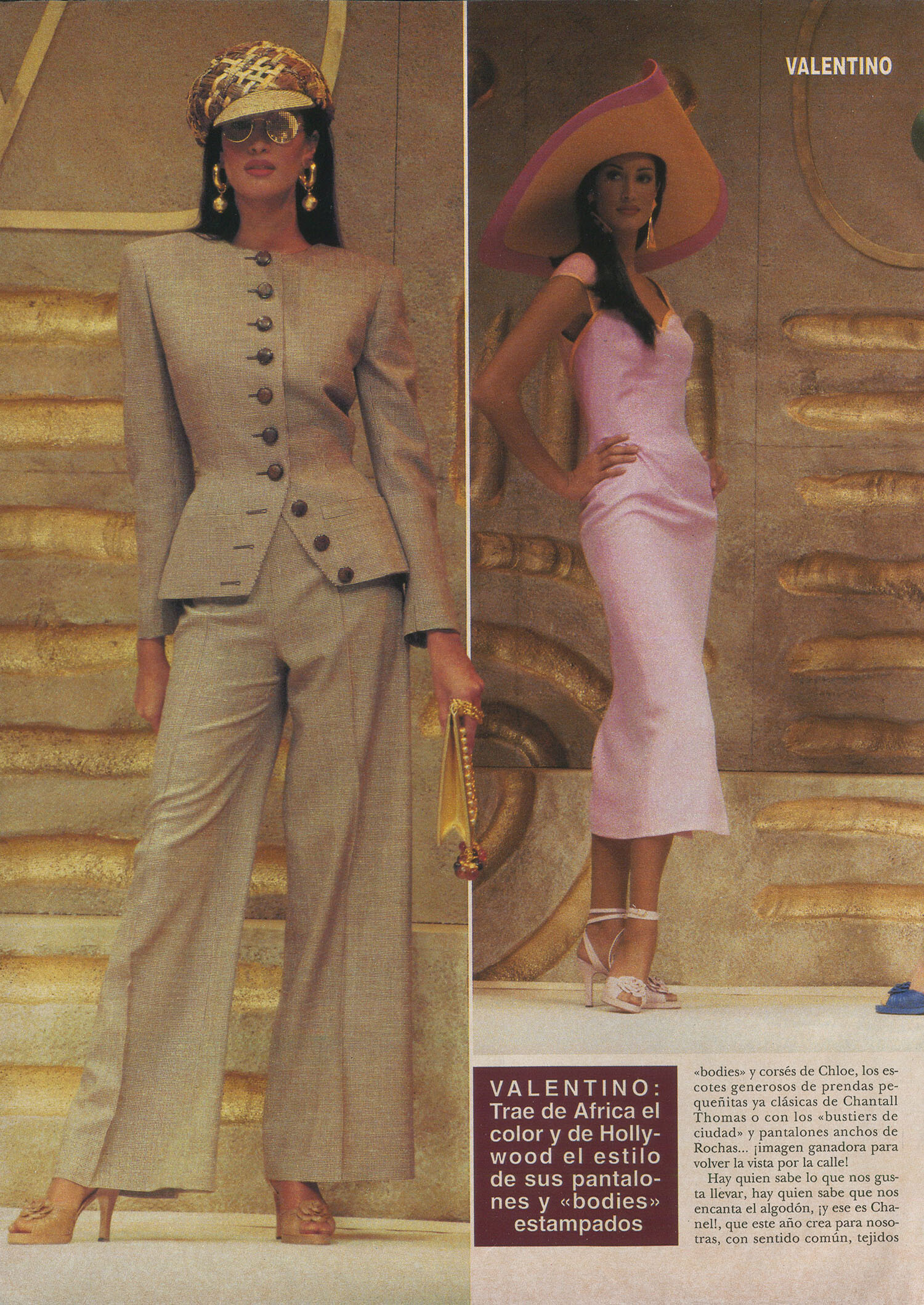
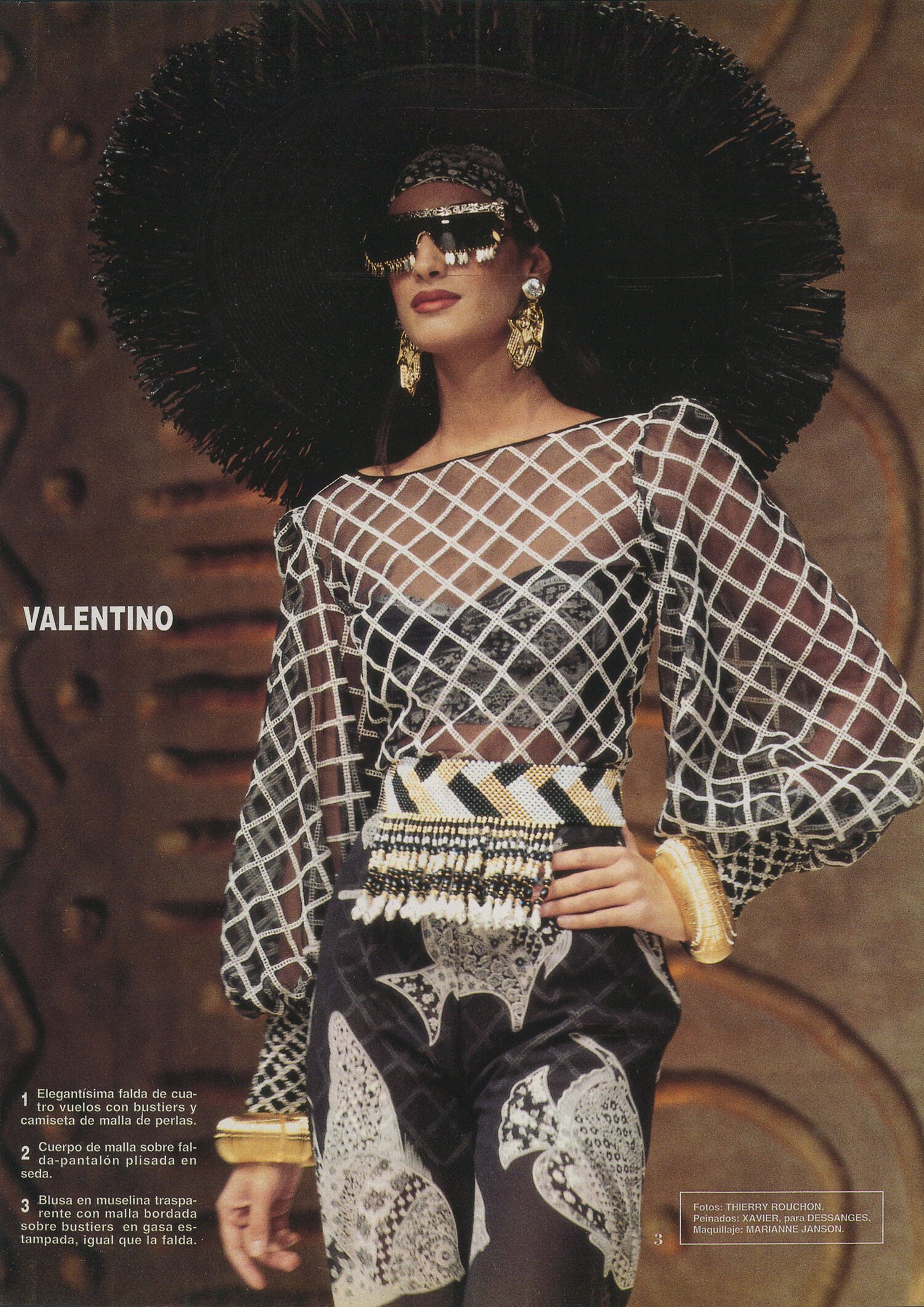
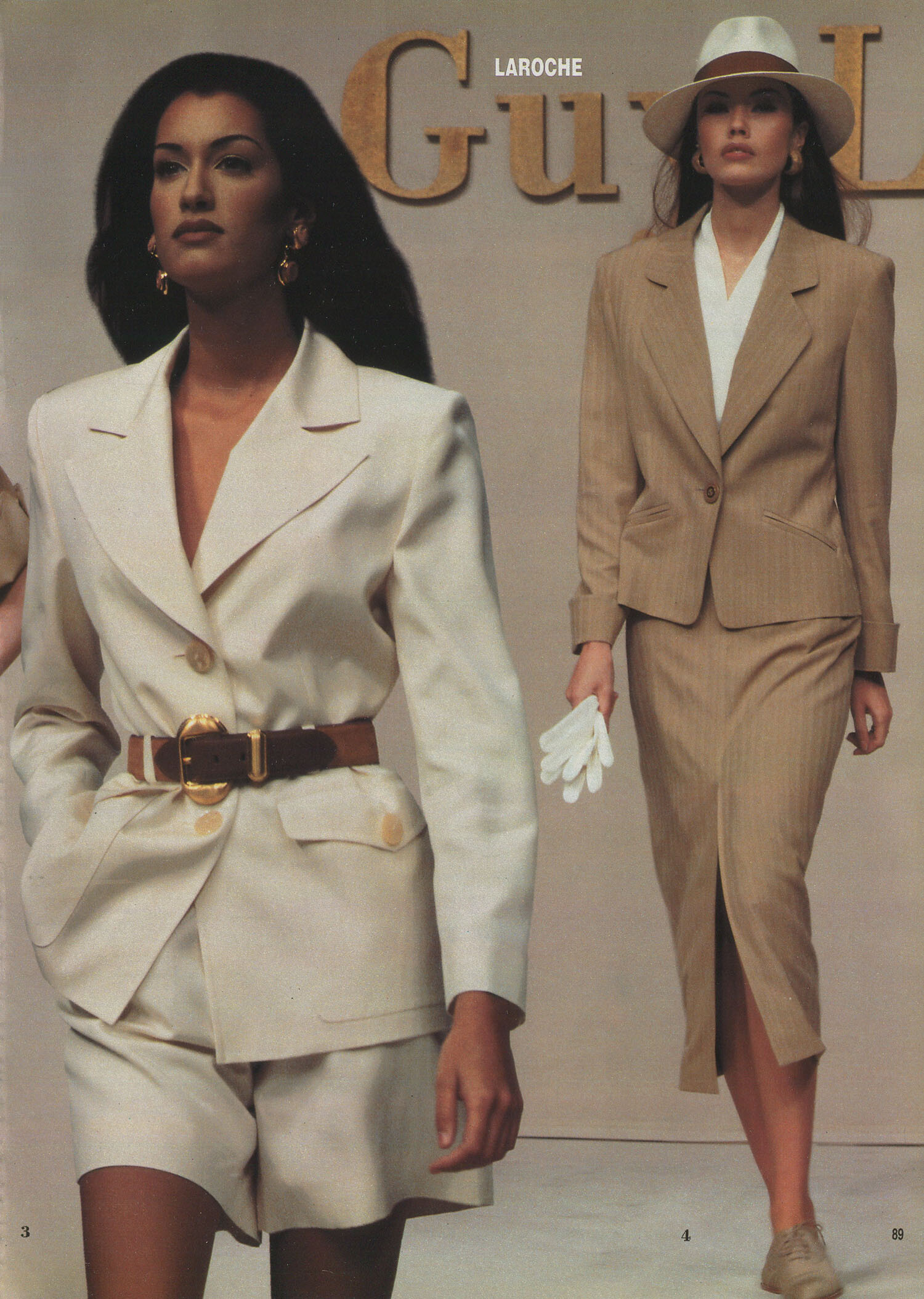
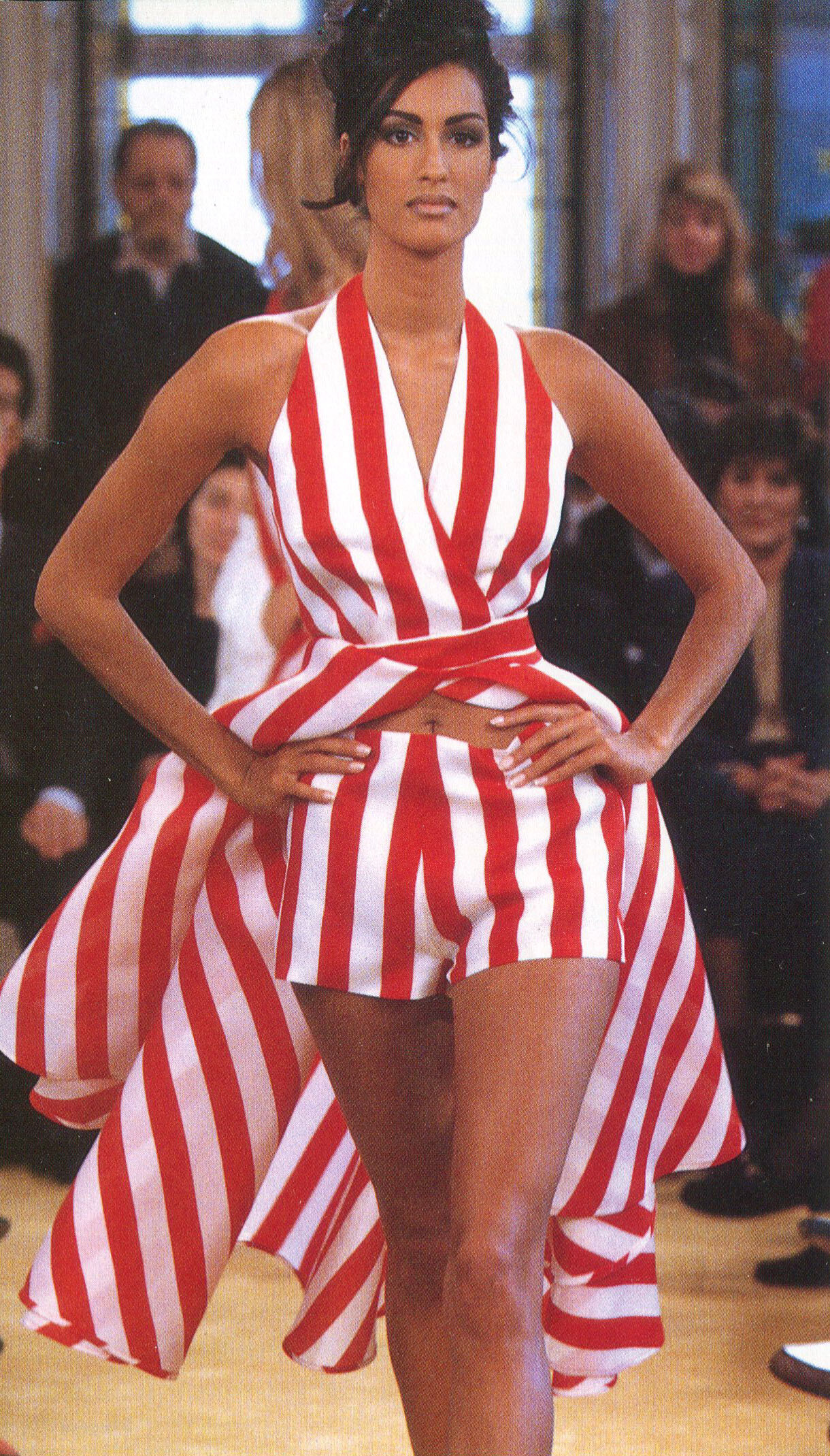
    Snap from Burda International Spring 1994

    credit: Avito

    YasmeenGhauri_BurdaInt1994.jpg

    Thank you so much for showing this rare AD and where it was published. I hope I will find it one day!

Configure browser push notifications

Chrome (Android)
  1. Tap the lock icon next to the address bar.
  2. Tap Permissions → Notifications.
  3. Adjust your preference.
Chrome (Desktop)
  1. Click the padlock icon in the address bar.
  2. Select Site settings.
  3. Find Notifications and adjust your preference.