

COP11
Members
-
Joined
Everything posted by COP11
-
 Nancy Jo Hooper

-
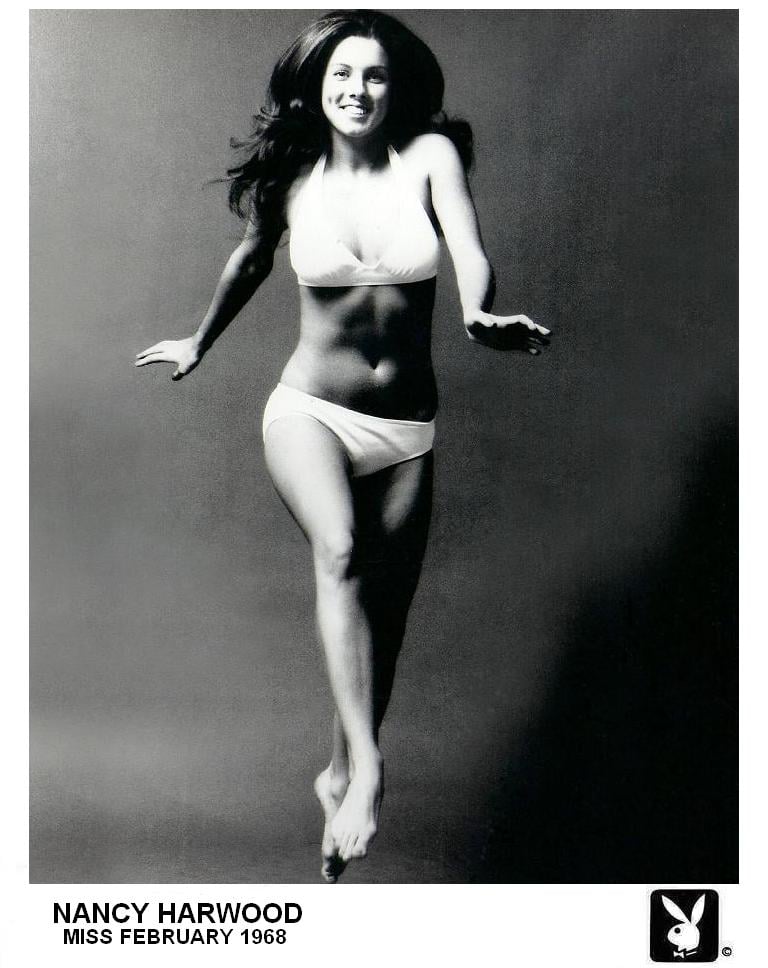
Nancy Harwood




-
Nancy Crawford

-
Myrna Weber



-
Michelle Hamilton

-
Merissa Mathes




-
Melodye Prentiss

-
Marion Scott

-
Marilyn Hanold










-
pizza Your favorite model of all time?
-
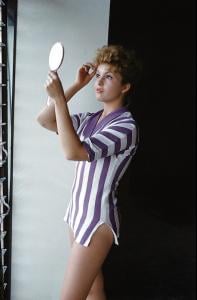
Marianne Gaba







-
Thanks for Debra and Edie!
-
I always liked Gossamer and the little doctor that resembles Peter Lorre, don't know if they are considered main Looney Tune characters or not What is your favorite candy?
-
-
I wanted to be David Pearson(old school Nascar driver) when I was in Kindergarten What was your favorite cartoon as a child?
-
Zhang x3
-
Oh yeah! Were you bouncing off the walls too?
-


























































































Account
Search
Configure browser push notifications
Chrome (Android)
- Tap the lock icon next to the address bar.
- Tap Permissions → Notifications.
- Adjust your preference.
Chrome (Desktop)
- Click the padlock icon in the address bar.
- Select Site settings.
- Find Notifications and adjust your preference.
Safari (iOS 16.4+)
- Ensure the site is installed via Add to Home Screen.
- Open Settings App → Notifications.
- Find your app name and adjust your preference.
Safari (macOS)
- Go to Safari → Preferences.
- Click the Websites tab.
- Select Notifications in the sidebar.
- Find this website and adjust your preference.
Edge (Android)
- Tap the lock icon next to the address bar.
- Tap Permissions.
- Find Notifications and adjust your preference.
Edge (Desktop)
- Click the padlock icon in the address bar.
- Click Permissions for this site.
- Find Notifications and adjust your preference.
Firefox (Android)
- Go to Settings → Site permissions.
- Tap Notifications.
- Find this site in the list and adjust your preference.
Firefox (Desktop)
- Open Firefox Settings.
- Search for Notifications.
- Find this site in the list and adjust your preference.