egluze
Members
-
Joined
-
Last visited
Everything posted by egluze
-
 at Giorgio Baldi in Santa Monica 16th December 2012
 -
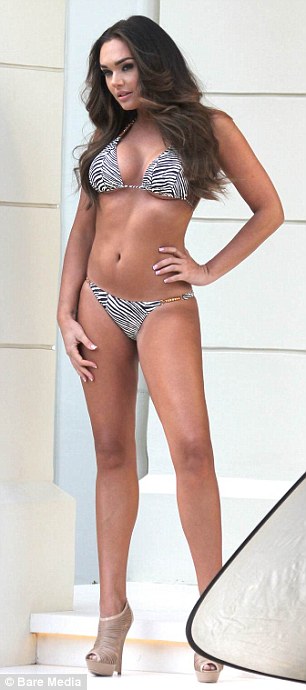
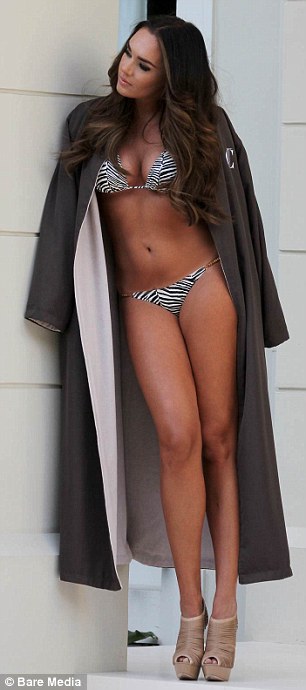
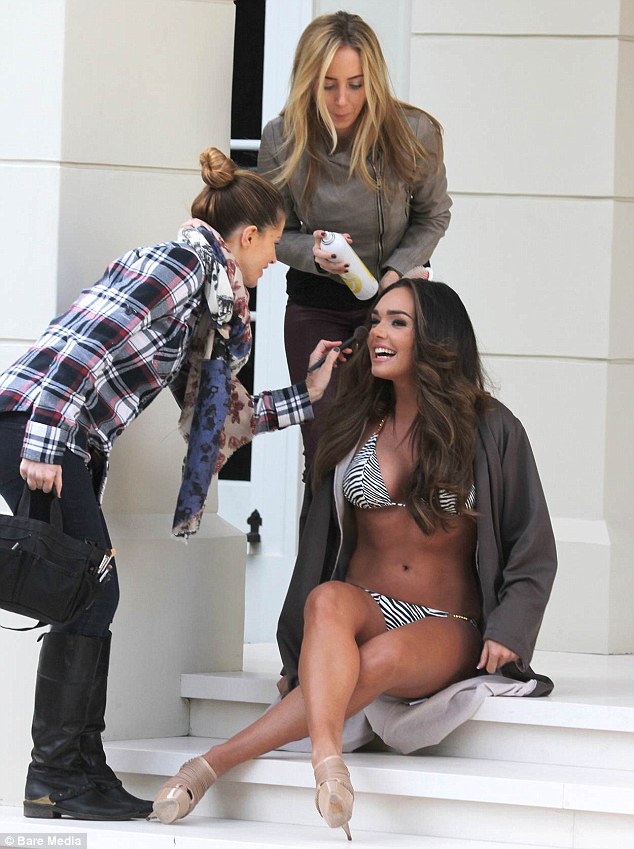
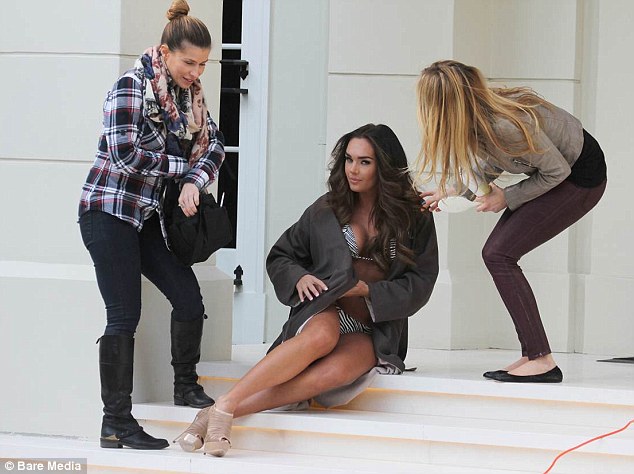
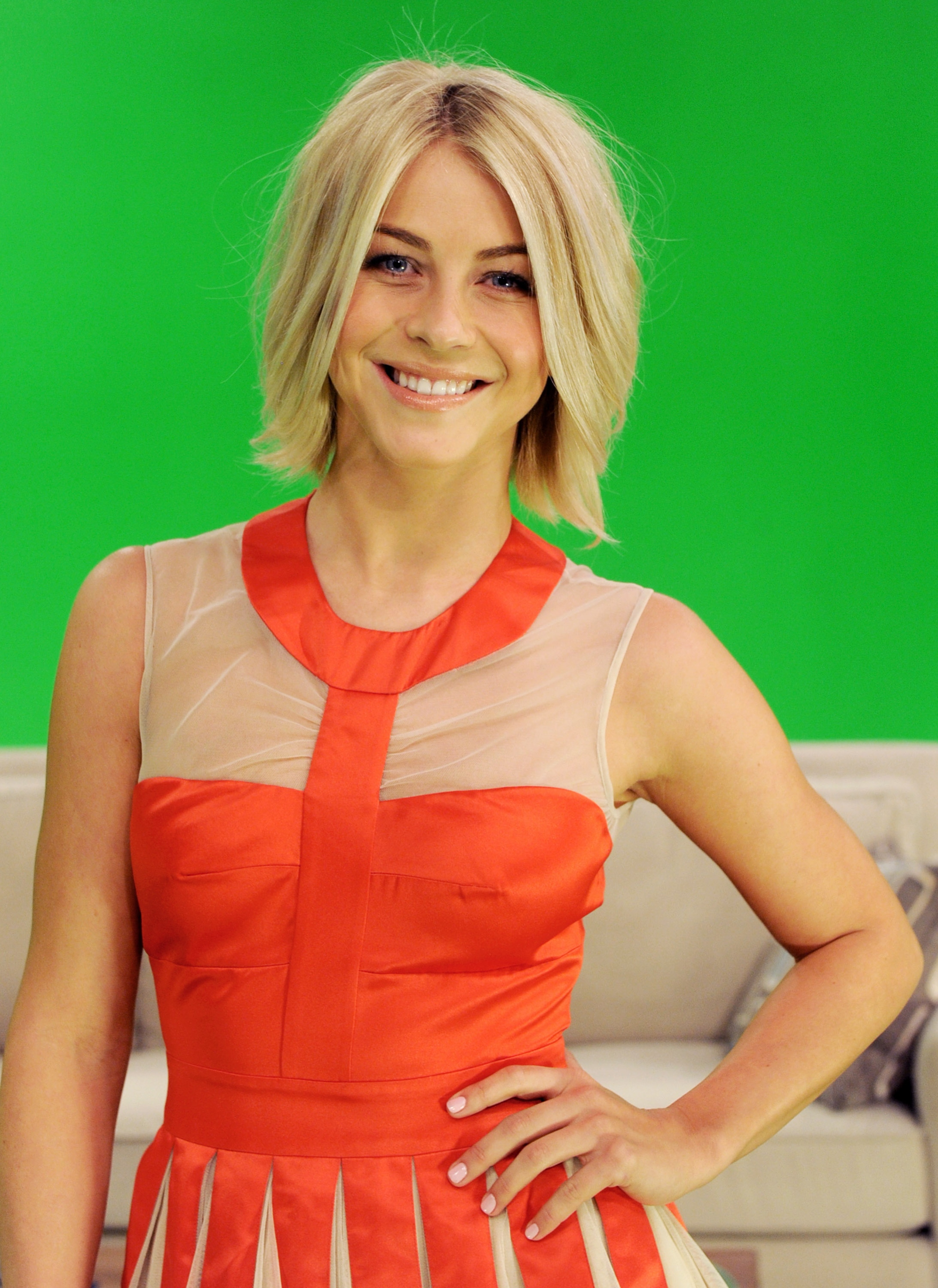
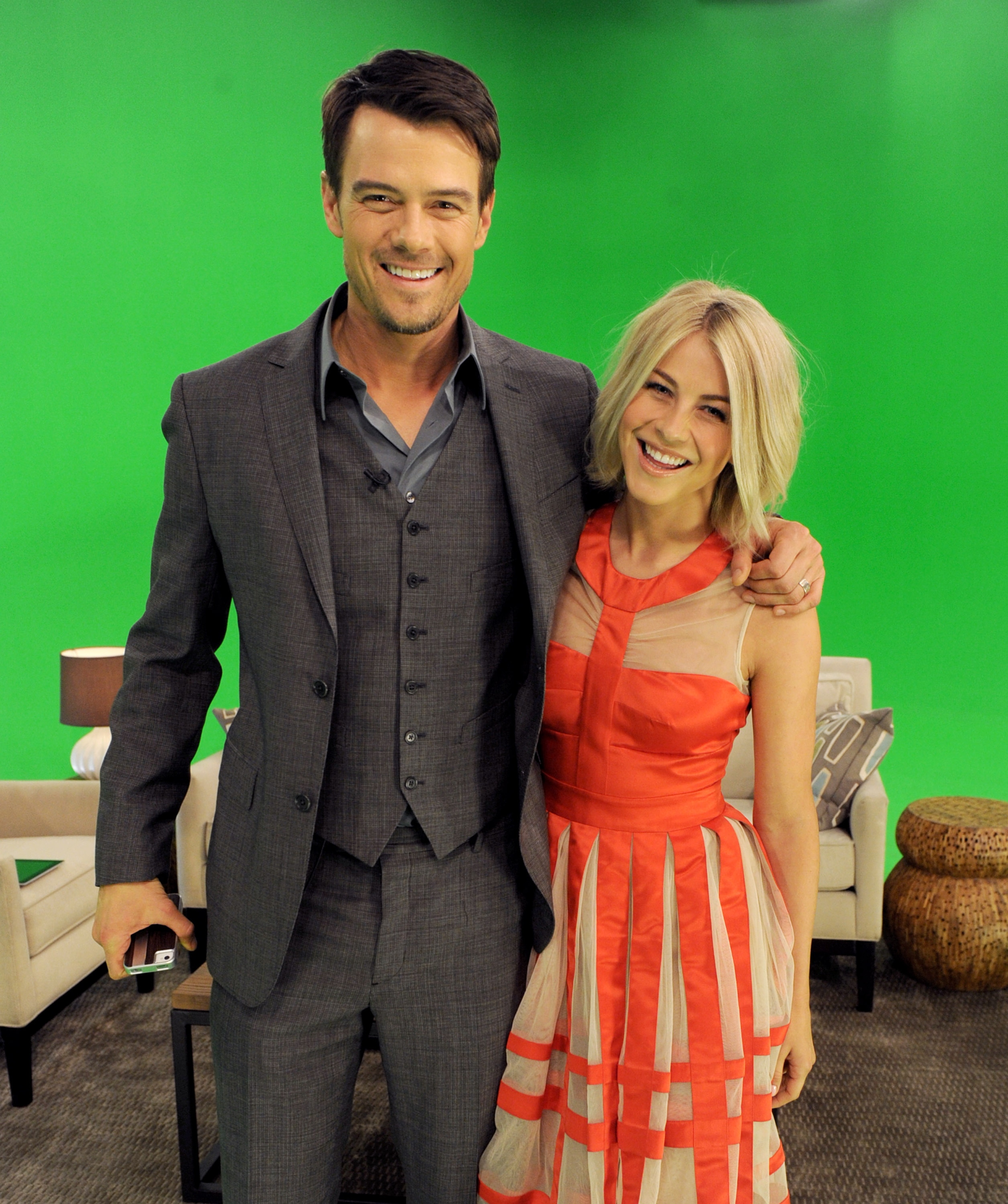
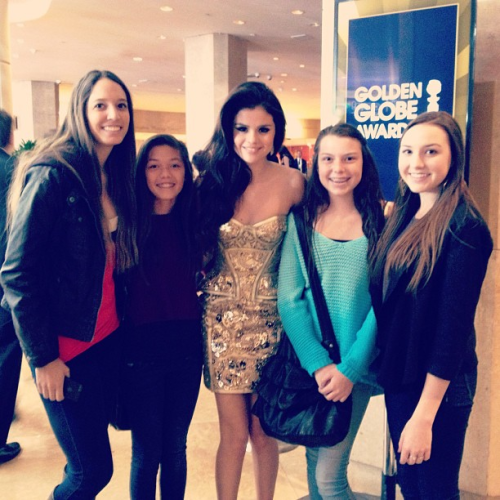
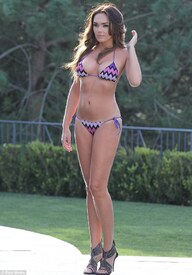
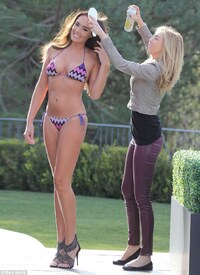
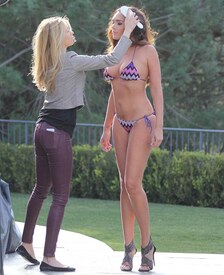
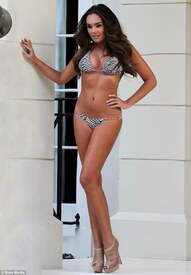
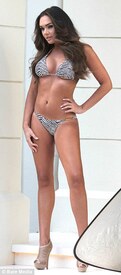
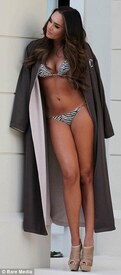
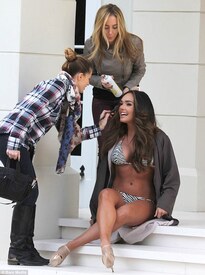
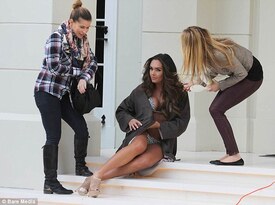
Photoshoot in LA 15th January 2013
-
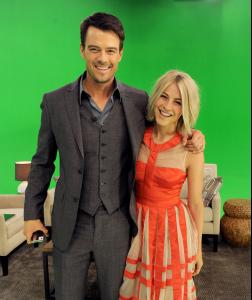
Night With Nicholas Sparks Safe Haven event in Burbank 01/17/13

-
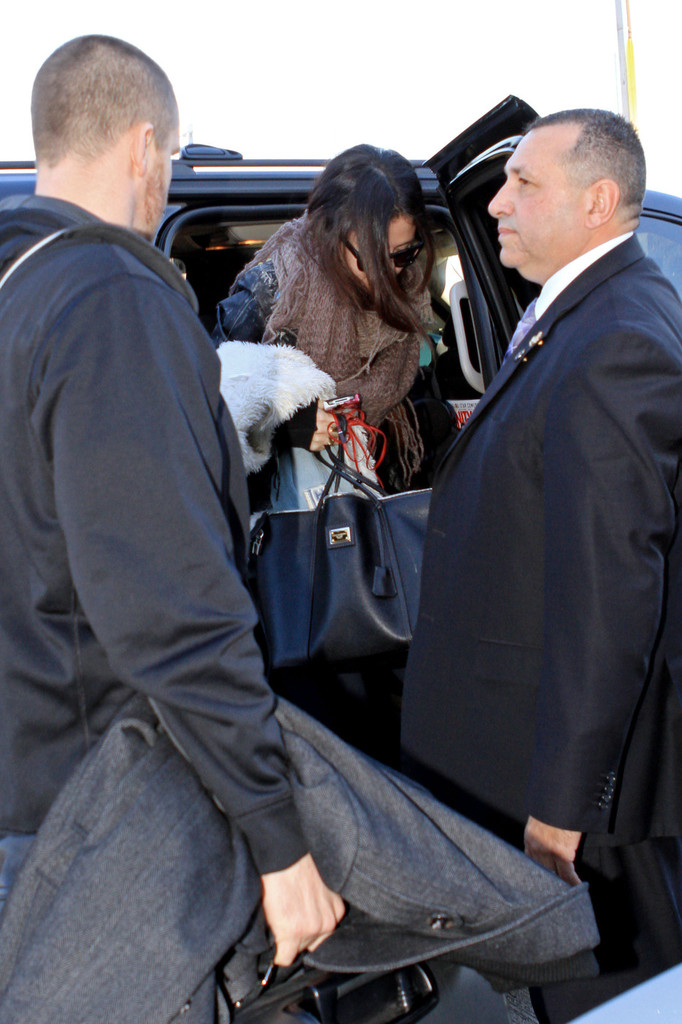
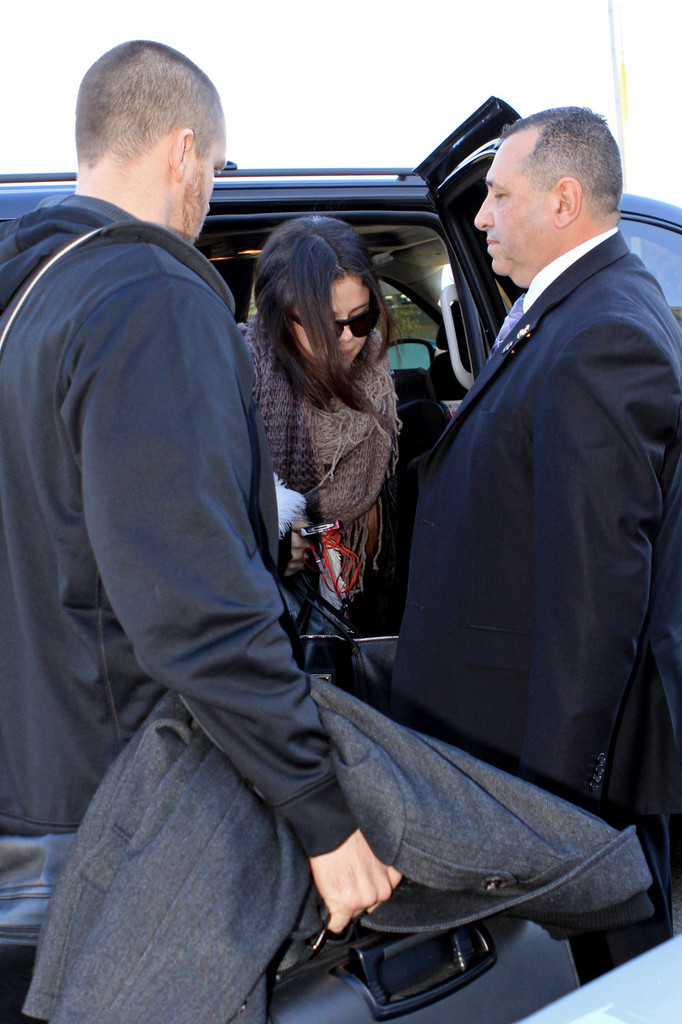
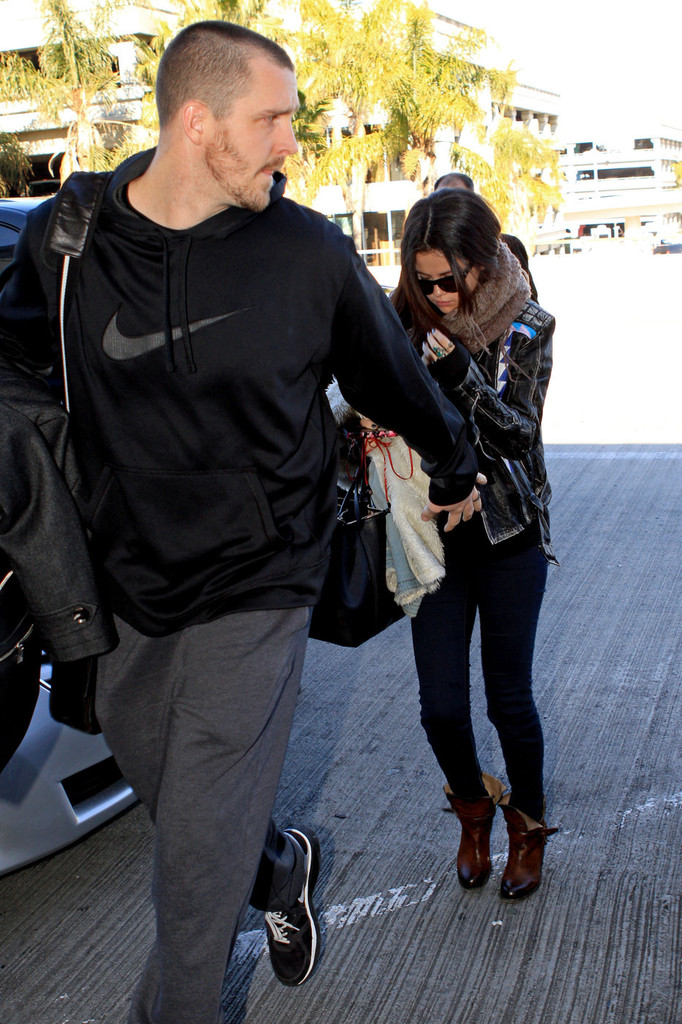
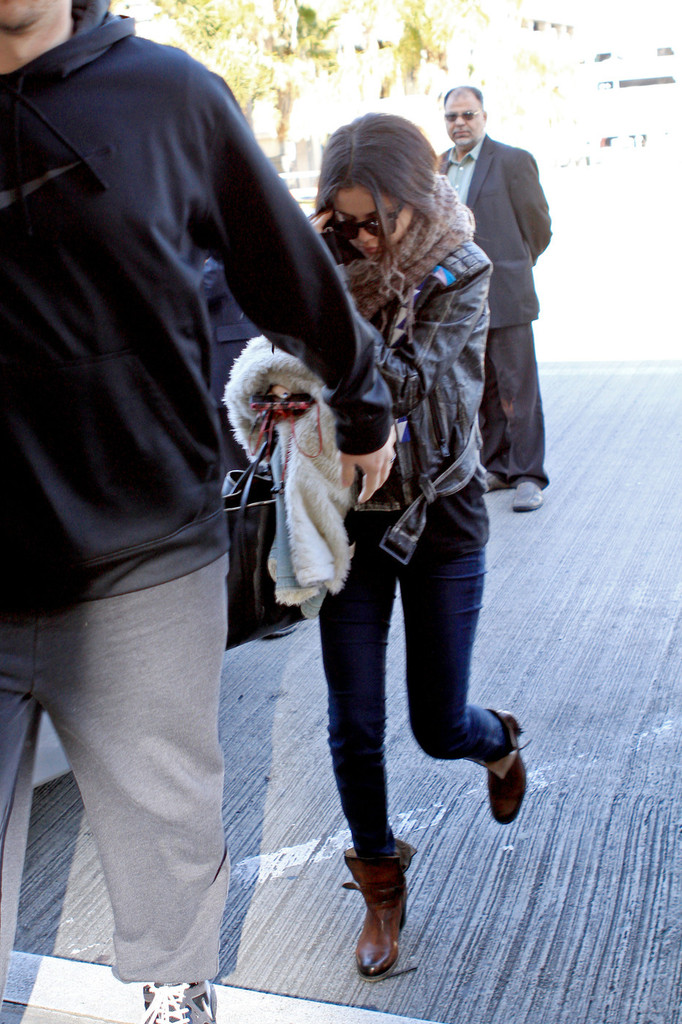
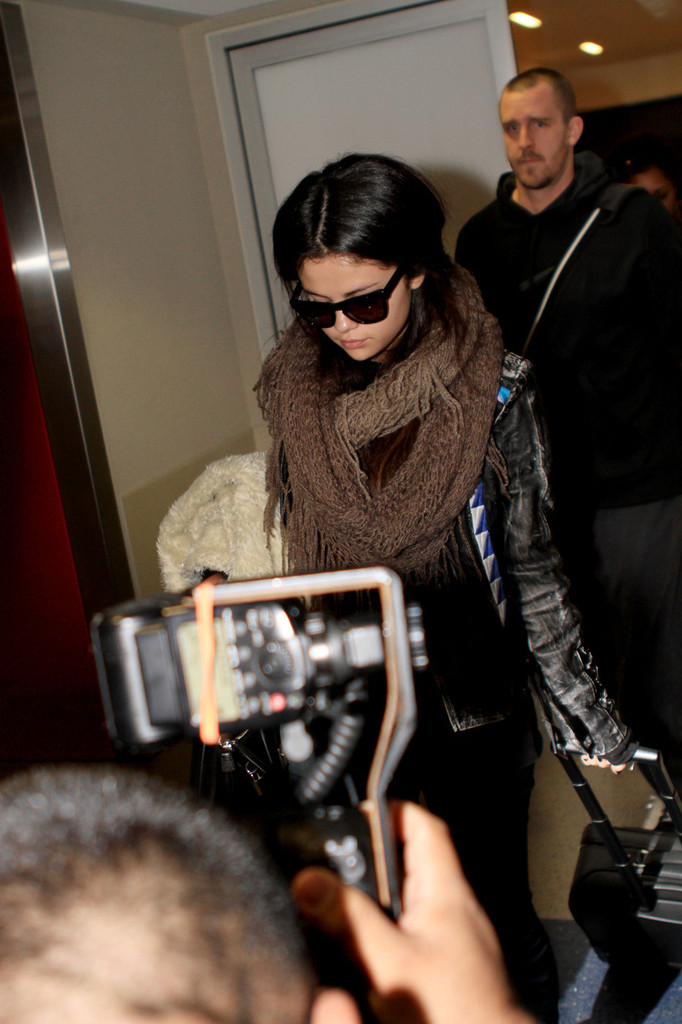
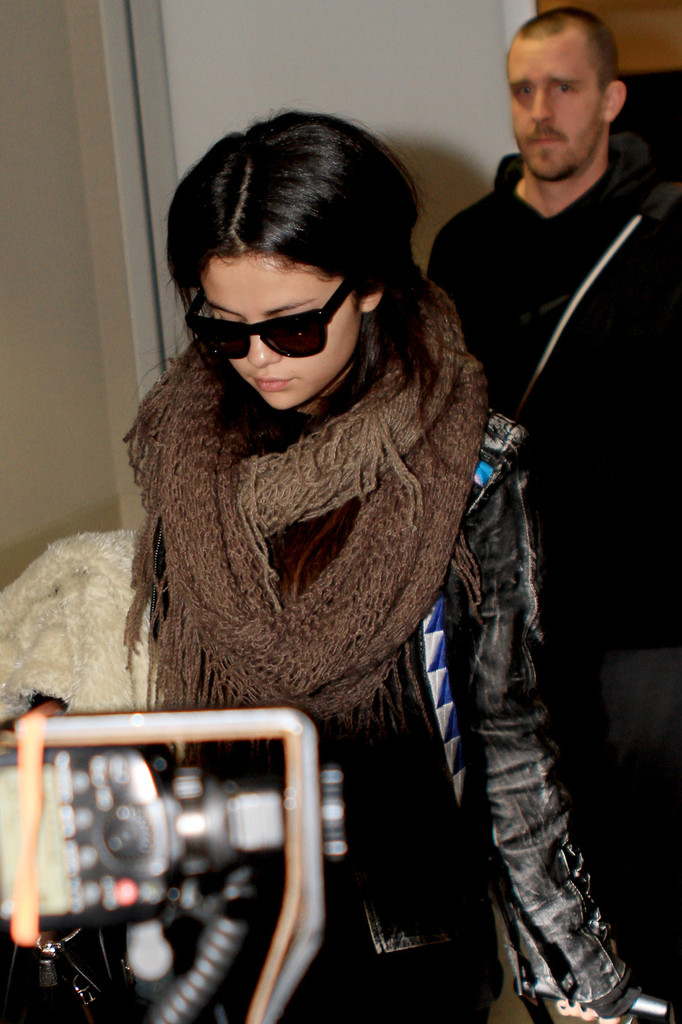
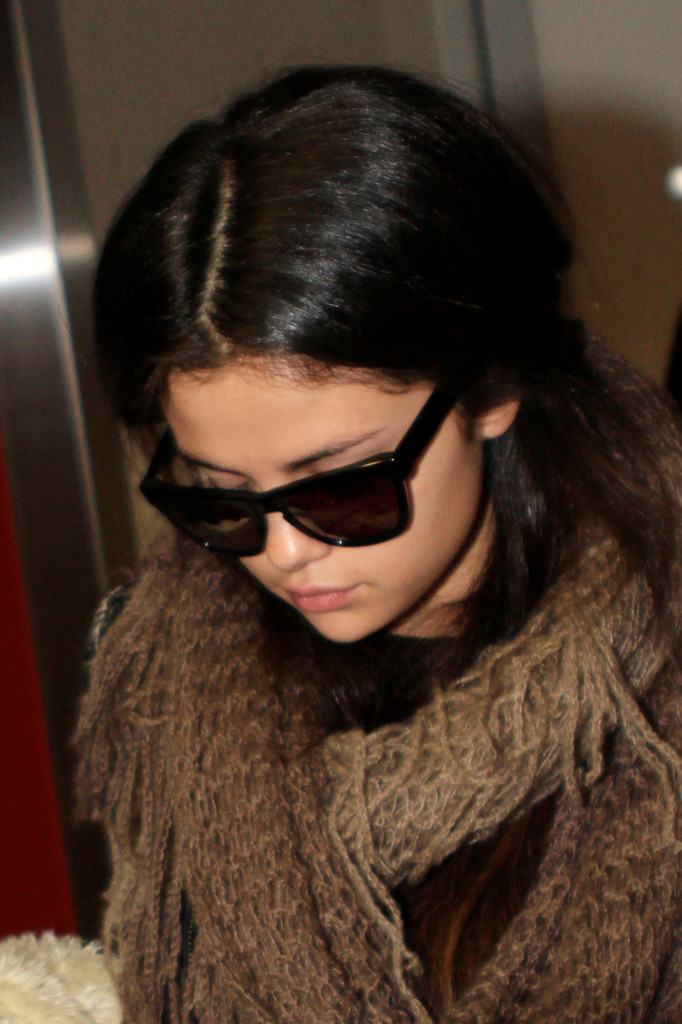
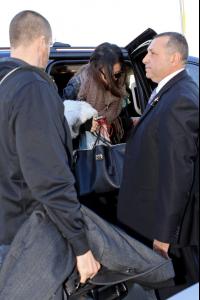
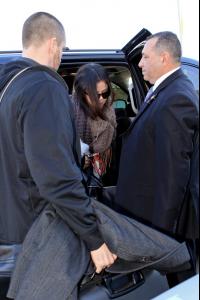
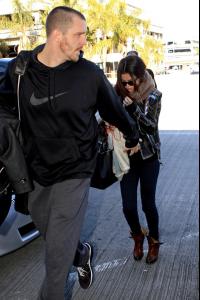
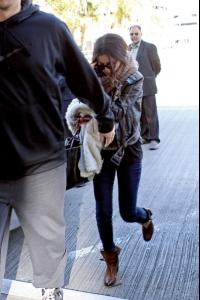
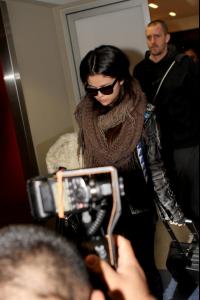
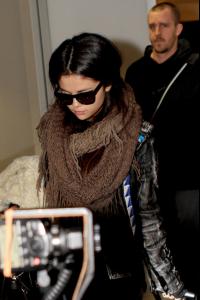
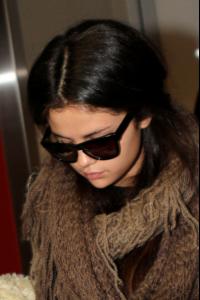
arrives at LAX Airport 1/17/13
-
Nylon Magazine February 2013
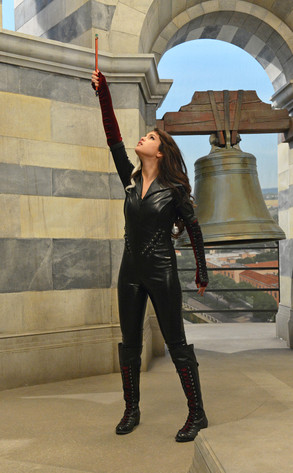
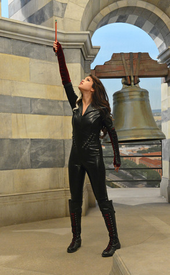
A new still of Selena from the Wizards Reunion Episode “Alex vs. Alex”
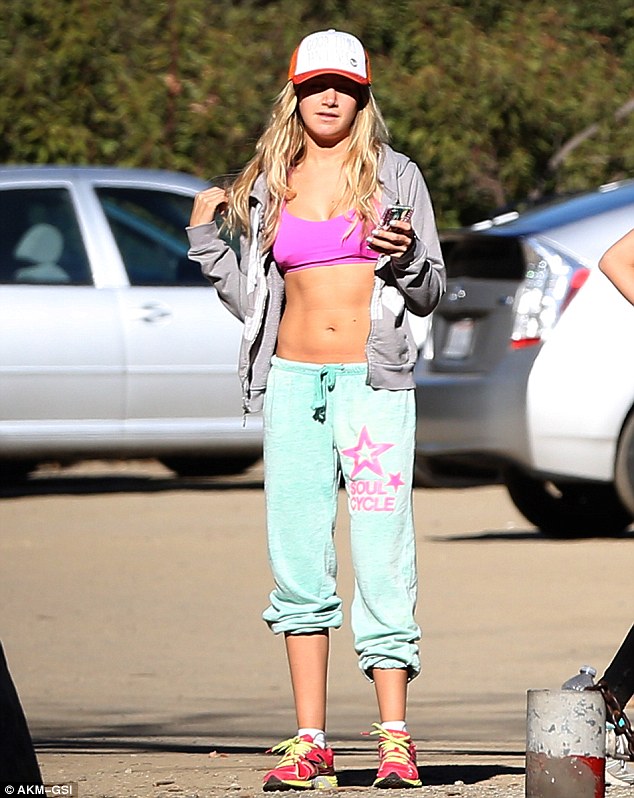
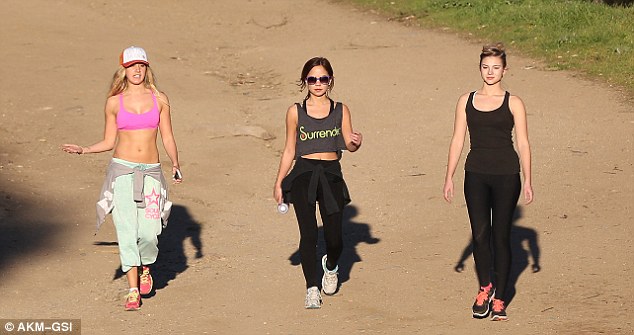
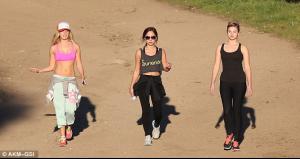
 wearing a sports bra on a hike in Hollywood Hills 01/16/13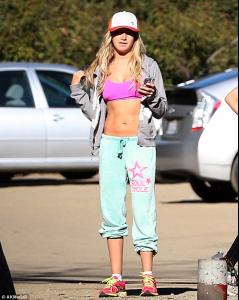
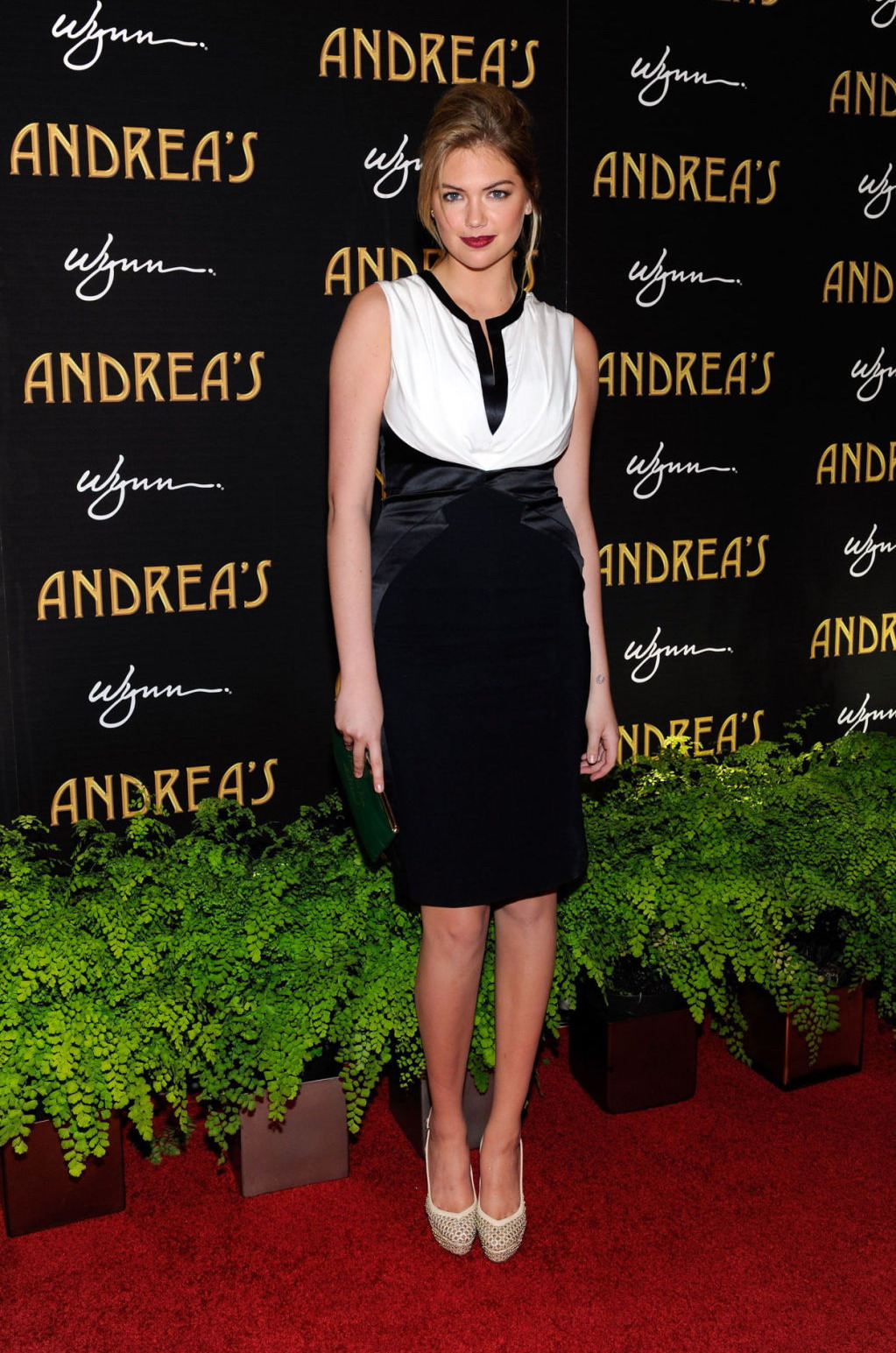
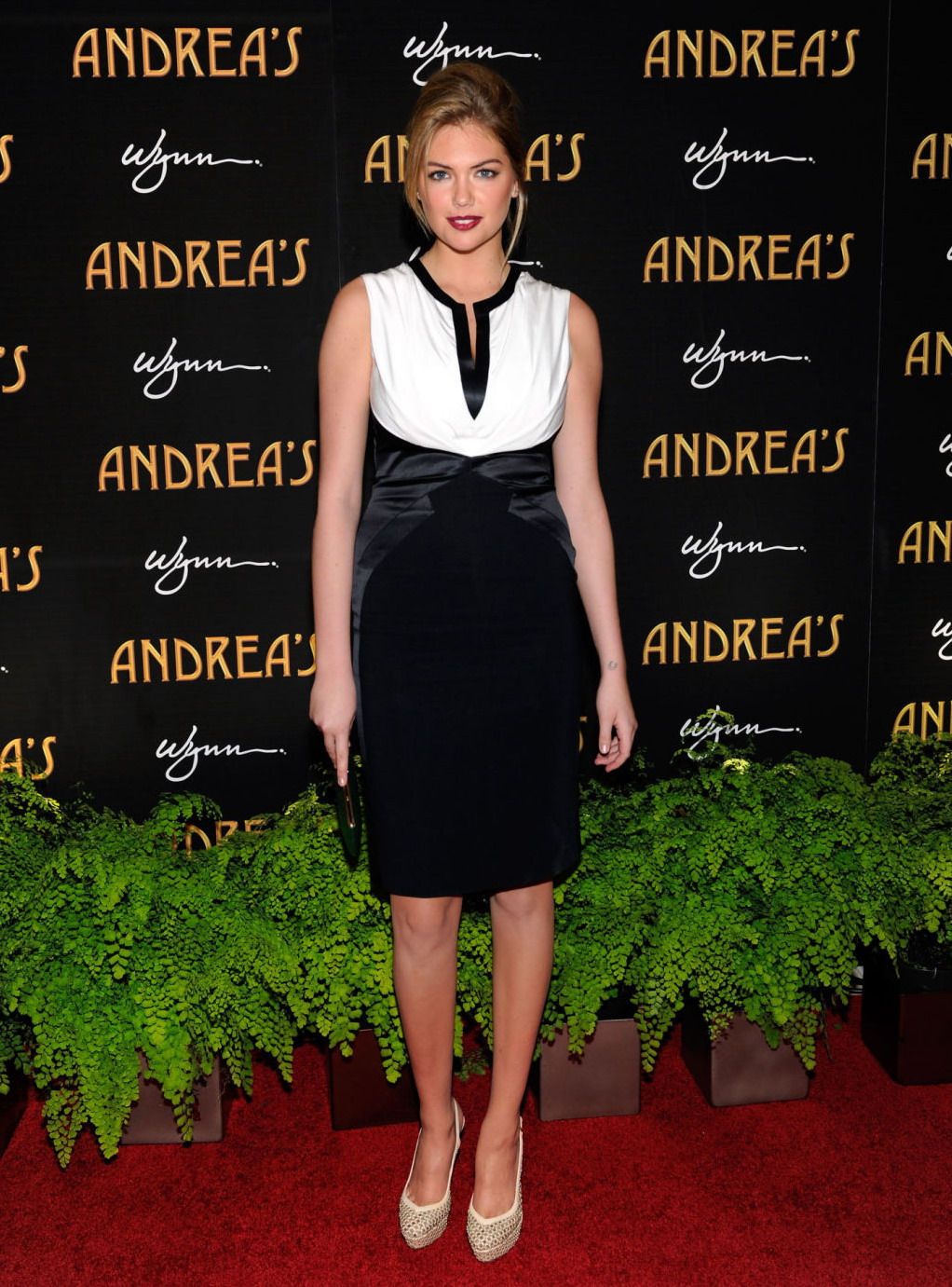
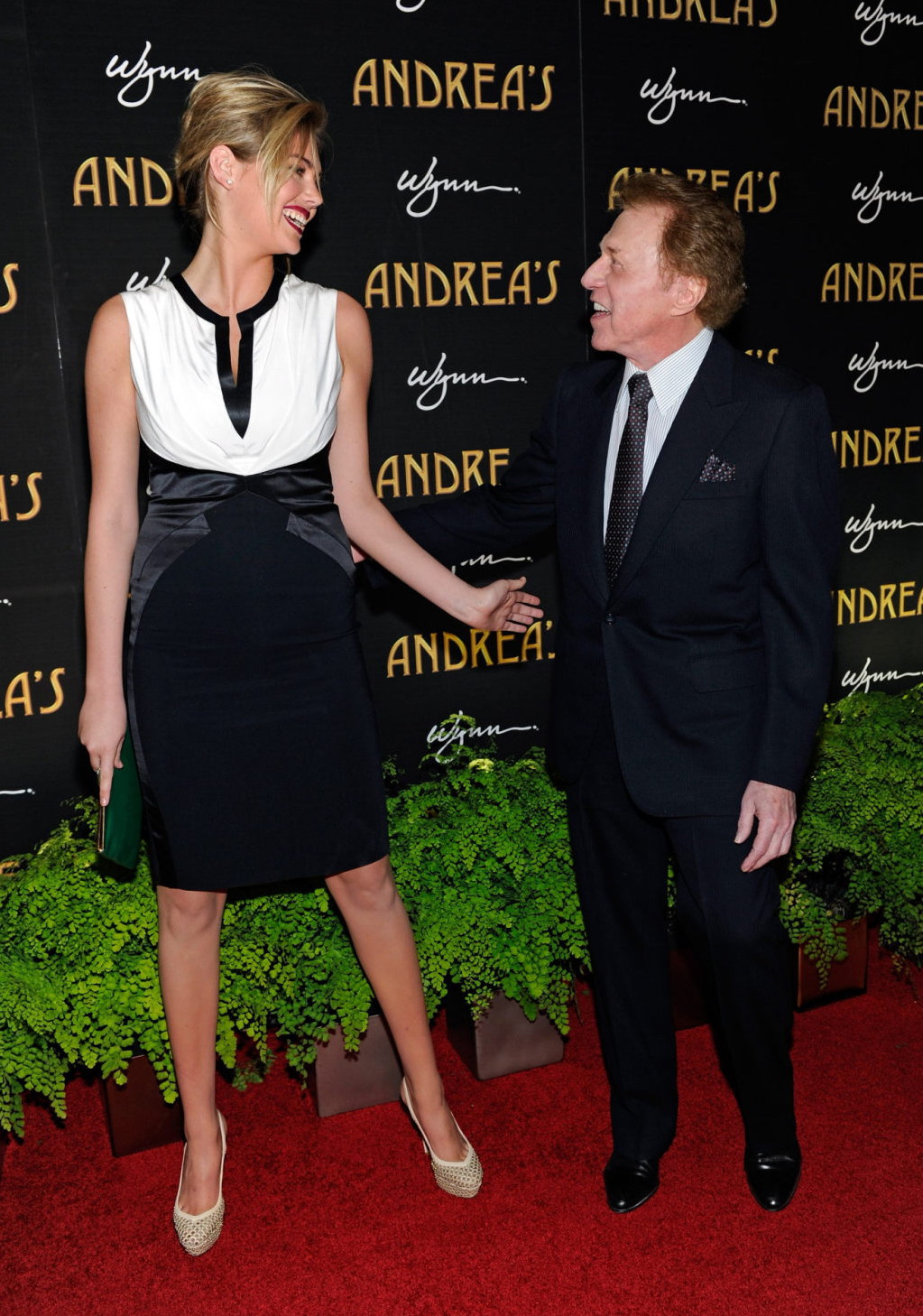
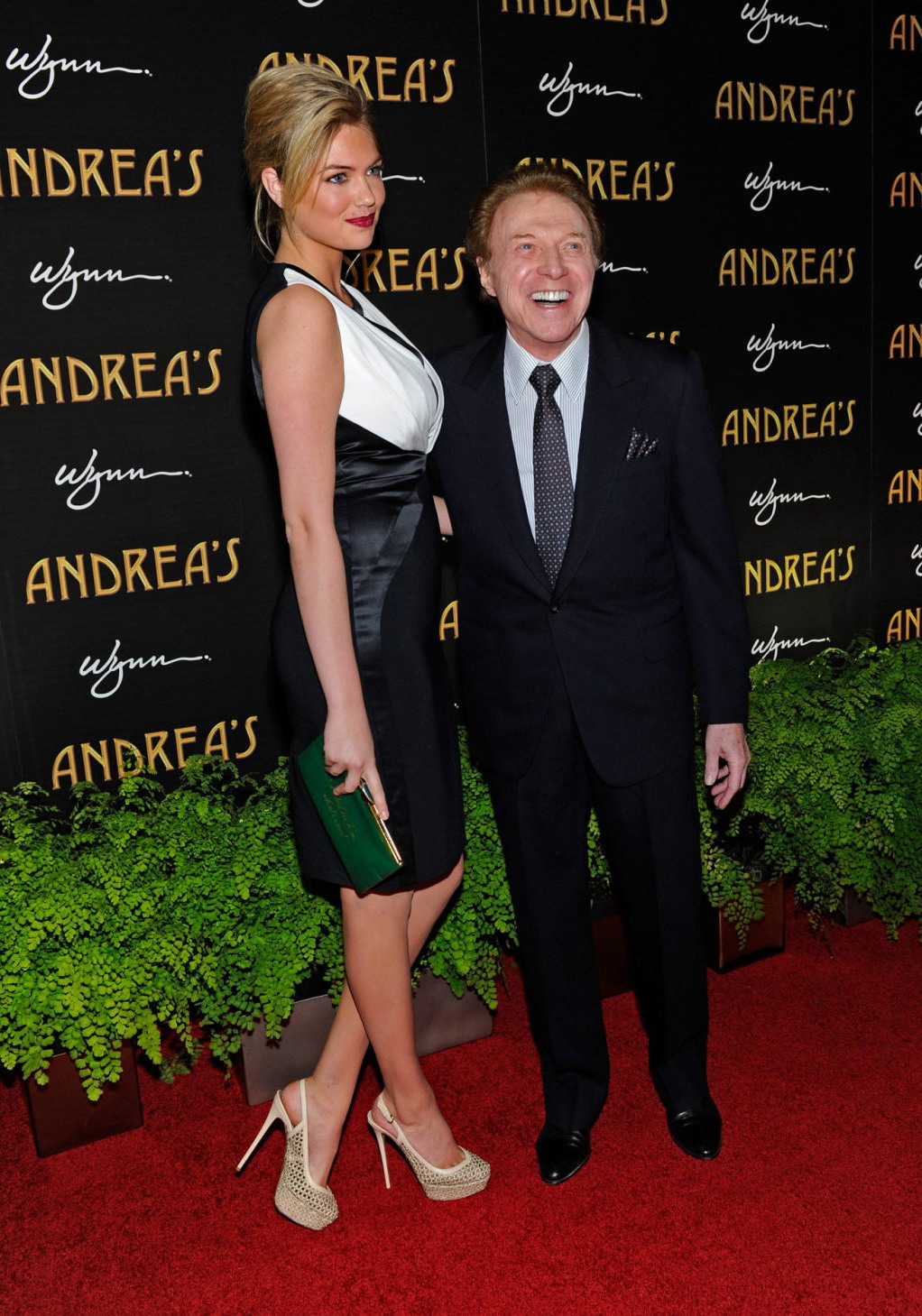
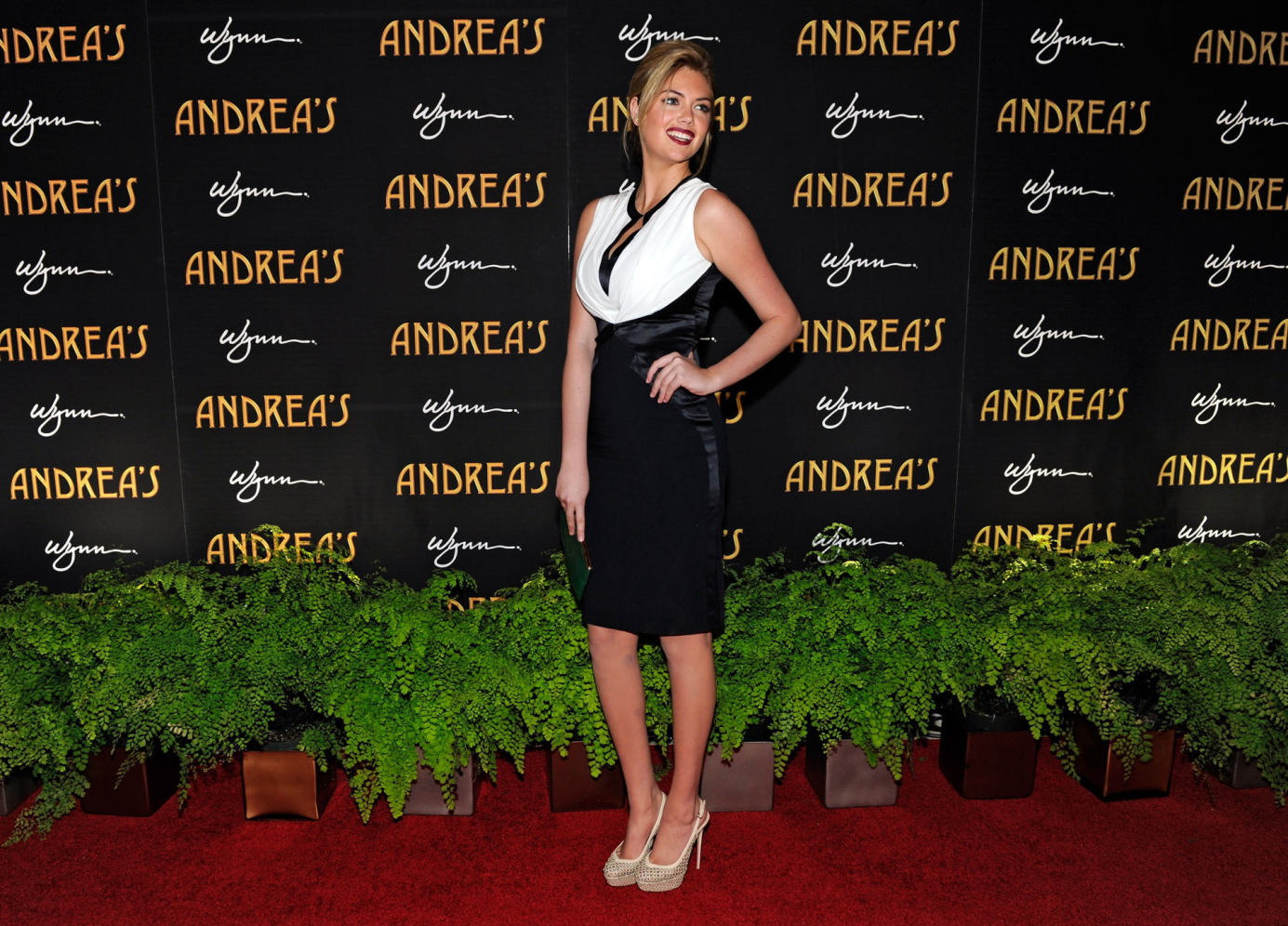
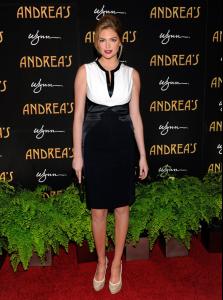
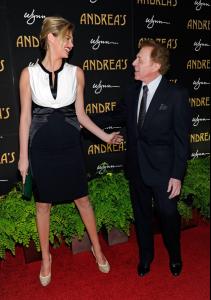
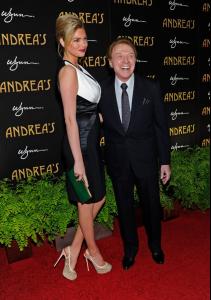
 Andrea's Grand Opening At Wynn in Vegas 01/16/13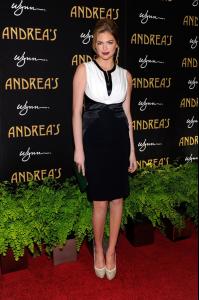


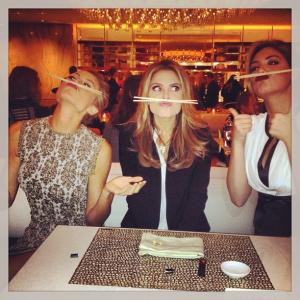 grabs lunch & coffee in Burbank 1/16/13
Selena with Barbara Palvin
grabs lunch & coffee in Burbank 1/16/13
Selena with Barbara Palvin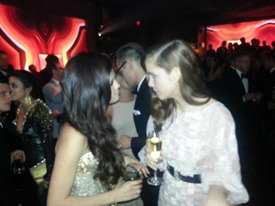
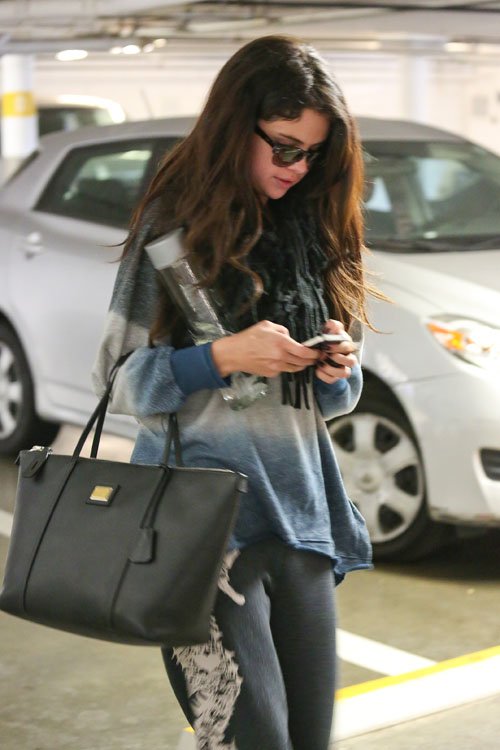
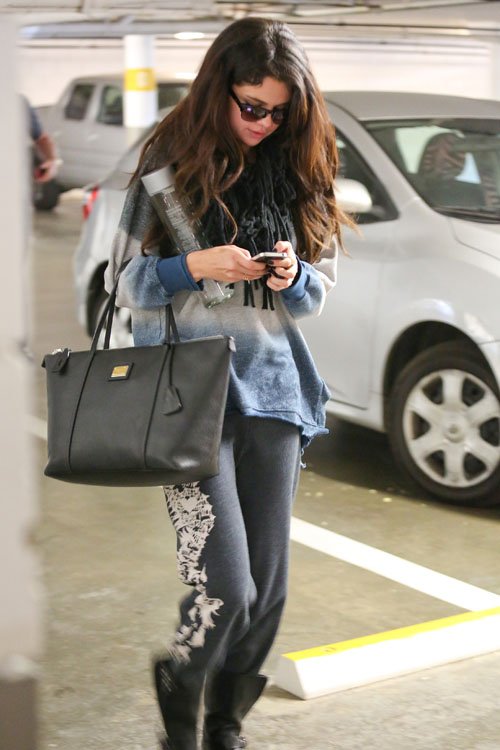
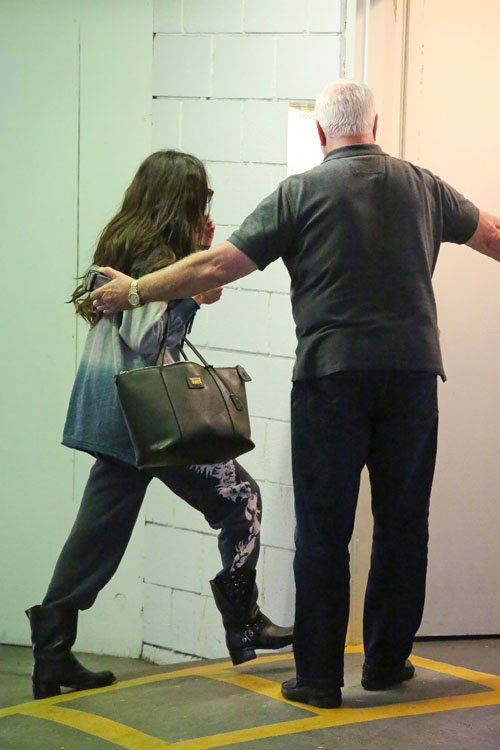
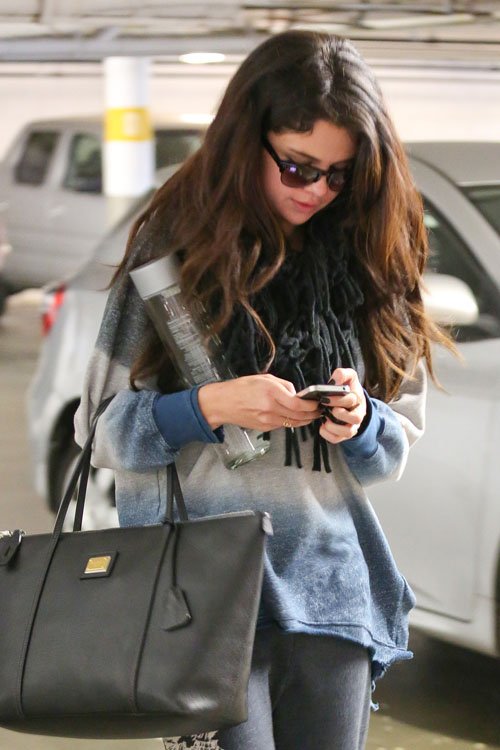
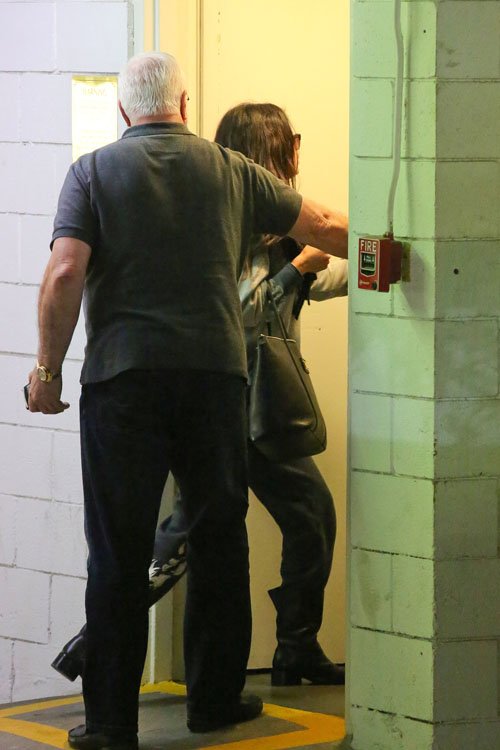
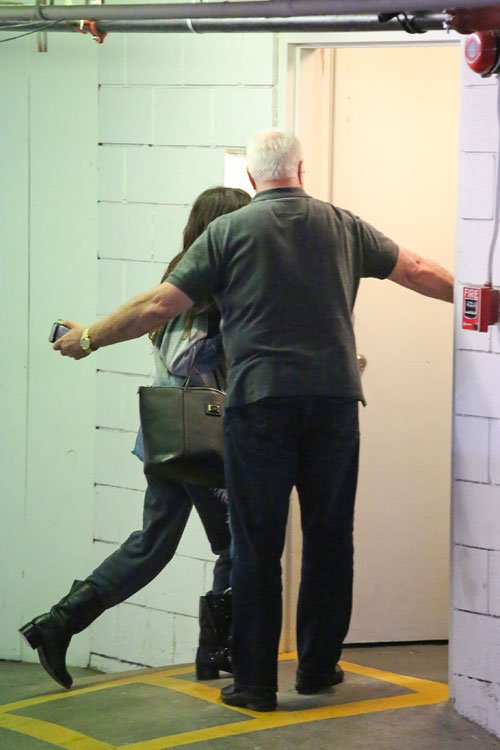
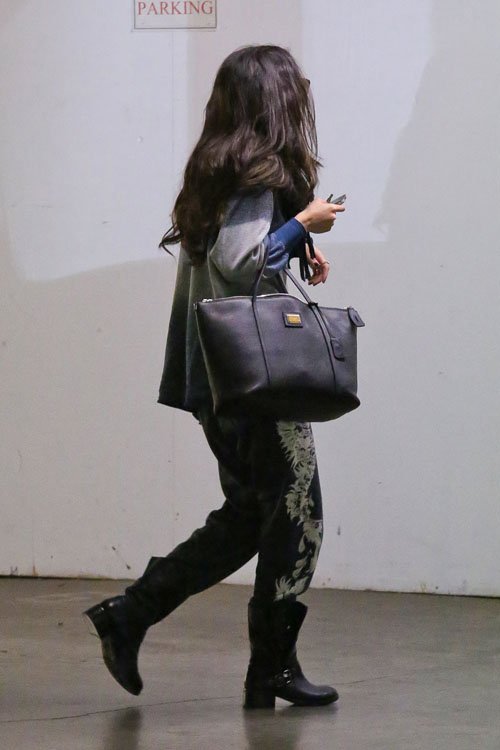
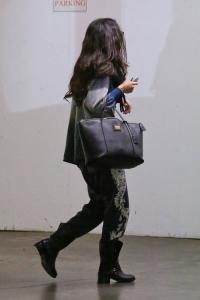
 At an office building in West Hollywood 1/14/13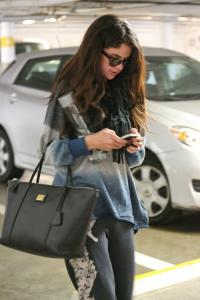
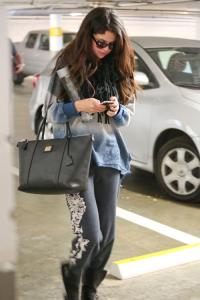
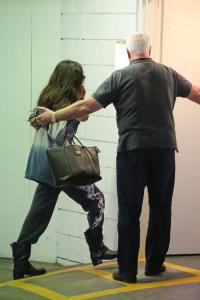
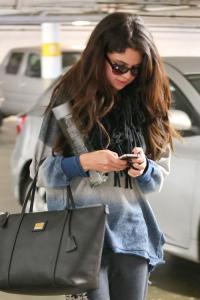
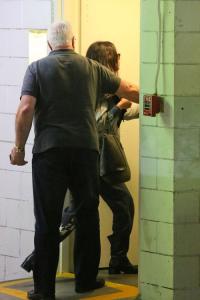
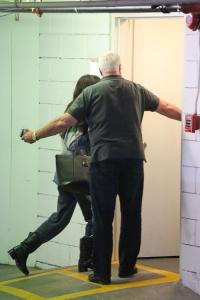
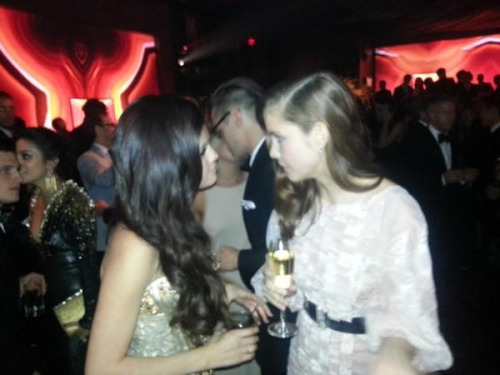
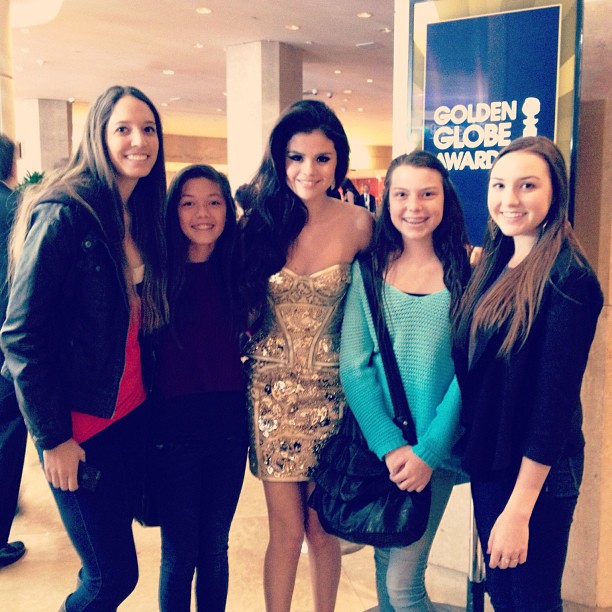
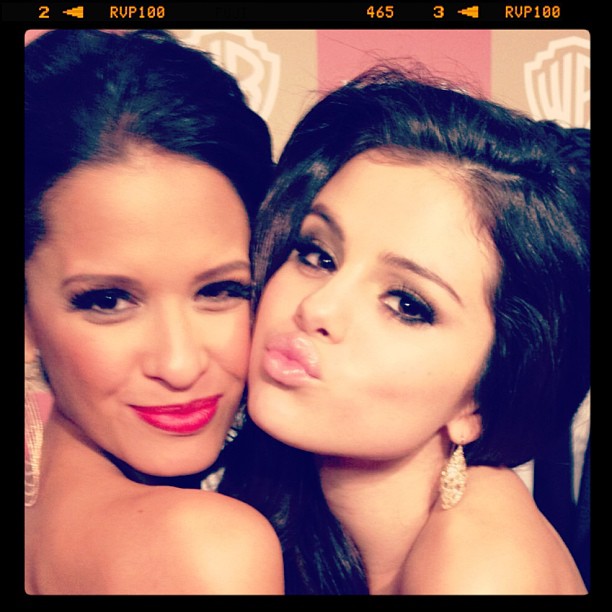
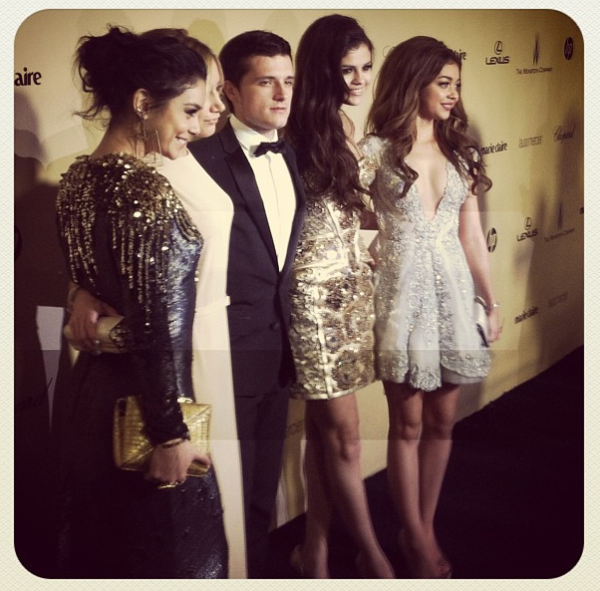
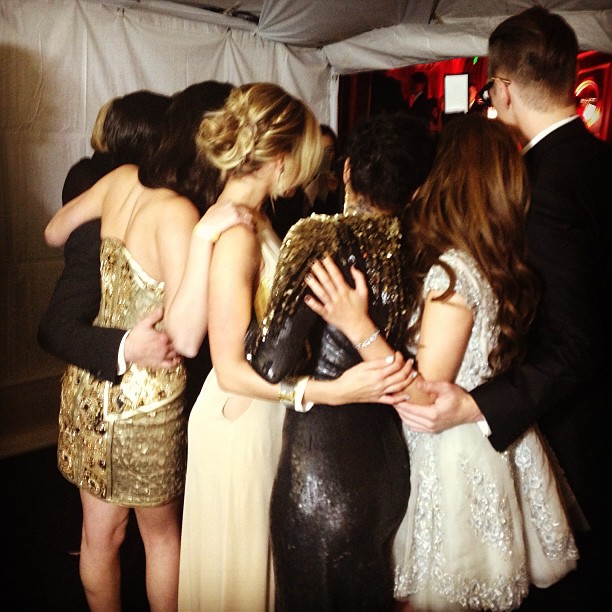
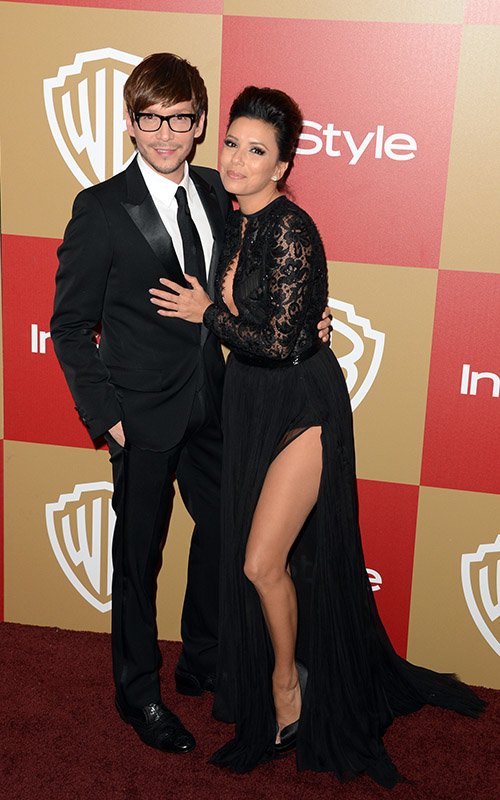
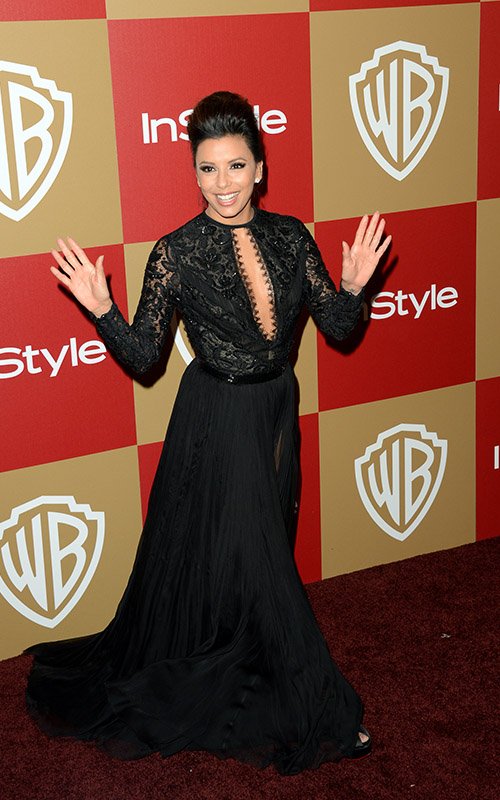
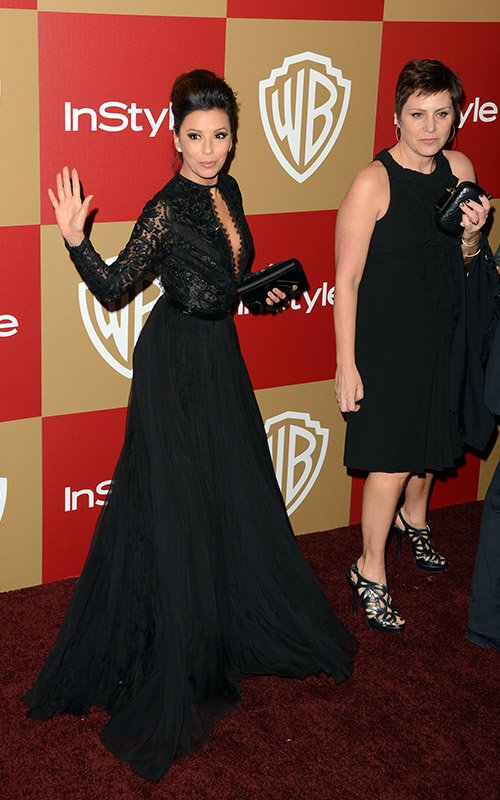
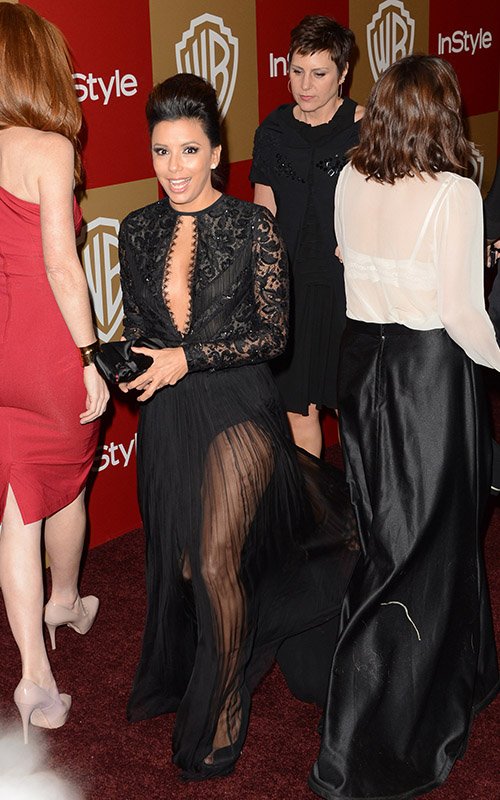
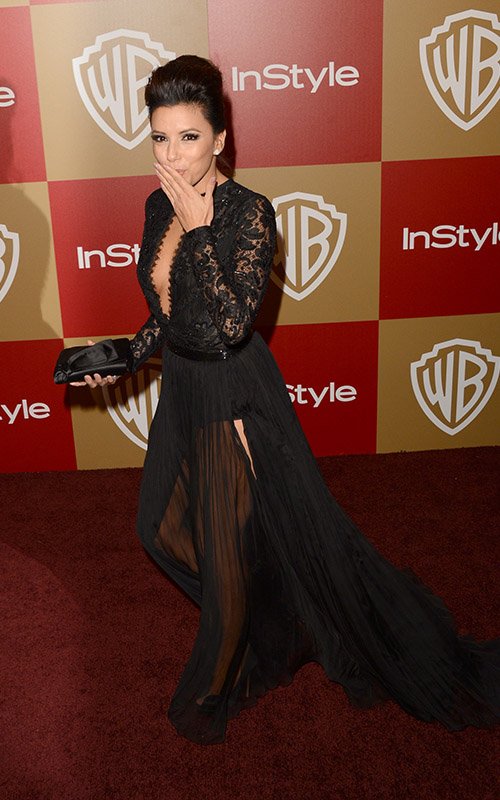
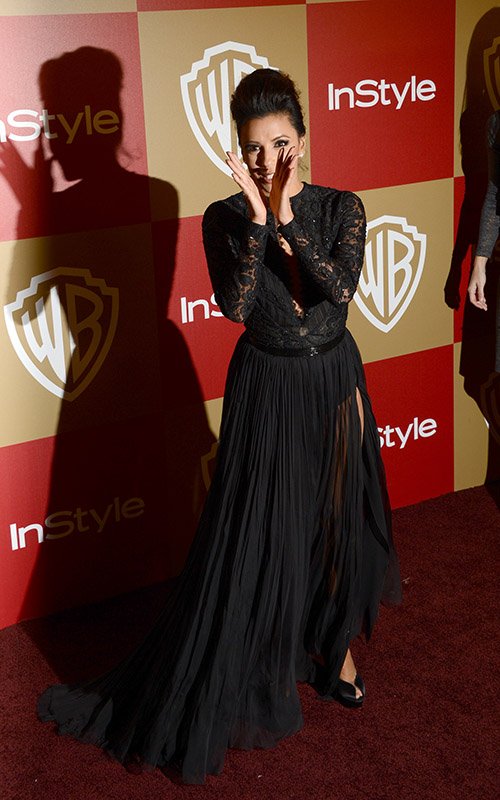
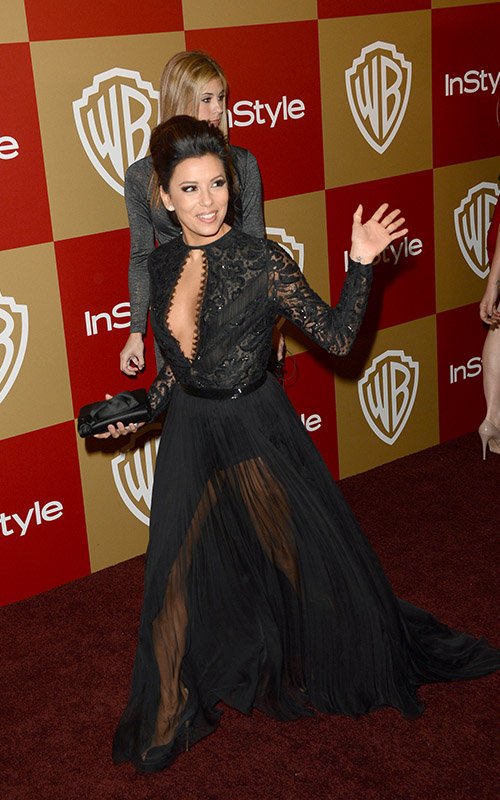
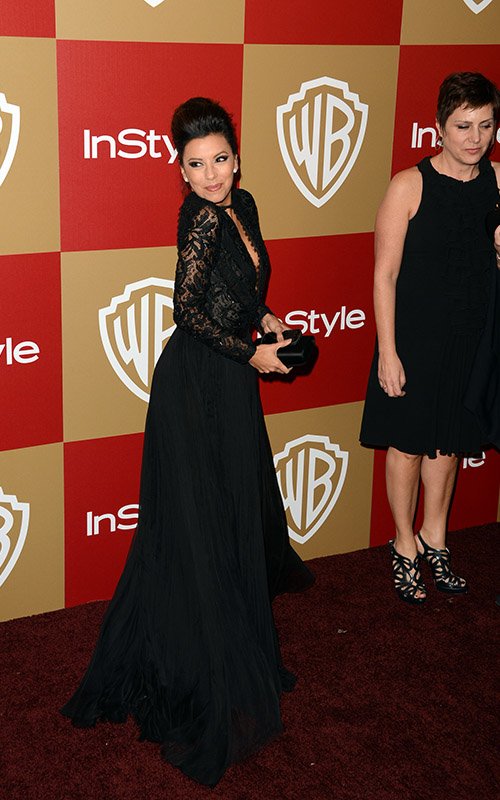
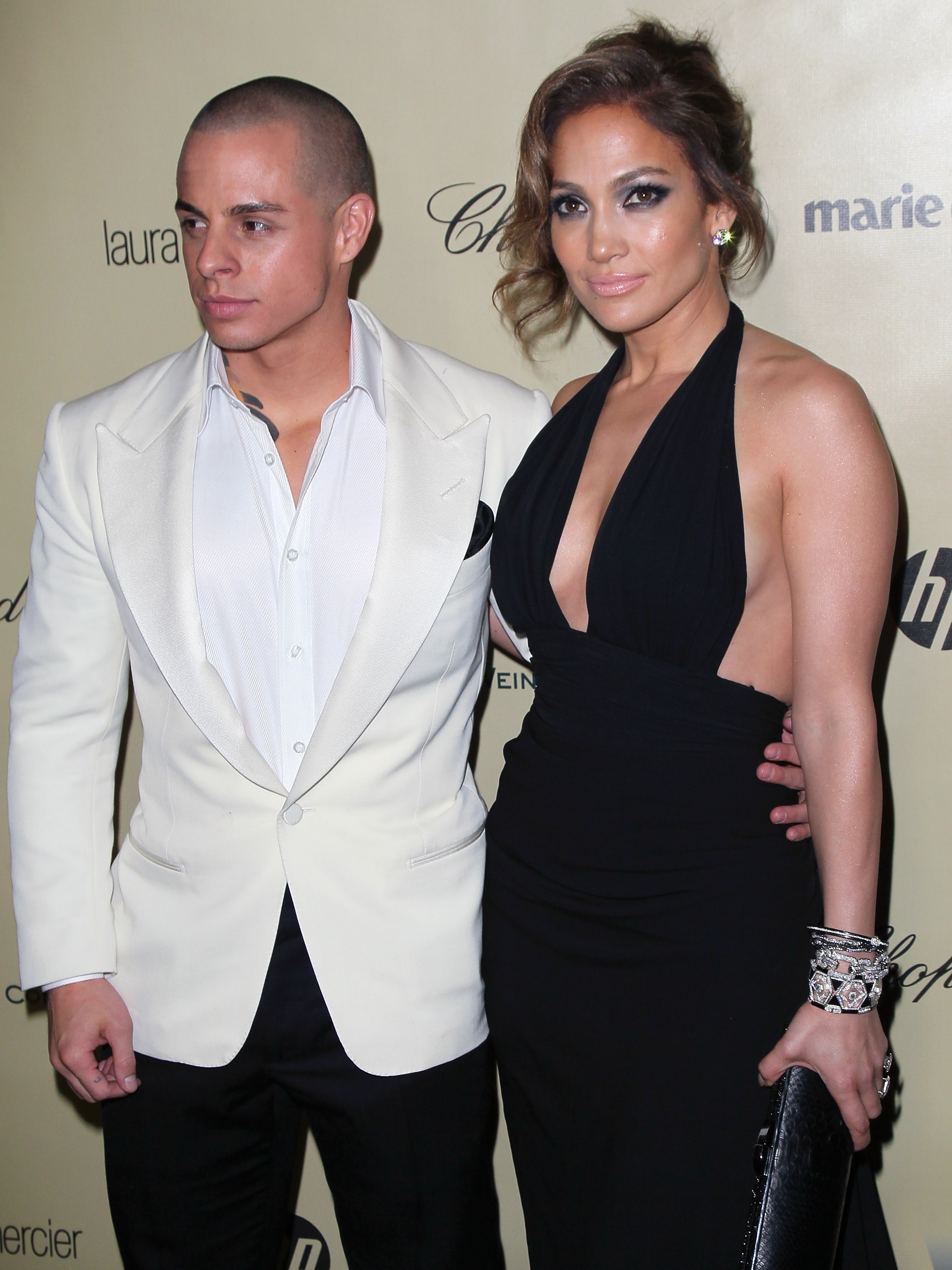
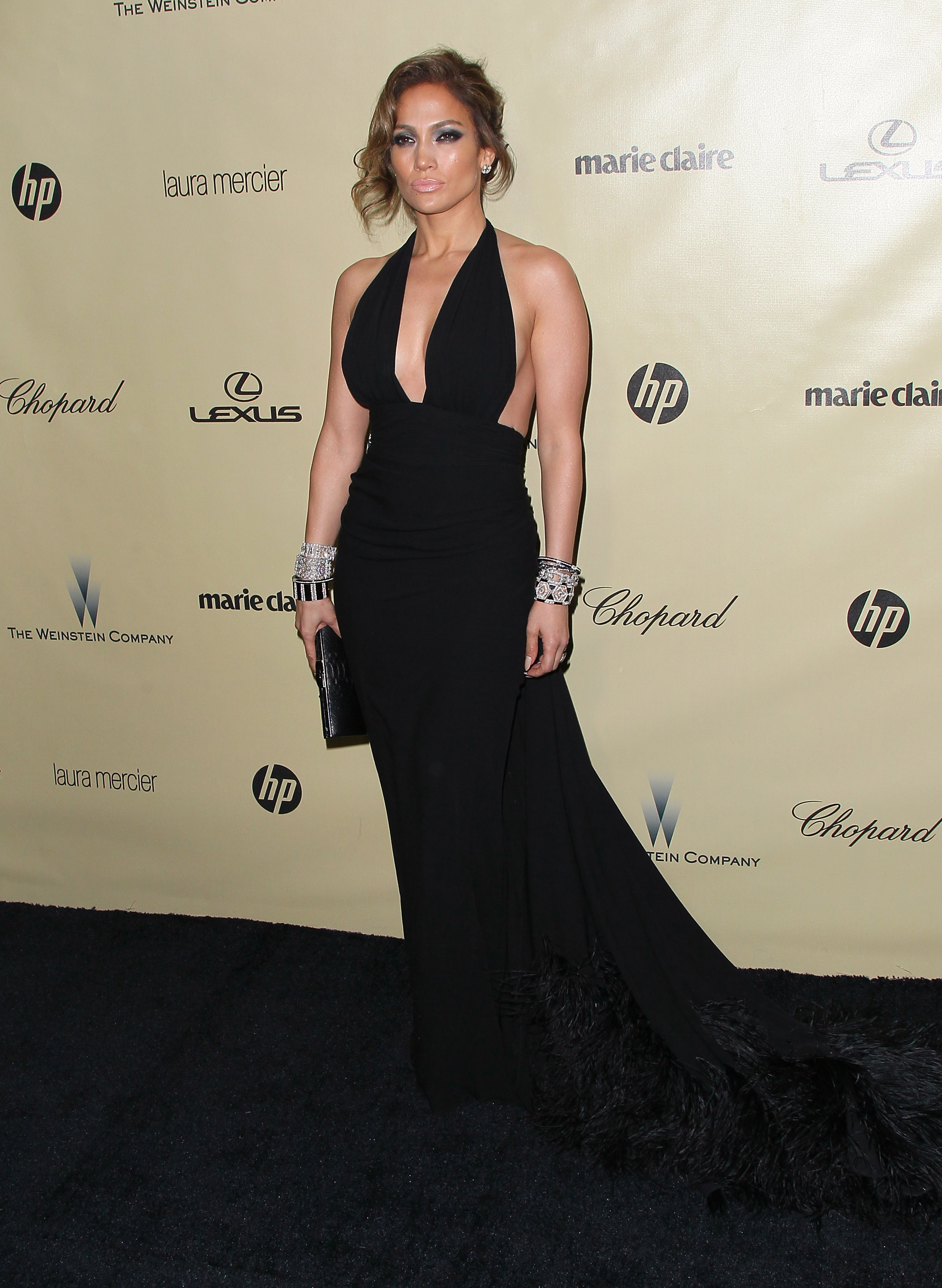
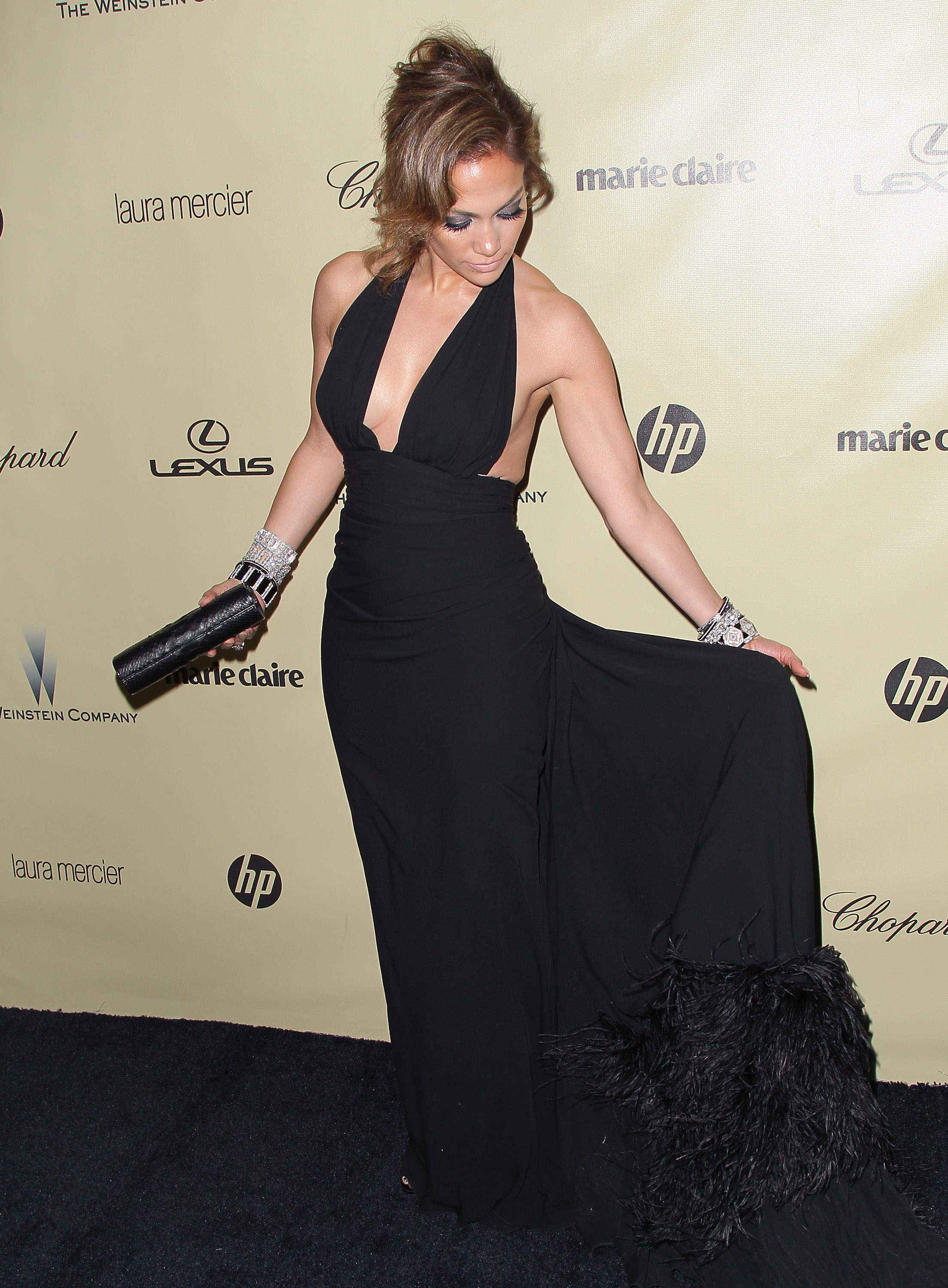
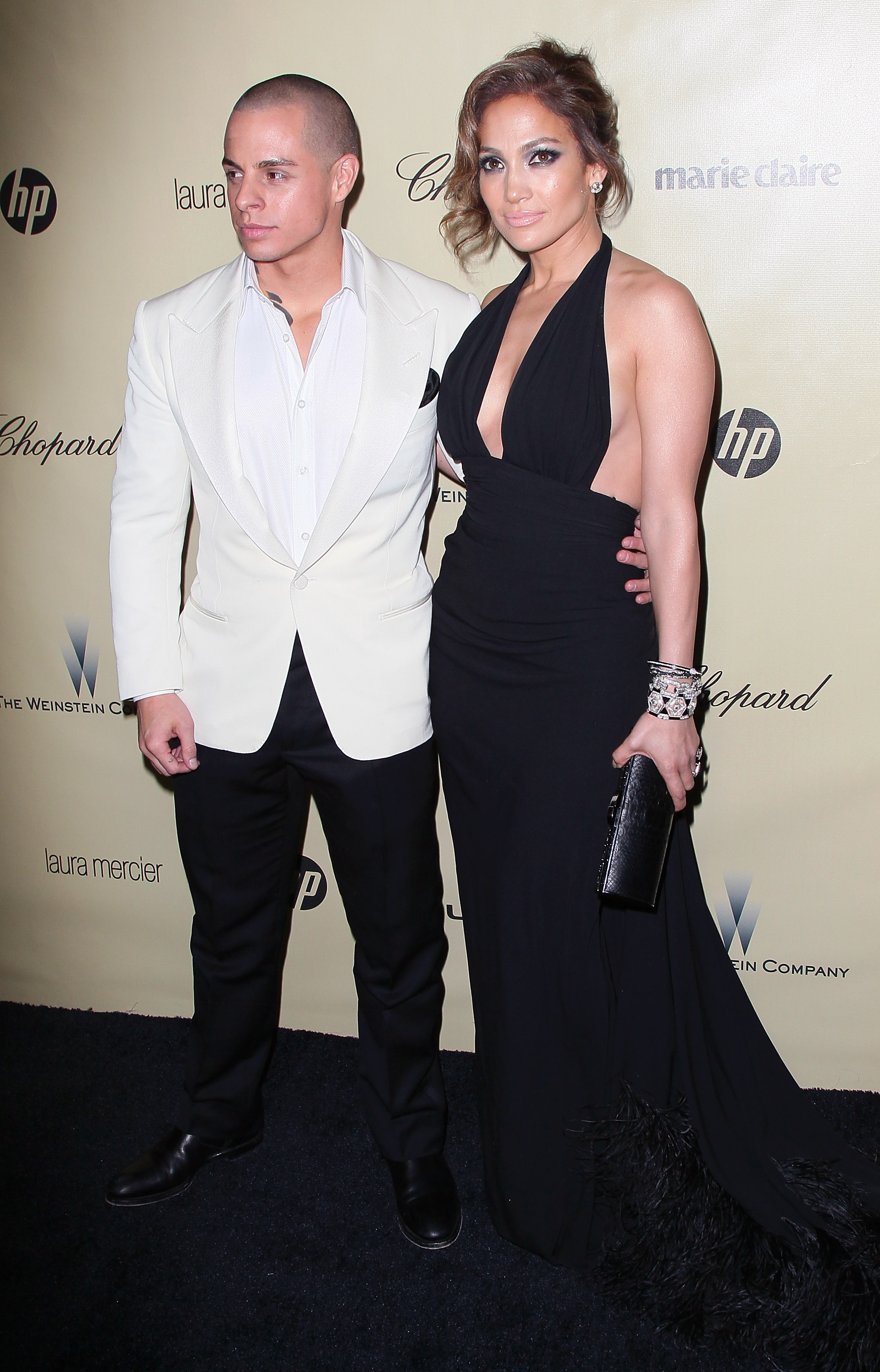
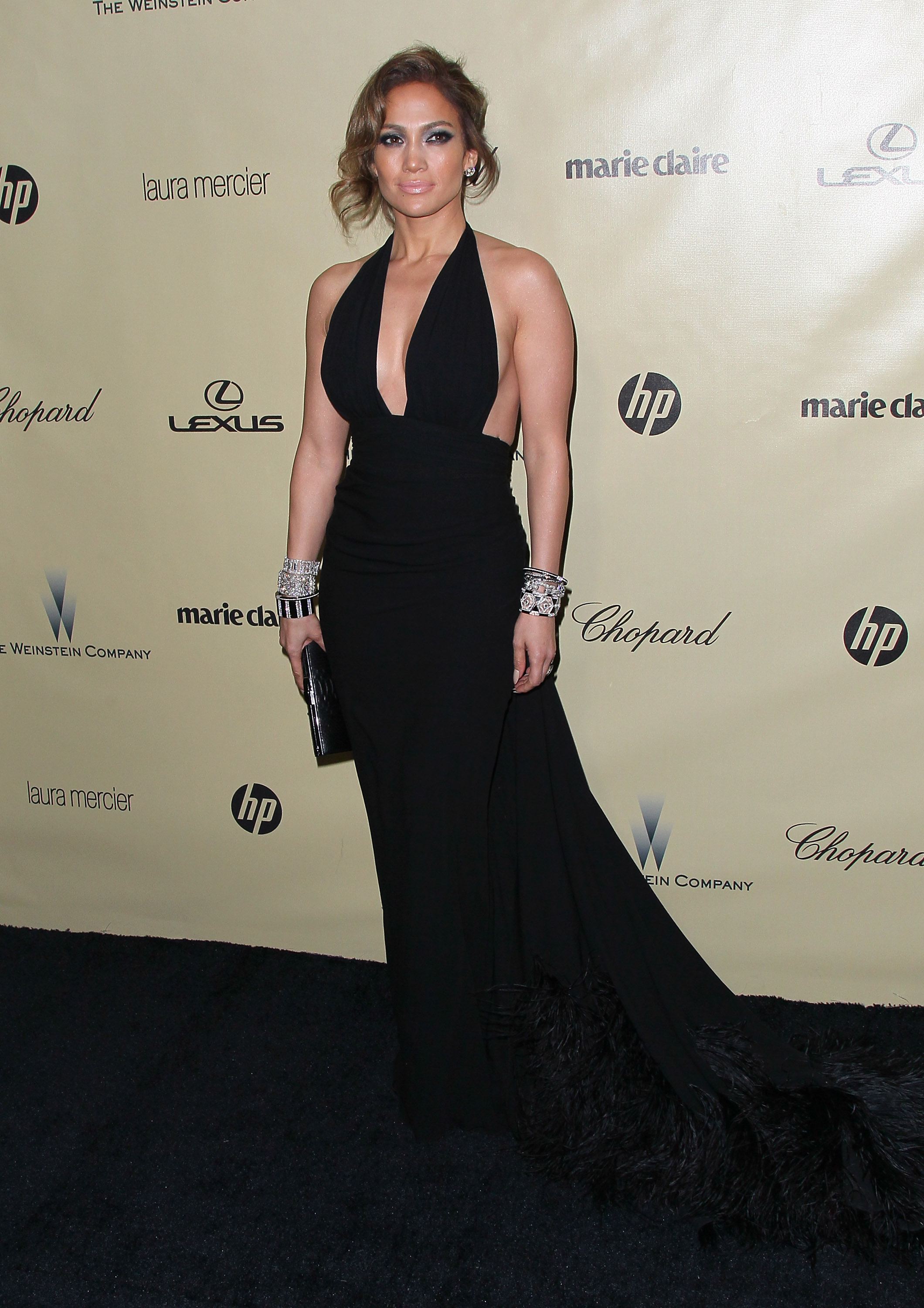
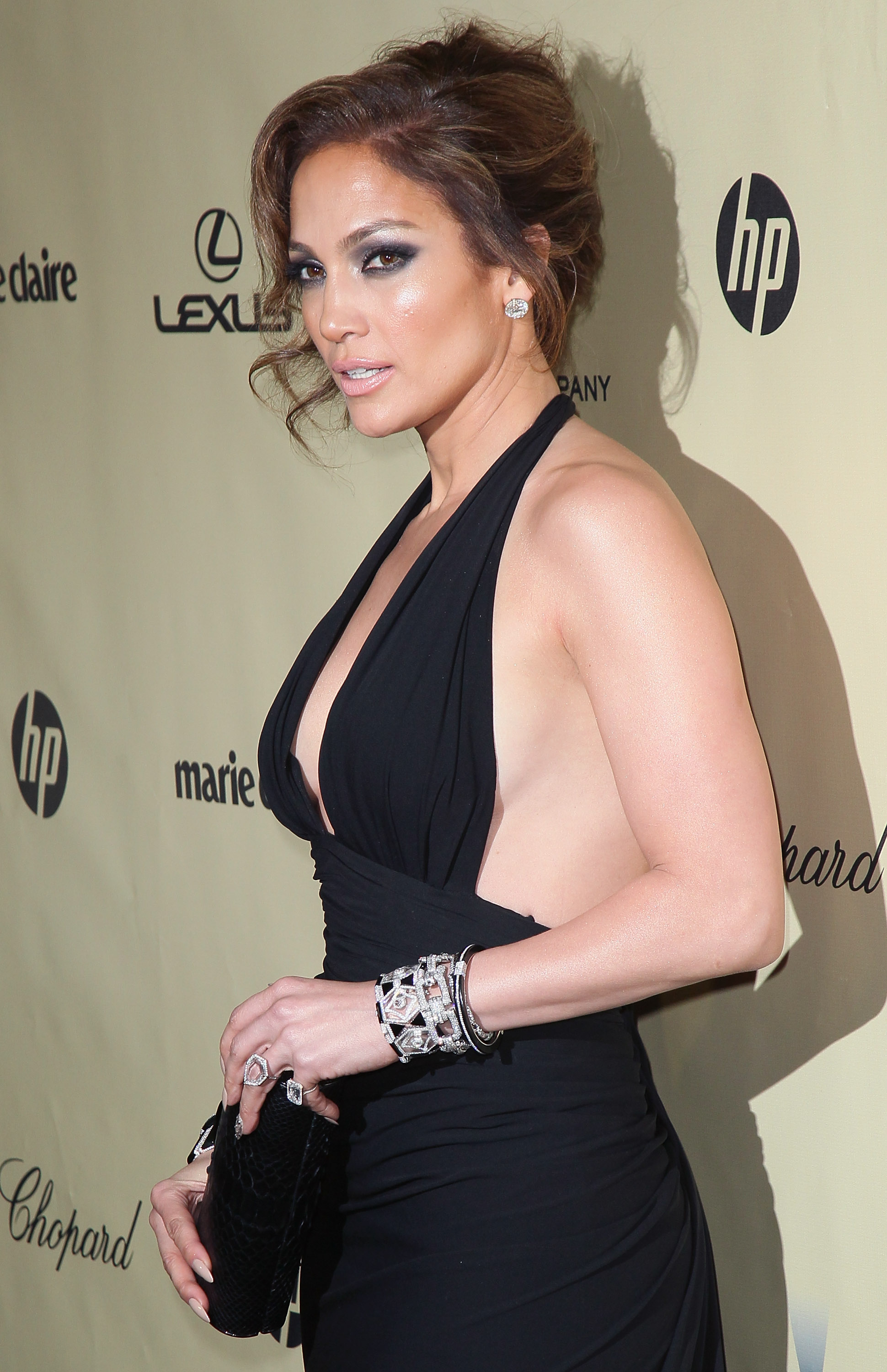
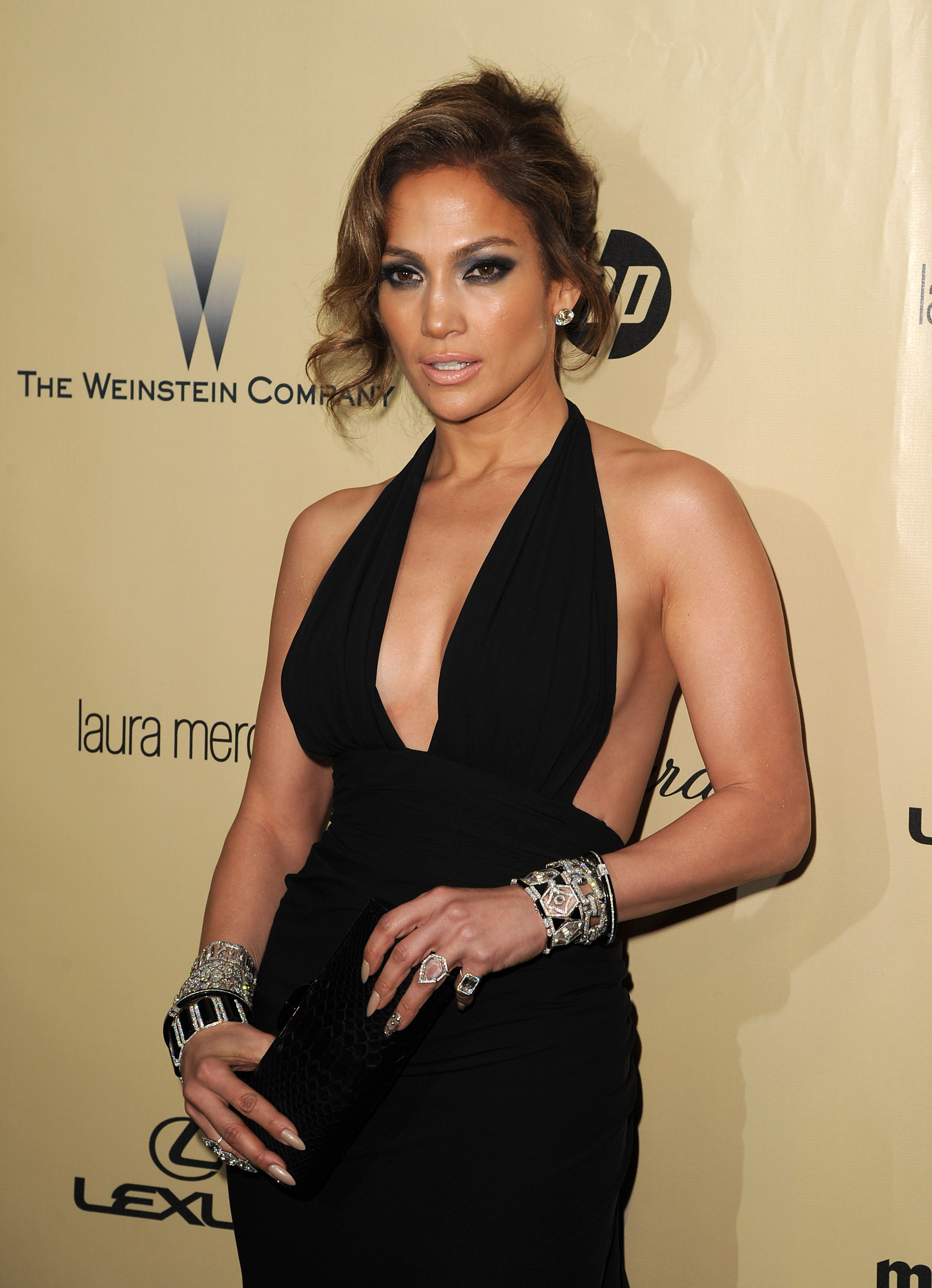
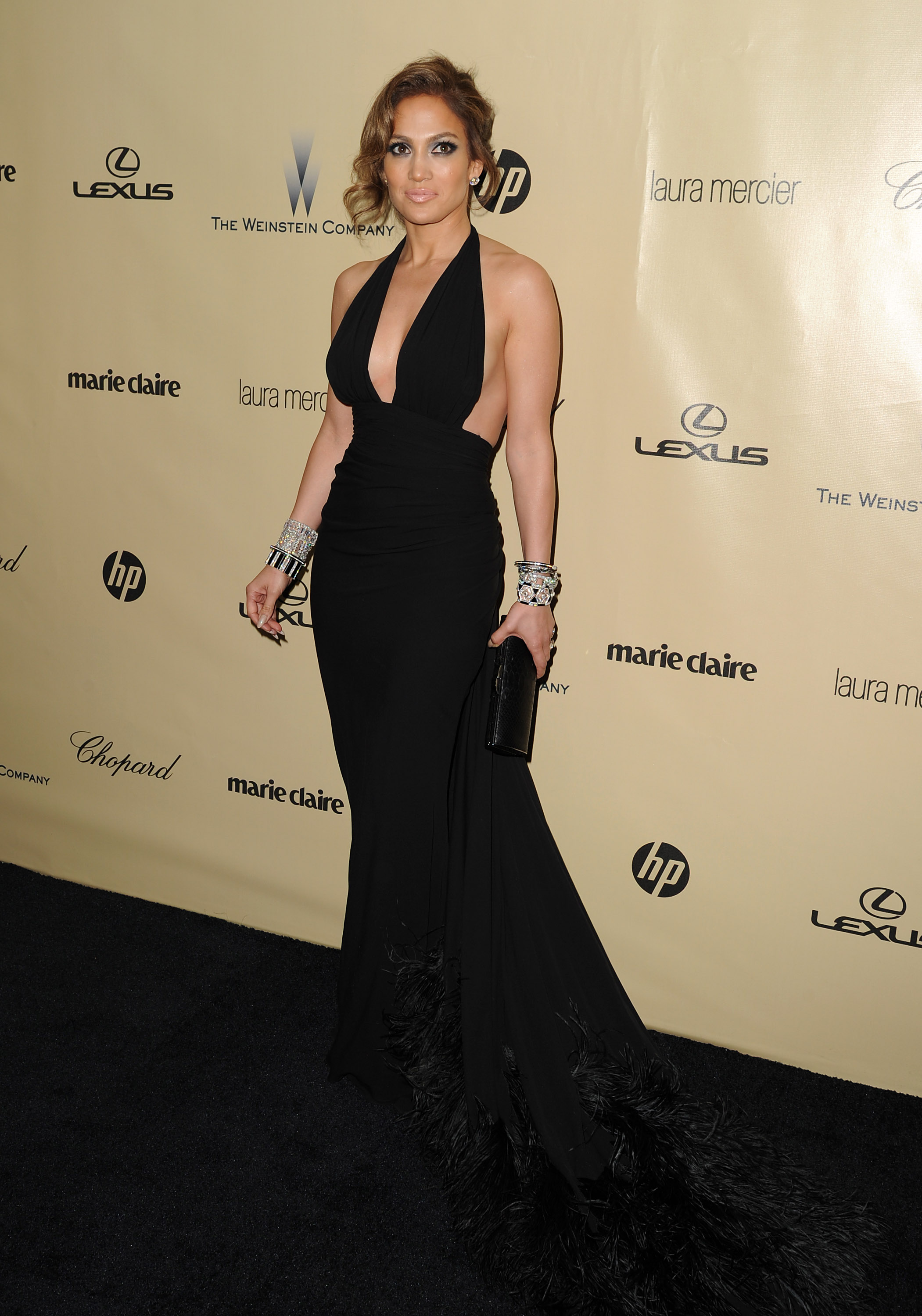
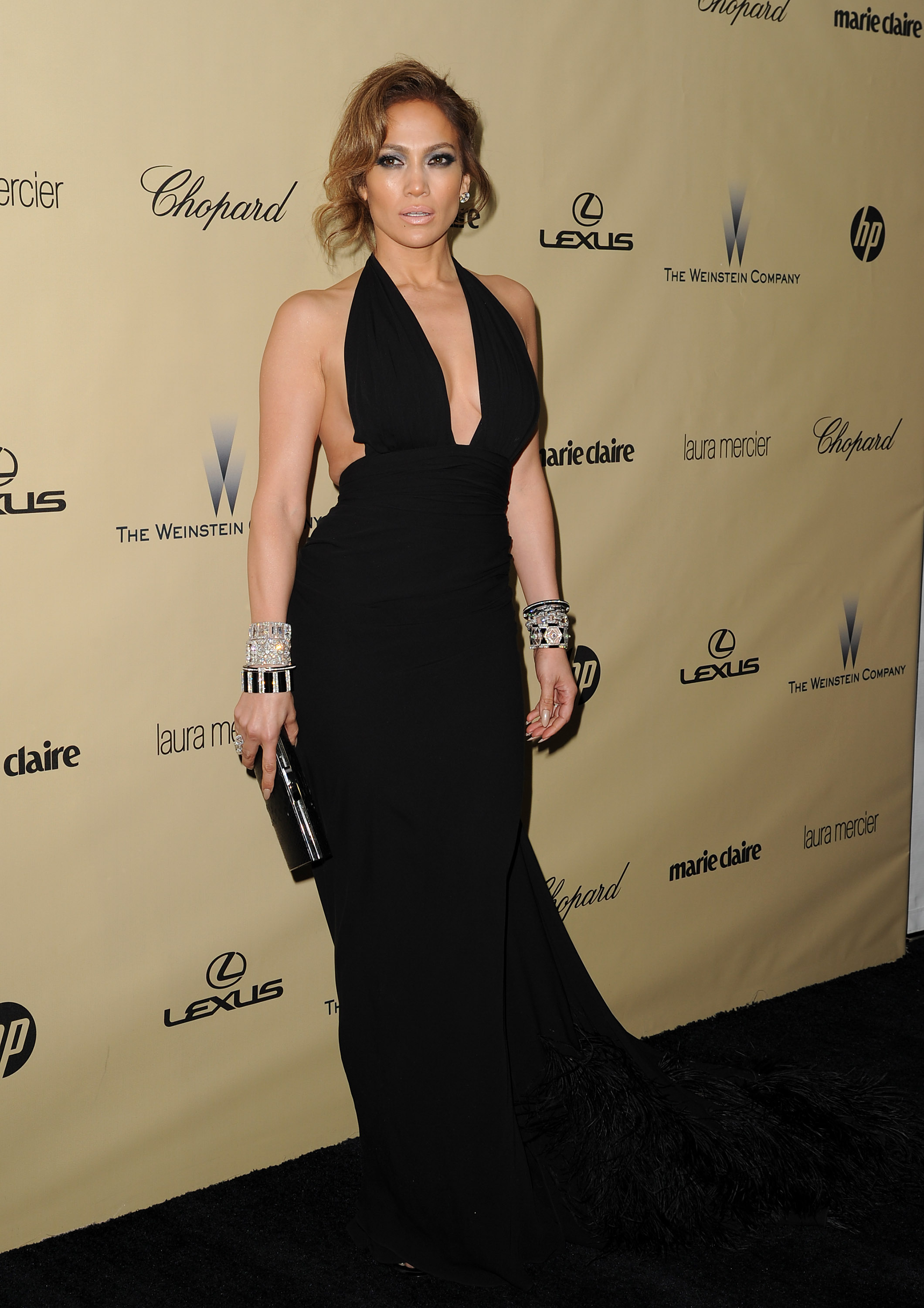
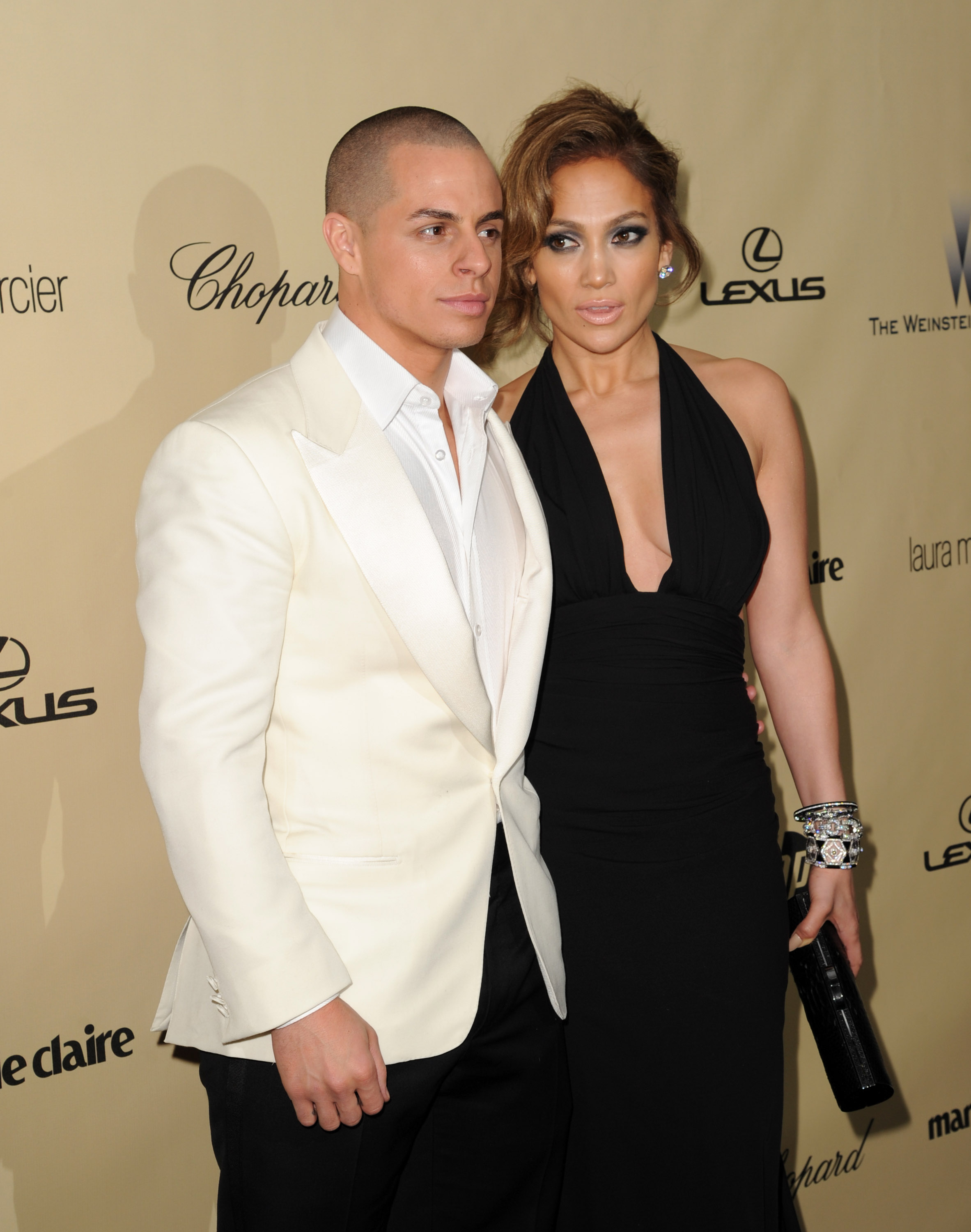
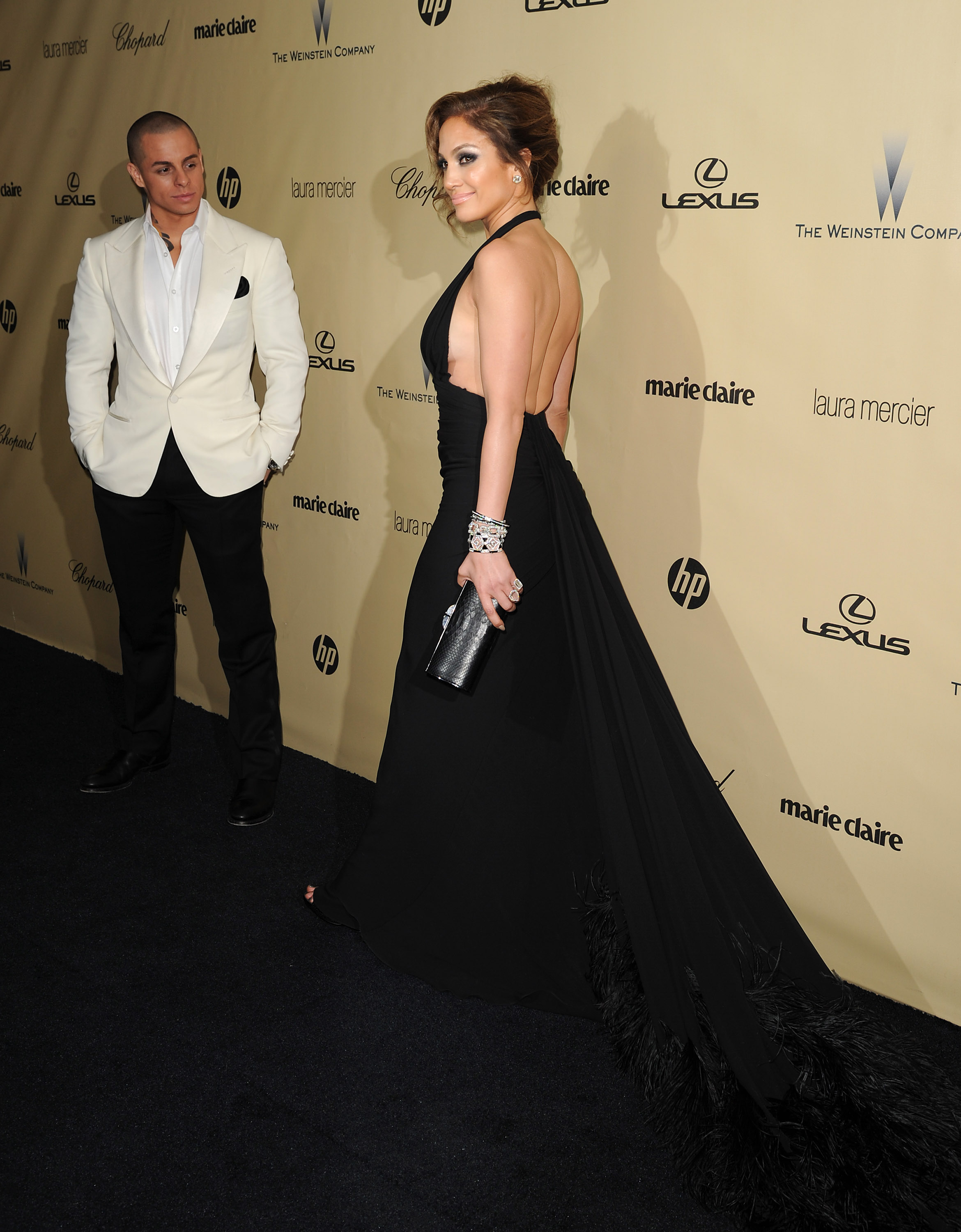
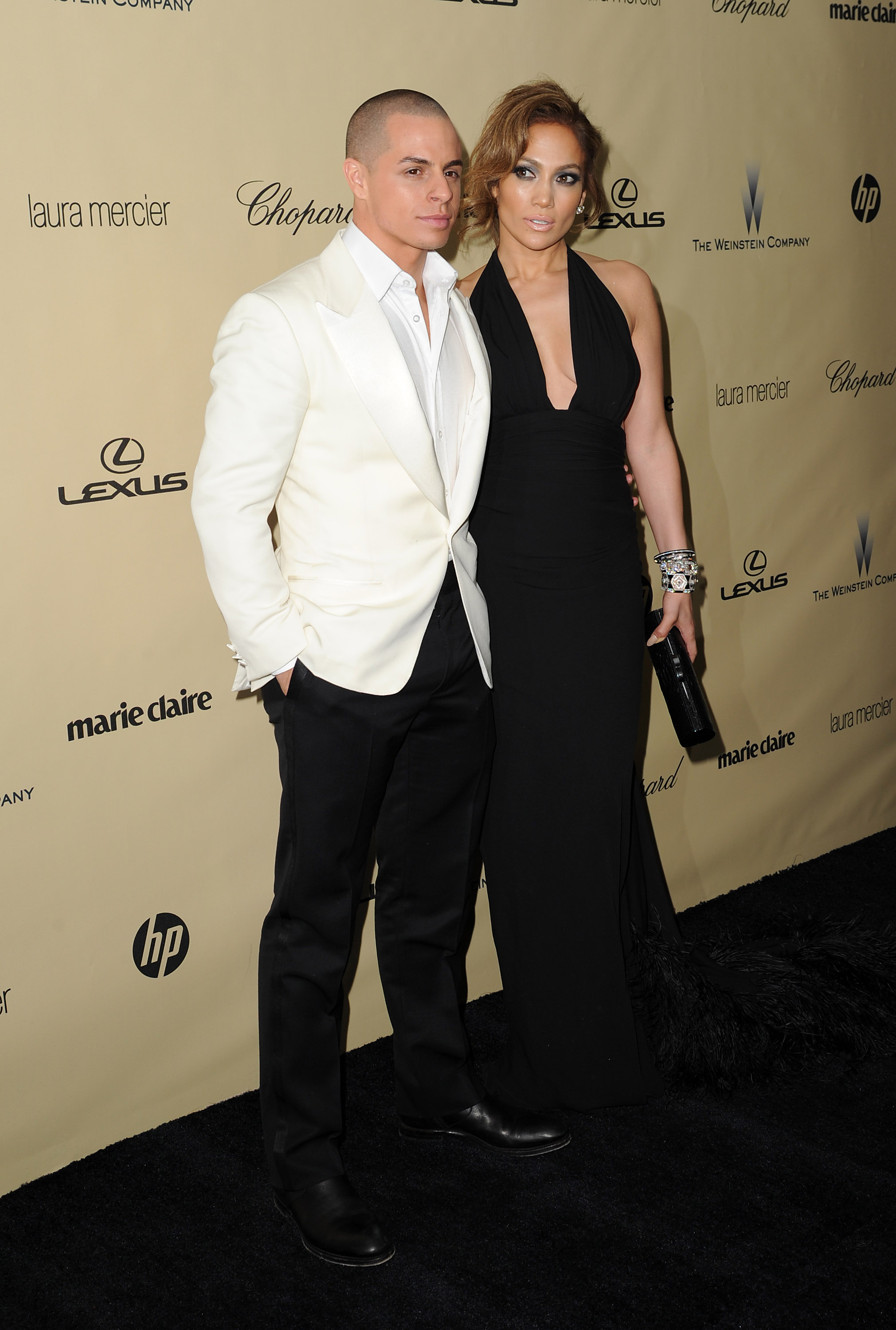
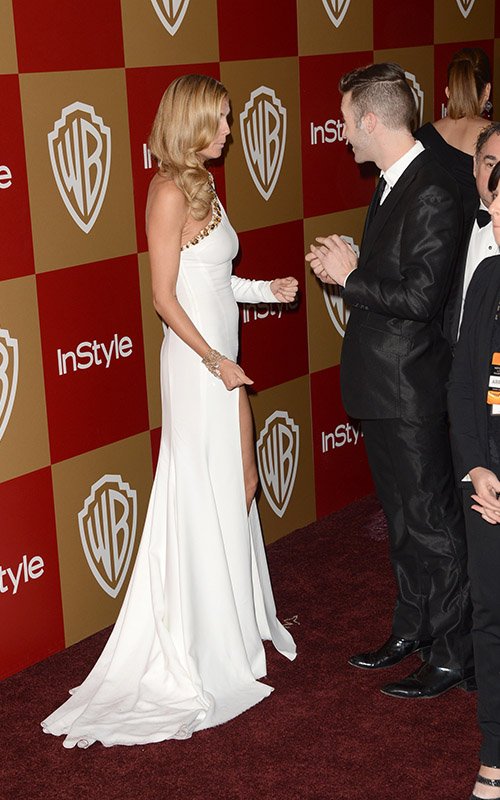
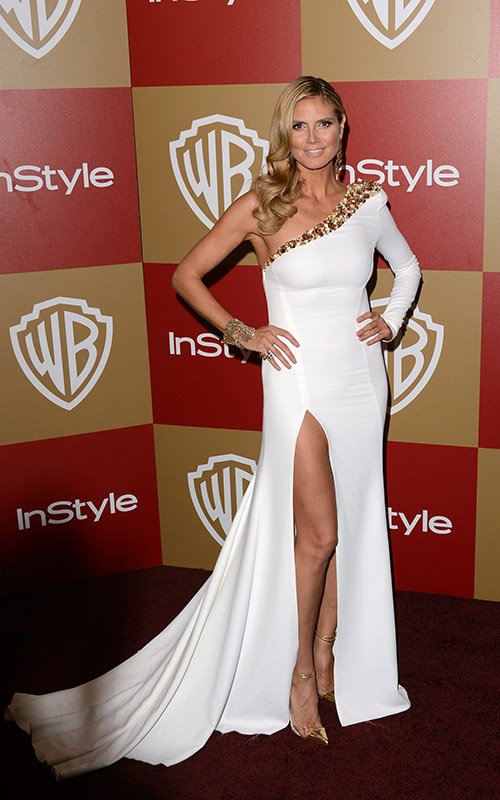
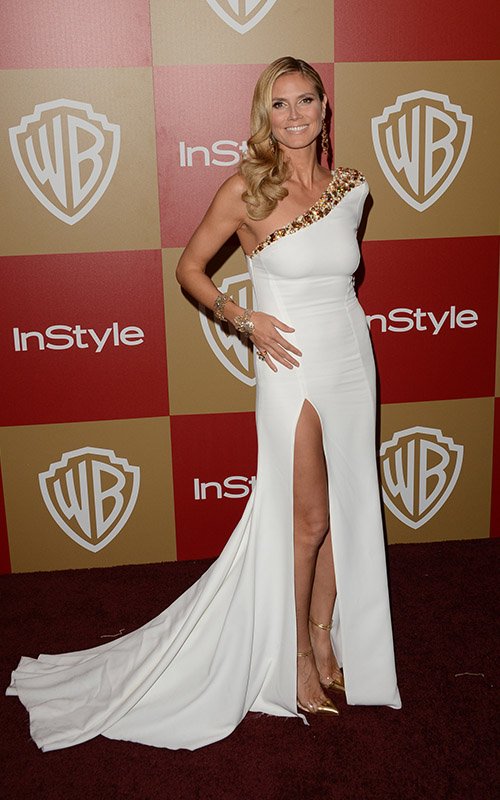
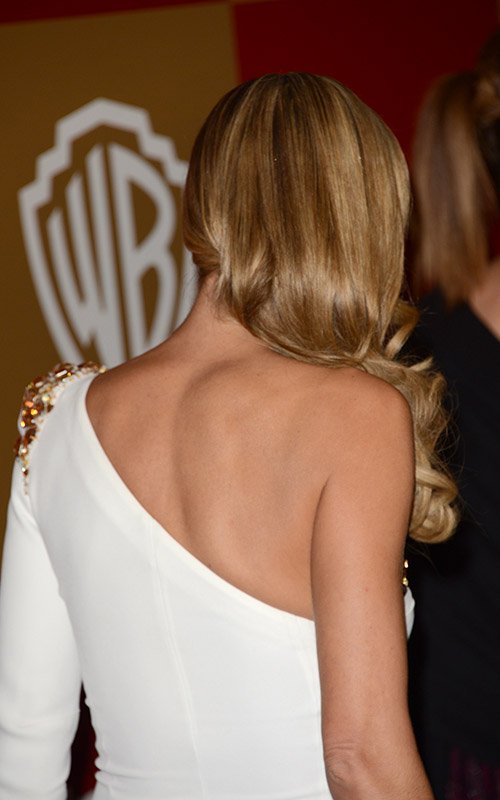
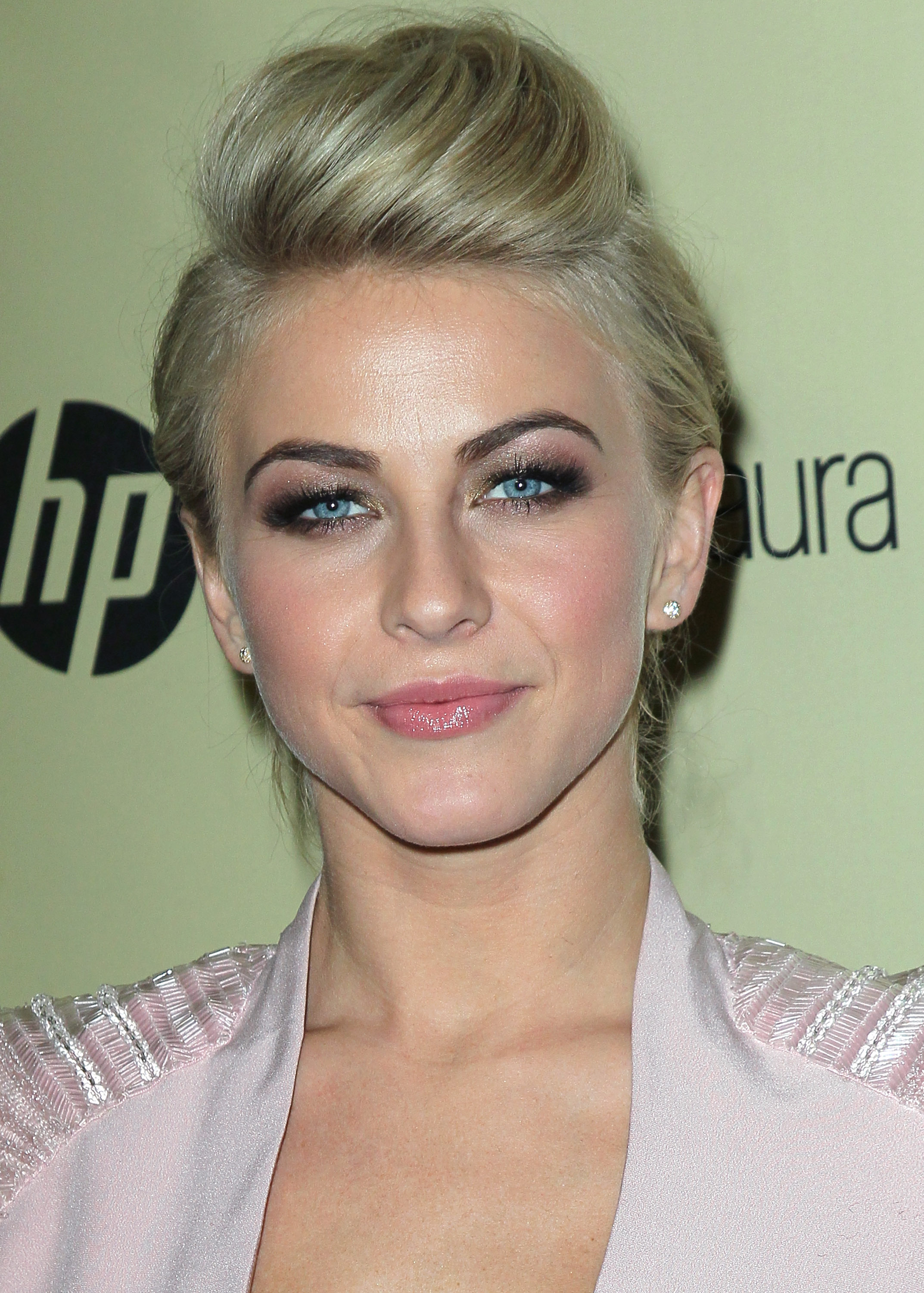
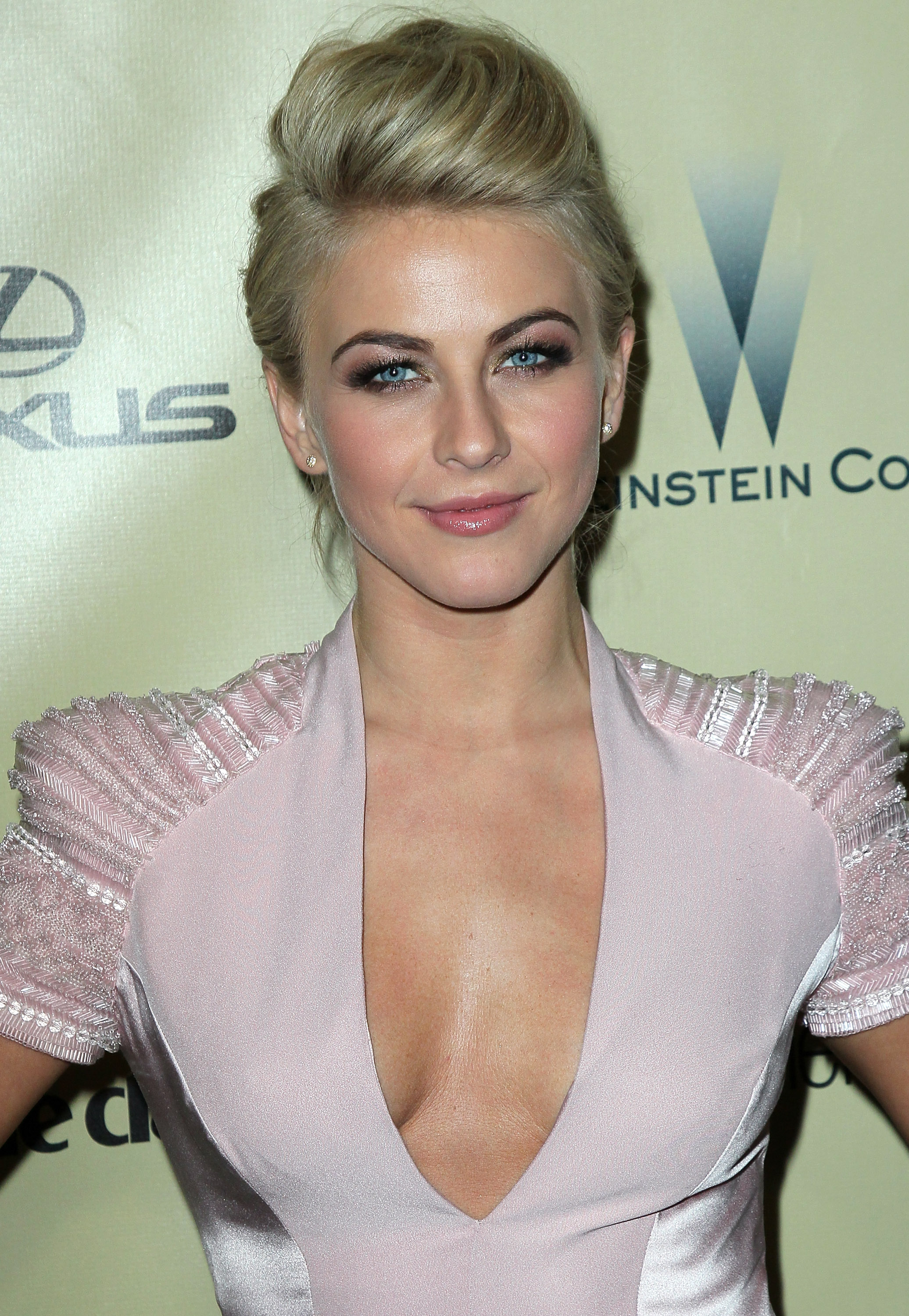
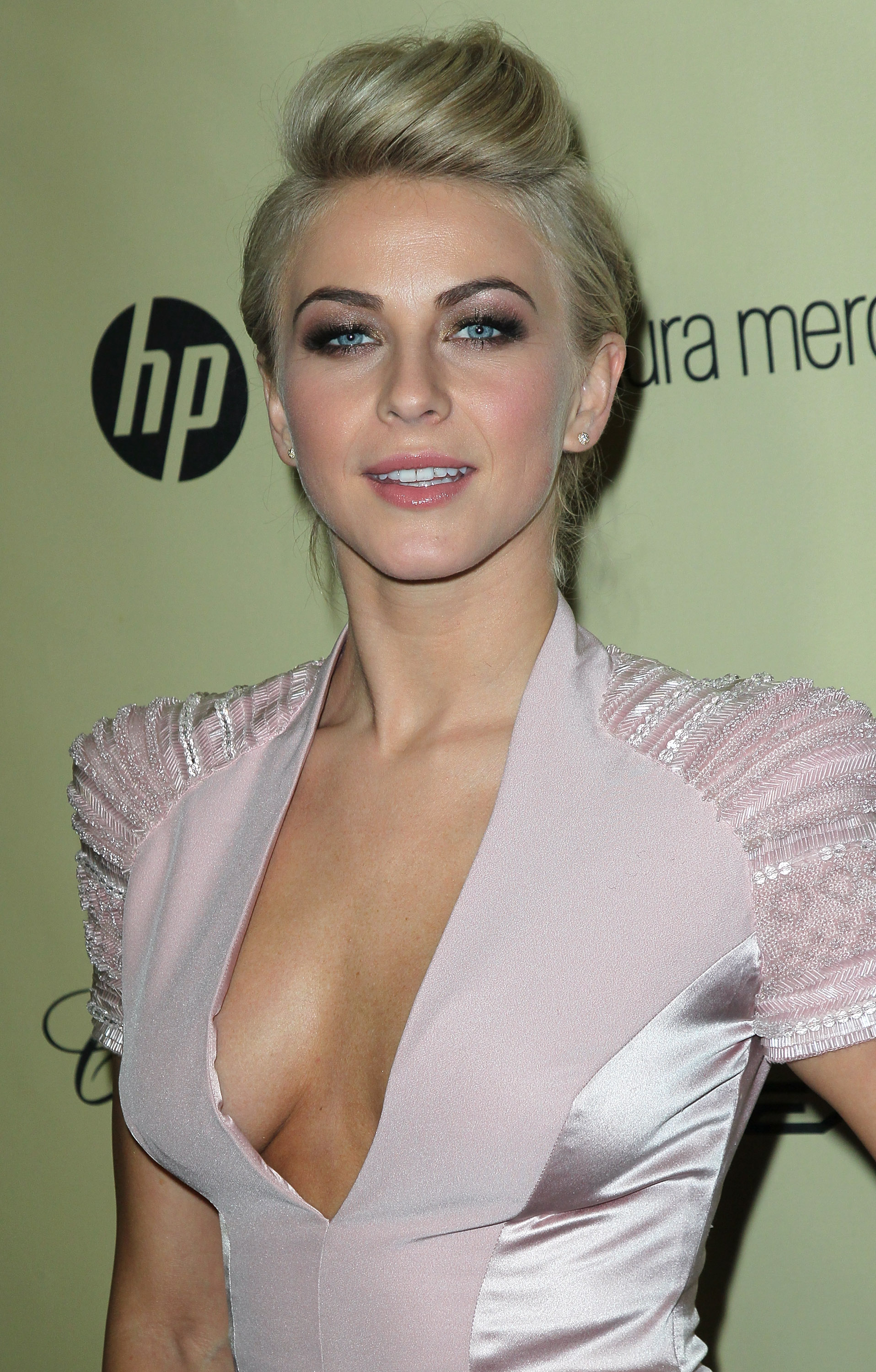
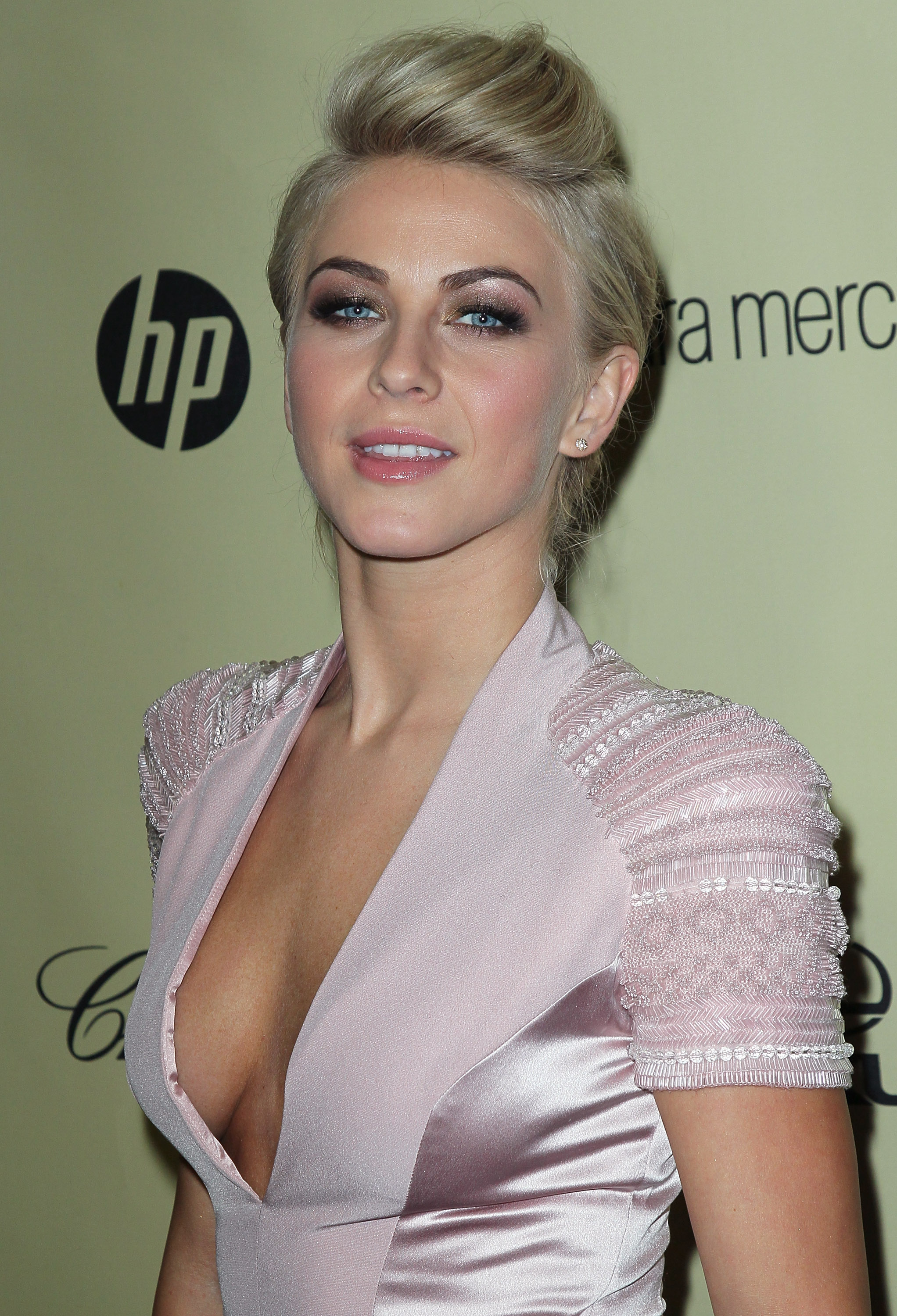
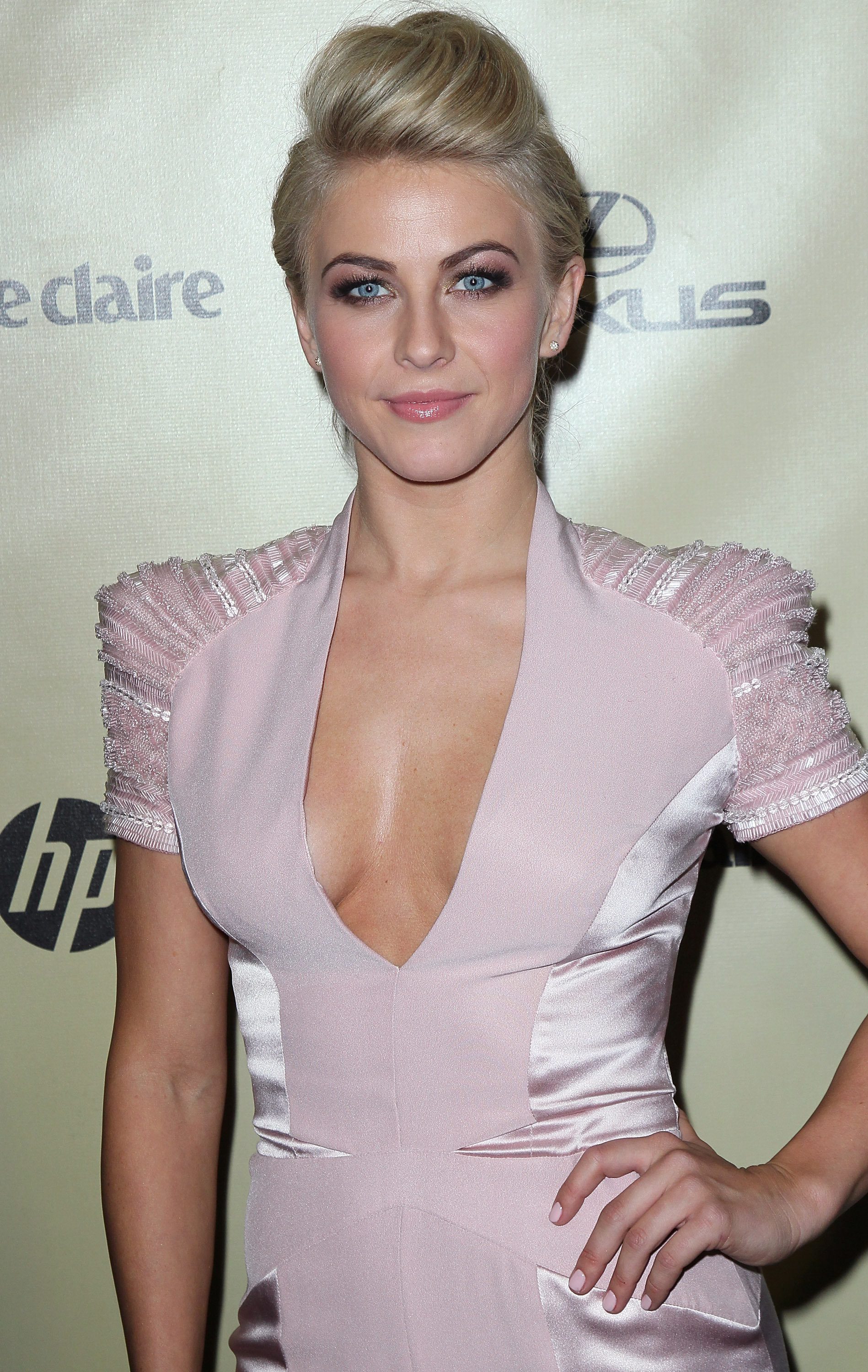
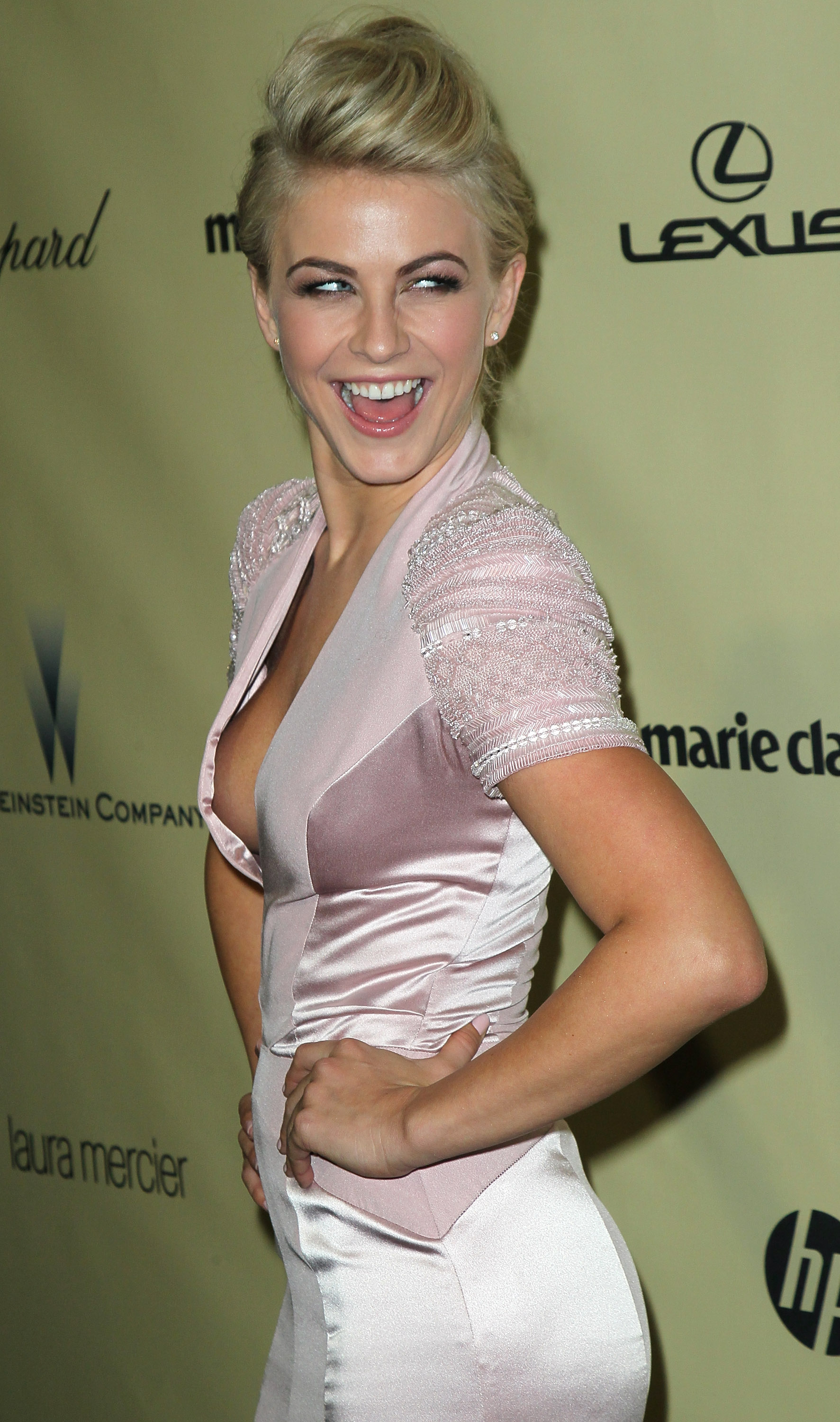
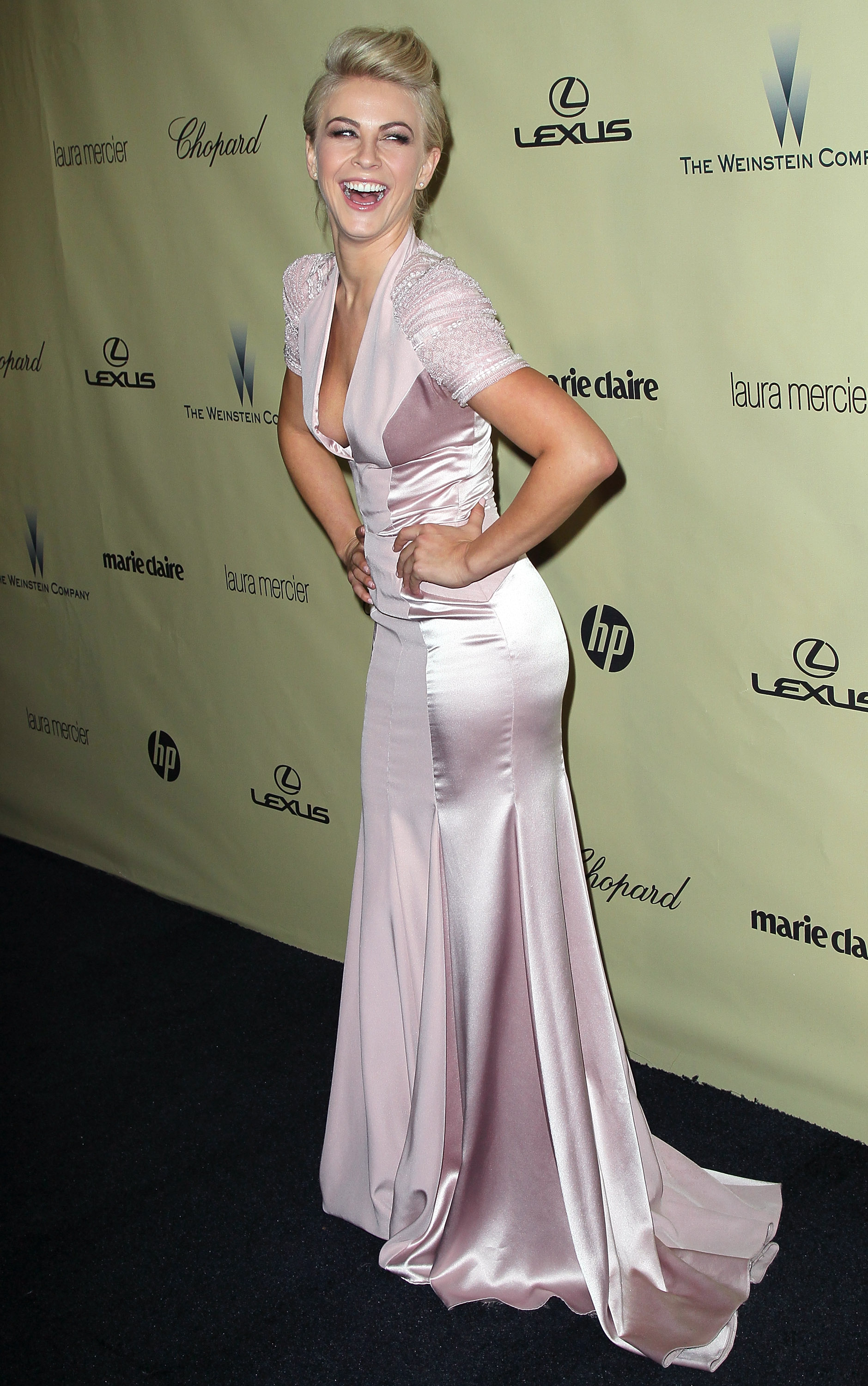
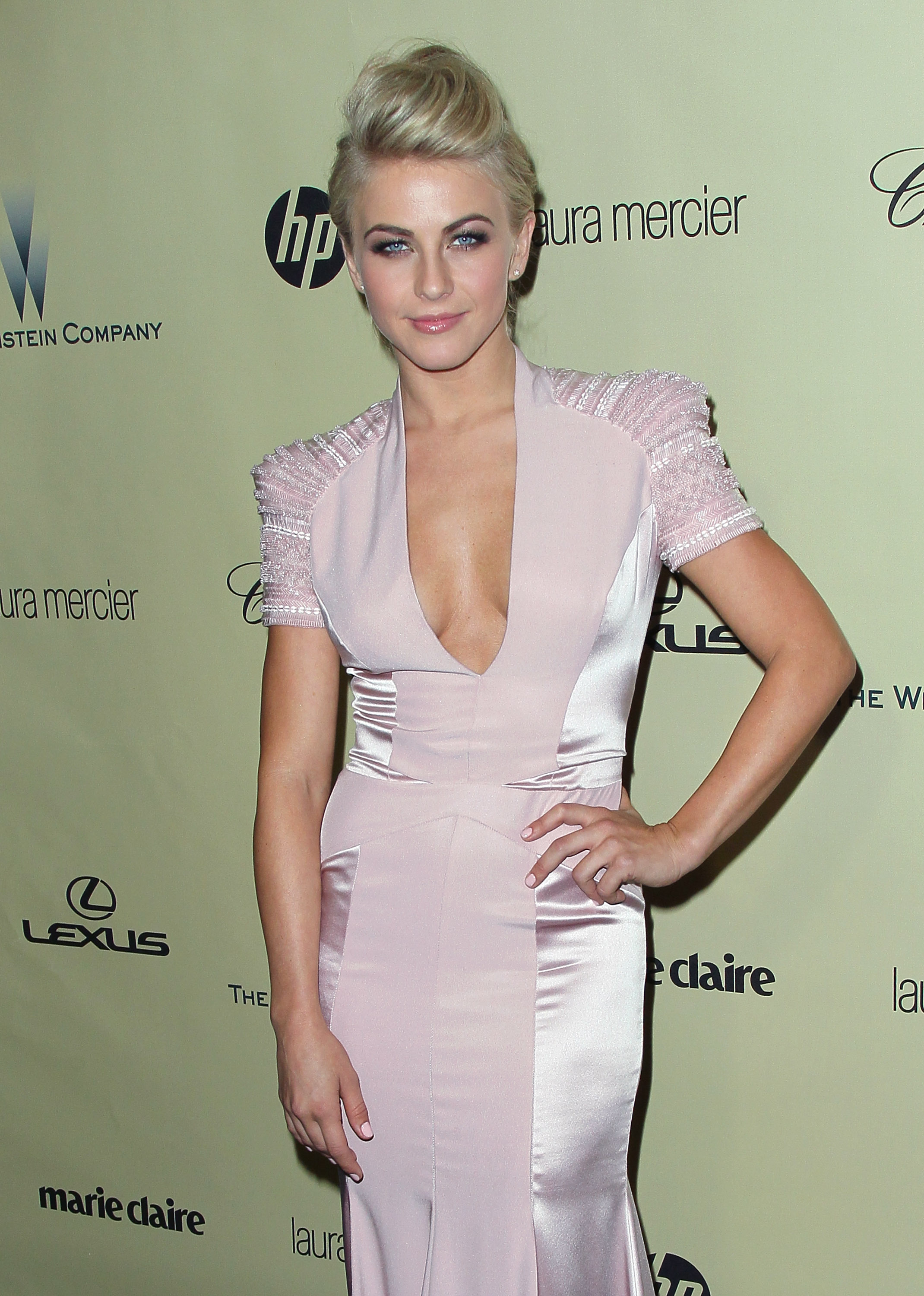
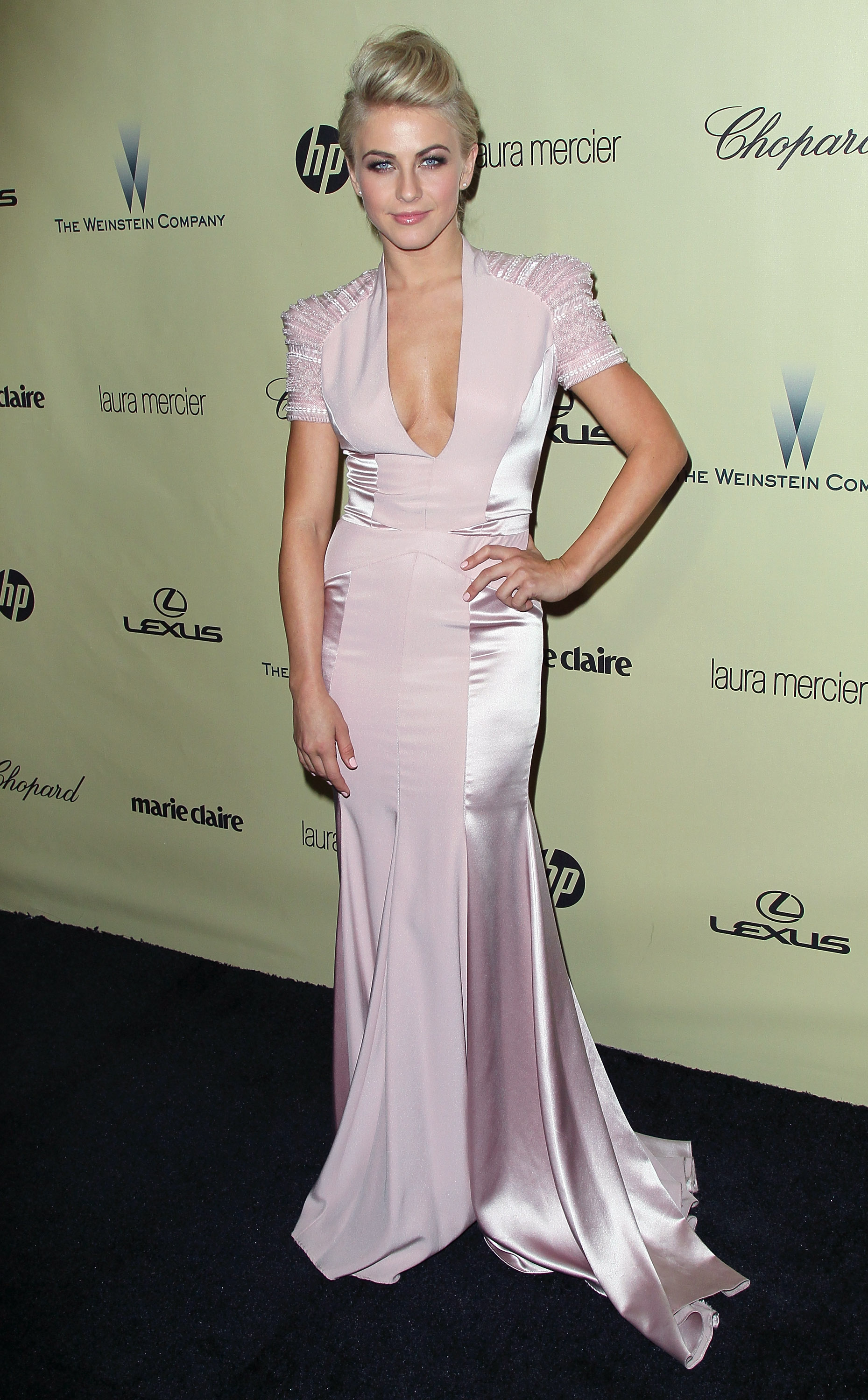
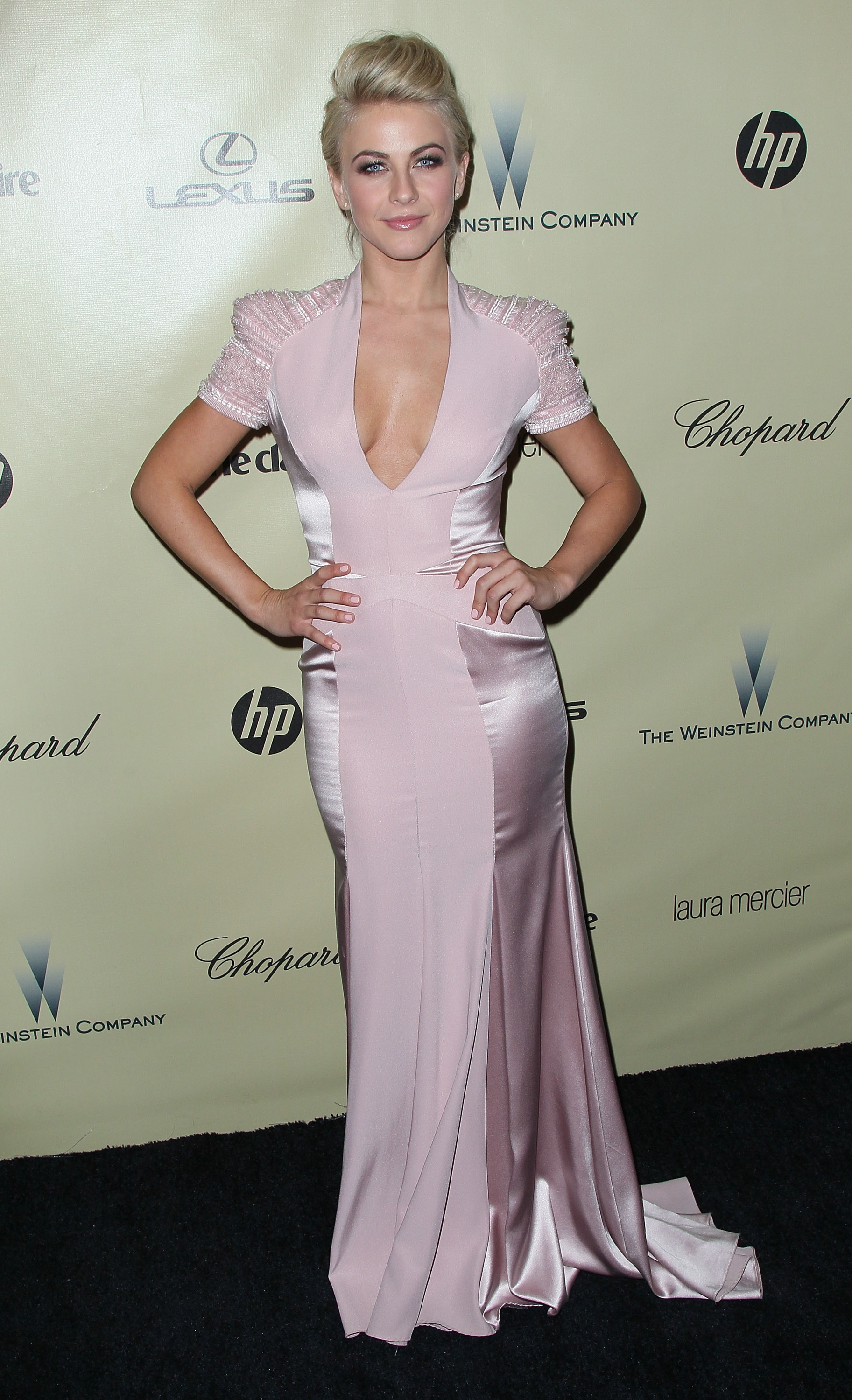
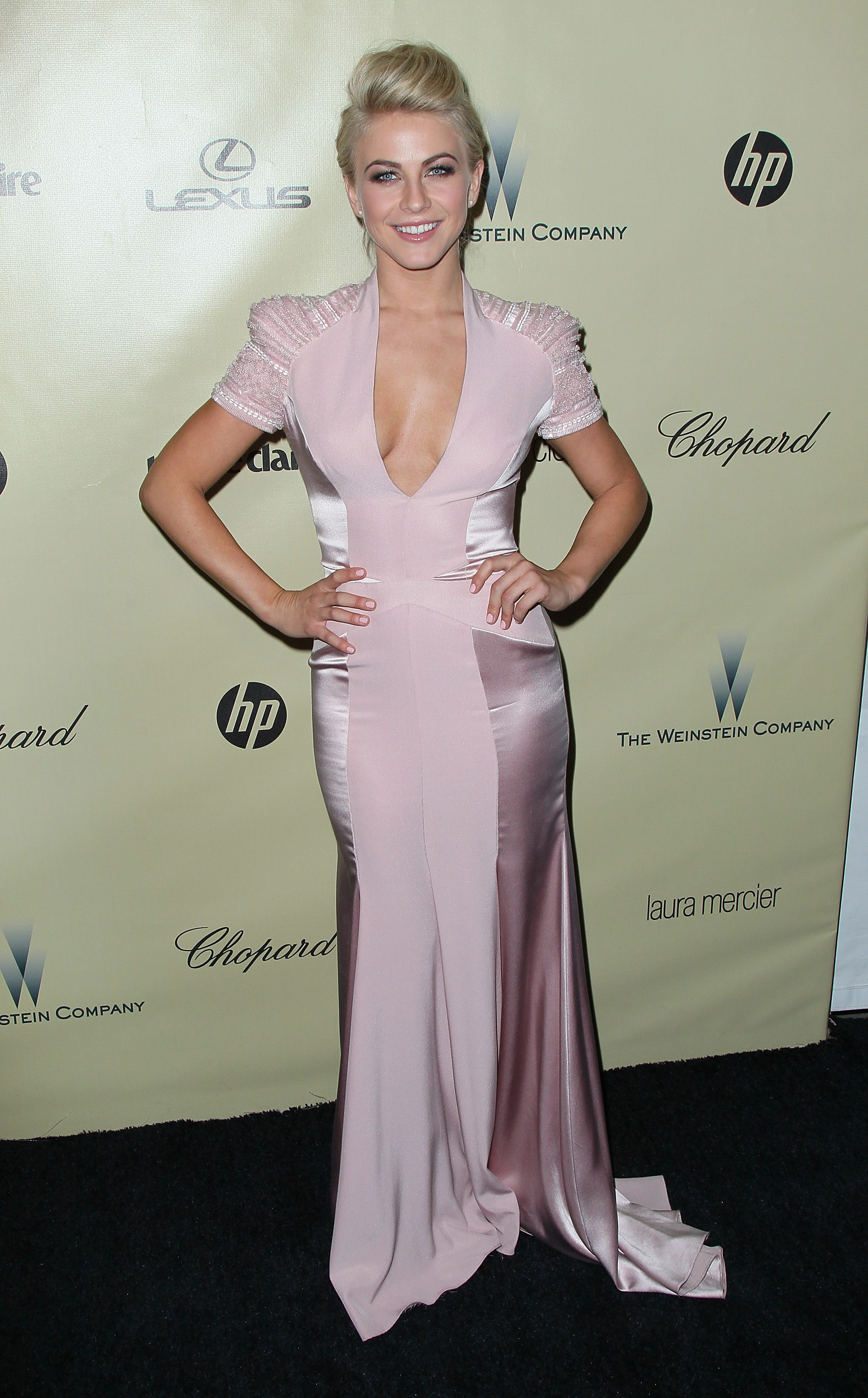
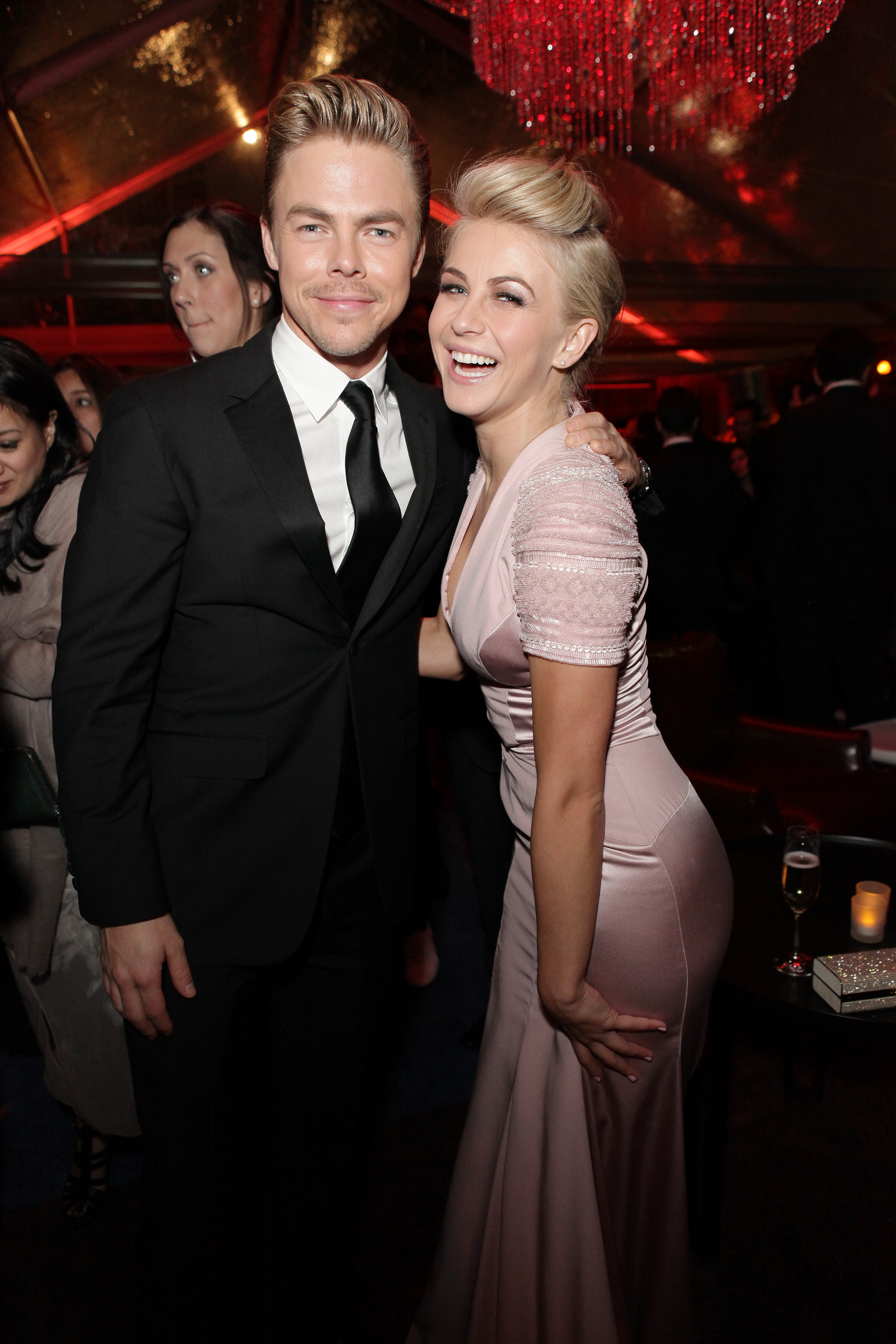
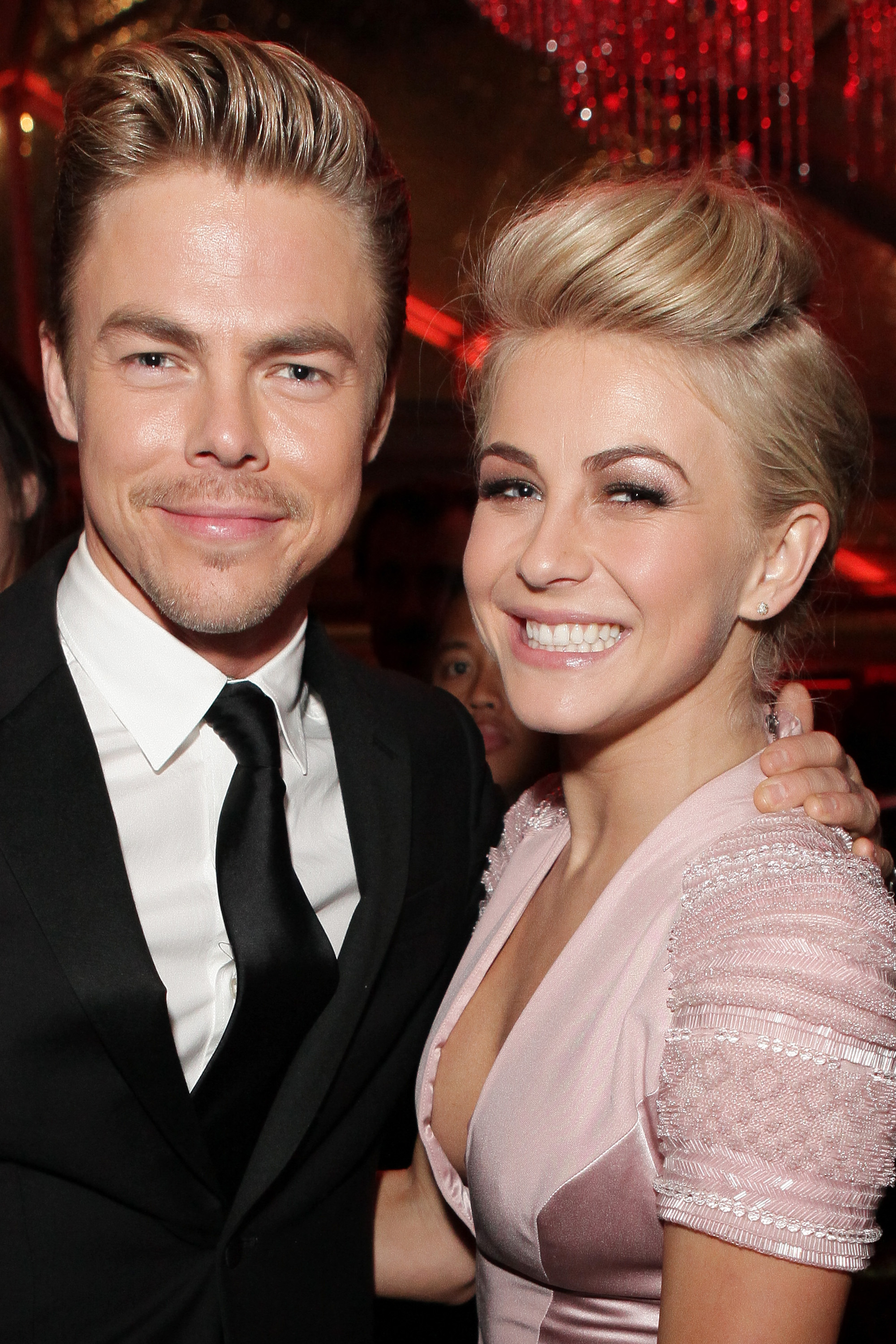
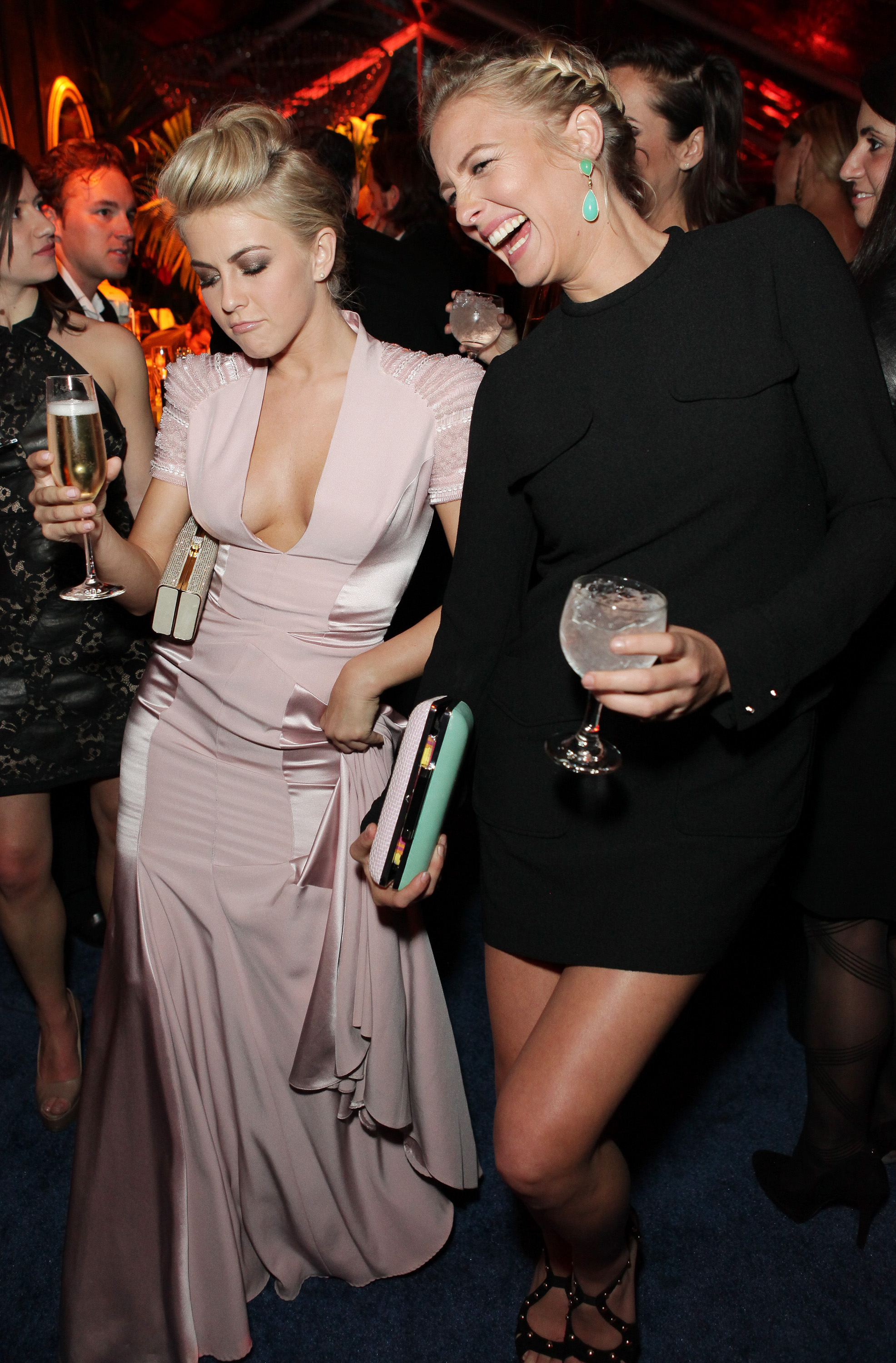
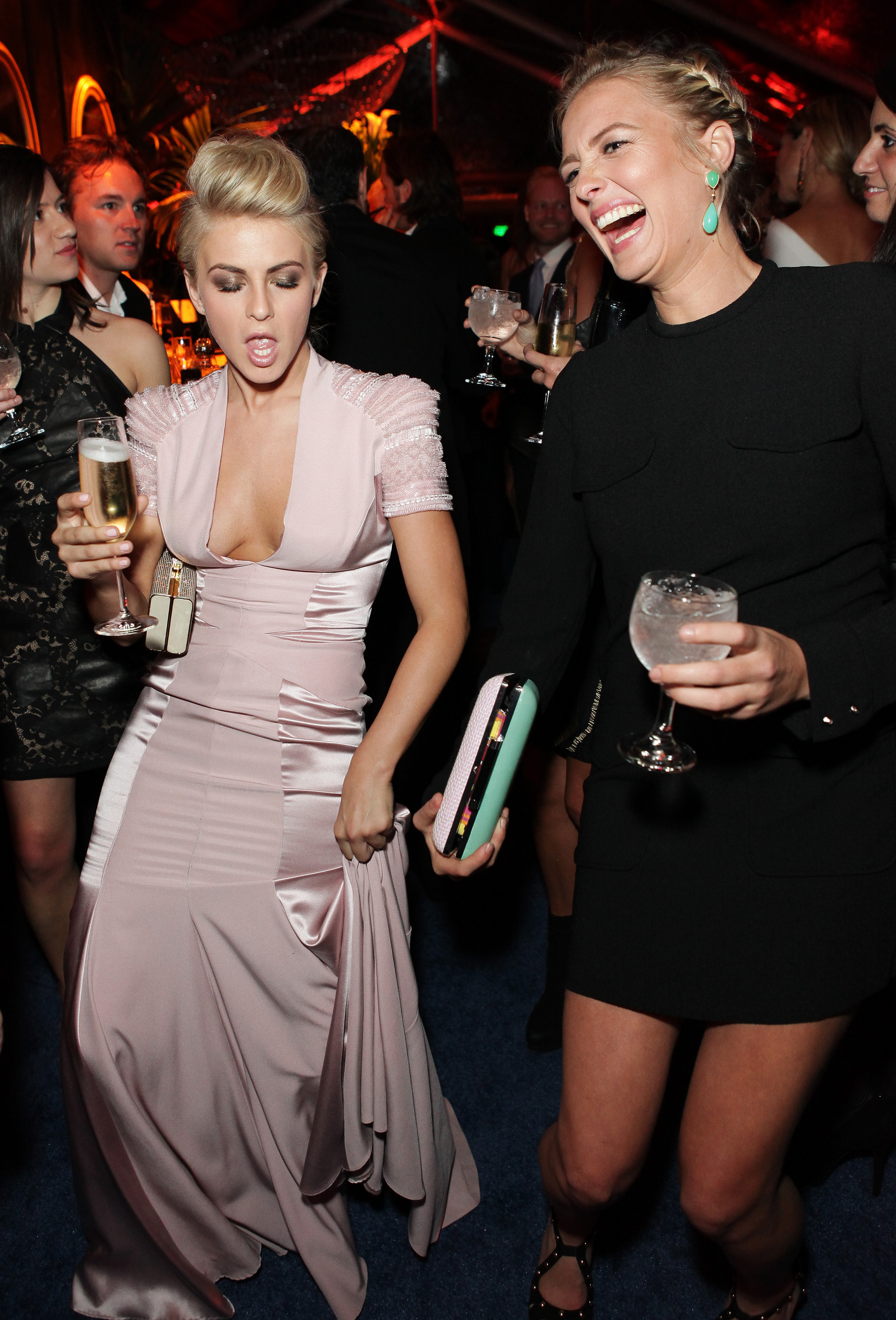
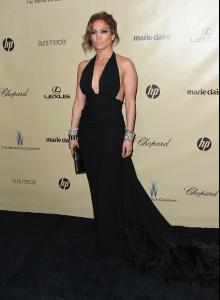
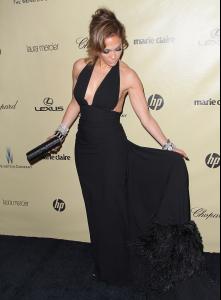
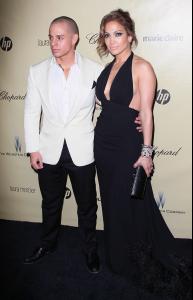
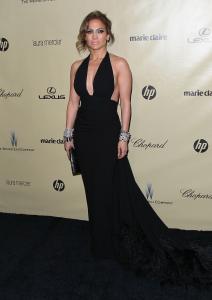
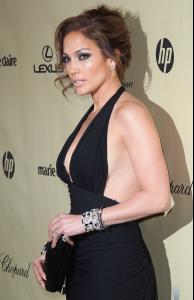
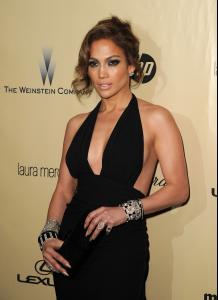
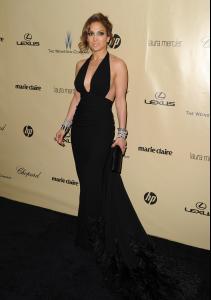
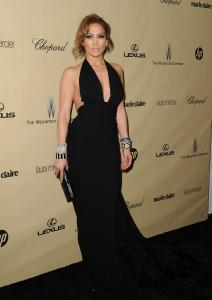
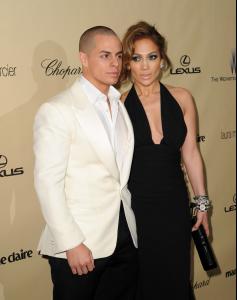
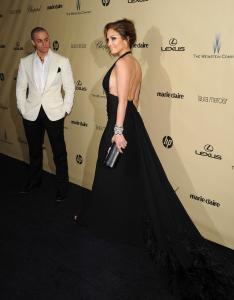
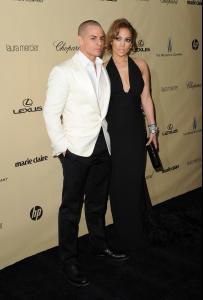
 Golden Globes Weinstein After Party 2013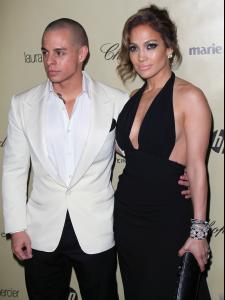
Account
Navigation
Search
Configure browser push notifications
Chrome (Android)
- Tap the lock icon next to the address bar.
- Tap Permissions → Notifications.
- Adjust your preference.
Chrome (Desktop)
- Click the padlock icon in the address bar.
- Select Site settings.
- Find Notifications and adjust your preference.
Safari (iOS 16.4+)
- Ensure the site is installed via Add to Home Screen.
- Open Settings App → Notifications.
- Find your app name and adjust your preference.
Safari (macOS)
- Go to Safari → Preferences.
- Click the Websites tab.
- Select Notifications in the sidebar.
- Find this website and adjust your preference.
Edge (Android)
- Tap the lock icon next to the address bar.
- Tap Permissions.
- Find Notifications and adjust your preference.
Edge (Desktop)
- Click the padlock icon in the address bar.
- Click Permissions for this site.
- Find Notifications and adjust your preference.
Firefox (Android)
- Go to Settings → Site permissions.
- Tap Notifications.
- Find this site in the list and adjust your preference.
Firefox (Desktop)
- Open Firefox Settings.
- Search for Notifications.
- Find this site in the list and adjust your preference.