
CherryChristina
Members
-
Joined
-
Last visited
-
Omg, that would be awesome
-
She looks SOOOOOOOOOOOOOOO beautiful
-
Hope you like them and that they haven´t been posted before...That´s my way to say sorry .




-
you don´t have to tell me what I should write or not ok? Everyone she doesn´t know, sorry but I asked her very friendly to invite me, because I wanted to post pics there and talk with them. And sorry I didn´t talk to you... I was angry because I waited for days now although I asked her friendly, sorry if i was too rude @PinkCouture, but I like TFS forum soo much Was just disappointed..... Sorry again
-
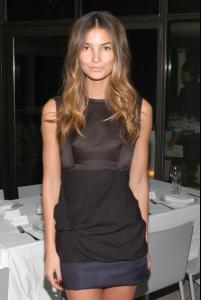
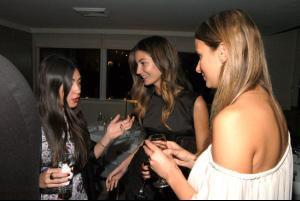
New pics of lily from yesterday

-
@ PinkCouture my email is: [email protected] please please please send me an invitation code for the fashion spot forum , pleeaaasee
-
@Pink Couture Hey, can you please please please send me an invitation code for " The fashion spot forum" lily aldridge? please, I want to post pics and share them with you i love that forum but i need to be invited and i don´t know anybody else who can help me Please
-
I found new pictures of her from yesterday ^^ I don´t know how to post them but you have to go to >>getty images.com<< and then >>images<< then the last one >>archival<< and then you have to put in "lily aldridge" and you´ll see four new pics of her Have fun^^
-
She looks stunning in every picture^^


