
El0
Members
-
Joined
-
Last visited
Everything posted by El0
-
Sexy














 Sexy Lady Boss – не роль і не статус. Це стан, знайомий кожній жінці, яка тримає світ і водночас дбає.mp4 Щоб насолоджуватись своїм тілом, не потрібно бути ідеальною.Boss Lady знає- впевненість не з’явл.mp4


 Lingerie












 Lingerie Ти не просиш дозволу бути. Ти просто входиш і займаєш своє місце — поглядом, мовчанням, присутні.mp4Ти не просиш дозволу бути. Ти просто входиш і займаєш своє місце — поглядом, мовчанням, присутні.mp4 З Днем Святого Валентина! Як би ви не вирішили відсвяткувати кохання в цей день, зробіть це особ.mp4

 Hot У нашому фартуху Chef він ніколи не відводитиме погляду від тебе. Обирайте Bæd stories, щоб розп.mp4
 Lingerie

 Lingerie








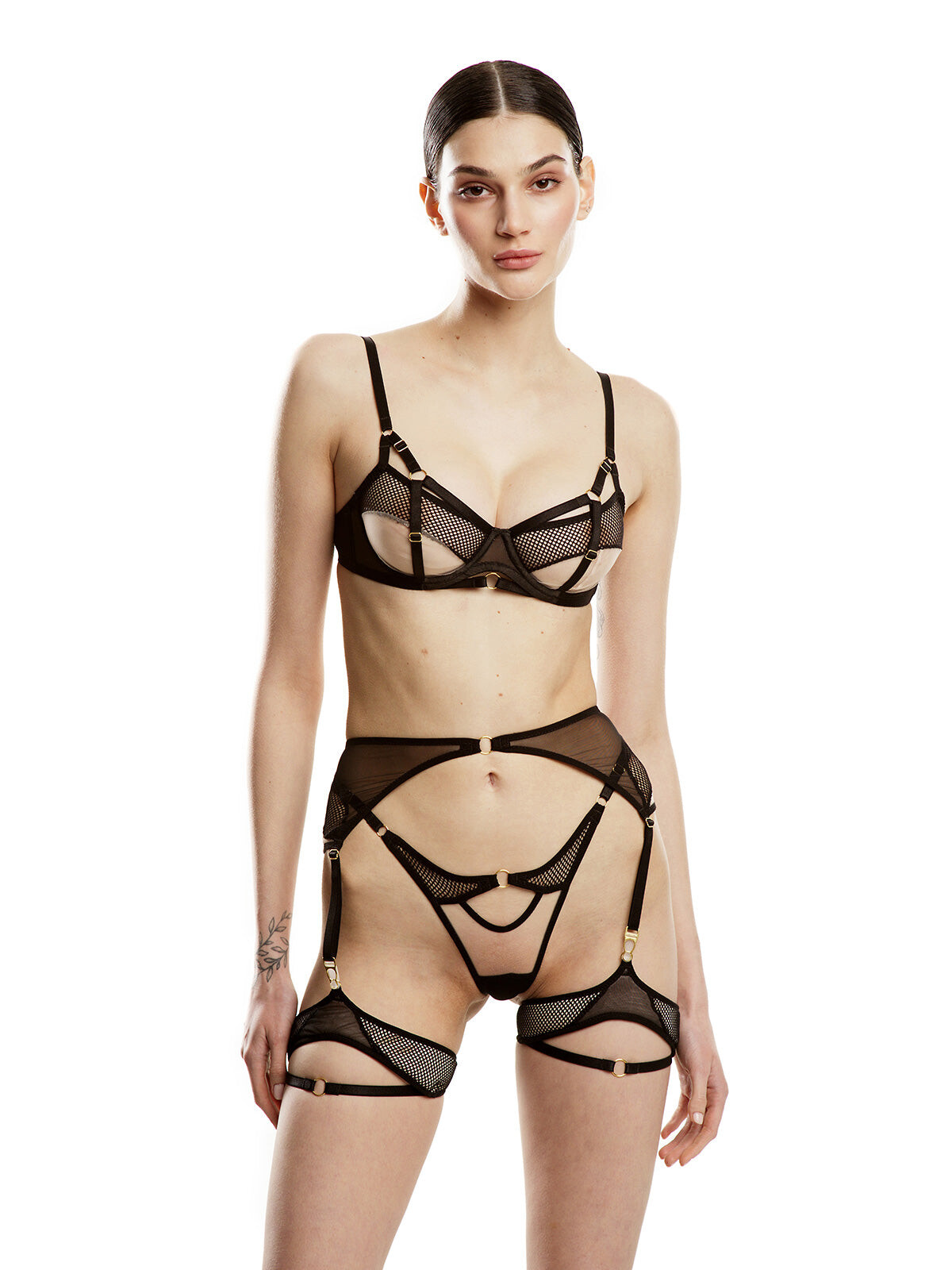
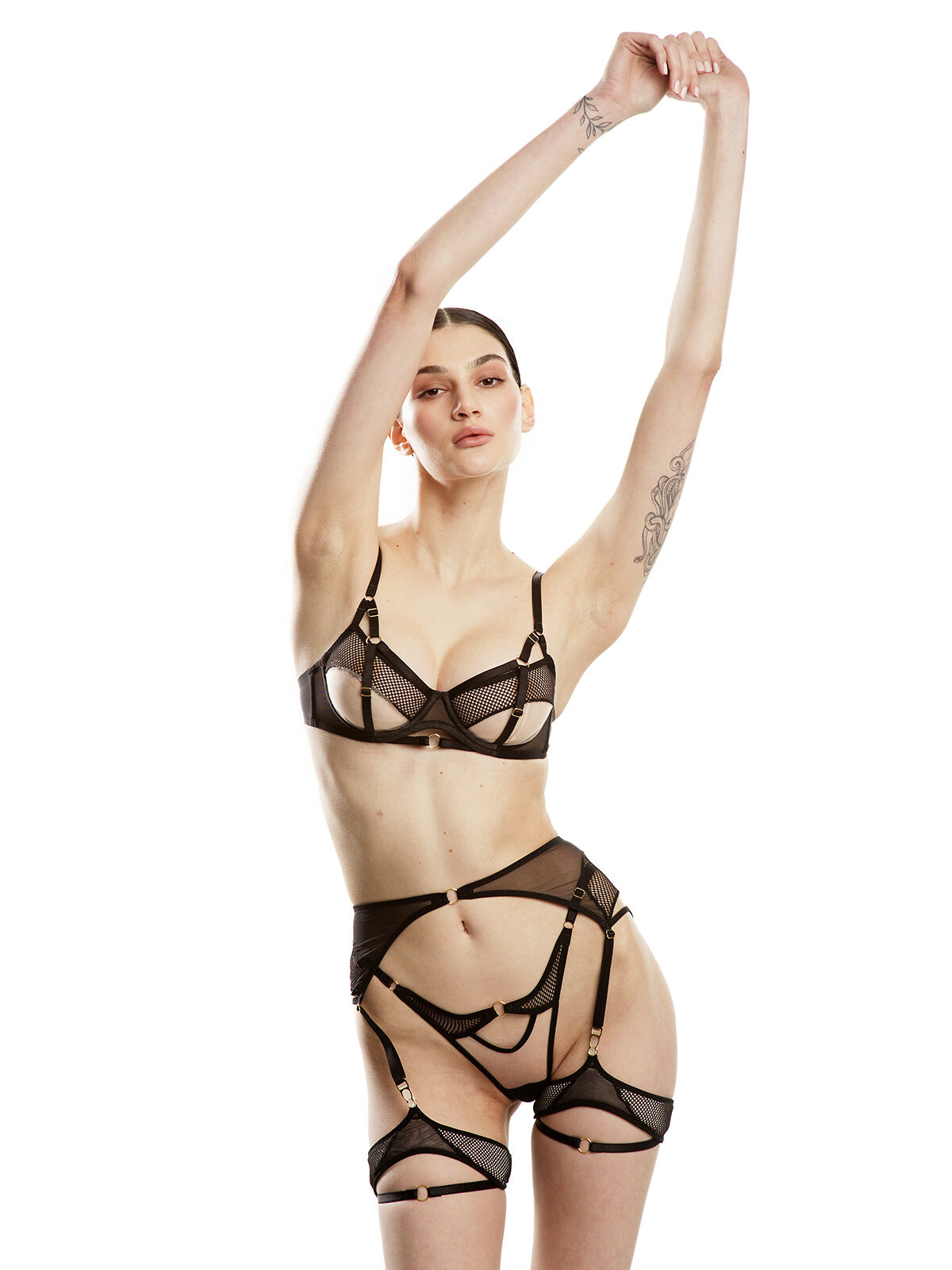
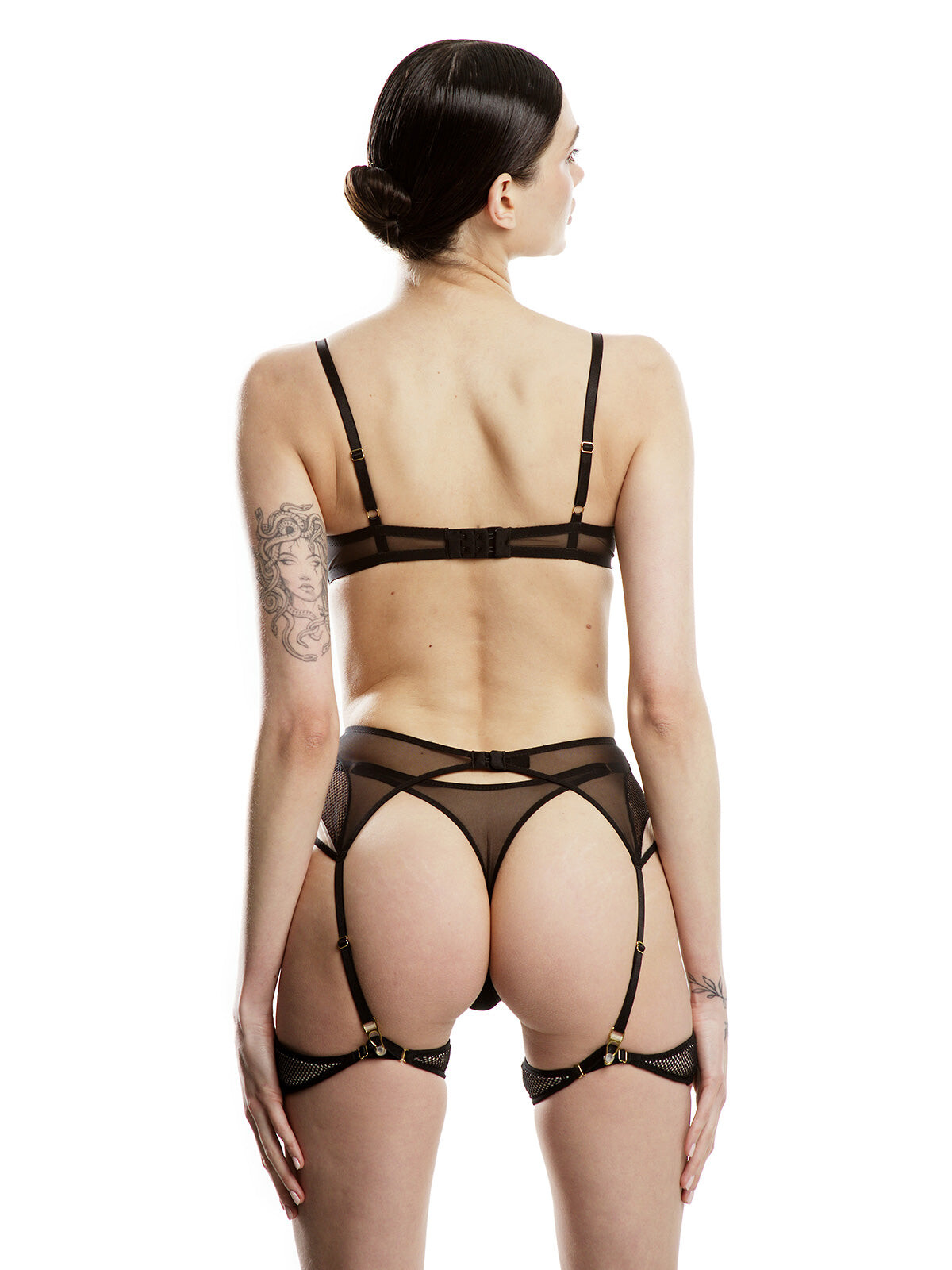
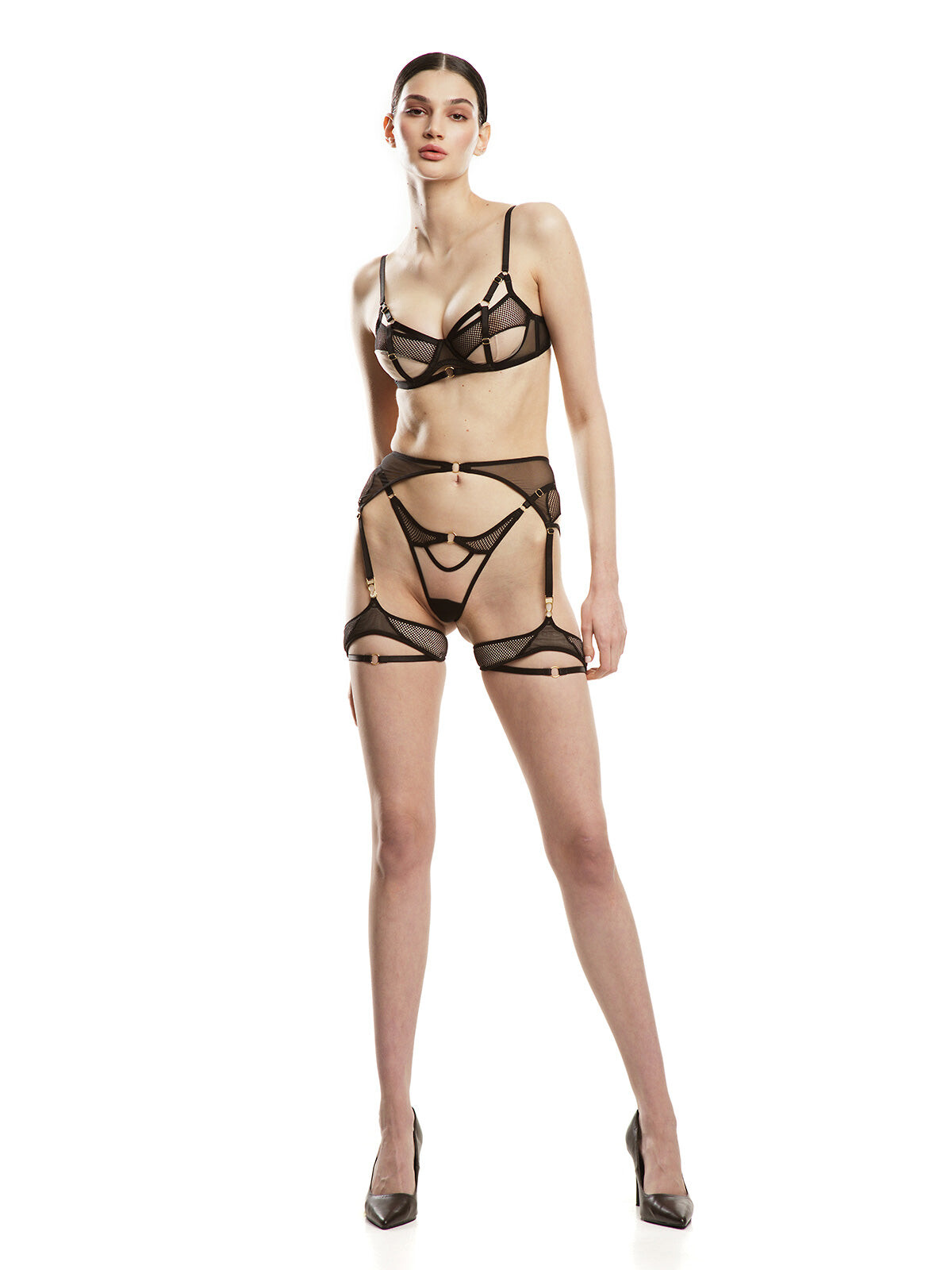
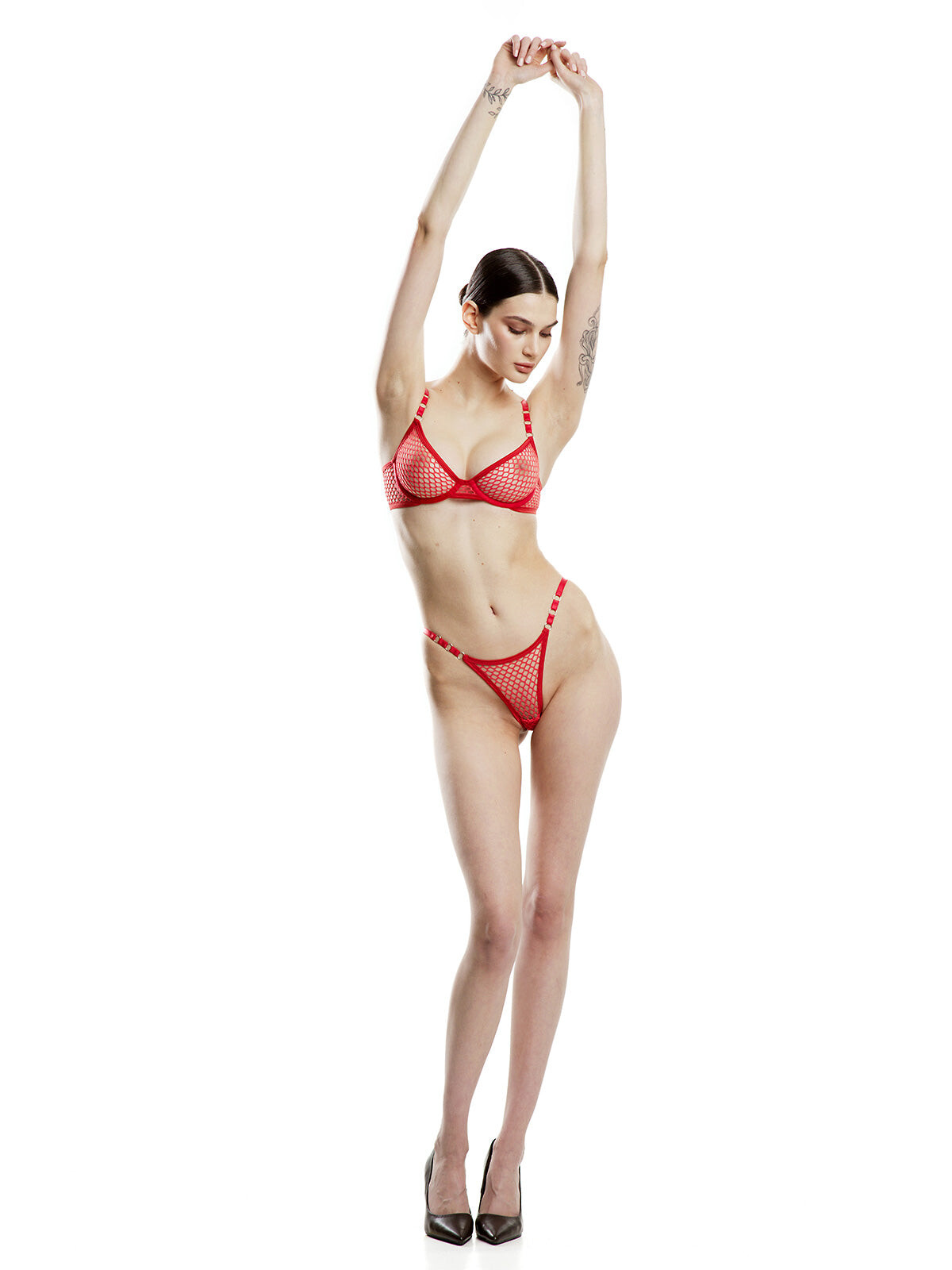
 Instagram https://www.instagram.com/charakhoriv?igsh=MXVlZm04Yzh3eGFzbQ==Sexy Lingerie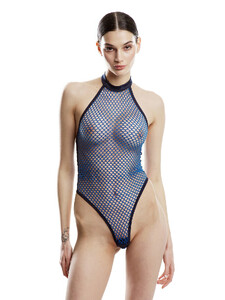
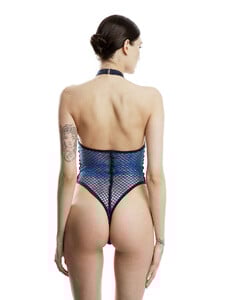
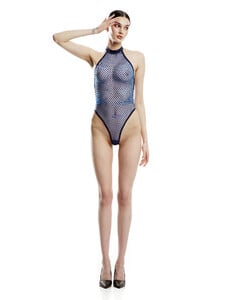

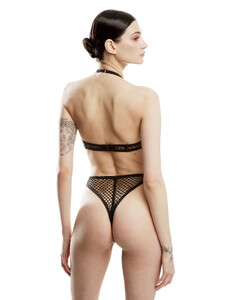



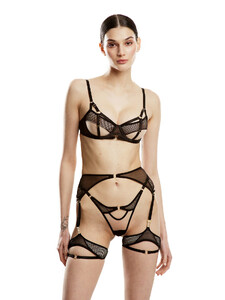

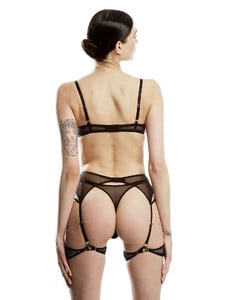
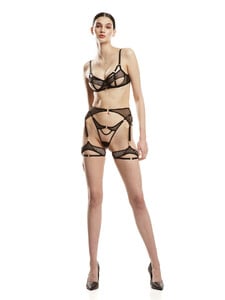

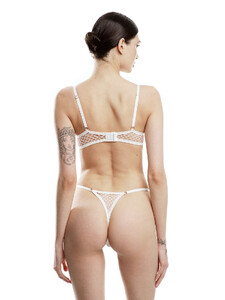





 Chara Khoriv / Чара Хорив MAXIM 2013


 Lingerie






















































































































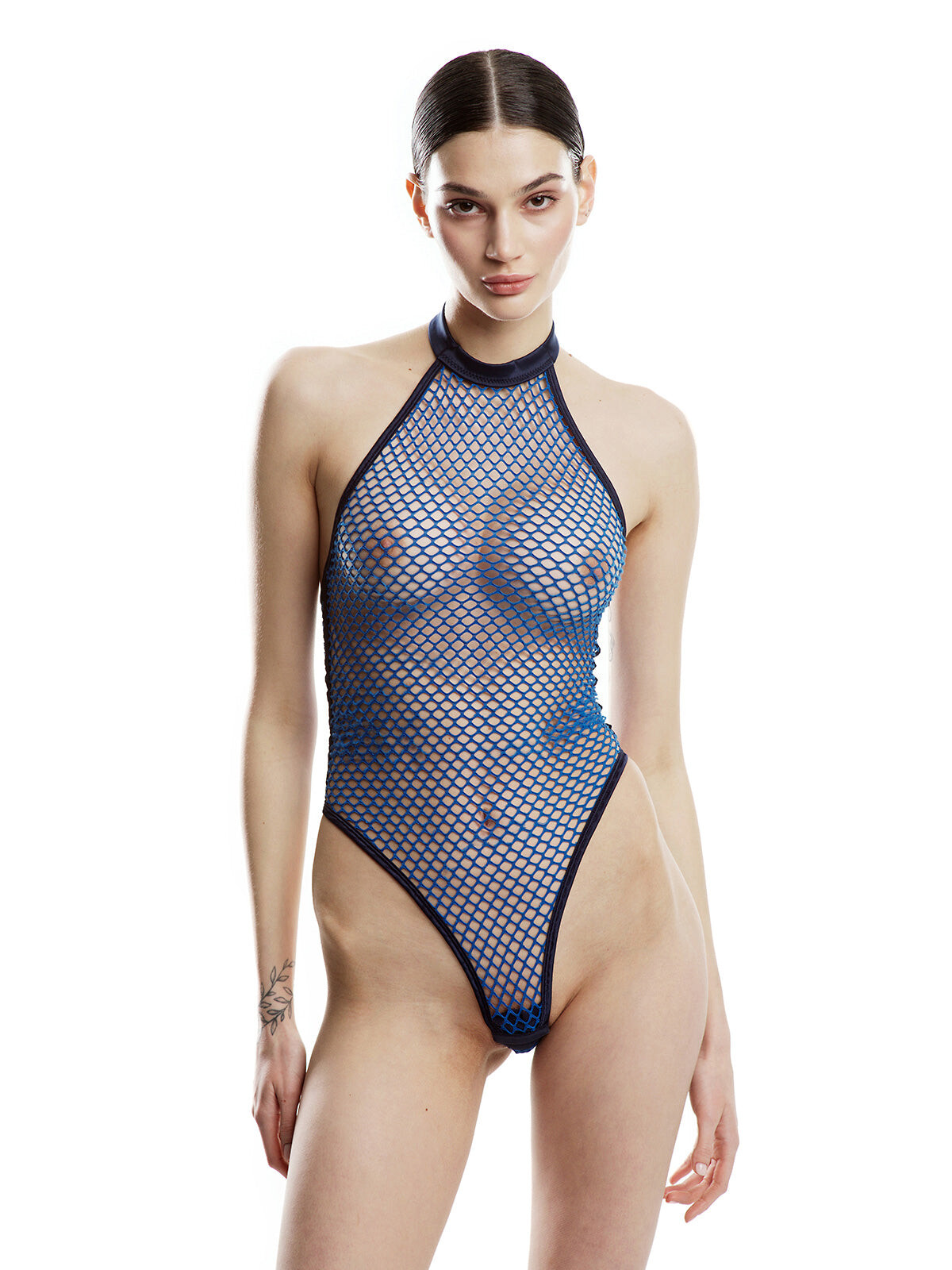
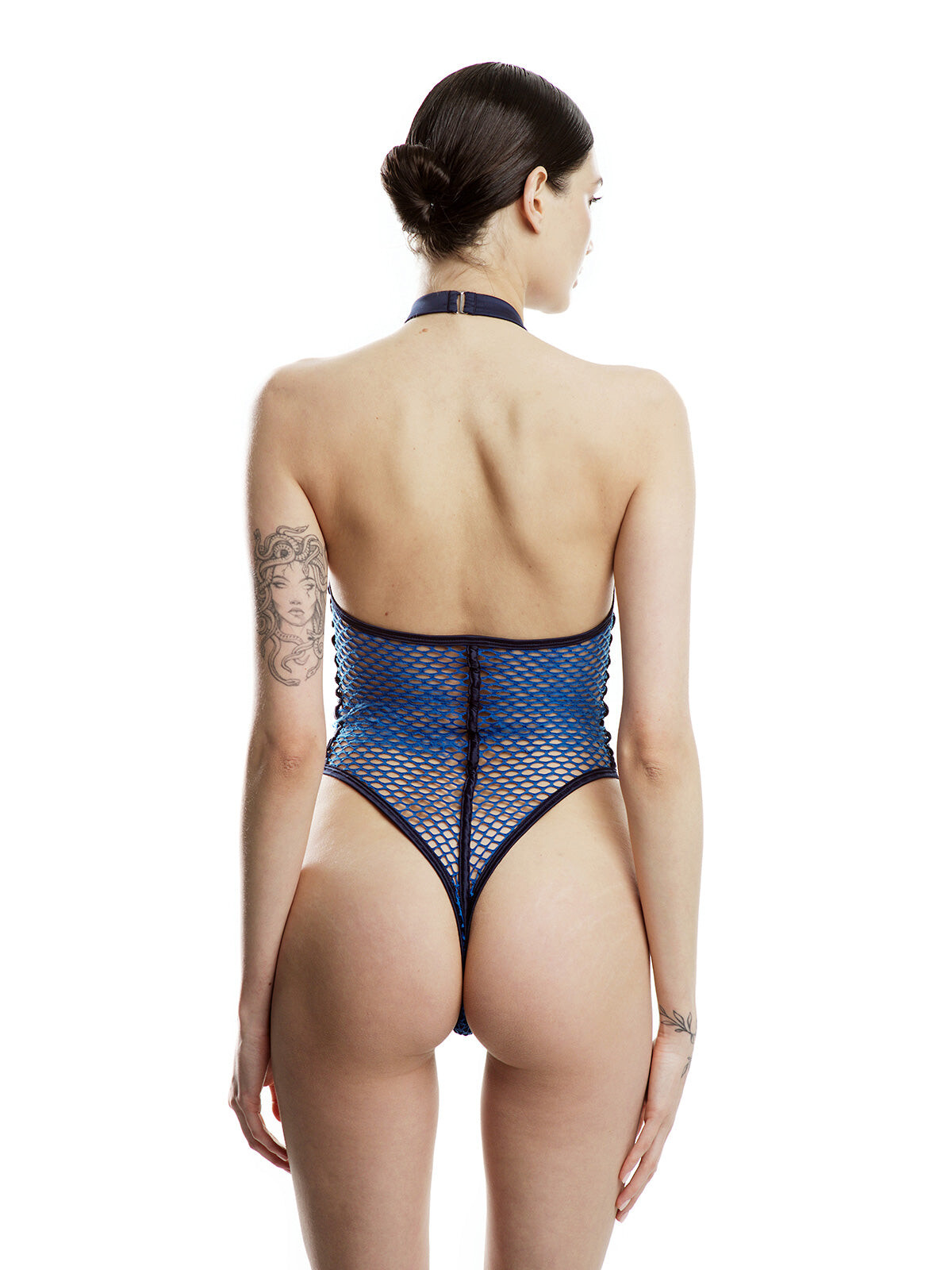
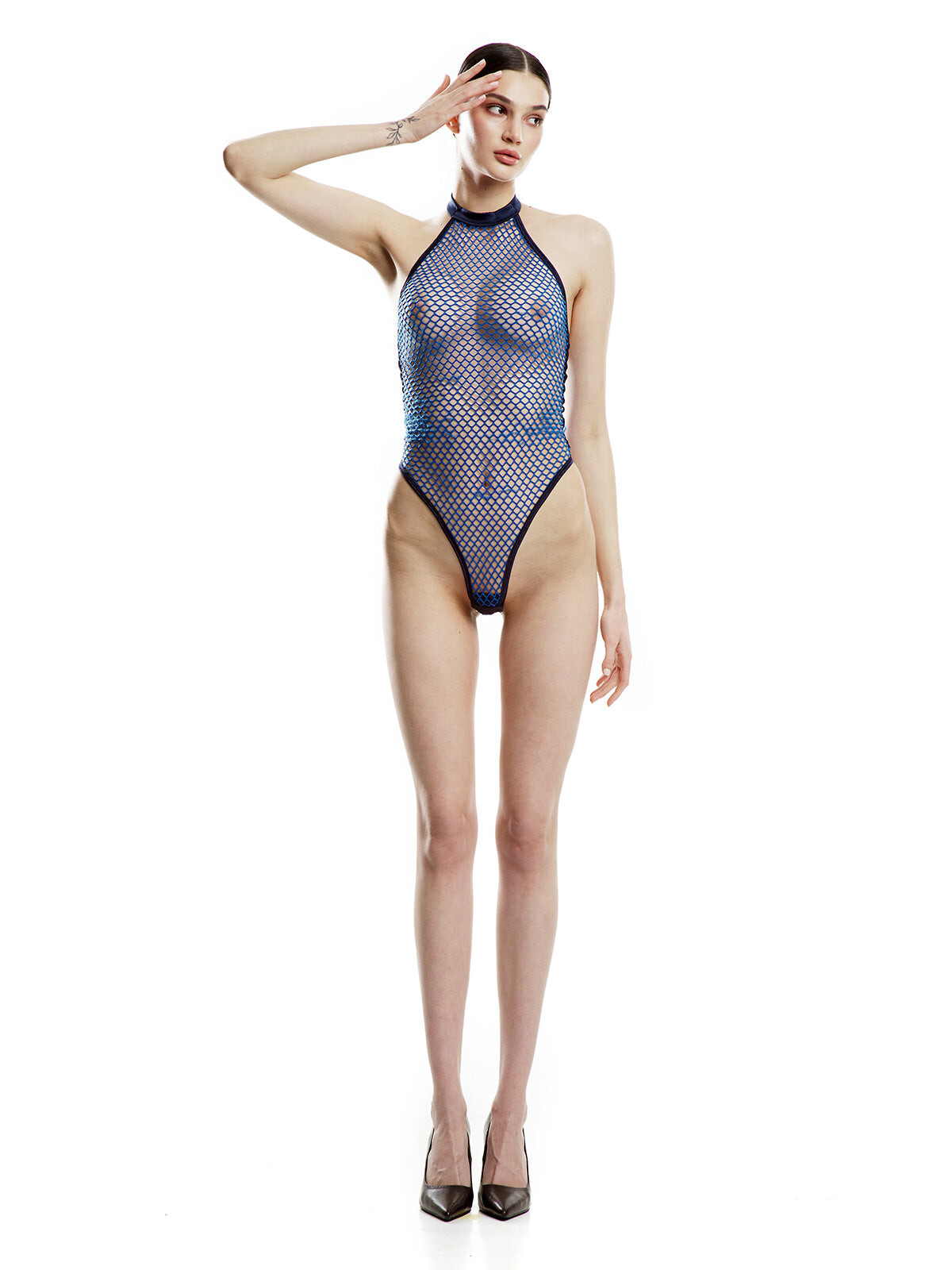

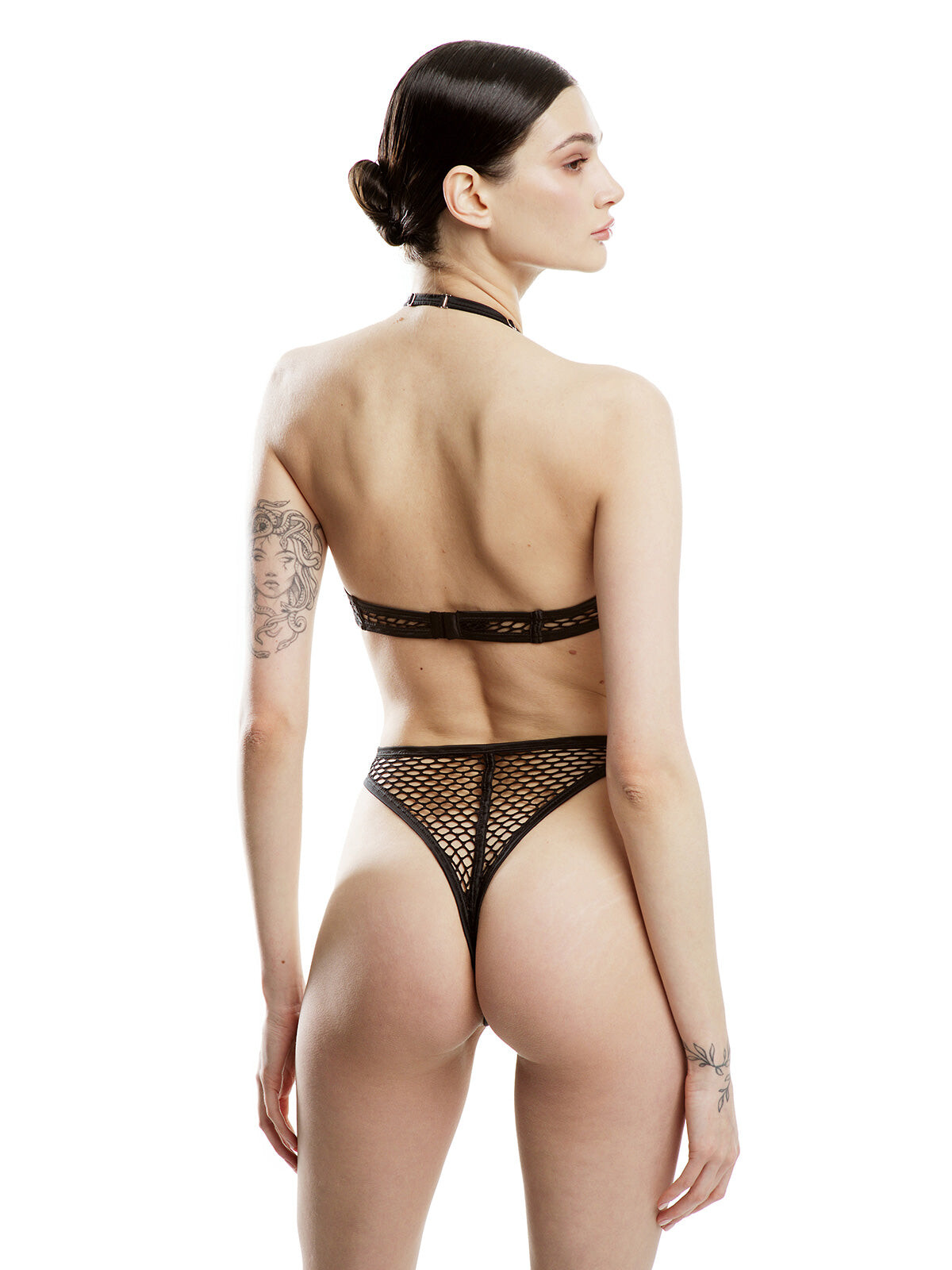




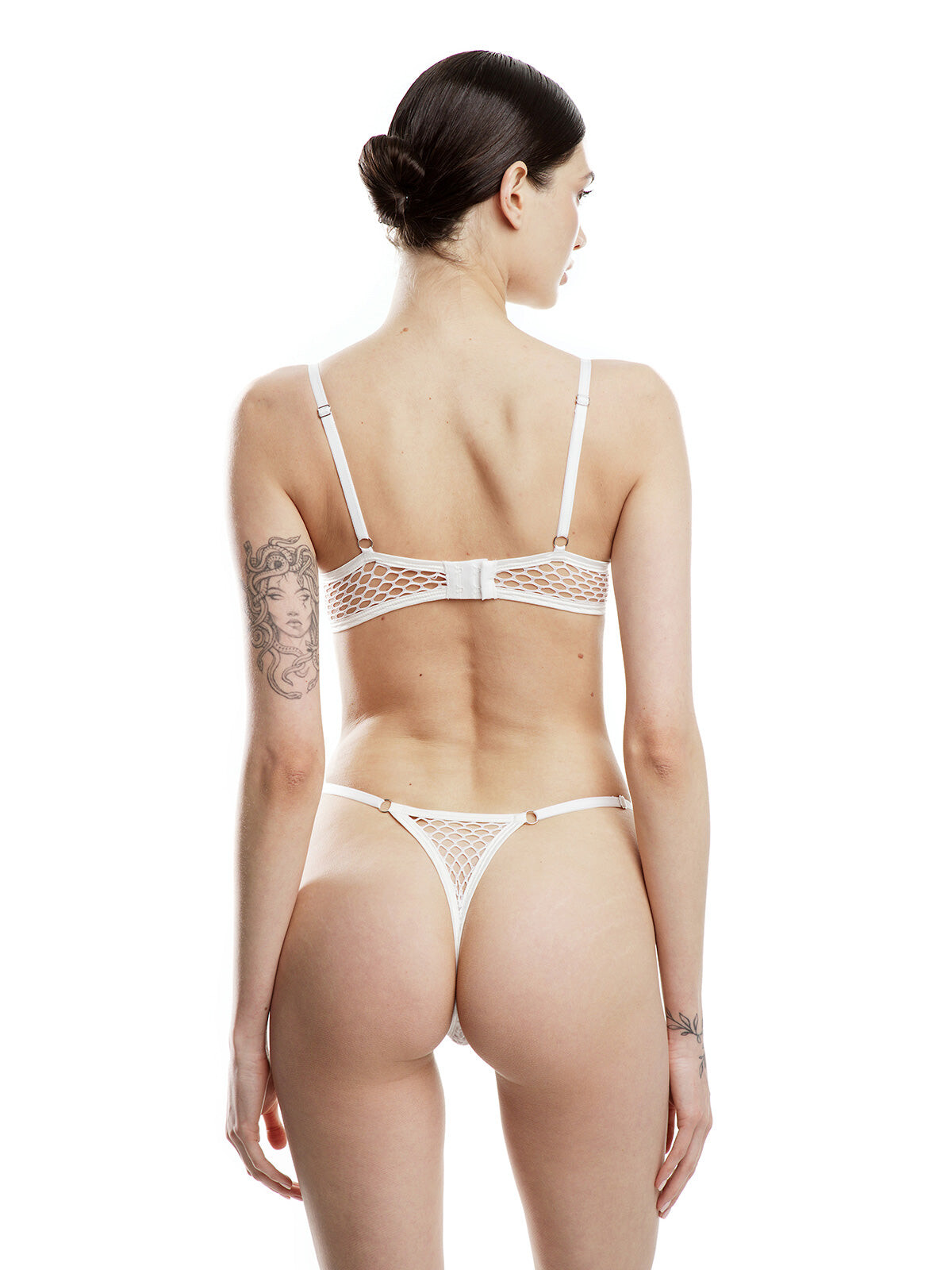


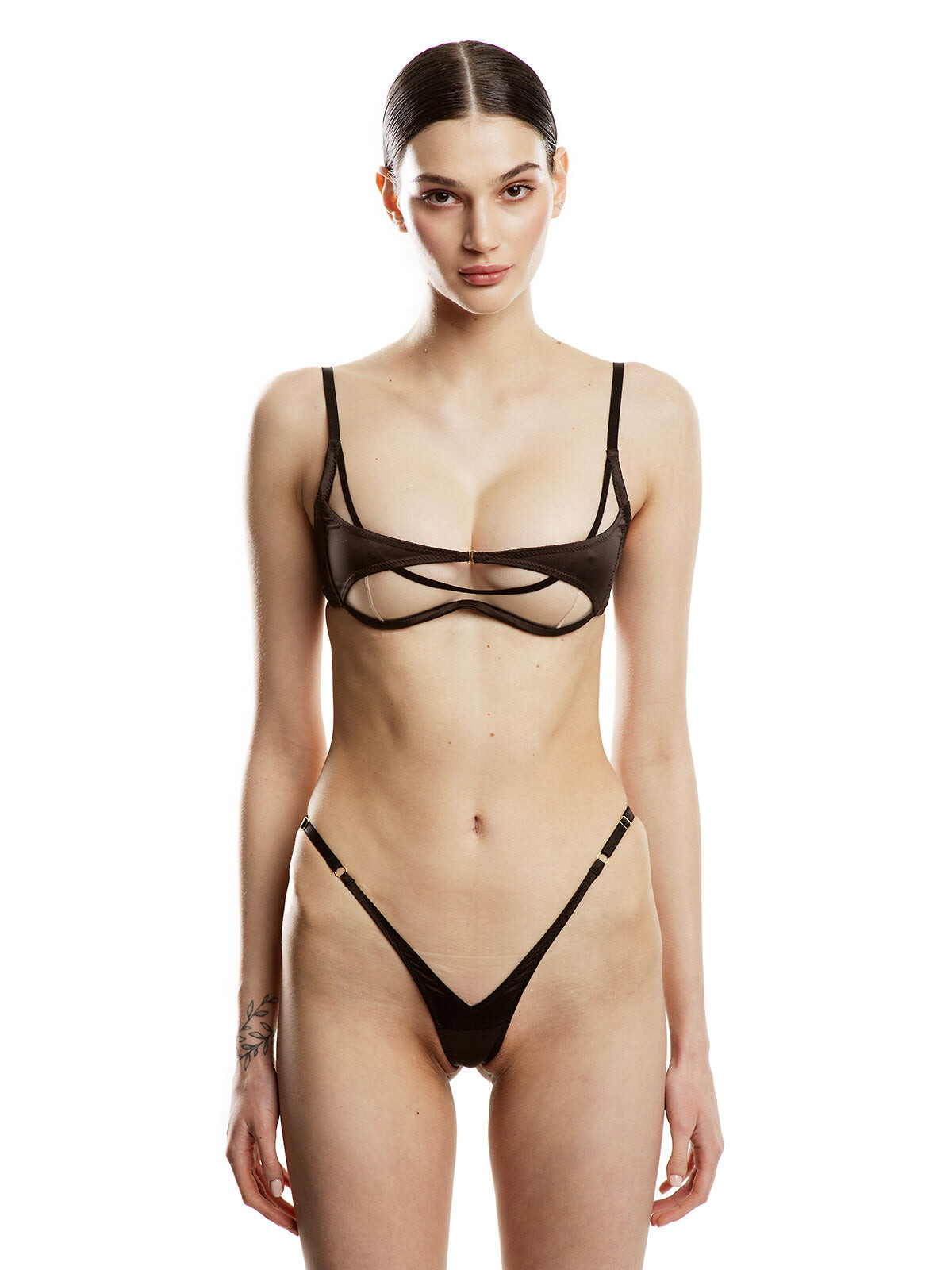

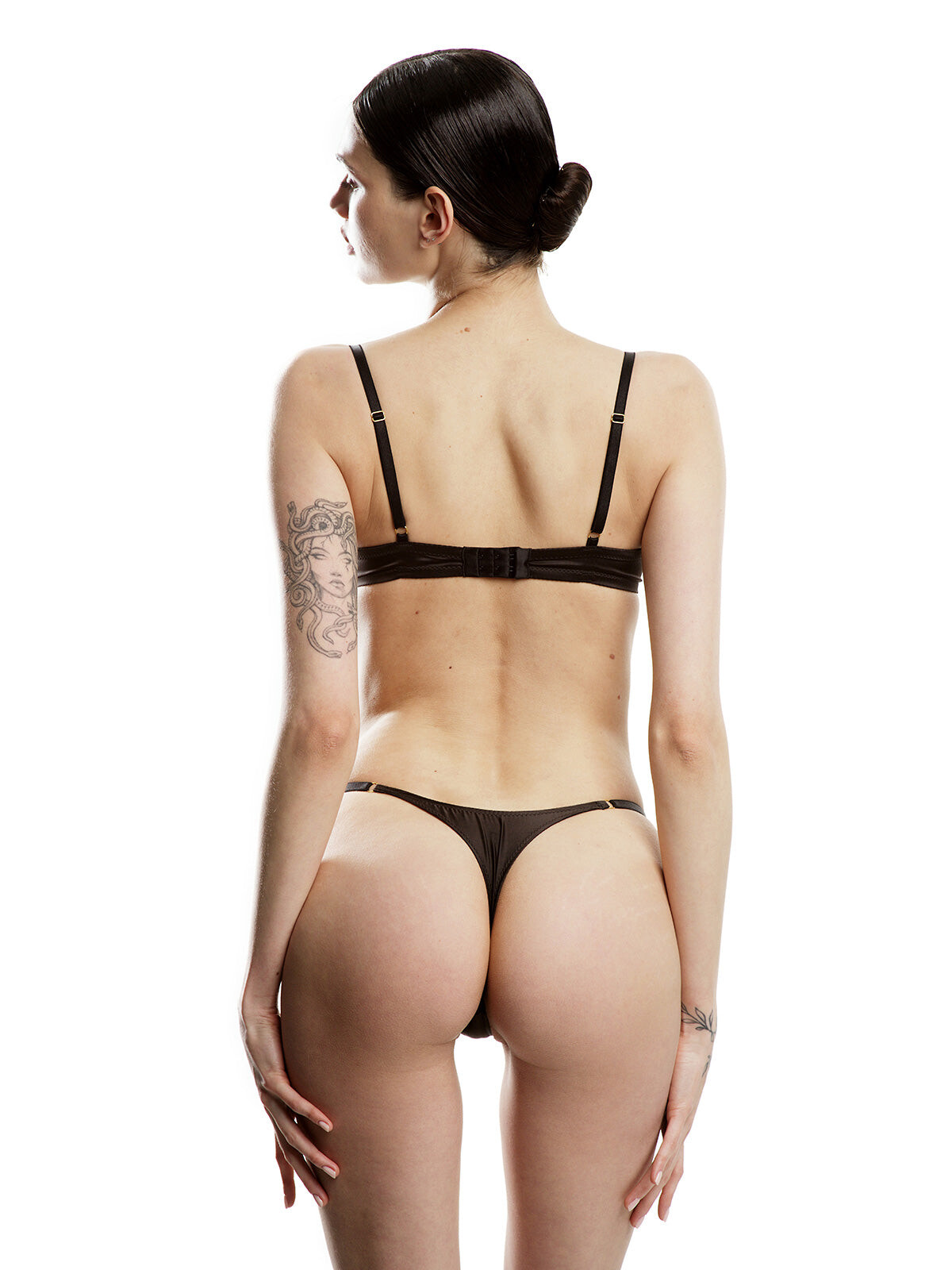
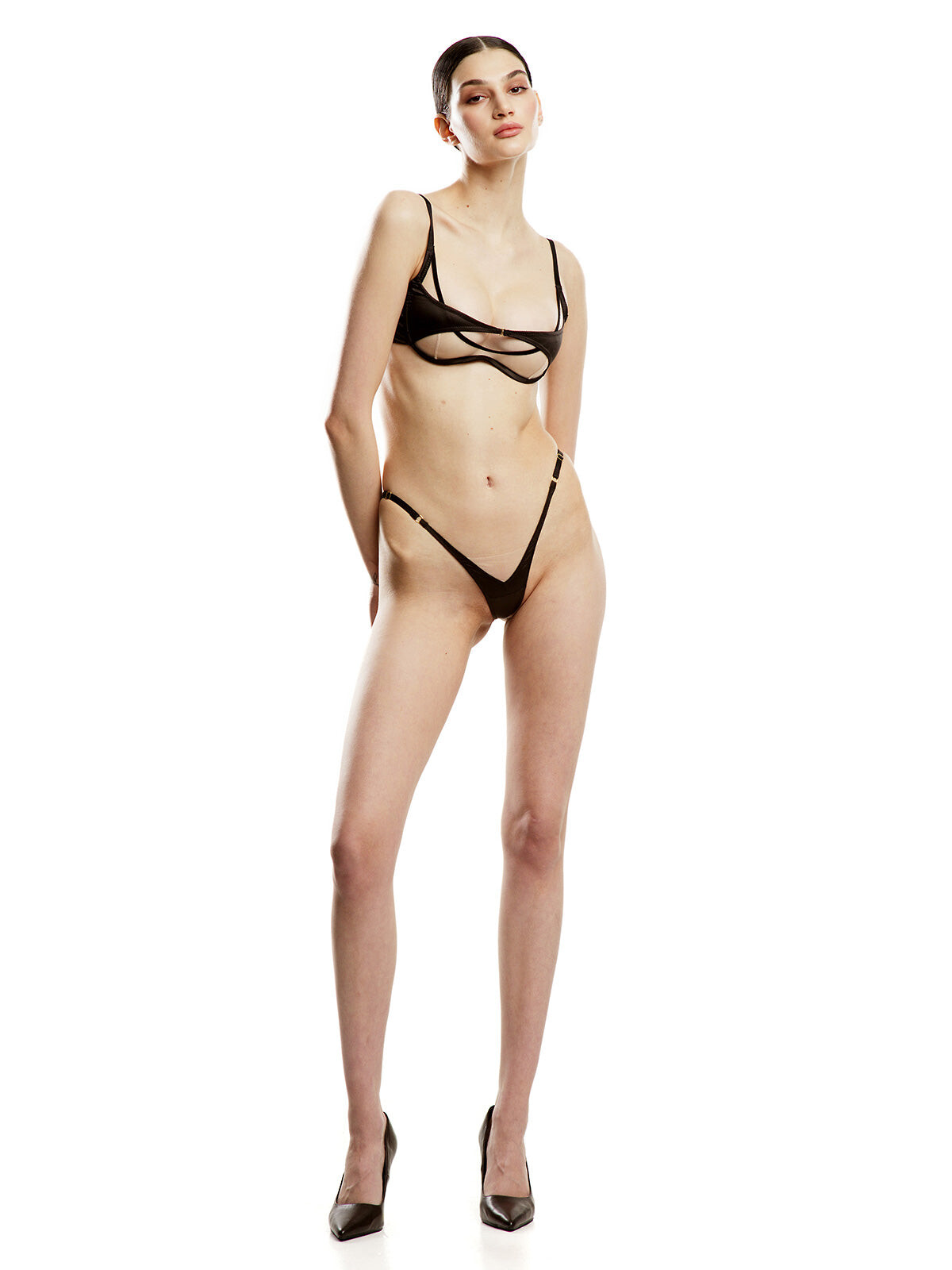



































Account
Navigation
Search
Configure browser push notifications
Chrome (Android)
- Tap the lock icon next to the address bar.
- Tap Permissions → Notifications.
- Adjust your preference.
Chrome (Desktop)
- Click the padlock icon in the address bar.
- Select Site settings.
- Find Notifications and adjust your preference.
Safari (iOS 16.4+)
- Ensure the site is installed via Add to Home Screen.
- Open Settings App → Notifications.
- Find your app name and adjust your preference.
Safari (macOS)
- Go to Safari → Preferences.
- Click the Websites tab.
- Select Notifications in the sidebar.
- Find this website and adjust your preference.
Edge (Android)
- Tap the lock icon next to the address bar.
- Tap Permissions.
- Find Notifications and adjust your preference.
Edge (Desktop)
- Click the padlock icon in the address bar.
- Click Permissions for this site.
- Find Notifications and adjust your preference.
Firefox (Android)
- Go to Settings → Site permissions.
- Tap Notifications.
- Find this site in the list and adjust your preference.
Firefox (Desktop)
- Open Firefox Settings.
- Search for Notifications.
- Find this site in the list and adjust your preference.