Reckall
Members
-
Joined
-
Last visited
-
Thanks! She is beautiful, but, for some reason, back then they had a difficult time capturing the simplicity of the first picture I posted: ...In that picture, she looks like a modern Lucretia Borgia of sorts. The others for Fogal are beautiful too. Occasionally I feel that there was a period in 2001-2005 when beautiful models were "uglified" (for the lack of a better word) for reasons I still don't understand. I once met An Oost, back then, and she was this beautiful girl with a fresh, open face. Yeah, try to find her beauty in the "avant-garde" makeup she was subjected to when modeling. What a waste.Image hidden for guestsSign in to view
-
Another model I found in some old archives. I know her only from these ads she did for Fogal. I especially like the first picture (violet dress), with its Renaissance-like vibes. I don't remember seeing her anywhere else...
-
Thanks! That is an old picture I found in an archive. I have always loved it, as I said. I don't even know if it is an ad or from a feature, and if there are others in the same series.
-
I always loved this ad. However, I wasn't able to find the model. She may have changed her hair color for the ad. Anyway, I like this picture very much. It is simple and to the point. Any suggestions?Image hidden for guestsSign in to view
-
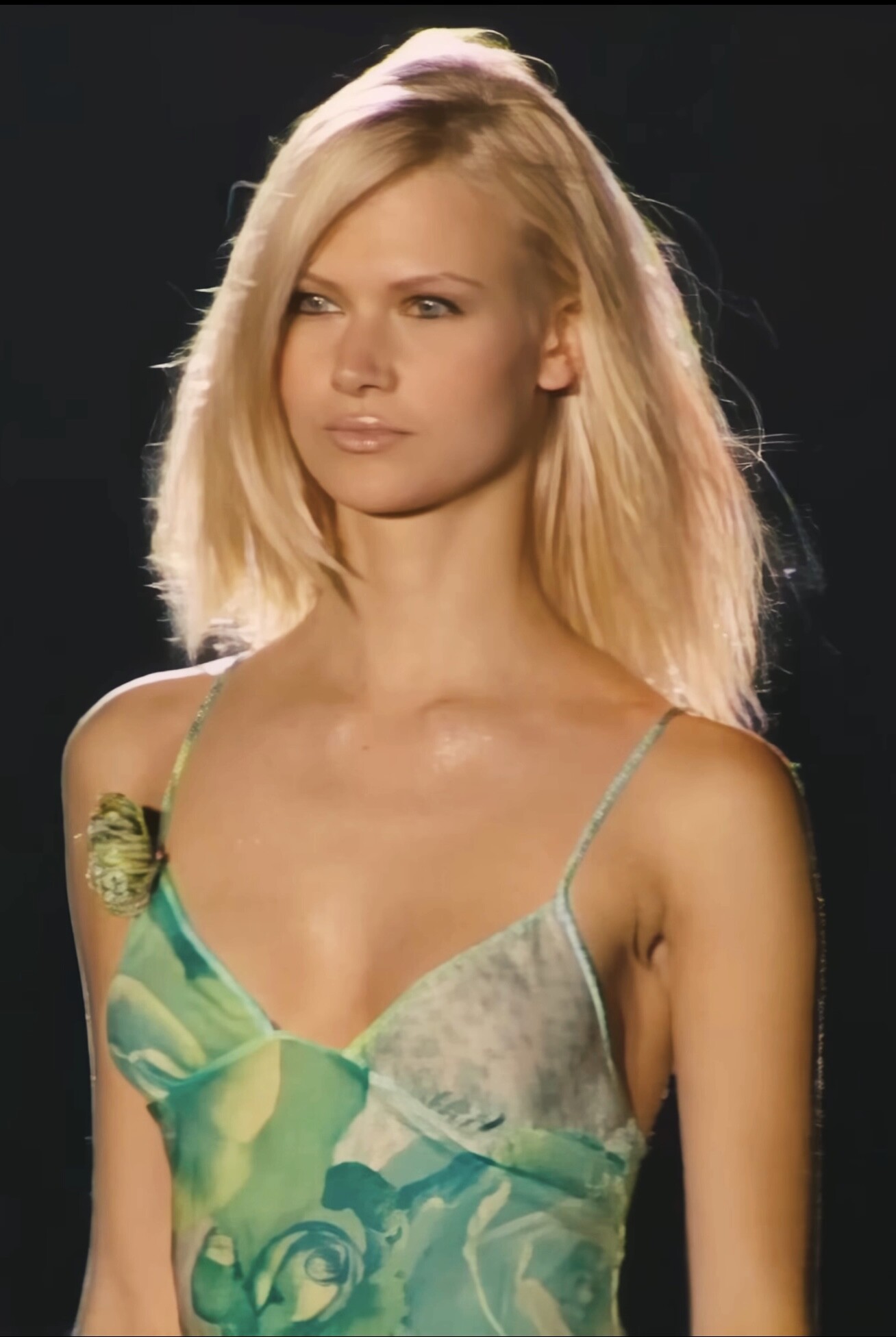
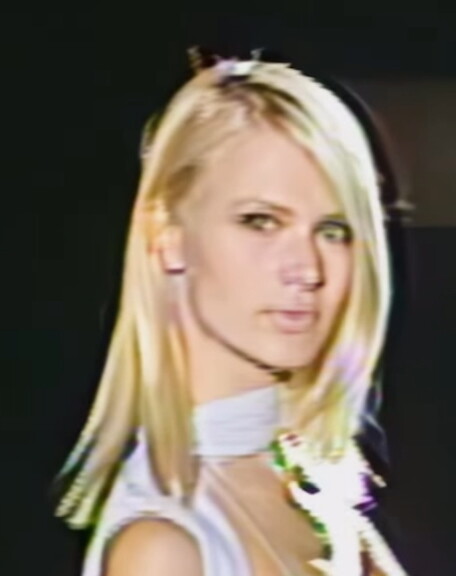
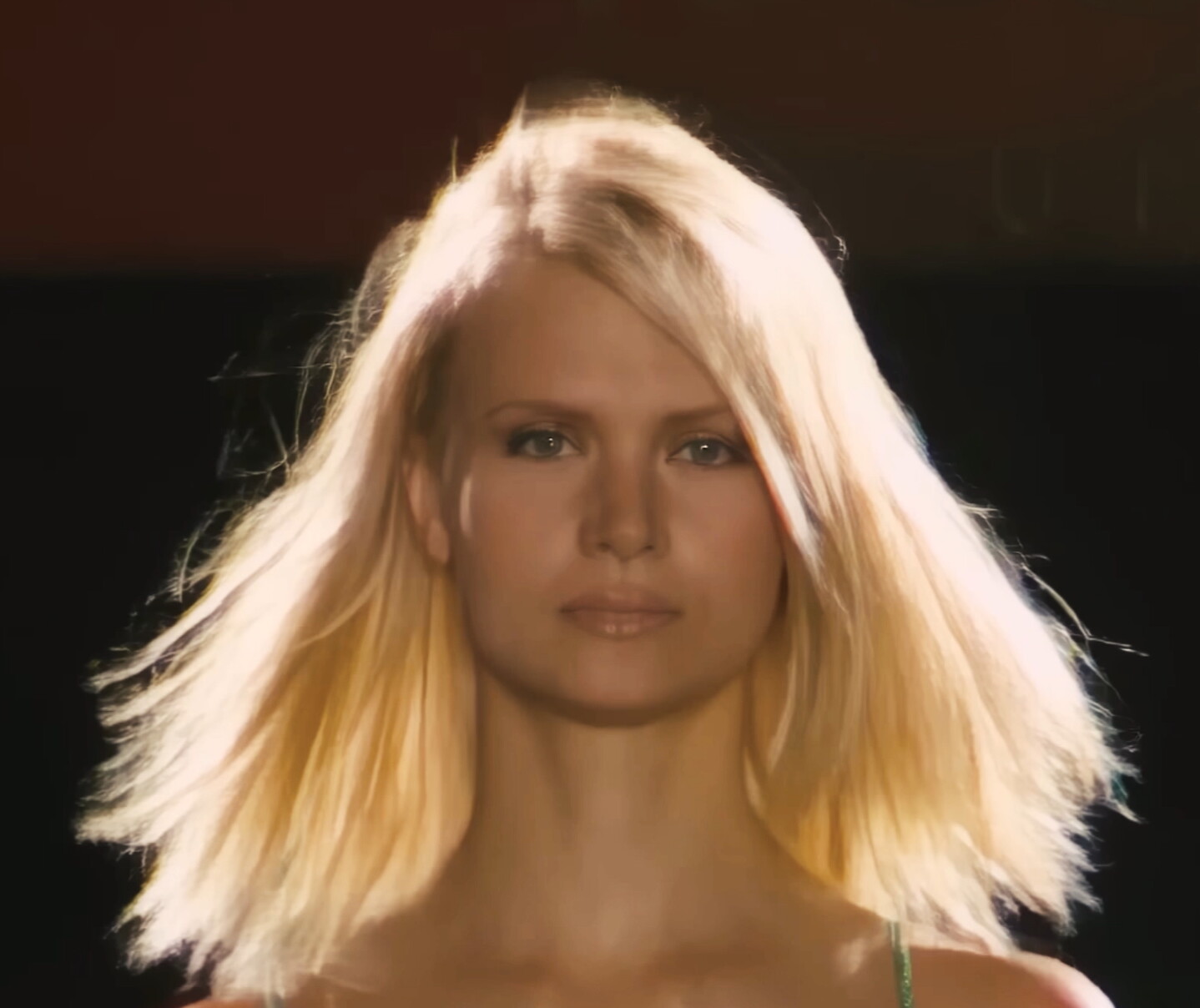
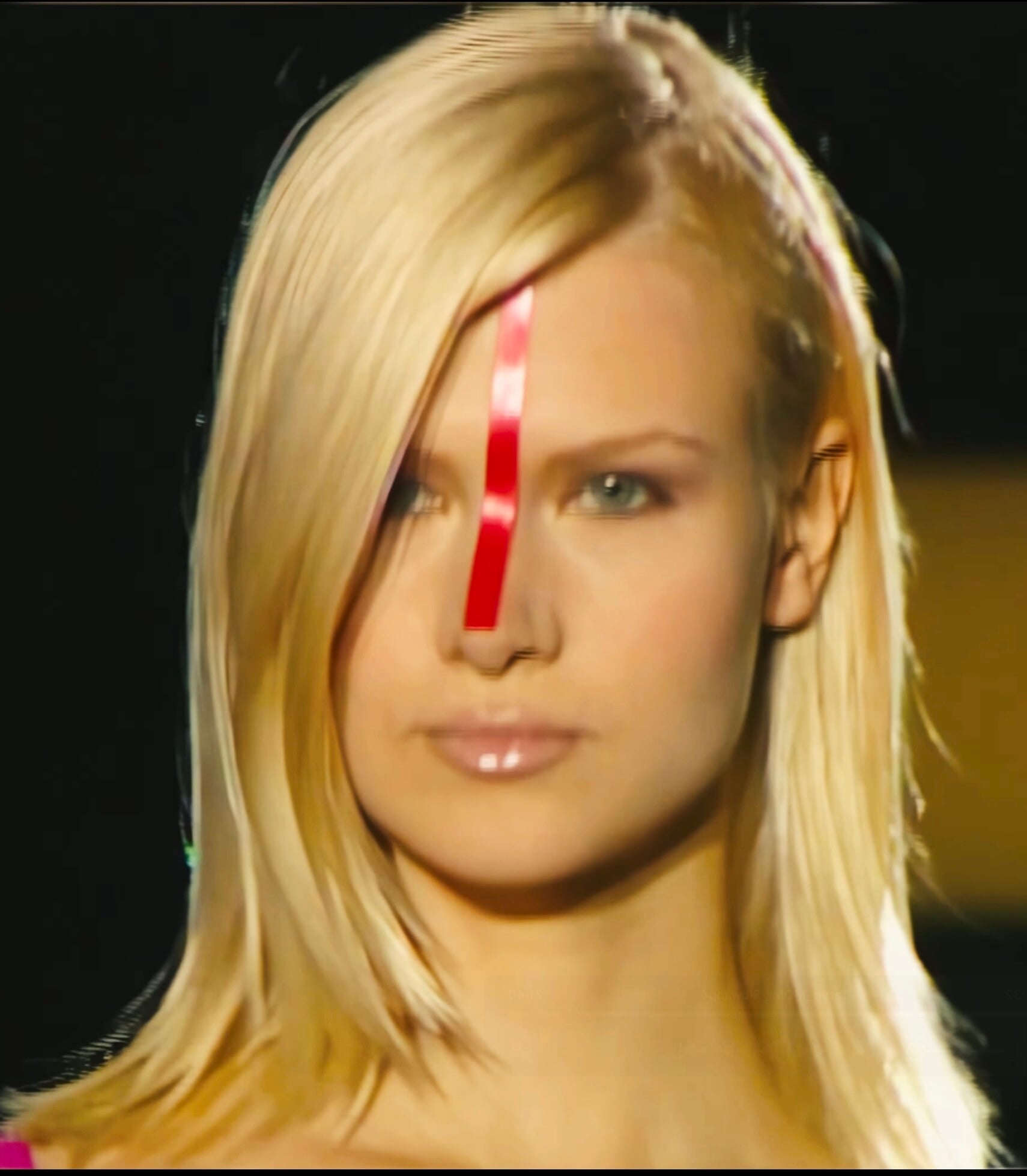
I'm looking for a model that walked the catwalk in 2001-2002, mostly lingerie. I found a video of her on the catwalk for various firms during MOMI 2001. She also did some ads for a line of office outfits. I can only post some grabs from MOMI 2001. After that, apparently she disappeared from the scene. Any suggestions?