

Heike
Members
-
Joined
-
Last visited
Everything posted by Heike
-
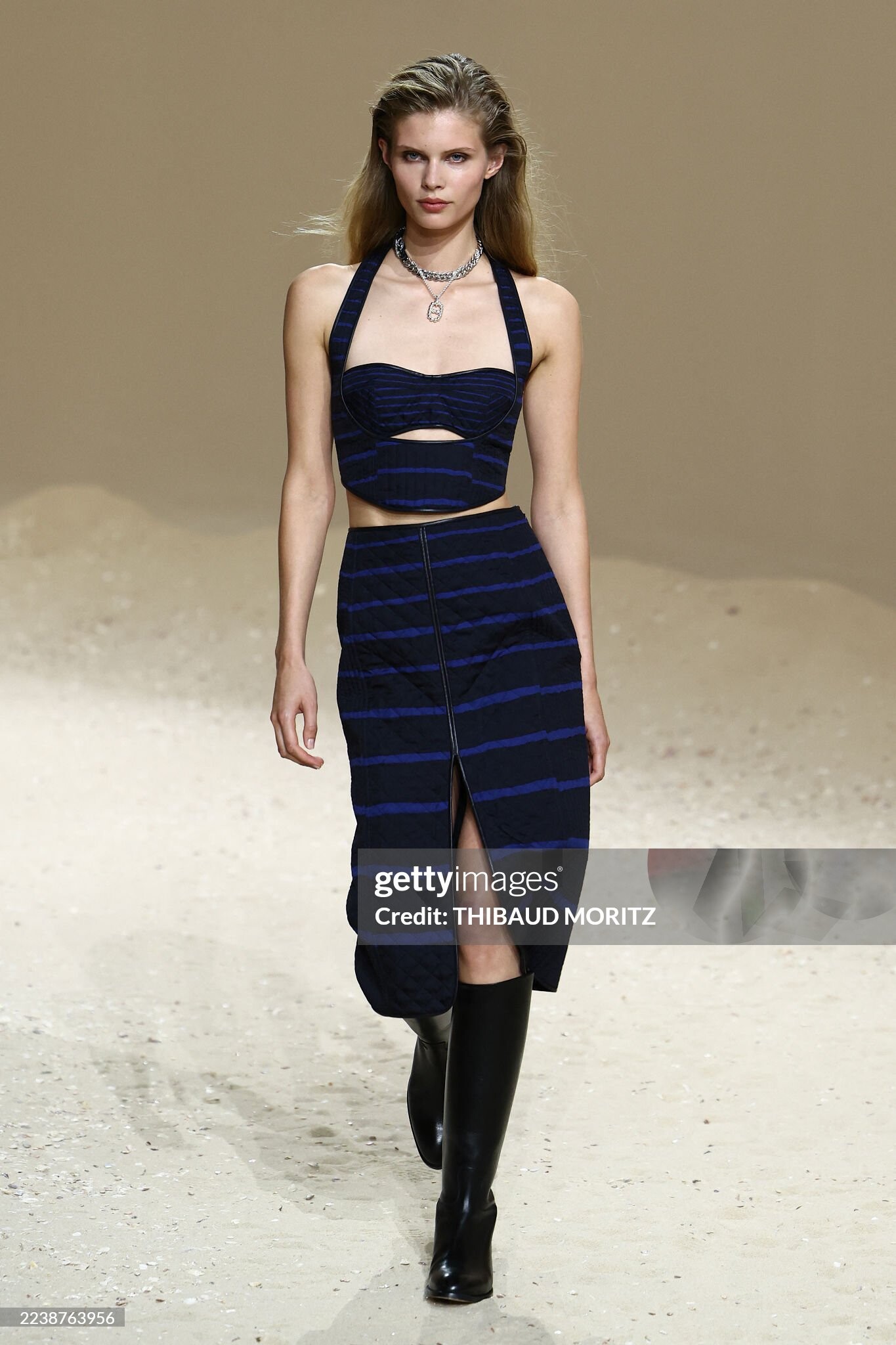
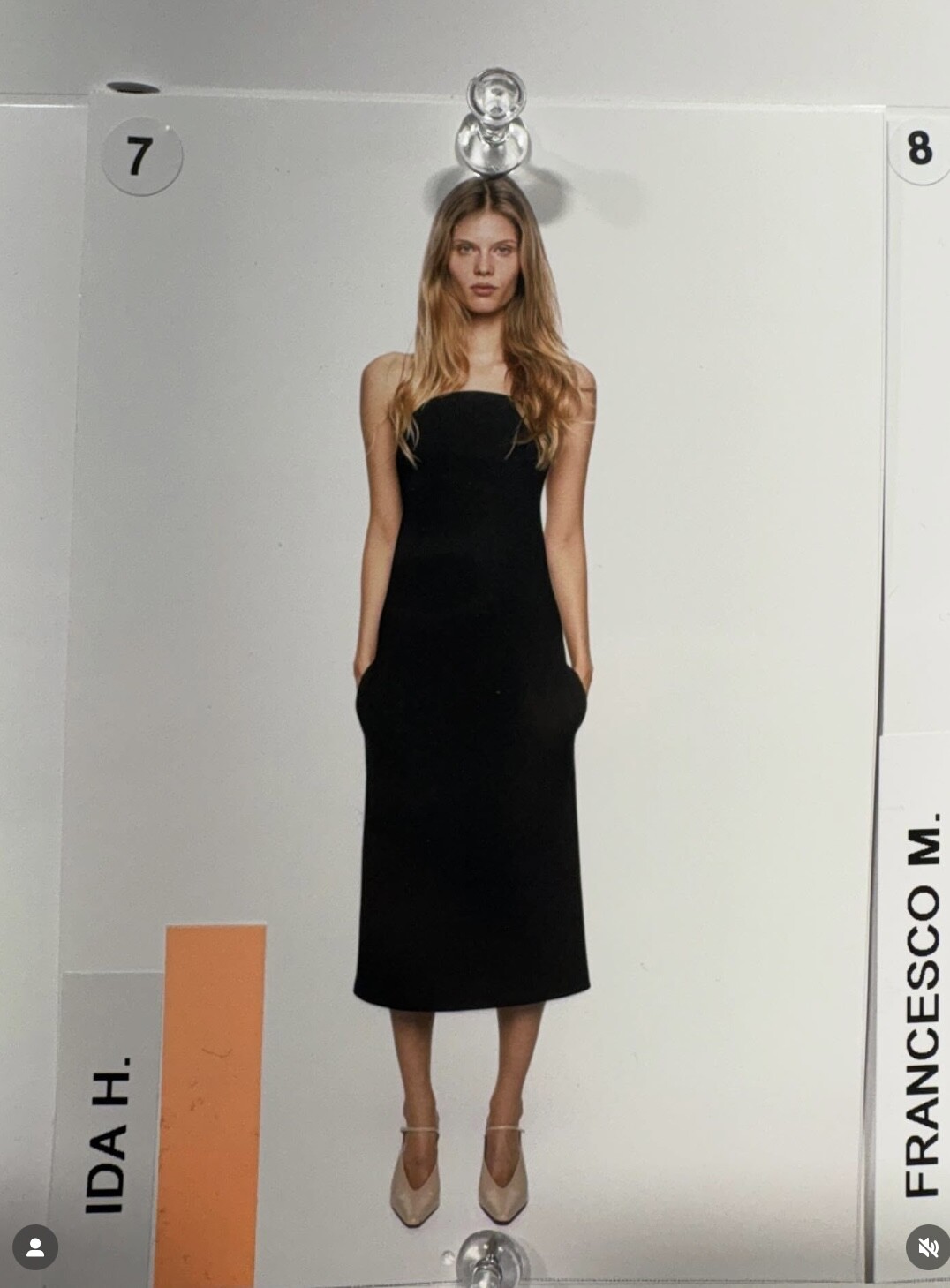
 Hermes SS2026 Paris 🧡🫶 Backstage: Vogue.com+gettyimages









-
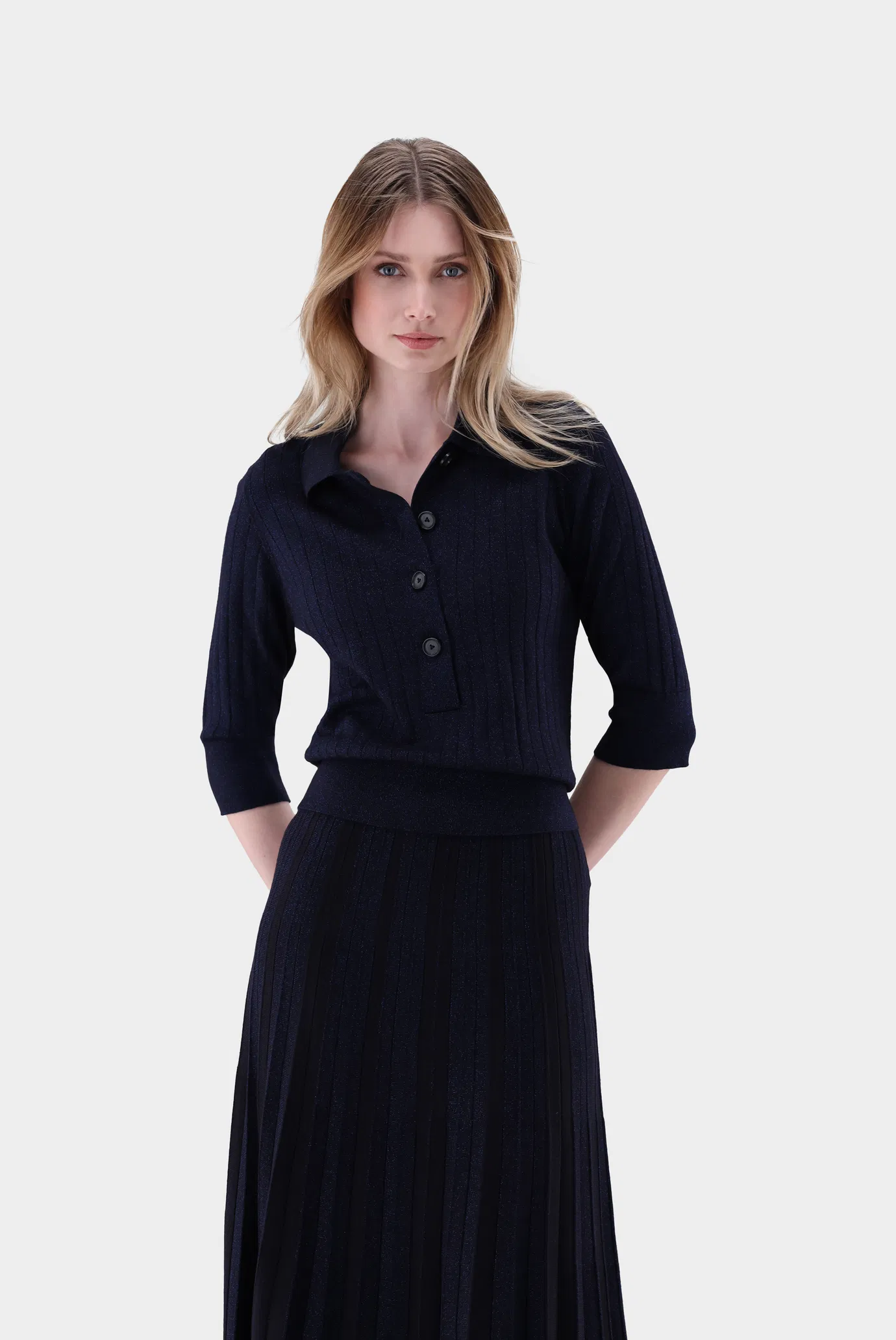
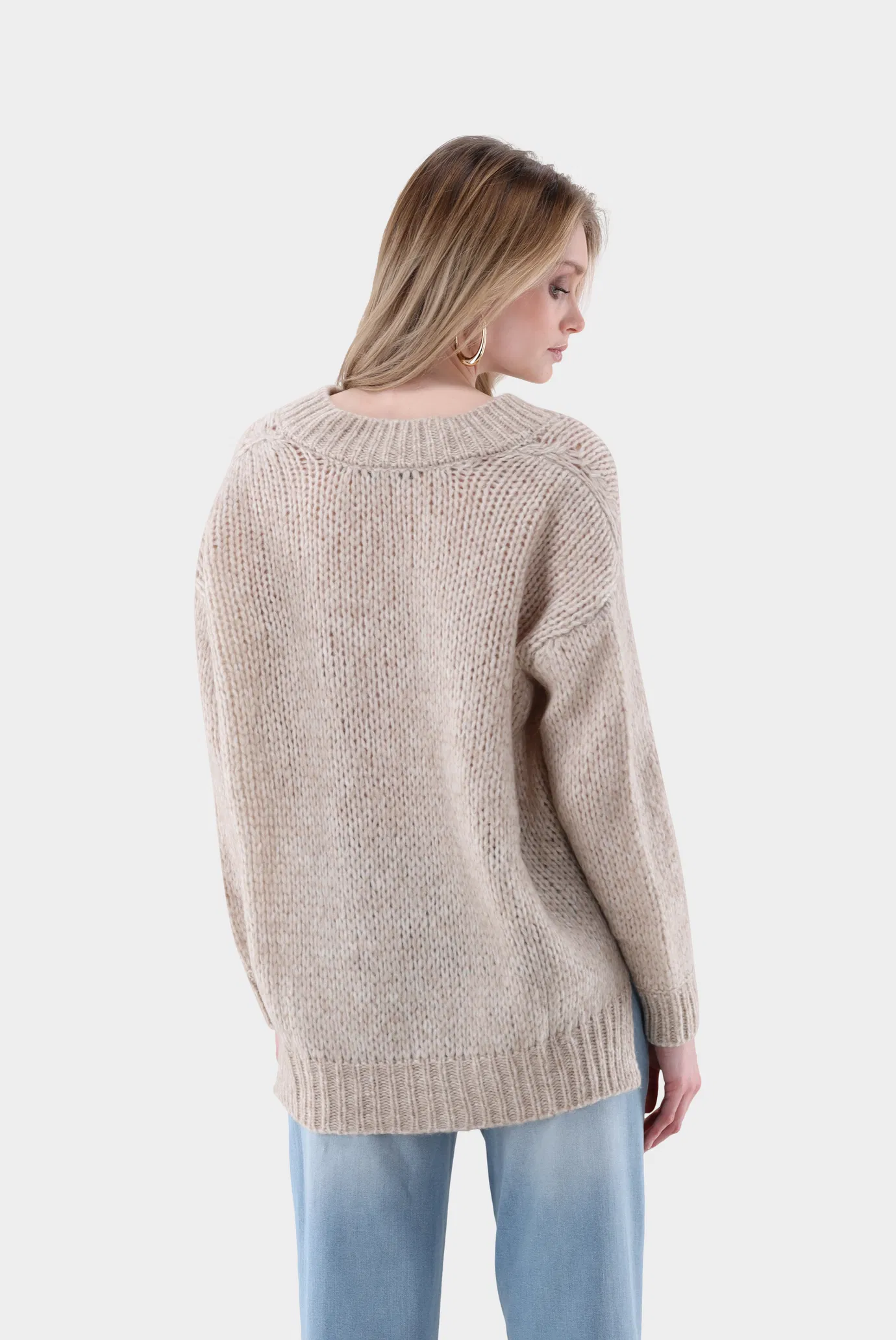
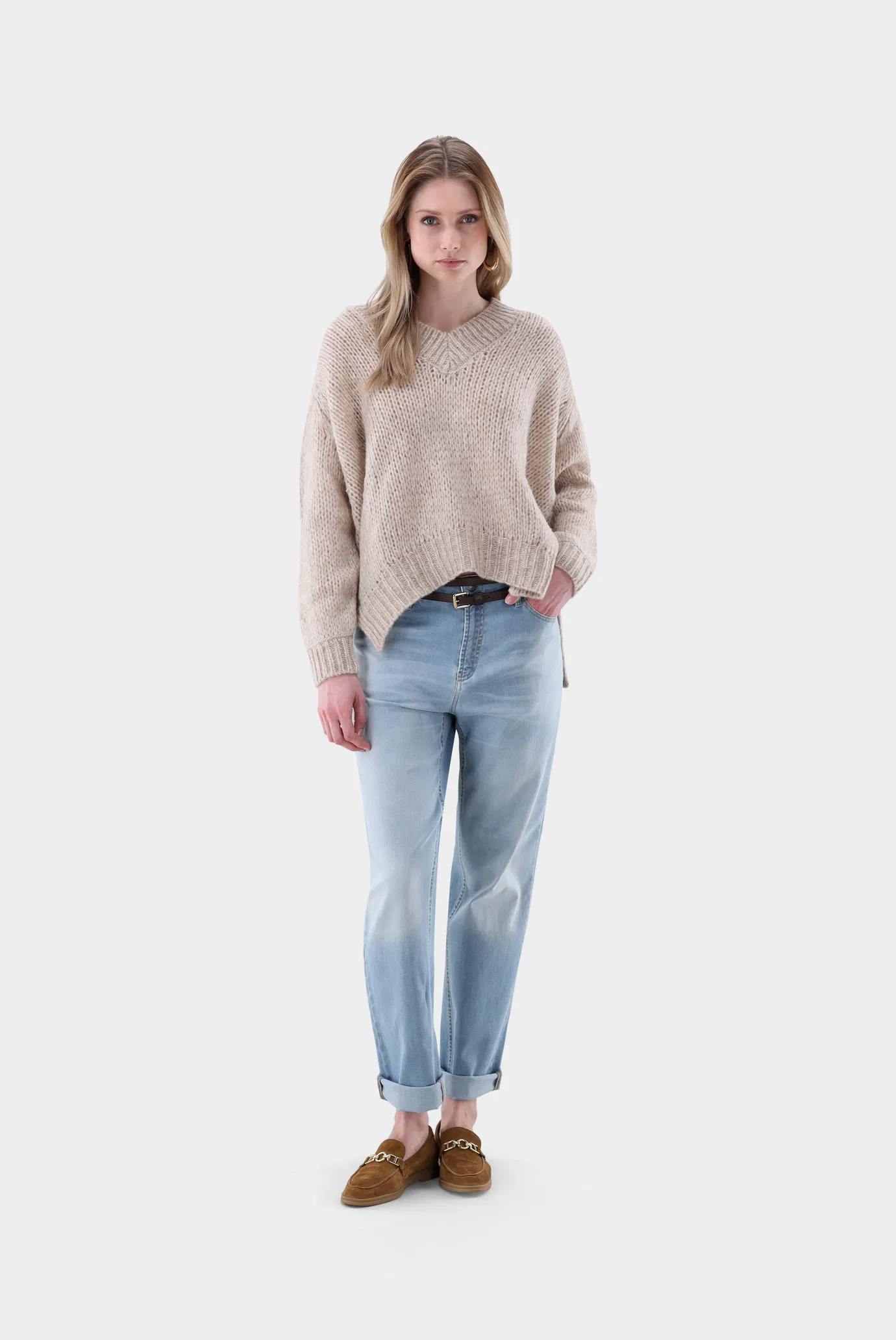
Now with Mostwanted Models Munich https://www.mostwantedmodels.com/women/all/4341-karoline-s/
-
-
For Van Laak White Fashion week


.thumb.jpg.86866d7306725f75afcd335f5e2761a7.jpg)





-
Ida and Sasha shot by Lulu Tenney 🩷






-
-
KHAITE FALL 2025 💝

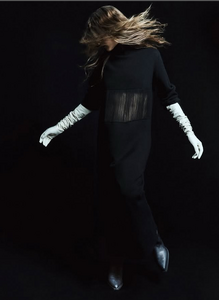

-
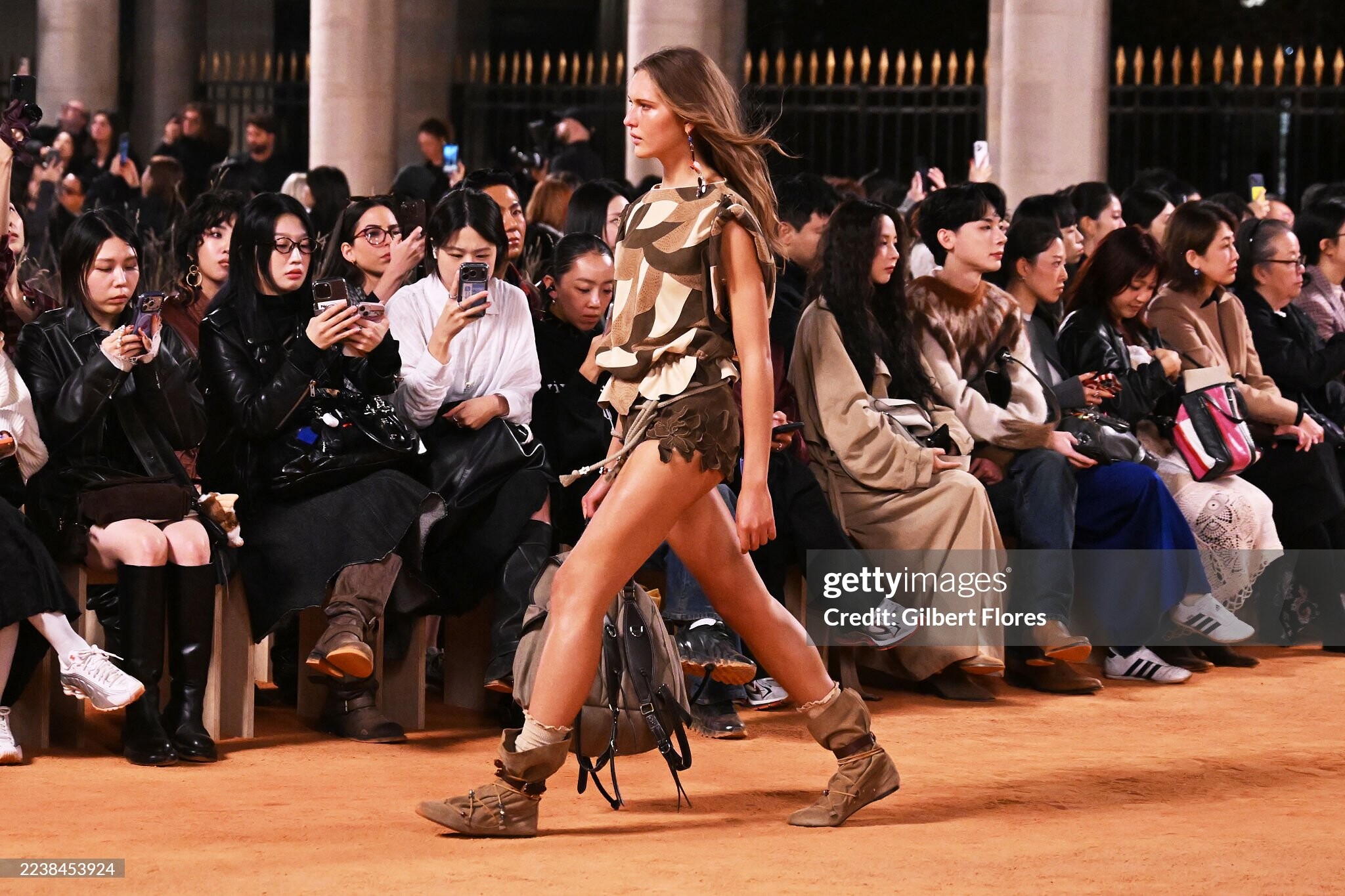
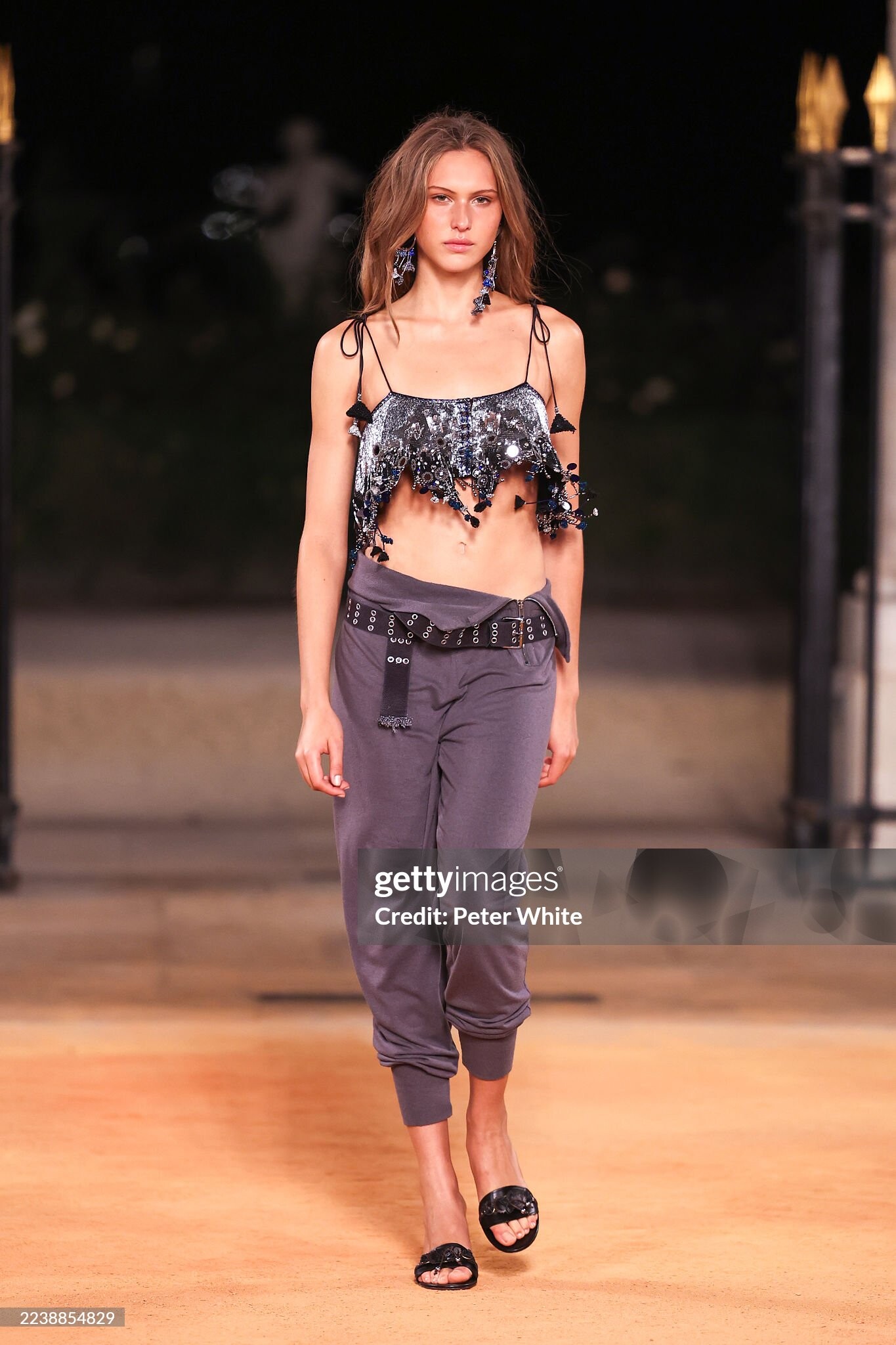
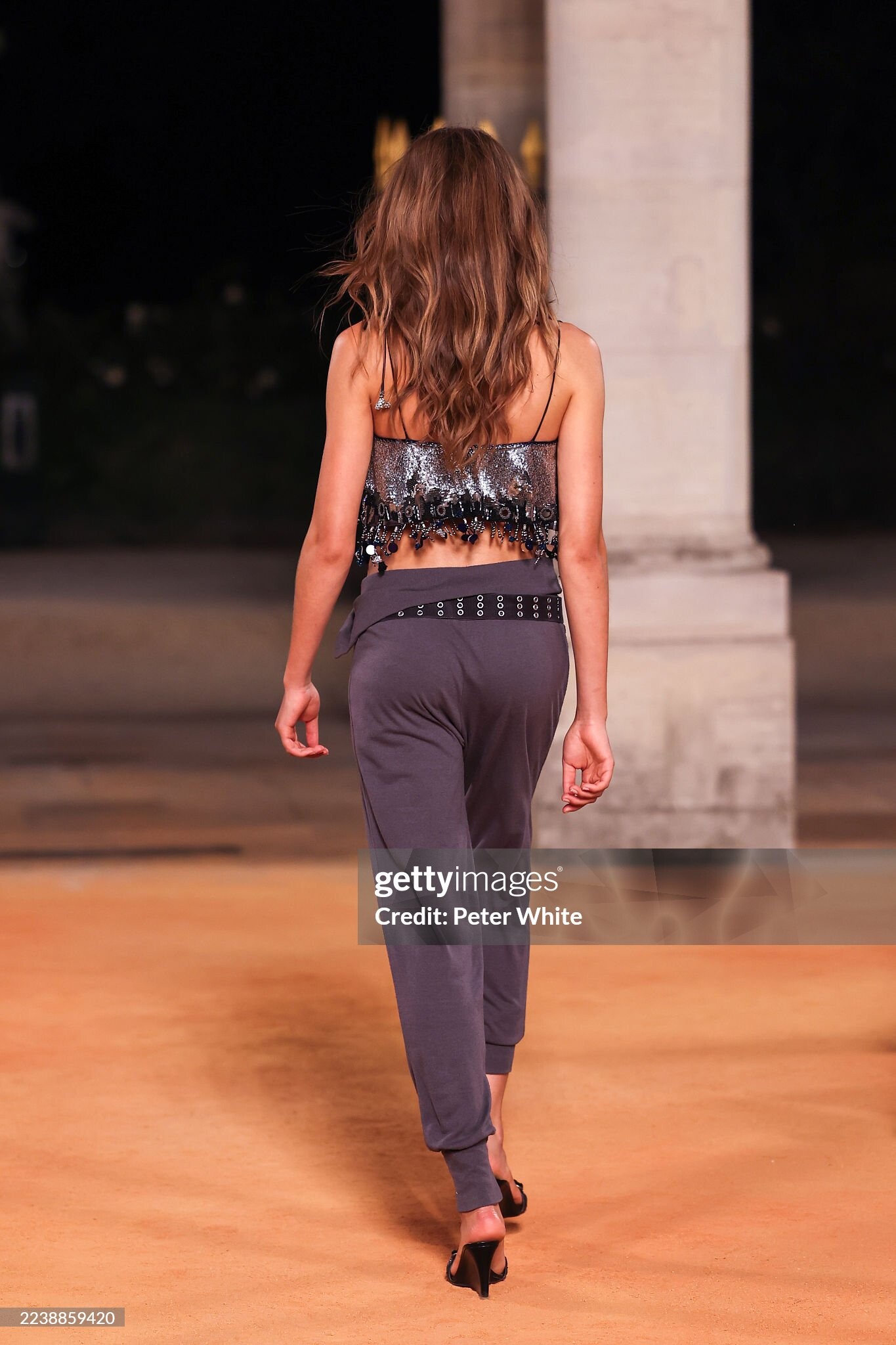
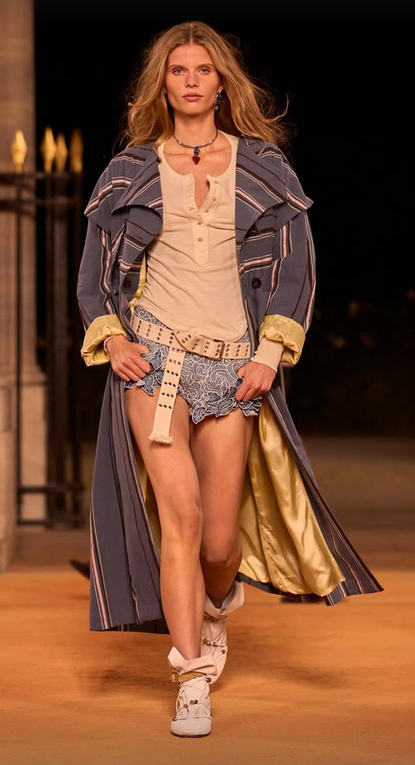
Isabel Marant SS 2026 ( C ) Paris 🧡💫 1 st Look: 2nd Look: Vogue.com+ Gettyimages







-
Schiaparelli SS 2026 Paris 🖤 Vogue.com

 Schiaparelli SS2026 Paris 🩵 Backstage:







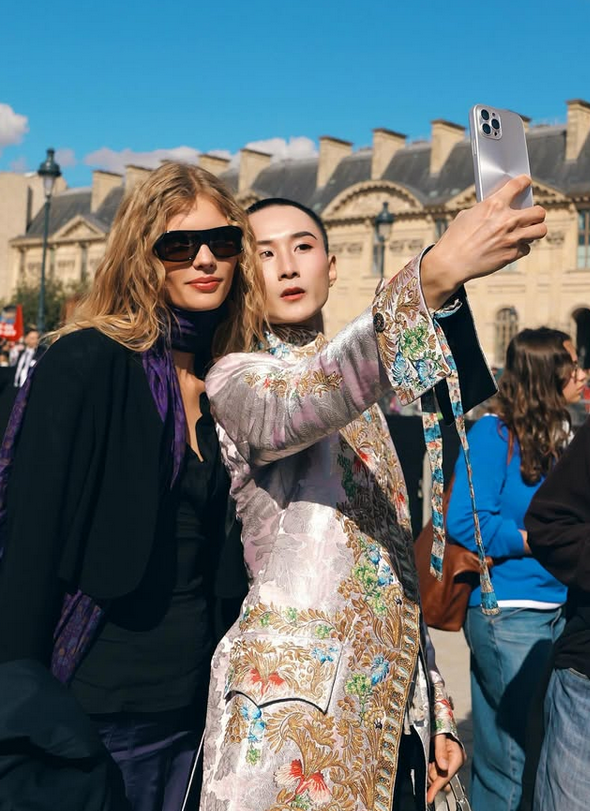
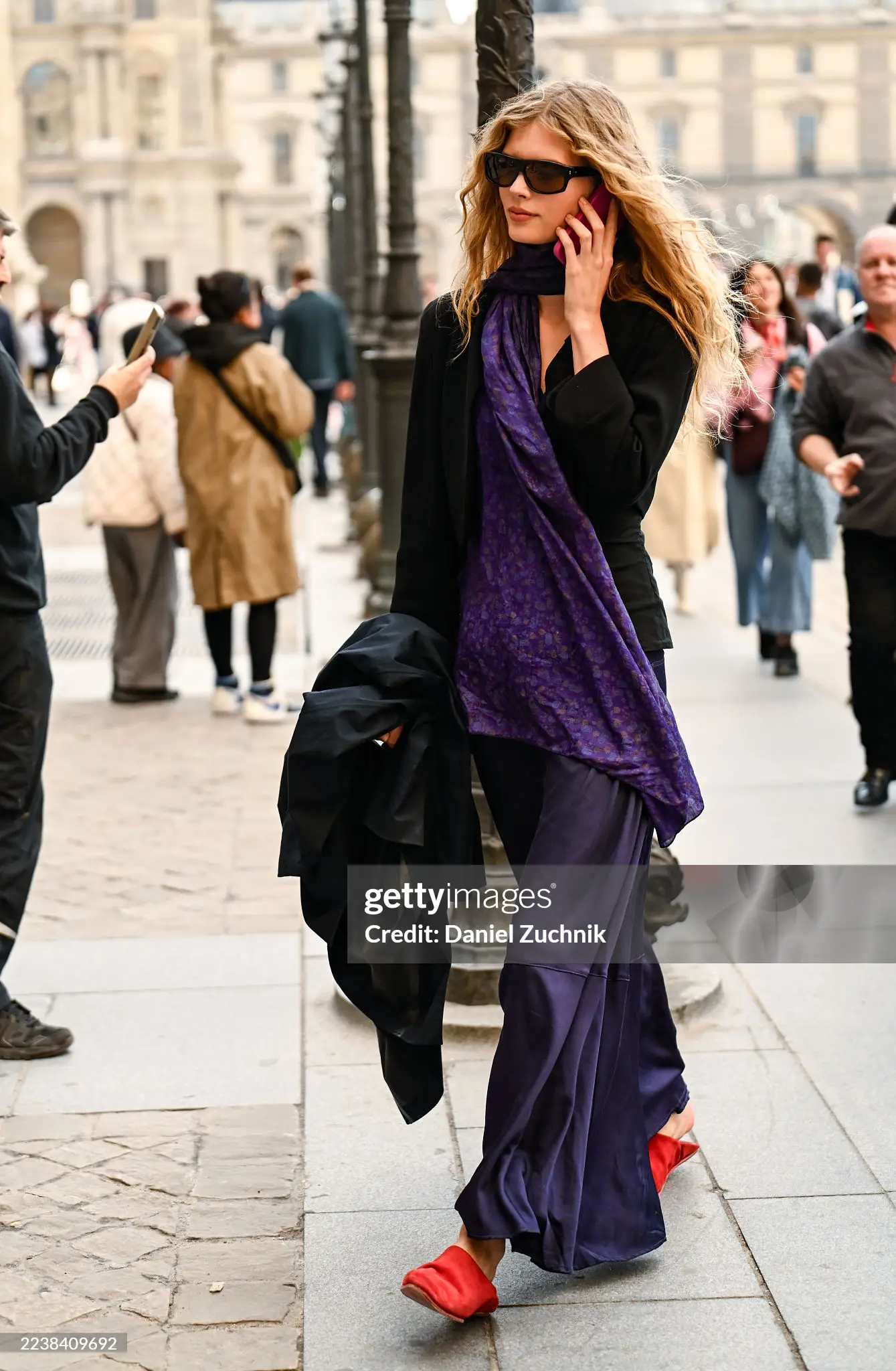
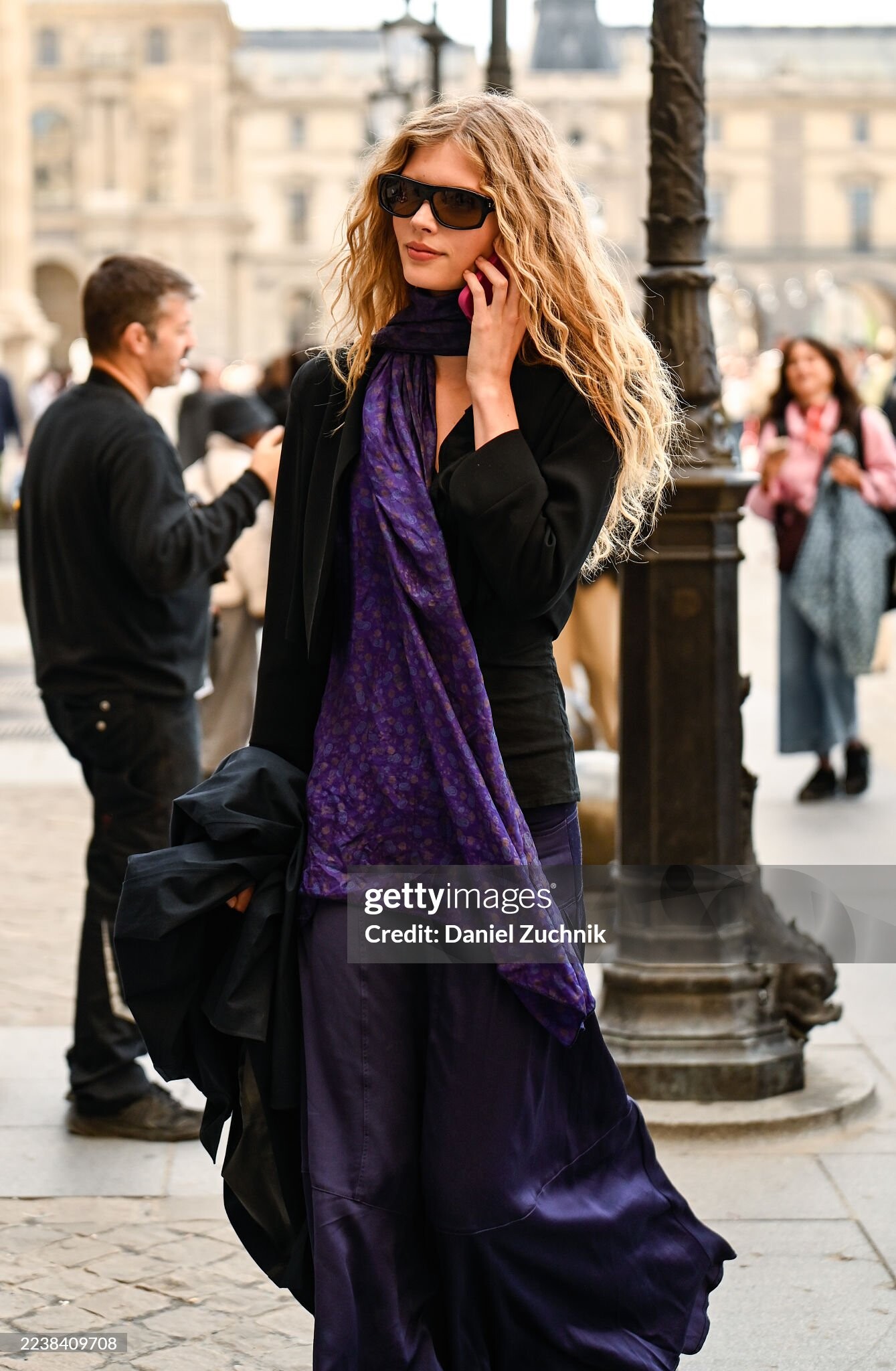
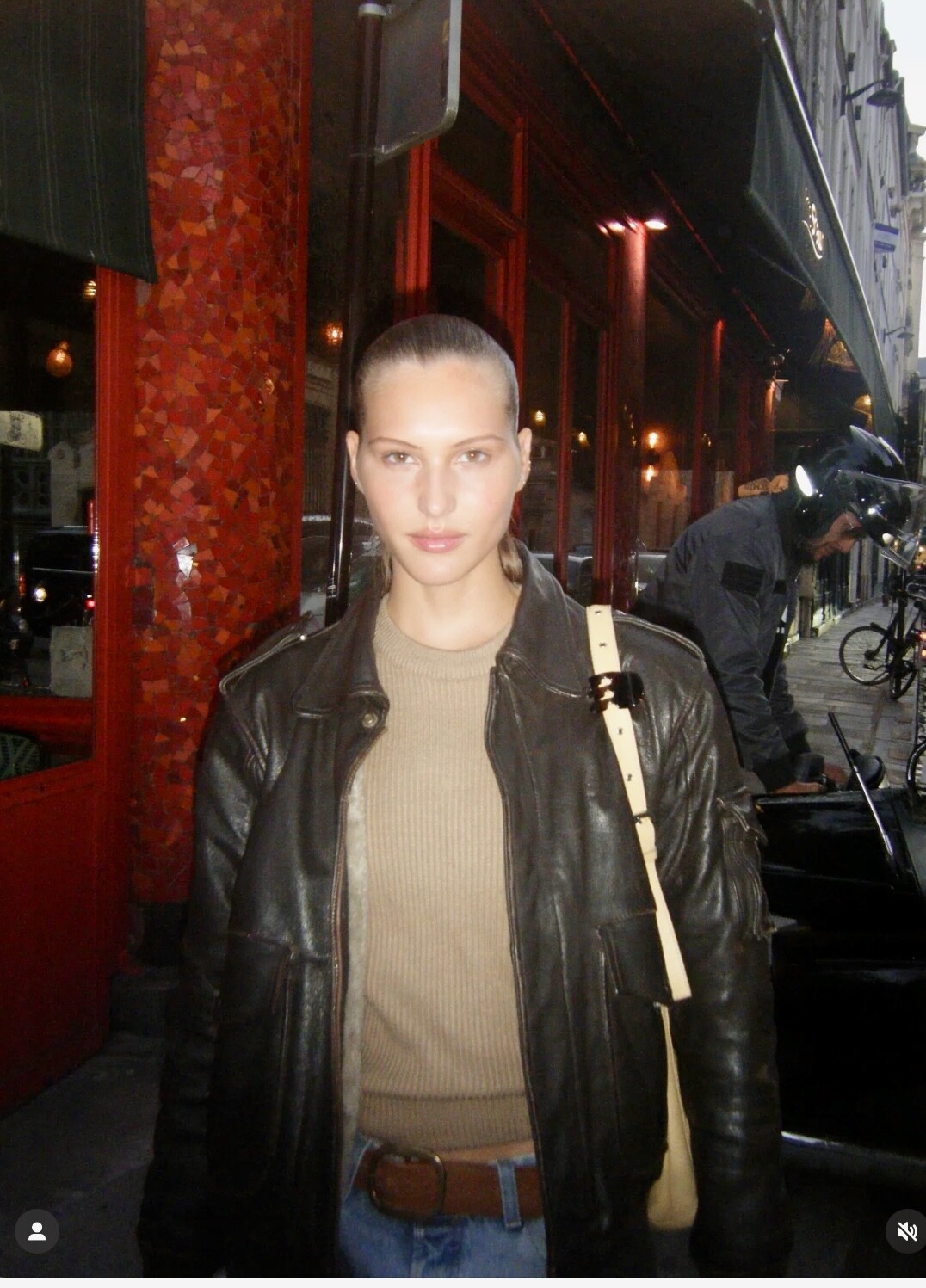
 Streestyle Paris SS2026 💜 Gettyimages+ IG




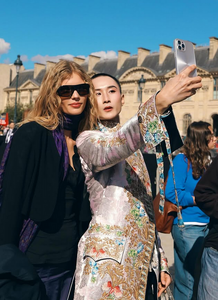
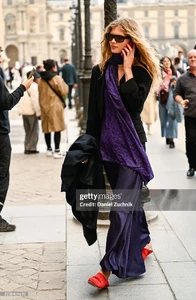
 Backstage , Gettyimages + IG
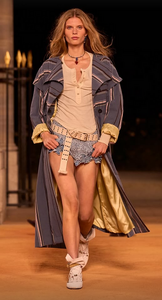







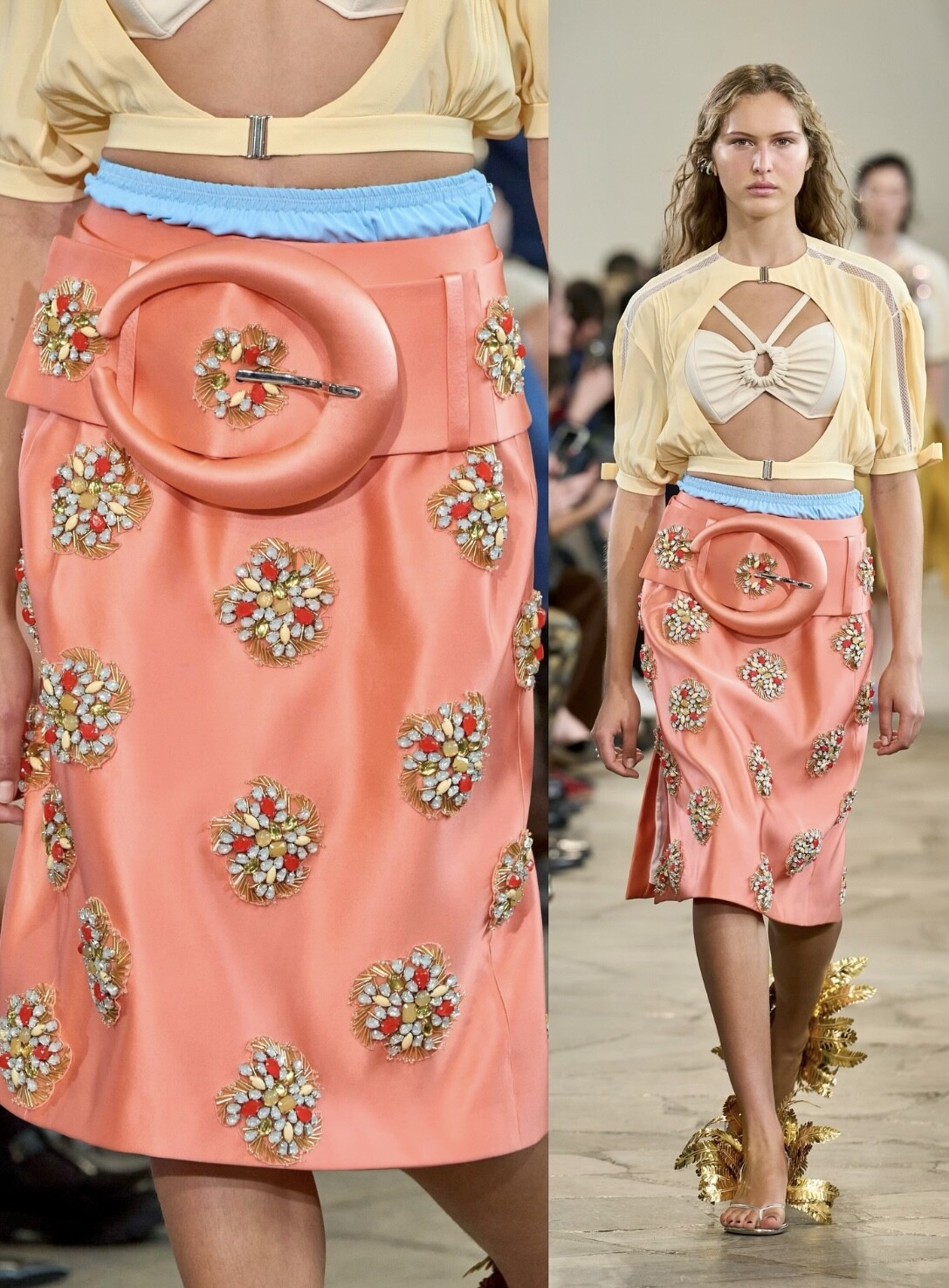
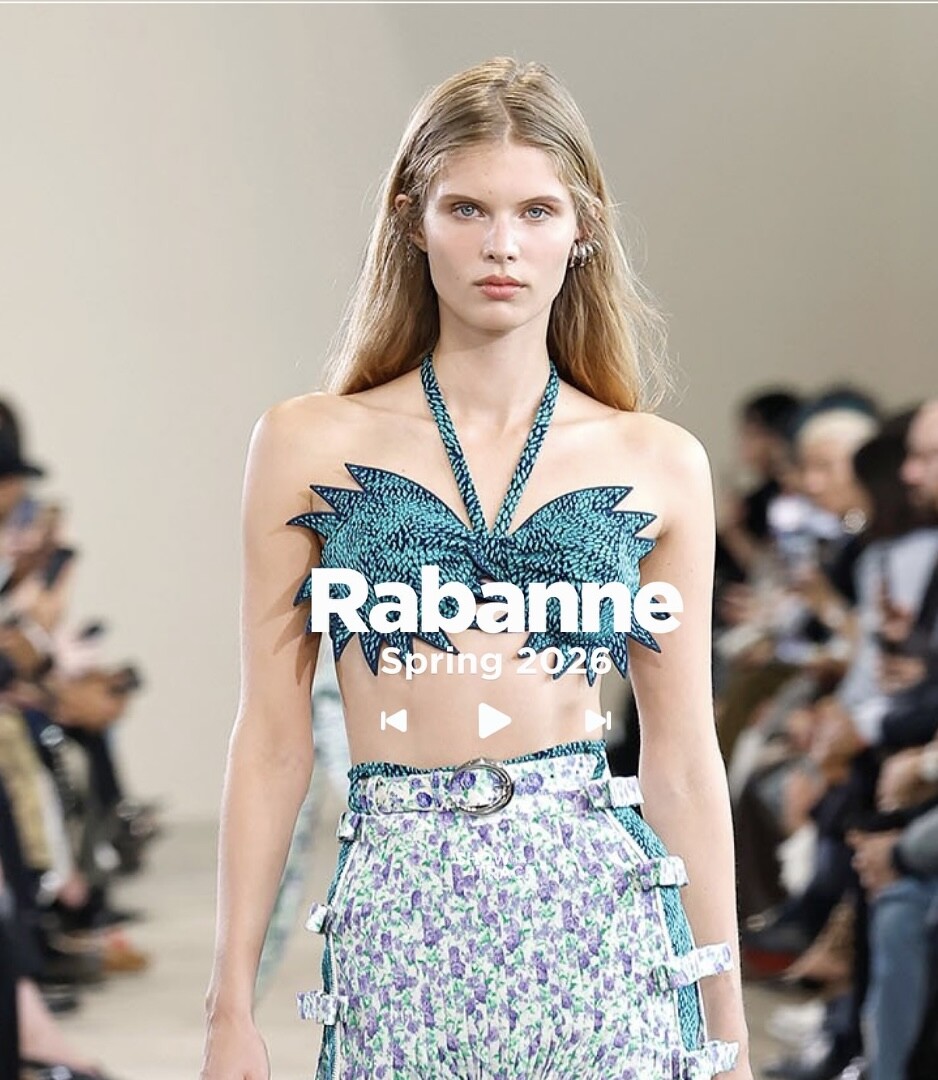
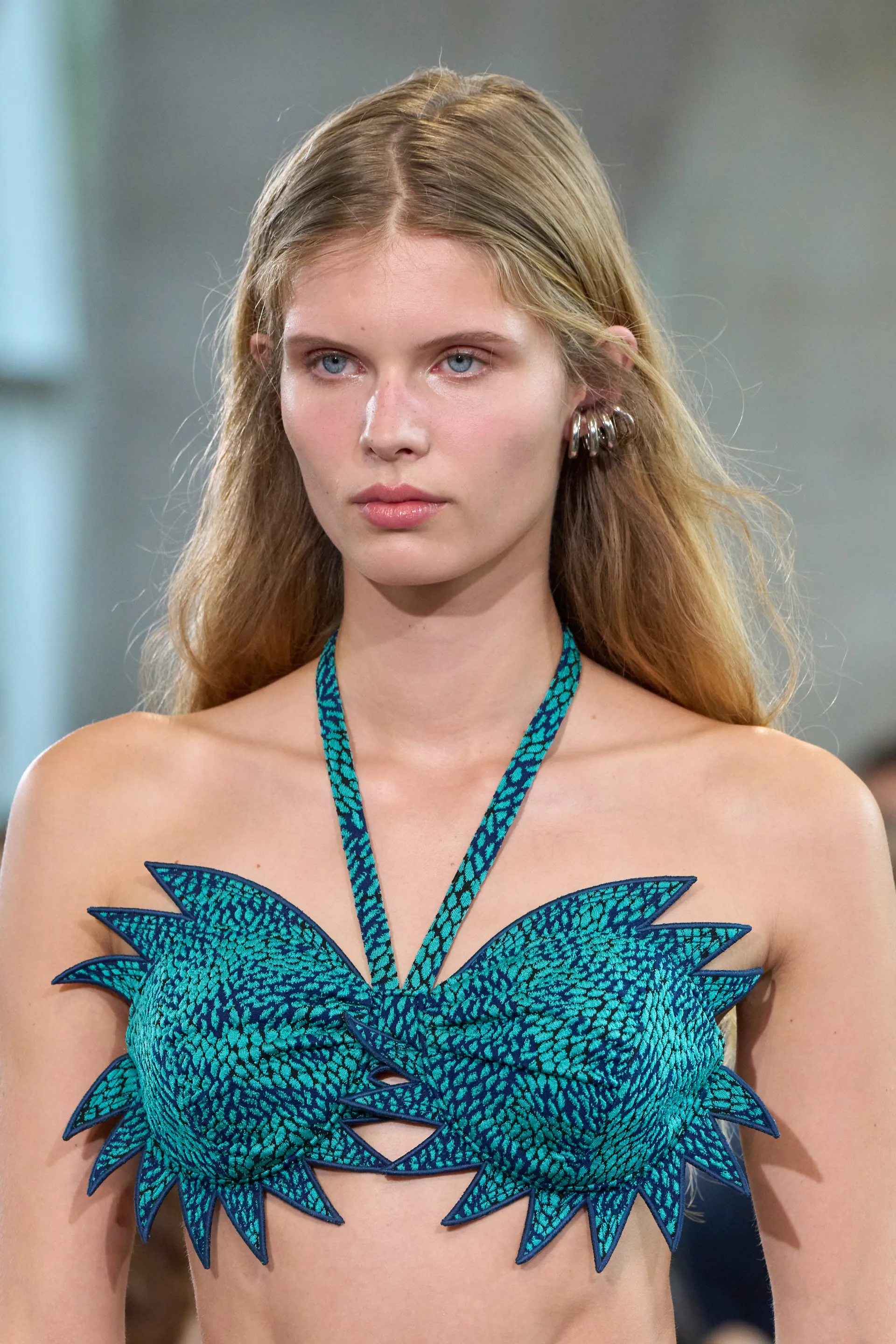
 Rabanne SS2026 Paris 🧡🤍



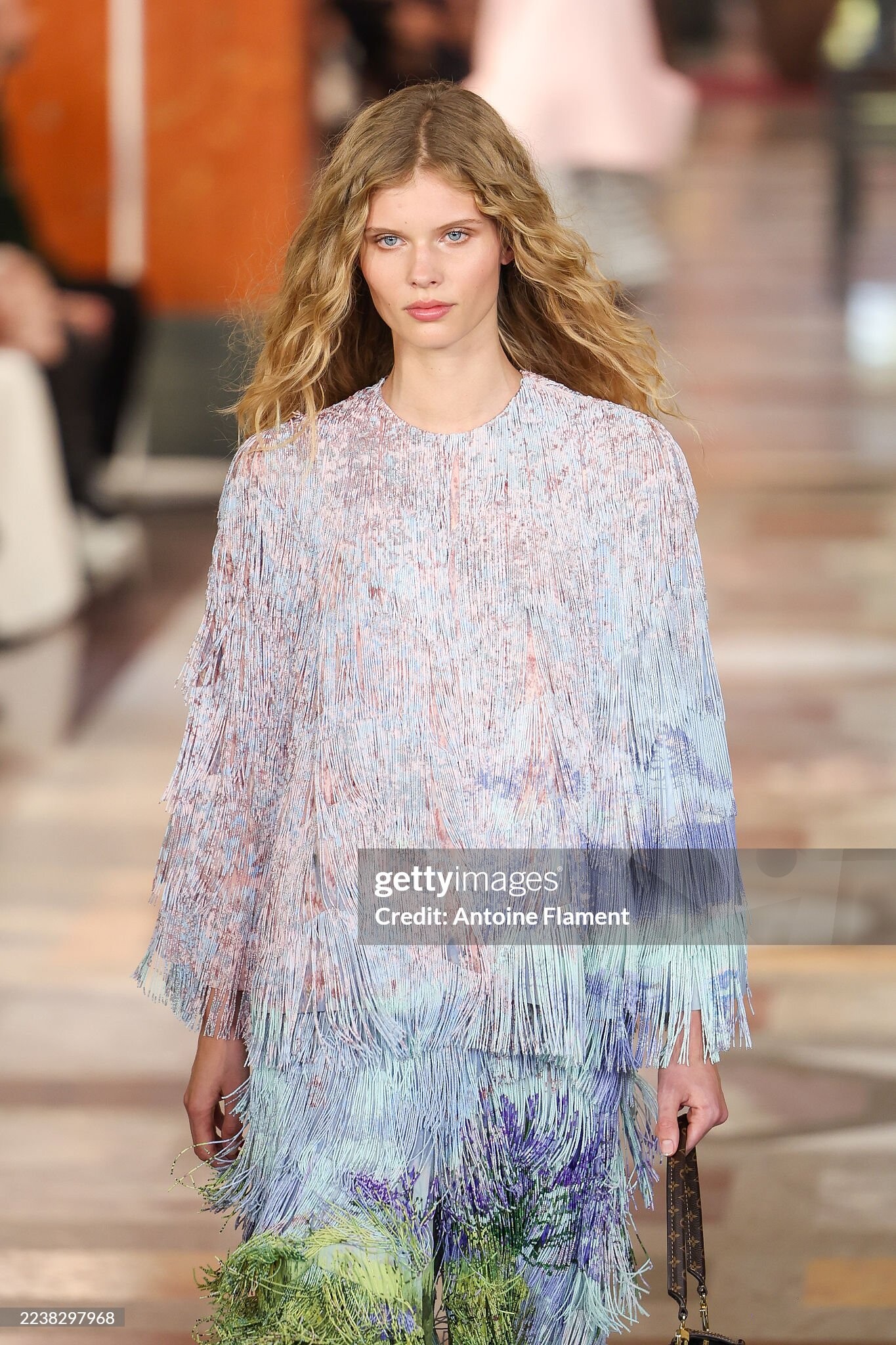
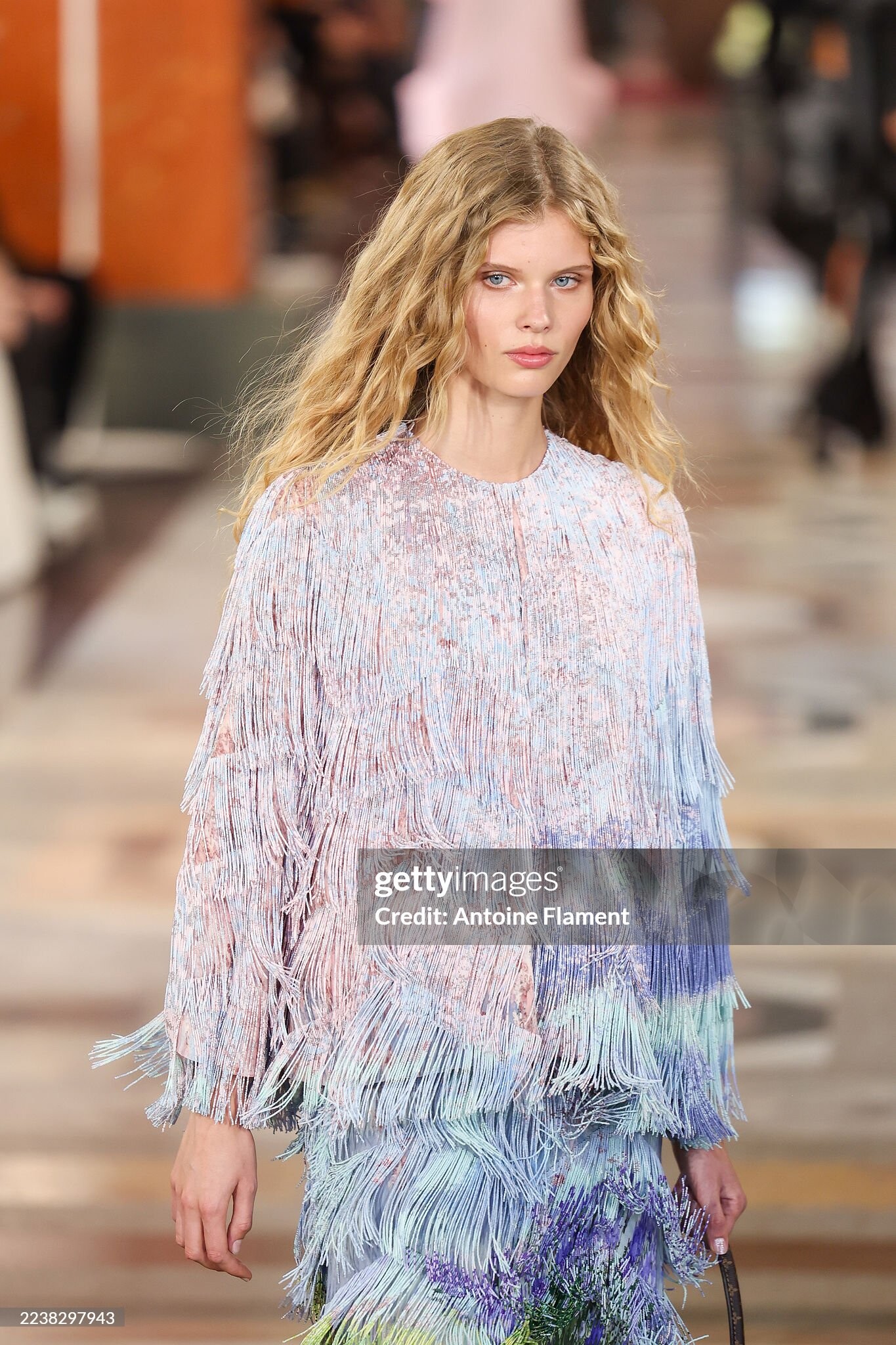
 Stella Mc Cartney SS2026 Paris 🤍 Look 1: Look 2: Vogue.com
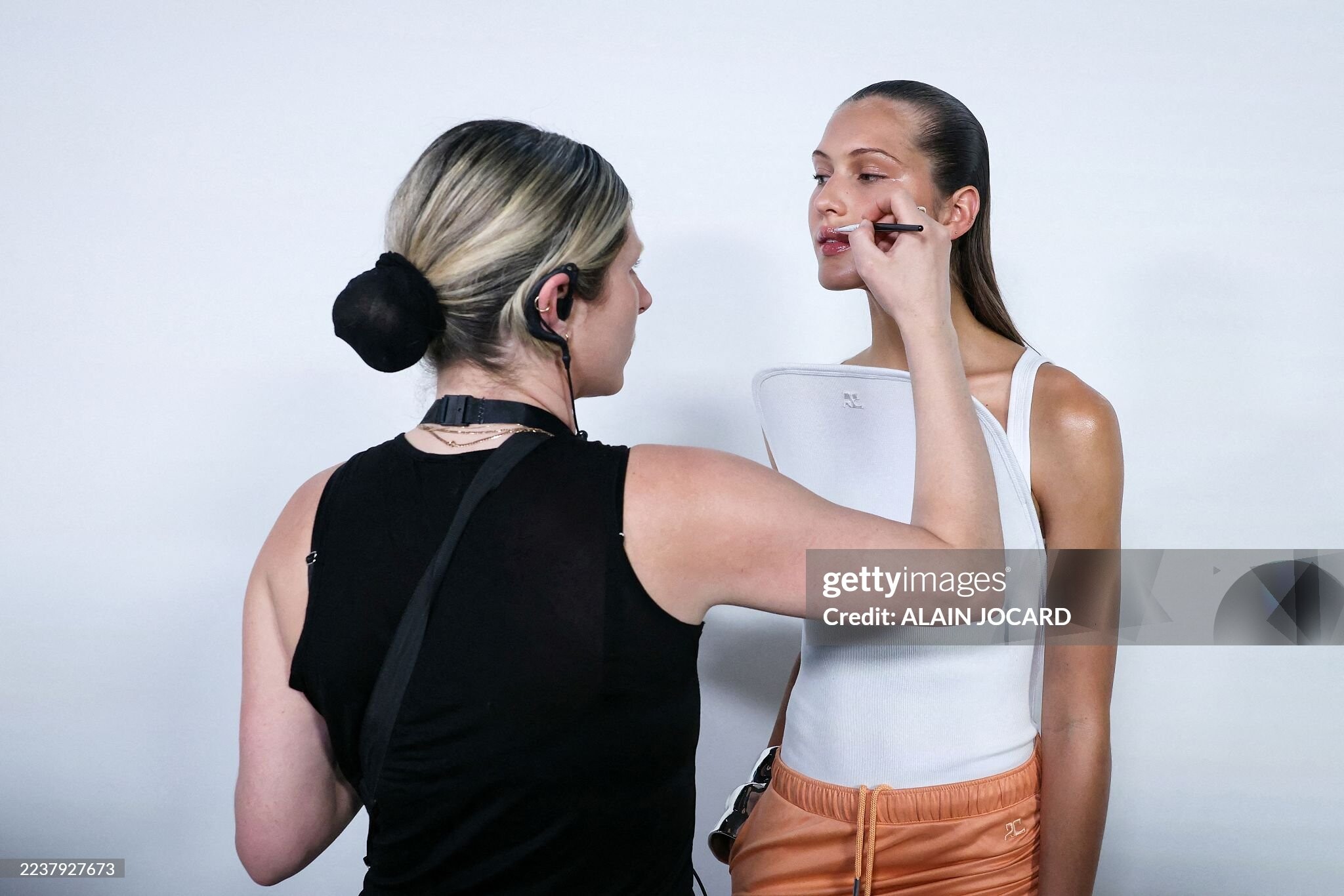
 Courreges SS2026 Paris 🧡 Backstage: Vogue.com+ Gettyimages After Courreges



 Boss SS2026 Some more ..

 Courreges SS2026 Paris 🤍 8fc2a0e6b7b744e08b5477960e9f46d6.mov
 614f49070f914ad3a8f2a2a621ba7bab.mov





















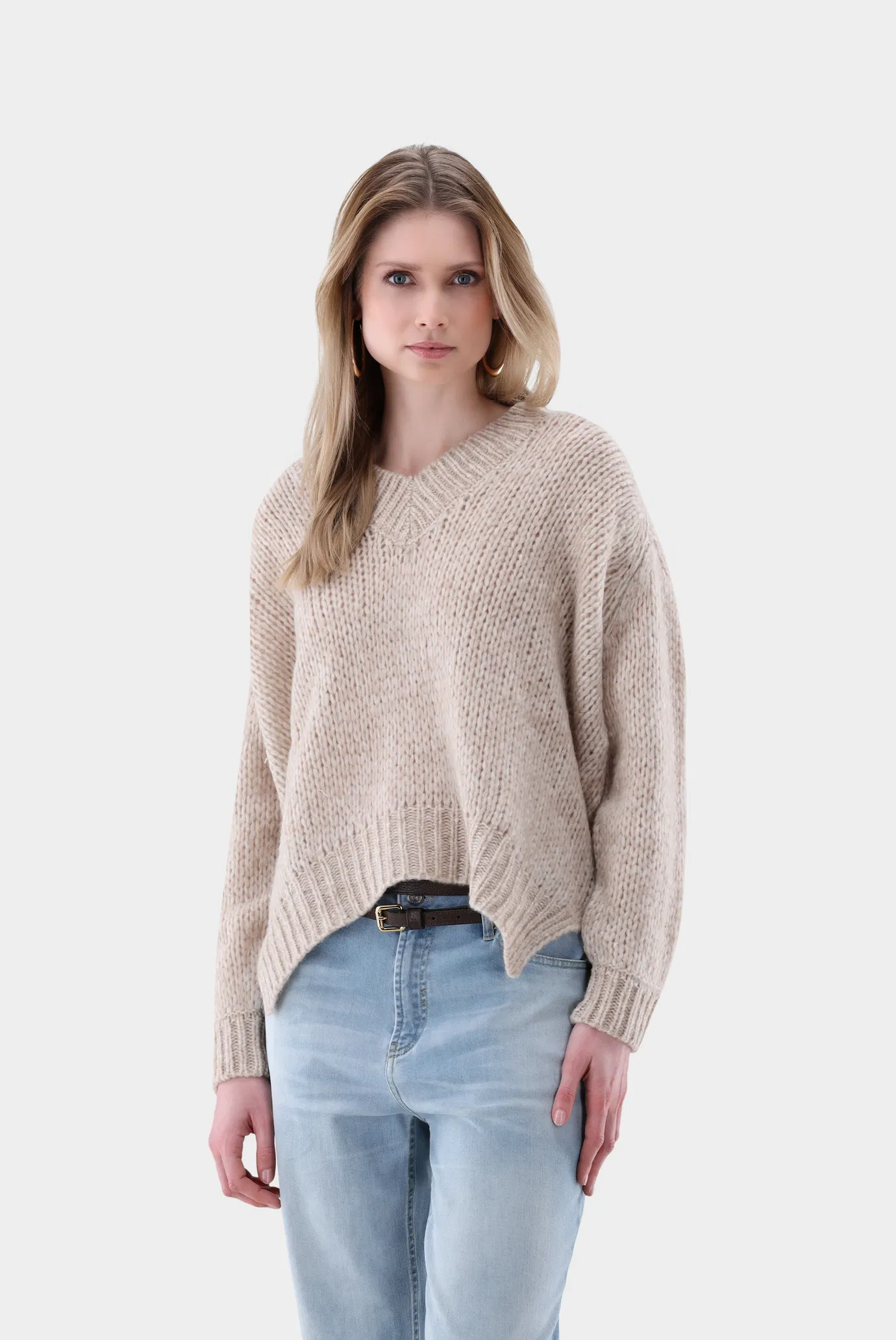
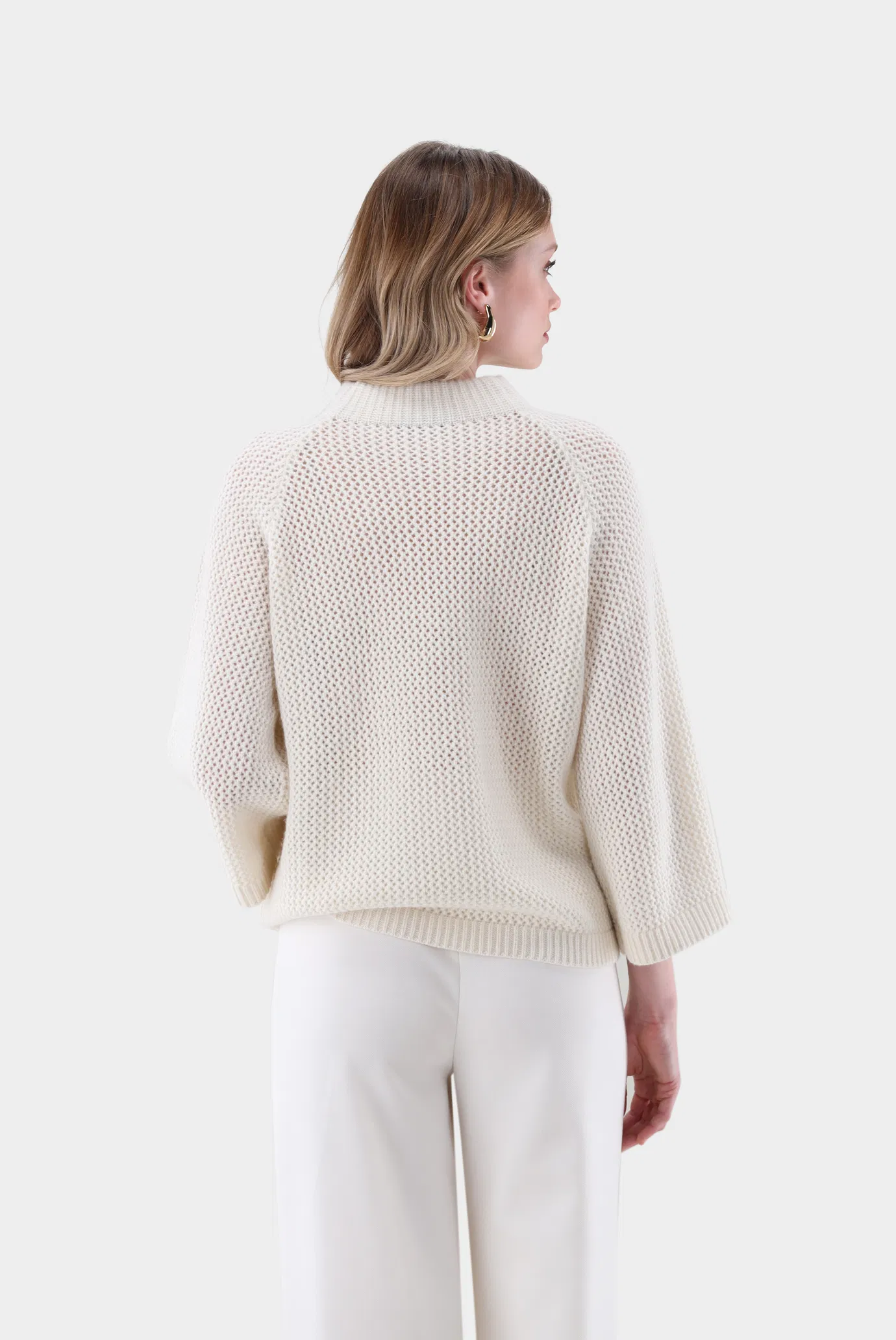

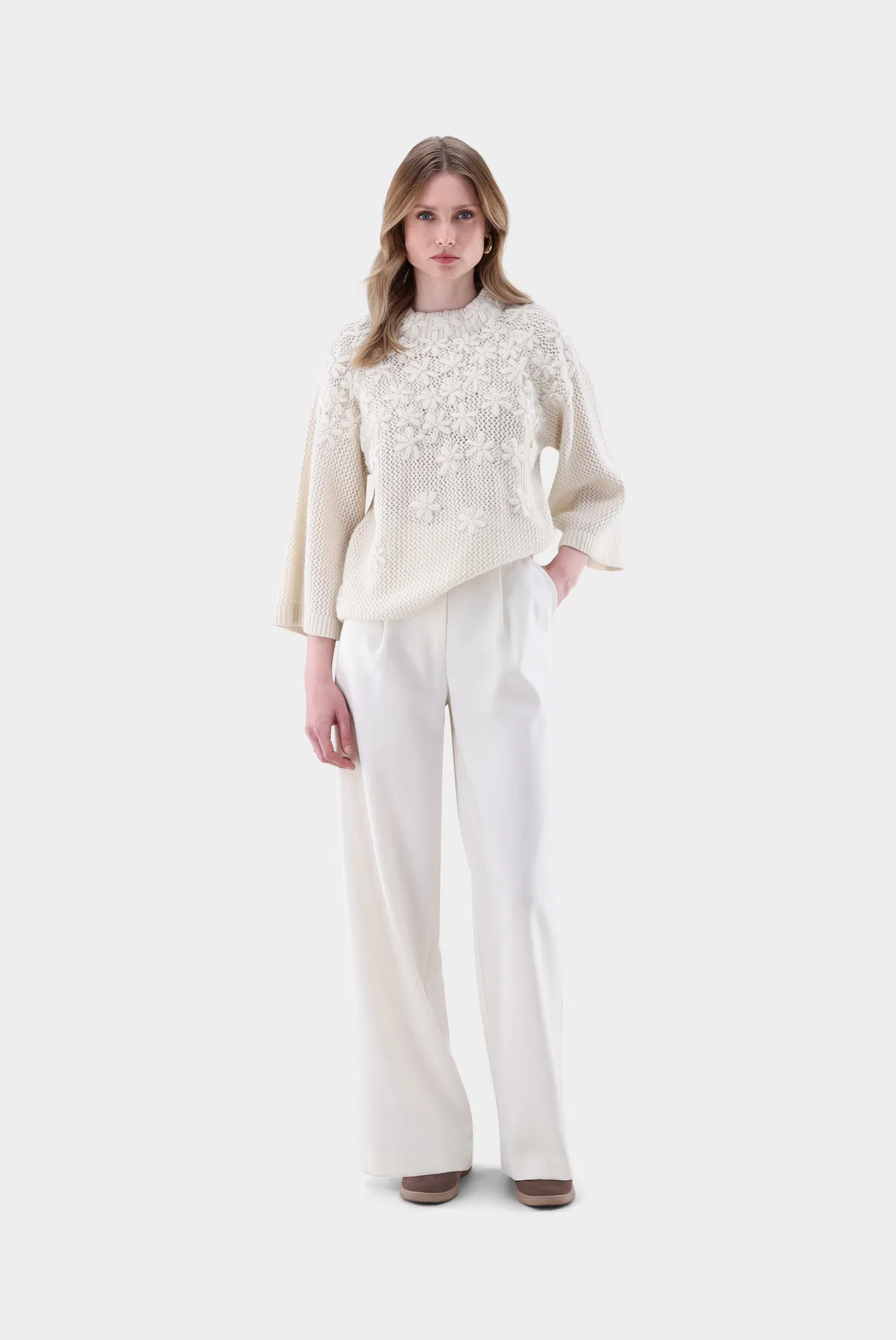



.jpg.cf23651cc6bc9836c3aae8edc8ccb5d0.jpg)















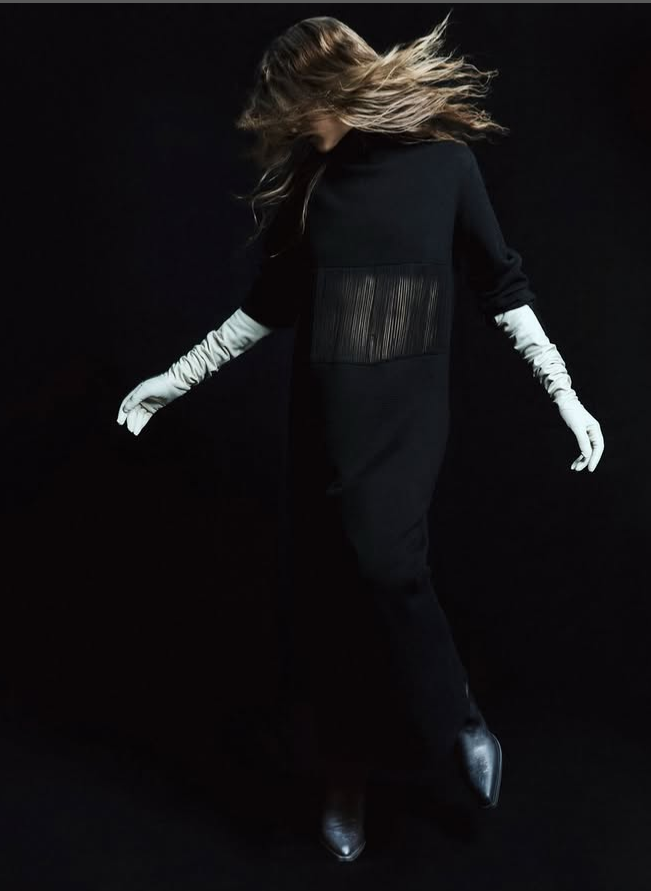










































































Account
Navigation
Search
Configure browser push notifications
Chrome (Android)
- Tap the lock icon next to the address bar.
- Tap Permissions → Notifications.
- Adjust your preference.
Chrome (Desktop)
- Click the padlock icon in the address bar.
- Select Site settings.
- Find Notifications and adjust your preference.
Safari (iOS 16.4+)
- Ensure the site is installed via Add to Home Screen.
- Open Settings App → Notifications.
- Find your app name and adjust your preference.
Safari (macOS)
- Go to Safari → Preferences.
- Click the Websites tab.
- Select Notifications in the sidebar.
- Find this website and adjust your preference.
Edge (Android)
- Tap the lock icon next to the address bar.
- Tap Permissions.
- Find Notifications and adjust your preference.
Edge (Desktop)
- Click the padlock icon in the address bar.
- Click Permissions for this site.
- Find Notifications and adjust your preference.
Firefox (Android)
- Go to Settings → Site permissions.
- Tap Notifications.
- Find this site in the list and adjust your preference.
Firefox (Desktop)
- Open Firefox Settings.
- Search for Notifications.
- Find this site in the list and adjust your preference.