

Heike
Members
-
Joined
-
Last visited
Everything posted by Heike
-
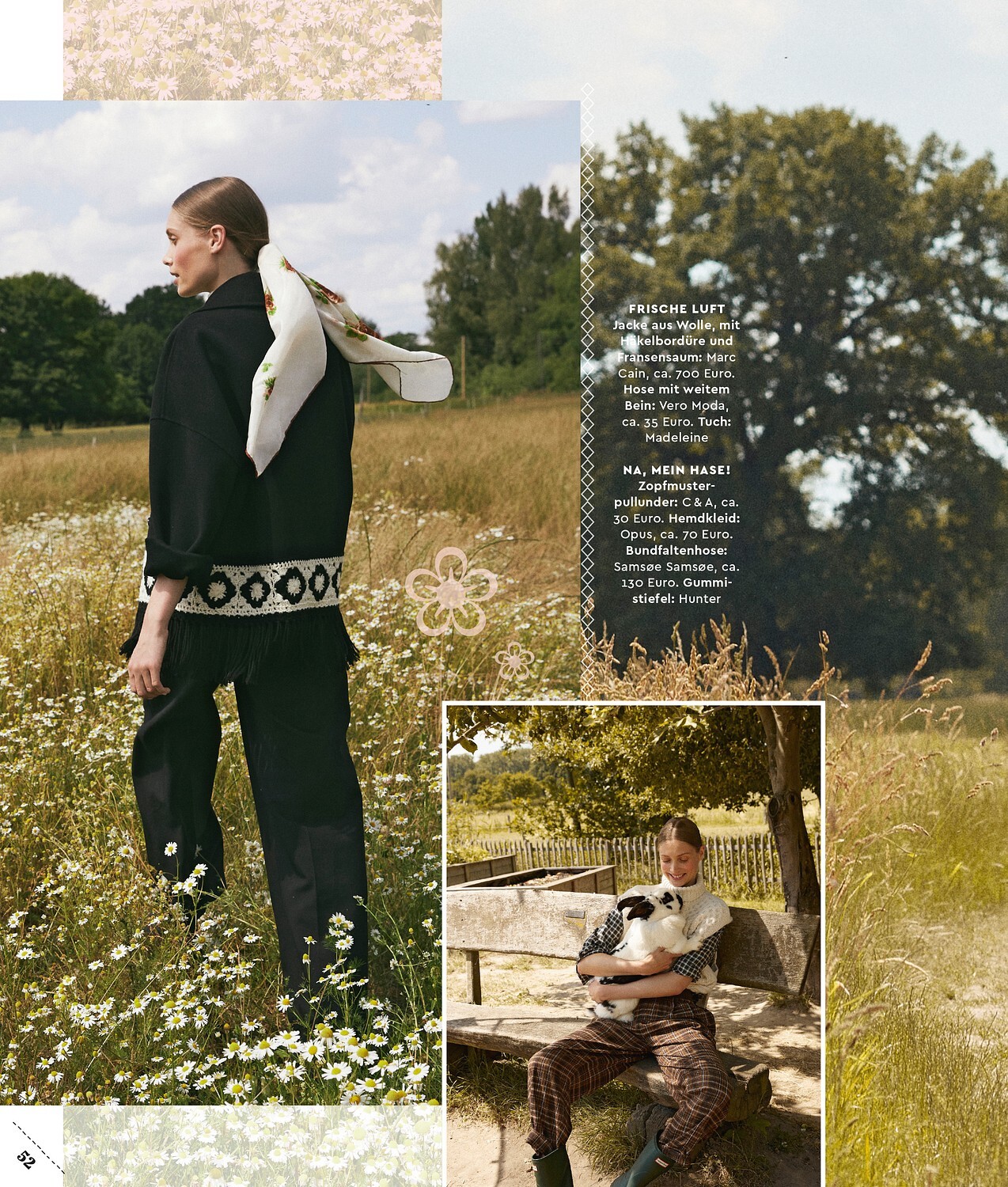
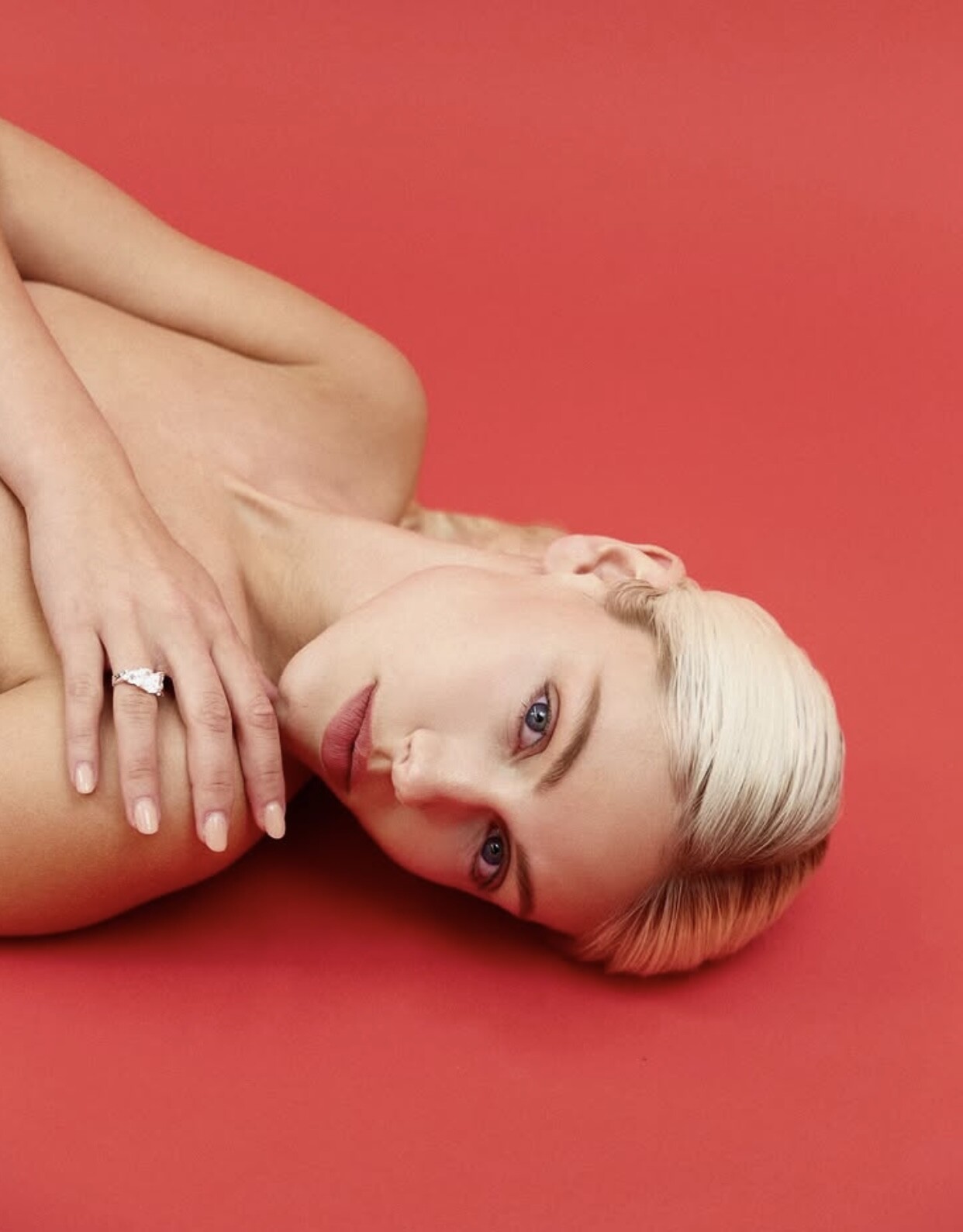
 Shot by Robert Wanderlake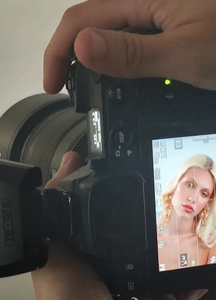





-
Great Cover. I am also happy that she got the cover too! 🤗
-
-
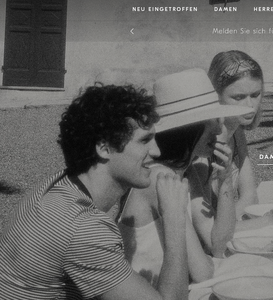
Brunello Cucinelli SS 2025 🤩



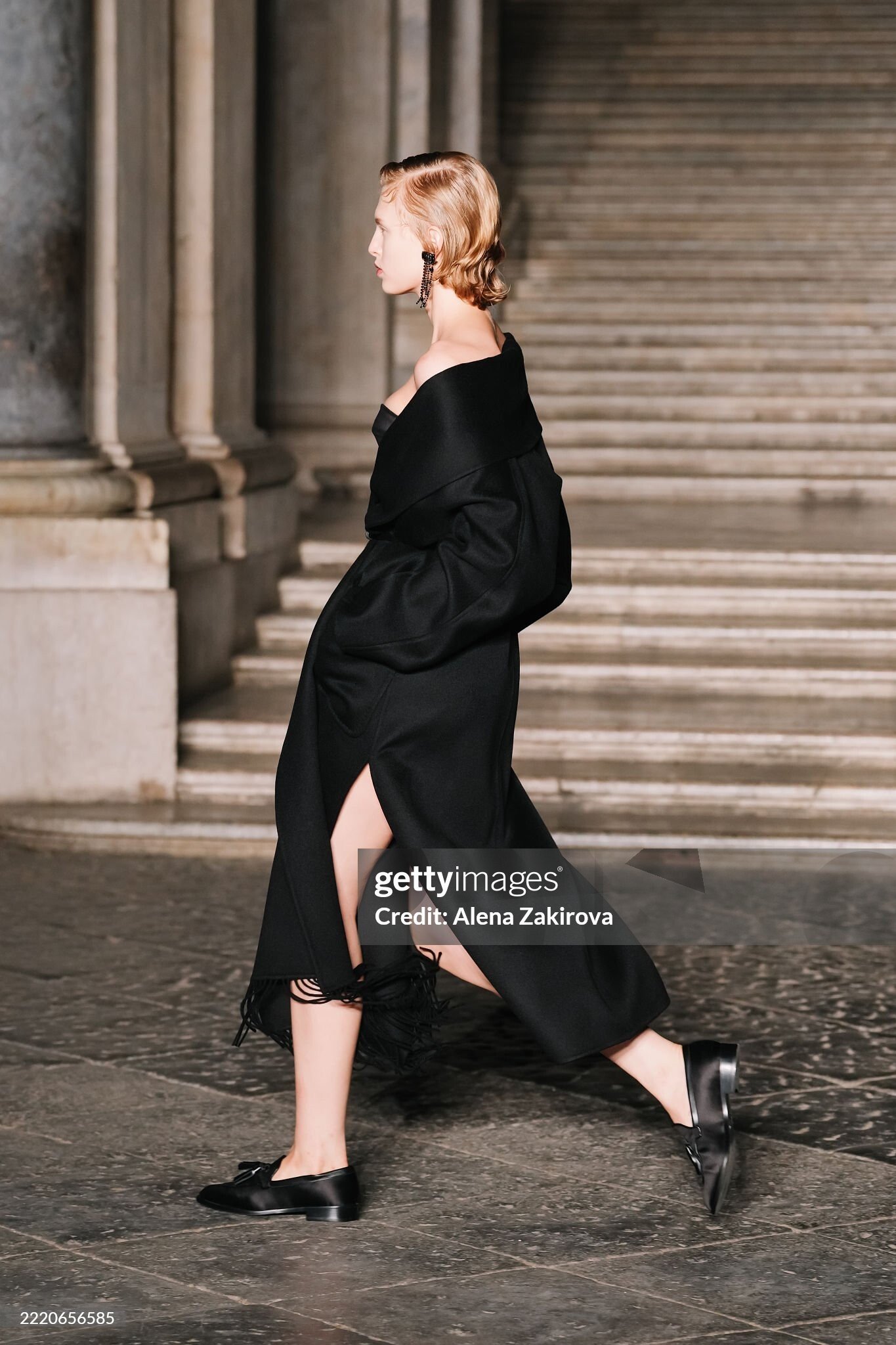
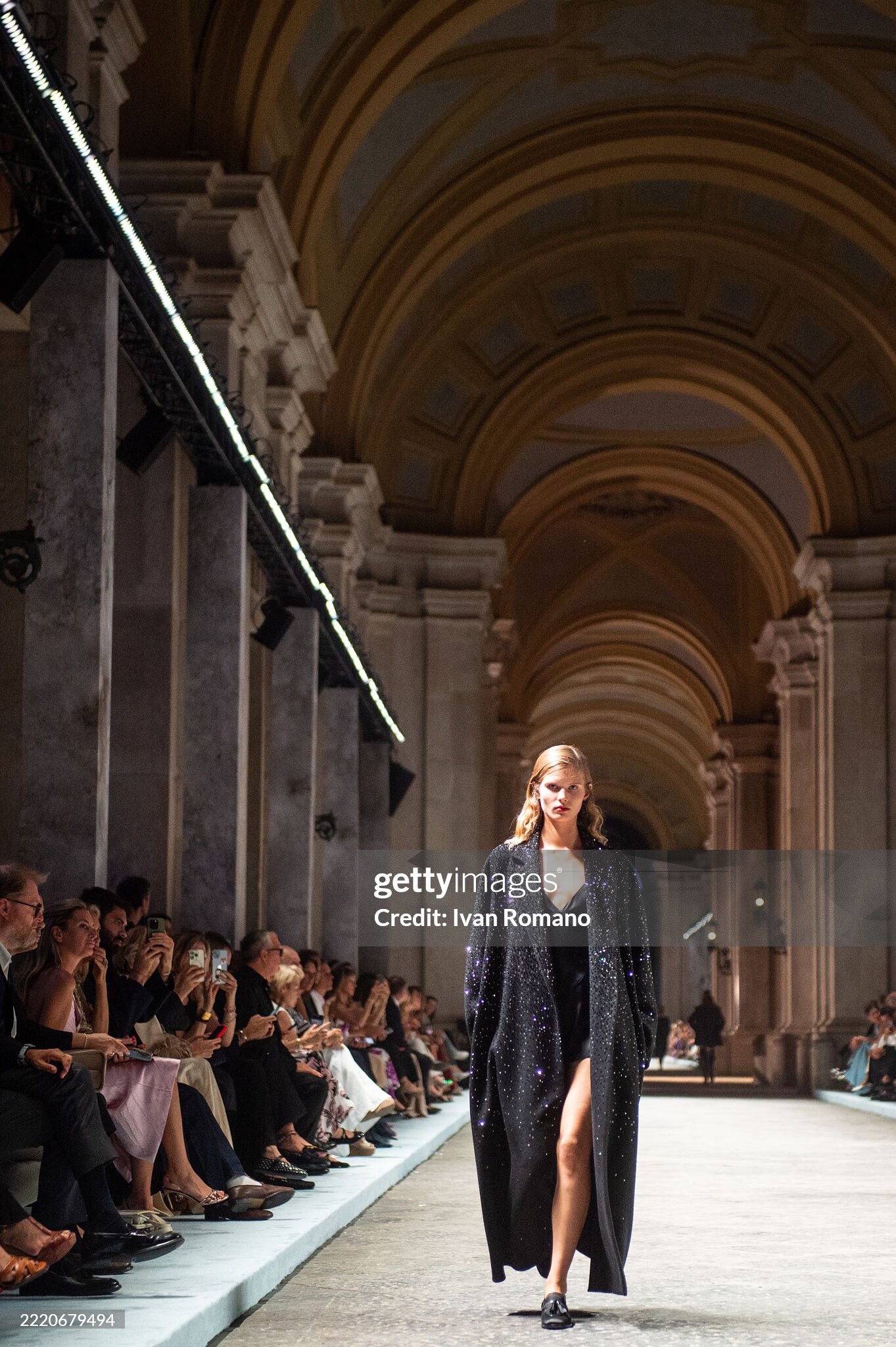
 Max Mara Resort 2026 Reggia di Caserta ( closed ) 🖤💫 b18e016451cd4c71bd0fd088846bd5f8.mov 91134f636fc14b7fa7923f4ccb0ebb3b.mov
Backstage: source: Gettyimages
Max Mara Resort 2026 Reggia di Caserta ( closed ) 🖤💫 b18e016451cd4c71bd0fd088846bd5f8.mov 91134f636fc14b7fa7923f4ccb0ebb3b.mov
Backstage: source: Gettyimages








 Backstage: source: Gettyimages





 Day 5 One day to go😊🤓🥳











 Tennis but make it fashion @boss Open Edition 🎾 #BeYourOwnBoss



 Sports Illusrated Germany June 2025 source: IG


 Next day in Köln finished New day- new luck 🙃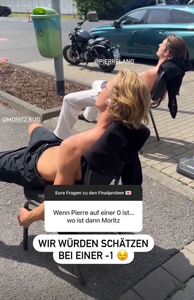

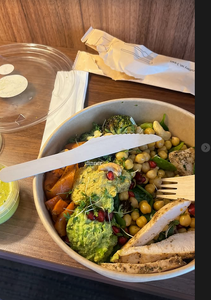




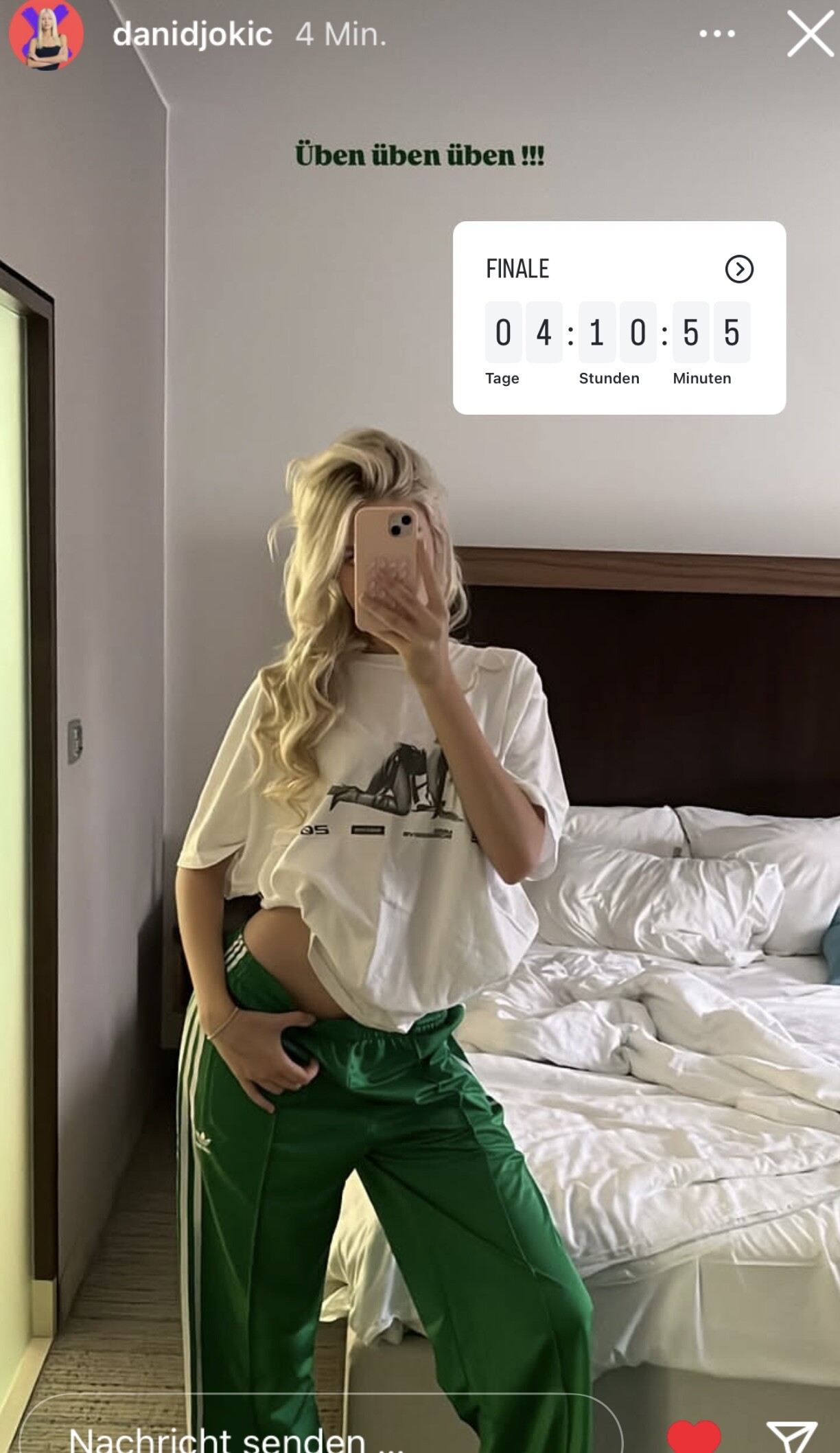
 Day 2 training Gntm Final





 Sedcard shooting Mehrfotografie
 Lost 150 EUR
Instagram-Fotosund-Videos.thumb.png.361fd2b6576262da53e21fe35a120c09.png)
Instagram-Fotosund-Videos.thumb.png.ac3d24849a2bf7fd718e9d644a7ab798.png)
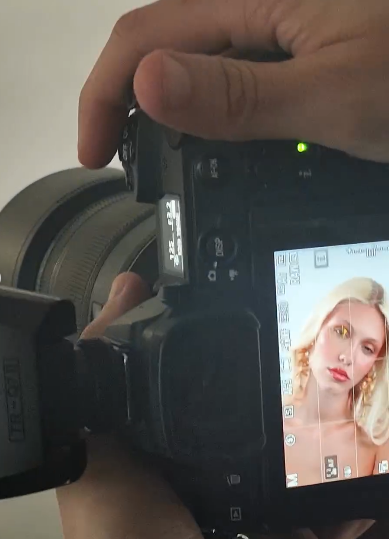






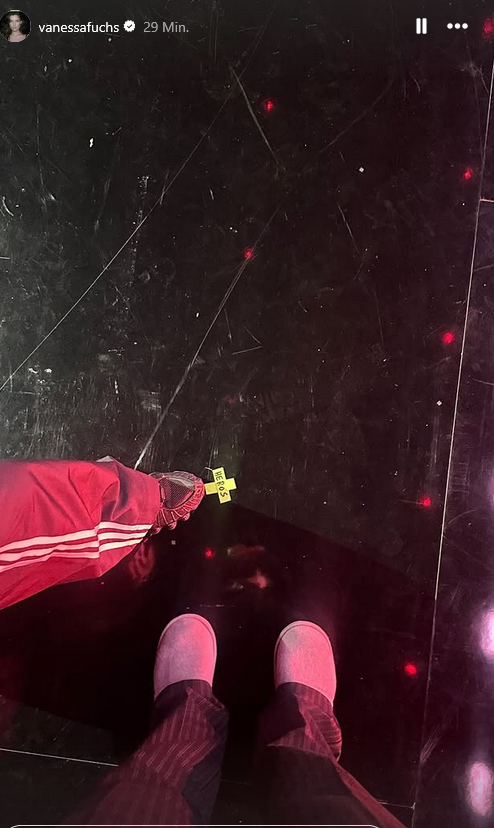

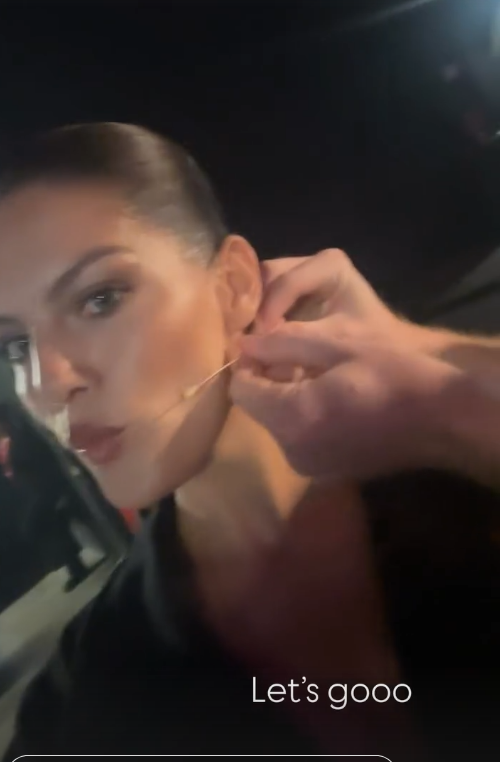








































































































Instagram-Fotosund-Videos.png.7caa1d5b7e30c0cf2a30444ae9d86f5a.png)
Instagram-Fotosund-Videos.png.a606a4bc012e607eeaf2a90f8e1edad1.png)
Account
Navigation
Search
Configure browser push notifications
Chrome (Android)
- Tap the lock icon next to the address bar.
- Tap Permissions → Notifications.
- Adjust your preference.
Chrome (Desktop)
- Click the padlock icon in the address bar.
- Select Site settings.
- Find Notifications and adjust your preference.
Safari (iOS 16.4+)
- Ensure the site is installed via Add to Home Screen.
- Open Settings App → Notifications.
- Find your app name and adjust your preference.
Safari (macOS)
- Go to Safari → Preferences.
- Click the Websites tab.
- Select Notifications in the sidebar.
- Find this website and adjust your preference.
Edge (Android)
- Tap the lock icon next to the address bar.
- Tap Permissions.
- Find Notifications and adjust your preference.
Edge (Desktop)
- Click the padlock icon in the address bar.
- Click Permissions for this site.
- Find Notifications and adjust your preference.
Firefox (Android)
- Go to Settings → Site permissions.
- Tap Notifications.
- Find this site in the list and adjust your preference.
Firefox (Desktop)
- Open Firefox Settings.
- Search for Notifications.
- Find this site in the list and adjust your preference.