

Heike
Members
-
Joined
-
Last visited
Everything posted by Heike
-
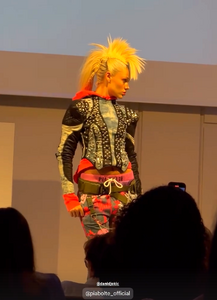
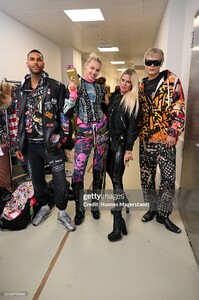
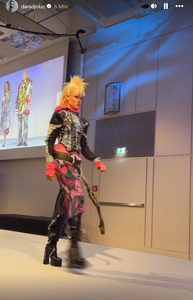
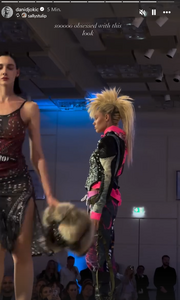
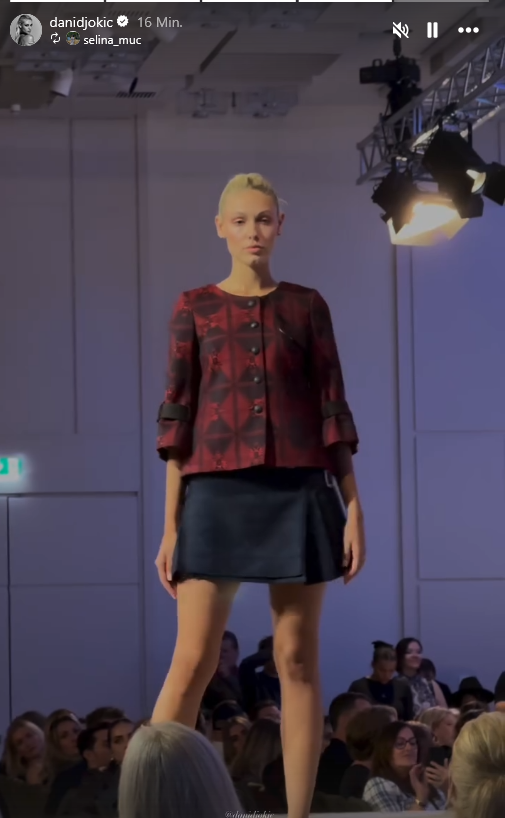
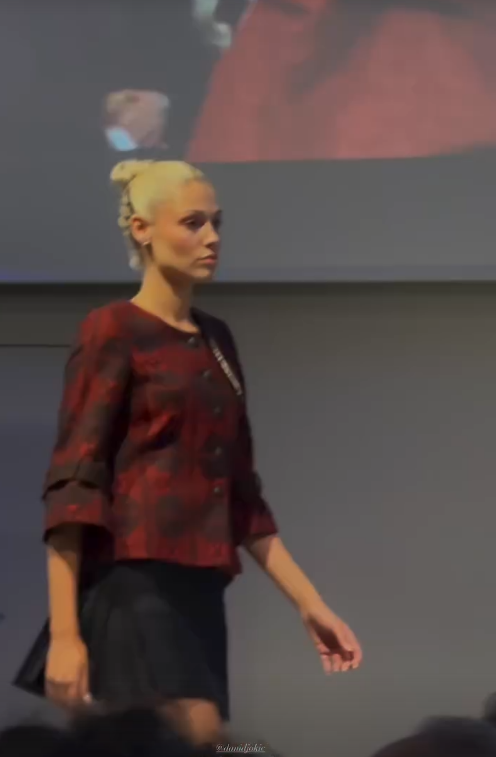
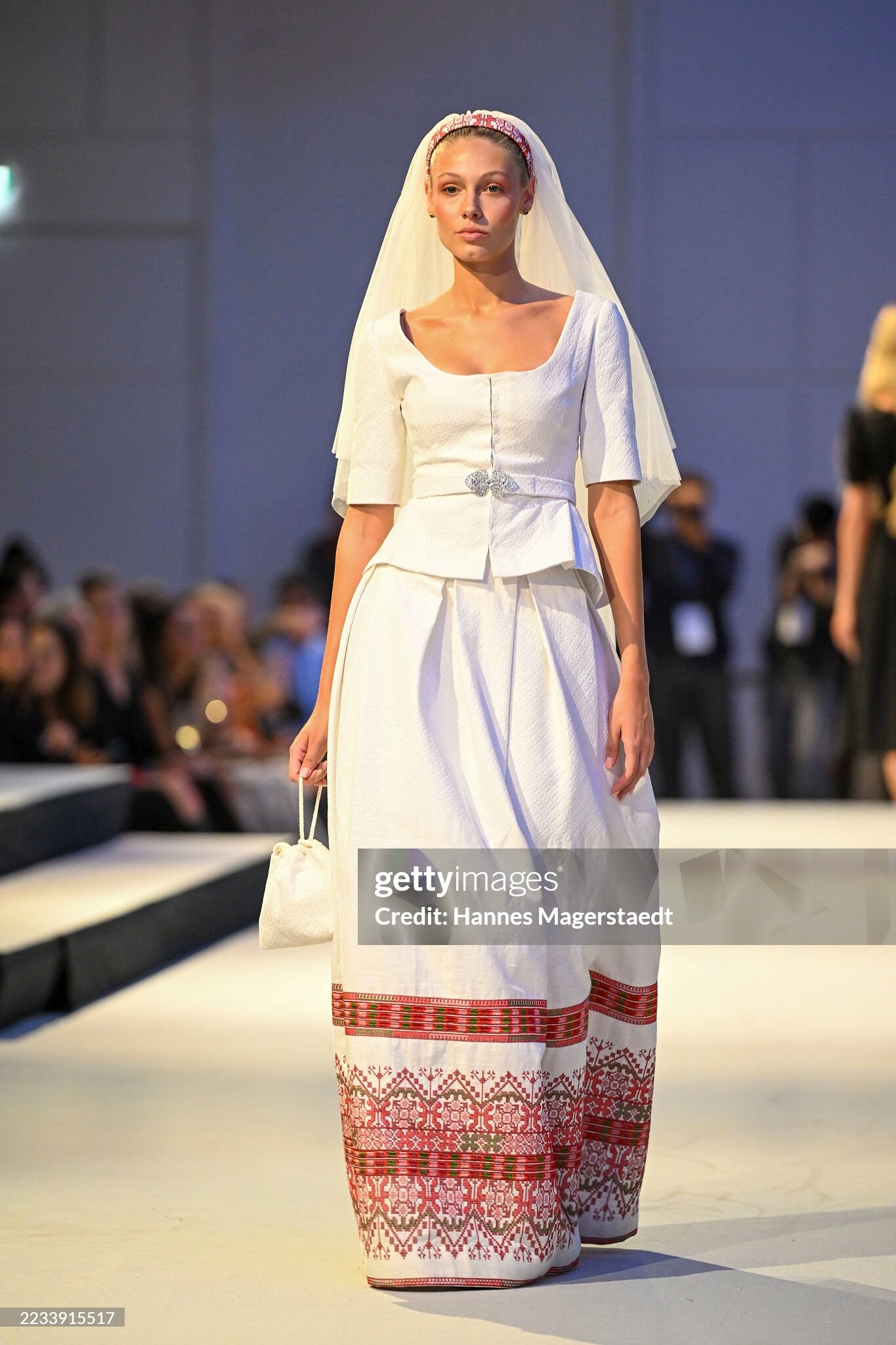
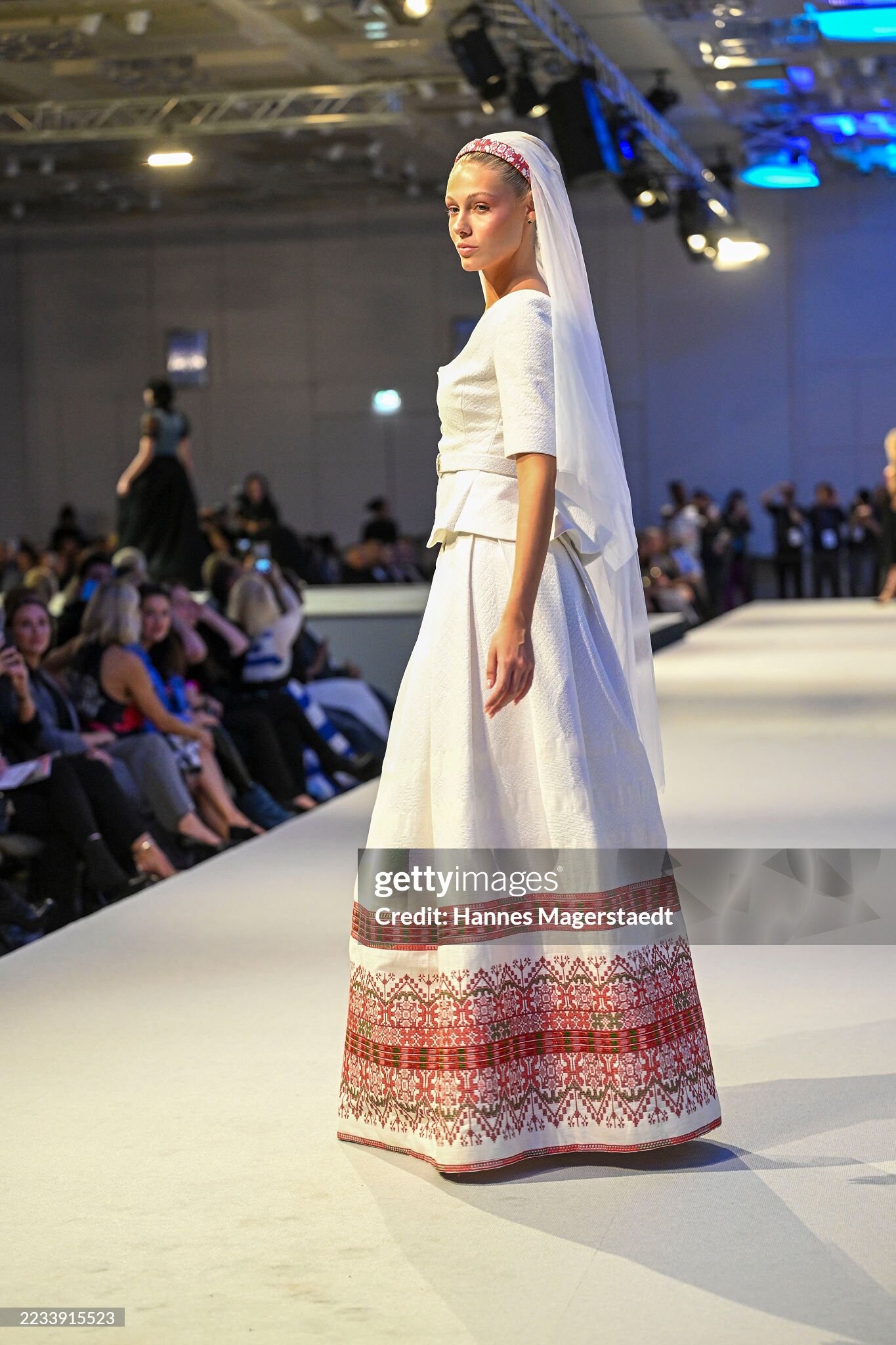
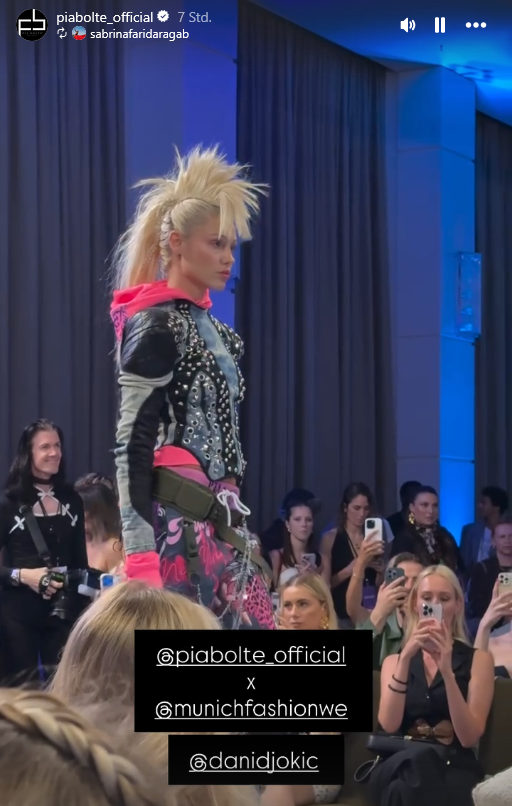
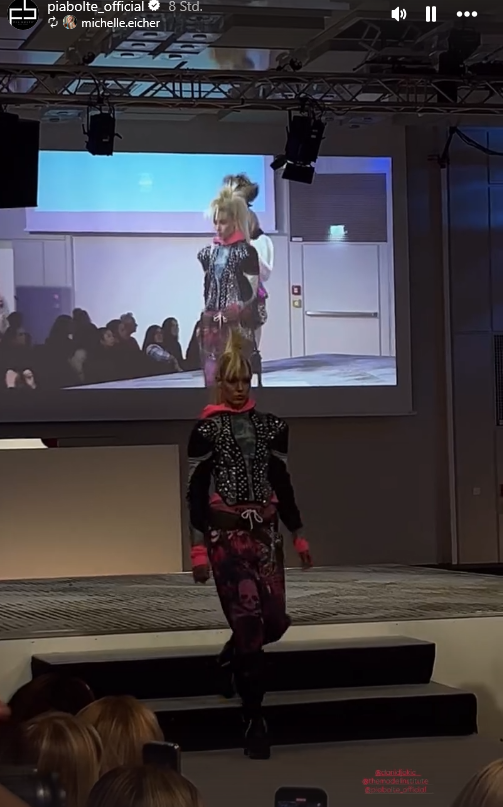
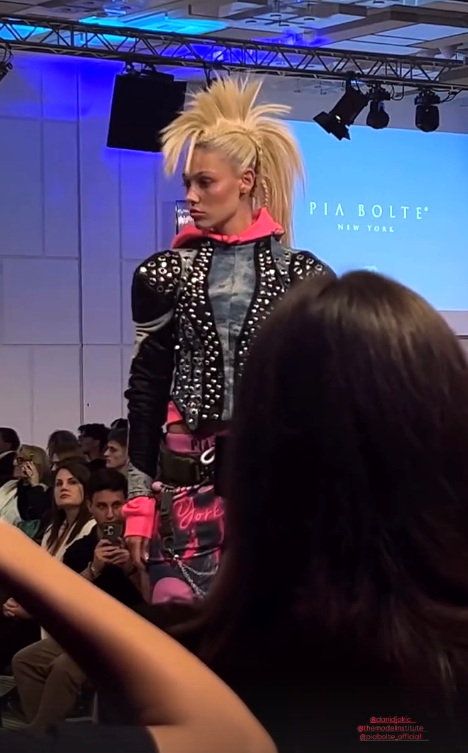
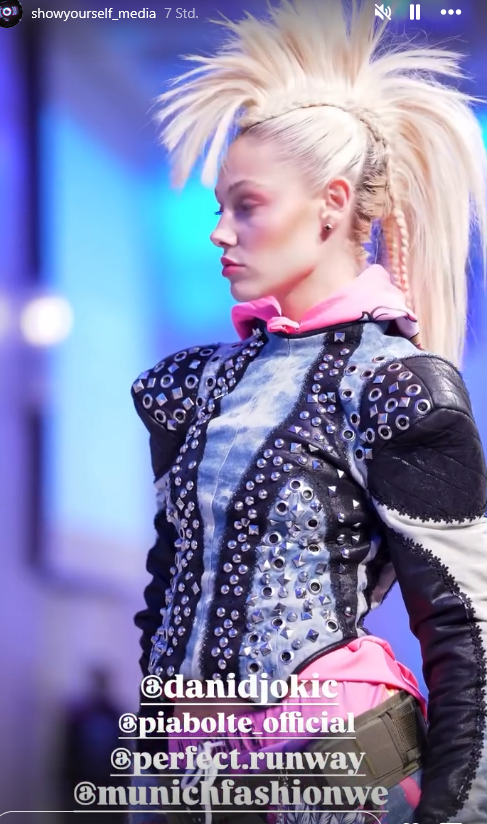
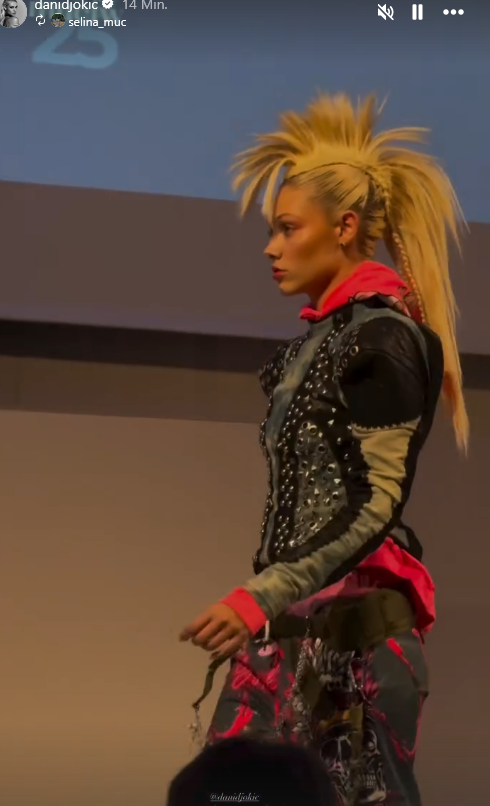
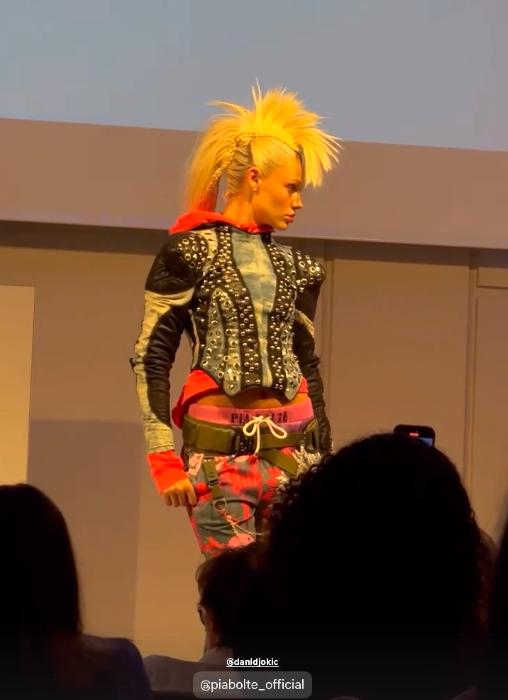
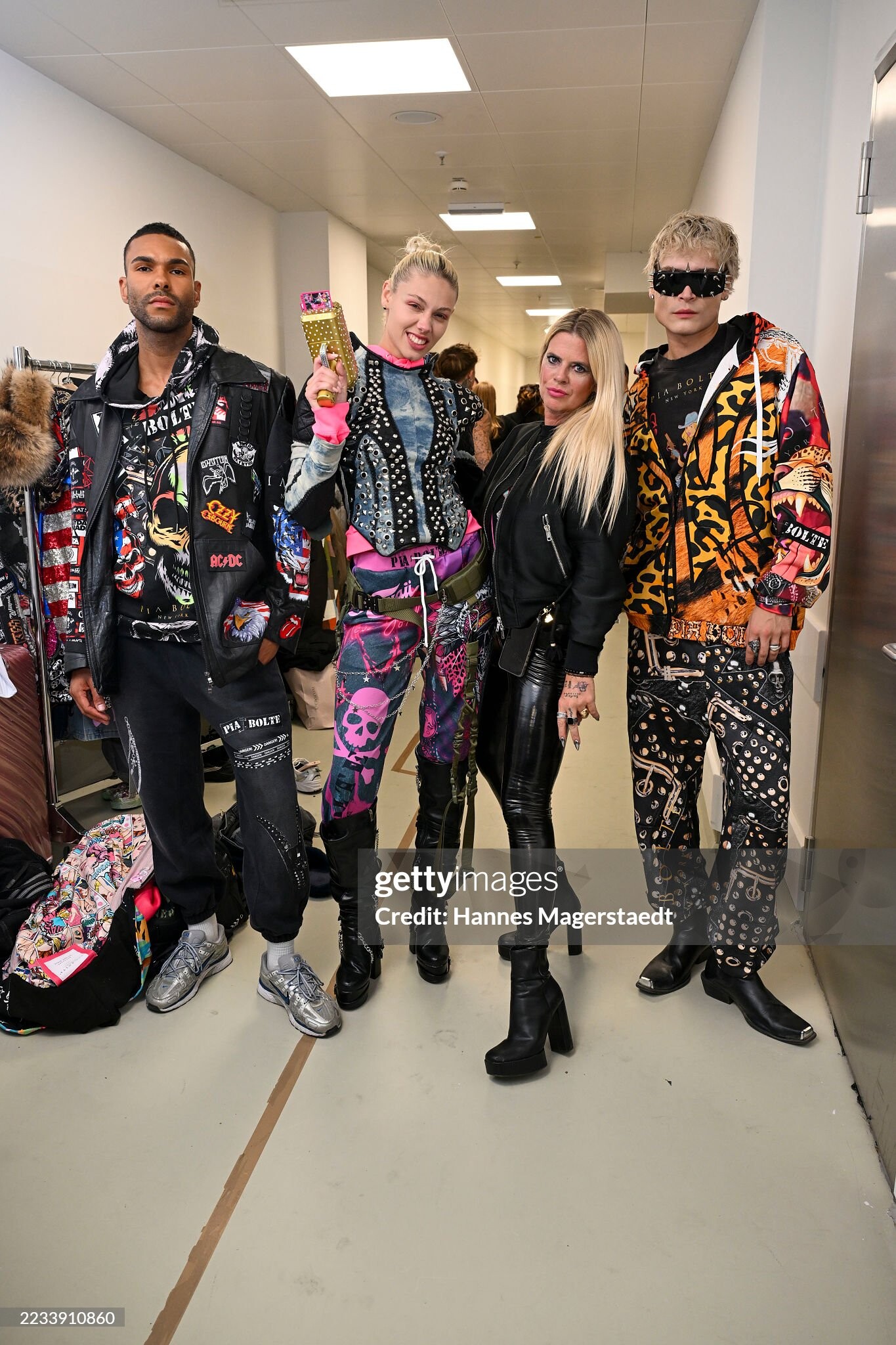
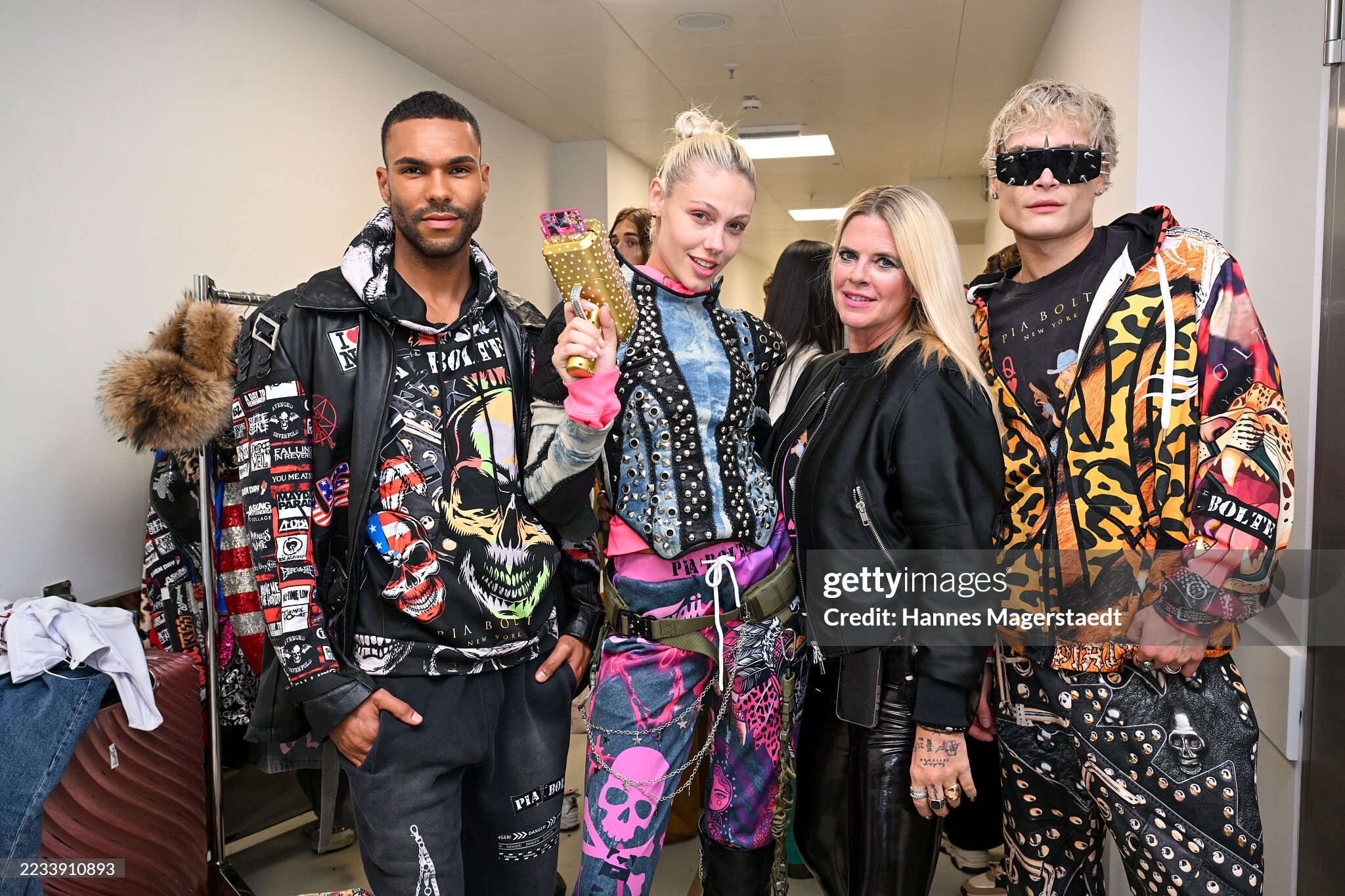
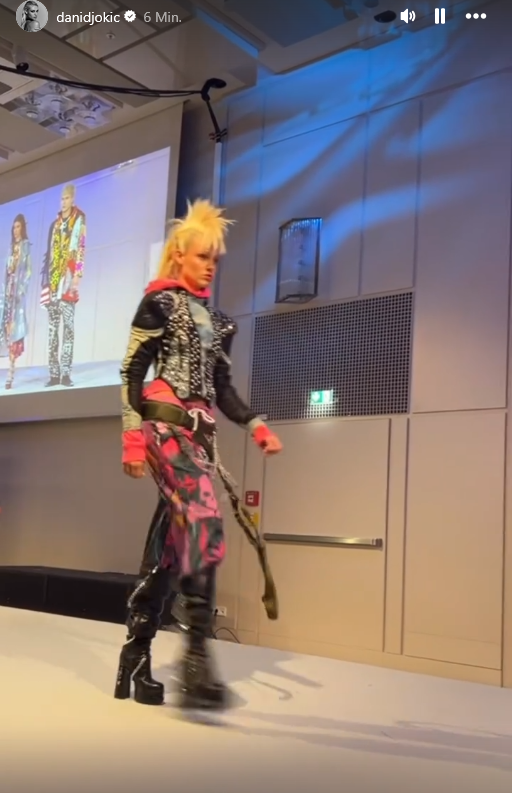
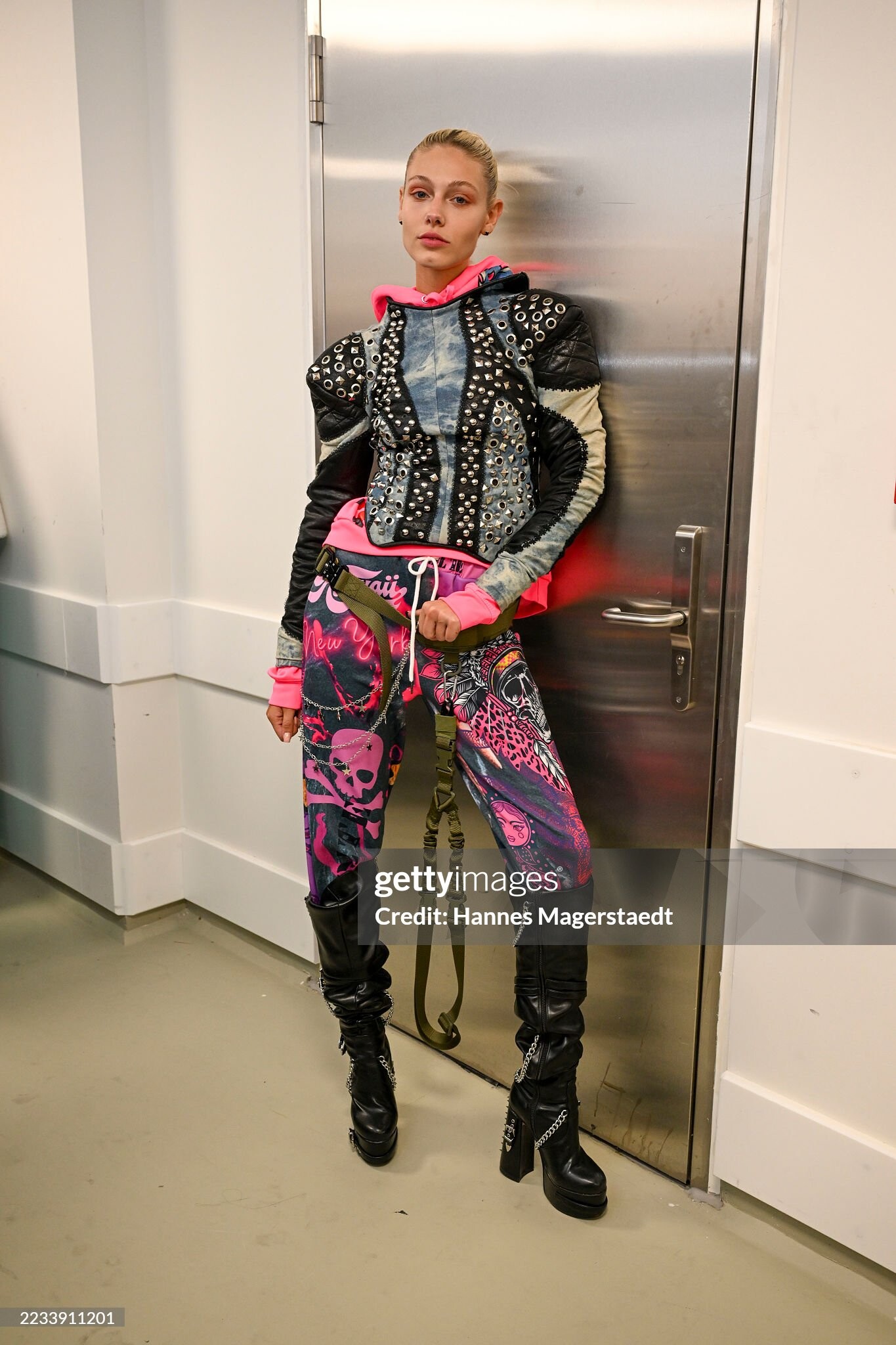
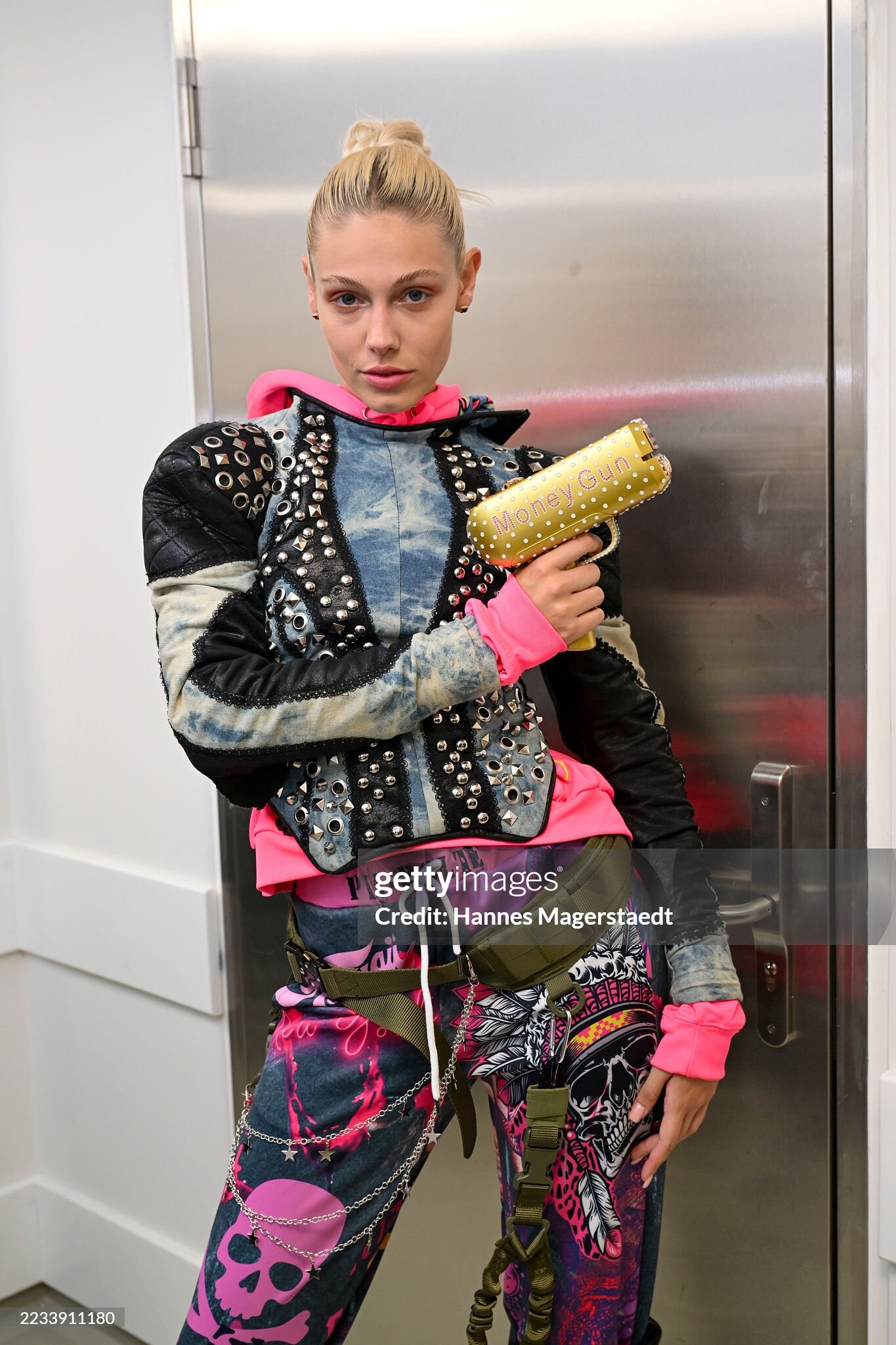
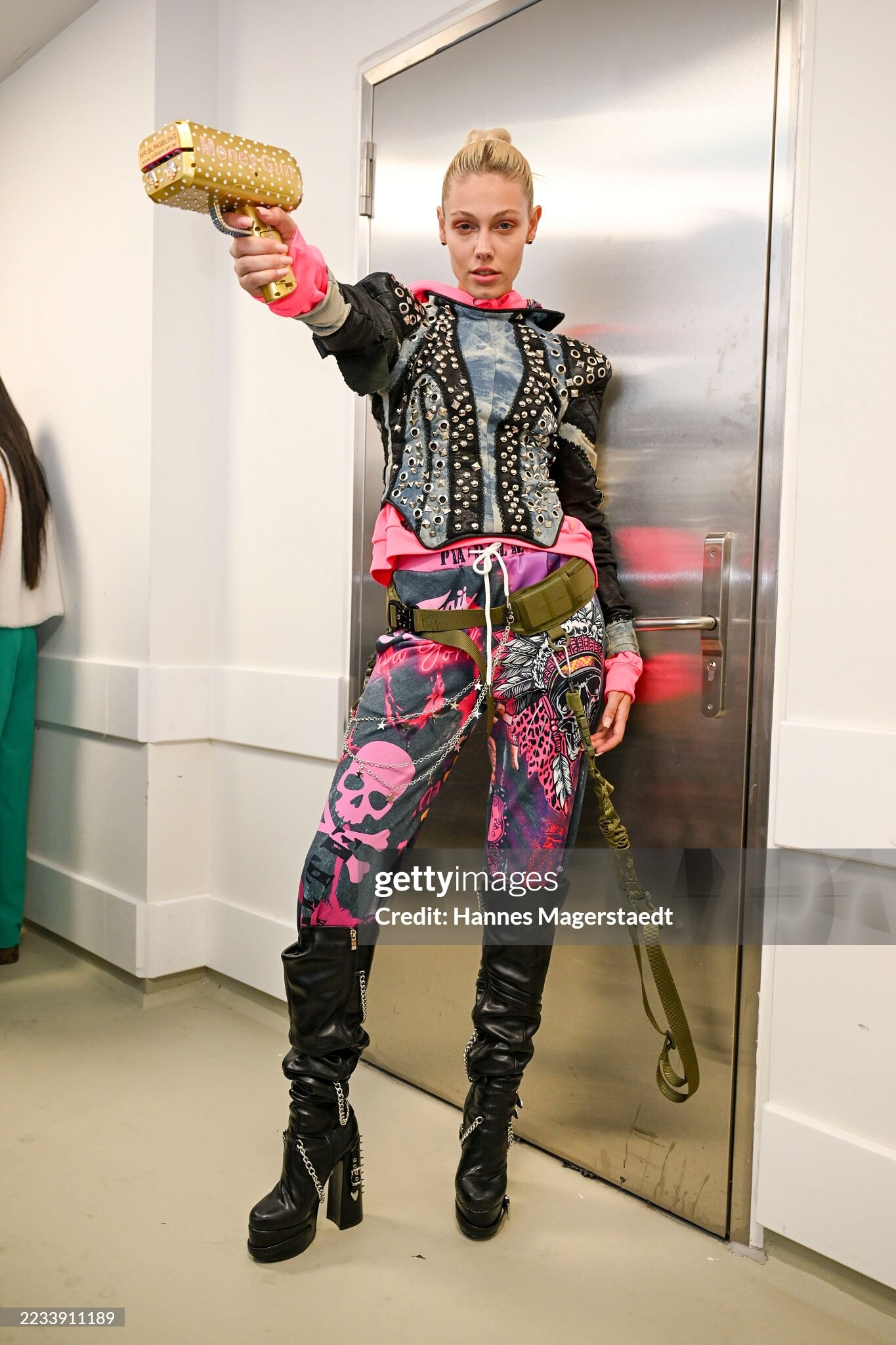
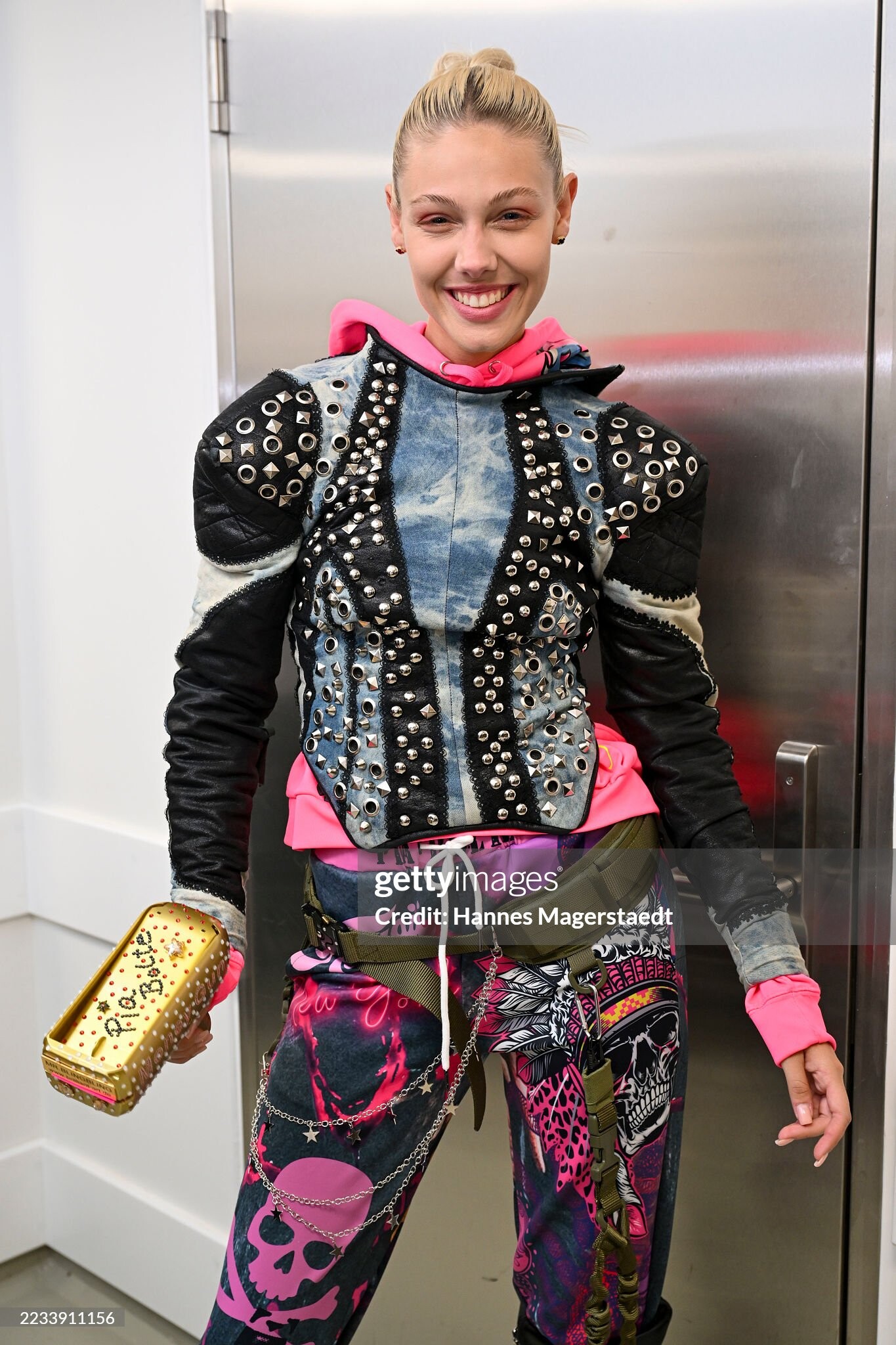
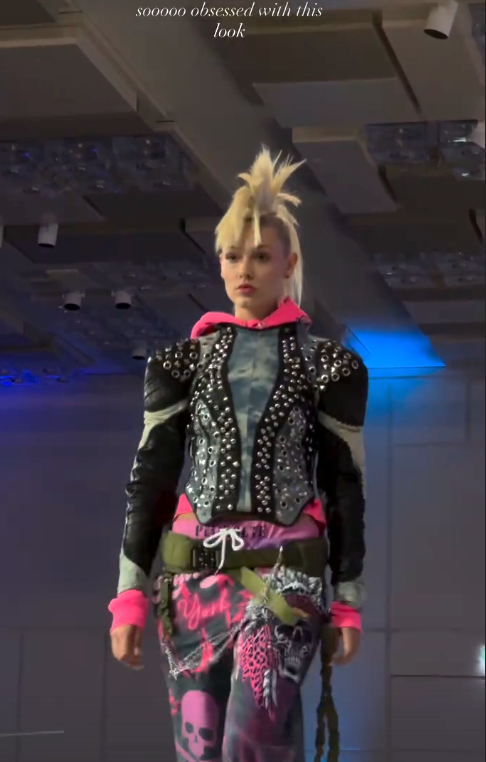
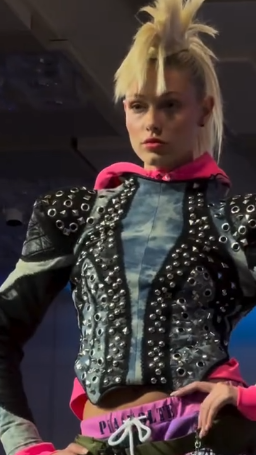
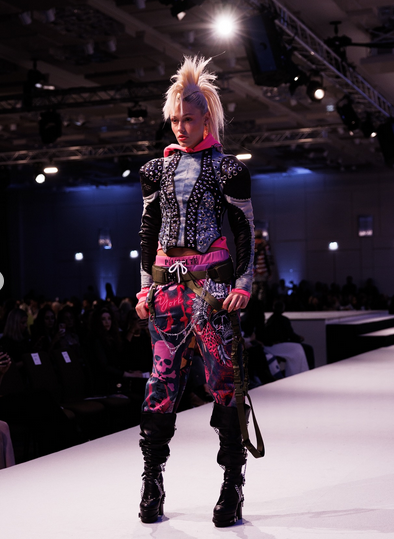
 Opening Event Munich Fashion Week Designers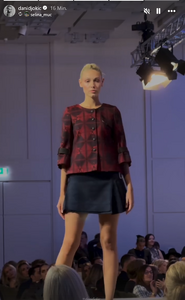
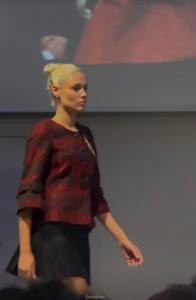




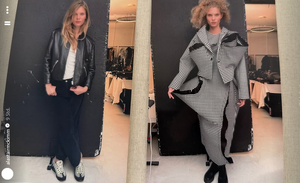
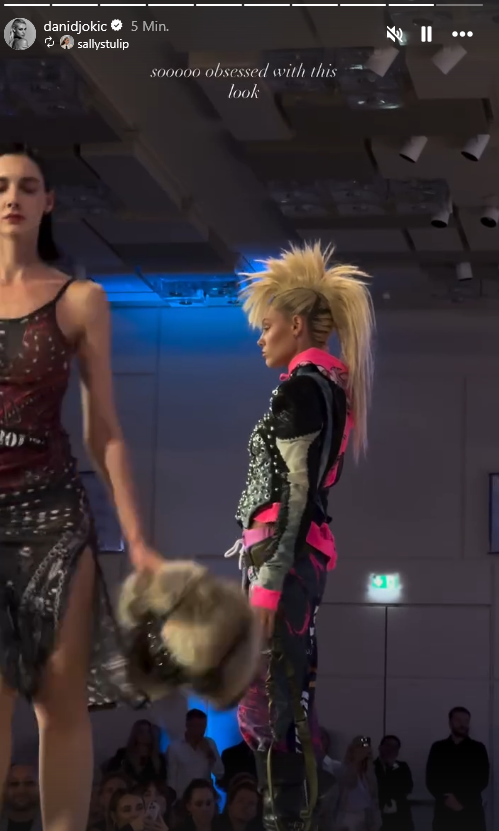
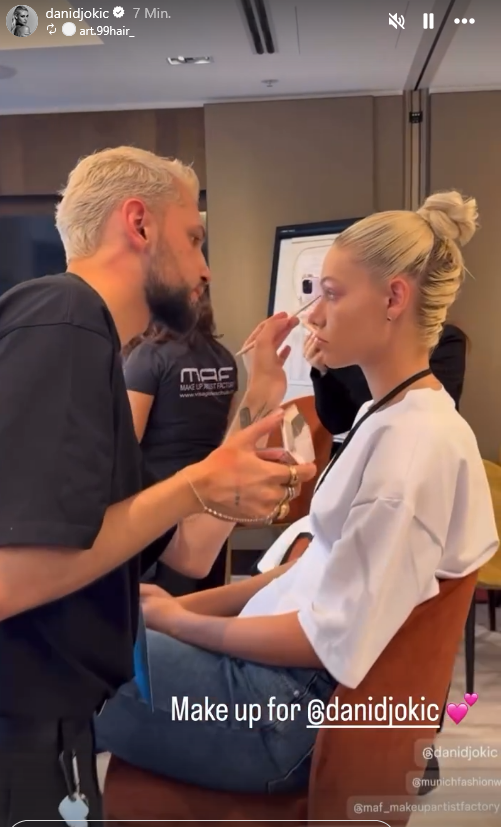
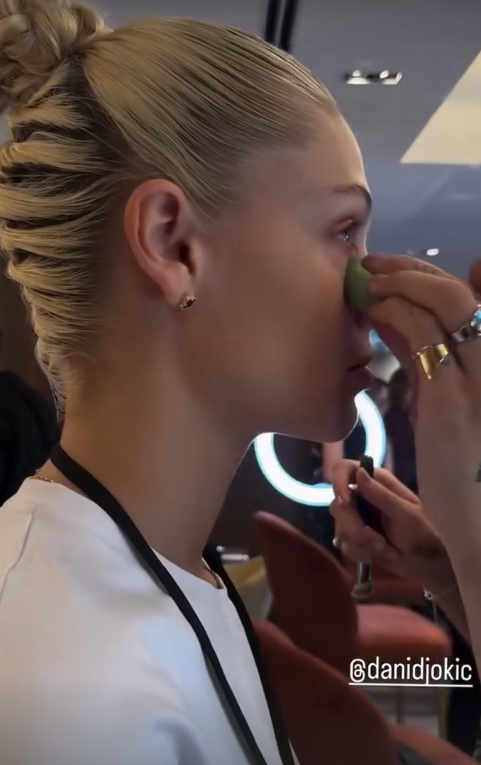
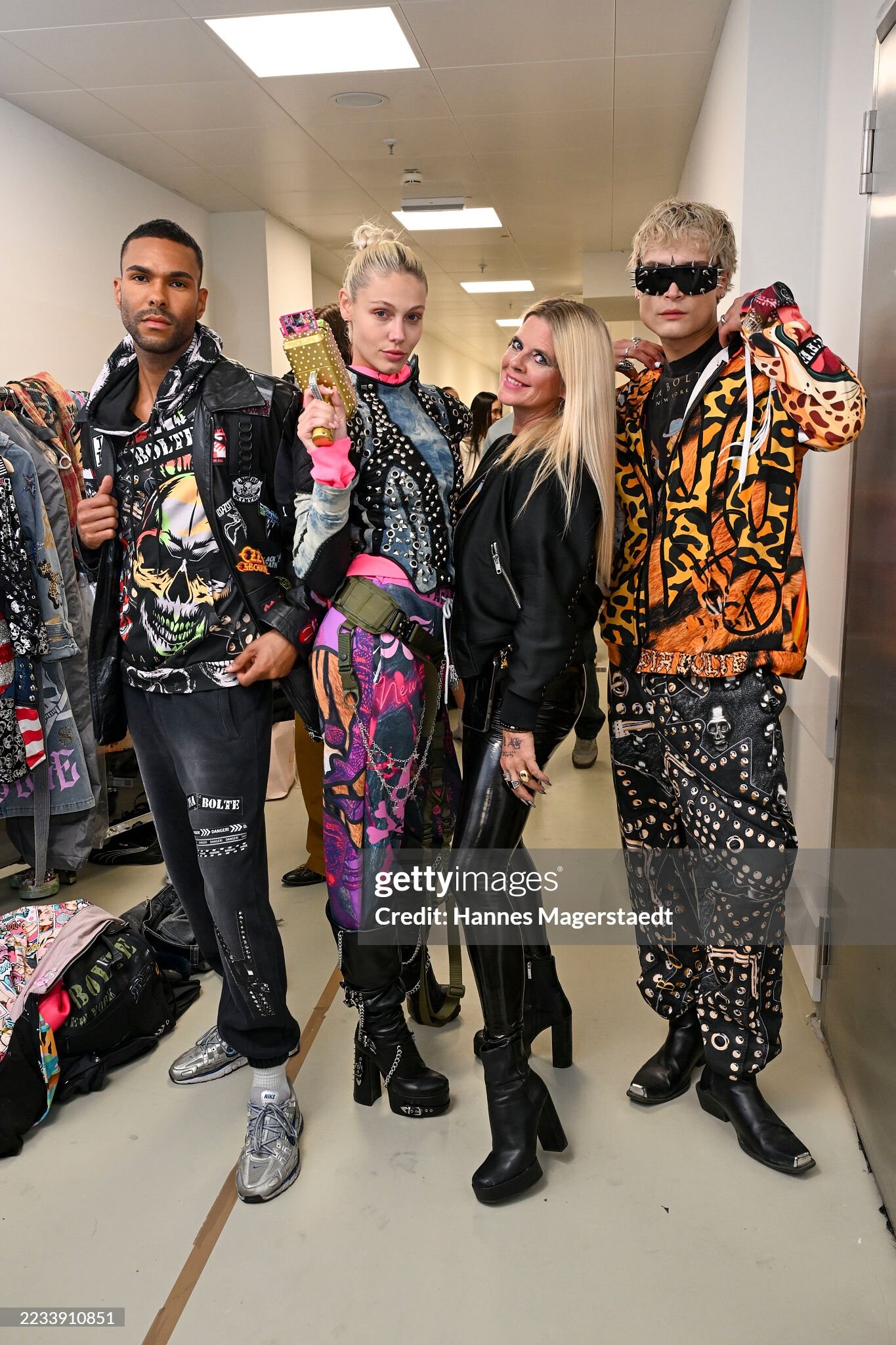
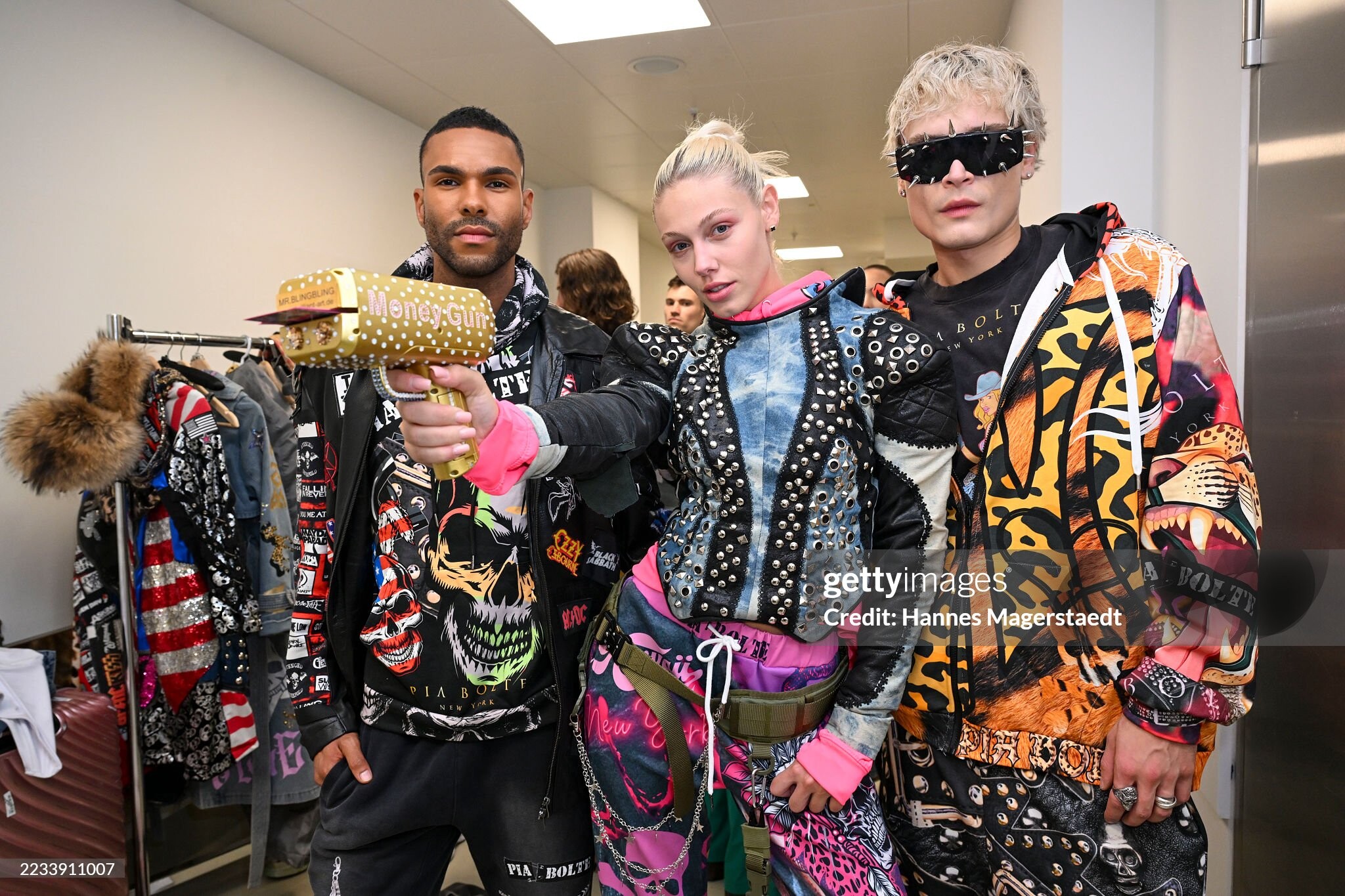
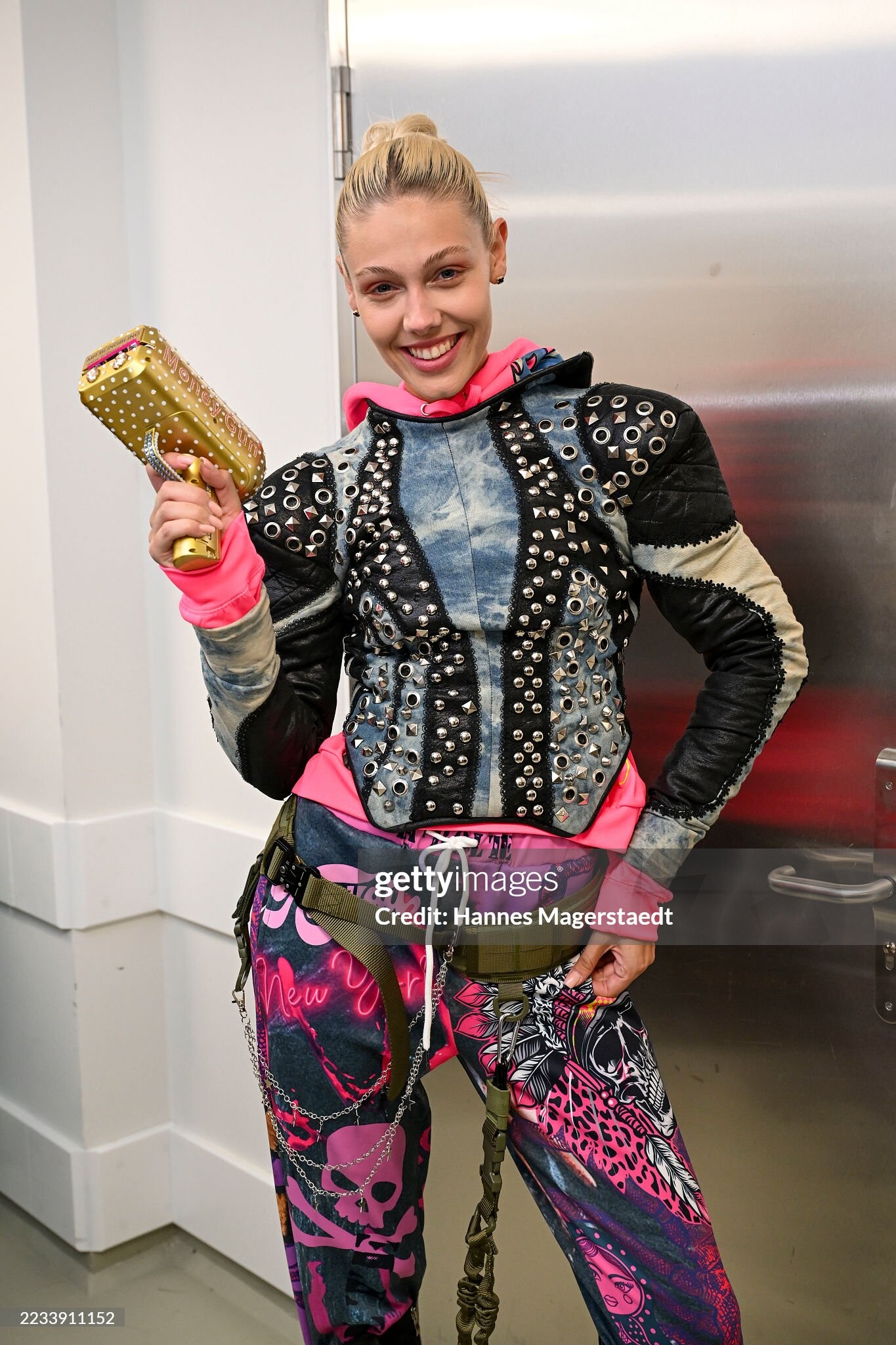
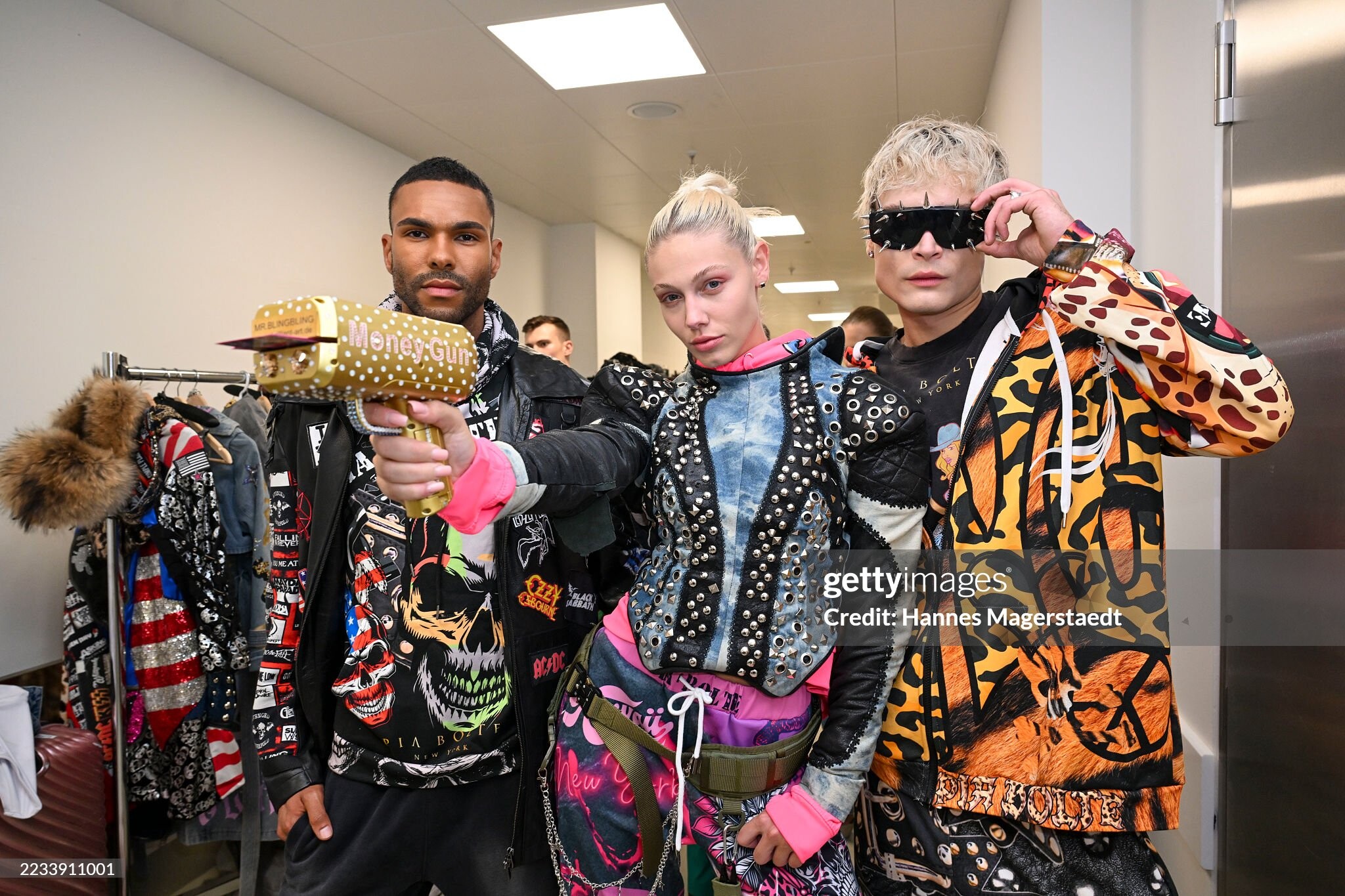
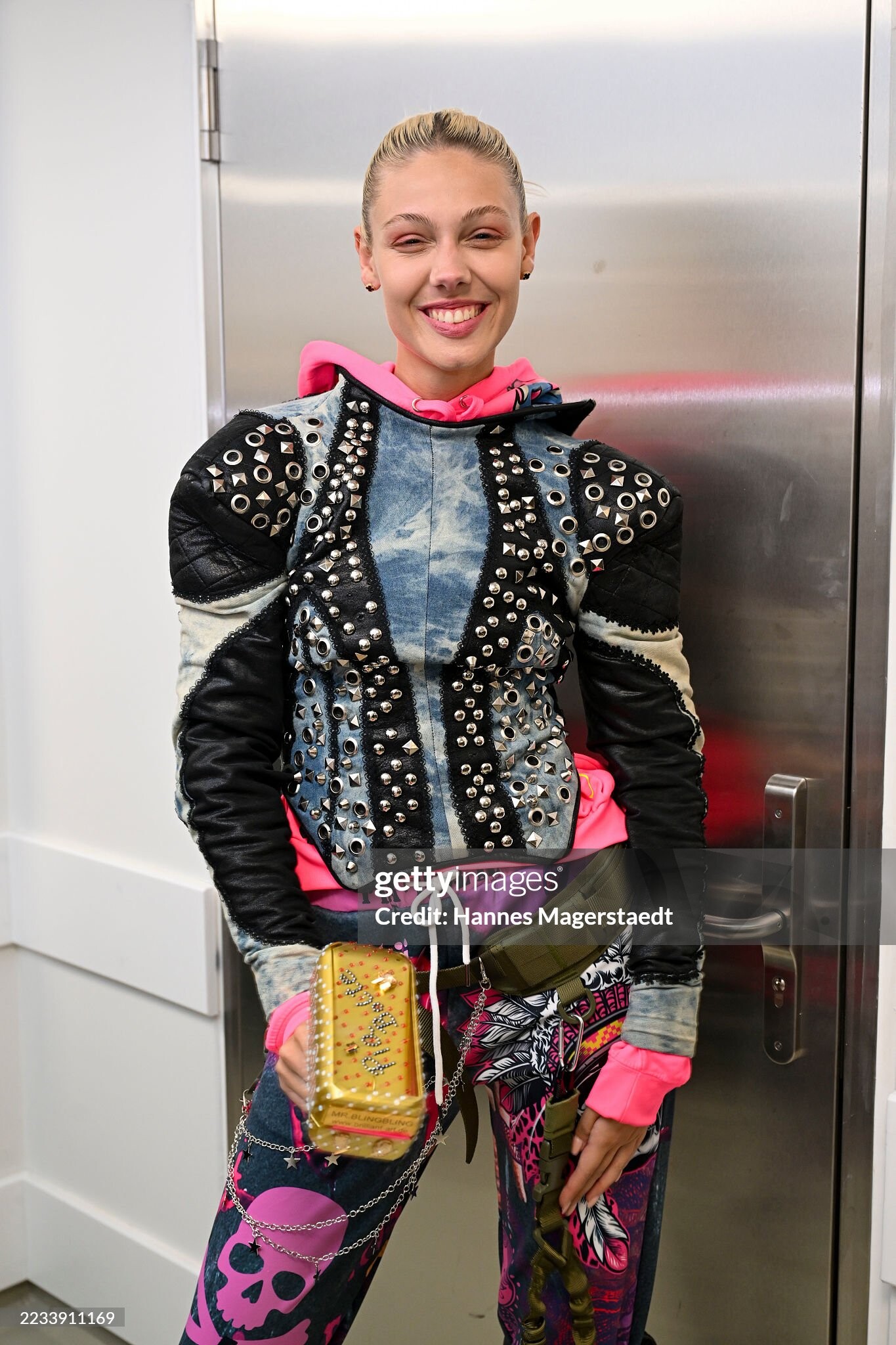
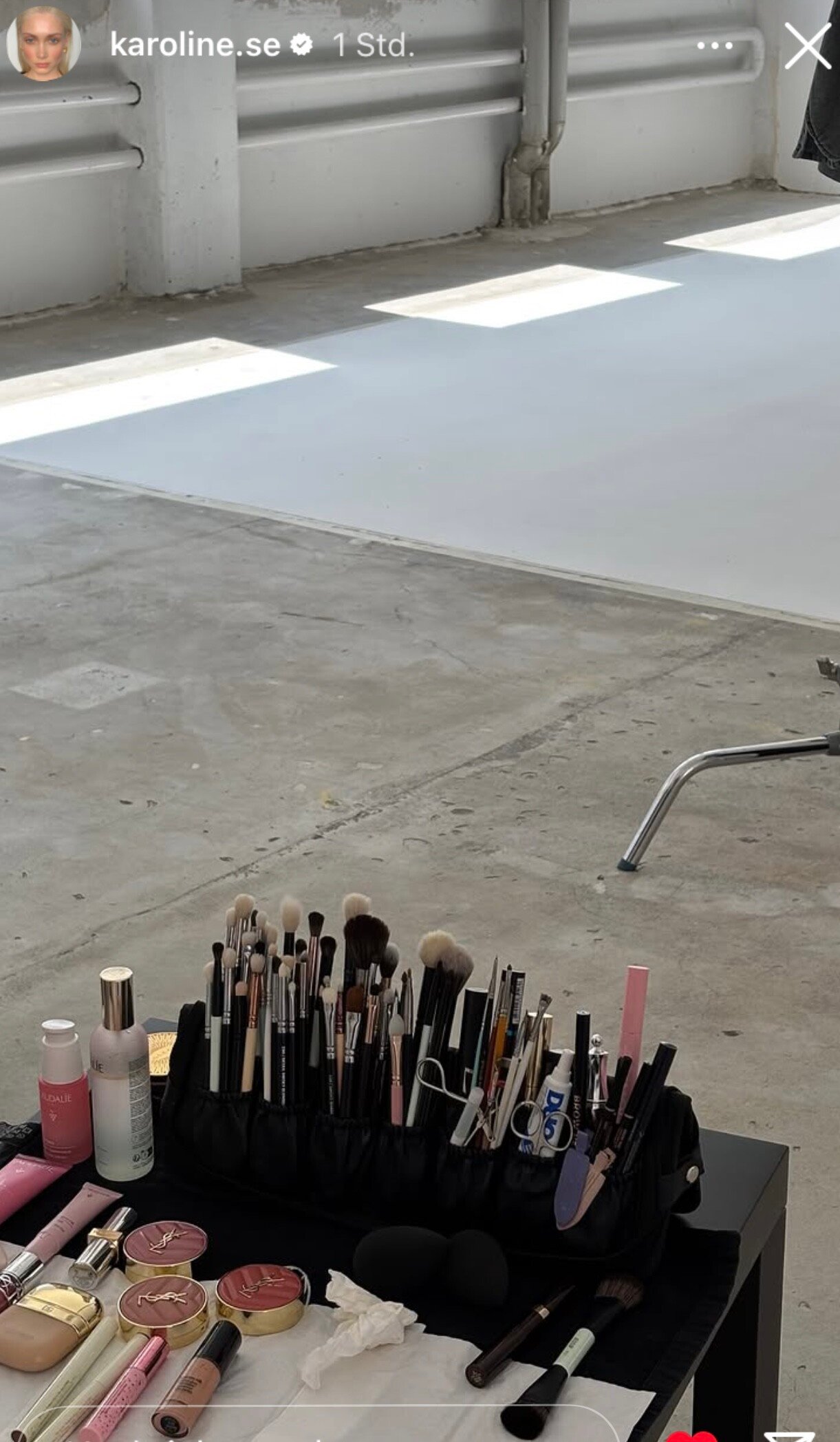
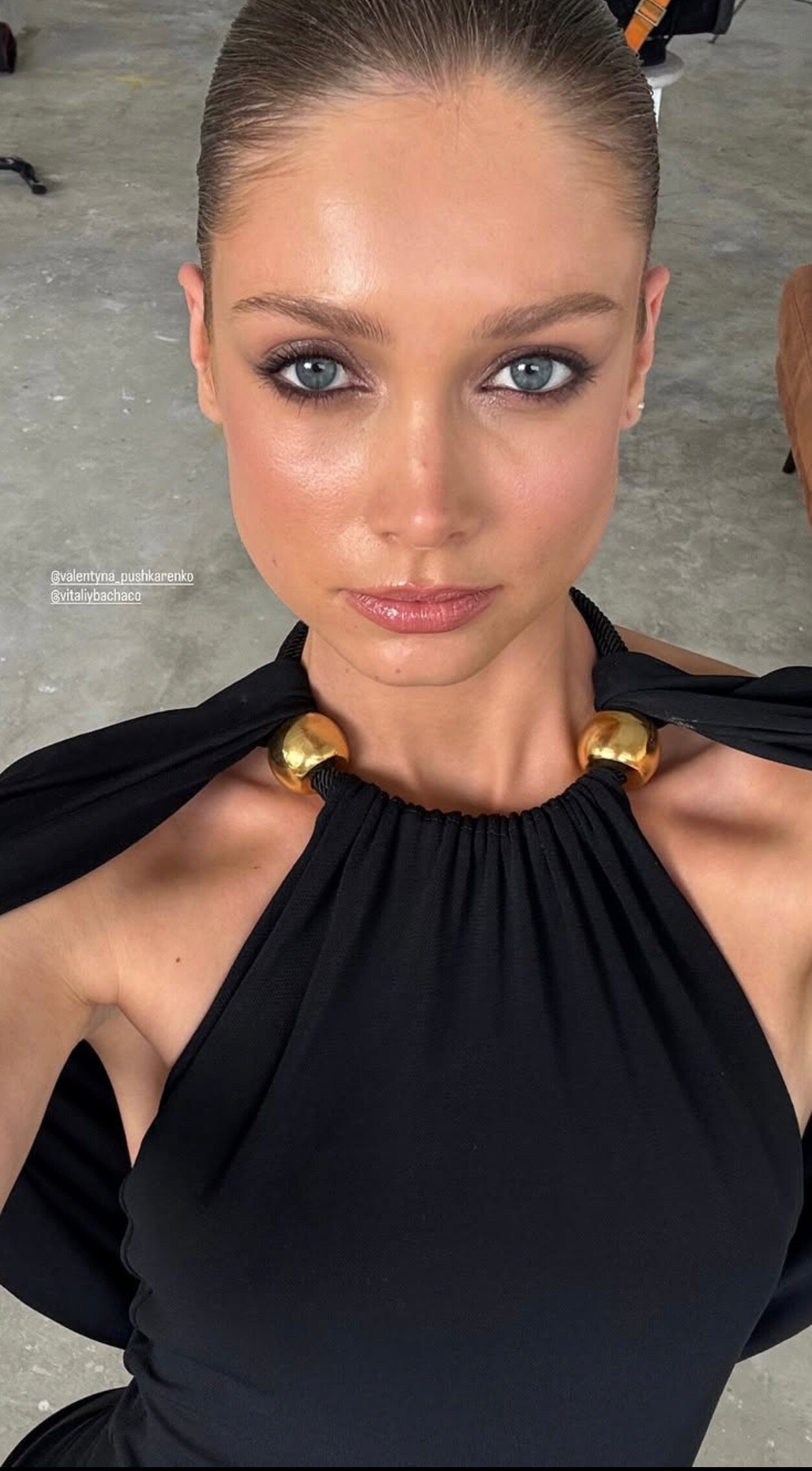
 Munich Fashion Week F/W 2025 🤩 For Pia Bolte 🦄 Backstage: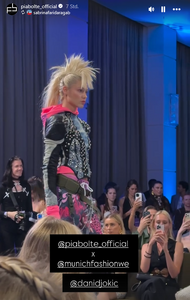
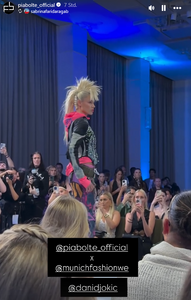
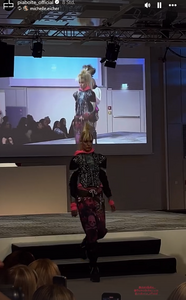
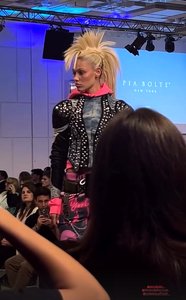
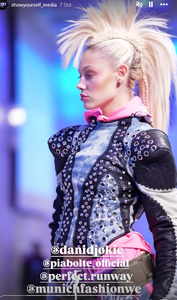
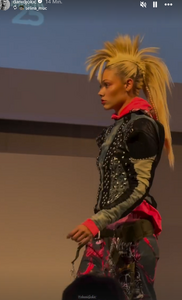




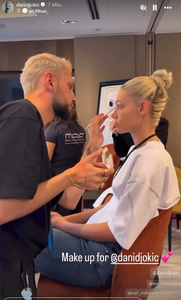
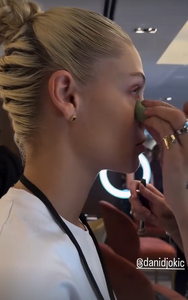




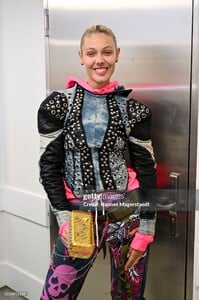
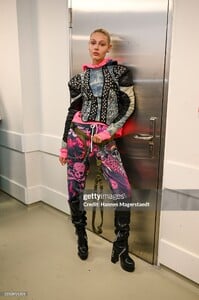



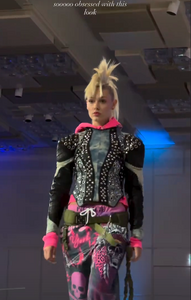
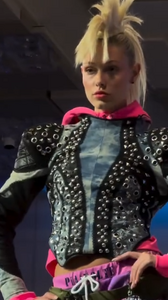
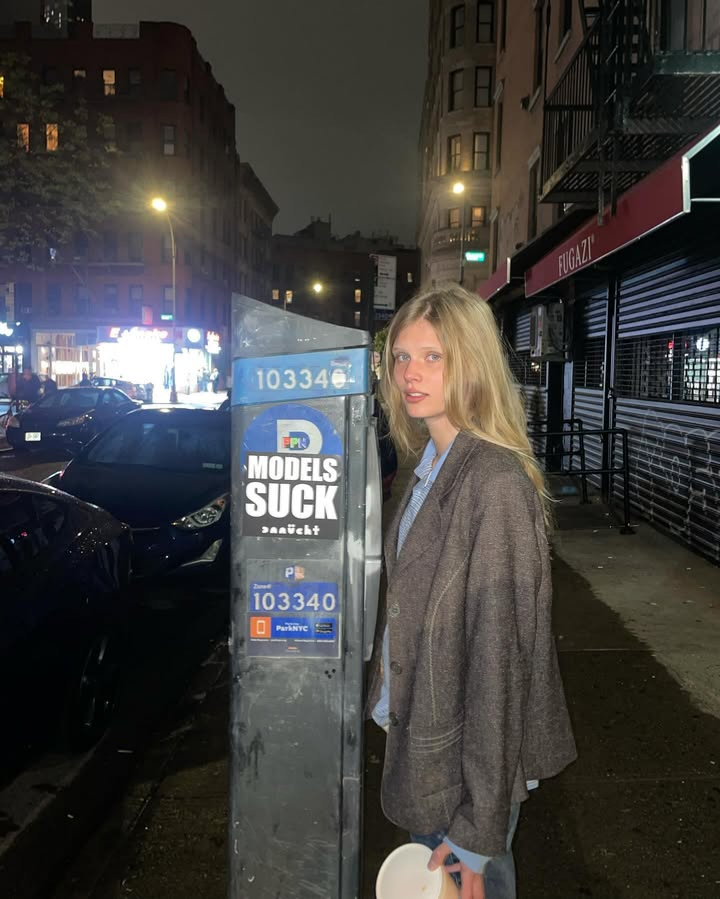
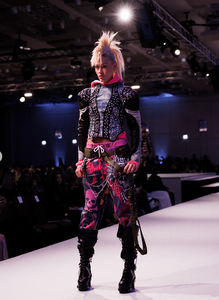 With Alex Consani 😆 New York City
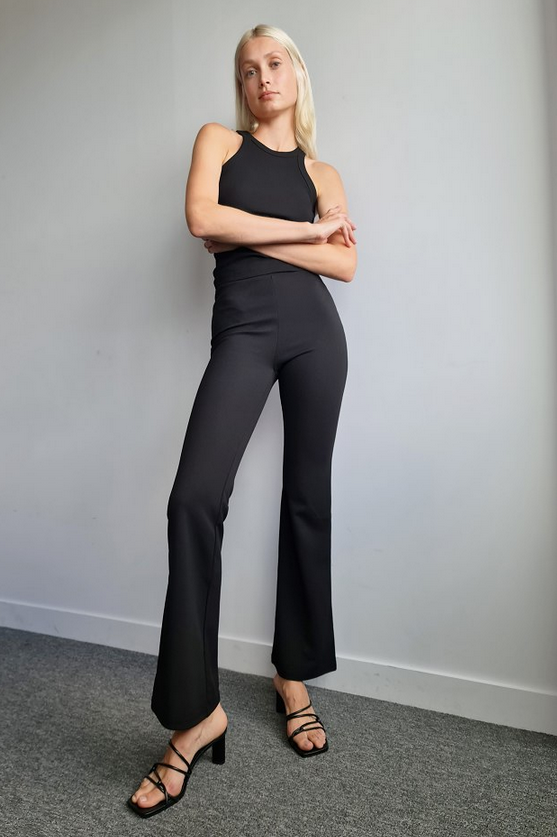
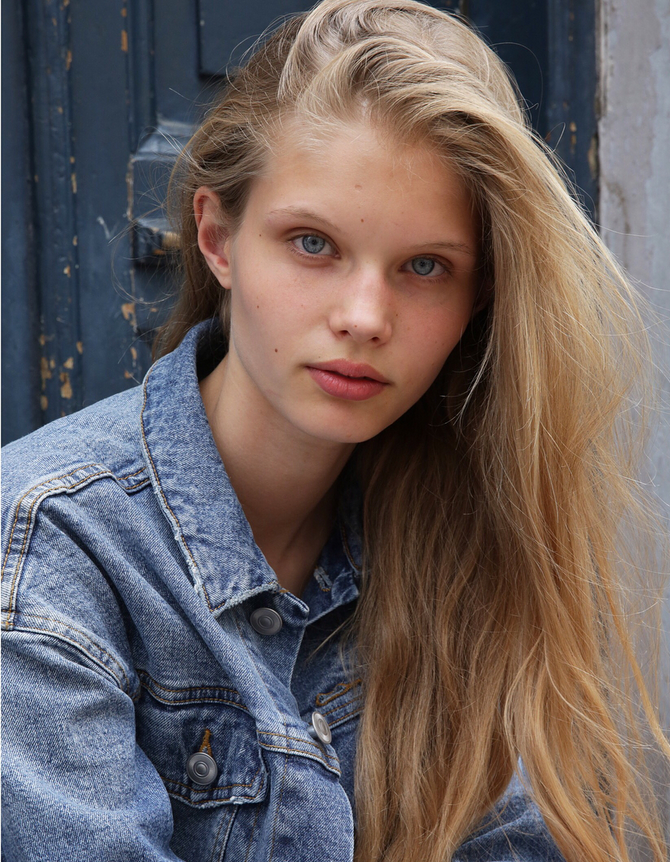
 Digitals MajorModels New York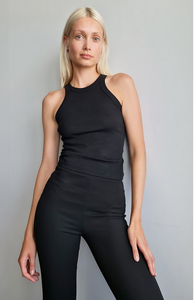
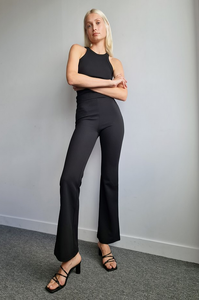
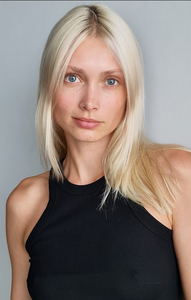
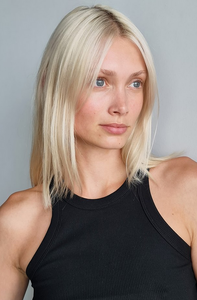 TH Further ones 🤩 Making off
 b7dc468426a04f3ca0e77d5ddbf14eb5.mov
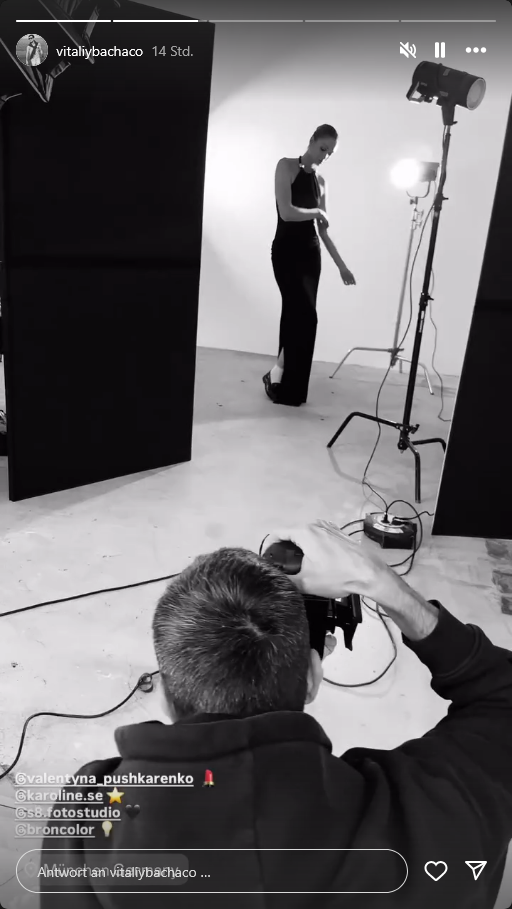
By Vitaliy Bachaco 🤍
b7dc468426a04f3ca0e77d5ddbf14eb5.mov
By Vitaliy Bachaco 🤍
 5a43f4cf8fb642ab9d84bc28dbc3cdc5.mov6d8550a65a9f4200a1f70dd168385646.mov43b8c5ff900b42fdb625065c6bab9a99.mov
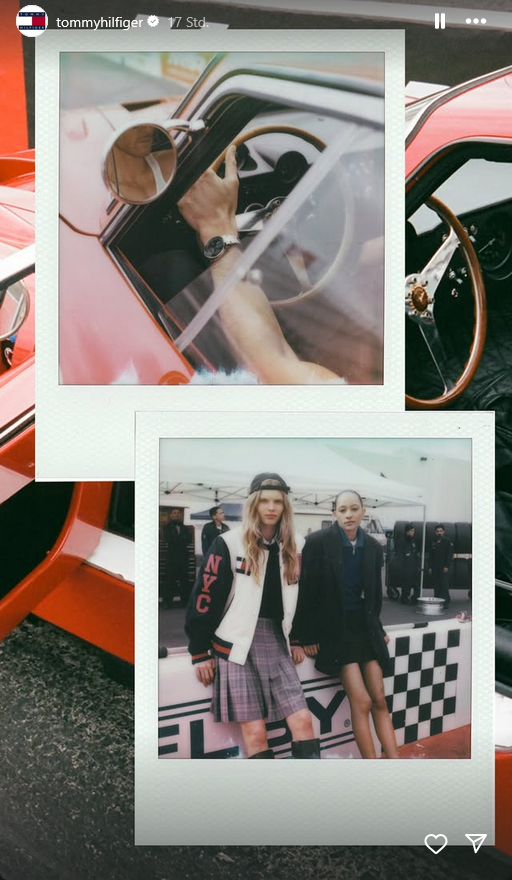
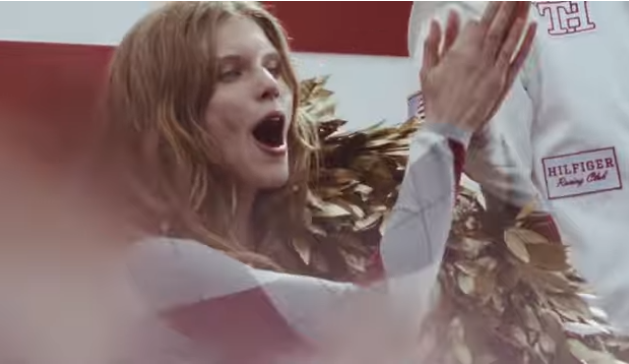
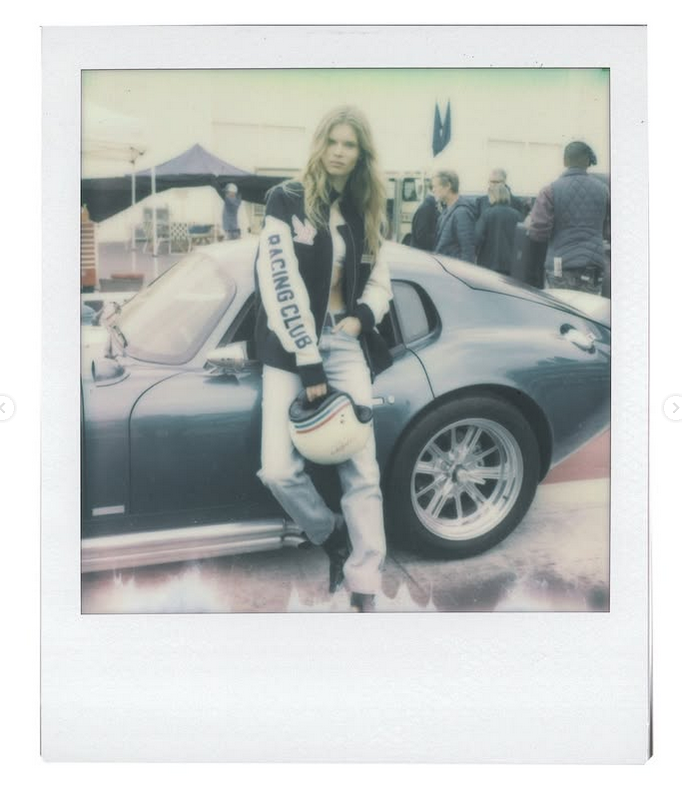
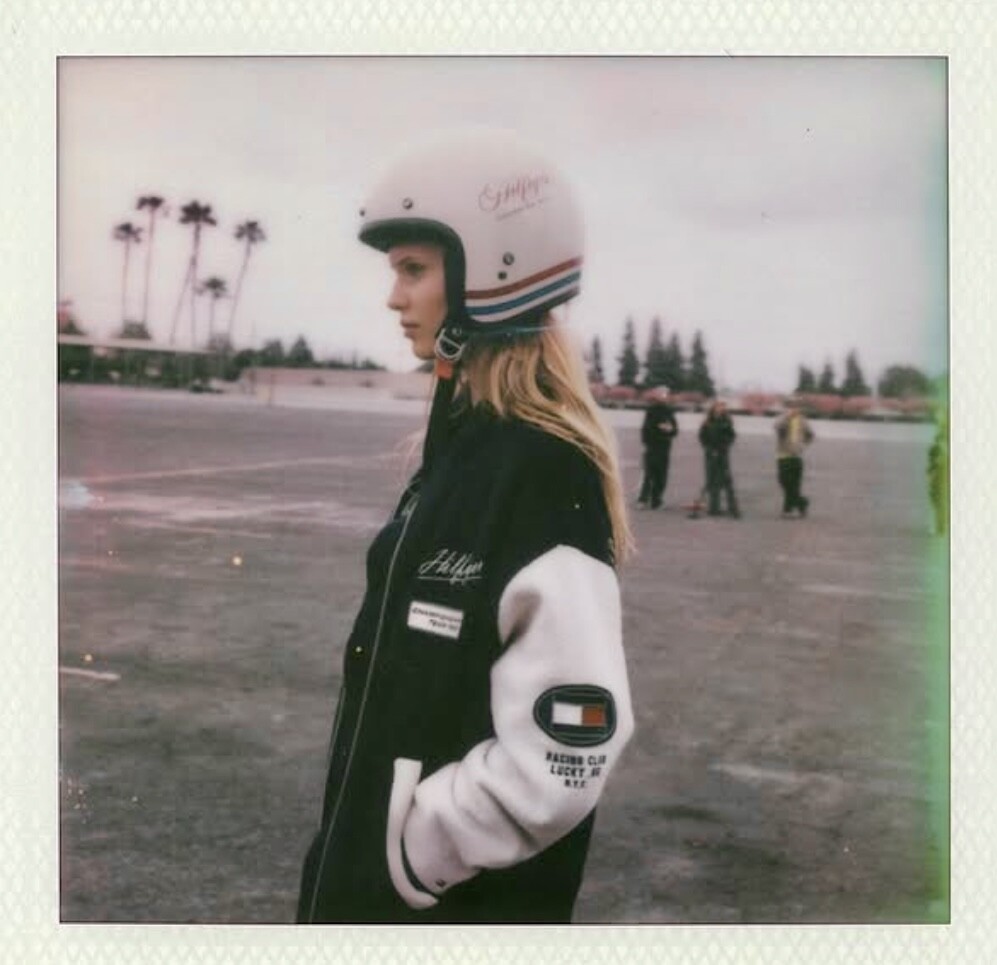
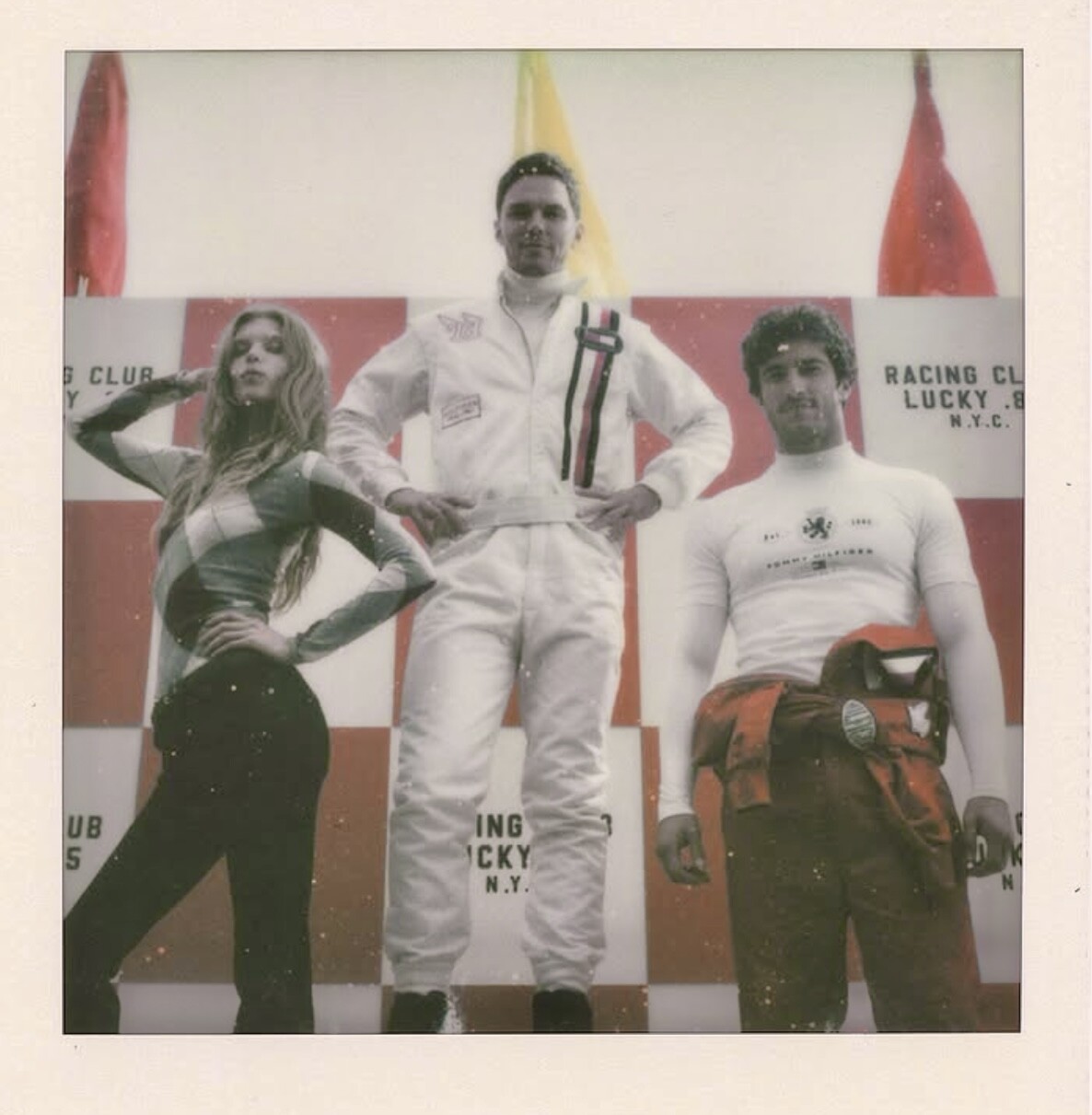
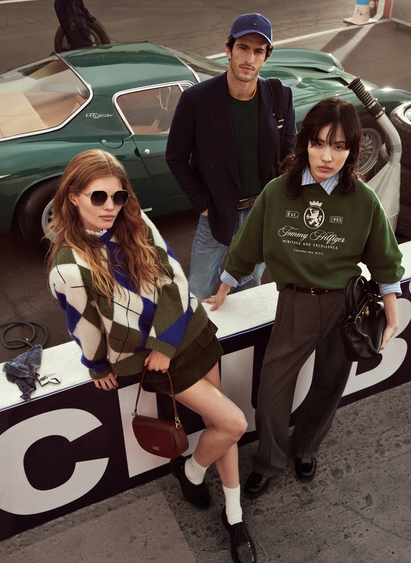
Tommy Hilfiger Racing Club Campaign behind szenes
5a43f4cf8fb642ab9d84bc28dbc3cdc5.mov6d8550a65a9f4200a1f70dd168385646.mov43b8c5ff900b42fdb625065c6bab9a99.mov
Tommy Hilfiger Racing Club Campaign behind szenes
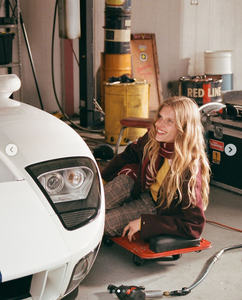
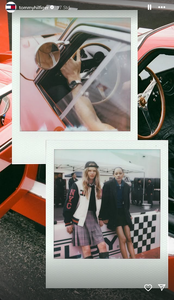

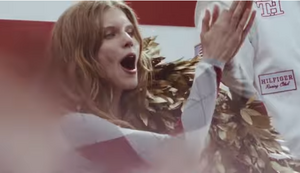
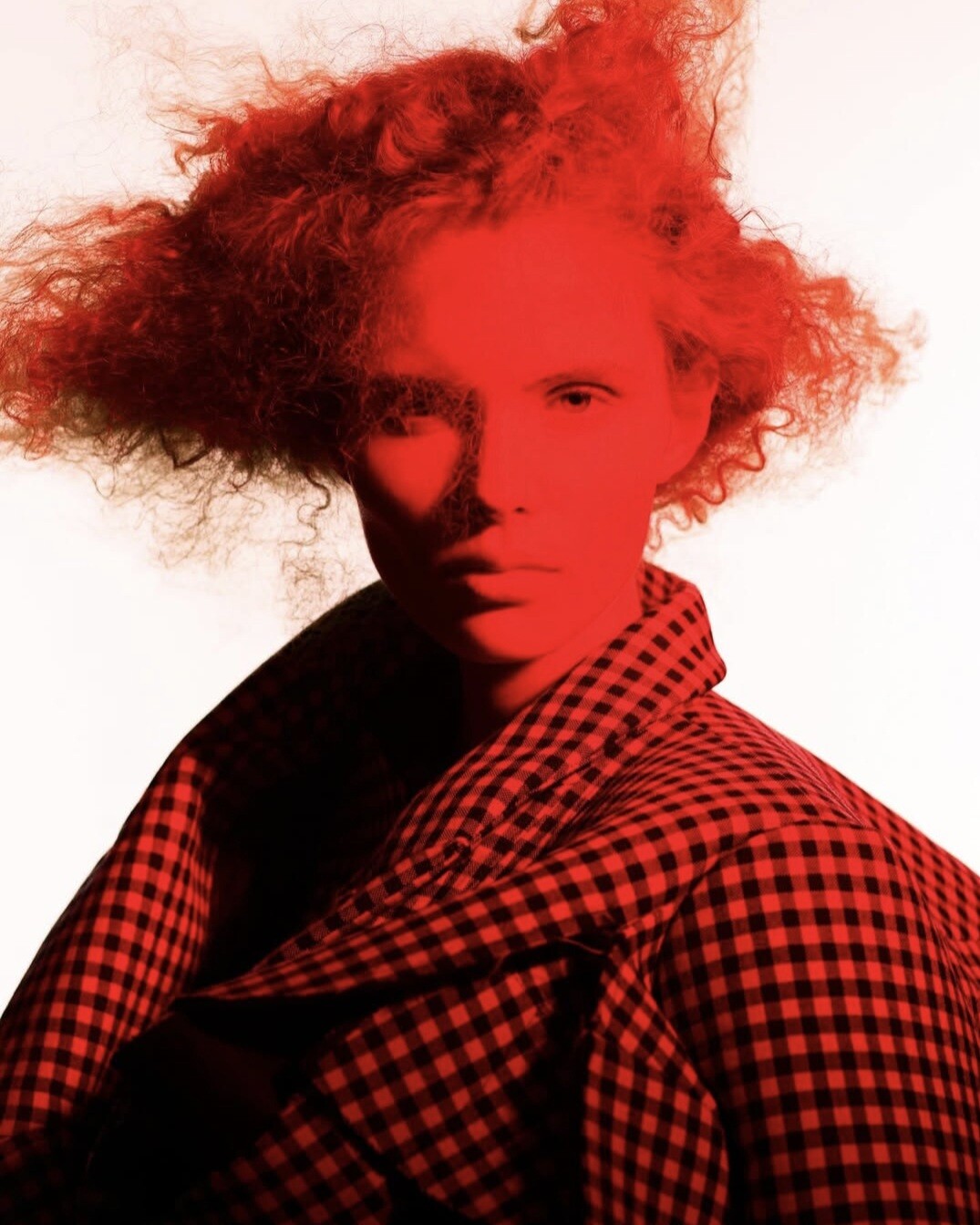
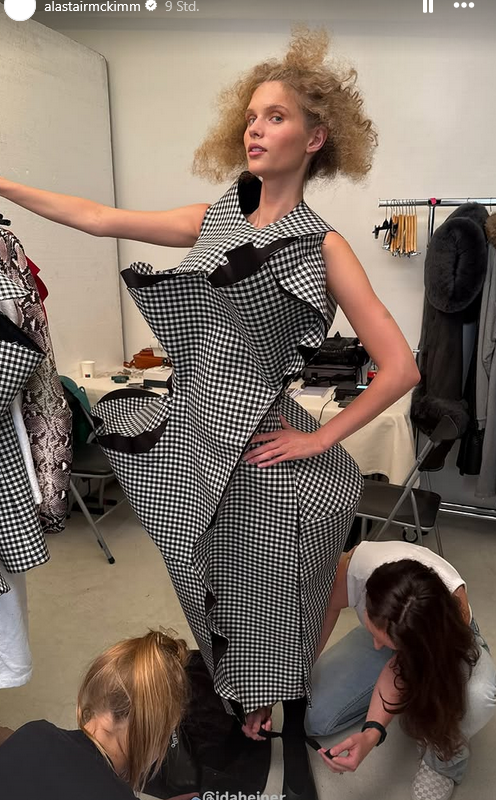
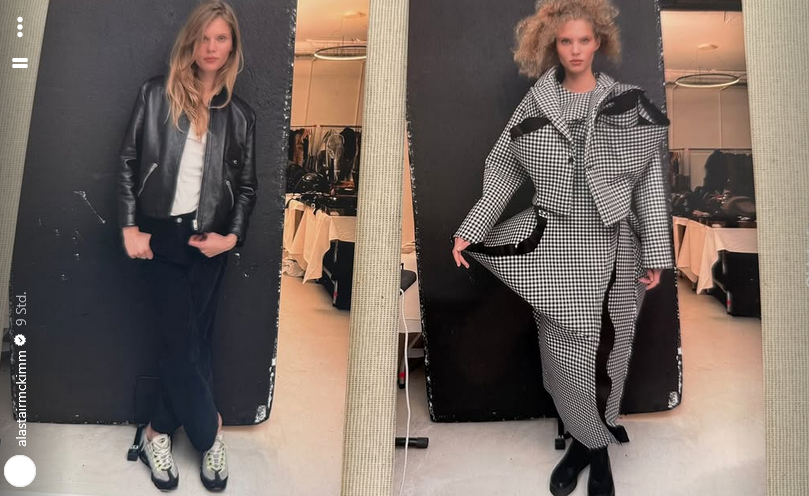
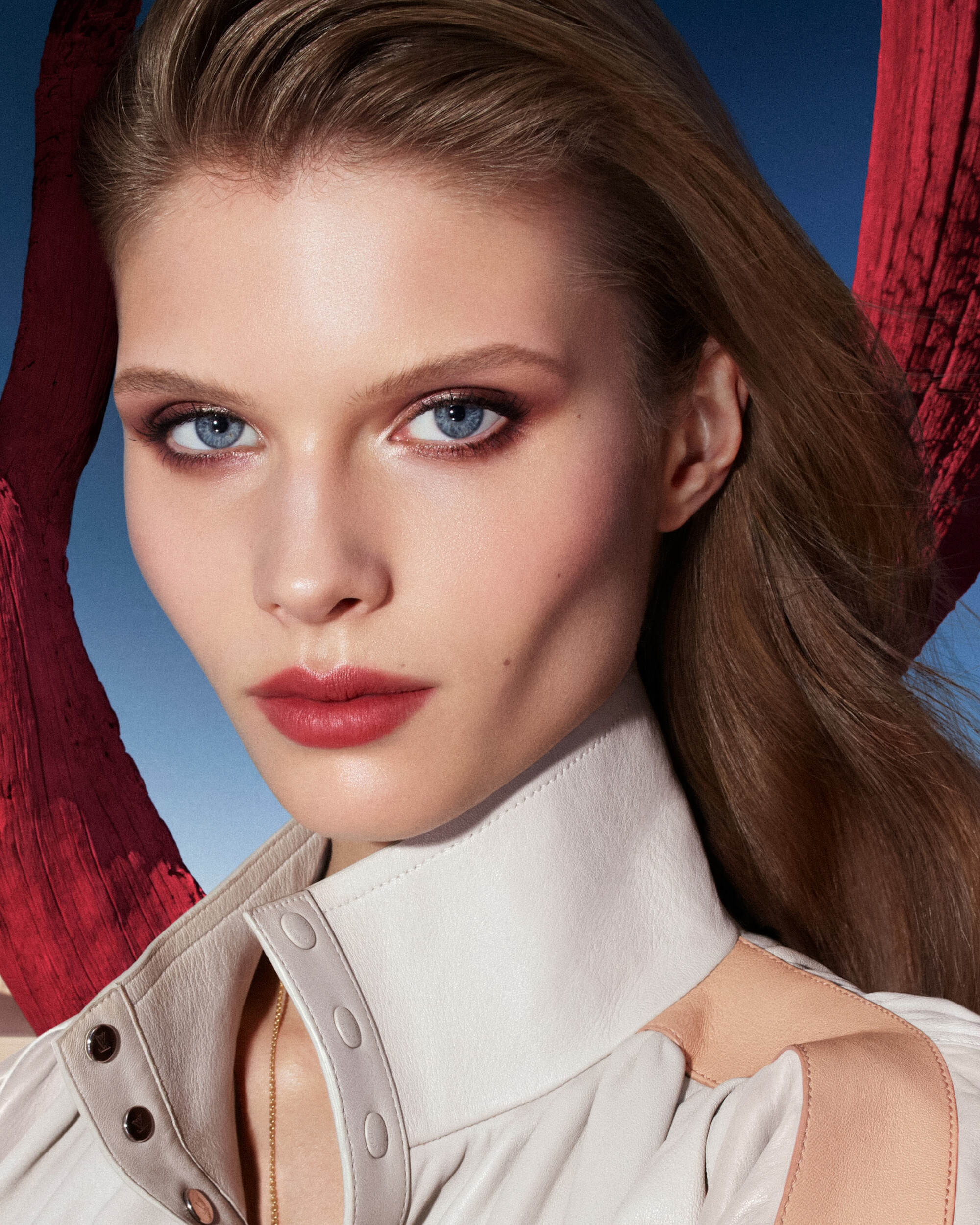
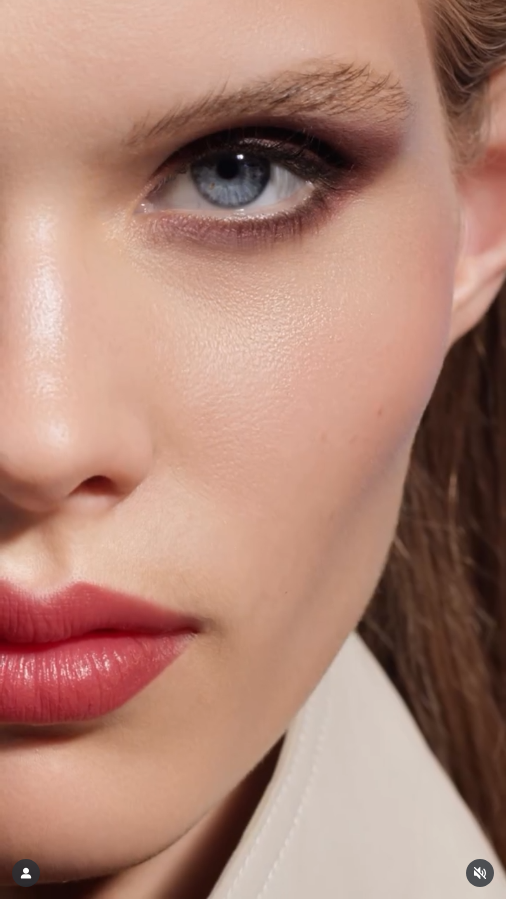
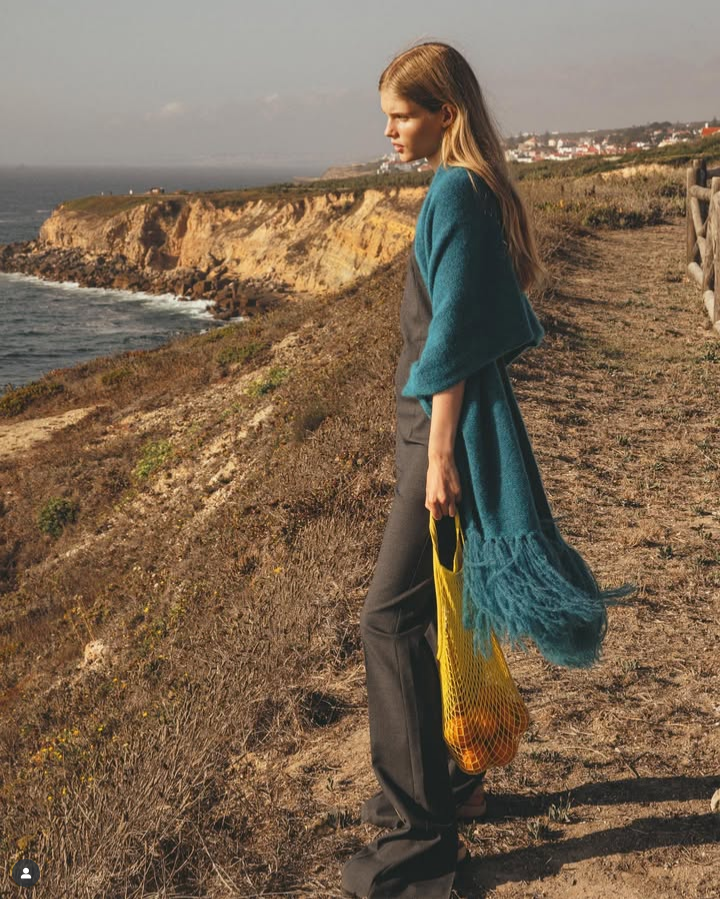
 Ida for Vogue France, September 2025 (unpublished) Behind szenes: Source: instagram @alastairmckimm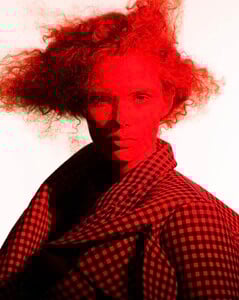
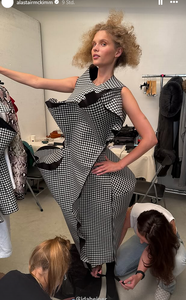
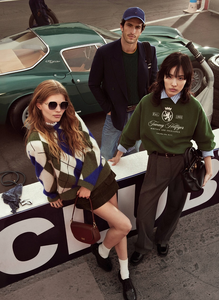
 Founded in 1985, heritage brand @TommyHilfiger launch their Fall 2025 campaign ‘The Hilfiger Racing Club’🏎️😄







 I cannot believe: Two of my most loved Topmodels together in a campaign 😅🤩🍾
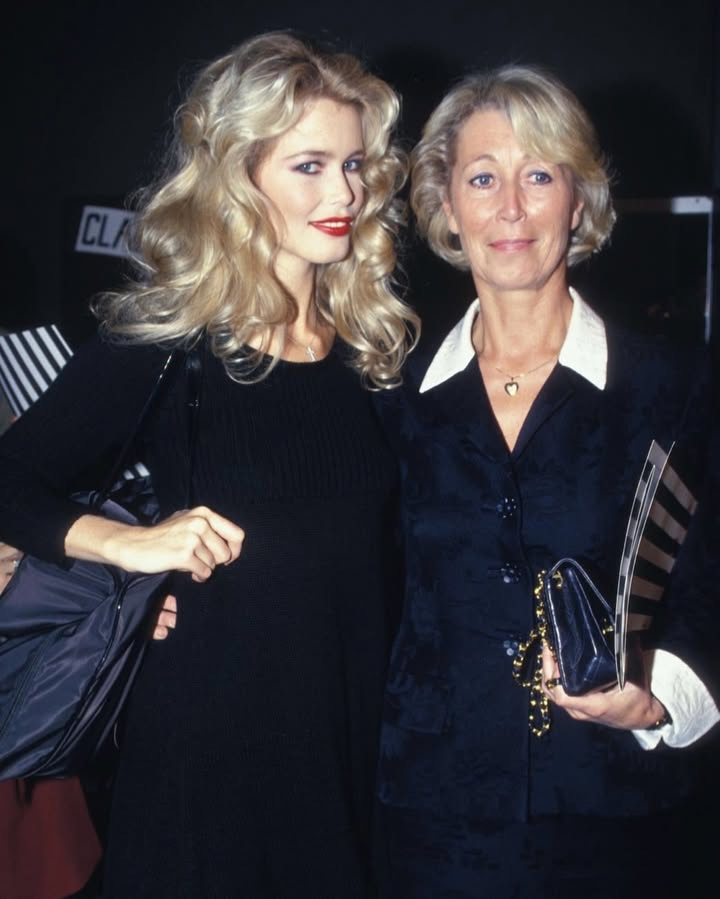
Happy 55 th Birthday Claudia 🤗💖🌻🍾
I cannot believe: Two of my most loved Topmodels together in a campaign 😅🤩🍾
Happy 55 th Birthday Claudia 🤗💖🌻🍾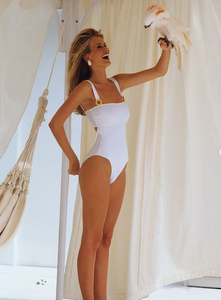





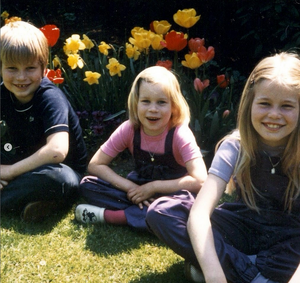
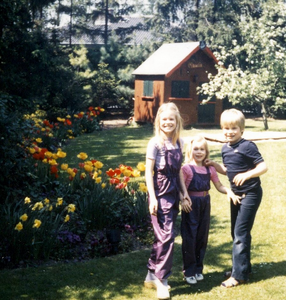
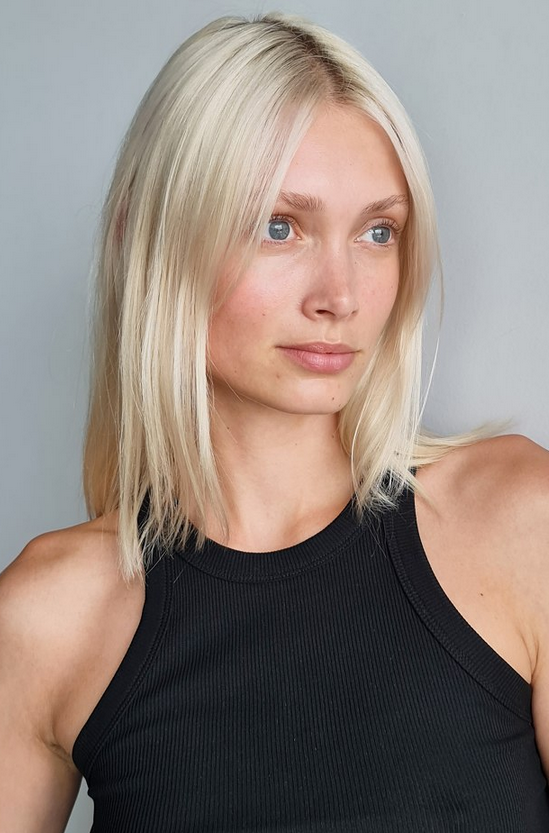
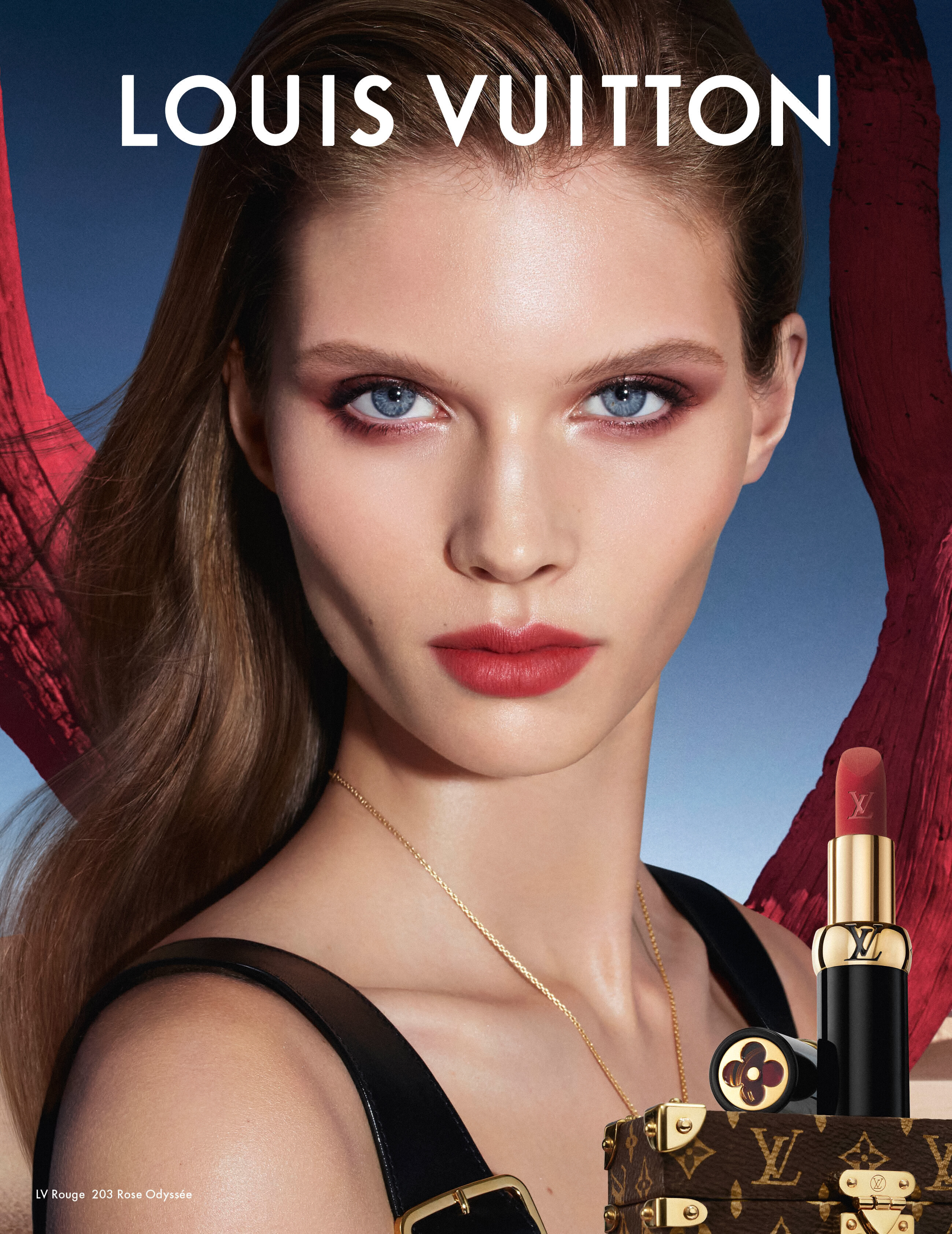
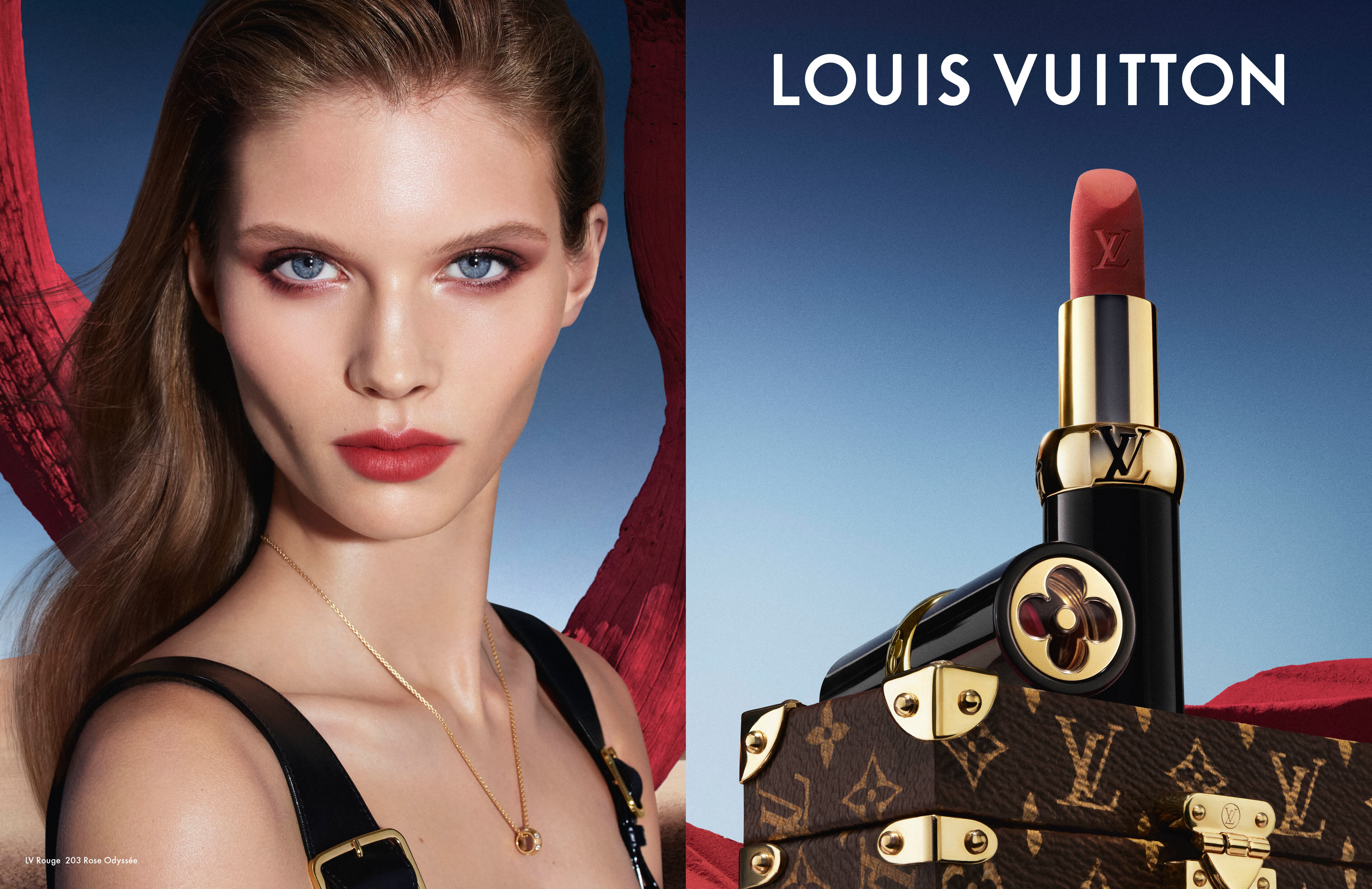
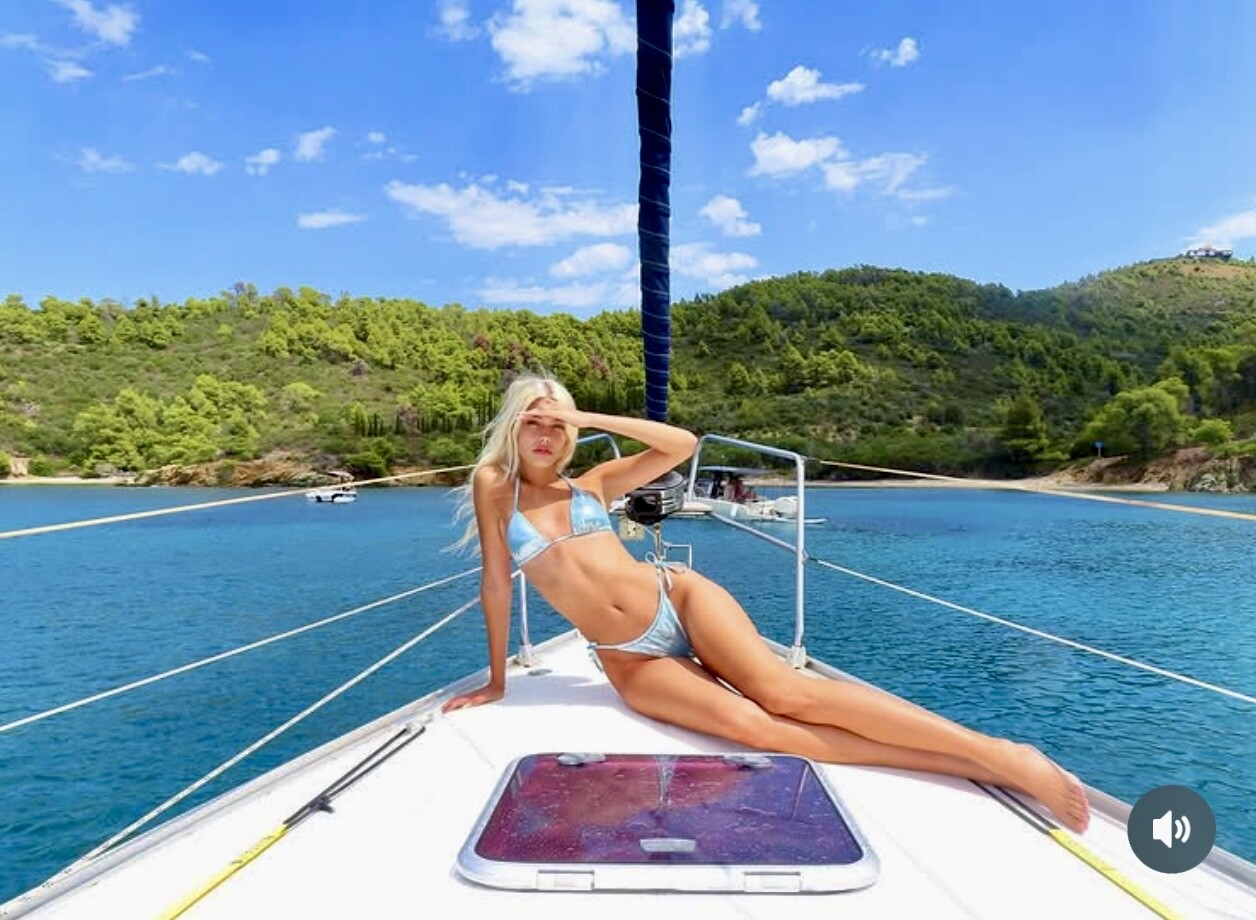
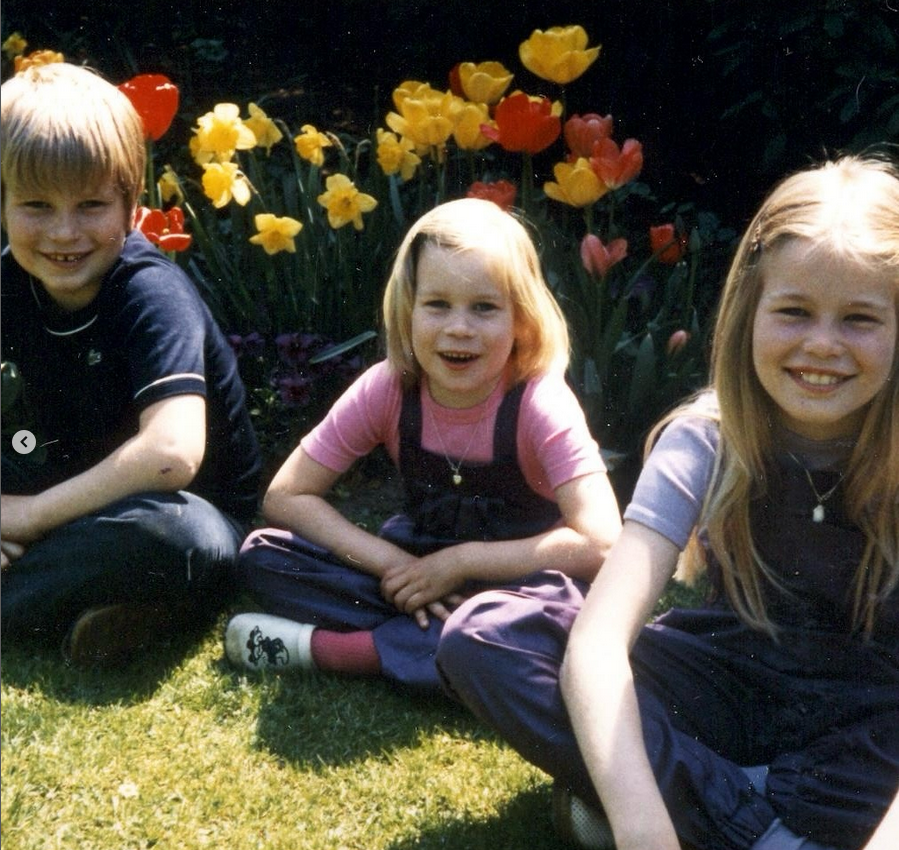
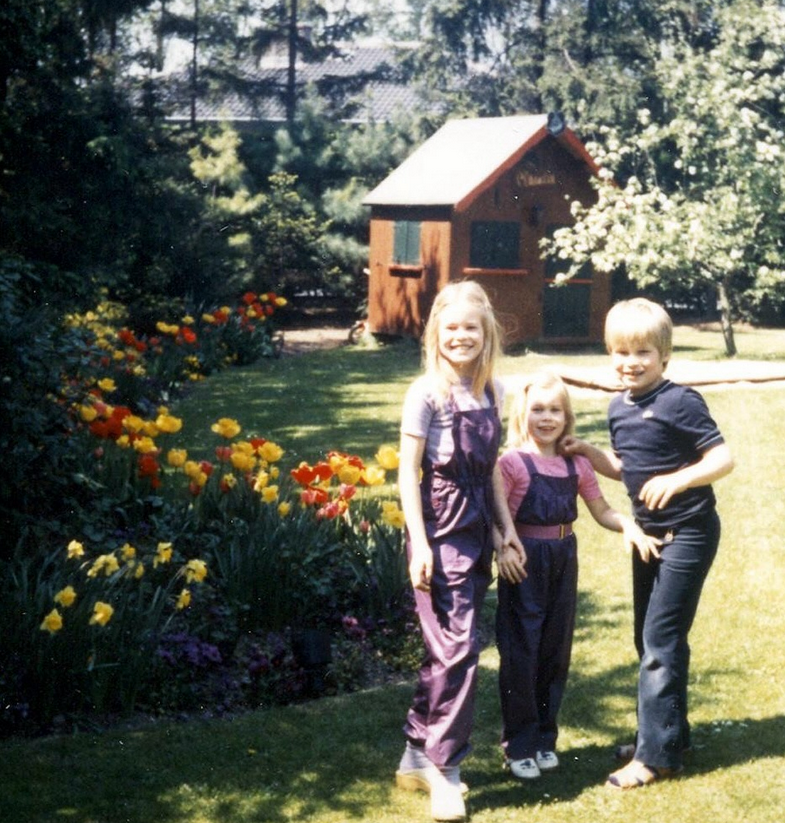
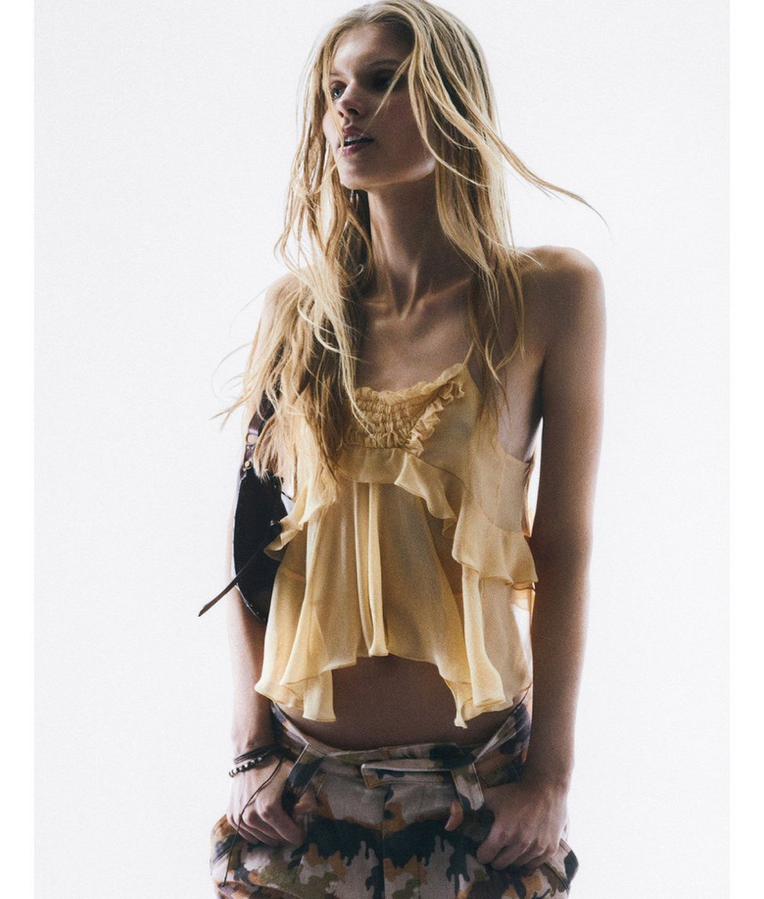
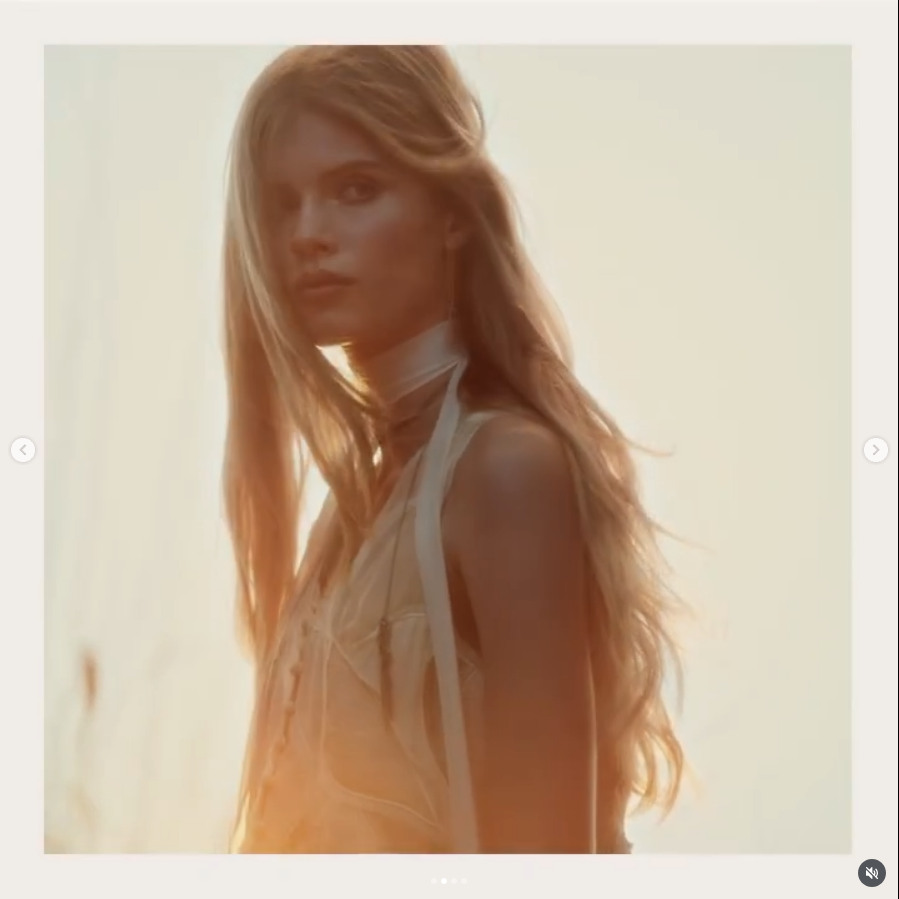
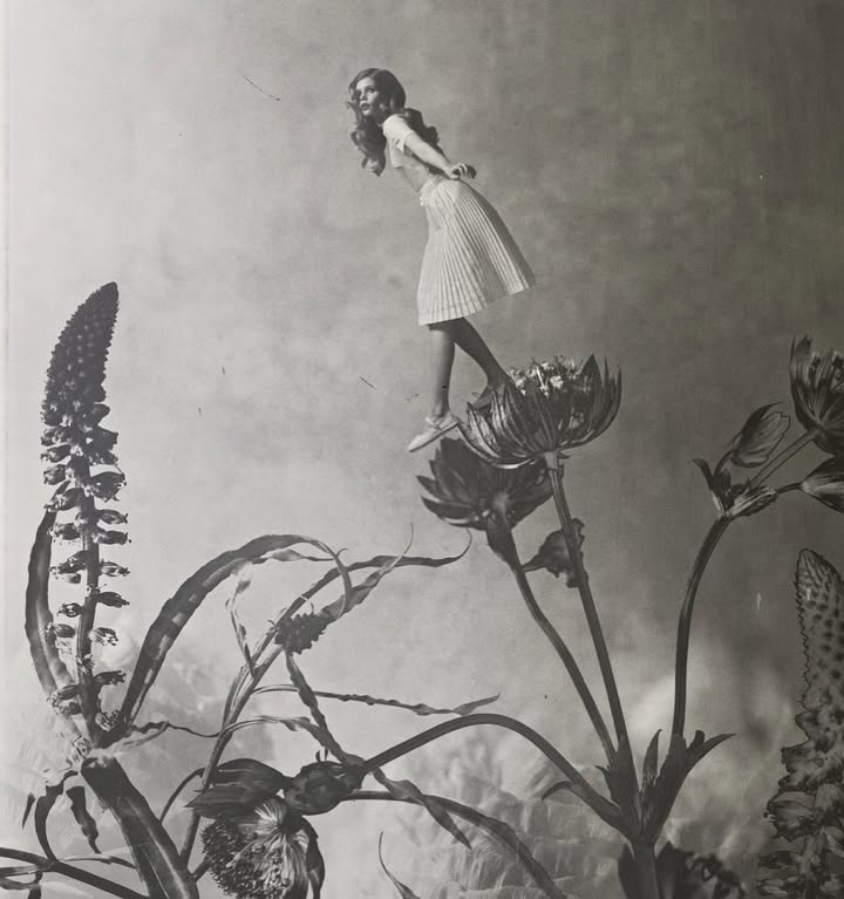
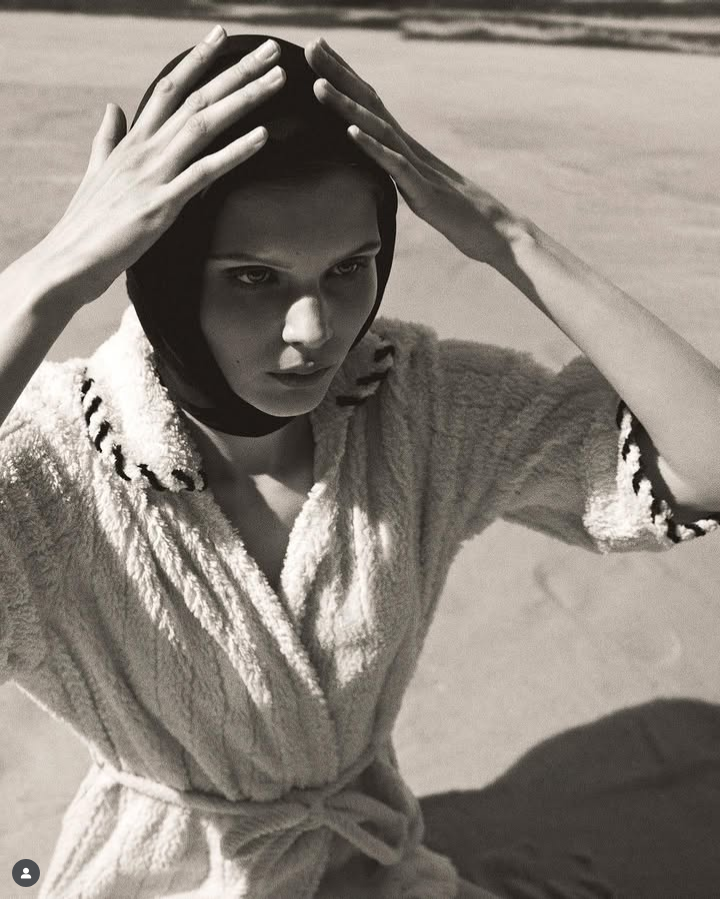
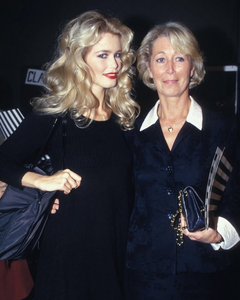 some pics- Early- unknown- private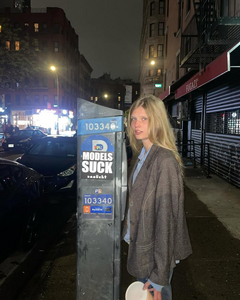

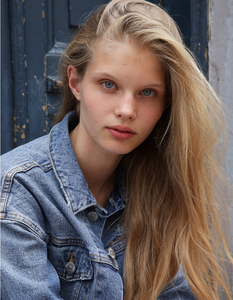
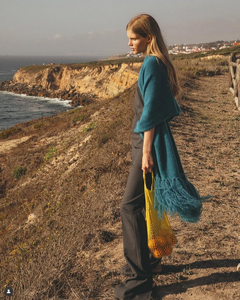


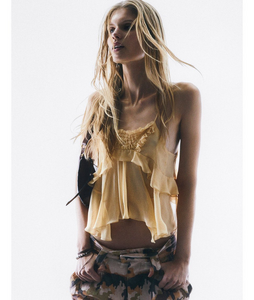

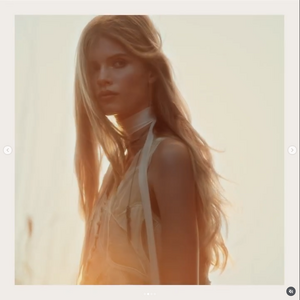

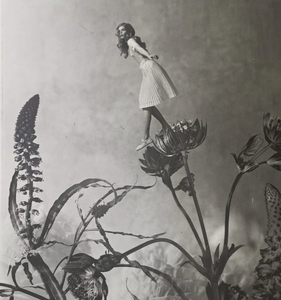

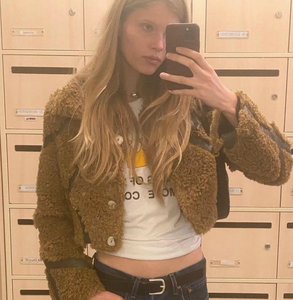

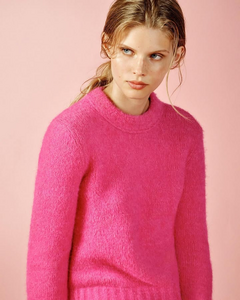
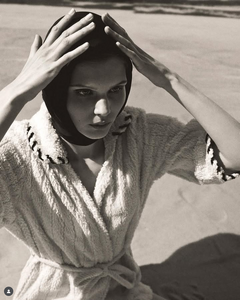
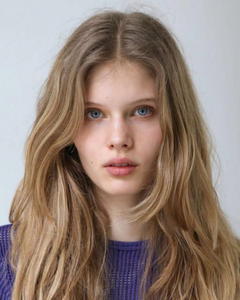
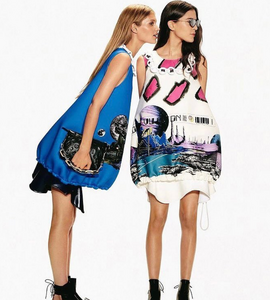

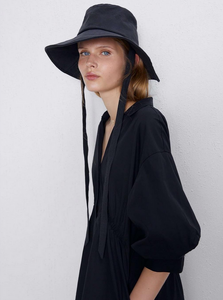
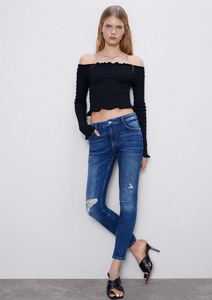
 🤍❤️🔥 93c0654f215248859eae7d454cd3e803.mov






























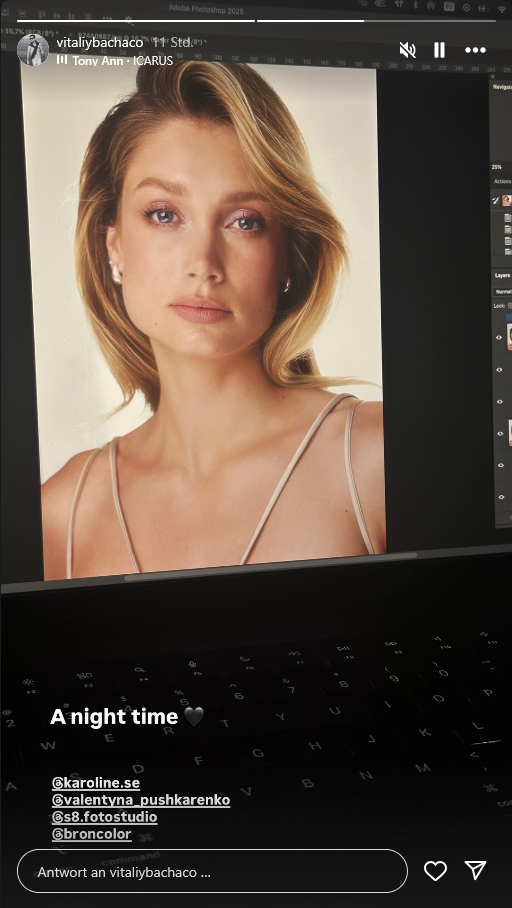
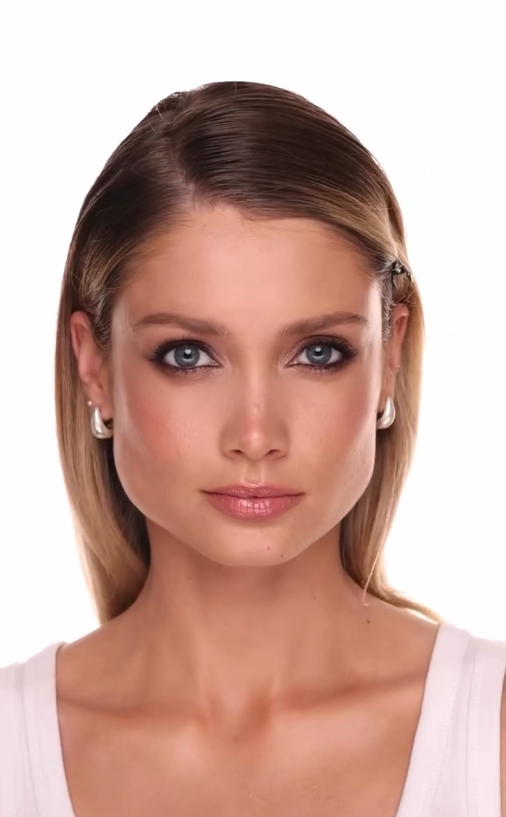
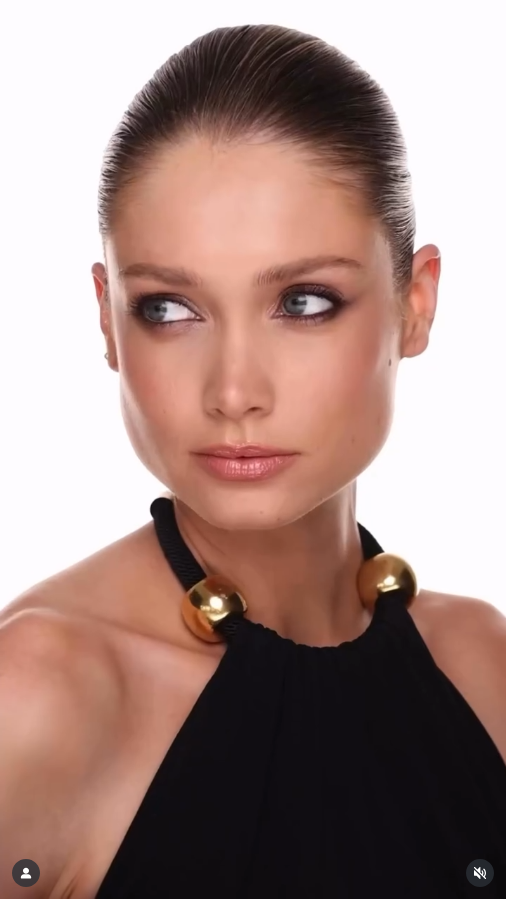
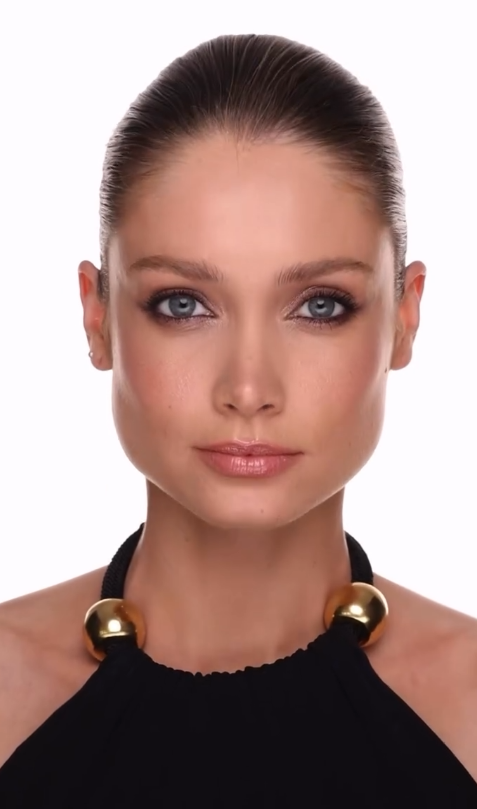
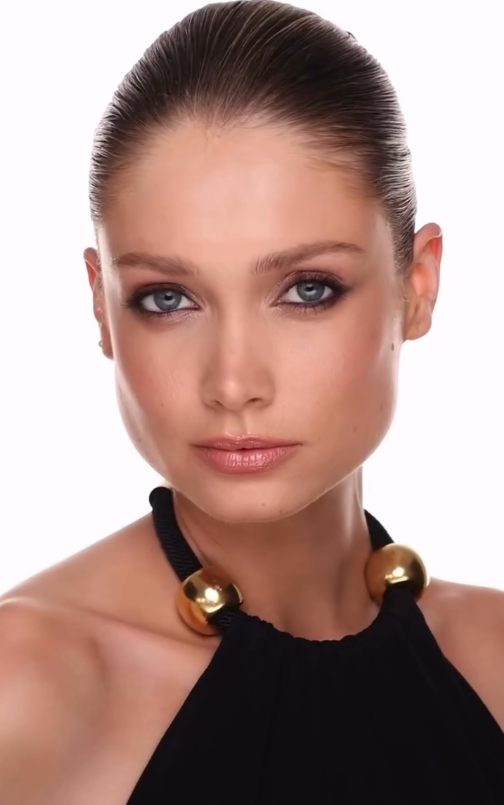
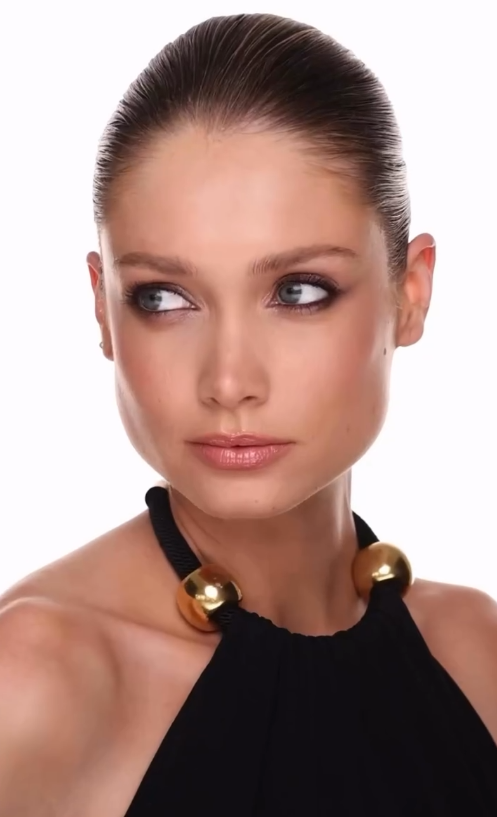
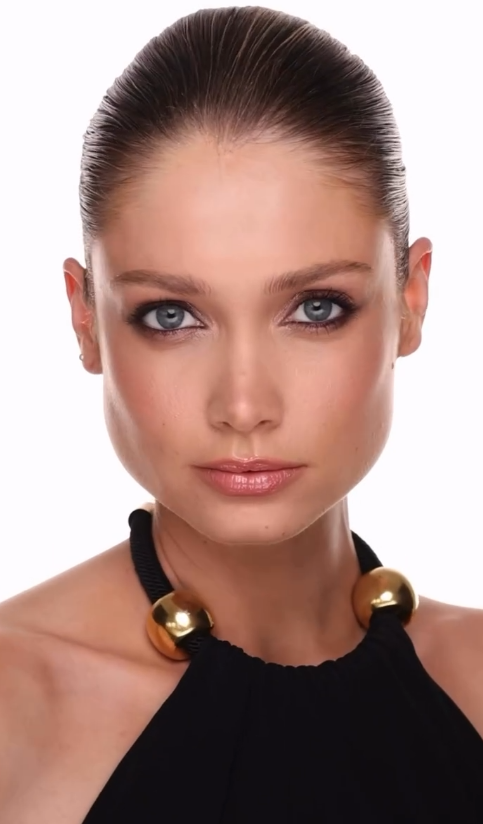




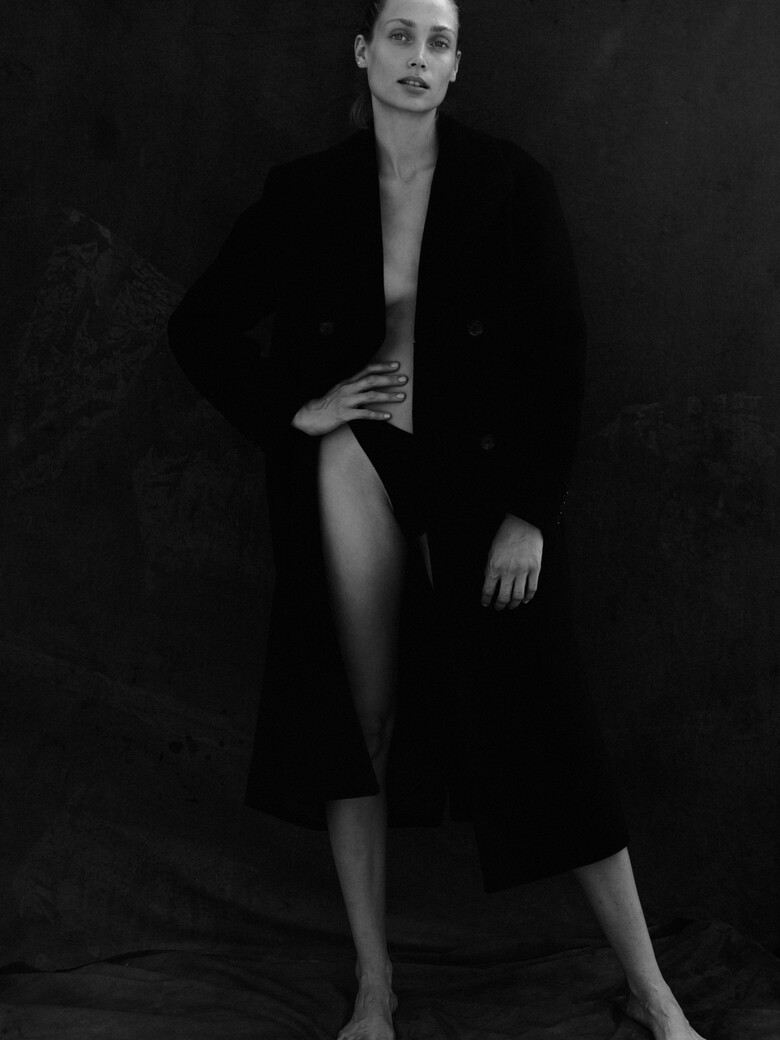
















































Account
Navigation
Search
Configure browser push notifications
Chrome (Android)
- Tap the lock icon next to the address bar.
- Tap Permissions → Notifications.
- Adjust your preference.
Chrome (Desktop)
- Click the padlock icon in the address bar.
- Select Site settings.
- Find Notifications and adjust your preference.
Safari (iOS 16.4+)
- Ensure the site is installed via Add to Home Screen.
- Open Settings App → Notifications.
- Find your app name and adjust your preference.
Safari (macOS)
- Go to Safari → Preferences.
- Click the Websites tab.
- Select Notifications in the sidebar.
- Find this website and adjust your preference.
Edge (Android)
- Tap the lock icon next to the address bar.
- Tap Permissions.
- Find Notifications and adjust your preference.
Edge (Desktop)
- Click the padlock icon in the address bar.
- Click Permissions for this site.
- Find Notifications and adjust your preference.
Firefox (Android)
- Go to Settings → Site permissions.
- Tap Notifications.
- Find this site in the list and adjust your preference.
Firefox (Desktop)
- Open Firefox Settings.
- Search for Notifications.
- Find this site in the list and adjust your preference.