bigmax
Members
-
Joined
-
Last visited
Everything posted by bigmax
-
 'Vogue' UK - May 2013 - outtakes cassbird.tumblr.com/instagram cassblackbird Tiffany & Co. S/S 2013 pdfmagazines.org via bilQuis



-
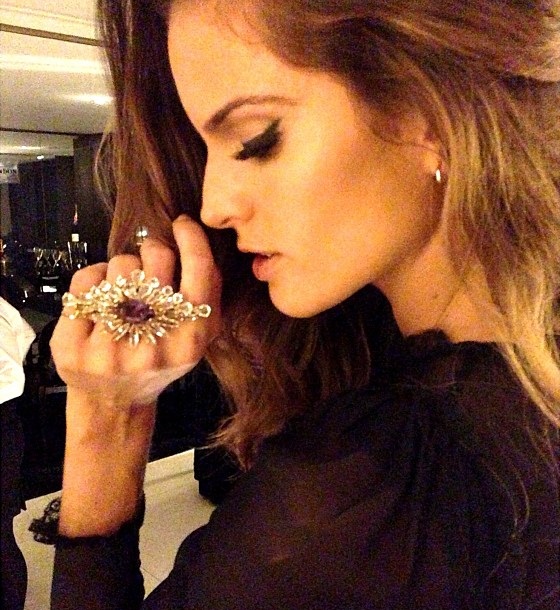
Vogue Brasil dinner for Dolce & Gabanna, April 9, 2013 vogue.globo.com amfAR pre-Schutz + Vogue Brazil glamurama.uol.com.br


 Vogue Brasil dinner for Dolce & Gabanna, April 9, 2013 vogue.globo.com
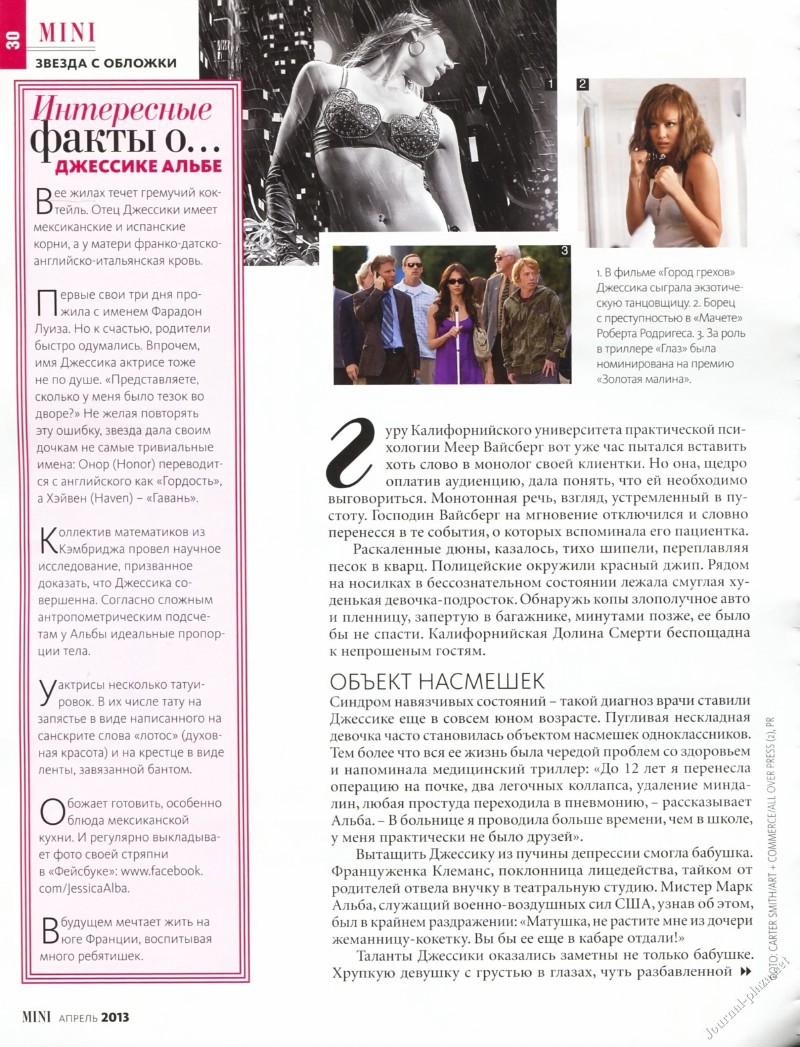
 'Mini' Ukraine - April 2013 journal-plaza.net




 Roberto Cavalli S/S 2013 -HQ facebook Roberto Cavalli More amfAR Gala in Sao Paulo twitter Mafia Glam/instagram guzellikfelsefesi One more backstage Agua de Coco S/S 2014 caras.uol.com.br


 Next Summer 2013 next.co.uk
 Backstage Agua de Coco S/S 2013/14
Vogue dinner for Dolce & Gabanna, April 9, 2013 instagram izzytoremember/yasminesterea/danielafalcao1/donatameirelles One more Vivara instagram vivaraonline amfAR pre-Schutz + Vogue Brazil (bigger) jaciarabarros.com.br
Backstage Agua de Coco S/S 2013/14
Backstage Agua de Coco S/S 2013/14
Vogue dinner for Dolce & Gabanna, April 9, 2013 instagram izzytoremember/yasminesterea/danielafalcao1/donatameirelles One more Vivara instagram vivaraonline amfAR pre-Schutz + Vogue Brazil (bigger) jaciarabarros.com.br





 Schön! Magazine (without text) Schön! Magazine outtake Un.i Lingerie Winter 2013 outtake gustavoz.com












 Posted on April 8, 2013 instagram eugeniavolodina
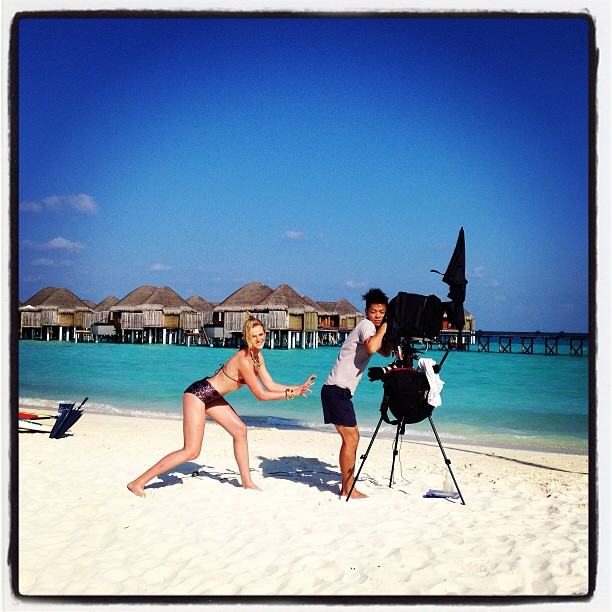
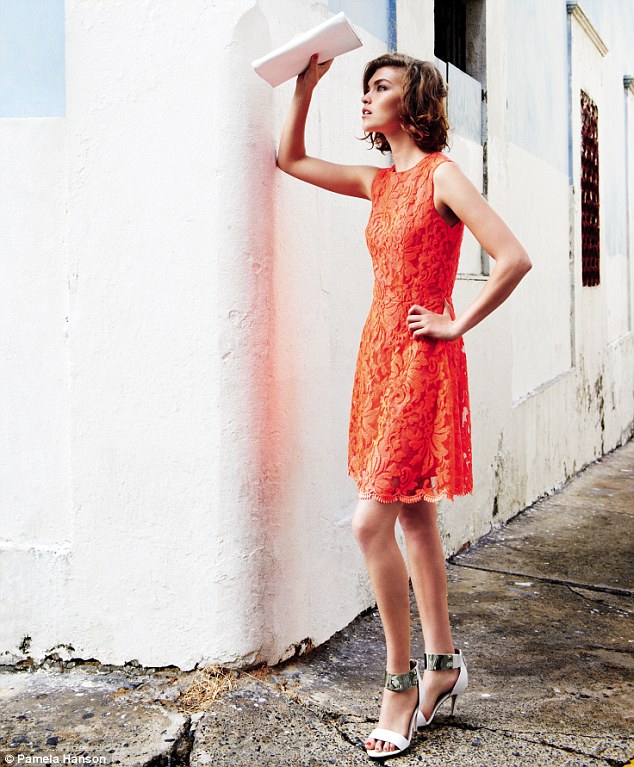
 Next Summer 2013, Photographer Pamela Hanson Behind the scenes with the team! youmagblog.com





Account
Search
Configure browser push notifications
Chrome (Android)
- Tap the lock icon next to the address bar.
- Tap Permissions → Notifications.
- Adjust your preference.
Chrome (Desktop)
- Click the padlock icon in the address bar.
- Select Site settings.
- Find Notifications and adjust your preference.
Safari (iOS 16.4+)
- Ensure the site is installed via Add to Home Screen.
- Open Settings App → Notifications.
- Find your app name and adjust your preference.
Safari (macOS)
- Go to Safari → Preferences.
- Click the Websites tab.
- Select Notifications in the sidebar.
- Find this website and adjust your preference.
Edge (Android)
- Tap the lock icon next to the address bar.
- Tap Permissions.
- Find Notifications and adjust your preference.
Edge (Desktop)
- Click the padlock icon in the address bar.
- Click Permissions for this site.
- Find Notifications and adjust your preference.
Firefox (Android)
- Go to Settings → Site permissions.
- Tap Notifications.
- Find this site in the list and adjust your preference.
Firefox (Desktop)
- Open Firefox Settings.
- Search for Notifications.
- Find this site in the list and adjust your preference.