
bigmax
Members
-
Joined
-
Last visited
Everything posted by bigmax
-
 Backstage Isabel Marant F/W 2013
 -
Bigger picture twitter Kate Upton

-
March 23, 2013 instagram crisnarvaes

-
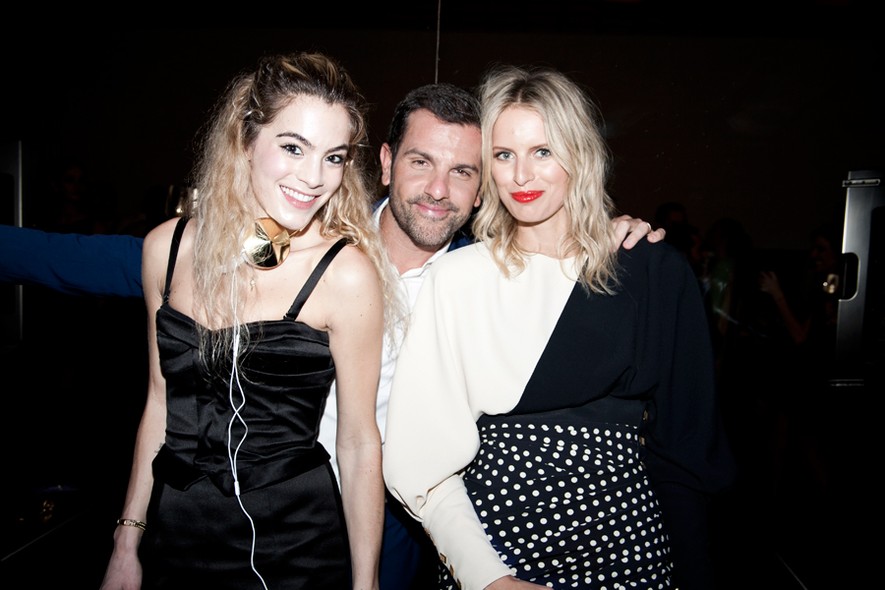
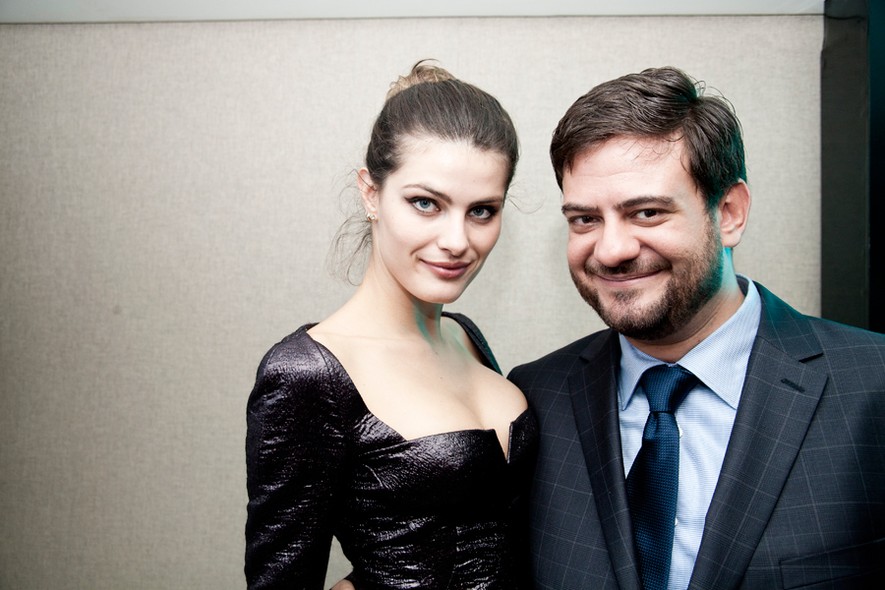
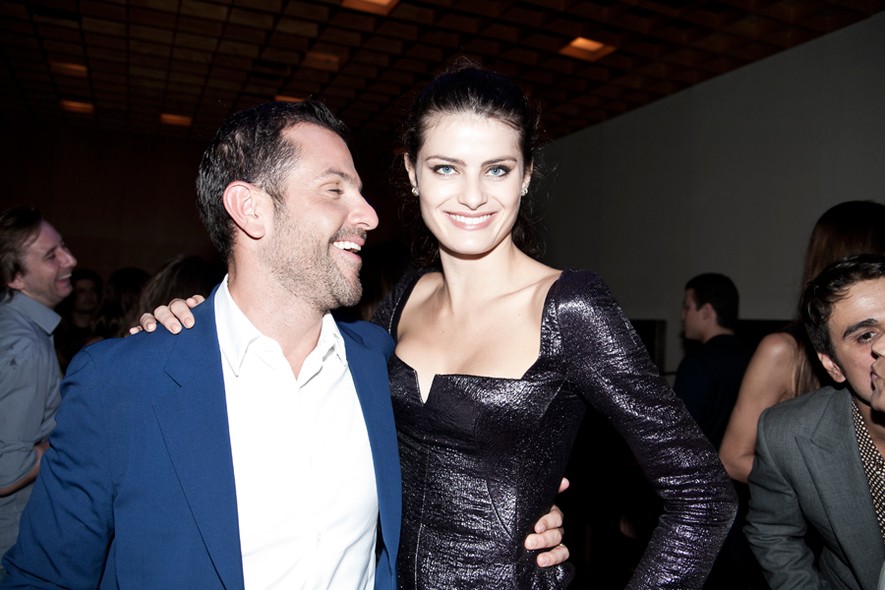
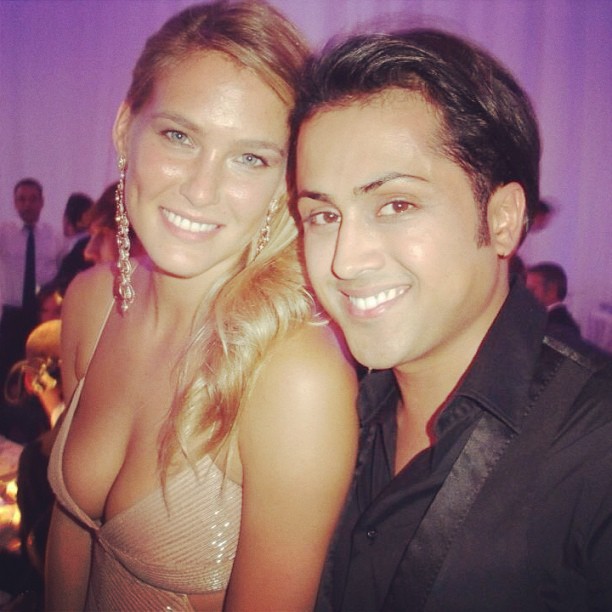
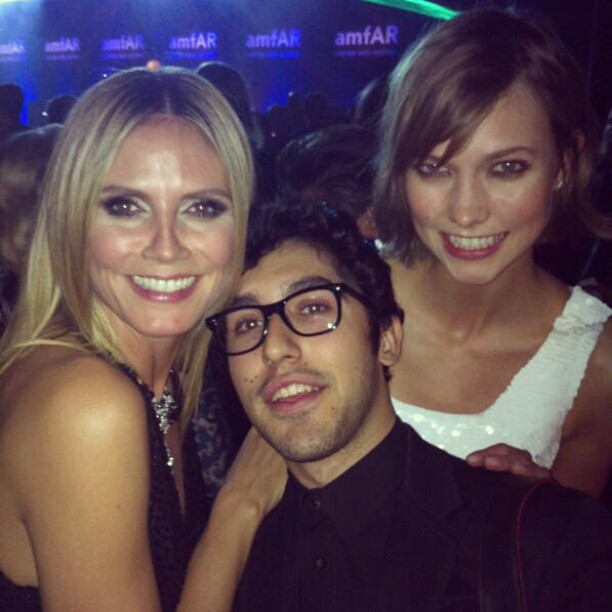
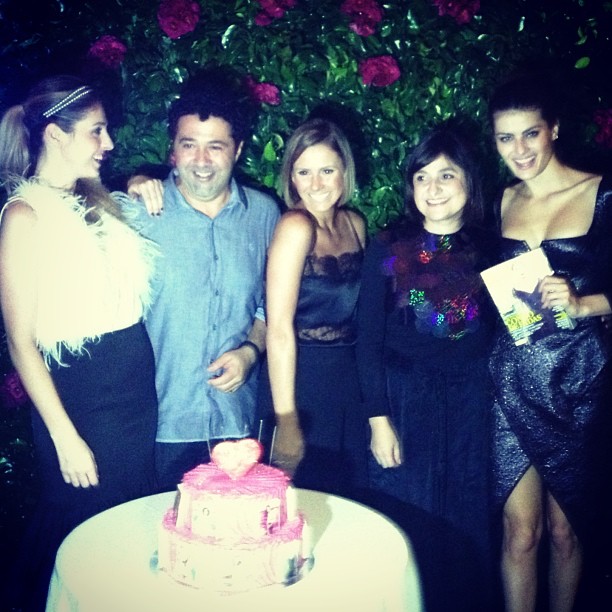
amfAR pre-Schutz + Vogue Brazil night in Sao Paulo, April 5, 2013 vogue.globo.com






-
amfAR pre-Schutz + Vogue Brazil night in Sao Paulo, April 5, 2013 vogue.globo.com/facebook La Moda Loka Posted on April 5, 2013 instagram crisnarvaes







-
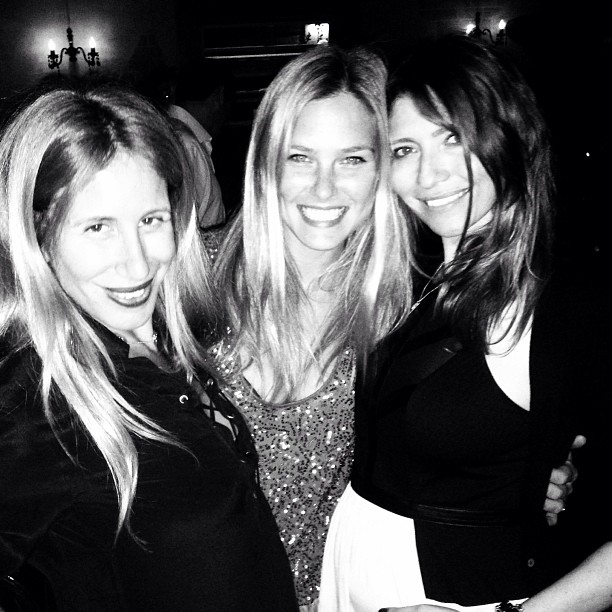
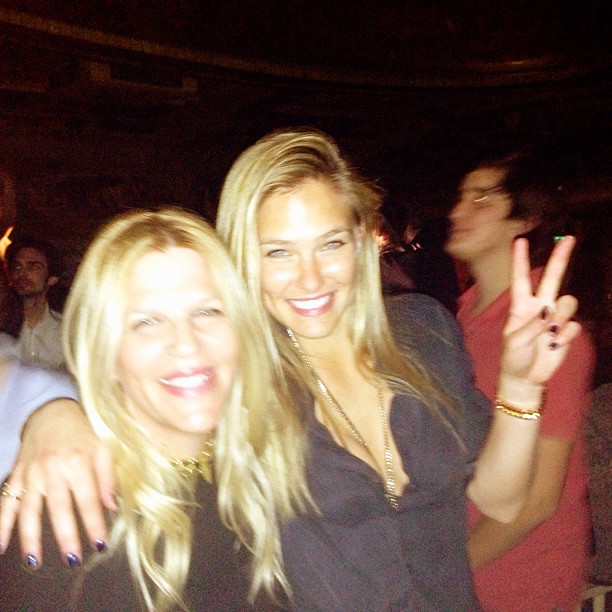
April 5, 2013 twitter Bar Refaeli
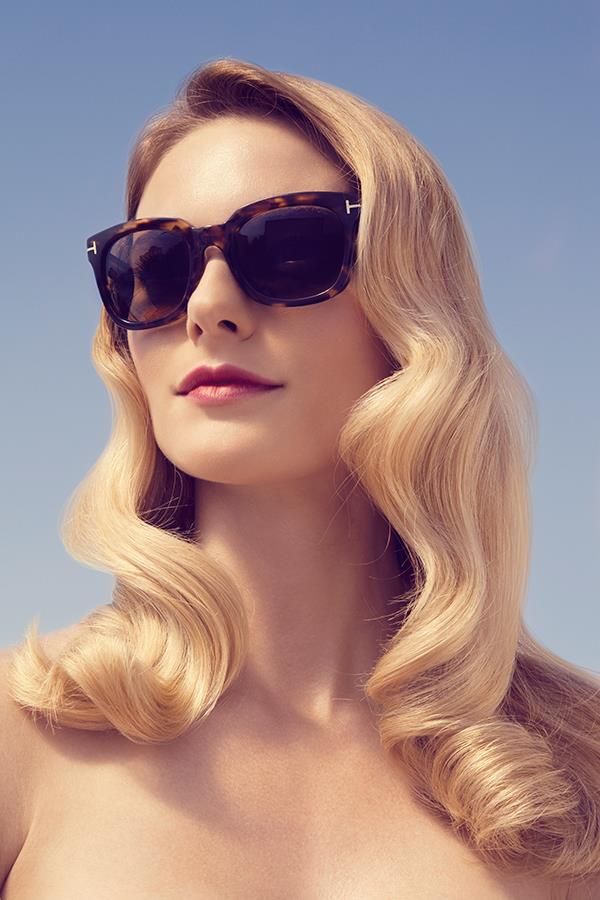
 ^ Thank you Stroili Oro 2013 Roberto Cavalli S/S 2013
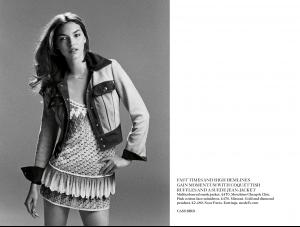
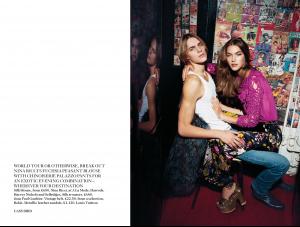
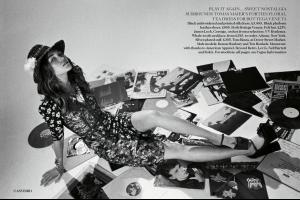
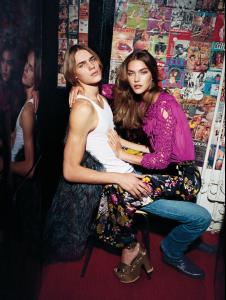
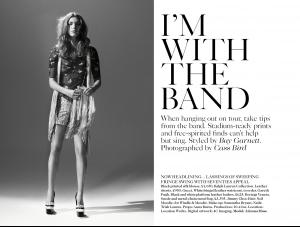
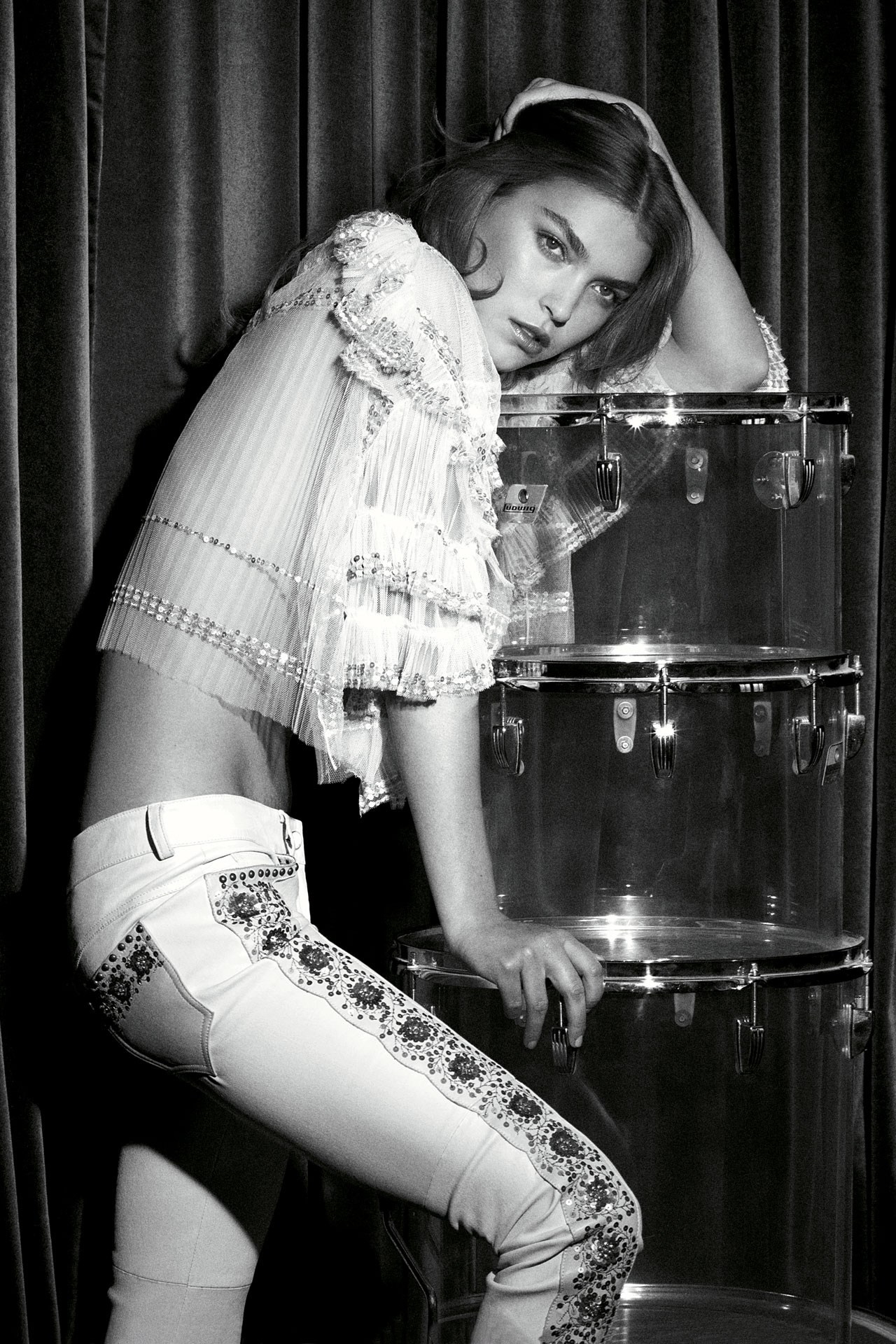
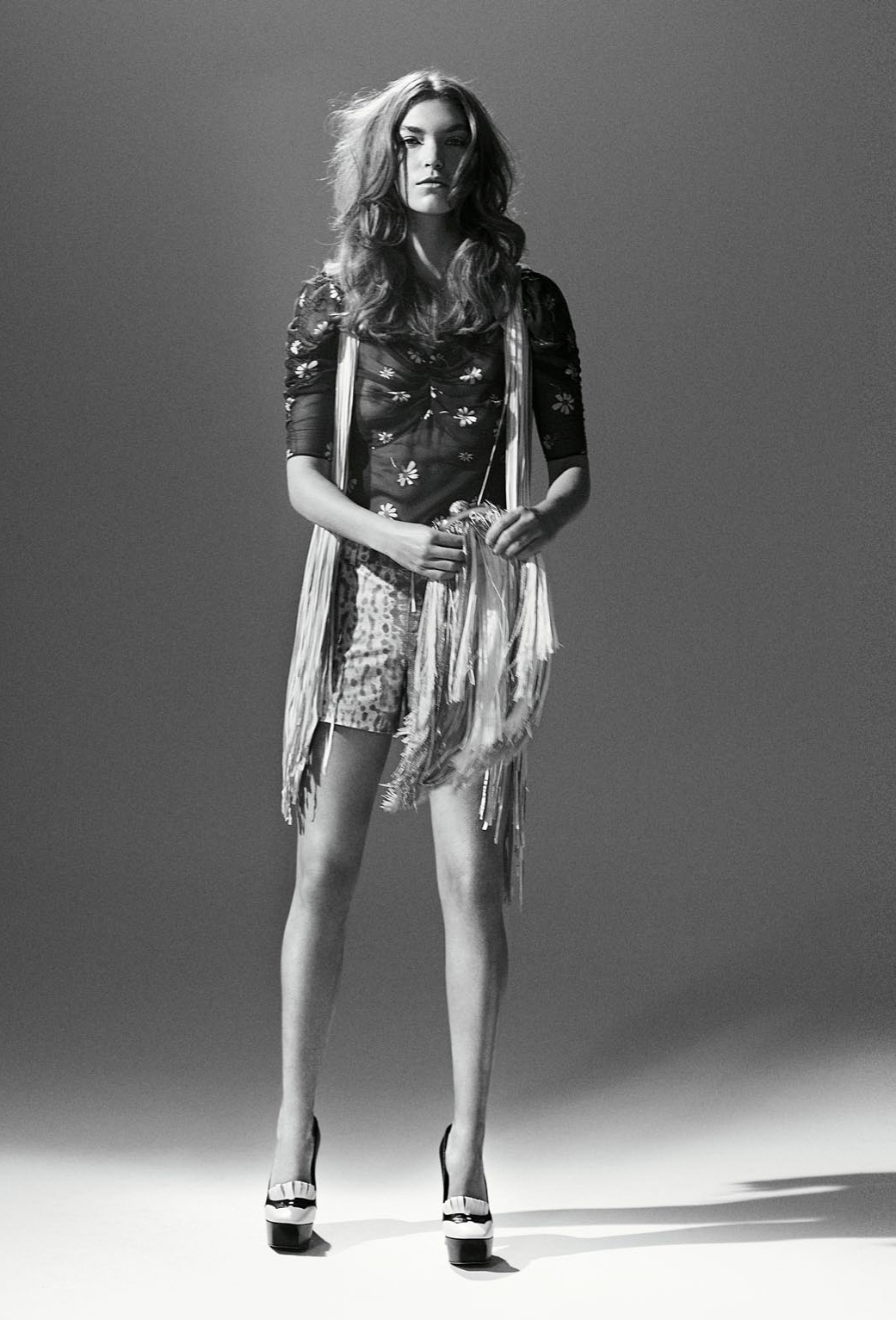
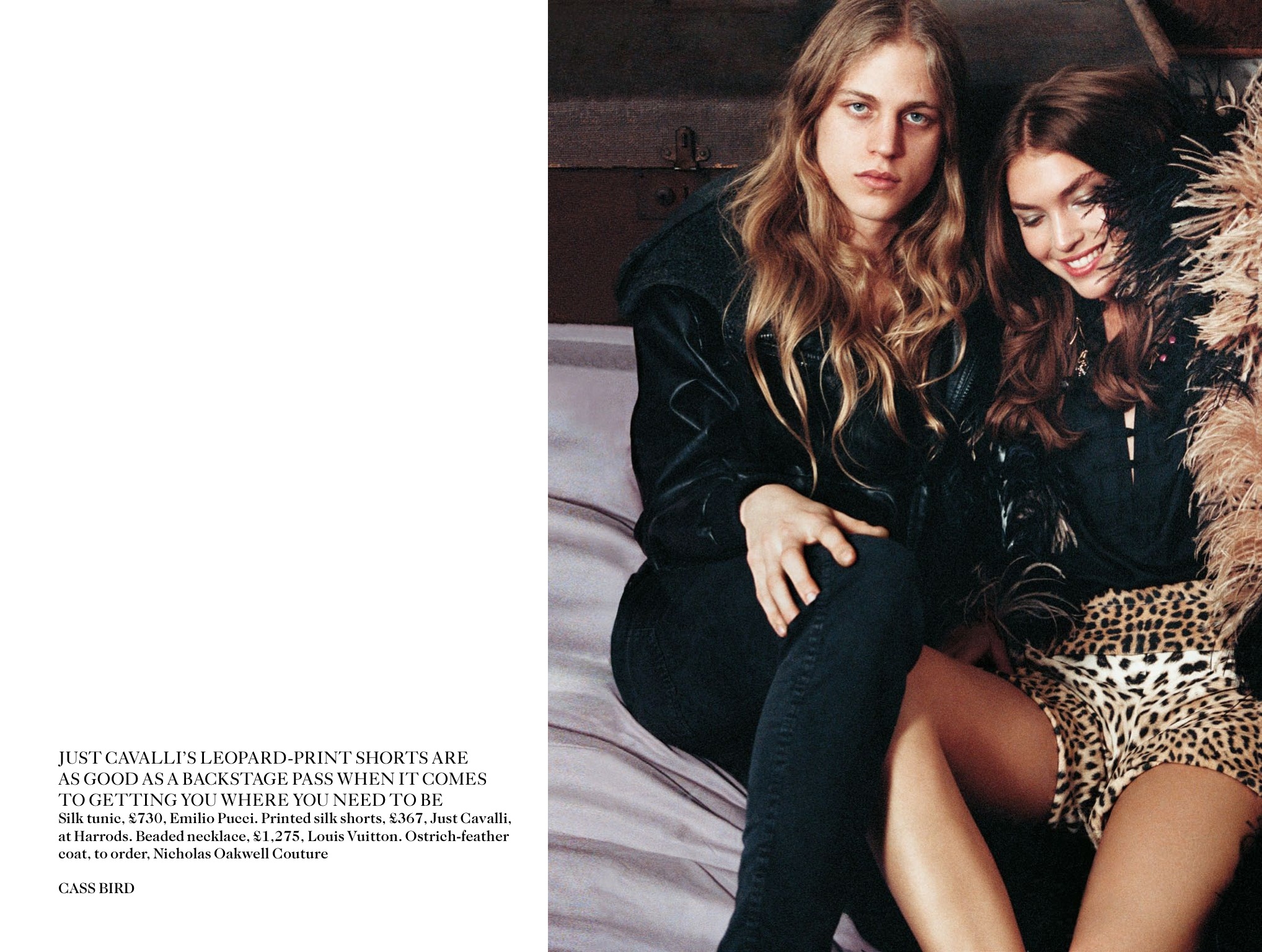
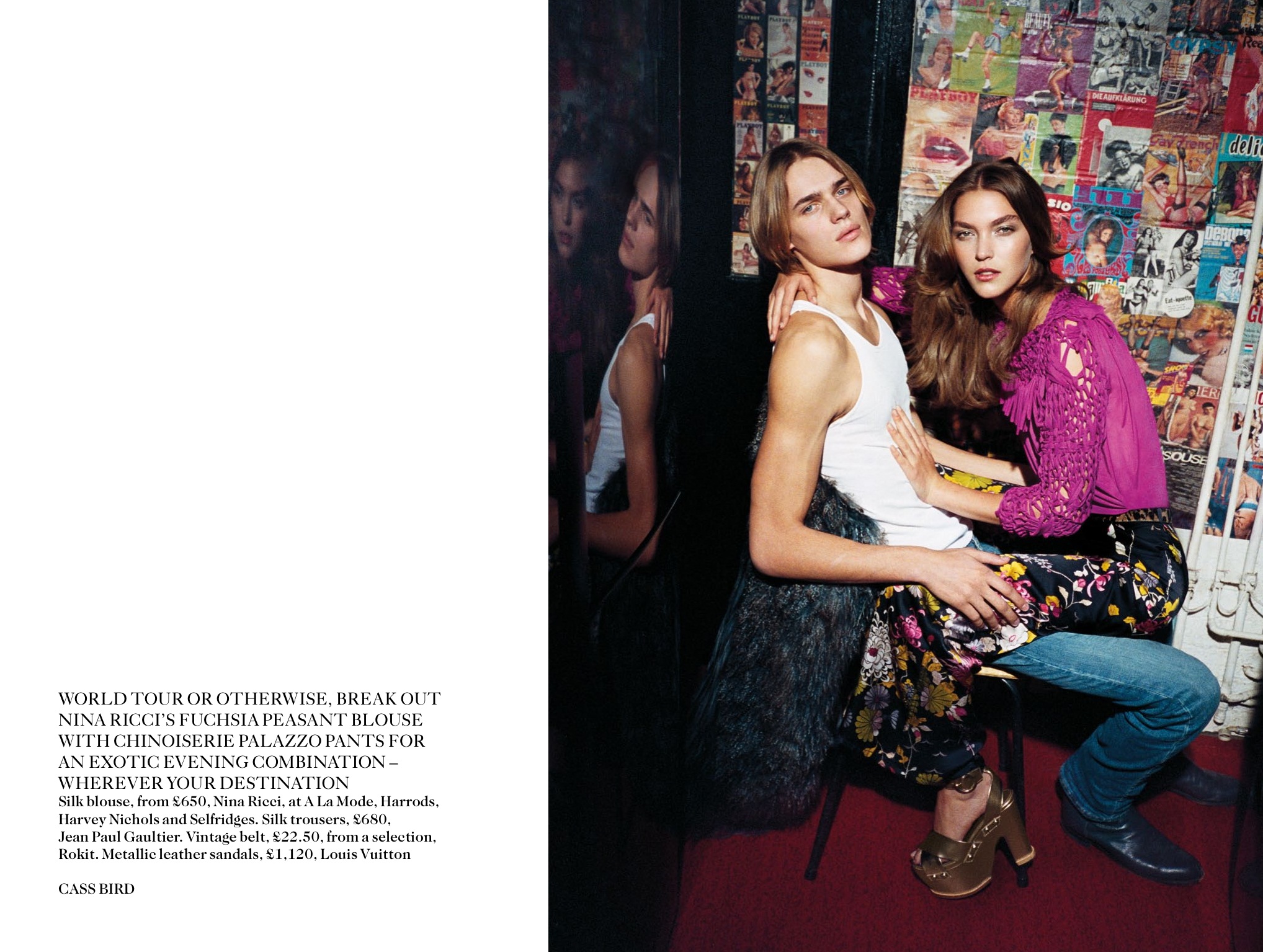
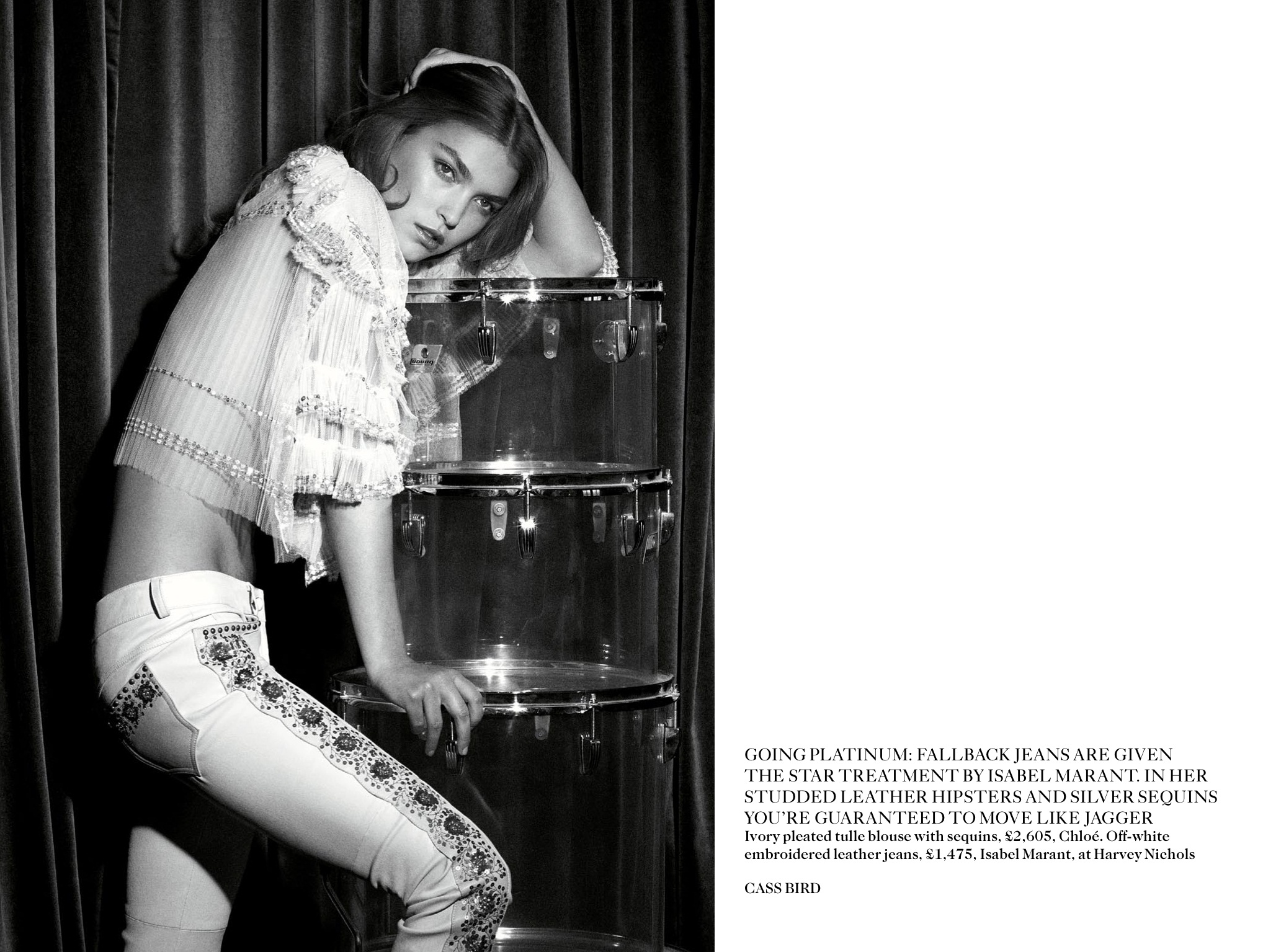
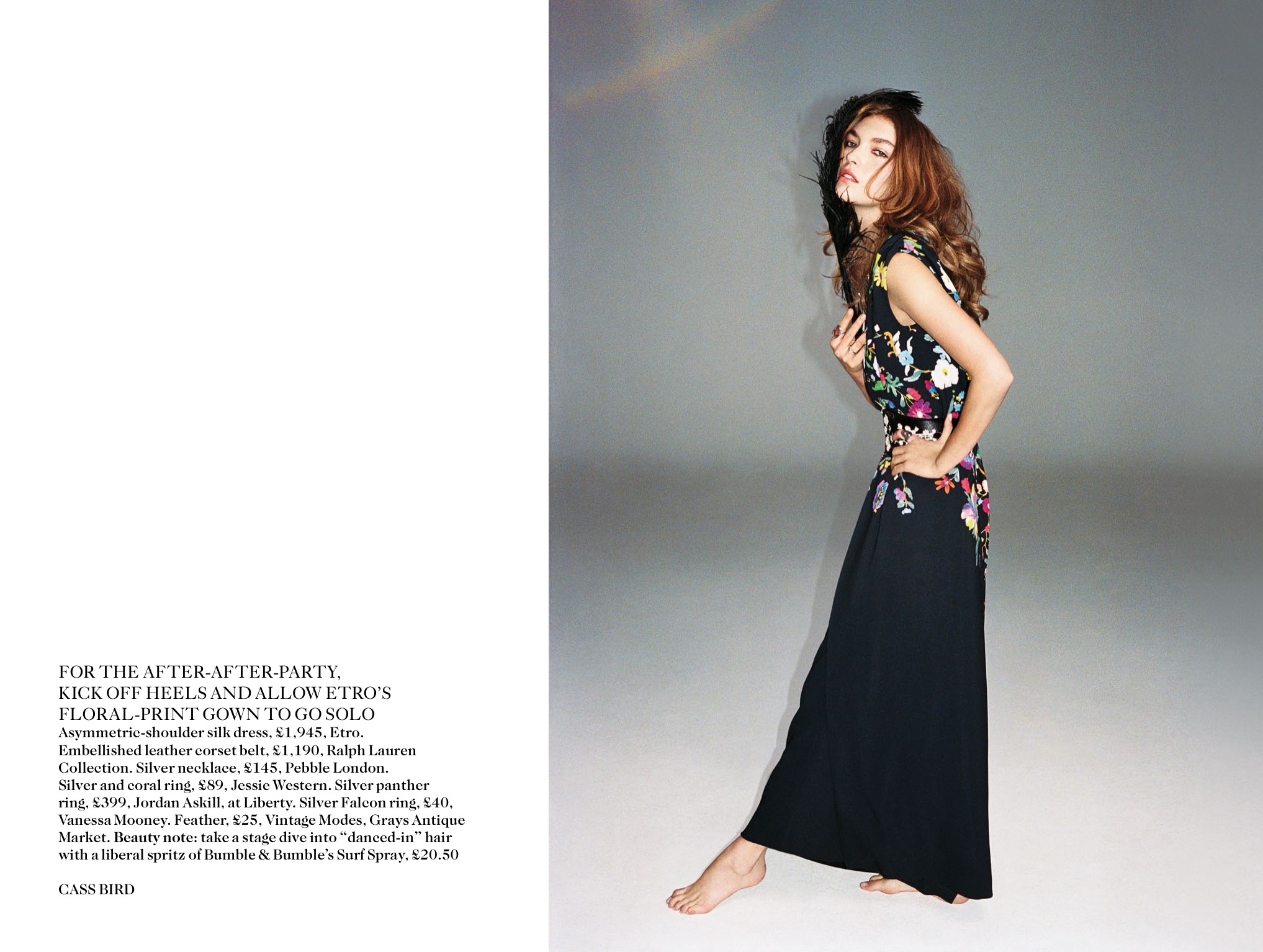
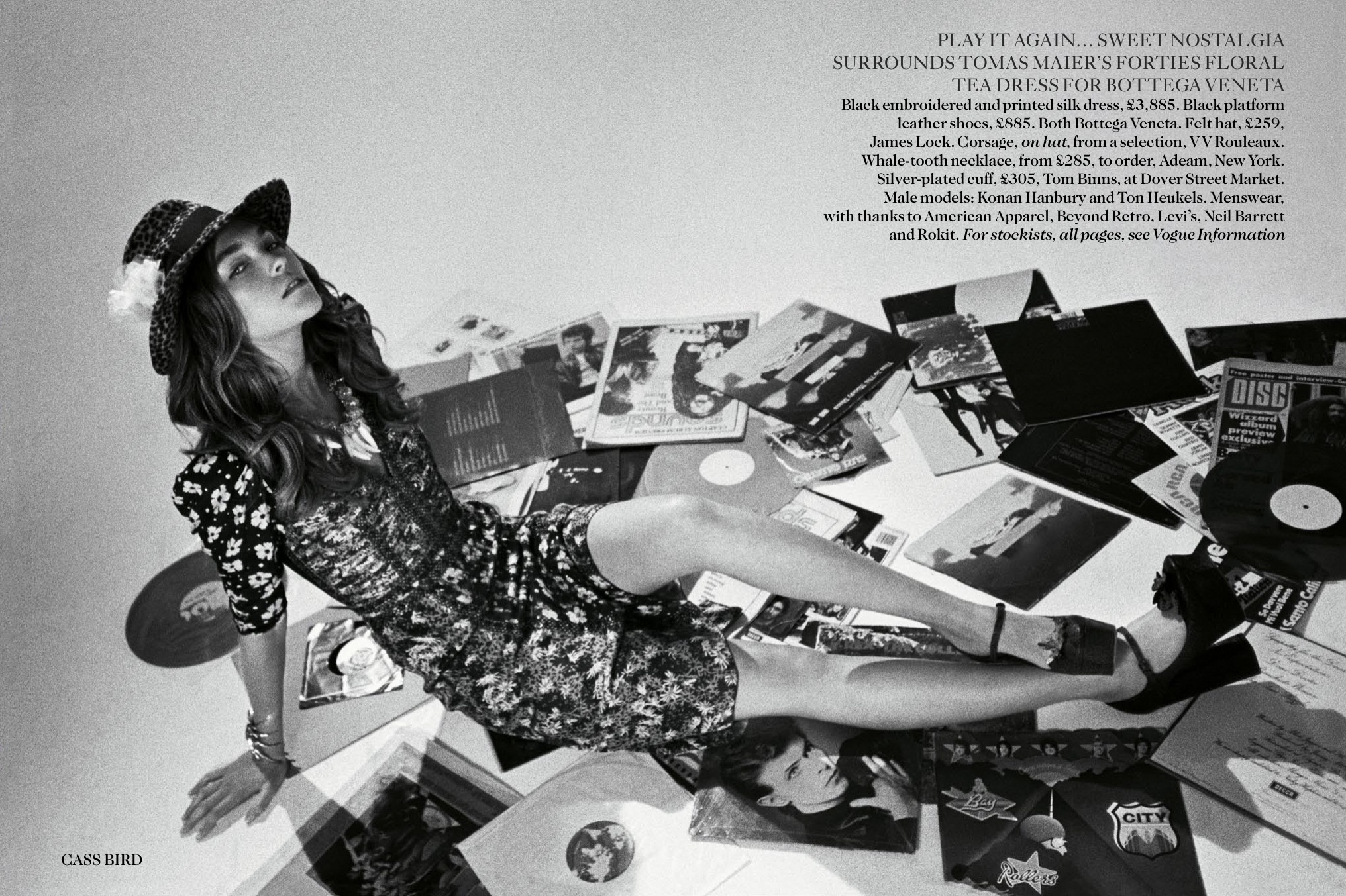
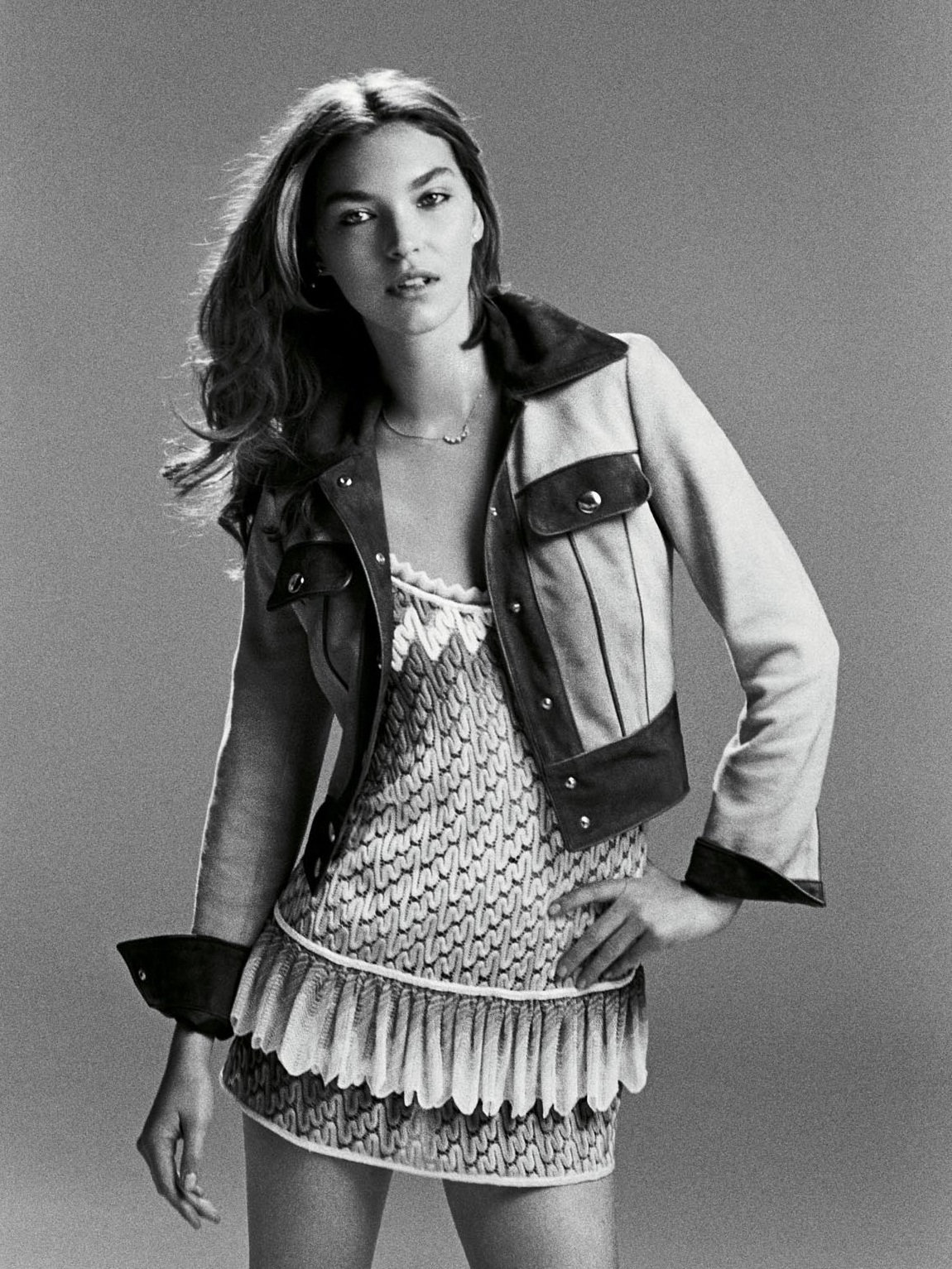
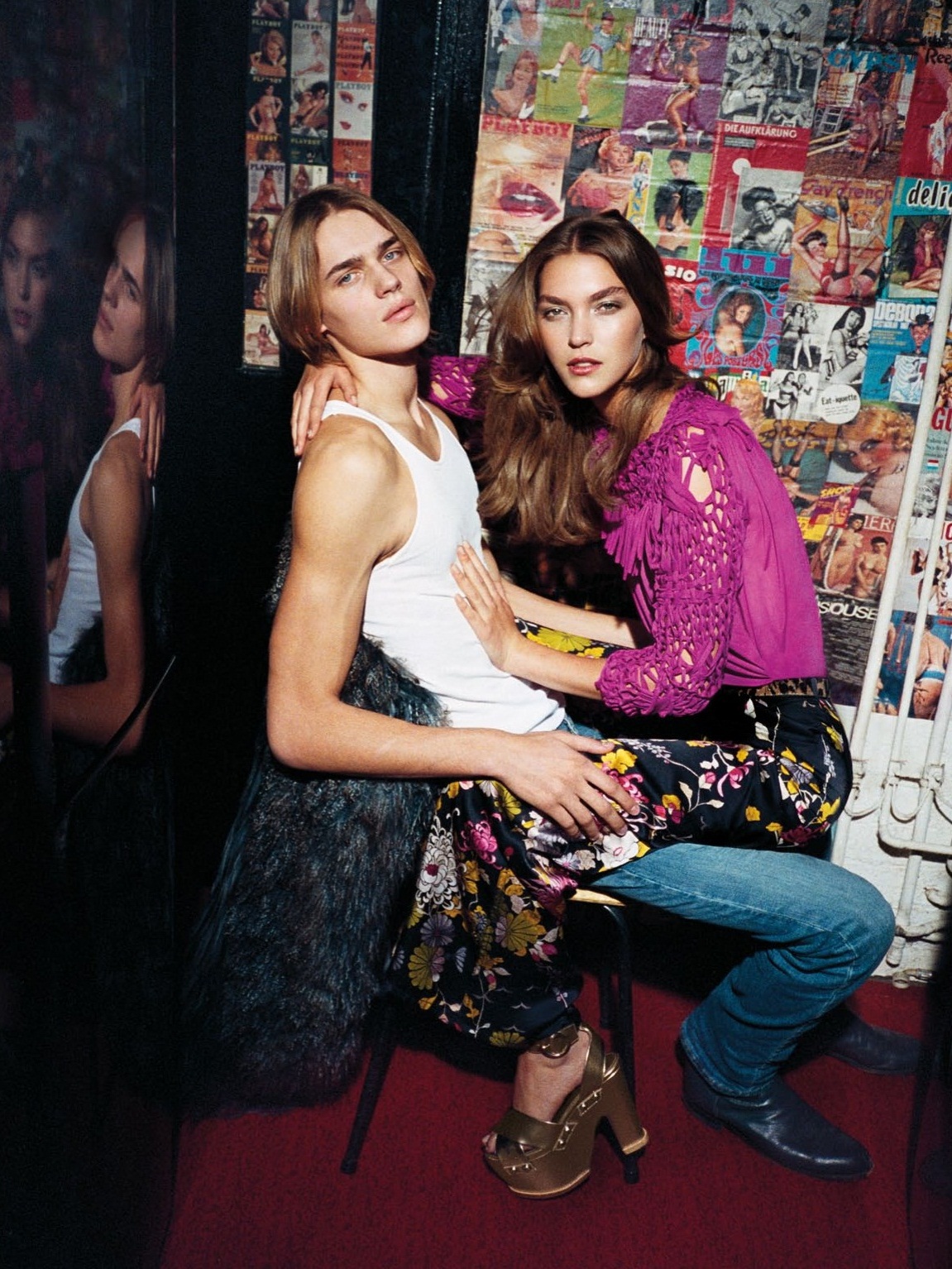
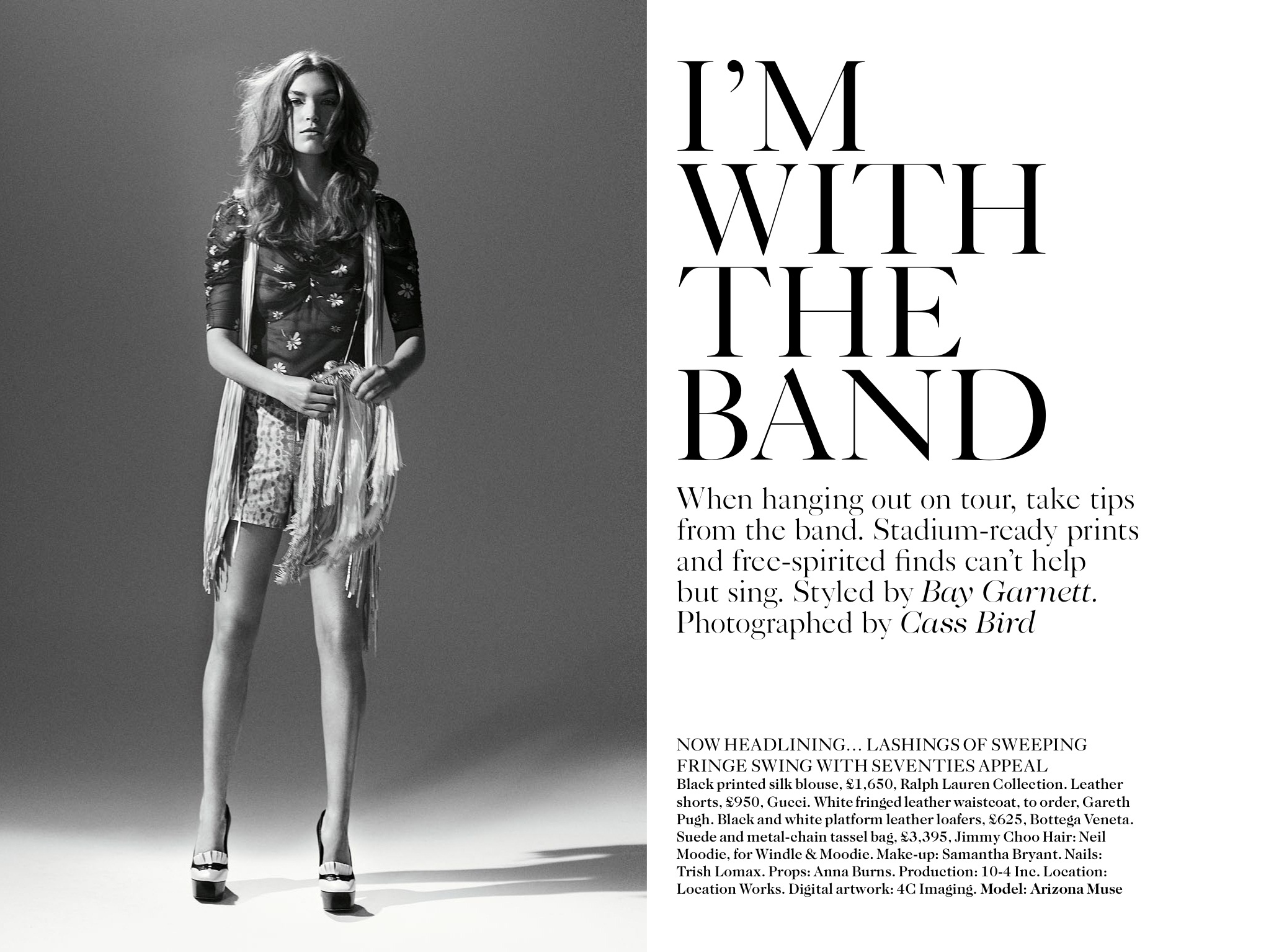
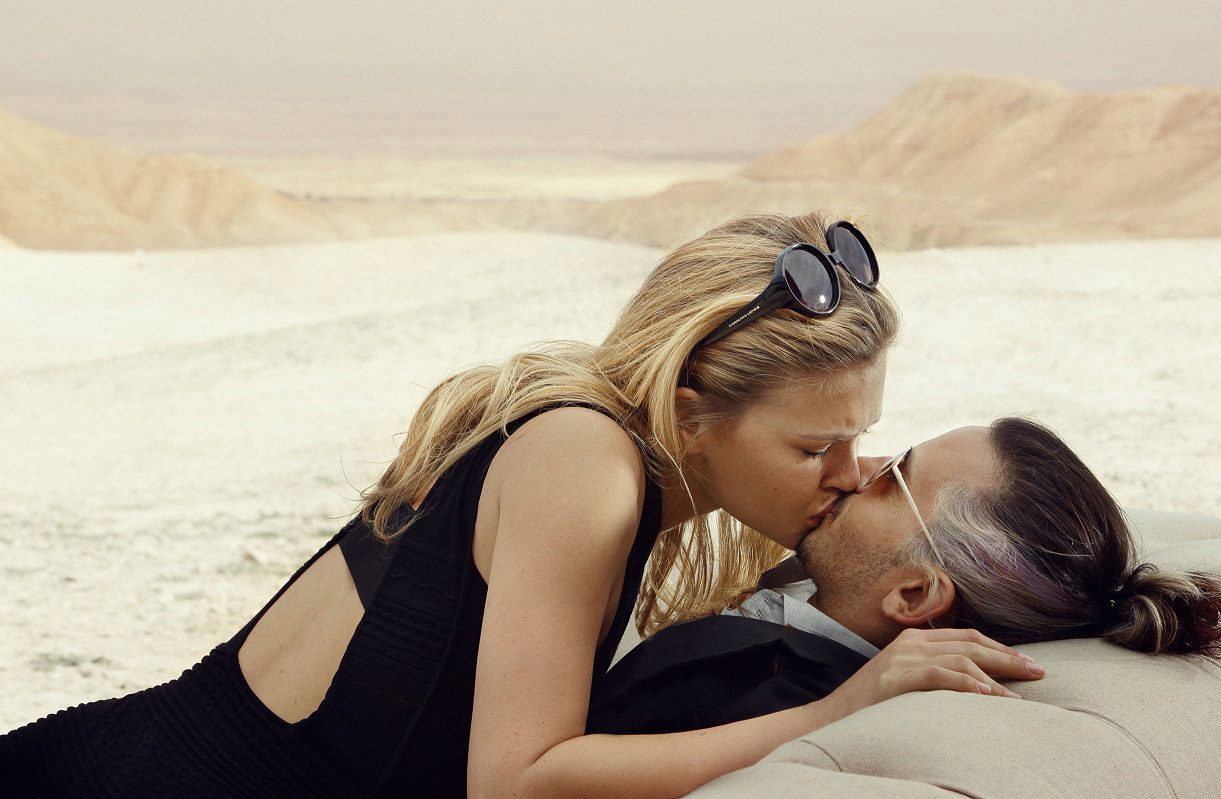
'Vogue' UK - May 2013 by Cass Bird vogue.co.uk via MagFan Full Edition - I'm With The Band, Photographer: Cass Bird I edit them Digital Edition Vogue UK via Mat Cyruss tfs
^ Thank you Stroili Oro 2013 Roberto Cavalli S/S 2013
'Vogue' UK - May 2013 by Cass Bird vogue.co.uk via MagFan Full Edition - I'm With The Band, Photographer: Cass Bird I edit them Digital Edition Vogue UK via Mat Cyruss tfs









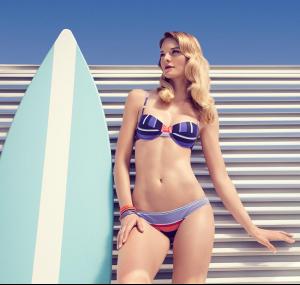
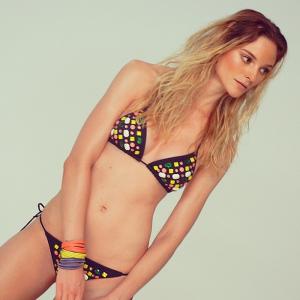
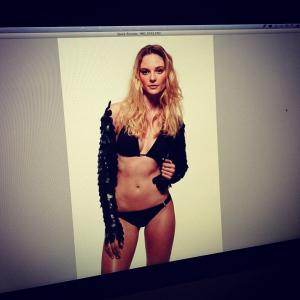
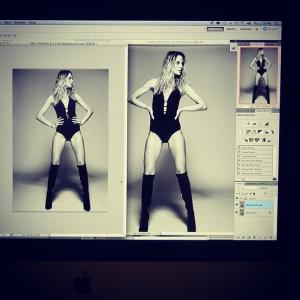
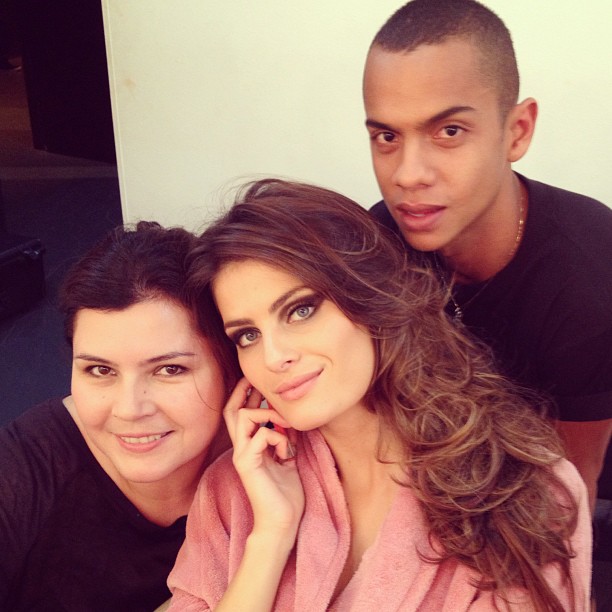
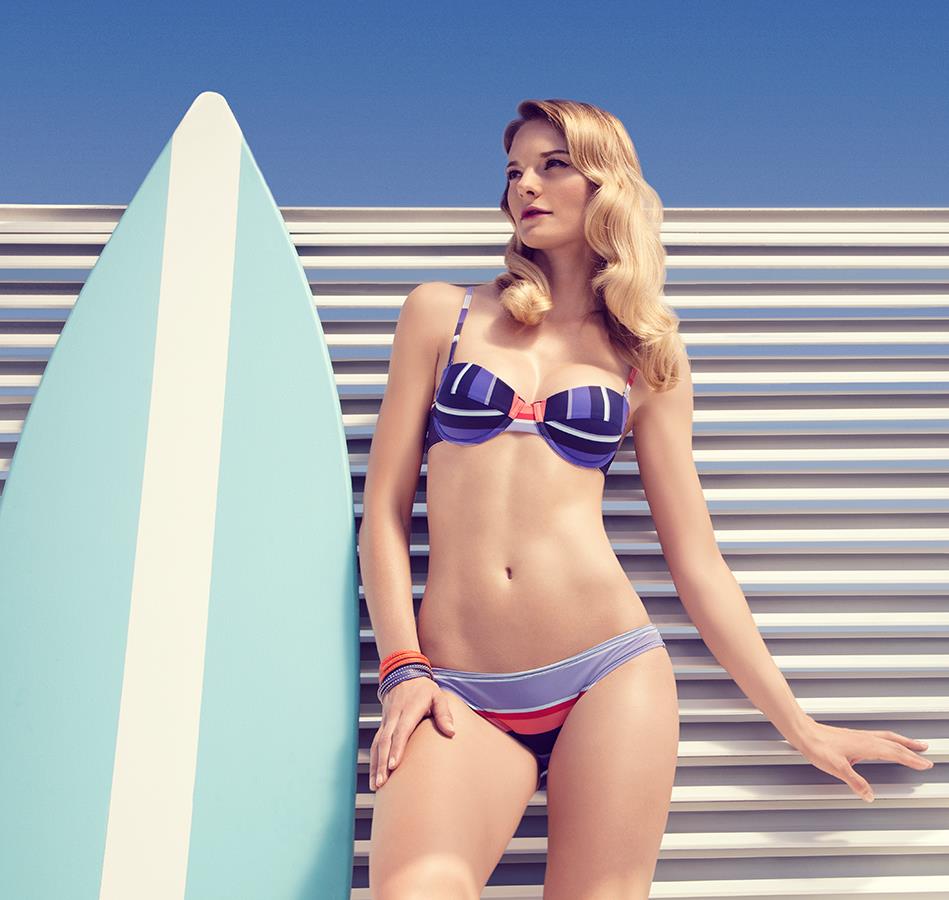
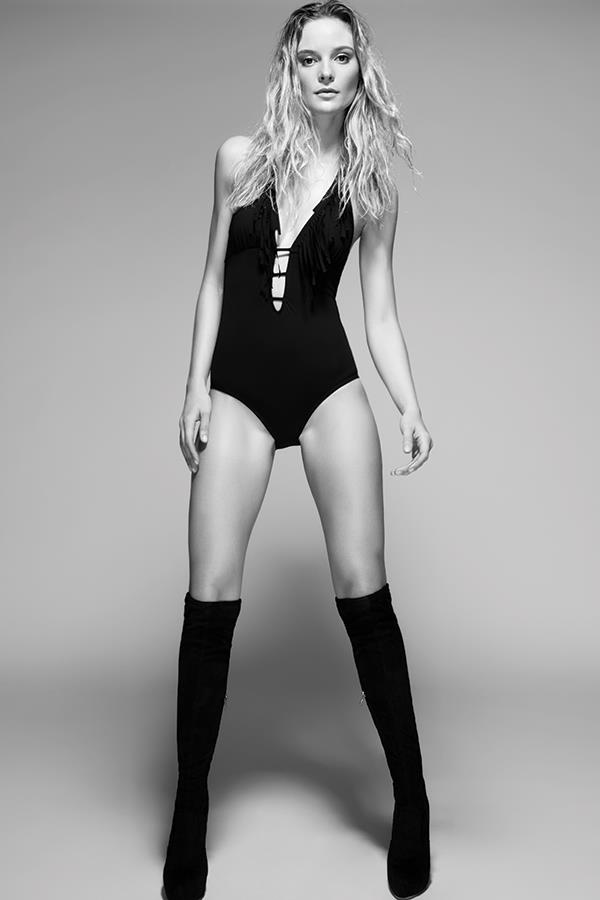
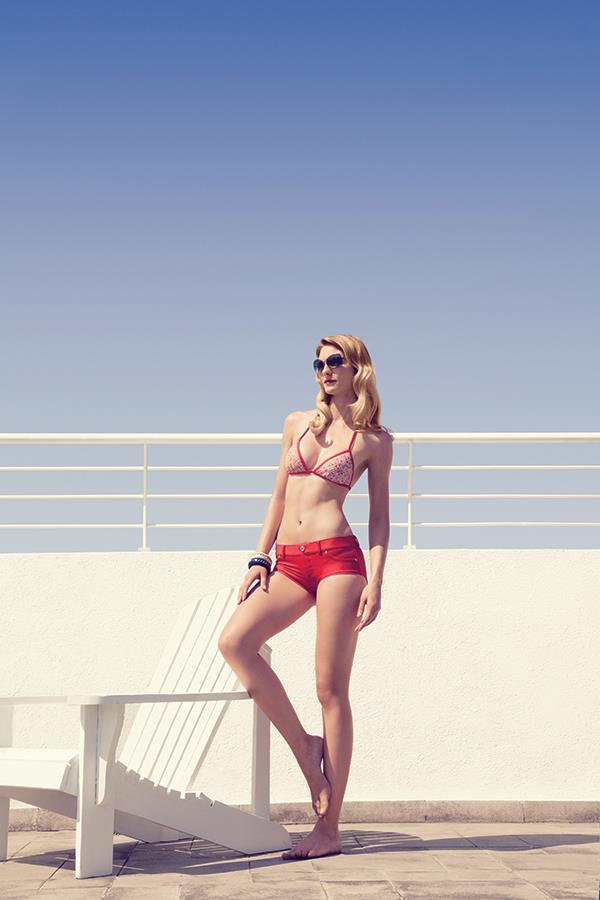
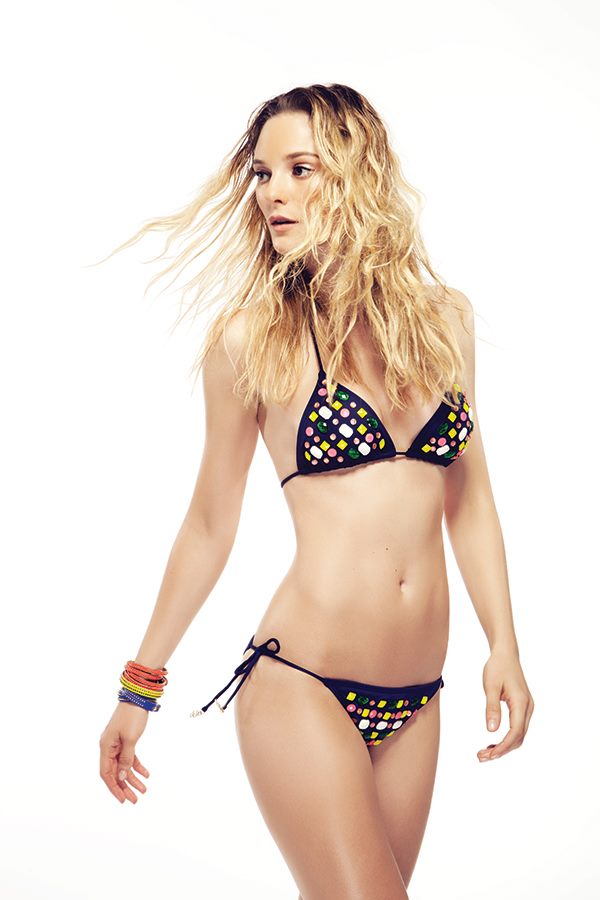
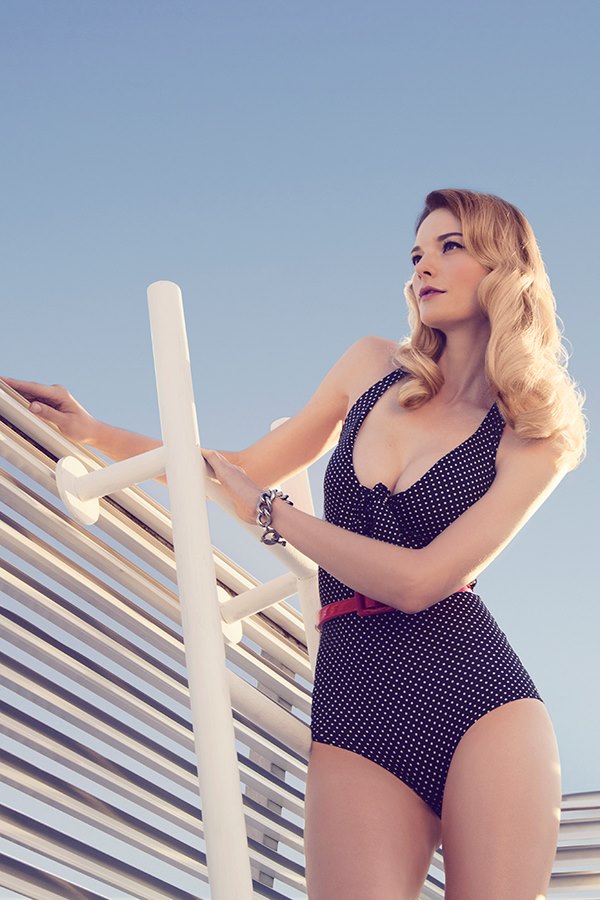
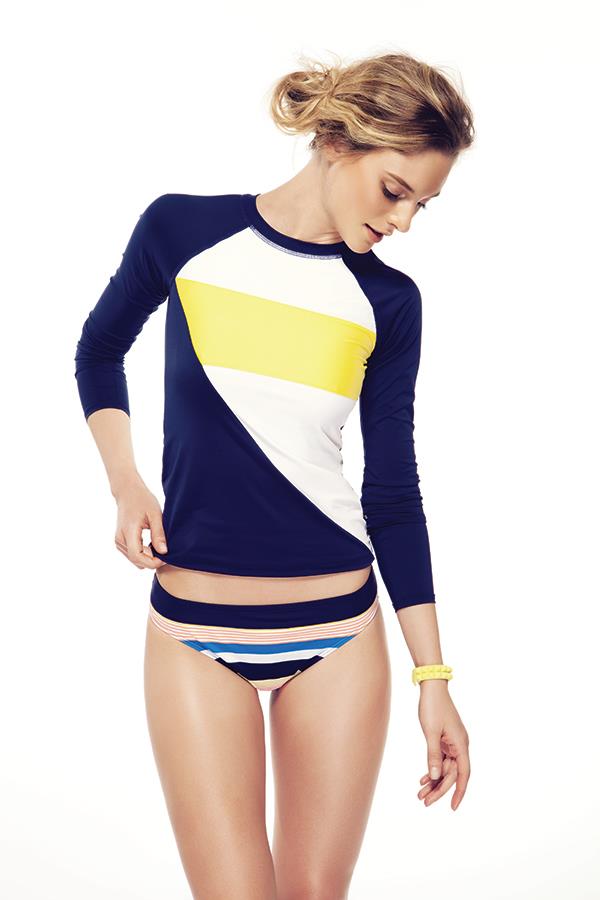
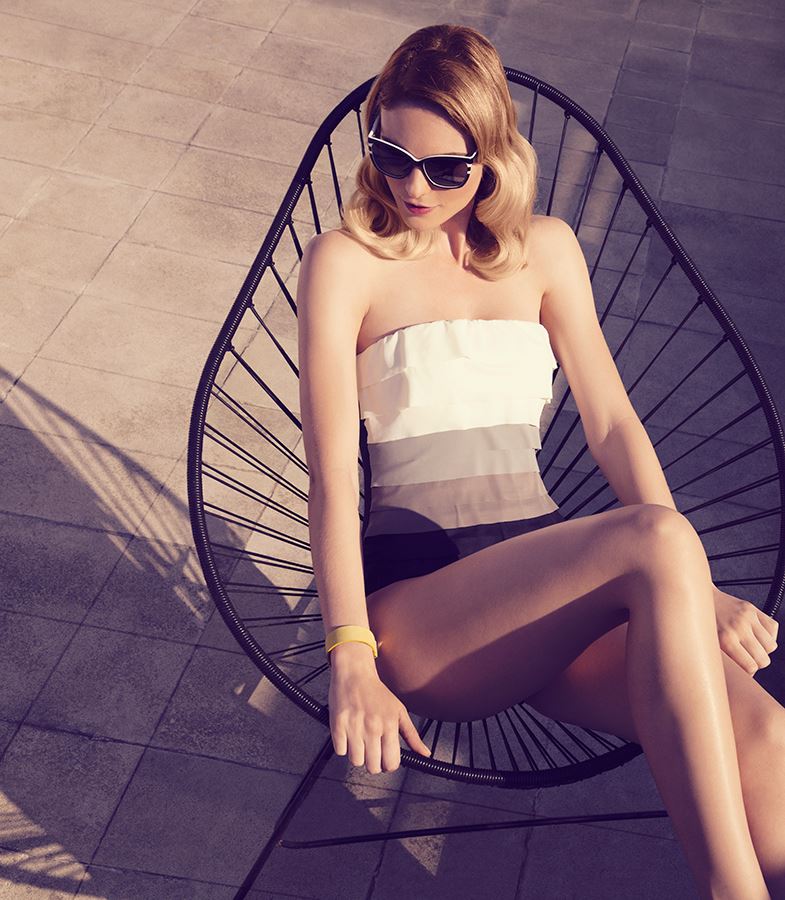
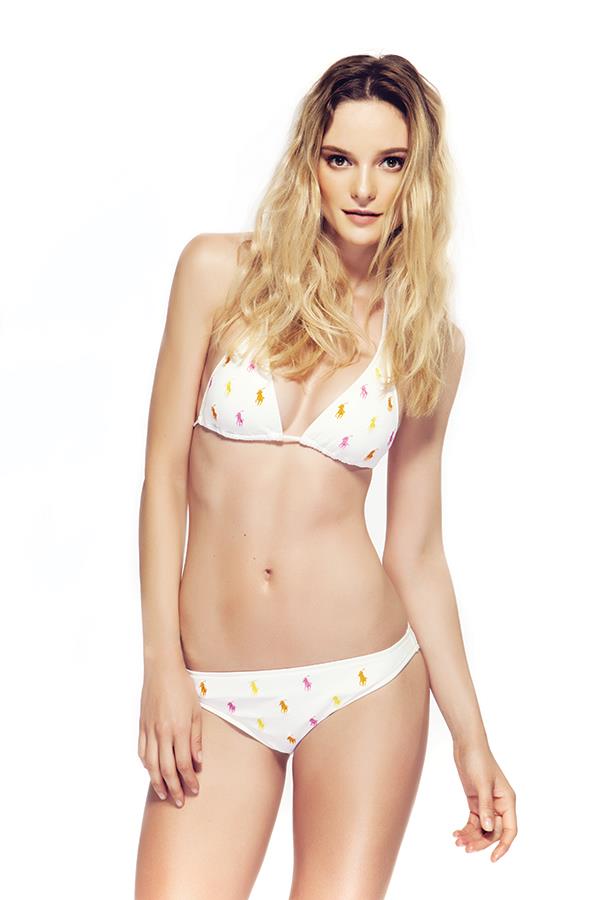
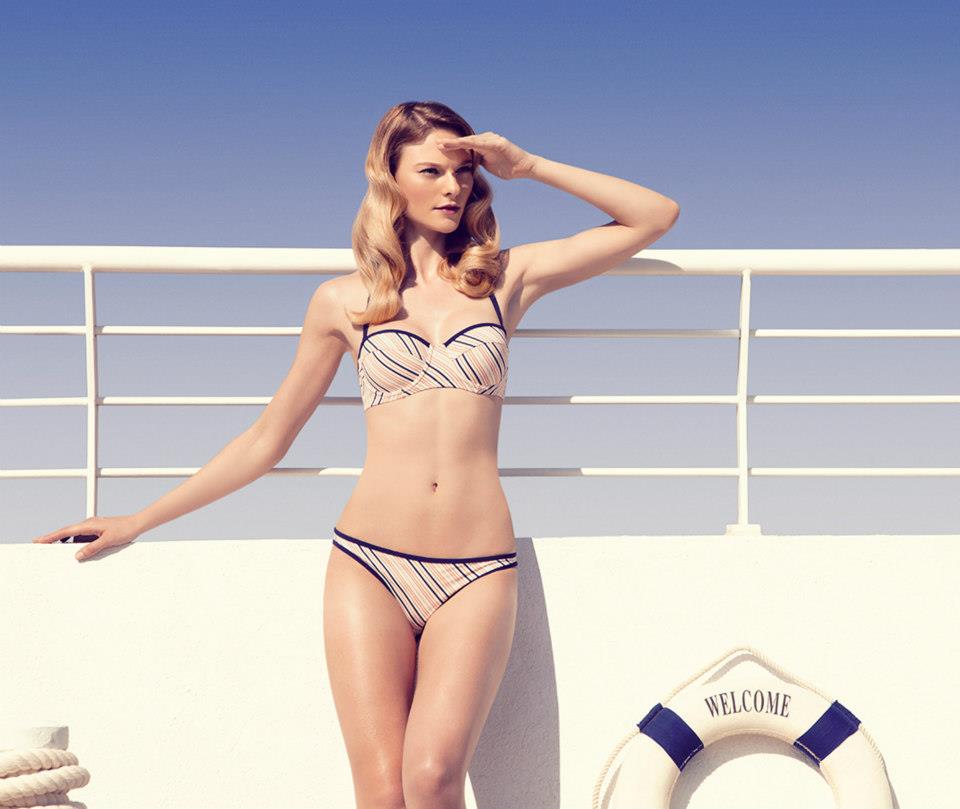
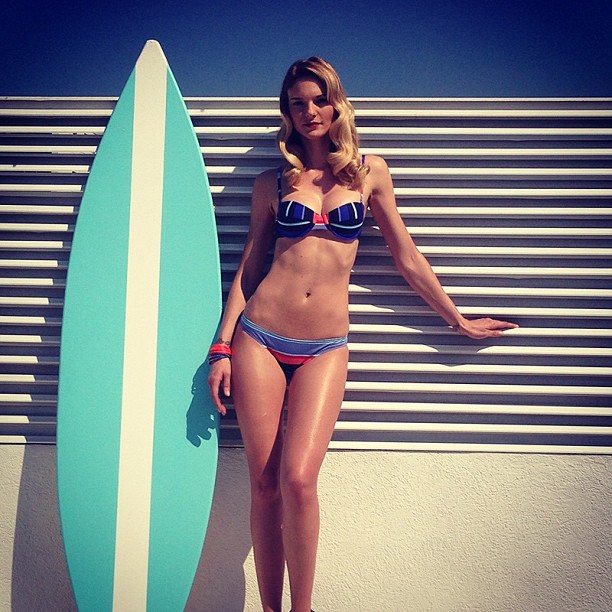
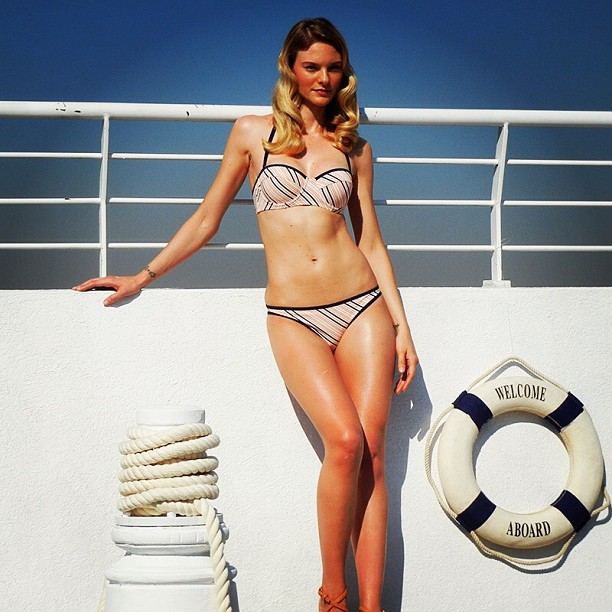
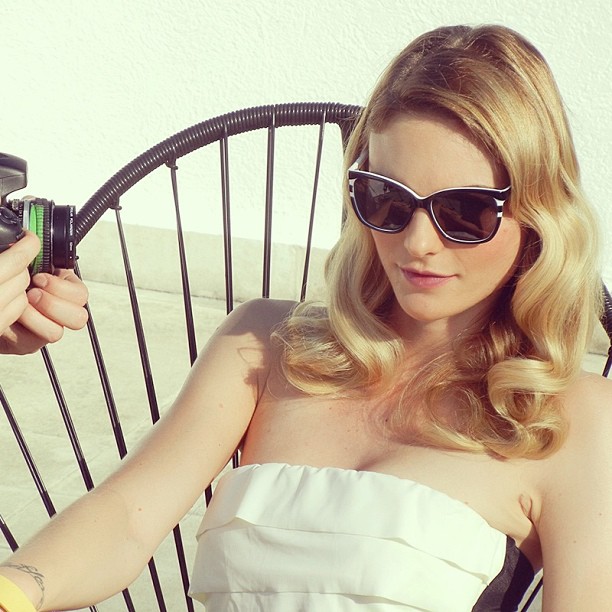
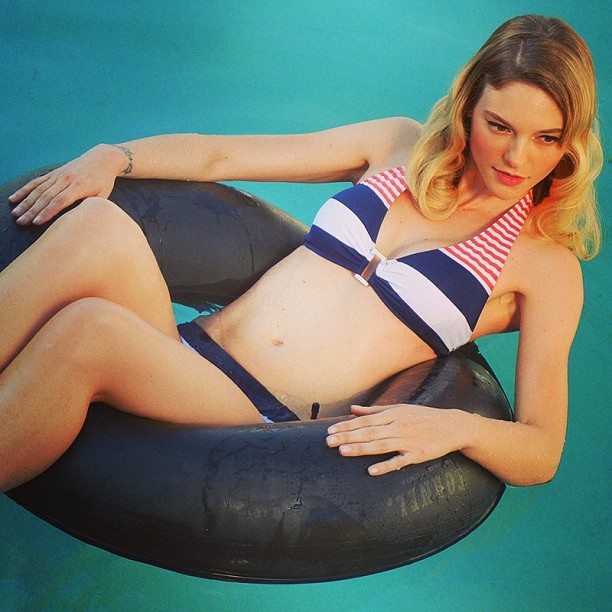
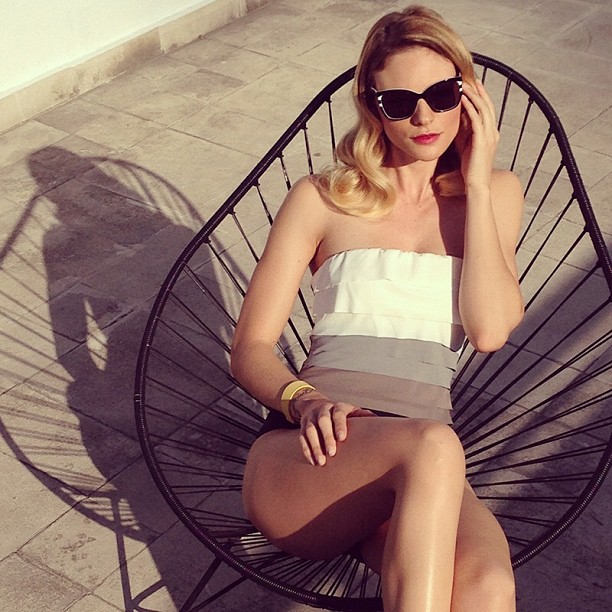
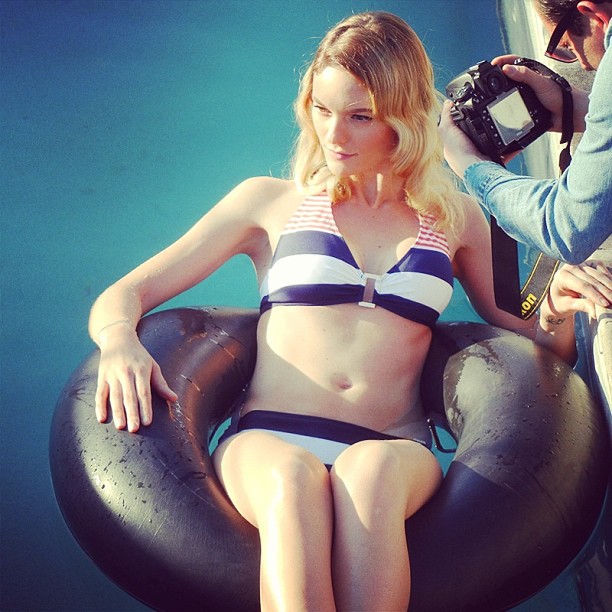
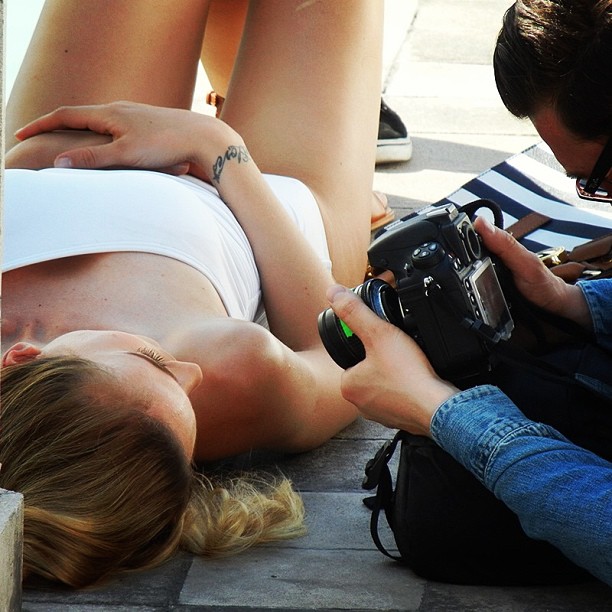
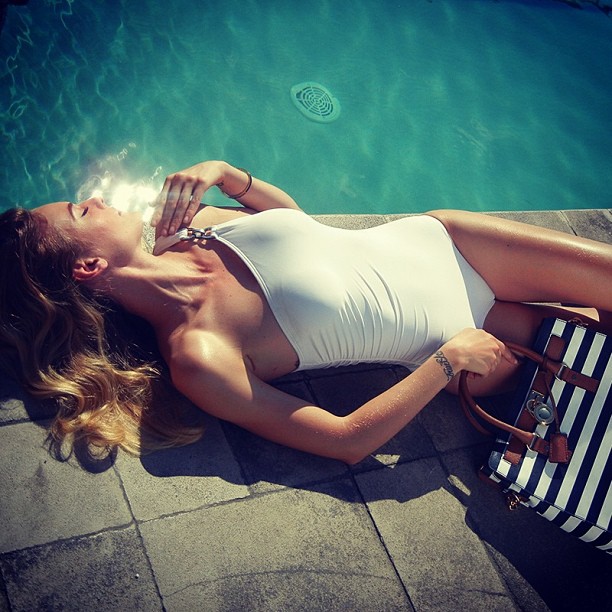
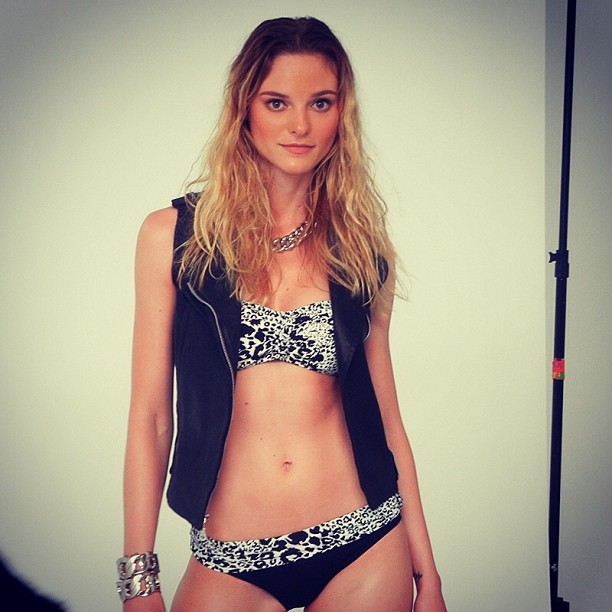
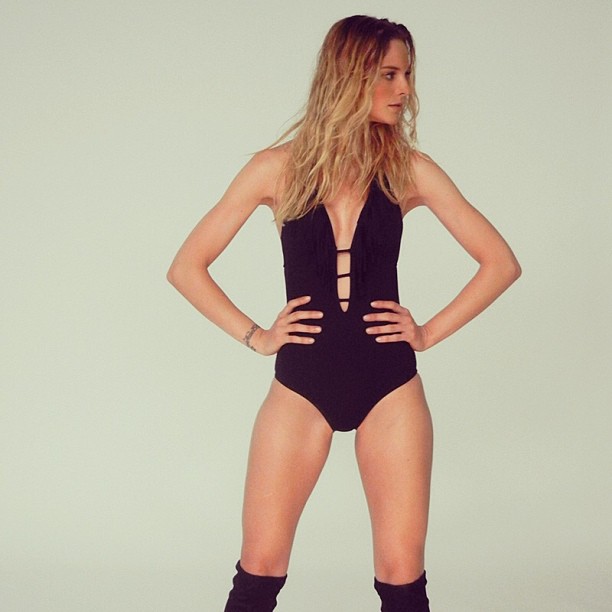
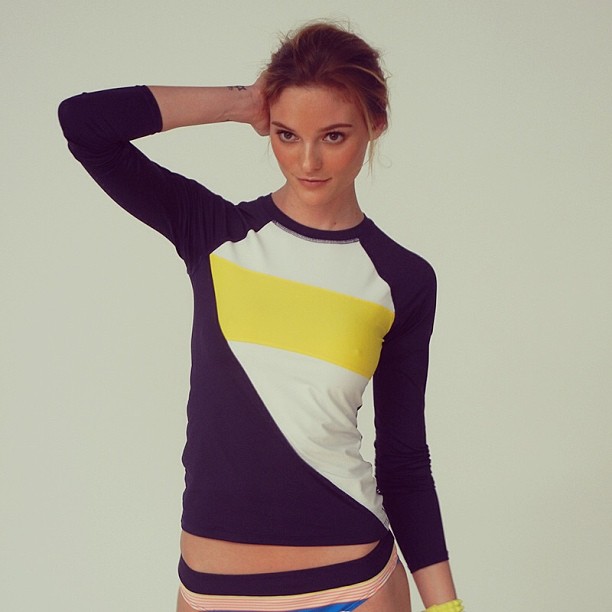
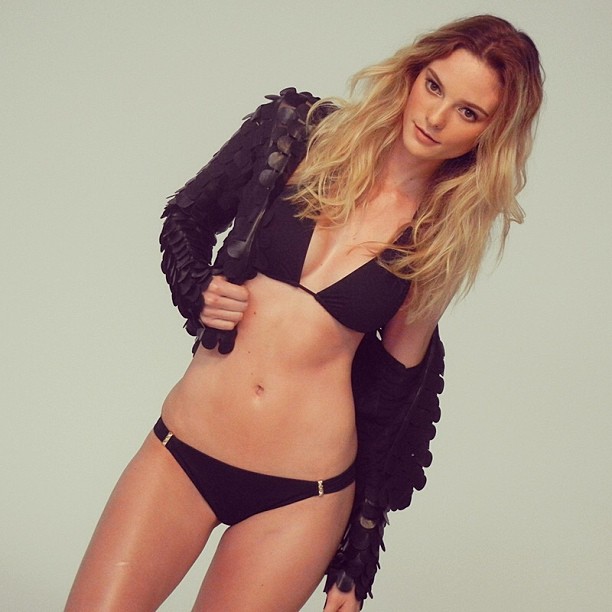
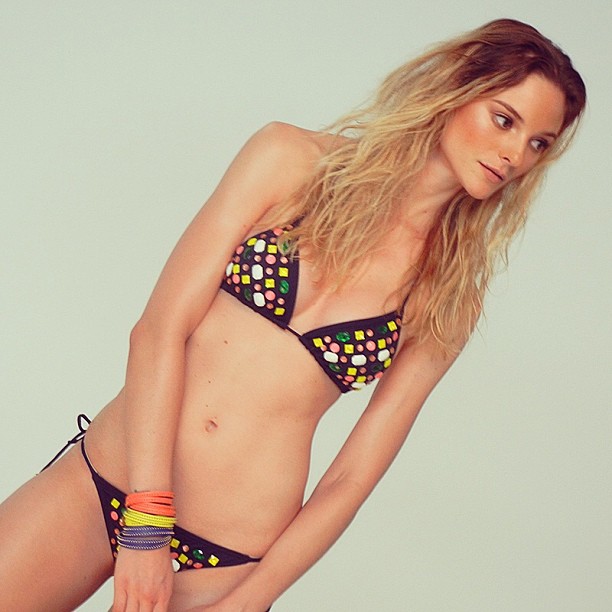
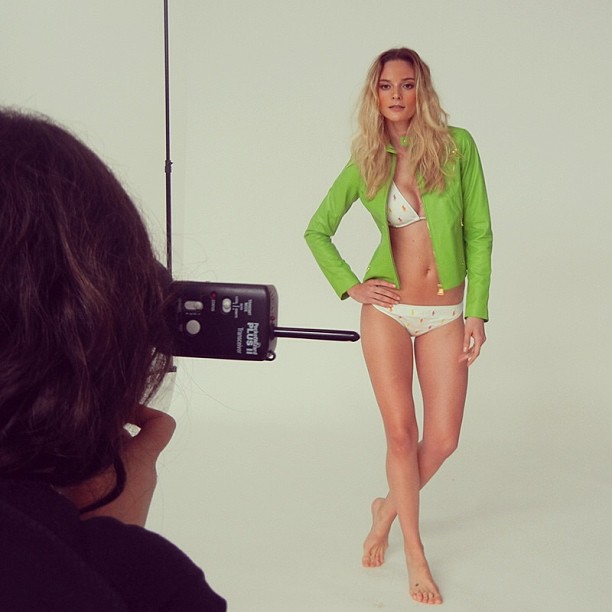
 Trajes de Baño S/S 2013 facebook El Palacio de Hierro Making of instagram palaciodehierro





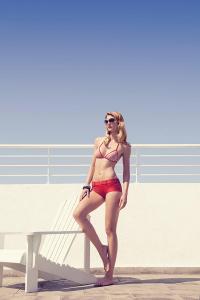
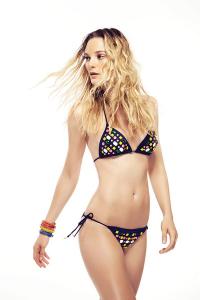

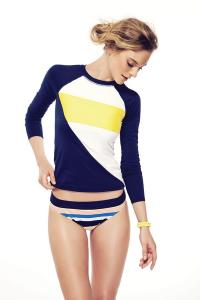






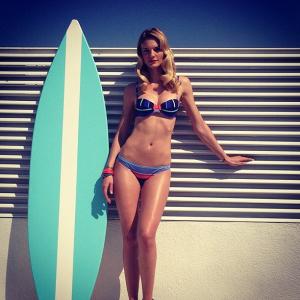






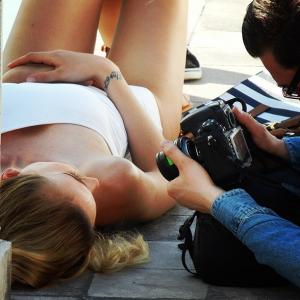

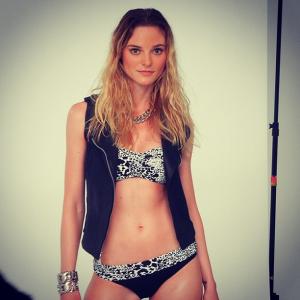




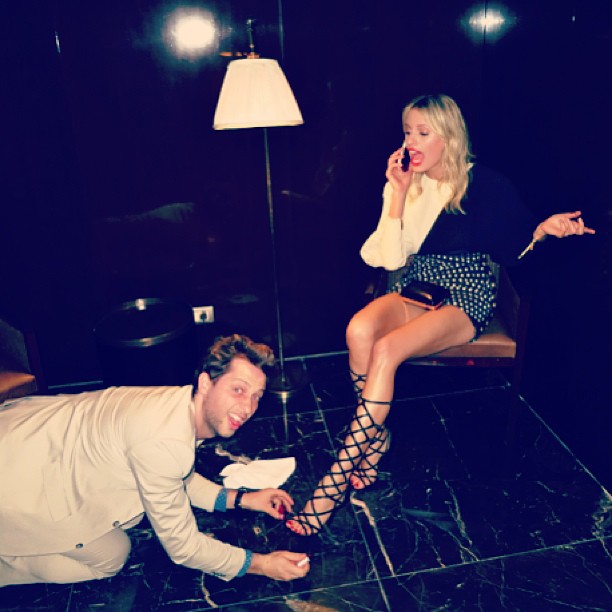
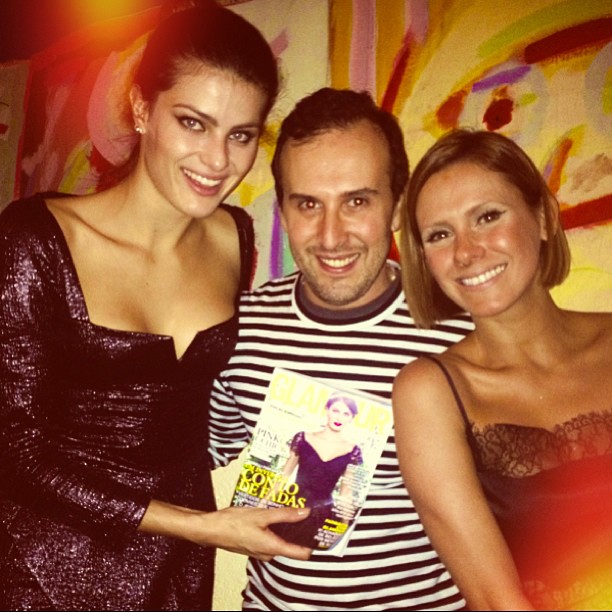
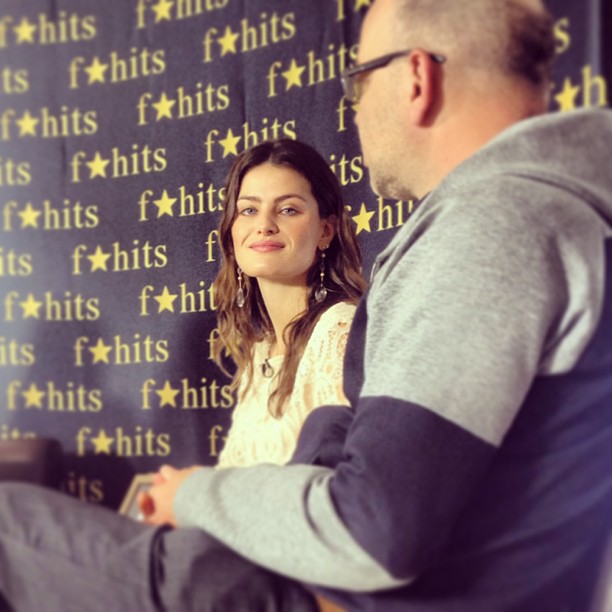
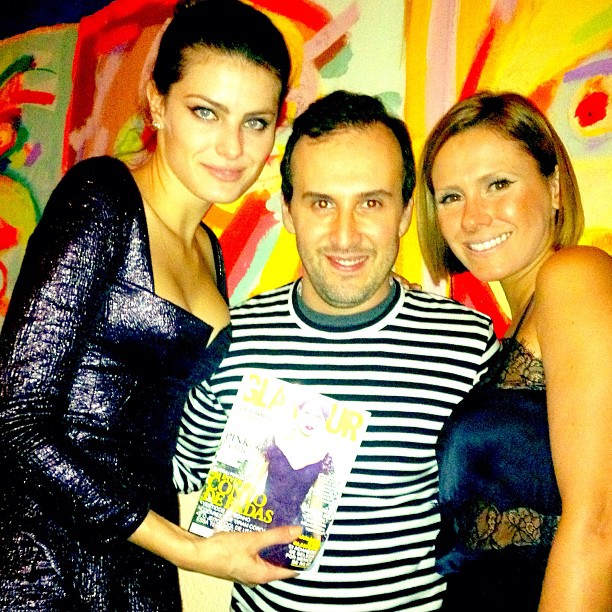
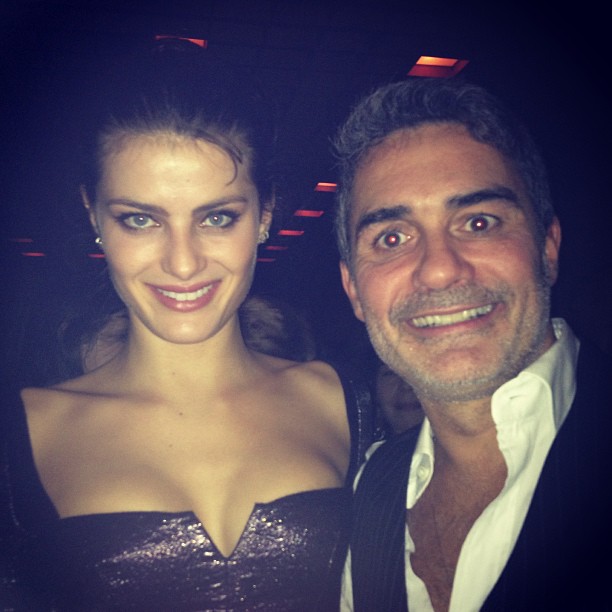
 One more Glamour Brasil dinner At F Hits instagram modices
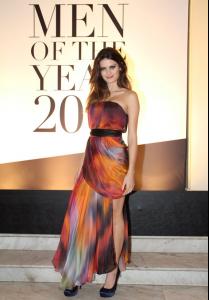







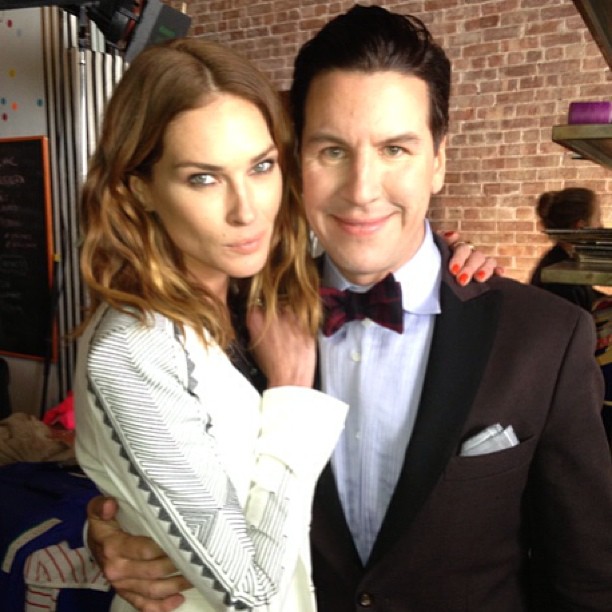
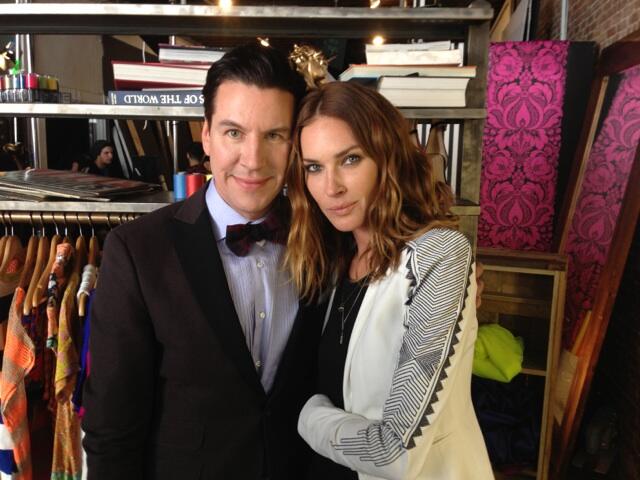
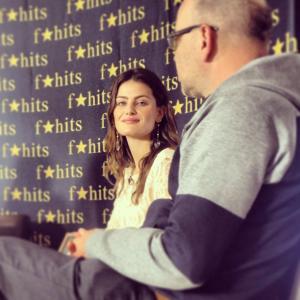 At Maybelline, April 4, 2013 twitter Erin Wasson/Peter Davis/marahoffman


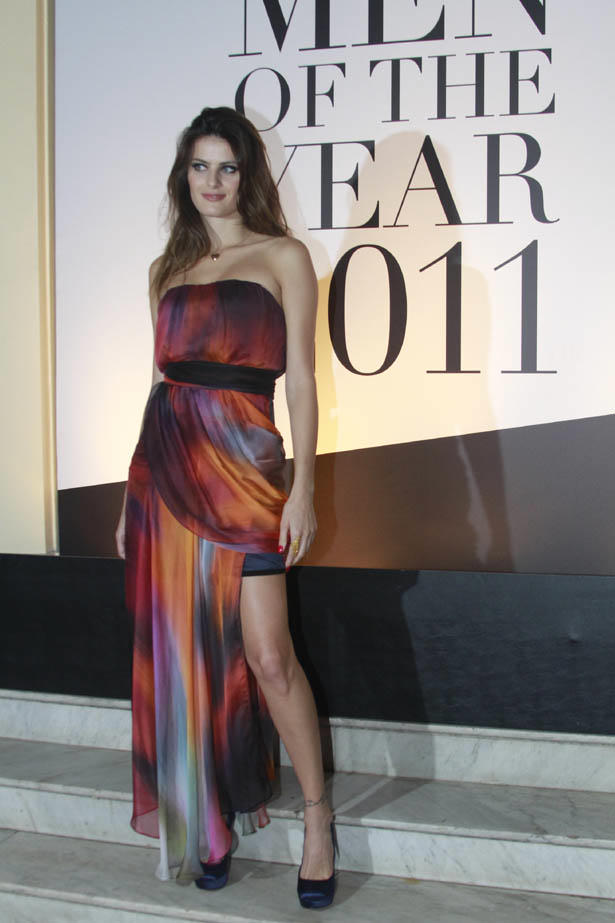
 amfAR 2013 www1.folha.uol.com.br
 amfAR Milano, September 23, 2011 instagram samuelsohebi Posted on April 4, 2013 instagram miribeillinfashionstylist
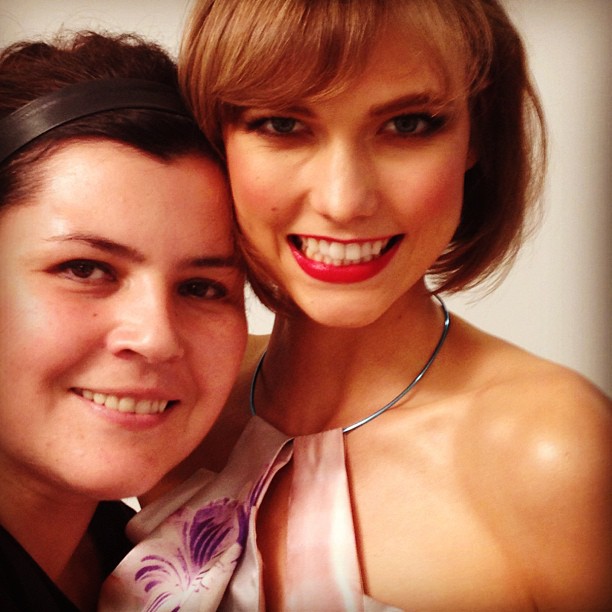
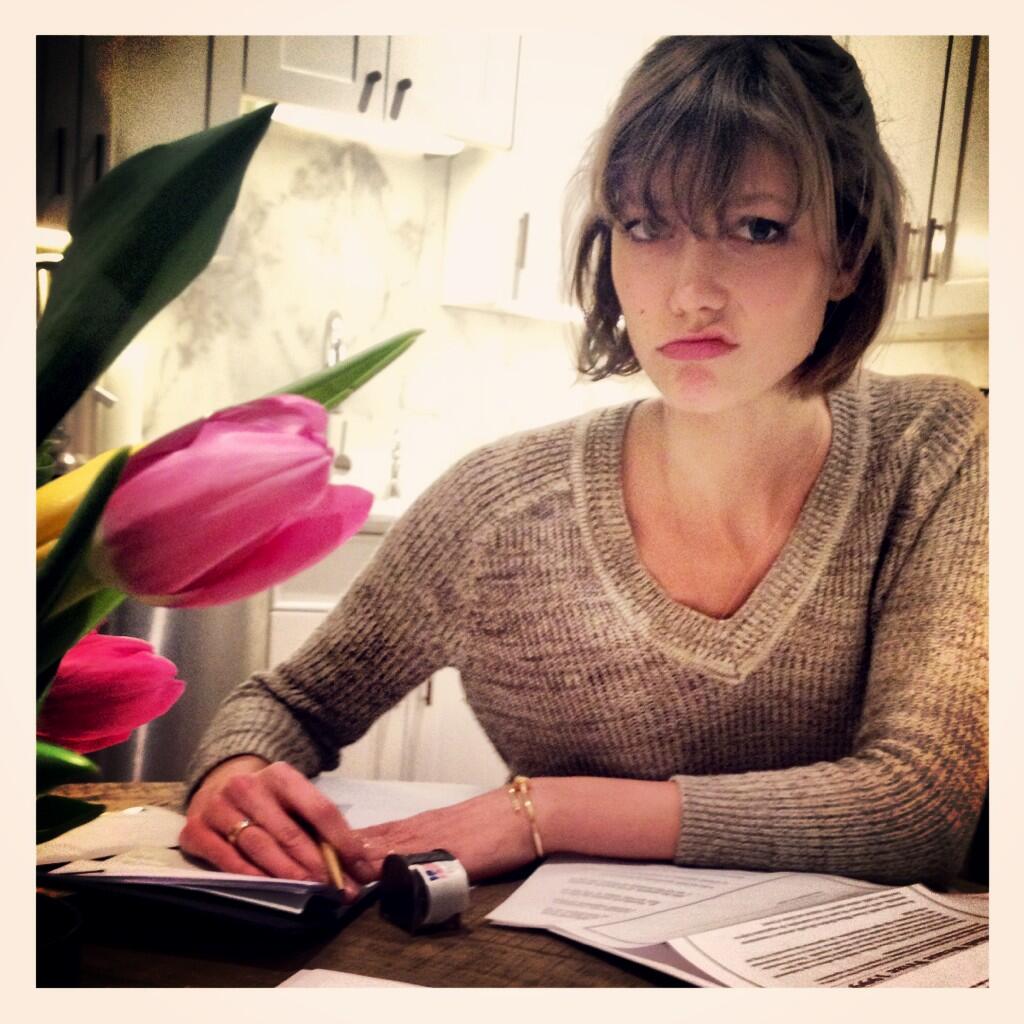
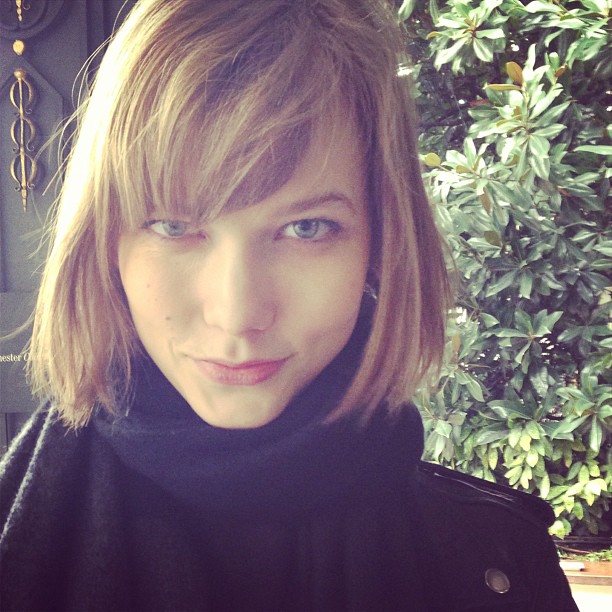
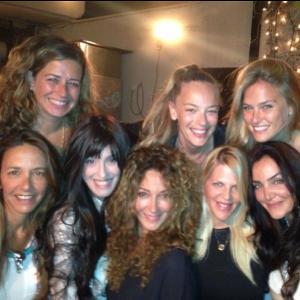 ^ Bigger twitter Karlie Kloss Milan Fashion Week, February 26, 2013 instagram belenantolin amfAR New York Gala, February 6, 2013 instagram canesatyalkin

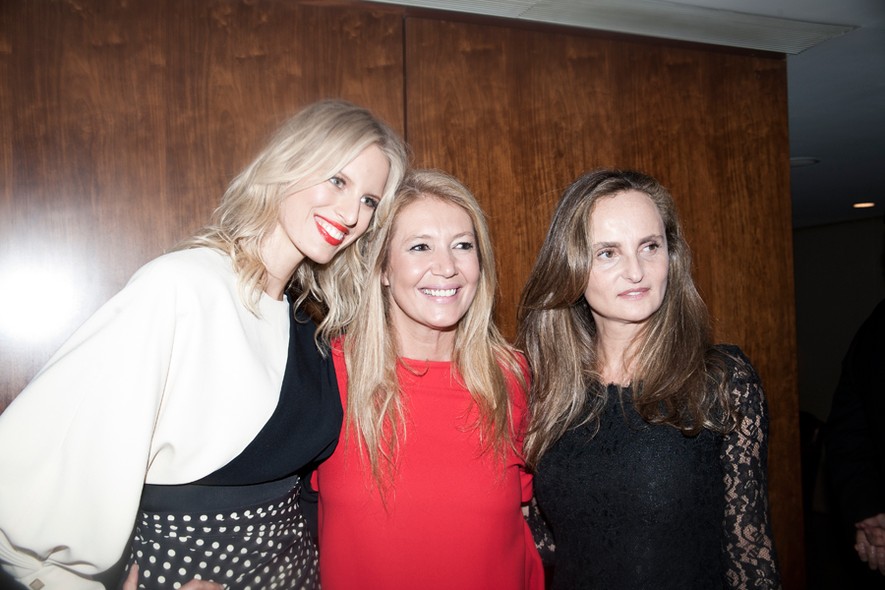
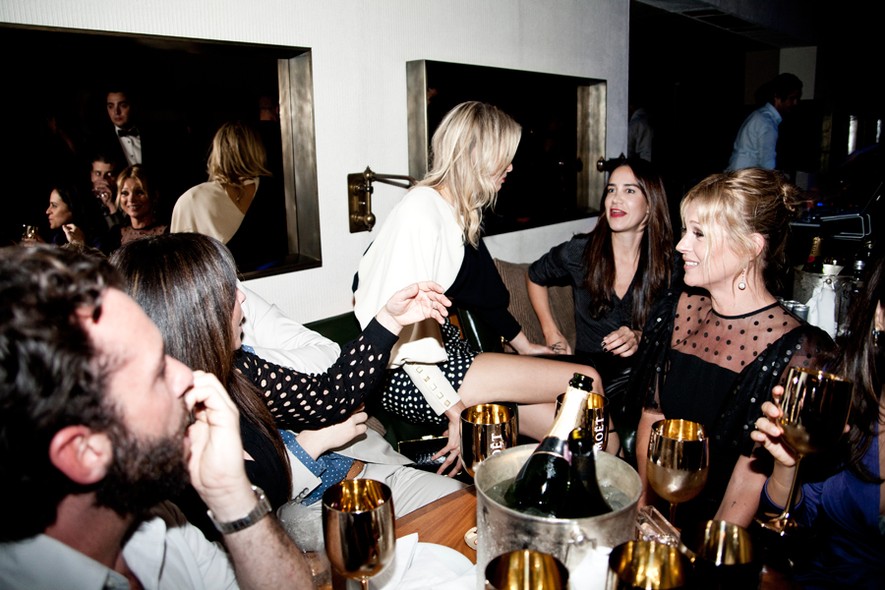
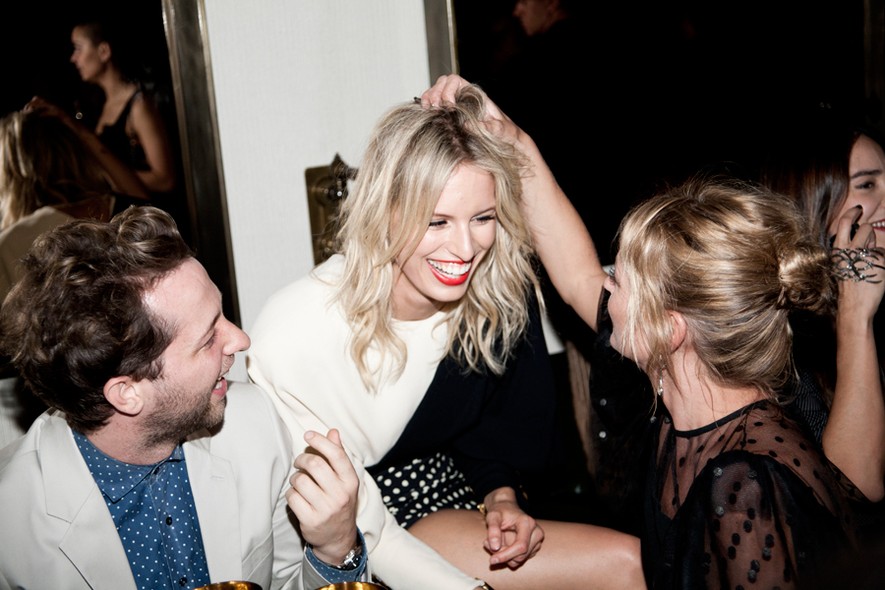
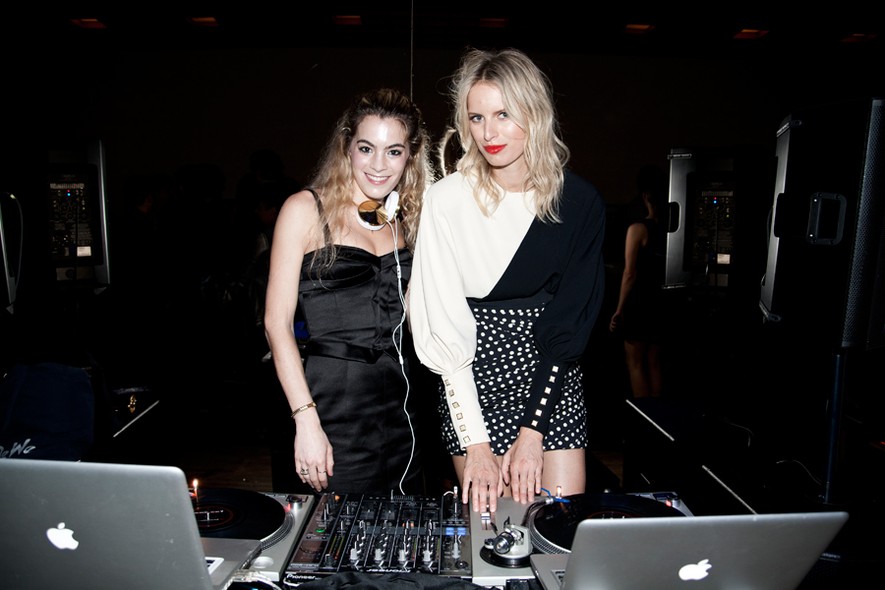
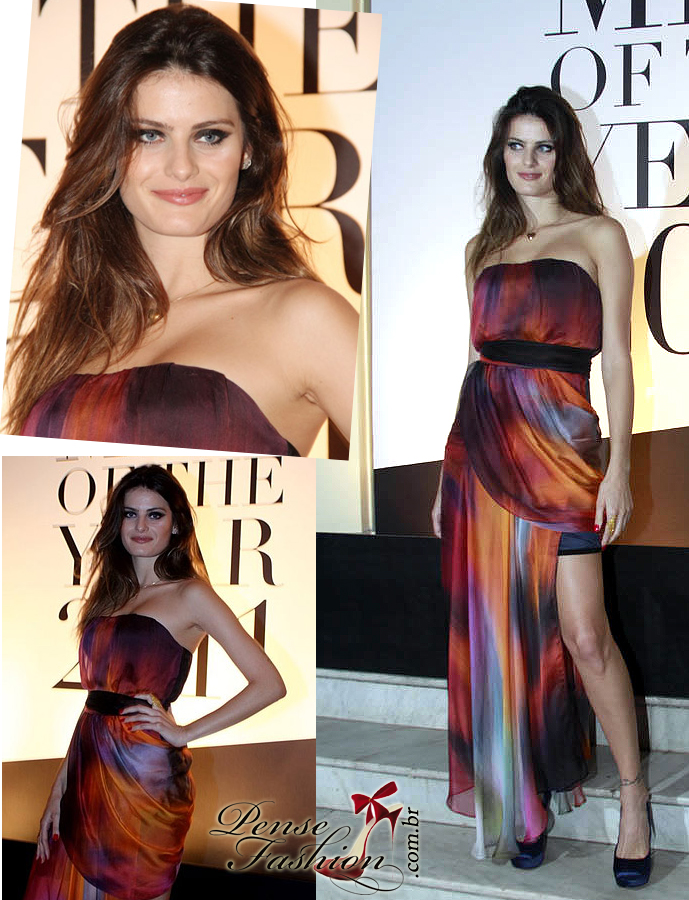
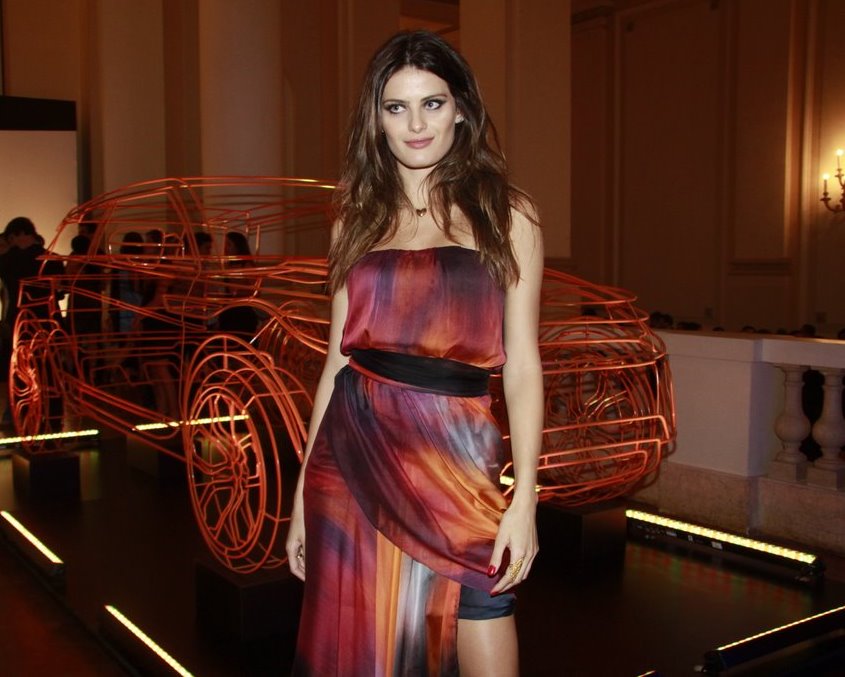
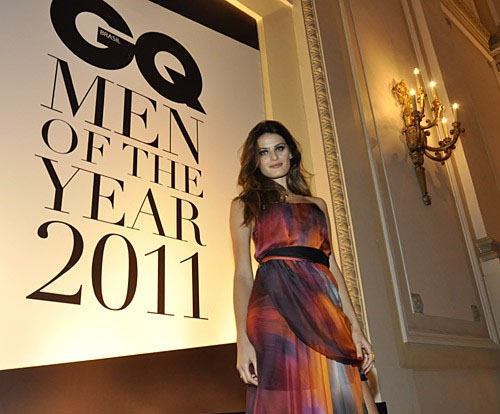
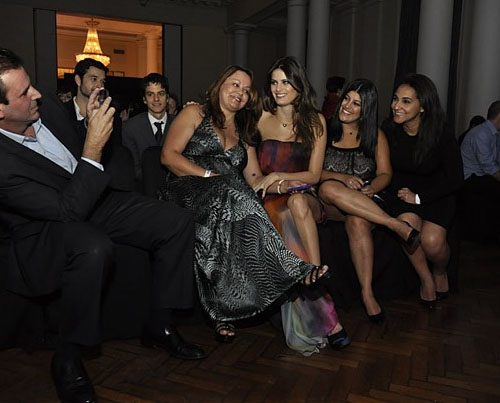
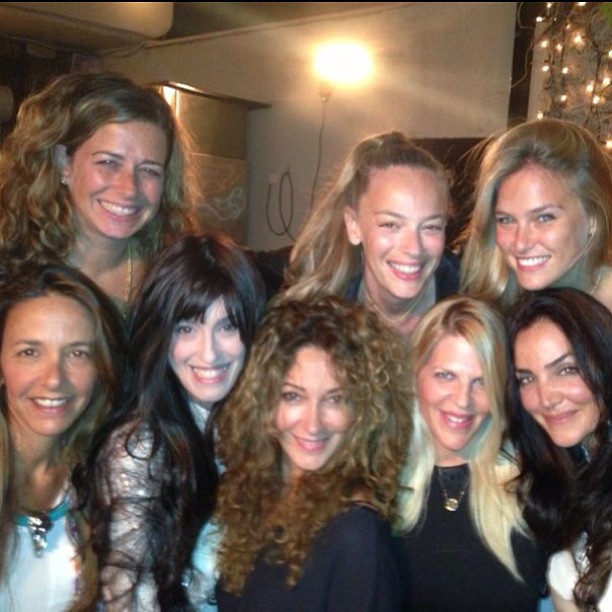
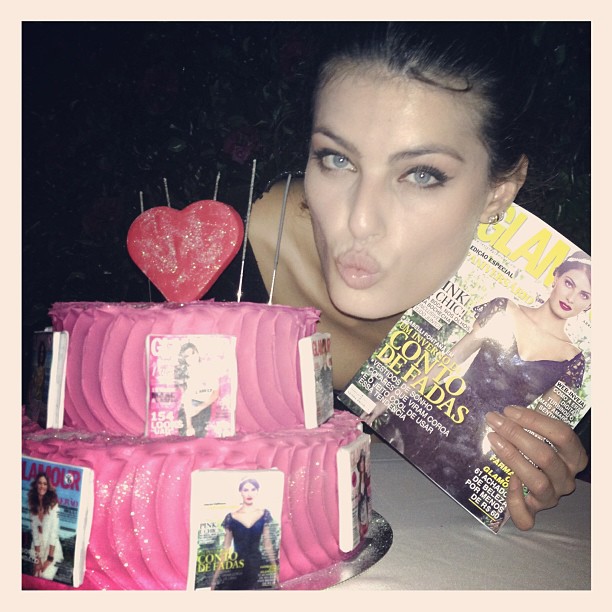
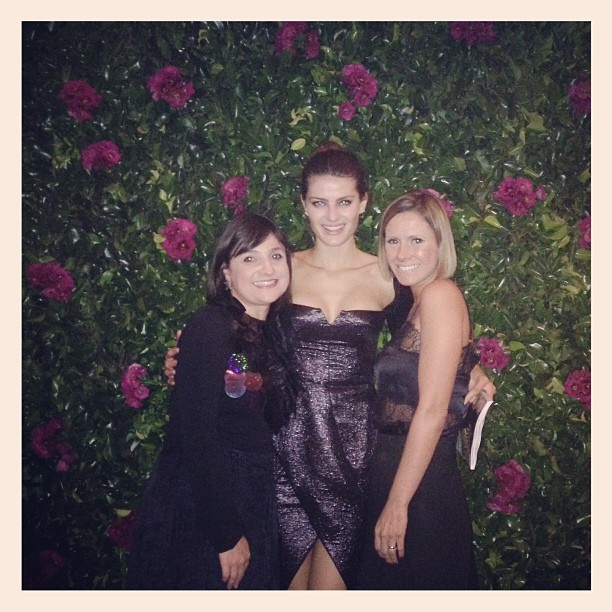
 Glamour Brasil first year of life dinner, April 5, 2013 instagram izzytoremember/diegoamerico/blogdopro/glamourbrasil/voguebrasil





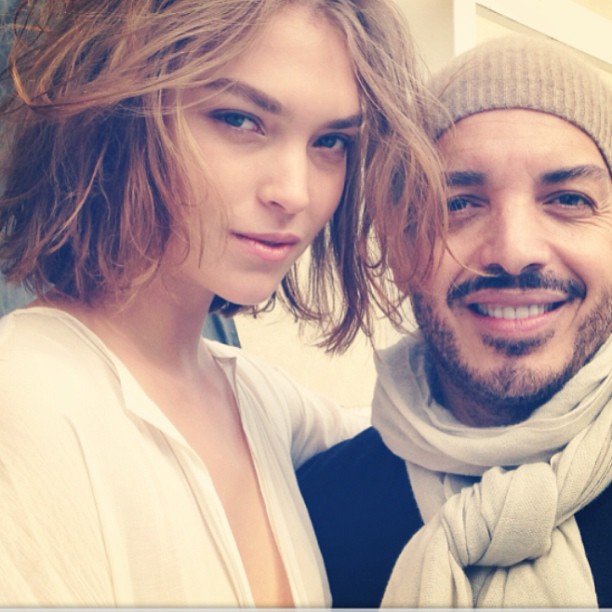
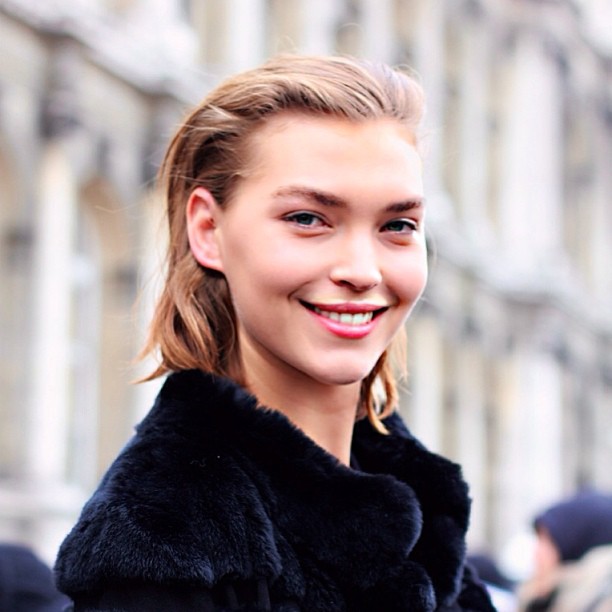
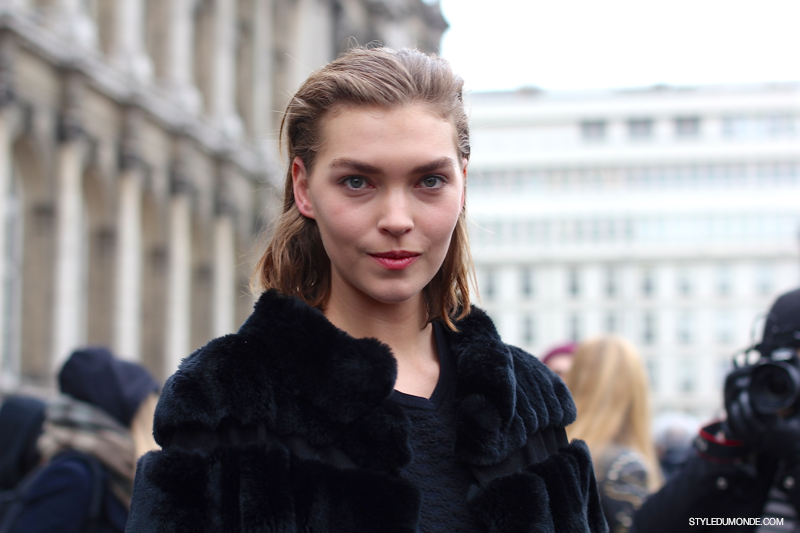
 After Balmain F/W 2013/14 styledumonde.com/instagram styledumonde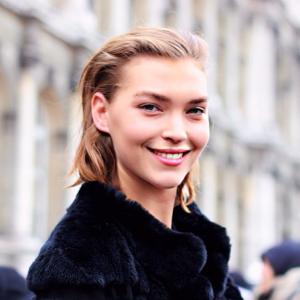
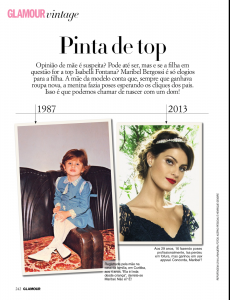
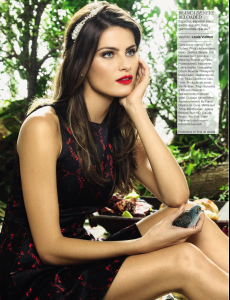
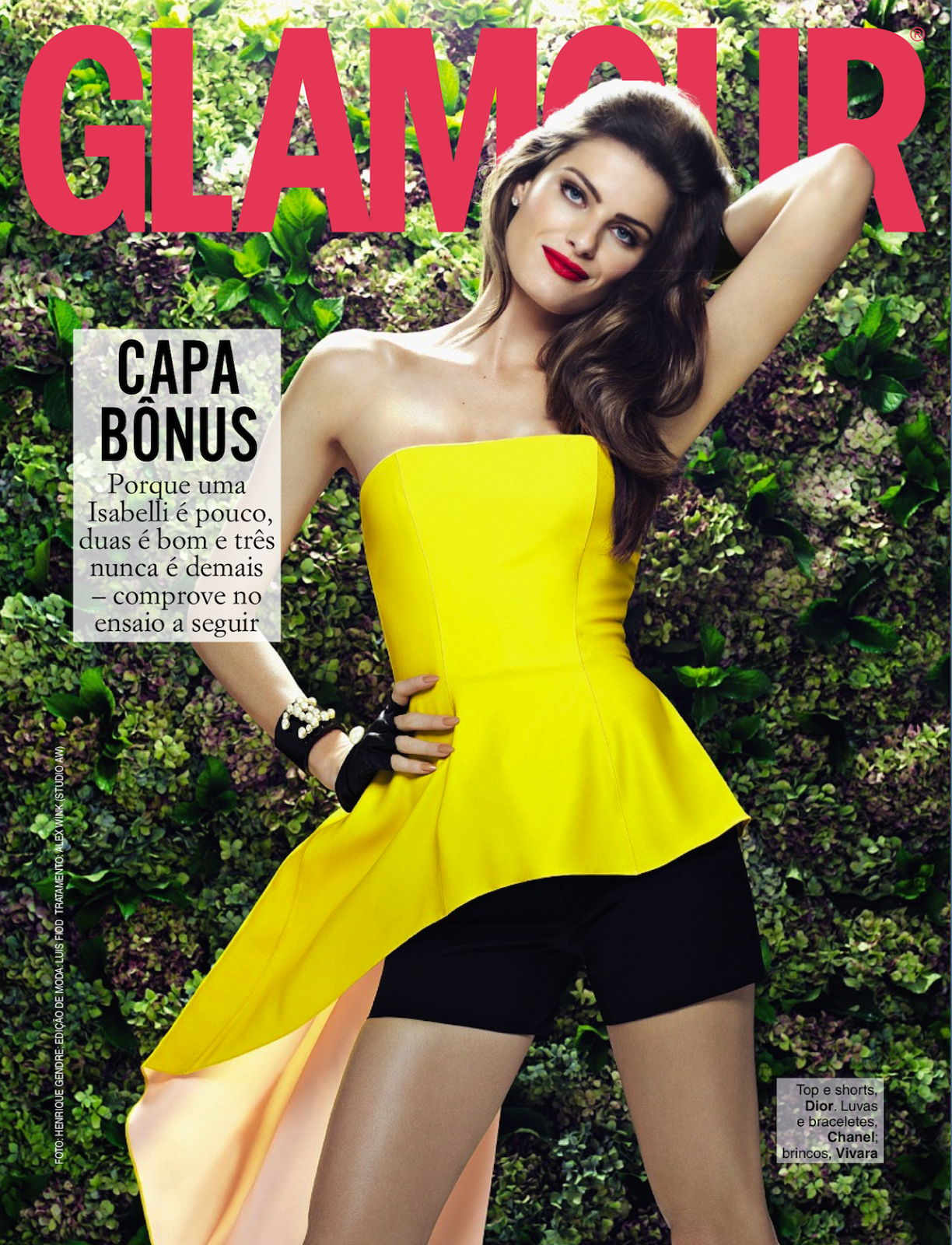
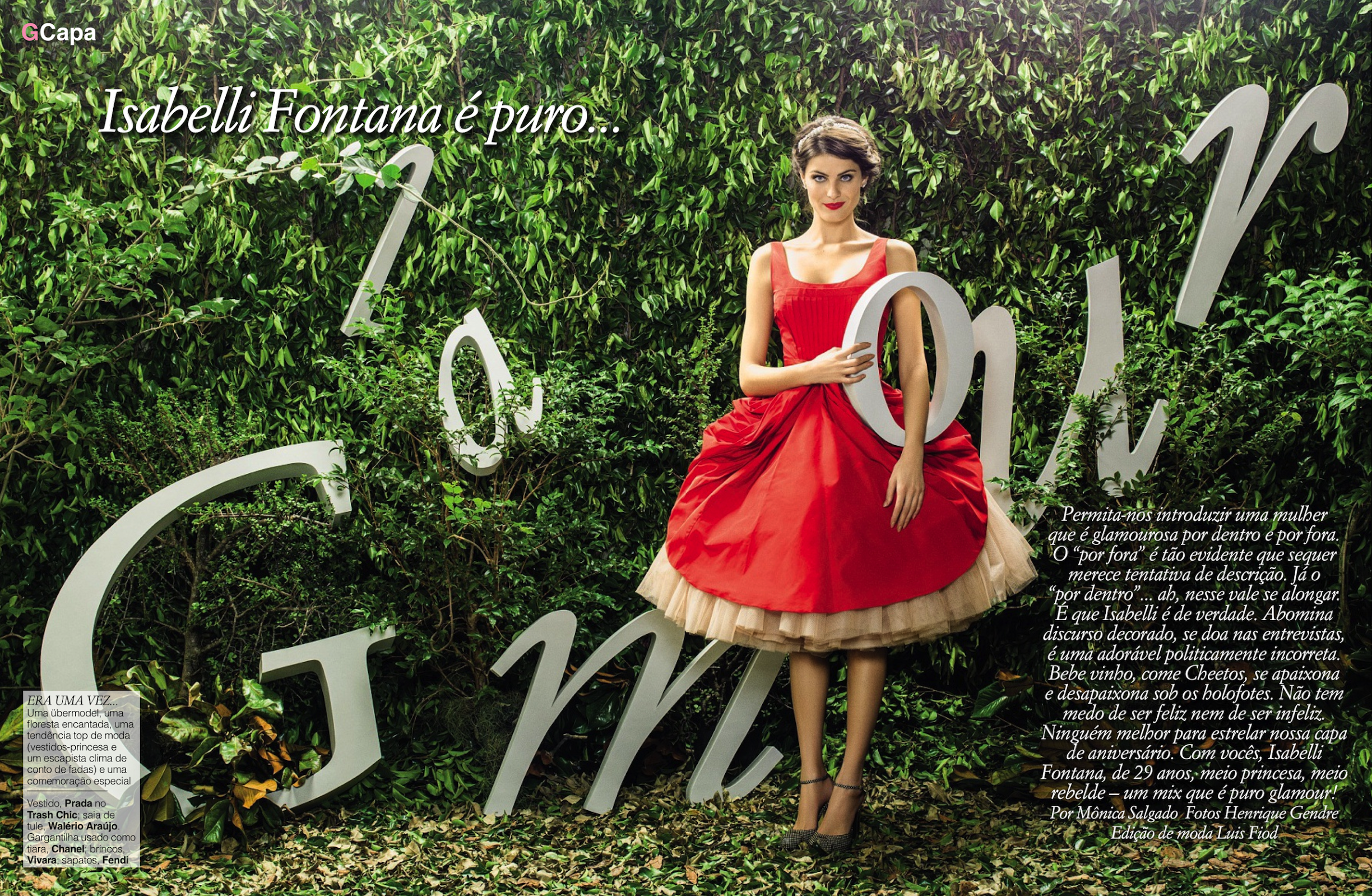
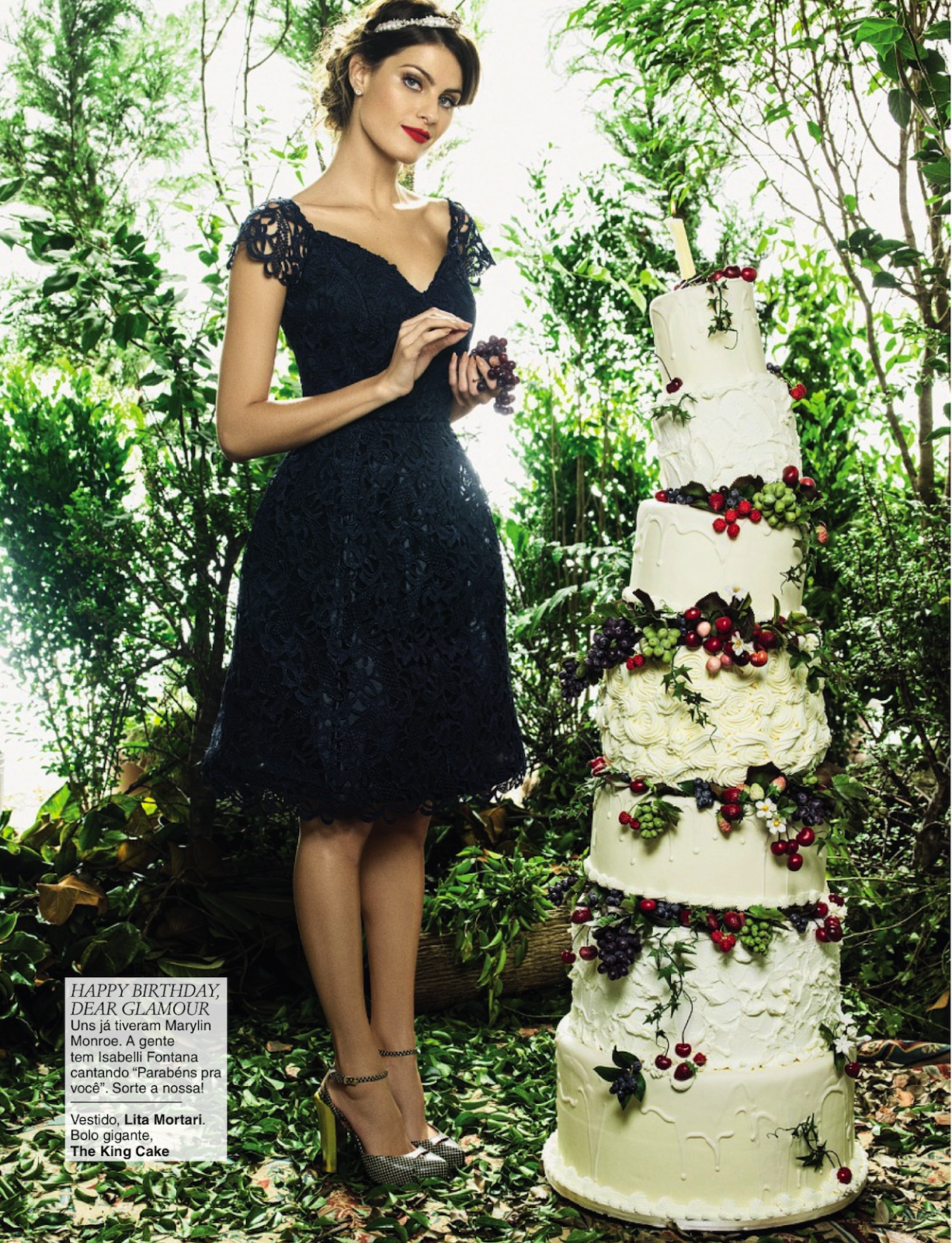
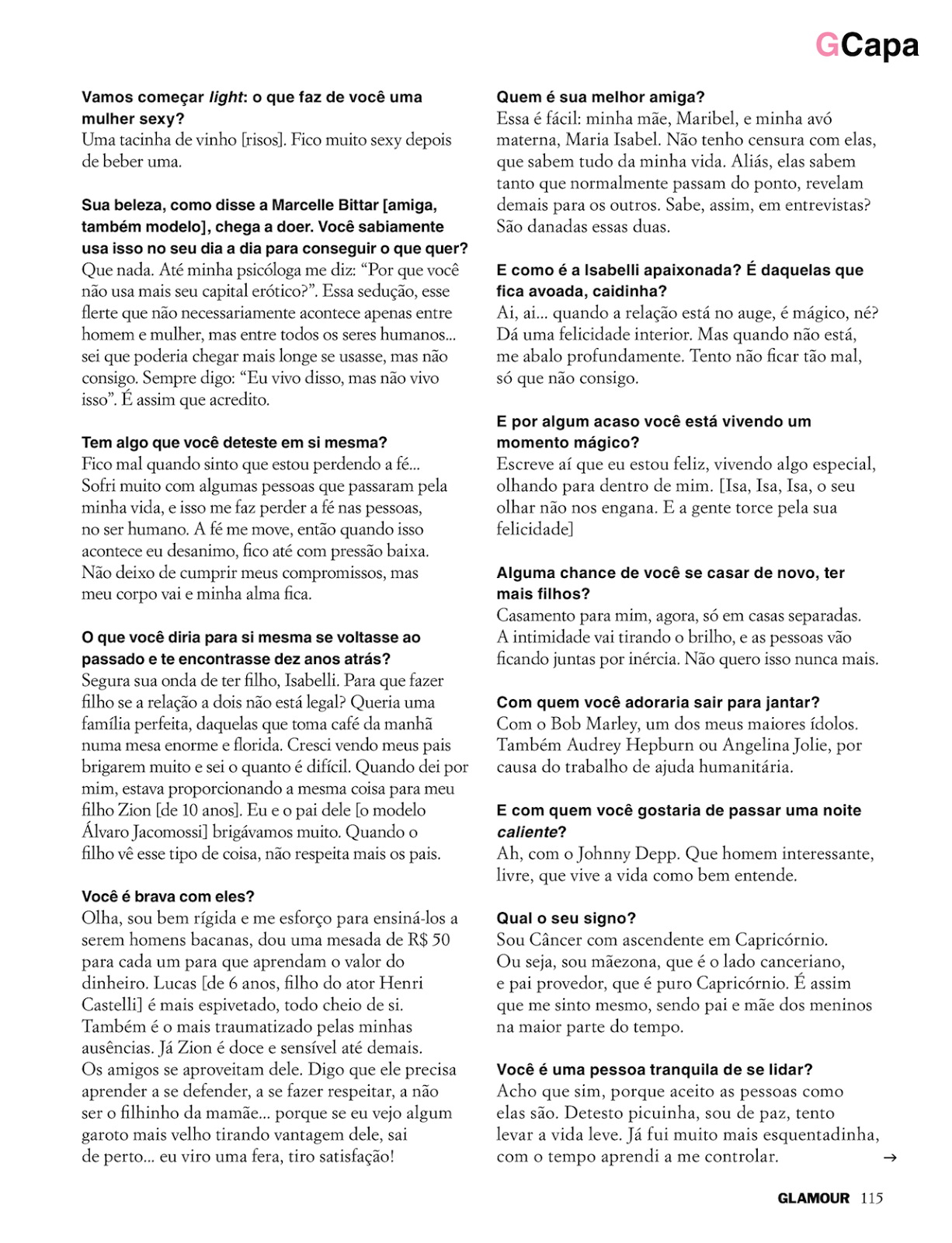
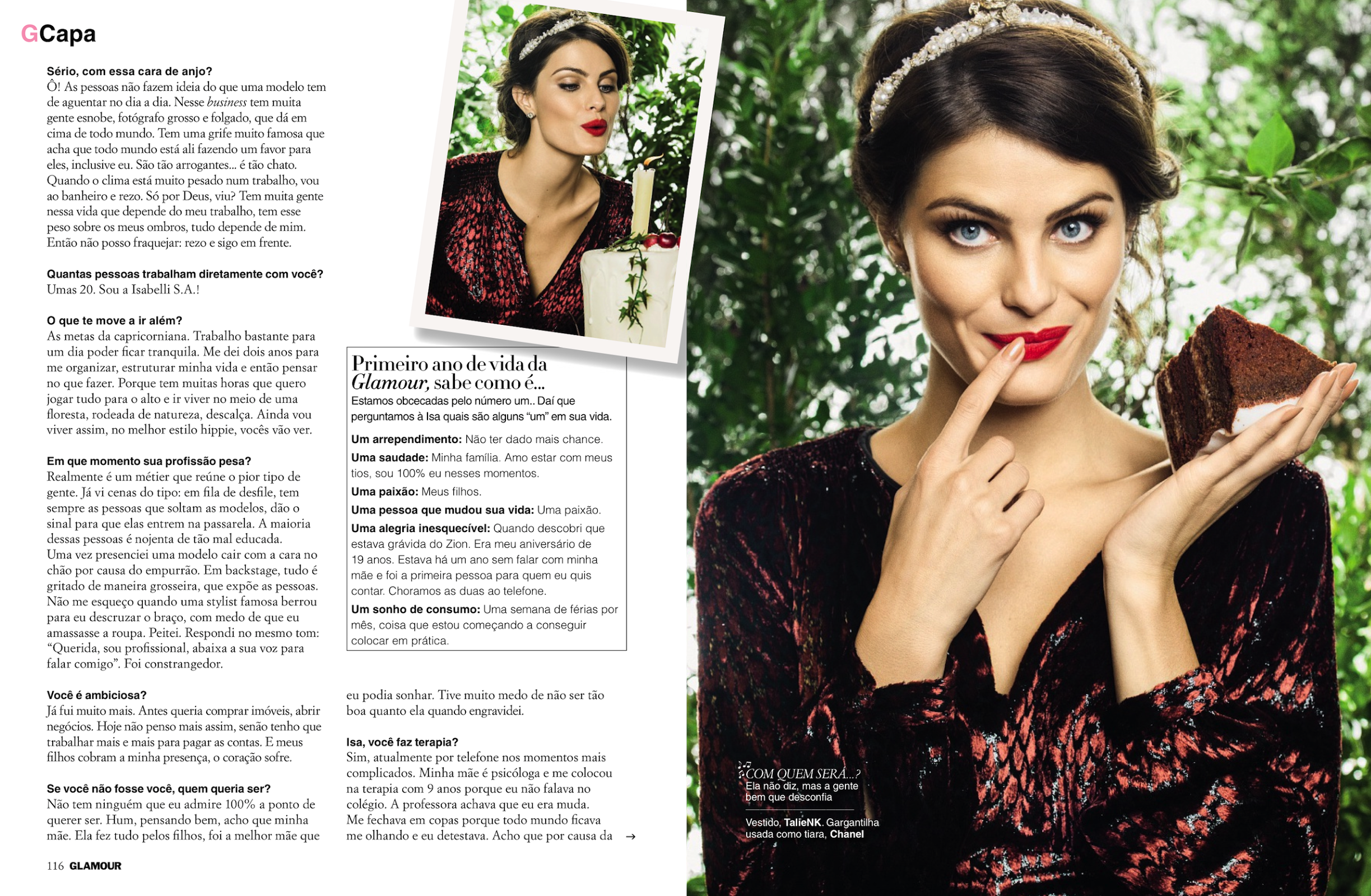
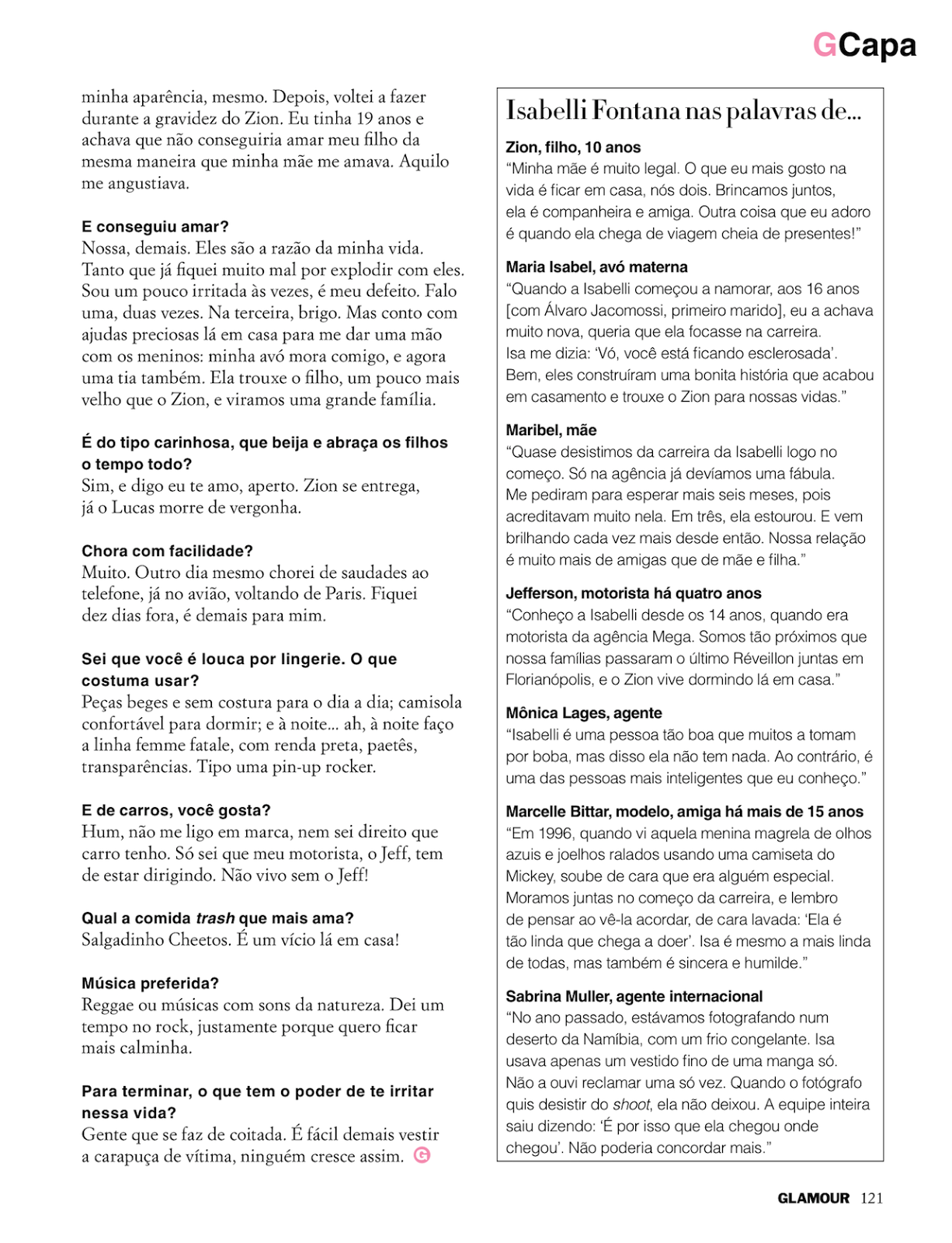
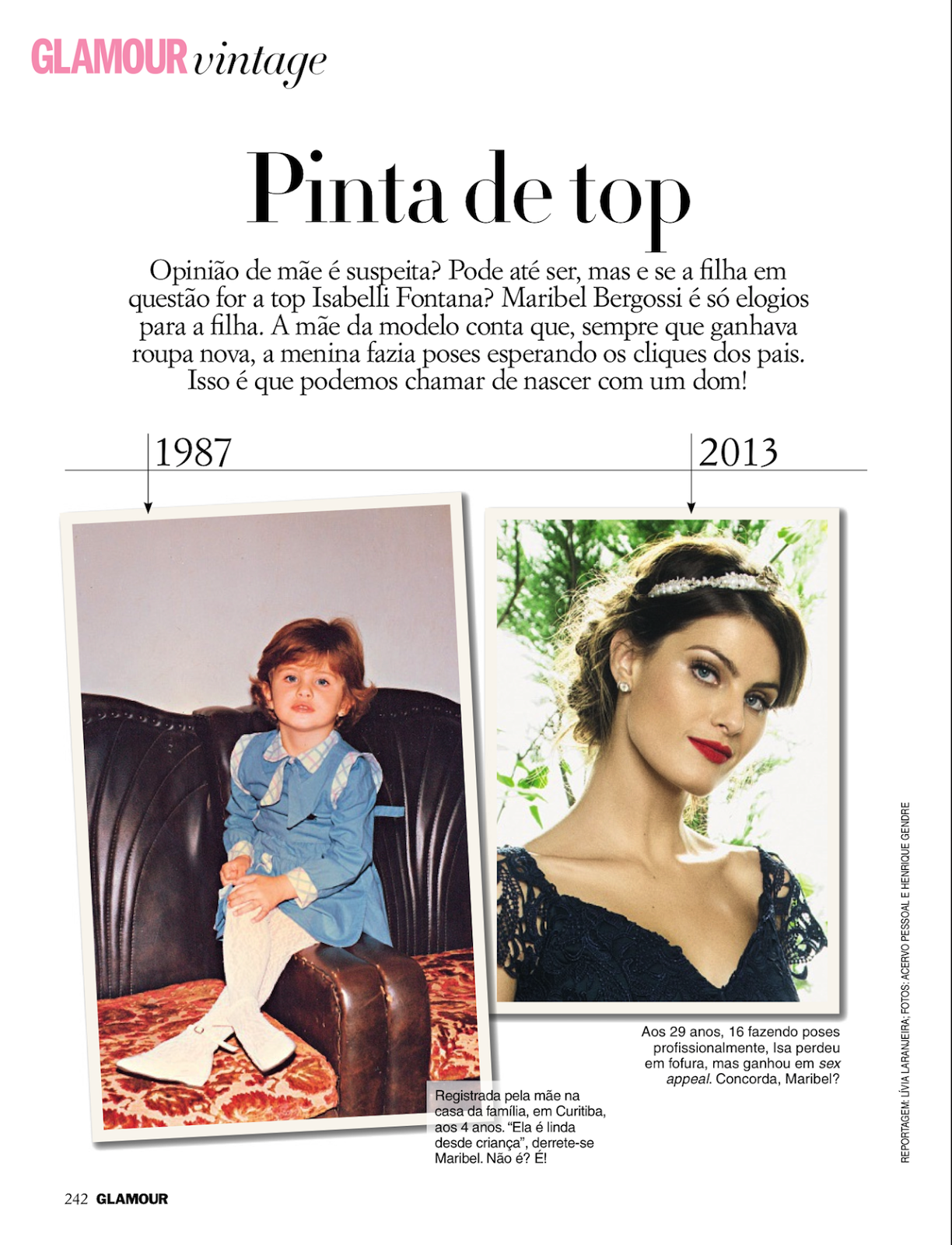
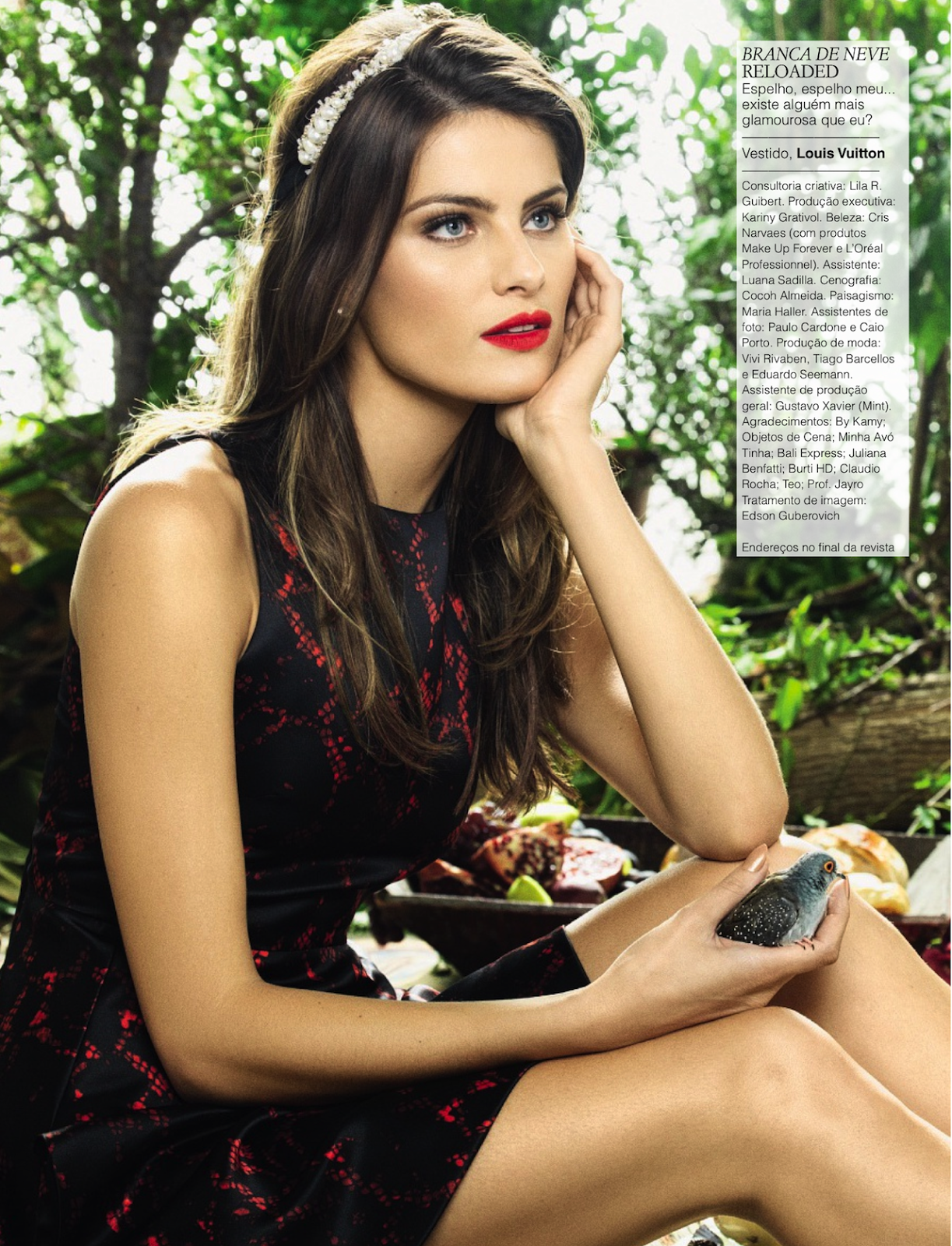
 'Glamour' Brazil - April 2013 - HQ visualoptimism.blogspot.co.il
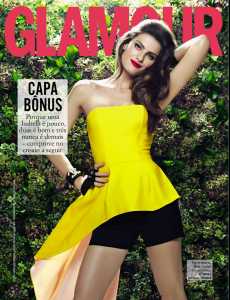

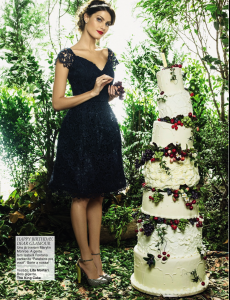
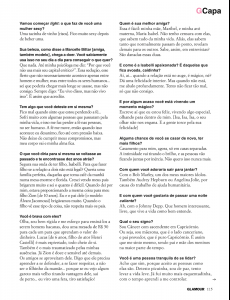
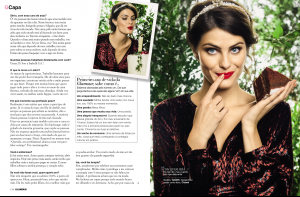

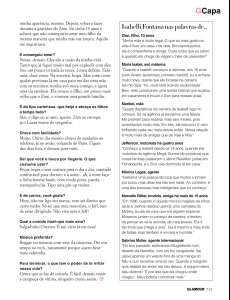
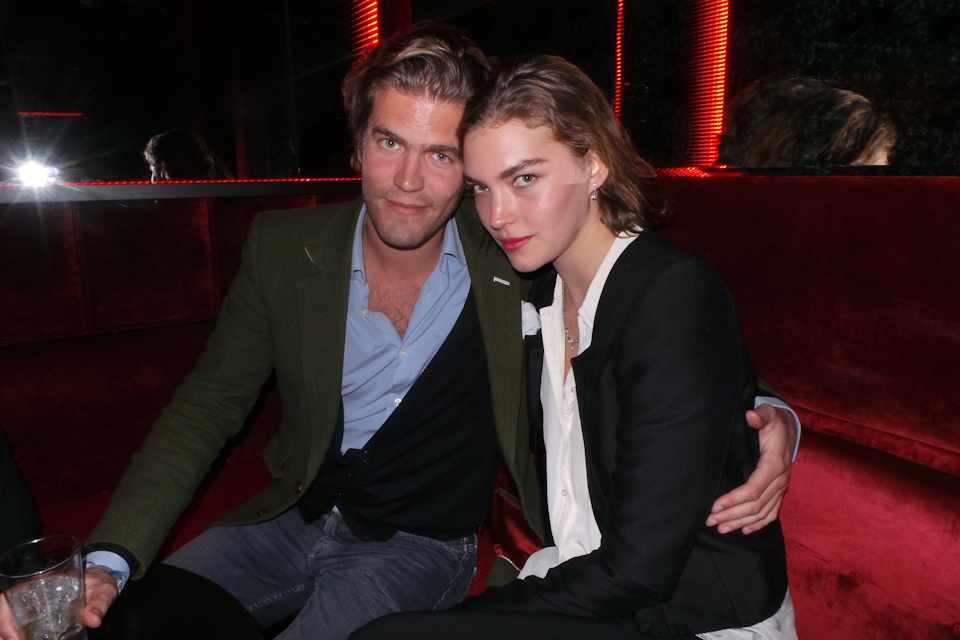
 Le Baron London opening, April 3, 2013 livincool.com
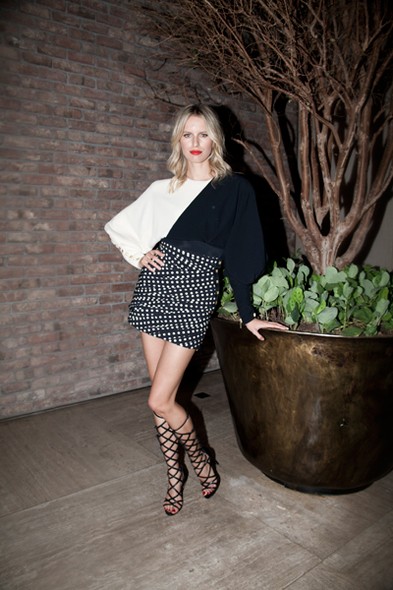
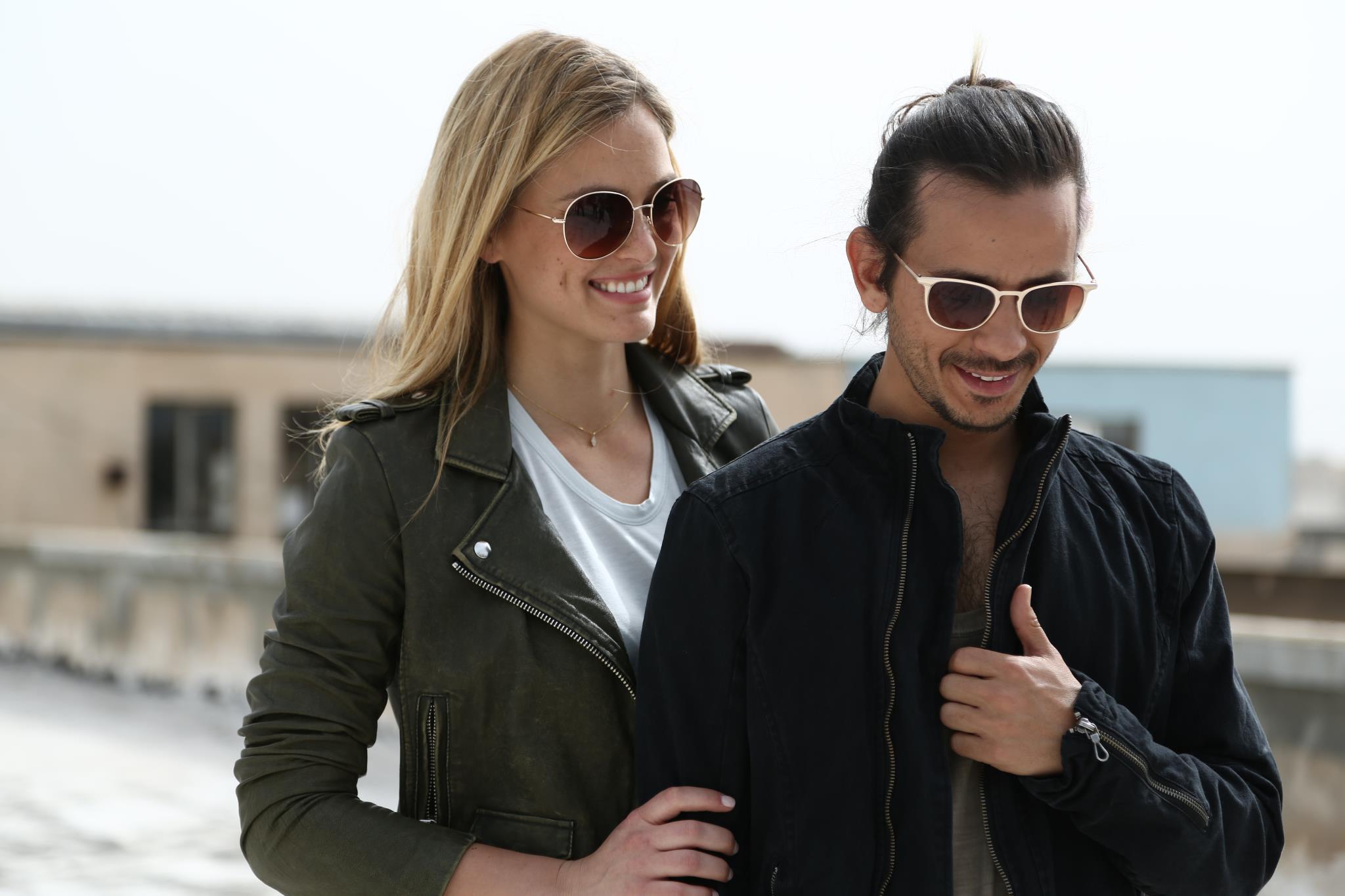
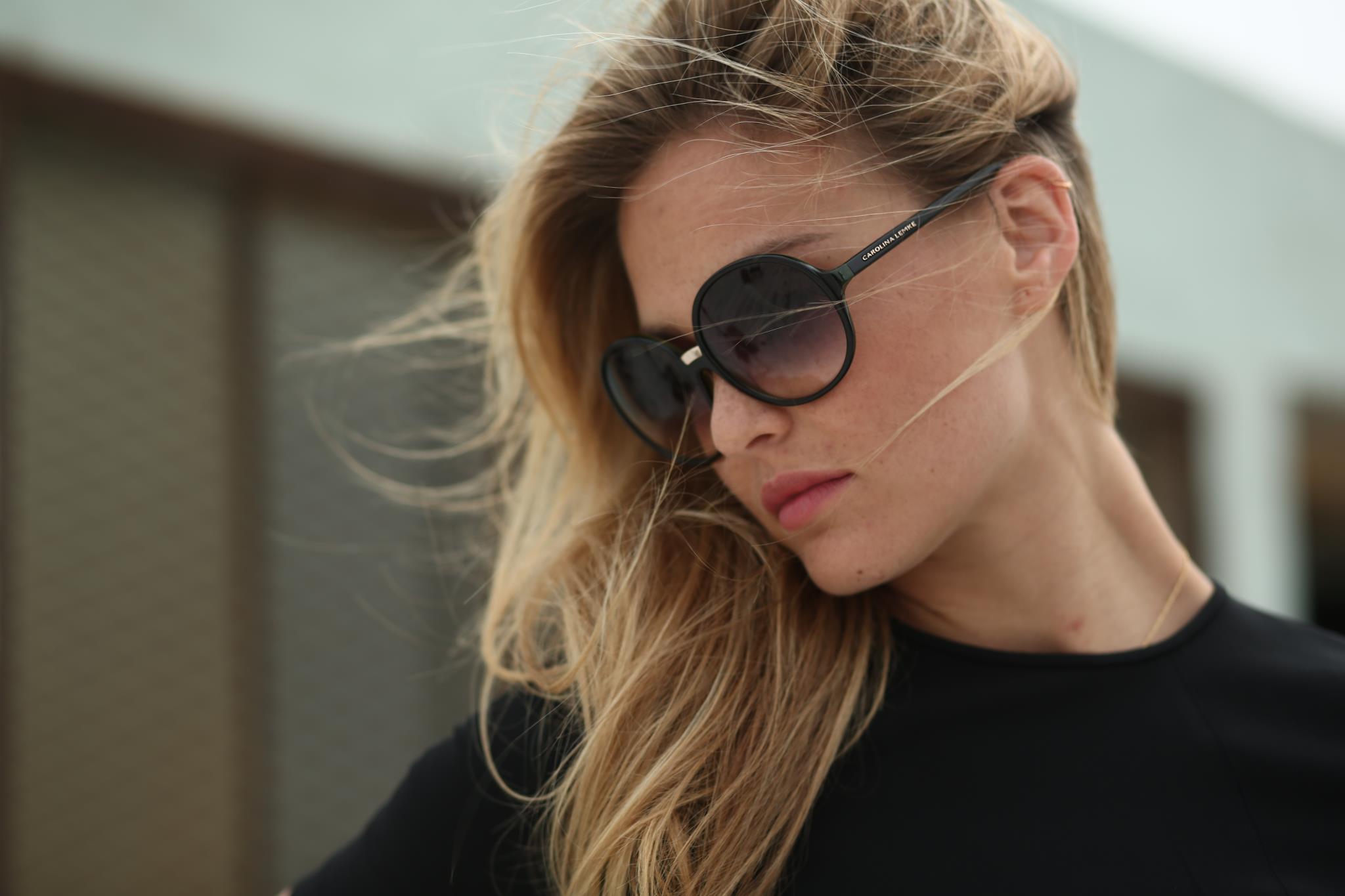
 Carolina Lemke Berlin (sorry if some are repost, very hard to search when you guys post links instead of pictures)









































Account
Search
Configure browser push notifications
Chrome (Android)
- Tap the lock icon next to the address bar.
- Tap Permissions → Notifications.
- Adjust your preference.
Chrome (Desktop)
- Click the padlock icon in the address bar.
- Select Site settings.
- Find Notifications and adjust your preference.
Safari (iOS 16.4+)
- Ensure the site is installed via Add to Home Screen.
- Open Settings App → Notifications.
- Find your app name and adjust your preference.
Safari (macOS)
- Go to Safari → Preferences.
- Click the Websites tab.
- Select Notifications in the sidebar.
- Find this website and adjust your preference.
Edge (Android)
- Tap the lock icon next to the address bar.
- Tap Permissions.
- Find Notifications and adjust your preference.
Edge (Desktop)
- Click the padlock icon in the address bar.
- Click Permissions for this site.
- Find Notifications and adjust your preference.
Firefox (Android)
- Go to Settings → Site permissions.
- Tap Notifications.
- Find this site in the list and adjust your preference.
Firefox (Desktop)
- Open Firefox Settings.
- Search for Notifications.
- Find this site in the list and adjust your preference.