MarVS2
Members
-
Joined
-
Last visited
Everything posted by MarVS2
-
 is nina agdal stylist. her ig is frankelfresh
 -
Screencaps
-
http://www.maxim.com/women/nina-agdal-behind-the-scenes-2017-2
-
i think no..... Calvin is single tho.
-
calvin harris likin nina pics tho... he is hot and would do a great couople just saying..
-
she dances really good its crazy
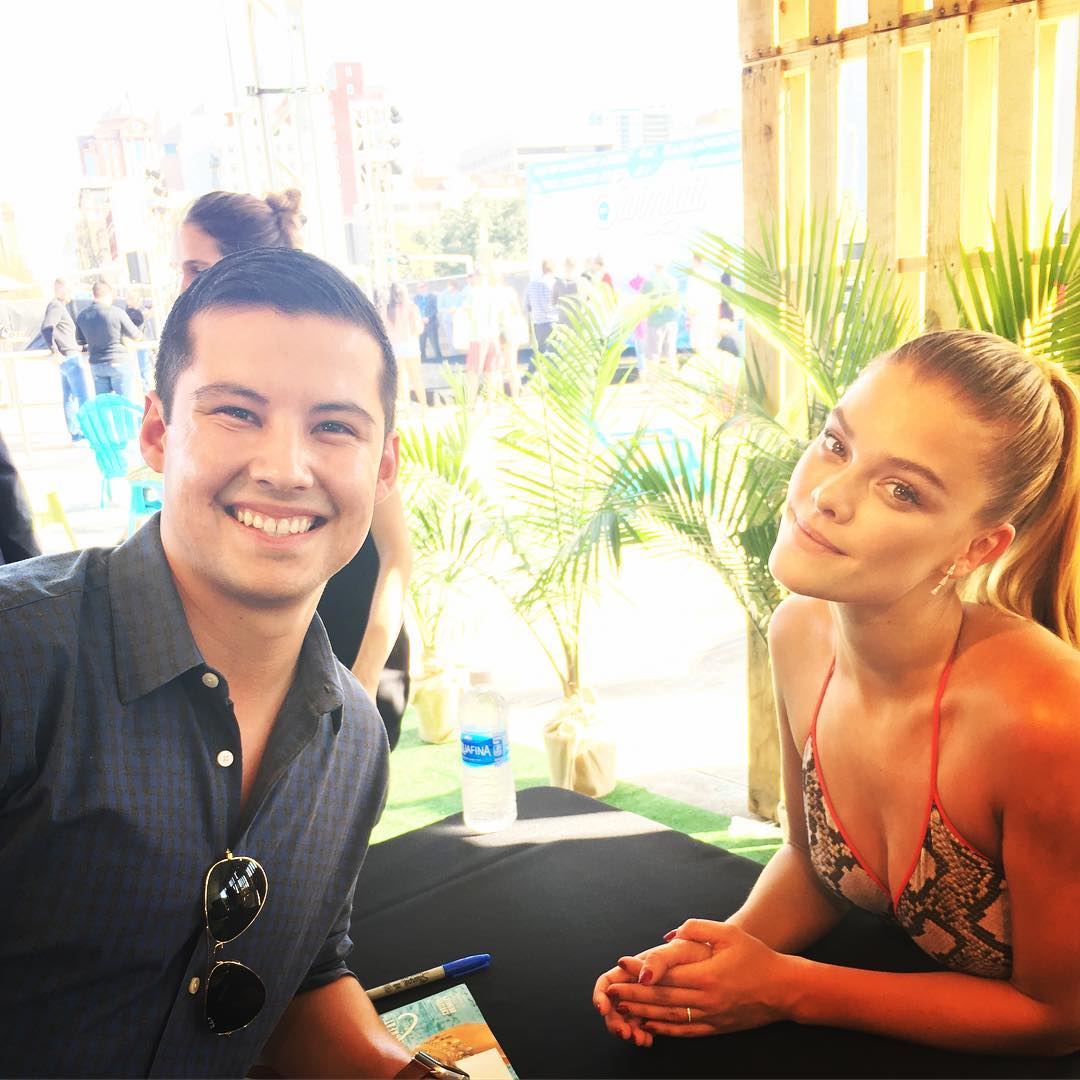
Edge - VIBES event in Houston for SI swimsuit
Vibes by SI Swimsuit today in Houston .




 barely pics of today event.. the papz should be in Houston cmon
where are the papz in houston? barely saw pics of today SI event
can somebody get this shot please? https://www.rexfeatures.com/search/?kw=barbara+palvin&js-site-search_submit=Go&order=newest&iso=GBR&lkw=nina+agdal&viah=Y&stk=N&sft=&timer=N&requester=&iprs=f
barely pics of today event.. the papz should be in Houston cmon
where are the papz in houston? barely saw pics of today SI event
can somebody get this shot please? https://www.rexfeatures.com/search/?kw=barbara+palvin&js-site-search_submit=Go&order=newest&iso=GBR&lkw=nina+agdal&viah=Y&stk=N&sft=&timer=N&requester=&iprs=f
Account
Navigation
Search
Configure browser push notifications
Chrome (Android)
- Tap the lock icon next to the address bar.
- Tap Permissions → Notifications.
- Adjust your preference.
Chrome (Desktop)
- Click the padlock icon in the address bar.
- Select Site settings.
- Find Notifications and adjust your preference.
Safari (iOS 16.4+)
- Ensure the site is installed via Add to Home Screen.
- Open Settings App → Notifications.
- Find your app name and adjust your preference.
Safari (macOS)
- Go to Safari → Preferences.
- Click the Websites tab.
- Select Notifications in the sidebar.
- Find this website and adjust your preference.
Edge (Android)
- Tap the lock icon next to the address bar.
- Tap Permissions.
- Find Notifications and adjust your preference.
Edge (Desktop)
- Click the padlock icon in the address bar.
- Click Permissions for this site.
- Find Notifications and adjust your preference.
Firefox (Android)
- Go to Settings → Site permissions.
- Tap Notifications.
- Find this site in the list and adjust your preference.
Firefox (Desktop)
- Open Firefox Settings.
- Search for Notifications.
- Find this site in the list and adjust your preference.