
MarVS2
Members
-
Joined
-
Last visited
Everything posted by MarVS2
-

-
1.Nina Agdal 2.Bar Refaeli 3.Rosie Huntington Whiteley 4. Candice Swanepoel 5. Adriana Lima 6. Milou Sluis 7. Erin Heatherton 8. Isabeli Fontana 9.Kate Upton 10. Bregje Heinen
-
wow thanks Jane17
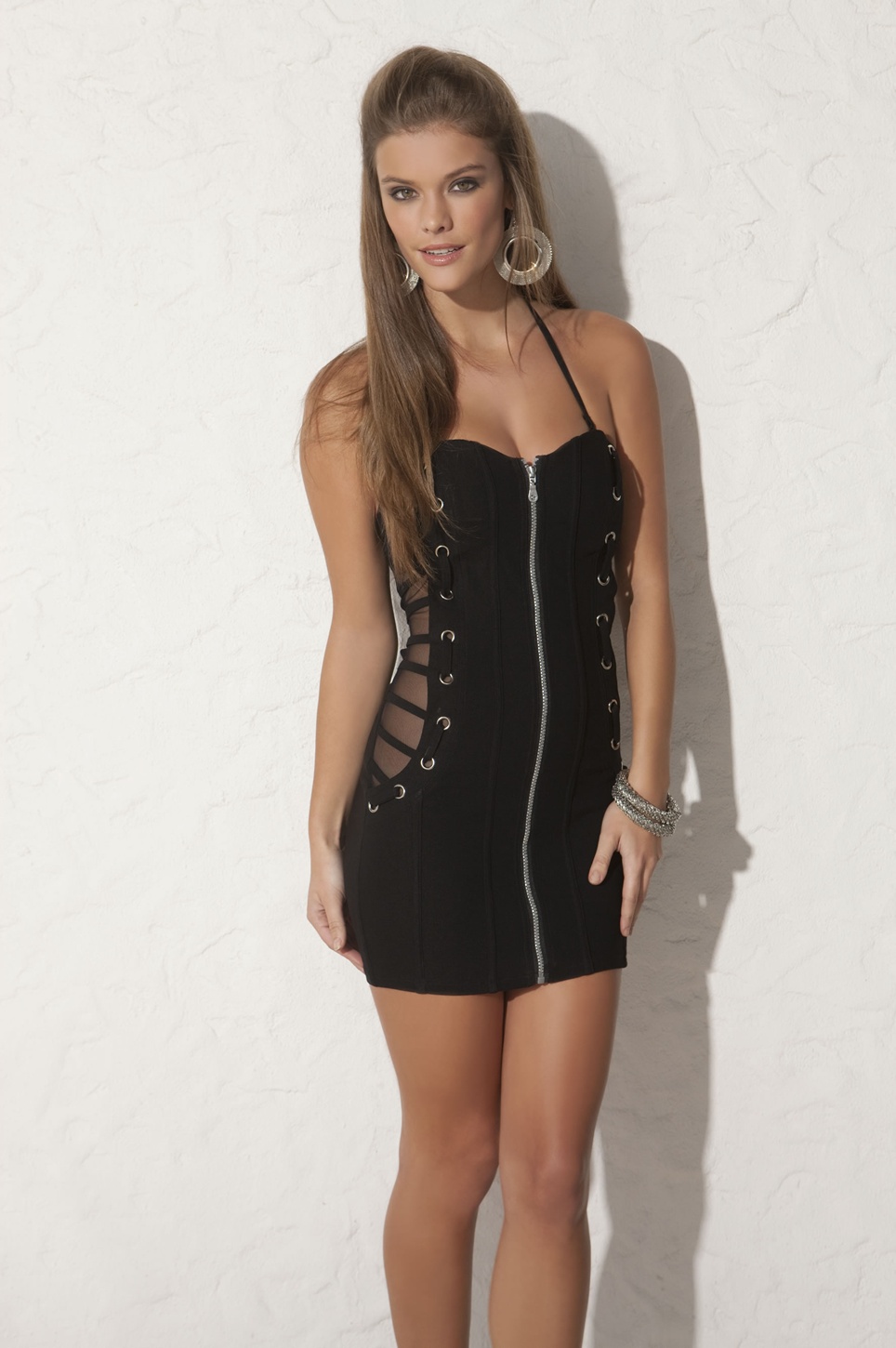
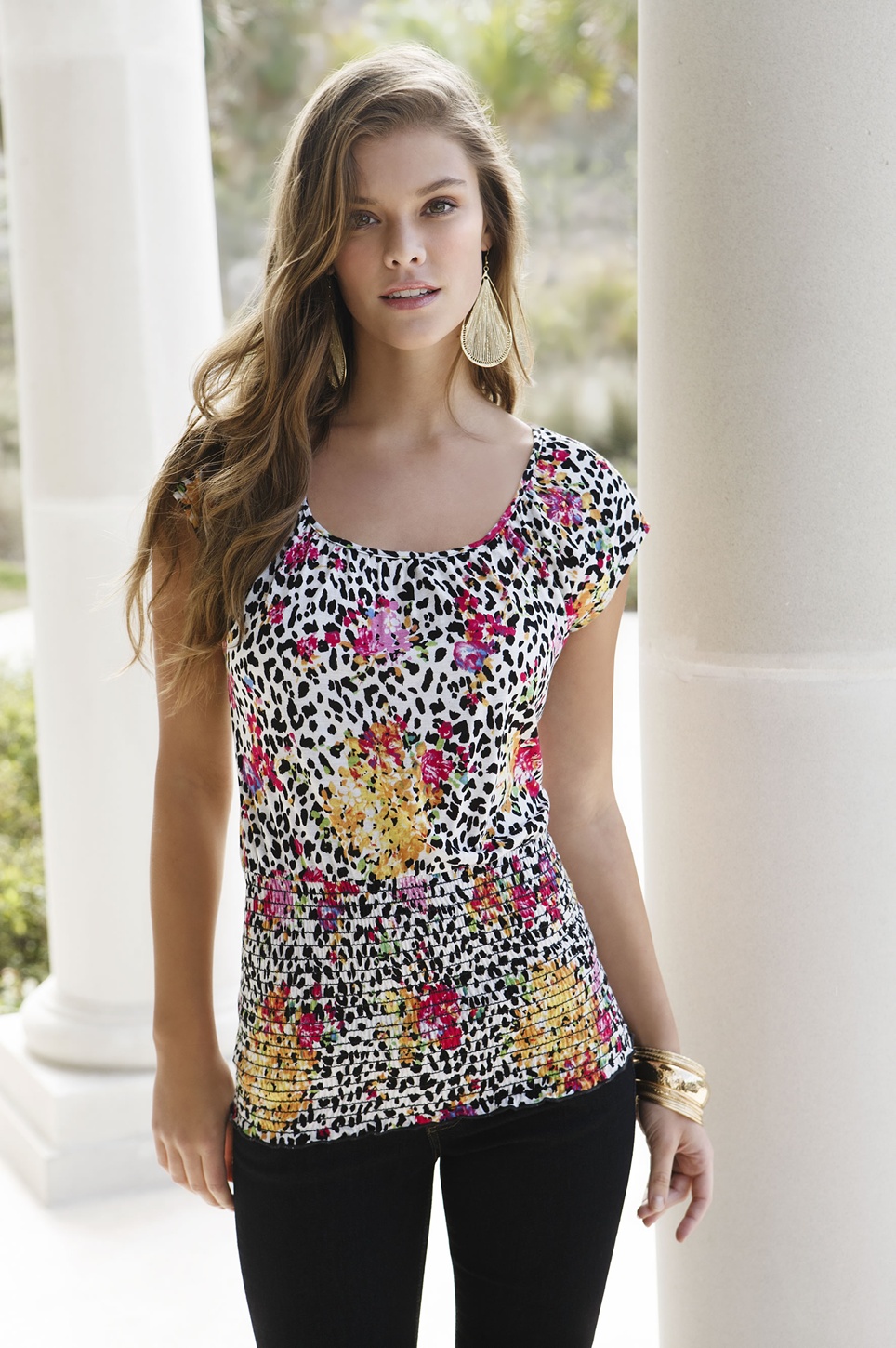
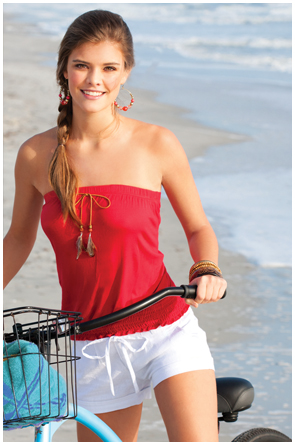
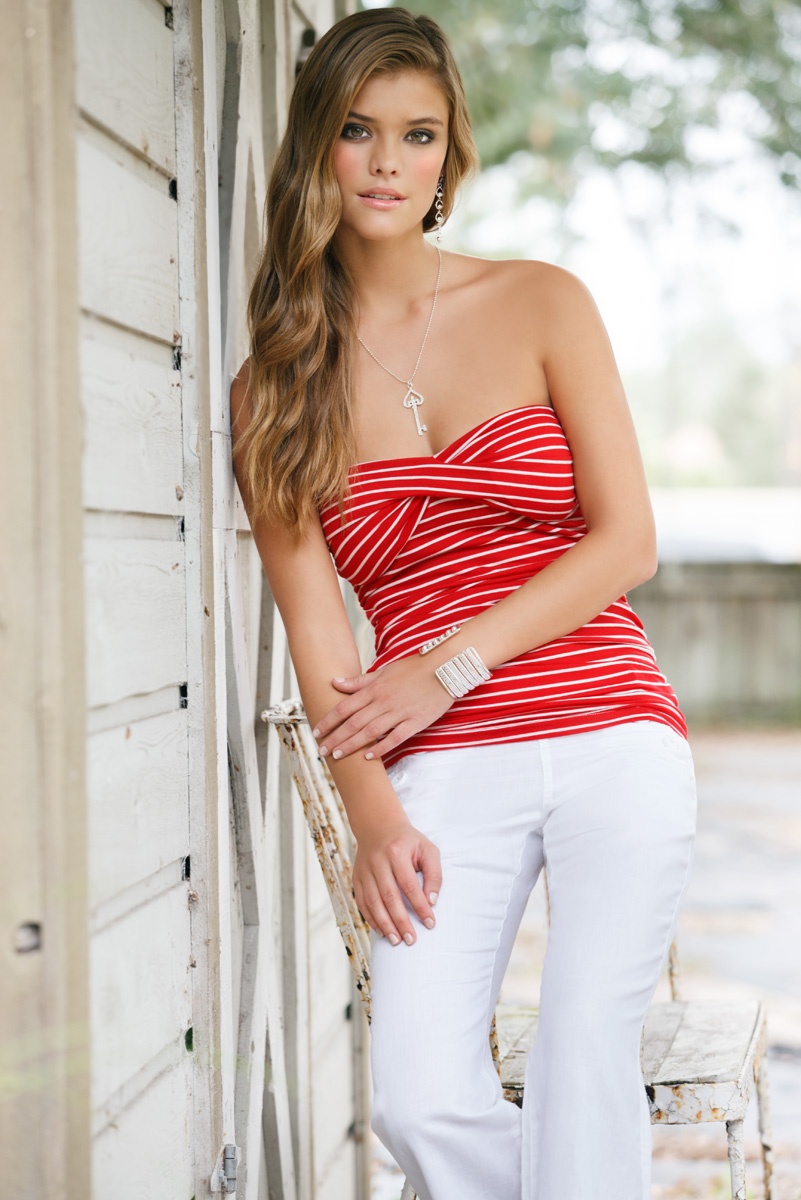
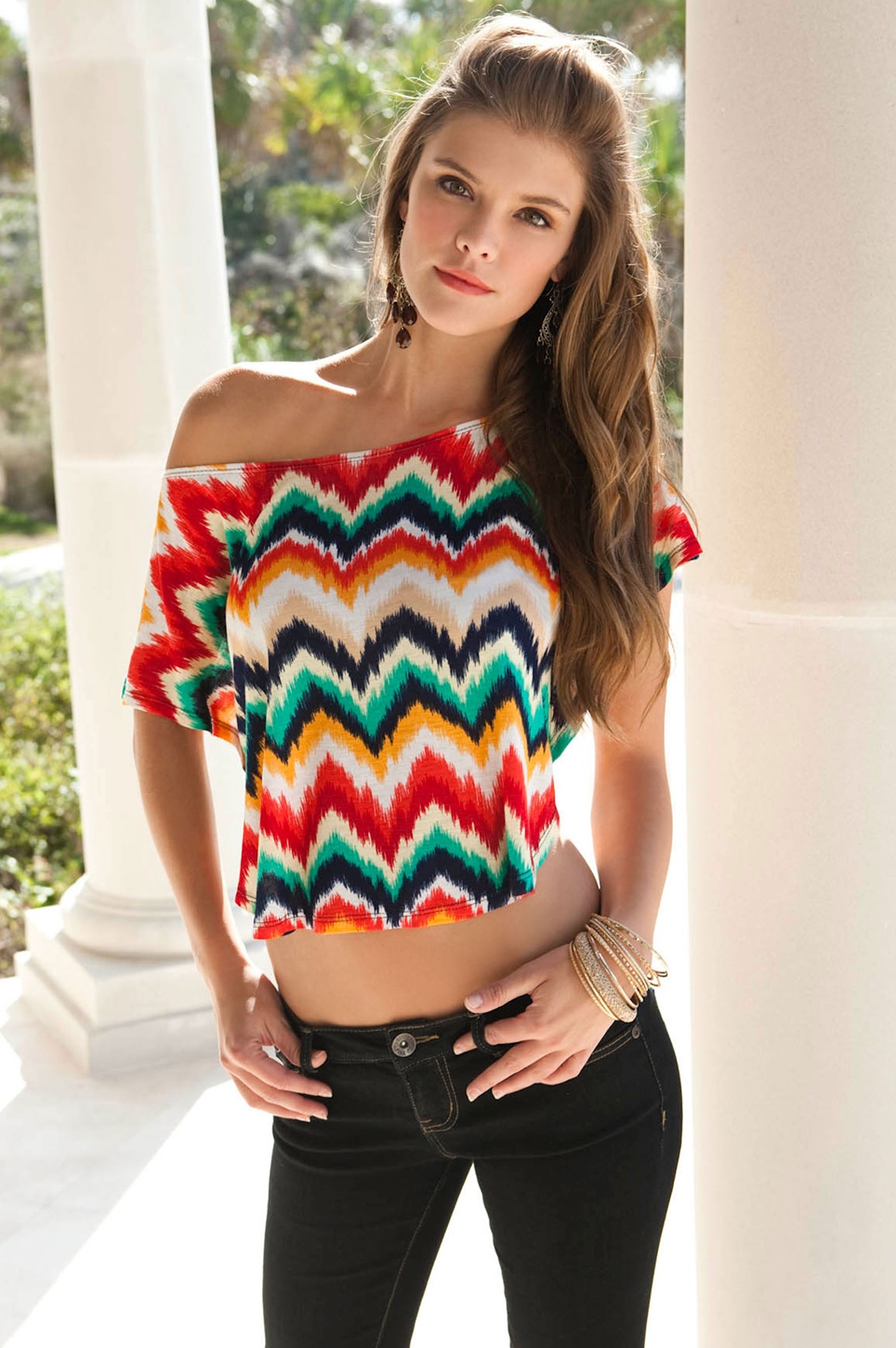
 body central.


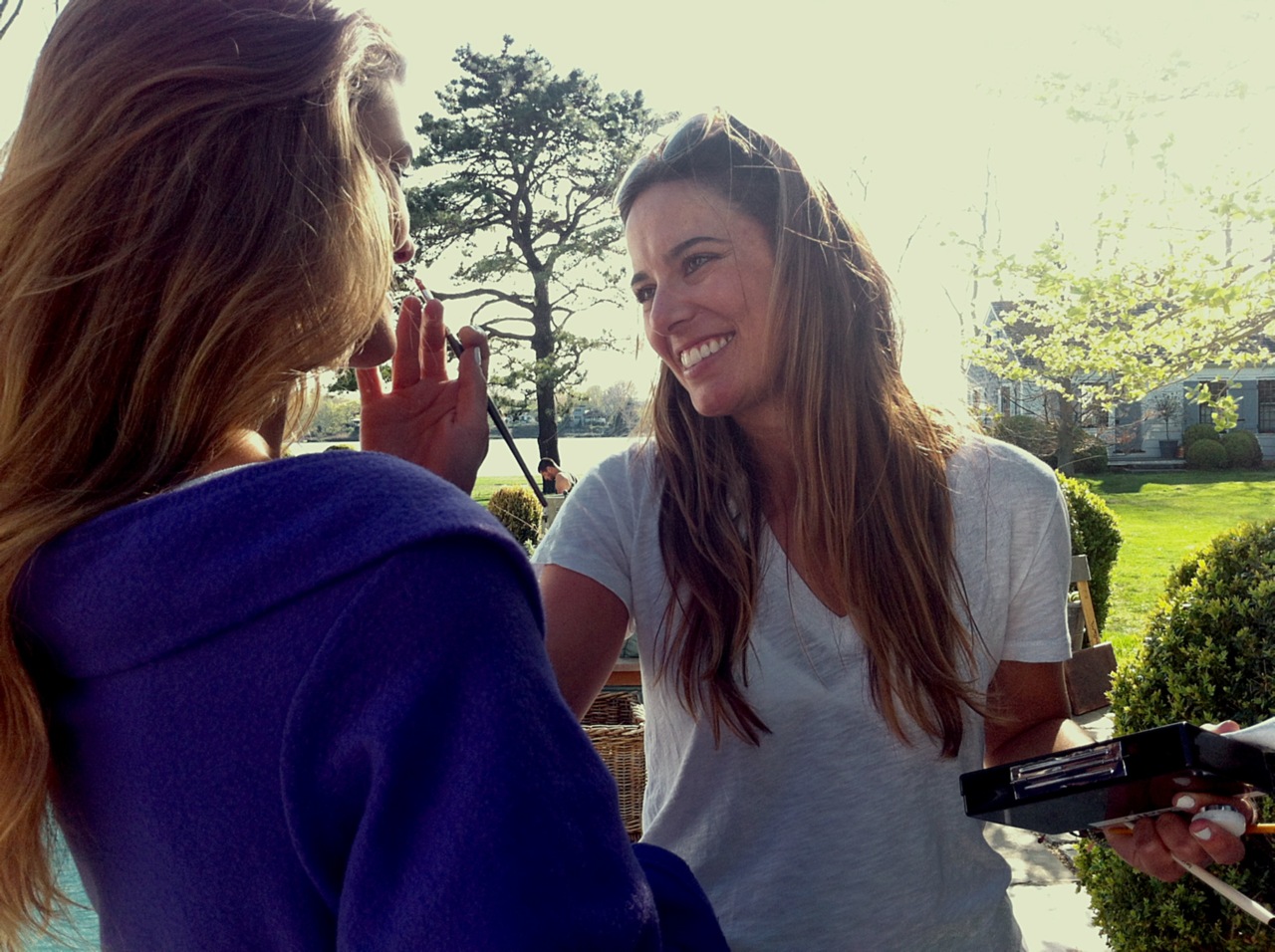
 Backstage shooting Aerie (i think its the fall campaign)
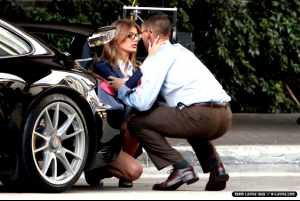
 Bregje shooting new music video of Maroon 5 - Payphone






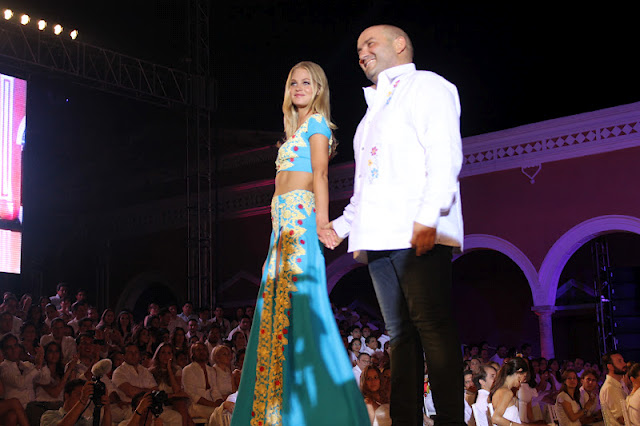
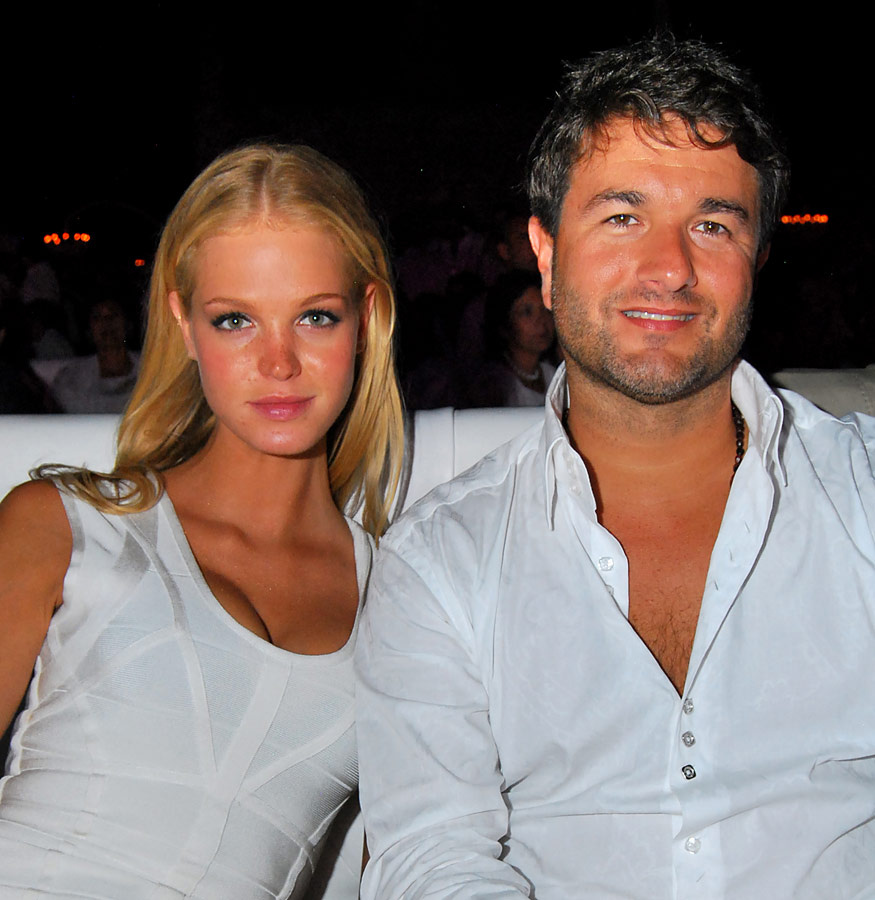
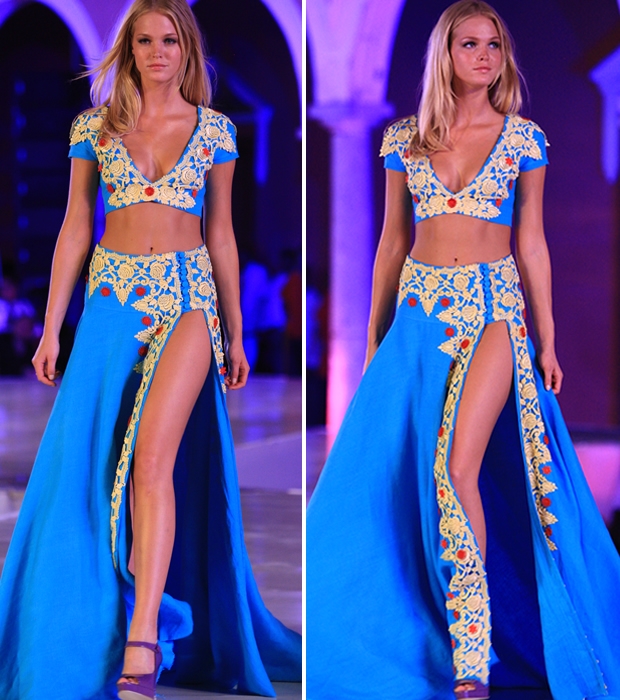
 Erin Heatherton Yucatan Mexico Moda Nextel. source:modelscandids.com HQ /monthly_04_2012/post-49177-0-1446116784-59771_thumb.jpg" data-fileid="4326190" alt="post-49177-0-1446116784-59771_thumb.jpg" data-ratio="143.2">











 Erin in Yucatan Mexico.
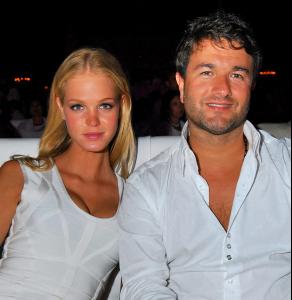




 Erin in Yucatan Mexico Moda Nextel
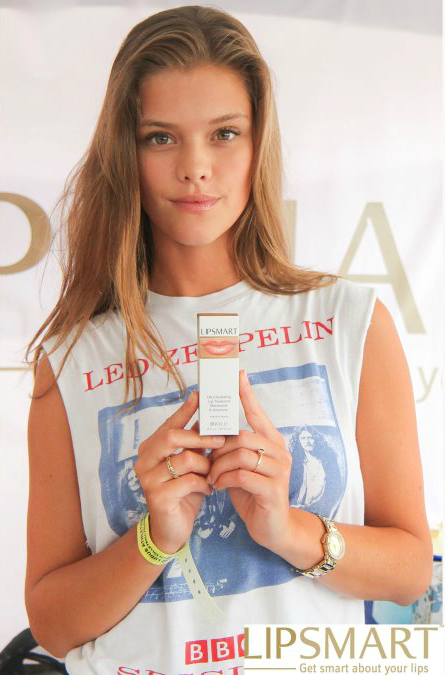
 @Ninaagdal1
 Body central.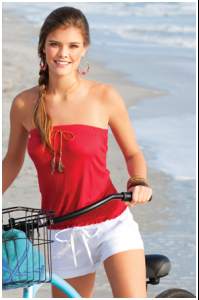


 that work with Kohls is very old but thanks! GJB! i dont remenber this ones , sorry if someone is repost.
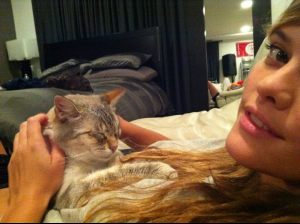
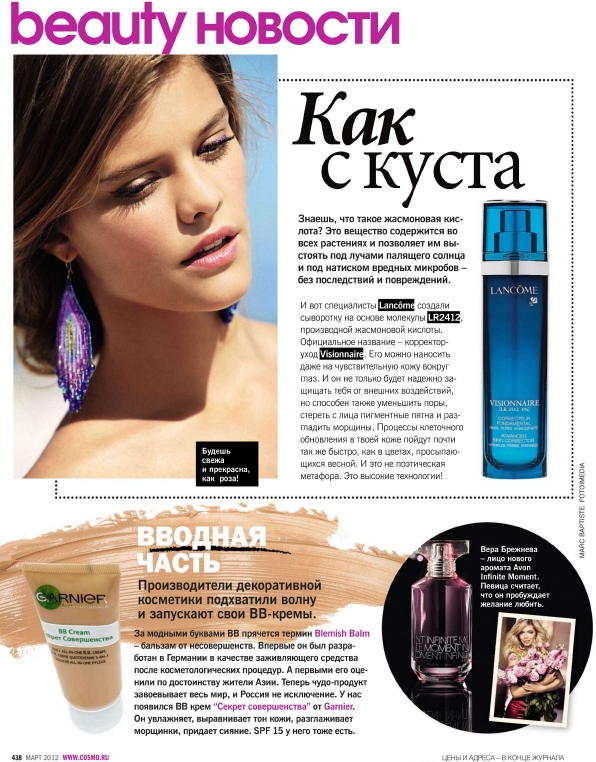
 its on the Magazine Cosmopolitan (russia - march 2012) if someone have it , check if there is more of her please
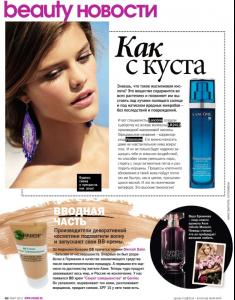 source: lovevsmodels.com anybody knows russian? lol
thank u guys for all
gif by lovemusic102
source: lovevsmodels.com anybody knows russian? lol
thank u guys for all
gif by lovemusic102 i think this not a repost.
 they just change the last part <_< lol
im sorry guys , but Sara is great and in this business (especially she working for VS ) she always is gonna be compare with Adriana. Even if she became very popular like Adri, its gonna be worst,. So get use to it guys.
oh
i dont understand why paypal if its free <_<
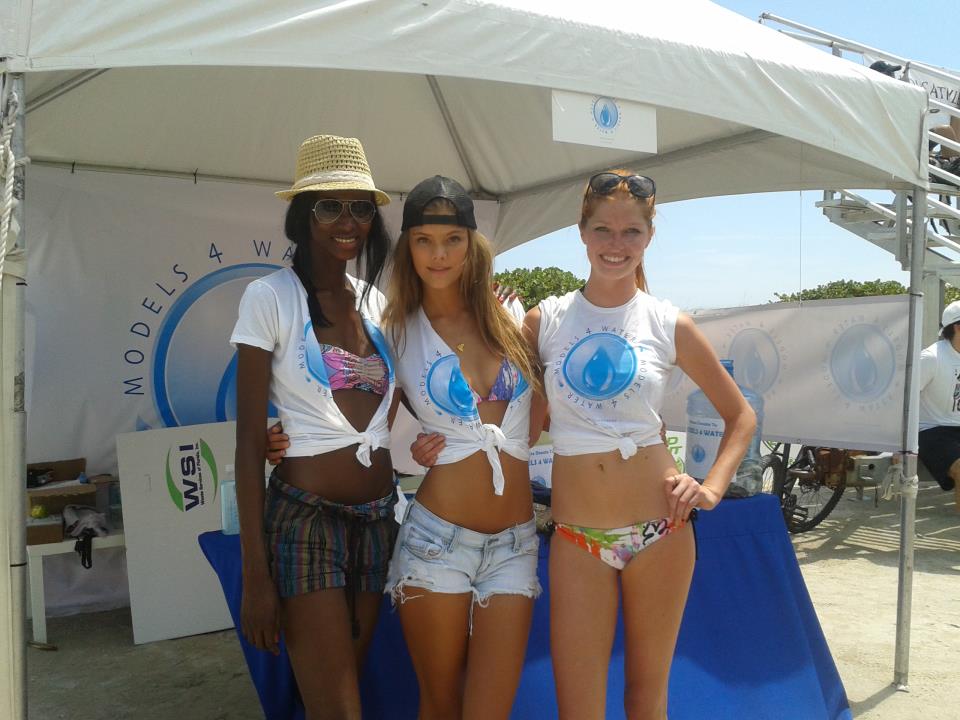
twitter pic with Nina Agdal and Lisalla Montenegro. "We are rockin this Friday!! wish all a great day!" Lisalla's twitter
they just change the last part <_< lol
im sorry guys , but Sara is great and in this business (especially she working for VS ) she always is gonna be compare with Adriana. Even if she became very popular like Adri, its gonna be worst,. So get use to it guys.
oh
i dont understand why paypal if its free <_<
twitter pic with Nina Agdal and Lisalla Montenegro. "We are rockin this Friday!! wish all a great day!" Lisalla's twitter




































Account
Navigation
Search
Configure browser push notifications
Chrome (Android)
- Tap the lock icon next to the address bar.
- Tap Permissions → Notifications.
- Adjust your preference.
Chrome (Desktop)
- Click the padlock icon in the address bar.
- Select Site settings.
- Find Notifications and adjust your preference.
Safari (iOS 16.4+)
- Ensure the site is installed via Add to Home Screen.
- Open Settings App → Notifications.
- Find your app name and adjust your preference.
Safari (macOS)
- Go to Safari → Preferences.
- Click the Websites tab.
- Select Notifications in the sidebar.
- Find this website and adjust your preference.
Edge (Android)
- Tap the lock icon next to the address bar.
- Tap Permissions.
- Find Notifications and adjust your preference.
Edge (Desktop)
- Click the padlock icon in the address bar.
- Click Permissions for this site.
- Find Notifications and adjust your preference.
Firefox (Android)
- Go to Settings → Site permissions.
- Tap Notifications.
- Find this site in the list and adjust your preference.
Firefox (Desktop)
- Open Firefox Settings.
- Search for Notifications.
- Find this site in the list and adjust your preference.