
MarVS2
Members
-
Joined
-
Last visited
Everything posted by MarVS2
-
 thanks , i cant believe they use that pic.... thats not even a photoshoot, thats a candid in the beach by paps looolll , Maxim need a shoot with Nina ASAP dont u think guys?
 -
thanks but u dont need to do screens of Nina in the hospital i guess... lol . but if u could Nina with the golden bikini could be great though
-
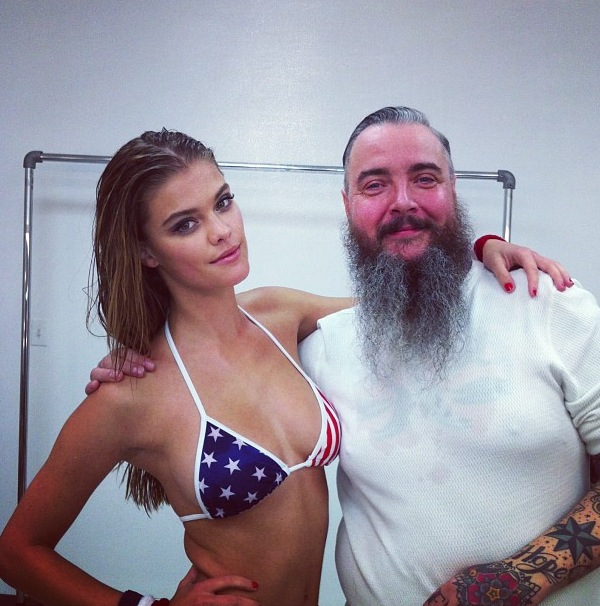
that's very old from Nelly shoots. but thanks backstage yesterday for Galore Mag. with photographer Gavin Bond.
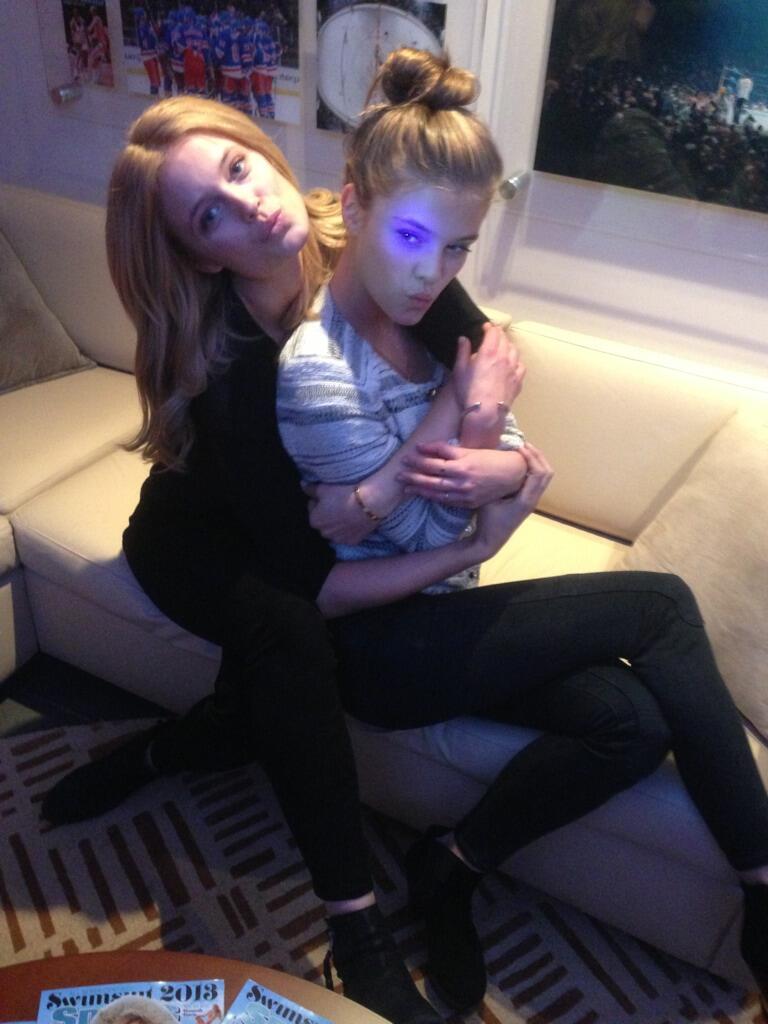
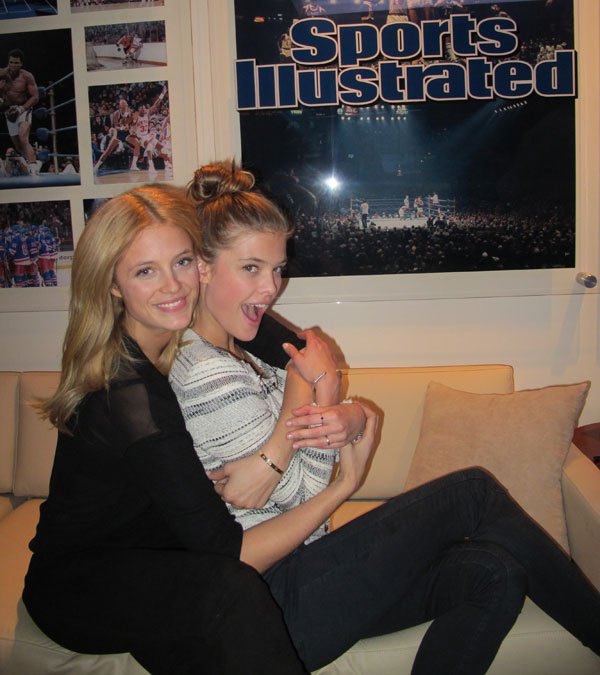
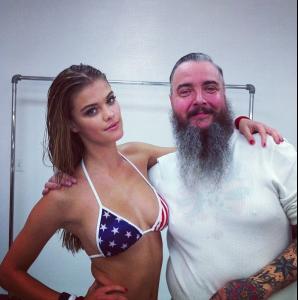 SI girls Kate Bock and Nina
 @ninaagdal /instagram

 Mj_Day twitter and Kate Bock
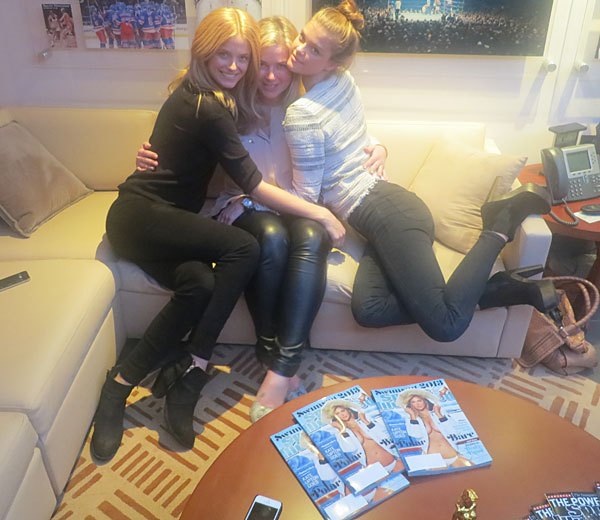
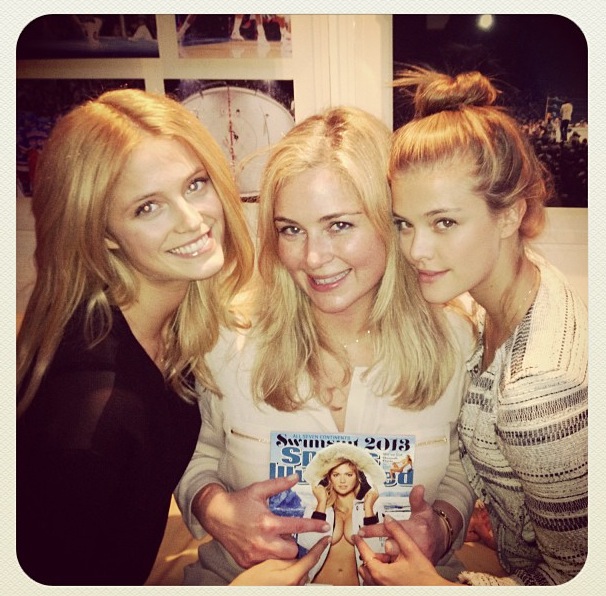
 SI Girls: Emily , Kate B , Hannah , Nina and Natasha
 Mj_Day instagram with Kate Bock SI Girls : Emily, Kate B , Hanna , Nina and Natasha
 Mj_Day instagram haha looooooooool
 MJ_Day instagram via Kate Bock twitter/instagram
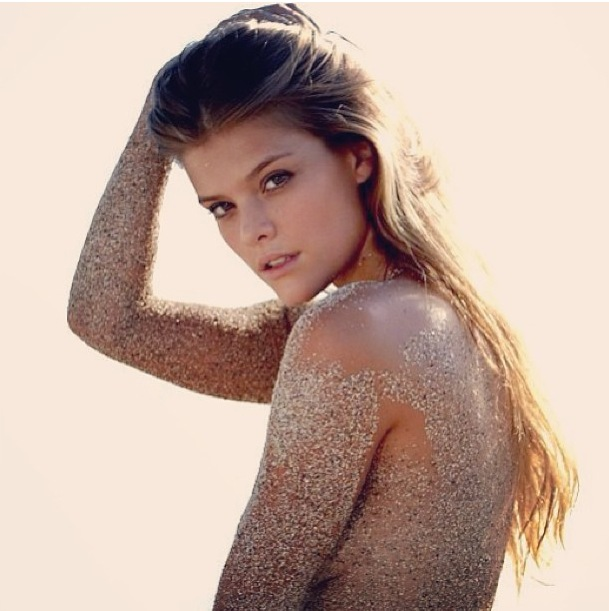
 @ninaagdal twitter/Instagram :wub2: ( Bogdan Photography) why Nina didn't share this amazing pic earlier? lol.
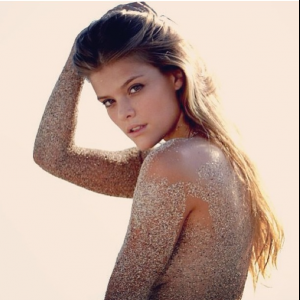 ....
.... Kate Bock won lol
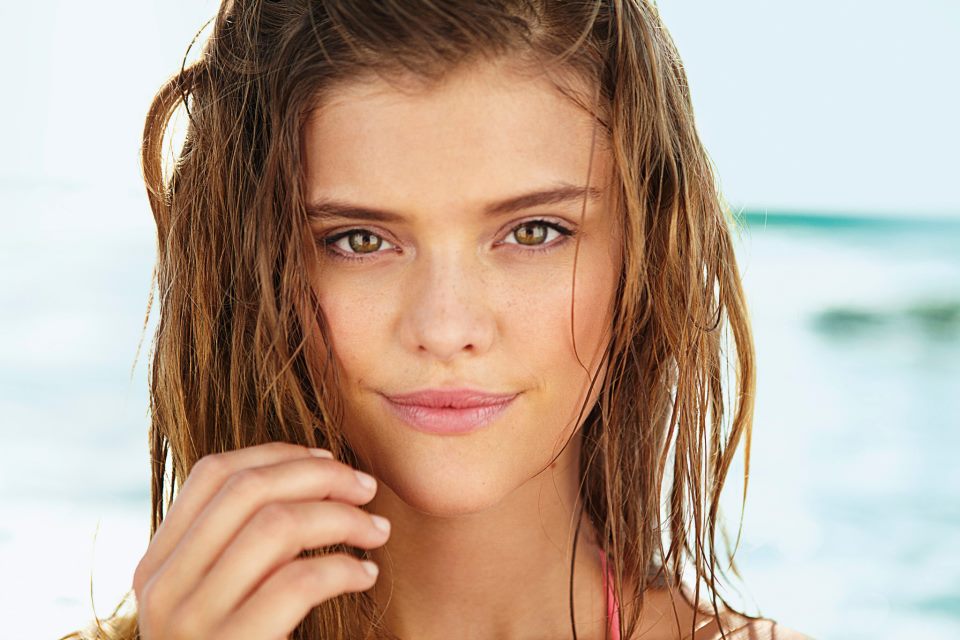
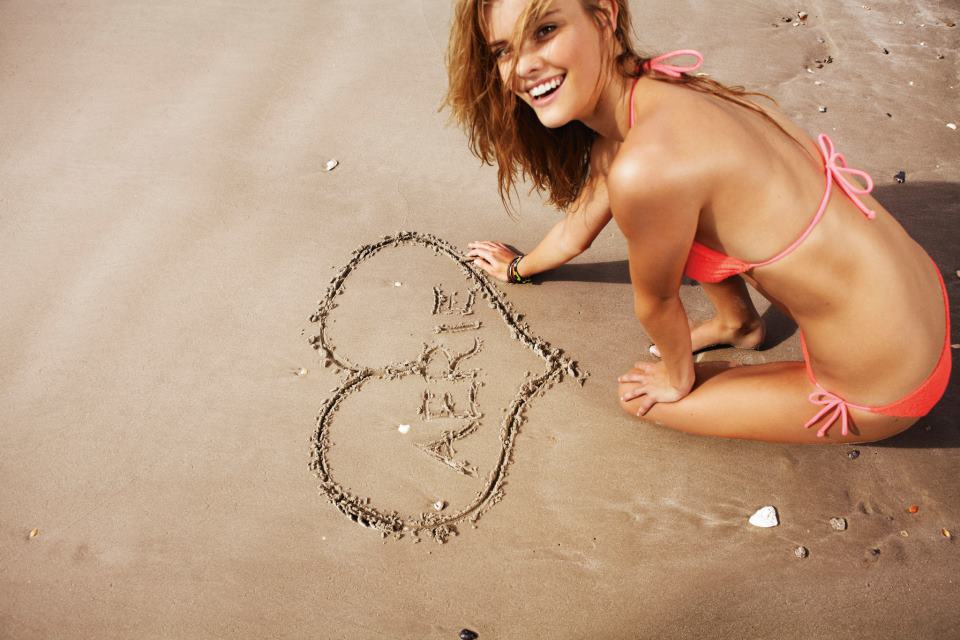
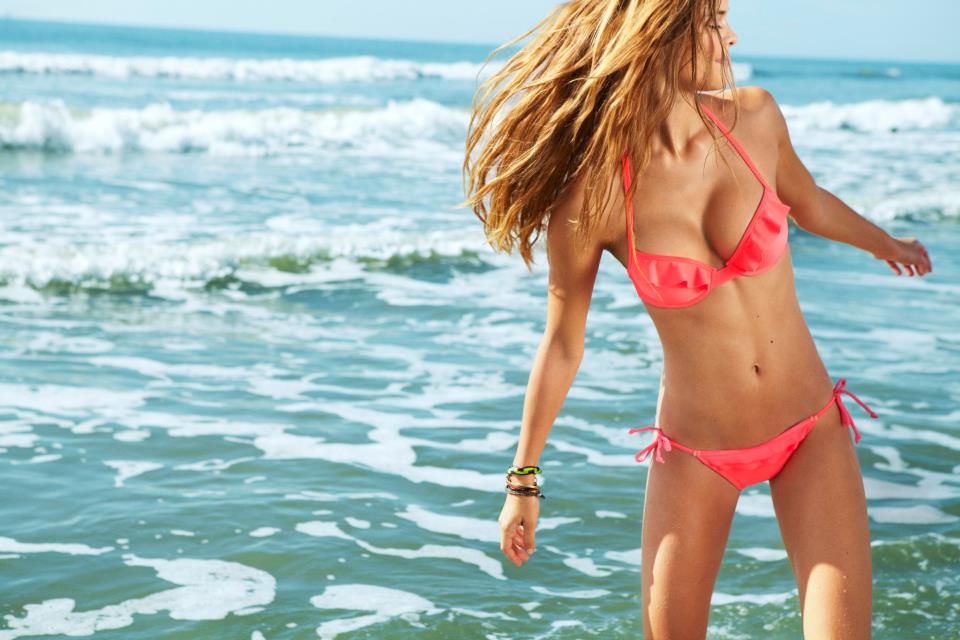
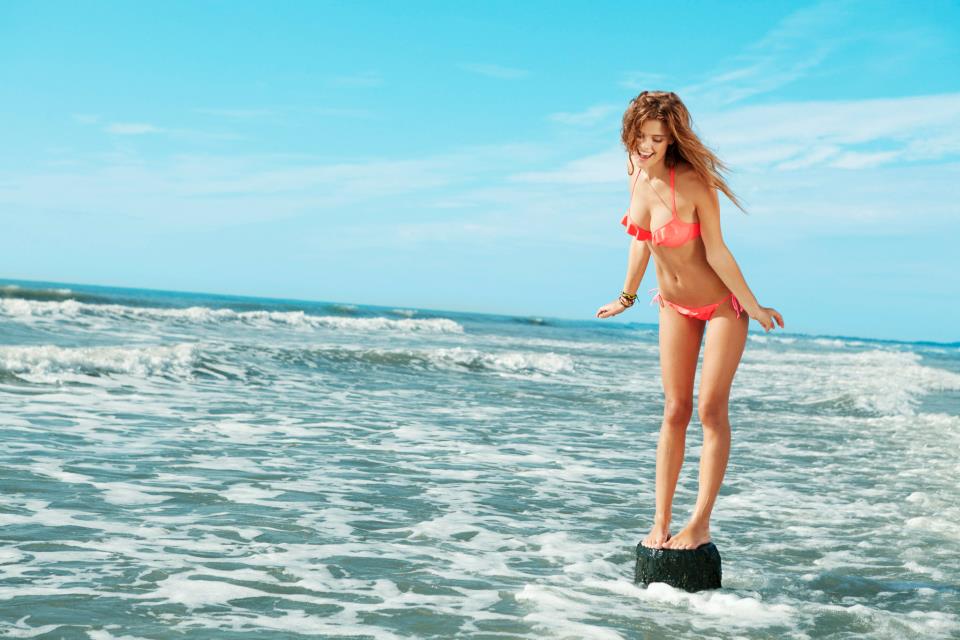
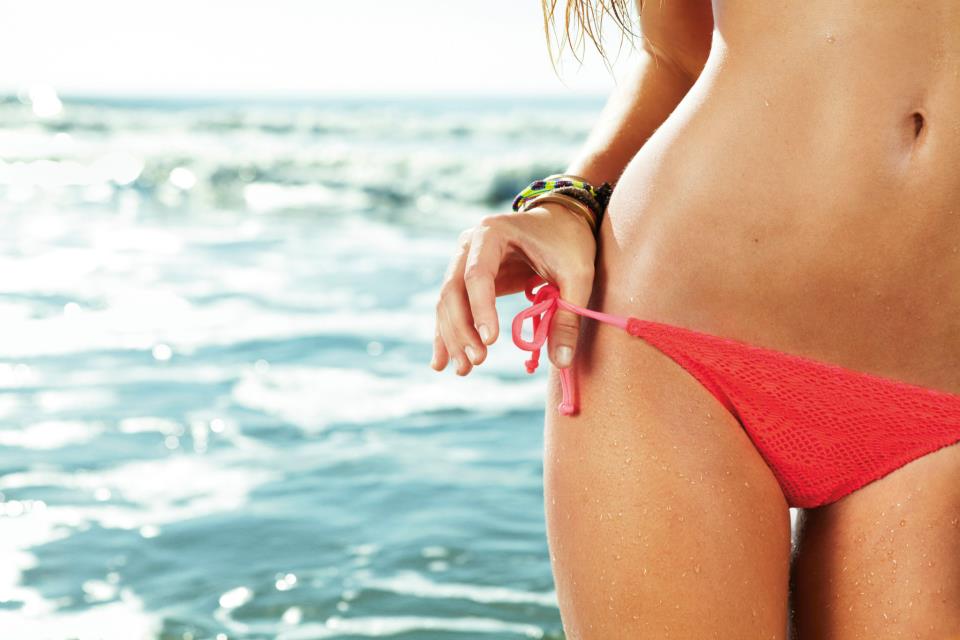
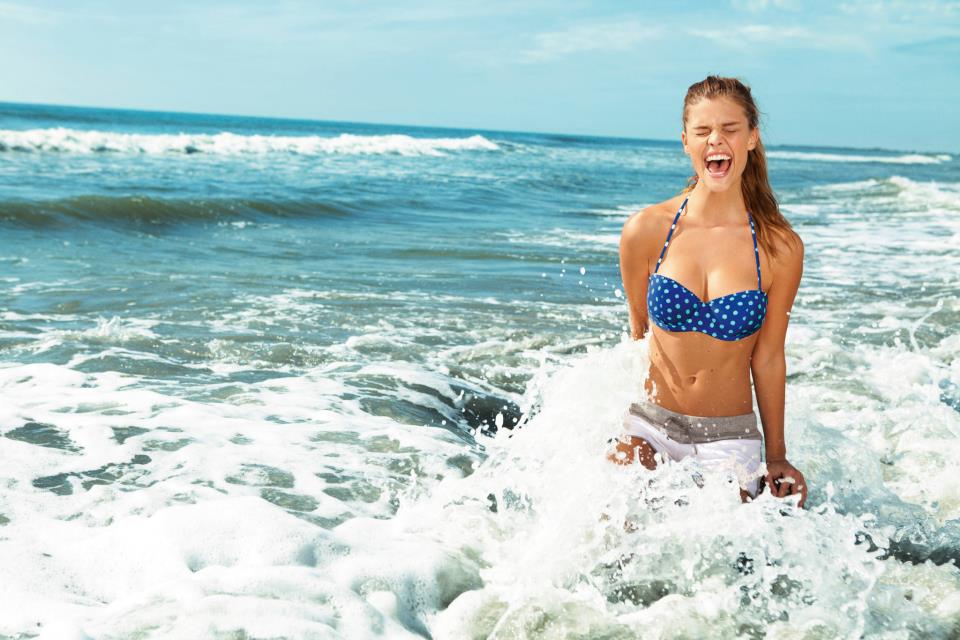
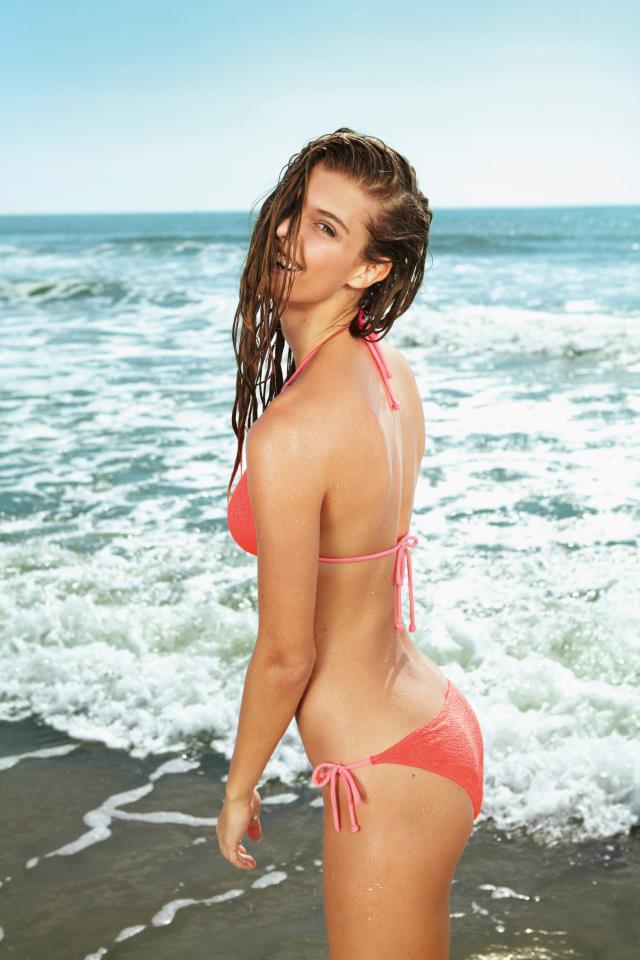
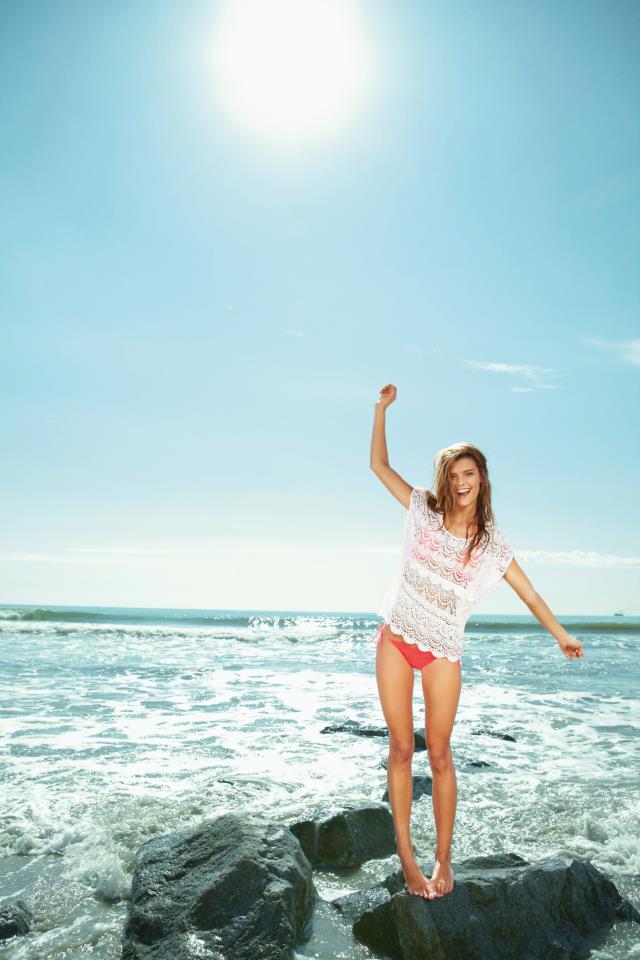
Aerie Swim - Spring 2013 ( sorry for the low quality though )
Kate Bock won lol
Aerie Swim - Spring 2013 ( sorry for the low quality though )

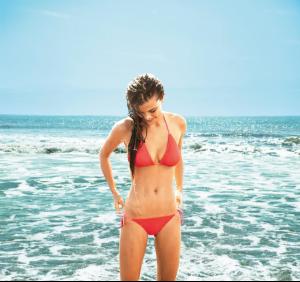











 today announce the ROY winner?
awful video lol... poor girls have to do that
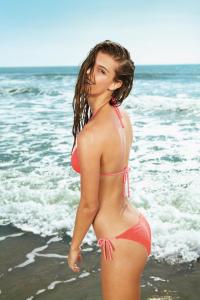
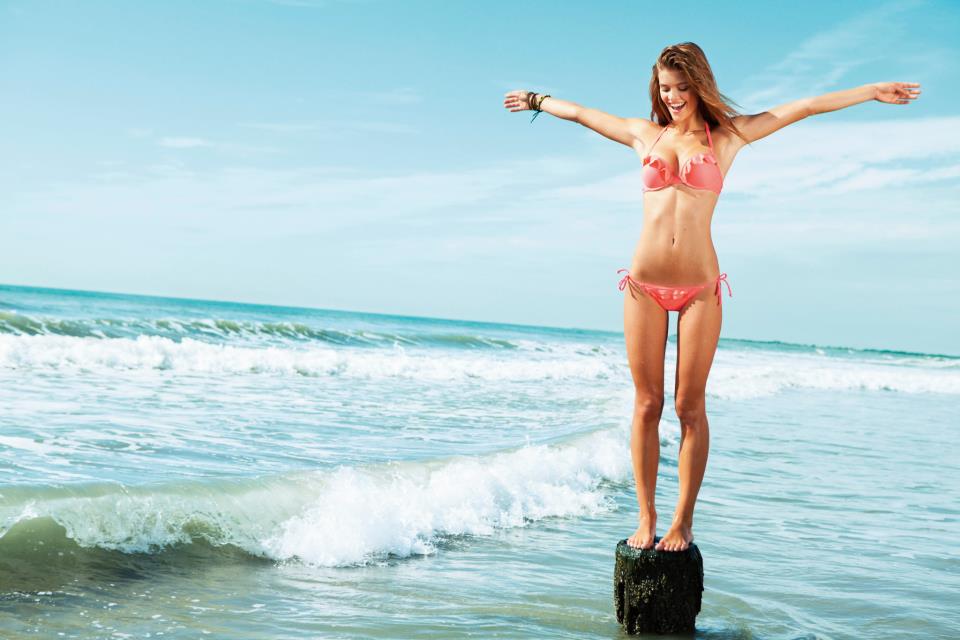
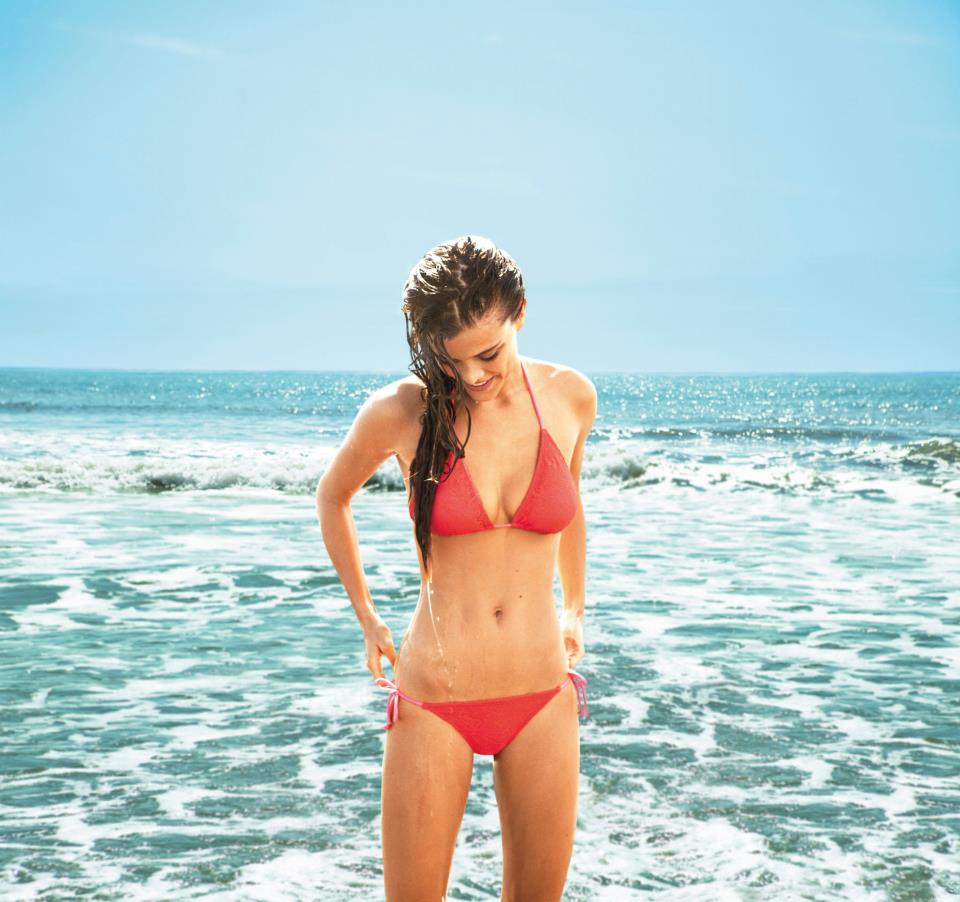
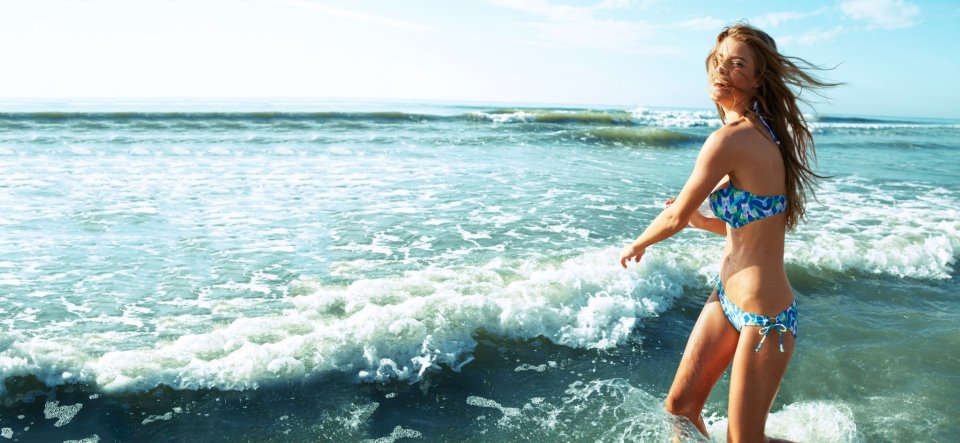
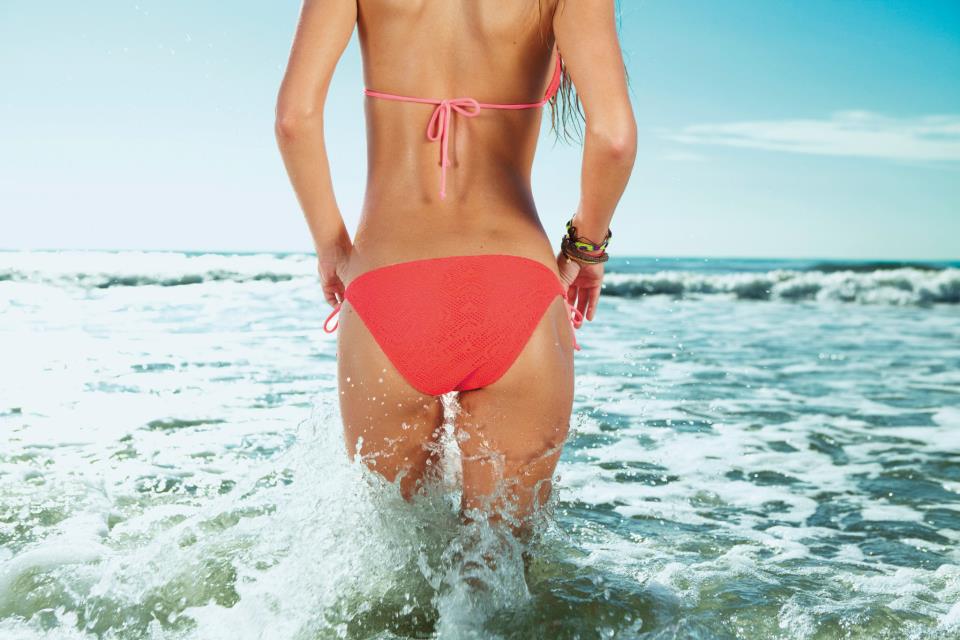
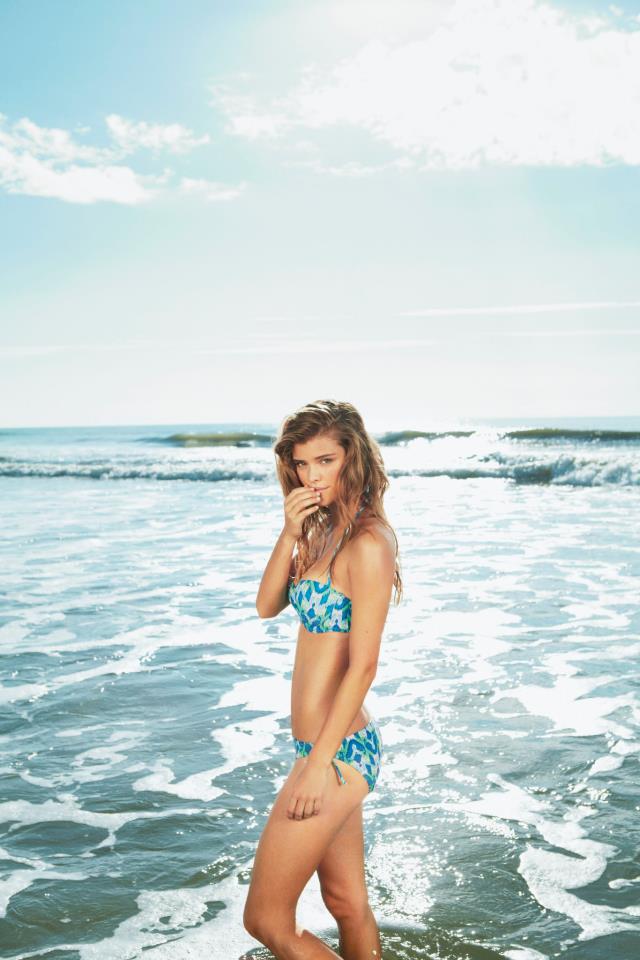
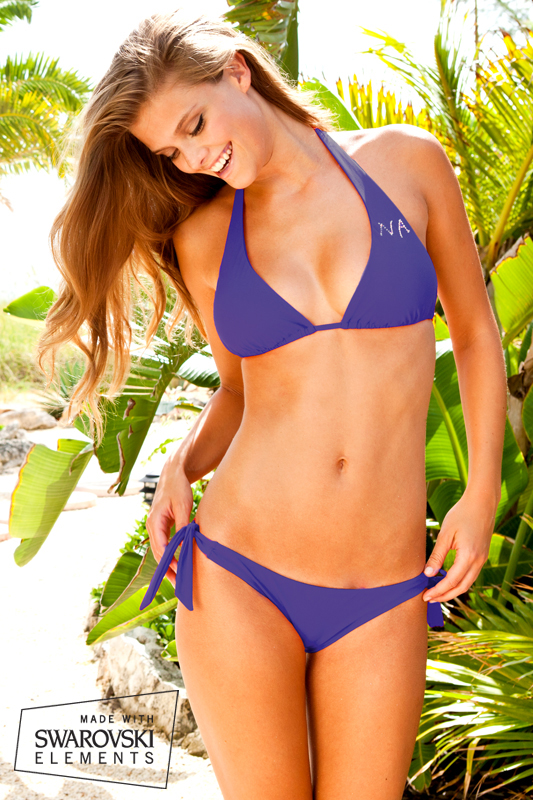
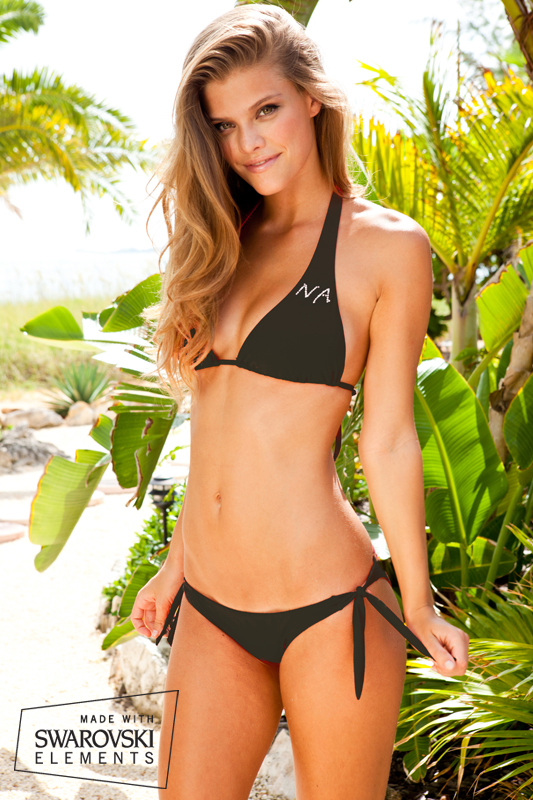
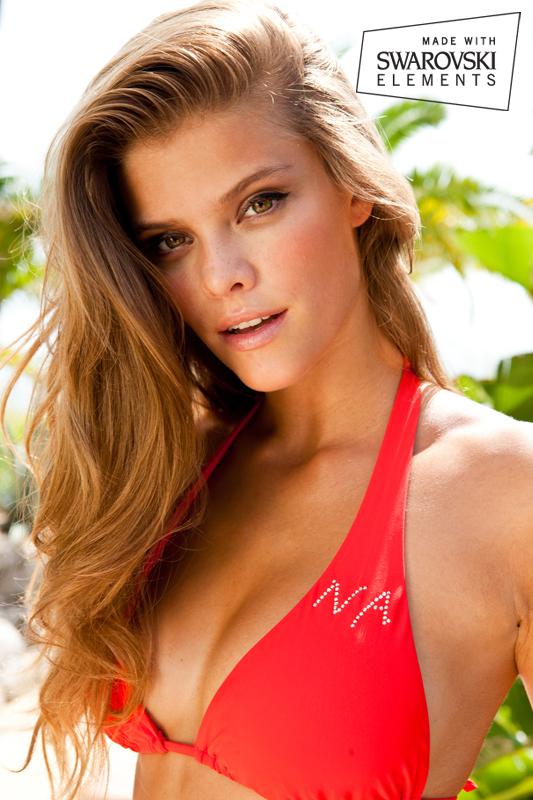
Sauvage Swimwear 2013 ( new pictures)
today announce the ROY winner?
awful video lol... poor girls have to do that
Sauvage Swimwear 2013 ( new pictures)
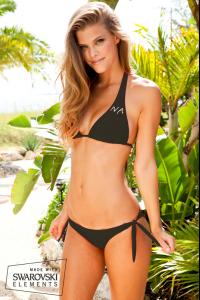


 Aerie Beach Spring 2013 Commercial
http://www.ae.com/aerie/ (scroll down)
Aerie Beach Spring 2013 Commercial
http://www.ae.com/aerie/ (scroll down)


















Account
Navigation
Search
Configure browser push notifications
Chrome (Android)
- Tap the lock icon next to the address bar.
- Tap Permissions → Notifications.
- Adjust your preference.
Chrome (Desktop)
- Click the padlock icon in the address bar.
- Select Site settings.
- Find Notifications and adjust your preference.
Safari (iOS 16.4+)
- Ensure the site is installed via Add to Home Screen.
- Open Settings App → Notifications.
- Find your app name and adjust your preference.
Safari (macOS)
- Go to Safari → Preferences.
- Click the Websites tab.
- Select Notifications in the sidebar.
- Find this website and adjust your preference.
Edge (Android)
- Tap the lock icon next to the address bar.
- Tap Permissions.
- Find Notifications and adjust your preference.
Edge (Desktop)
- Click the padlock icon in the address bar.
- Click Permissions for this site.
- Find Notifications and adjust your preference.
Firefox (Android)
- Go to Settings → Site permissions.
- Tap Notifications.
- Find this site in the list and adjust your preference.
Firefox (Desktop)
- Open Firefox Settings.
- Search for Notifications.
- Find this site in the list and adjust your preference.