
MarVS2
Members
-
Joined
-
Last visited
Everything posted by MarVS2
-
 SimpathySilluette thats repost yes thanks for the Yeni Inci pics Fisker47 never saw them.
 -
This one reminds me to a very resemblance pic with Bar Refaeli. yes! i was thinking the same kinda this one ? i guess for the background its very similar too



-
cant wait to get the real ones im loving them
-
Scans/previews of Penti swim 2013 (turkish brand) ( i guess for now)















-
Scans of Penti swim 2013




-
dont worry simpathysilhoutte
-
Forever 21 - swim 2013 bts forever 21


-
Lauren Mellor Casting call : http://swimdaily.si....-lauren-mellor/ ...mm i guess no. she 28?
-
haha truly dont support that ... and those models needs a truly nope in the mag haha
Alyssah Ali casting call: http://swimdaily.si.com/2013/04/25/casting-call-alyssah-ali/ mm nope
love her pink hair
she looks so cute in the video but i wish she could dye her hair blonde she looks so crazy gorgeous with blonde hair.
omg here is http://www.esquire.com/features/songs-every-man-should-listen-to-0513?click=mid#slide-1 can somebody post in youtube please
How do these magazines always leave the best shots out.
Outtake from her Esquire USA shoot with Derek Kettela
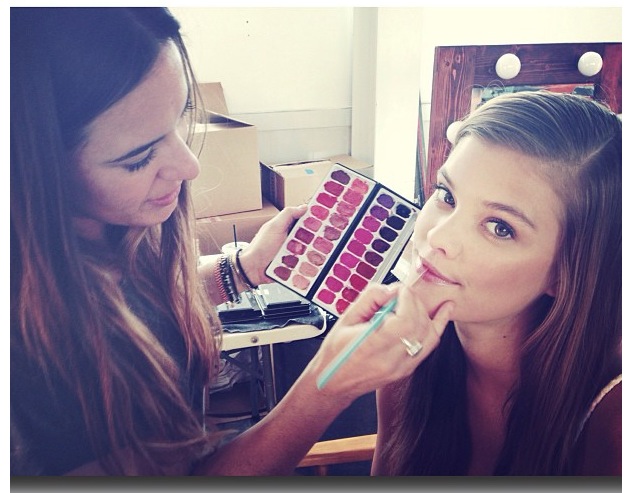
 Aerie summer 2013
 Today in the morning Shooting Aerie.
 Nina is shooting today Aerie @ninaagdal/Instagram
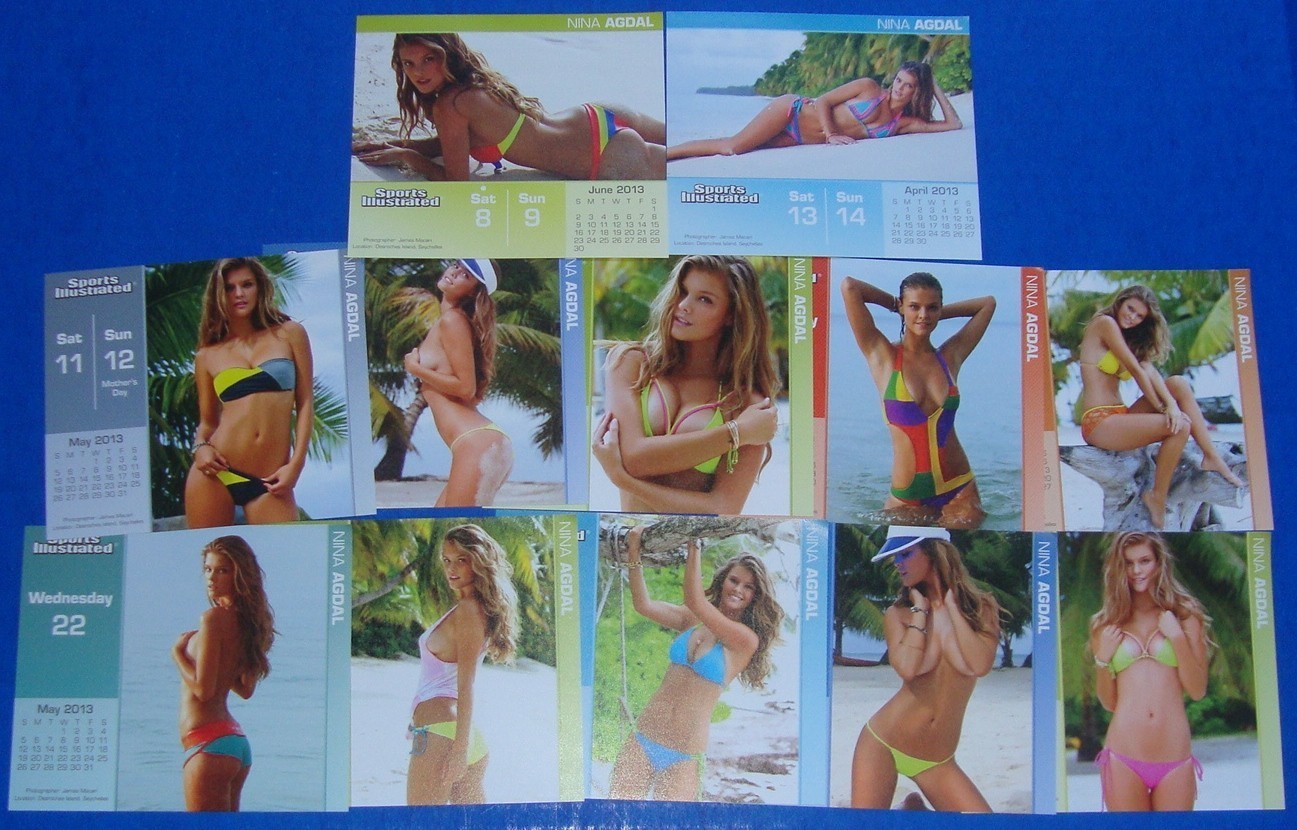
 nope i think was just for the calendar .





























Account
Navigation
Search
Configure browser push notifications
Chrome (Android)
- Tap the lock icon next to the address bar.
- Tap Permissions → Notifications.
- Adjust your preference.
Chrome (Desktop)
- Click the padlock icon in the address bar.
- Select Site settings.
- Find Notifications and adjust your preference.
Safari (iOS 16.4+)
- Ensure the site is installed via Add to Home Screen.
- Open Settings App → Notifications.
- Find your app name and adjust your preference.
Safari (macOS)
- Go to Safari → Preferences.
- Click the Websites tab.
- Select Notifications in the sidebar.
- Find this website and adjust your preference.
Edge (Android)
- Tap the lock icon next to the address bar.
- Tap Permissions.
- Find Notifications and adjust your preference.
Edge (Desktop)
- Click the padlock icon in the address bar.
- Click Permissions for this site.
- Find Notifications and adjust your preference.
Firefox (Android)
- Go to Settings → Site permissions.
- Tap Notifications.
- Find this site in the list and adjust your preference.
Firefox (Desktop)
- Open Firefox Settings.
- Search for Notifications.
- Find this site in the list and adjust your preference.