
MarVS2
Members
-
Joined
-
Last visited
Everything posted by MarVS2
-

-
-
Mj day instagram
-
-
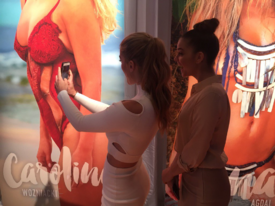
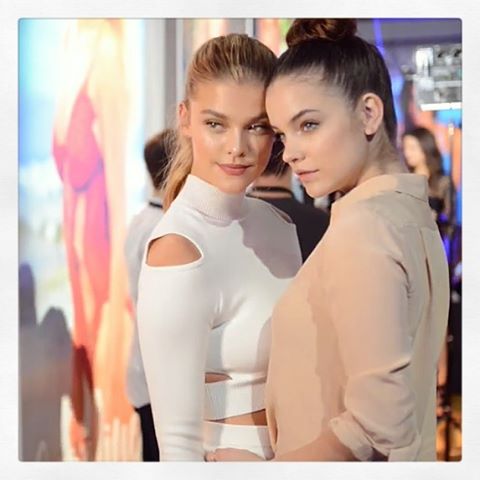
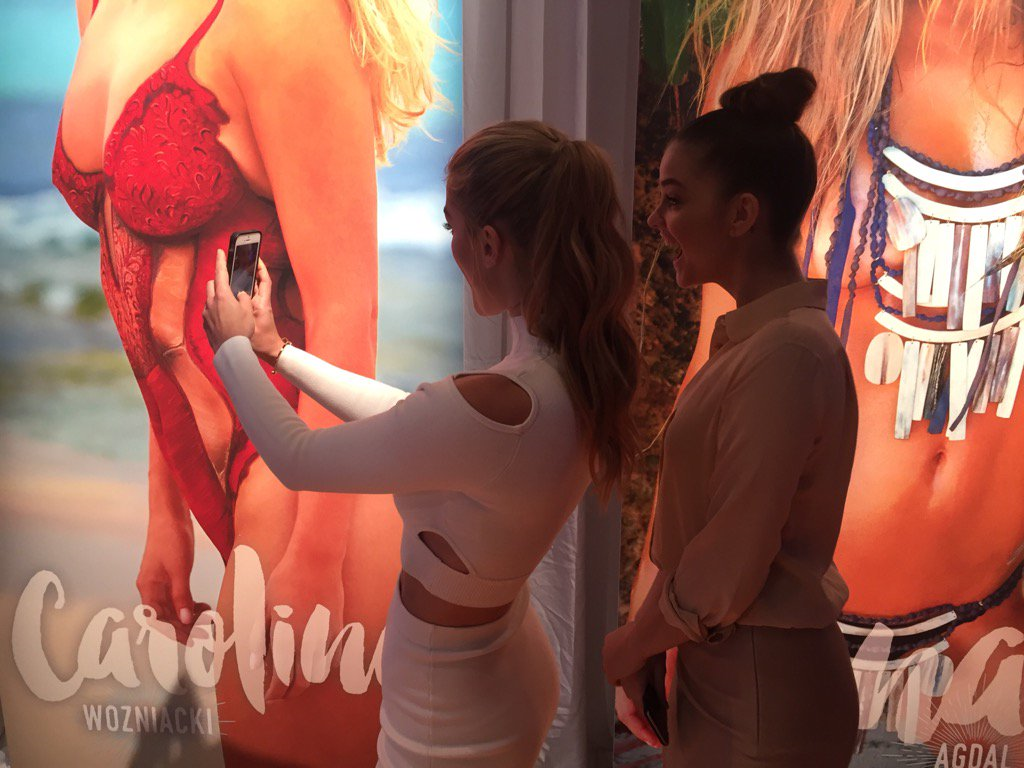
arriving to the SWIMCITY event
-
-
screencaps source:ninaagdalarmy
-
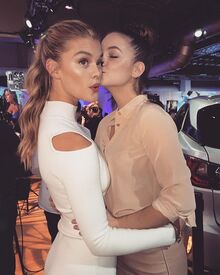
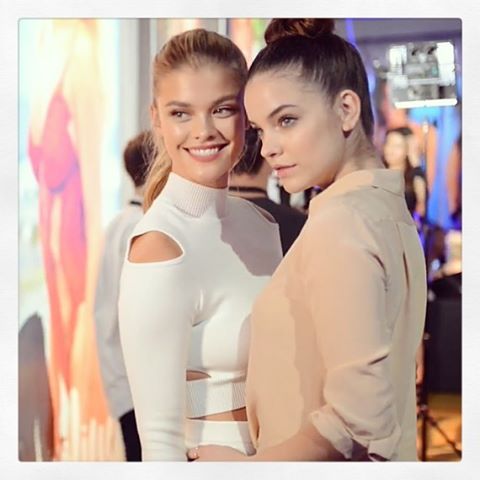
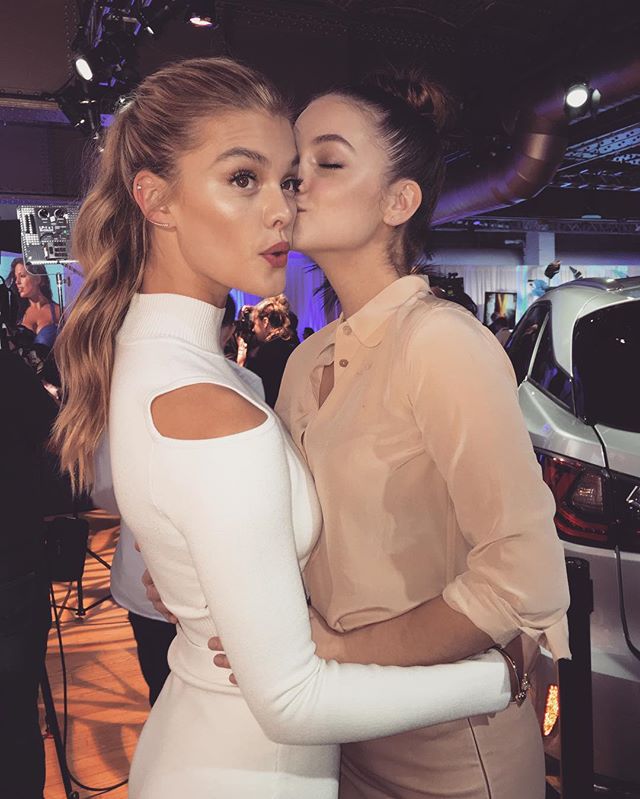
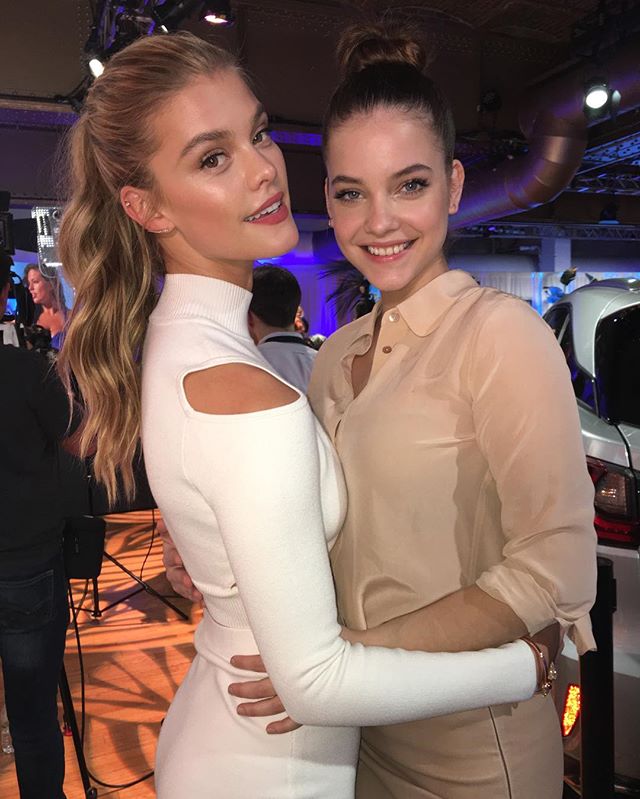
Barbara and Nina together at the SWIMCITY EVENT TODAY here is the link for someone if can get them in better quality and untagged http://www.corbisimages.com/Search#p=1&q=nina+agdal&sort=3





-
Nina and Barbara at SWIMCITY event in NYC Today here is the link for someone can get the mbigger and untagged: http://www.corbisimages.com/Search#p=1&q=nina+agdal&sort=3
-
I think is private
Barbara and Nina today yaaaaaaaaaaaaaassss baby jesus

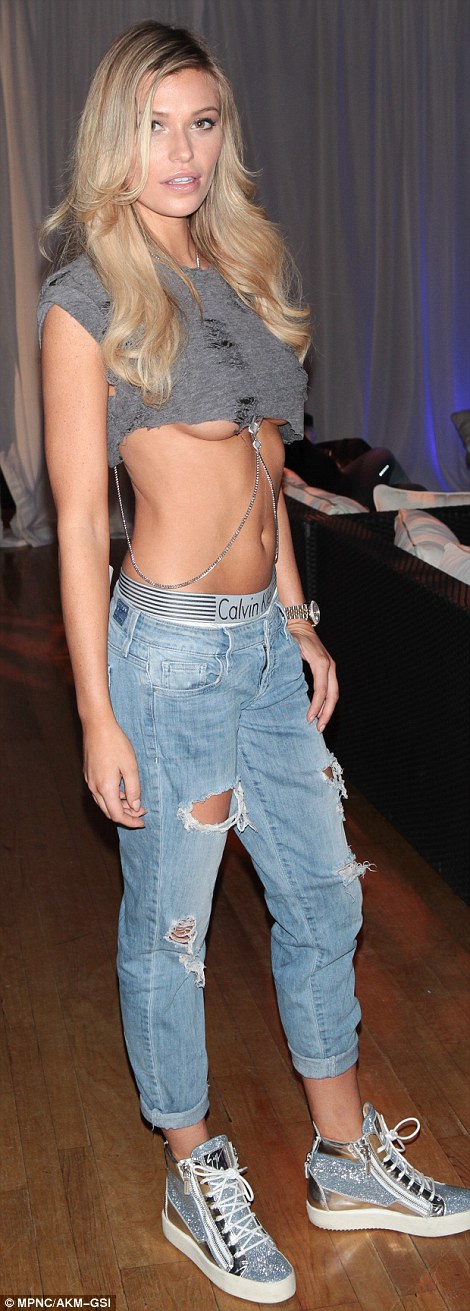
 literally me






Account
Navigation
Search
Configure browser push notifications
Chrome (Android)
- Tap the lock icon next to the address bar.
- Tap Permissions → Notifications.
- Adjust your preference.
Chrome (Desktop)
- Click the padlock icon in the address bar.
- Select Site settings.
- Find Notifications and adjust your preference.
Safari (iOS 16.4+)
- Ensure the site is installed via Add to Home Screen.
- Open Settings App → Notifications.
- Find your app name and adjust your preference.
Safari (macOS)
- Go to Safari → Preferences.
- Click the Websites tab.
- Select Notifications in the sidebar.
- Find this website and adjust your preference.
Edge (Android)
- Tap the lock icon next to the address bar.
- Tap Permissions.
- Find Notifications and adjust your preference.
Edge (Desktop)
- Click the padlock icon in the address bar.
- Click Permissions for this site.
- Find Notifications and adjust your preference.
Firefox (Android)
- Go to Settings → Site permissions.
- Tap Notifications.
- Find this site in the list and adjust your preference.
Firefox (Desktop)
- Open Firefox Settings.
- Search for Notifications.
- Find this site in the list and adjust your preference.