
MarVS2
Members
-
Joined
-
Last visited
Everything posted by MarVS2
-
 who wants to bet that Vita will post on instagram her crying (fake) when she founds out she is an angel ...
 -
same here
-
My Magazine complete editorial on fashionrogue.com but are reposts so here is the link: http://www.fashiongonerogue.com/nina-agdal-my-magazine-2016-photos/nina-agdal-my-magazine-2016-cover-photoshoot01/
Sea Boat VIP Cruise SI SWIMSUIT Party
its supossed to be a lapdance so he is trying be sexy lol and funny .
haha naa he is Riad the hairstylist of the girls and he is gay , they are just havin fun.
and most importantly with Ben Watts
lol Ashley knows perfectly that she will be back and dont need ROY because of the cover.
with Nina and Mj Day.
 with Babs , Hailey , Mj and Riad
so perfect at the last night event
Nina Agdal attends the Sports Illustrated Swimsuit 2016 Swim BBQ VIP on February 17, 2016 in Miami
thanks VampireHorde
Ben Watts,Nina ,Gigi and Hailey
HQ thanks to user Sunshine
with Babs , Hailey , Mj and Riad
so perfect at the last night event
Nina Agdal attends the Sports Illustrated Swimsuit 2016 Swim BBQ VIP on February 17, 2016 in Miami
thanks VampireHorde
Ben Watts,Nina ,Gigi and Hailey
HQ thanks to user Sunshine thank u ! kisses thank u kisses
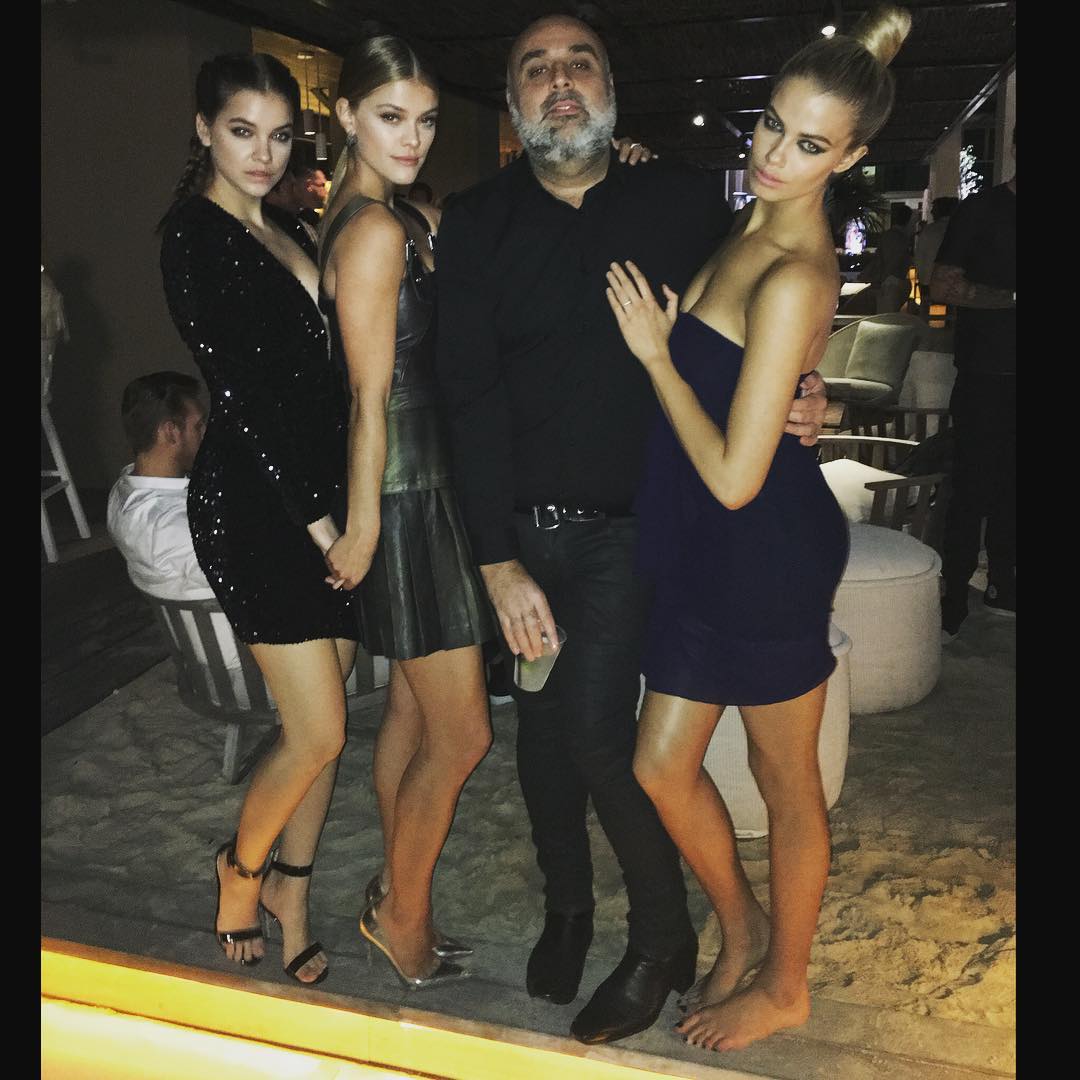
Sunshine can u post the HQ PLEASEE the instagram is riadazar9
Riad with Nina , Barbara and Hailey today
Riad with Barbara , Nina and Hailey
thank u ! kisses thank u kisses
Sunshine can u post the HQ PLEASEE the instagram is riadazar9
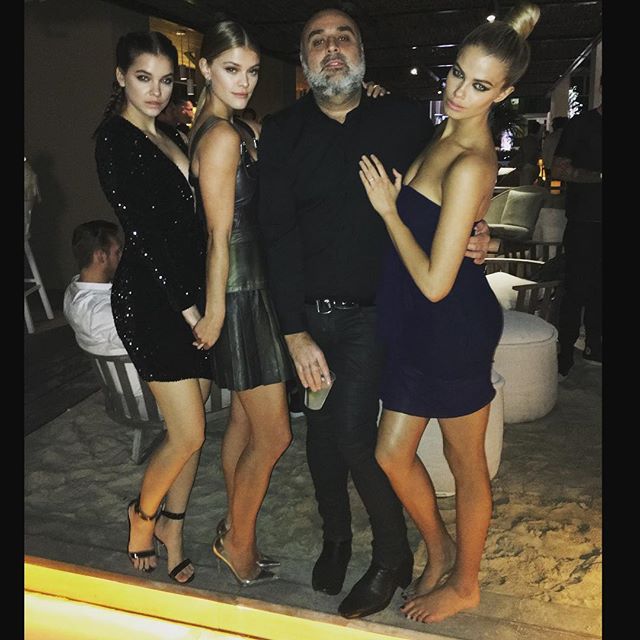
Riad with Nina , Barbara and Hailey today
Riad with Barbara , Nina and Hailey

Account
Navigation
Search
Configure browser push notifications
Chrome (Android)
- Tap the lock icon next to the address bar.
- Tap Permissions → Notifications.
- Adjust your preference.
Chrome (Desktop)
- Click the padlock icon in the address bar.
- Select Site settings.
- Find Notifications and adjust your preference.
Safari (iOS 16.4+)
- Ensure the site is installed via Add to Home Screen.
- Open Settings App → Notifications.
- Find your app name and adjust your preference.
Safari (macOS)
- Go to Safari → Preferences.
- Click the Websites tab.
- Select Notifications in the sidebar.
- Find this website and adjust your preference.
Edge (Android)
- Tap the lock icon next to the address bar.
- Tap Permissions.
- Find Notifications and adjust your preference.
Edge (Desktop)
- Click the padlock icon in the address bar.
- Click Permissions for this site.
- Find Notifications and adjust your preference.
Firefox (Android)
- Go to Settings → Site permissions.
- Tap Notifications.
- Find this site in the list and adjust your preference.
Firefox (Desktop)
- Open Firefox Settings.
- Search for Notifications.
- Find this site in the list and adjust your preference.