Jump to content
View in the app

A better way to browse. Learn more.

Bellazon

A full-screen app on your home screen with push notifications, badges and more.

To install this app on iOS and iPadOS
  1. Tap the Share icon in Safari
  2. Scroll the menu and tap Add to Home Screen.
  3. Tap Add in the top-right corner.
To install this app on Android
  1. Tap the 3-dot menu (⋮) in the top-right corner of the browser.
  2. Tap Add to Home screen or Install app.
  3. Confirm by tapping Install.

Paula

Members
  • Joined

  • Last visited

Everything posted by Paula

  1. Paula replied to Dani's topic in Female Fashion Models
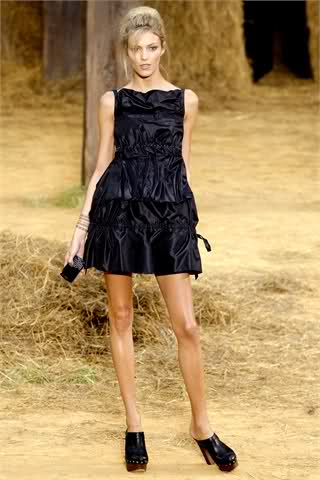
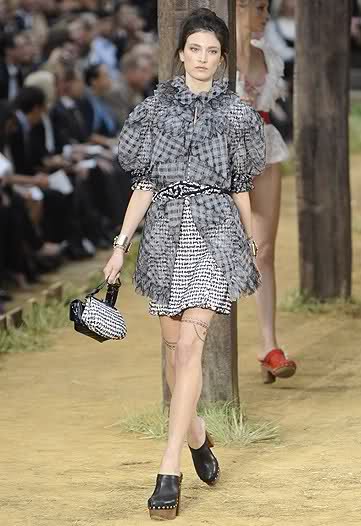
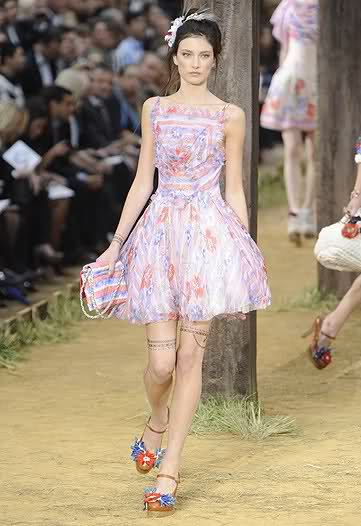
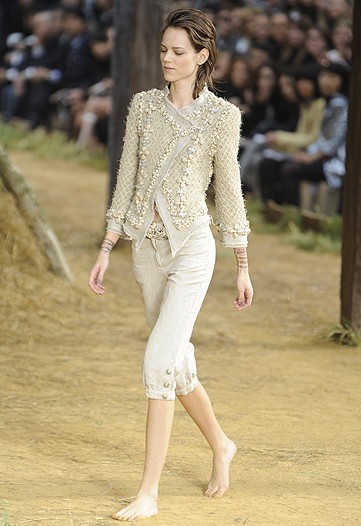
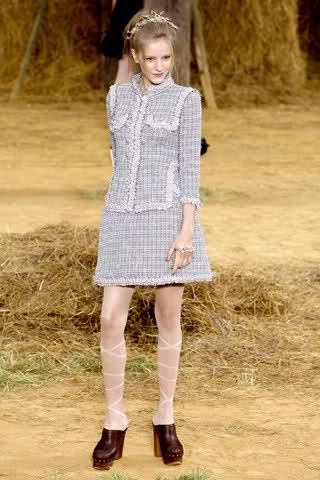
    Chanel S/S 2010 Paris style.it
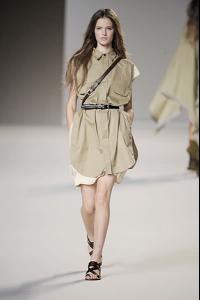
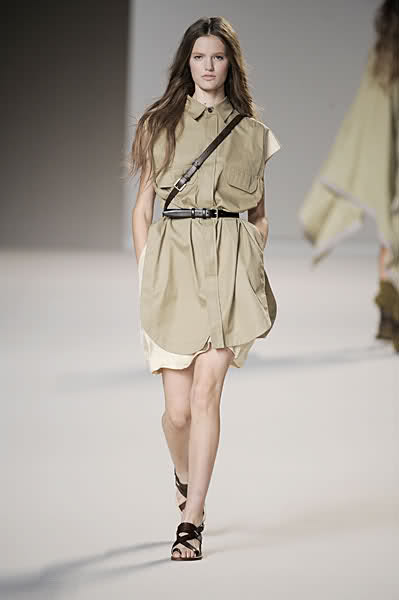
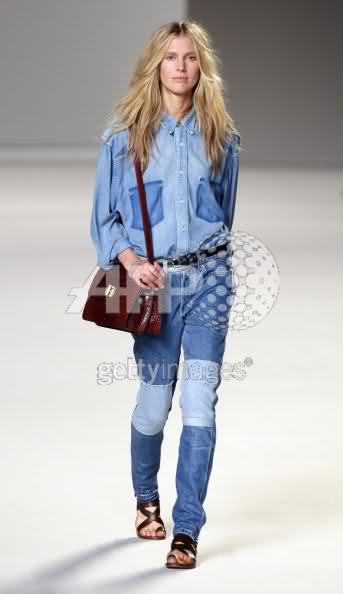
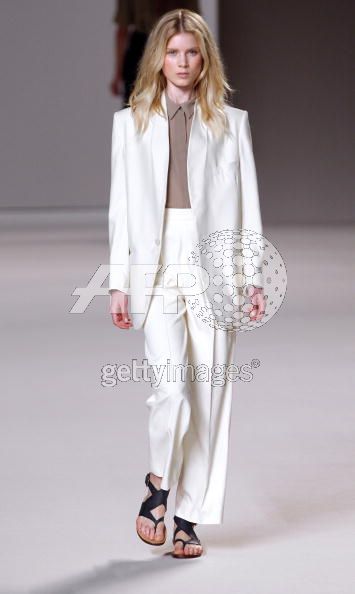
  2. Chloe S/S 10 Paris catwalking
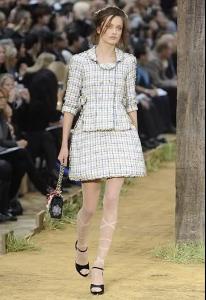
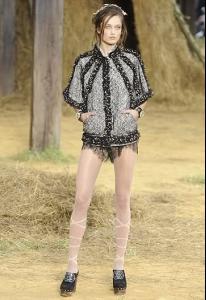
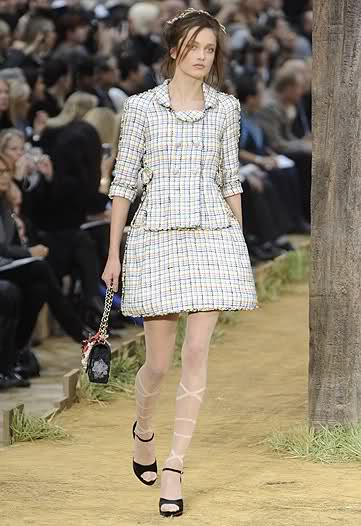
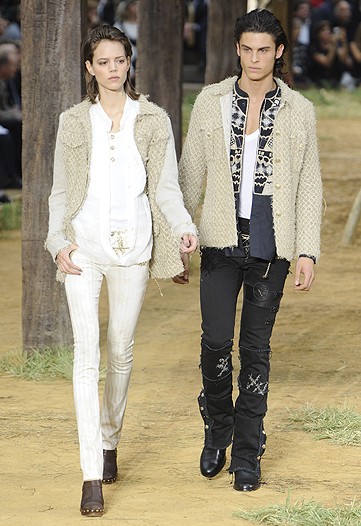
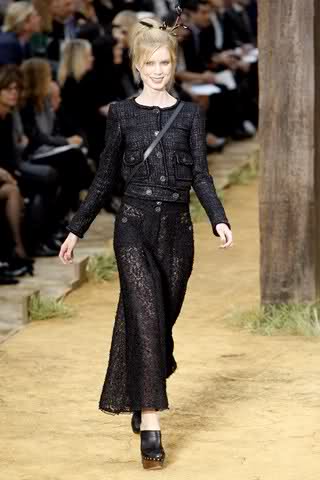
  3. Chanel /S 2010 Paris catwalking
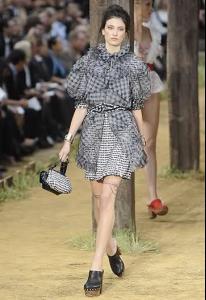
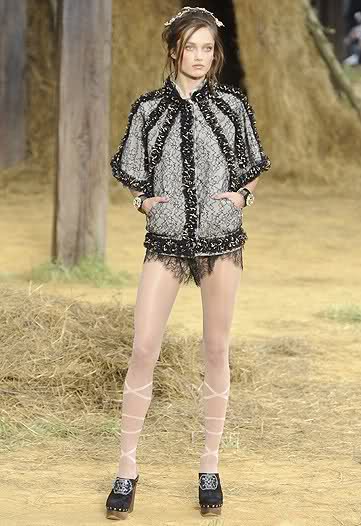
  4. Chanel S/S 2010 Paris catwalking
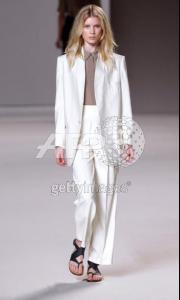
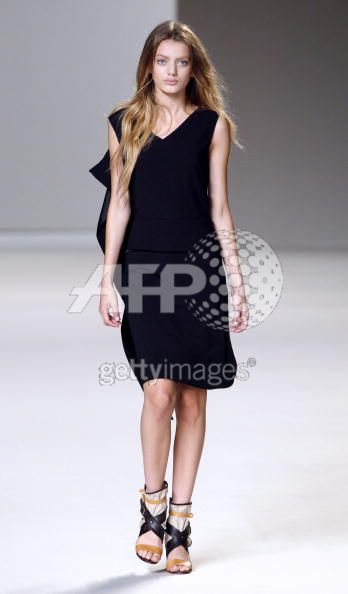
  5. Chloe S/S 2010 Paris getty
  6. Chanel S/S 2010 Paris getty
  7. Chanel S/S 2010 Paris vogue.co.uk
  8. Chanel S/S 2010 (she closed) wwd
  9. Chloe S/S 2010 Paris getty
  10. Chanel S/S 2010 Paris vogue.co.uk
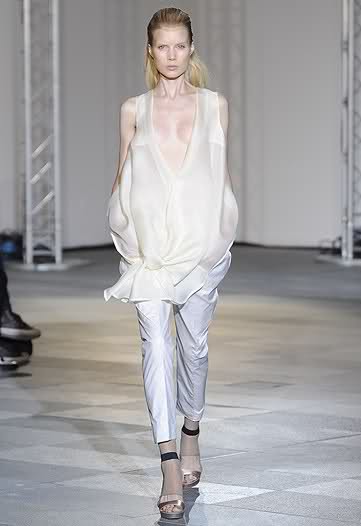
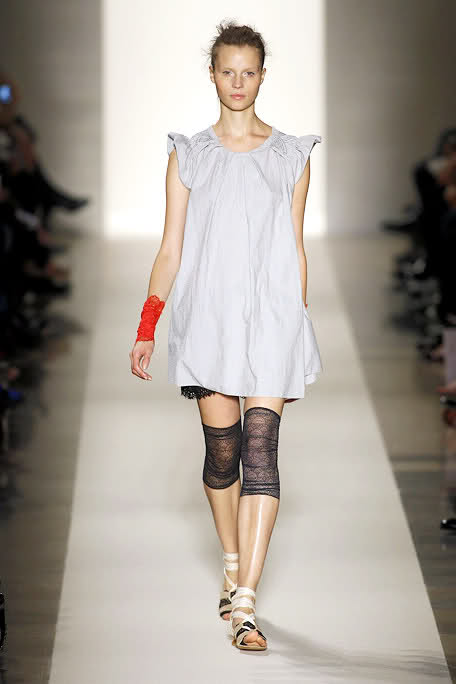
  11. Commuun S/S 2010 Paris wwd
  12. Leonard S/S 2010 Paris (she closed) marieclaire.it
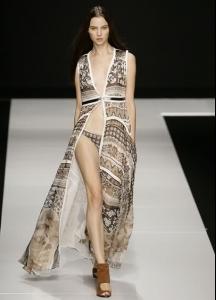
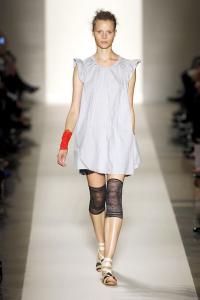
  13. Vanessa Bruno S/S 2010 Paris elle
  14. Chanel S/S 2010 Paris vogue.co.uk
  15. Chloe S/S 2010 Paris getty
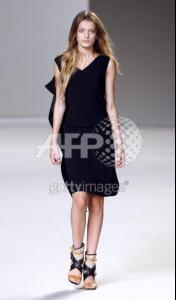
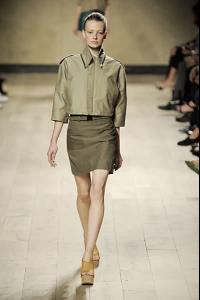
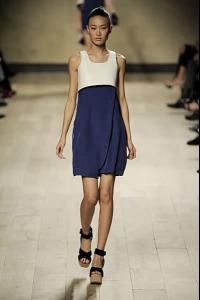
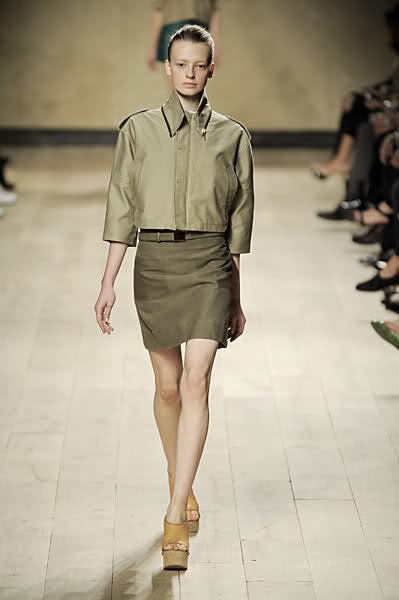
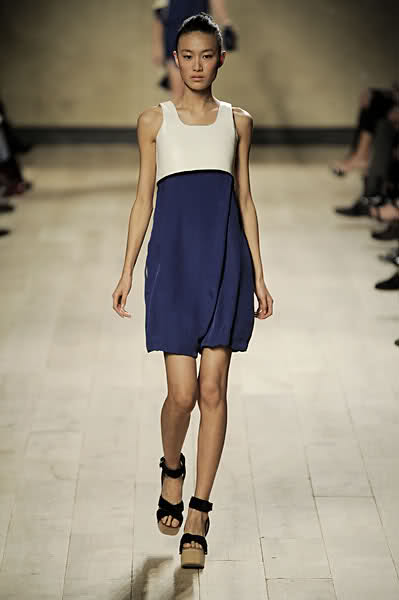
  16. Celine S/S 10 Paris catwalking
  17. Chloe S/S 2010 Paris getty
  18. Chanel S/S 2010 Paris vogue.co.uk
  19. Paula replied to Reeyo's topic in Female Fashion Models
    Celine S/S 10 Paris catwalking
  20. Paula replied to Reeyo's topic in Female Fashion Models
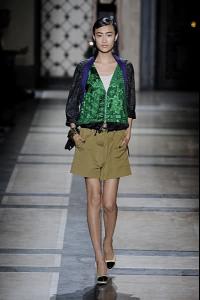
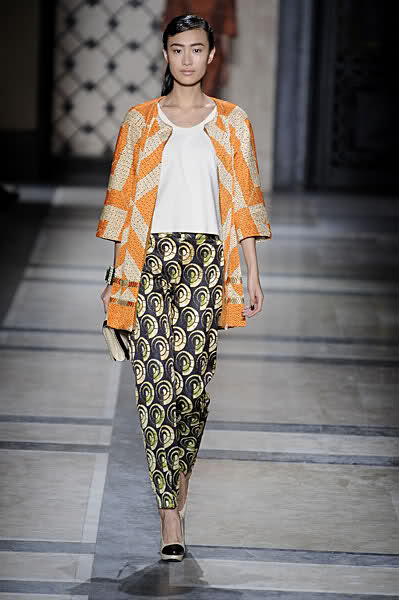
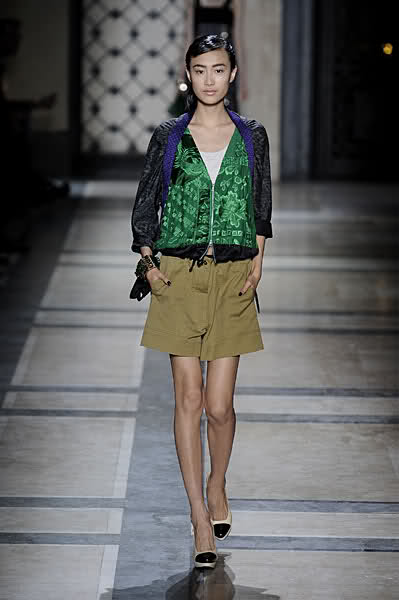
    Dries Van Noten S/S 10 Paris catwalking
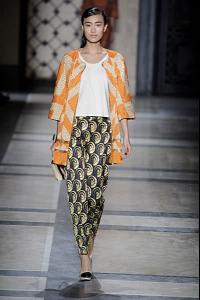
  21. Paula replied to Reeyo's topic in Female Fashion Models
    Akris S/S 10 Paris catwalking
  22. Paula replied to Reeyo's topic in Female Fashion Models
    Loewe S/S 10 Paris catwalking
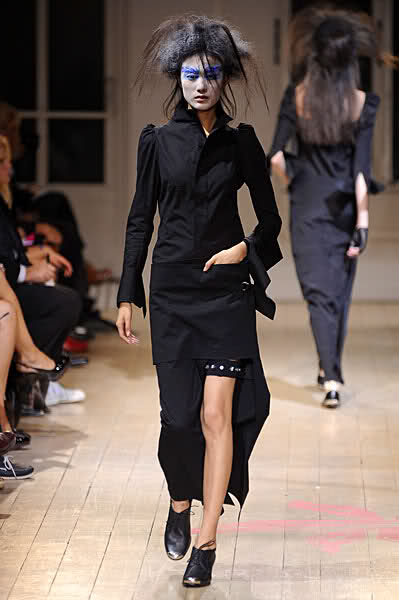
  23. Paula replied to Reeyo's topic in Female Fashion Models
    Yohji Yamamoto S/S 10 Paris catwalking
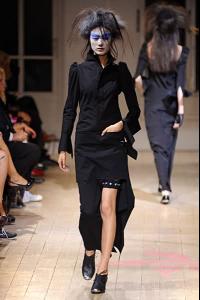
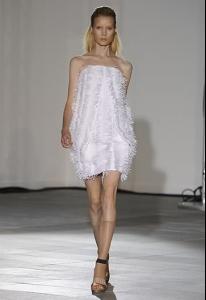
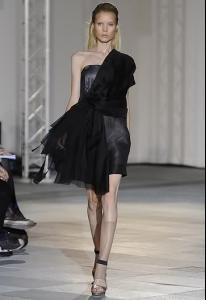
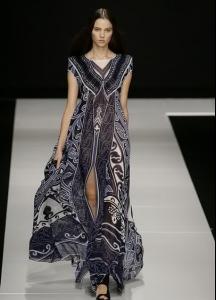
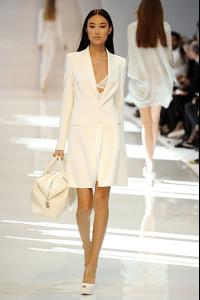
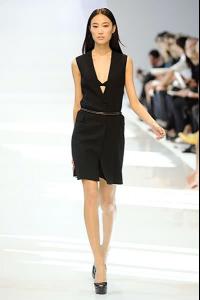
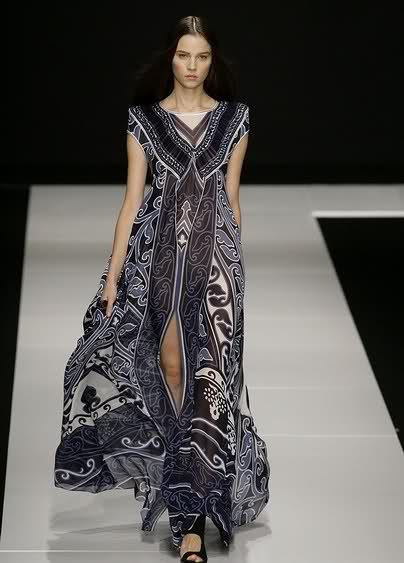
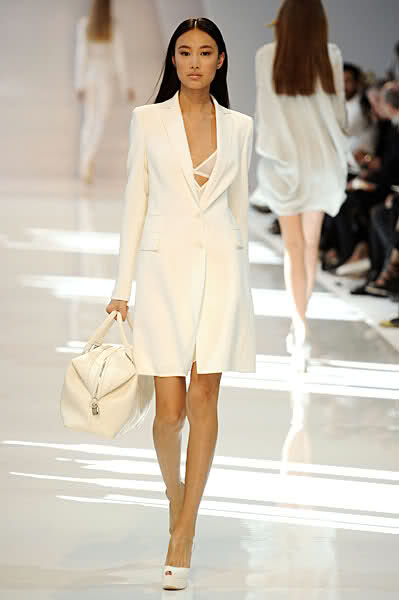
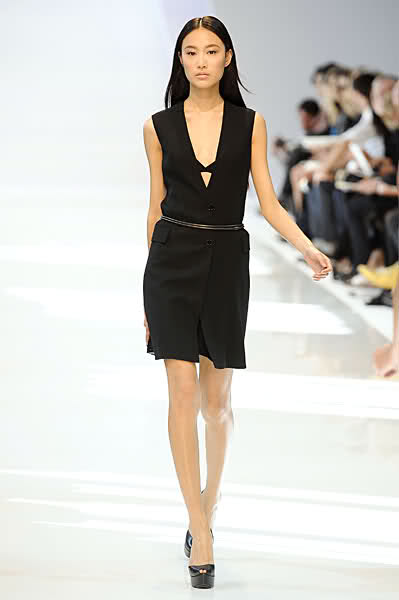
  24. Guy Laroche RTW Spring 2010 (O) marieclaire.it
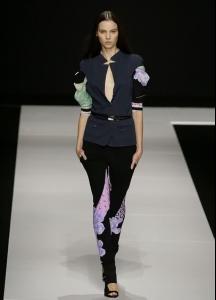
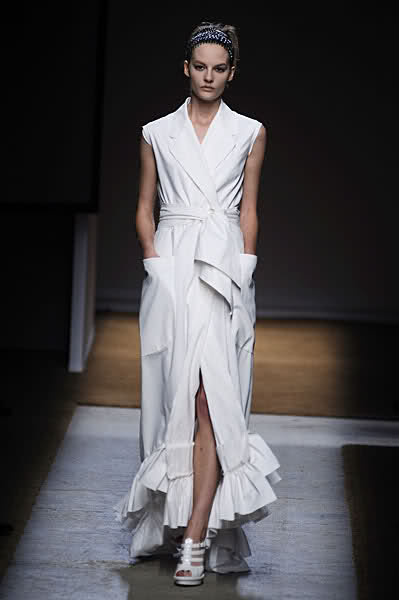
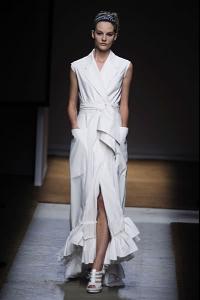
  25. Yves Saint Laurent S/S 10 Paris catwalking
Configure browser push notifications

Chrome (Android)
  1. Tap the lock icon next to the address bar.
  2. Tap Permissions → Notifications.
  3. Adjust your preference.
Chrome (Desktop)
  1. Click the padlock icon in the address bar.
  2. Select Site settings.
  3. Find Notifications and adjust your preference.