maddog107
Admin
-
Joined
-
Last visited
-
Upgrading the hardware, but having some issues with the OS. So need to do some reboots / upgrades.
-
can you try again?
-
Can you send a screenshot of yoru reply box?
-
test123

-
What do you mean? What happens if you try to upload?
-
I dont recall the exact setting but I think after 3 days or somethign you cant edit it any more. Are you trying ot edit it immediatly?
-
Keeps getting killed at noon when the mariadb backups happen, strange.... Ill keep digging.
-
probably because i am doing a million things on teh server at the moment. I will crank down the priority of my stuff to allow better perfomance of the forum
-
should be back. Out of memory (on a 256gb ram server 🤣)
-
We have 14TB of image on pure SSDs in raid (expensive) just to keep up with the load, if we now have to have another identical copy althoguht smaller (about 50-60% in our tests) in webp that is still a signficant amoutn of storage cost. So 14TB of storage for say a handleful of users, probably in the double digits. The question then becomes is it worth the cost. If the jpeg is indistinguishable from the compressed version, then why have it at all?
-
Doesnt solve my bandwidth issue (or storage issue). Why do you need jpgs? I am setting the quality high enough where its virtually indistinguishable for most images. And most modern sites these days have moved to webp a long time ago and even more are moving to AVIF. Your phones have moved to heic/heif for years now 2017. We are still using jpeg from 1992!
-
Yes we will be switching to webp/avif going forward. My bandwidth bill is rediculous these days and we get penalized by google for having a slow website because it takes so long to load all the jpegs. Ill send you my backend testing site I created, for your eyes only. Also I am gonna be leaning on cloudflare more which converts them to webp anyways. So you would never really see the jpeg.
-
Sorry I am doing a ton of stuff in the background and i messed up some permissions. Shoudl work now.
-
test

-
maddog107 changed their profile photo
-
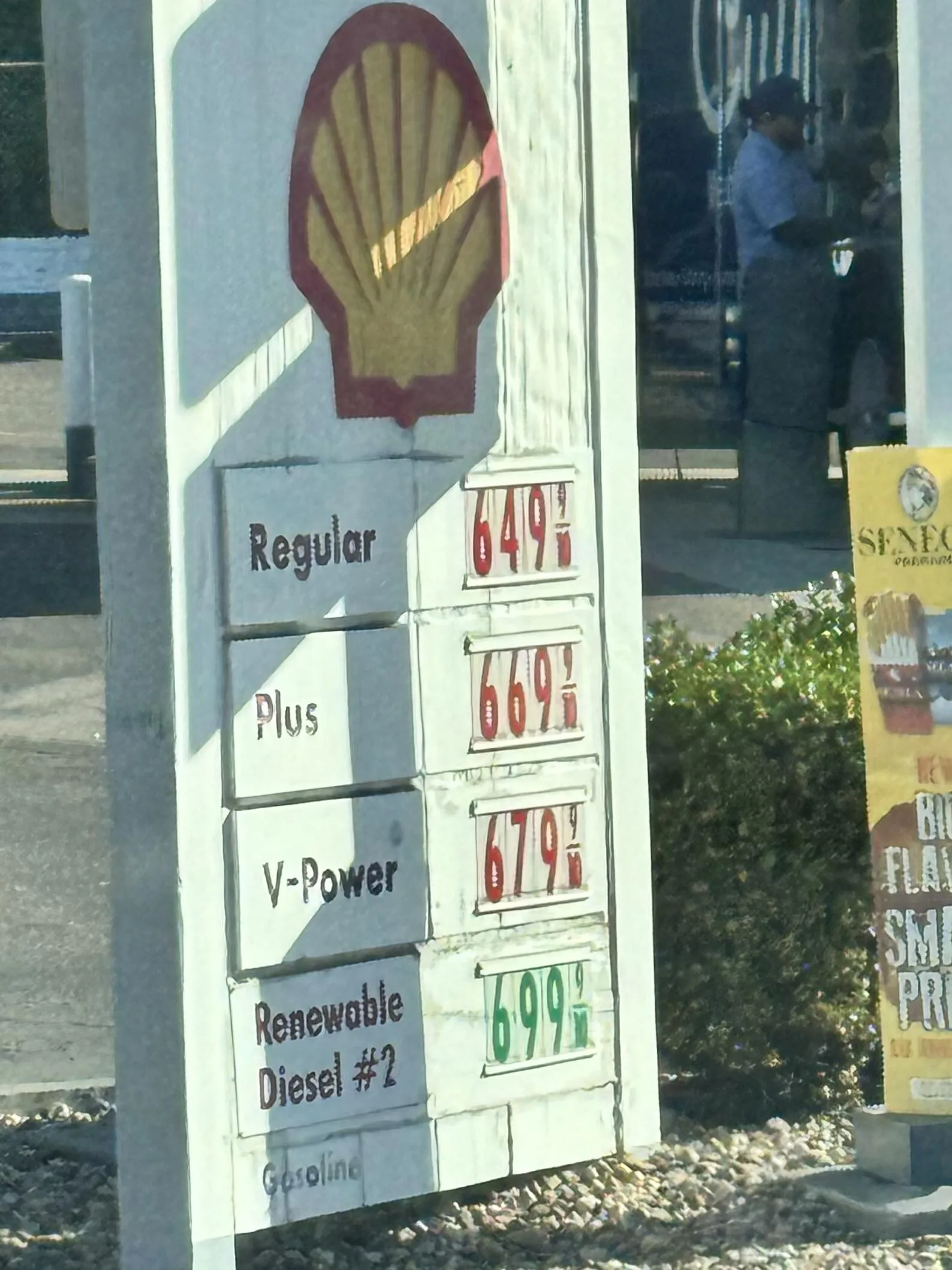
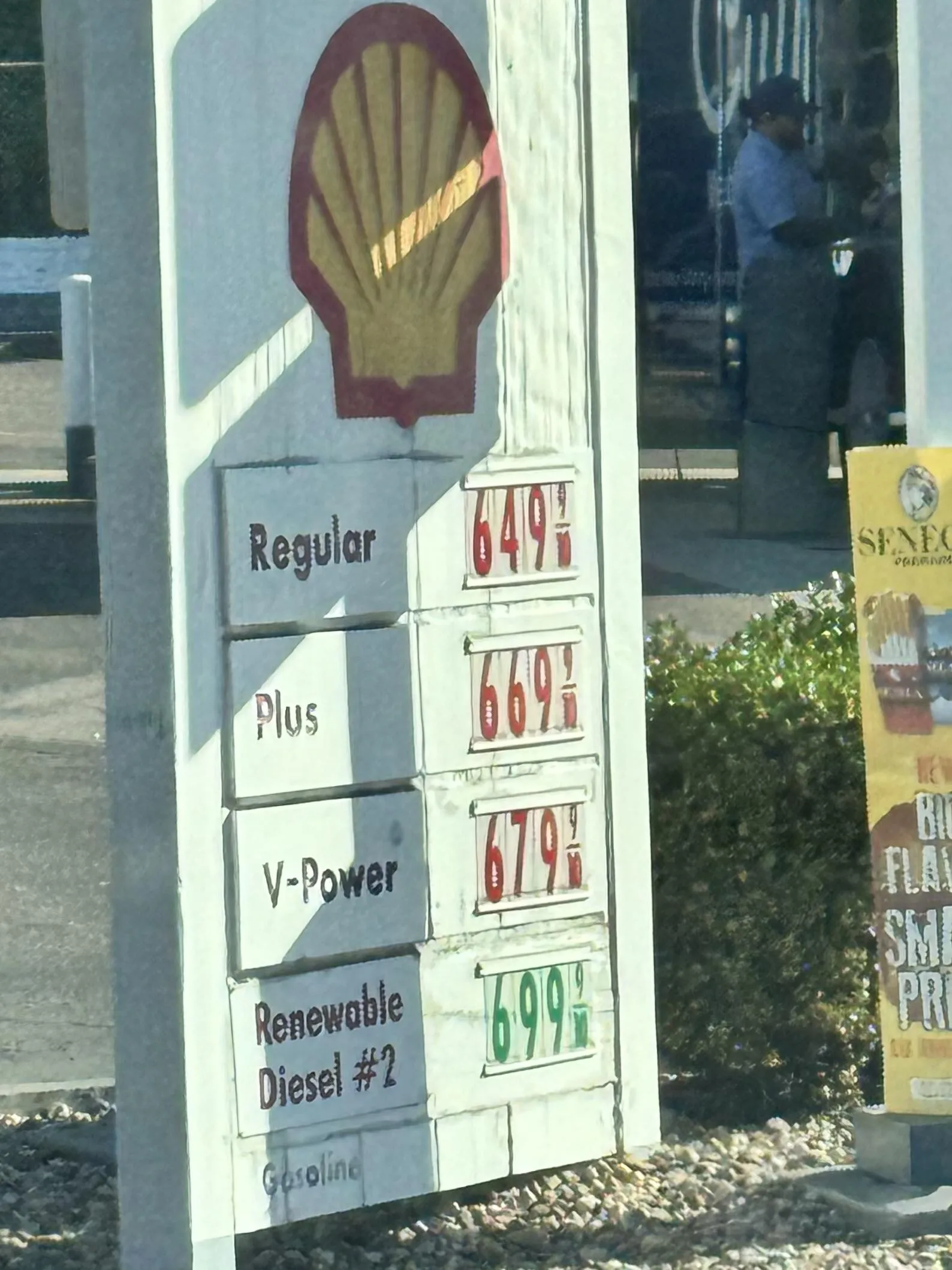
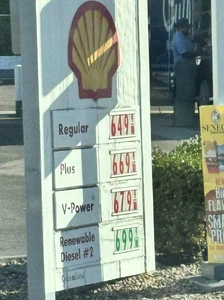
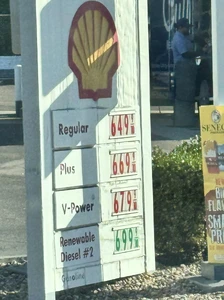
Good thing I have a tesla :D Thats the gas around me :|