-
Zalando Model
Maddalena Cusinari https://www.rowmodelmgmt.com/women-board/2218-maddalena-cusinari
-
Back Body model
https://www.instagram.com/radamsk/ https://whitefox-agency.ru/models/zhenschiny_modeli/model-1494.html
-
Lingerie Model id
Shtobbe Taisiia https://www.instagram.com/shtobbe_13/ I have a lot of photos of her, if you need them
-
Model ID from Maboobie costume
No, it's not her. No, it's not her.
- Does anyone know model name?
-
Models from God Save Queens
RektMagAnechka by Alexis Olin — RektMagAnechka by Alexis OlinAnna boyko Model: Anechka @anybokoImage hidden for guestsSign in to viewImage hidden for guestsSign in to viewImage hidden for guestsSign in to viewImage hidden for guestsSign in to viewImage hidden for guestsSign in to viewImage hidden for guestsSign in to viewImage hidden for guestsSign in to viewImage hidden for guestsSign in to viewImage hidden for guestsSign in to viewImage hidden for guestsSign in to viewImage hidden for guestsSign in to viewImage hidden for guestsSign in to viewImage hidden for guestsSign in to viewImage hidden for guestsSign in to viewImage hidden for guestsSign in to viewImage hidden for guestsSign in to viewImage hidden for guestsSign in to view
- Lana J.
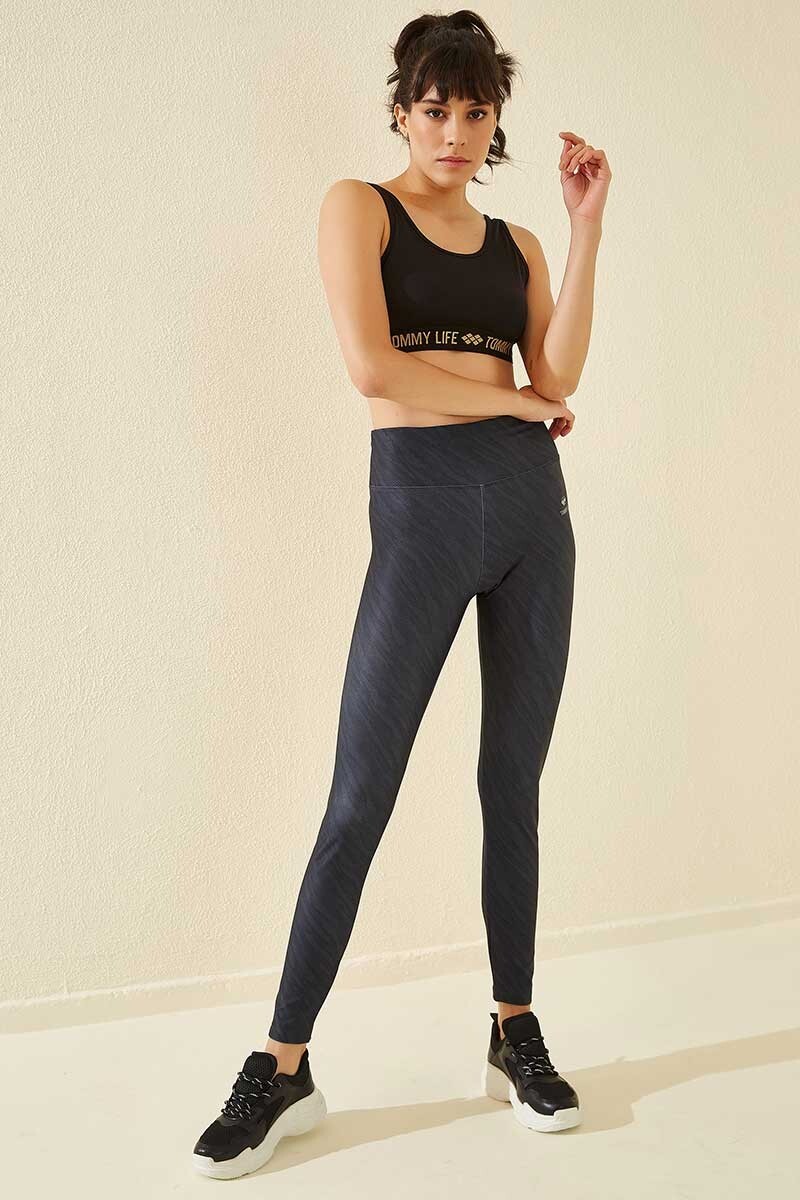
- Tezenis Model ID - Lana J.
-
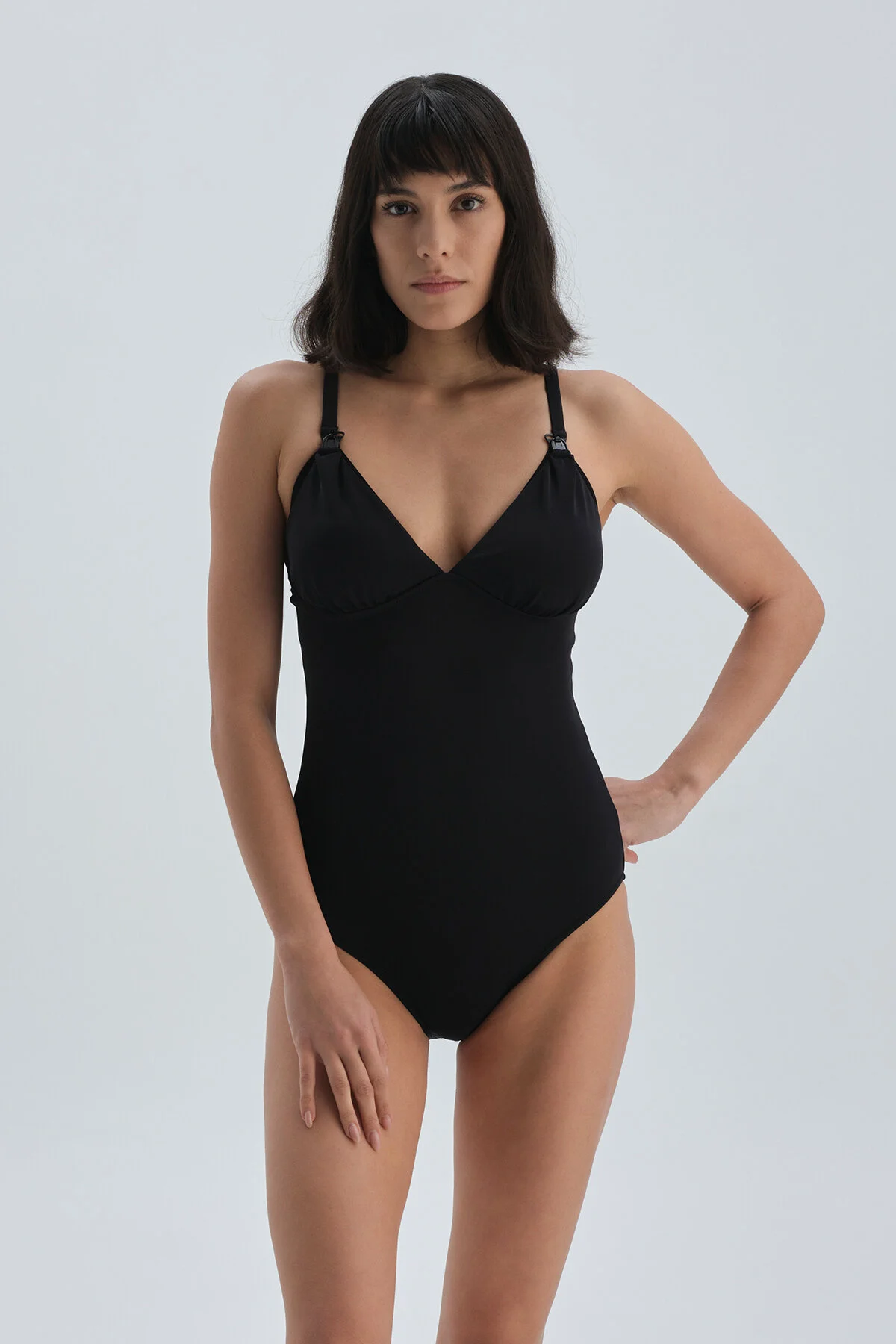
BEACHWEAR - Penti. model id, plrase
find) Paloma Aguilar Valencia
-
-
BEACHWEAR - Penti. model id, plrase
- model name, please
- Euromama, maternity model
Irina Larionova now she is very fat https://www.instagram.com/irinalarionovaofficial/- Stunning model! (Chelebi fashion at wildberries and ozon)
Elementary search4faces.com But she deleted all her accounts.- Please help. TEZENIS model
Can't anyone help me?- Please help. TEZENIS model
Account
Navigation
Search
Configure browser push notifications
Chrome (Android)
- Tap the lock icon next to the address bar.
- Tap Permissions → Notifications.
- Adjust your preference.
Chrome (Desktop)
- Click the padlock icon in the address bar.
- Select Site settings.
- Find Notifications and adjust your preference.
Safari (iOS 16.4+)
- Ensure the site is installed via Add to Home Screen.
- Open Settings App → Notifications.
- Find your app name and adjust your preference.
Safari (macOS)
- Go to Safari → Preferences.
- Click the Websites tab.
- Select Notifications in the sidebar.
- Find this website and adjust your preference.
Edge (Android)
- Tap the lock icon next to the address bar.
- Tap Permissions.
- Find Notifications and adjust your preference.
Edge (Desktop)
- Click the padlock icon in the address bar.
- Click Permissions for this site.
- Find Notifications and adjust your preference.
Firefox (Android)
- Go to Settings → Site permissions.
- Tap Notifications.
- Find this site in the list and adjust your preference.
Firefox (Desktop)
- Open Firefox Settings.
- Search for Notifications.
- Find this site in the list and adjust your preference.