Skip to content
View in the app

A better way to browse. Learn more.

Bellazon

A full-screen app on your home screen with push notifications, badges and more.

To install this app on iOS and iPadOS
  1. Tap the Share icon in Safari
  2. Scroll the menu and tap Add to Home Screen.
  3. Tap Add in the top-right corner.
To install this app on Android
  1. Tap the 3-dot menu (⋮) in the top-right corner of the browser.
  2. Tap Add to Home screen or Install app.
  3. Confirm by tapping Install.

piotruss_87

Members
  • Joined

  • Last visited

Everything posted by piotruss_87

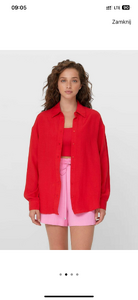
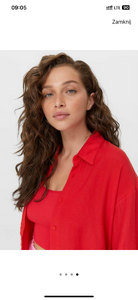
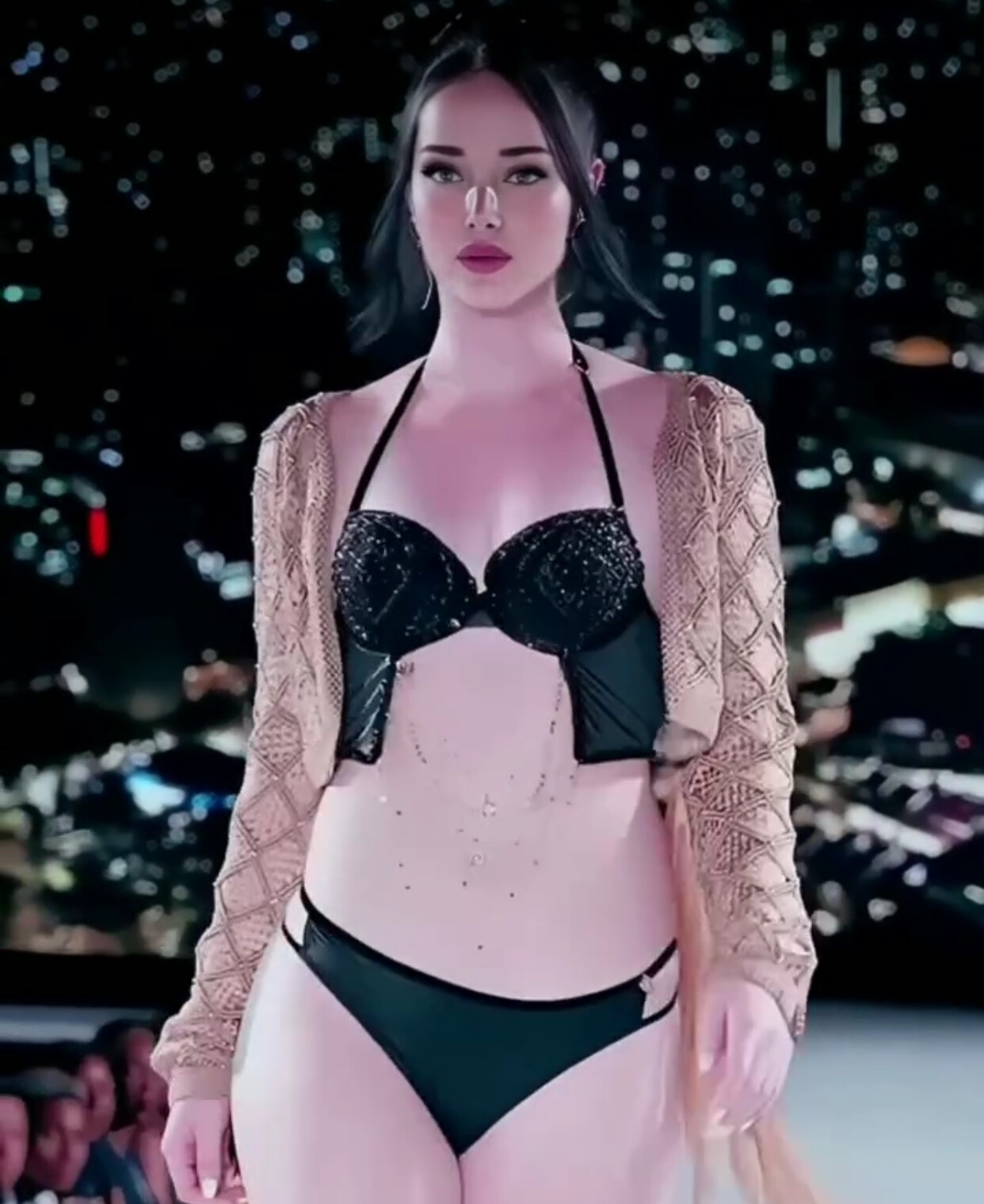
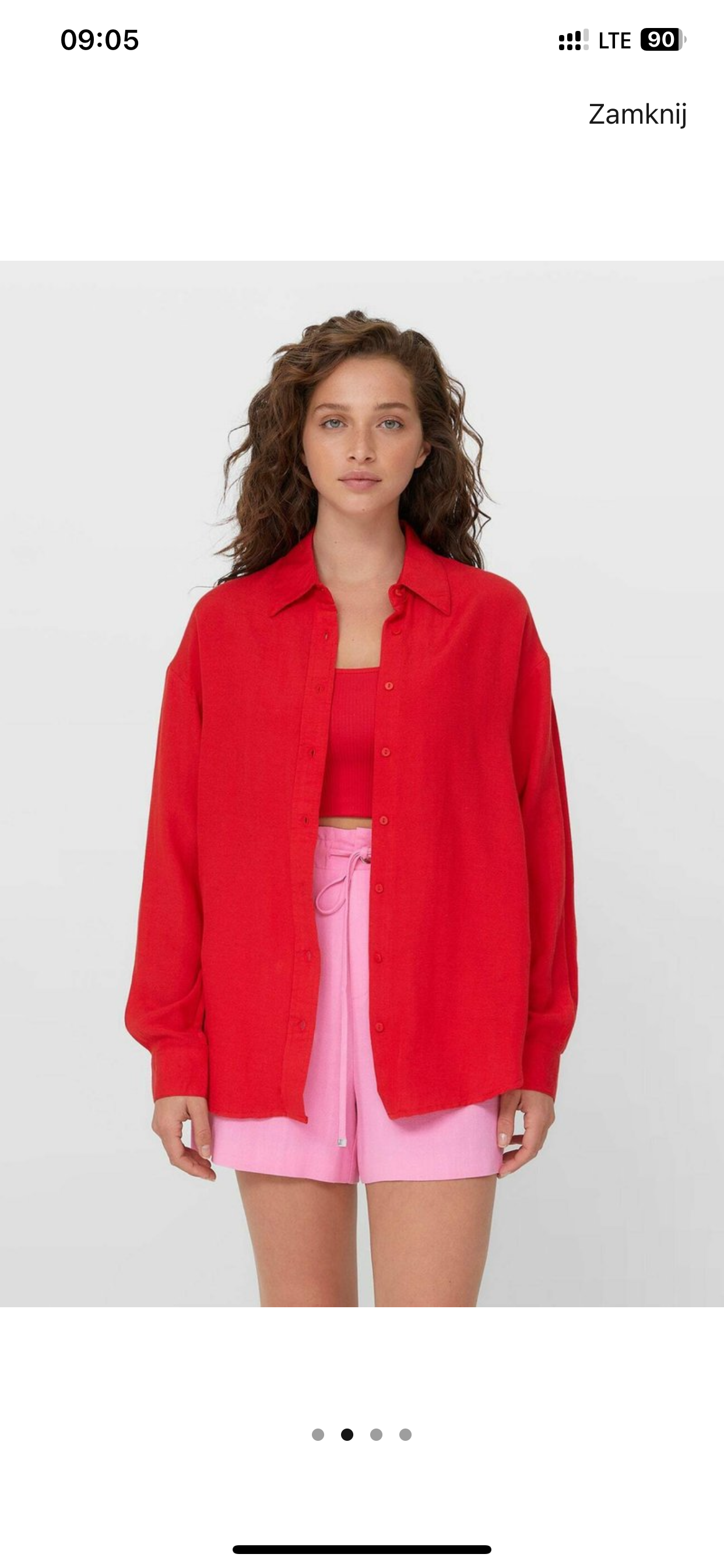
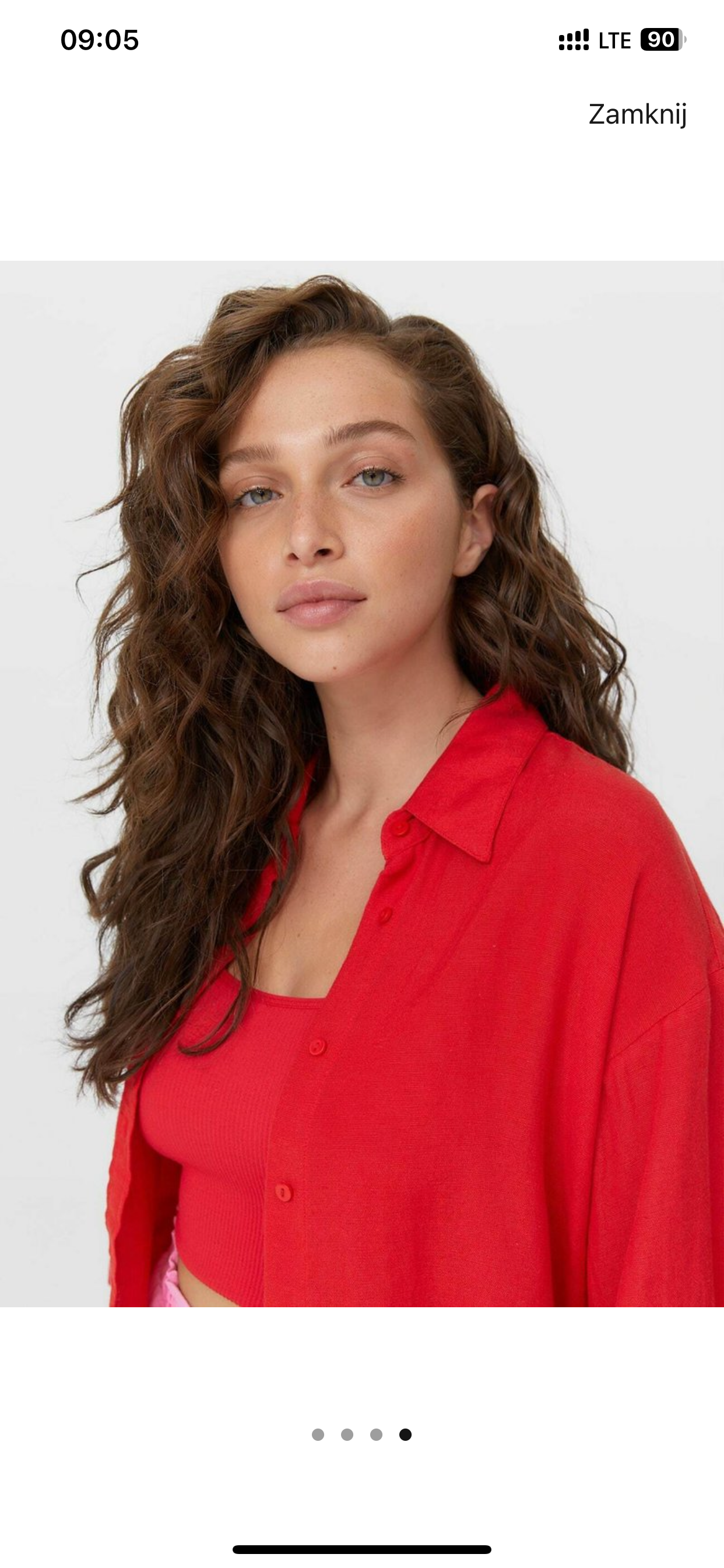
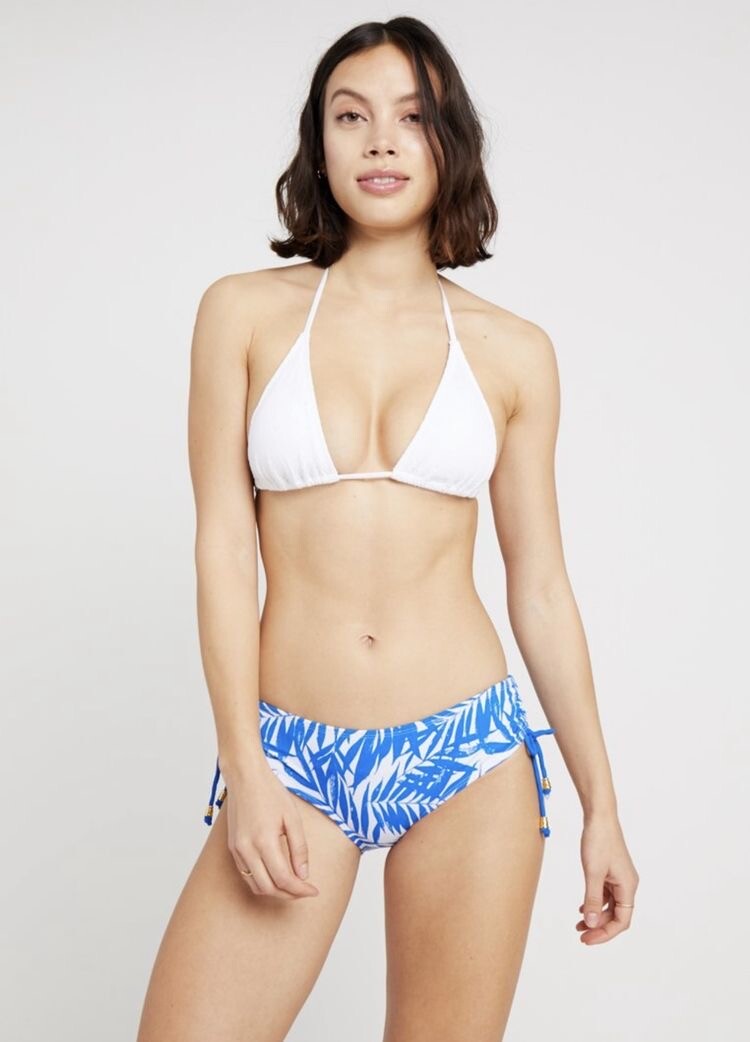
  1. Hi, I'm looking for her - saw her on Zalando.
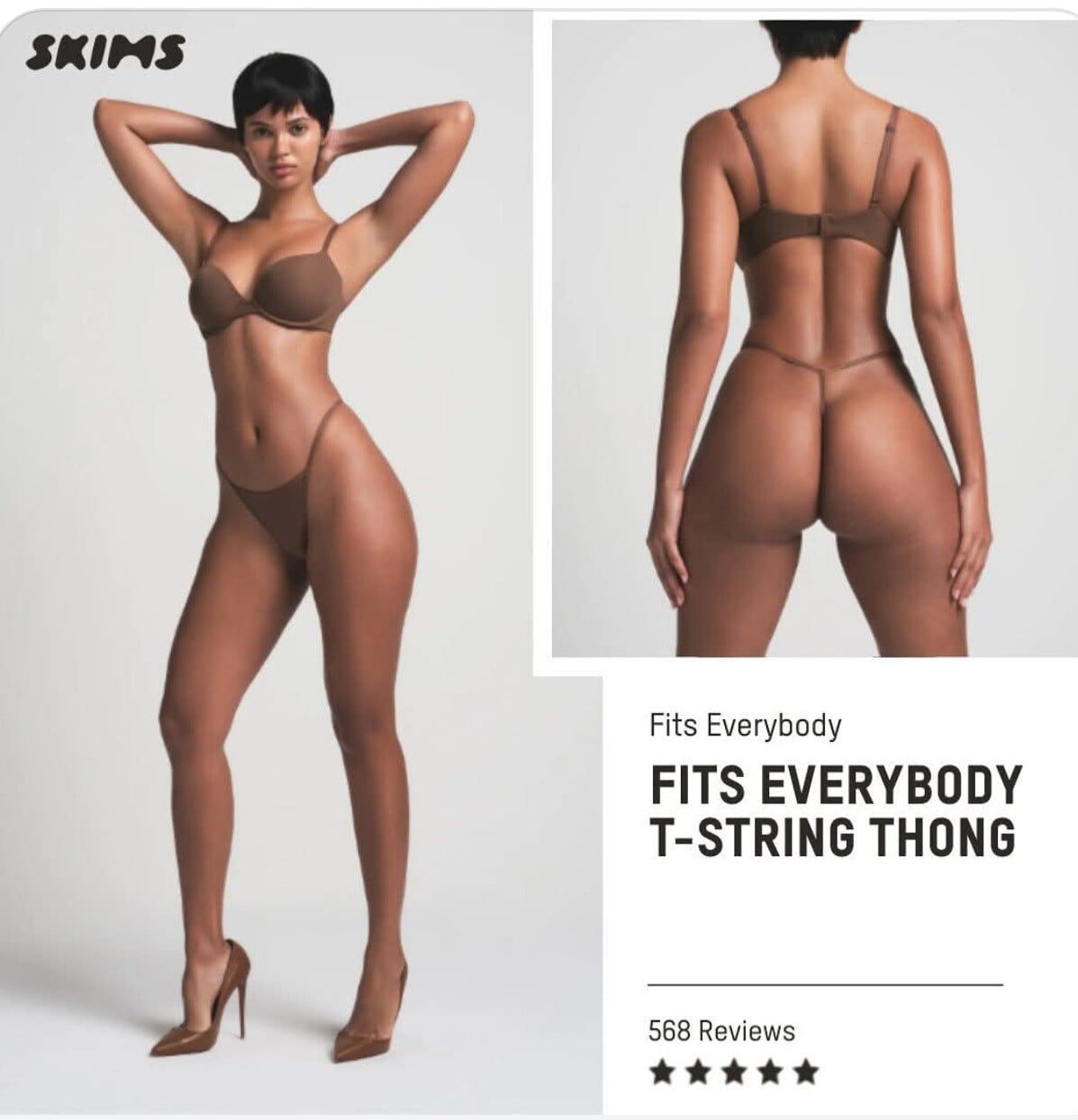
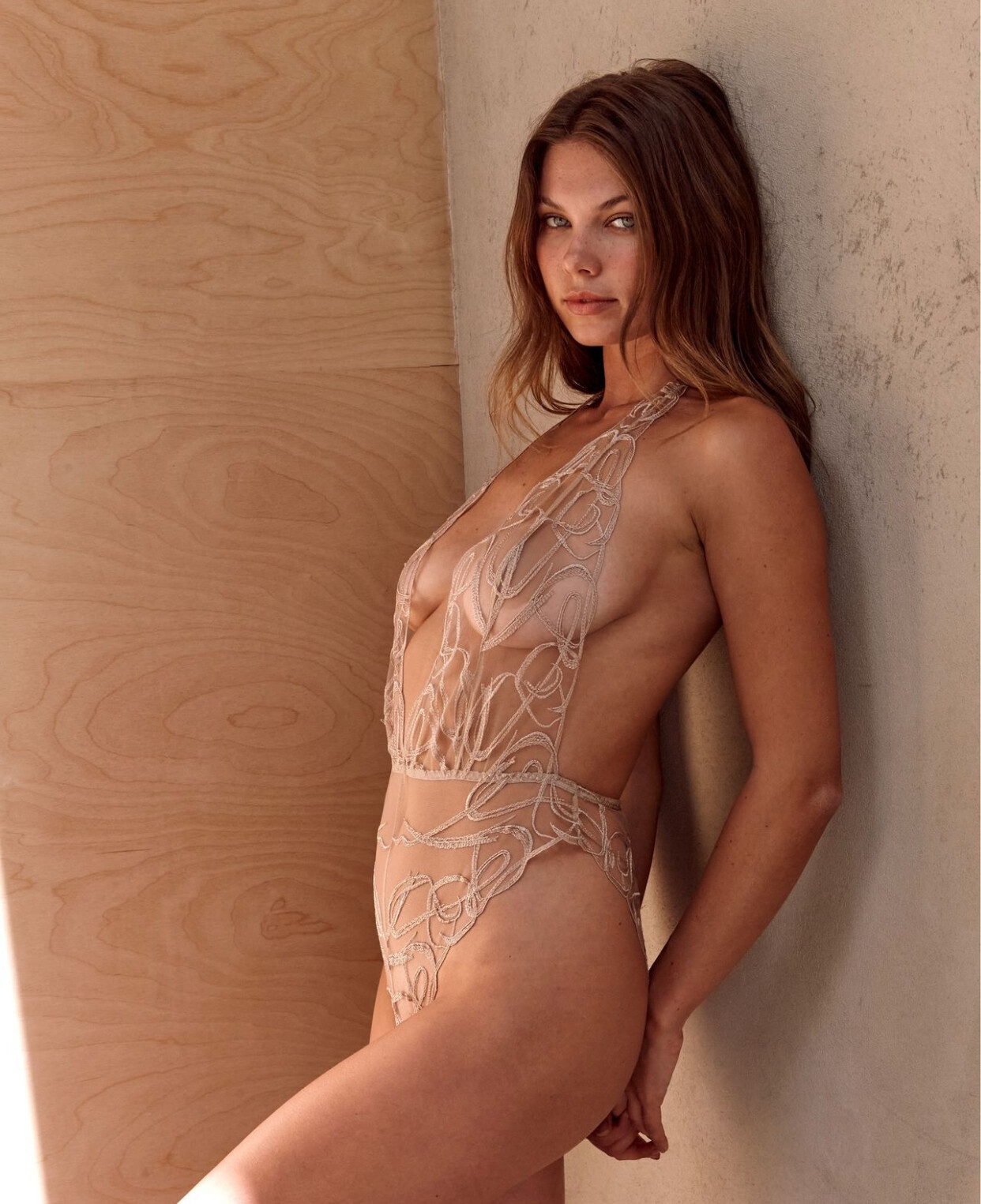
  2. Hi, i'm looking for id of this model from SKIMS website:)
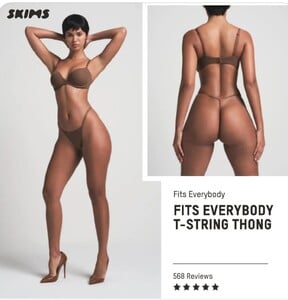
  3. what is her name?
  4. Hi, is she a real model or ai generated?
  5. Hi, im looking for ID of this model… I searched the web and couldn’t find

  6. Im looking for name of this model
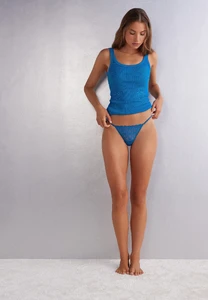
  7. Im looking for names of this two models

  8. Yep - that is her:) thank you 😊
  9. I think these photos are from 3-4 years ago. But already somebody found her - there is reply above 😊
  10. Hi, do you know name of this Pimkie model?

Account

Navigation

Search

Search

Configure browser push notifications

Chrome (Android)
  1. Tap the lock icon next to the address bar.
  2. Tap Permissions → Notifications.
  3. Adjust your preference.
Chrome (Desktop)
  1. Click the padlock icon in the address bar.
  2. Select Site settings.
  3. Find Notifications and adjust your preference.