
ThorGod
Members
-
Joined
-
Last visited
Everything posted by ThorGod
-
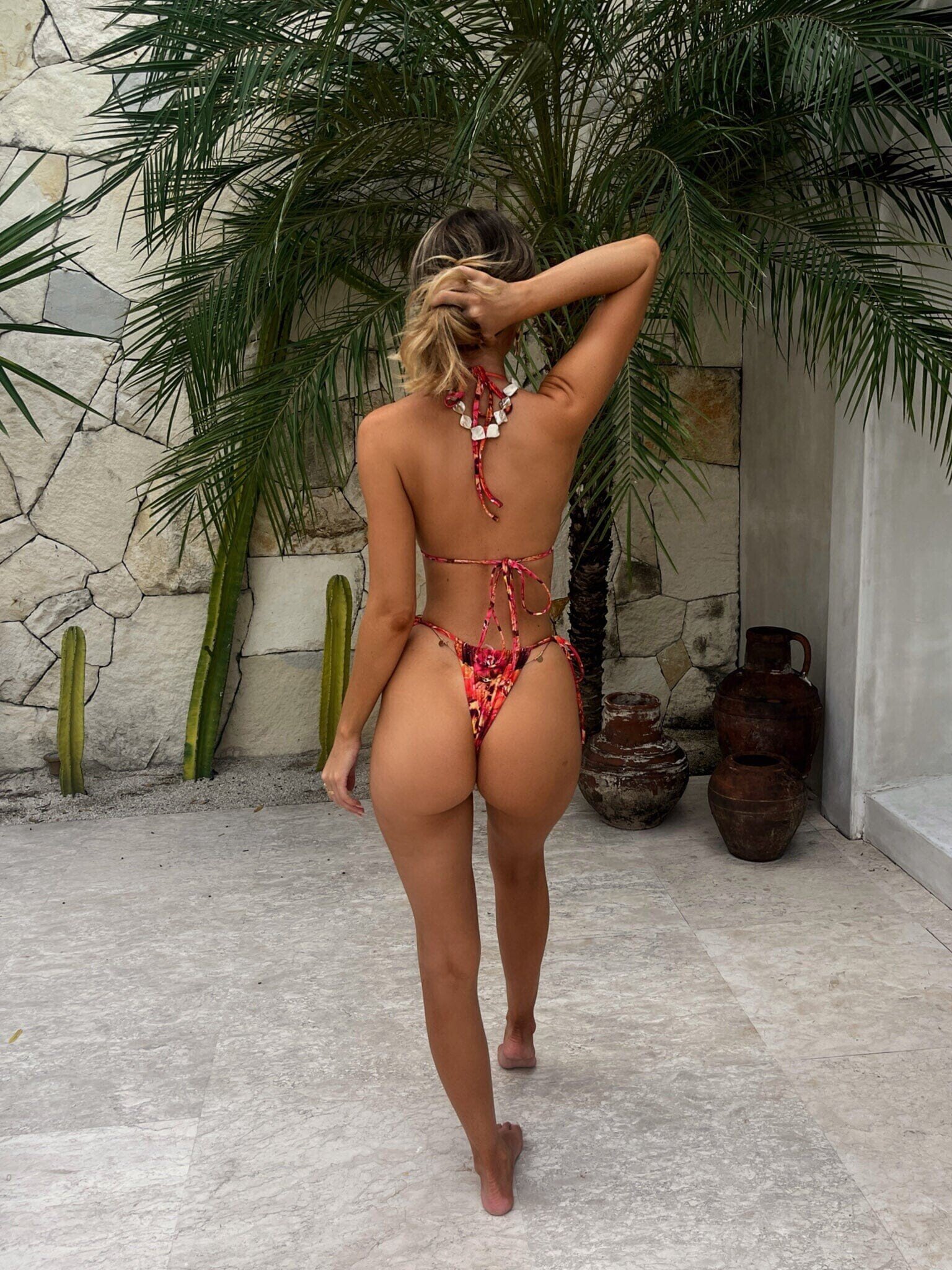
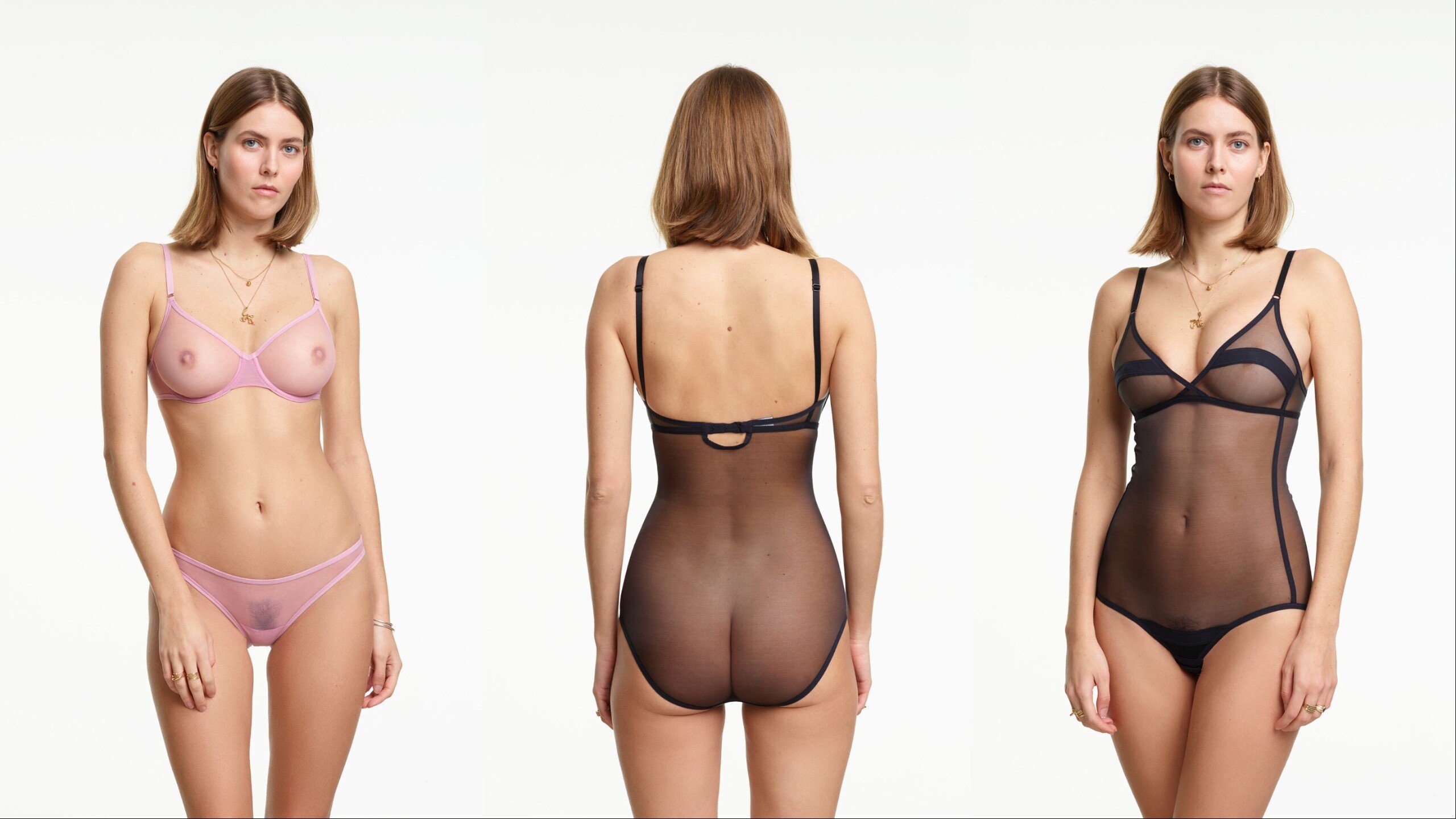
 I don't know about you guys but I can't focus on anything else but her boobs god damn I love them so much... Still don't get why she's with that guy though.
 -
Damn, long time i saw her looking that good 🧐
-
-
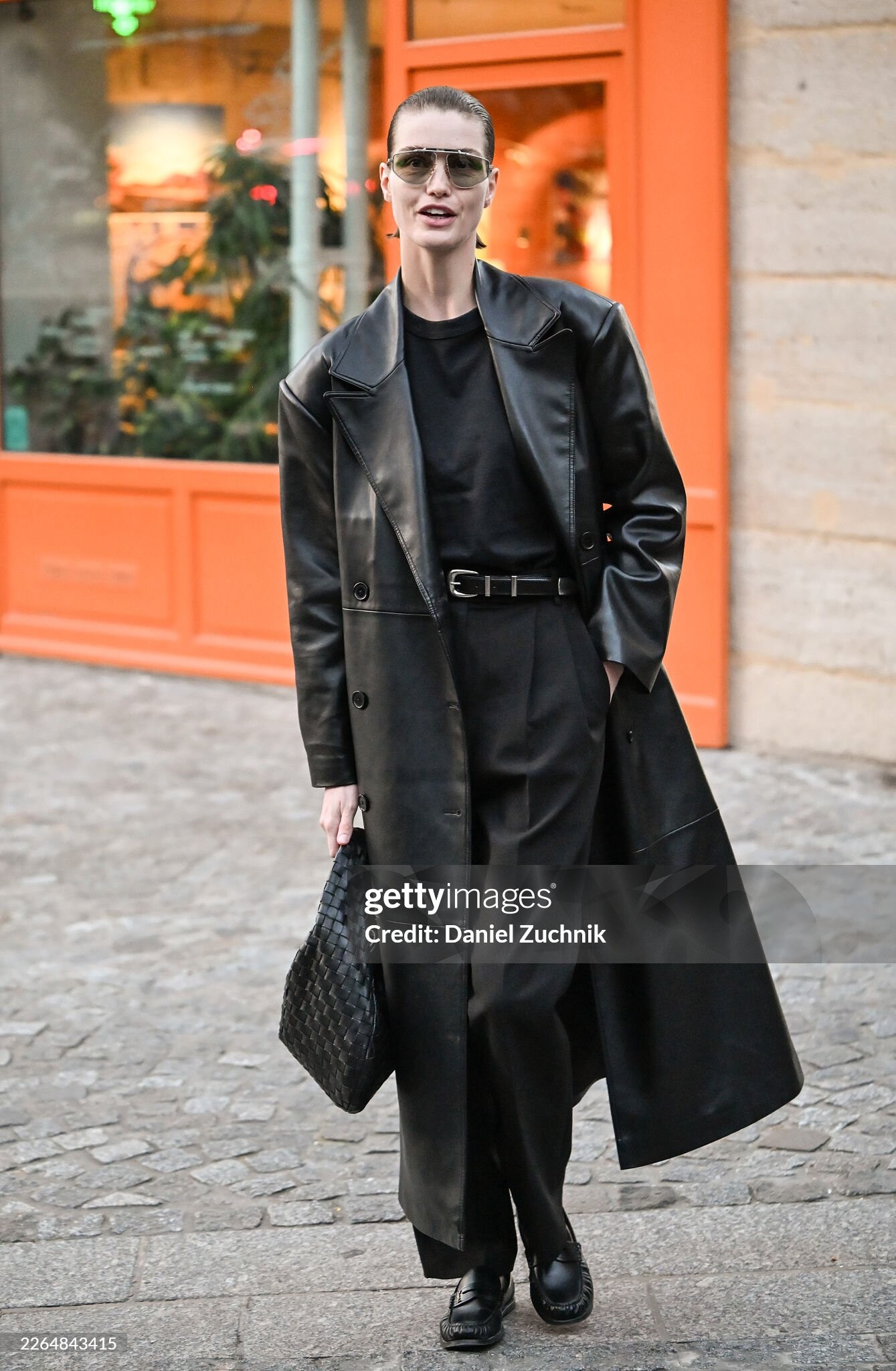
She's one of the most beautiful and sweetest models ever and the hottest Dutch model ever in my opinion. She's rocking her short hair as well, it suits her, everything suits her, slick backs, pony tails, loose hair, buns, etc
A quick google search doesn't cut it sometimes. Really need to check the models threads to assess these girls. And from what i can see, Camille Hulspas really blows everyone out of the water when it comes down to quality of pics and content. Too bad not everyone thinks this way. Probably just a quick rating on one pic which makes this rating game sometimes inaccurate. CAMILLE HULSPAS 4 EMILY FELD 3 GABBY EPSTEIN 2 MAIA COTTON 1 LILY EASTON 0
Happy Holidays
 @ALPAT Can you find more of her please?
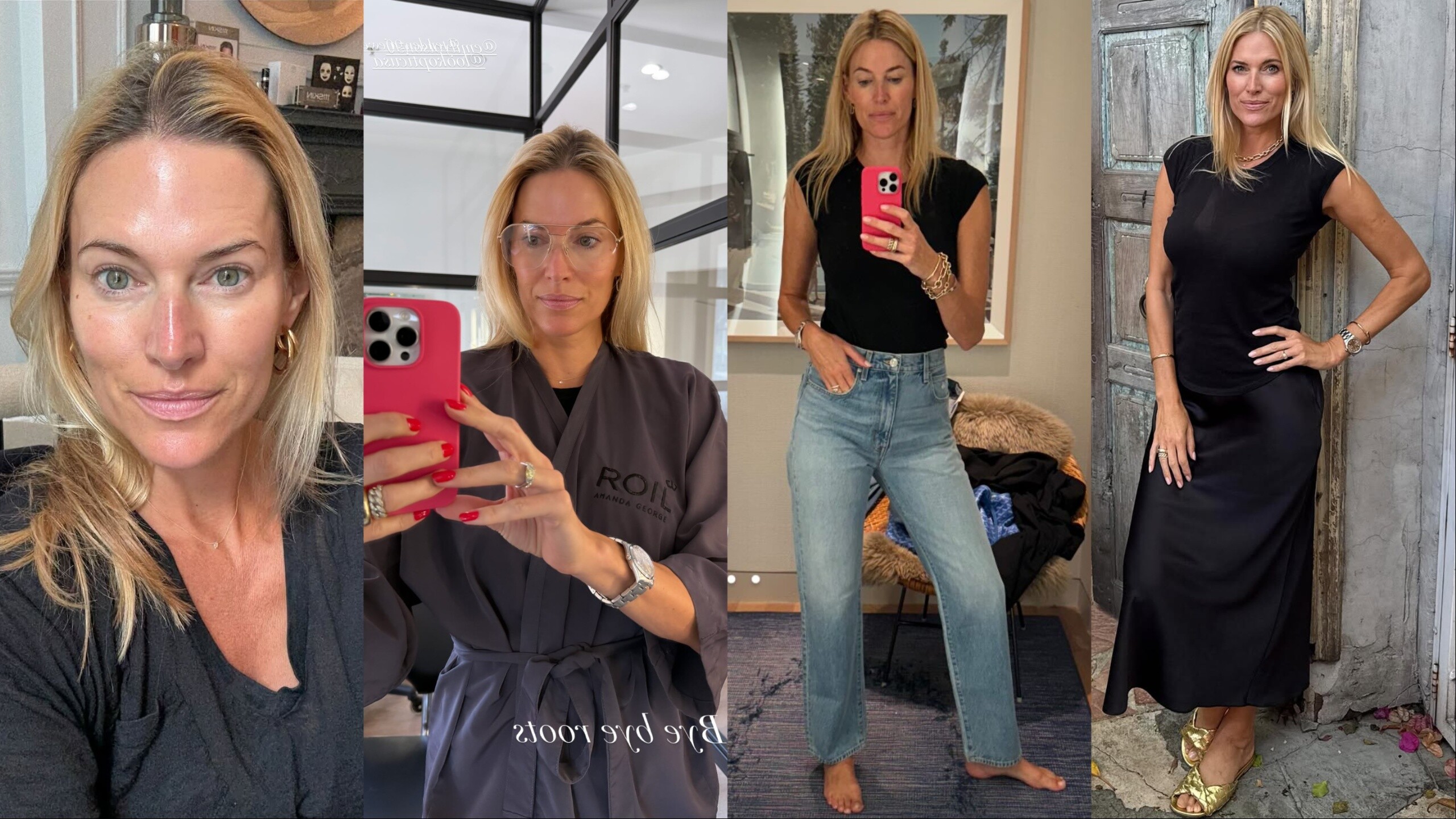
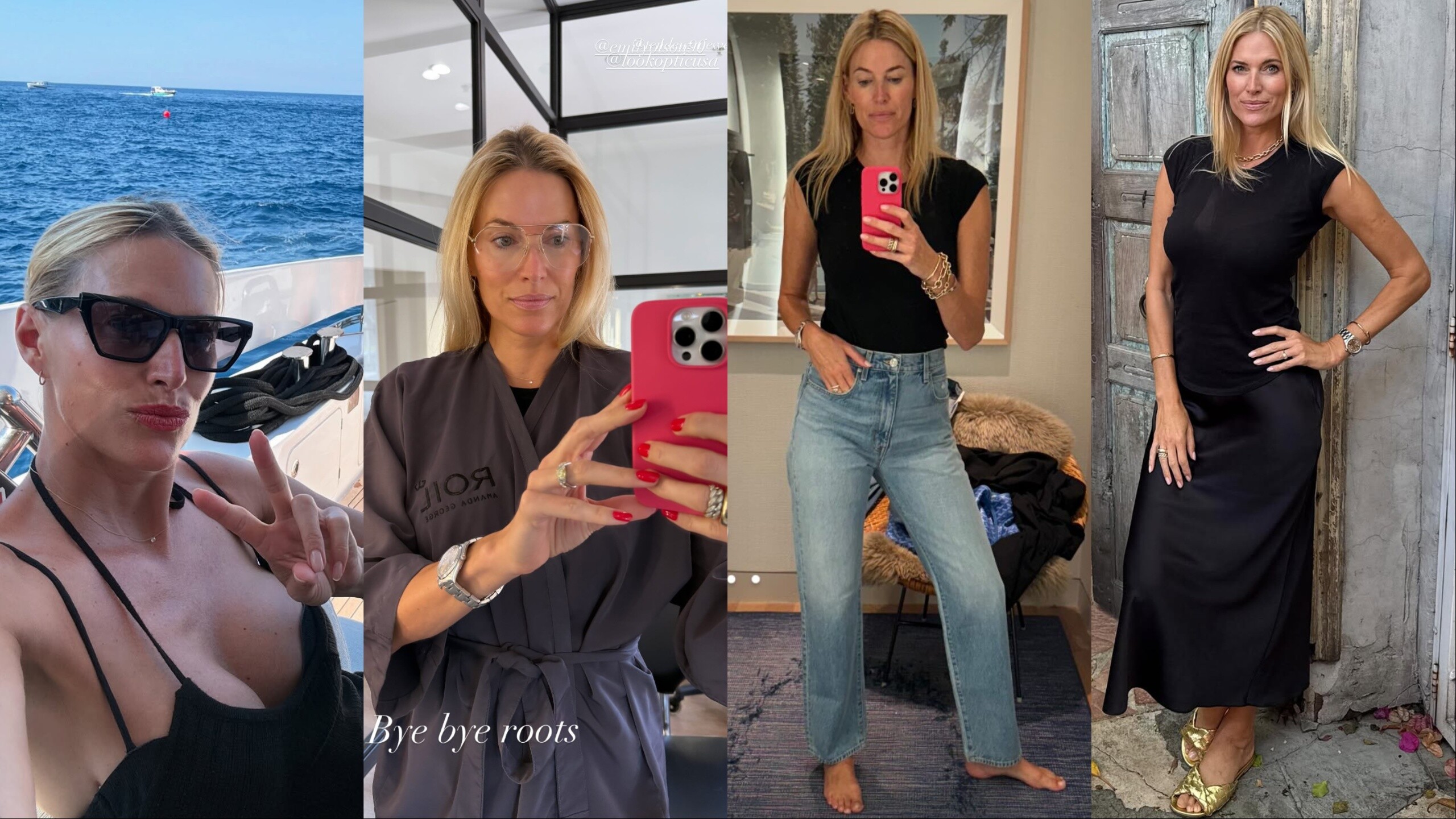
Total mommy goddess❣️💘💗💖💝
@ALPAT Can you find more of her please?
Total mommy goddess❣️💘💗💖💝






















Account
Navigation
Search
Configure browser push notifications
Chrome (Android)
- Tap the lock icon next to the address bar.
- Tap Permissions → Notifications.
- Adjust your preference.
Chrome (Desktop)
- Click the padlock icon in the address bar.
- Select Site settings.
- Find Notifications and adjust your preference.
Safari (iOS 16.4+)
- Ensure the site is installed via Add to Home Screen.
- Open Settings App → Notifications.
- Find your app name and adjust your preference.
Safari (macOS)
- Go to Safari → Preferences.
- Click the Websites tab.
- Select Notifications in the sidebar.
- Find this website and adjust your preference.
Edge (Android)
- Tap the lock icon next to the address bar.
- Tap Permissions.
- Find Notifications and adjust your preference.
Edge (Desktop)
- Click the padlock icon in the address bar.
- Click Permissions for this site.
- Find Notifications and adjust your preference.
Firefox (Android)
- Go to Settings → Site permissions.
- Tap Notifications.
- Find this site in the list and adjust your preference.
Firefox (Desktop)
- Open Firefox Settings.
- Search for Notifications.
- Find this site in the list and adjust your preference.