
Ro_Ma
Members
-
Joined
-
Last visited
Everything posted by Ro_Ma
-
COOLWEAR Ads SEVENTEEN US Magazine 1996 Ausgut

-
Philosophy di Alberta Ferretti Fall/Winter 1996 Milano Show Screen_Recording_20230207_022237_YouTube.mp4
-
Philosophy di Alberta Ferretti Fall/Winter 1996 Milano Show Screen_Recording_20230207_022324_YouTube.mp4
-
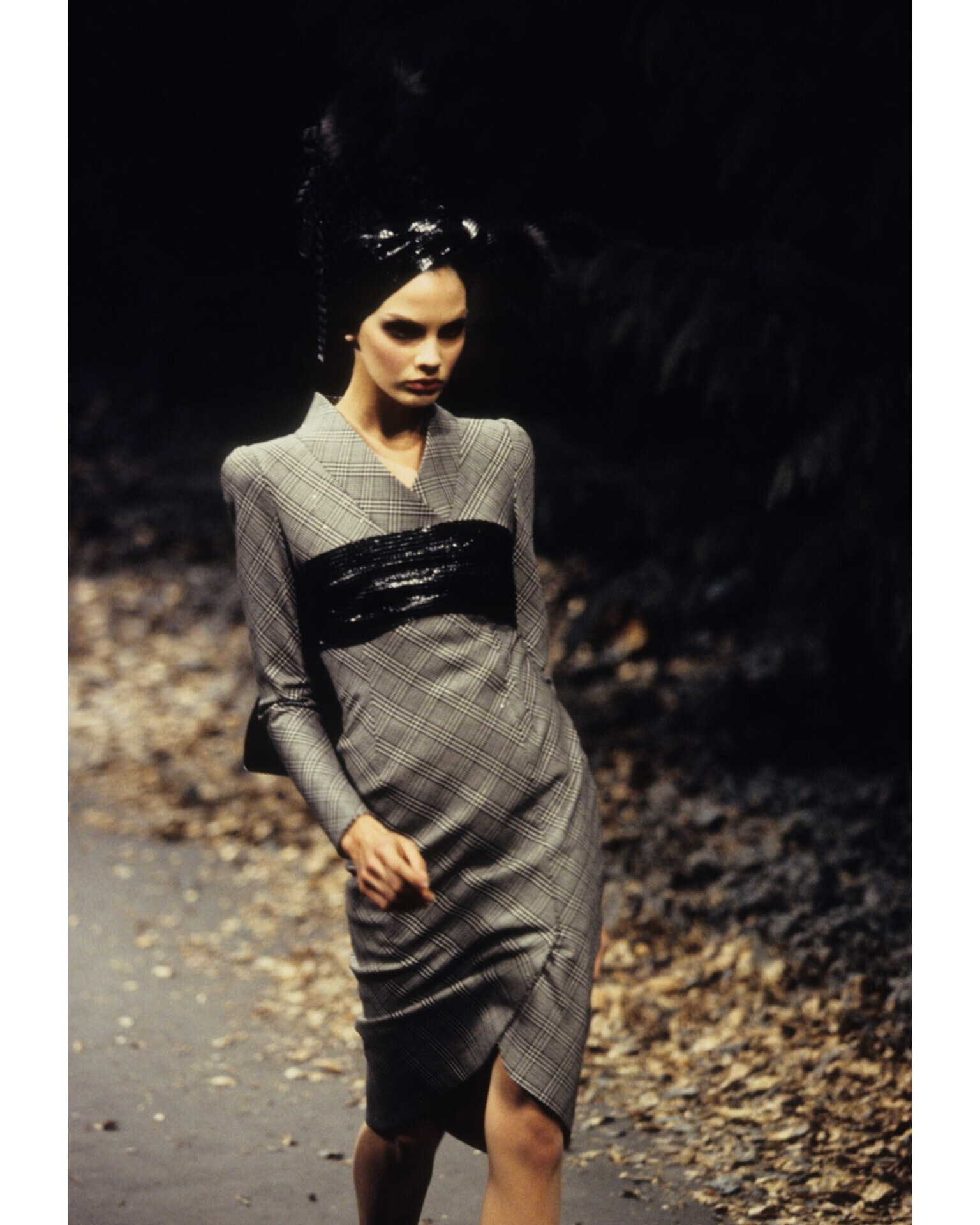
PHILOSOPHY di Alberta Ferretti Fall/winter 1996 Milano Show


-
ELLE TopModel Magazine SPAIN August 1996

-
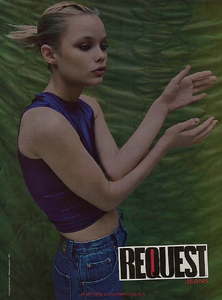
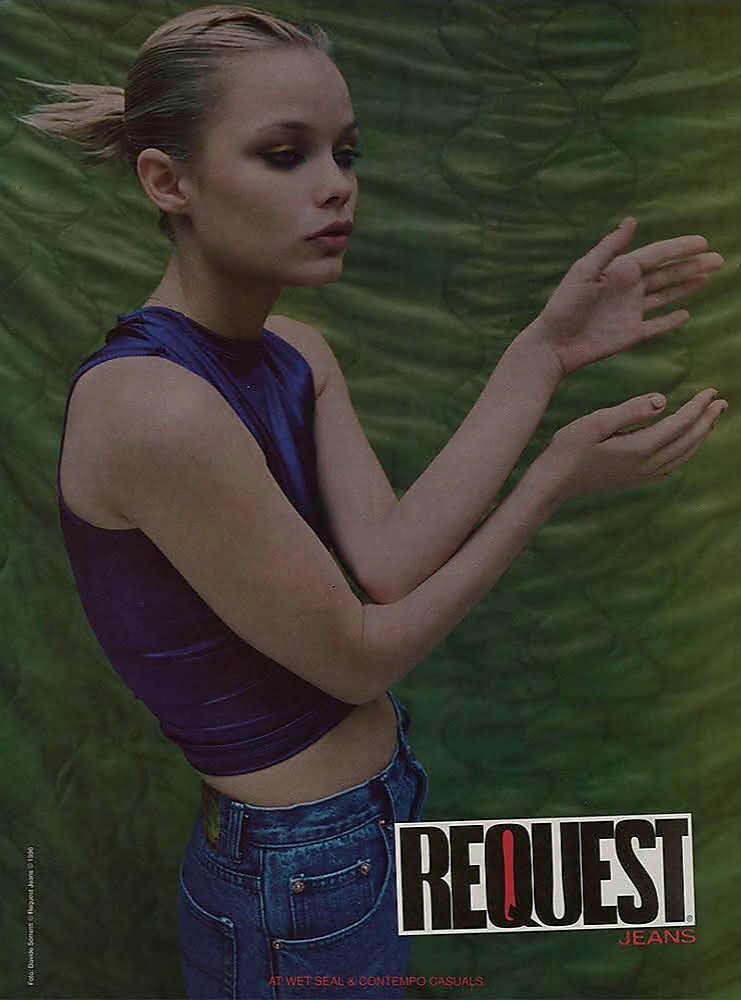
REQUEST Jeans Photographer: Davide Sorrentti
-
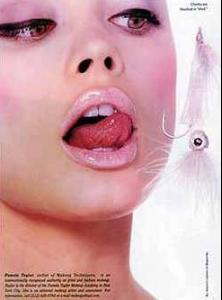
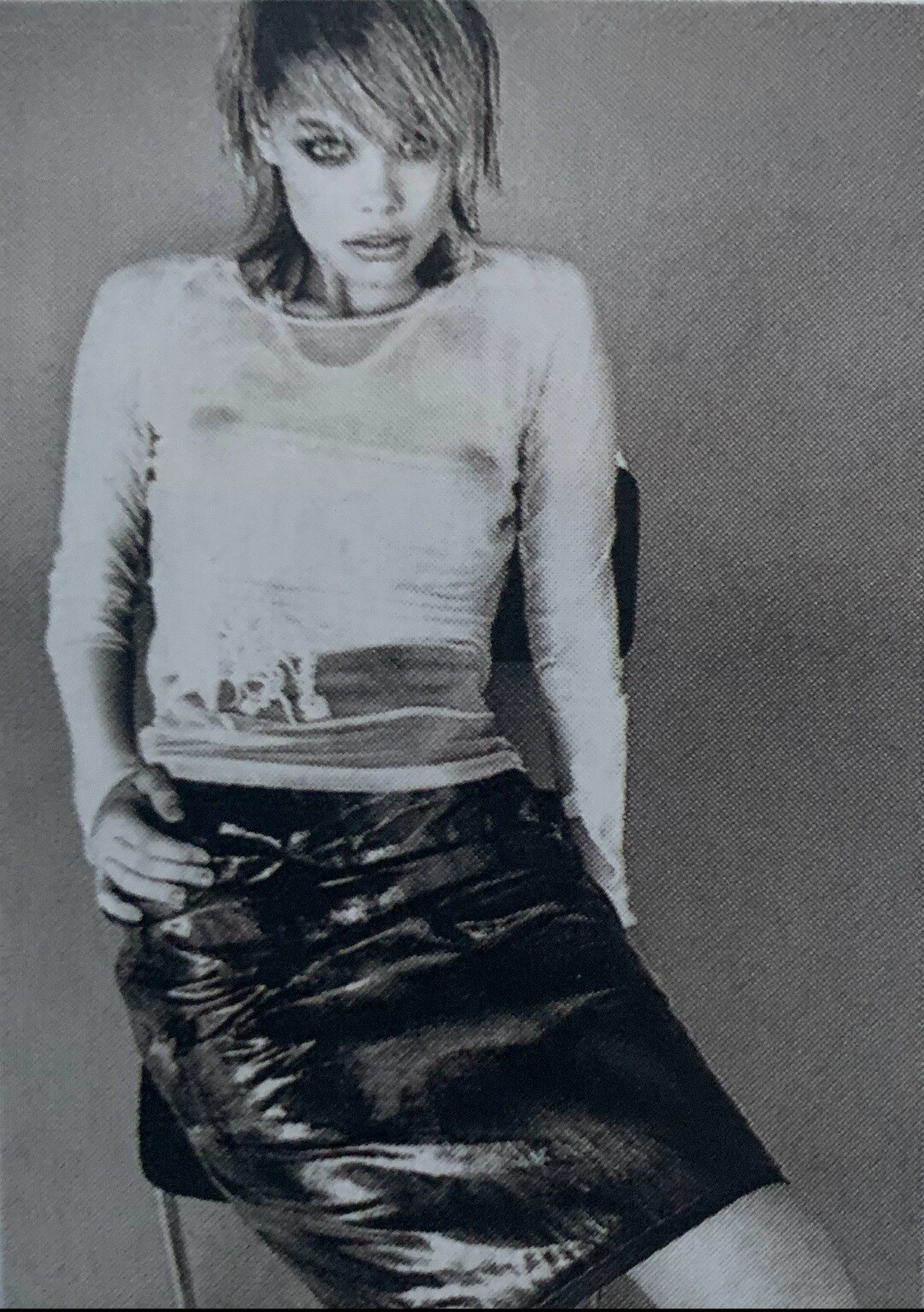
Someone know magazine ?
-
20 ANS magazine cover France 1995 Source: Journaux Collection

-
Does anyone know what magazine, year and month this photo belongs to?
-
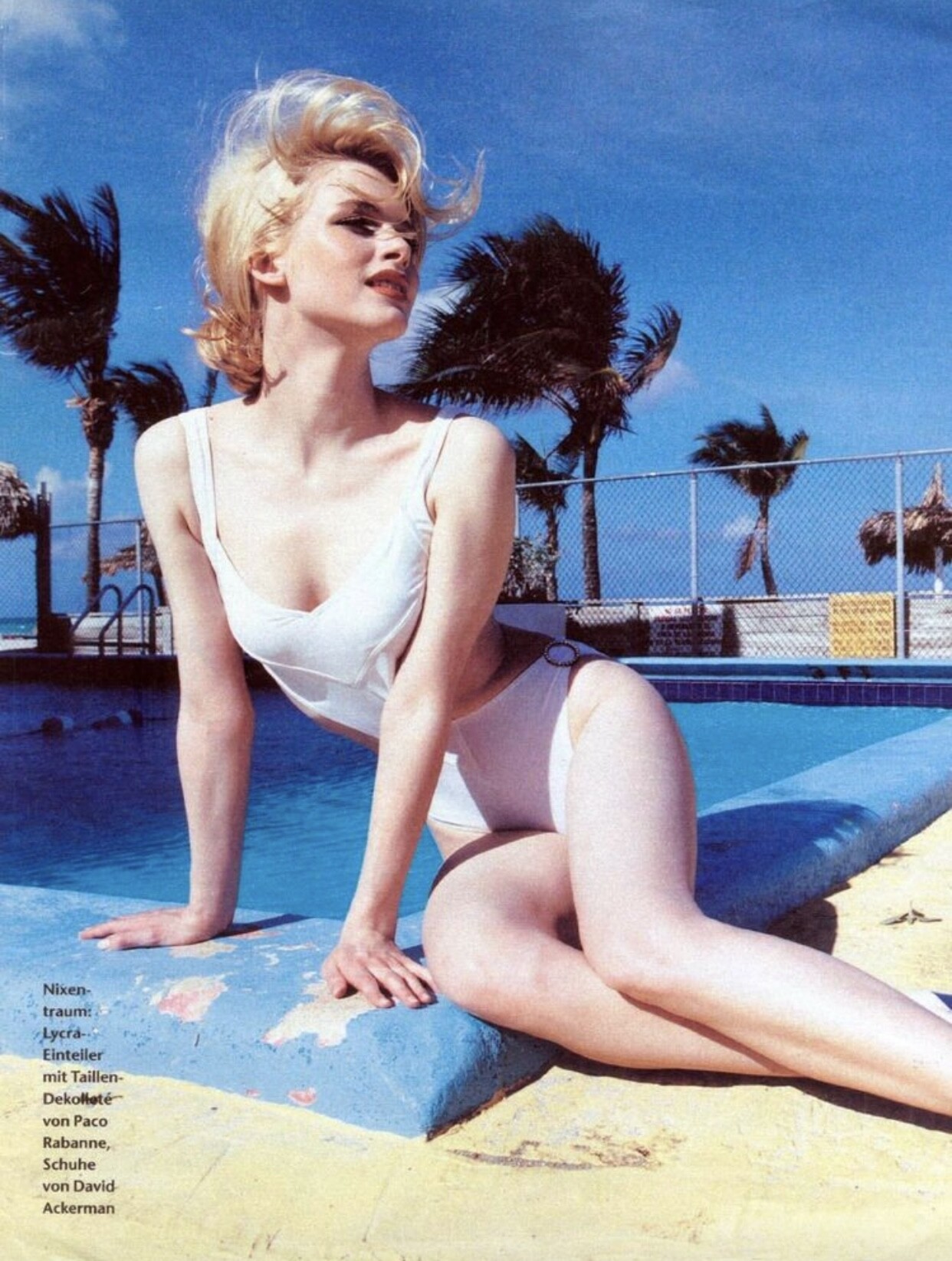
ELLE germany Photographer : Andre Rau


-
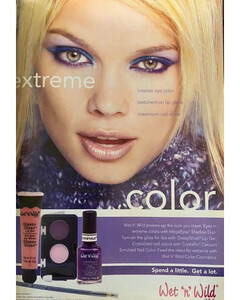
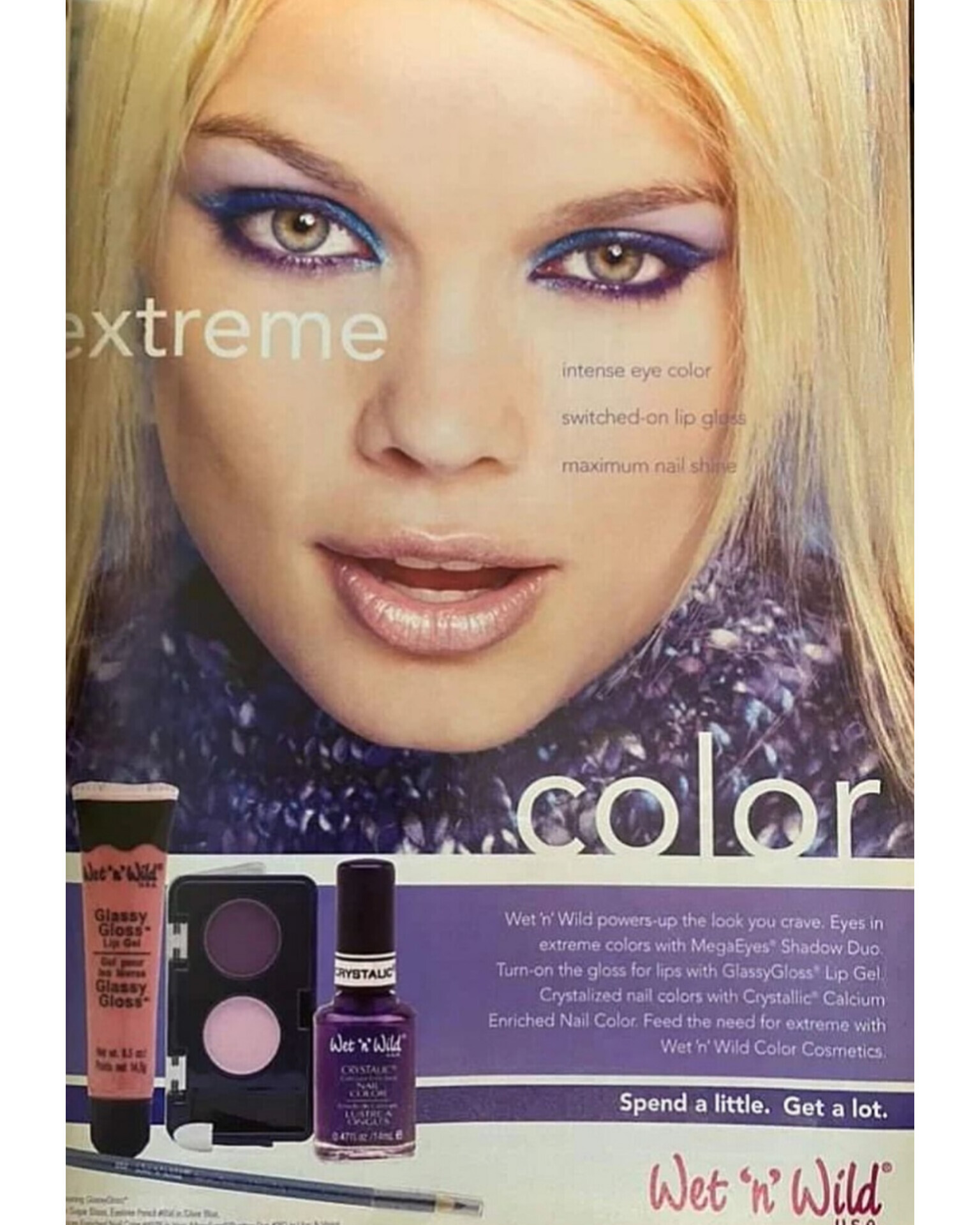
WET ' N ' WILD campaing
-
Elle ITALY October 1996
-
-
-
-
Peter Baratti (Hollywood, CA)

-
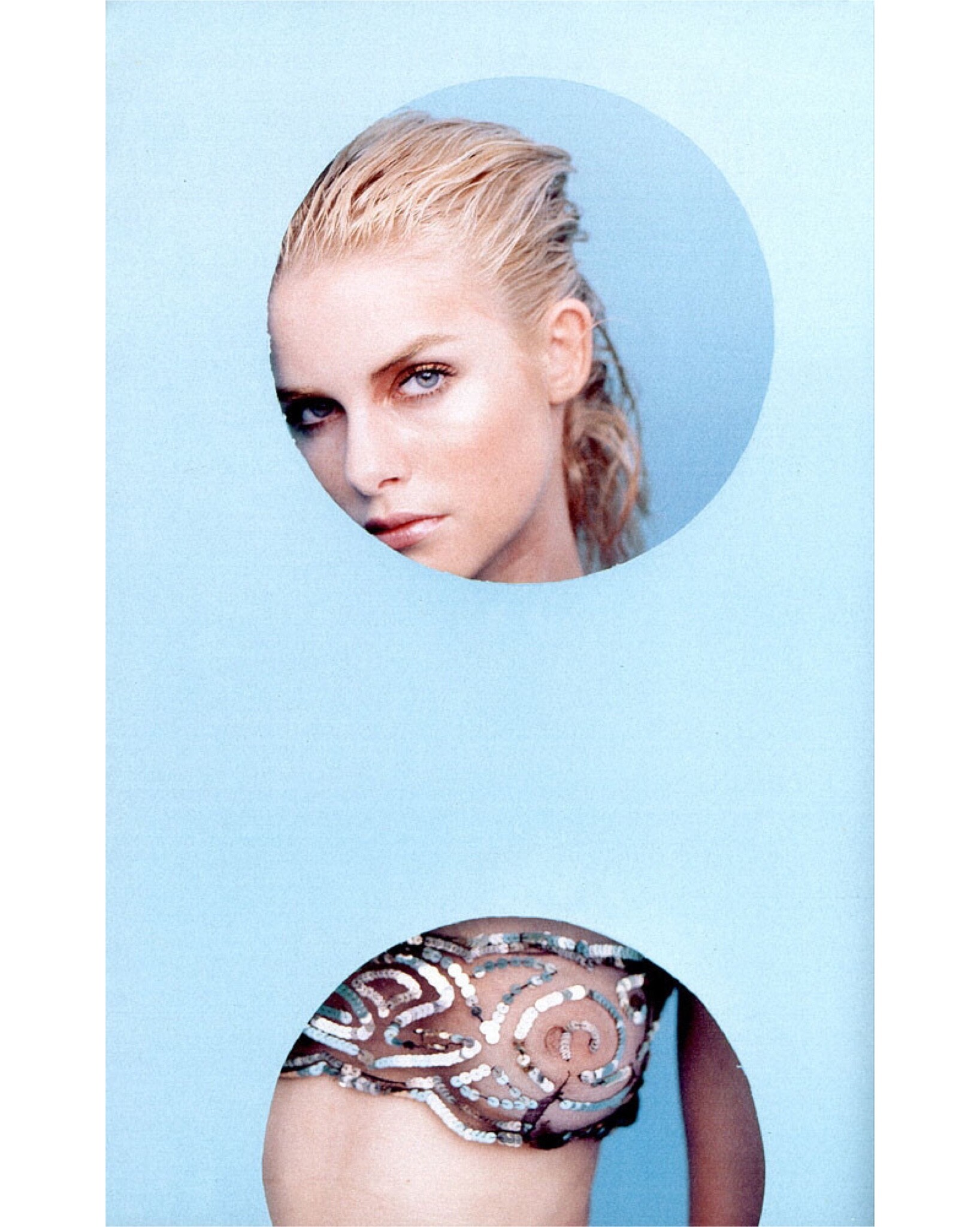
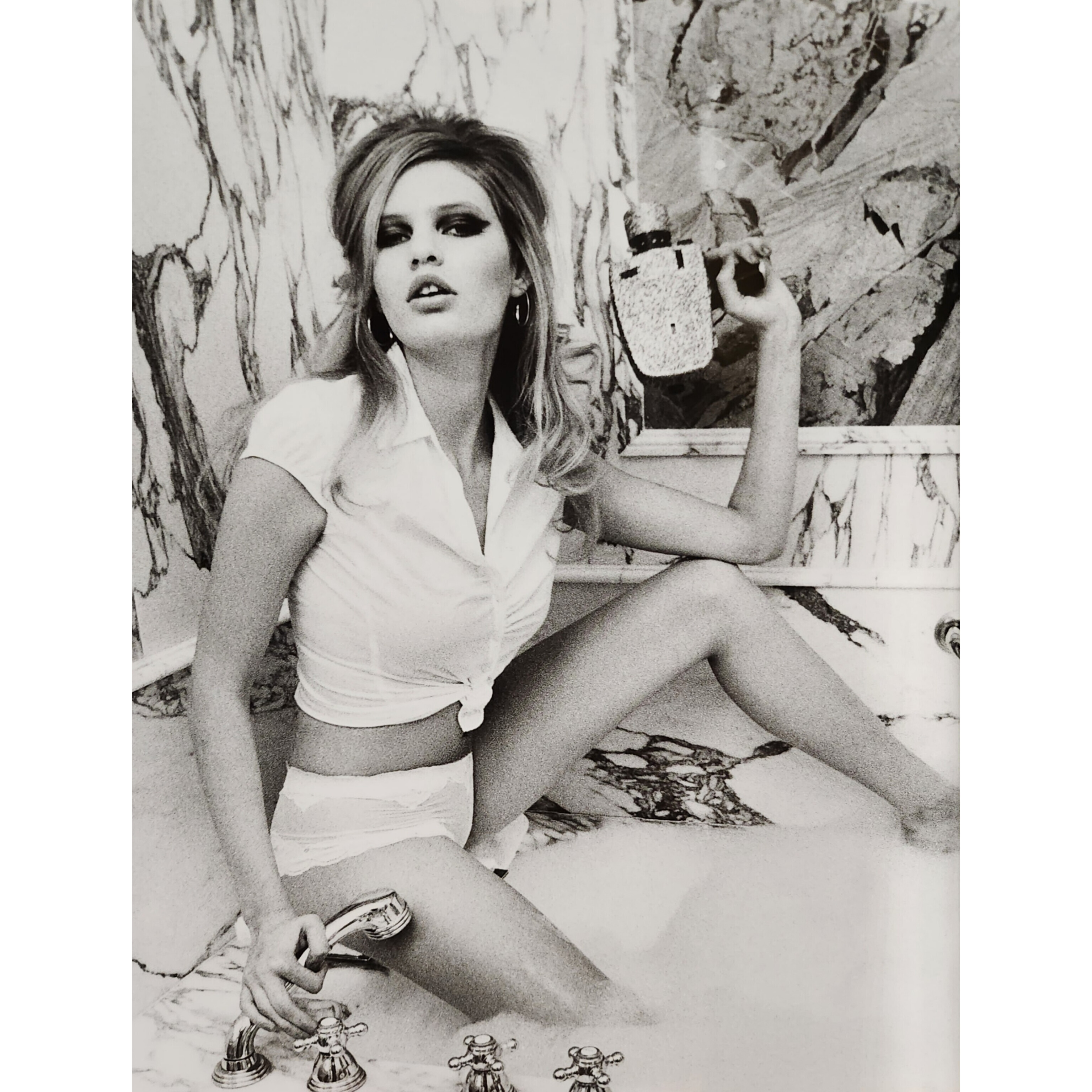
Can someone give me more photos or information about her? 💚Guess by Marciano spring 2003 Photographer: Ellen Von Unwerth
 South Africa model, she was one of the stars of Guess? by Marciano spring 2003 Campaing. Agency 00s: Wilhelmina Model Management - New York MAX Models - Cape Town Names Models - Milano Height: 5' 9" Measurememts : 32-24-34 Hair: Blonde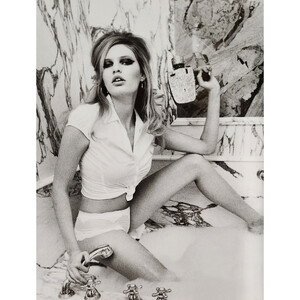
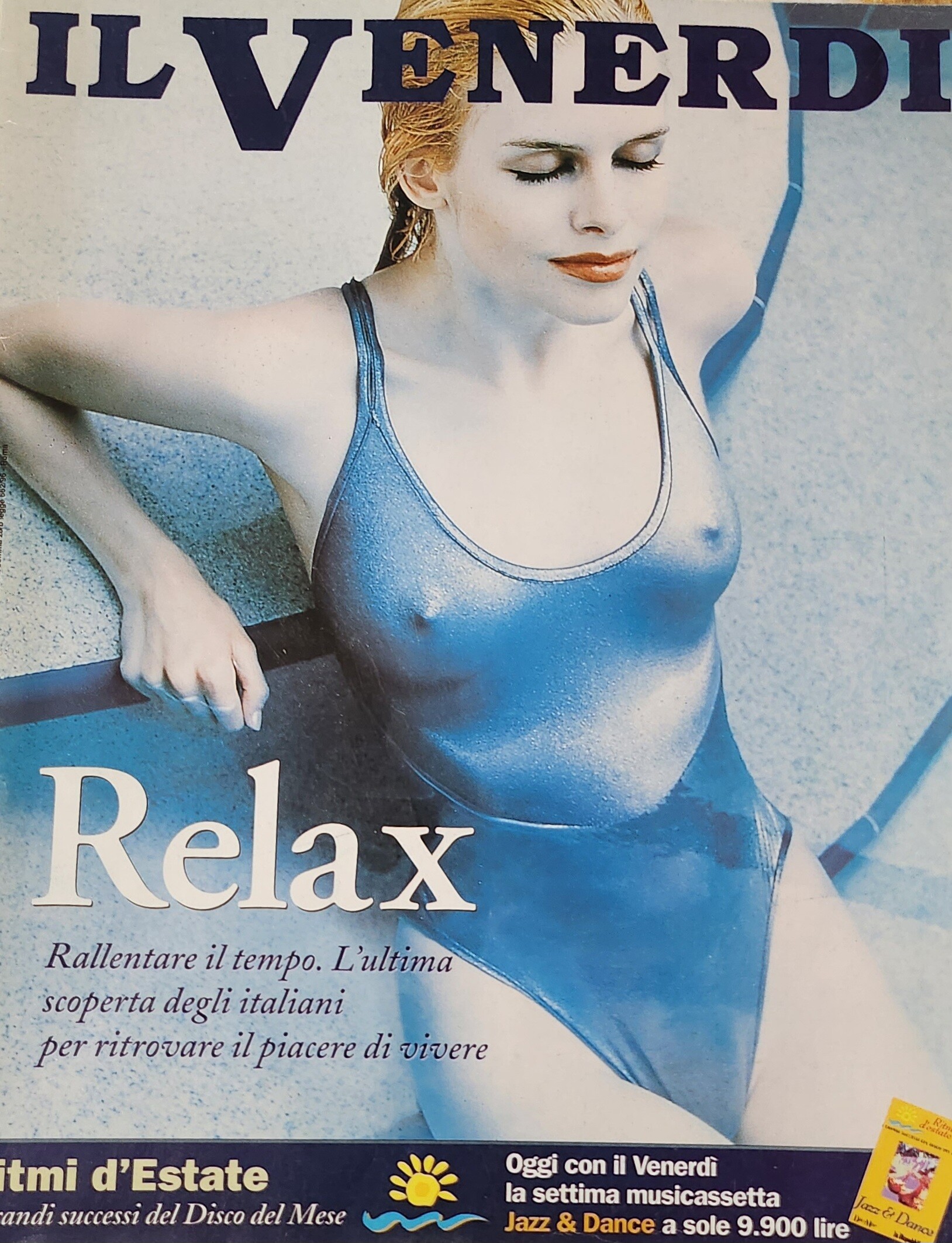
 IL VENERDI Italy - August 1998 Photographer: Andre Rau
 MAXIM UK 1997 Photographer: John Stoddart
















Account
Navigation
Search
Configure browser push notifications
Chrome (Android)
- Tap the lock icon next to the address bar.
- Tap Permissions → Notifications.
- Adjust your preference.
Chrome (Desktop)
- Click the padlock icon in the address bar.
- Select Site settings.
- Find Notifications and adjust your preference.
Safari (iOS 16.4+)
- Ensure the site is installed via Add to Home Screen.
- Open Settings App → Notifications.
- Find your app name and adjust your preference.
Safari (macOS)
- Go to Safari → Preferences.
- Click the Websites tab.
- Select Notifications in the sidebar.
- Find this website and adjust your preference.
Edge (Android)
- Tap the lock icon next to the address bar.
- Tap Permissions.
- Find Notifications and adjust your preference.
Edge (Desktop)
- Click the padlock icon in the address bar.
- Click Permissions for this site.
- Find Notifications and adjust your preference.
Firefox (Android)
- Go to Settings → Site permissions.
- Tap Notifications.
- Find this site in the list and adjust your preference.
Firefox (Desktop)
- Open Firefox Settings.
- Search for Notifications.
- Find this site in the list and adjust your preference.