-
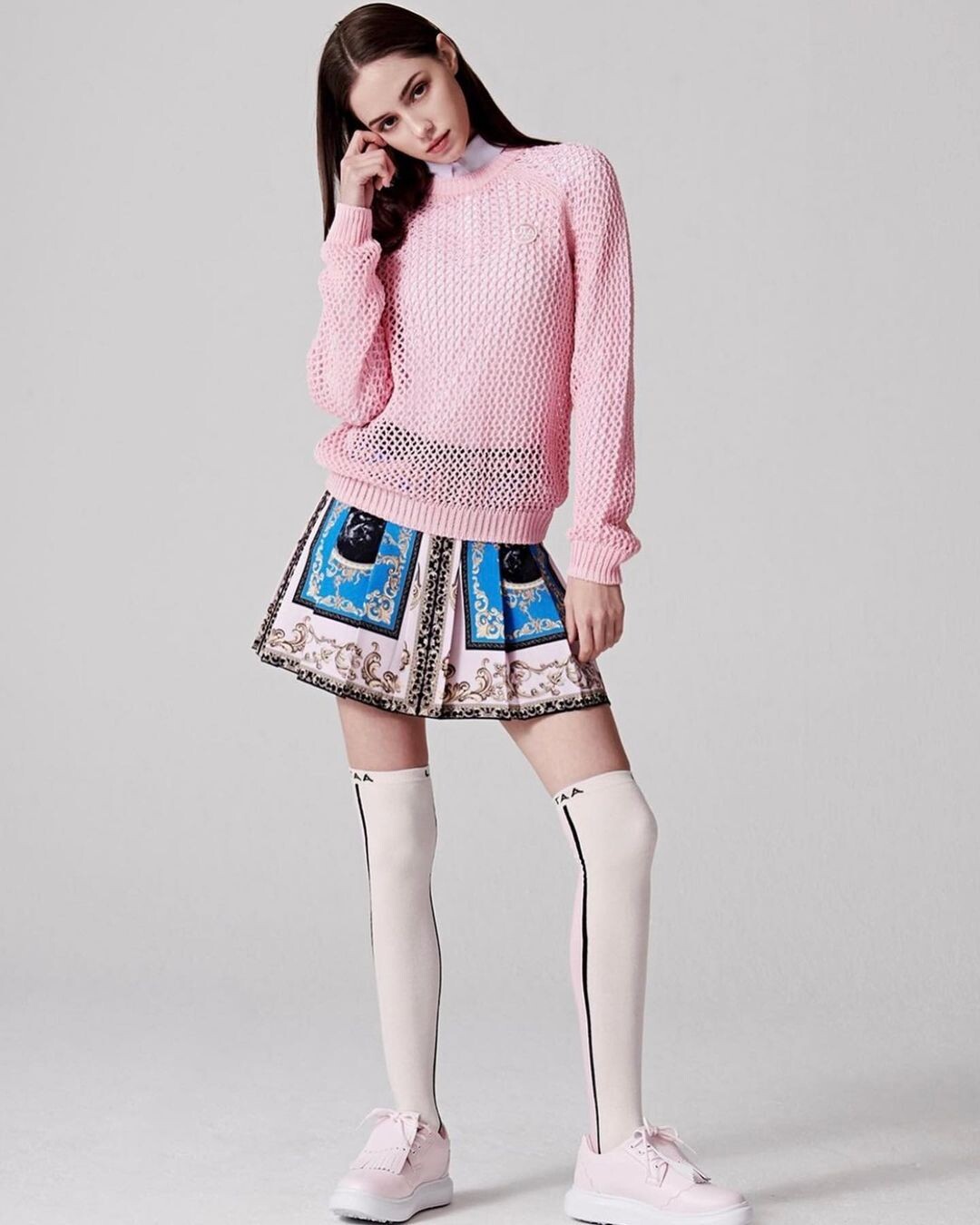
Image hidden for guestsSign in to viewImage hidden for guestsSign in to viewImage hidden for guestsSign in to viewAnyone who knows this model from Vetrinamia? https://www.instagram.com/p/DLSAvT2p8BK/?igsh=MWNyYXF4eGcxcm16cA==


 Image hidden for guestsSign in to viewWhat's her name?Image hidden for guestsSign in to viewUniqlo model, anyone know her name?Image hidden for guestsSign in to viewAnyone know her name? this was from Arthur Hubert LegrandImage hidden for guestsSign in to viewBy janes.phImage hidden for guestsSign in to viewHeight 171 cm Bust 31 in Waist 23 in Hips 34 in Shoes 245 mm Hair Light Brown Eyes Light Brown Model Agency: Papi Model Management Instagram: https://instagram.com/roma.sh.ka?igshid=MmU2YjMzNjRlOQ==Image hidden for guestsSign in to viewHong Kong based German-Thai model Instagram: https://instagram.com/deliavonpflug?igshid=MmU2YjMzNjRlOQ==Image hidden for guestsSign in to viewImage hidden for guestsSign in to viewInstagram: https://instagram.com/laraahf7?igshid=NTc4MTIwNjQ2YQ== Patreon (18+): https://www.patreon.com/Laraahf7 Bentbox (18+) https://bentbox.co/laraahf7
































Account
Navigation
Search
Configure browser push notifications
Chrome (Android)
- Tap the lock icon next to the address bar.
- Tap Permissions → Notifications.
- Adjust your preference.
Chrome (Desktop)
- Click the padlock icon in the address bar.
- Select Site settings.
- Find Notifications and adjust your preference.
Safari (iOS 16.4+)
- Ensure the site is installed via Add to Home Screen.
- Open Settings App → Notifications.
- Find your app name and adjust your preference.
Safari (macOS)
- Go to Safari → Preferences.
- Click the Websites tab.
- Select Notifications in the sidebar.
- Find this website and adjust your preference.
Edge (Android)
- Tap the lock icon next to the address bar.
- Tap Permissions.
- Find Notifications and adjust your preference.
Edge (Desktop)
- Click the padlock icon in the address bar.
- Click Permissions for this site.
- Find Notifications and adjust your preference.
Firefox (Android)
- Go to Settings → Site permissions.
- Tap Notifications.
- Find this site in the list and adjust your preference.
Firefox (Desktop)
- Open Firefox Settings.
- Search for Notifications.
- Find this site in the list and adjust your preference.