flockie
Members
-
Joined
-
Last visited
-
wow, that's pretty cool then
-
Thank you for welcoming me here..... Hmm.....do you mind giving me the link to his facebook....? :brows: hehe, ya, that would be great *g* but is this a real account or is it just fake?
-
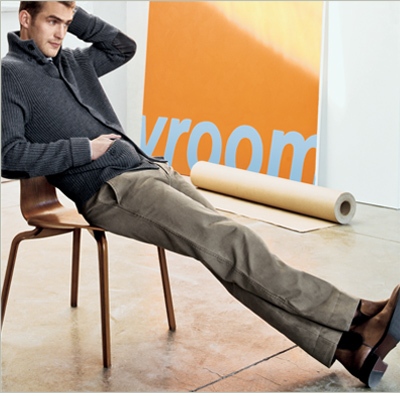
Banana Republic 30 - the classics
-
it's a great campaign and there's a pic of will sitting on a chair ( in vanity fair september 2008 I saw it on another site), it's just awesome. does someone know which one I mean and actually I'm a total idiot with my computer so I have no idea to find it in a good quality. can anybody help? :-)
-
yes, he is thanks cooperIShot, I also enjoy andrews thread *g*
-
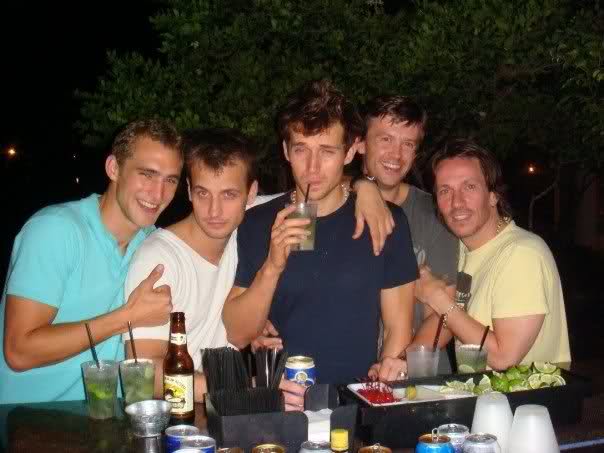
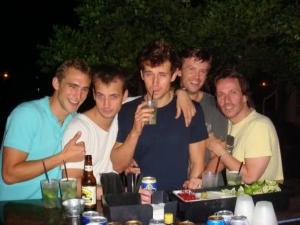
maybe it's just a stupid question, but who are the other guys, can someone tell me? :-) thank you and i love this site and wills pics *gg* sorry, i have no info on the other guys...BUT the cutie in the middle with the drink? now THAT hottie i know....he's Andrew Cooper, and feel free to check out his thread!! he's an English model (he's in my avie/signature too), who's best mates with Will....the other dudes are just their buddies....they were all on hols in Miami, Florida.... cool, thanks! :-) are there some more pics, will on holidays stuff like that?
-
maybe it's just a stupid question, but who are the other guys, can someone tell me? :-) thank you and i love this site and wills pics *gg*
-
where the heck have ya been, sam?!?!?! i cant do this alone (jk, i'm not panicking...really i'm not lol...after all, u are the KING when it comes to posting will pics!! )
-
yes, you're absolutely right... I'm new here and I love this page and Will *gg* Do you know were I can find more pics from Will backstage? Or can anyone post some more?