
Mariana99
Members
-
Joined
-
Last visited
Everything posted by Mariana99
-

-
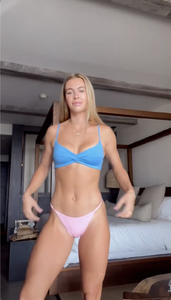
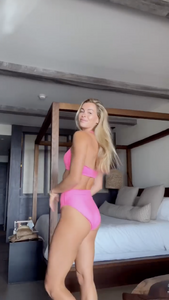
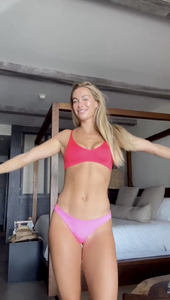
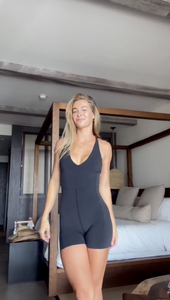
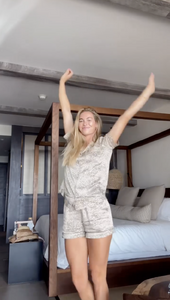
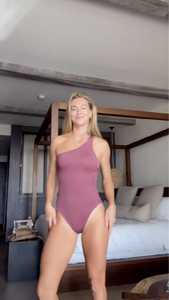
home fashion show UD_neillyross_3458095119288968388_58419778748_16_9_2024.mp4
-
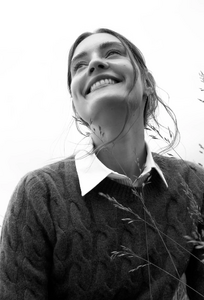
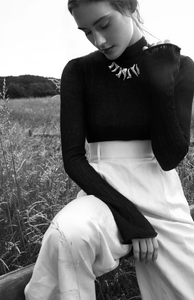
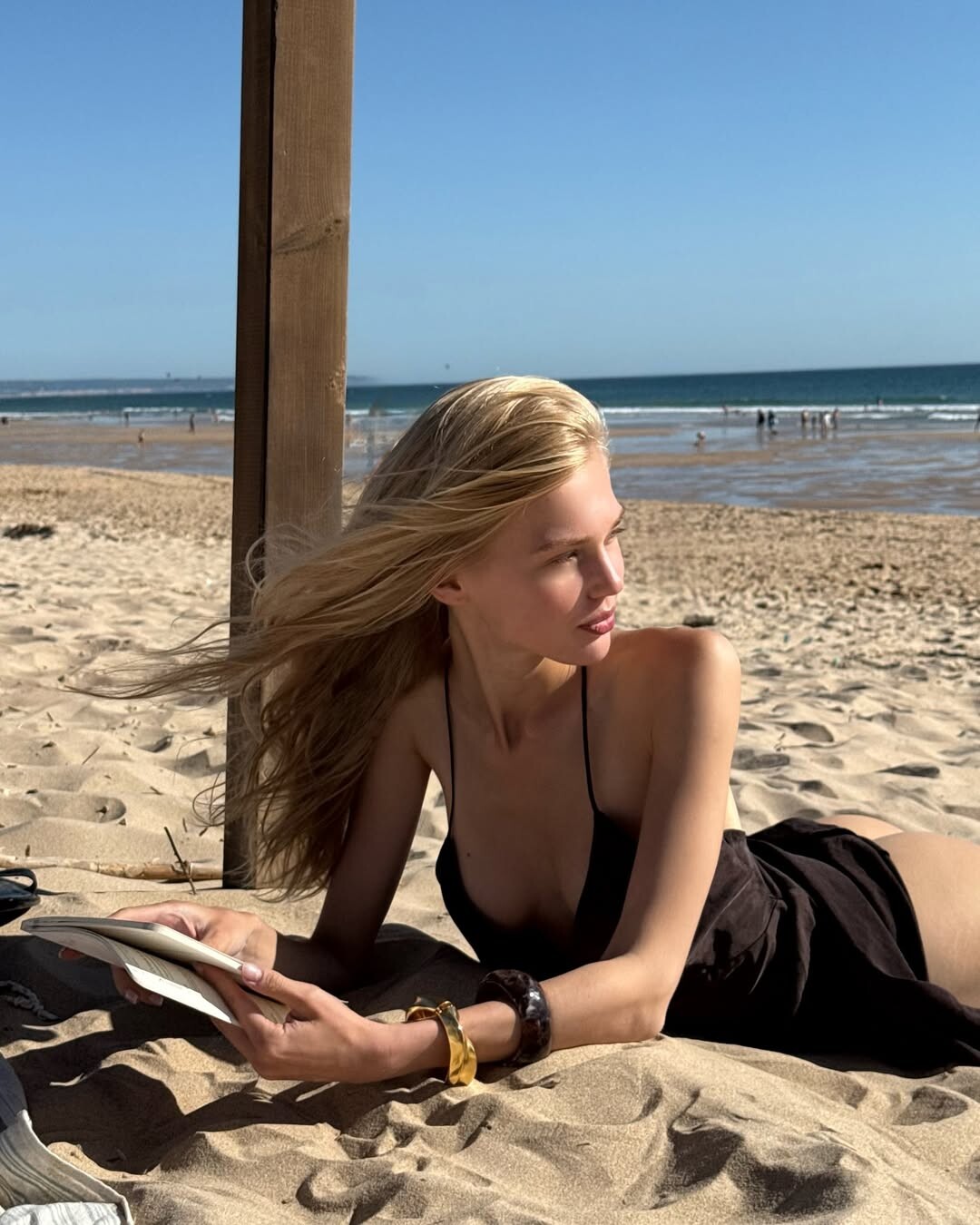
Giulia Modenese for L'Officiel Baltics (2024)


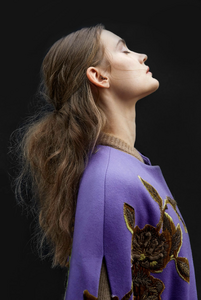

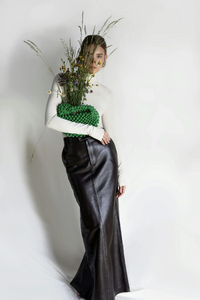
-
-
UD_neillyross_3443563515883529400_58419778748_27_8_2024.mp4
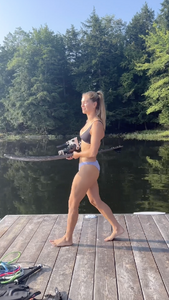
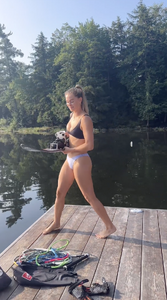

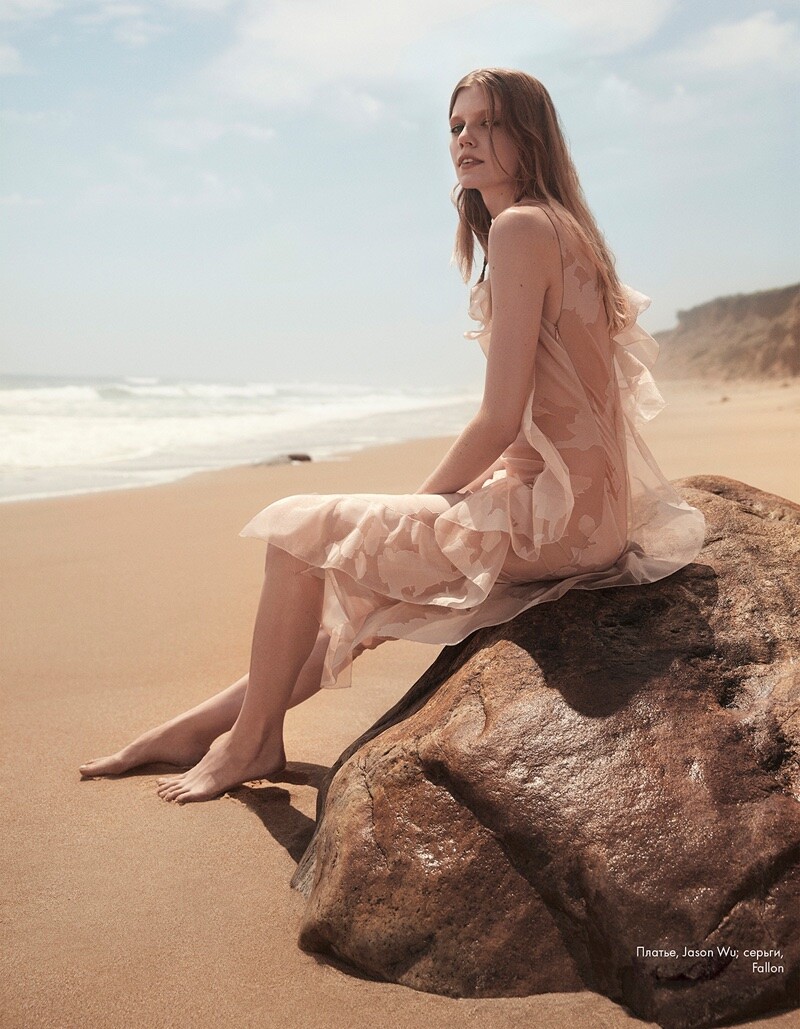
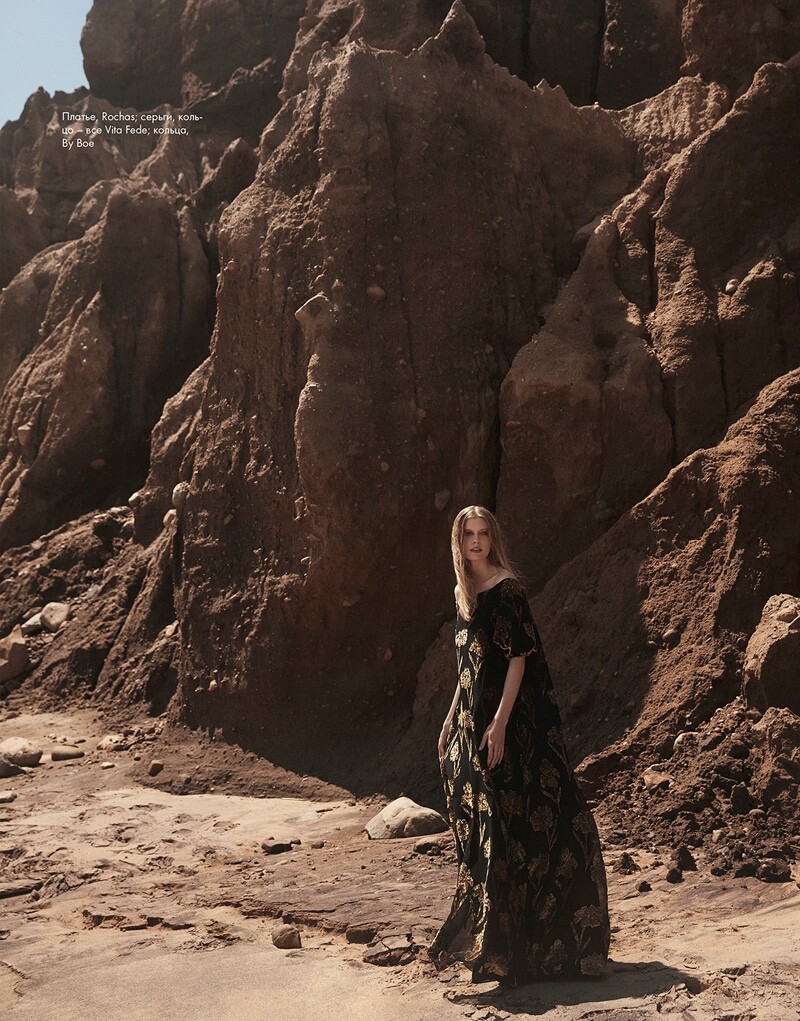
 Rocio Ramos for Mojeh Mag (2018)
.thumb.jpg.78bab8097cbd7f07e9c8954ecc8626be.jpg)
.thumb.jpg.d9fc4c57edd78b07d36ed21a2308218d.jpg)
.thumb.jpg.88bfe29a399cd339f9032f8b5a502392.jpg)
.thumb.jpg.eb6b63441fe523551a526226c03ae789.jpg)
.thumb.jpg.c9accdaa5ac3b8336ad489f4a01a3ab9.jpg)
.thumb.jpg.d956dcb6ccc919afd4f845b9667b85f9.jpg)
.thumb.jpg.ca2b5f3dd71db94b3e4aa93583174ee5.jpg)
.thumb.jpg.309114c3c45f2db606cc688786087d7b.jpg)
.thumb.jpg.f922862a1423afc52380d0a46e24af91.jpg)
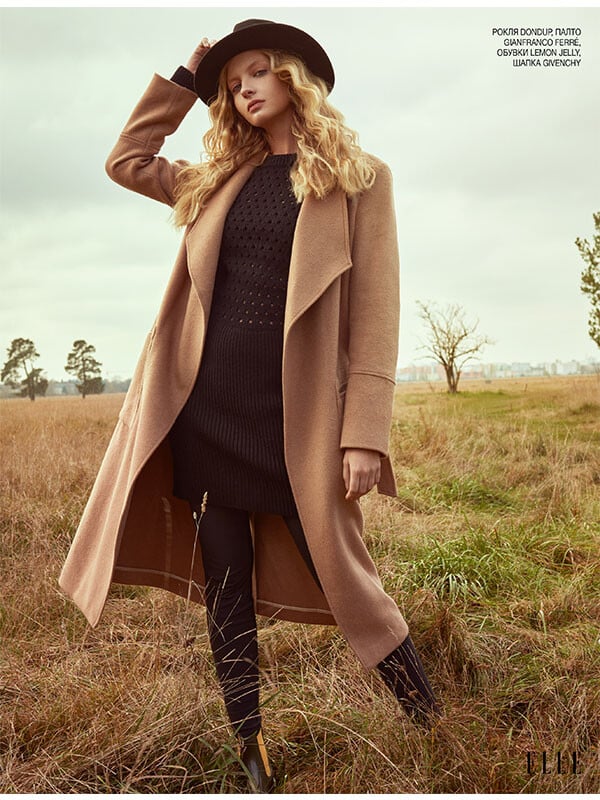
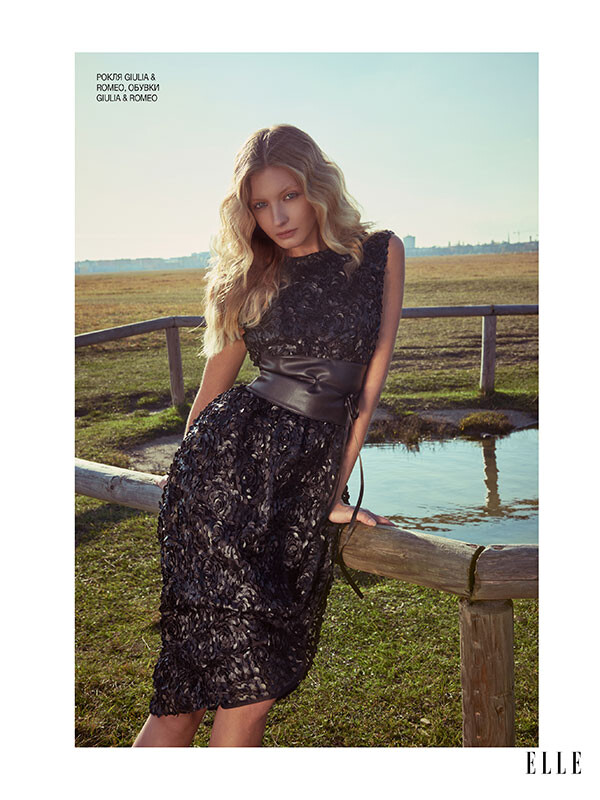
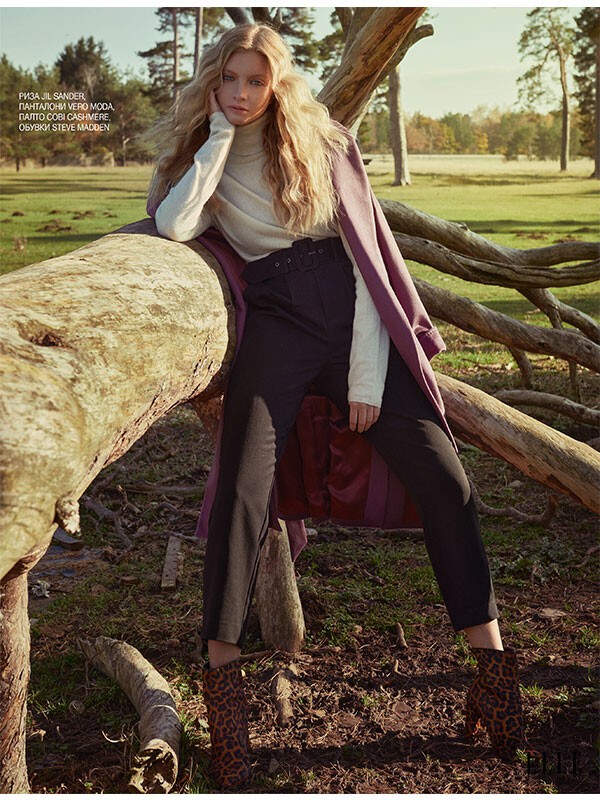
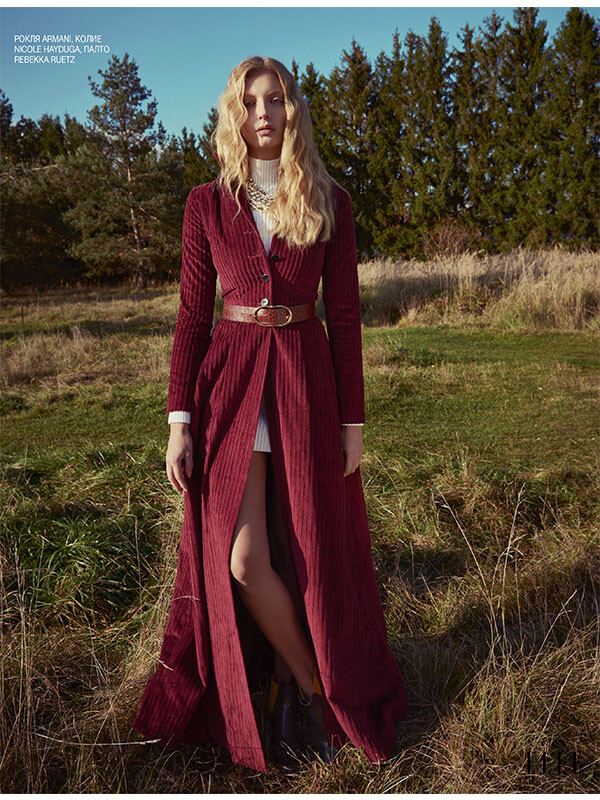
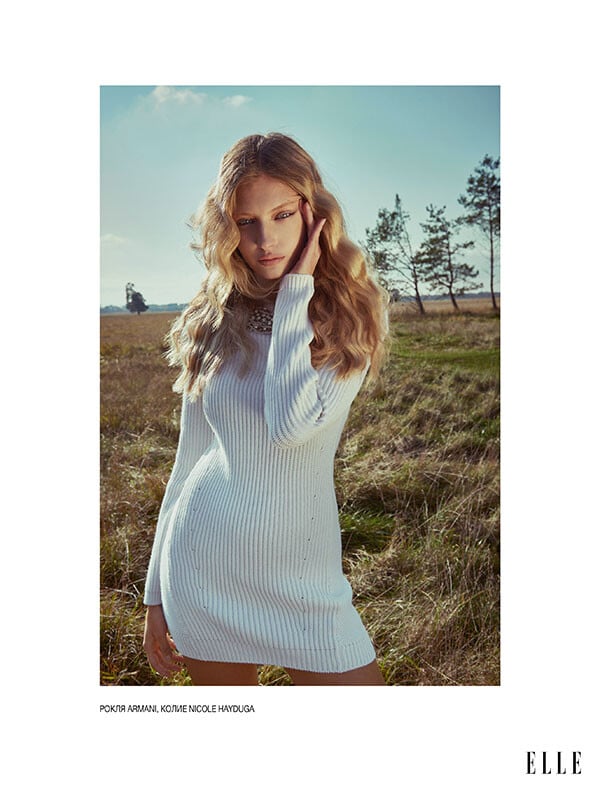
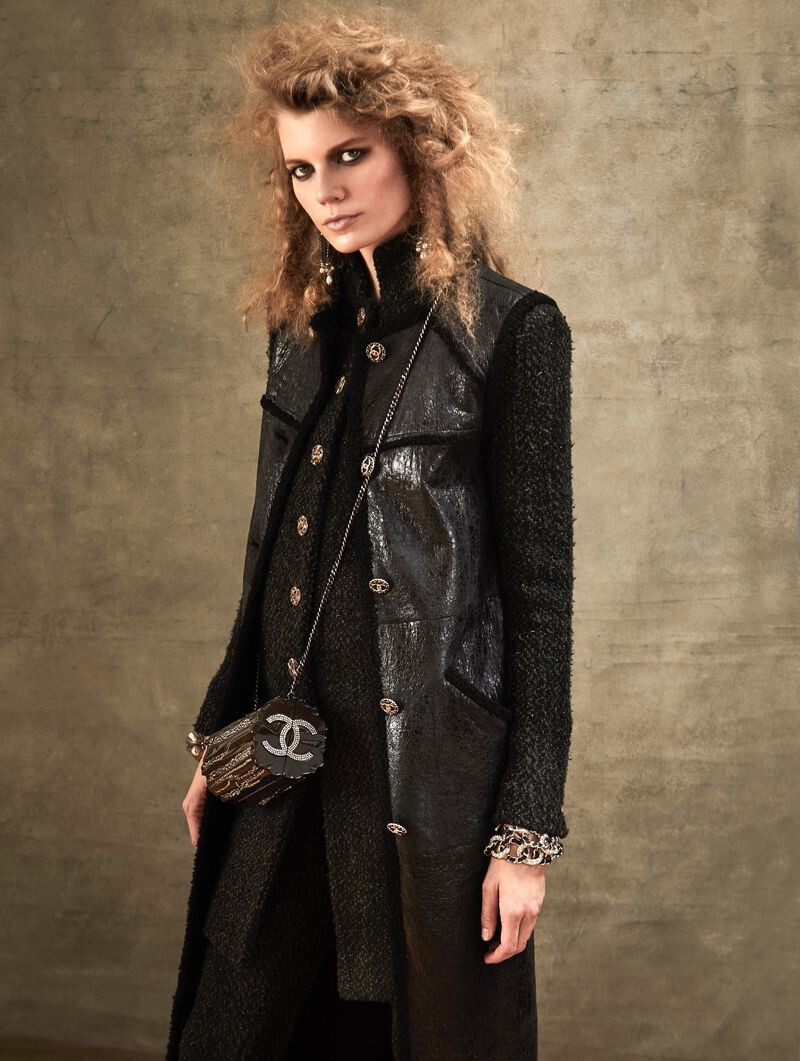
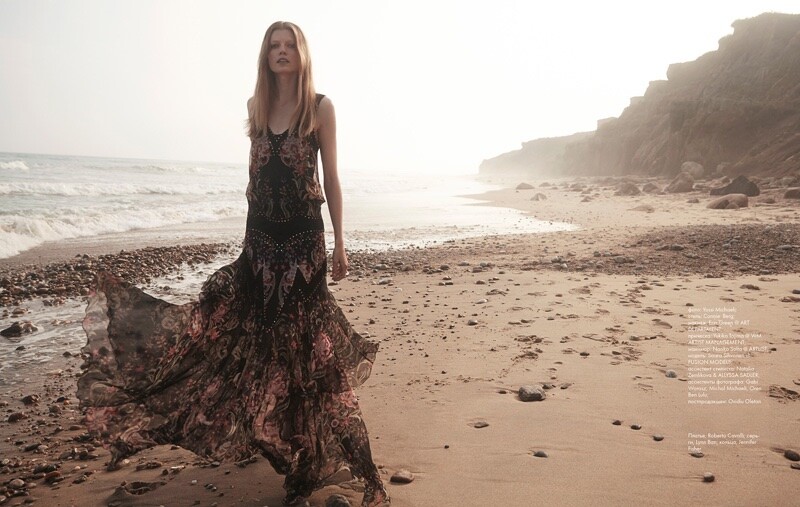
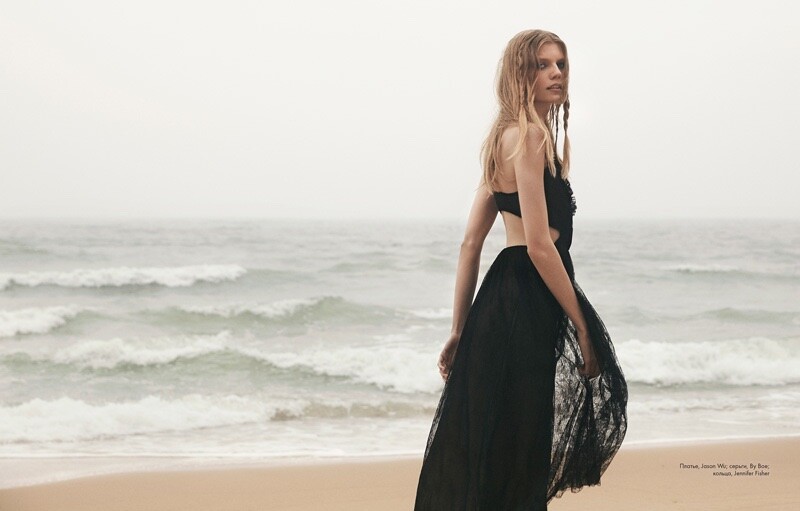
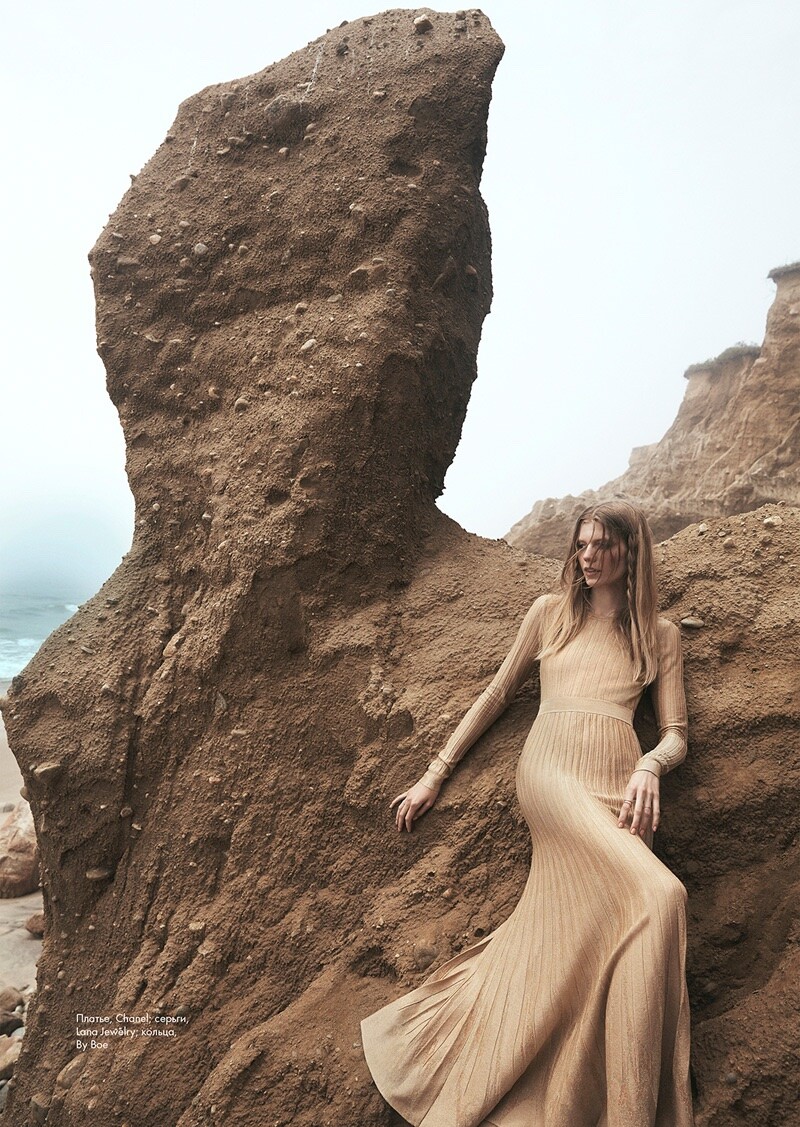
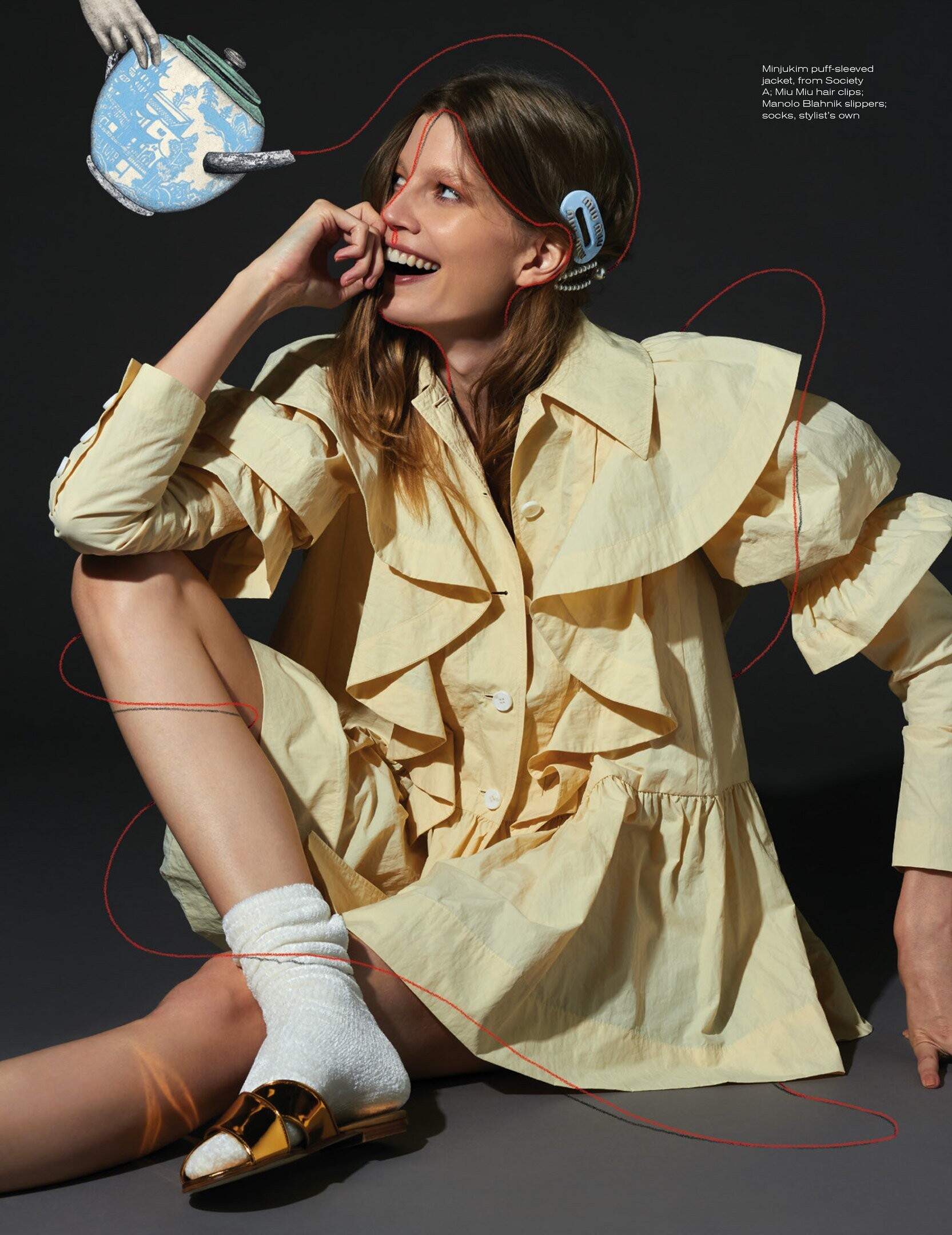
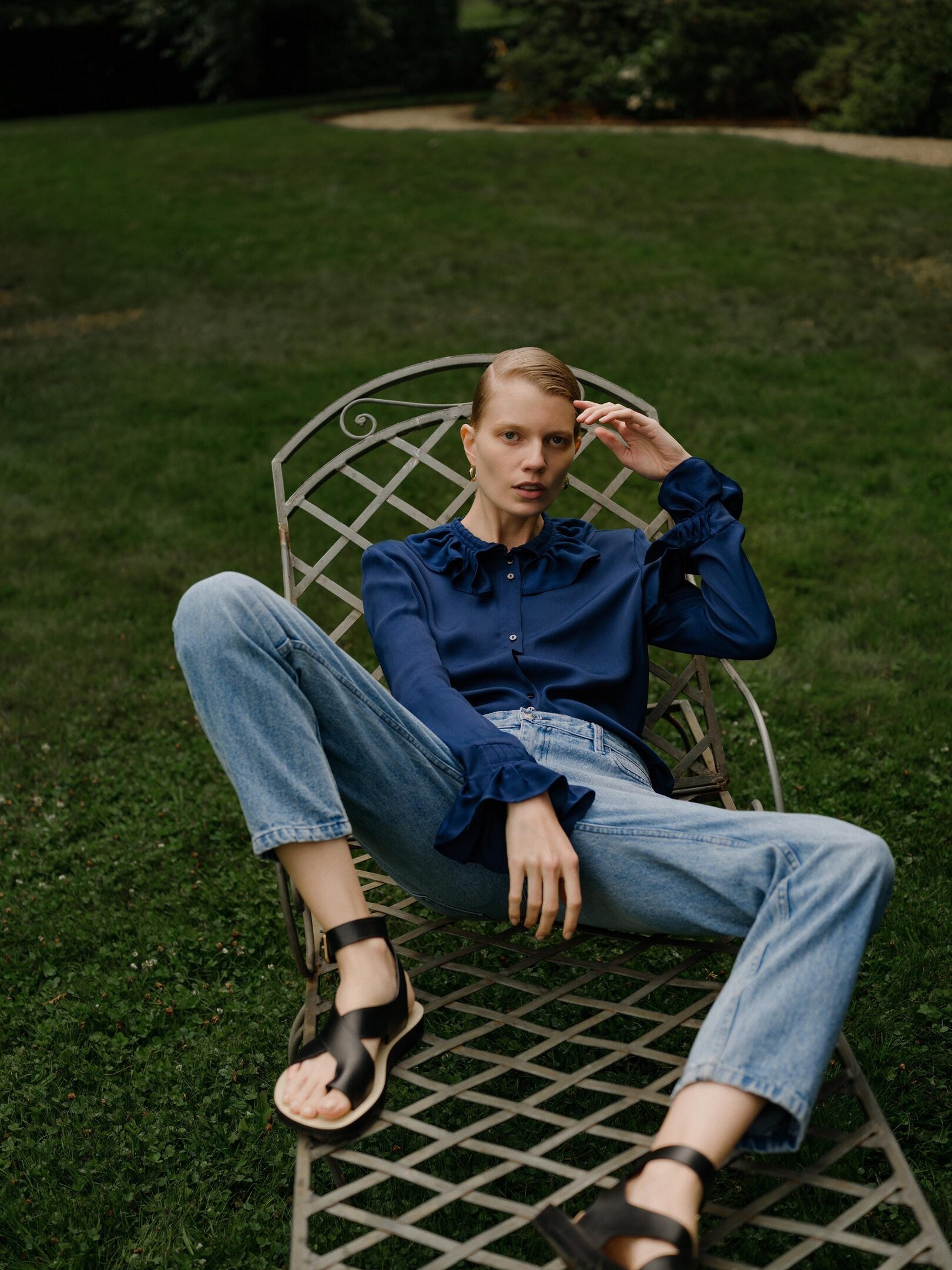
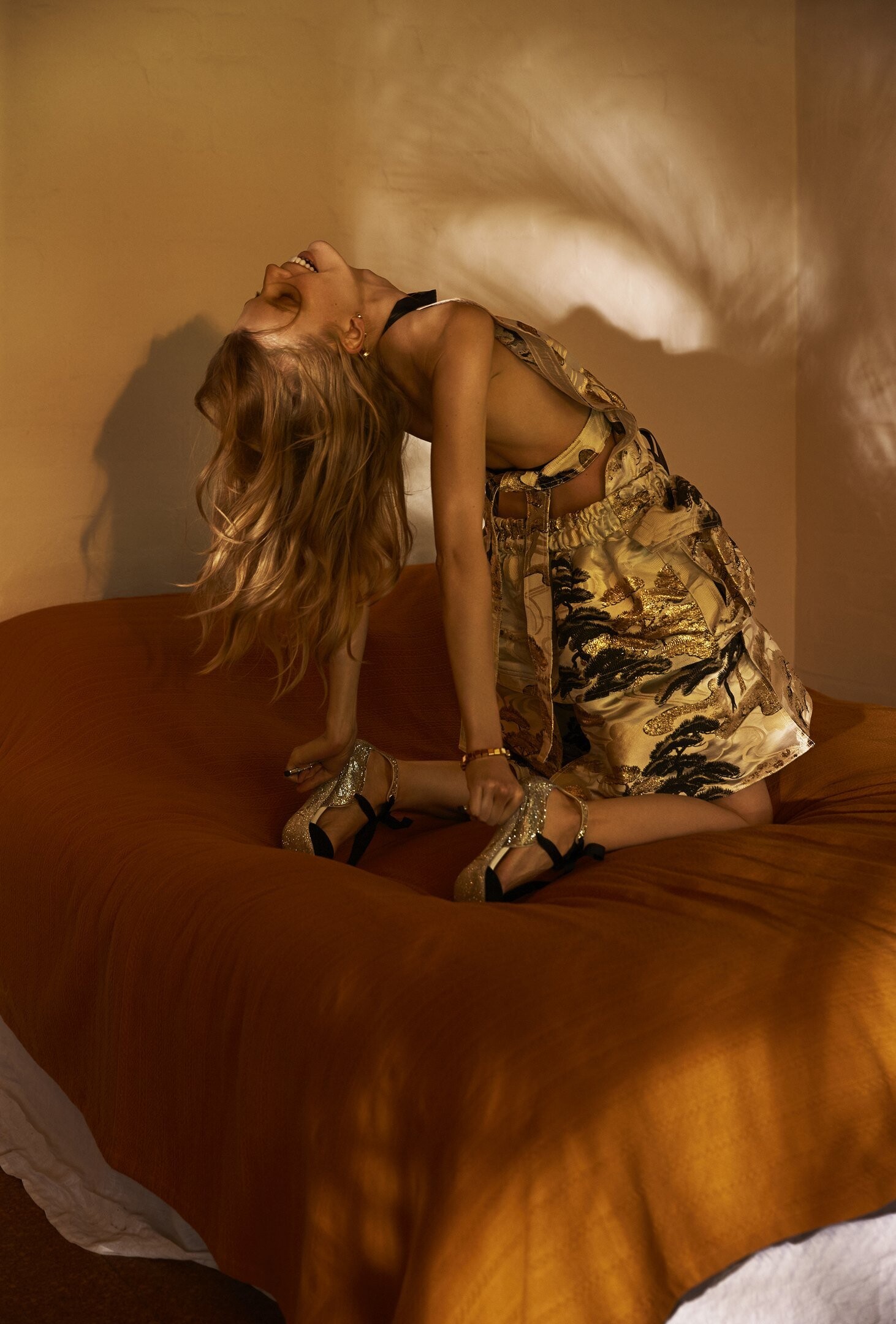
.thumb.jpg.4e5076da58a68933c9dc9c444903ecdd.jpg) Yossi Michaeli for Elle Kazakhstan (2016)
Yossi Michaeli for Elle Kazakhstan (2016)





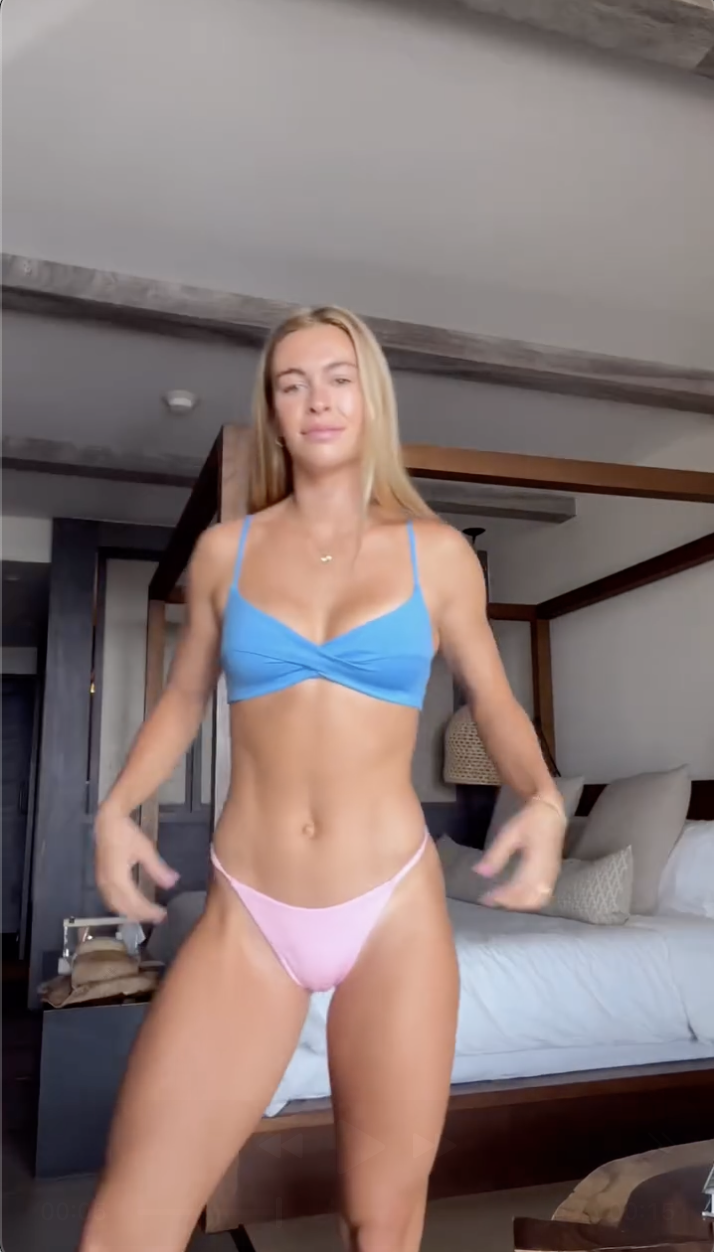
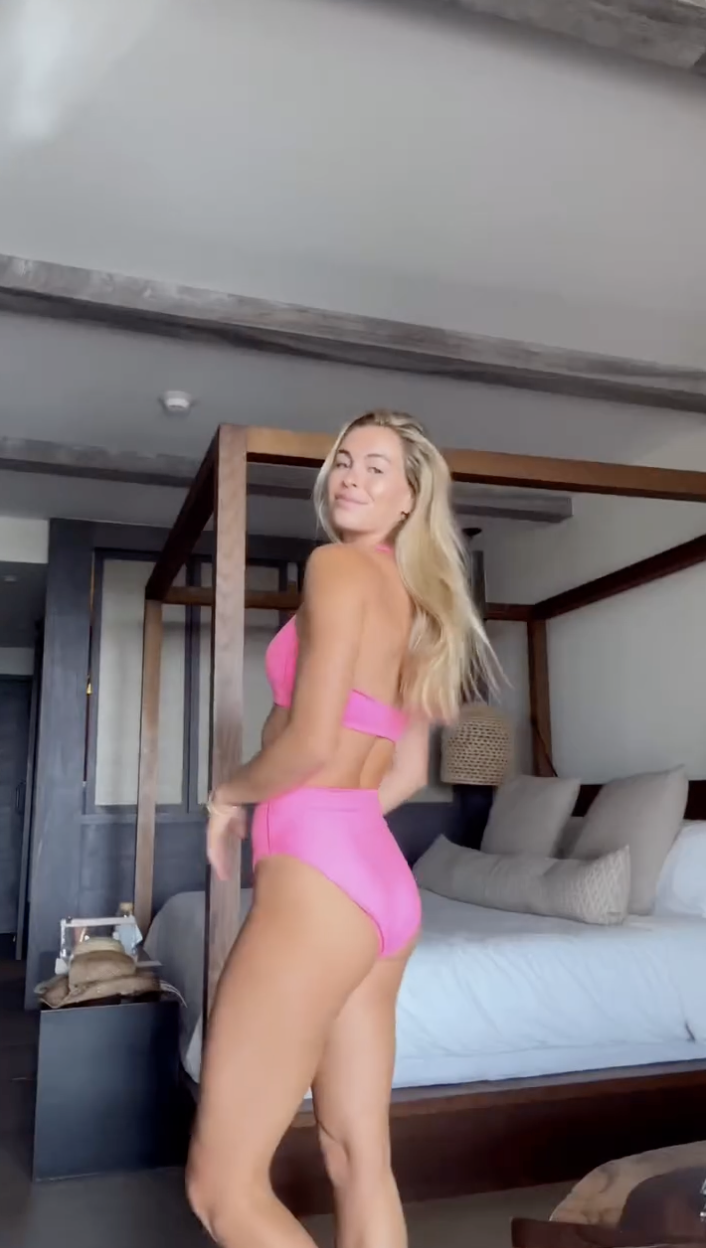
 neillyross_10000000_802565255129315_3501308723115148639_n.mp4






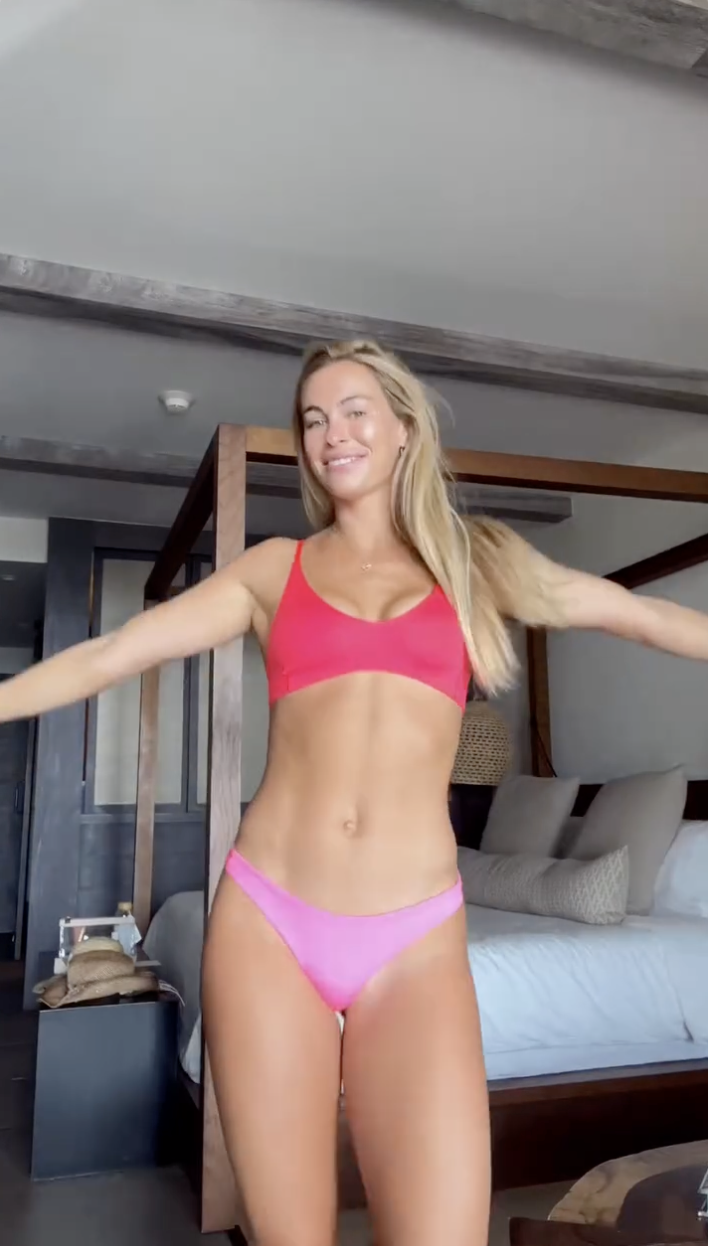
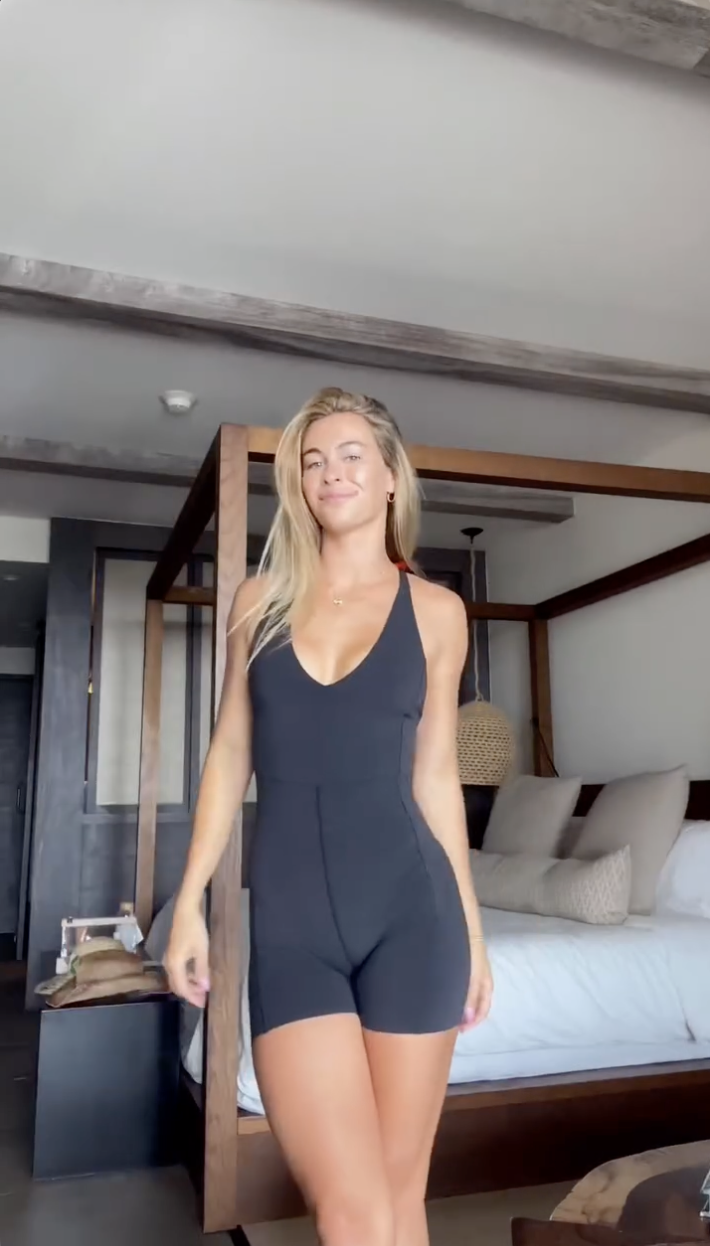
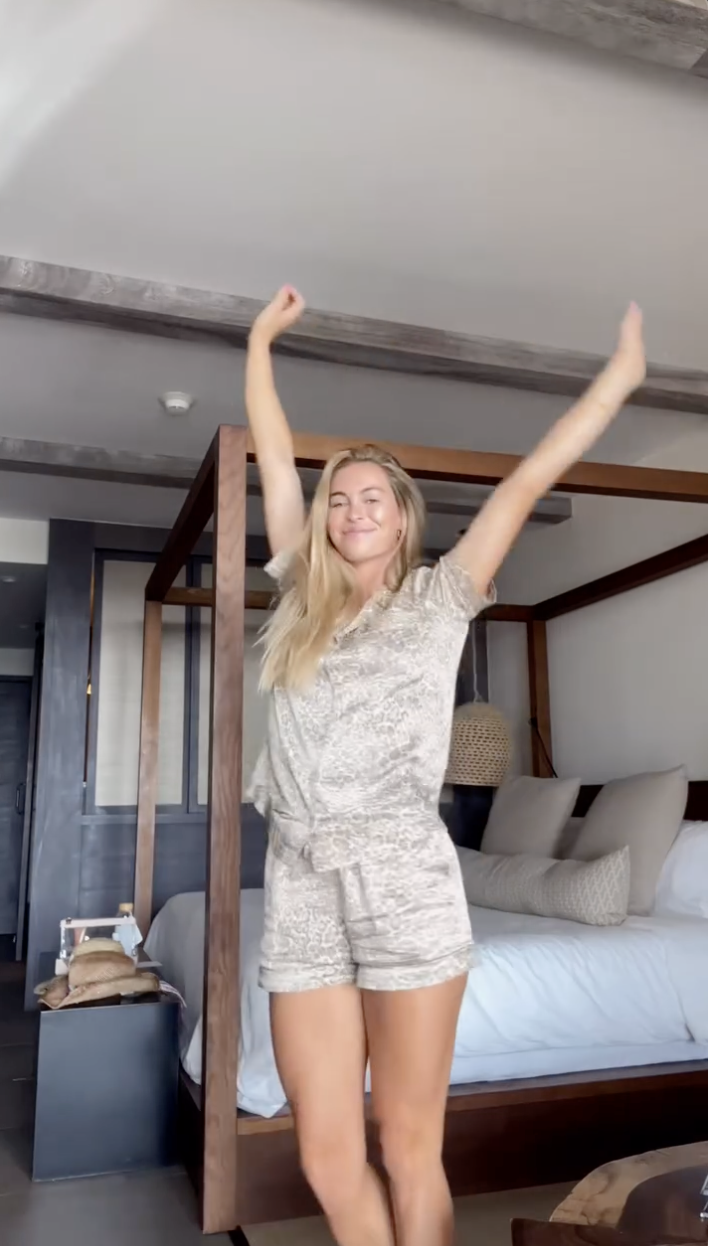
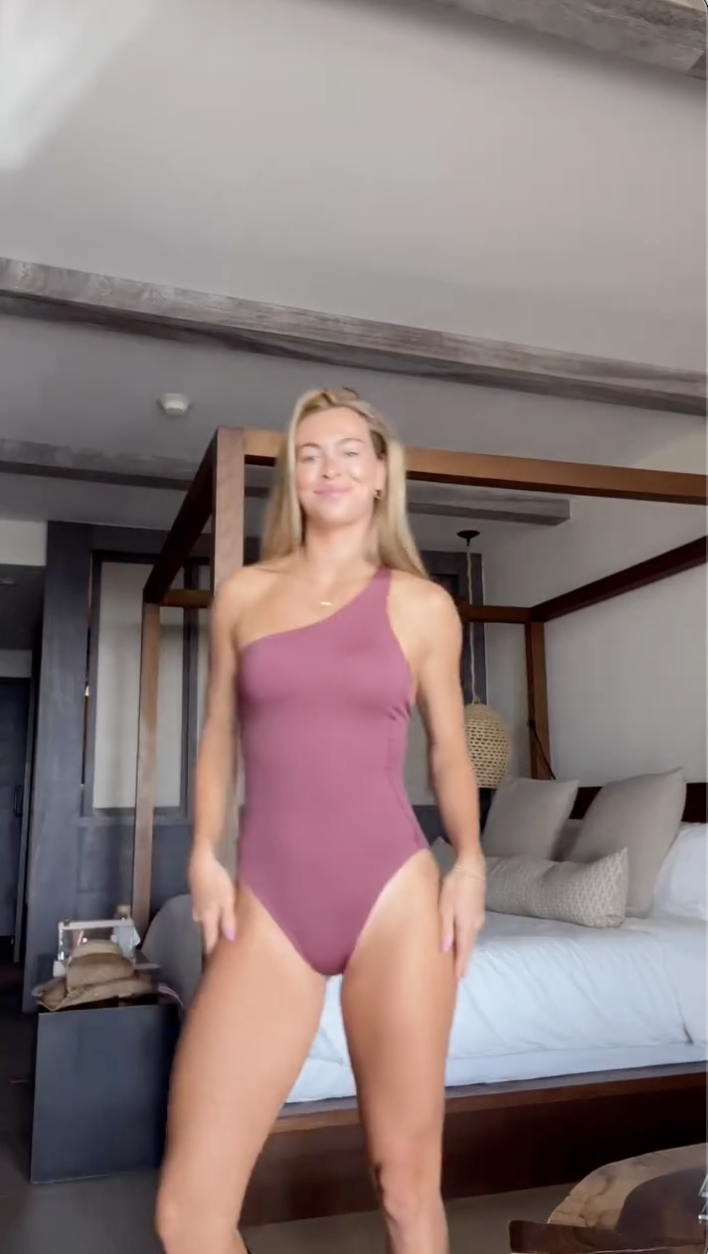
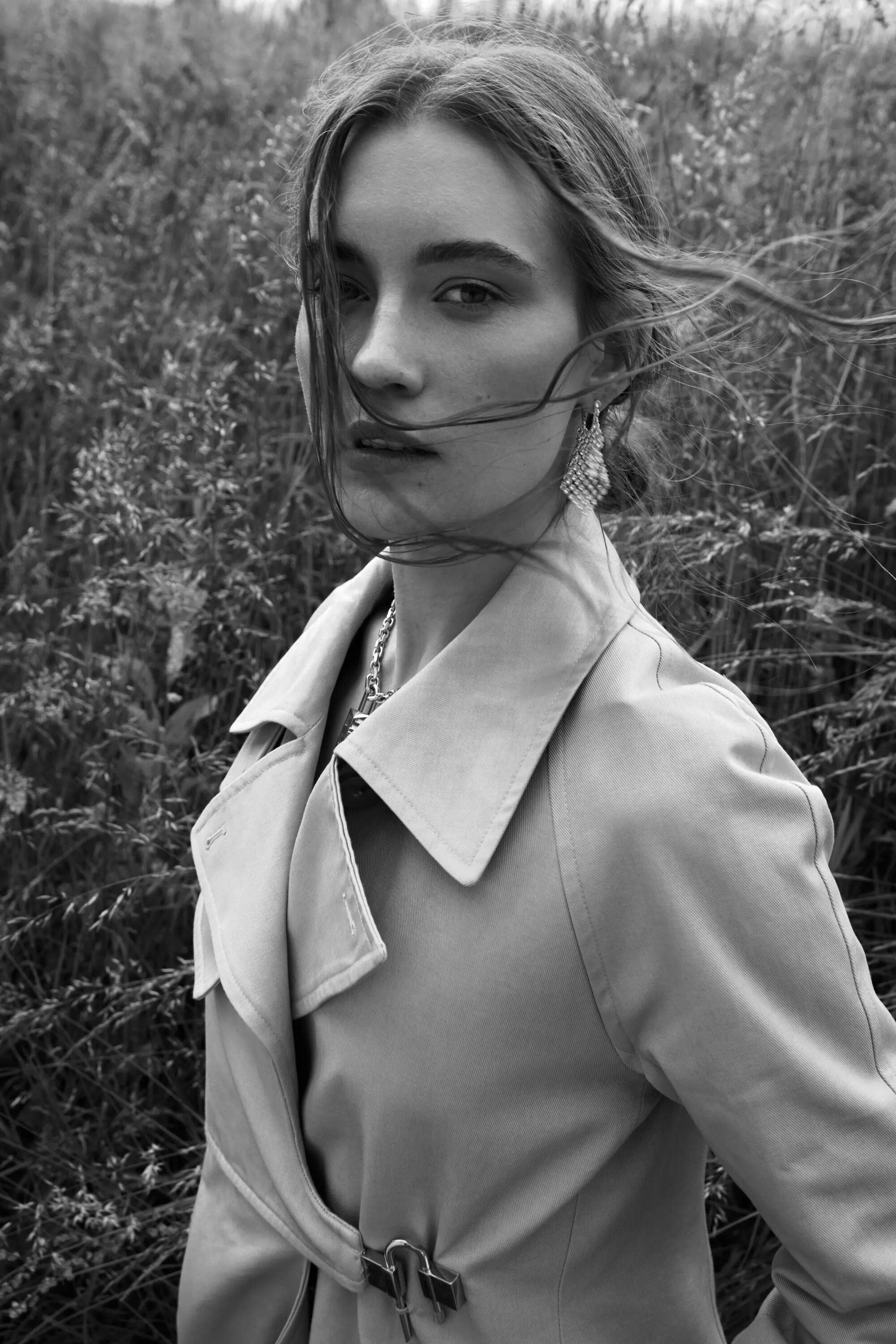
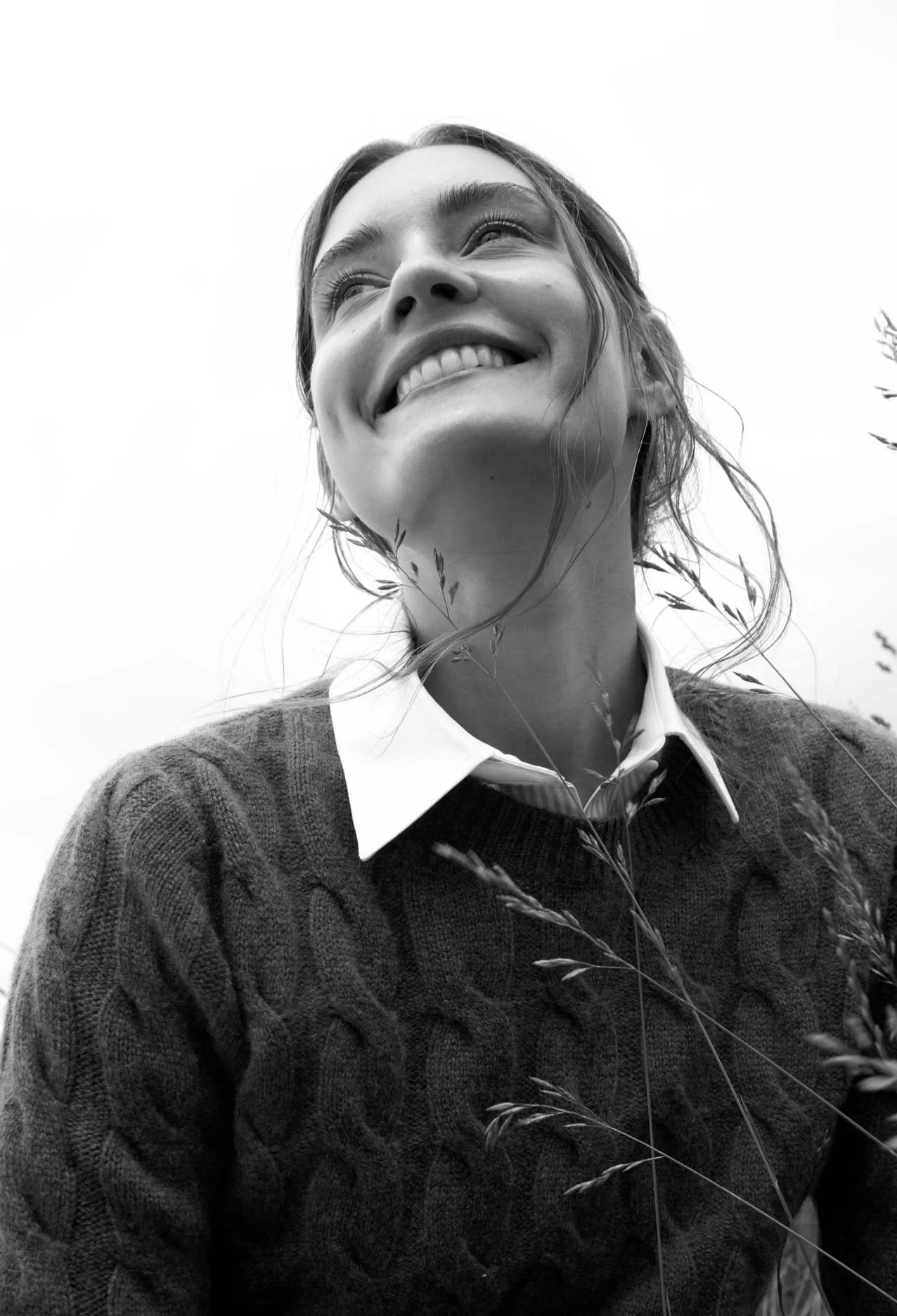


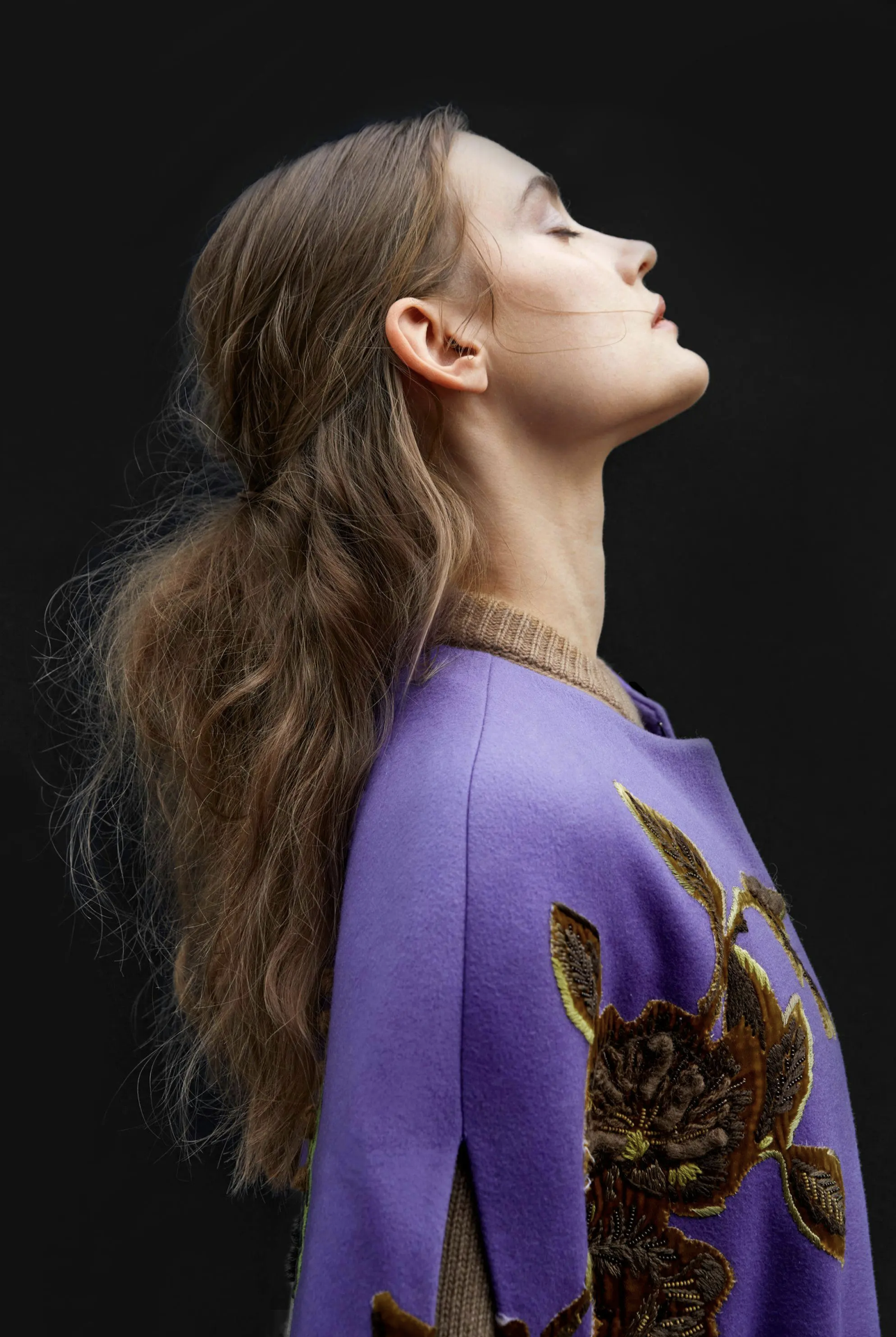






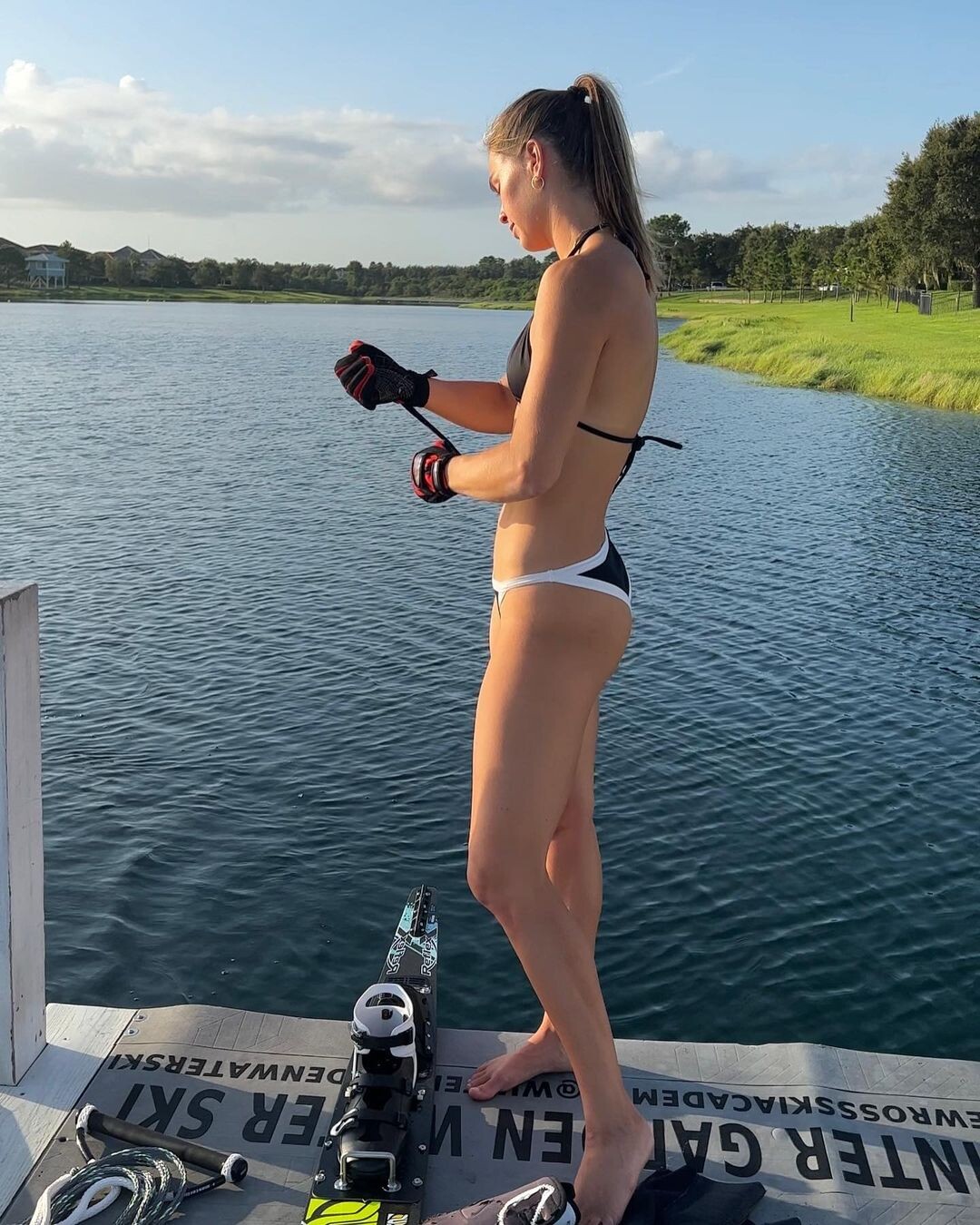
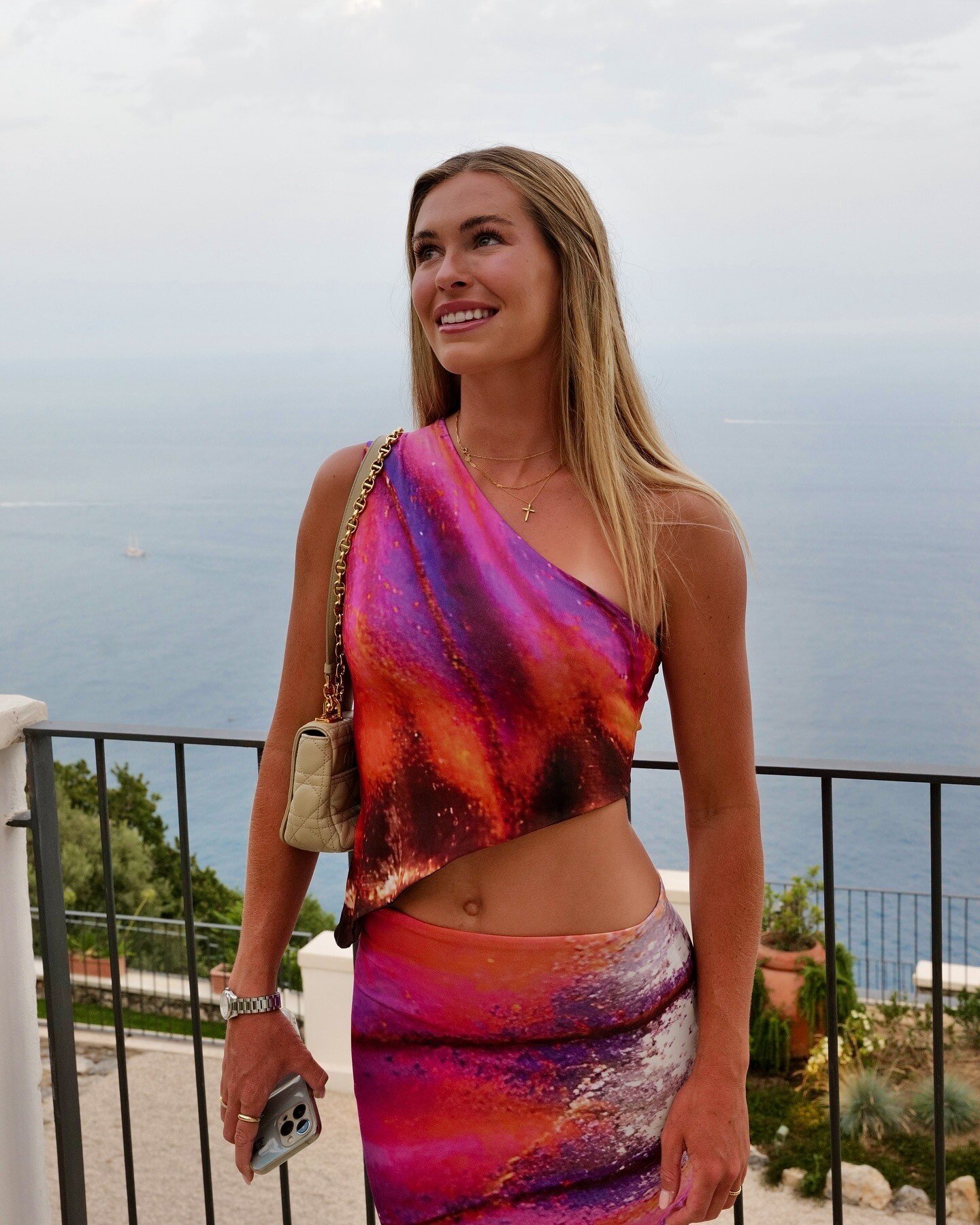
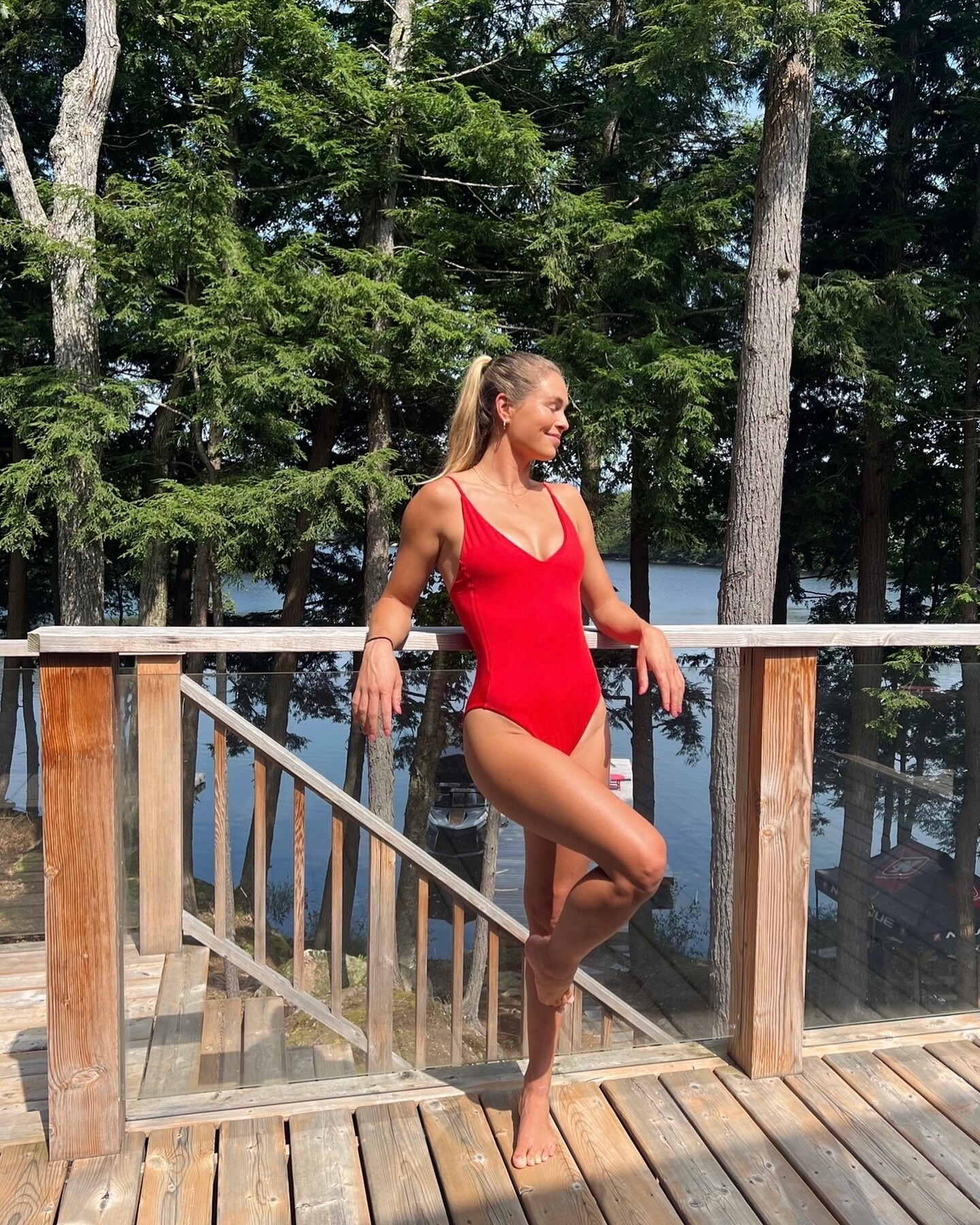

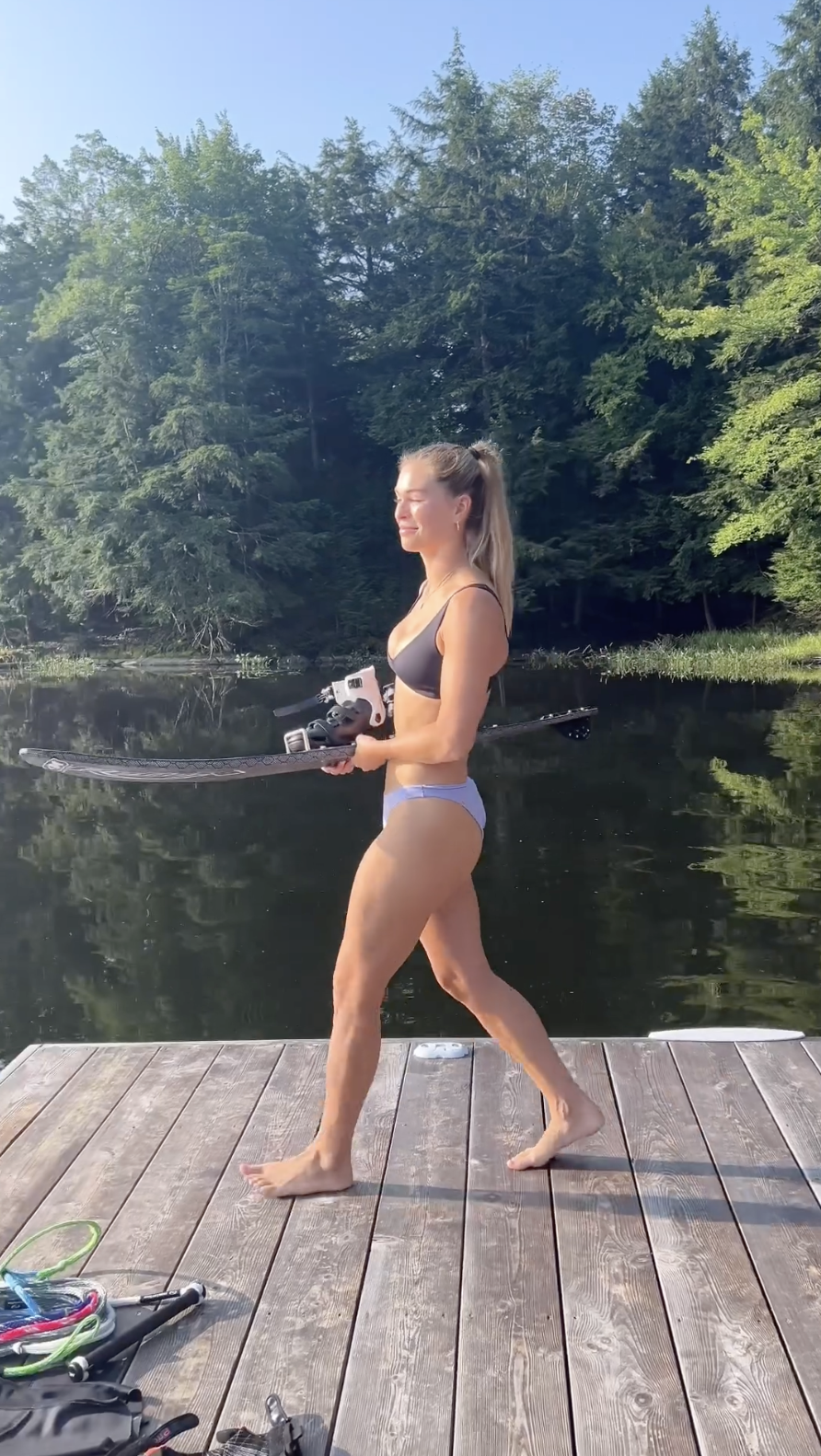
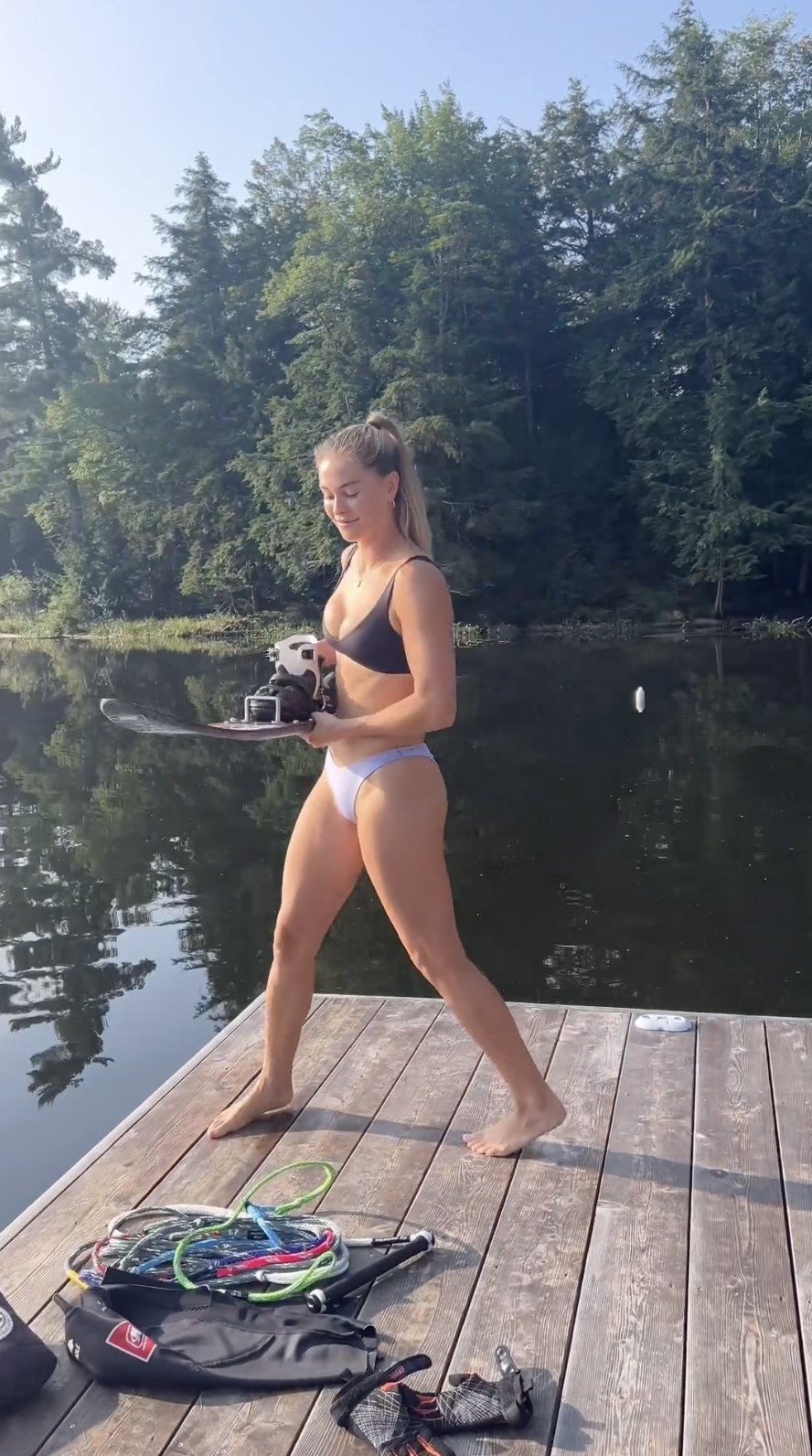

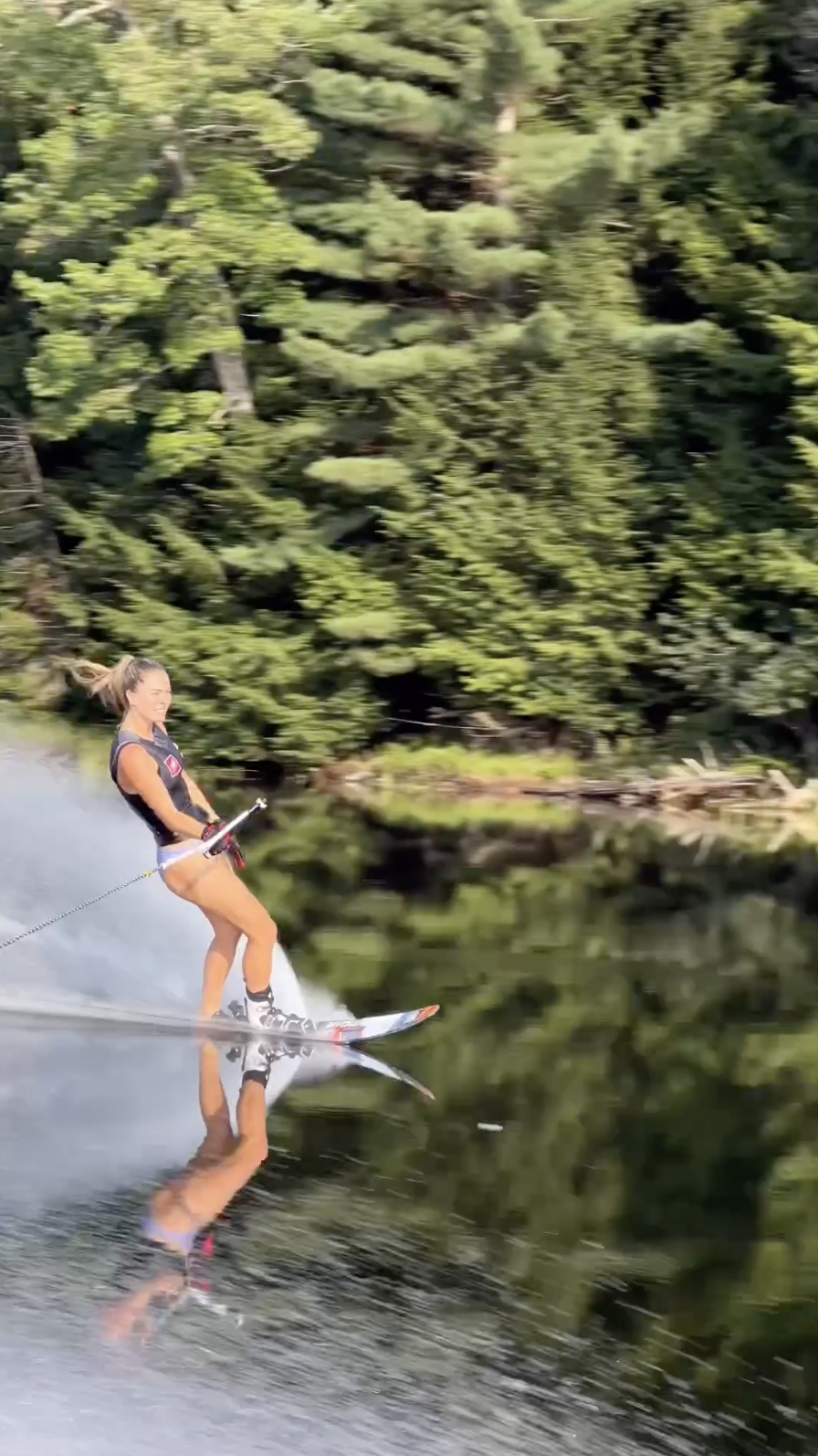
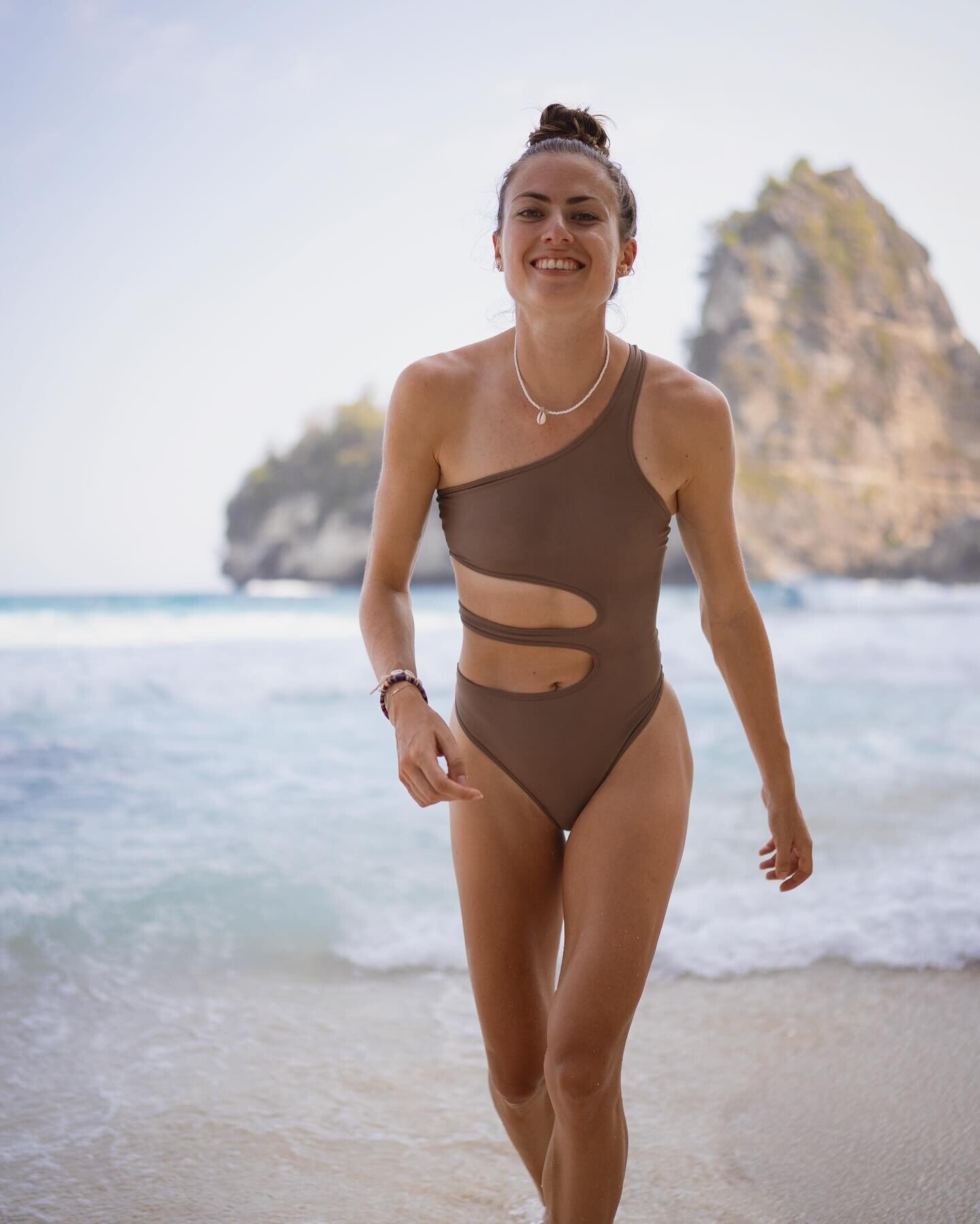
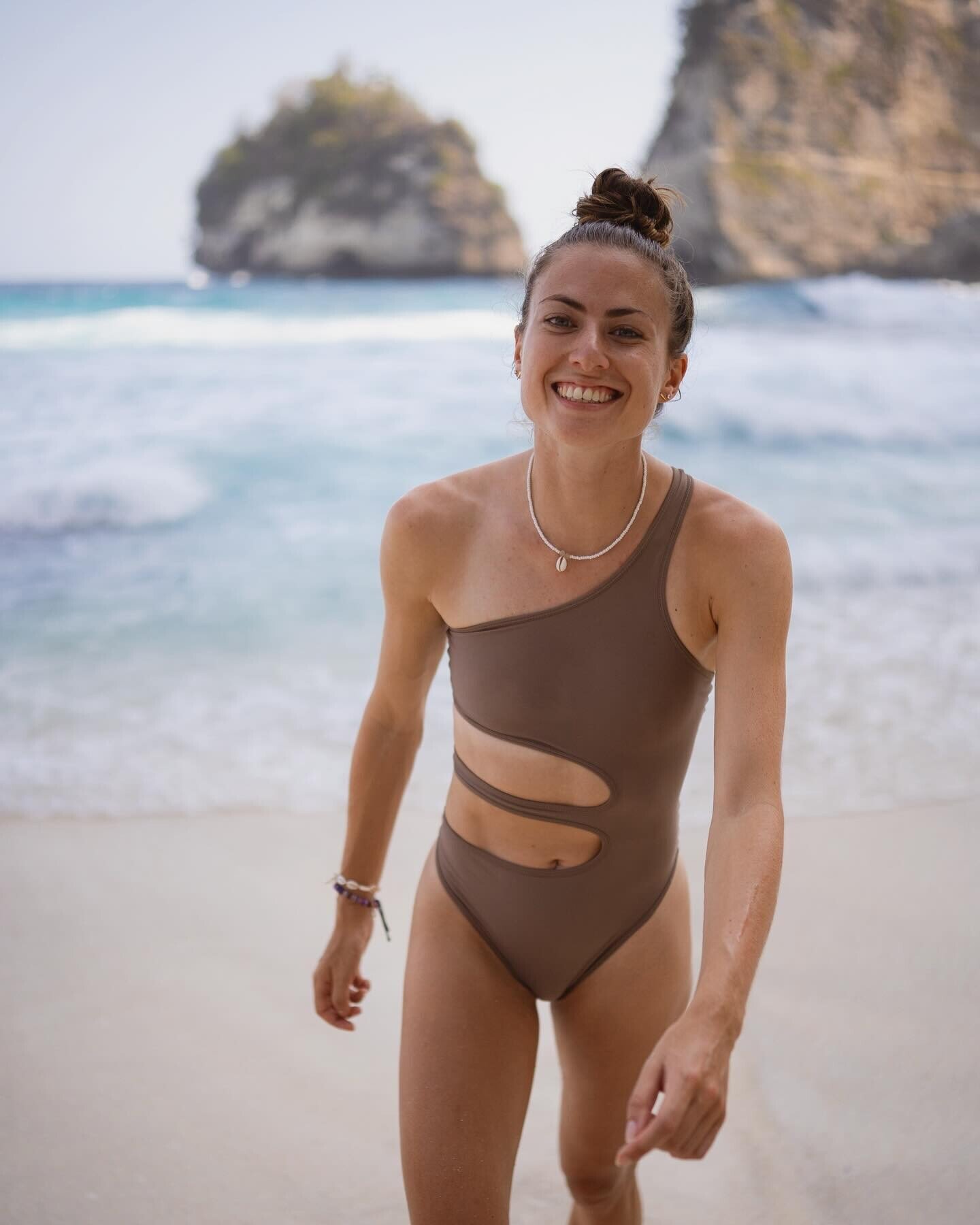
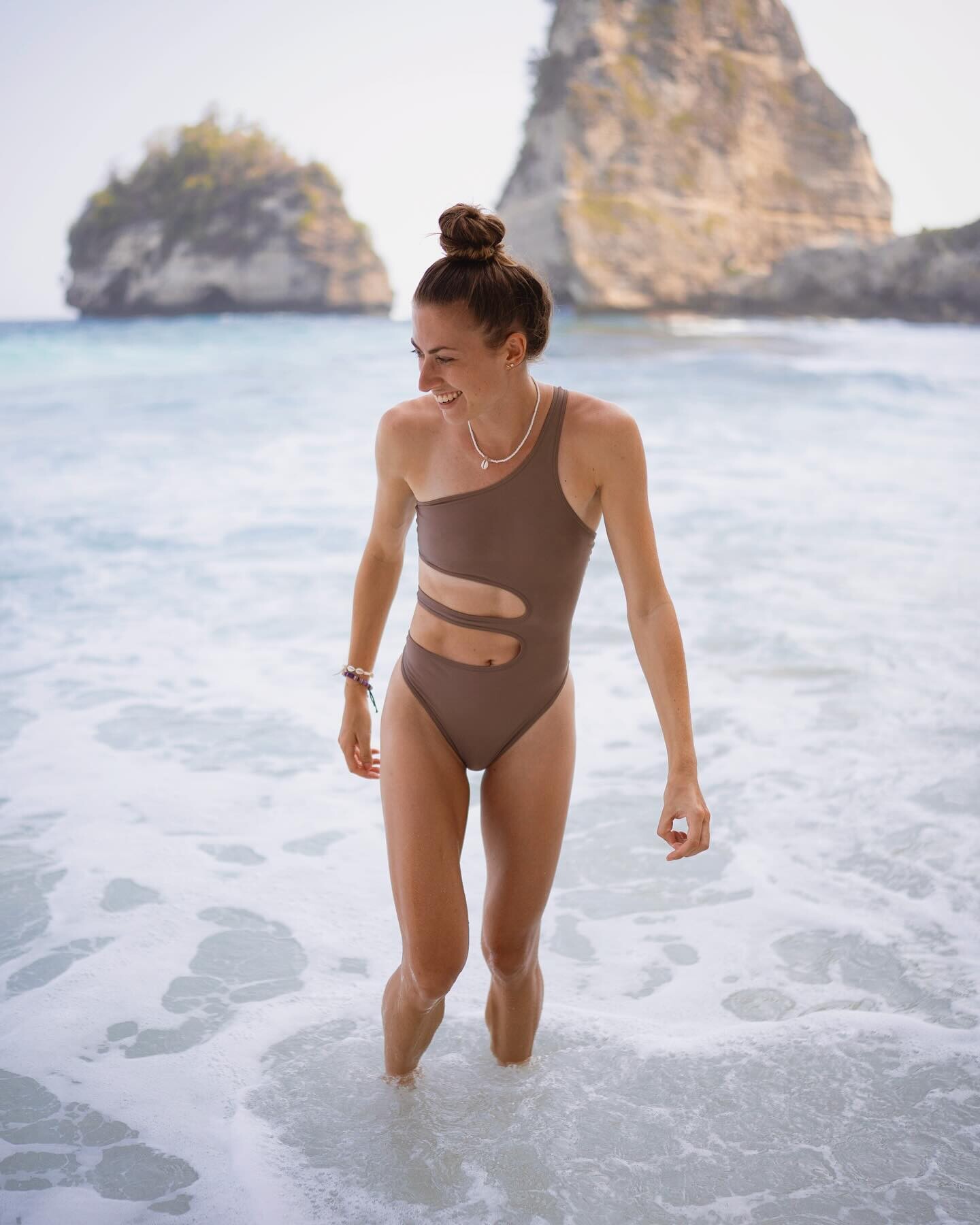



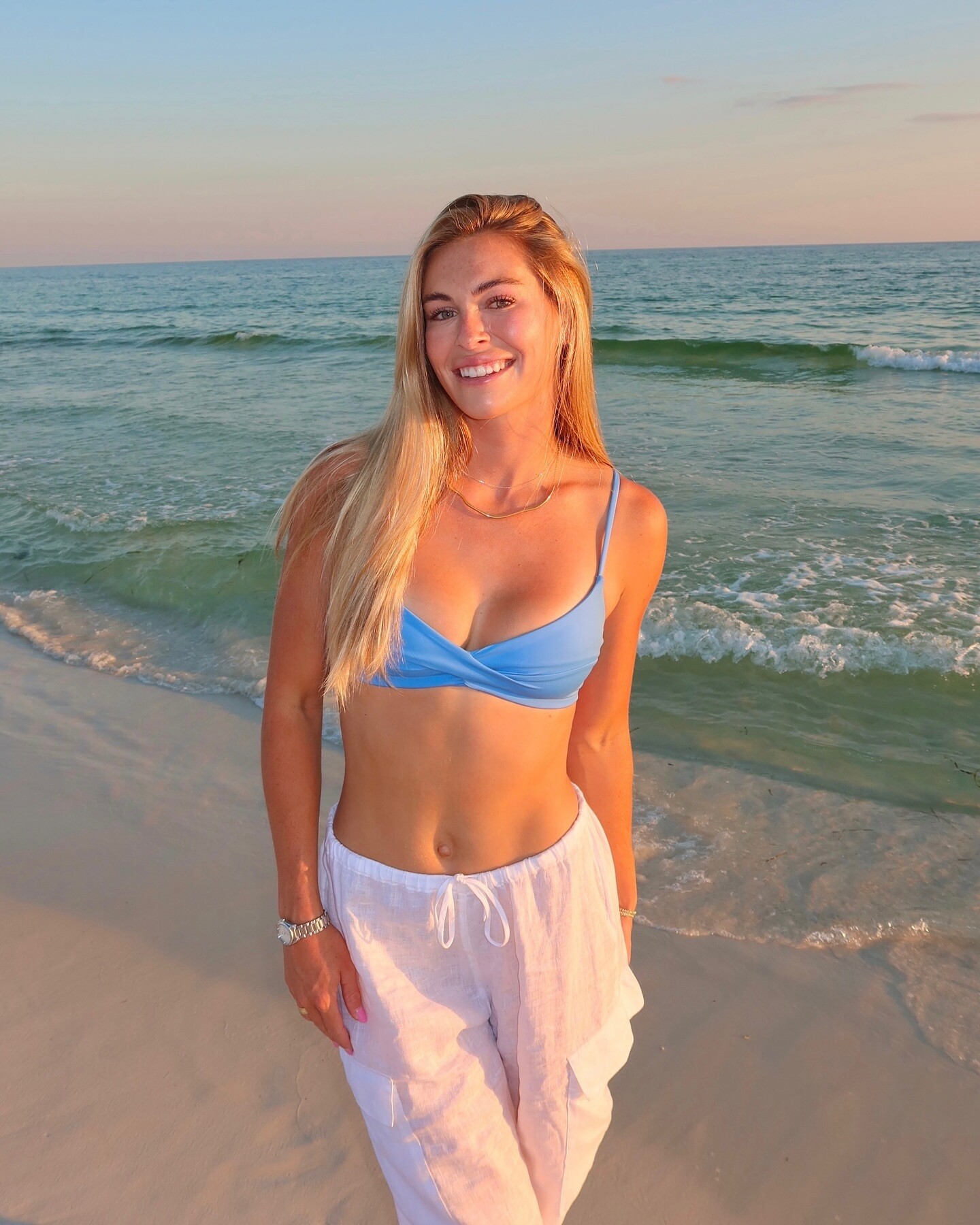
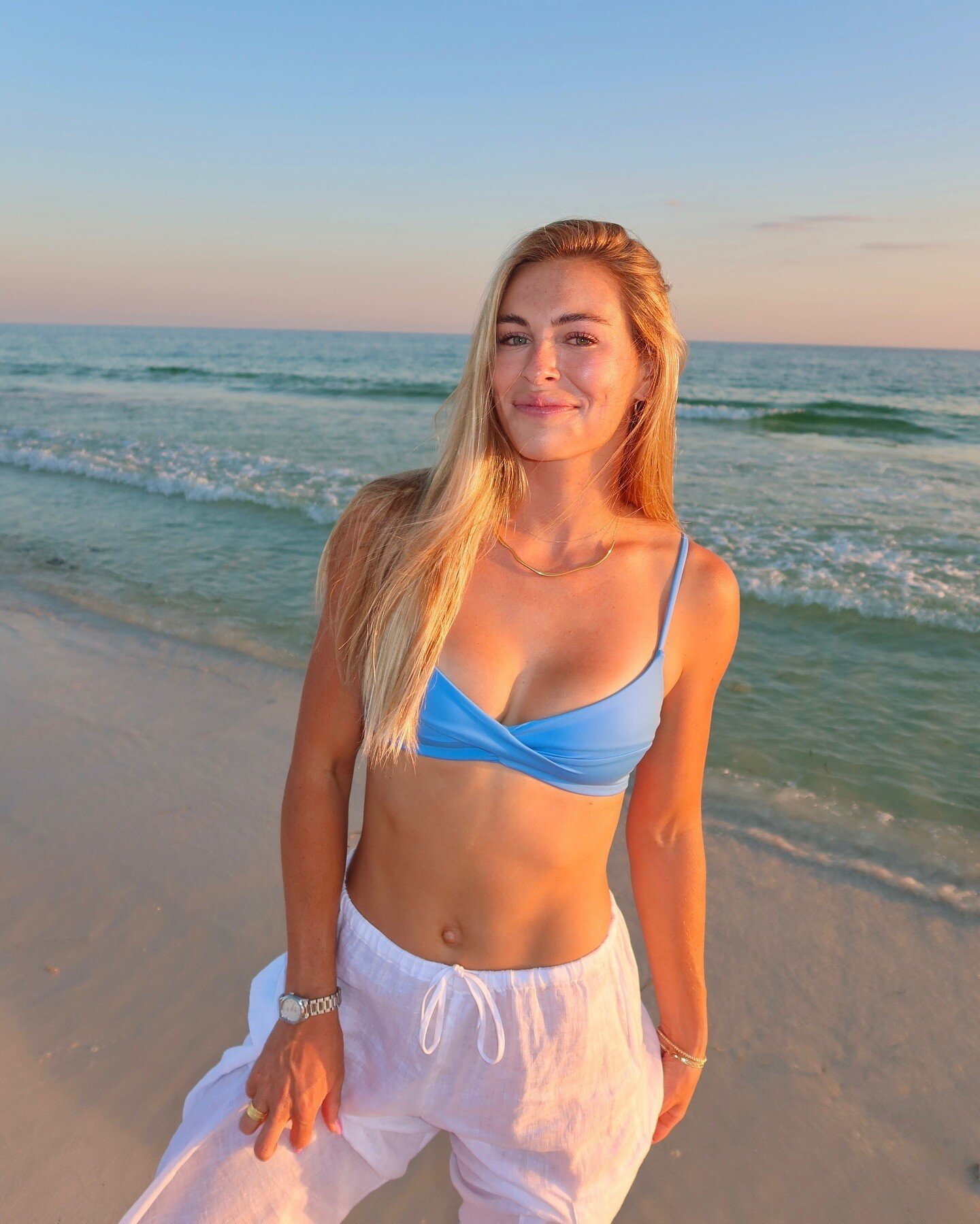
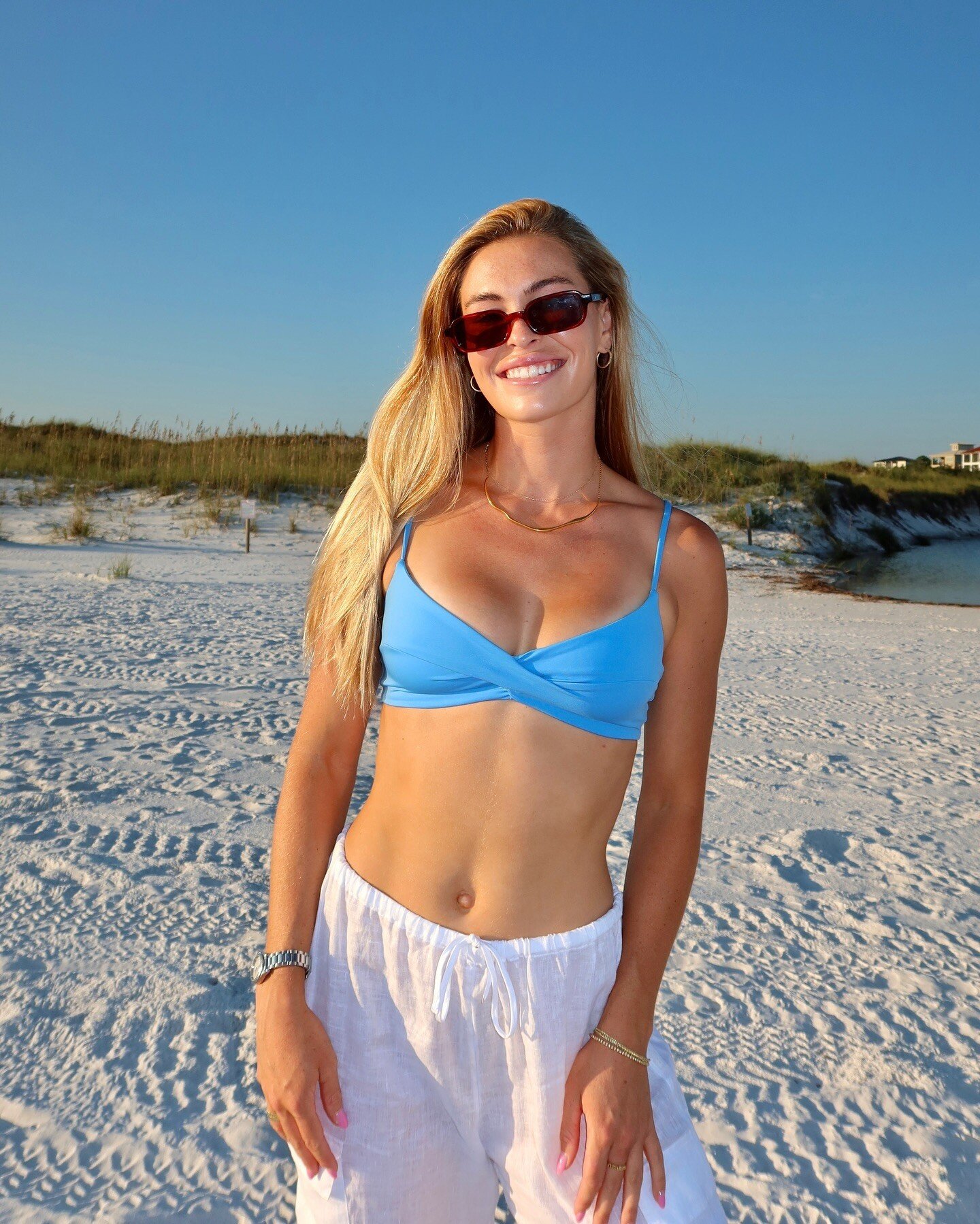
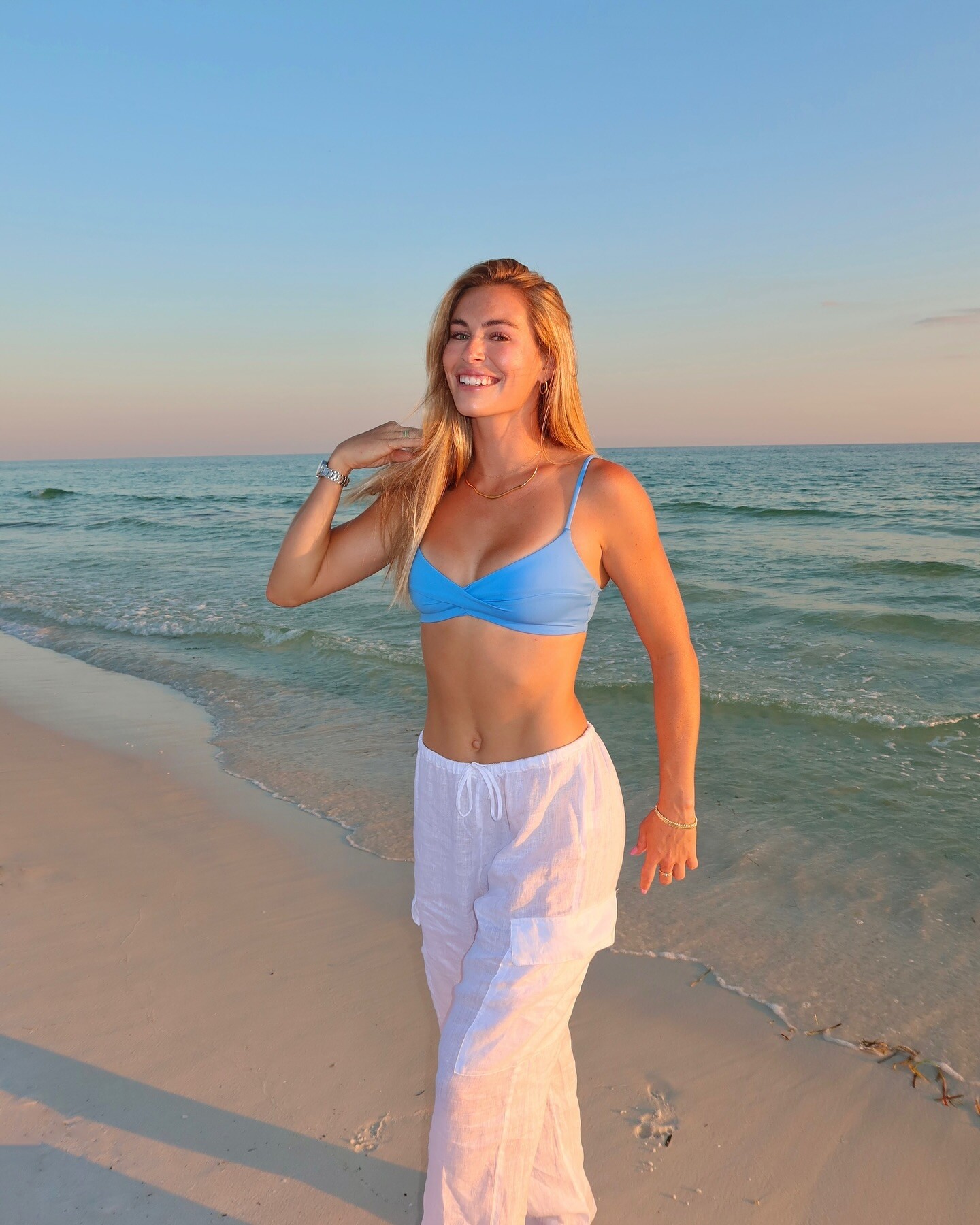
.jpg.63e5ce74d5e52fad220338671890b540.jpg)
.jpg.8cc95ecedaec2b4520b4736c6c0d0116.jpg)
.jpg.c5dfedd99ec99051690f71d3008da478.jpg)
.jpg.9dcf4611083f2d3806075b47546462ae.jpg)
.jpg.007ba35d54bdd5cfc9bef021fda2f22e.jpg)
.jpg.9f53318b897d4d7e7e4a4b13f2845eff.jpg)
.jpg.dae5d8ab863dac94388caabd39ff35f2.jpg)
.jpg.4667dd4c0730e1ea0493e960a407a63c.jpg)
.jpg.944b34c1b01774440a3a5982305ac888.jpg)
.jpg.db468e0fa3c147c6cf03002f9a9259eb.jpg)















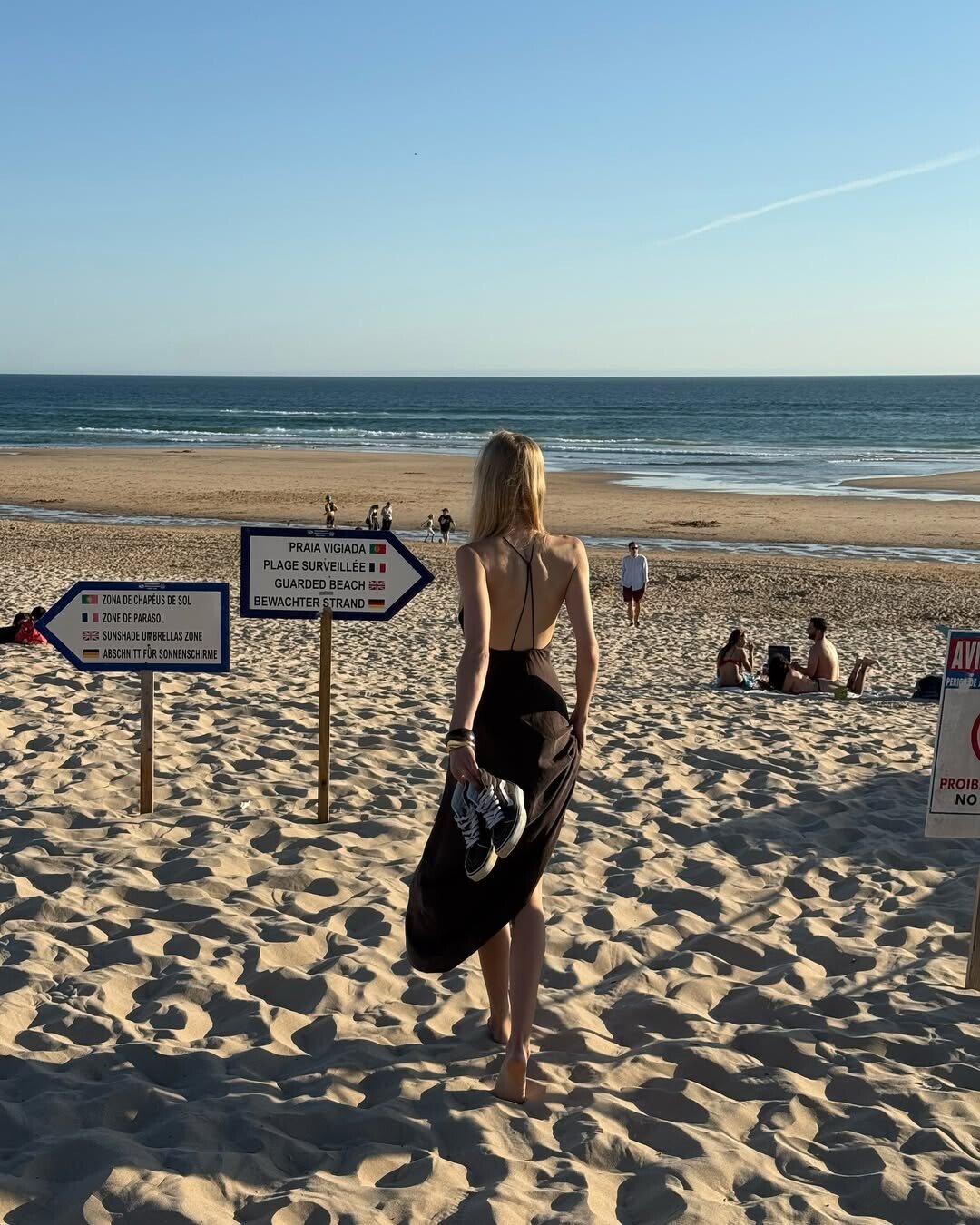
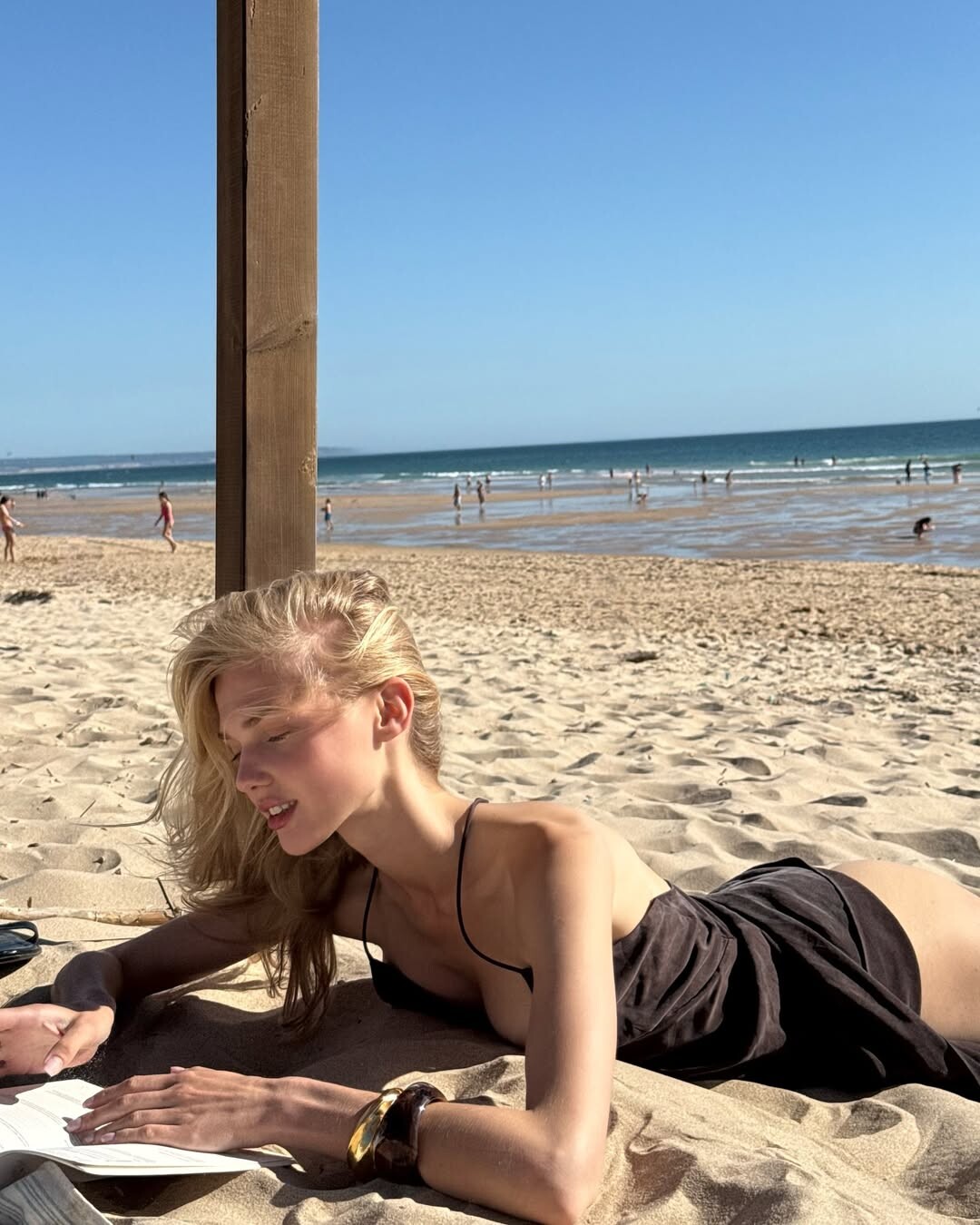
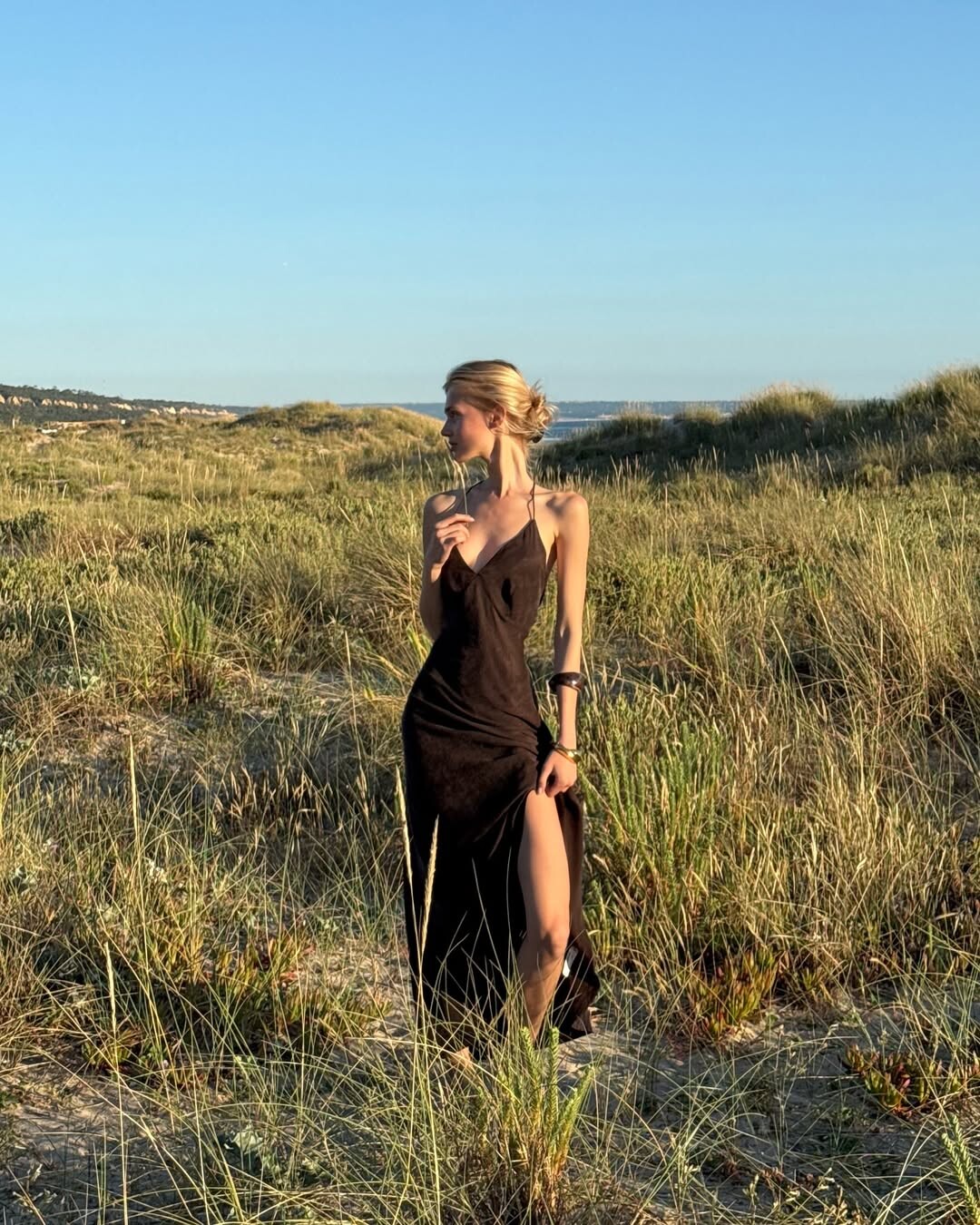
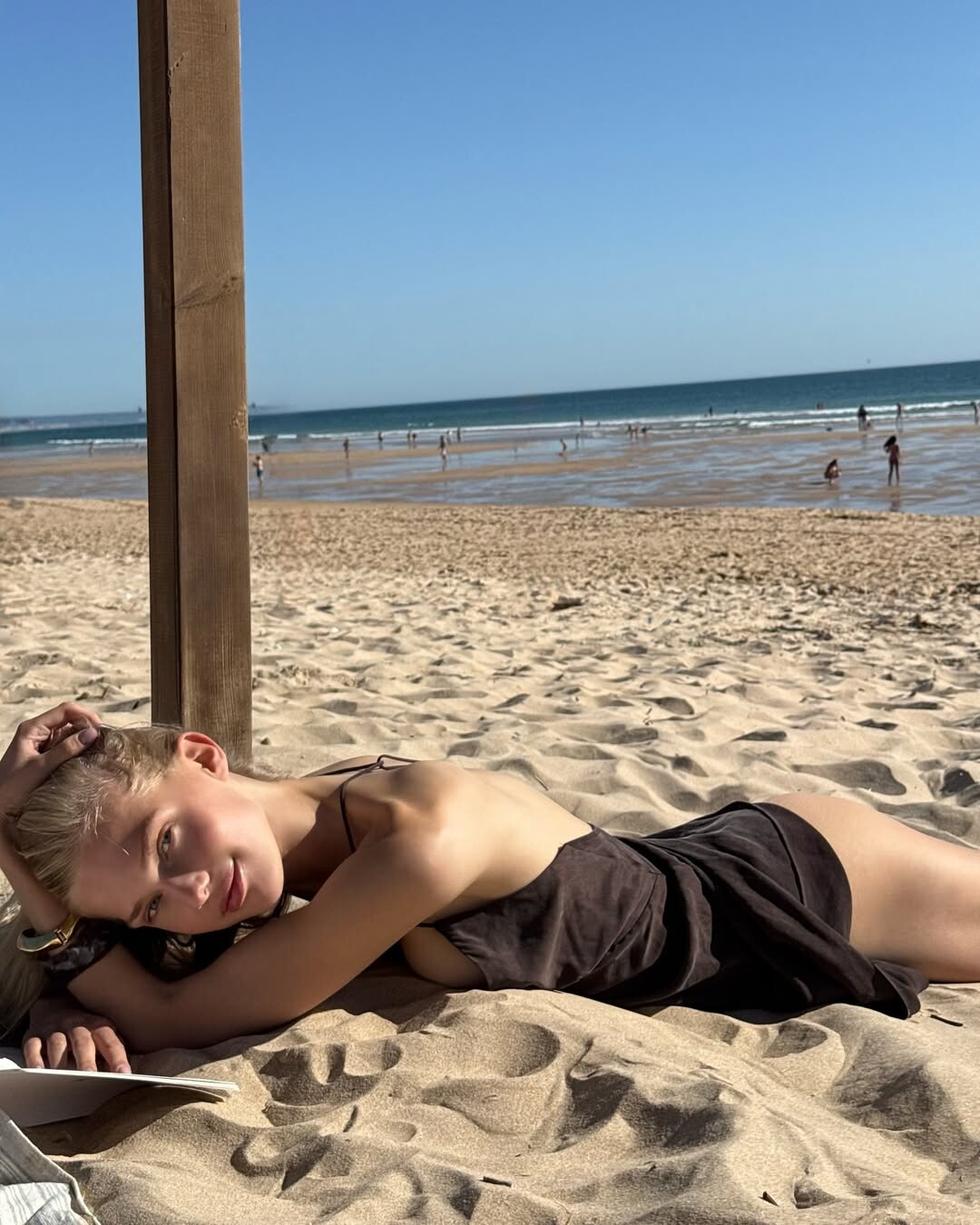


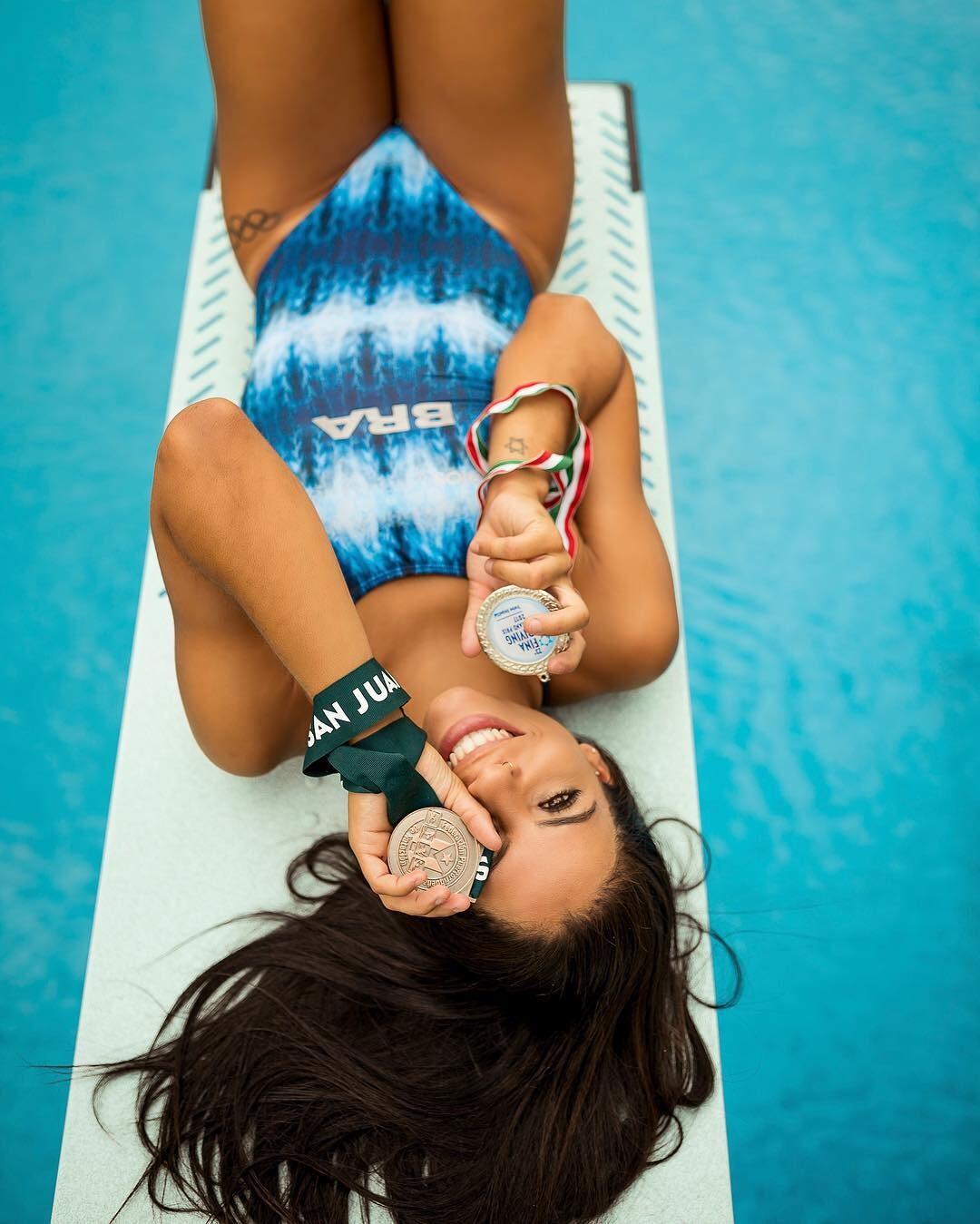





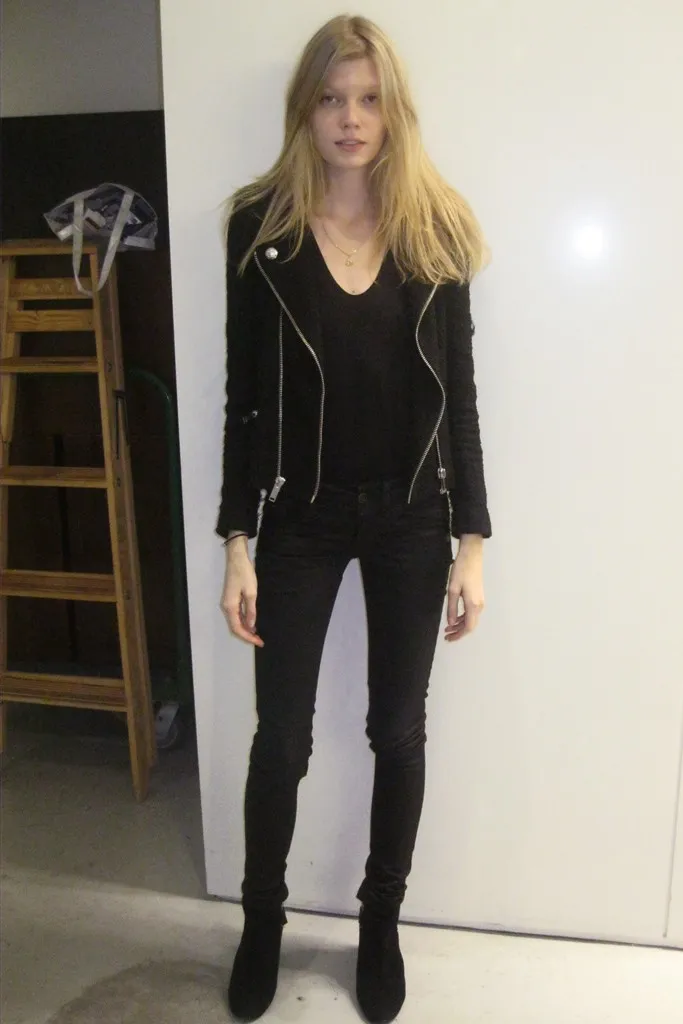

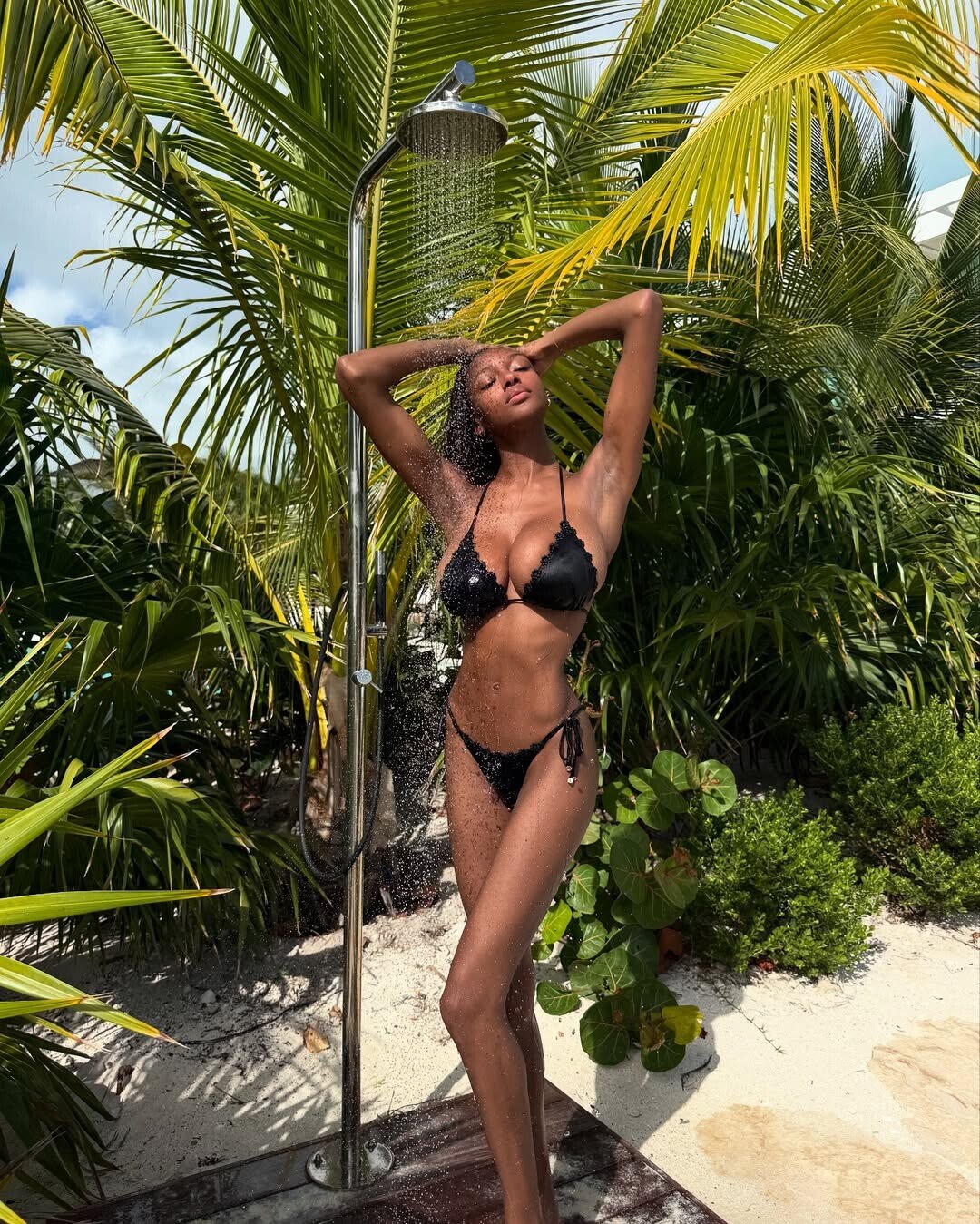

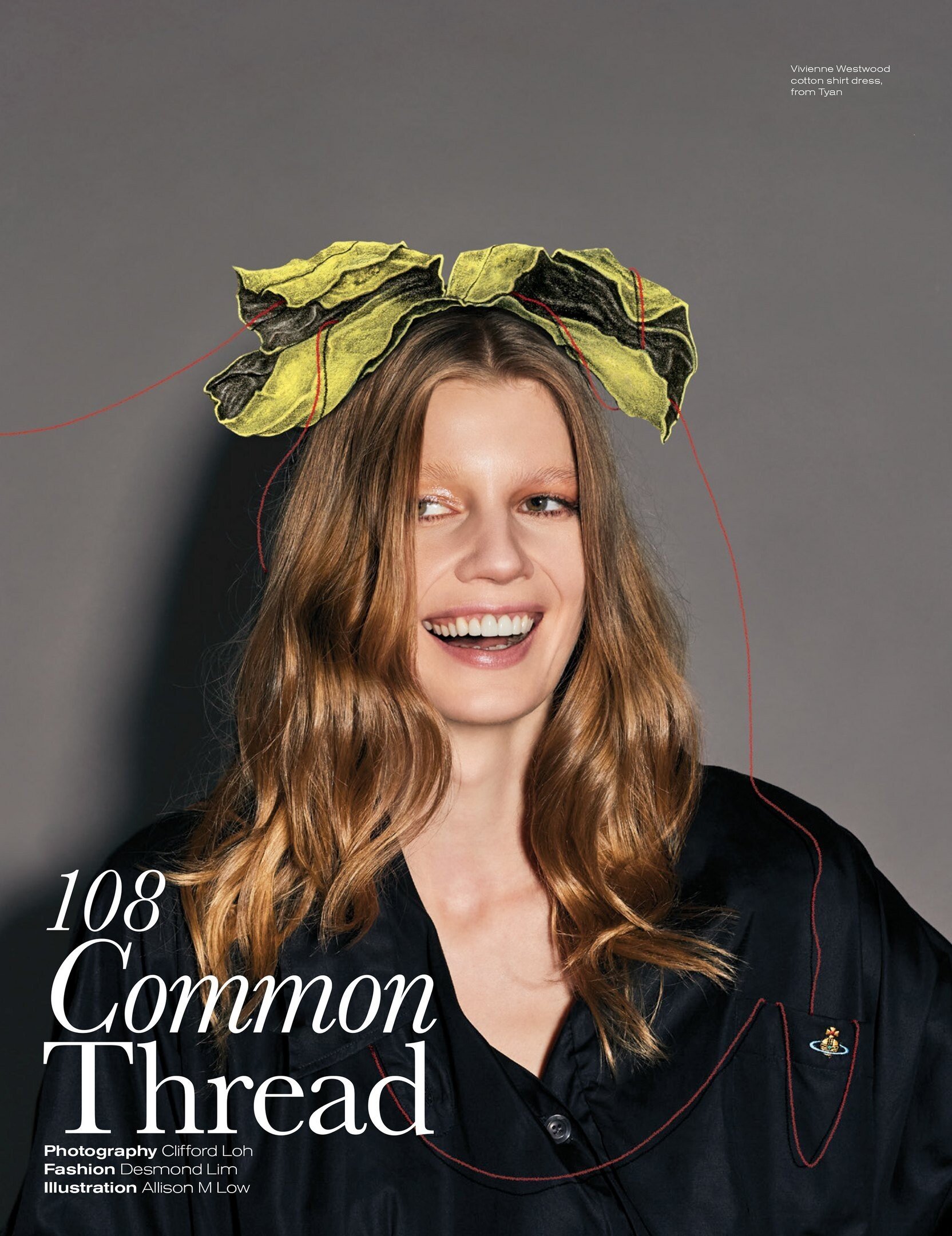




Account
Navigation
Search
Configure browser push notifications
Chrome (Android)
- Tap the lock icon next to the address bar.
- Tap Permissions → Notifications.
- Adjust your preference.
Chrome (Desktop)
- Click the padlock icon in the address bar.
- Select Site settings.
- Find Notifications and adjust your preference.
Safari (iOS 16.4+)
- Ensure the site is installed via Add to Home Screen.
- Open Settings App → Notifications.
- Find your app name and adjust your preference.
Safari (macOS)
- Go to Safari → Preferences.
- Click the Websites tab.
- Select Notifications in the sidebar.
- Find this website and adjust your preference.
Edge (Android)
- Tap the lock icon next to the address bar.
- Tap Permissions.
- Find Notifications and adjust your preference.
Edge (Desktop)
- Click the padlock icon in the address bar.
- Click Permissions for this site.
- Find Notifications and adjust your preference.
Firefox (Android)
- Go to Settings → Site permissions.
- Tap Notifications.
- Find this site in the list and adjust your preference.
Firefox (Desktop)
- Open Firefox Settings.
- Search for Notifications.
- Find this site in the list and adjust your preference.