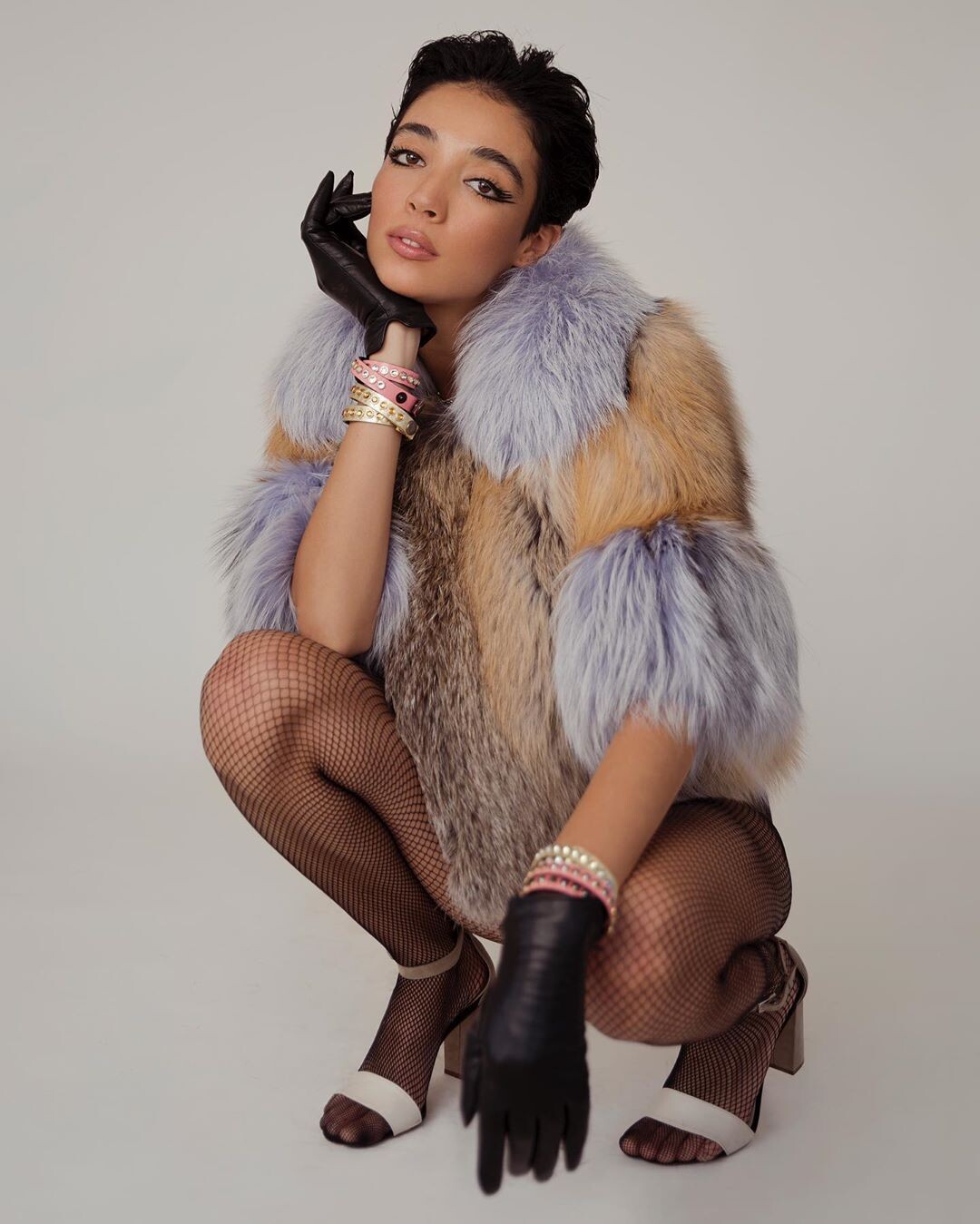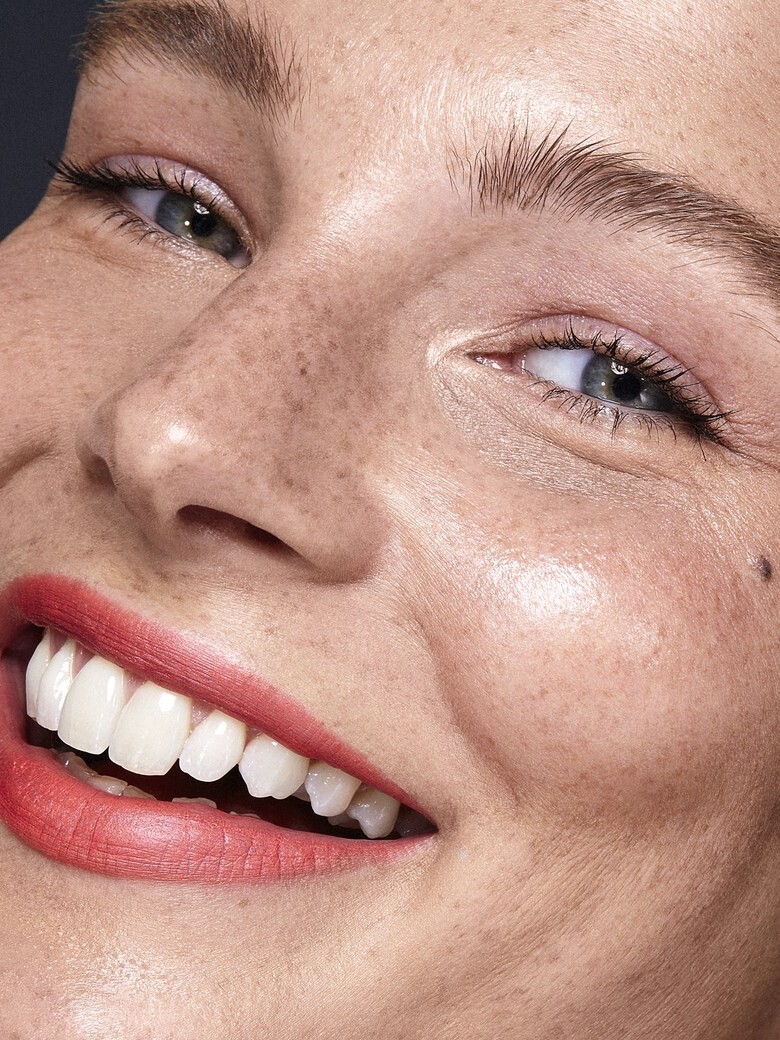
Mariana99
Members
-
Joined
-
Last visited
Everything posted by Mariana99
-
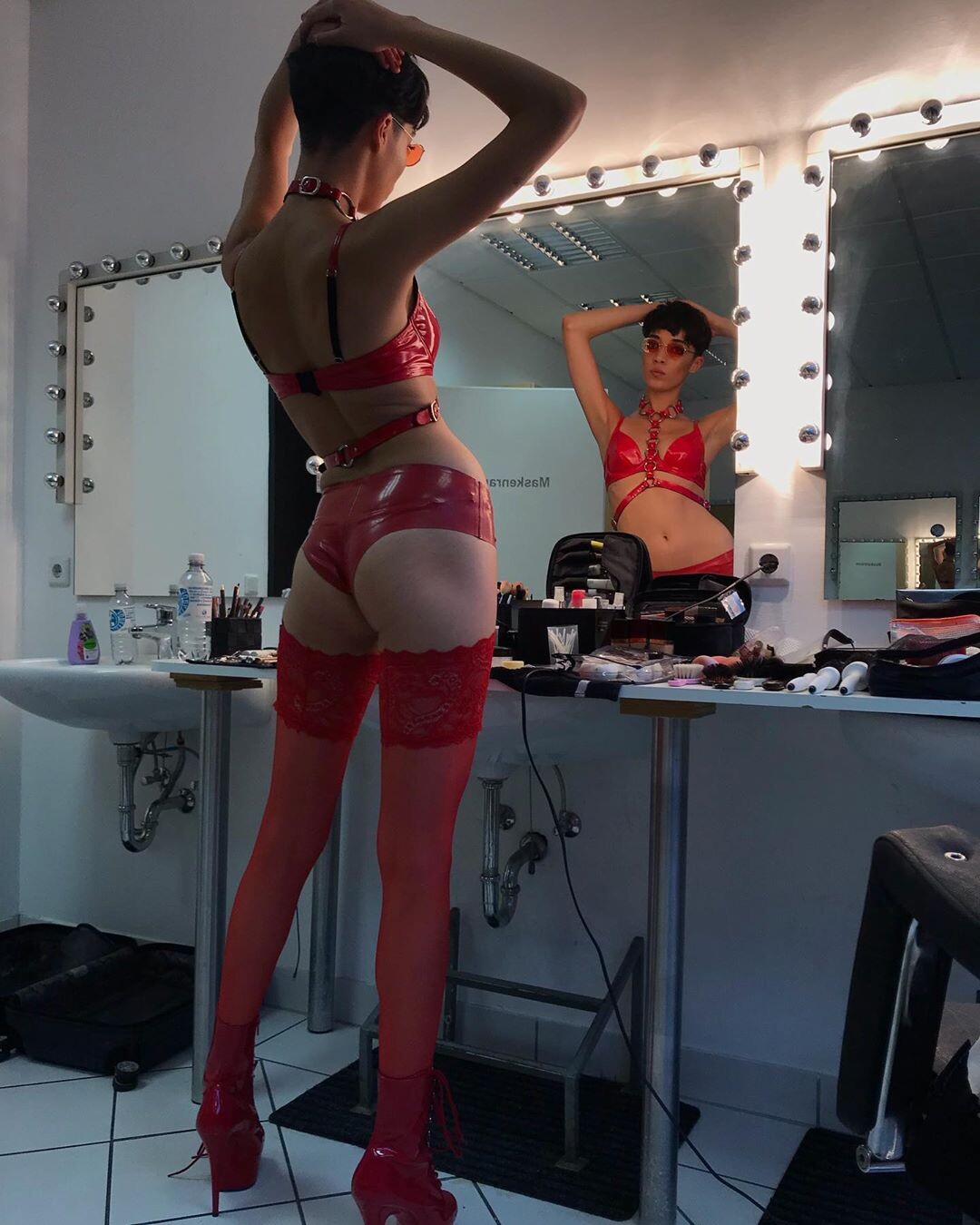
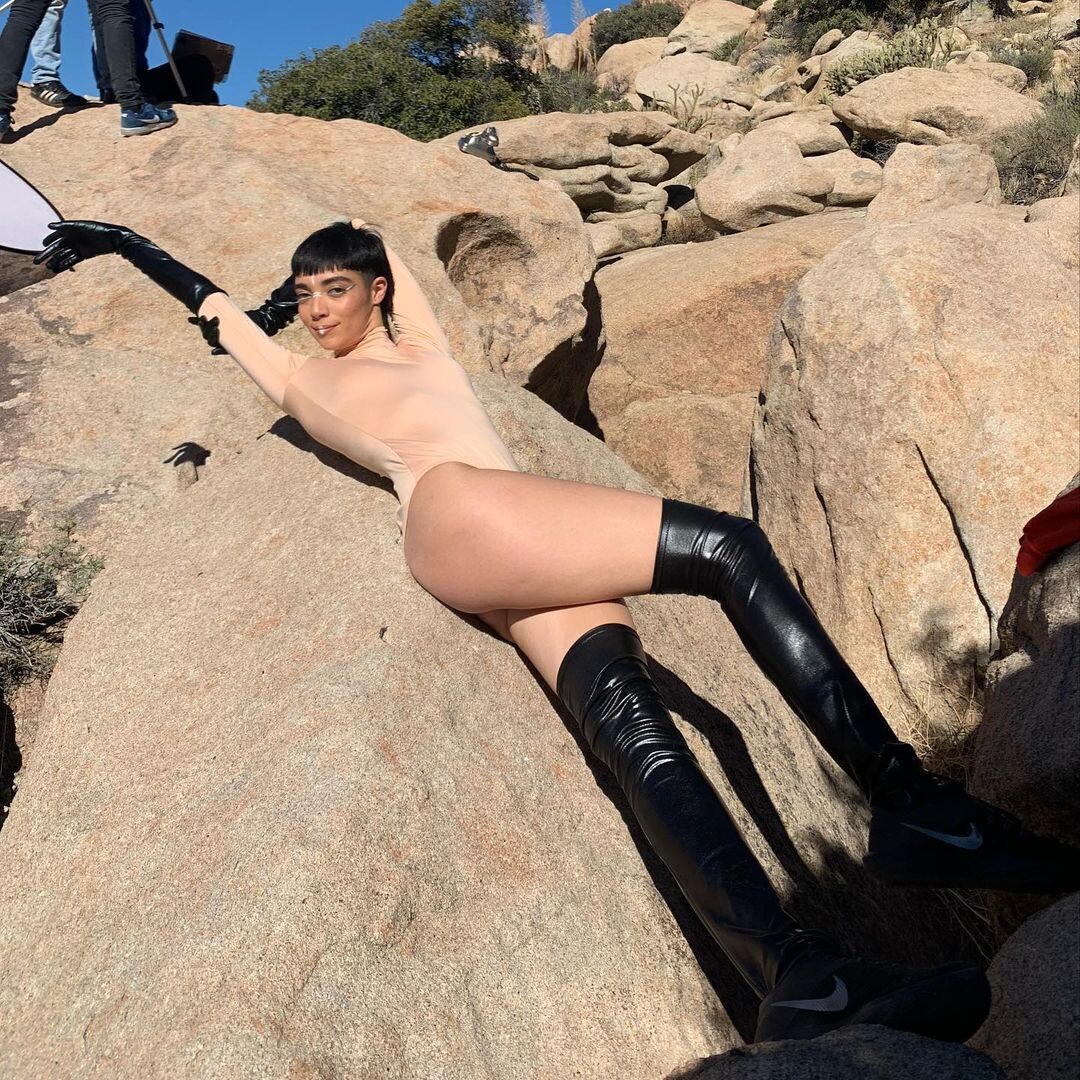
 BTS da.do.di.du_276060814_1652457568432717_5129344225525875910_n.mp4
 -
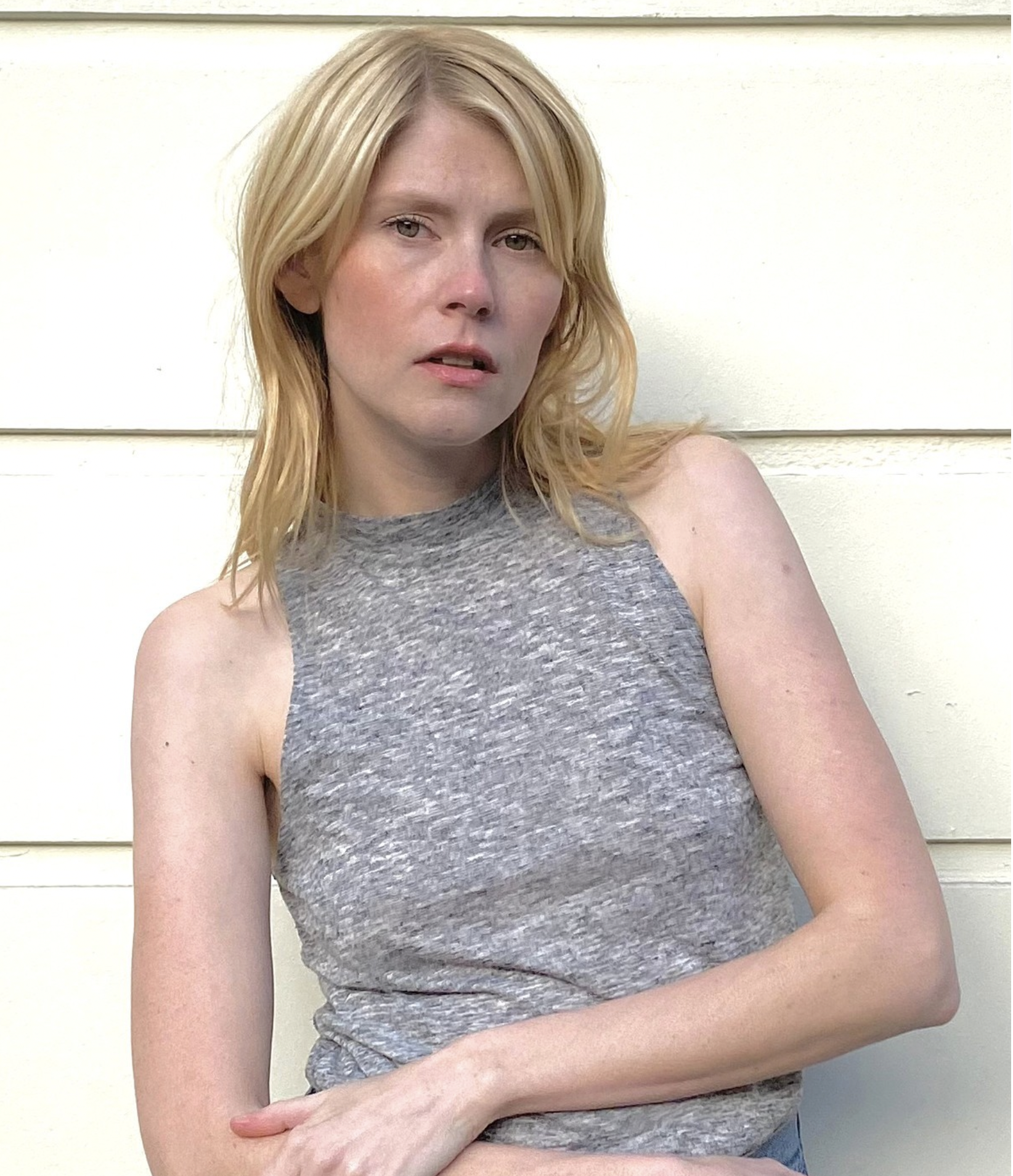
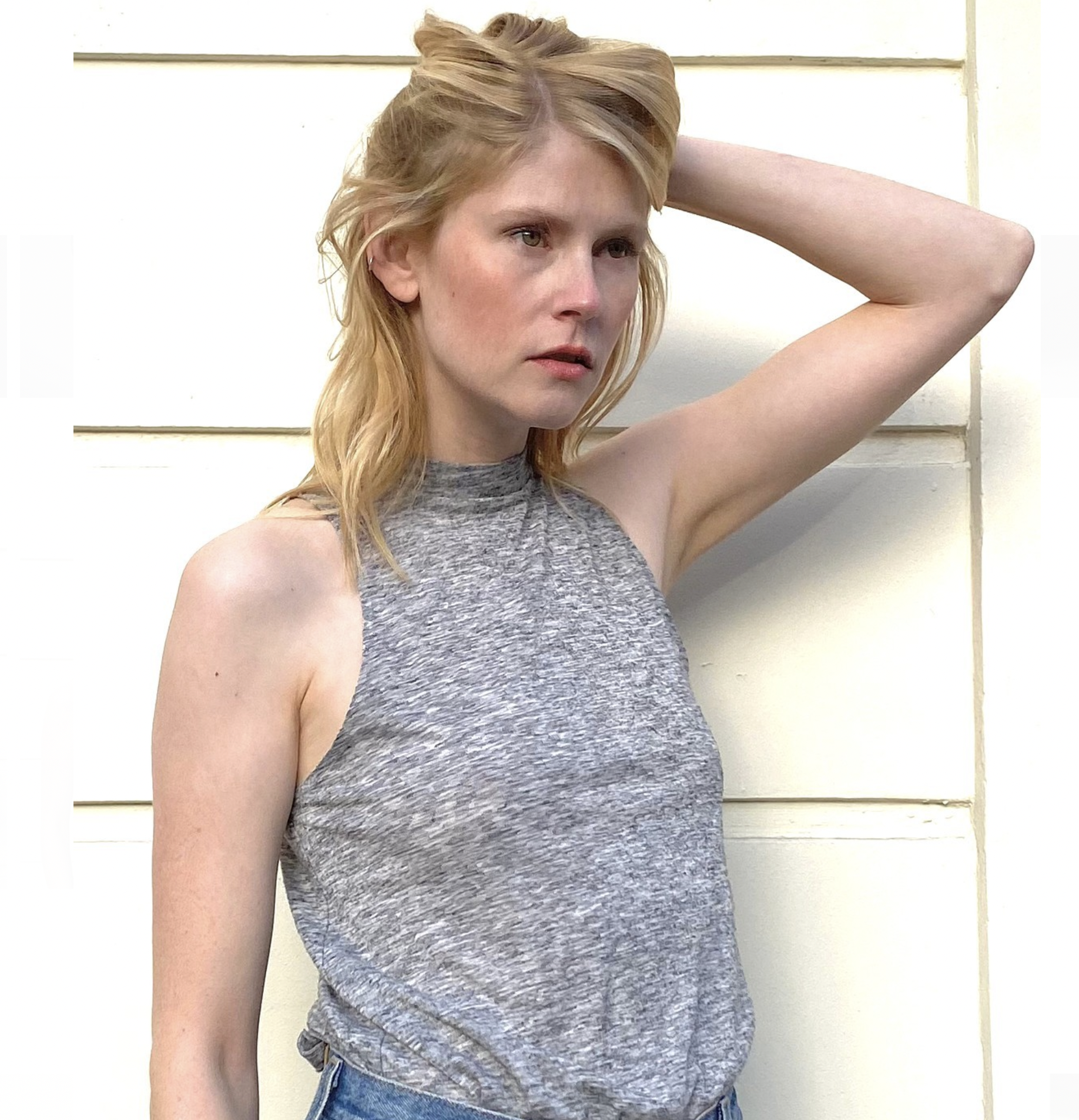
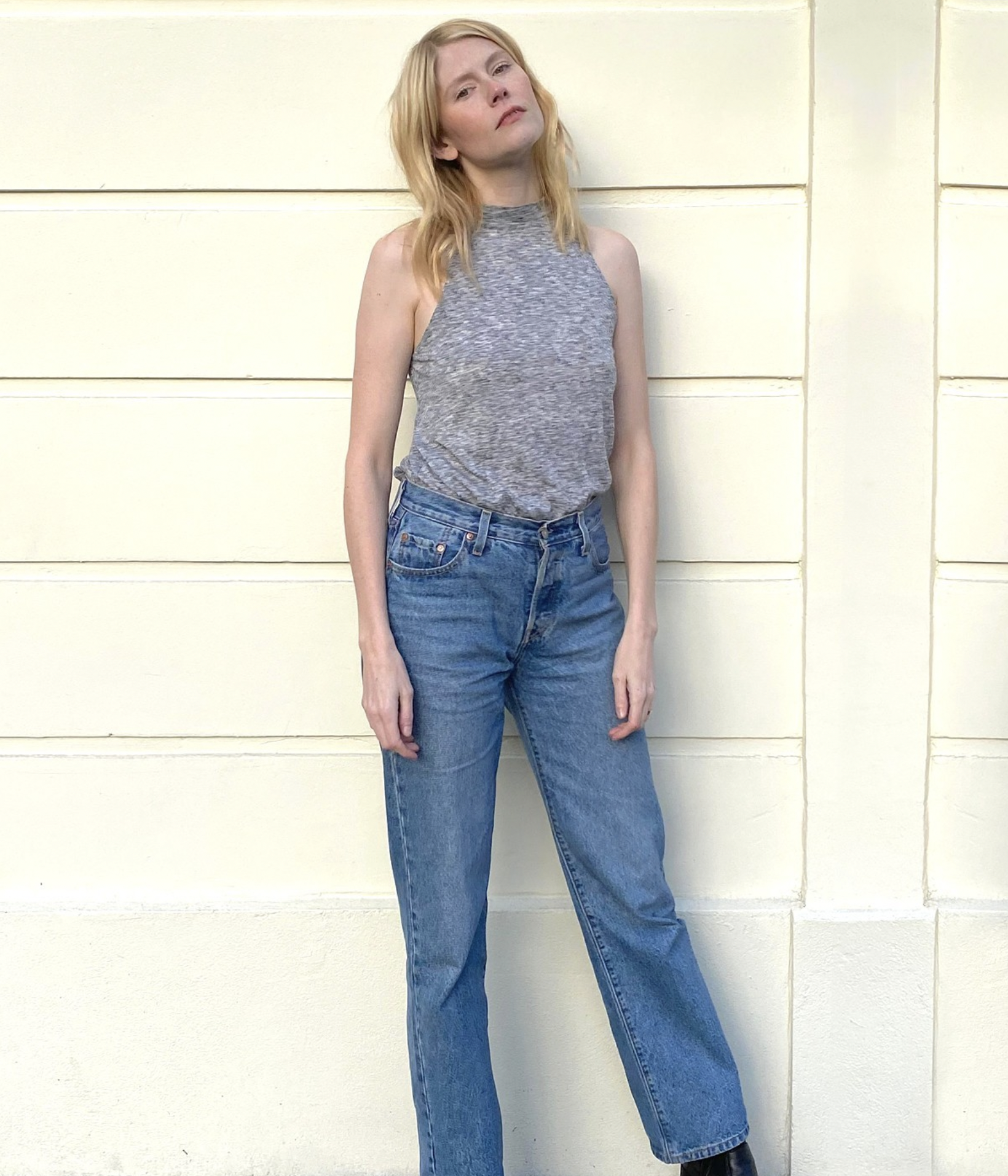
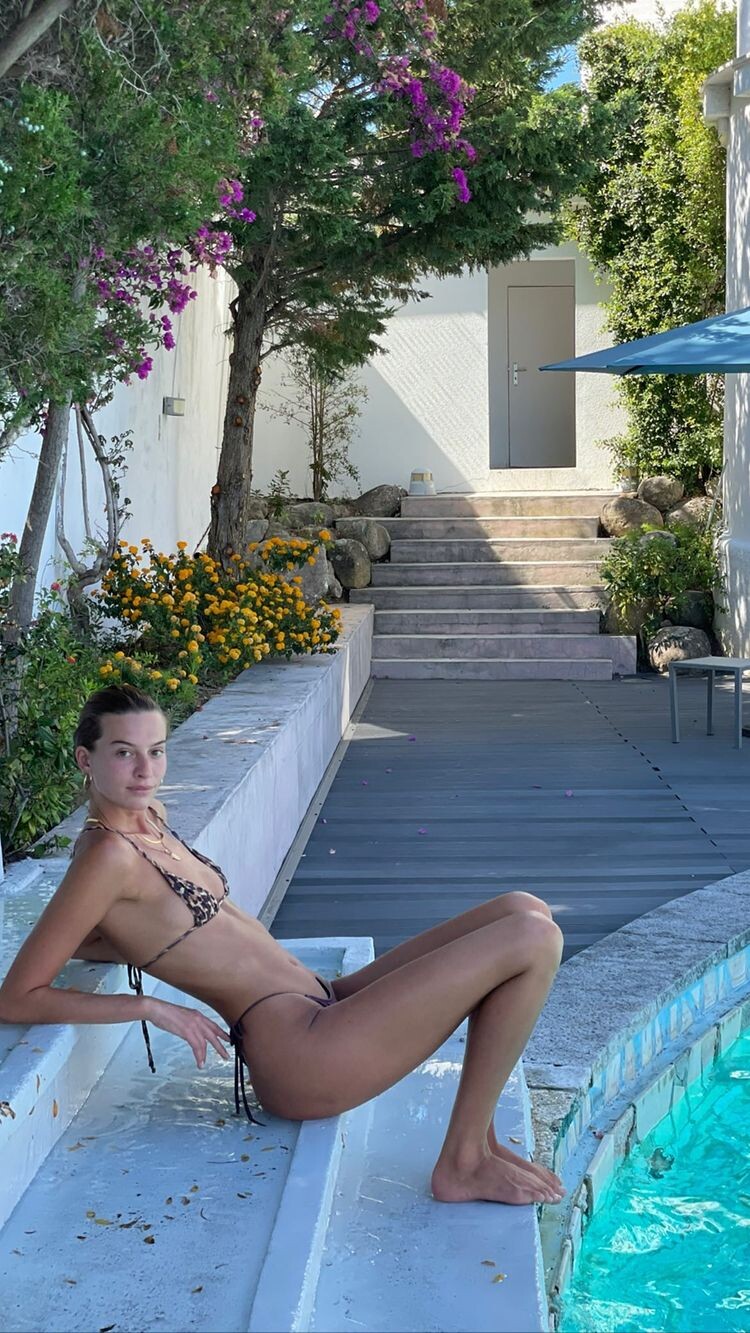
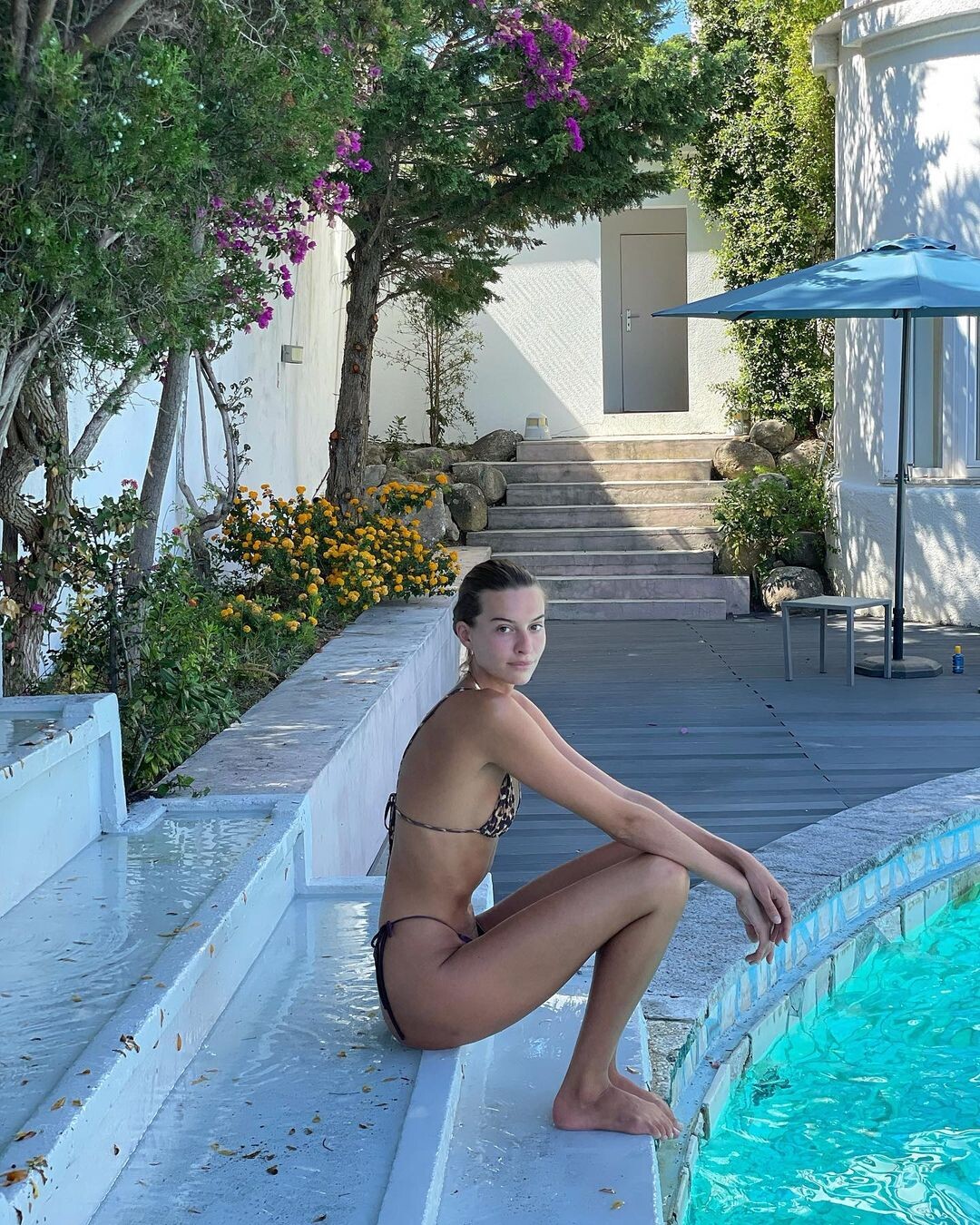
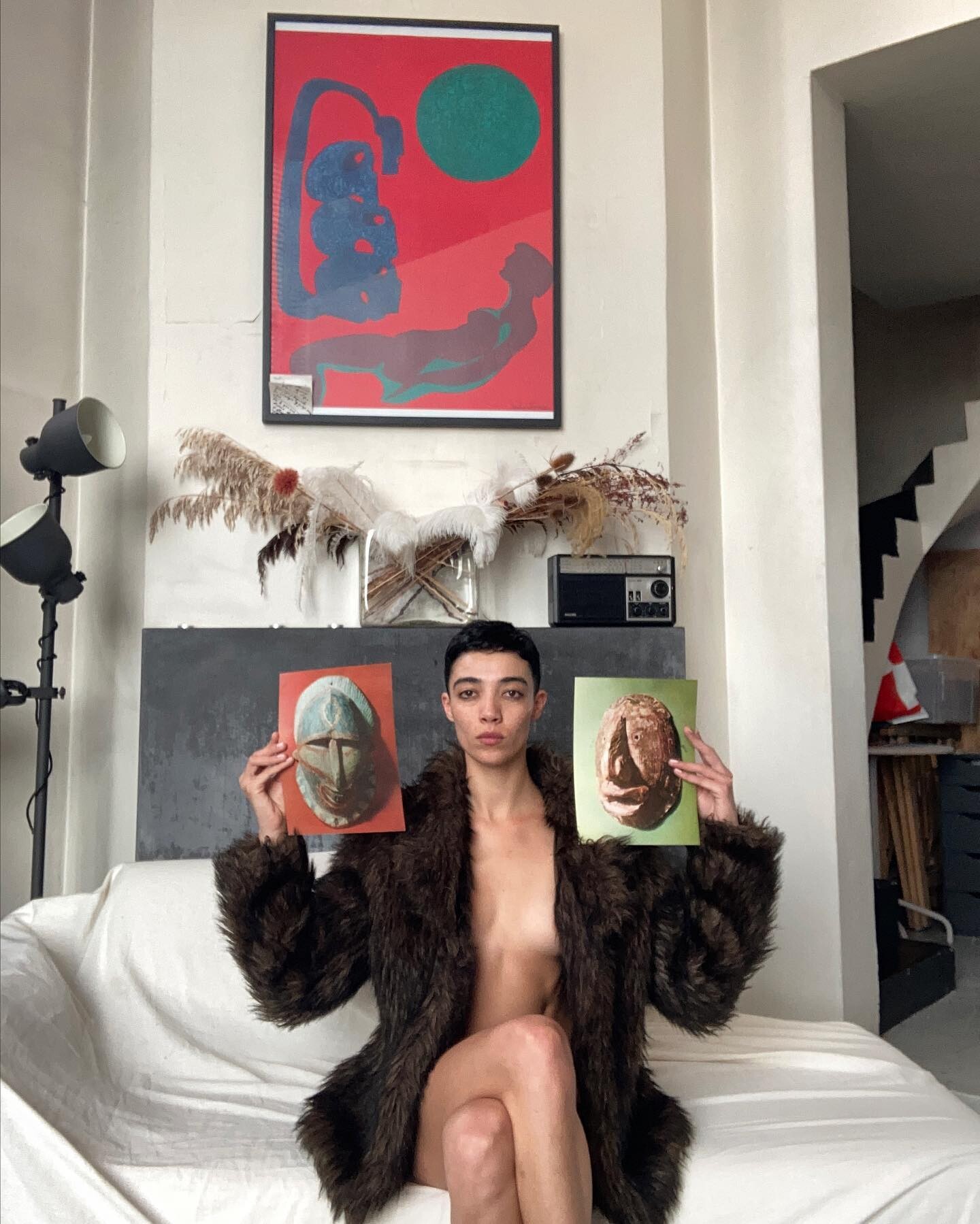
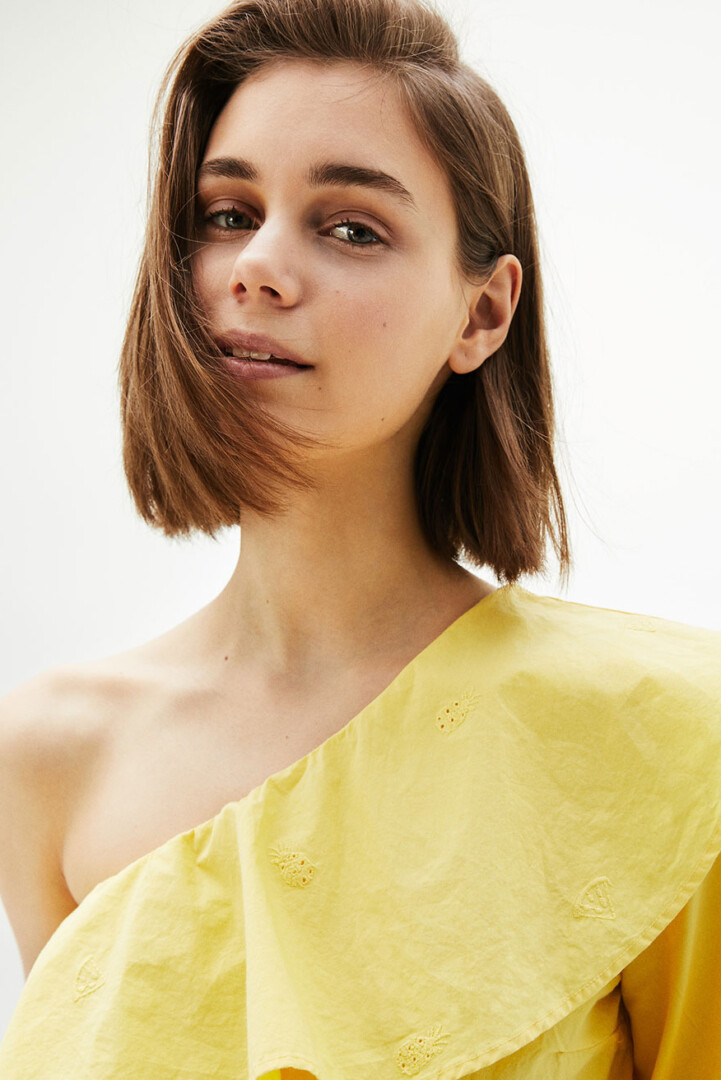
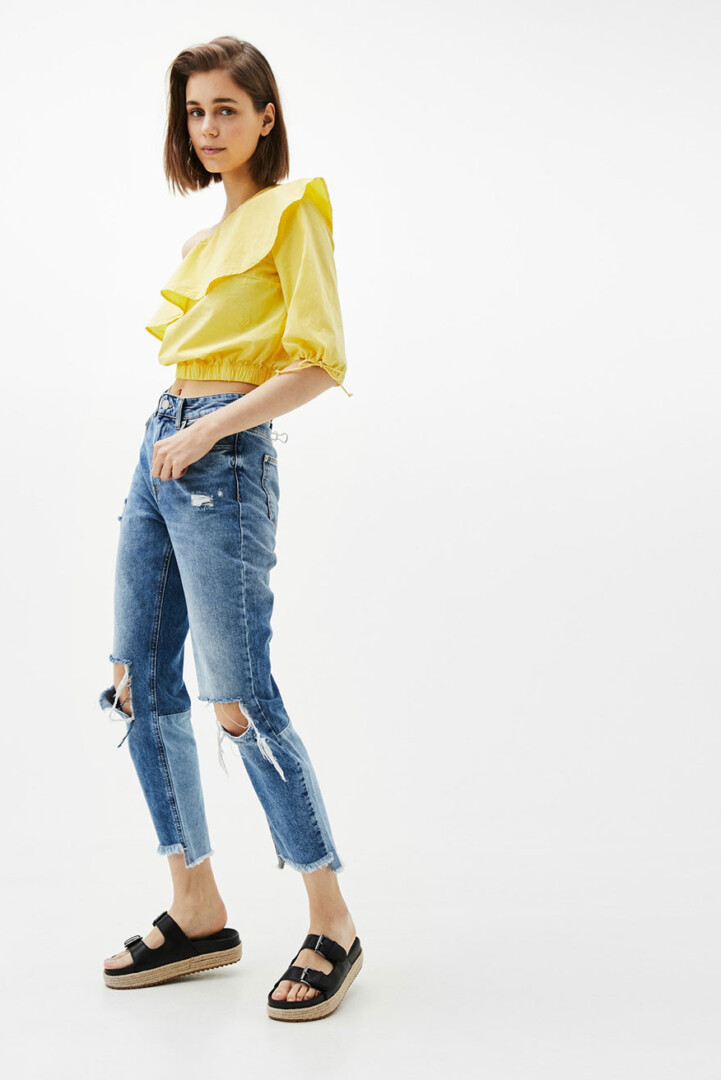
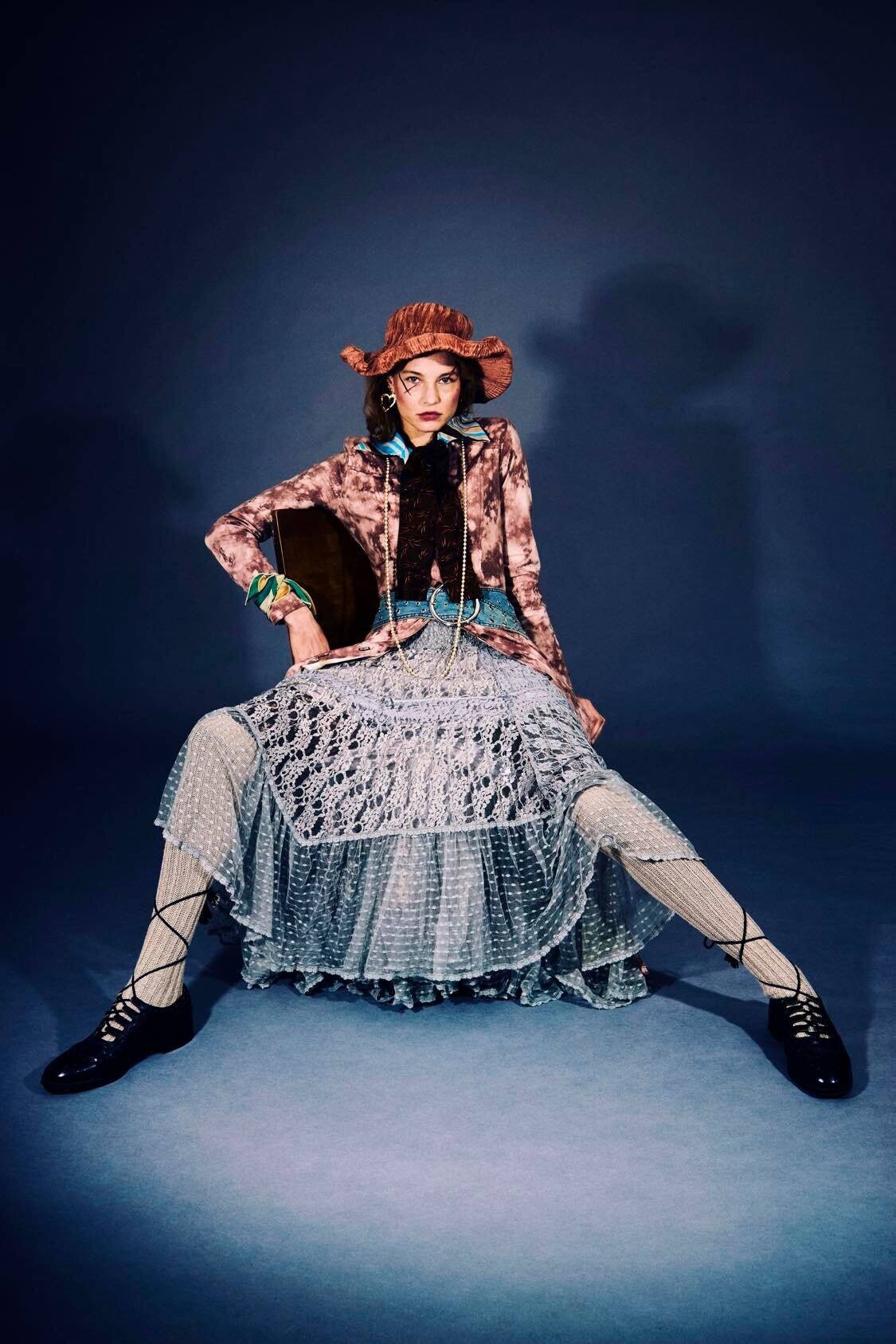
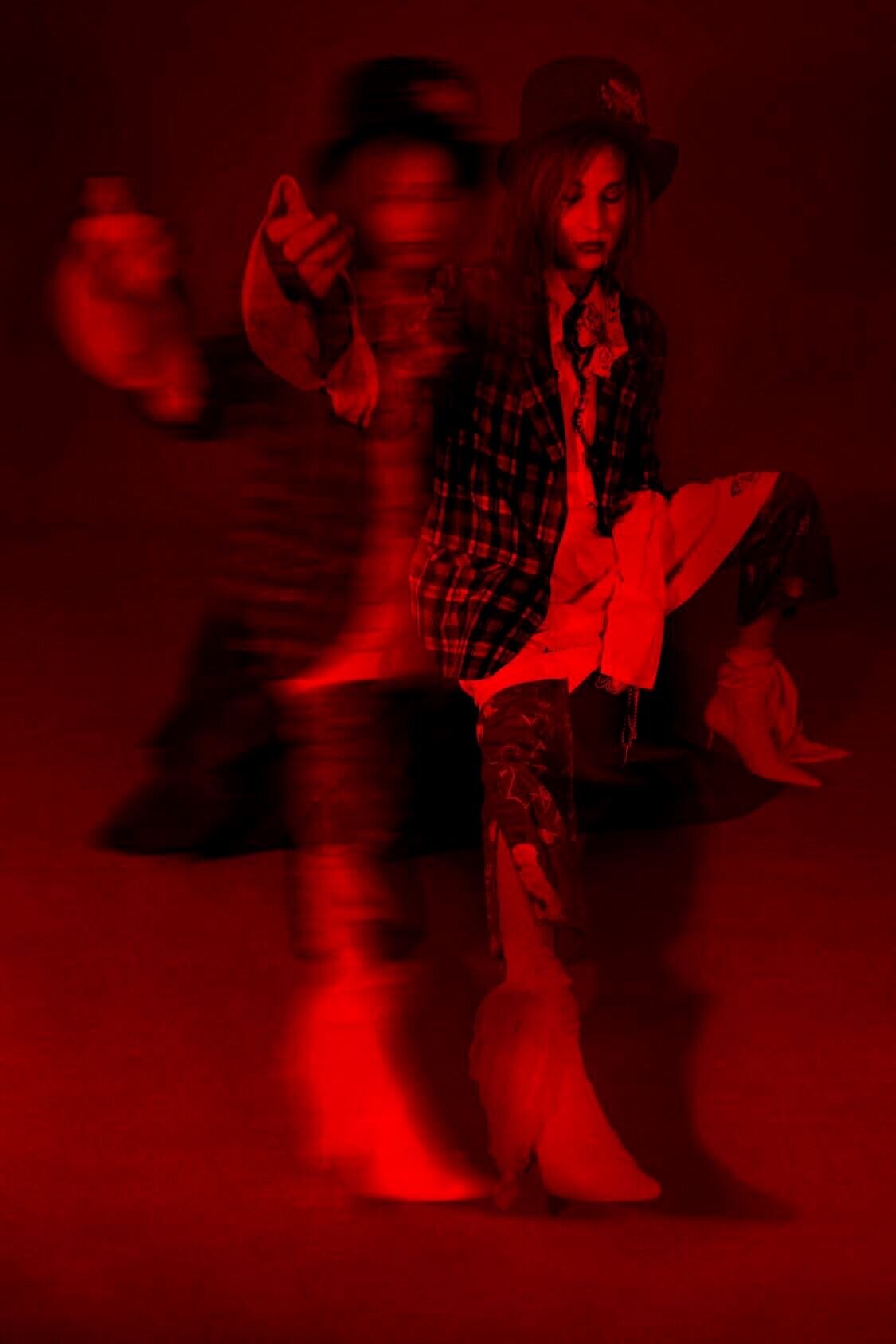
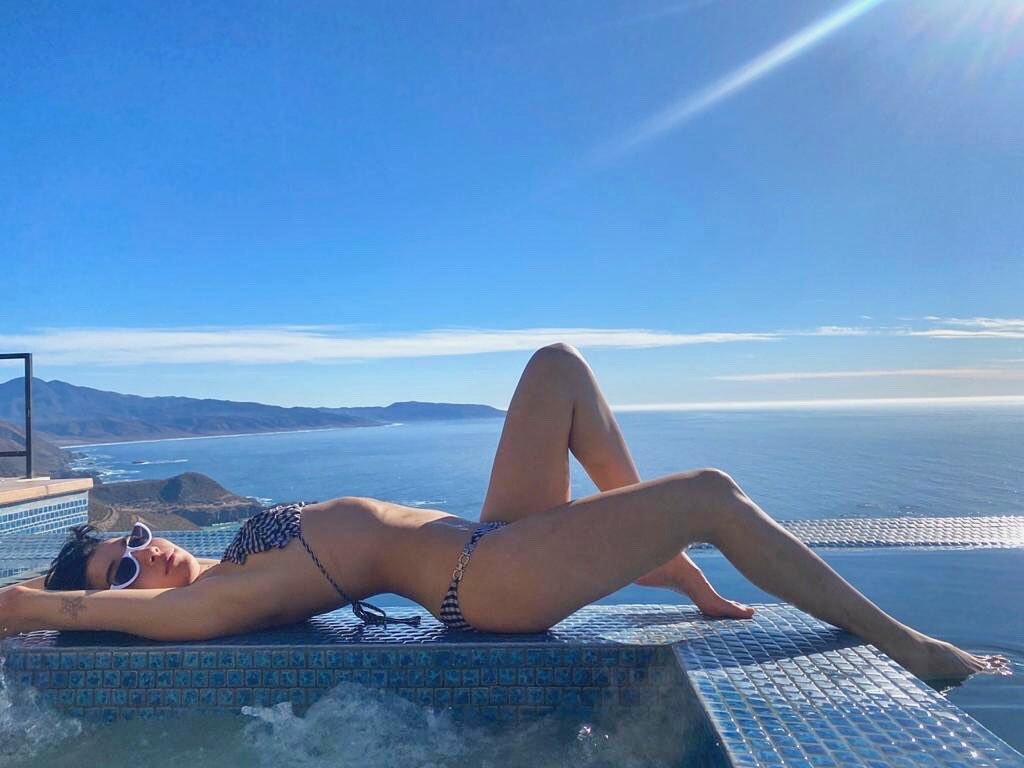
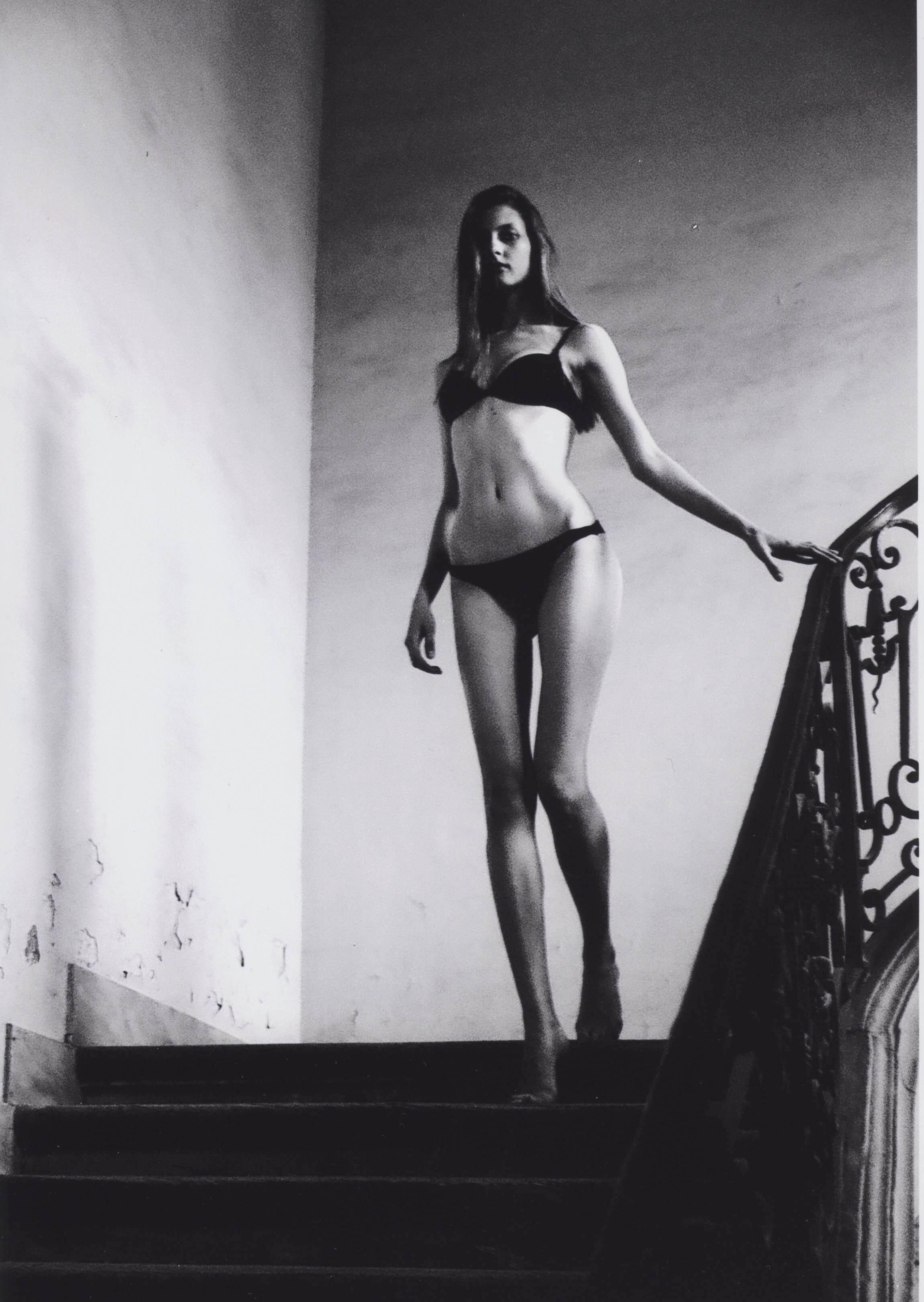
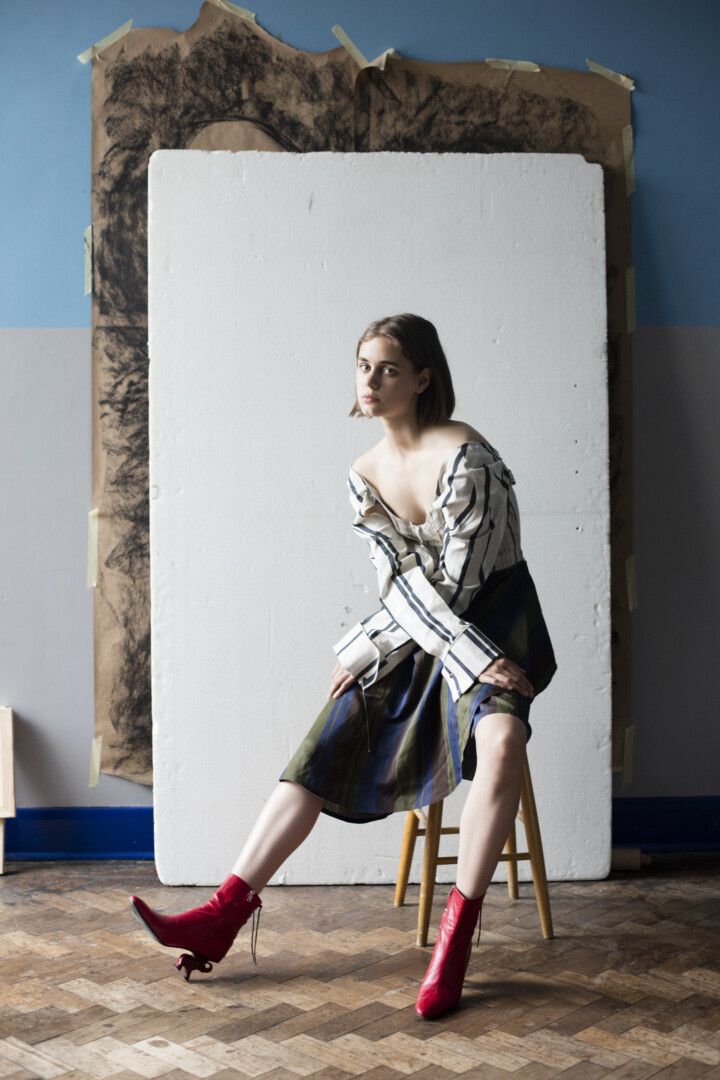
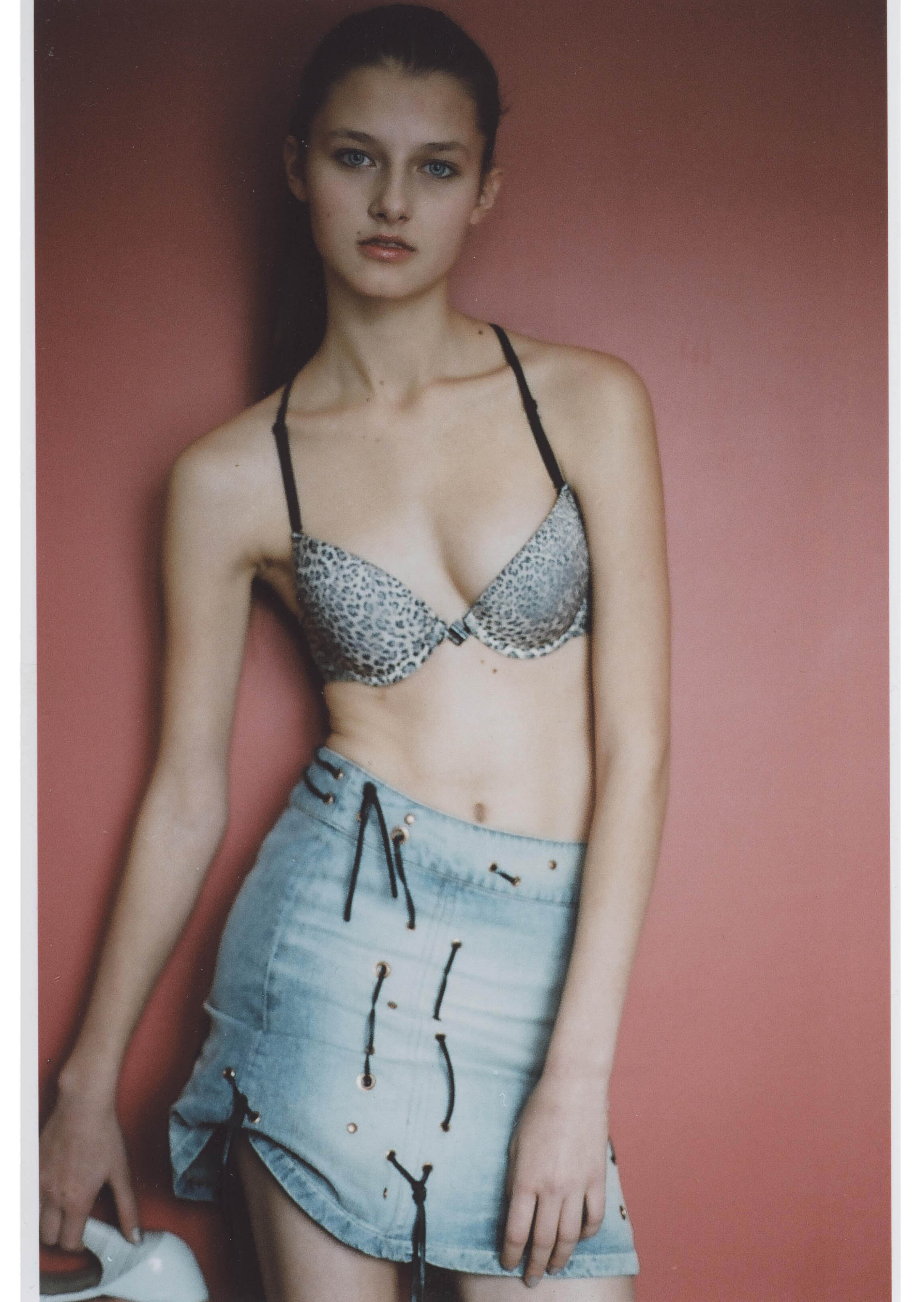
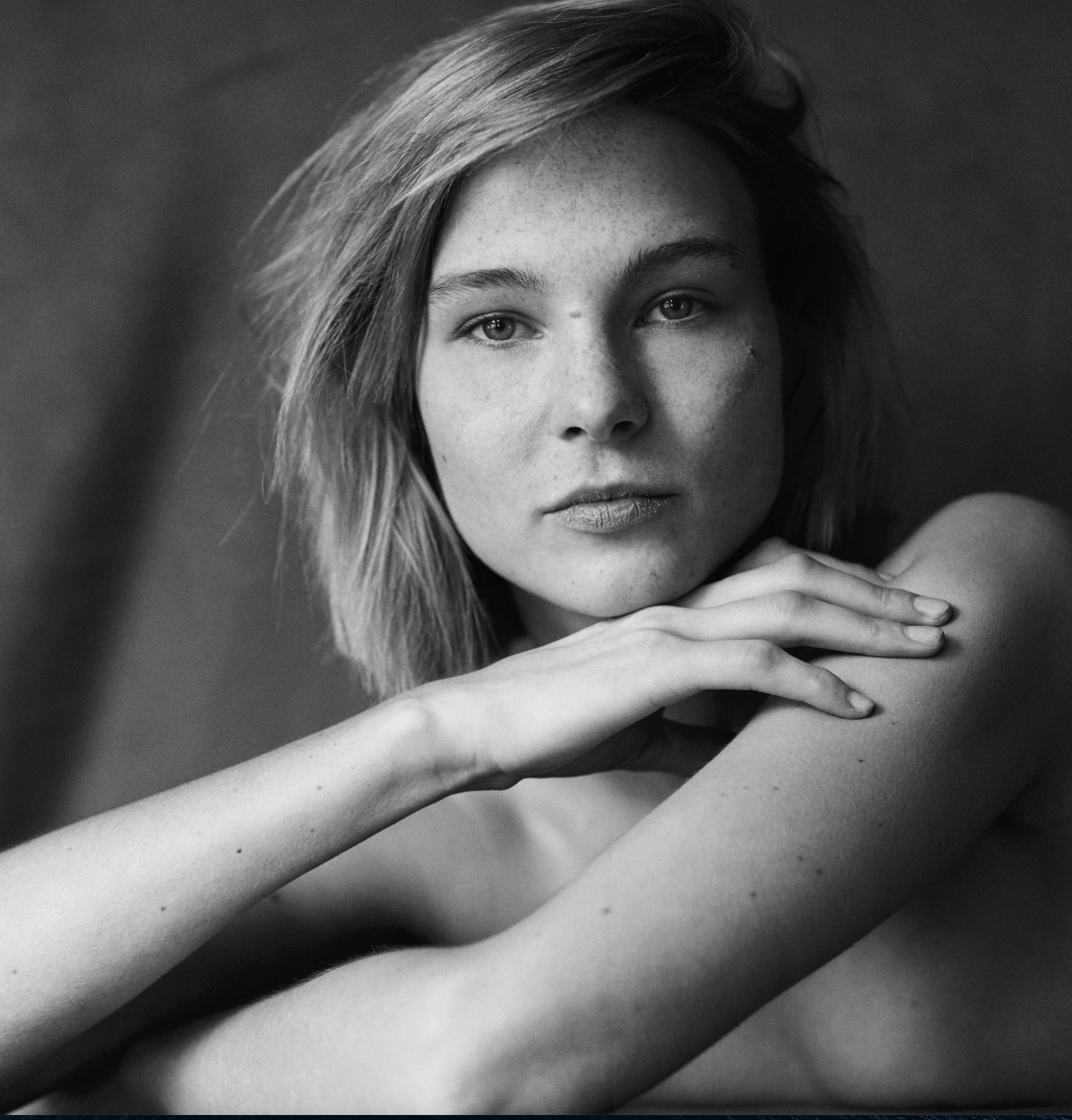
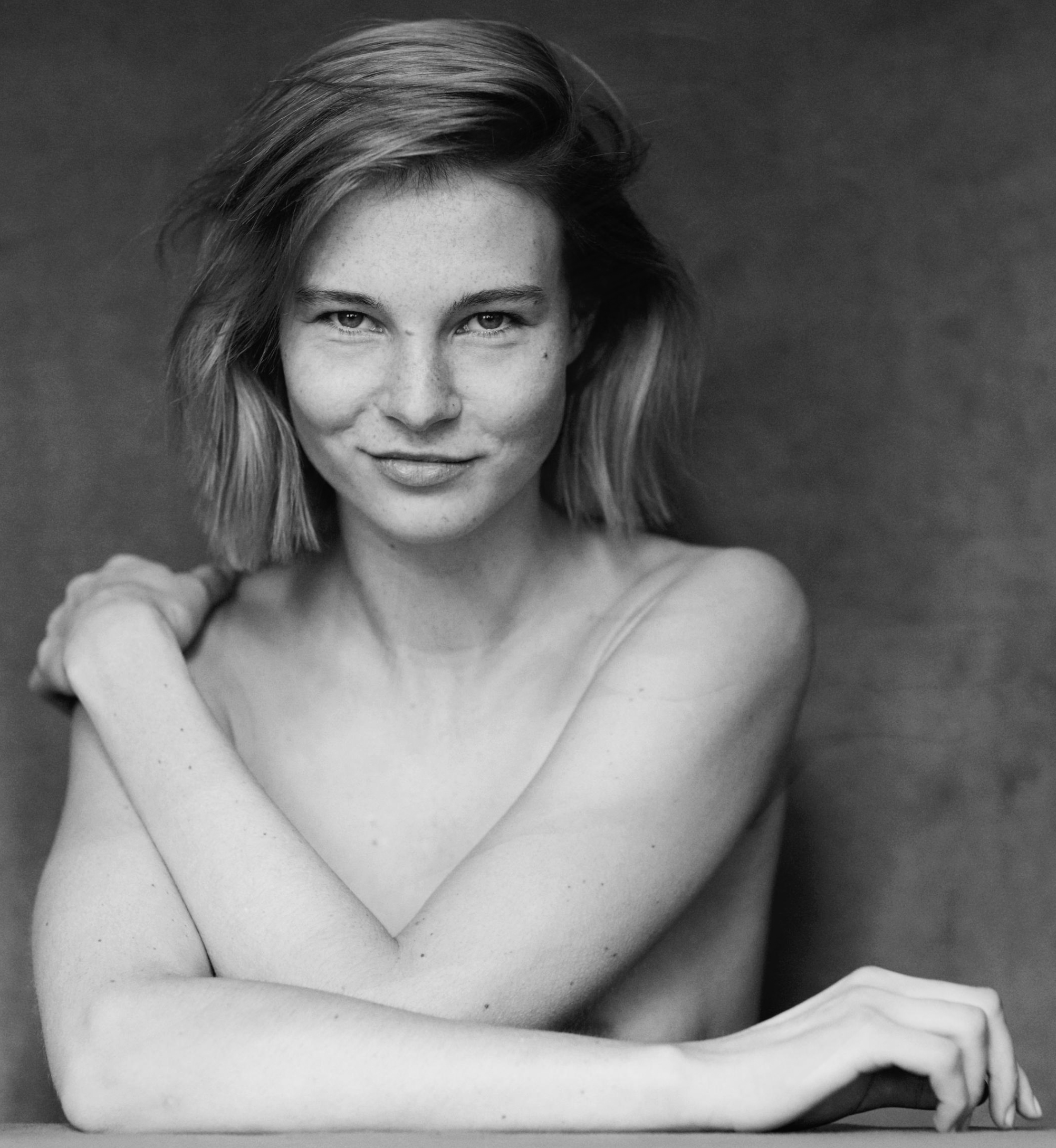
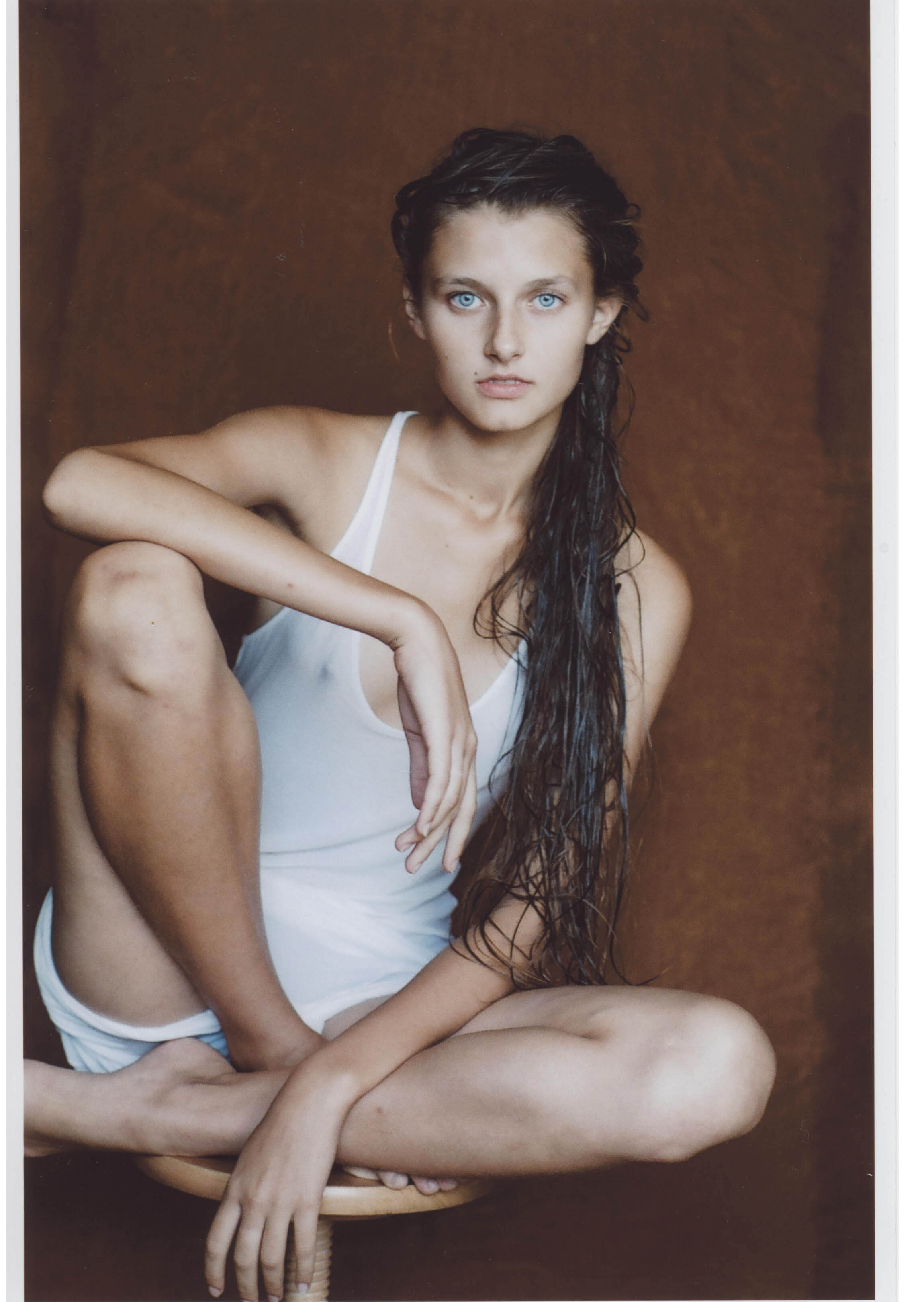
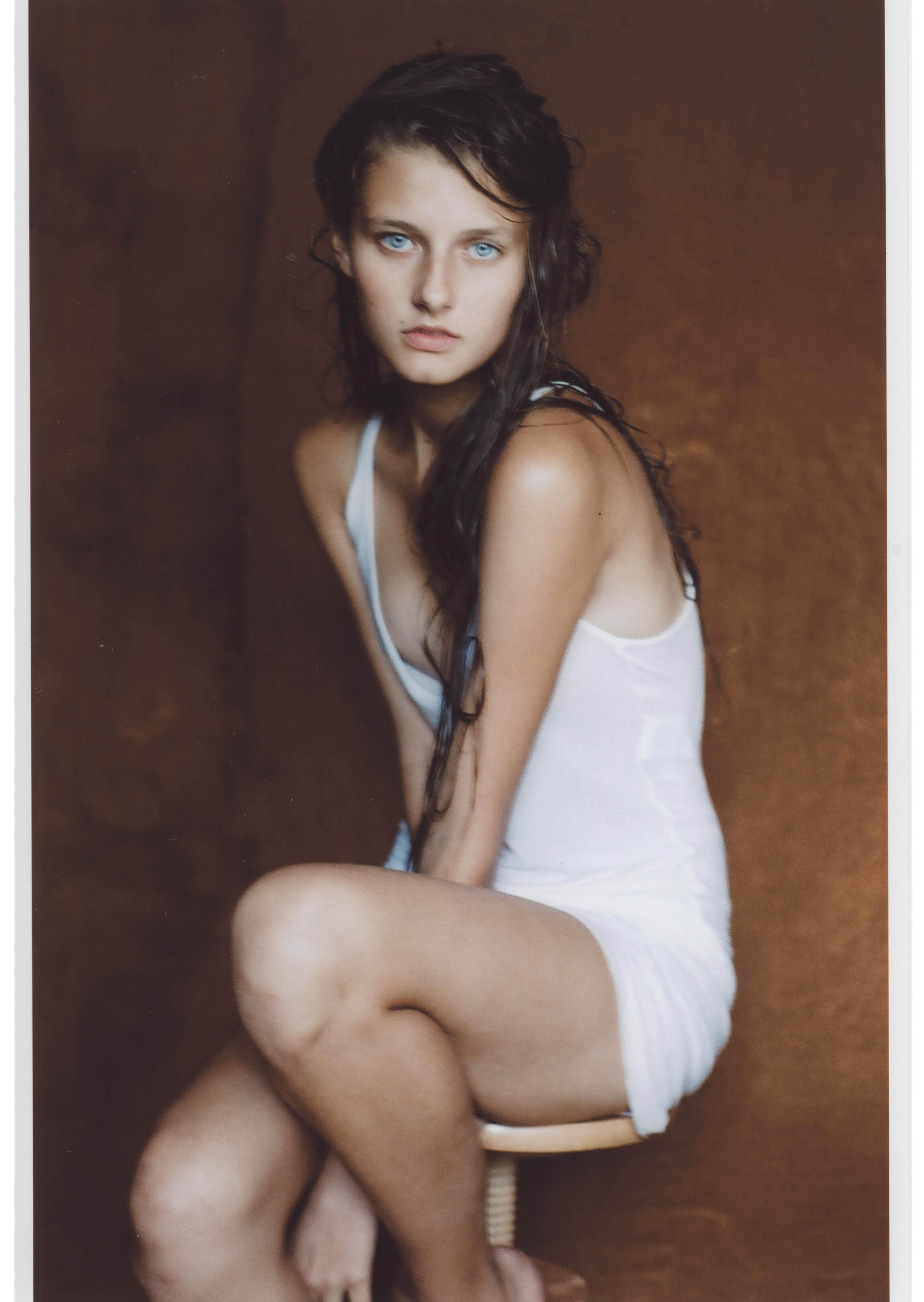
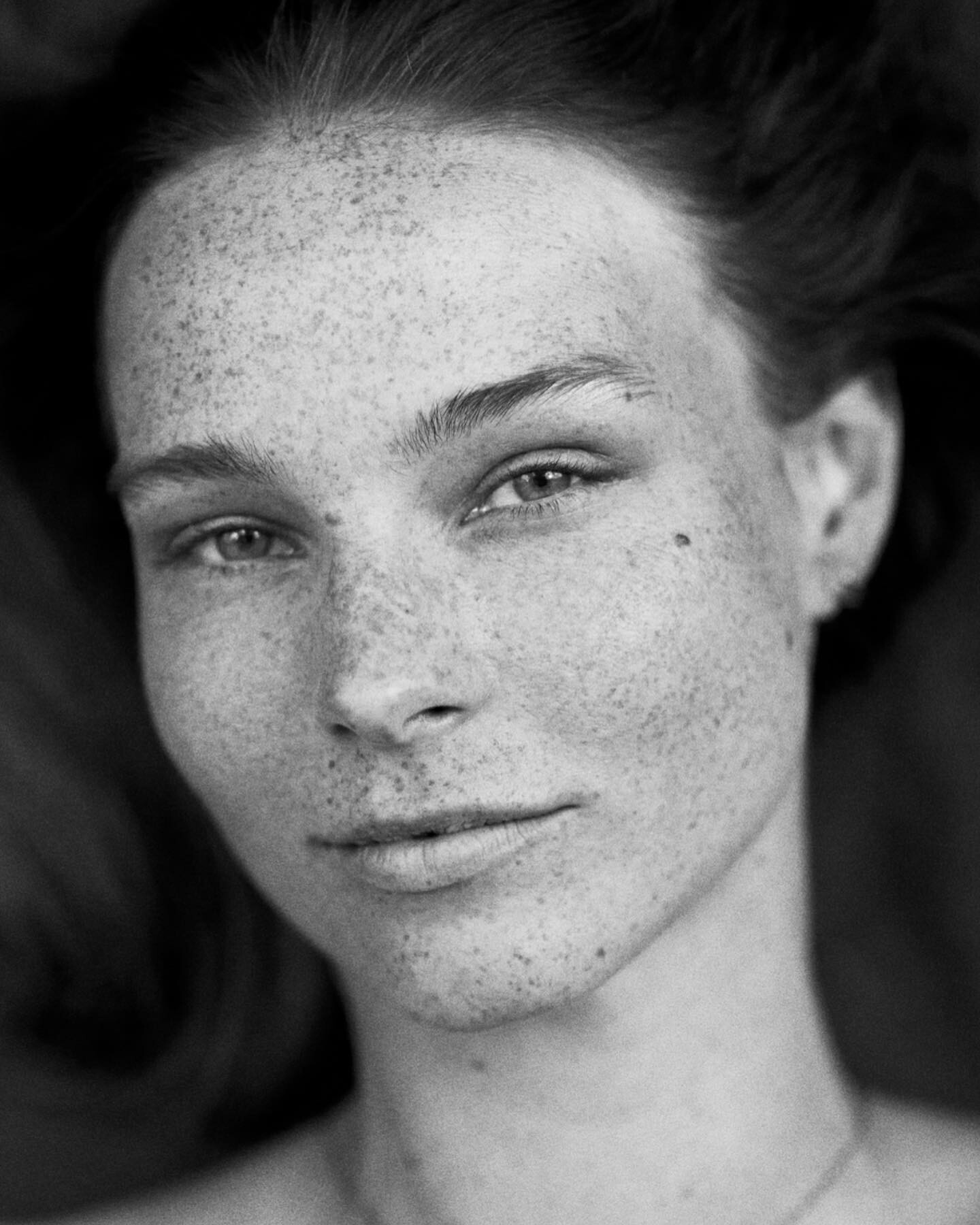
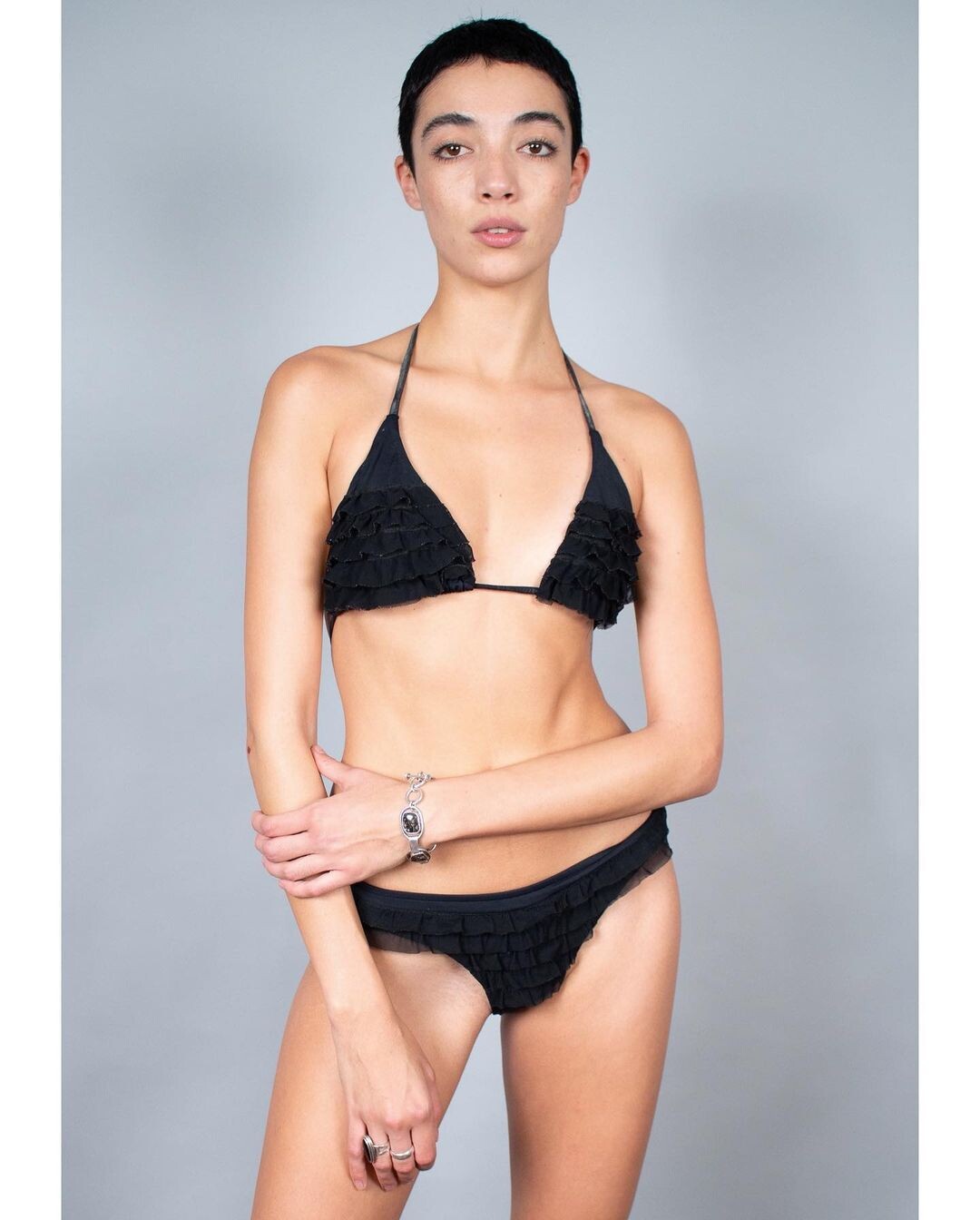
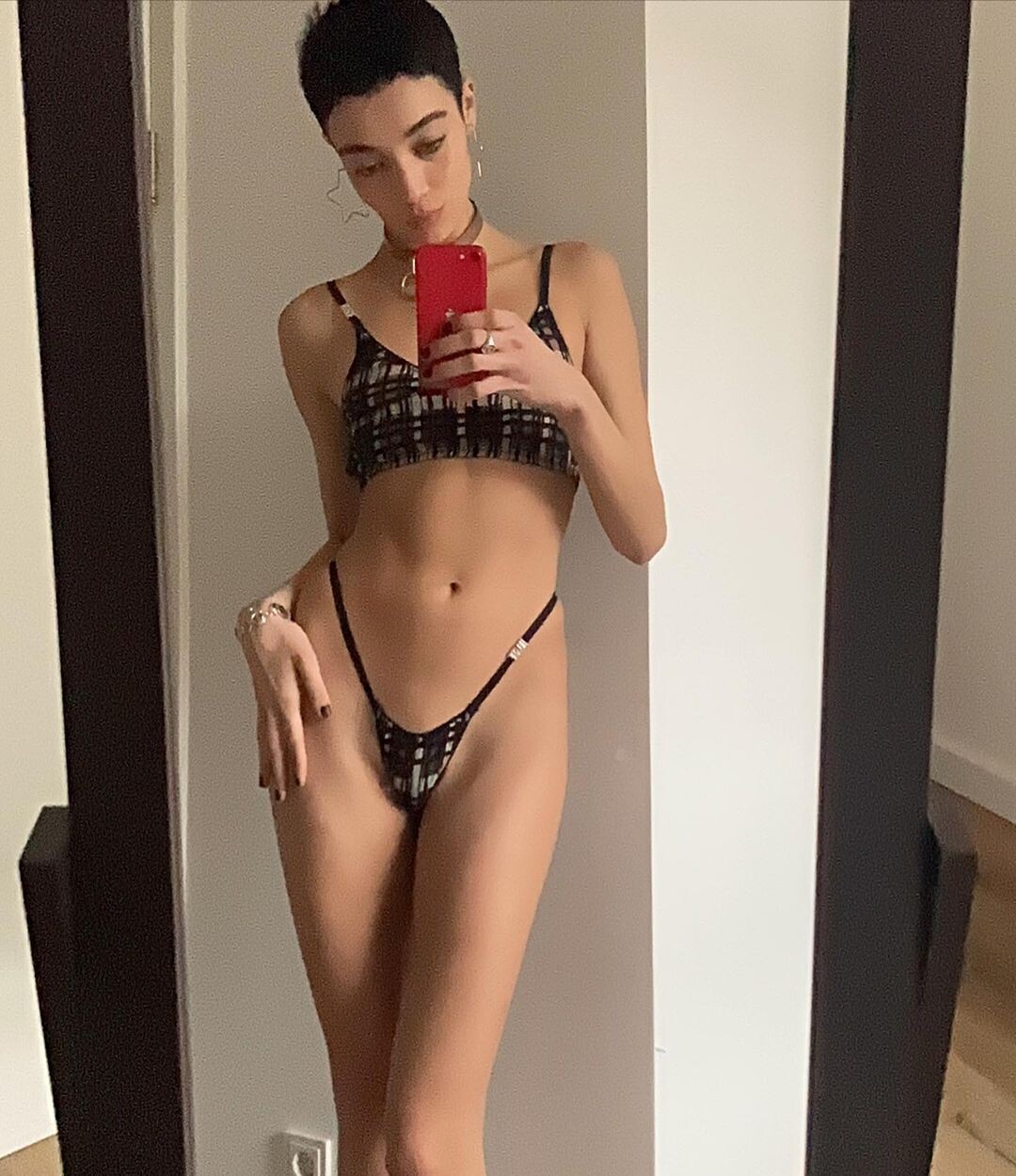
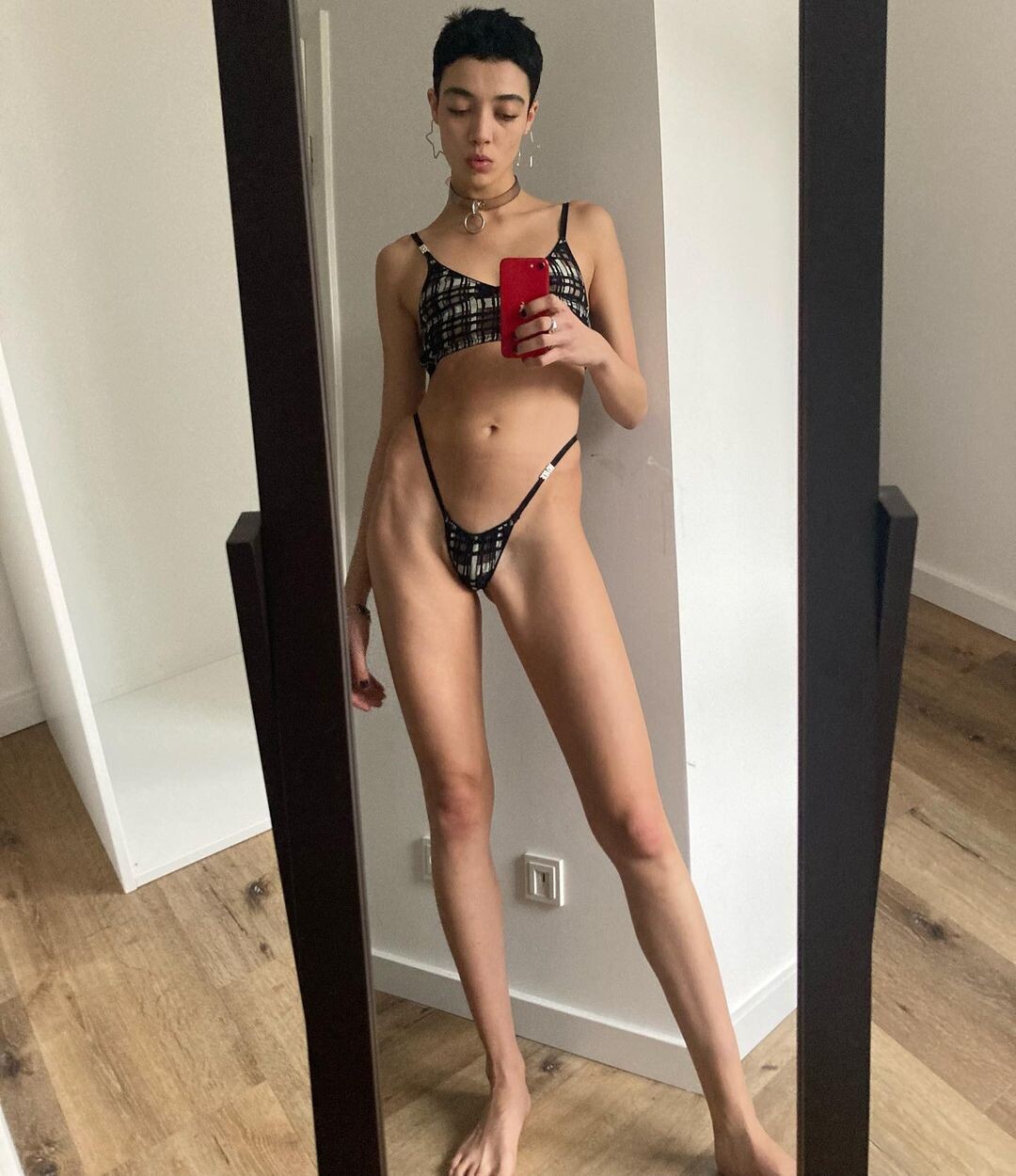
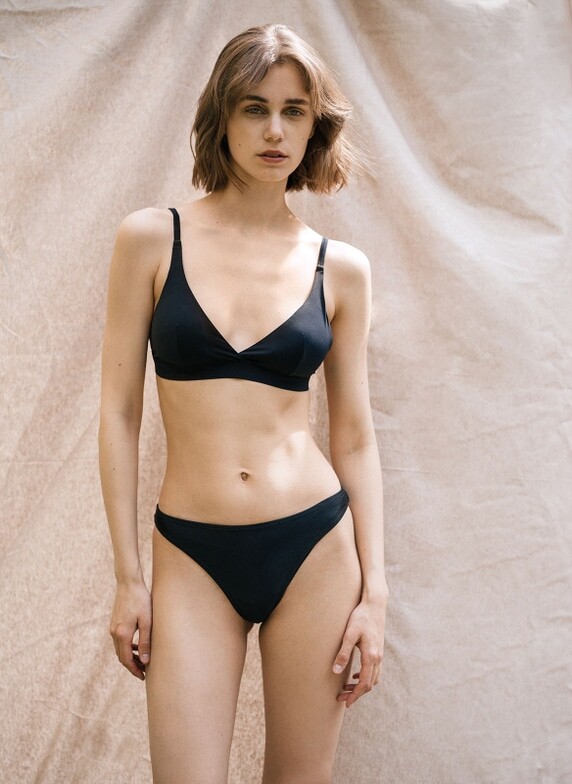
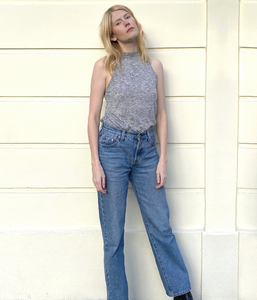
Polaroids Modelbooker (2022)
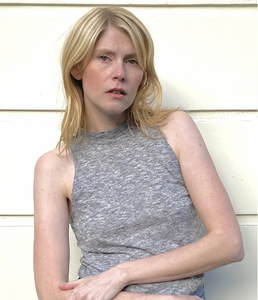
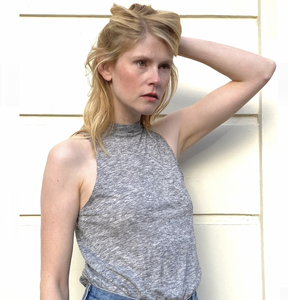
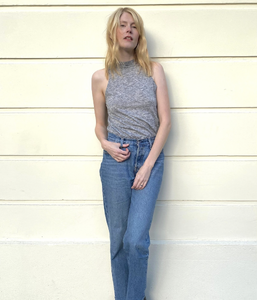
-
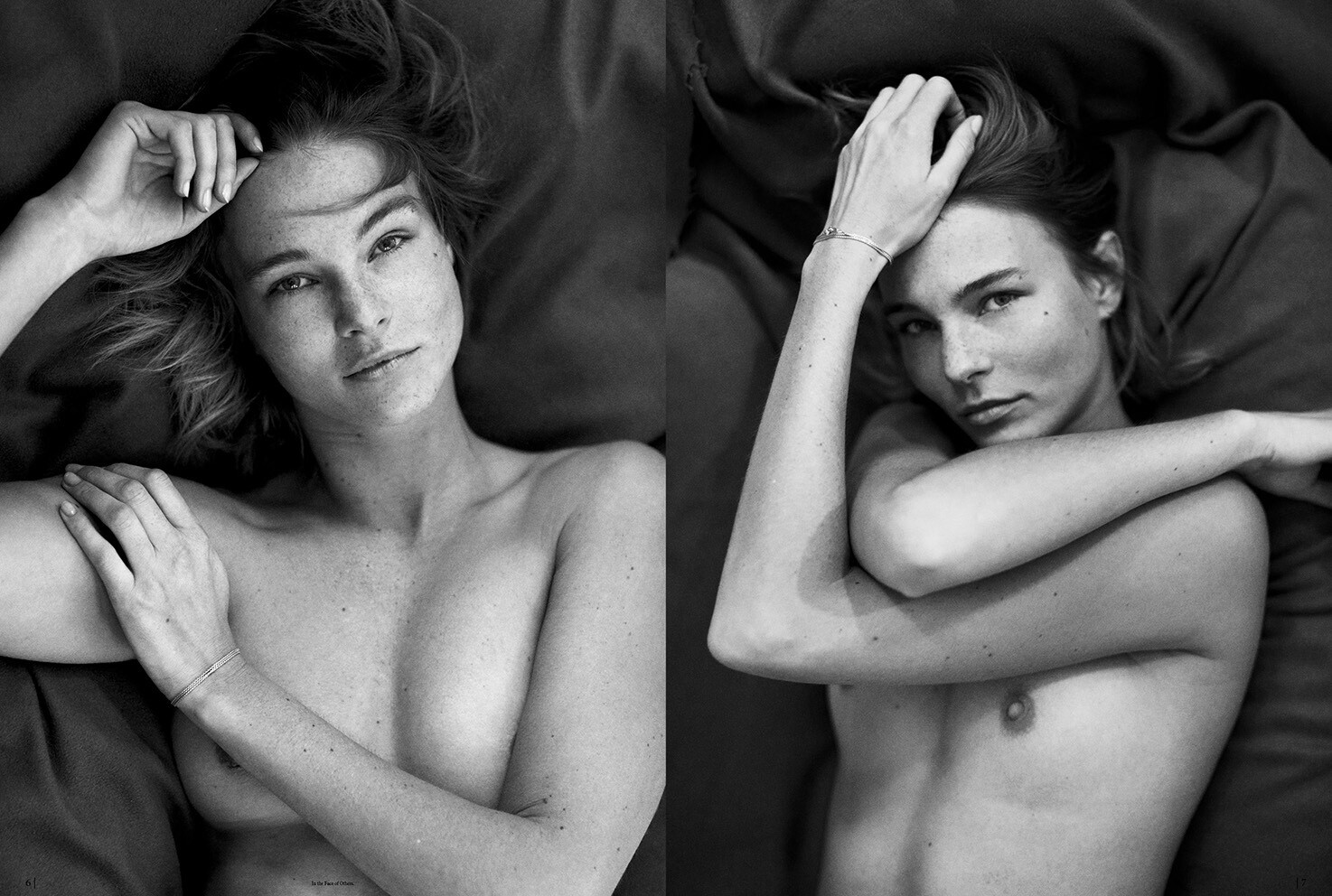
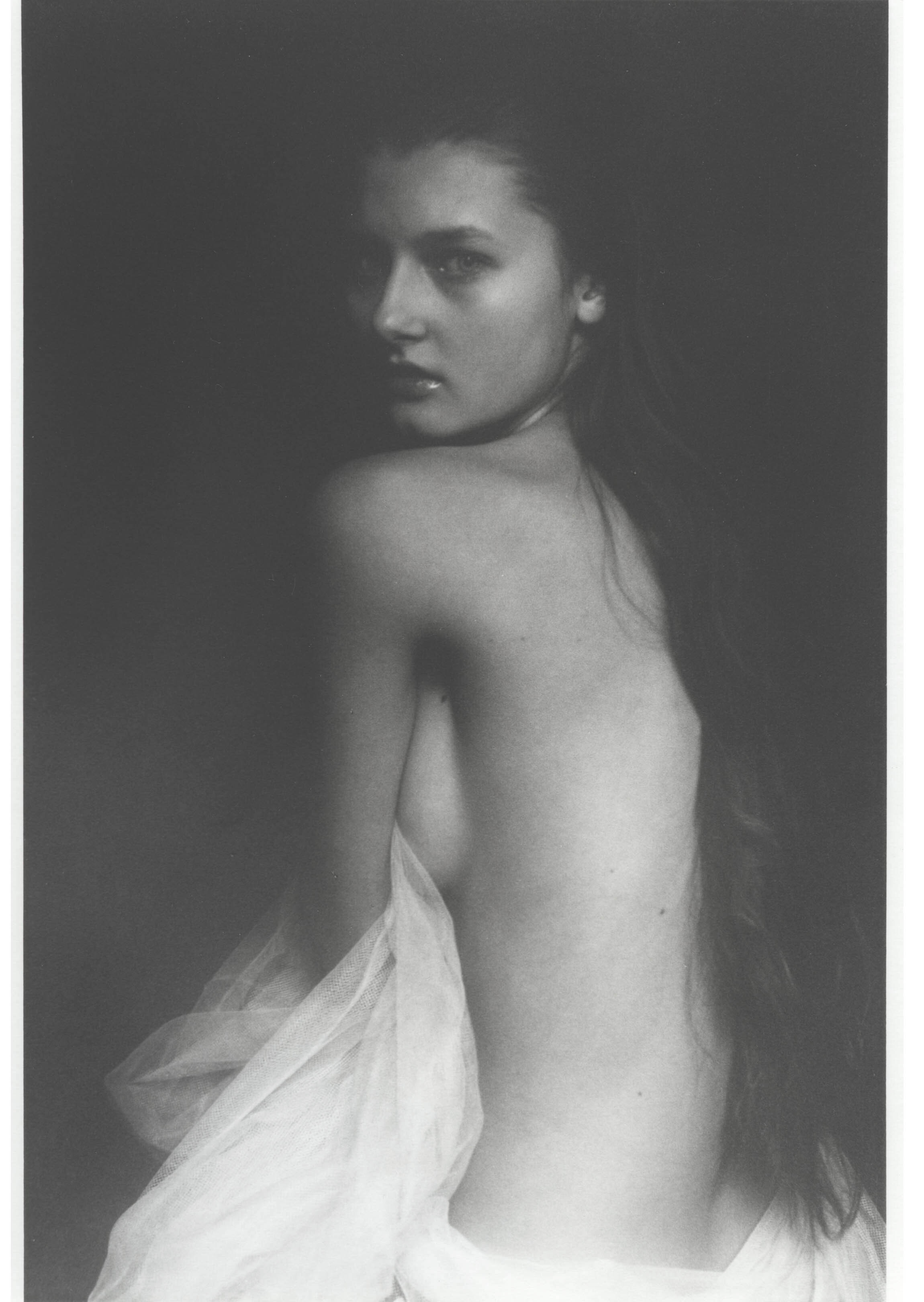
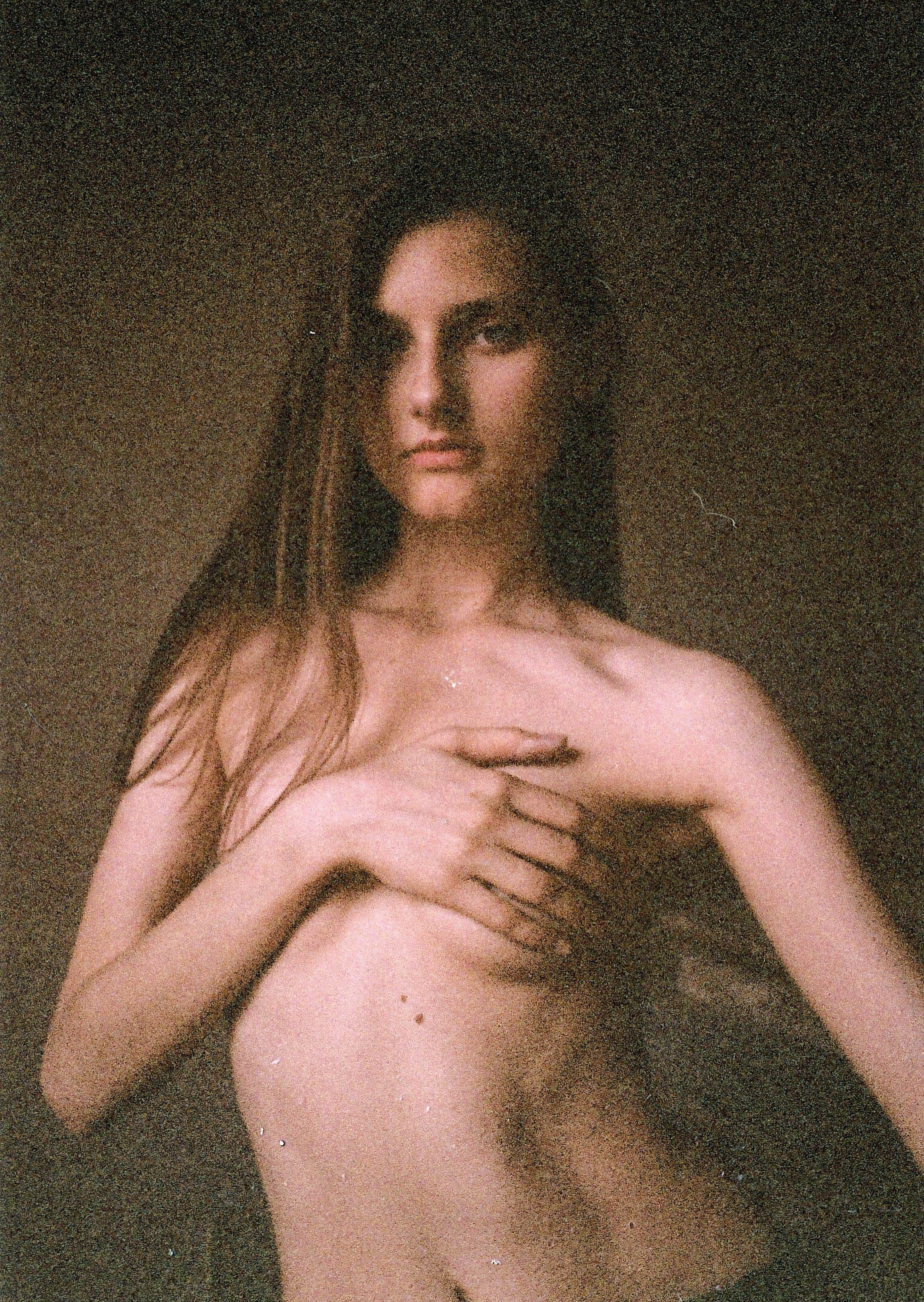
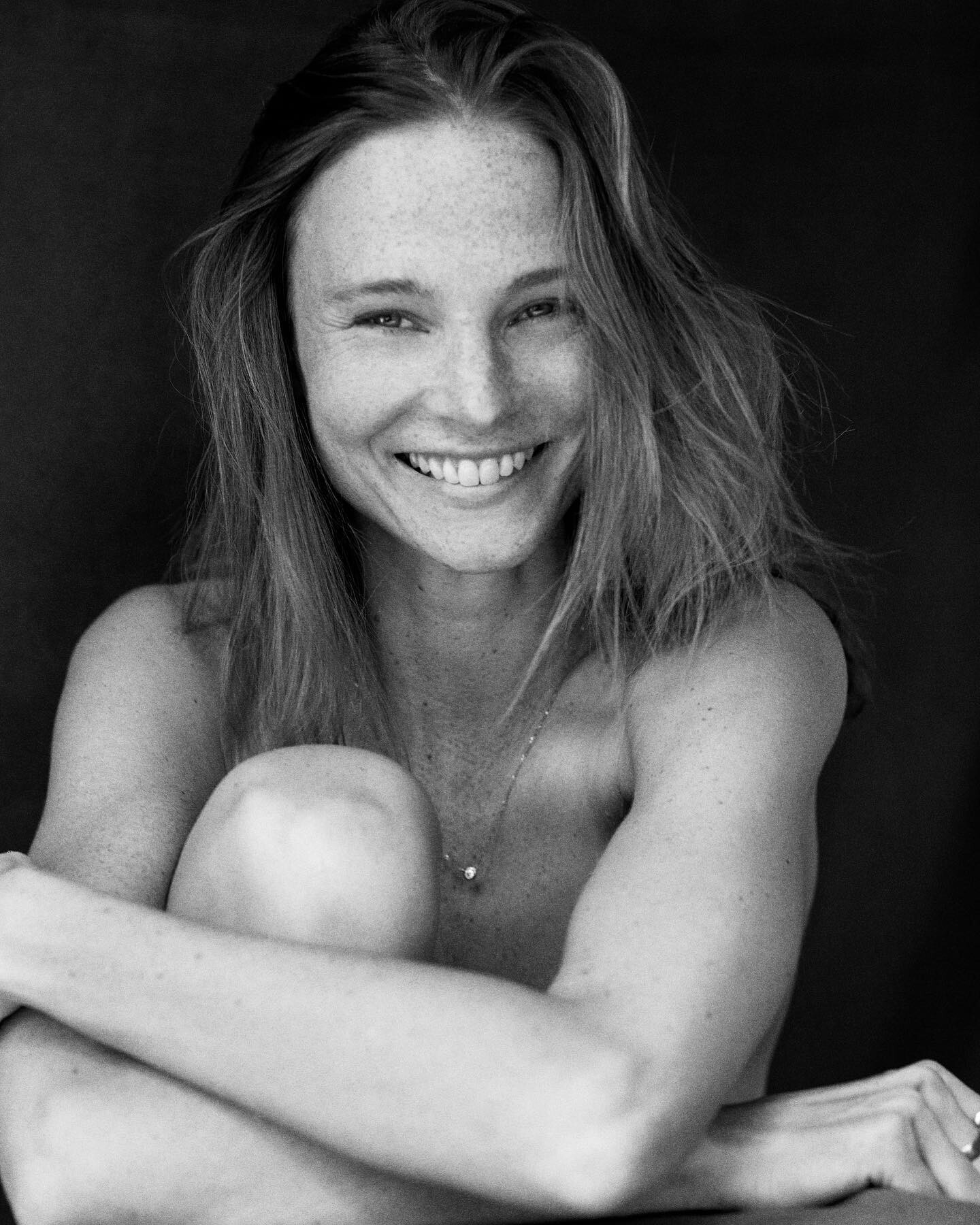
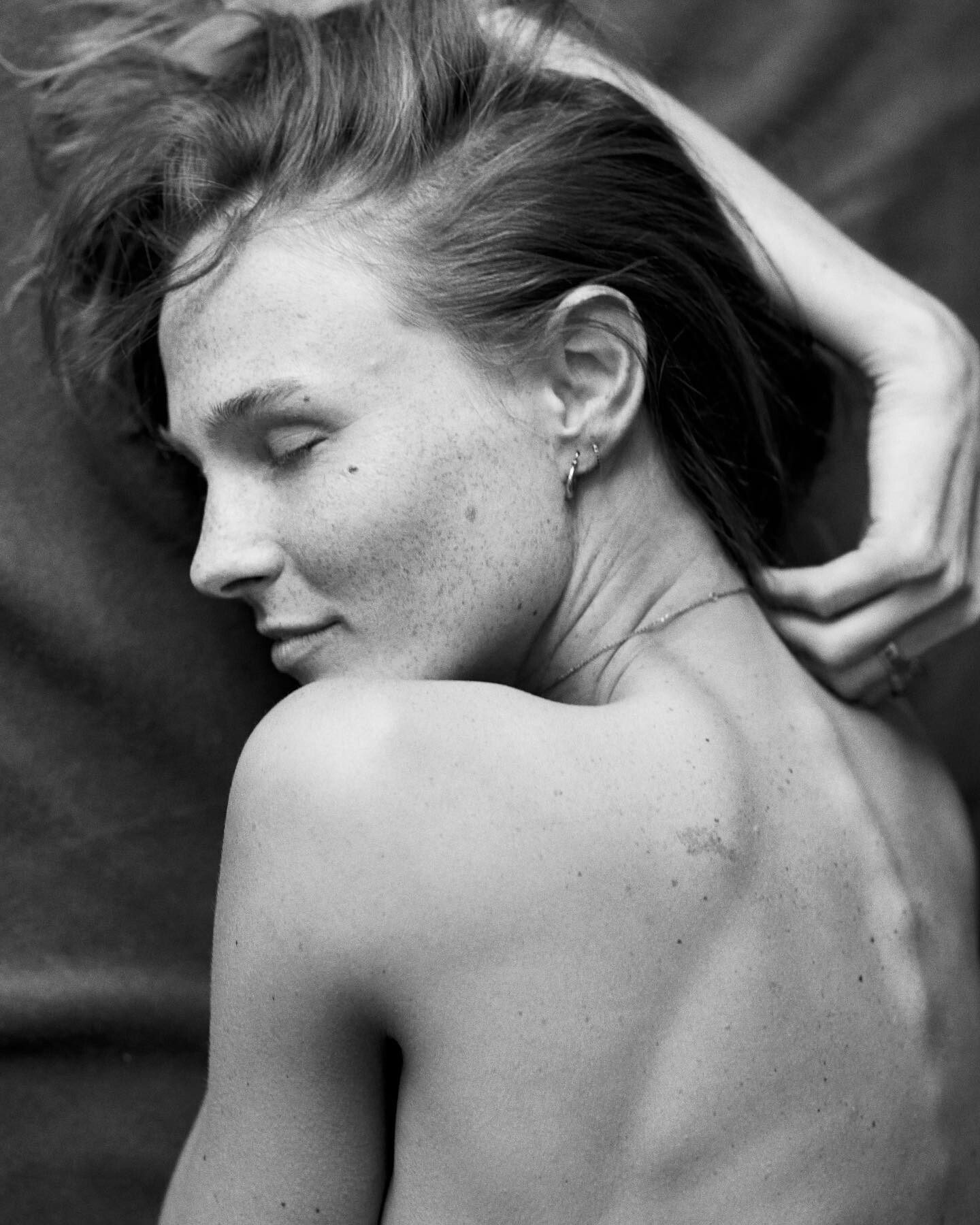
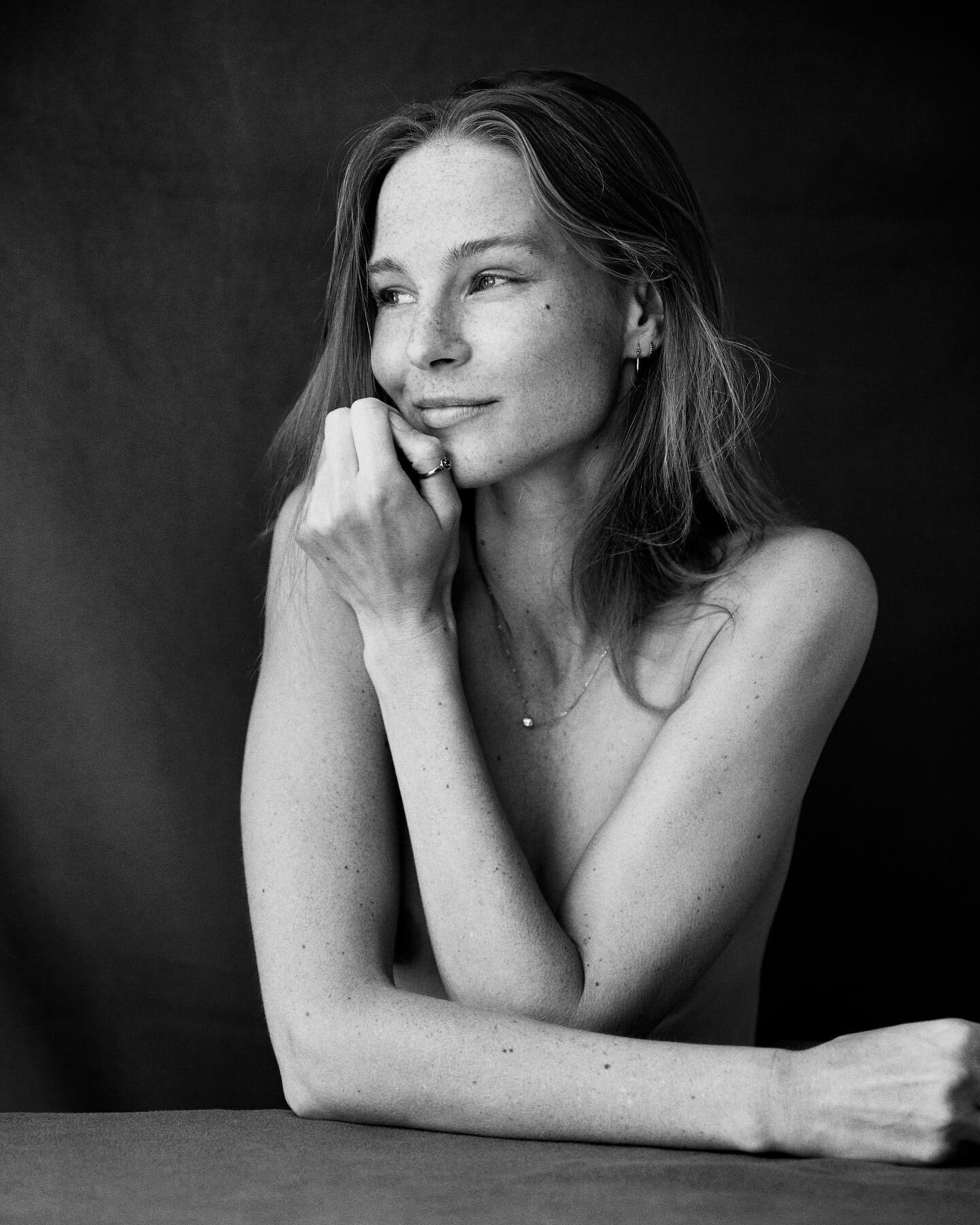
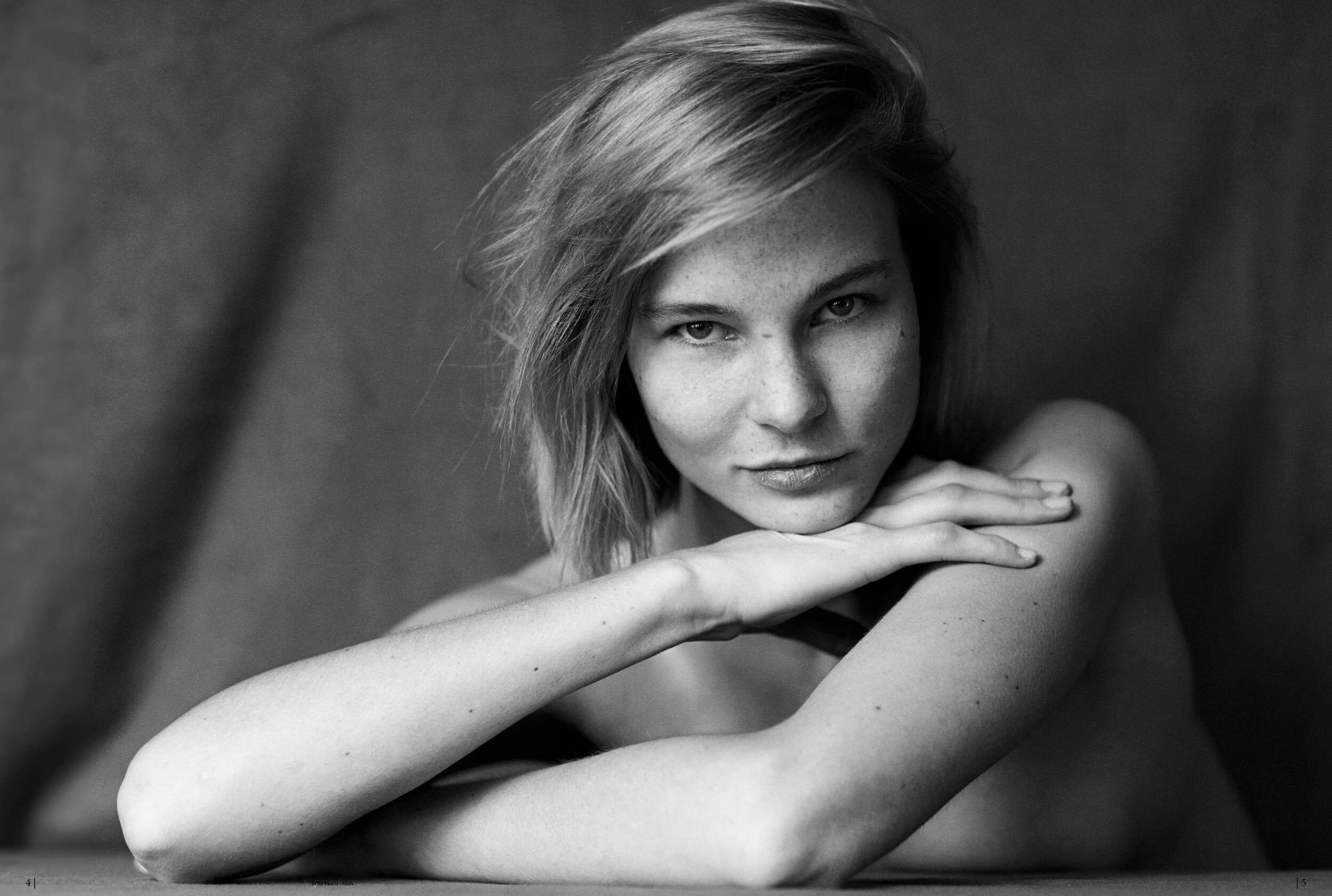
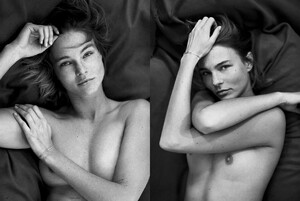
Nick Kelly - In the face of others partly nude gallery nudity






-
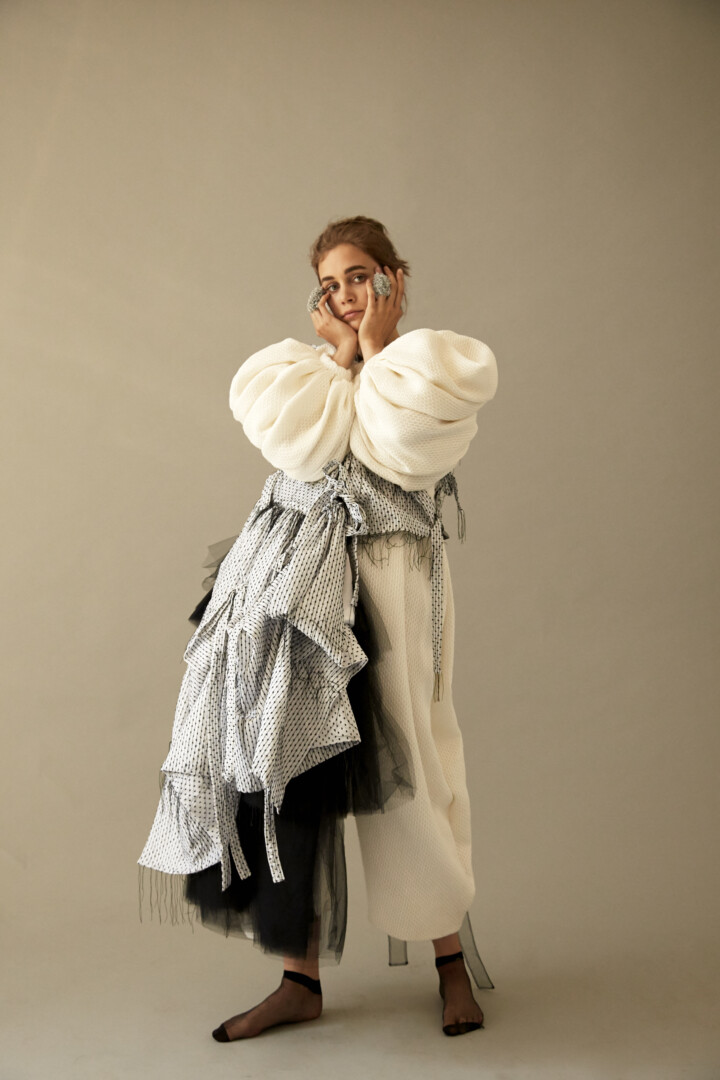
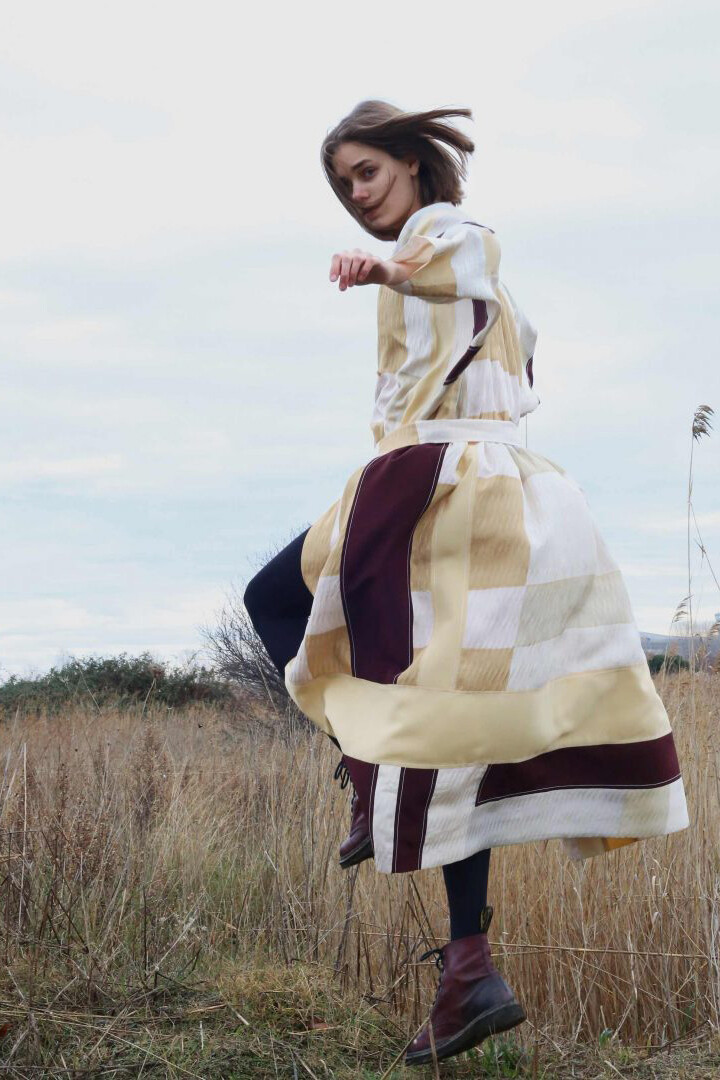
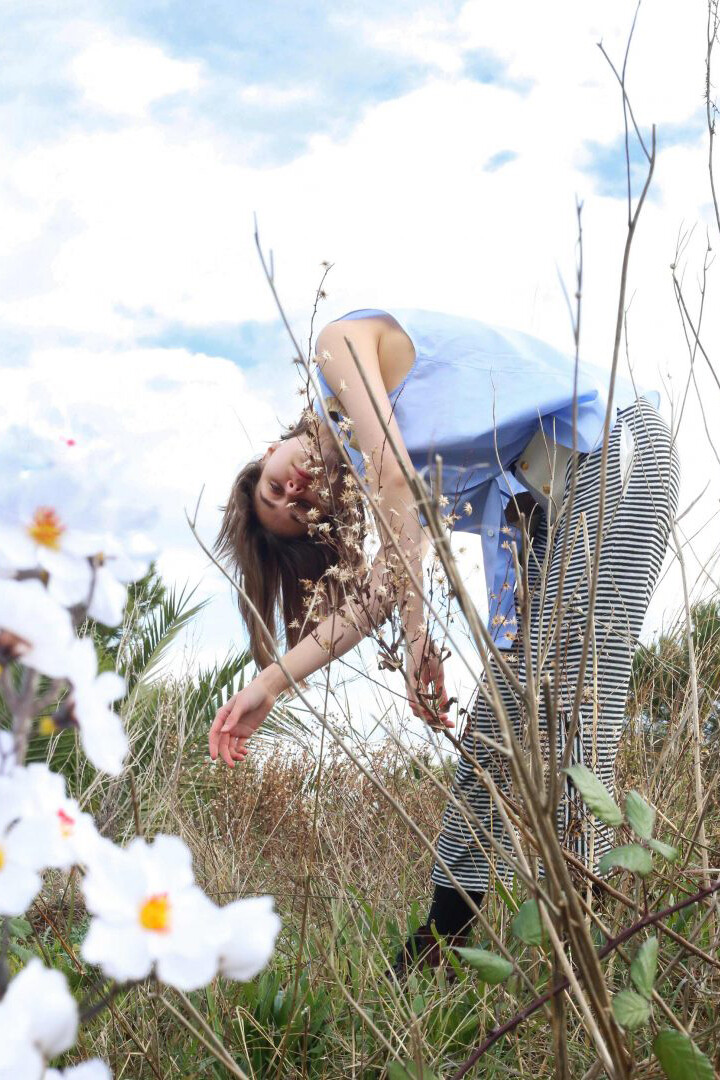
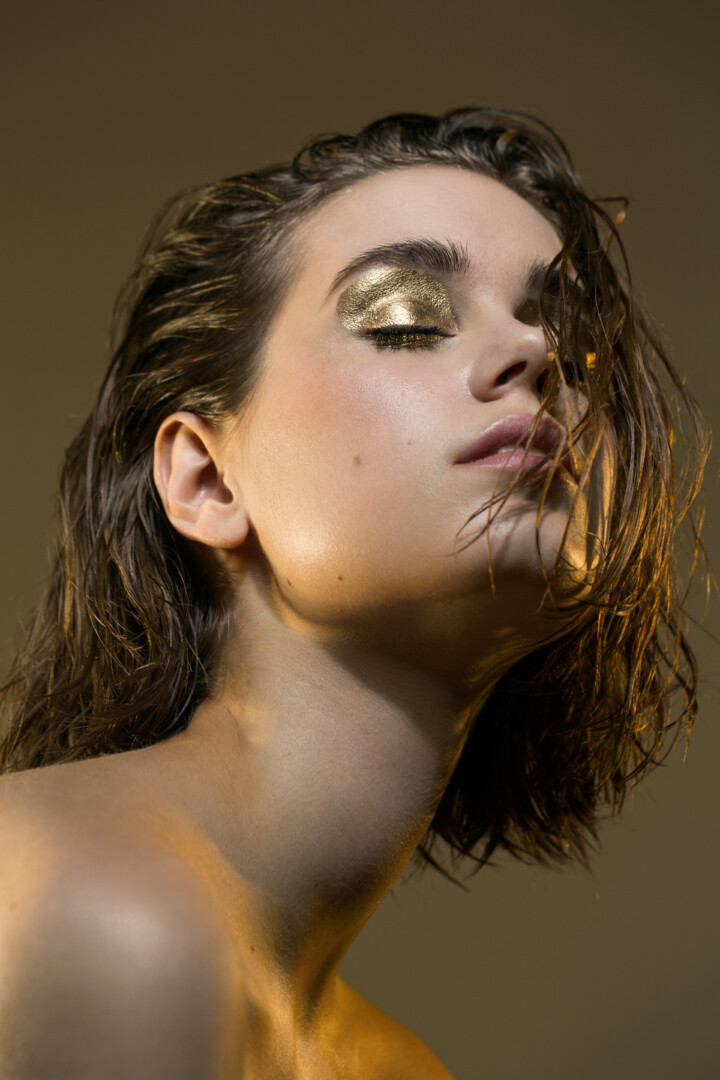
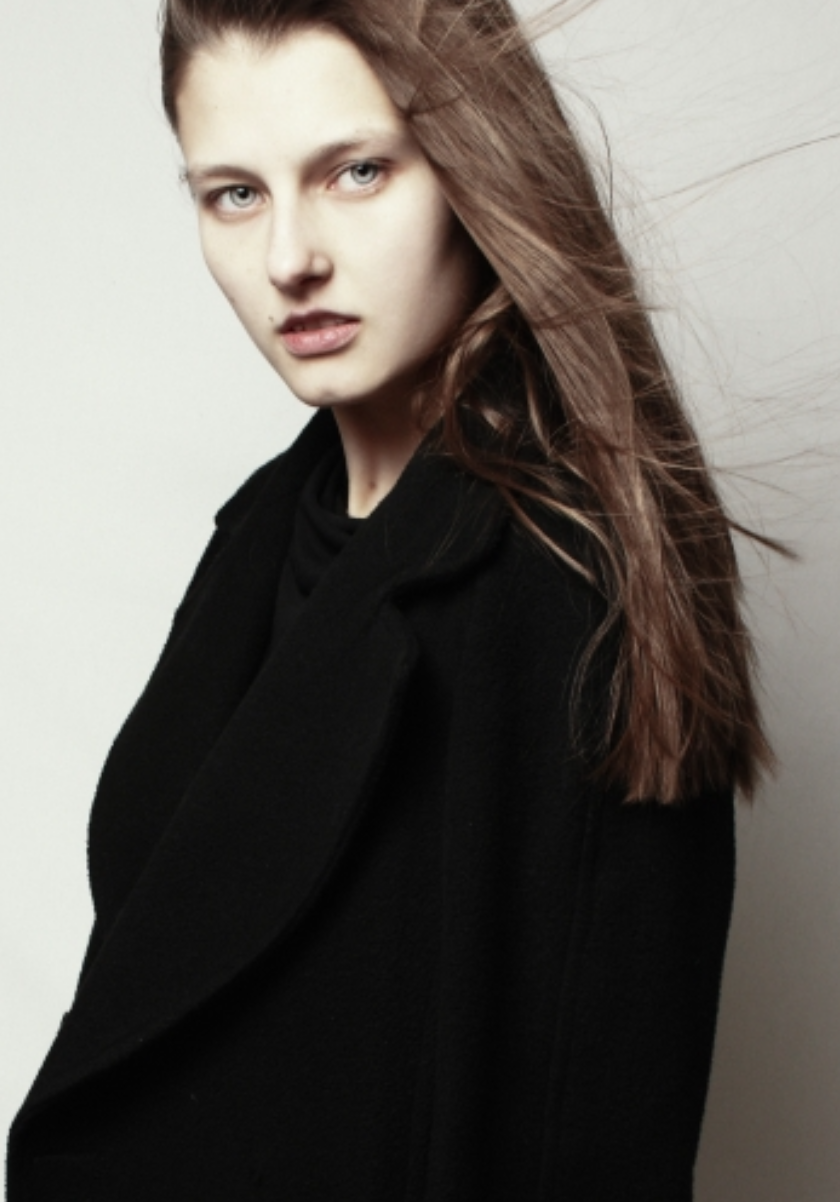
model book pt.2


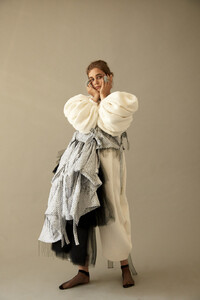
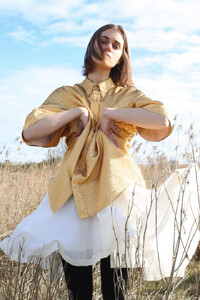
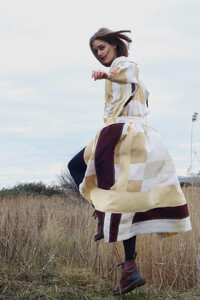

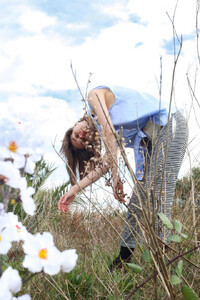

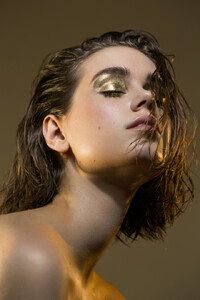


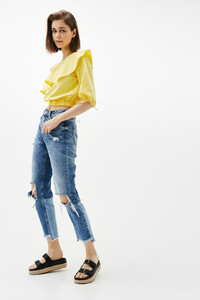
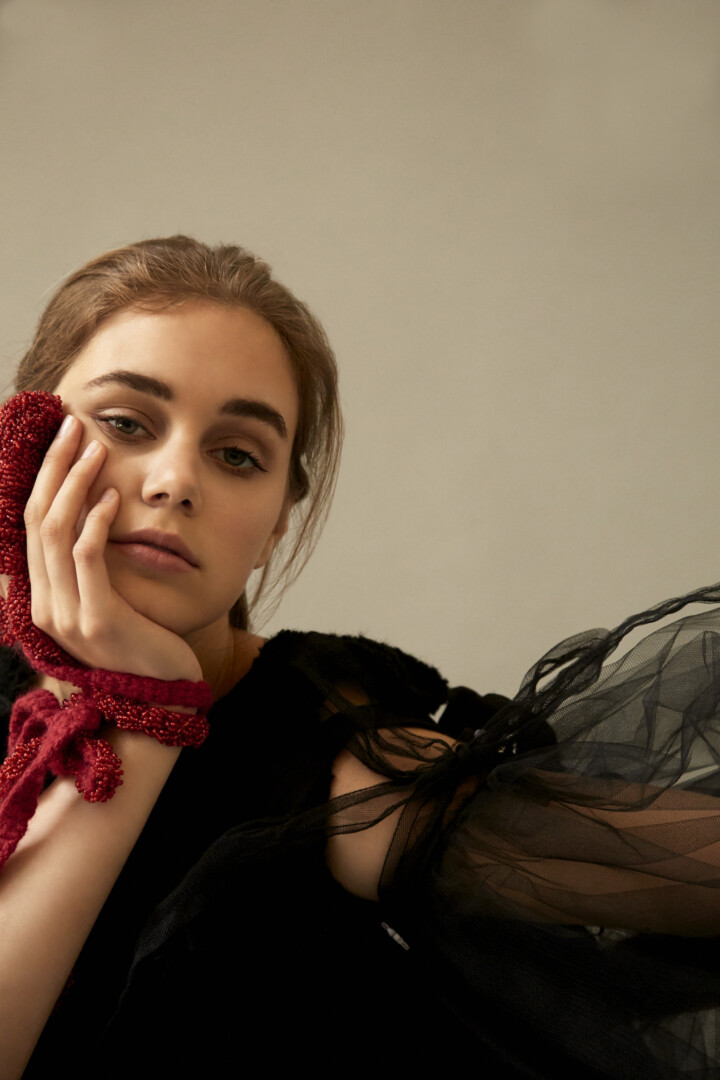
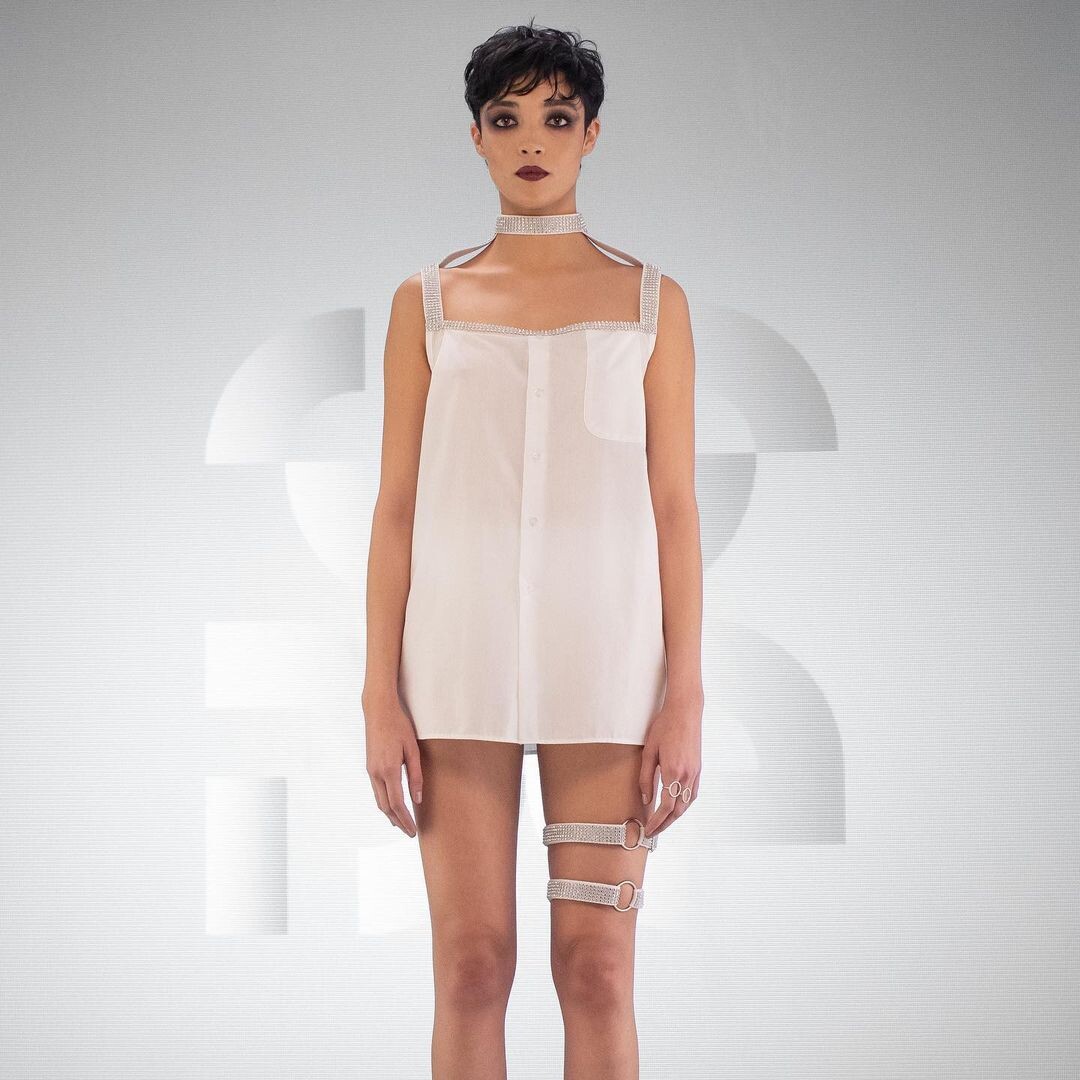
 Manon Ouimet test 2020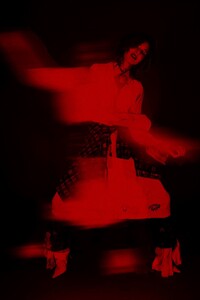
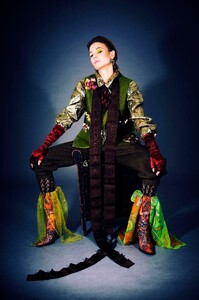


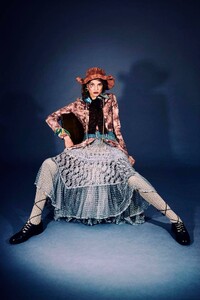
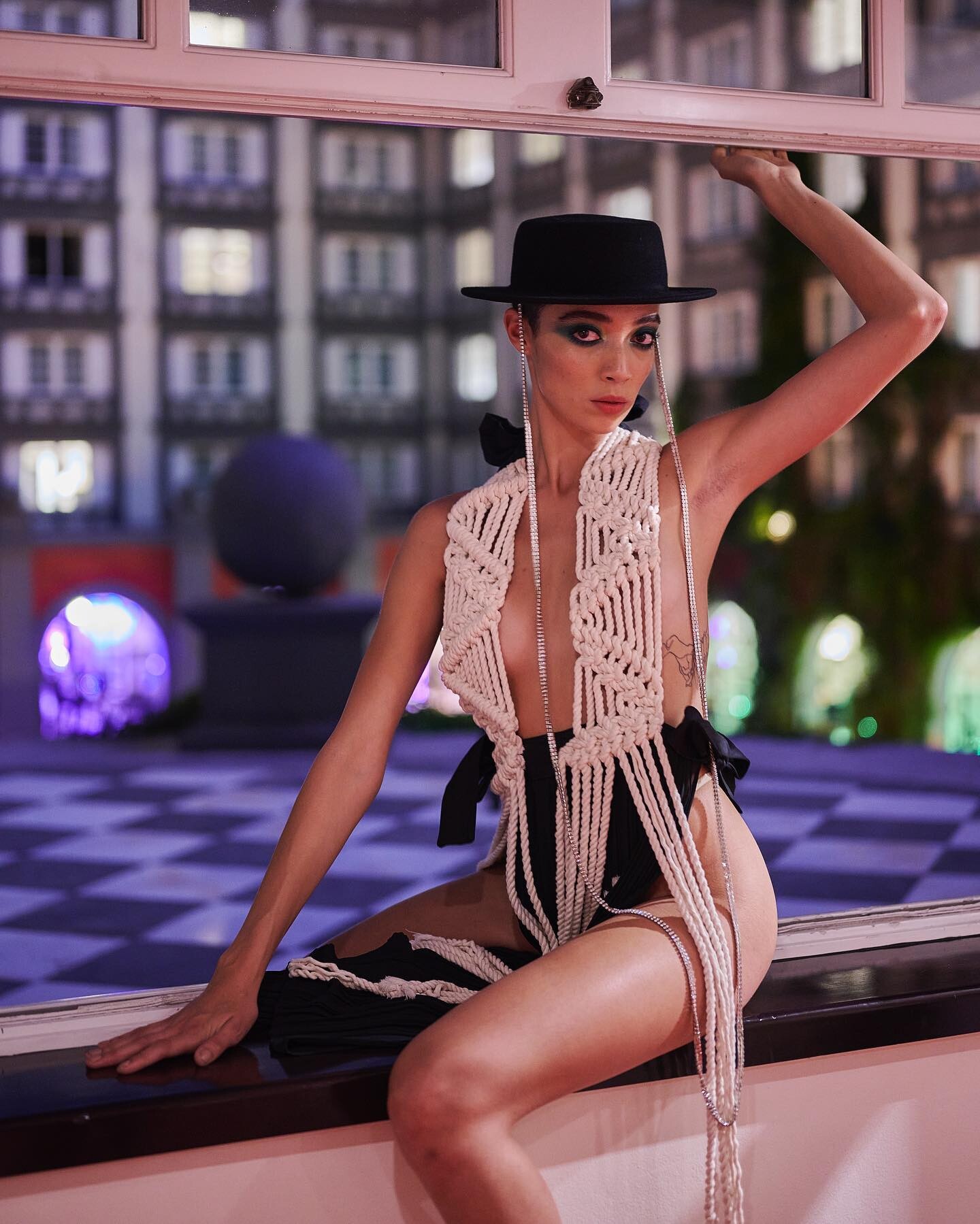
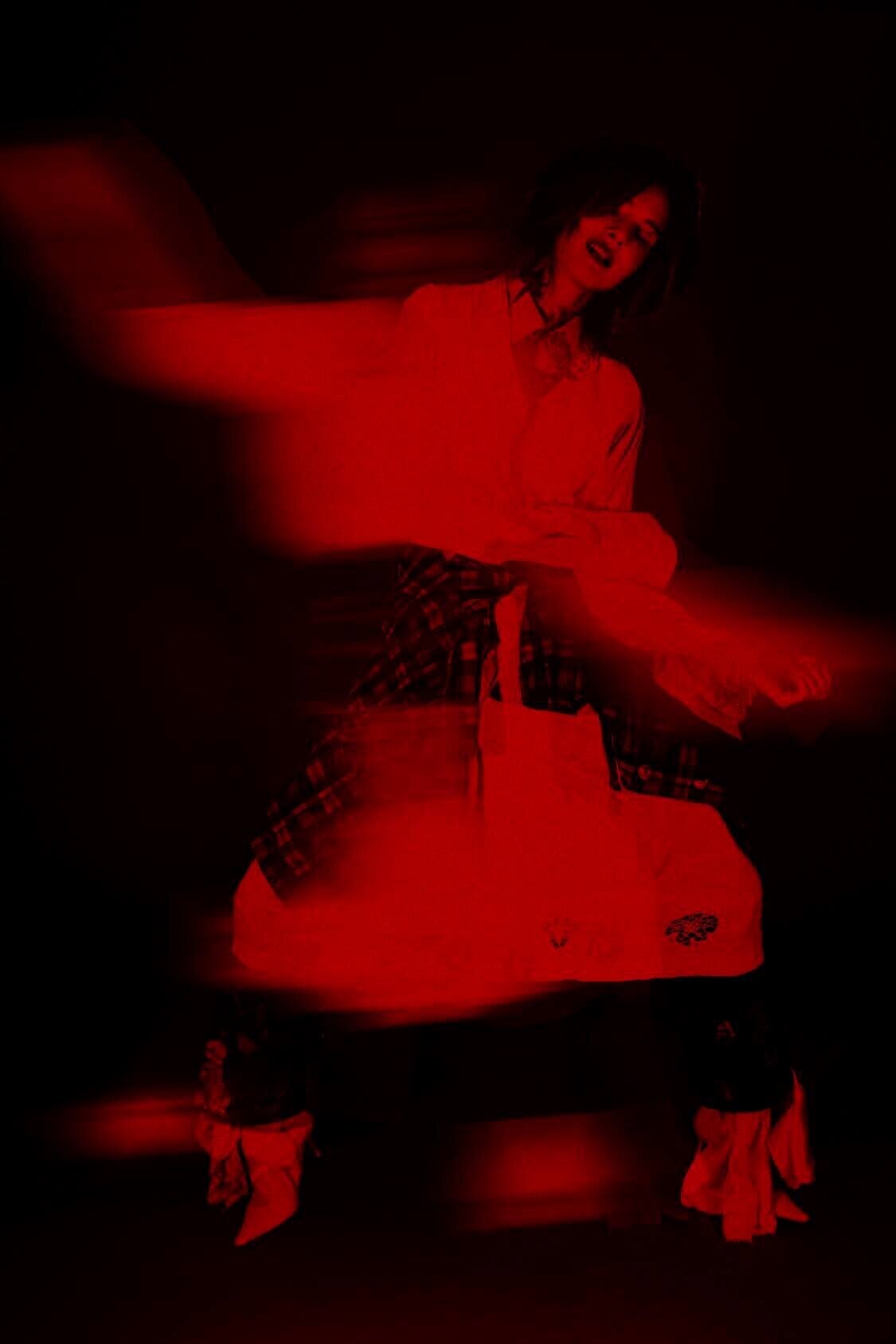
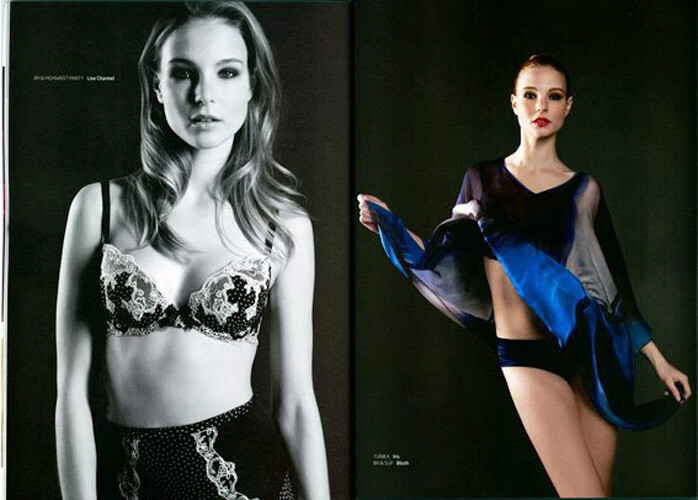
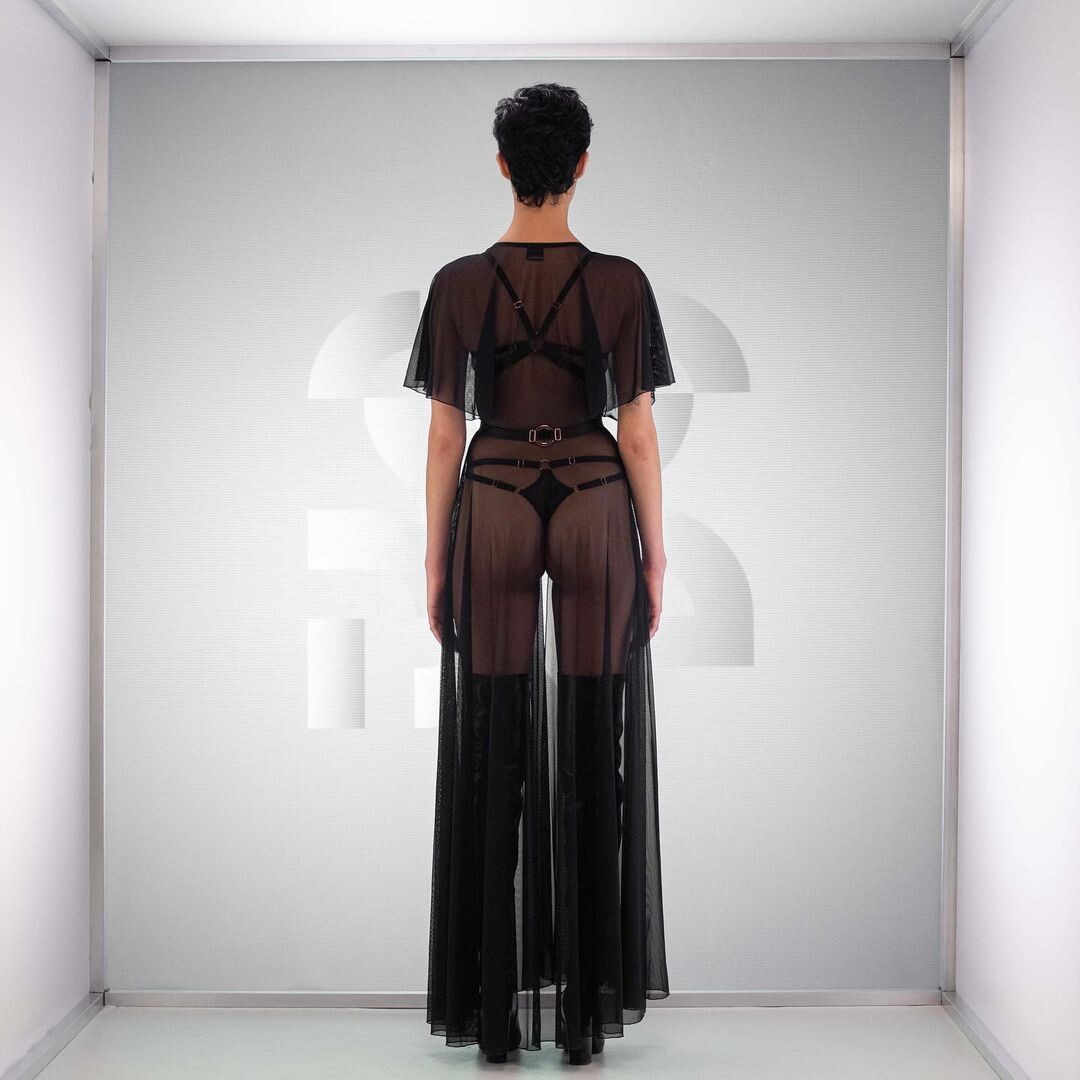
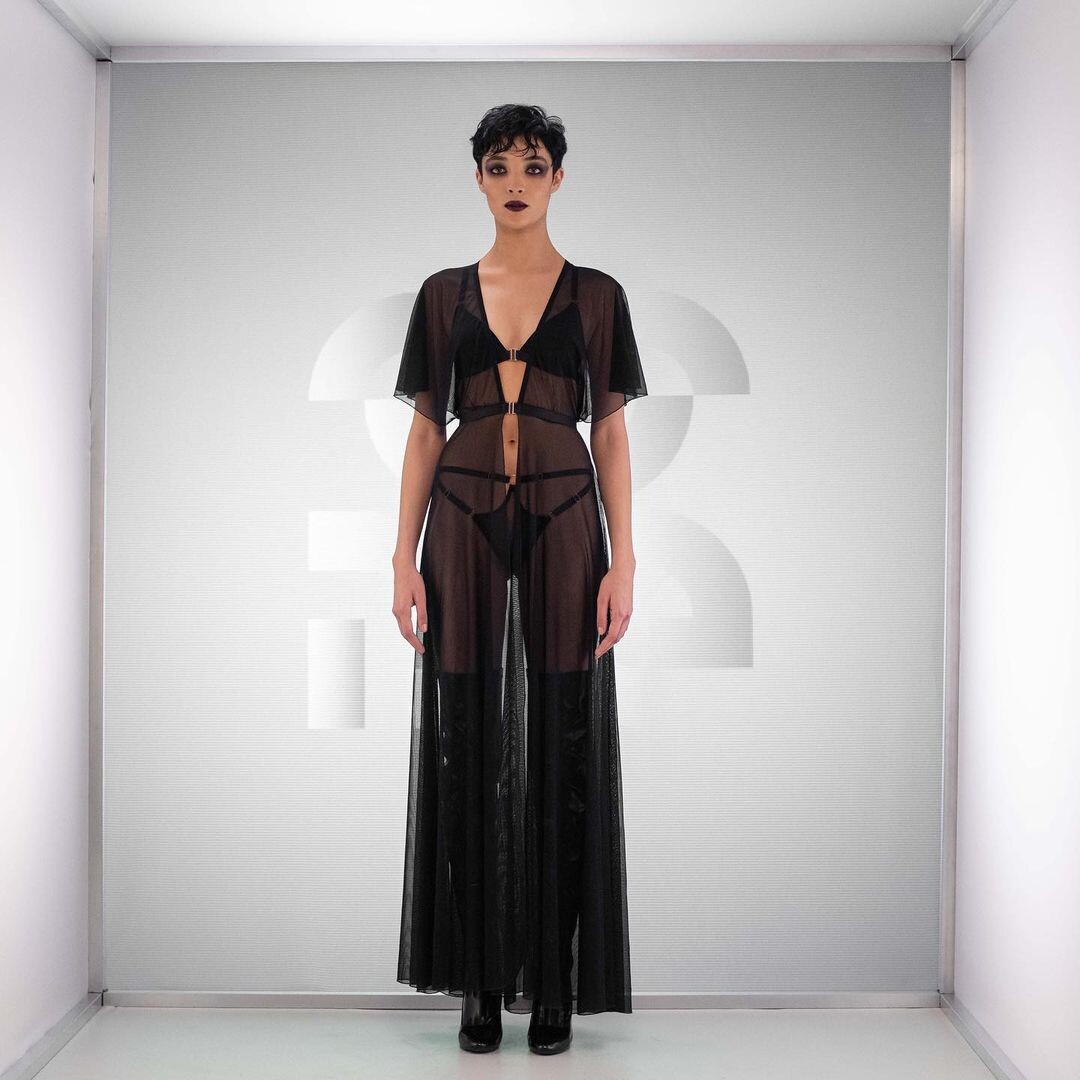
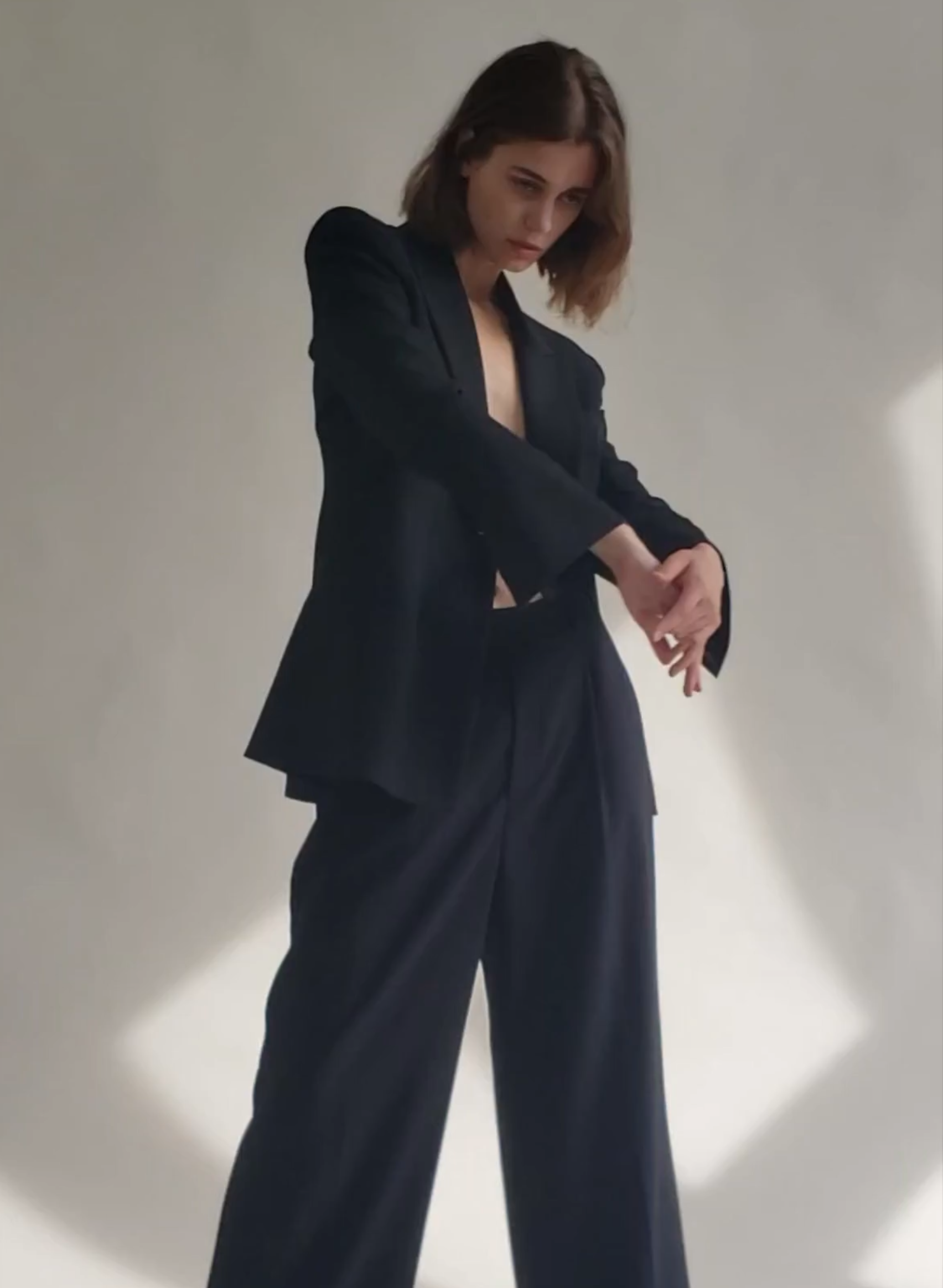
 Claudia Rorarius Body Language editorial



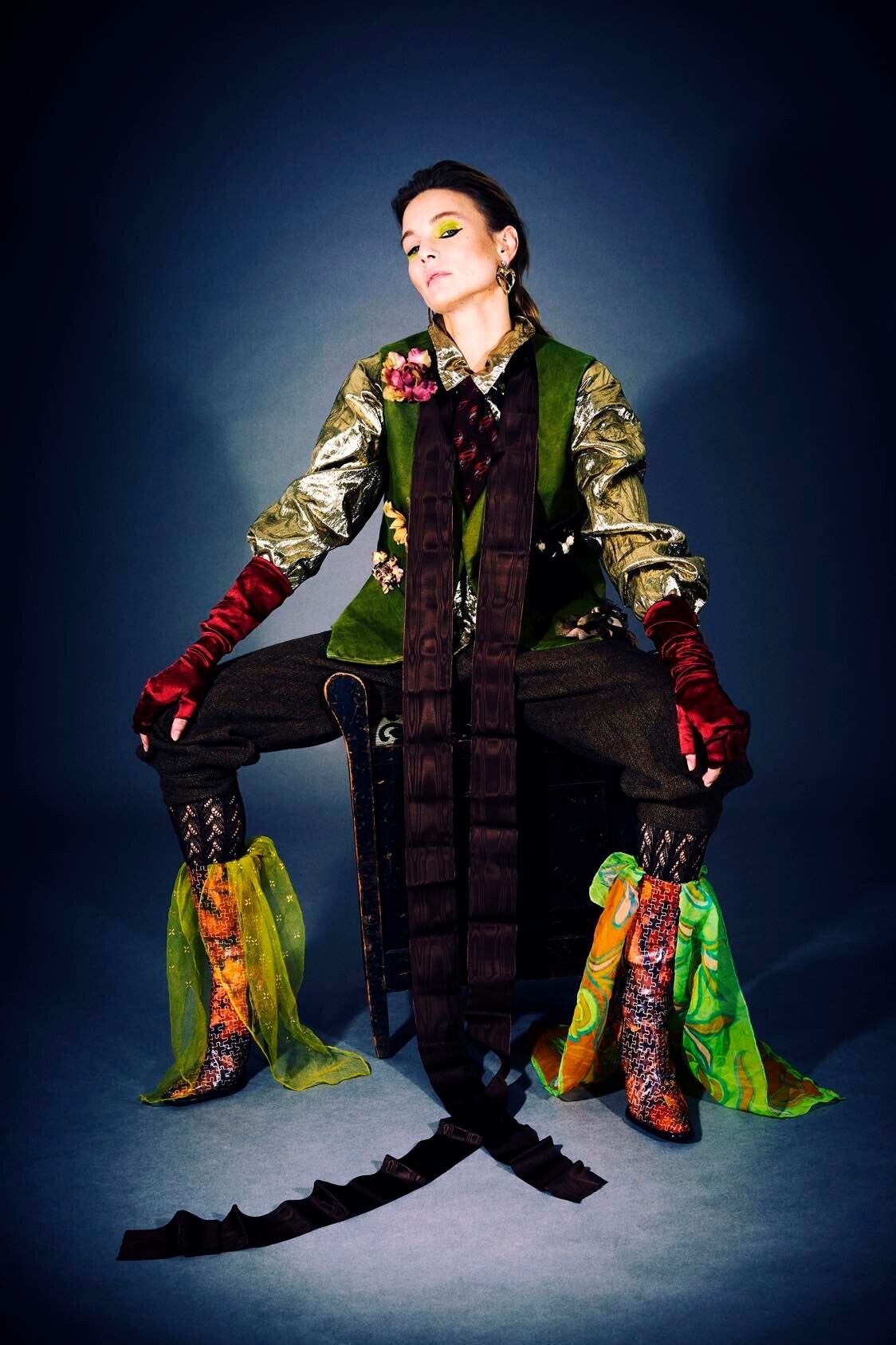
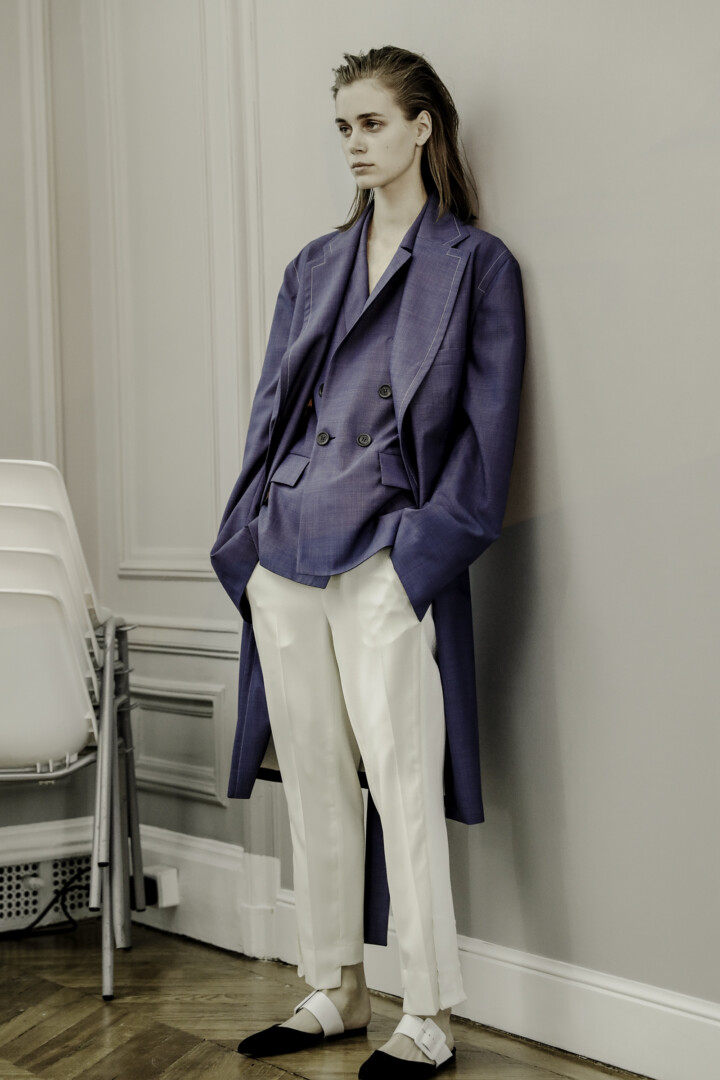
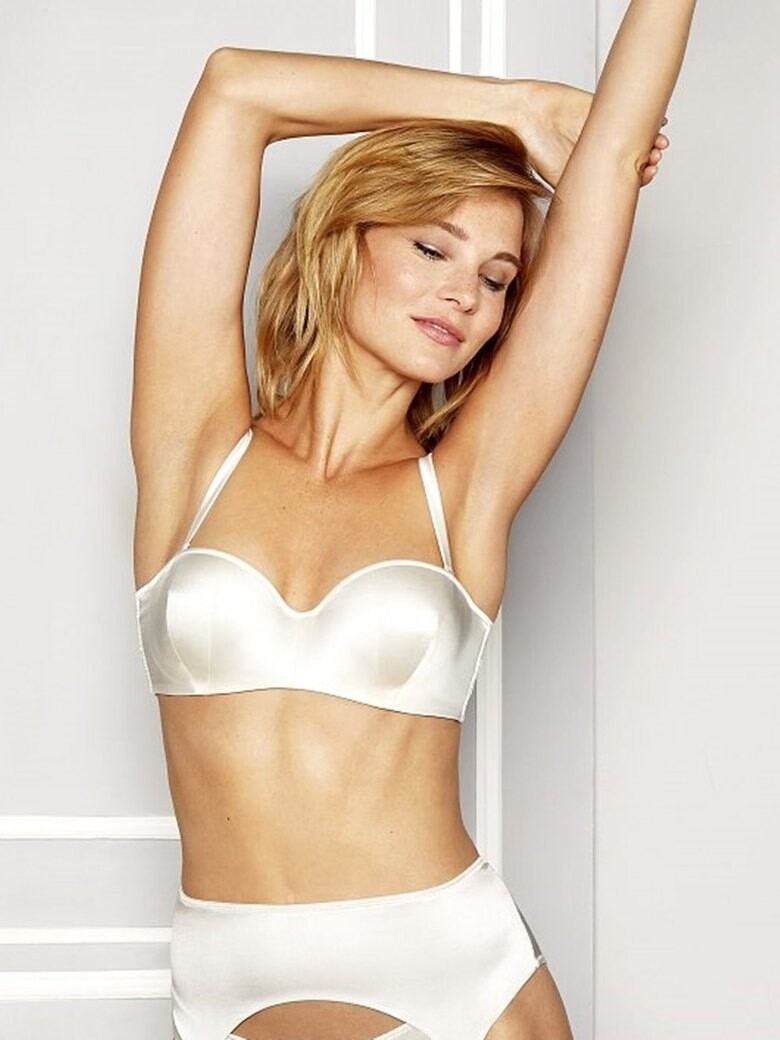
 model book AL Models Estonia (2023)

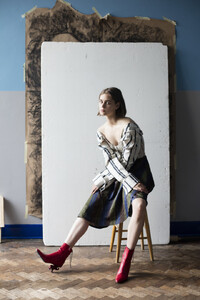
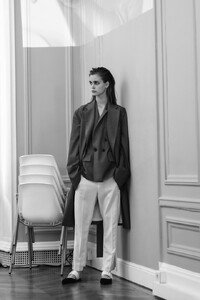
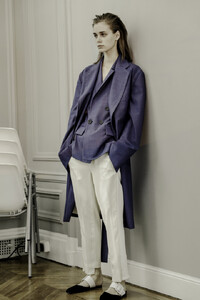




 some more of these:
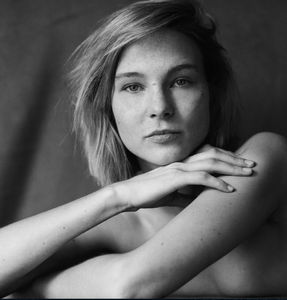



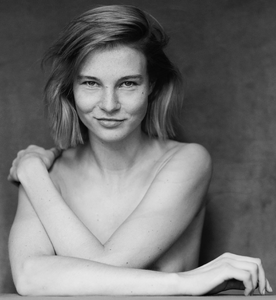


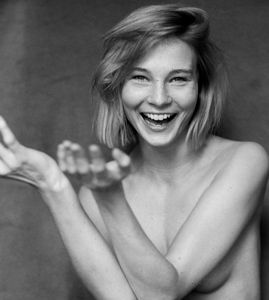 da.do.di.du_275891567_1095475251036494_3897224476311318461_n.mp4
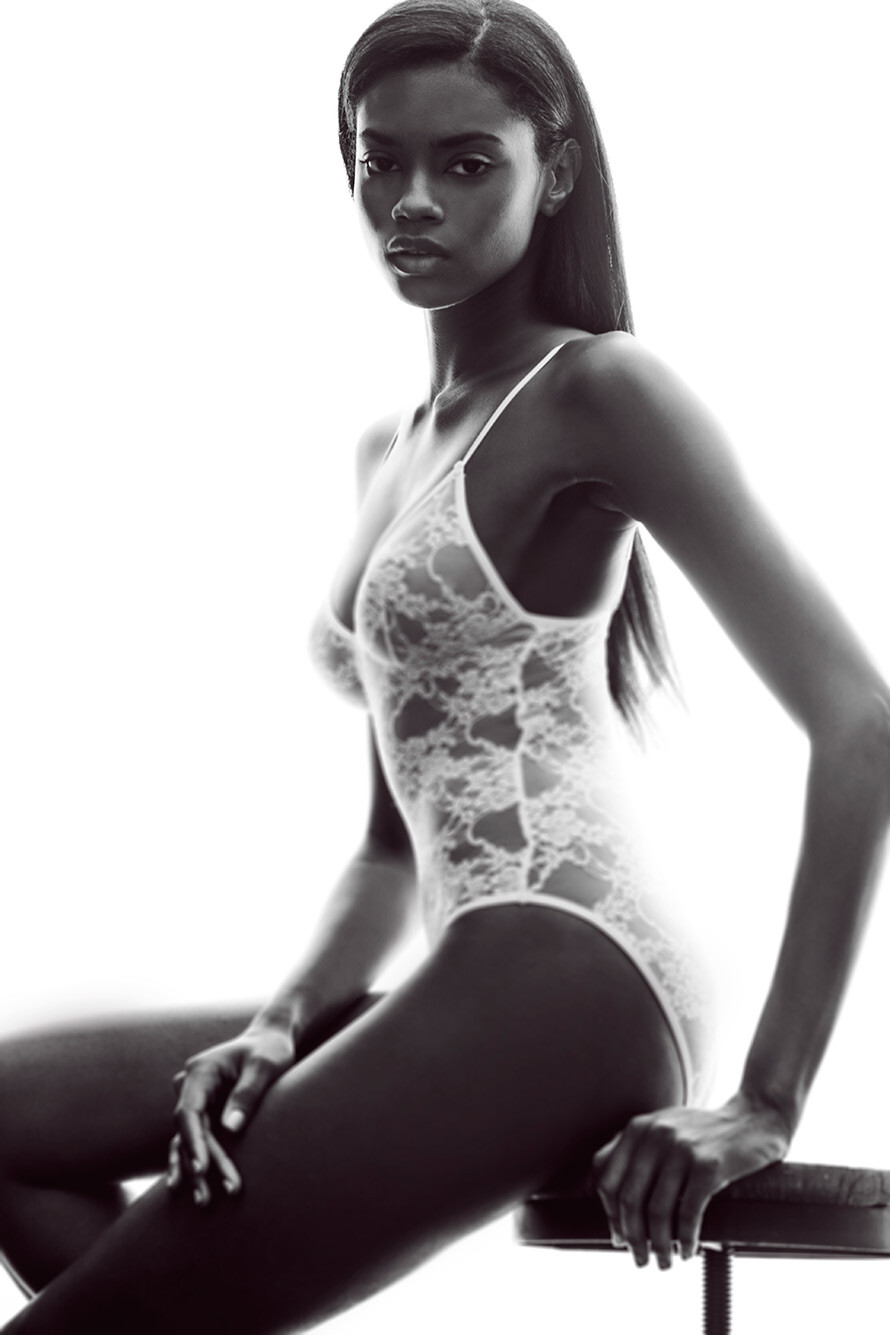
Nick Kelly - In the face of others (2015)
da.do.di.du_275891567_1095475251036494_3897224476311318461_n.mp4
Nick Kelly - In the face of others (2015)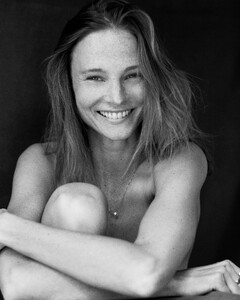
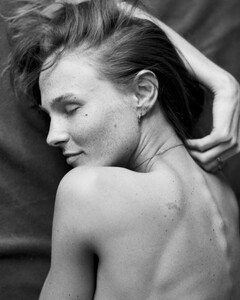
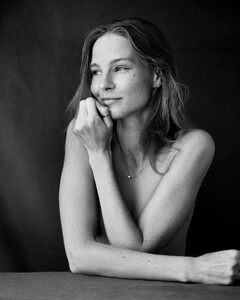
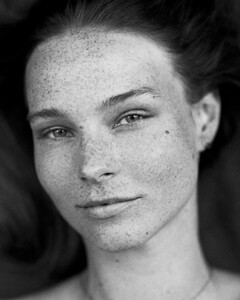
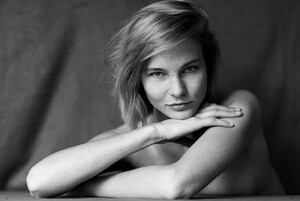
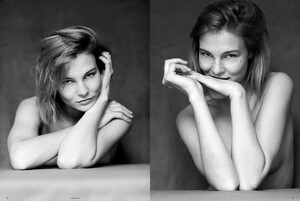


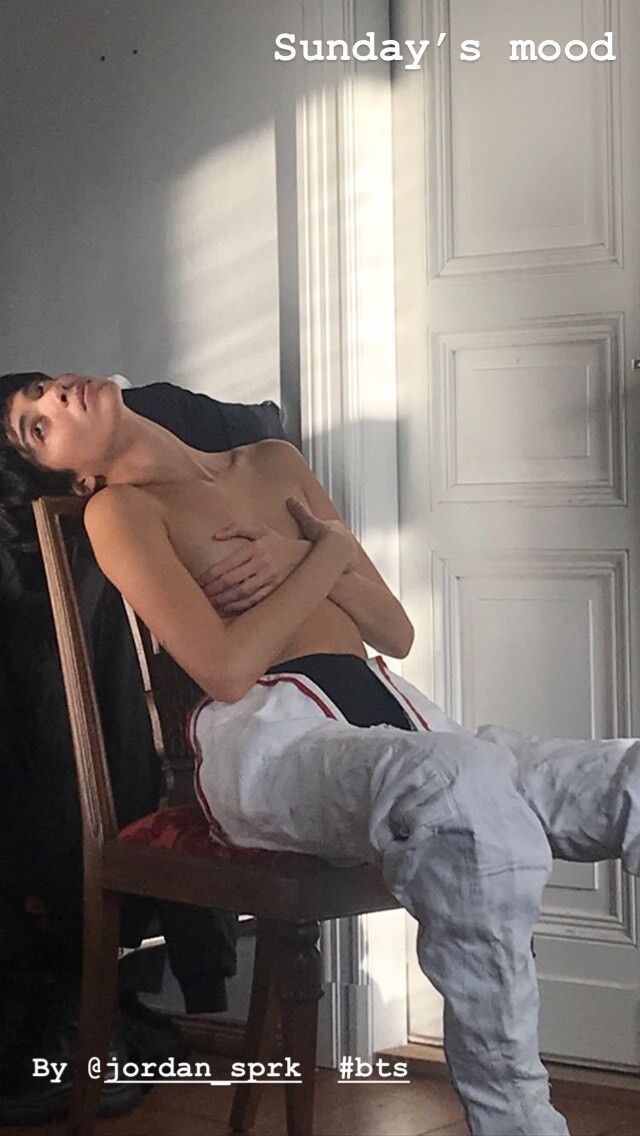
 BTS video 732570.mp4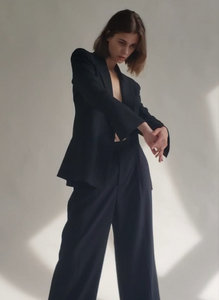
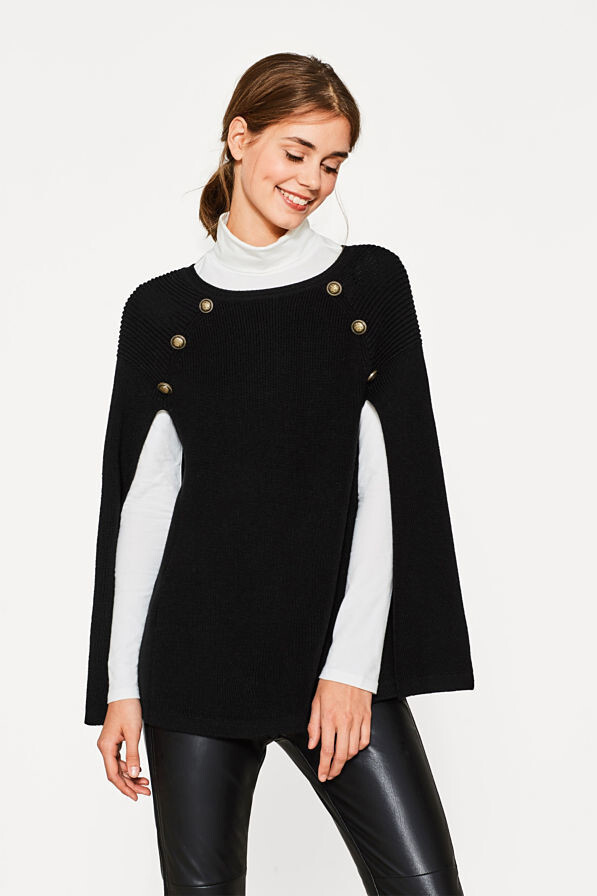
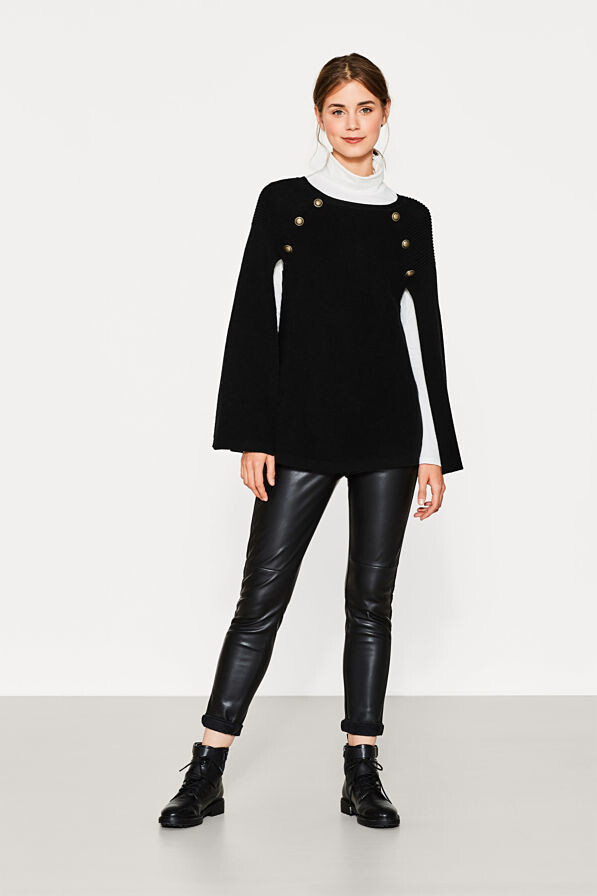
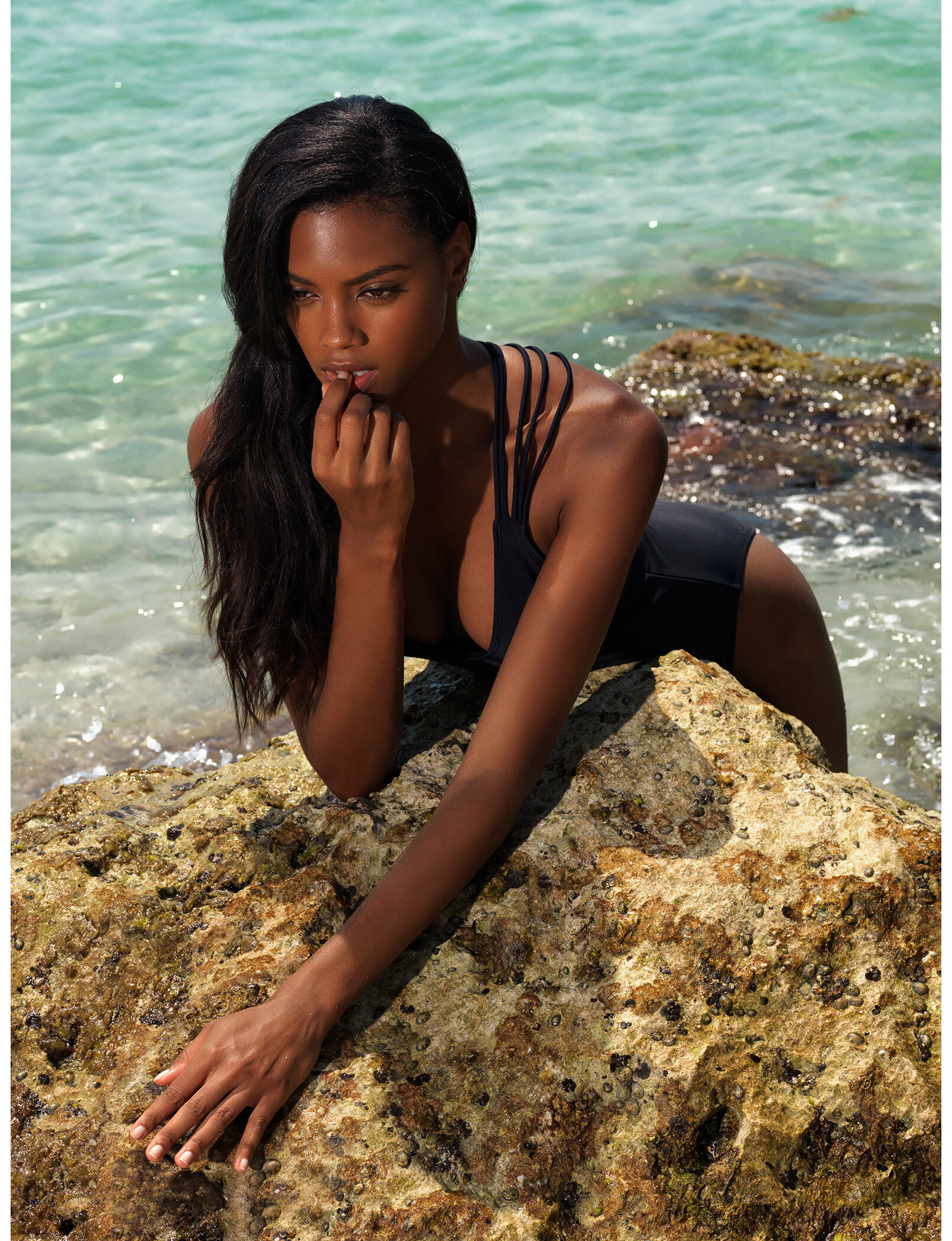
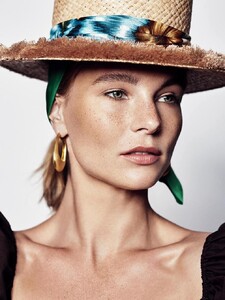
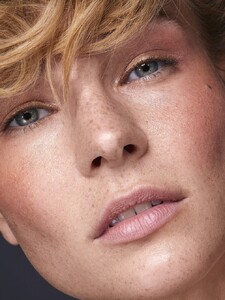
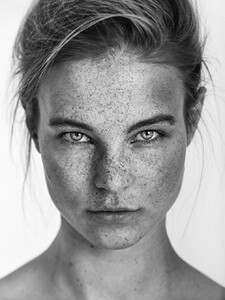
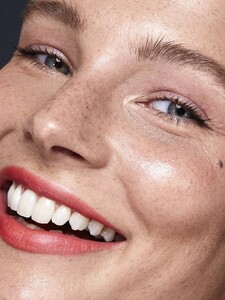
 portfolio No Toya agency Germany (2023)











Account
Navigation
Search
Configure browser push notifications
Chrome (Android)
- Tap the lock icon next to the address bar.
- Tap Permissions → Notifications.
- Adjust your preference.
Chrome (Desktop)
- Click the padlock icon in the address bar.
- Select Site settings.
- Find Notifications and adjust your preference.
Safari (iOS 16.4+)
- Ensure the site is installed via Add to Home Screen.
- Open Settings App → Notifications.
- Find your app name and adjust your preference.
Safari (macOS)
- Go to Safari → Preferences.
- Click the Websites tab.
- Select Notifications in the sidebar.
- Find this website and adjust your preference.
Edge (Android)
- Tap the lock icon next to the address bar.
- Tap Permissions.
- Find Notifications and adjust your preference.
Edge (Desktop)
- Click the padlock icon in the address bar.
- Click Permissions for this site.
- Find Notifications and adjust your preference.
Firefox (Android)
- Go to Settings → Site permissions.
- Tap Notifications.
- Find this site in the list and adjust your preference.
Firefox (Desktop)
- Open Firefox Settings.
- Search for Notifications.
- Find this site in the list and adjust your preference.