
Mariana99
Members
-
Joined
-
Last visited
Everything posted by Mariana99
-
-
Valentino HC Show Spring 2026 emese.nyiro_3825224021209933206's2026-3-26-17.23.454 story.mp4 emese.nyiro_3825224053556440171's2026-3-26-17.23.170 story.mp4 emese.nyiro_3825224129003567512's2026-3-26-17.23.455 story.mp4 emese.nyiro_3825224021209933206's2026-3-26-17.23.454 story.mp4 emese.nyiro_3825224053556440171's2026-3-26-17.23.170 story.mp4

-
model book (2010)









.thumb.webp.3b7fd65c0ddaf243912e7e91c0657cb3.webp)
.thumb.webp.8f343ec8235595742b1d7020e897a17f.webp)

-
sunny days








-
-
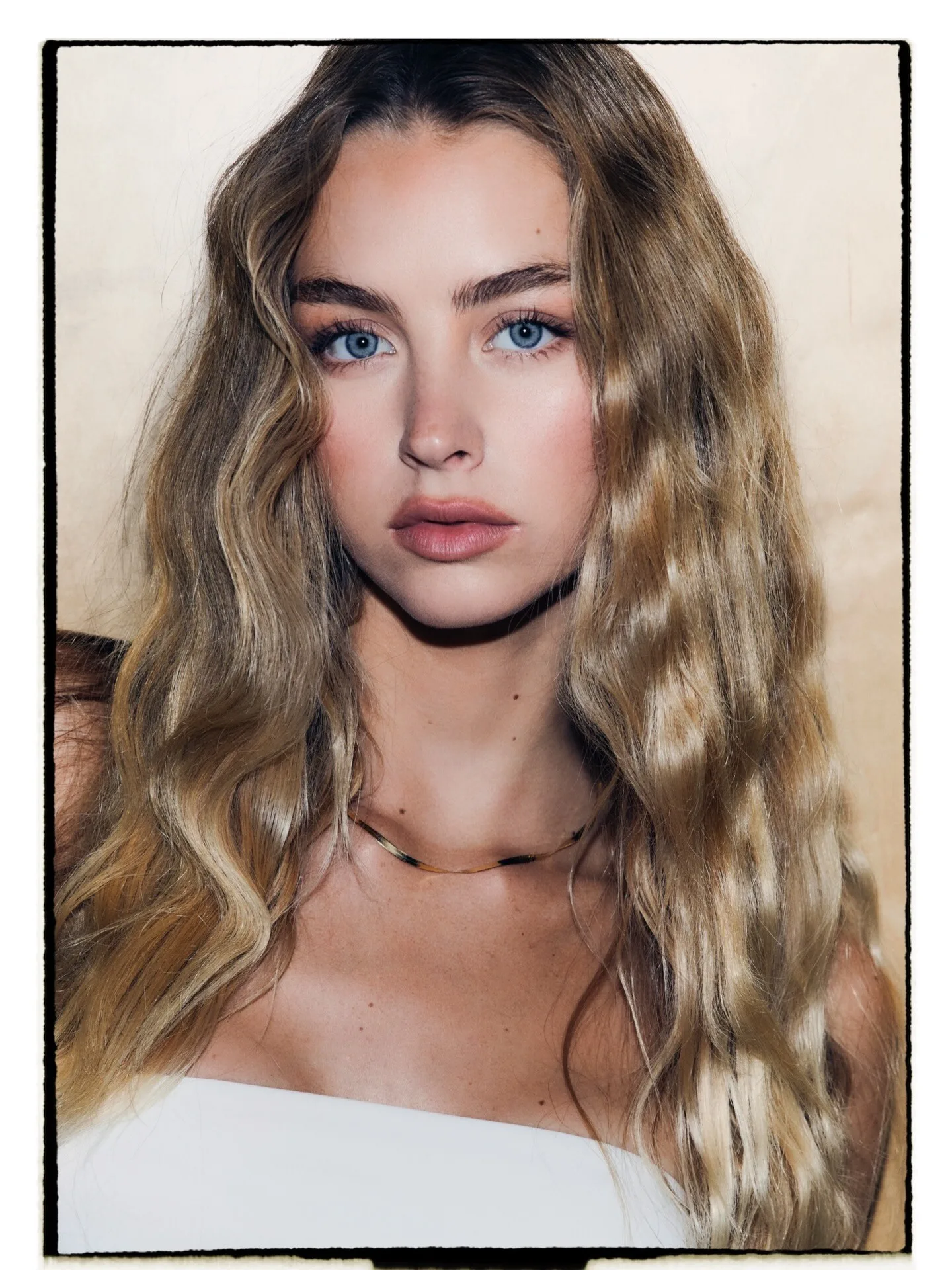
Polaroids Timothy Fernandez (2025)



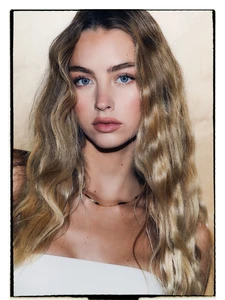
-
-
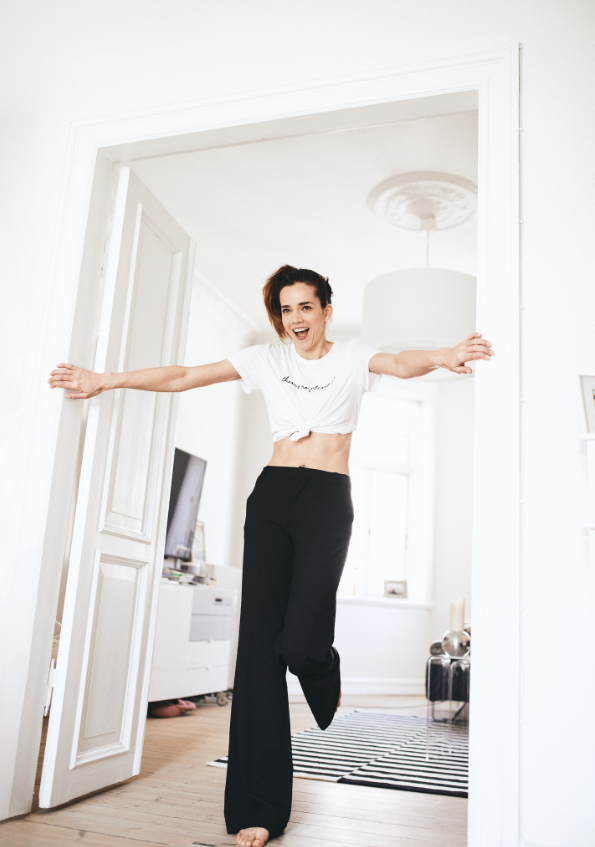
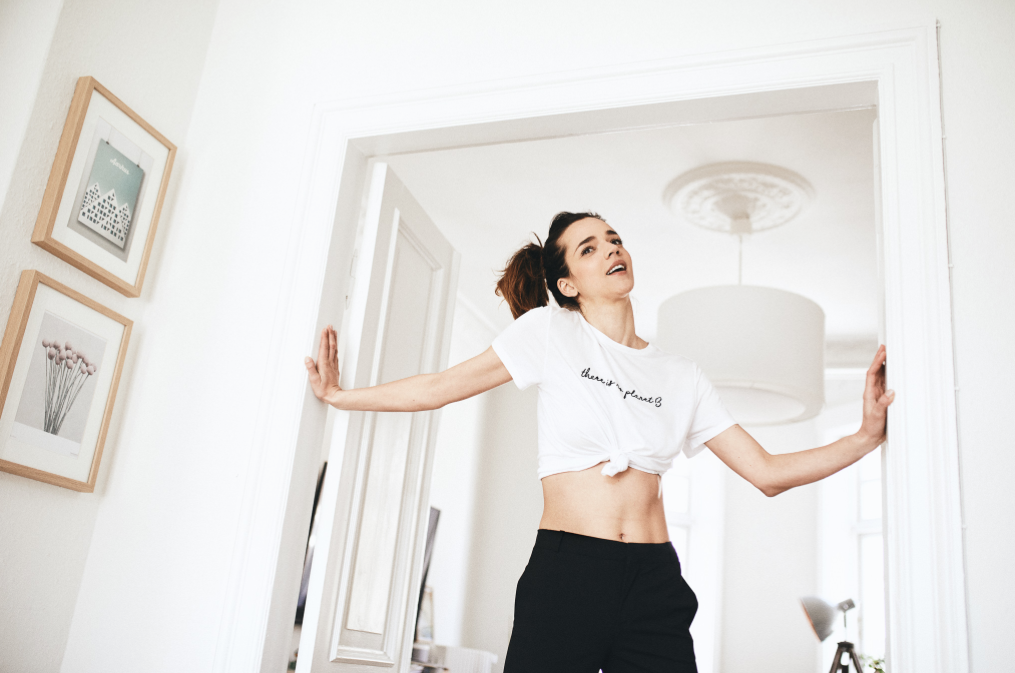
modelbook Modelwerk (2015)























.webp.ed22d9d13089433ae24acd59c9402614.webp)
.webp.60d9ef0c4ed1dc8cb72755905cd17417.webp)










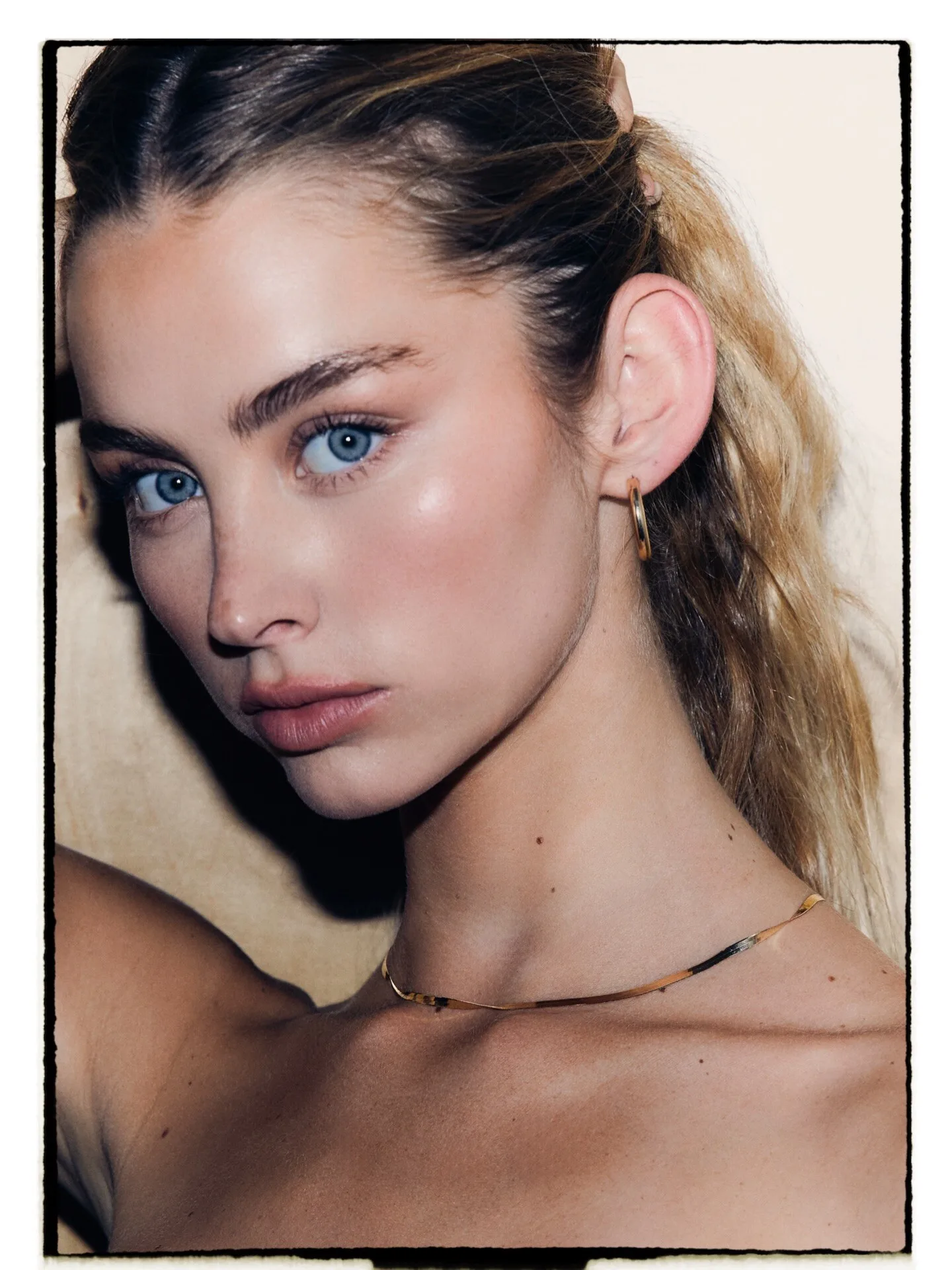
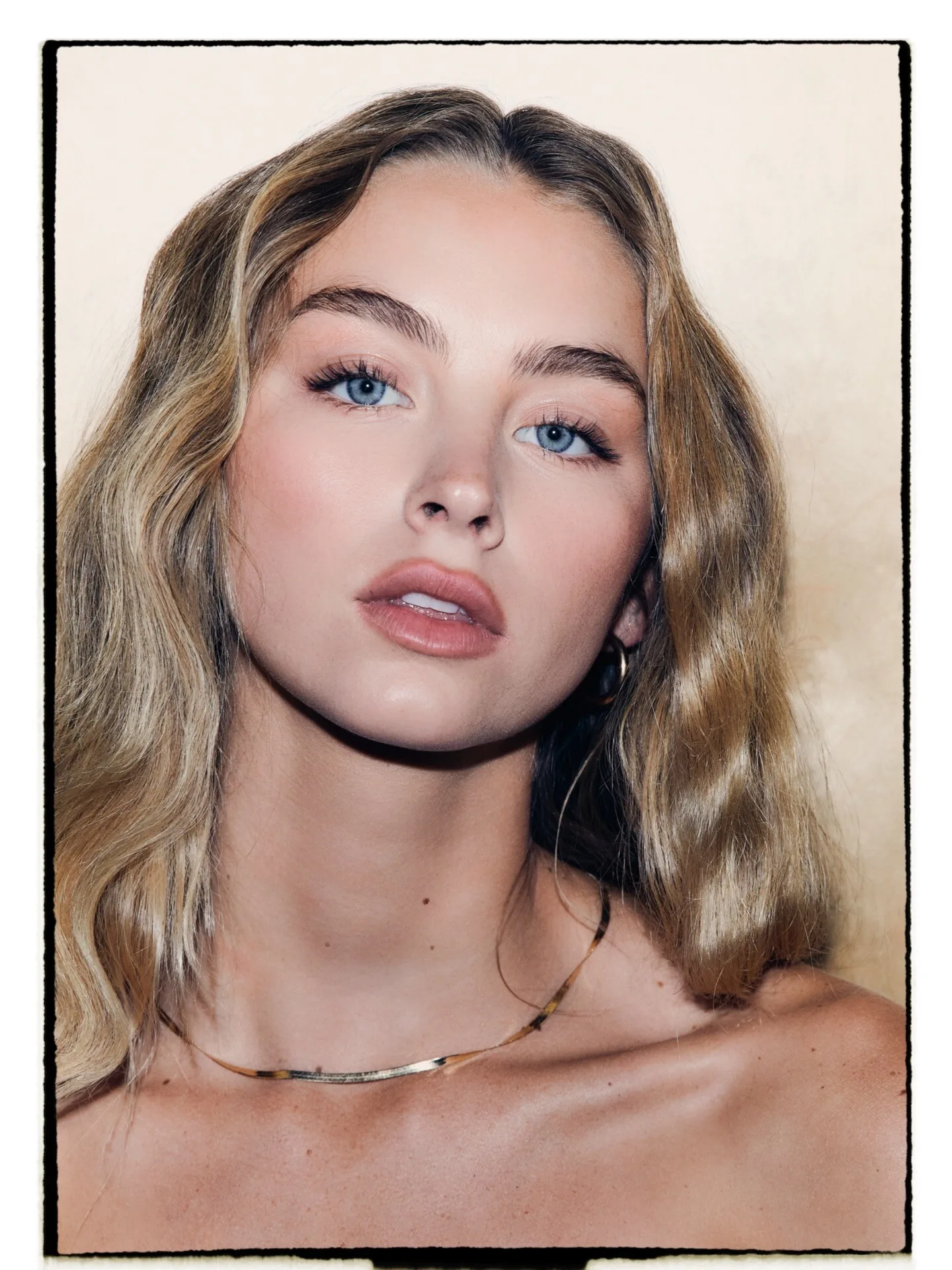
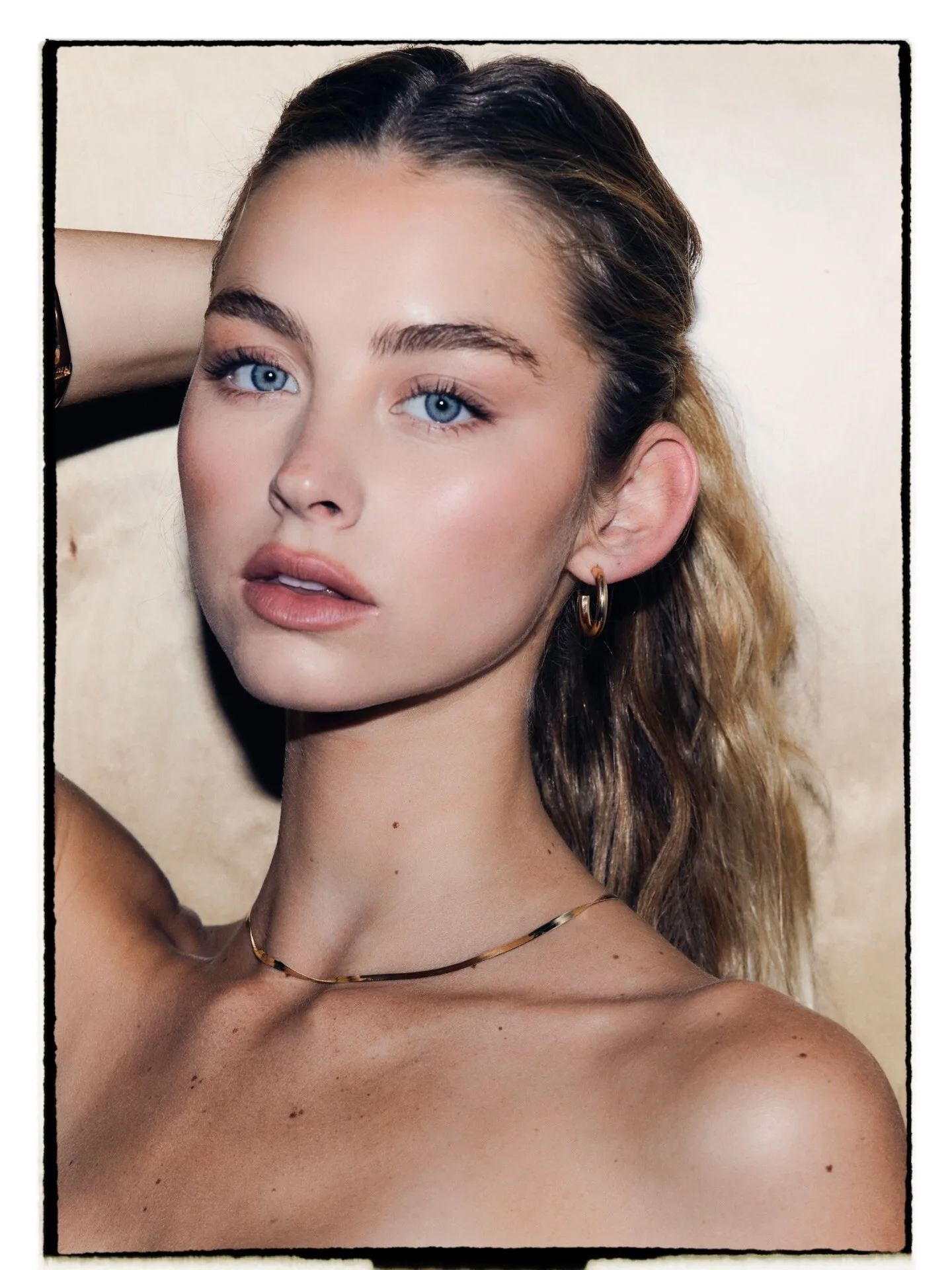





































































































Account
Navigation
Search
Configure browser push notifications
Chrome (Android)
- Tap the lock icon next to the address bar.
- Tap Permissions → Notifications.
- Adjust your preference.
Chrome (Desktop)
- Click the padlock icon in the address bar.
- Select Site settings.
- Find Notifications and adjust your preference.
Safari (iOS 16.4+)
- Ensure the site is installed via Add to Home Screen.
- Open Settings App → Notifications.
- Find your app name and adjust your preference.
Safari (macOS)
- Go to Safari → Preferences.
- Click the Websites tab.
- Select Notifications in the sidebar.
- Find this website and adjust your preference.
Edge (Android)
- Tap the lock icon next to the address bar.
- Tap Permissions.
- Find Notifications and adjust your preference.
Edge (Desktop)
- Click the padlock icon in the address bar.
- Click Permissions for this site.
- Find Notifications and adjust your preference.
Firefox (Android)
- Go to Settings → Site permissions.
- Tap Notifications.
- Find this site in the list and adjust your preference.
Firefox (Desktop)
- Open Firefox Settings.
- Search for Notifications.
- Find this site in the list and adjust your preference.