
Mariana99
Members
-
Joined
-
Last visited
Everything posted by Mariana99
-
Van Laack (A/W 2013 )









 Ina Seyer - BTS



 Ina Seyer (2013)


.thumb.jpg.05deea5ea42f74d772403de942ac5be8.jpg)
.thumb.jpg.96ceec18eee7f288cefff774ffbc1b9e.jpg)
.thumb.jpg.adae354ce31e0b66f8bee5ebc9399613.jpg)
.thumb.jpg.1ab0c4449faee256acd015d593187cd3.jpg)
.thumb.jpg.0ca48e3f8a74d31276875a666bc56065.jpg)
.thumb.jpg.4d780aa71d2474525717e7c5c75a84ef.jpg)















































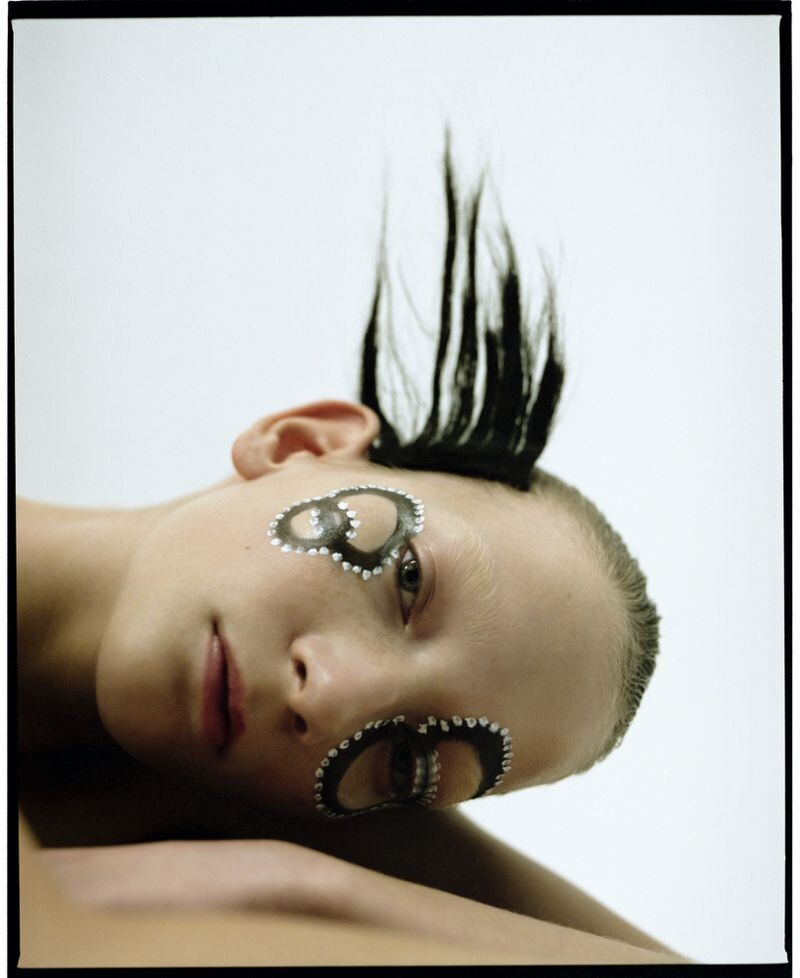
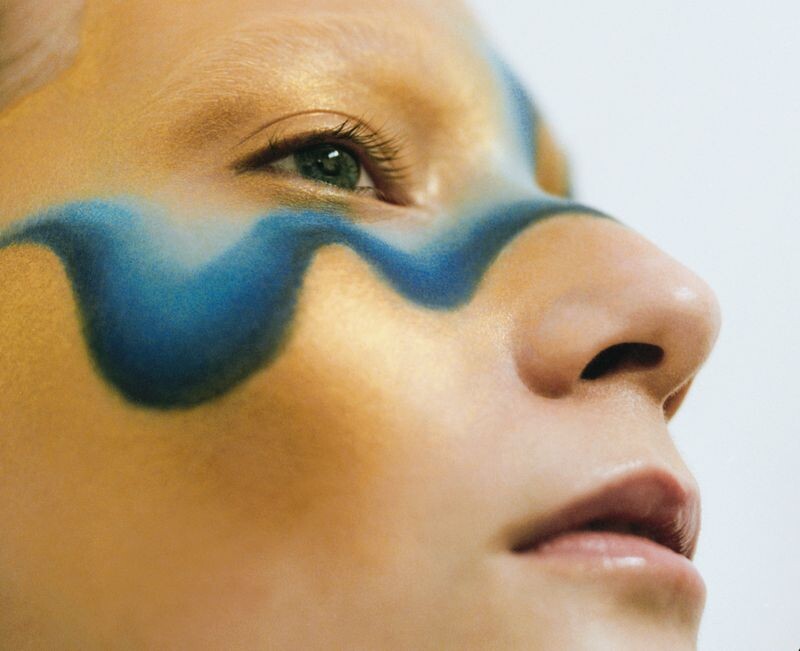




































.jpg.f56a790f4a7c24fa9481a899172585dc.jpg)
.jpg.2fcb14030aea7d68c99a8229854617ef.jpg)
.jpg.33c29e864baa38b8d9257254a55305be.jpg)
.jpg.f3831510ed9bd9968e8c0cf64f1b4526.jpg)
.jpg.69069f654c61eeea799be86d394faf11.jpg)
.jpg.38a9029eec378b76200d70b03a36e8db.jpg)













































Account
Navigation
Search
Configure browser push notifications
Chrome (Android)
- Tap the lock icon next to the address bar.
- Tap Permissions → Notifications.
- Adjust your preference.
Chrome (Desktop)
- Click the padlock icon in the address bar.
- Select Site settings.
- Find Notifications and adjust your preference.
Safari (iOS 16.4+)
- Ensure the site is installed via Add to Home Screen.
- Open Settings App → Notifications.
- Find your app name and adjust your preference.
Safari (macOS)
- Go to Safari → Preferences.
- Click the Websites tab.
- Select Notifications in the sidebar.
- Find this website and adjust your preference.
Edge (Android)
- Tap the lock icon next to the address bar.
- Tap Permissions.
- Find Notifications and adjust your preference.
Edge (Desktop)
- Click the padlock icon in the address bar.
- Click Permissions for this site.
- Find Notifications and adjust your preference.
Firefox (Android)
- Go to Settings → Site permissions.
- Tap Notifications.
- Find this site in the list and adjust your preference.
Firefox (Desktop)
- Open Firefox Settings.
- Search for Notifications.
- Find this site in the list and adjust your preference.