magic
Members
-
Joined
-
Last visited
Everything posted by magic
-
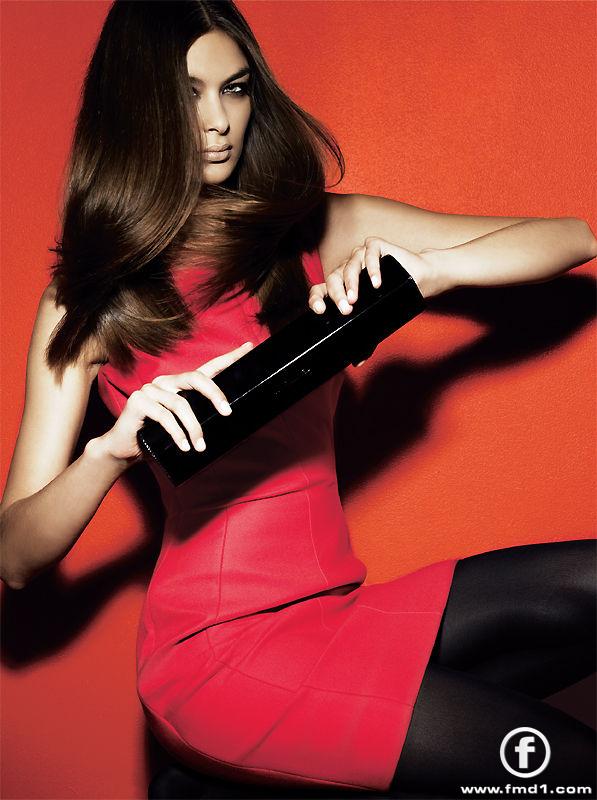
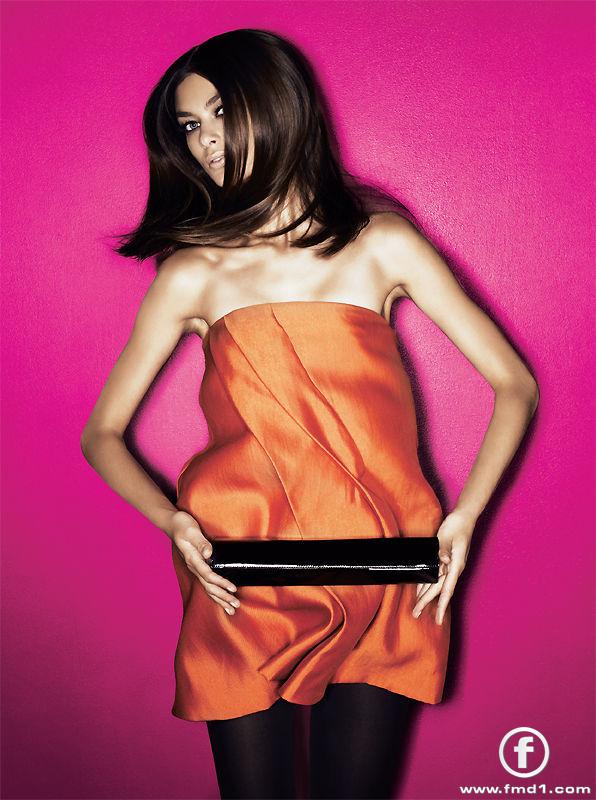
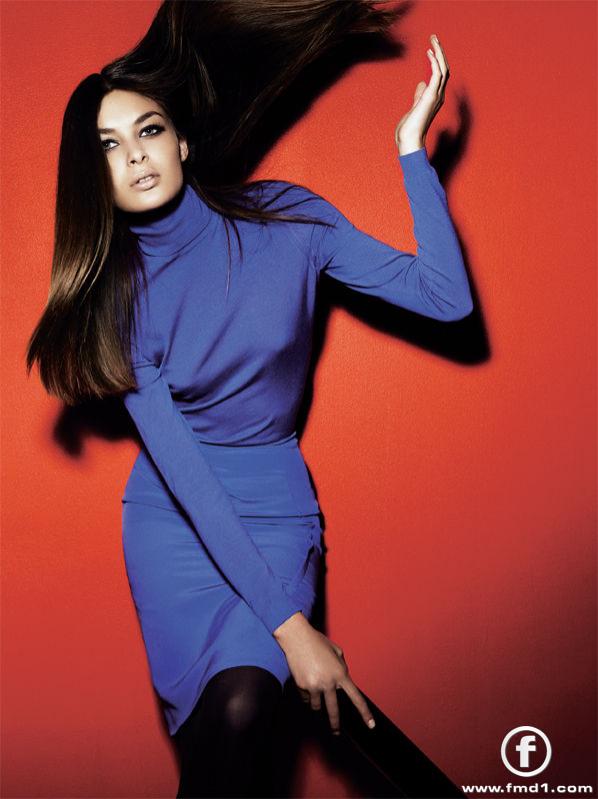
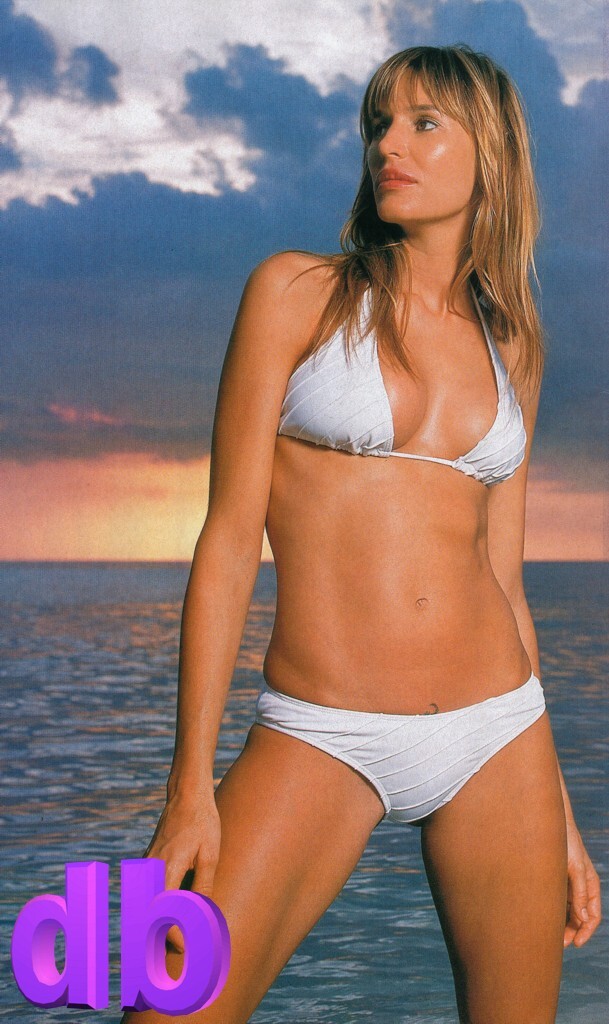
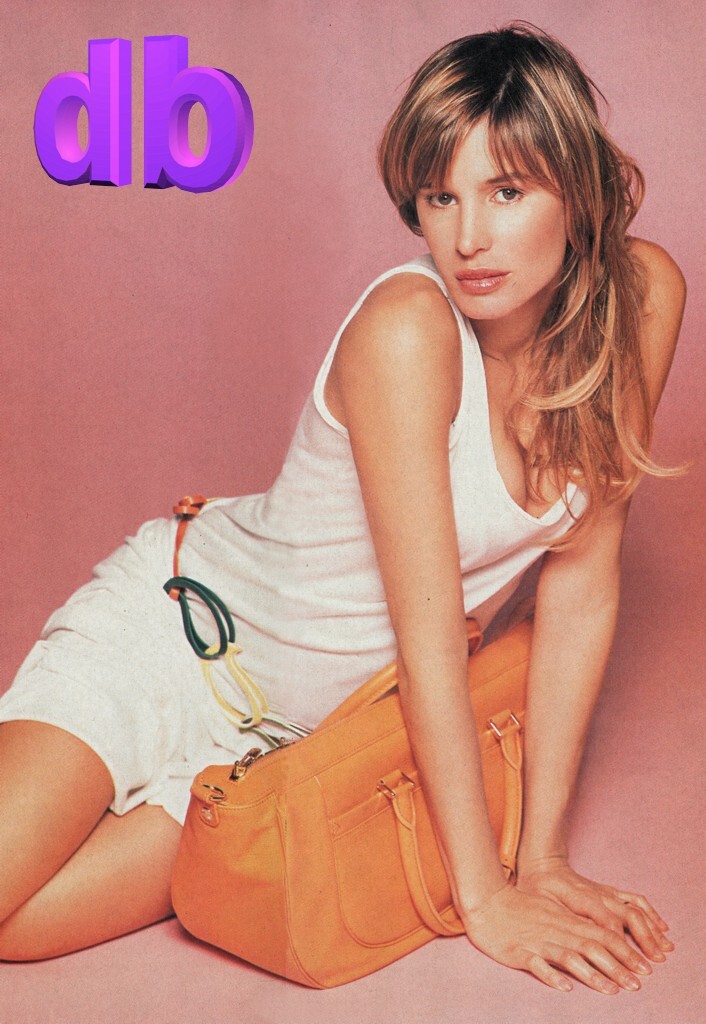
 NATALIA BOGDANOVA Nationality: Russian Ethnicity: Russian Hair Color: Dark brown Eye Color: Green Place of Birth: Omsk, Siberia, Russia Height: 5'11" ; 180cm Measurements: (US) 33-24.5-36 ; (EU) 84-62-91


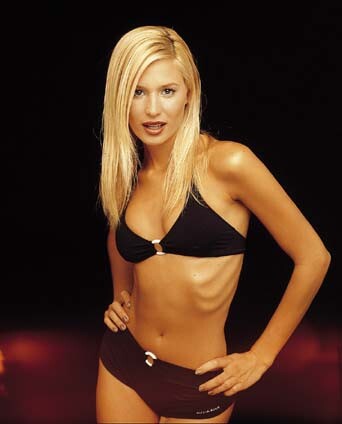
 LAVINIA BIRLADEANU Hair Color: Blonde Eye Color: Blue / green Date of Birth: December 26, 1979 Place of Birth: Romania Height: 5'10.5" ; 179cm Measurements: (US) 32.5-23.5-35.5 ; (EU) 82.5-59.5-90 Dress Size: (US) 6 ; (EU) 36 Nationality: Romanian



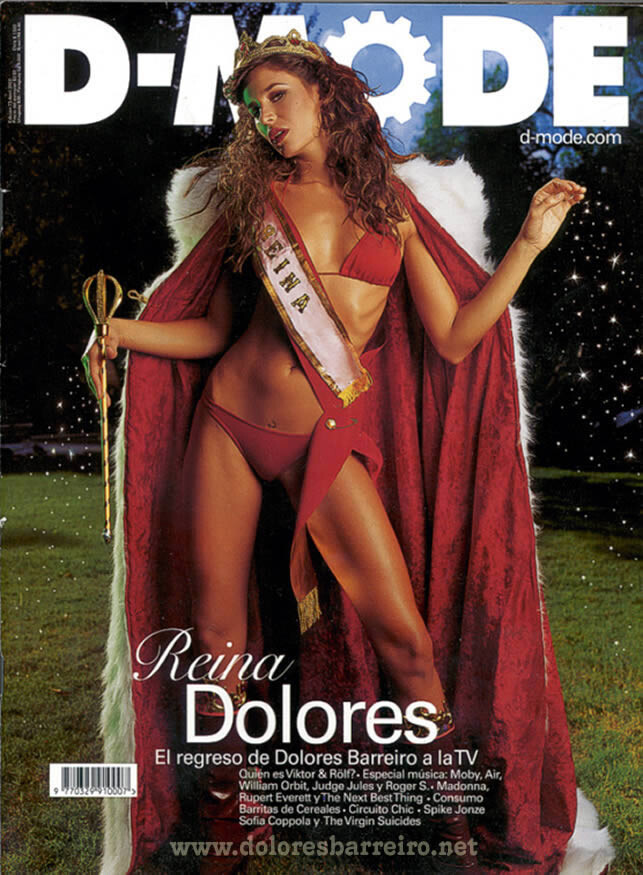
 DOLORES BARREIRO Hair Color: Brown Eye Color: Brown Date of Birth: 22 July 1975 Height: 5'10" ; 178cm Measurements: (US) 35.5-23.5-35.5 ; (EU) 90-59.5-90 Dress Size: (US) 6 ; (EU) 36








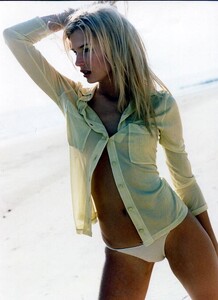




 KARIN SABY Nationality: Swedish Hair Color: Blonde Eye Color: Blue/green Place of Birth: Vaxholm, Sweden Height: 5'9.5''; 1,77cm Shoe Size: (US) 9; (EU) 40
ENRICA RIZZI Nationality: Italian Ethnicity: Italian Hair Color: Brown Eye Color: Brown Date of Birth: August 13, 1988 Place of Birth: Bari, Italy Height: 5'10" ; 178cm Measurements: (US) 33-23-34.5 ; (EU) 83-58-88 Dress Size: (US) 4 ; (EU) 34 Shoe Size: (US) 10 ; (EU) 41
KARIN SABY Nationality: Swedish Hair Color: Blonde Eye Color: Blue/green Place of Birth: Vaxholm, Sweden Height: 5'9.5''; 1,77cm Shoe Size: (US) 9; (EU) 40
ENRICA RIZZI Nationality: Italian Ethnicity: Italian Hair Color: Brown Eye Color: Brown Date of Birth: August 13, 1988 Place of Birth: Bari, Italy Height: 5'10" ; 178cm Measurements: (US) 33-23-34.5 ; (EU) 83-58-88 Dress Size: (US) 4 ; (EU) 34 Shoe Size: (US) 10 ; (EU) 41Account
Navigation
Search
Configure browser push notifications
Chrome (Android)
- Tap the lock icon next to the address bar.
- Tap Permissions → Notifications.
- Adjust your preference.
Chrome (Desktop)
- Click the padlock icon in the address bar.
- Select Site settings.
- Find Notifications and adjust your preference.
Safari (iOS 16.4+)
- Ensure the site is installed via Add to Home Screen.
- Open Settings App → Notifications.
- Find your app name and adjust your preference.
Safari (macOS)
- Go to Safari → Preferences.
- Click the Websites tab.
- Select Notifications in the sidebar.
- Find this website and adjust your preference.
Edge (Android)
- Tap the lock icon next to the address bar.
- Tap Permissions.
- Find Notifications and adjust your preference.
Edge (Desktop)
- Click the padlock icon in the address bar.
- Click Permissions for this site.
- Find Notifications and adjust your preference.
Firefox (Android)
- Go to Settings → Site permissions.
- Tap Notifications.
- Find this site in the list and adjust your preference.
Firefox (Desktop)
- Open Firefox Settings.
- Search for Notifications.
- Find this site in the list and adjust your preference.