Jump to content
View in the app

A better way to browse. Learn more.

Bellazon

A full-screen app on your home screen with push notifications, badges and more.

To install this app on iOS and iPadOS
  1. Tap the Share icon in Safari
  2. Scroll the menu and tap Add to Home Screen.
  3. Tap Add in the top-right corner.
To install this app on Android
  1. Tap the 3-dot menu (⋮) in the top-right corner of the browser.
  2. Tap Add to Home screen or Install app.
  3. Confirm by tapping Install.

danny-19

Members
  • Joined

Everything posted by danny-19

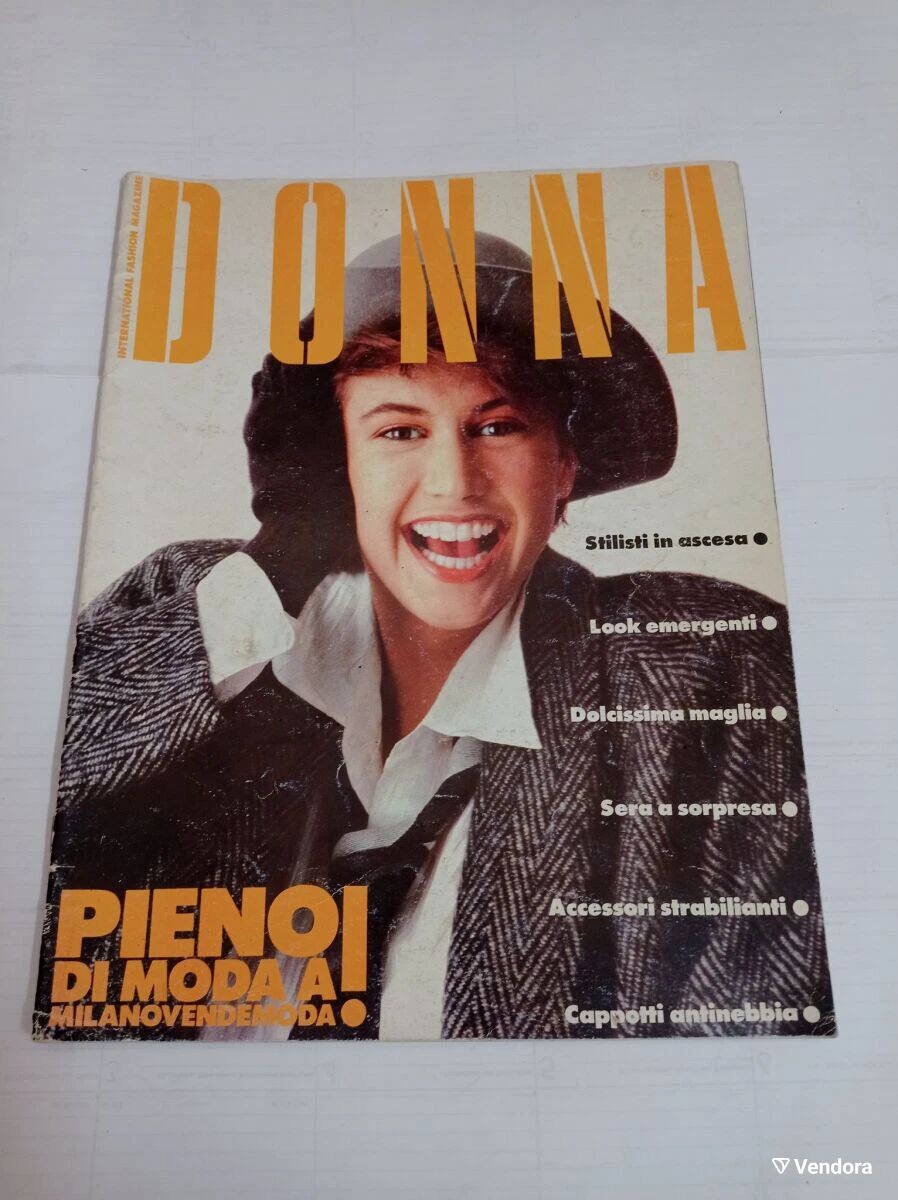
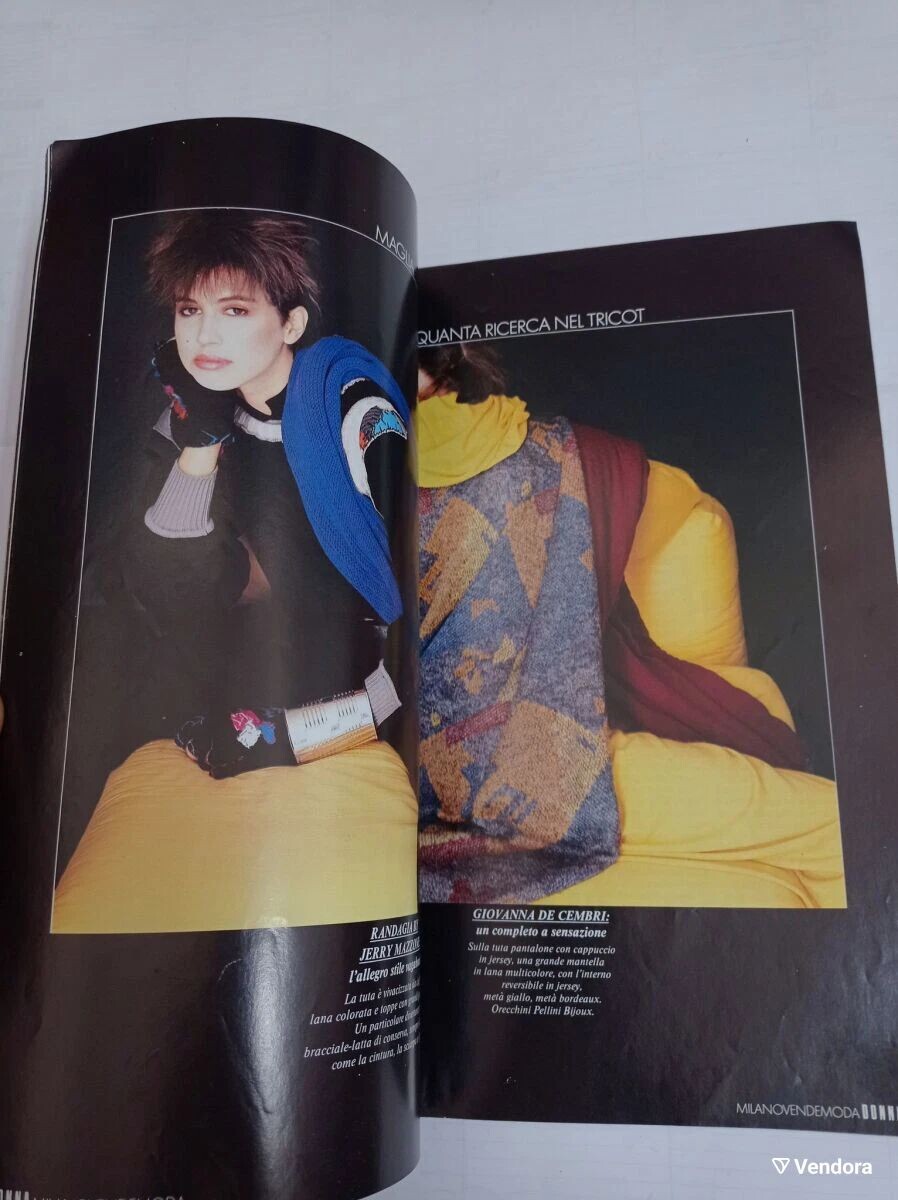
  1. Donna March 1990: ebay
  2. Claude on the cover of Donna March 1990: ebay
  3. By Giovanni Gastel for Donna, 1987: giovanni_gastel @ IG
  4. More from this shoot: giovanni_gastel @ IG
  5. Christian Dior F/W 1995 by Giovanni Gastel: giovanni_gastel @ IG
  6. Amazing, thank you for posting these Naomi by Giovanni Gastel for Vogue Spain, 1990: giovanni_gastel @ IG
  7. Trussardi F/W 1990 by Giovanni Gastel With Kirsten Owen, Steven Lyon, Nick Constantino uomoclassico
  8. More Trussardi F/W 1990 by Giovanni Gastel With Suzanne Lanza, Steven Lyon, Nick Constantino uomoclassico
  9. Kirsten by Giovanni Gastel For Trussardi F/W 1990: Trussardi 1991 (b&w) and some portraits: giovanni_gastel @ IG
  10. @RocketQueen @missparker7 thank you for these treasures!!! Such vibrant and youthful editorials! I adore early Kirsten.
  11. By Giovanni Gastel for Amica, 1993: giovanni_gastel @ IG
  12. For Io Donna May 1996 by Giovanni Gastel: giovanni_gastel @ IG
  13. Thank you for your beautiful scans!
  14. For Elle Italy October 1995 by Giovanni Gastel: giovanni_gastel @ IG
  15. For Elle Italy by Giovanni Gastel, 1996: giovanni_gastel @ IG
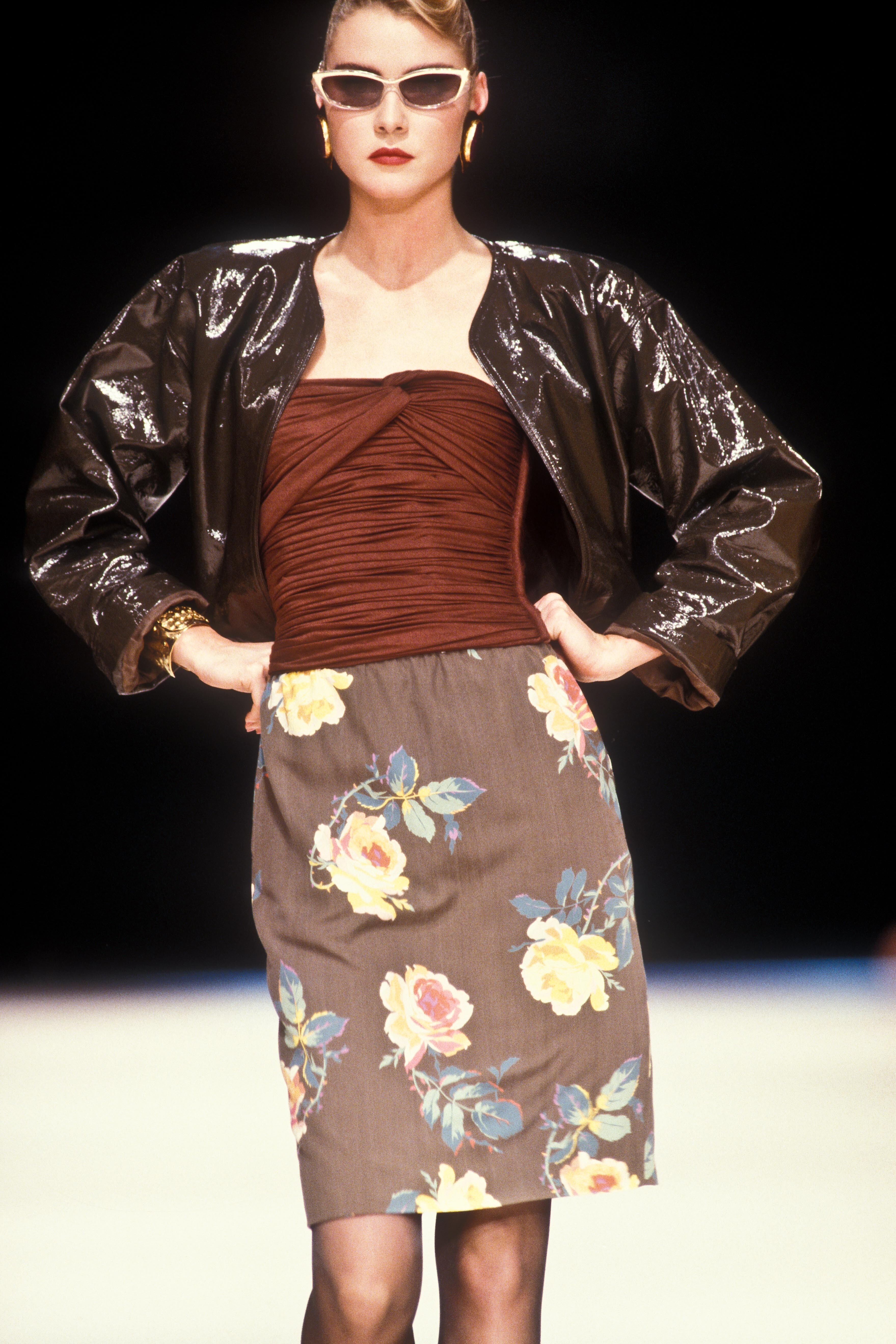
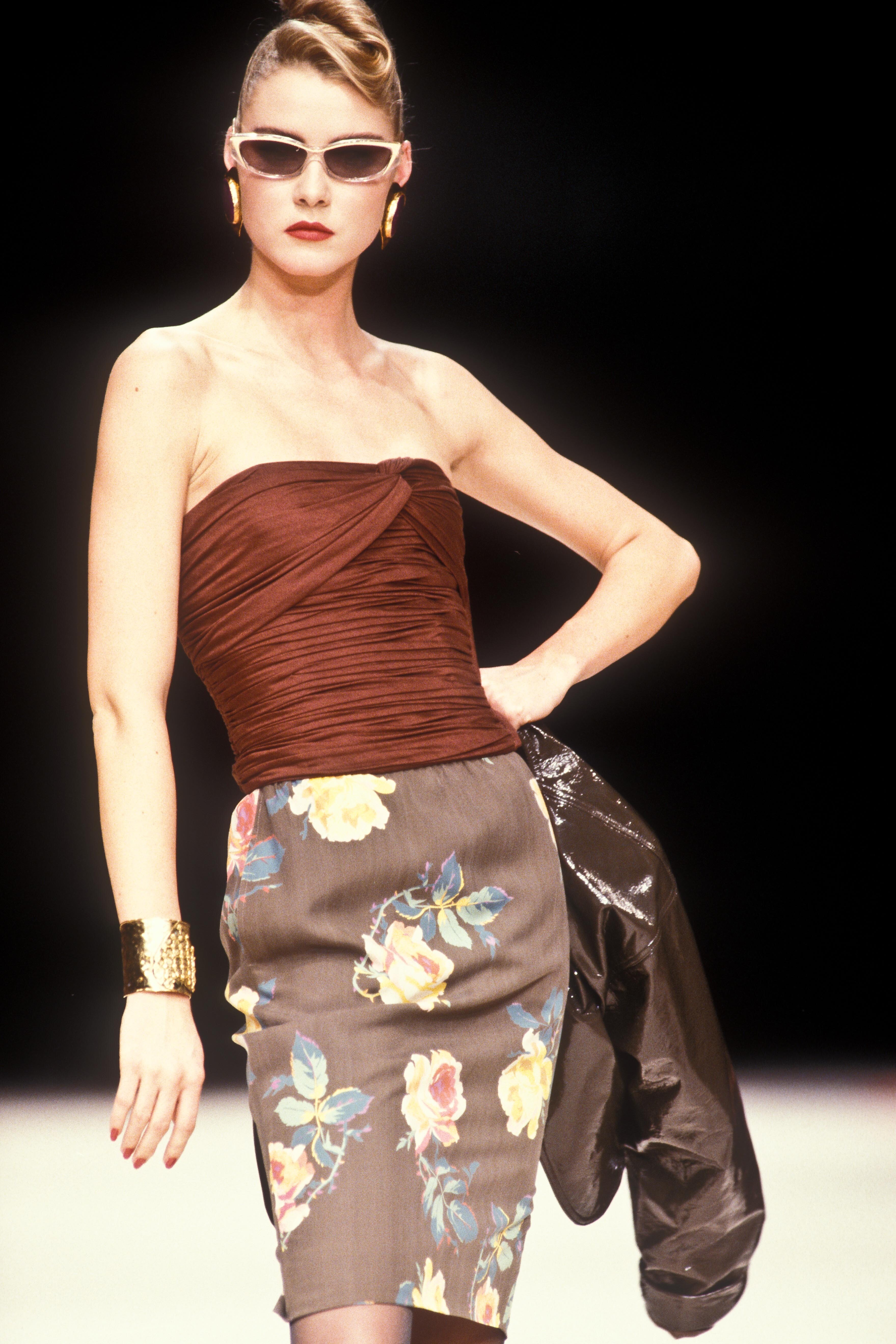
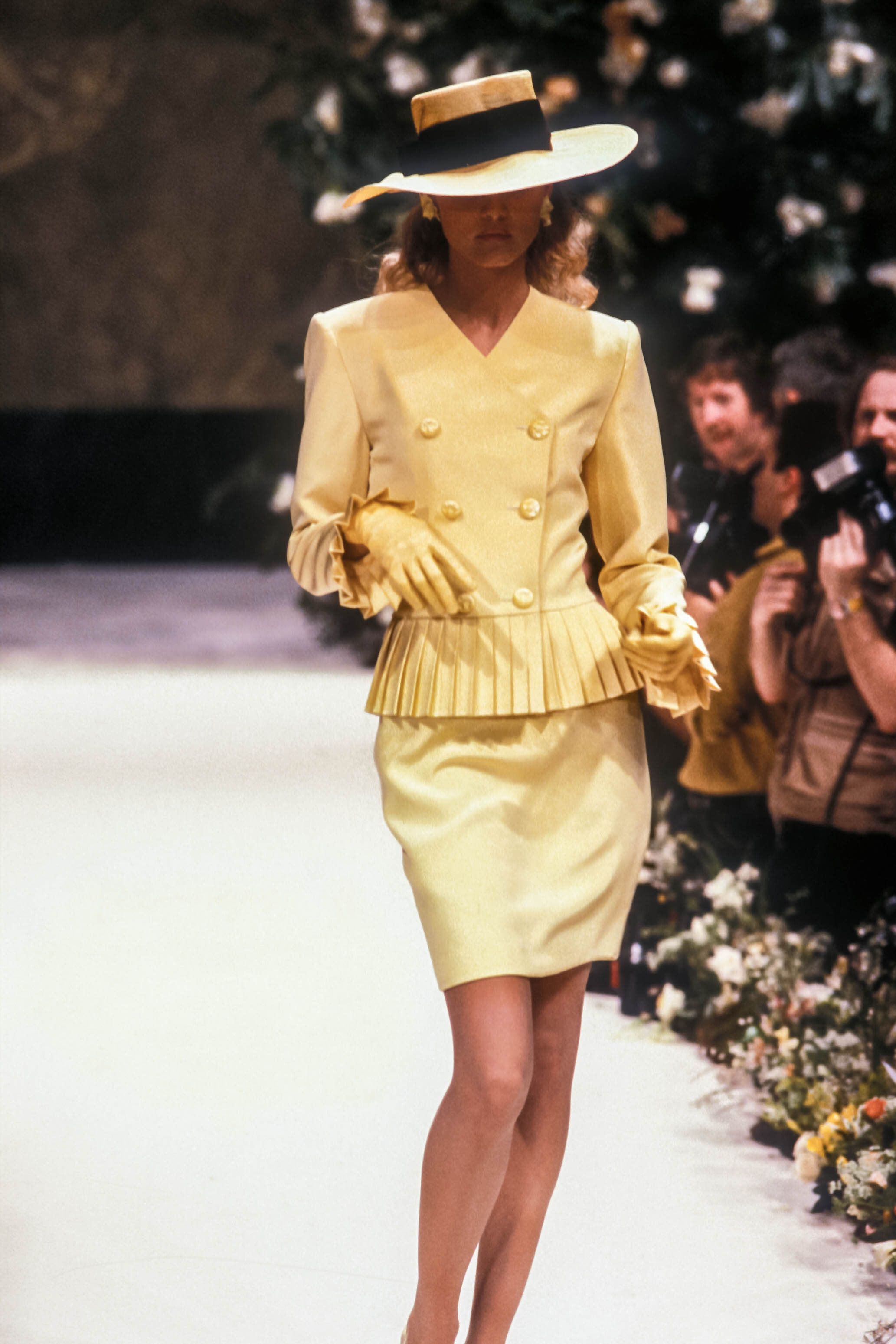
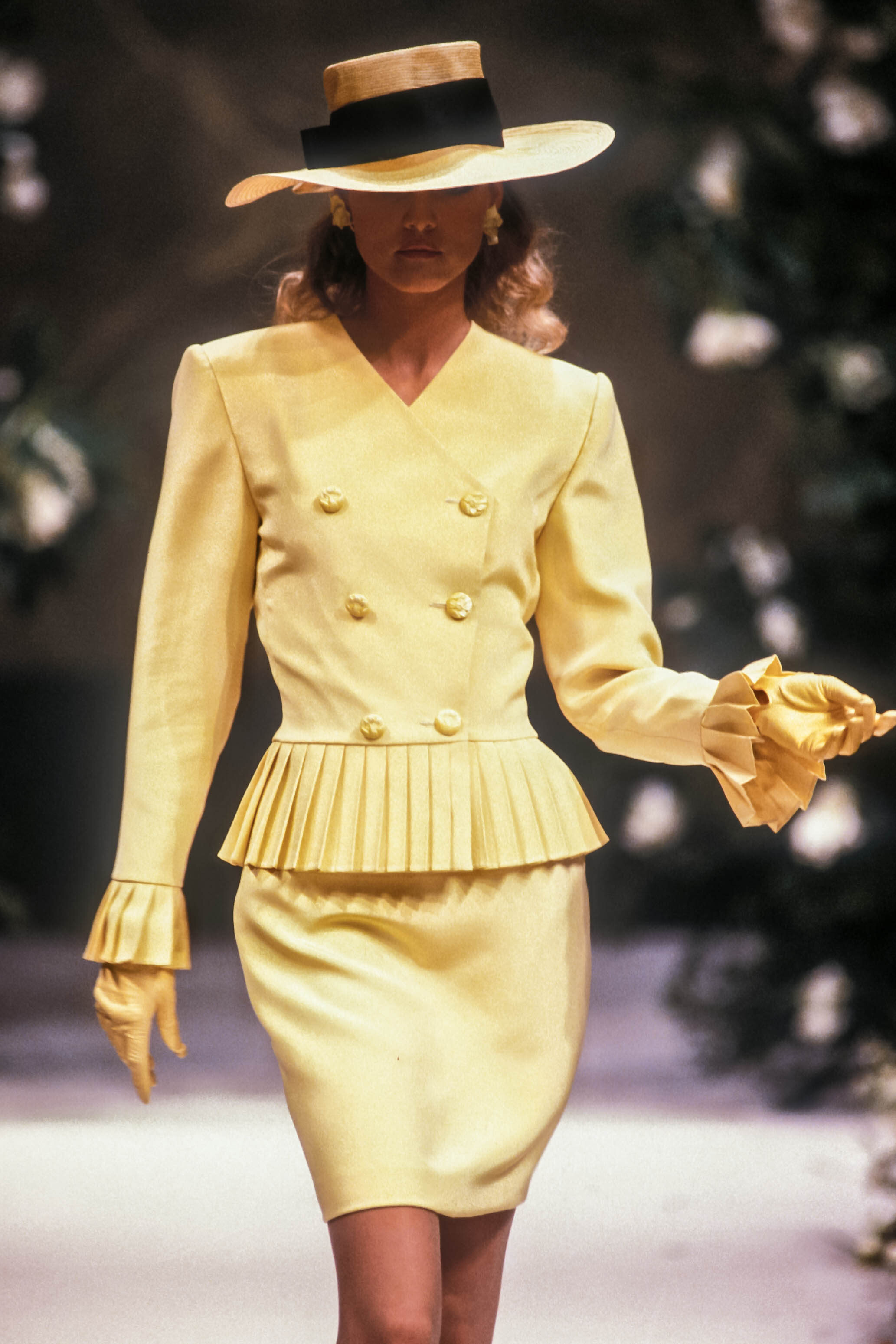
  16. Thank you so much for all the beauty @ser_franklin ❤️ Azzedine Alaia S/S 1990 (+ Gail Elliott):
  17. Azzedine Alaia S/S 1990:
  18. Azzedine Alaia S/S 1990:
  19. Azzedine Alaia S/S 1990 (some of these are HQs, some are small ):
  20. Azzedine Alaia S/S 1990:
  21. Azzedine Alaia S/S 1990:
  22. Azzedine Alaia S/S 1990:

Configure browser push notifications

Chrome (Android)
  1. Tap the lock icon next to the address bar.
  2. Tap Permissions → Notifications.
  3. Adjust your preference.
Chrome (Desktop)
  1. Click the padlock icon in the address bar.
  2. Select Site settings.
  3. Find Notifications and adjust your preference.