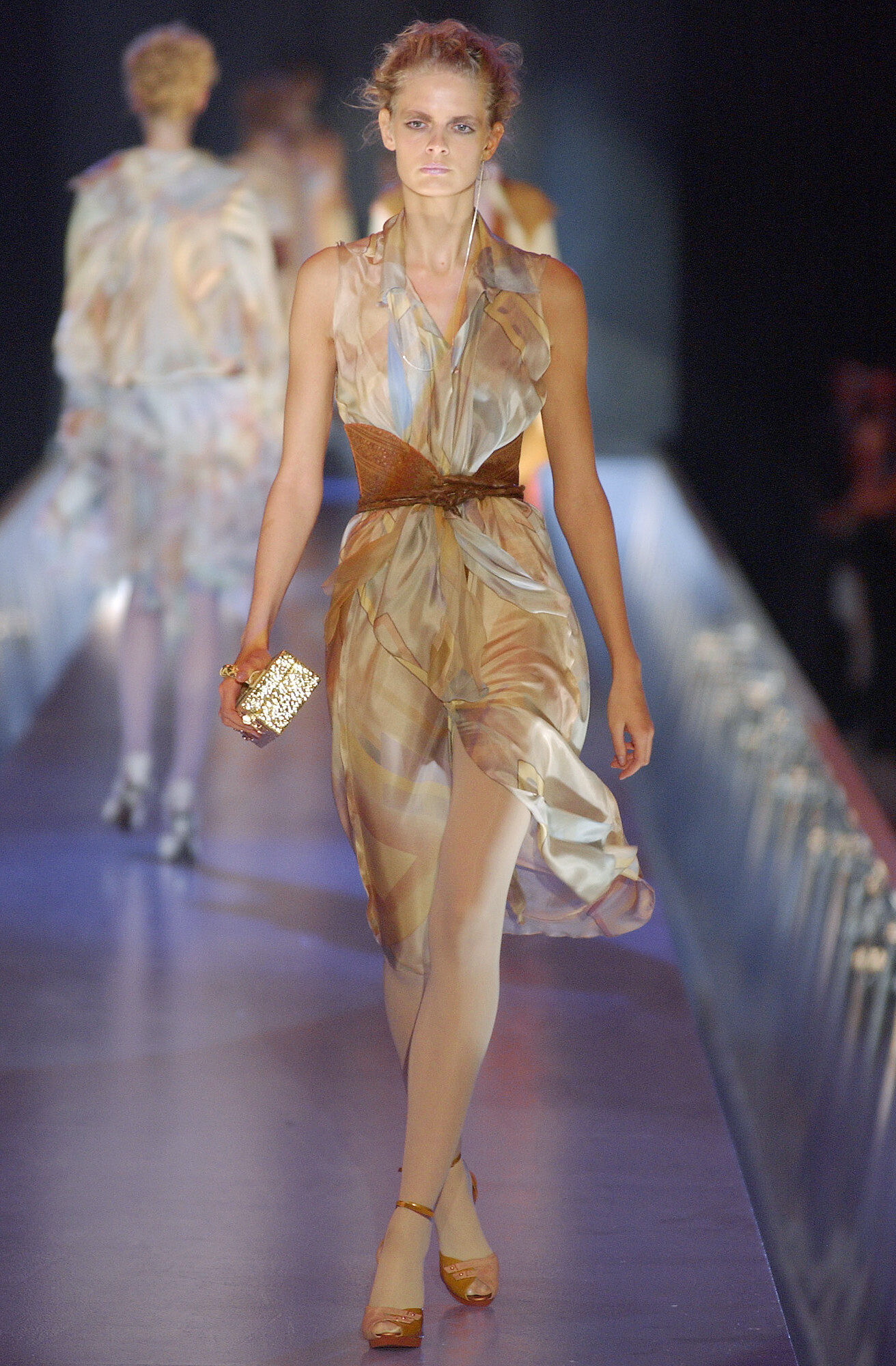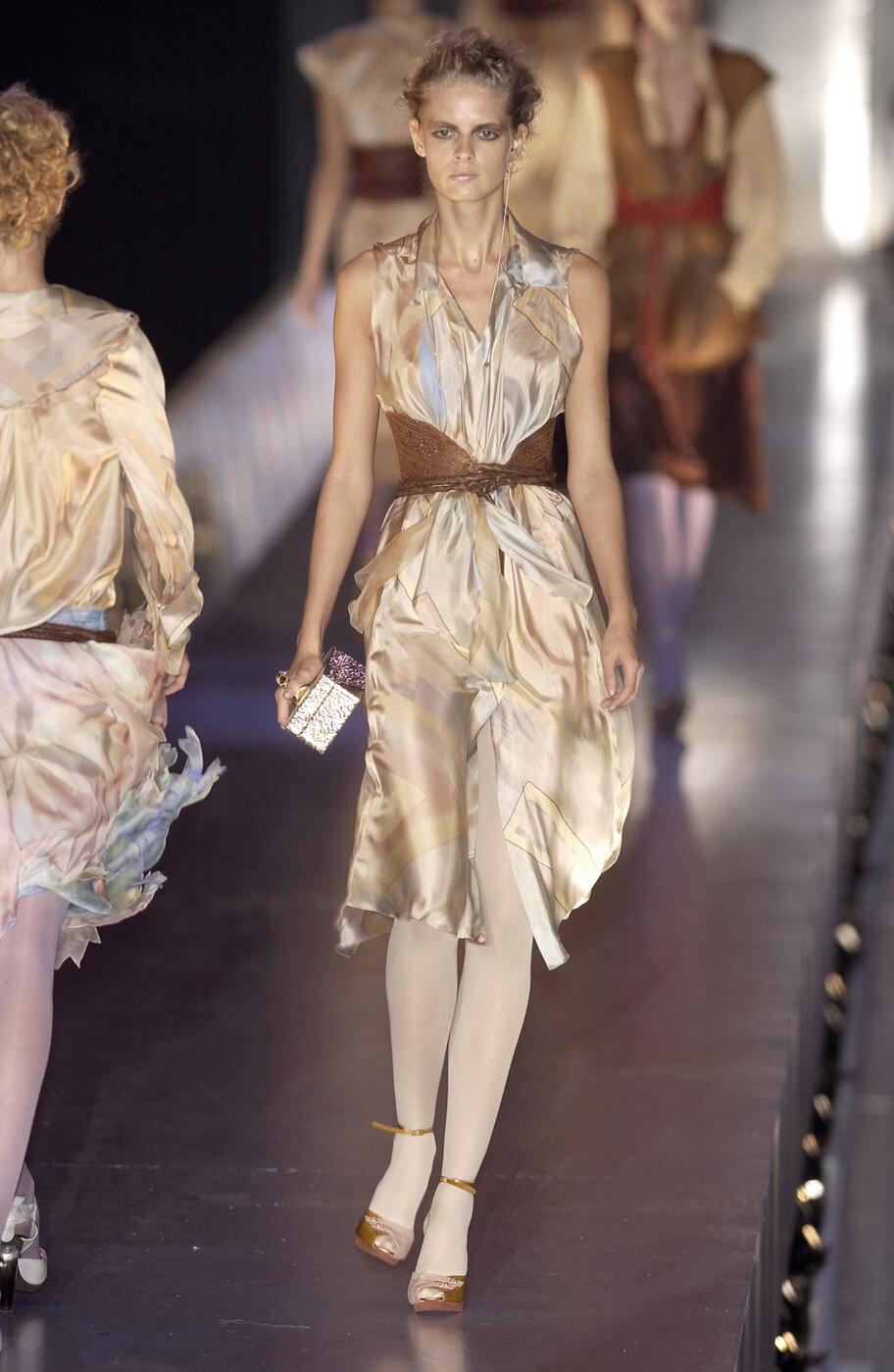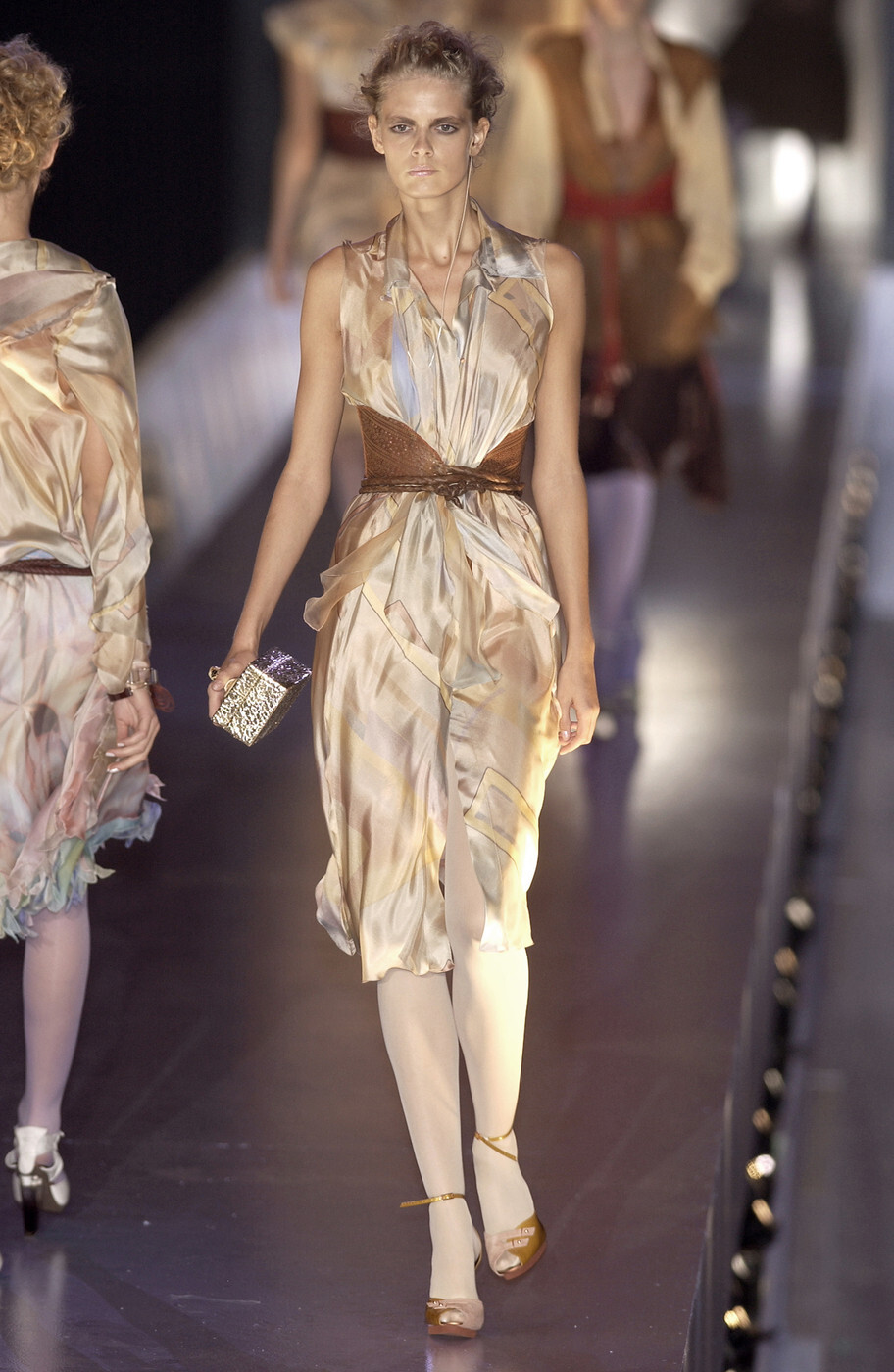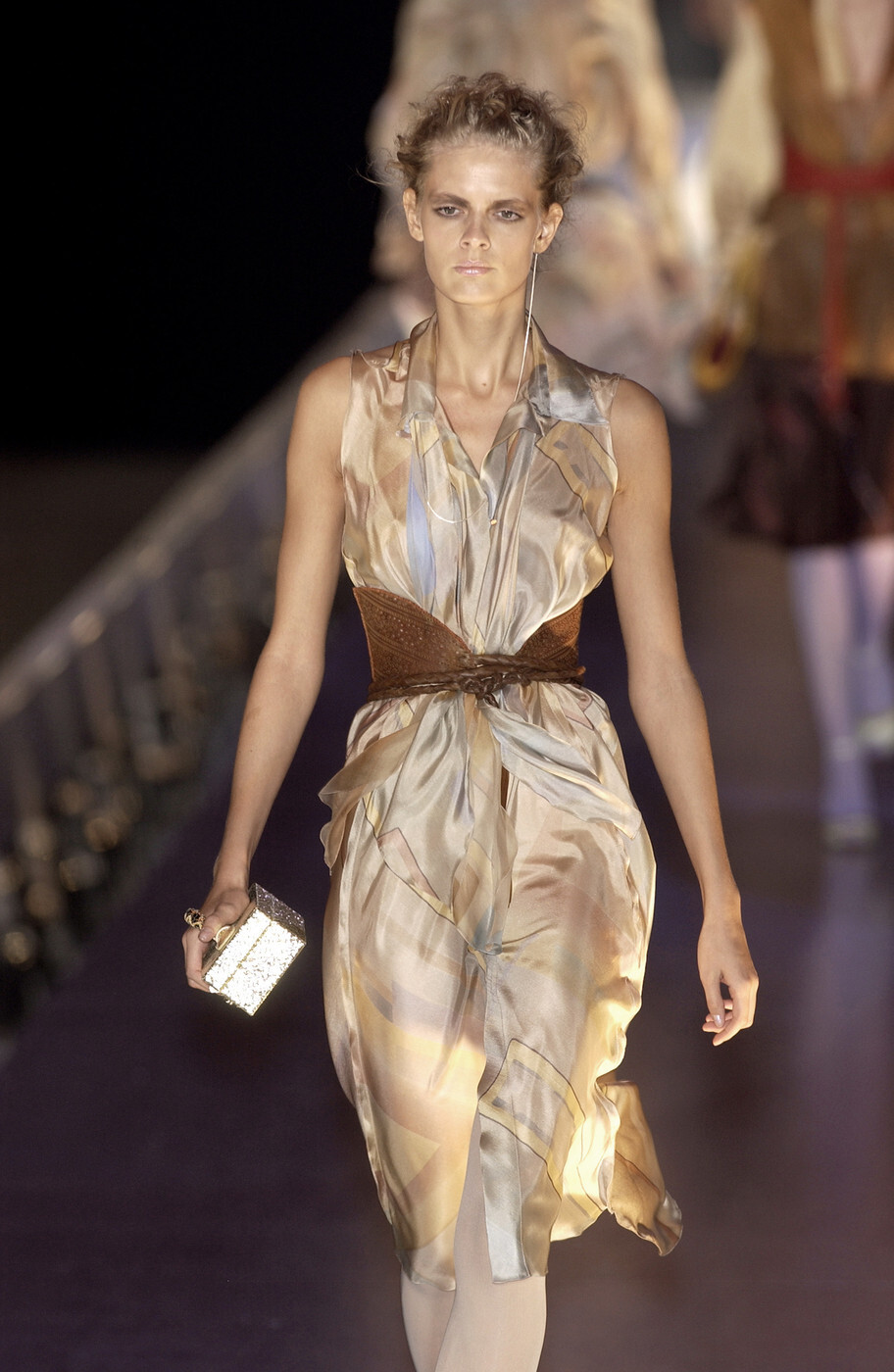
danny-19
Members
-
Joined
Everything posted by danny-19
-
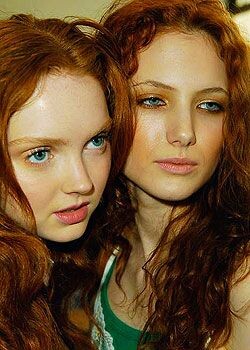
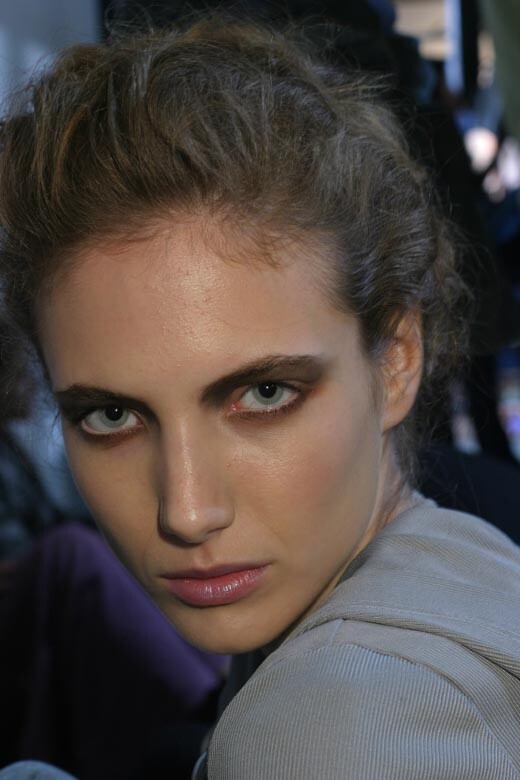
 This is one of my all-time favorite backstage shots - two gorgeous redheads, Mateja and Lily Cole, backstage at Paul Smith F/W 2005. It's a crime against beauty to post such wonderful photos in such a bad, low quality Credit to elle.com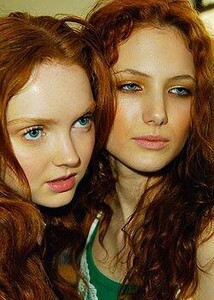
-
-
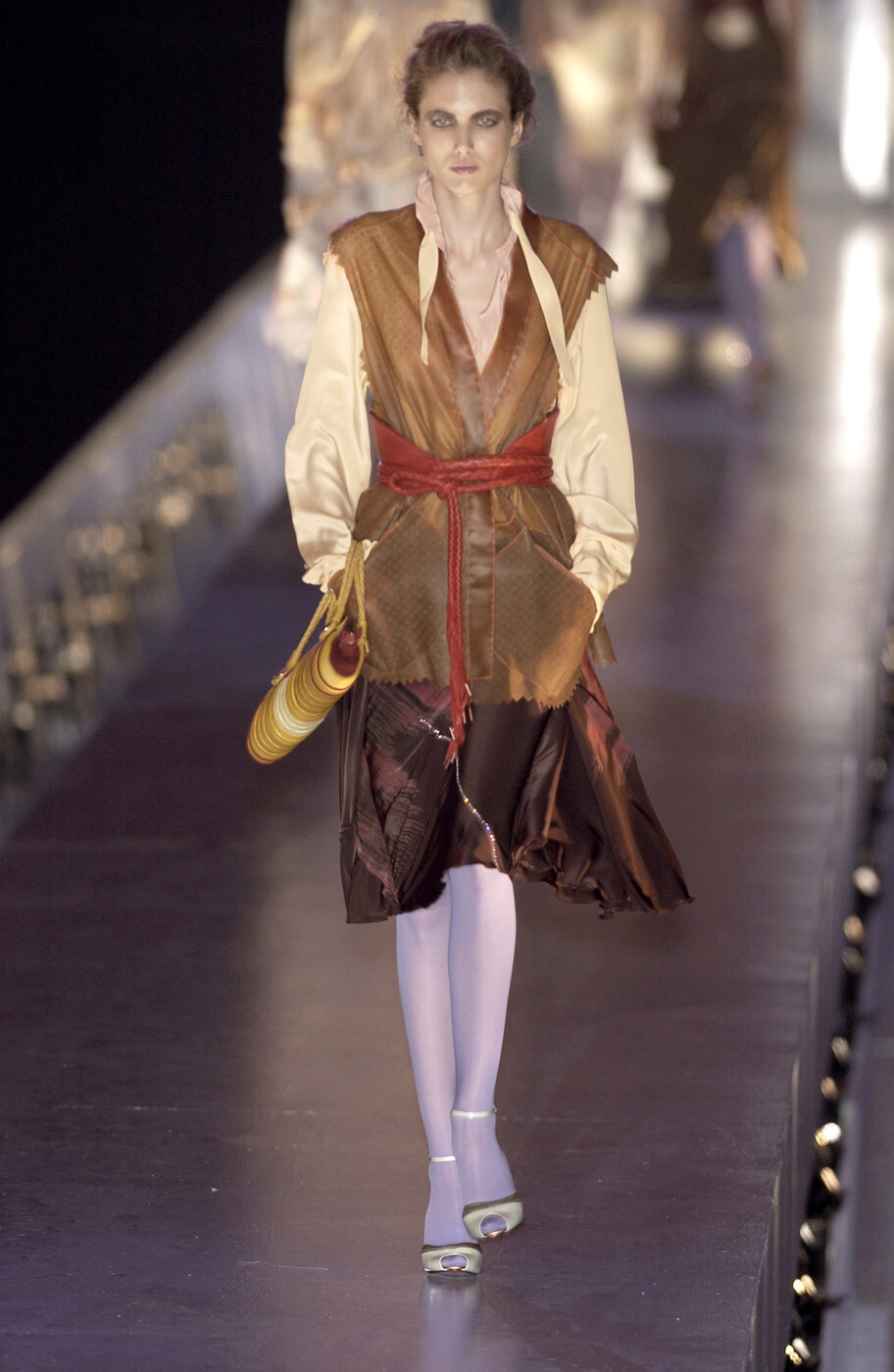
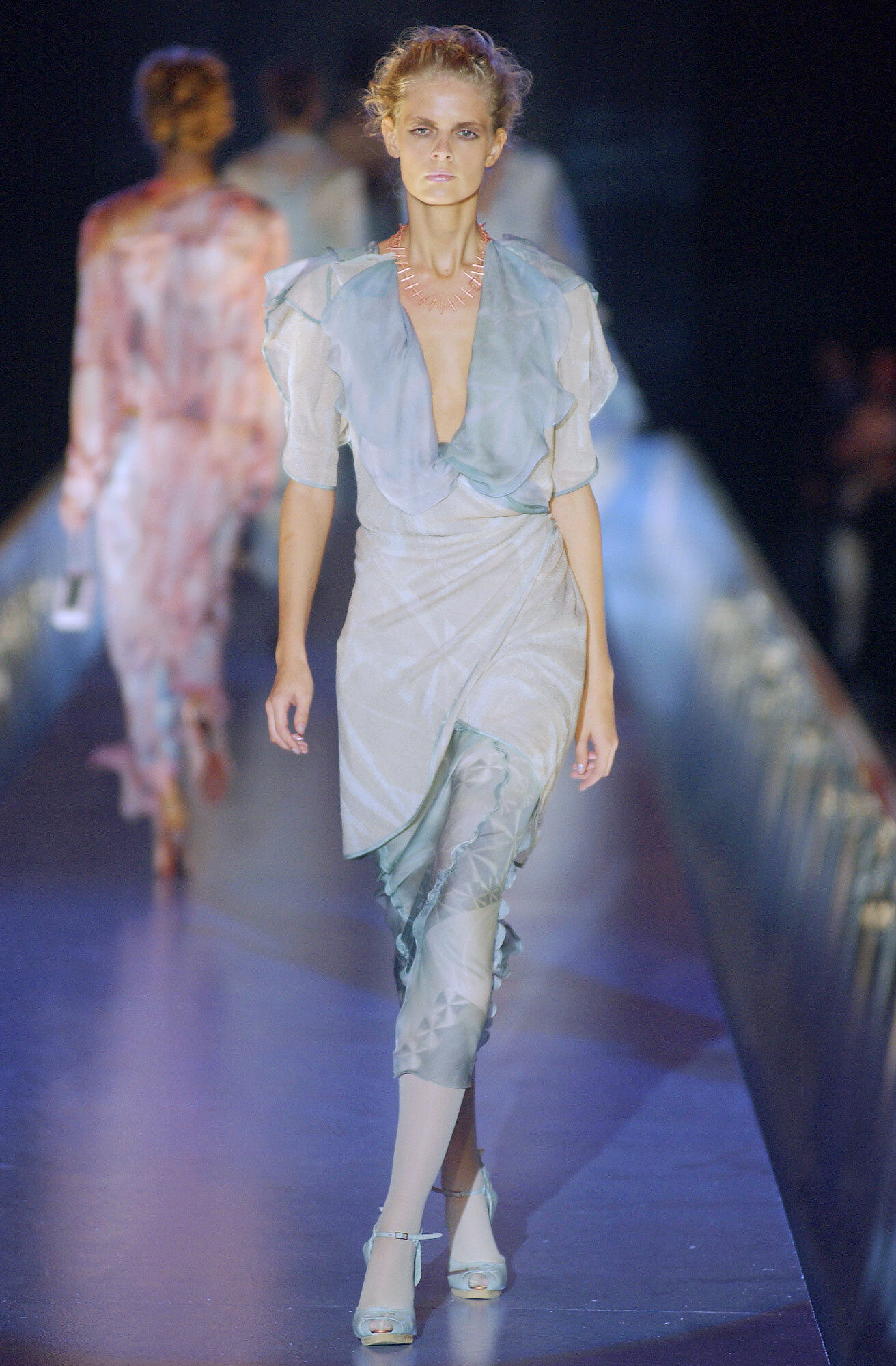
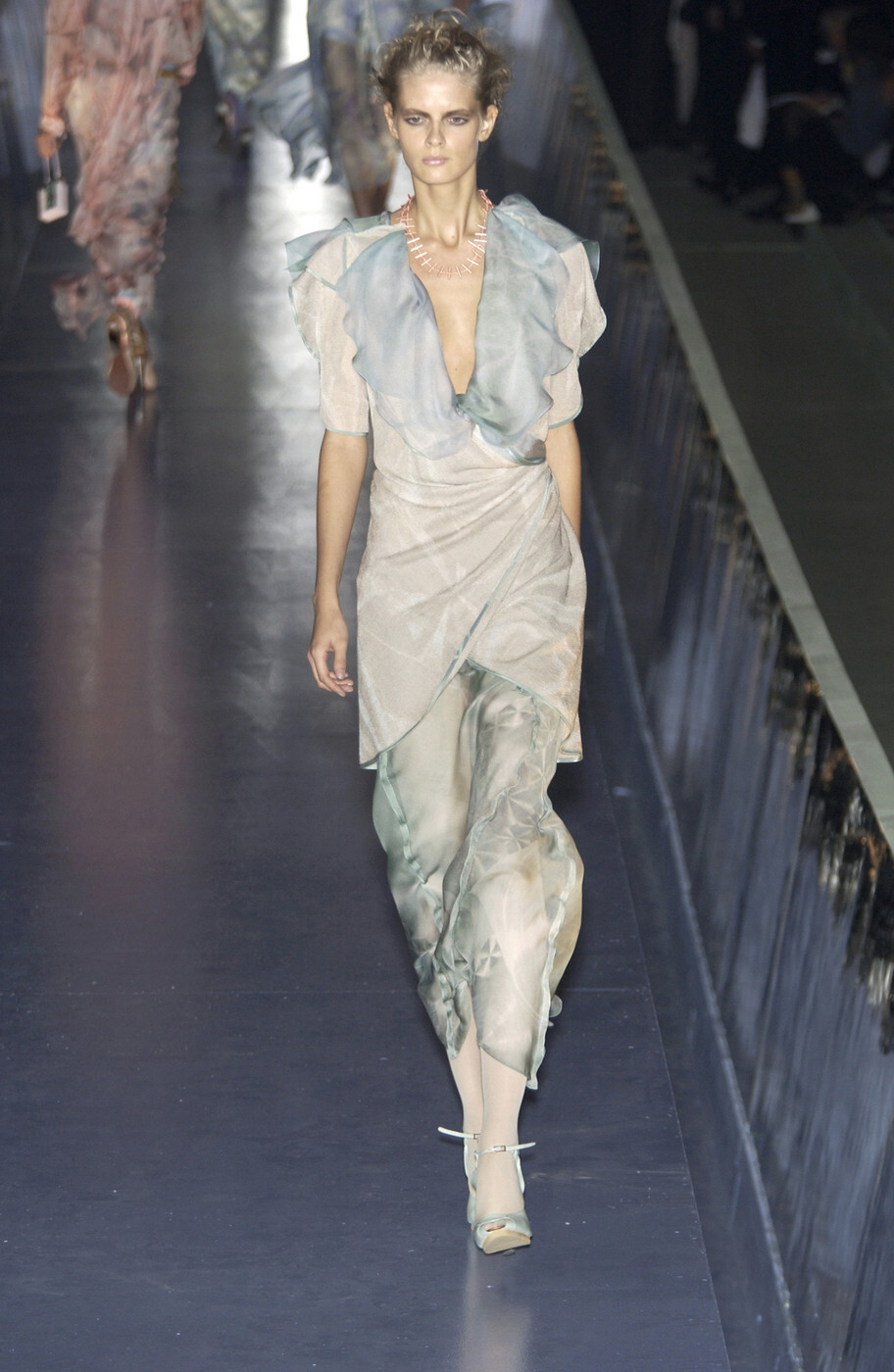
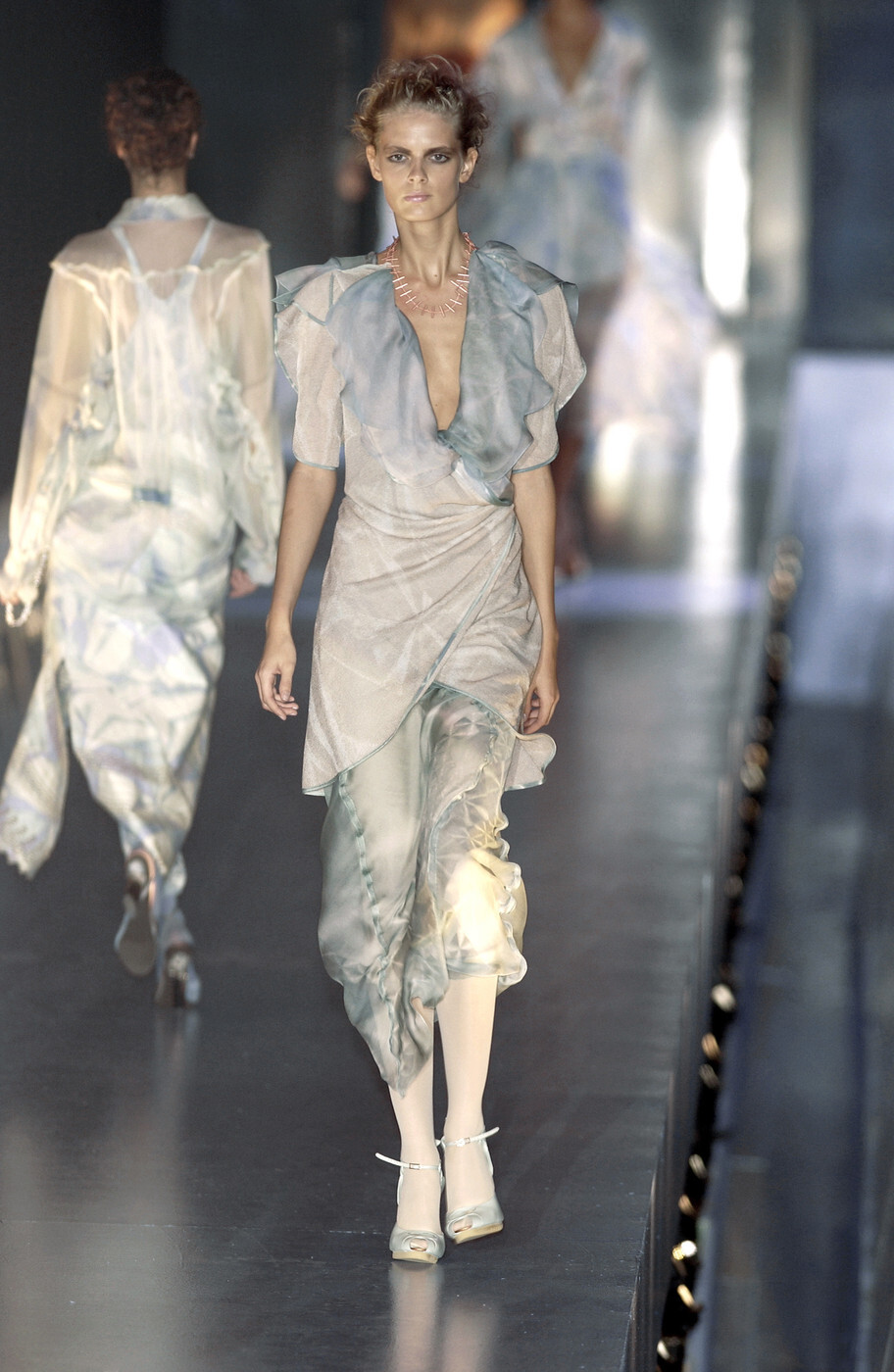
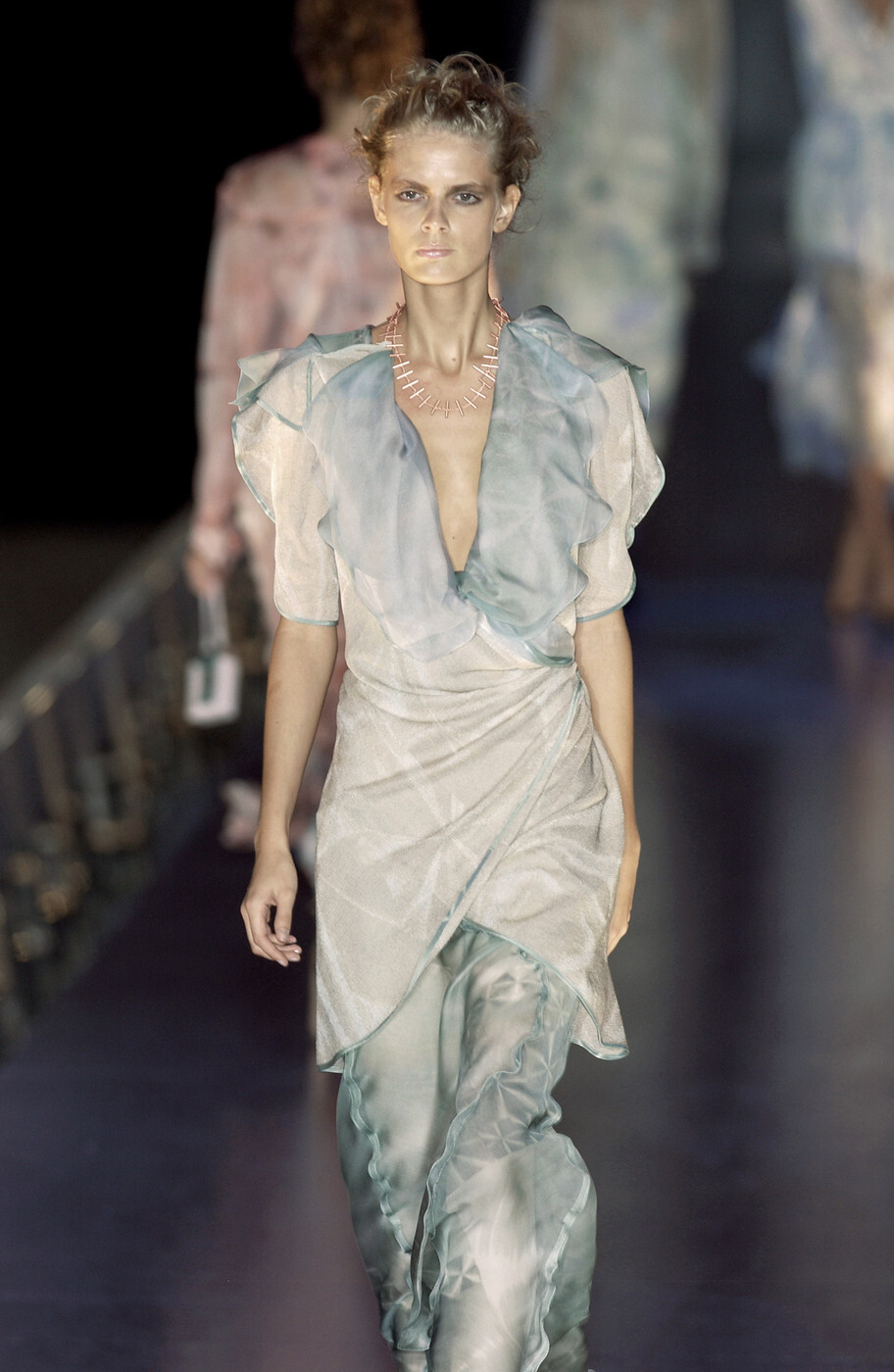
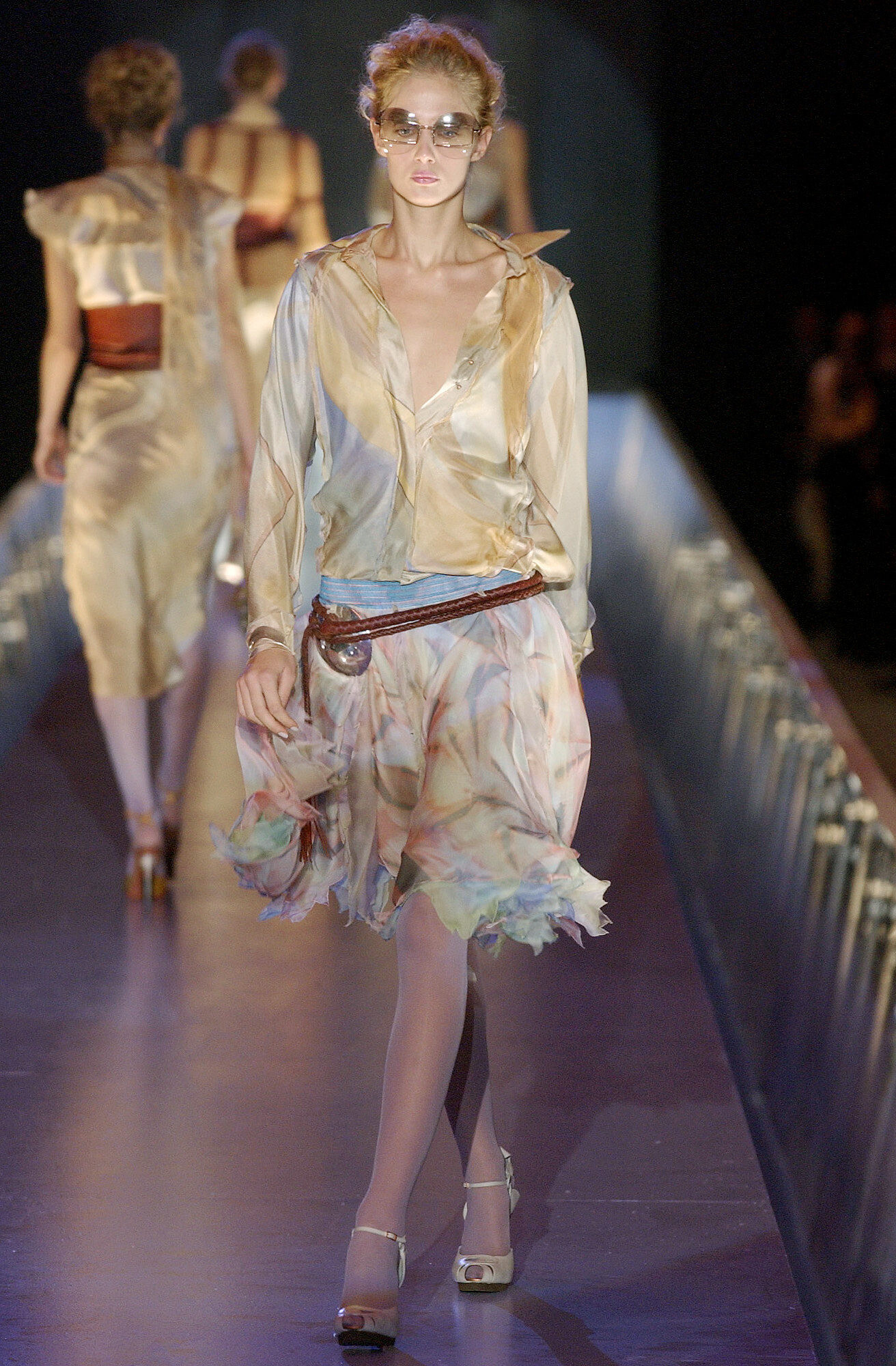
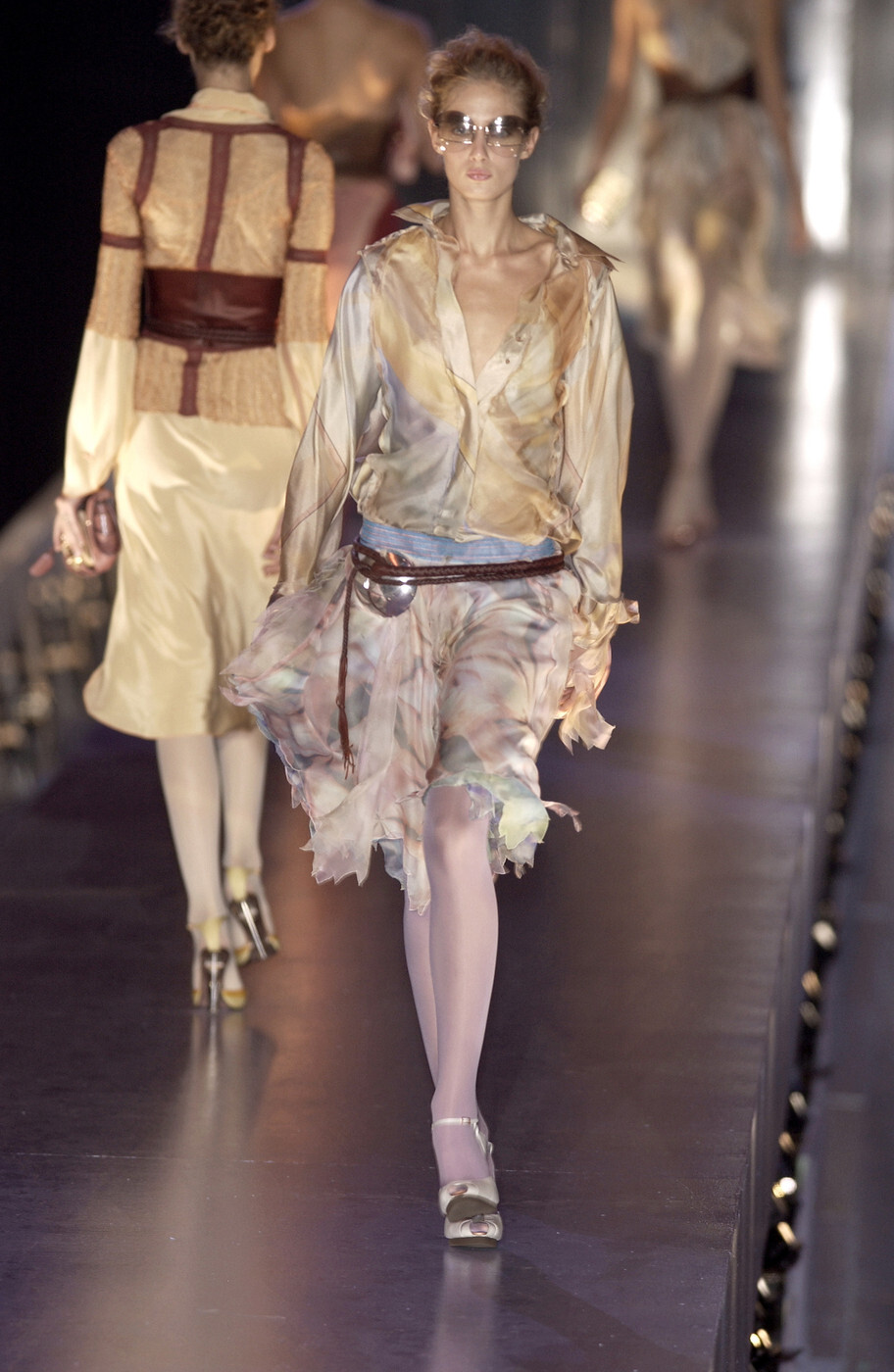
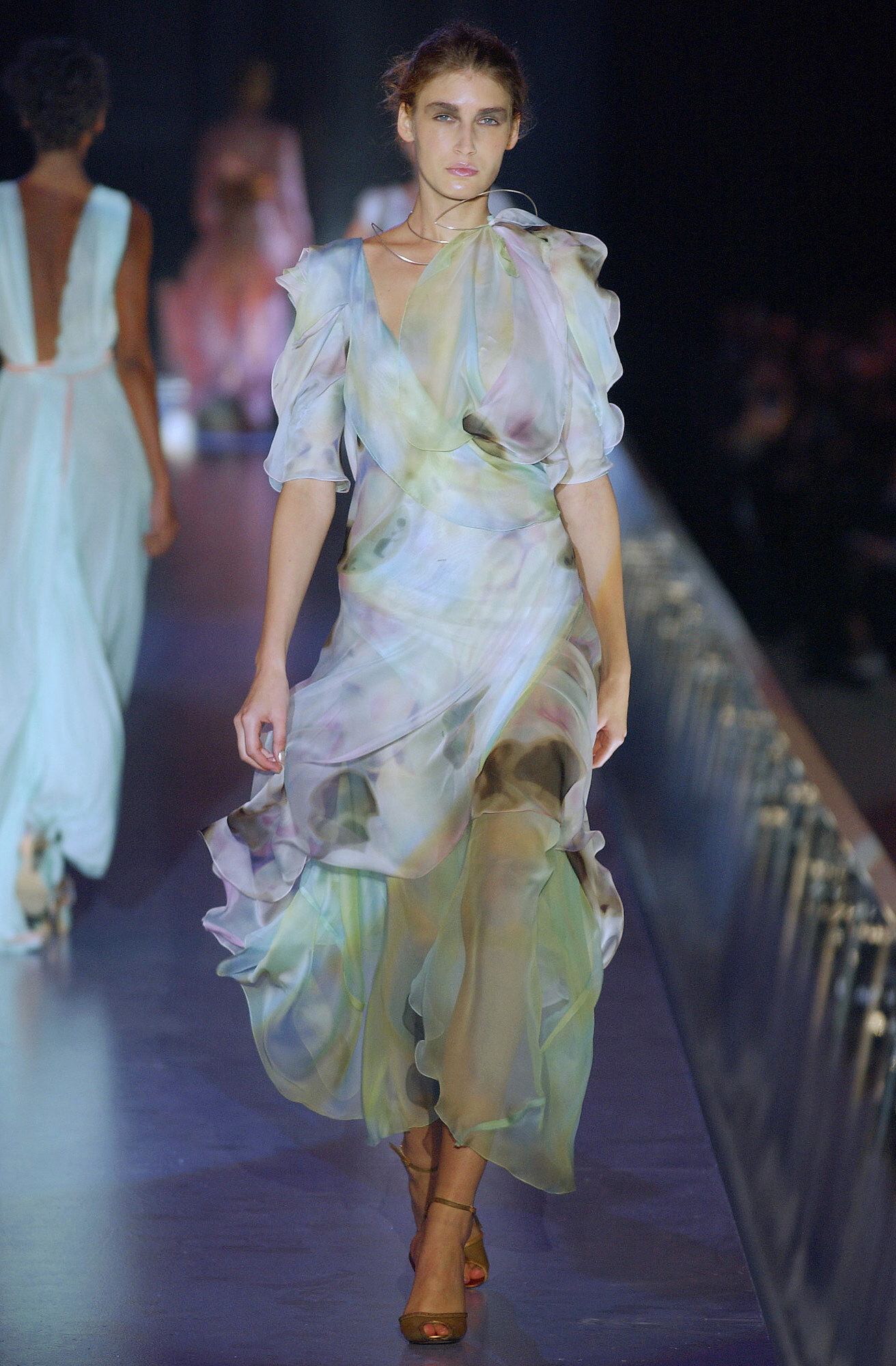
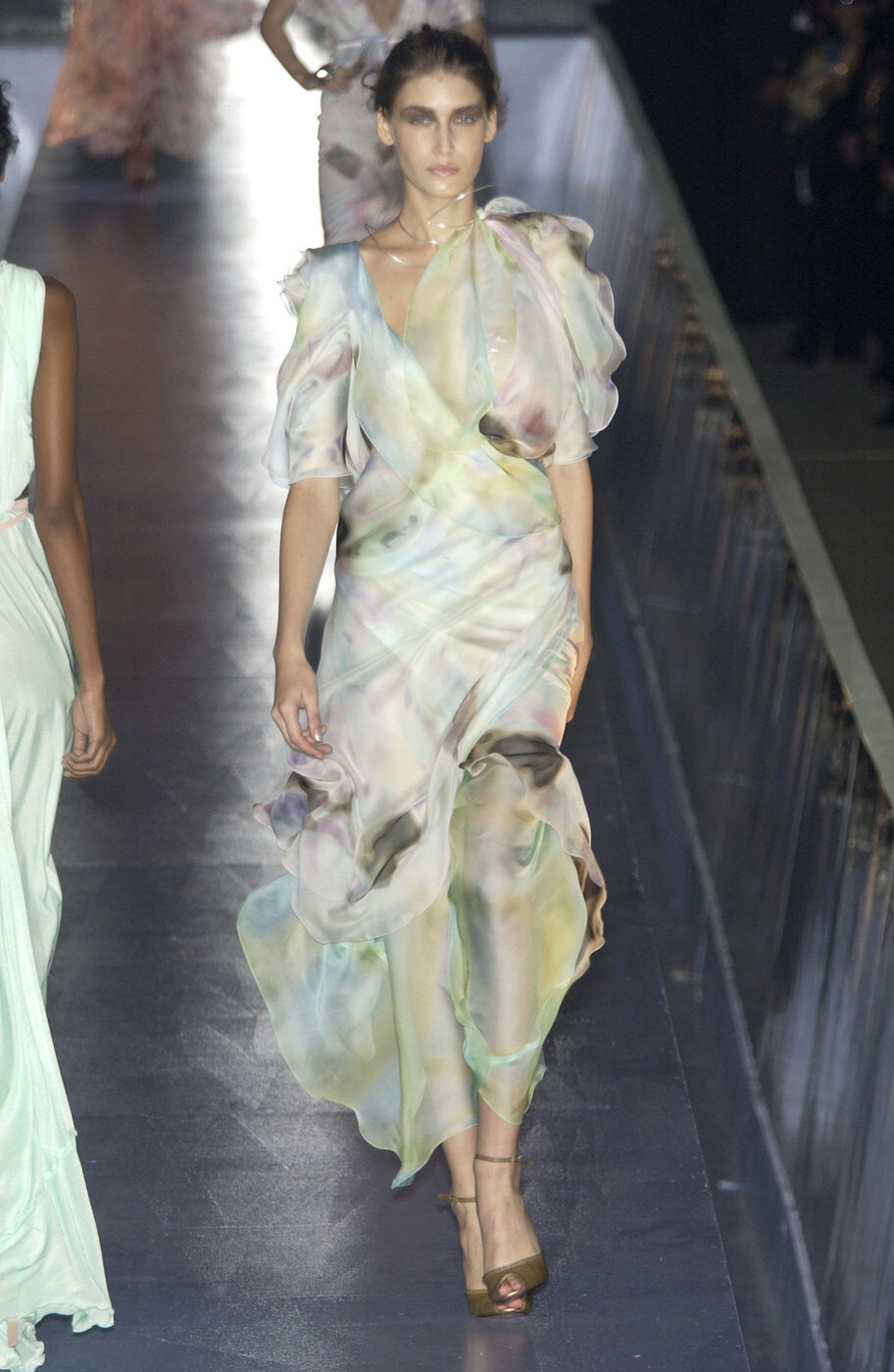
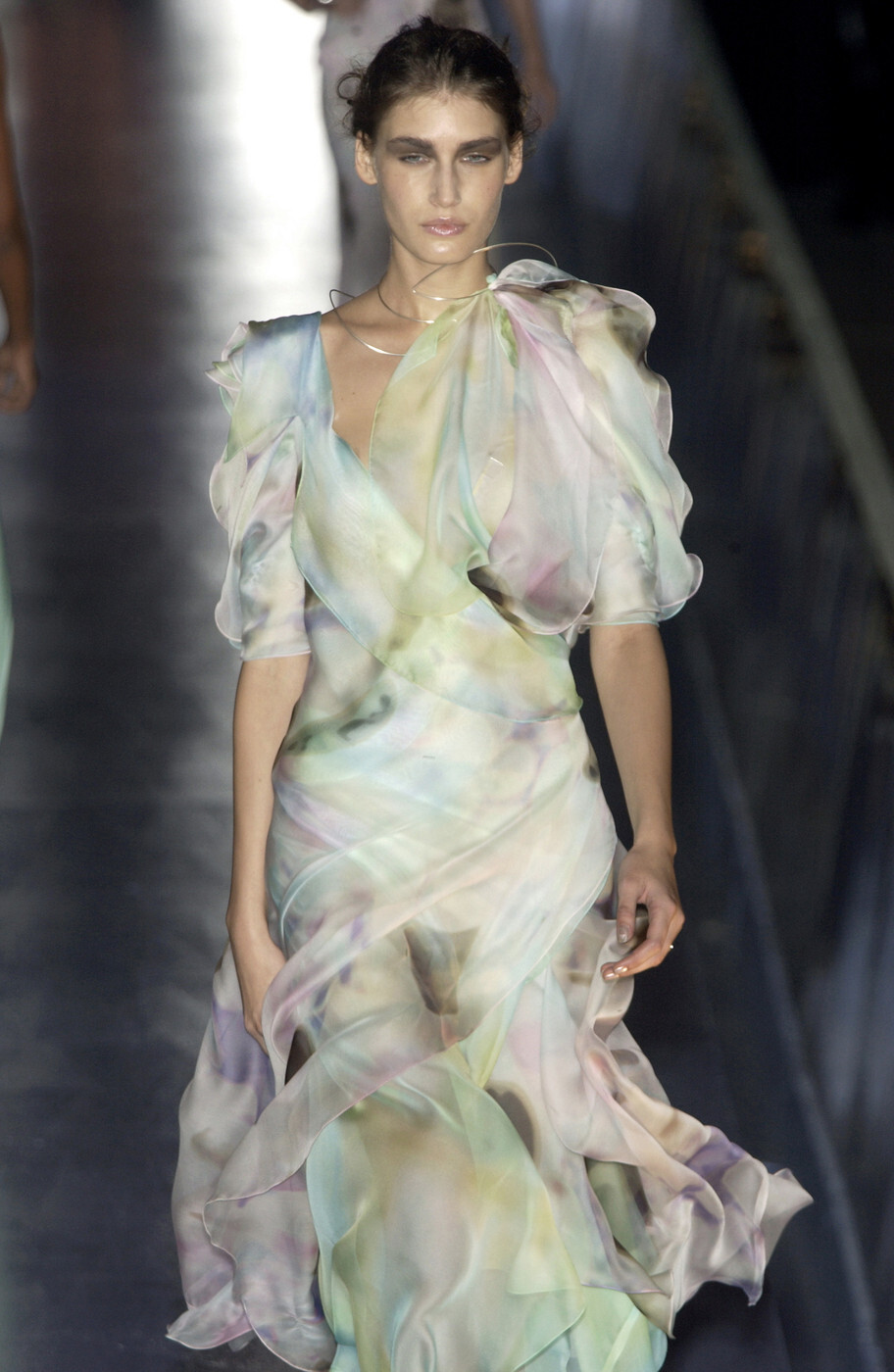
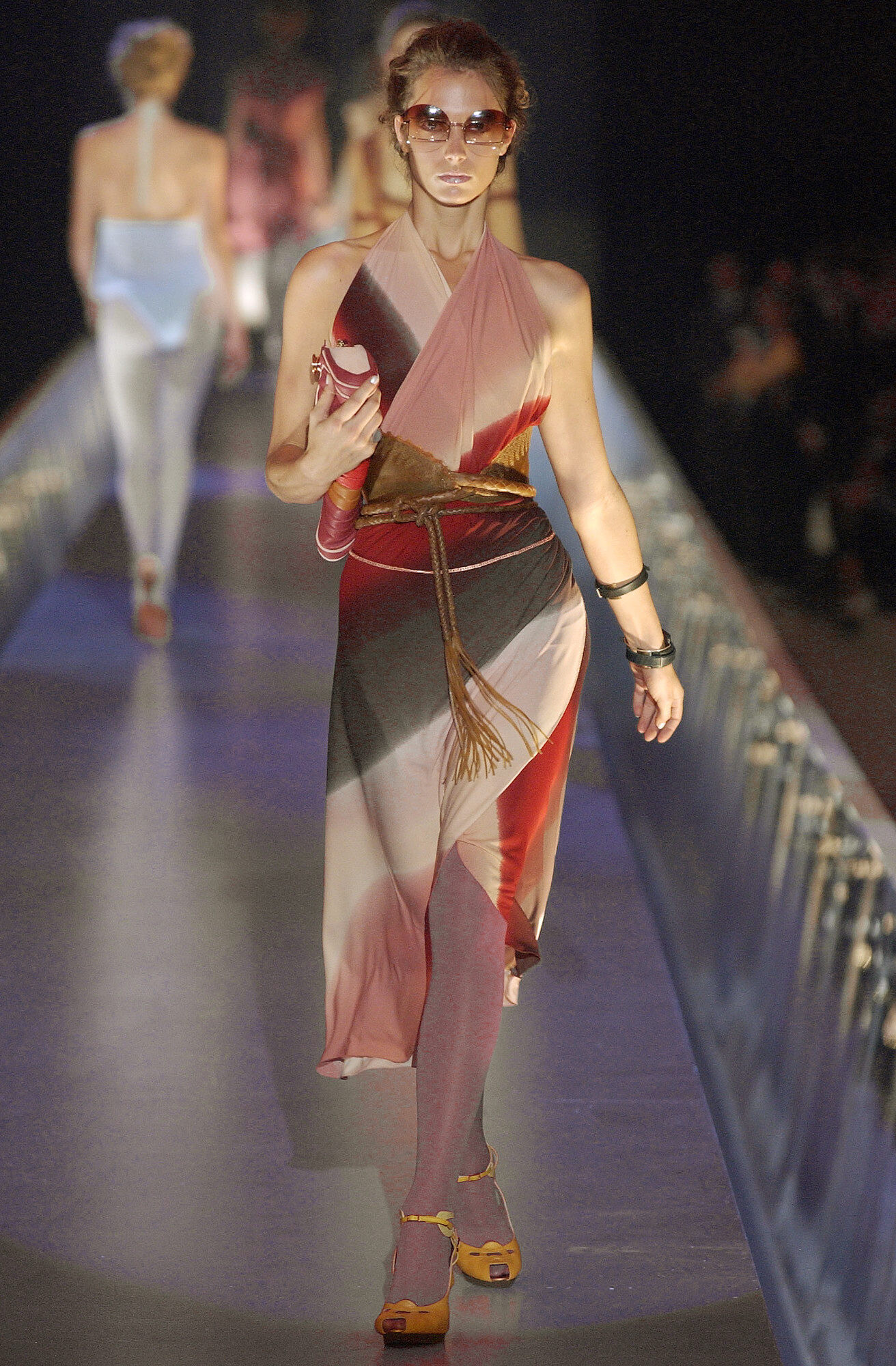
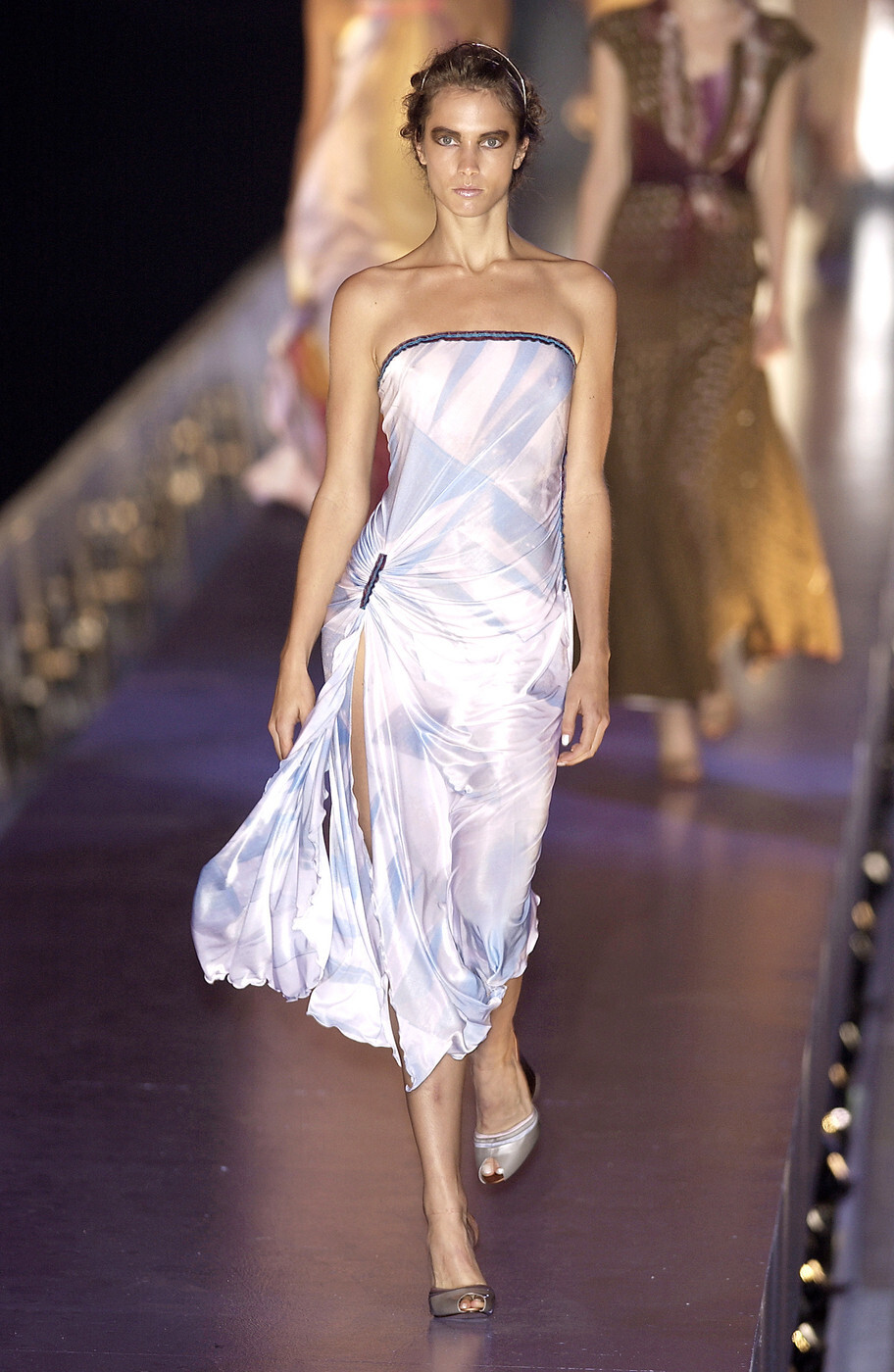
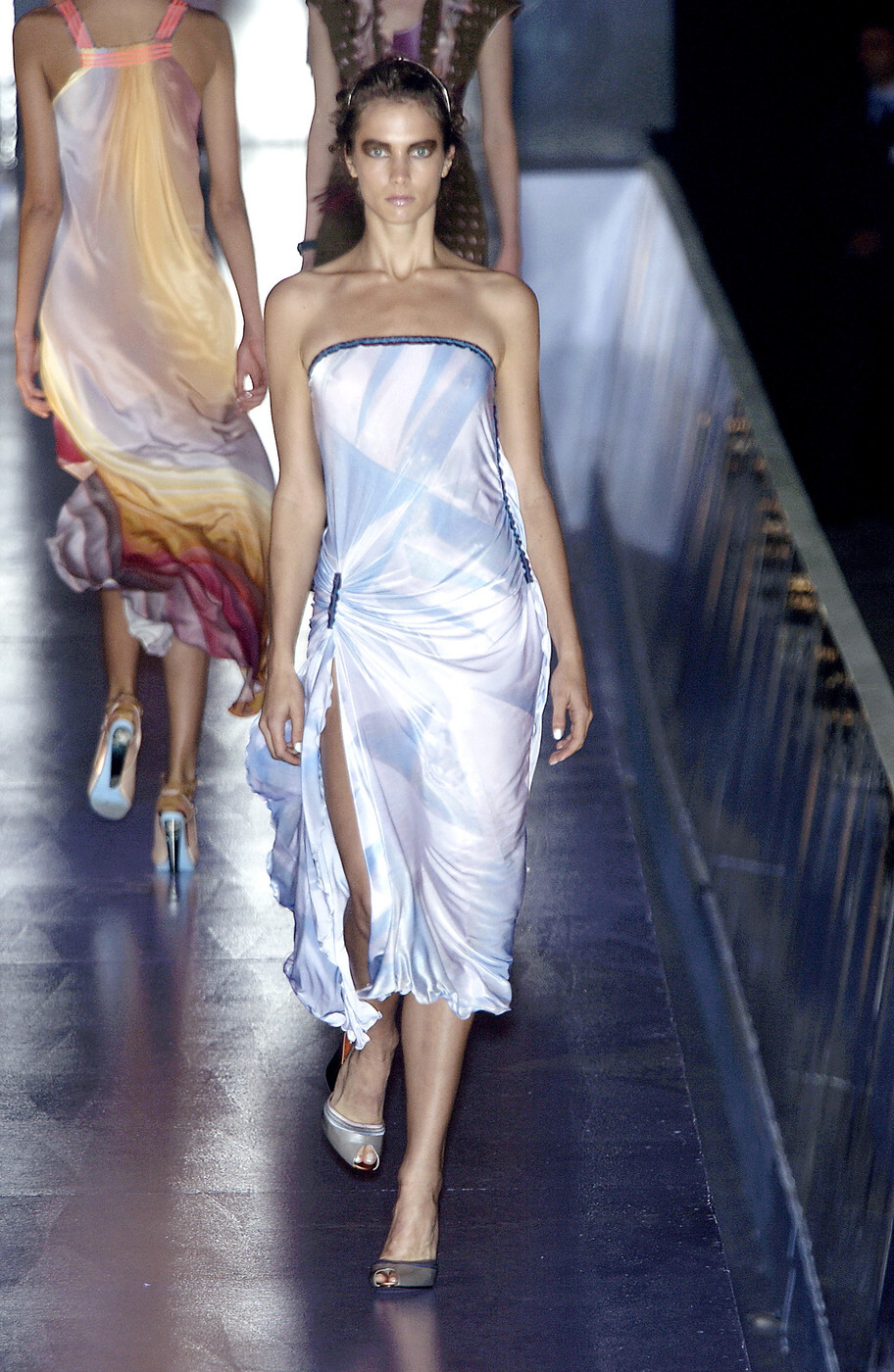
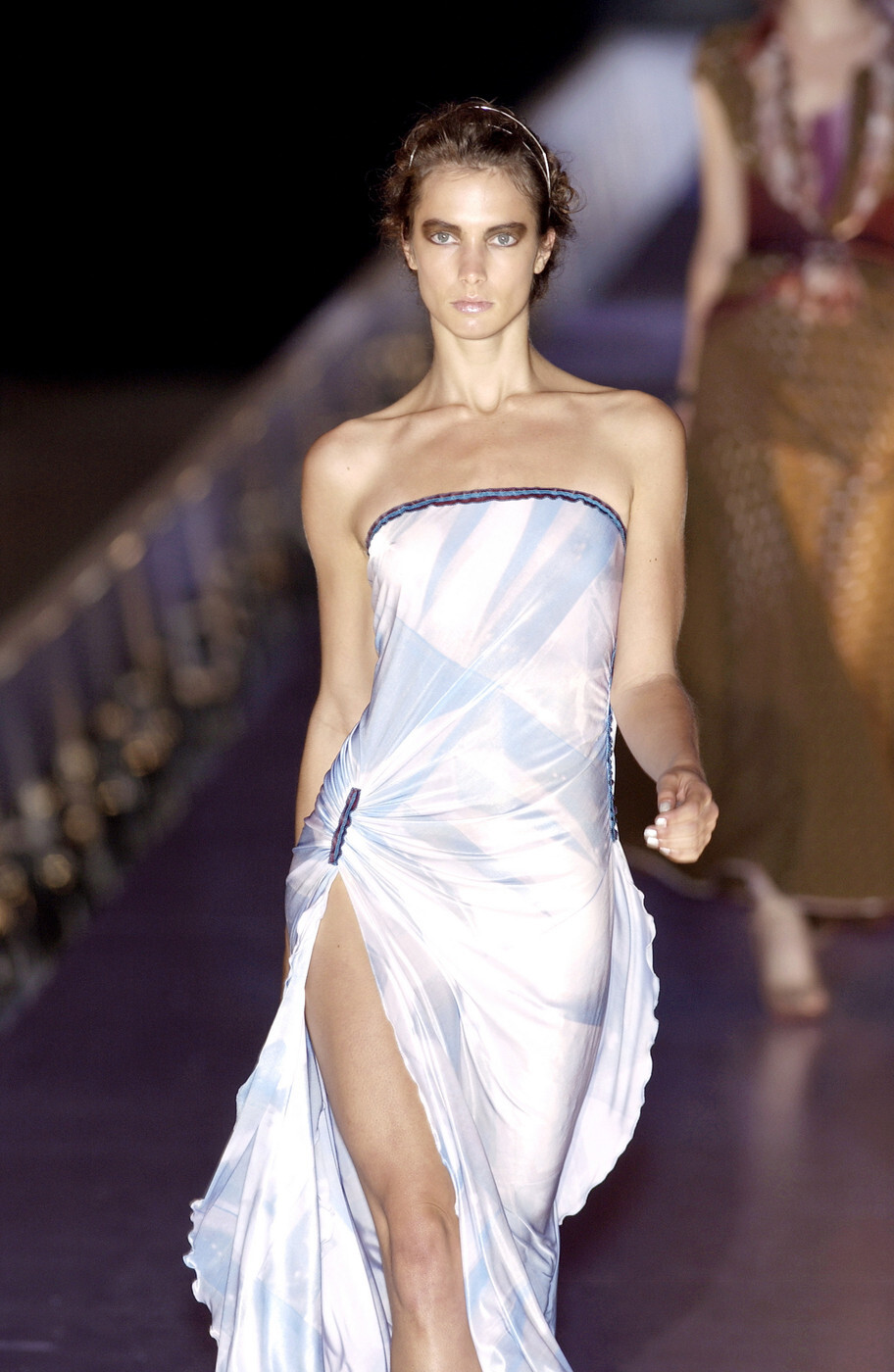
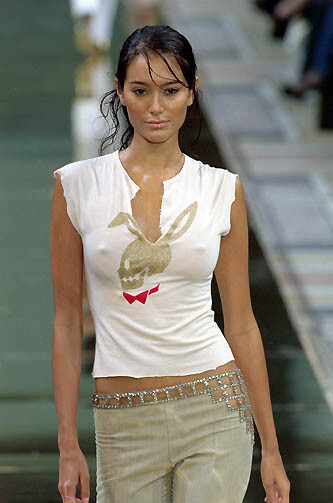
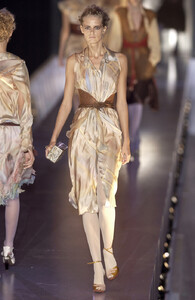
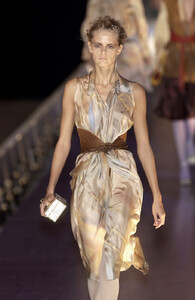
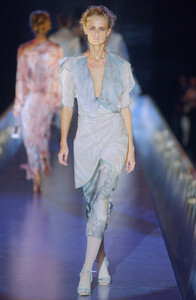
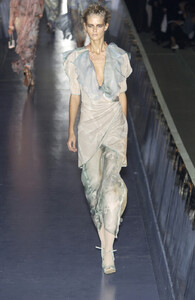
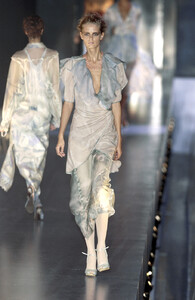
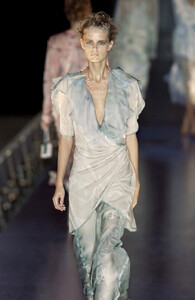
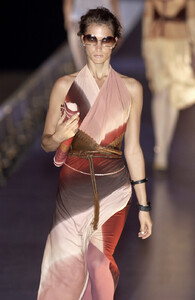
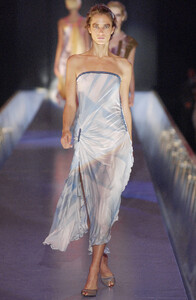
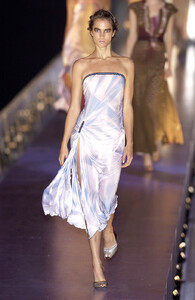
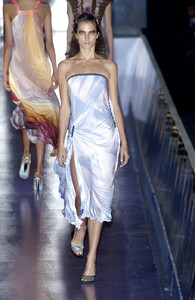
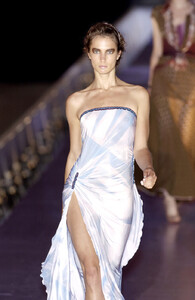
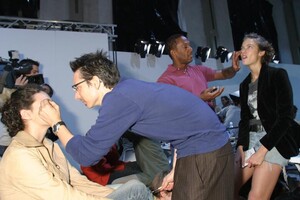
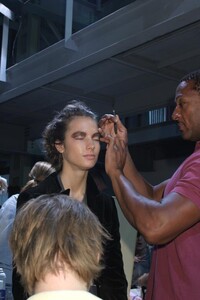
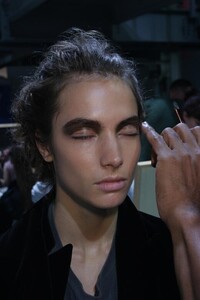
Fendi S/S 2004: Looks like Julia
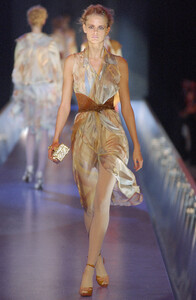
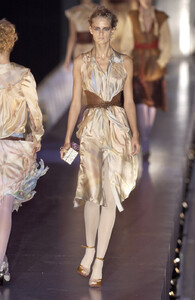
-
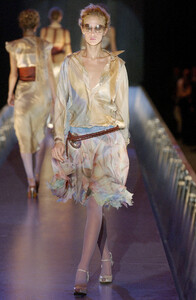
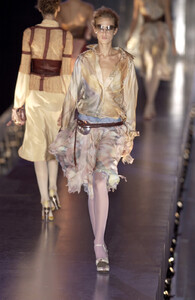
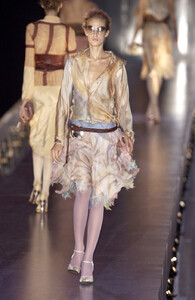
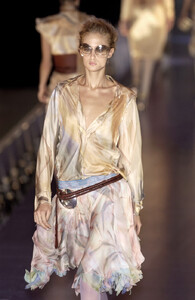
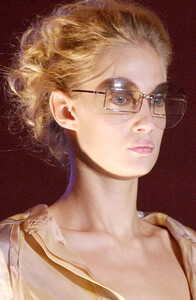
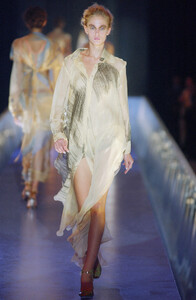
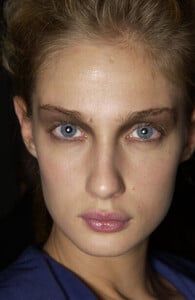
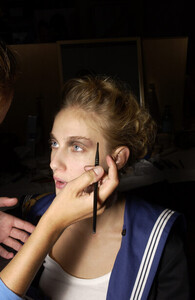
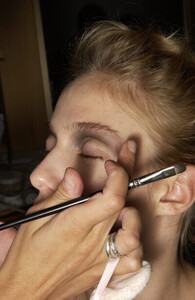
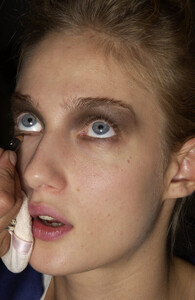
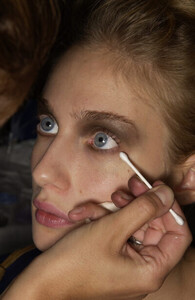
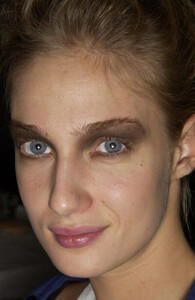
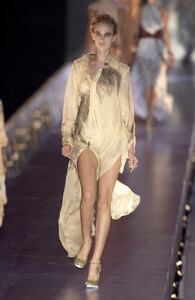
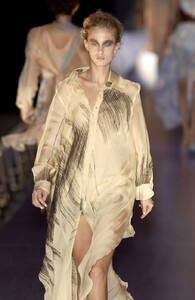
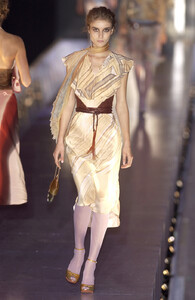
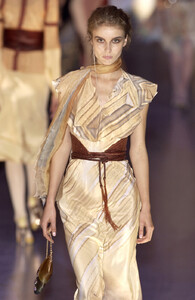
Fendi S/S 2004:
-
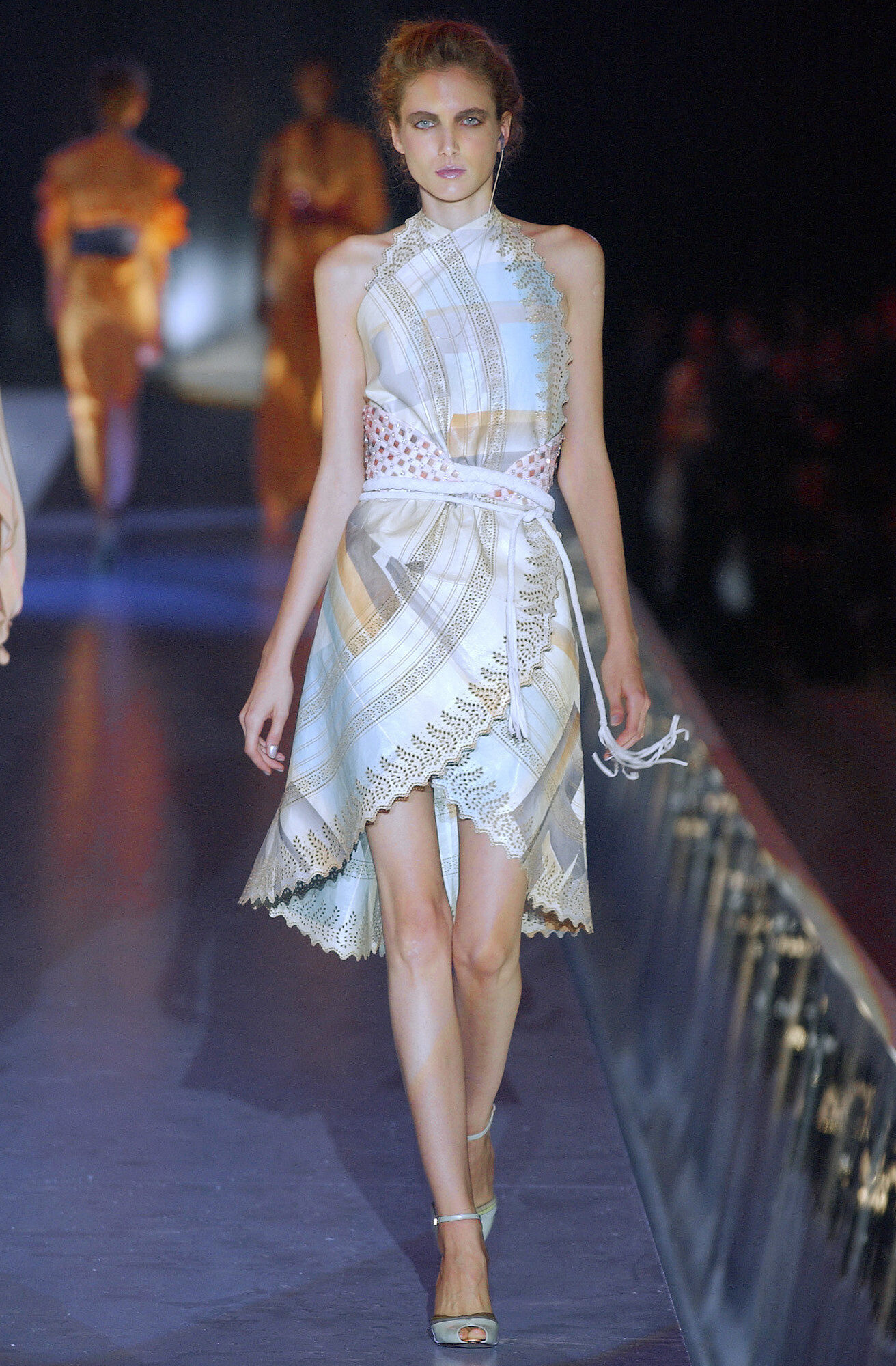
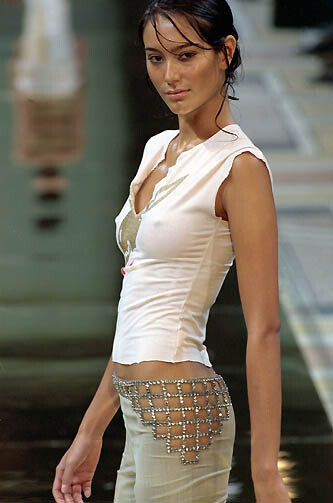
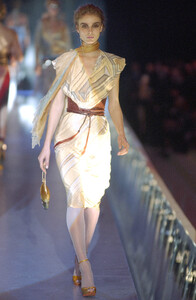
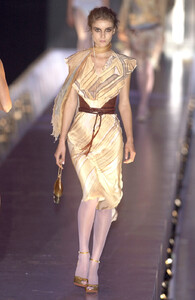
Fendi S/S 2004:
-
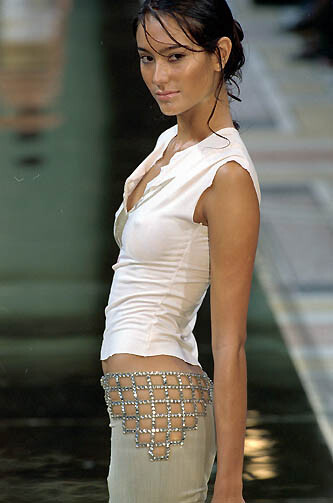
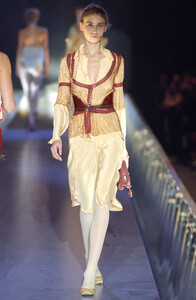
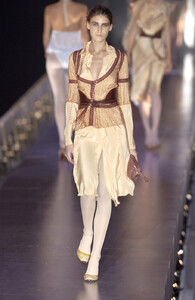
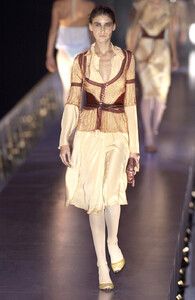
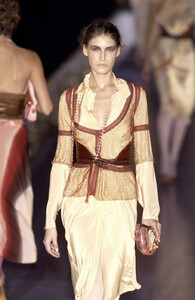
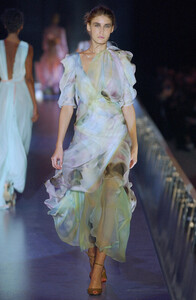
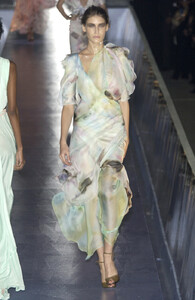
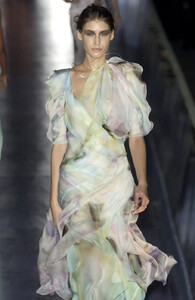
Fendi S/S 2004:
-
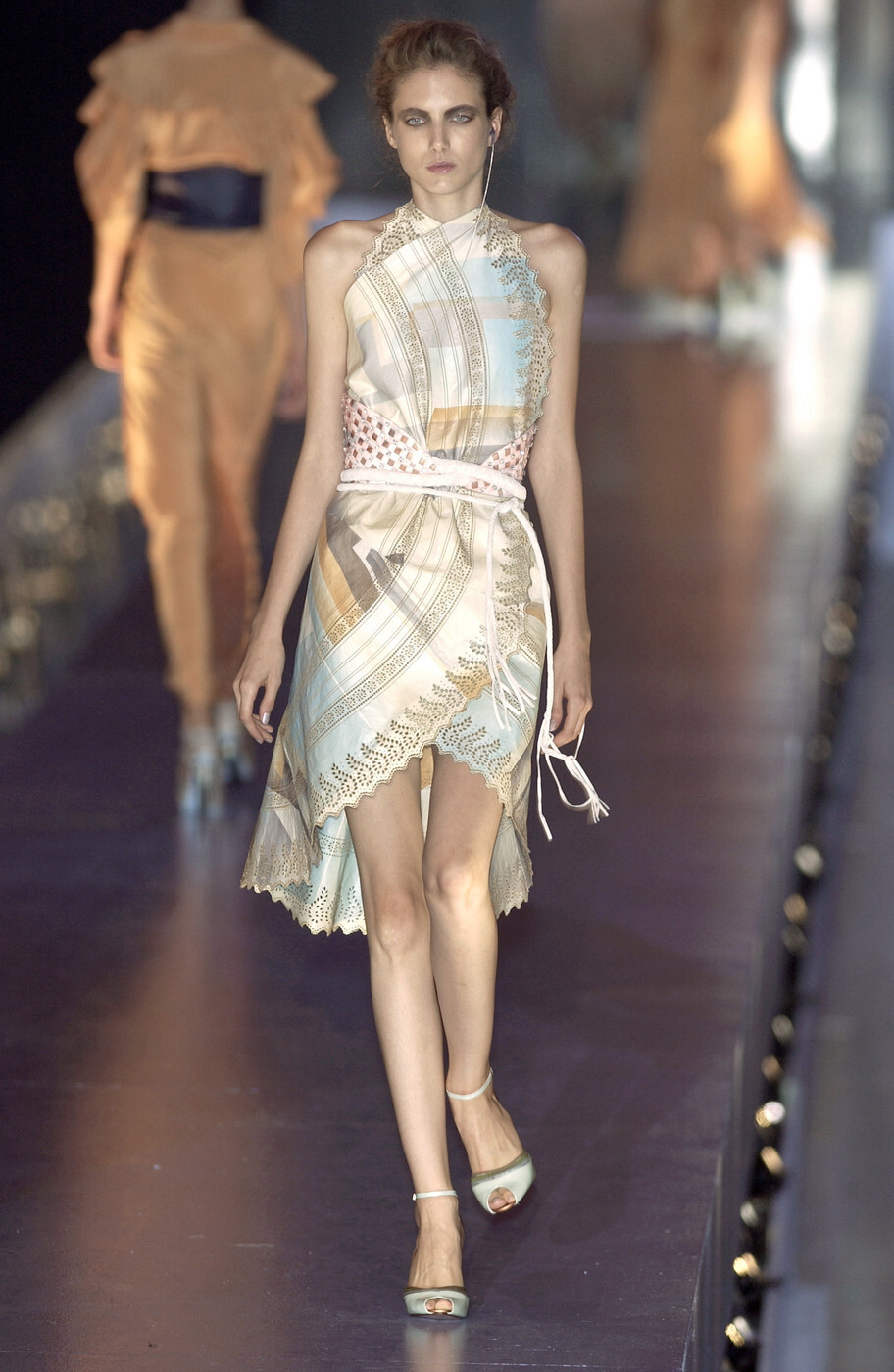
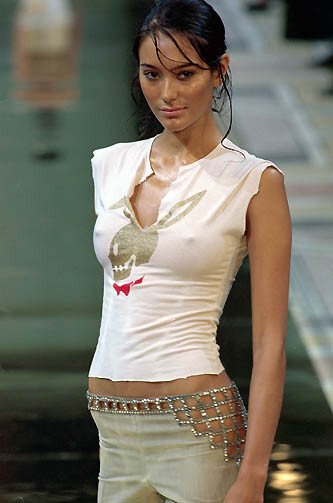
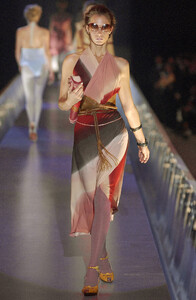
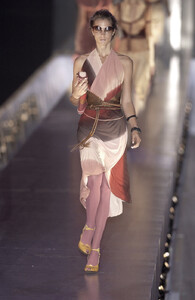
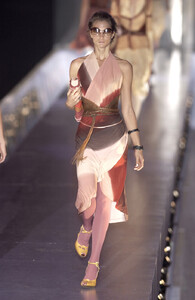
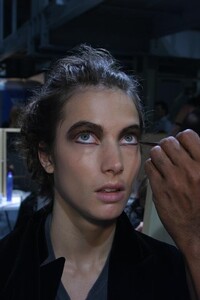
Fendi S/S 2004:
-
Thank you so much for all the adds @ArianaVSCouture
-
-
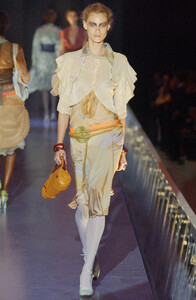
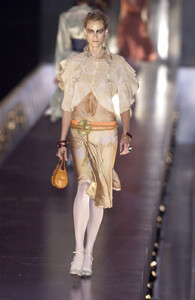
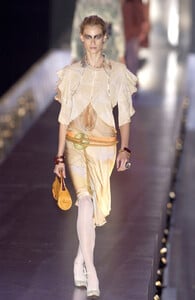
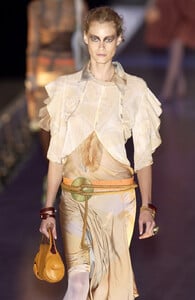
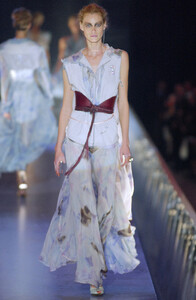
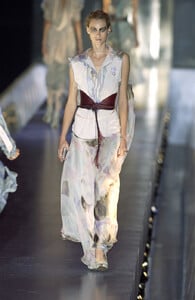
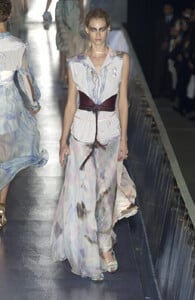
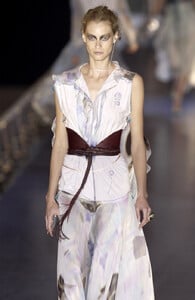
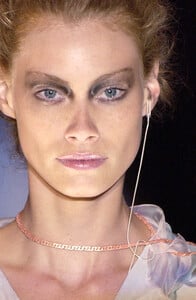
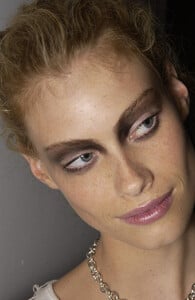
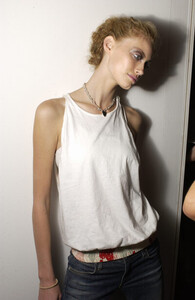
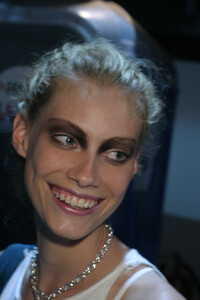
Thank you so much for your great scans @radolgc and @sanja Fendi S/S 2004:
-
I have posted this pic just a post above, it is also hidden so I guess that's why you didn't see it
-
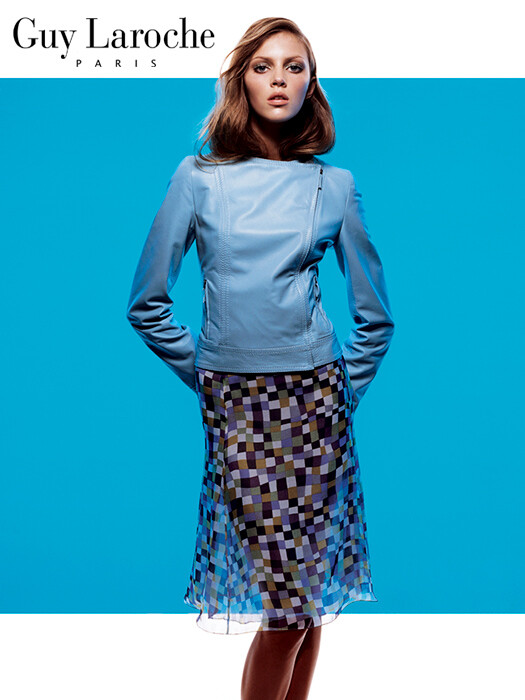
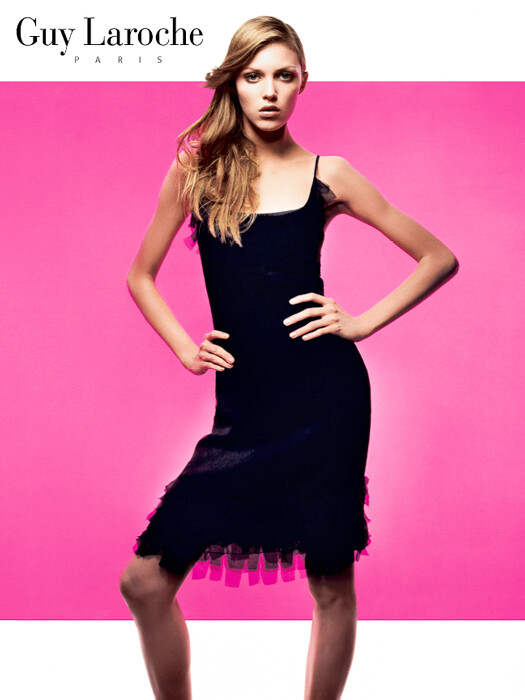
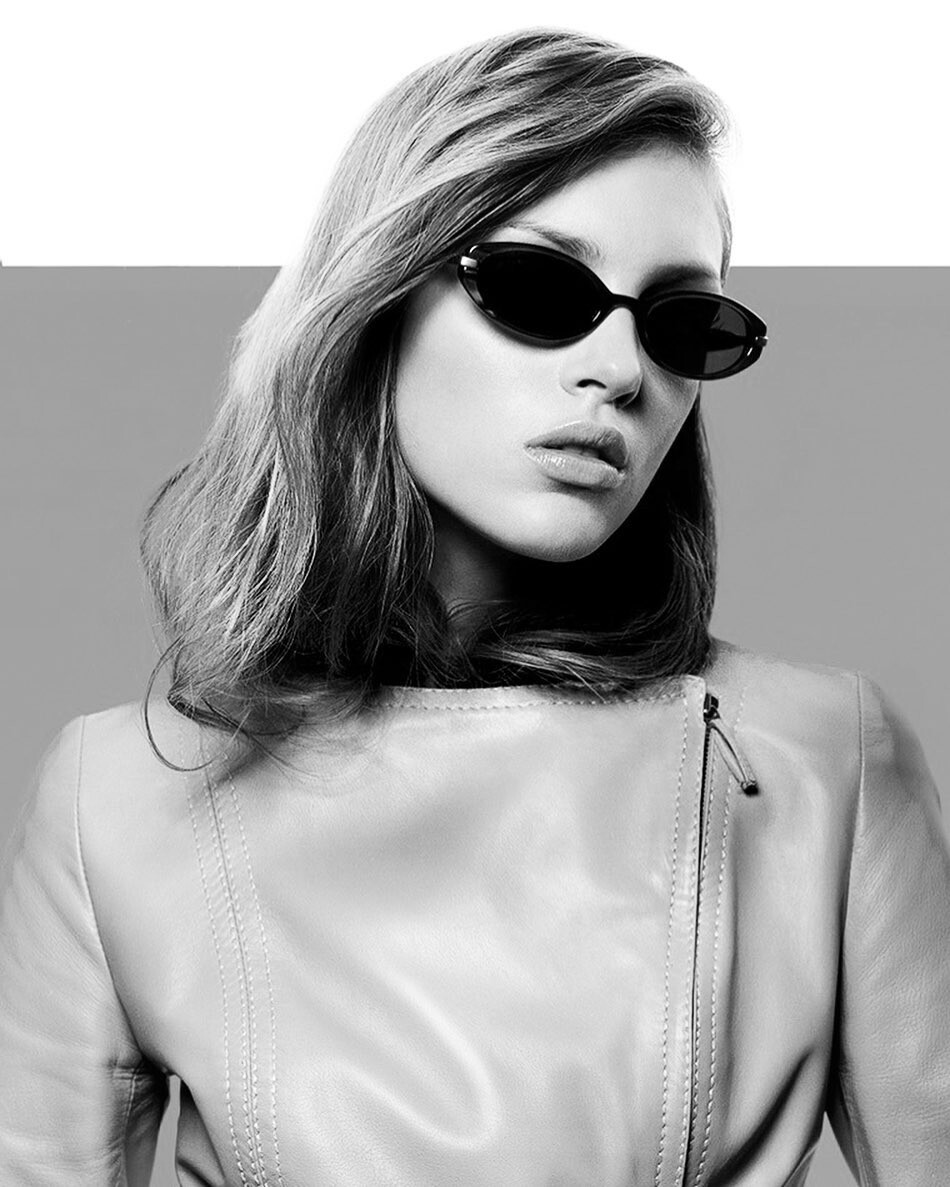
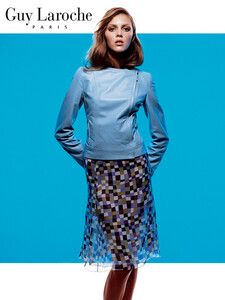
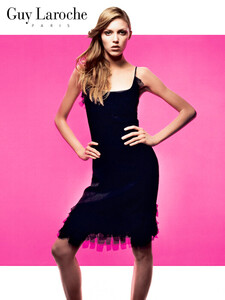
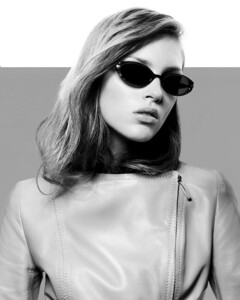
Guy Laroche ad campaign Photographer: Michel Nafziger The season is S/S 2003 I suppose. Michel Nafziger stated in his instagram that this was Anja's first campaign.
-
Thank you so much for the beautiful adds
-
Sending you hugs!
-
WOW!!! Oh thank you so much!!! I really appreciate your fantastic HQ posts
-
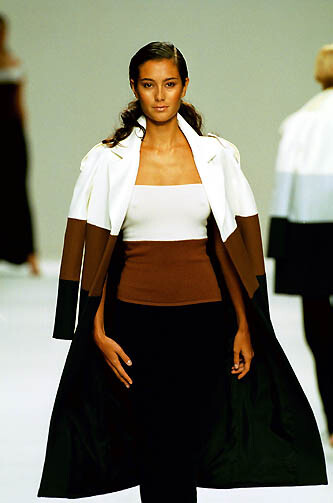
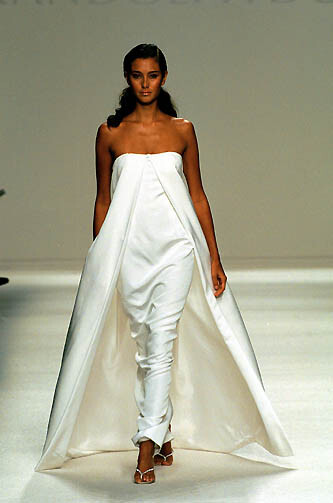
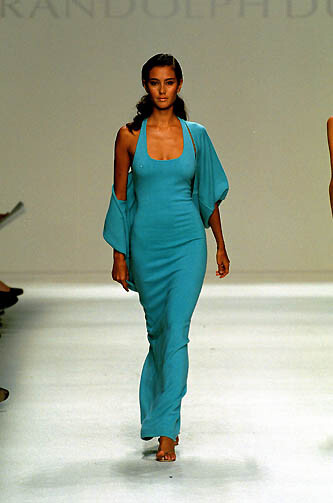
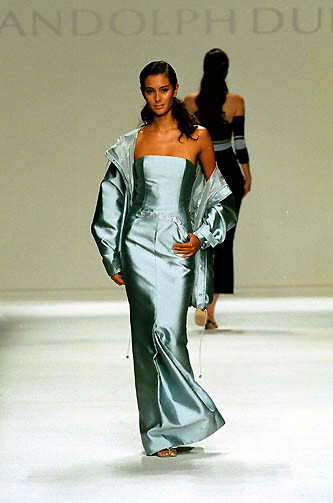
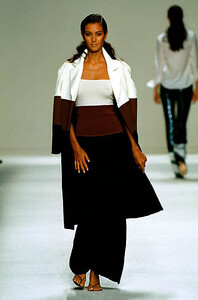
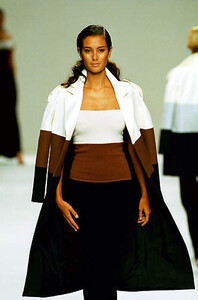
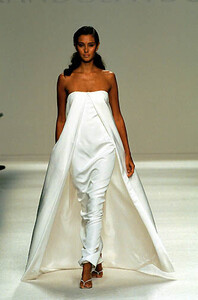
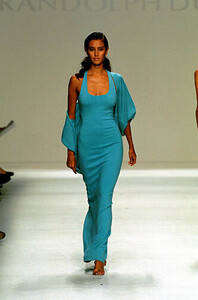
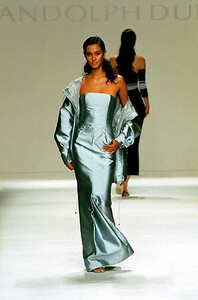
Randolph Duke S/S 2000: firstview
-
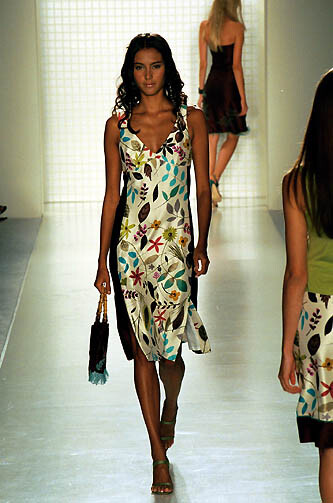
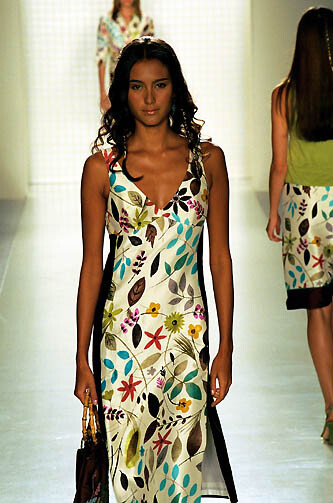
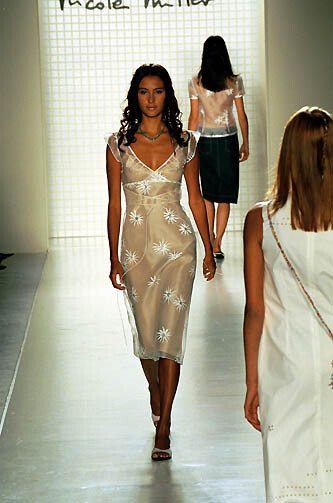
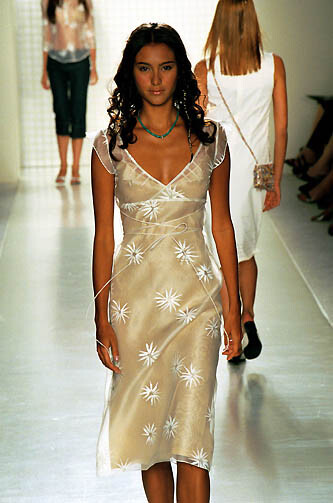
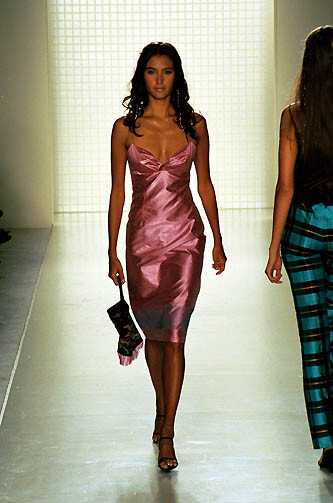
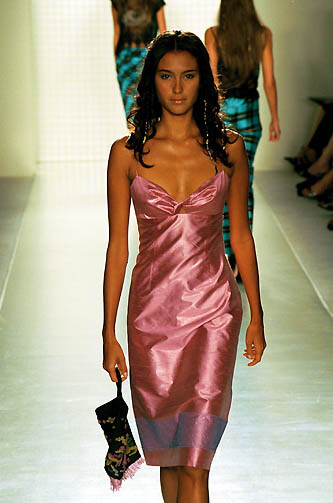
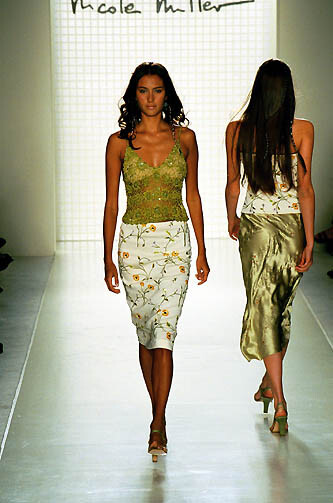
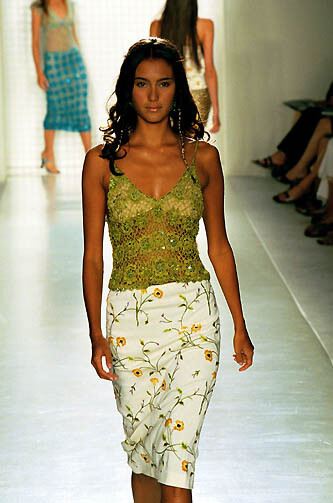
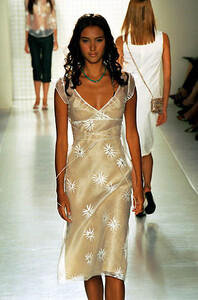
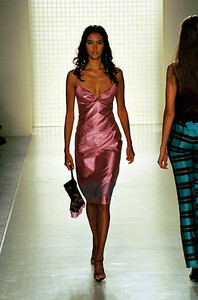
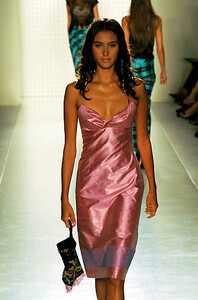
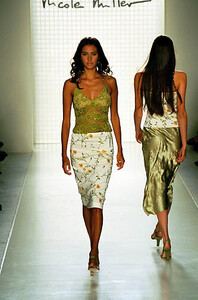
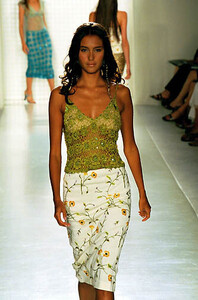
Nicole Miller S/S 2000: firstview
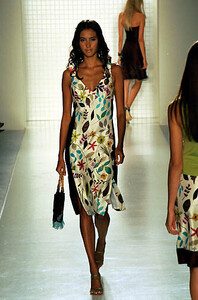
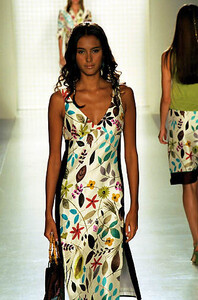
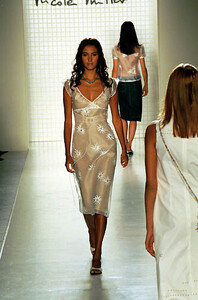
-
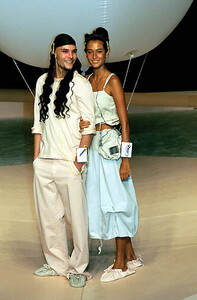
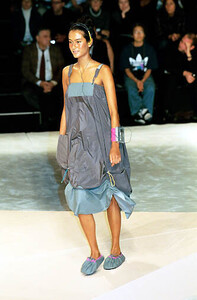
Marithé + François Girbaud S/S 2000: firstview
-
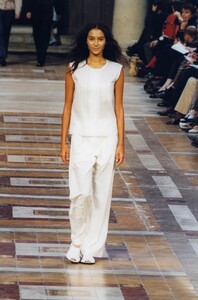
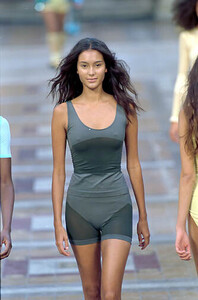
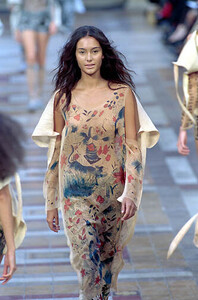
Issey Miyake S/S 2000: getty; firstview
-
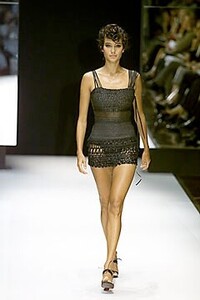
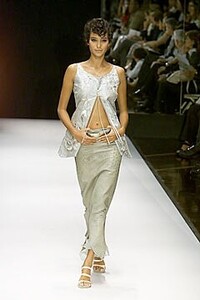
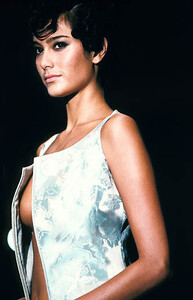
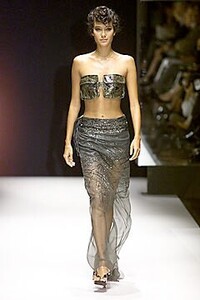
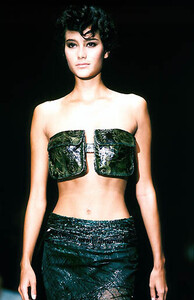
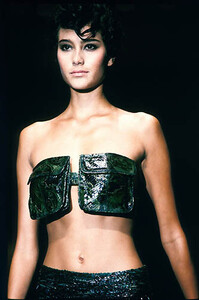
Gianfranco Ferre S/S 2000: vogue; firstview
-
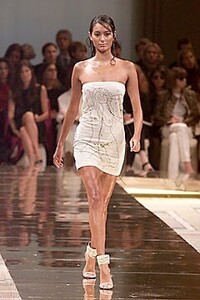
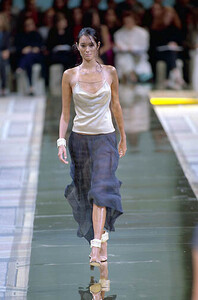
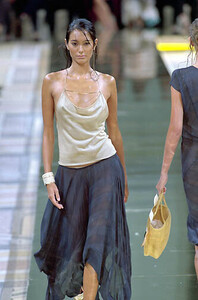
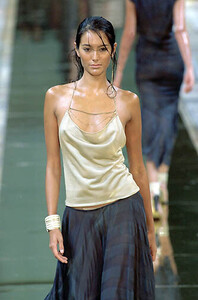
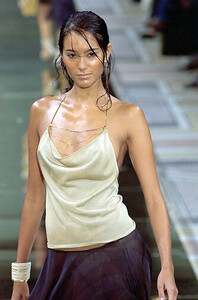
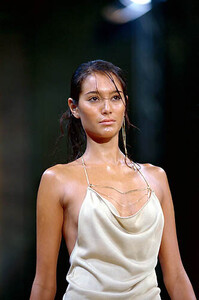
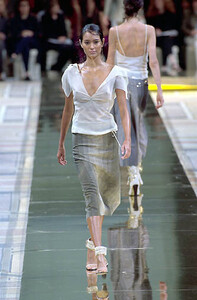
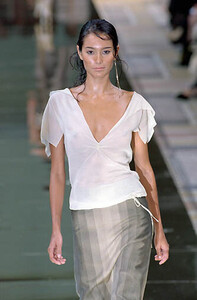
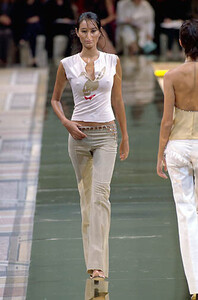
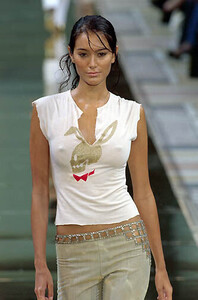
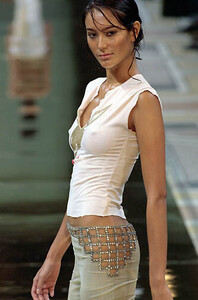
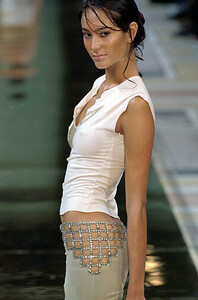
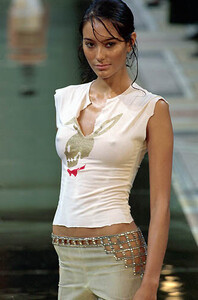
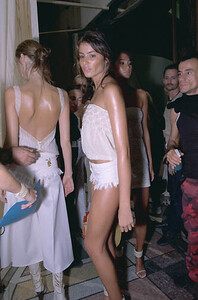
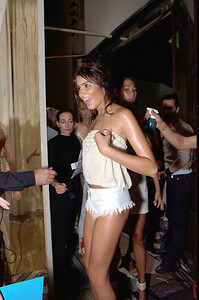
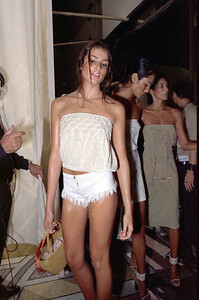
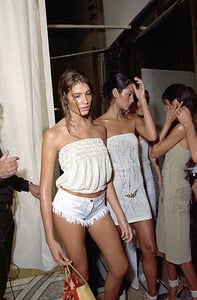
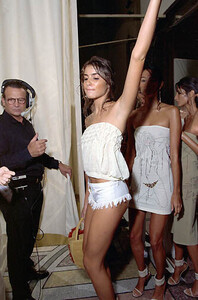
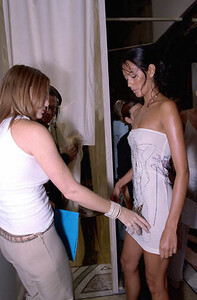
Chloe S/S 2000: Backstage (Emma is behind another model on most of these): firstview
-
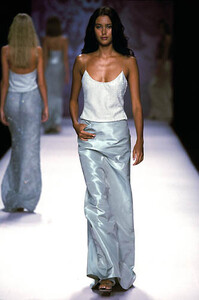
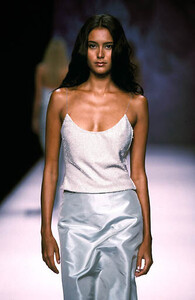
Carmen Marc Valvo S/S 2000: firstview
-
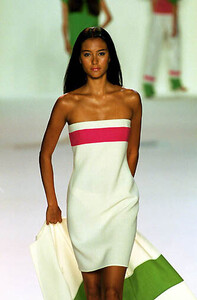
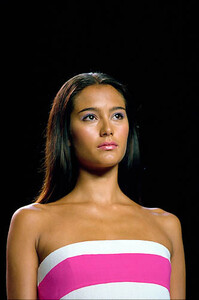
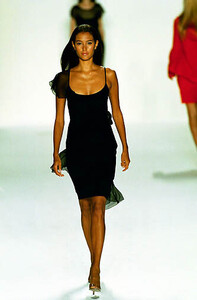
Bill Blass S/S 2000: firstview
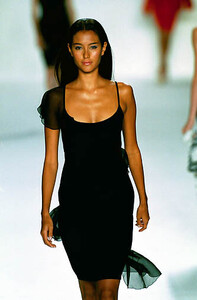
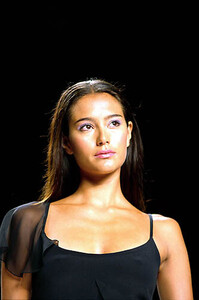
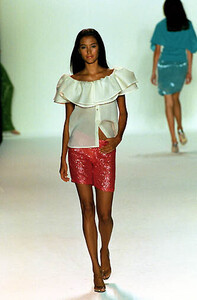
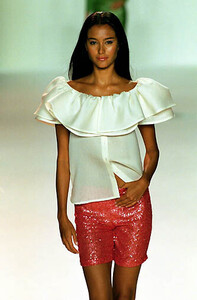
-
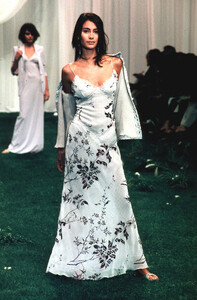
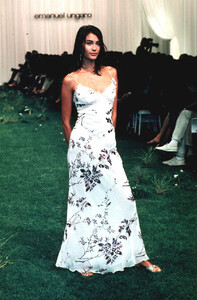
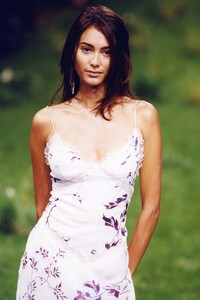
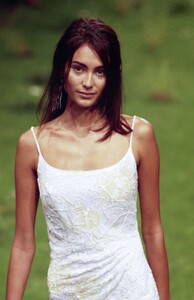
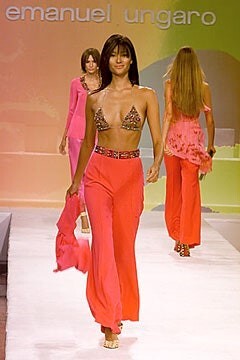
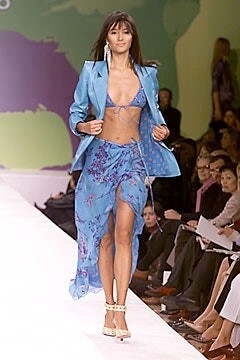
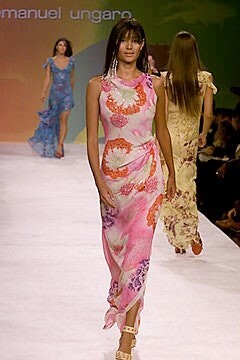
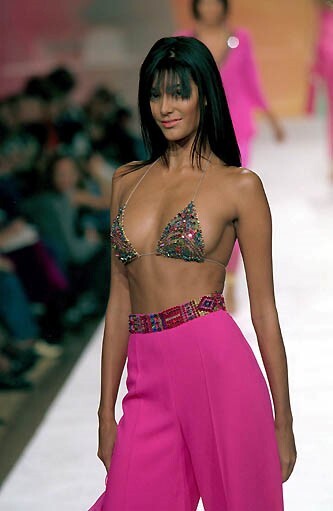
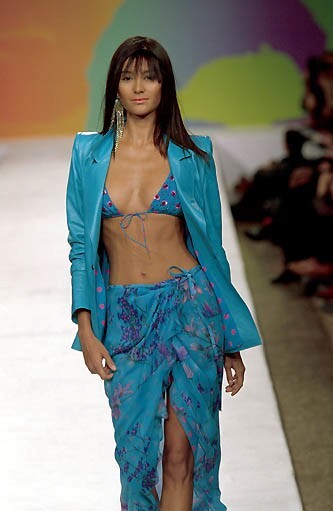
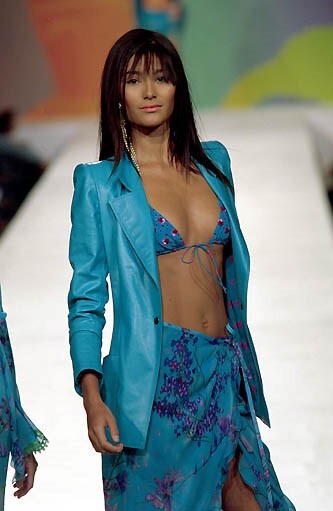
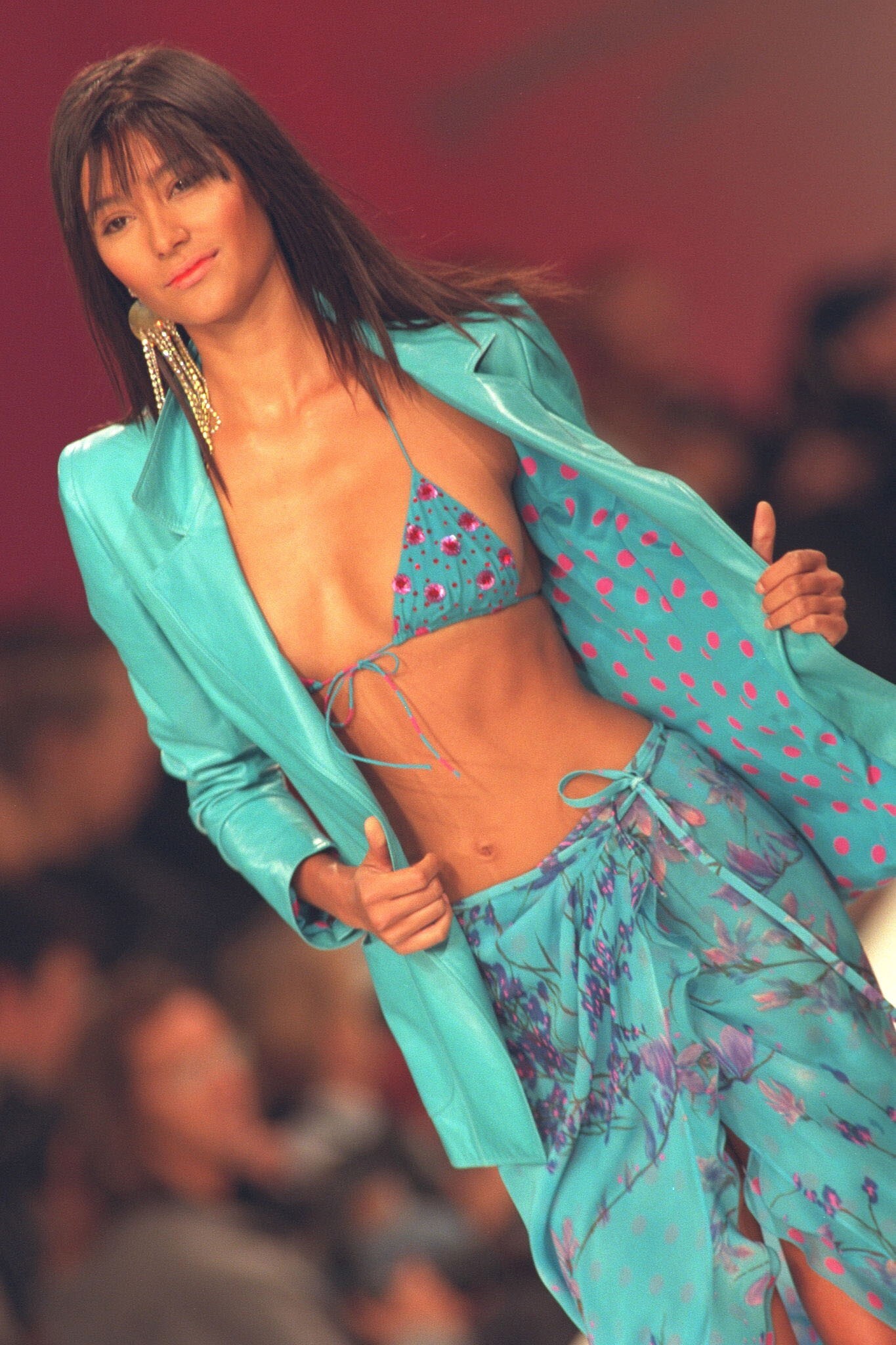
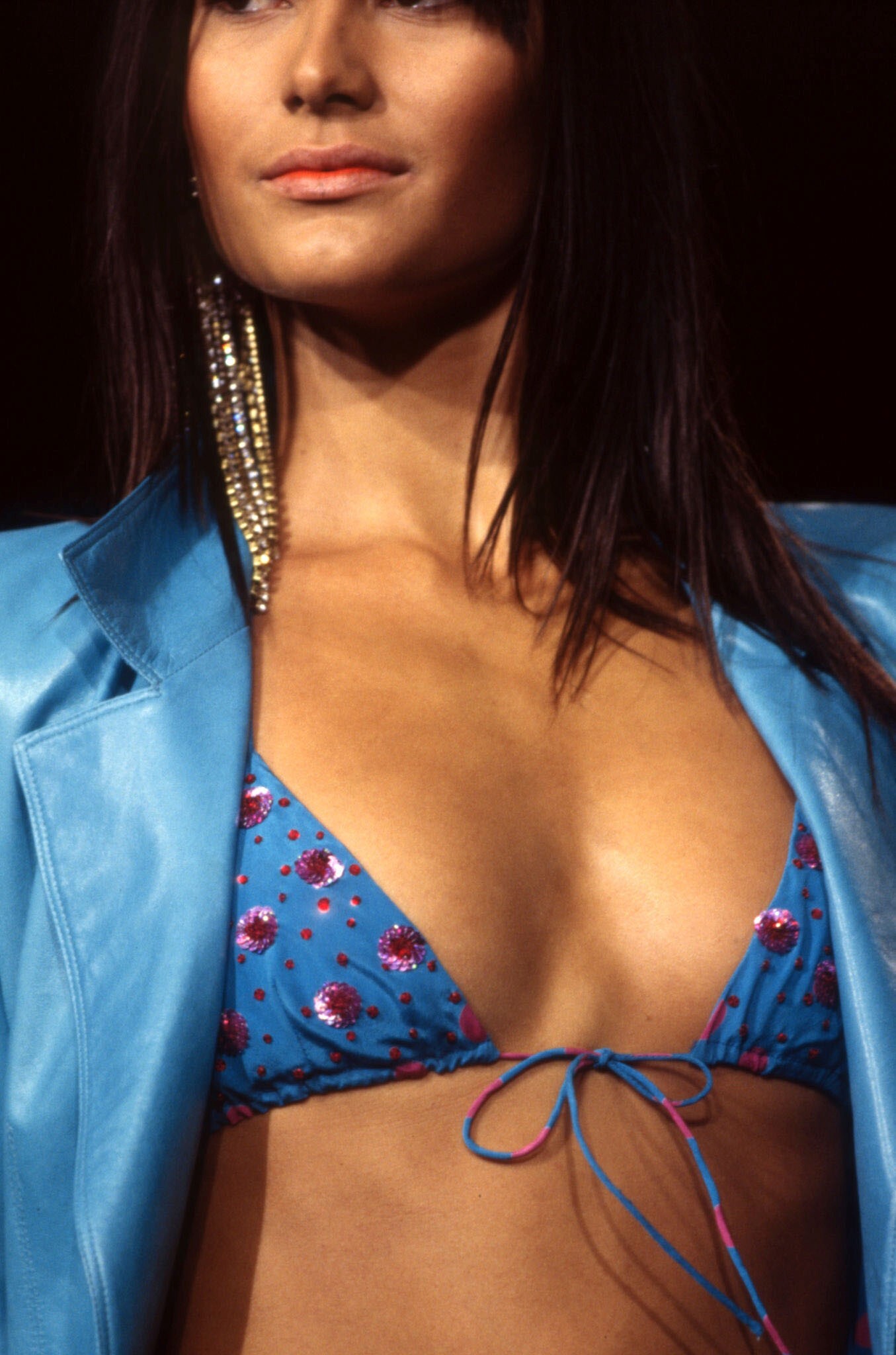
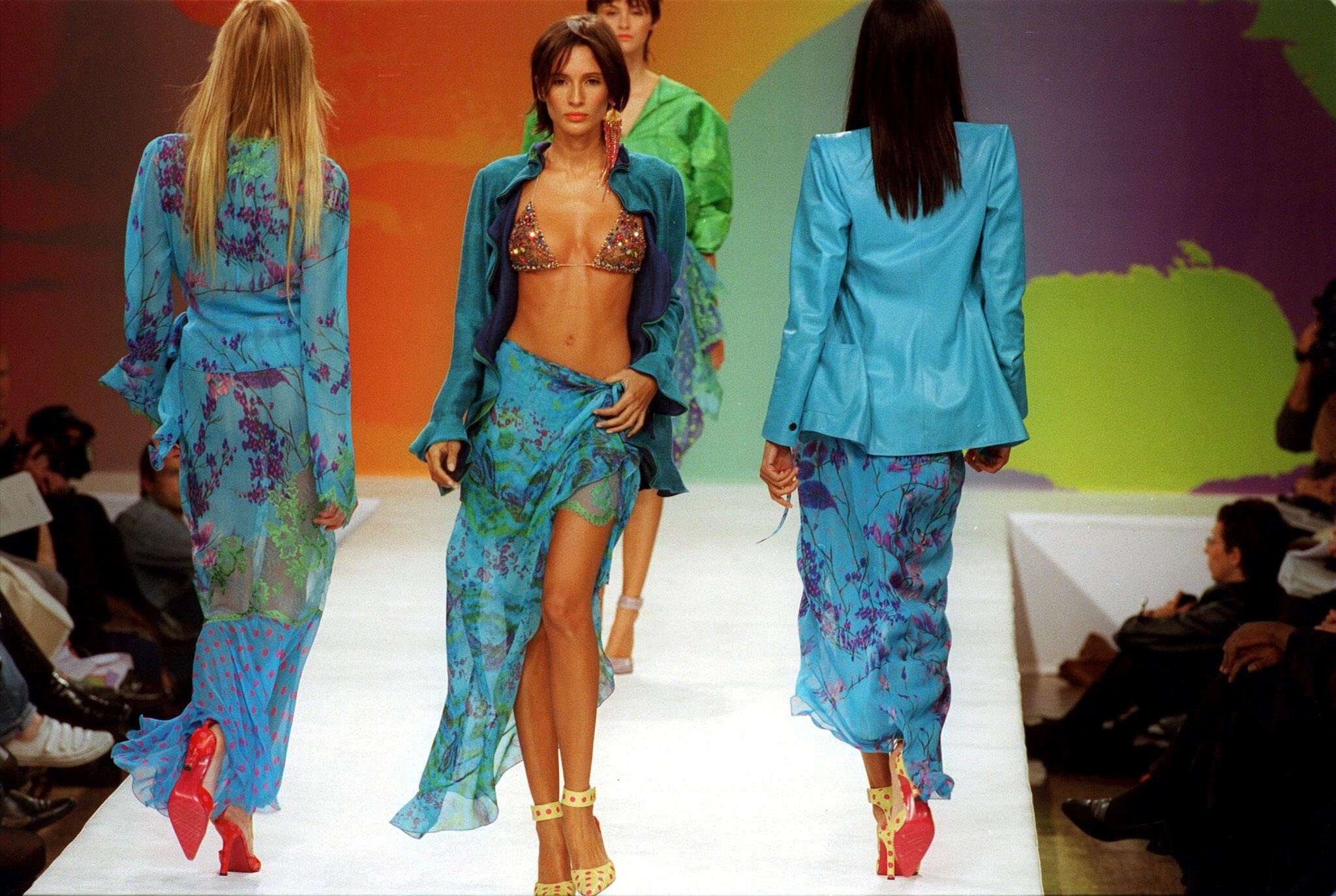
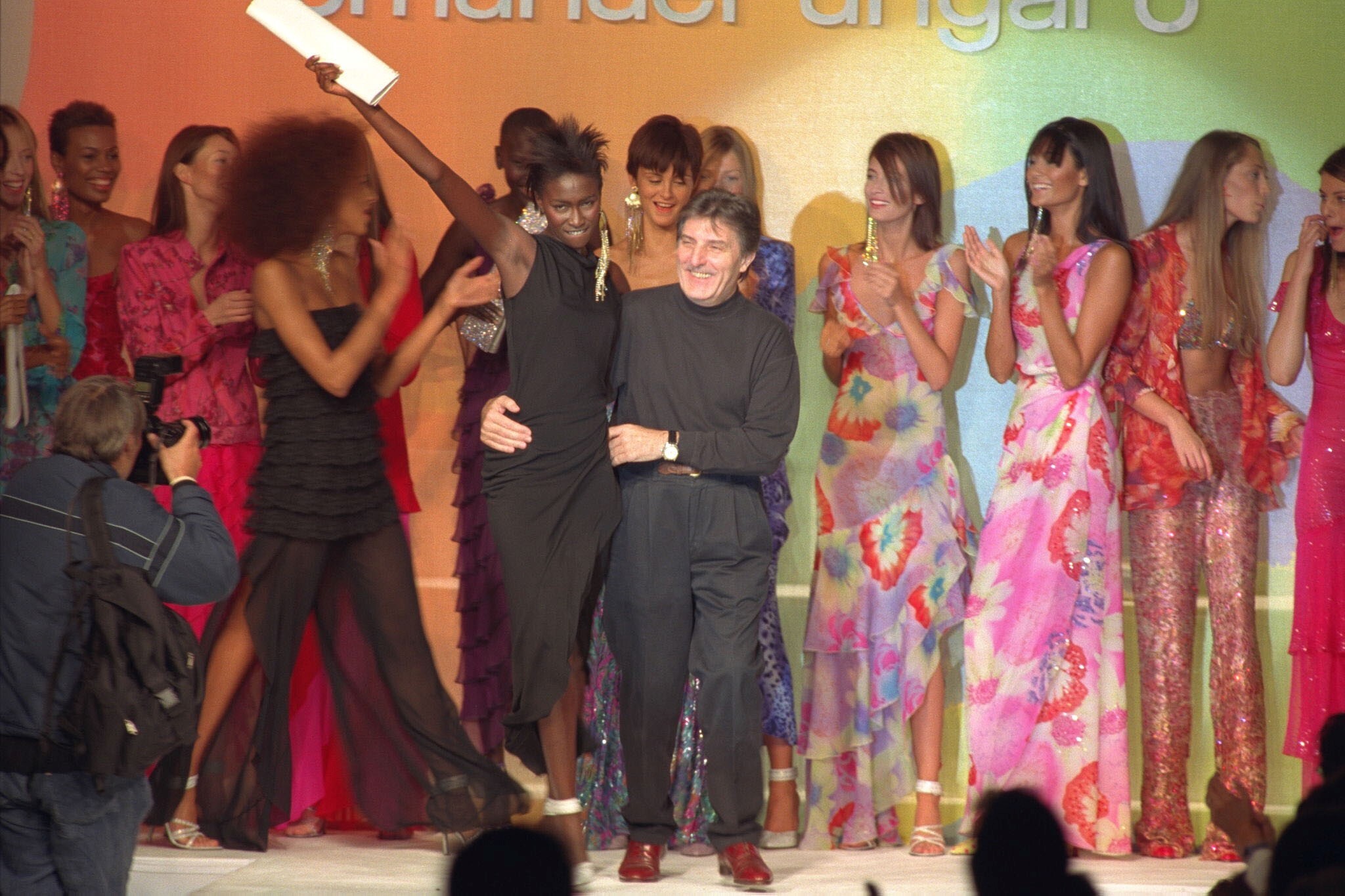
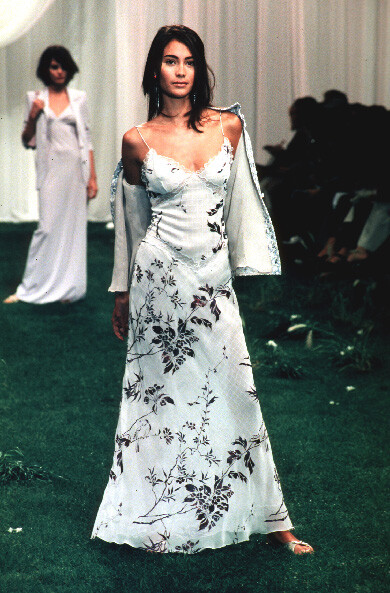
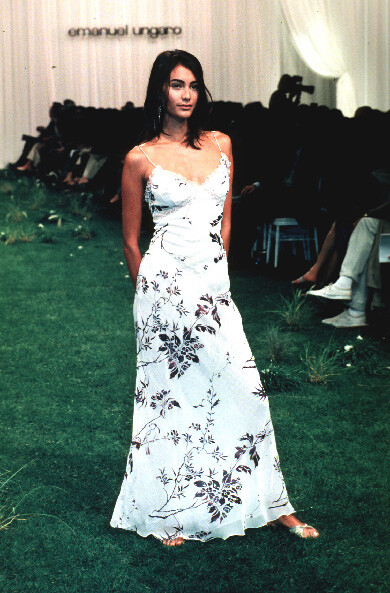
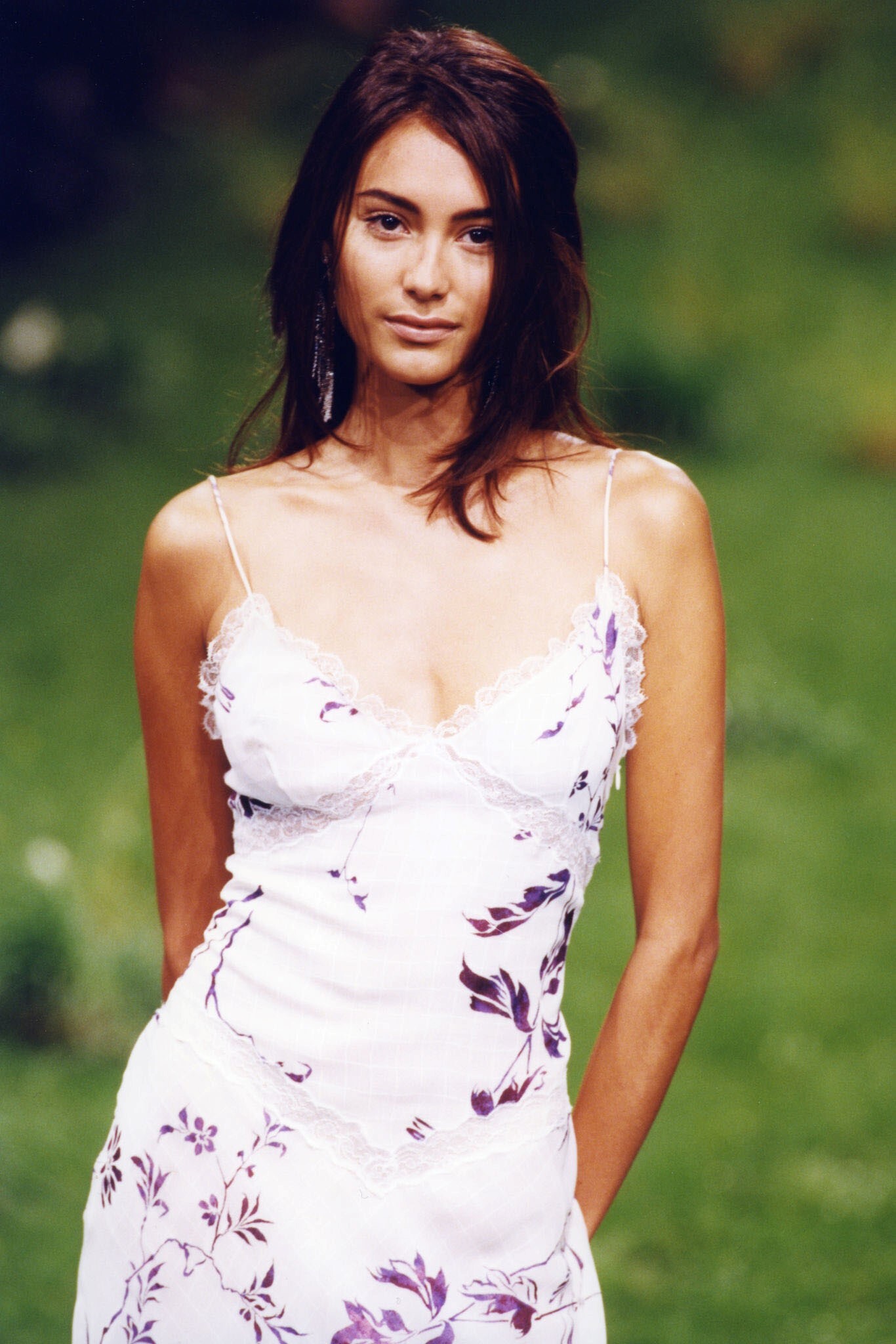
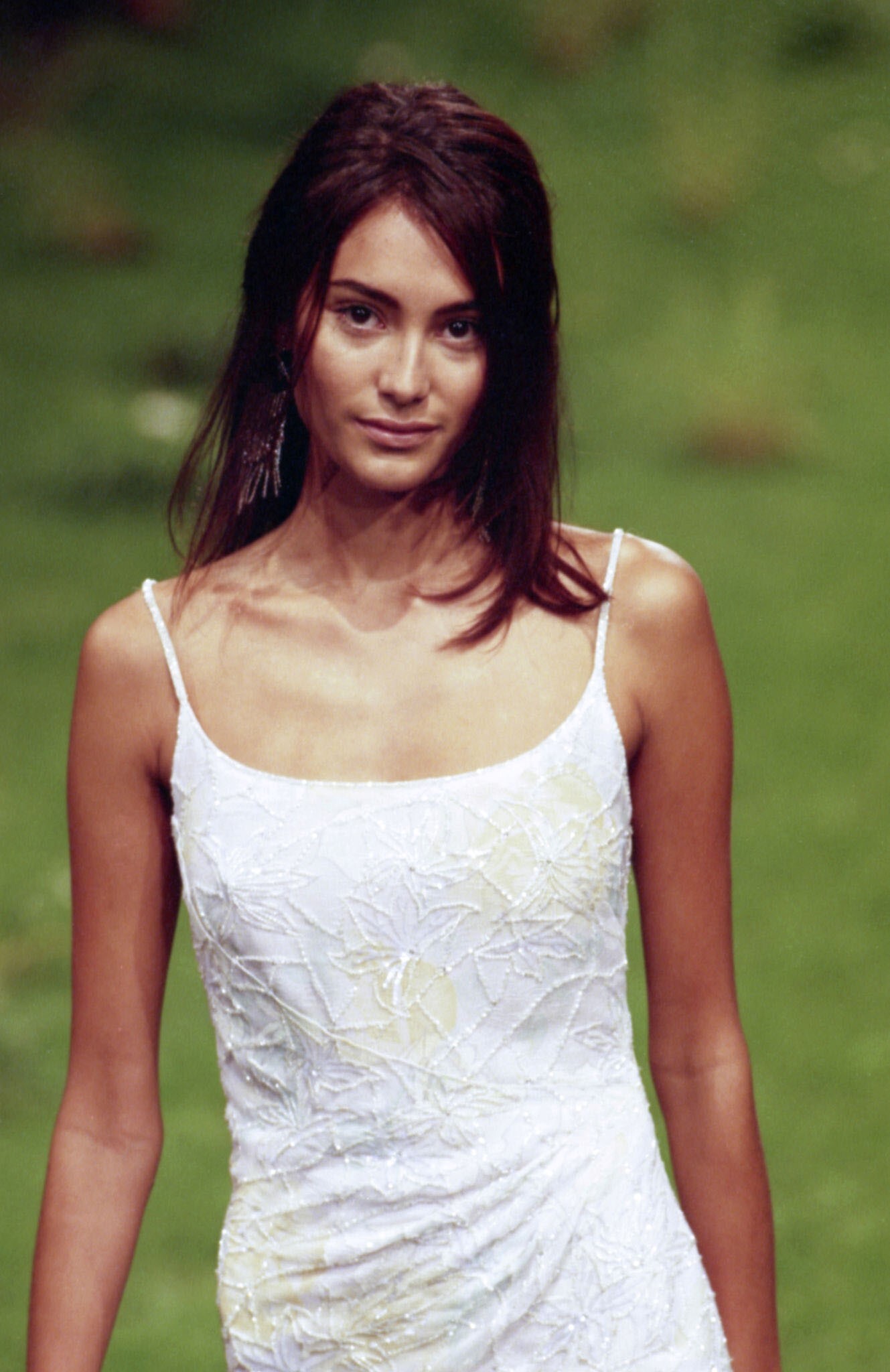
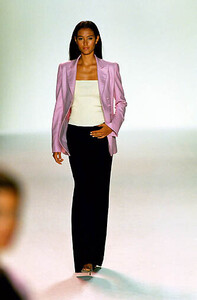
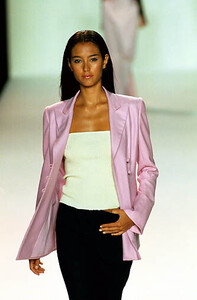
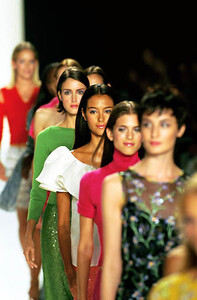
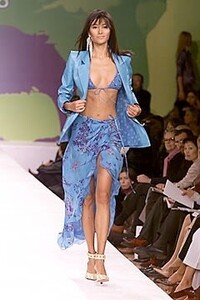
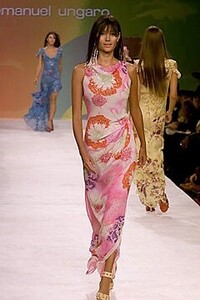
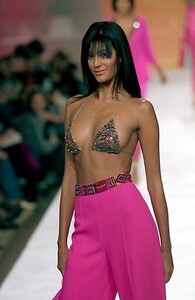
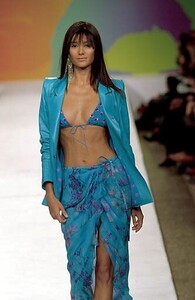
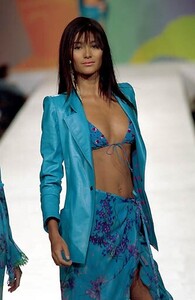
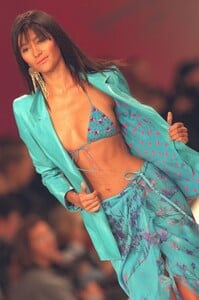
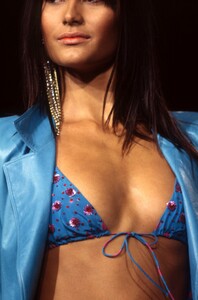
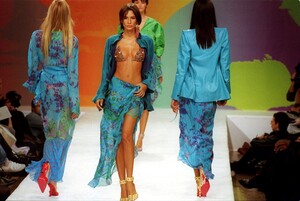
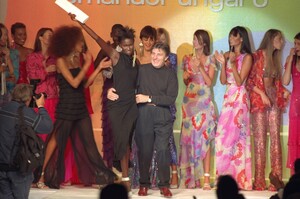
Emanuel Ungaro S/S 2000 All full looks in order of appearance: And more detailed: vogue; firstview; getty
-
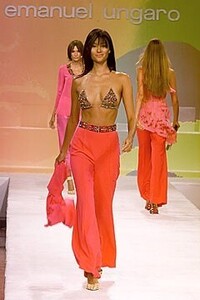
Emanuel Ungaro S/S 1999: firstview; getty