Jump to content
View in the app

A better way to browse. Learn more.

Bellazon

A full-screen app on your home screen with push notifications, badges and more.

To install this app on iOS and iPadOS
  1. Tap the Share icon in Safari
  2. Scroll the menu and tap Add to Home Screen.
  3. Tap Add in the top-right corner.
To install this app on Android
  1. Tap the 3-dot menu (⋮) in the top-right corner of the browser.
  2. Tap Add to Home screen or Install app.
  3. Confirm by tapping Install.

modelcrazy

Members
  • Joined

  1. Elle Portugal February 1994
  2. Elle supplement Australia Autumn/Winter 2000 My scan

  3. modelcrazy started following Editorials
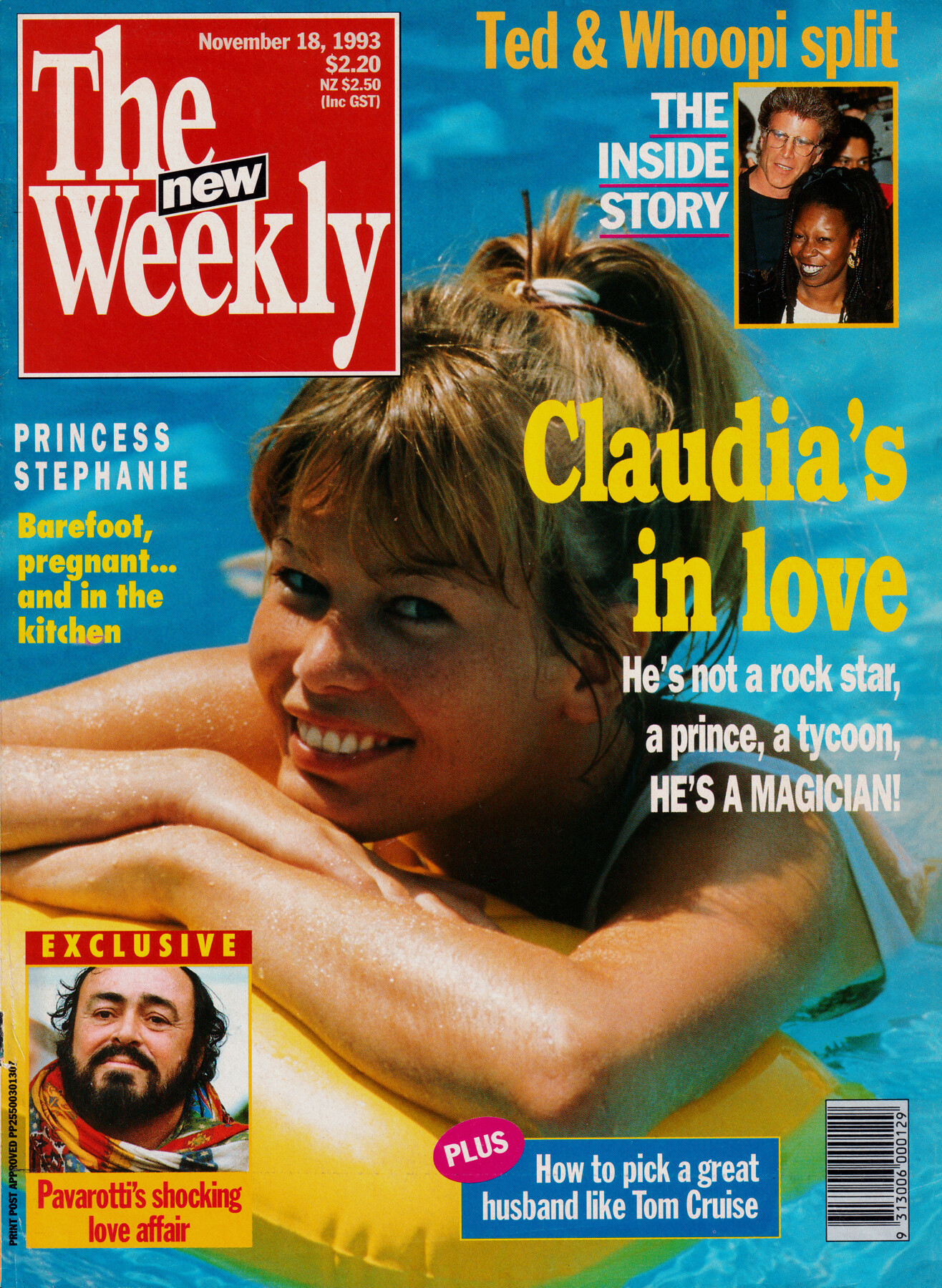
  4. The New Weekly Australia 18 November 1993 My scan

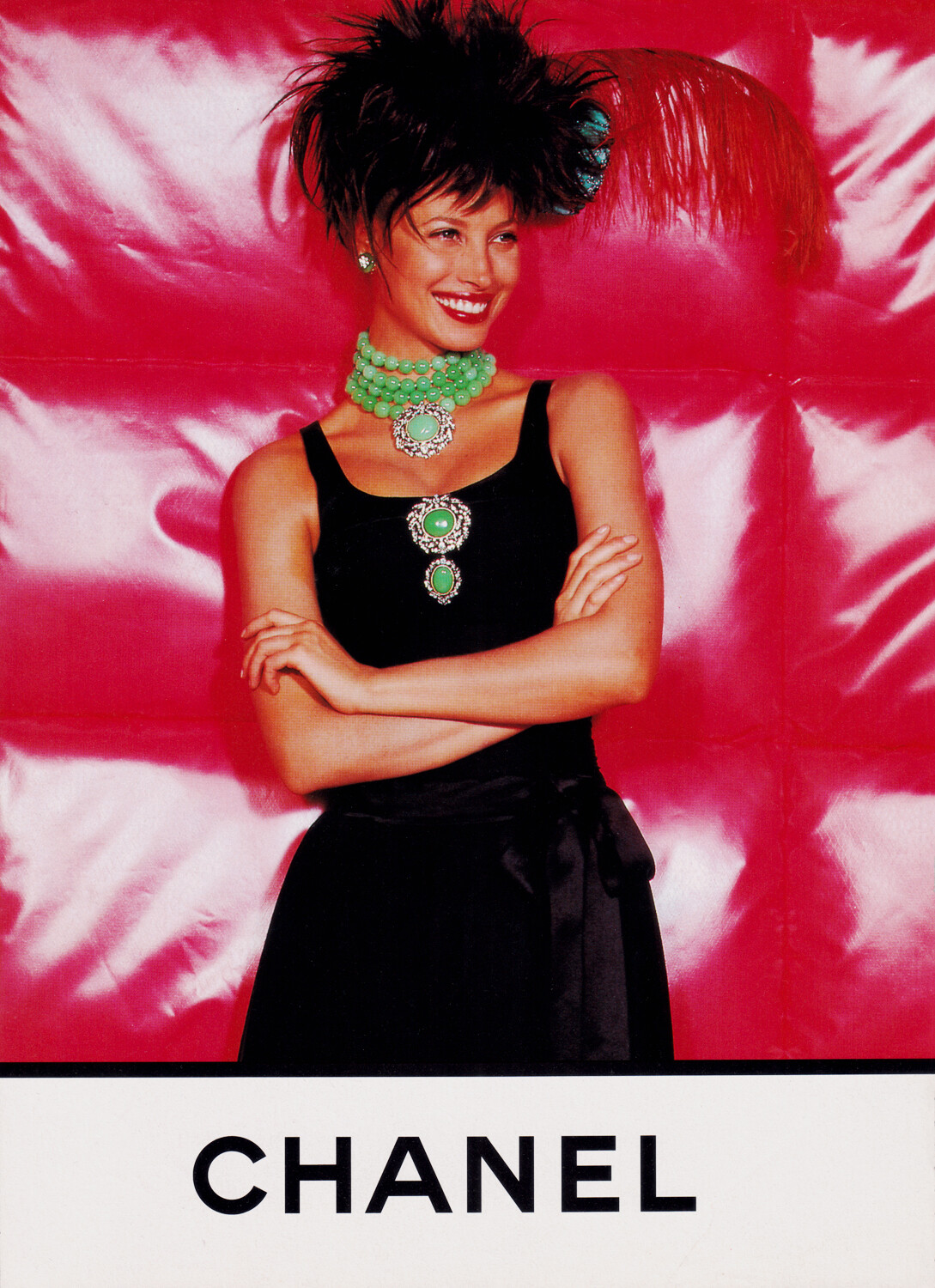
  5. Chanel Haute Couture Autumn/Winter 1994/1995 My scans

  6. Chanel Haute Couture Autumn/Winter 1993/1994 My scans The black & white image came from an ad retrospective that featured in Elle Italy 1993.
  7. Chanel Haute Couture Spring/Summer 1993 My scans All the black & white images came from an ad retrospective that featured in Elle Italy 1993.
  8. Chanel Haute Couture Spring/Summer 1992 - Again I posted another image from Top Model magazine. My scans
  9. Chanel Haute Couture Autumn/Winter 1992/1993 - I've also included the Top Model magazine images from the same collection My scans All the black & white images came from an ad retrospective that featured in Elle Italy in 1993.
  10. Chanel Haute Couture Autumn/Winter 1991/1992 My scans
  11. Chanel Haute Couture Autumn/Winter 1990/1991 My scans
  12. Chanel Autumn/Winter 1991/1992 My scans Three were cut down by a previous owner.
  13. My collection of Christy's Chanel ads. Chanel Spring/Summer 1991 My scans
  14. These are for Next collection.
  15. For those who like exact dates this is the supplement to Marie Claire UK March 1993.
  16. I own this & posted it here a few years ago but didn't have any info on it. So thanks for posting.

Account

Navigation

Search

Configure browser push notifications

Chrome (Android)
  1. Tap the lock icon next to the address bar.
  2. Tap Permissions → Notifications.
  3. Adjust your preference.
Chrome (Desktop)
  1. Click the padlock icon in the address bar.
  2. Select Site settings.
  3. Find Notifications and adjust your preference.