
-VintageDreams-
Members
-
Joined
-
Last visited
Everything posted by -VintageDreams-
-
Higher quality ^_^ Can't find the others yet. But I'll keep looking around. Beautiful photos, for certain!
-
Nudity: http://s29.postimg.org/jbww8ho07/image.jpg
-
^_^I'm pretty sure that I haven't seen these posted here before. Sorry if any are reposts: And I can't tell from the angle if this is Cat or not, but I believe it is. Warning: Nudity http://www.imagebam....77d659211069642Wish I could find more of her. She's one of my favorites.








 Image hidden for guestsSign in to viewReposts, but in higher quality for you guys















 Oh, well I fail! Let's try this again.



 I've got a few of those in higher quality
Nudity: http://www.imagebam.com/image/d5484b190955711 http://www.imagebam.com/image/3096b5190955715roxana-voloseniuc.ro
 Image hidden for guestsSign in to viewImage hidden for guestsSign in to viewYou're quite welcomeI don't think I've seen these posted here before.She never ceases to amaze! Nudity: http://www.imagebam.com/image/3e9087170181050 http://www.imagebam.com/image/82528f170181049 http://www.imagebam.com/image/eed087170181047 http://www.imagebam.com/image/678060170181045 http://www.imagebam.com/image/d8b1c1170181038

 Height: 185185 Size: 48 Chest: 94 Waist: 79 Collar: 39 Shoes: 45 Eyes: Blue/green Hair: Dark blonde From: South Africa Don't know much about him, but he's quite stunning




















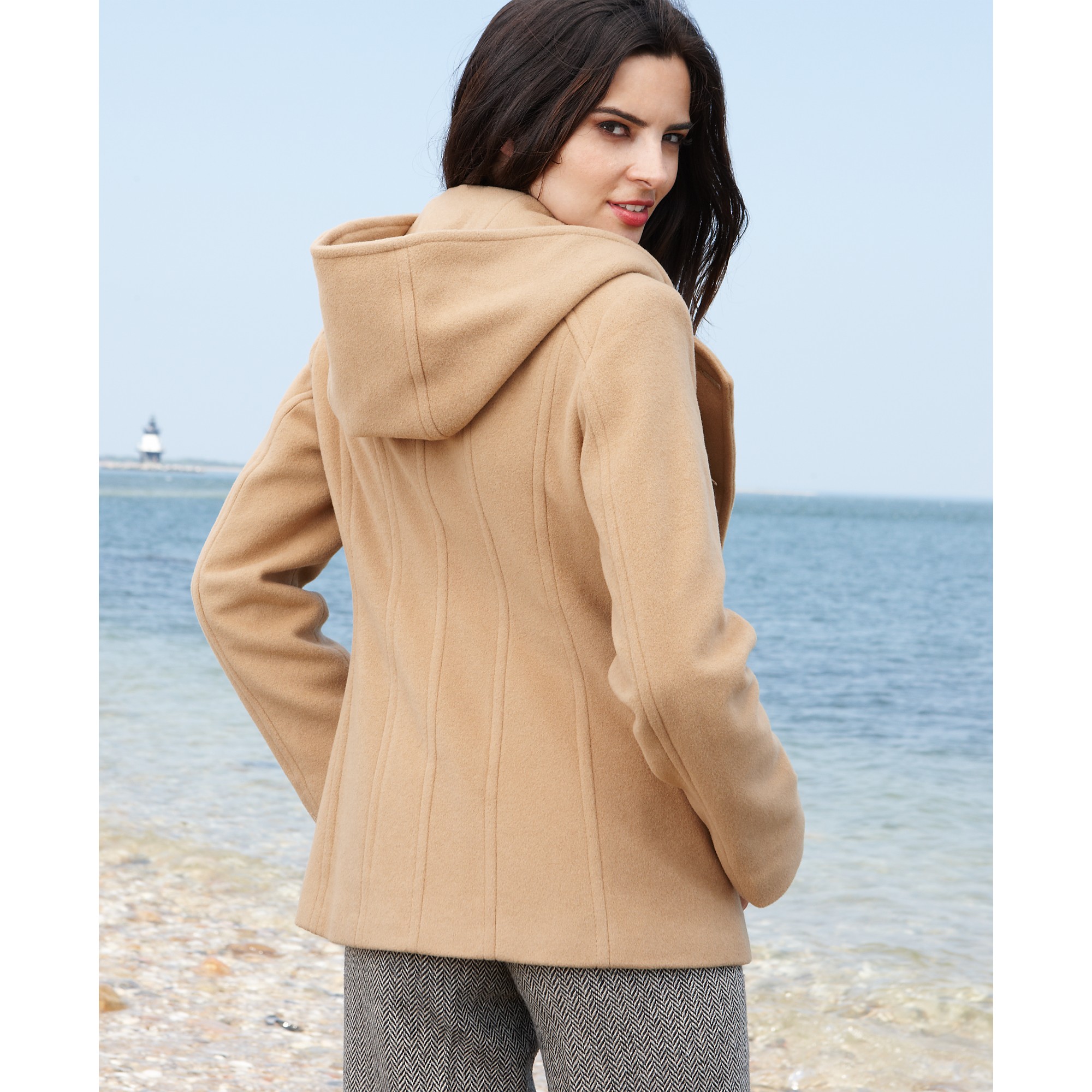

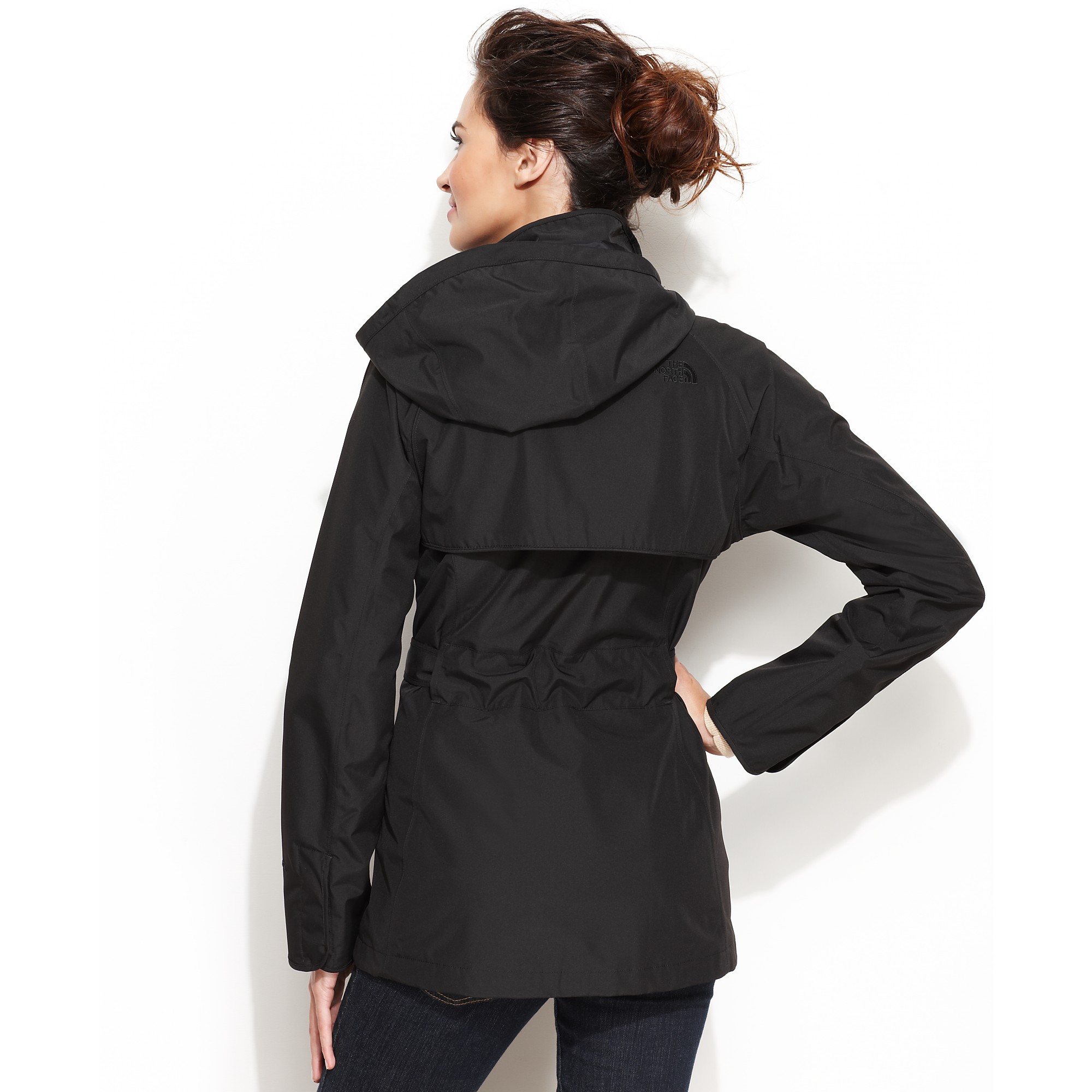
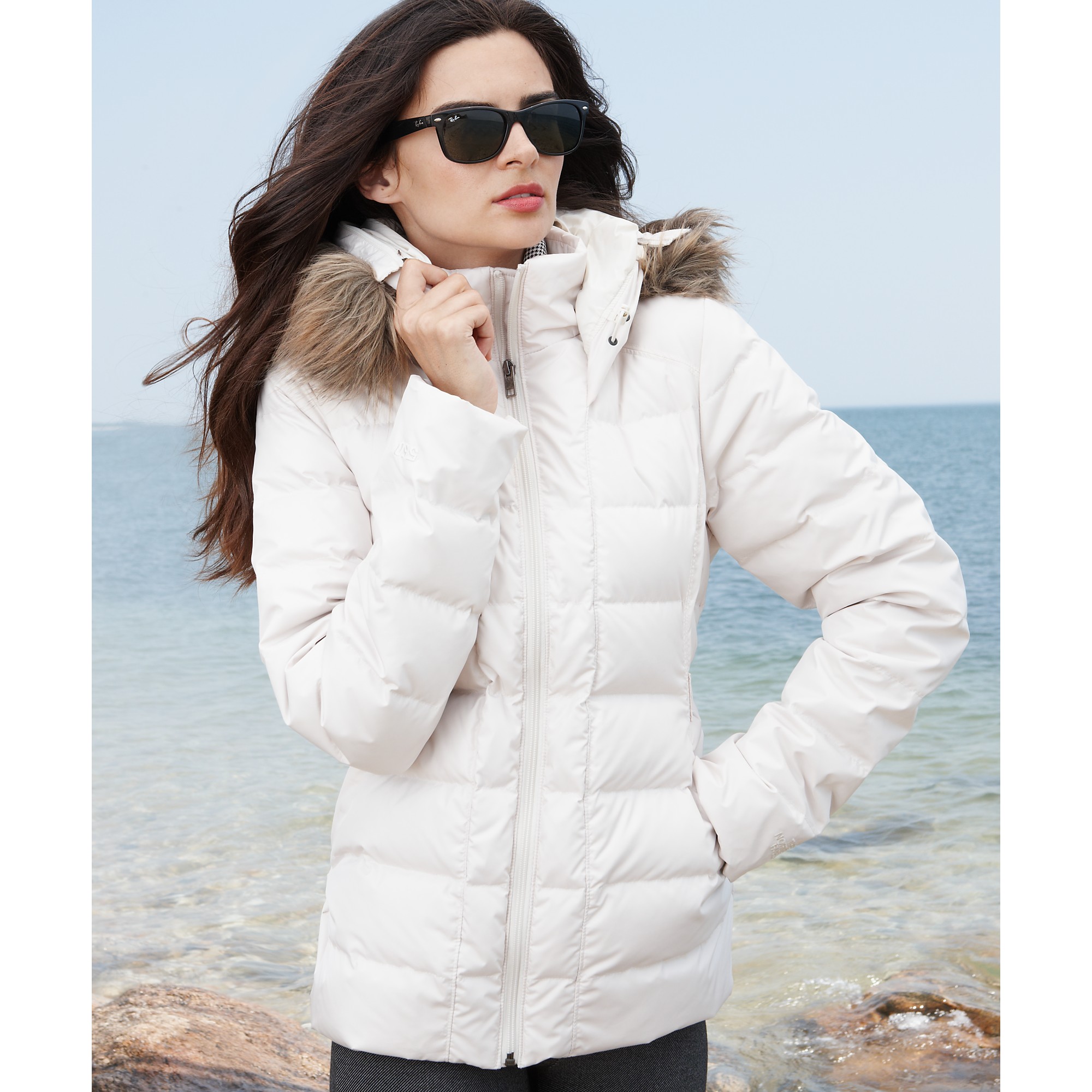
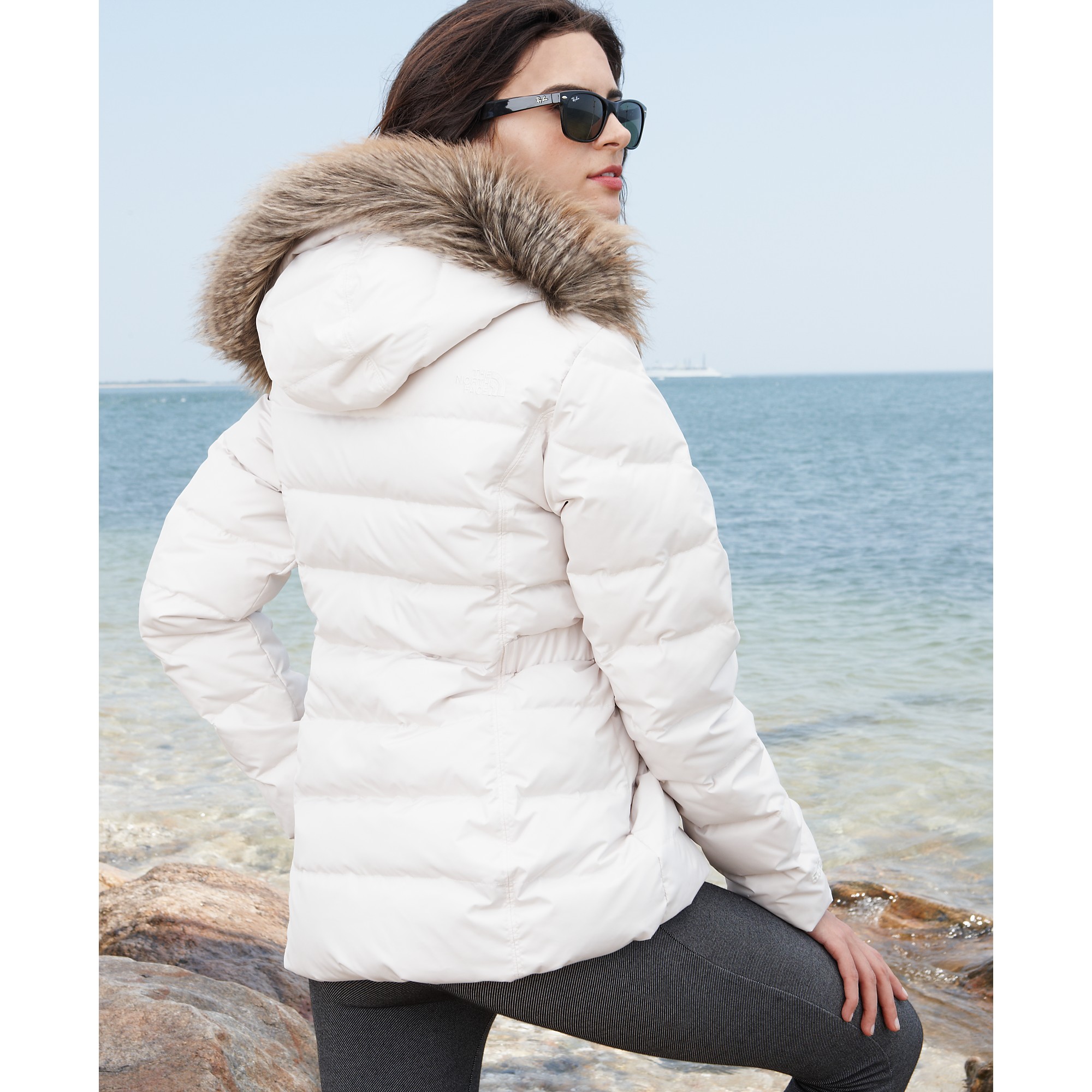



















































































Account
Navigation
Search
Configure browser push notifications
Chrome (Android)
- Tap the lock icon next to the address bar.
- Tap Permissions → Notifications.
- Adjust your preference.
Chrome (Desktop)
- Click the padlock icon in the address bar.
- Select Site settings.
- Find Notifications and adjust your preference.
Safari (iOS 16.4+)
- Ensure the site is installed via Add to Home Screen.
- Open Settings App → Notifications.
- Find your app name and adjust your preference.
Safari (macOS)
- Go to Safari → Preferences.
- Click the Websites tab.
- Select Notifications in the sidebar.
- Find this website and adjust your preference.
Edge (Android)
- Tap the lock icon next to the address bar.
- Tap Permissions.
- Find Notifications and adjust your preference.
Edge (Desktop)
- Click the padlock icon in the address bar.
- Click Permissions for this site.
- Find Notifications and adjust your preference.
Firefox (Android)
- Go to Settings → Site permissions.
- Tap Notifications.
- Find this site in the list and adjust your preference.
Firefox (Desktop)
- Open Firefox Settings.
- Search for Notifications.
- Find this site in the list and adjust your preference.