Jump to content
View in the app

A better way to browse. Learn more.

Bellazon

A full-screen app on your home screen with push notifications, badges and more.

To install this app on iOS and iPadOS
  1. Tap the Share icon in Safari
  2. Scroll the menu and tap Add to Home Screen.
  3. Tap Add in the top-right corner.
To install this app on Android
  1. Tap the 3-dot menu (⋮) in the top-right corner of the browser.
  2. Tap Add to Home screen or Install app.
  3. Confirm by tapping Install.

sanja

Members
  • Joined

  • Last visited

Everything posted by sanja

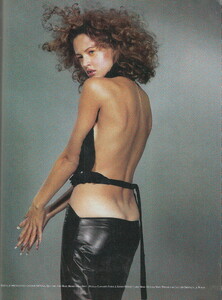
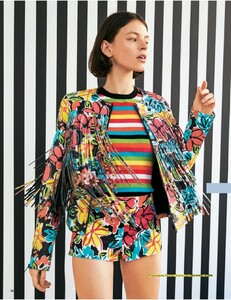
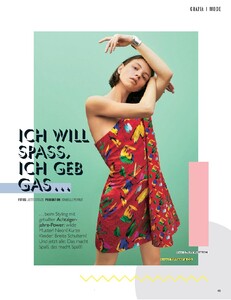
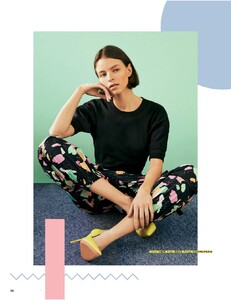
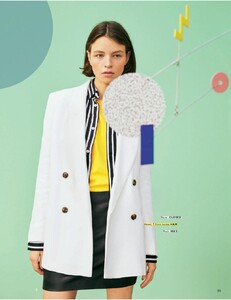
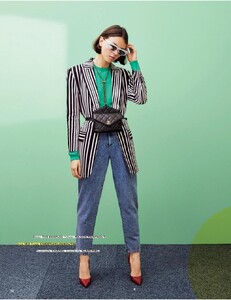
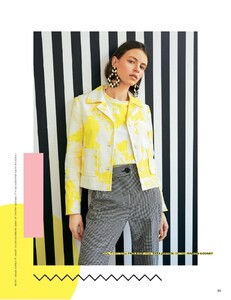
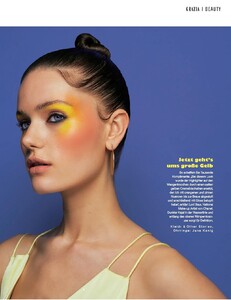
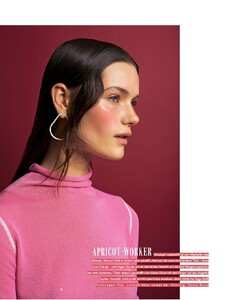
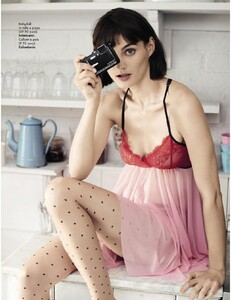
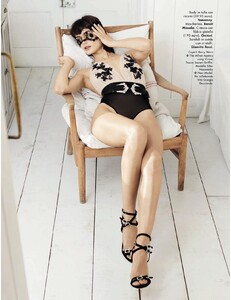
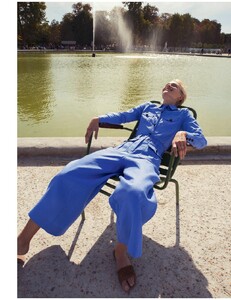
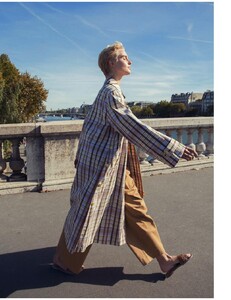
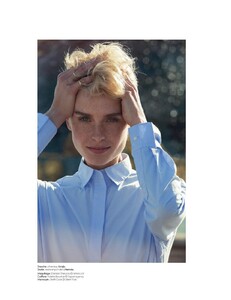
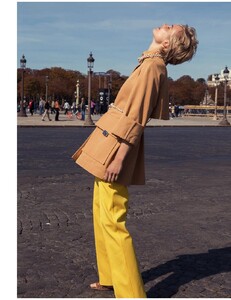
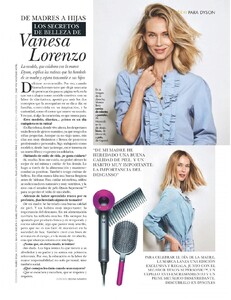
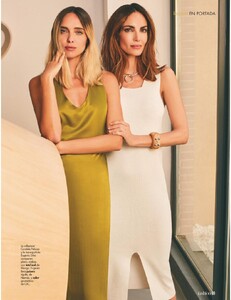
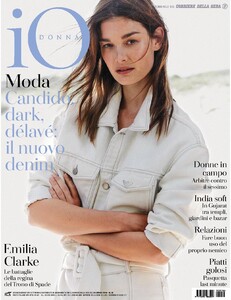
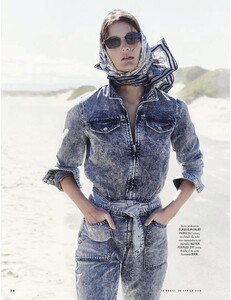
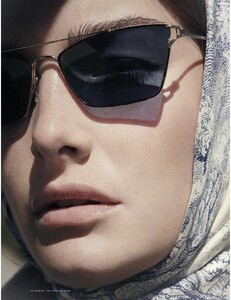
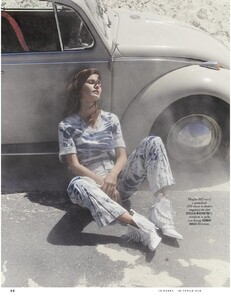
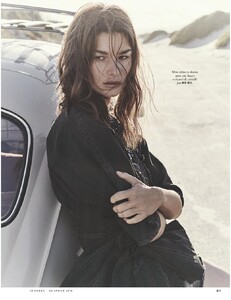
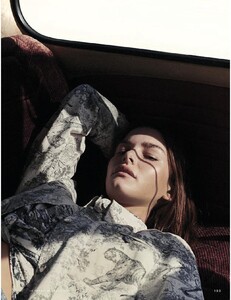
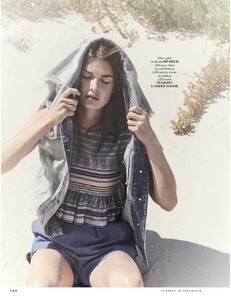
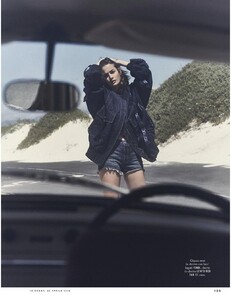
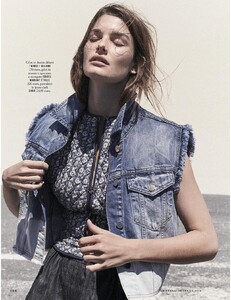
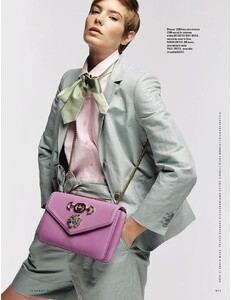
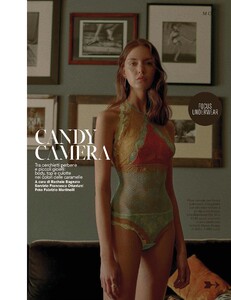
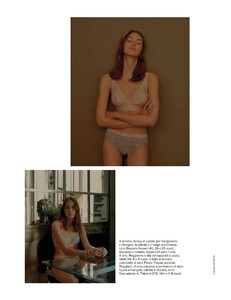
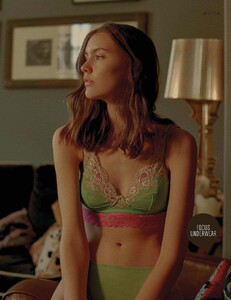
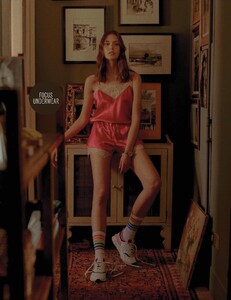
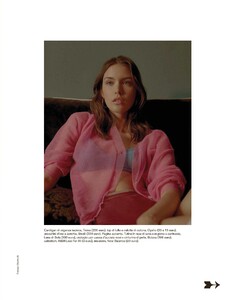
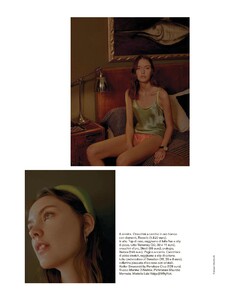
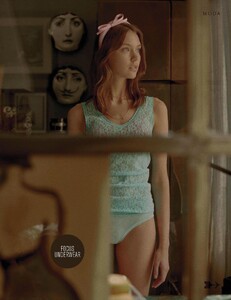
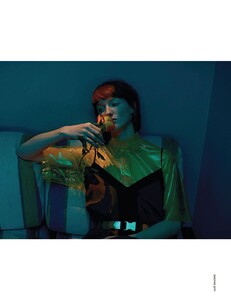
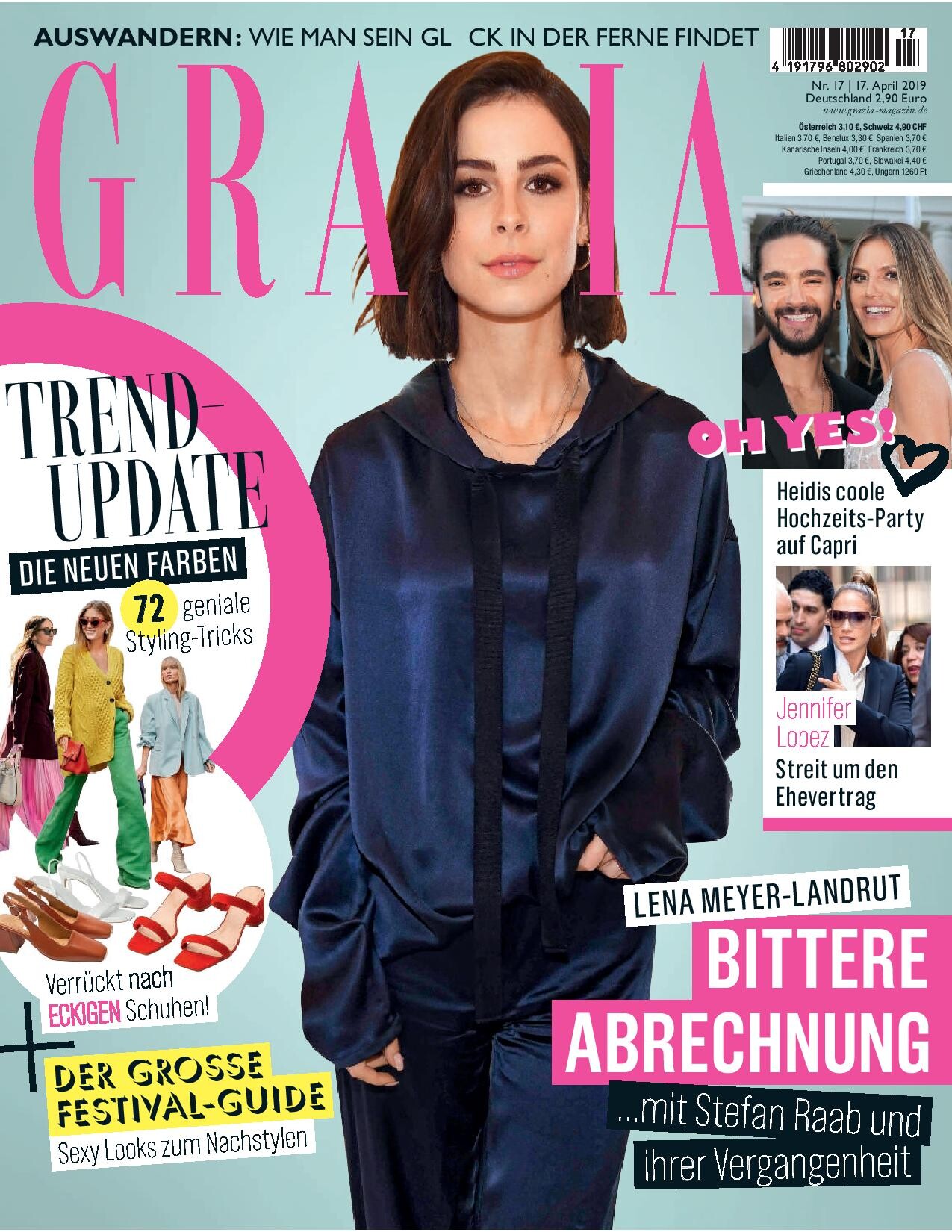
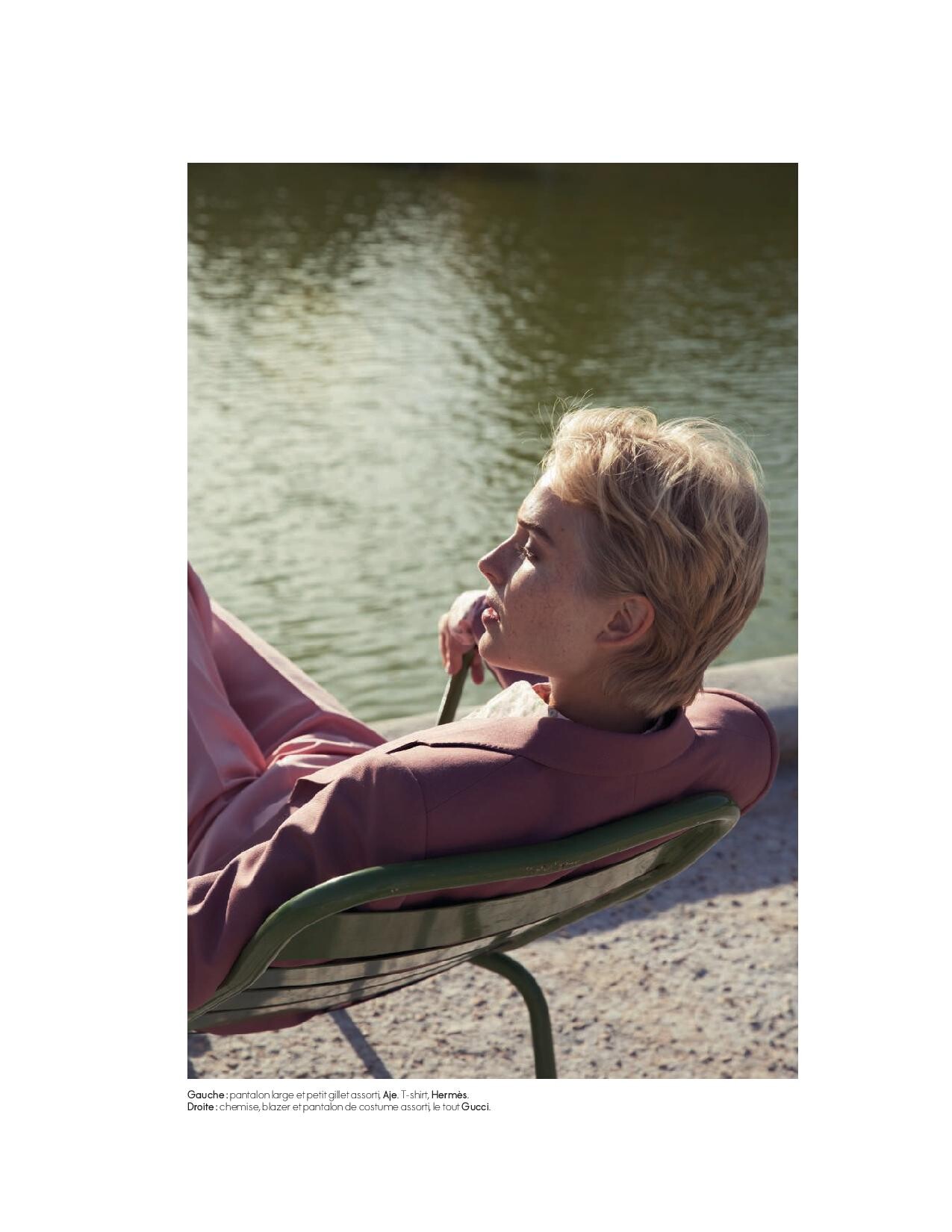
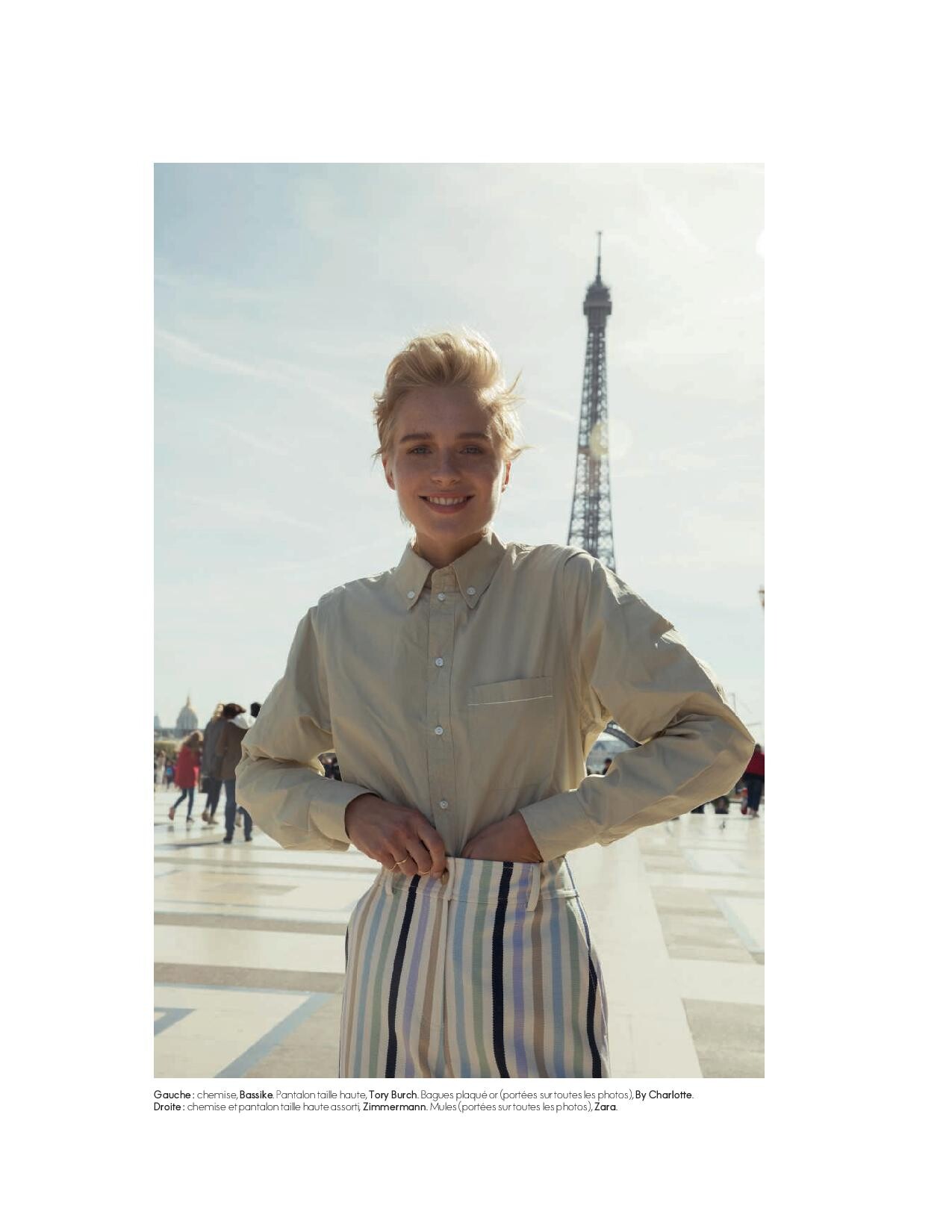
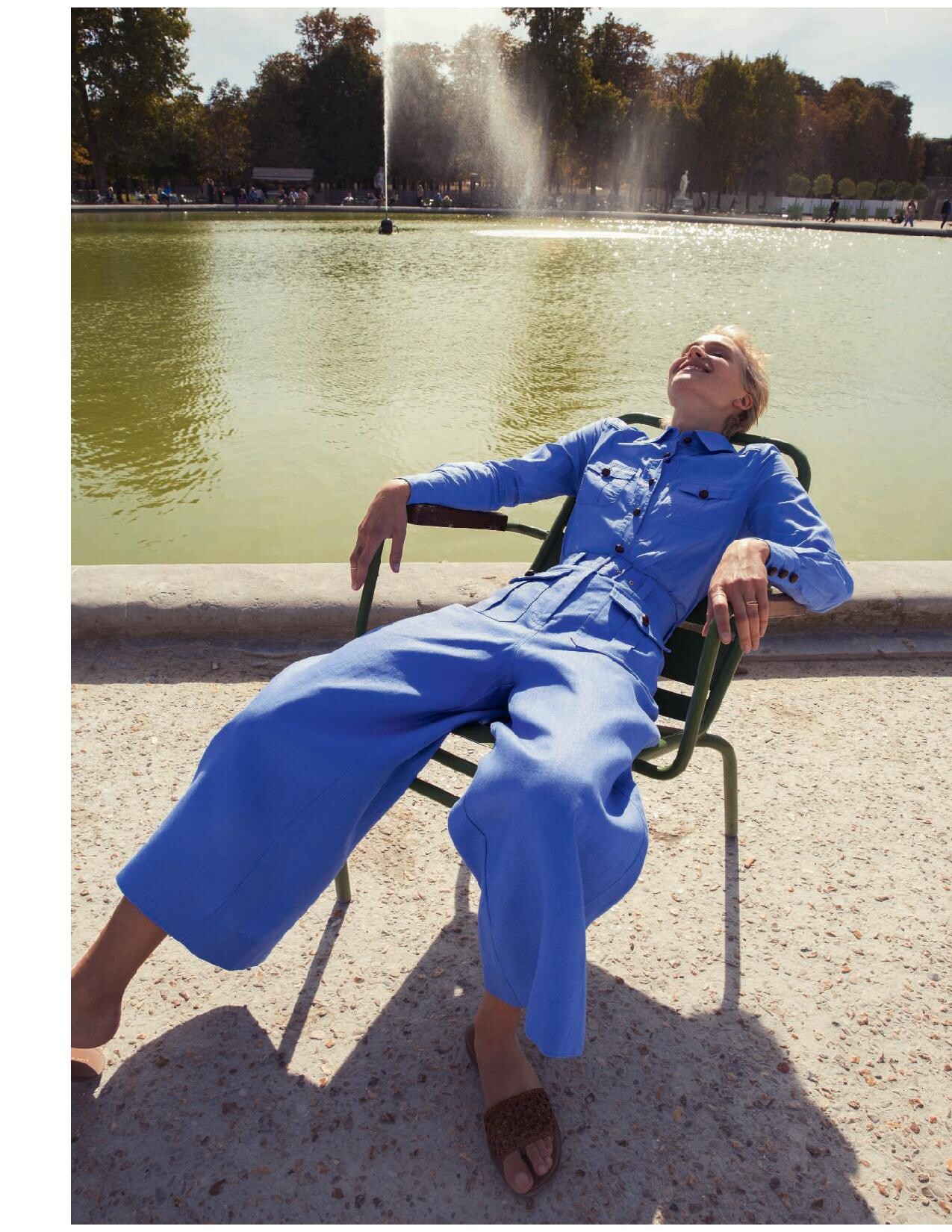
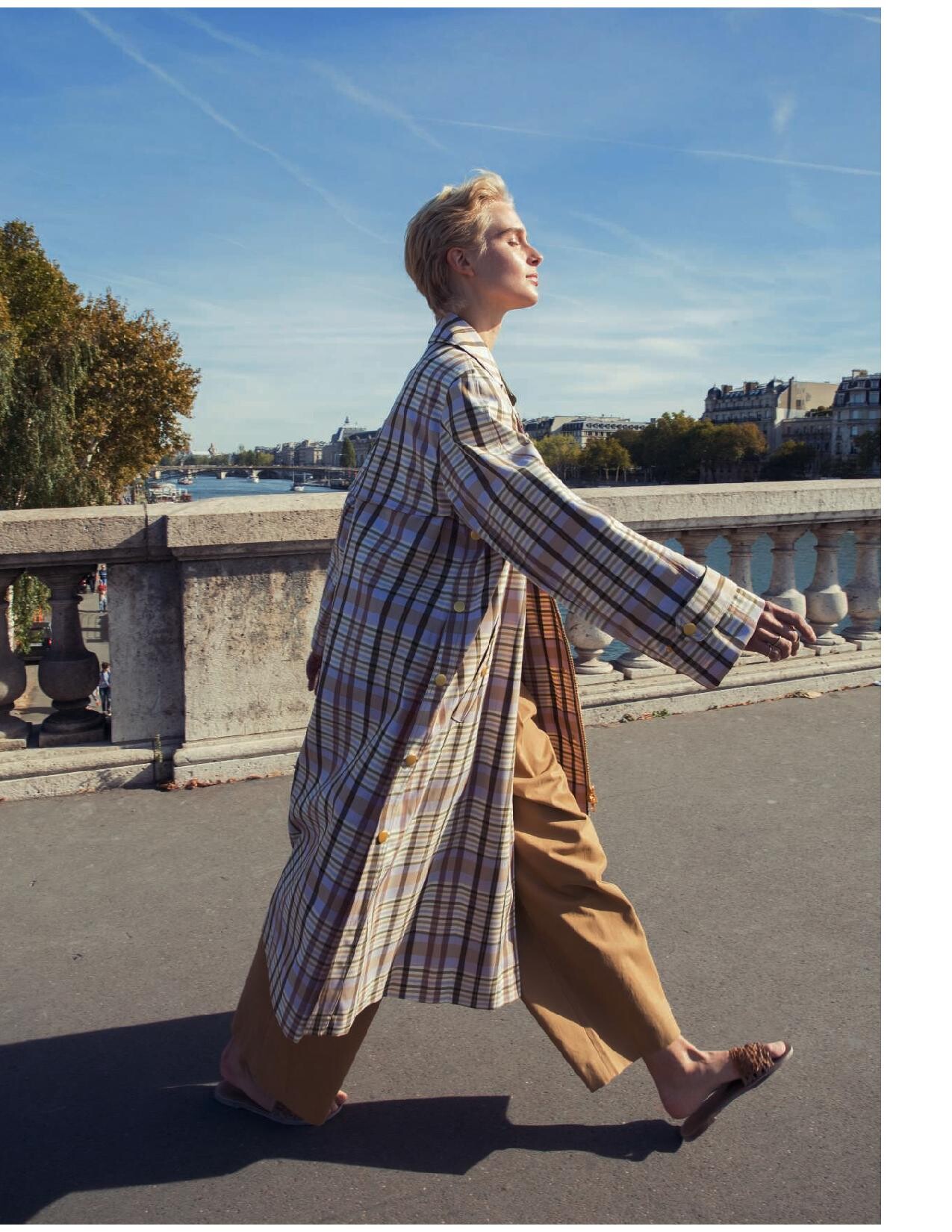
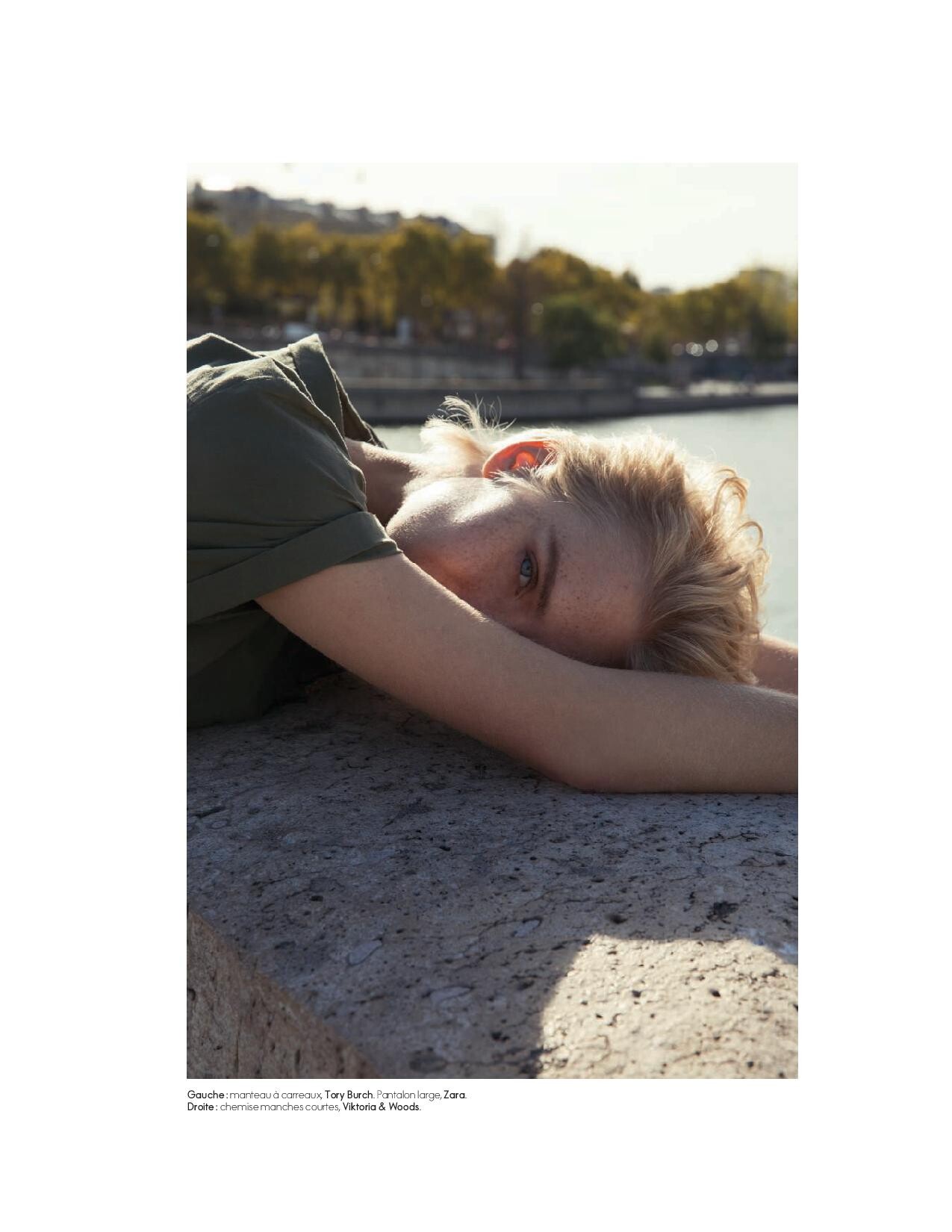
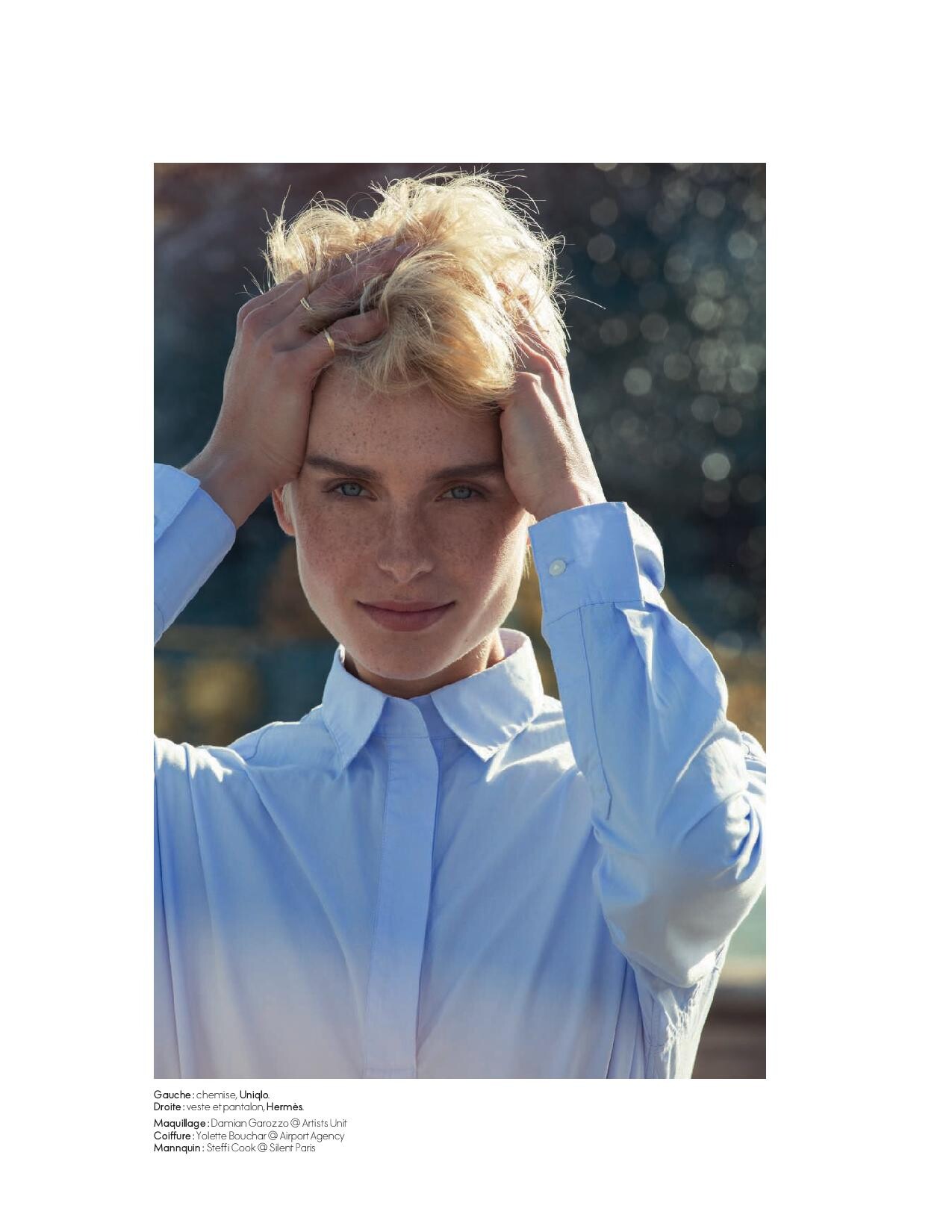
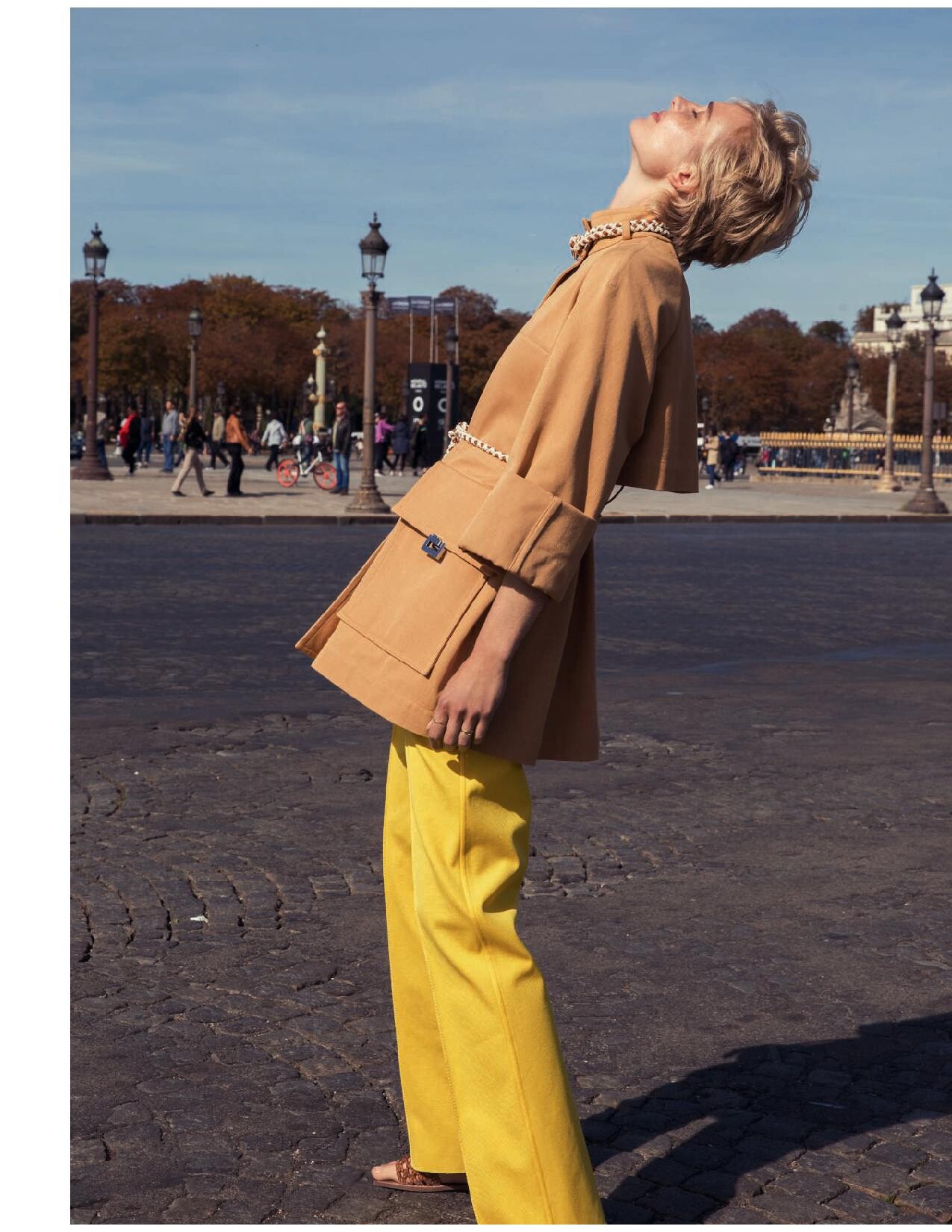
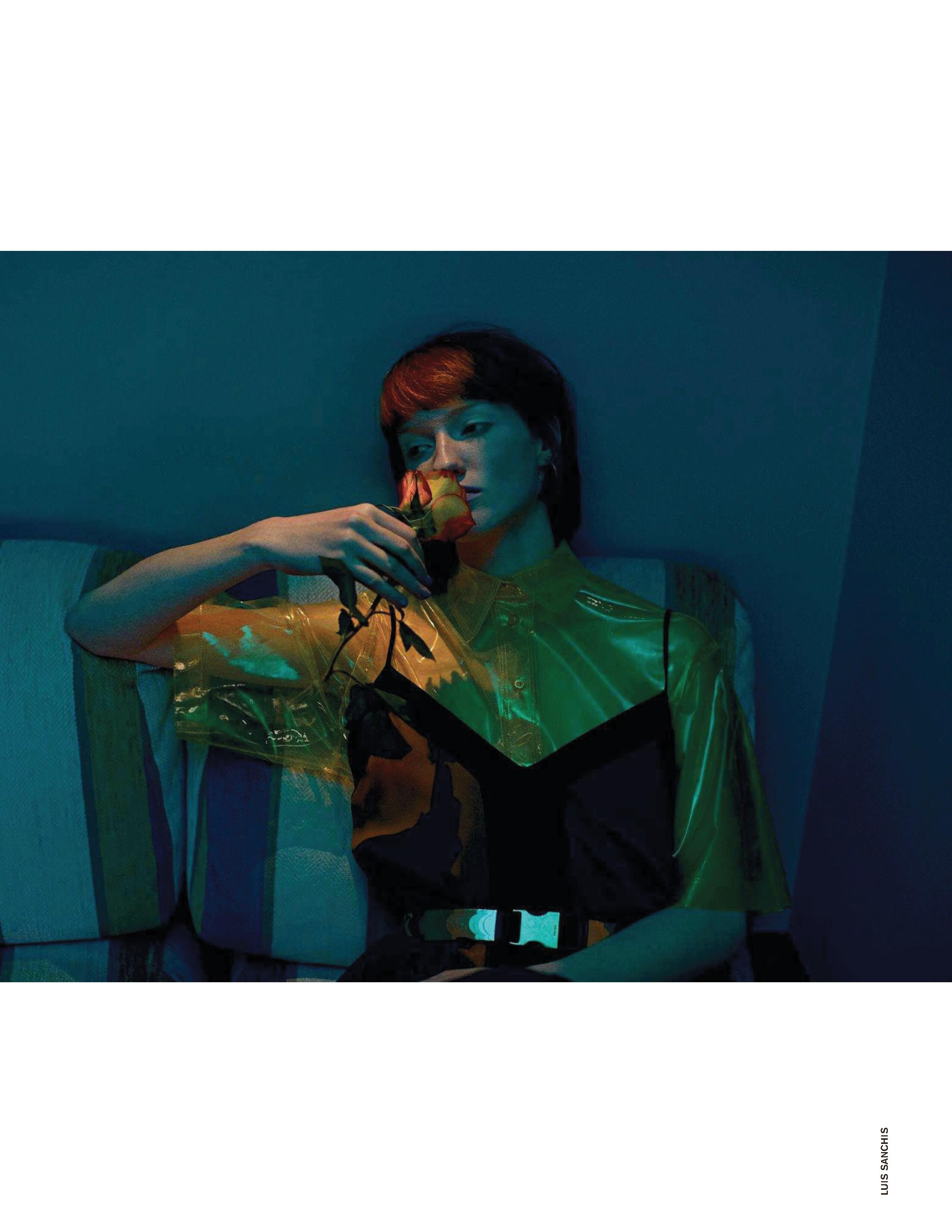
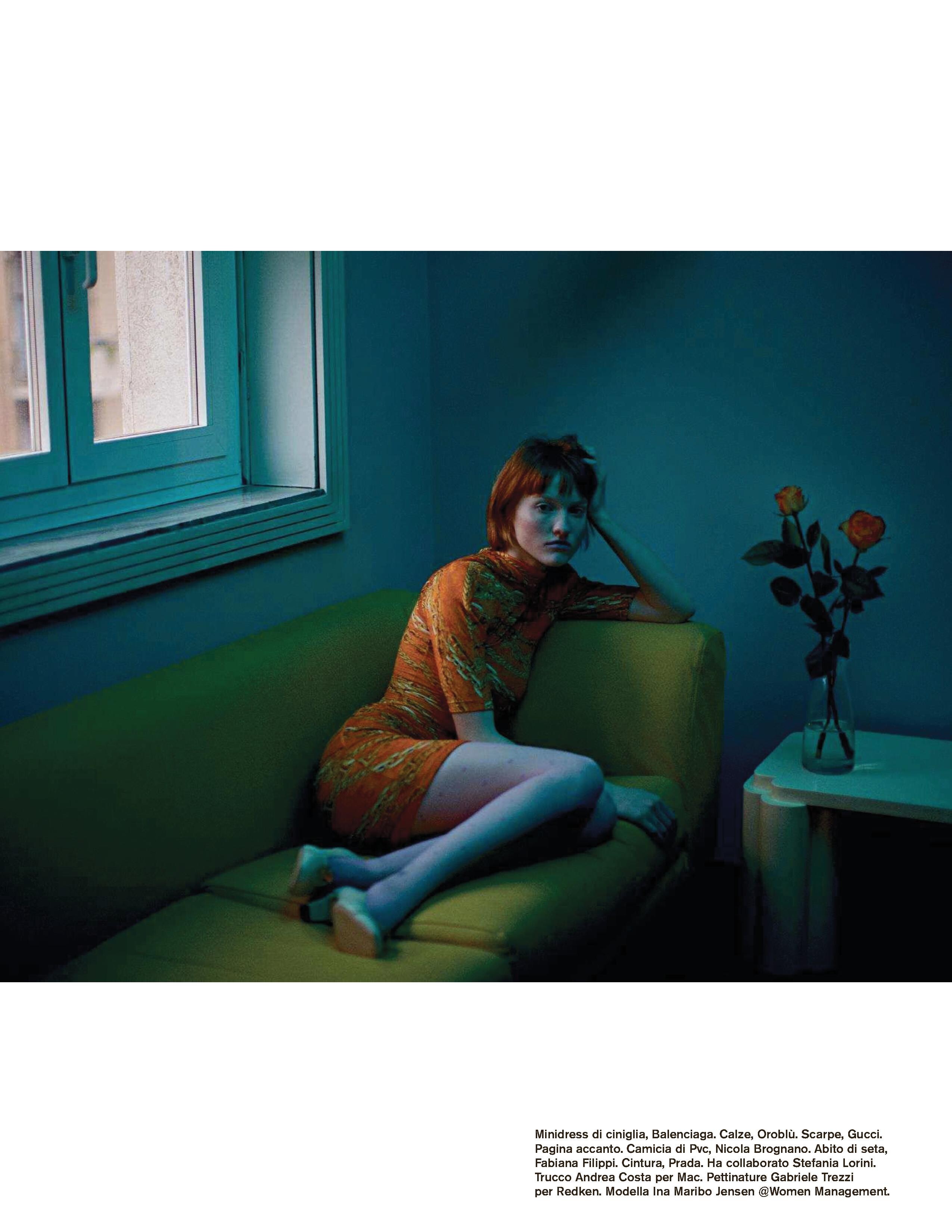
  1. Femina Denmark 16 April 2019
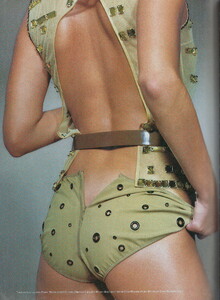
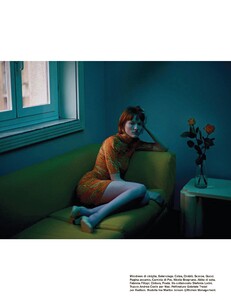
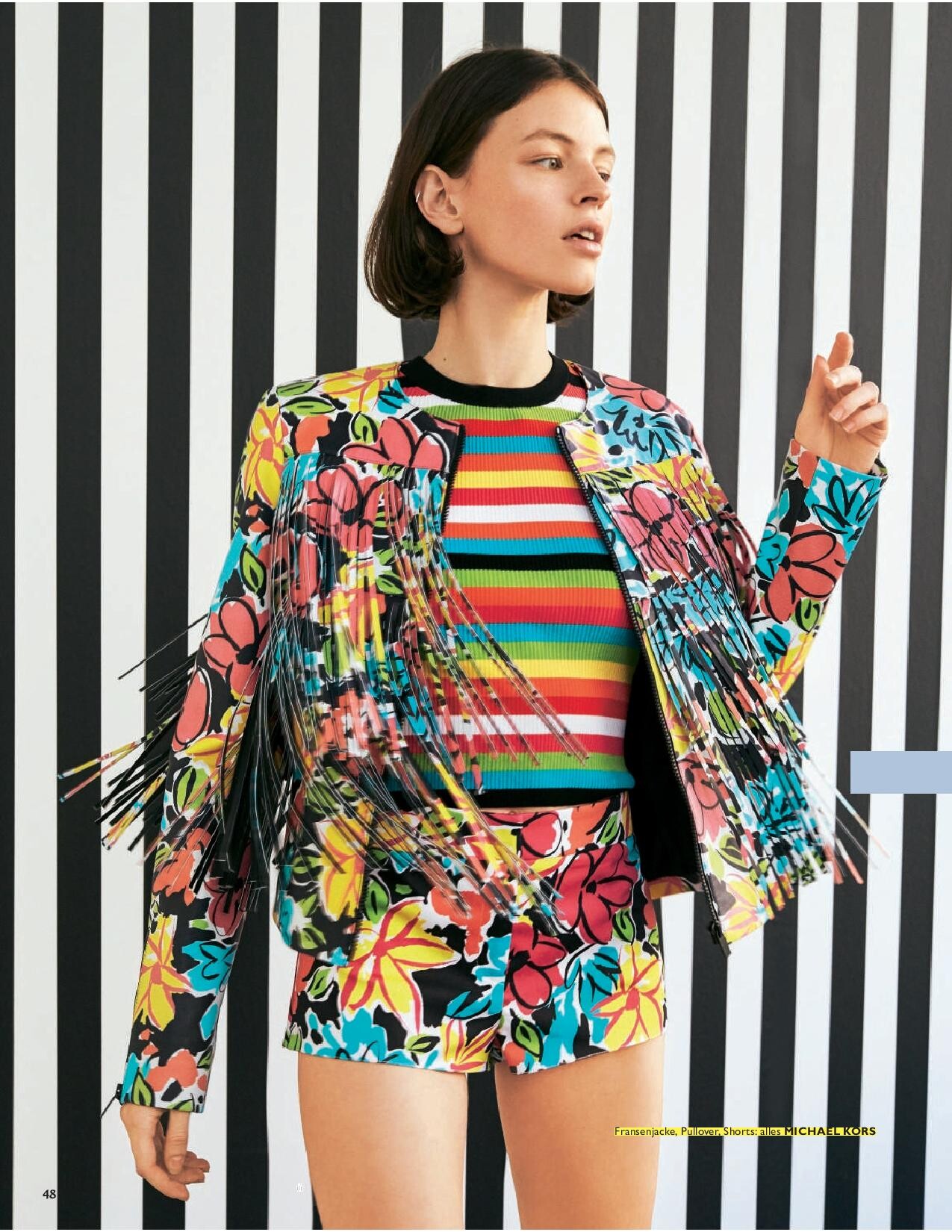
  2. Femina Denmark 16 April 2019
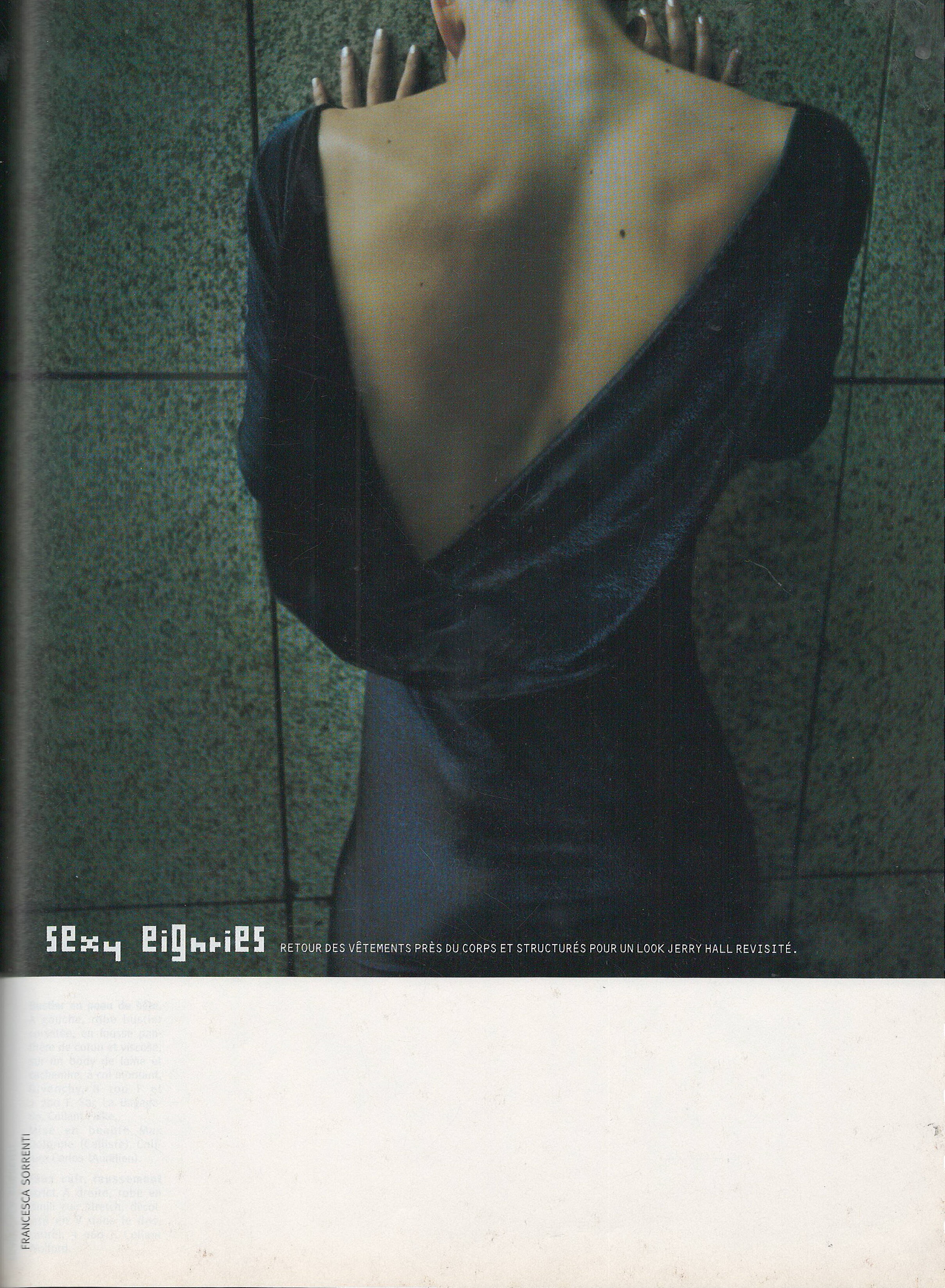
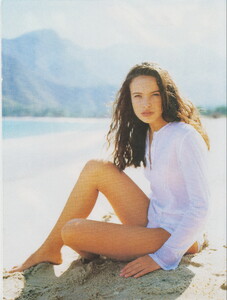
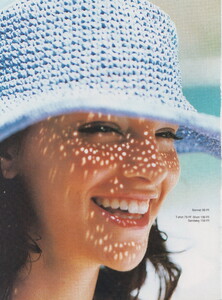
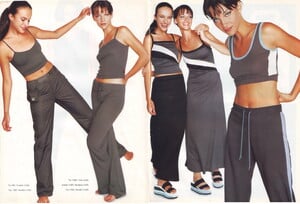
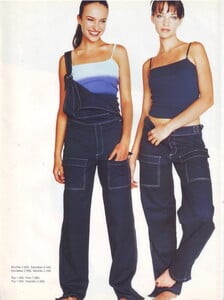
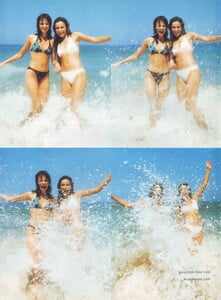
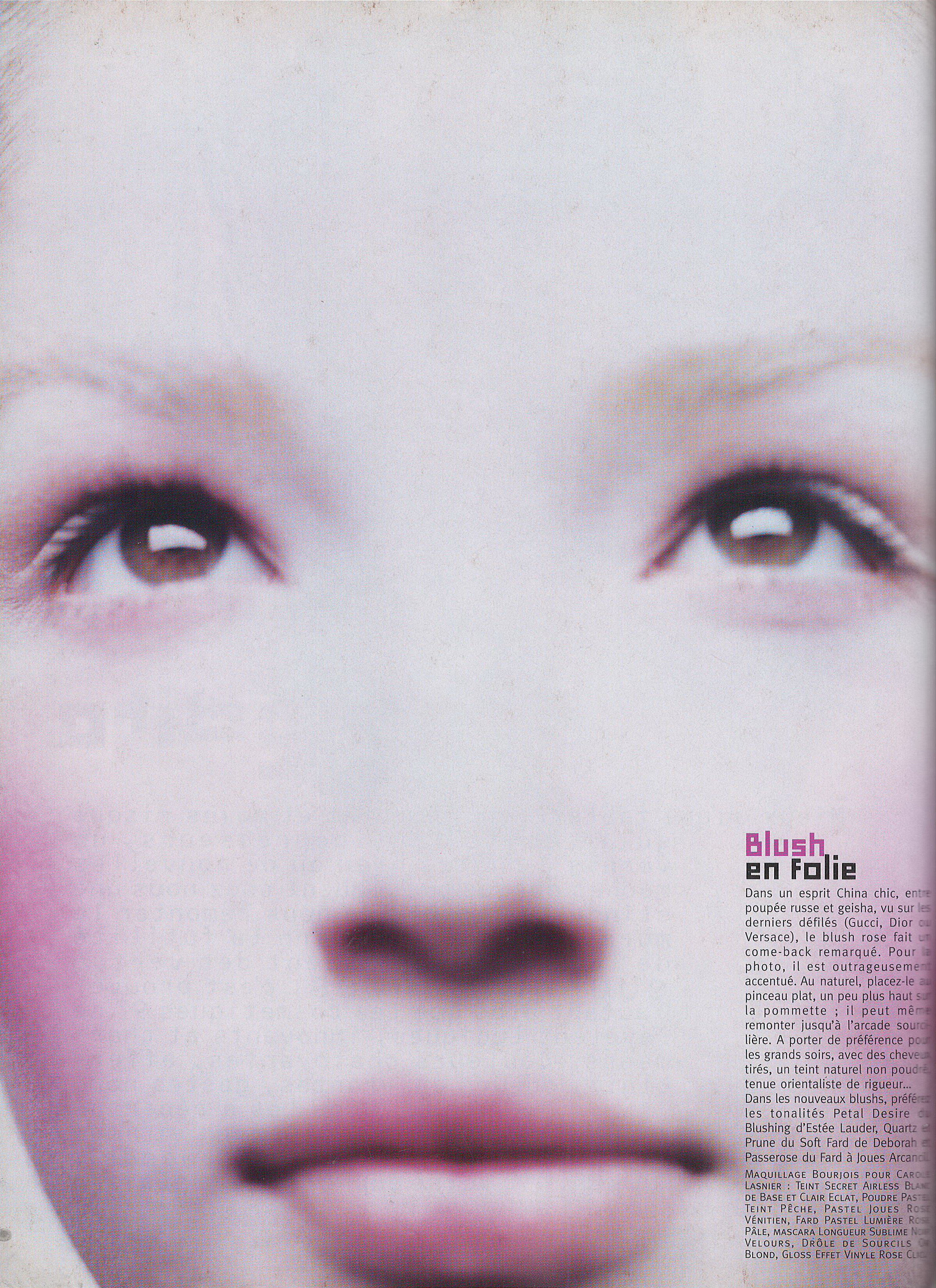
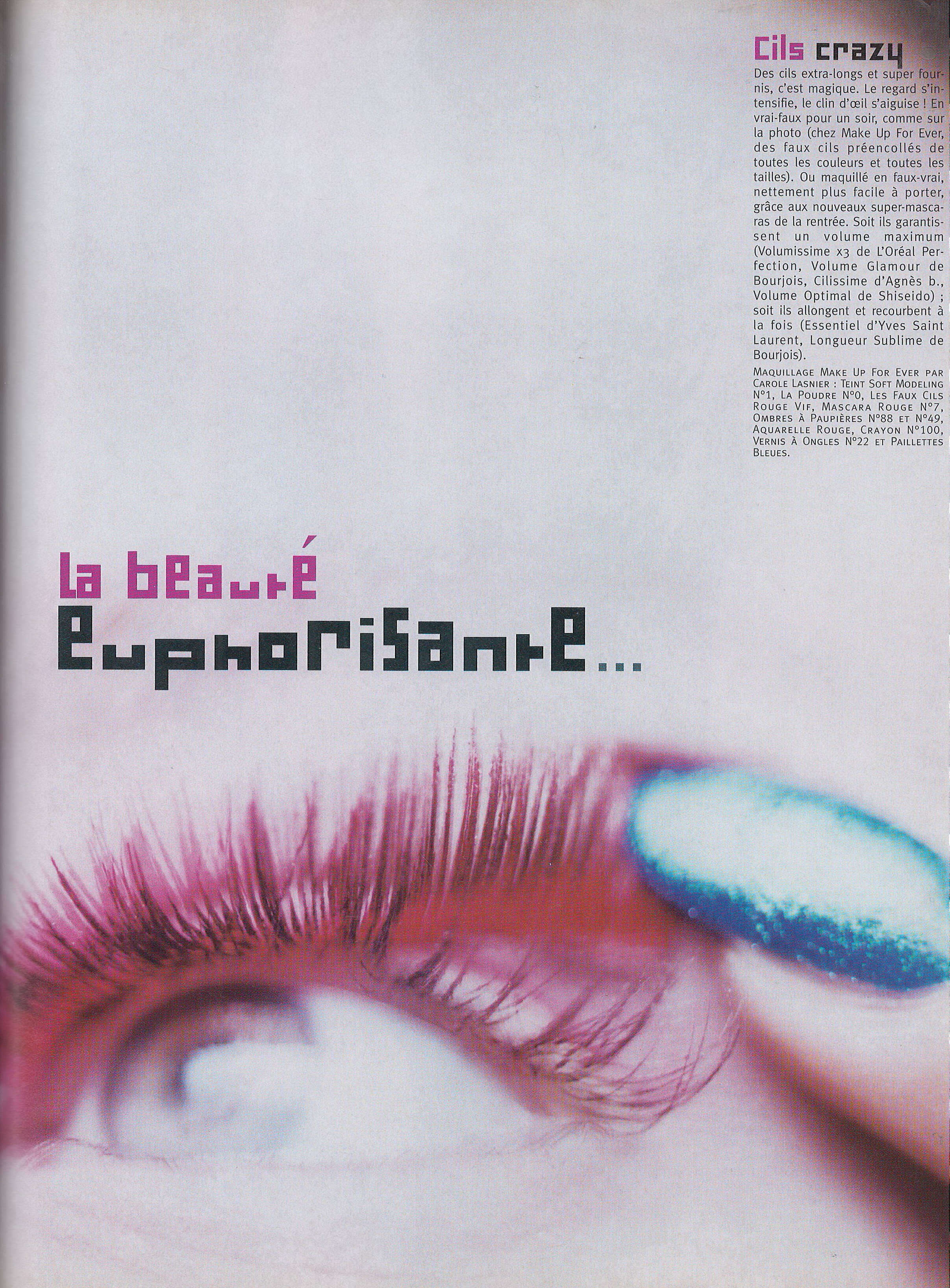
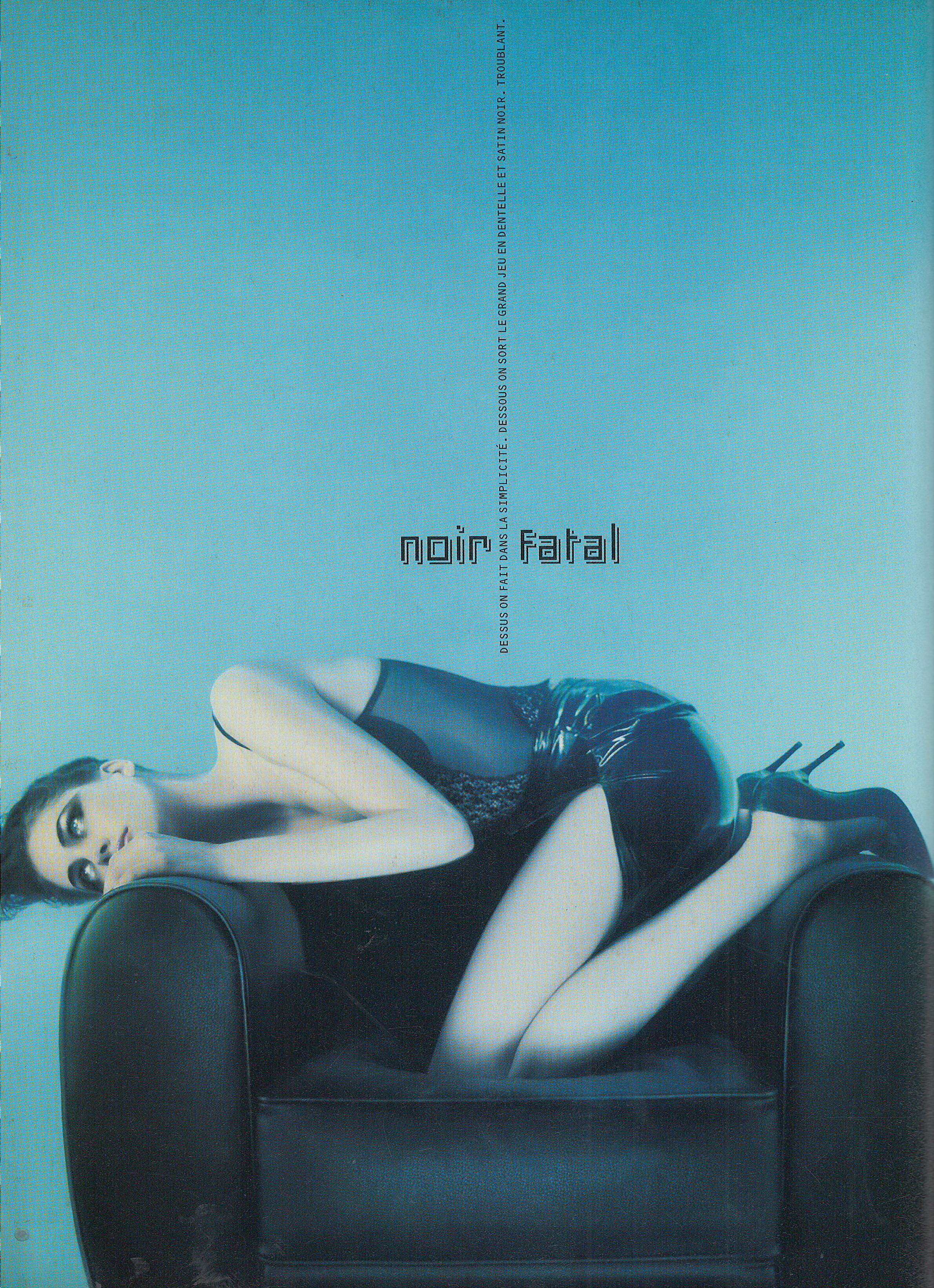
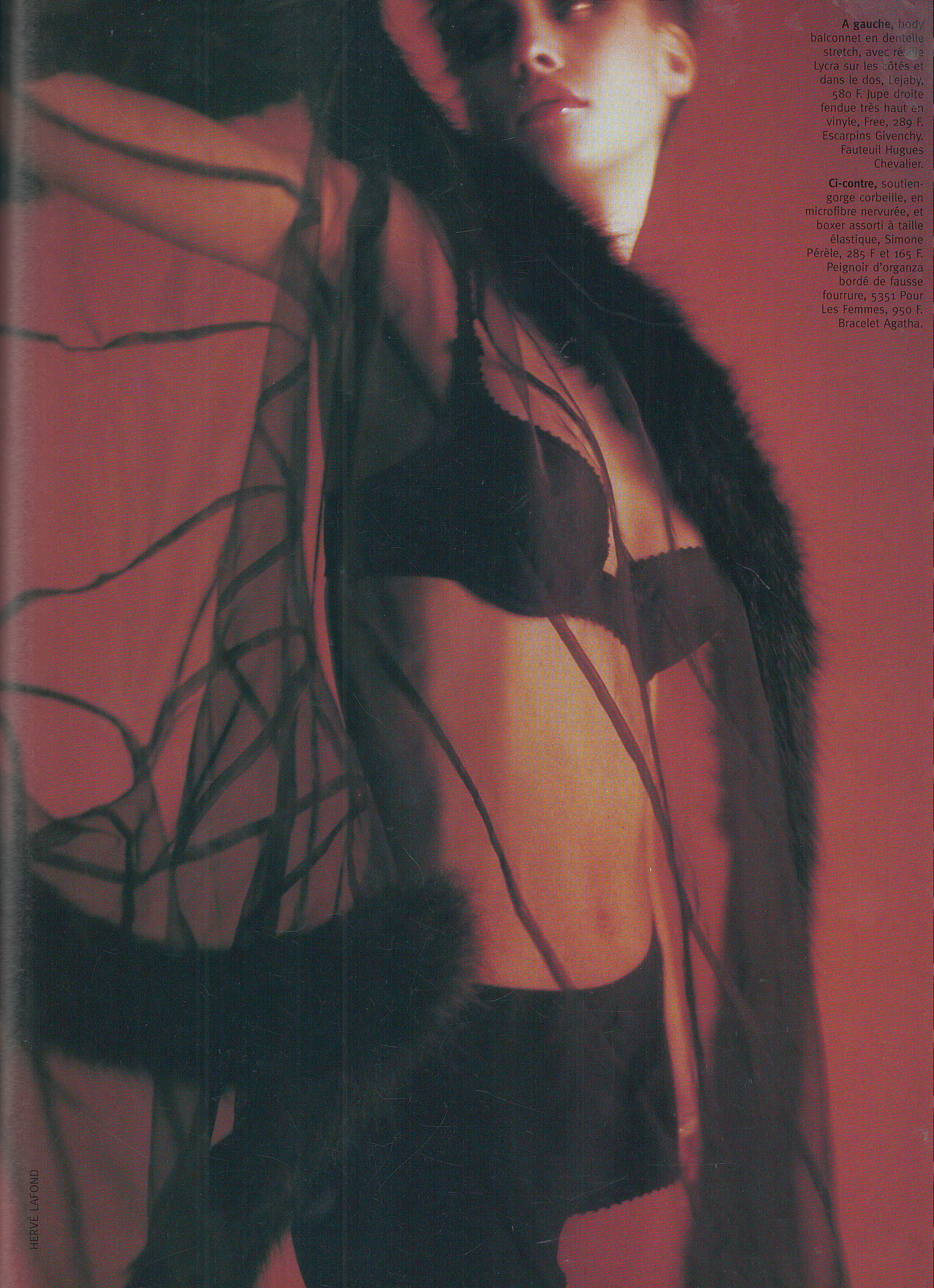
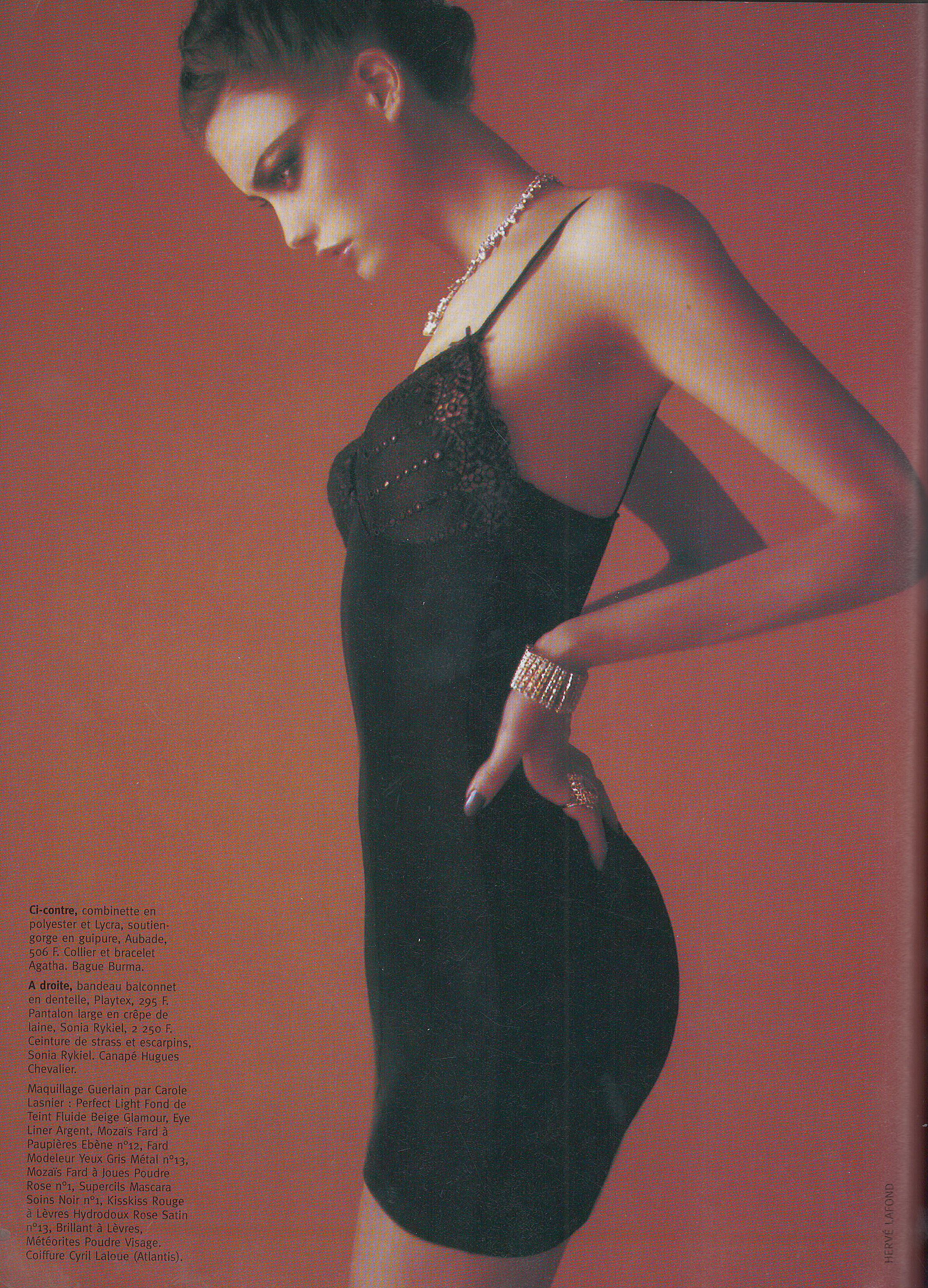
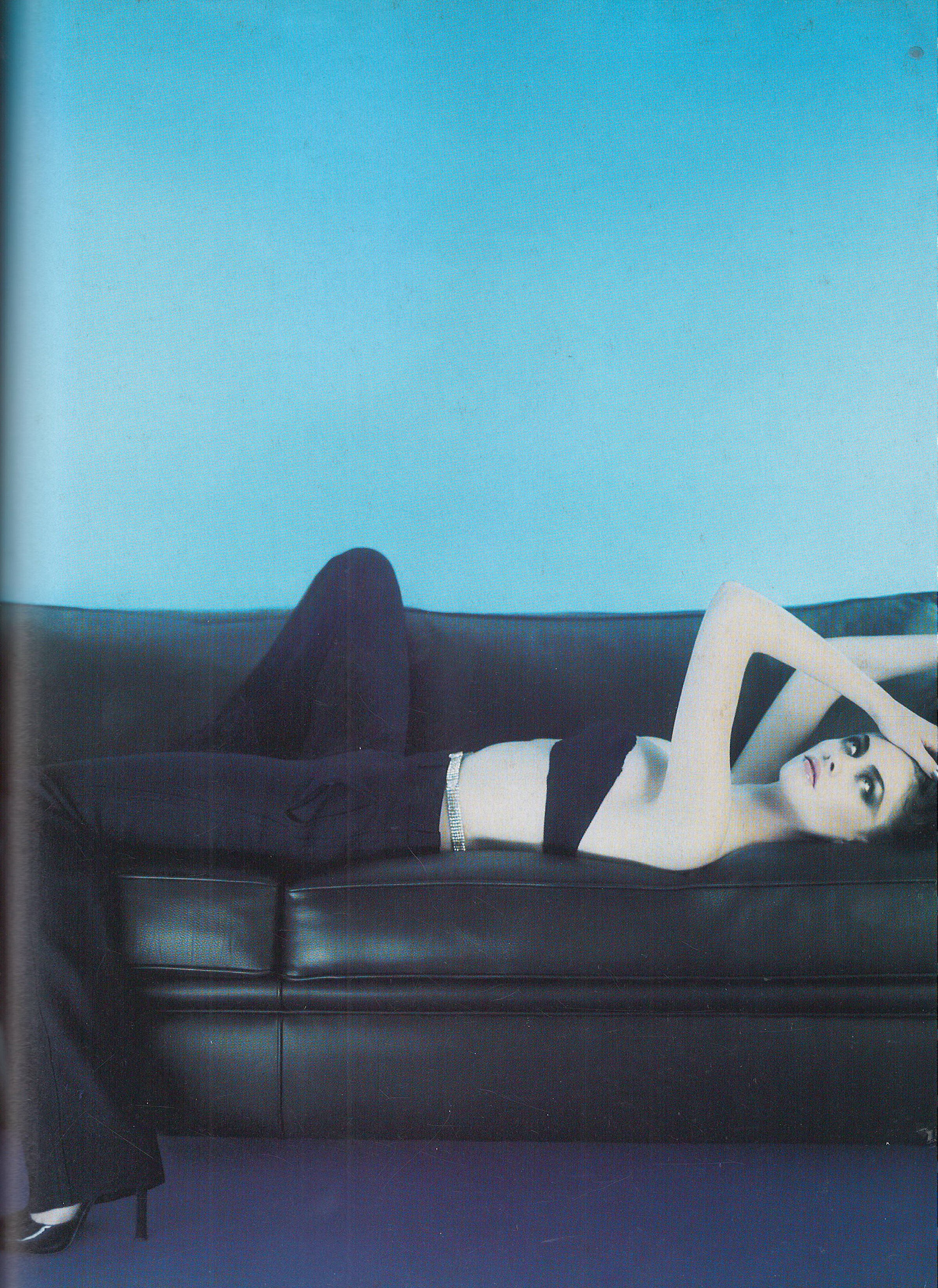
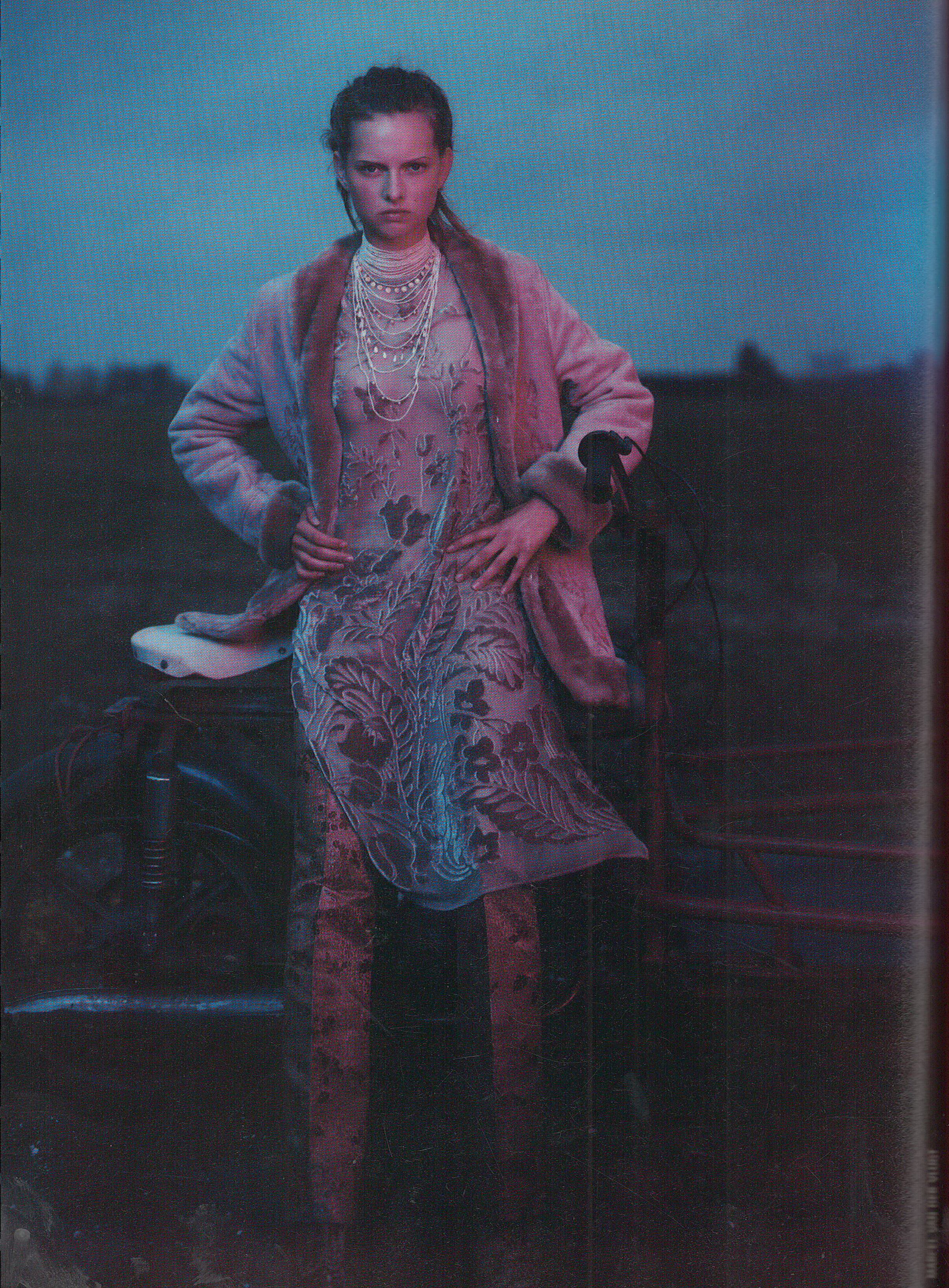
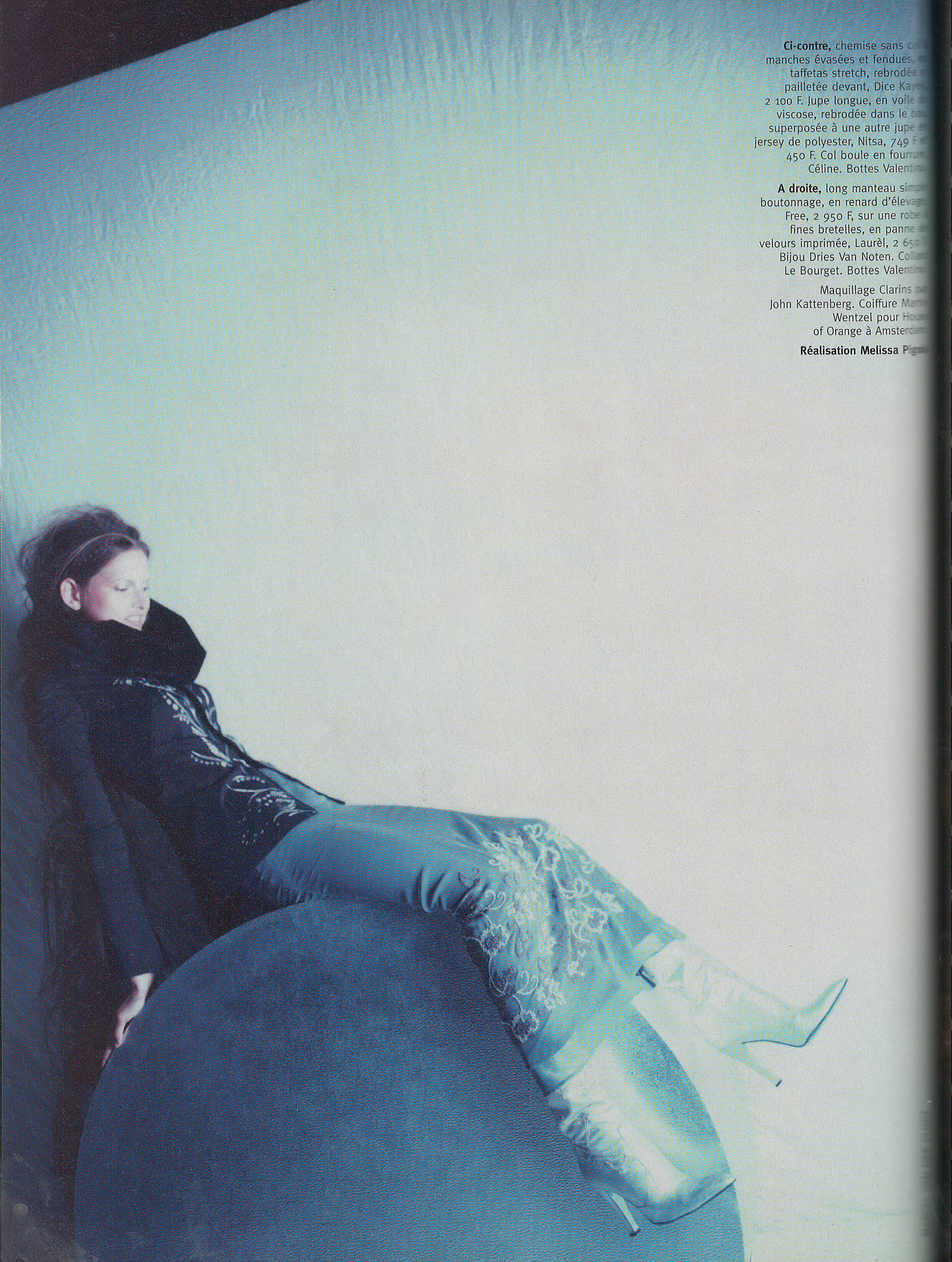
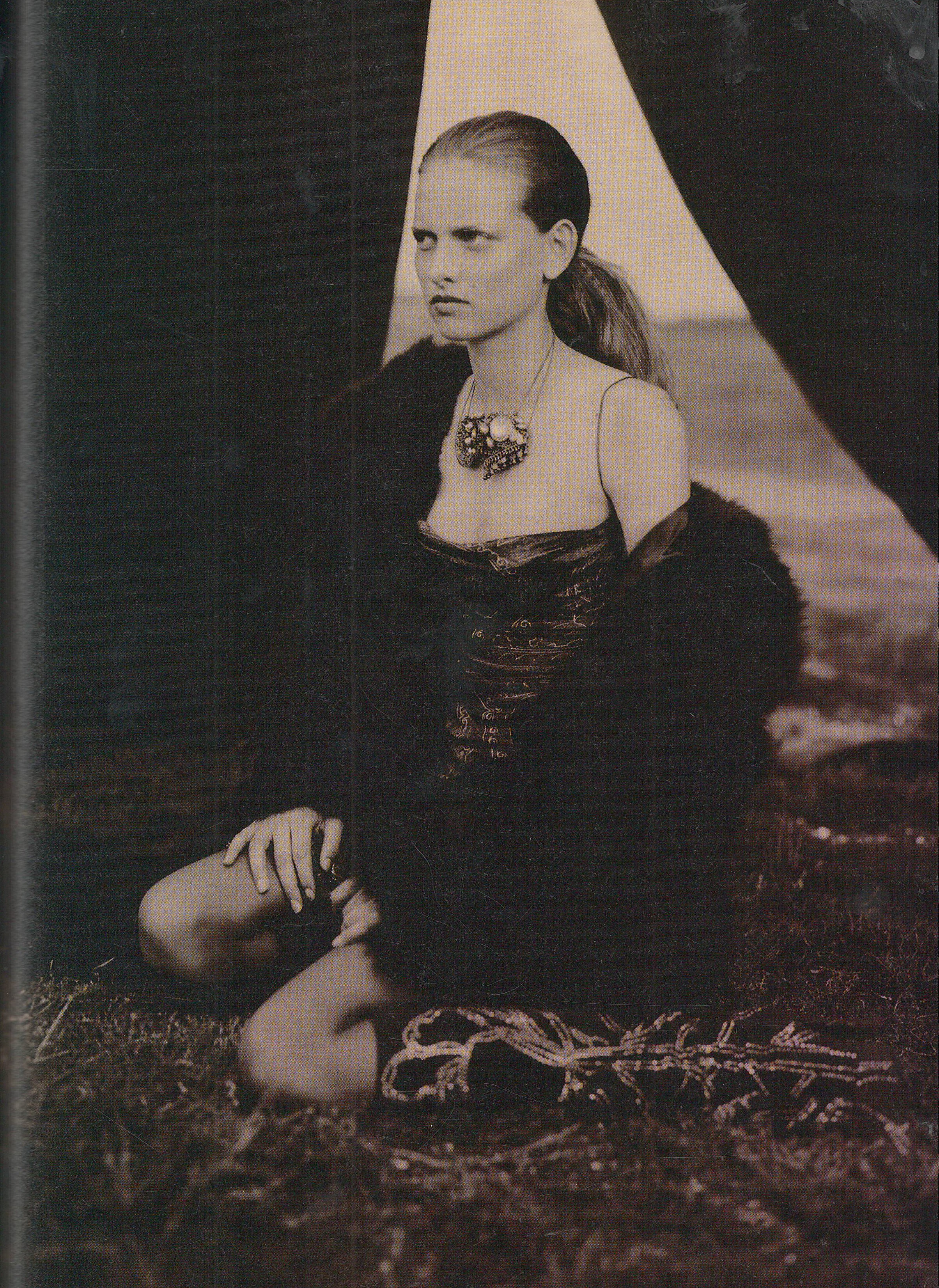
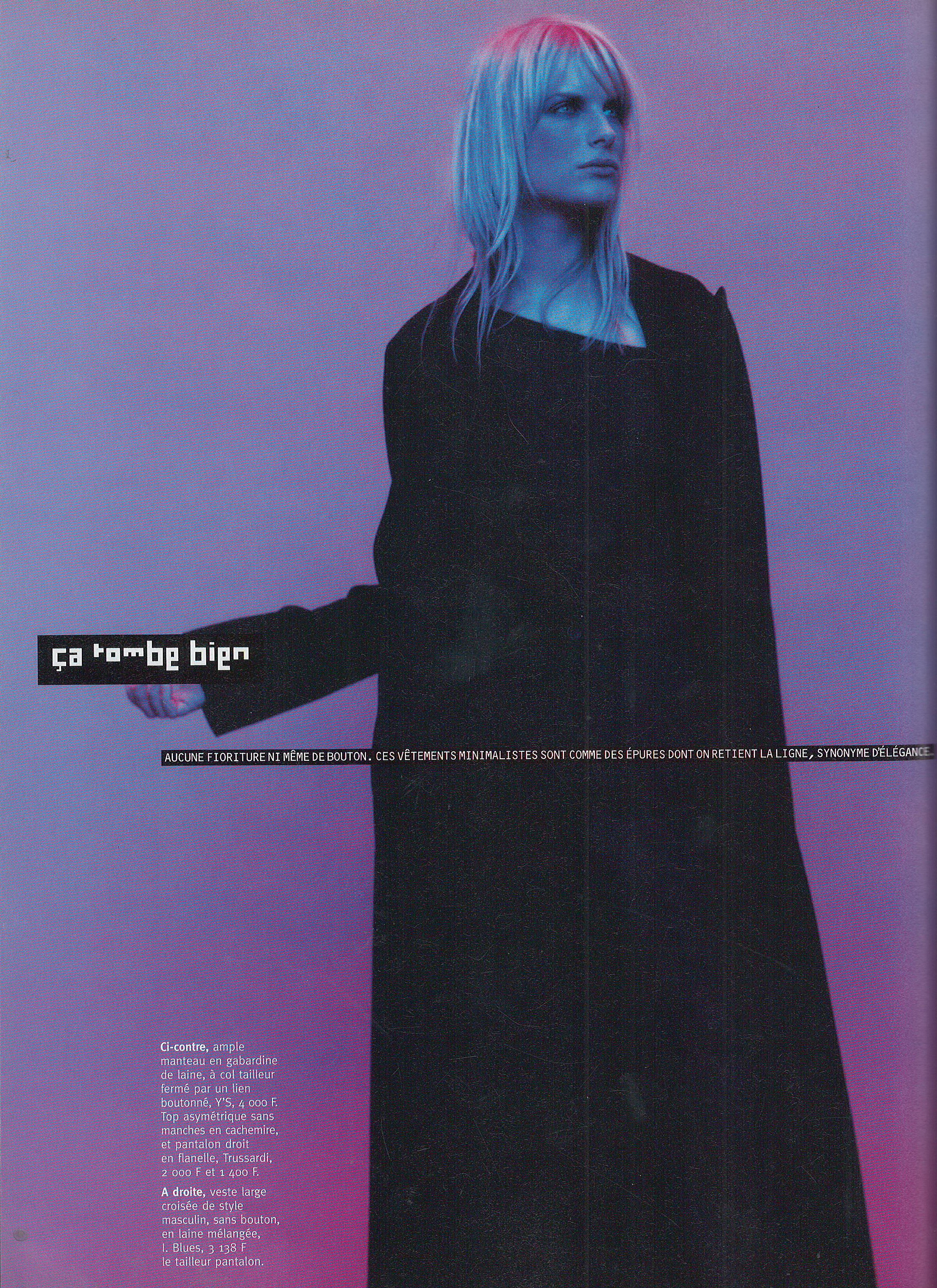
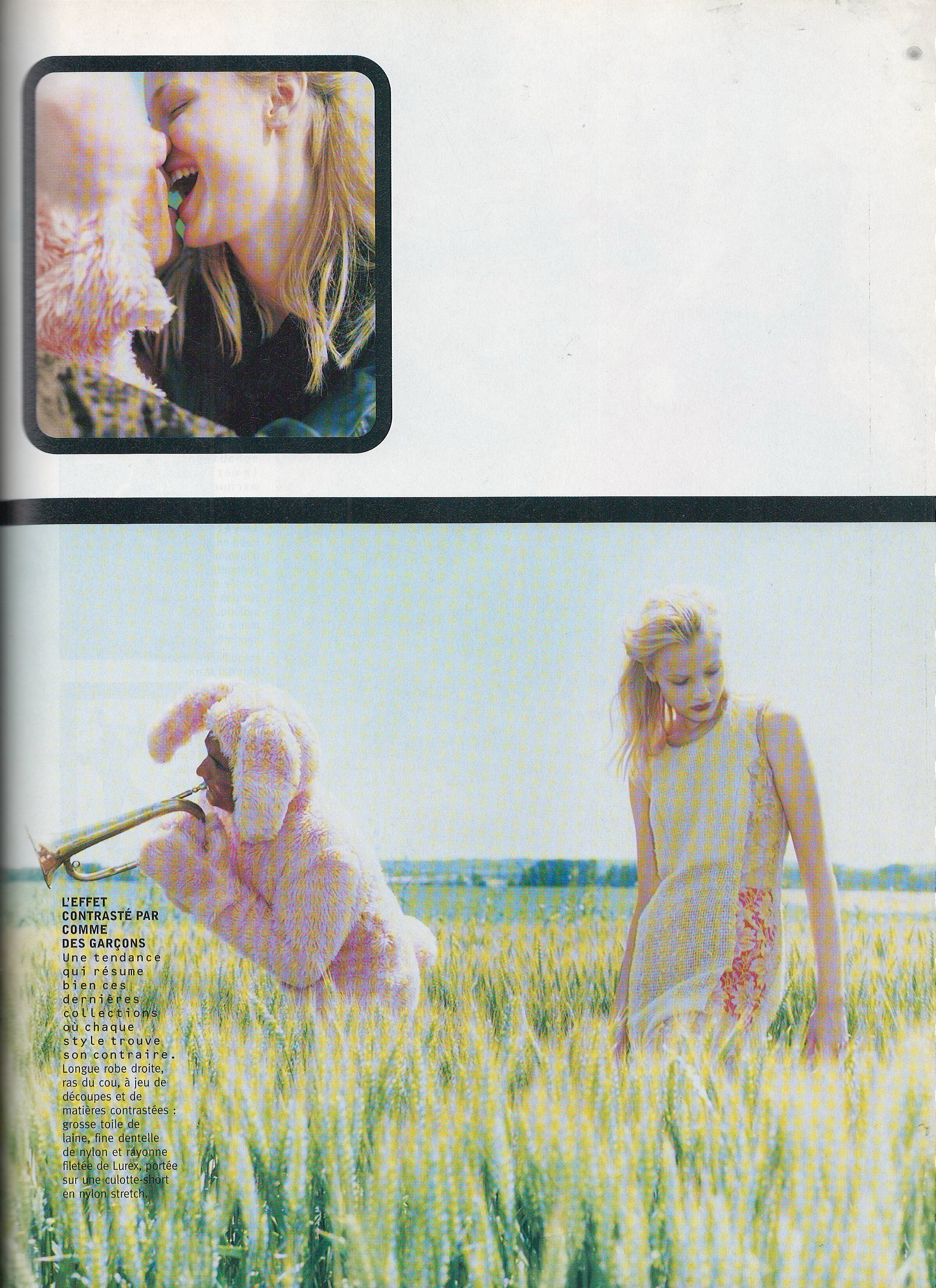
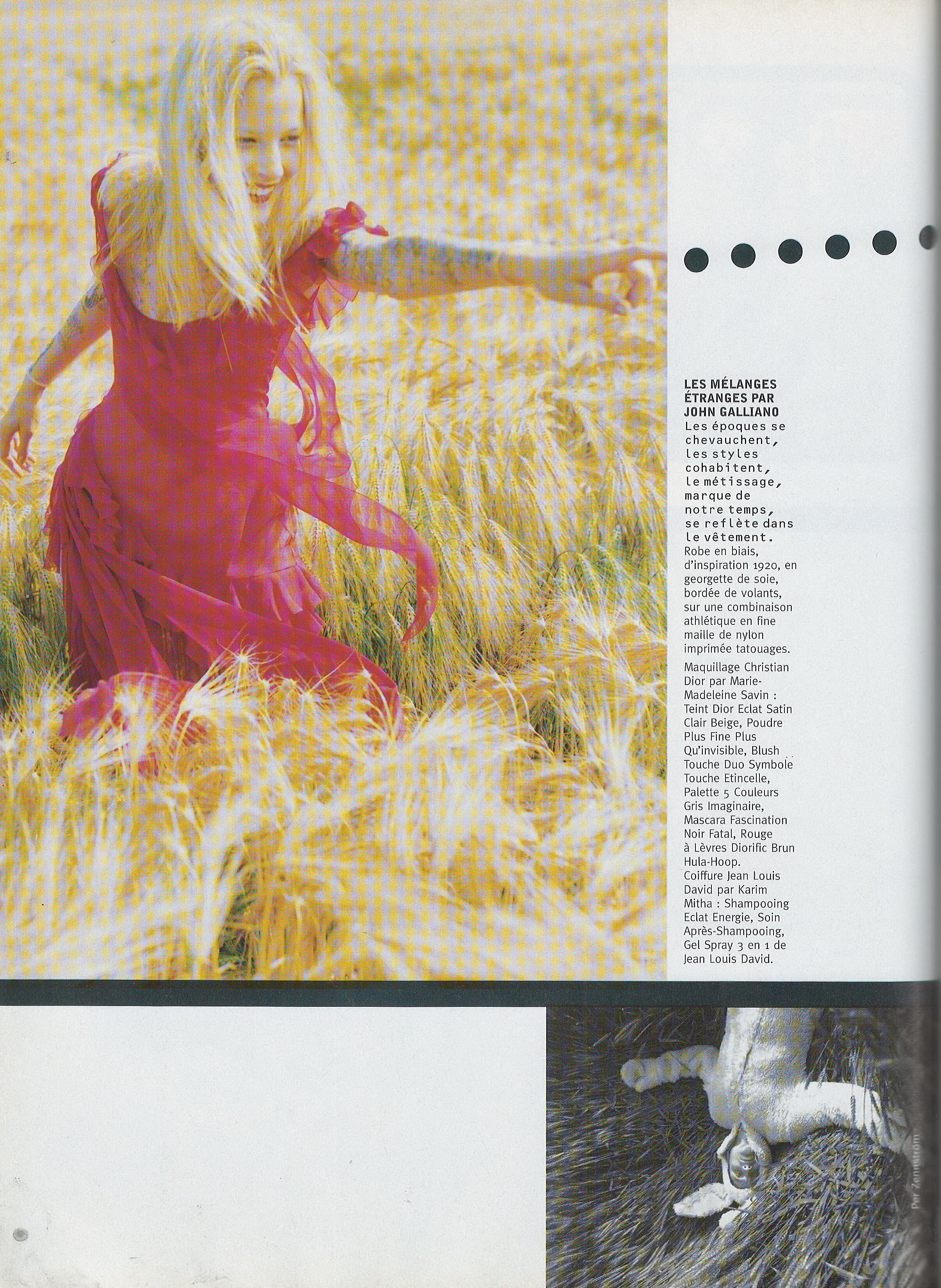
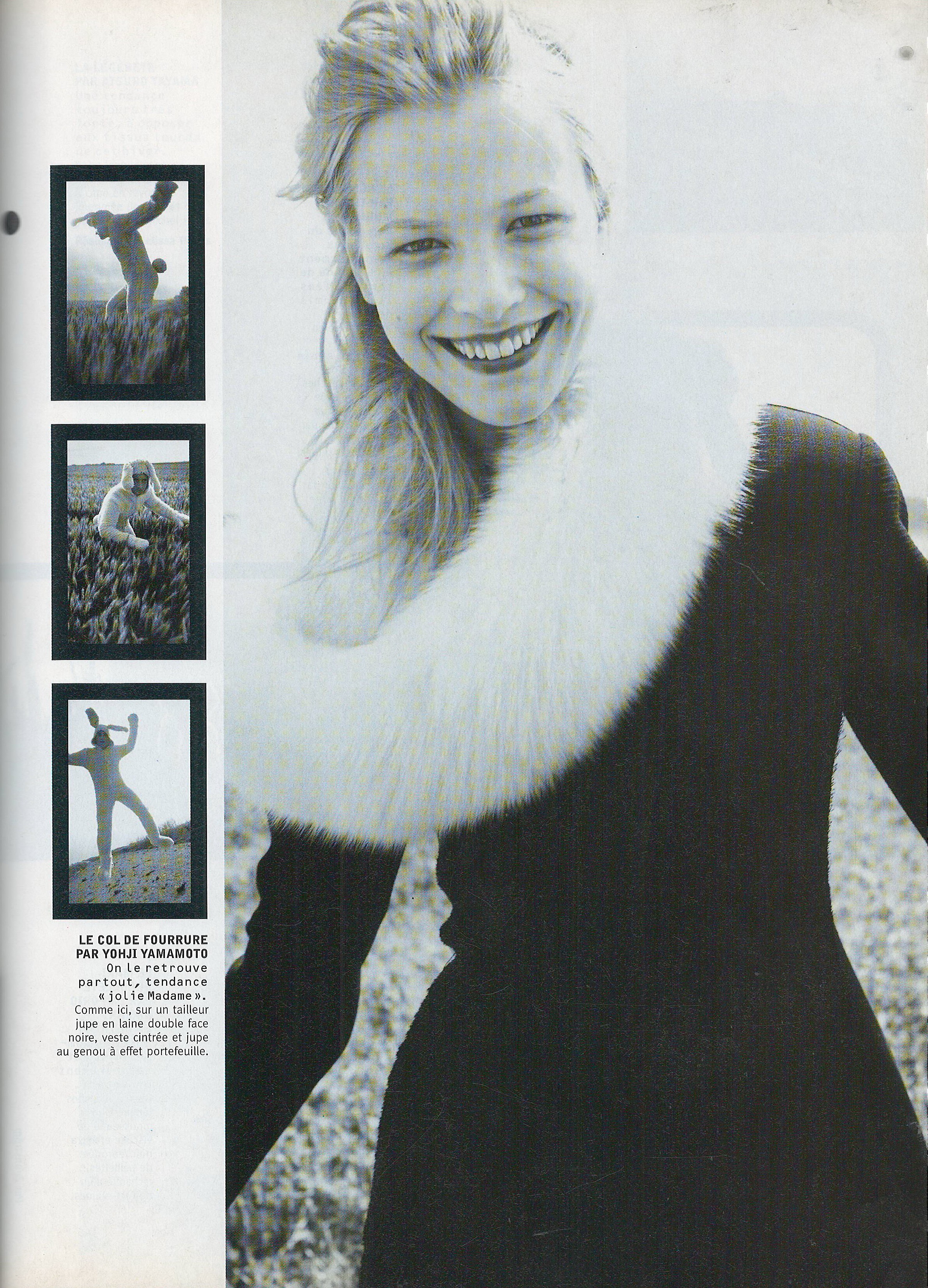
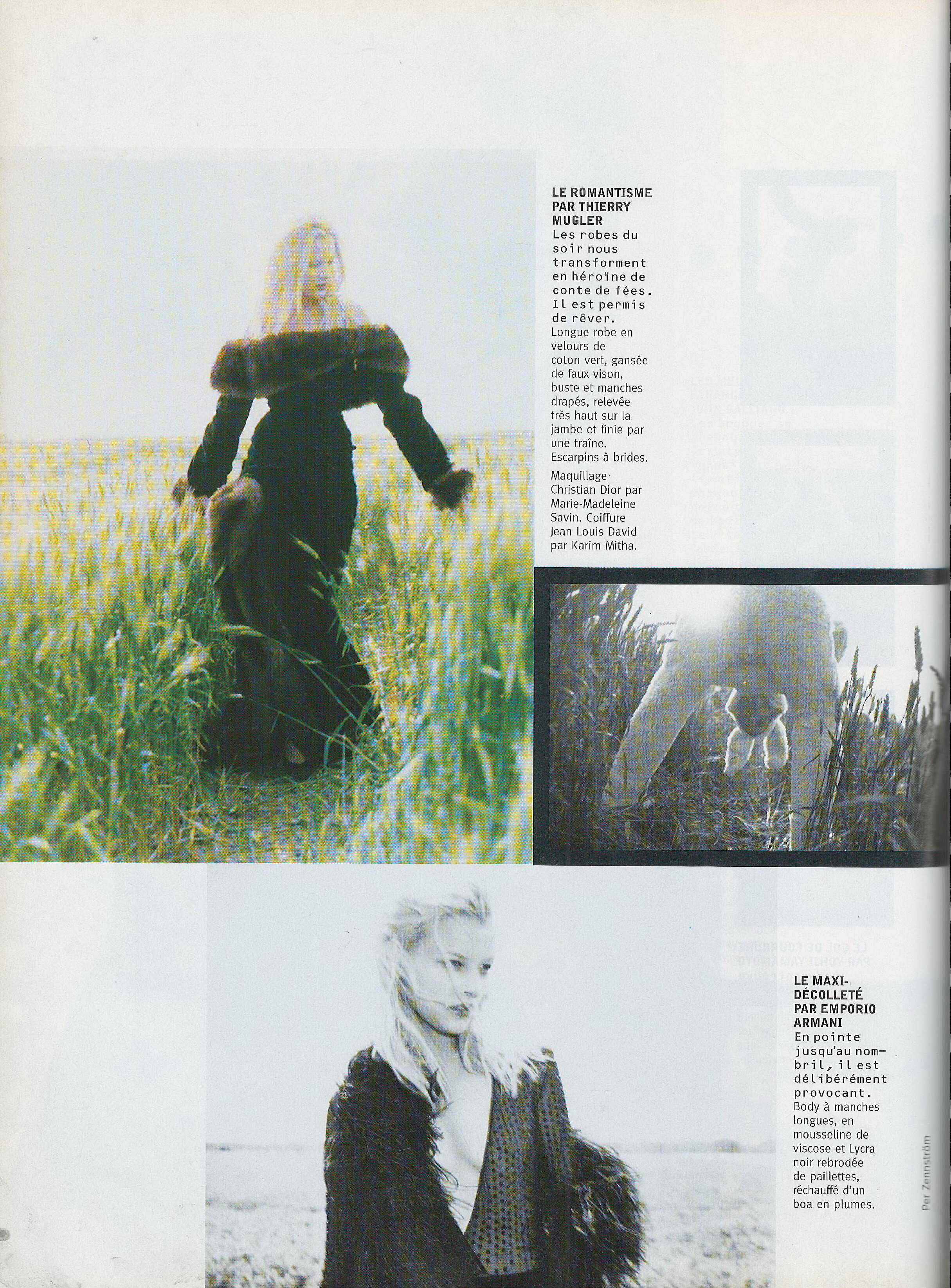
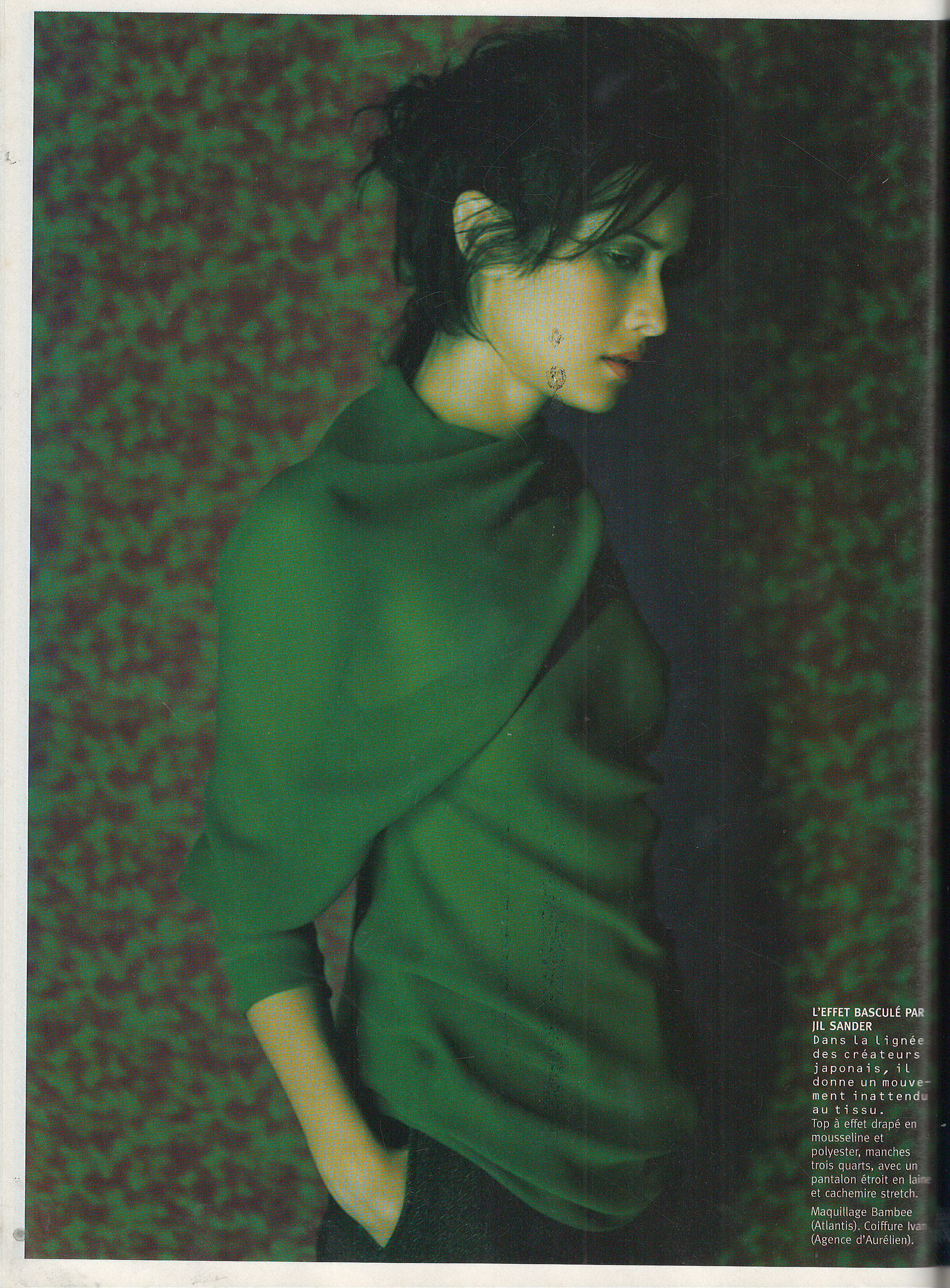
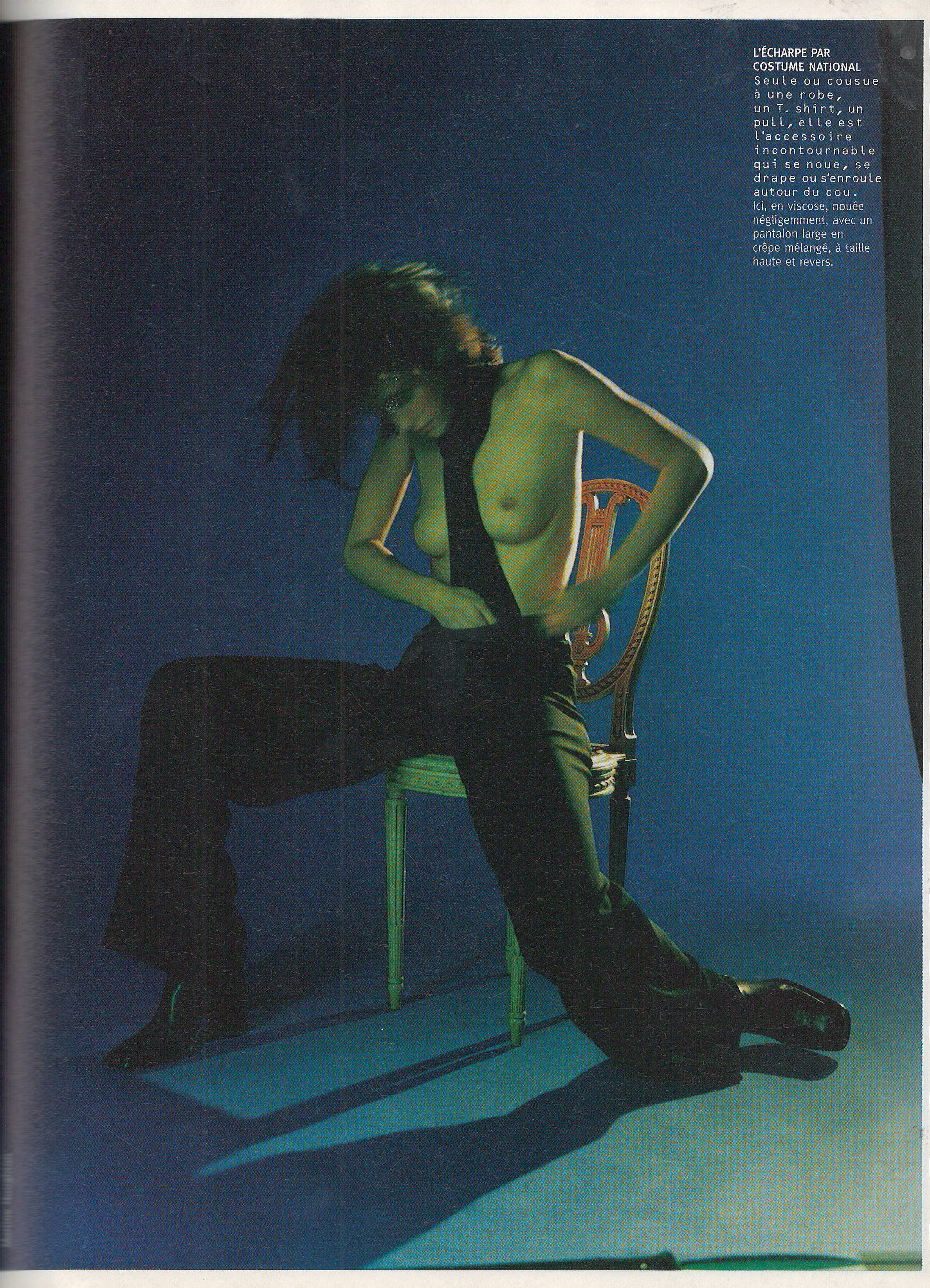
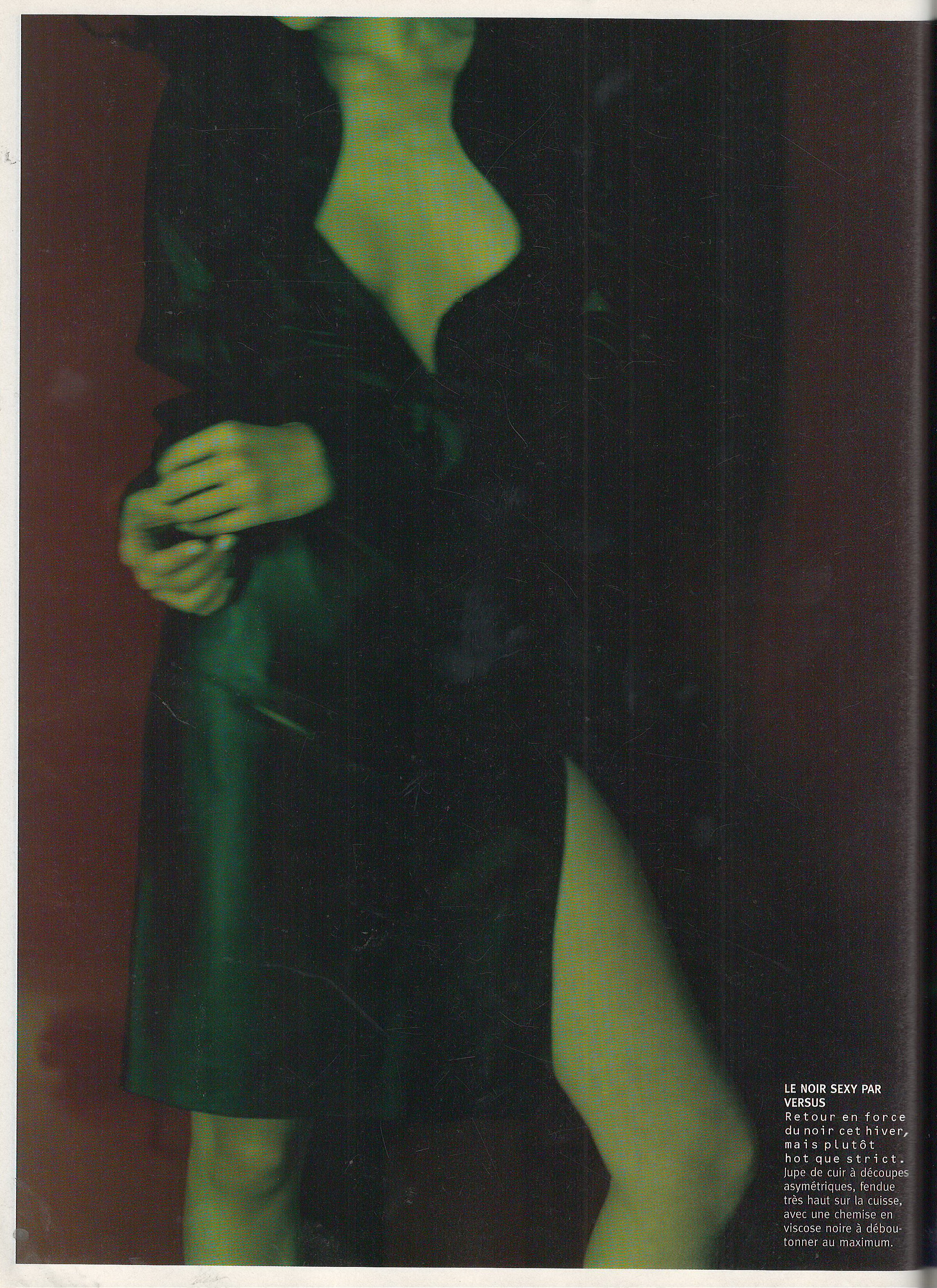
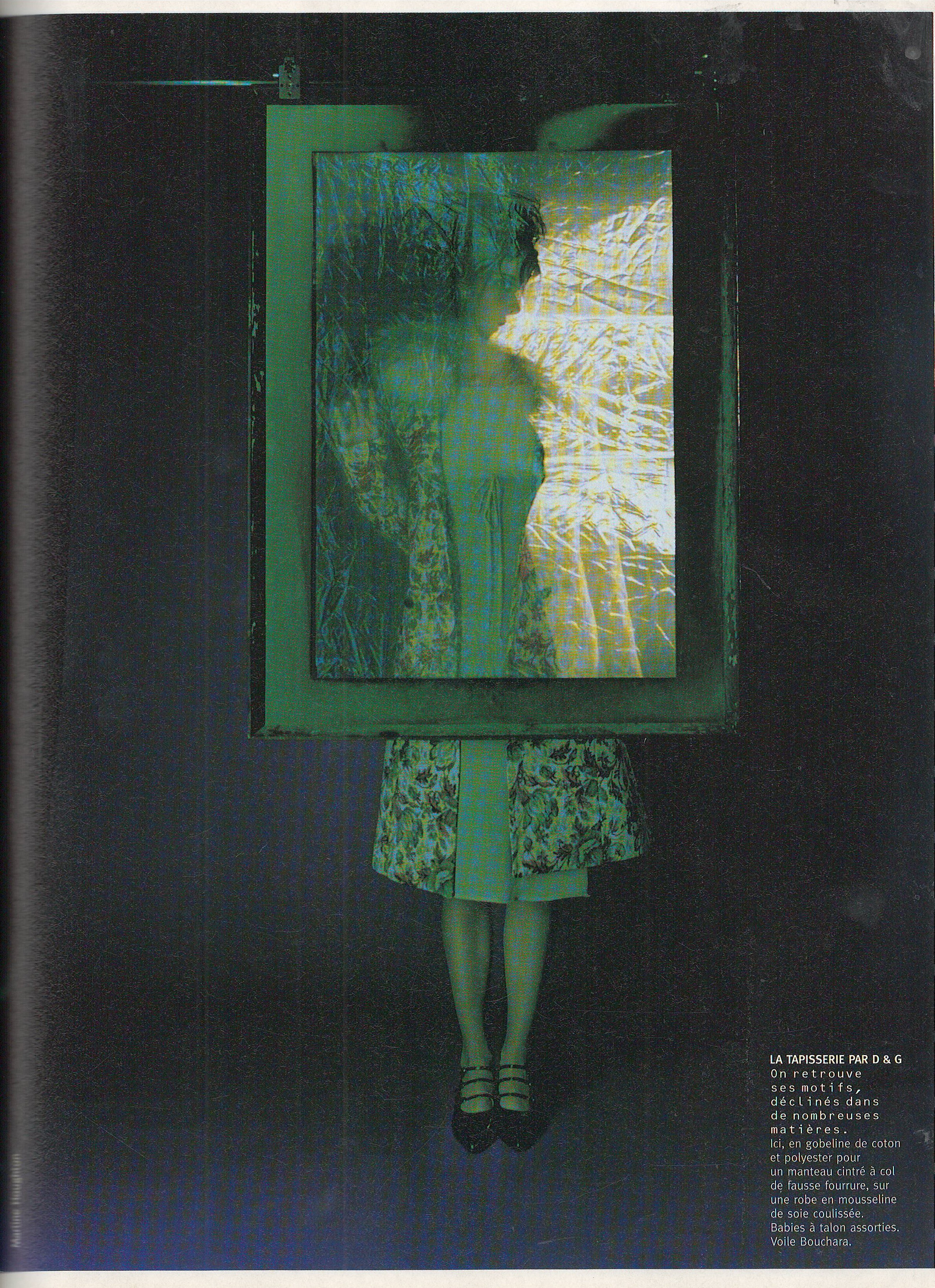
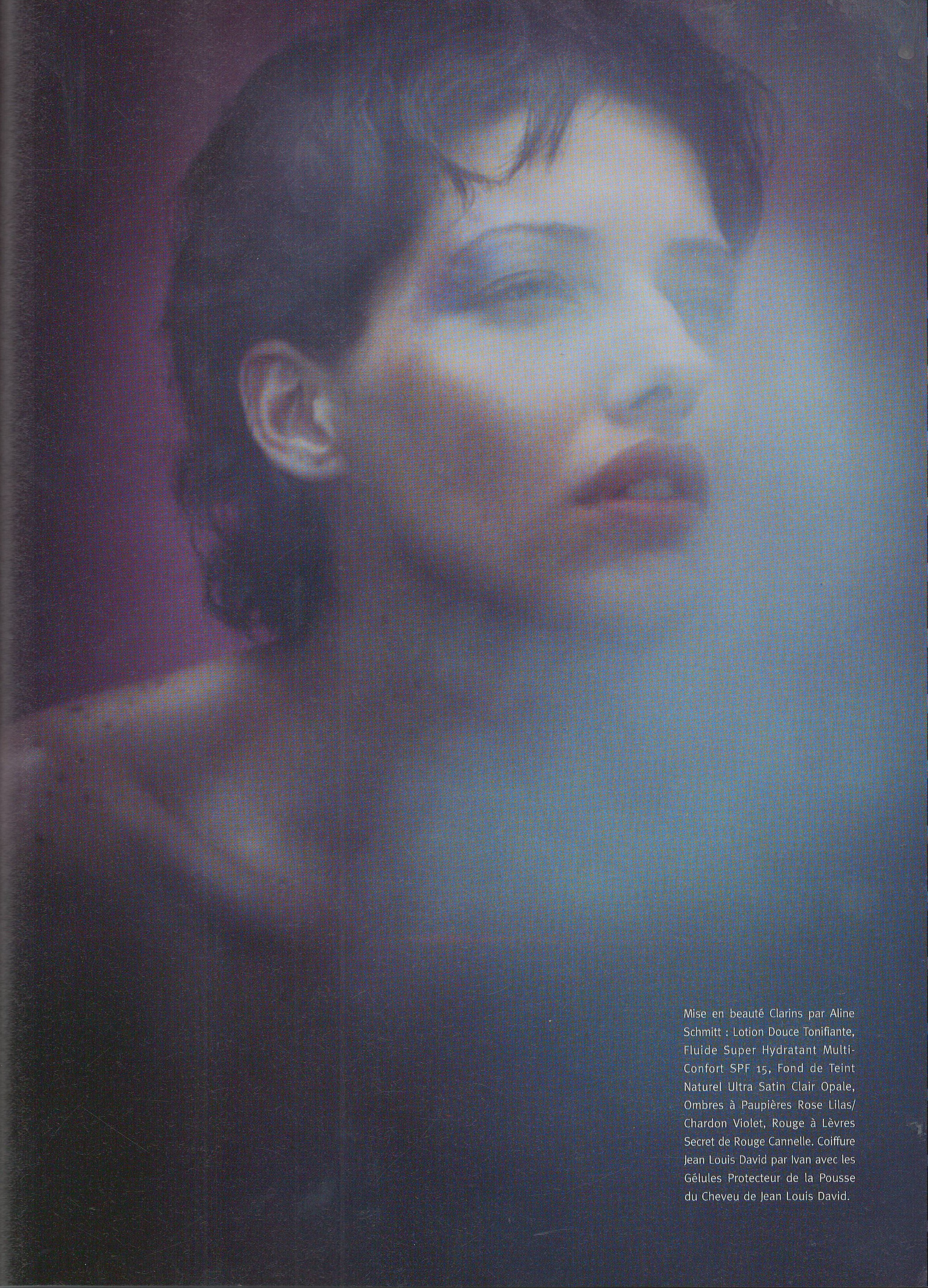
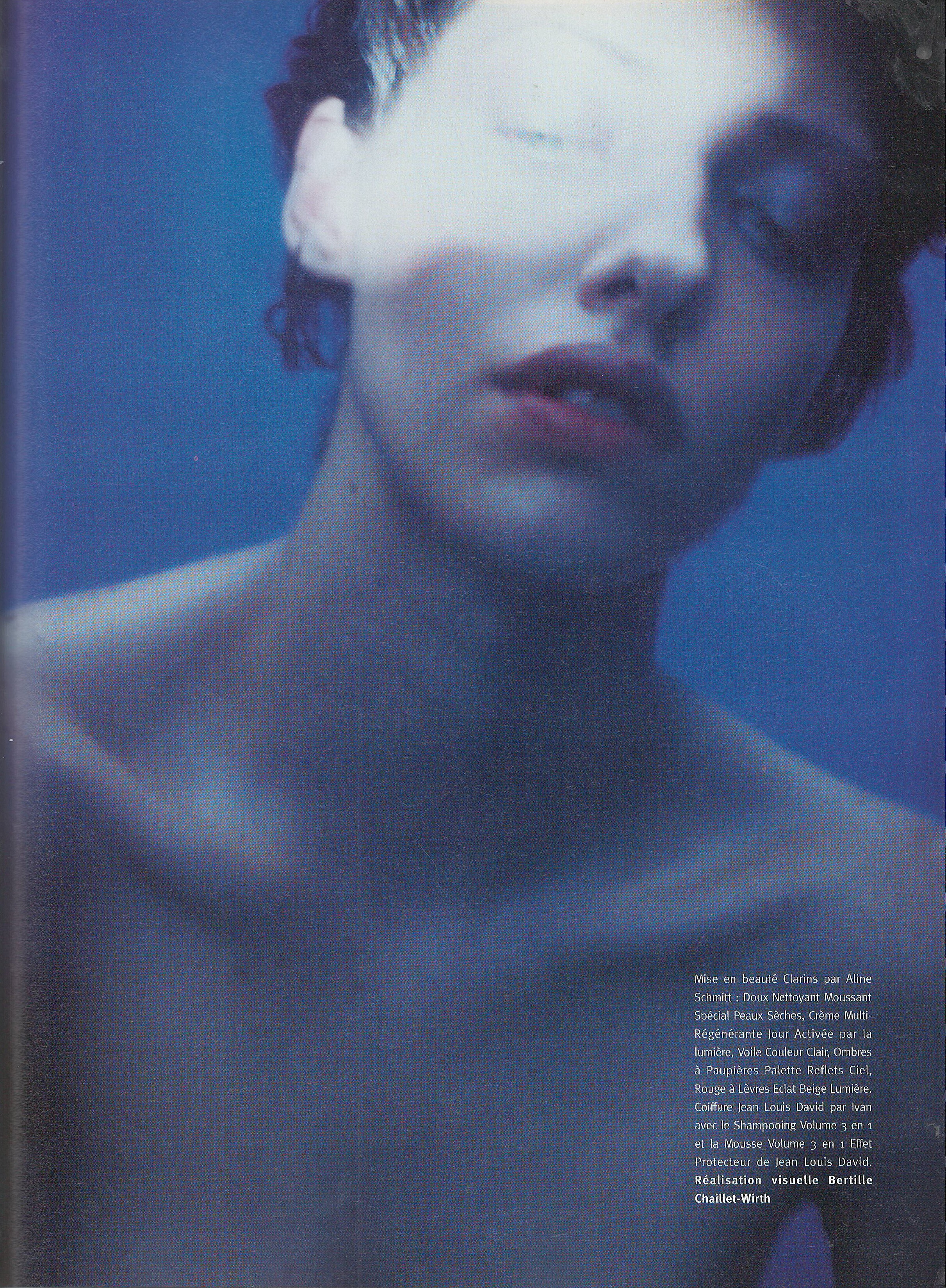
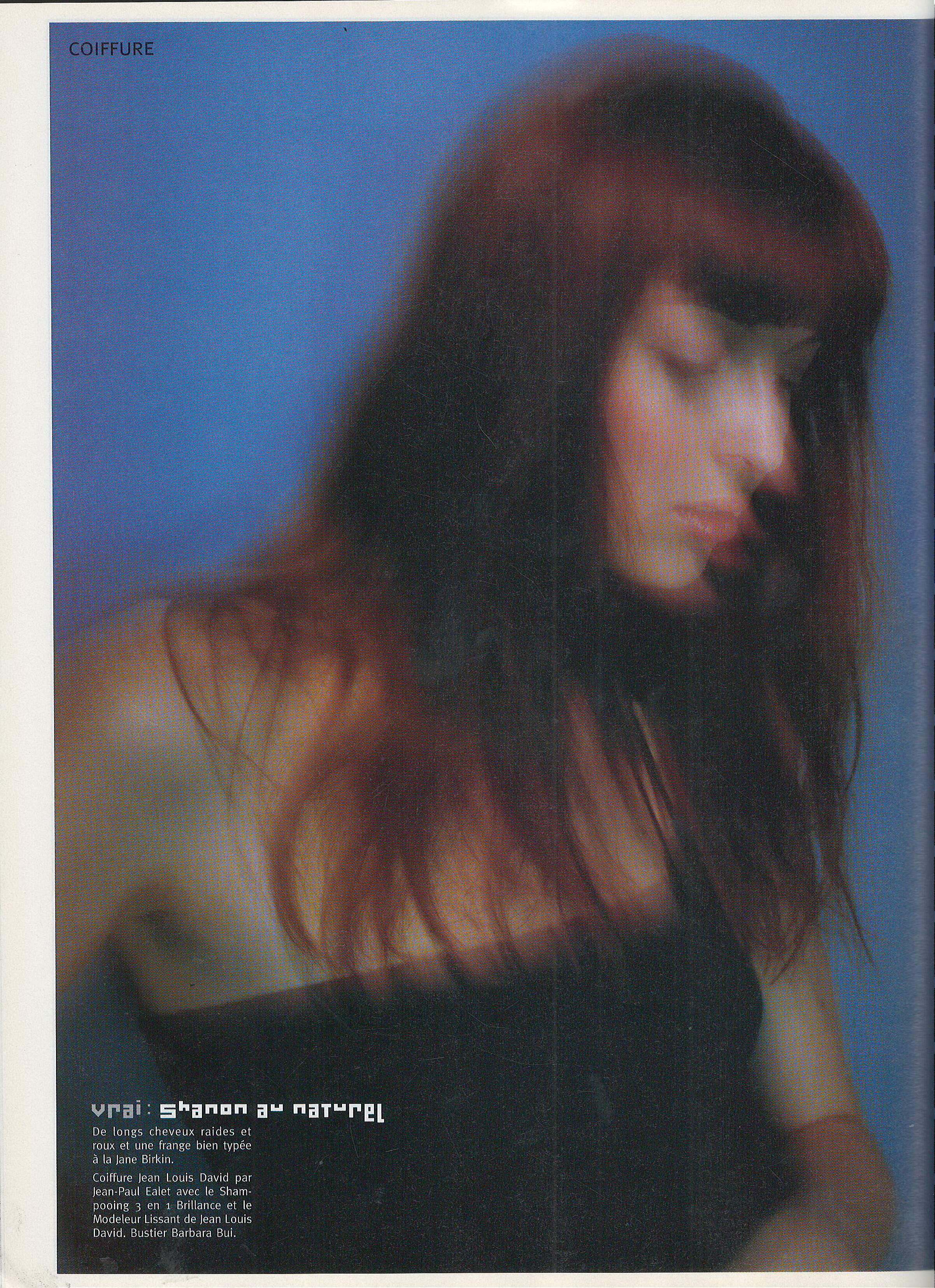
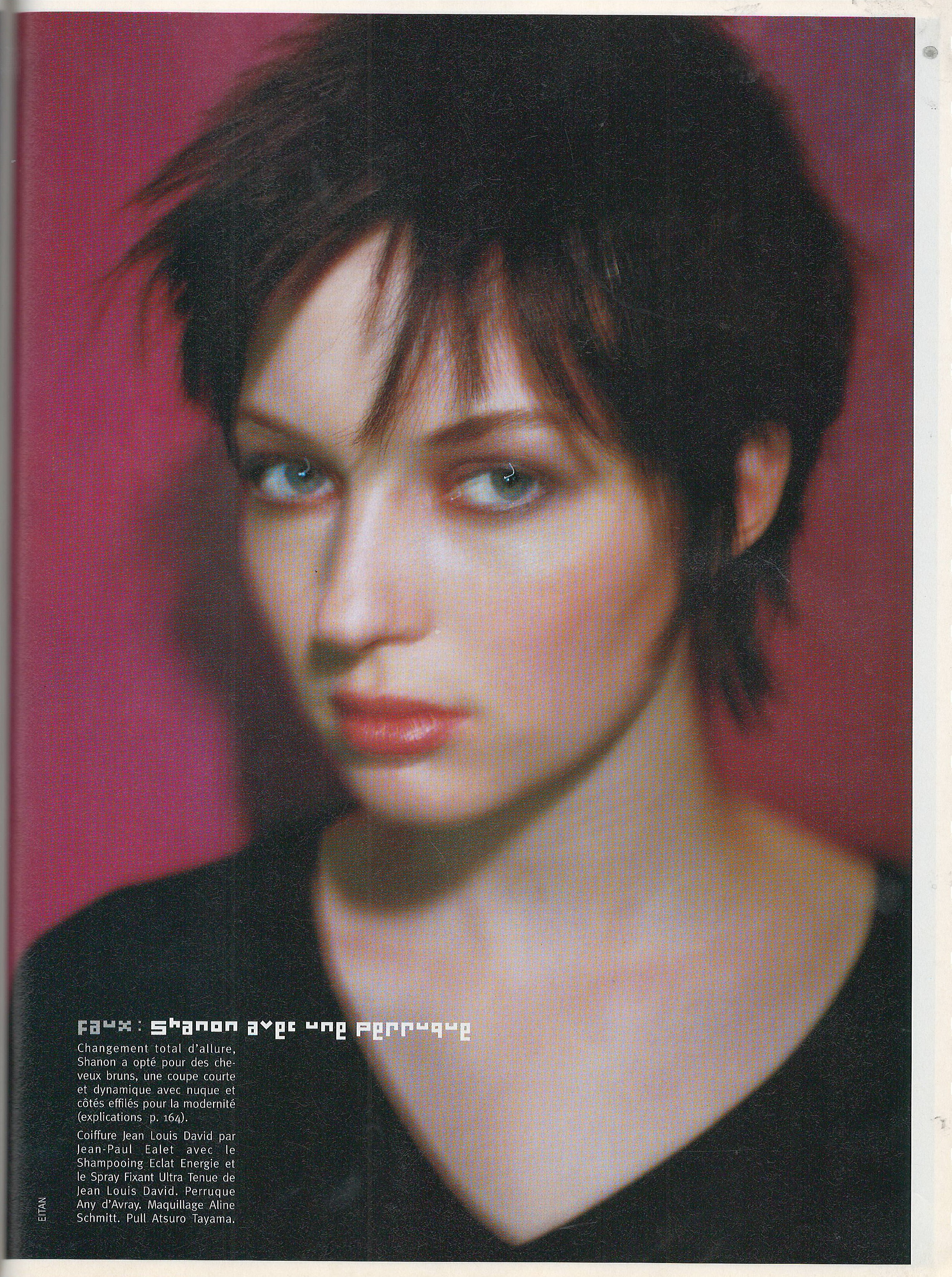
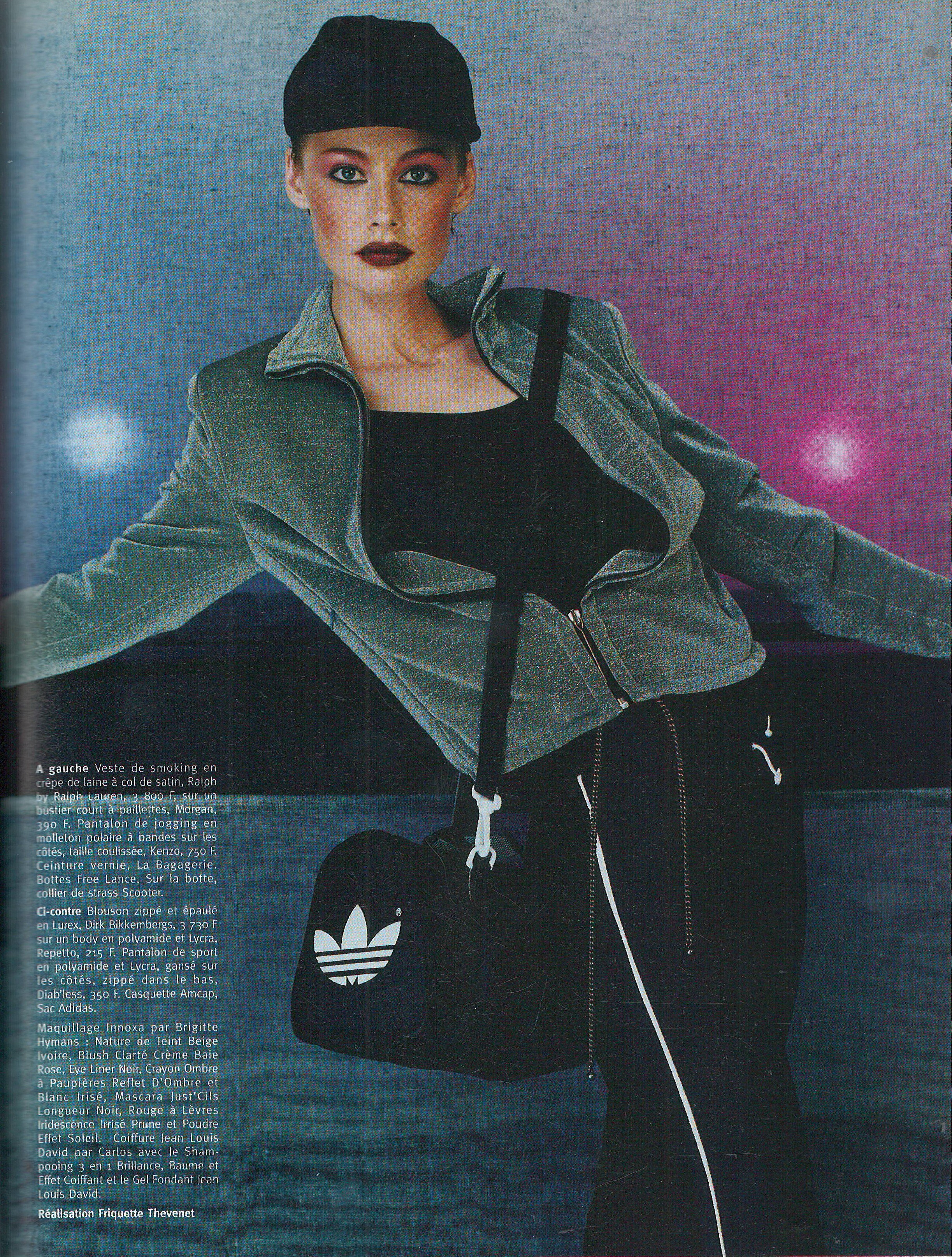
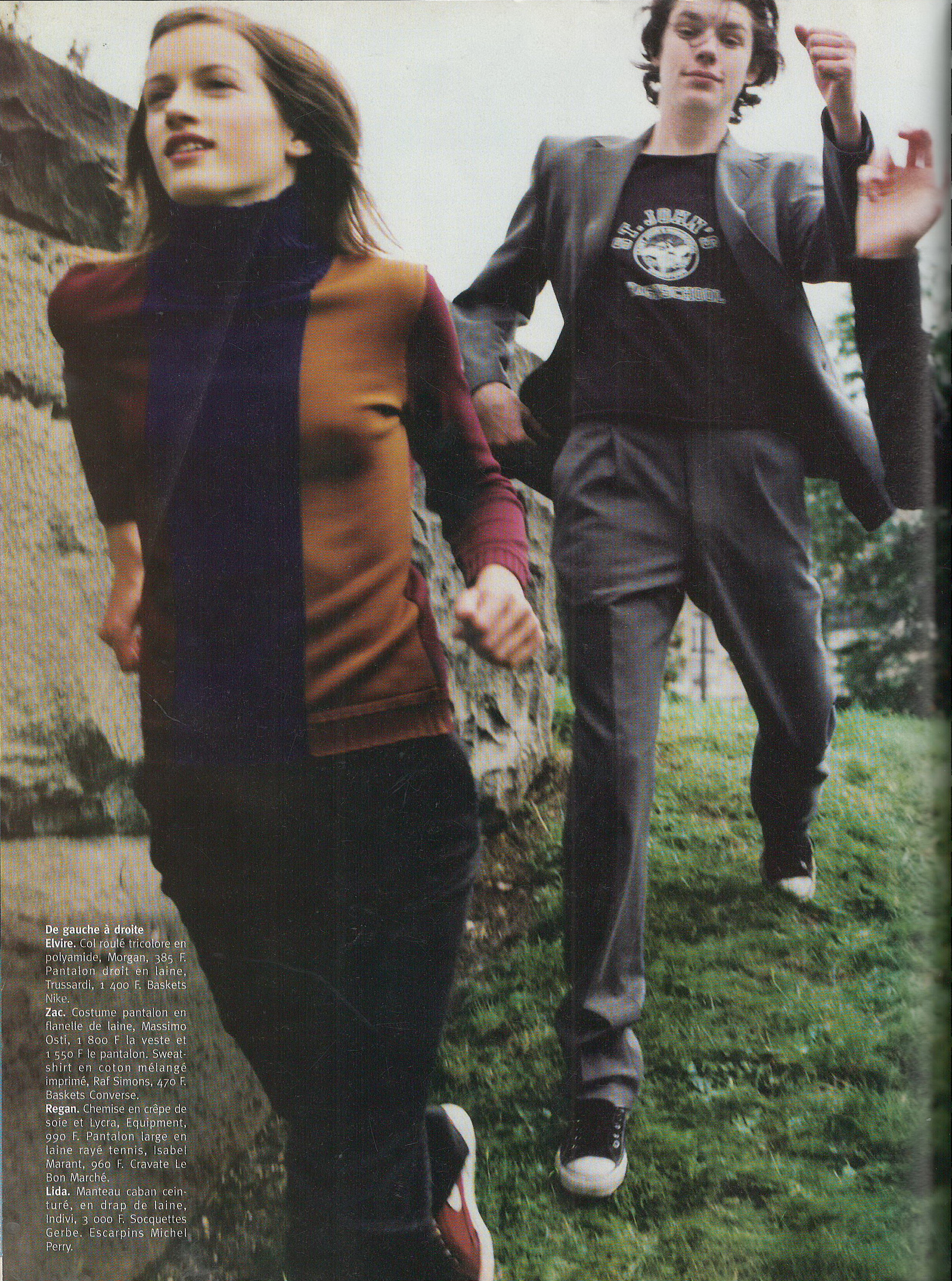
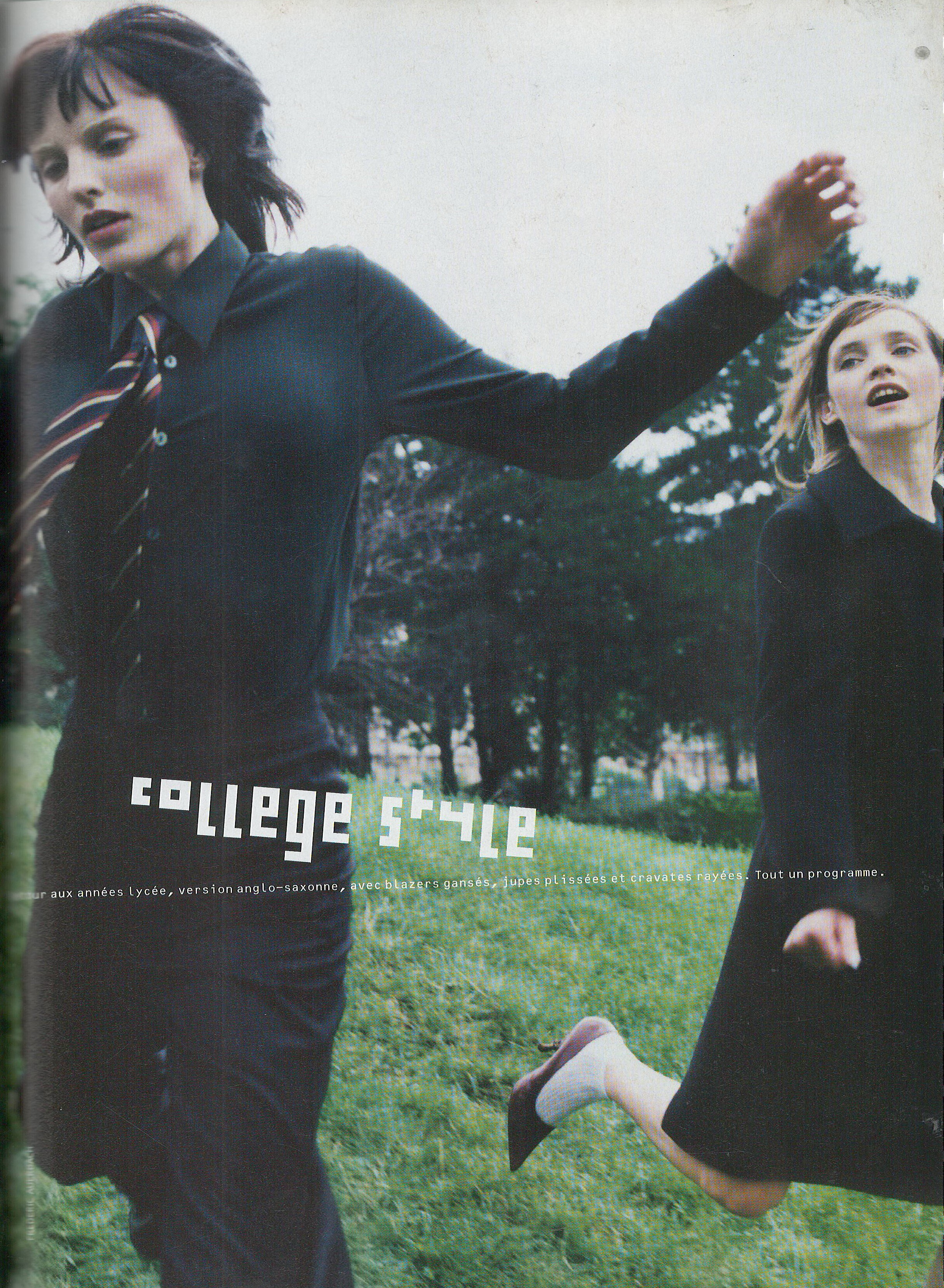
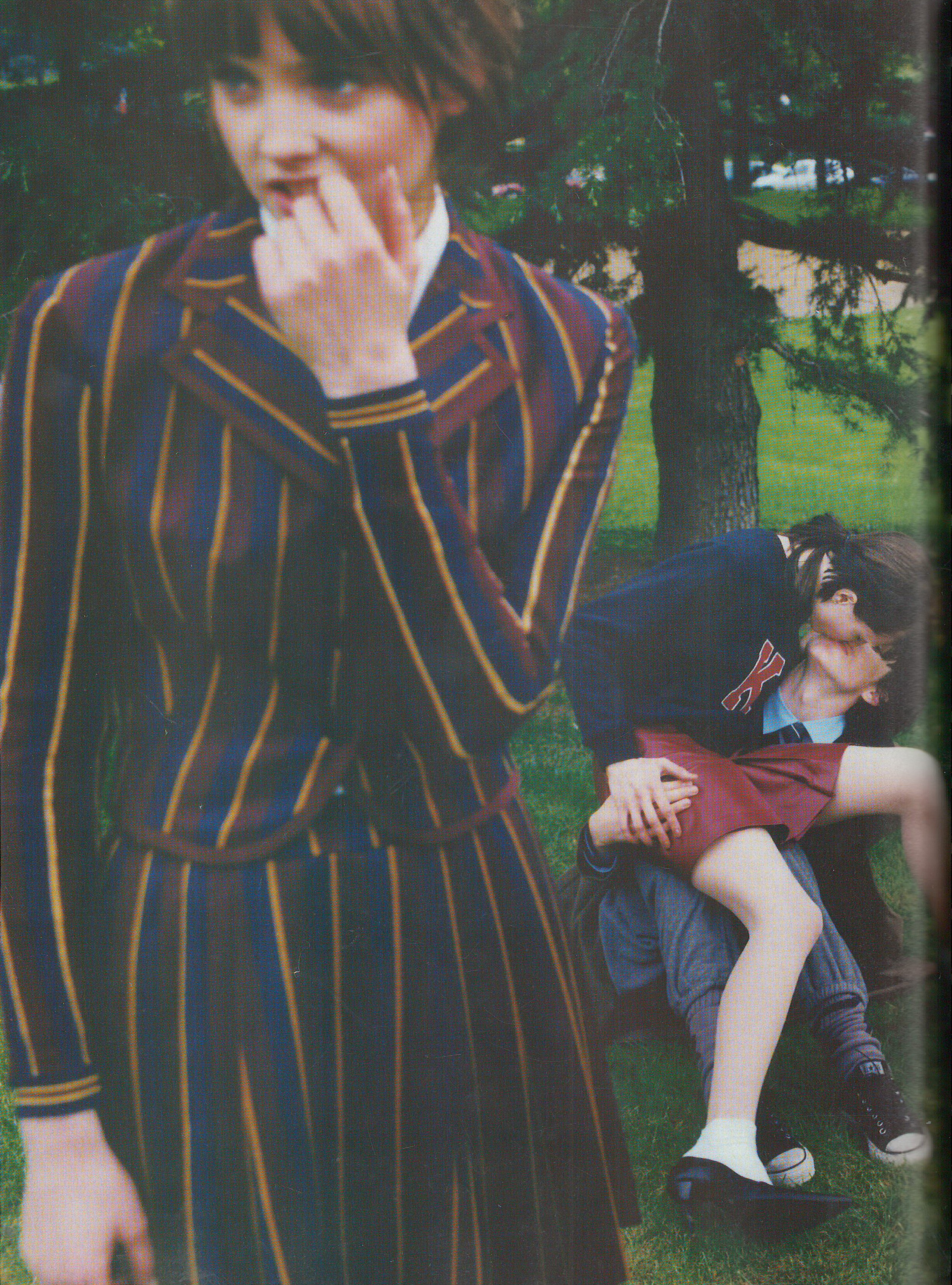
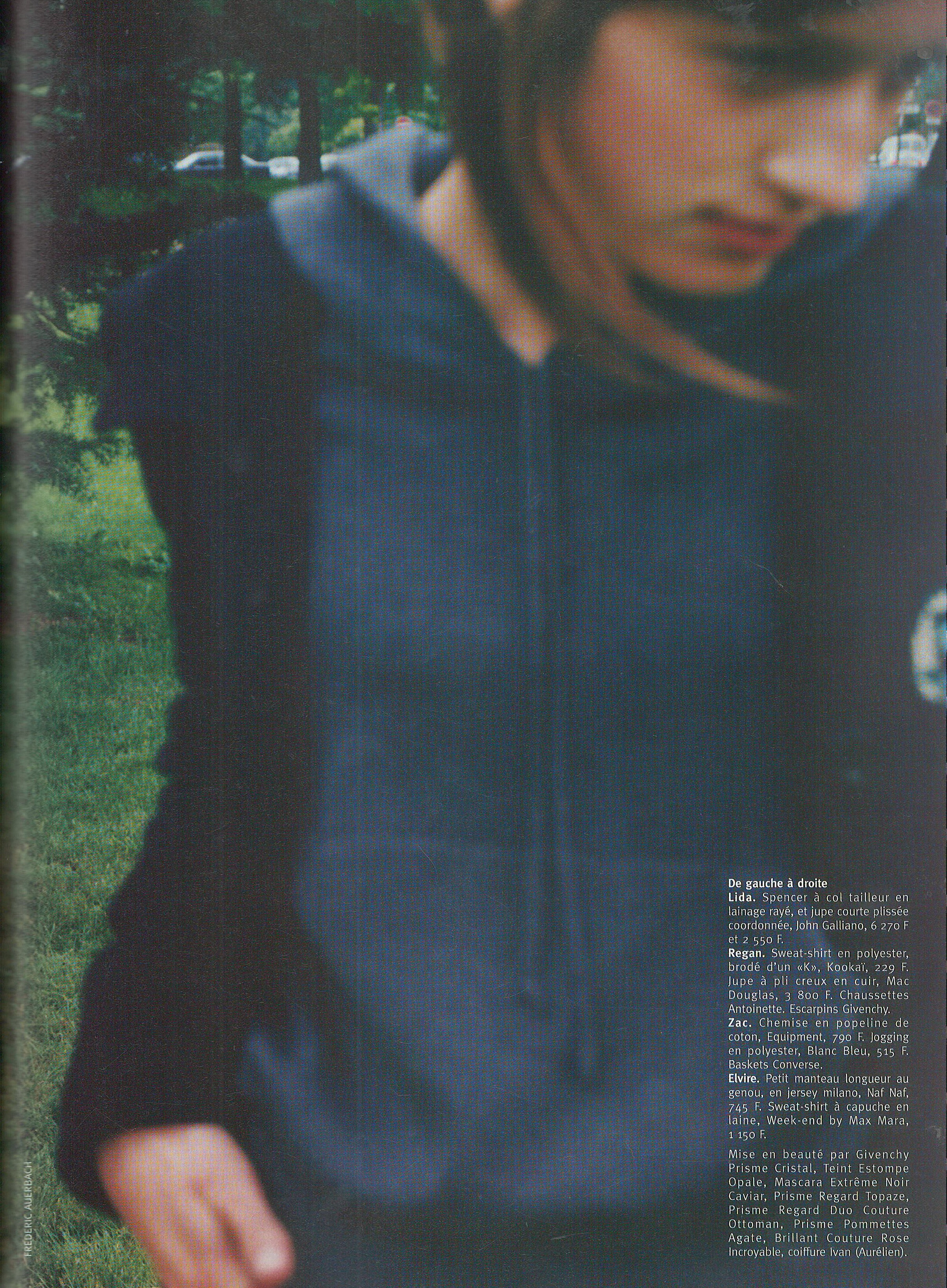
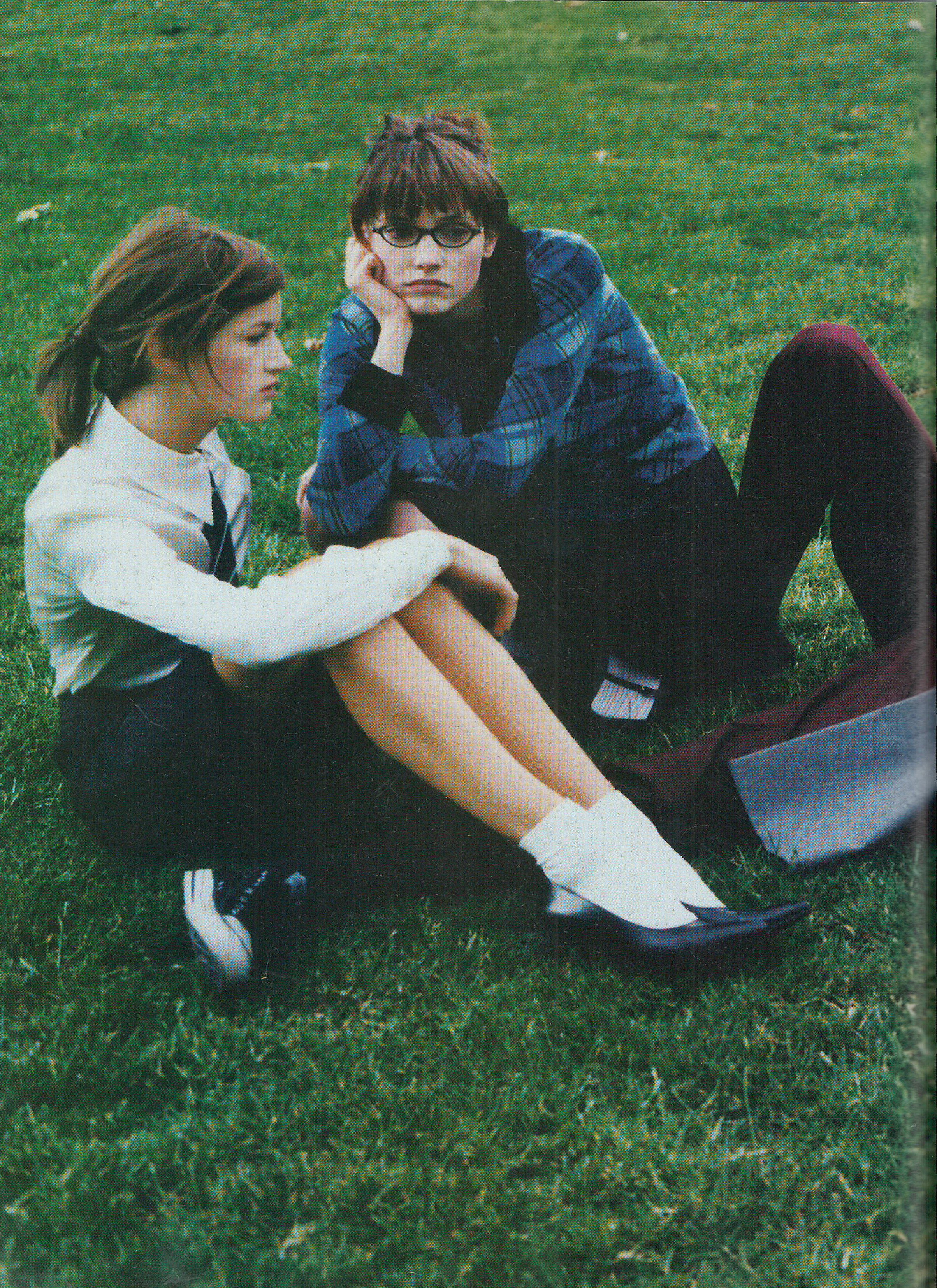
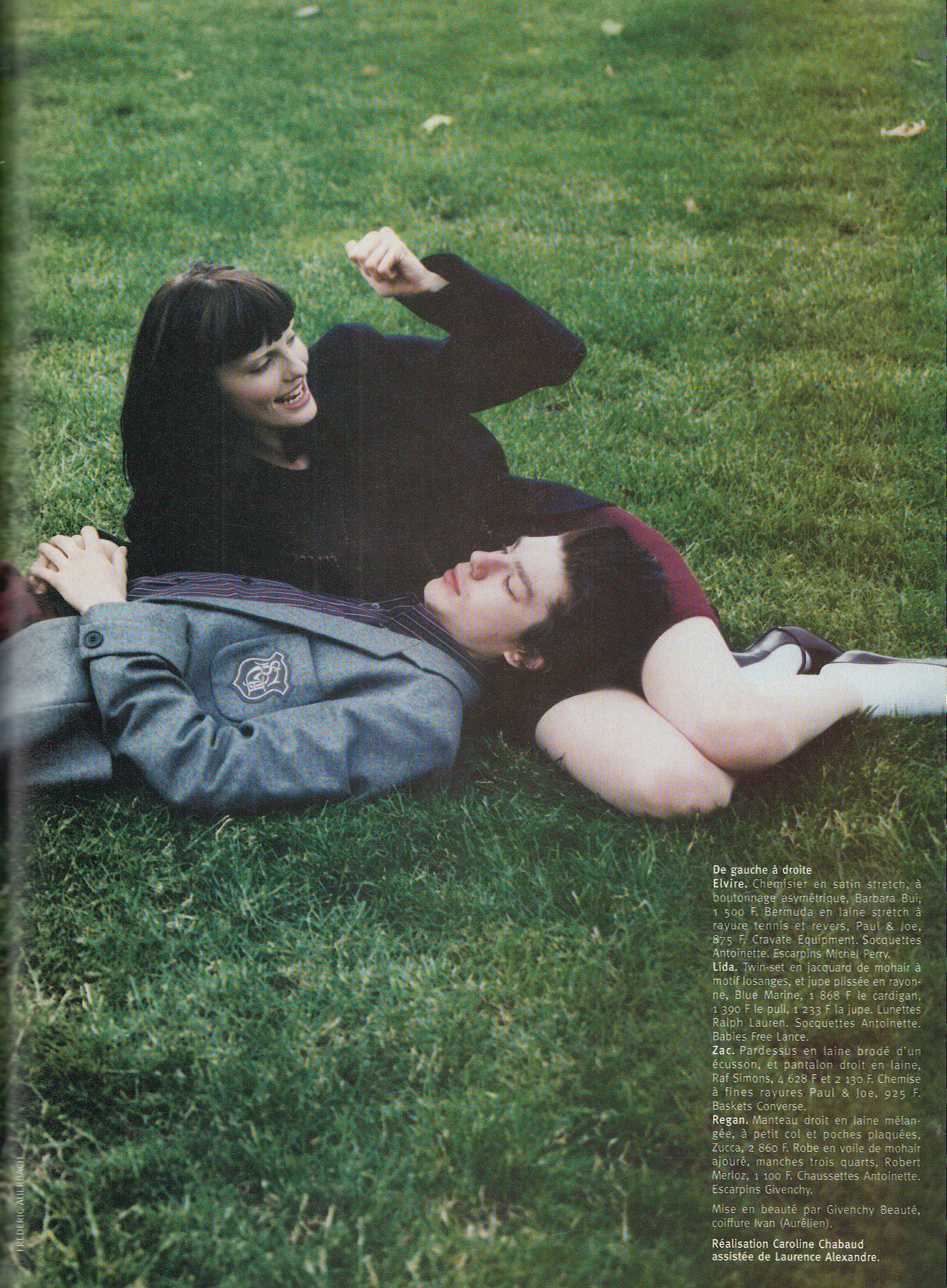
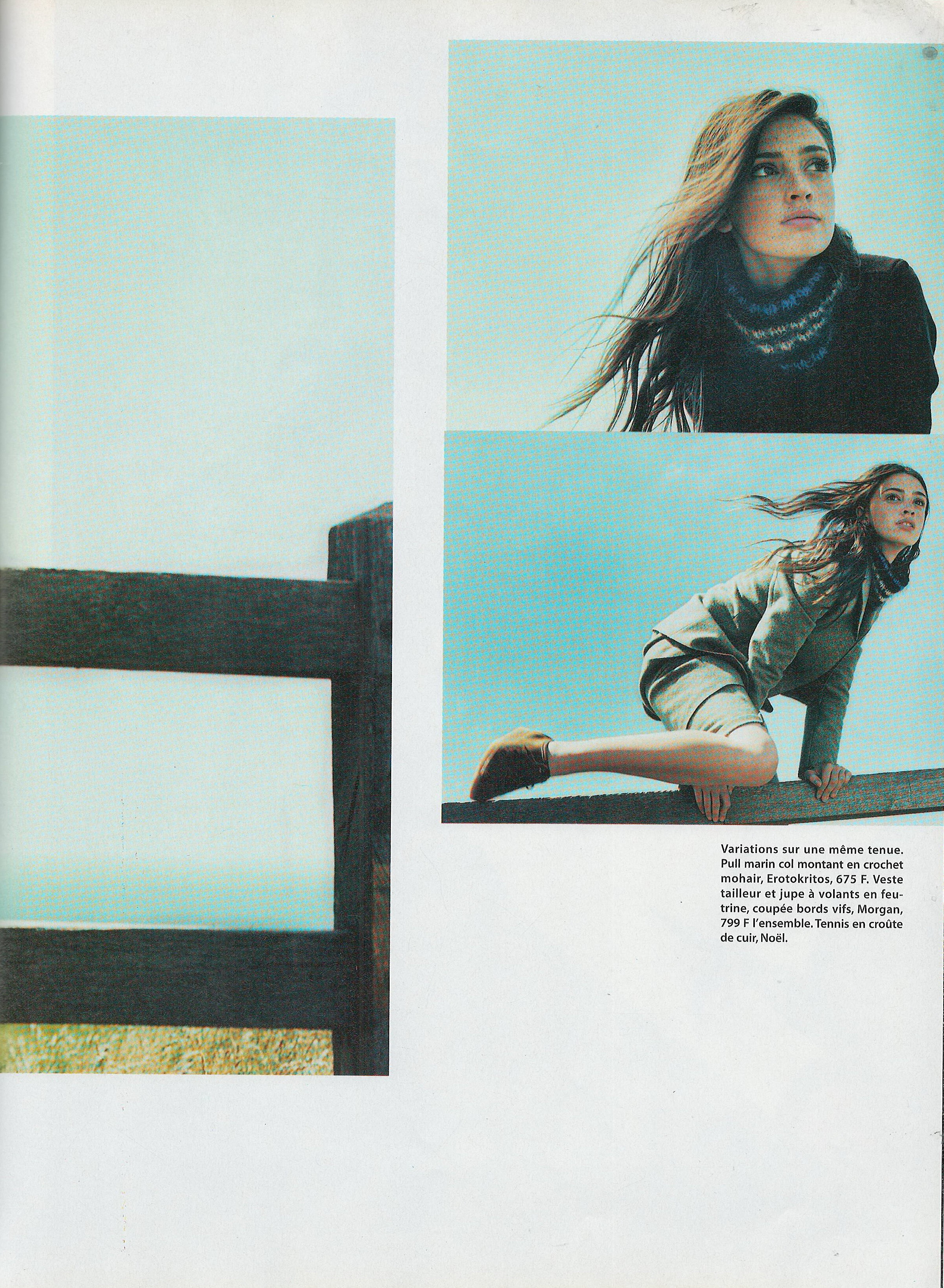
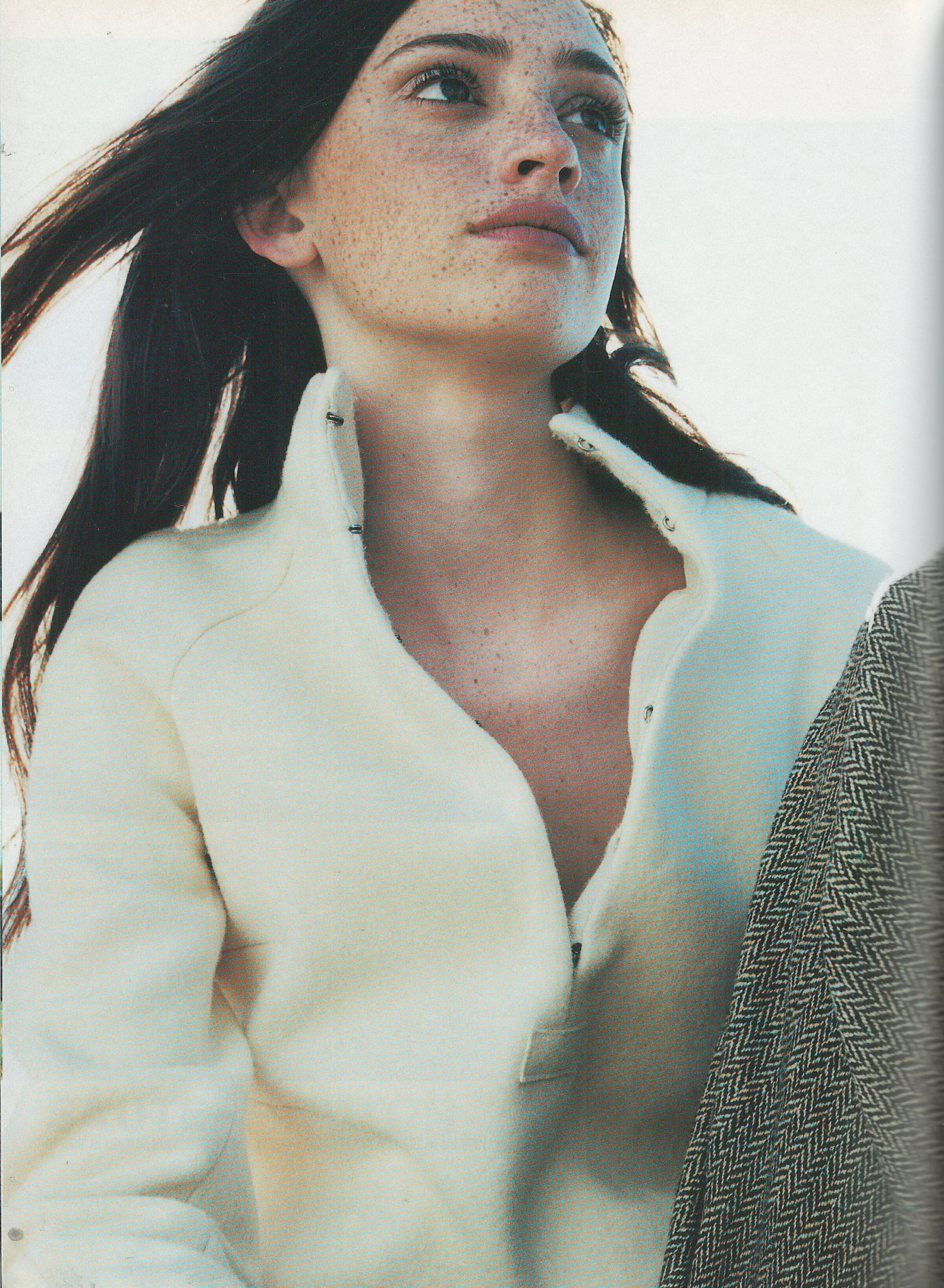
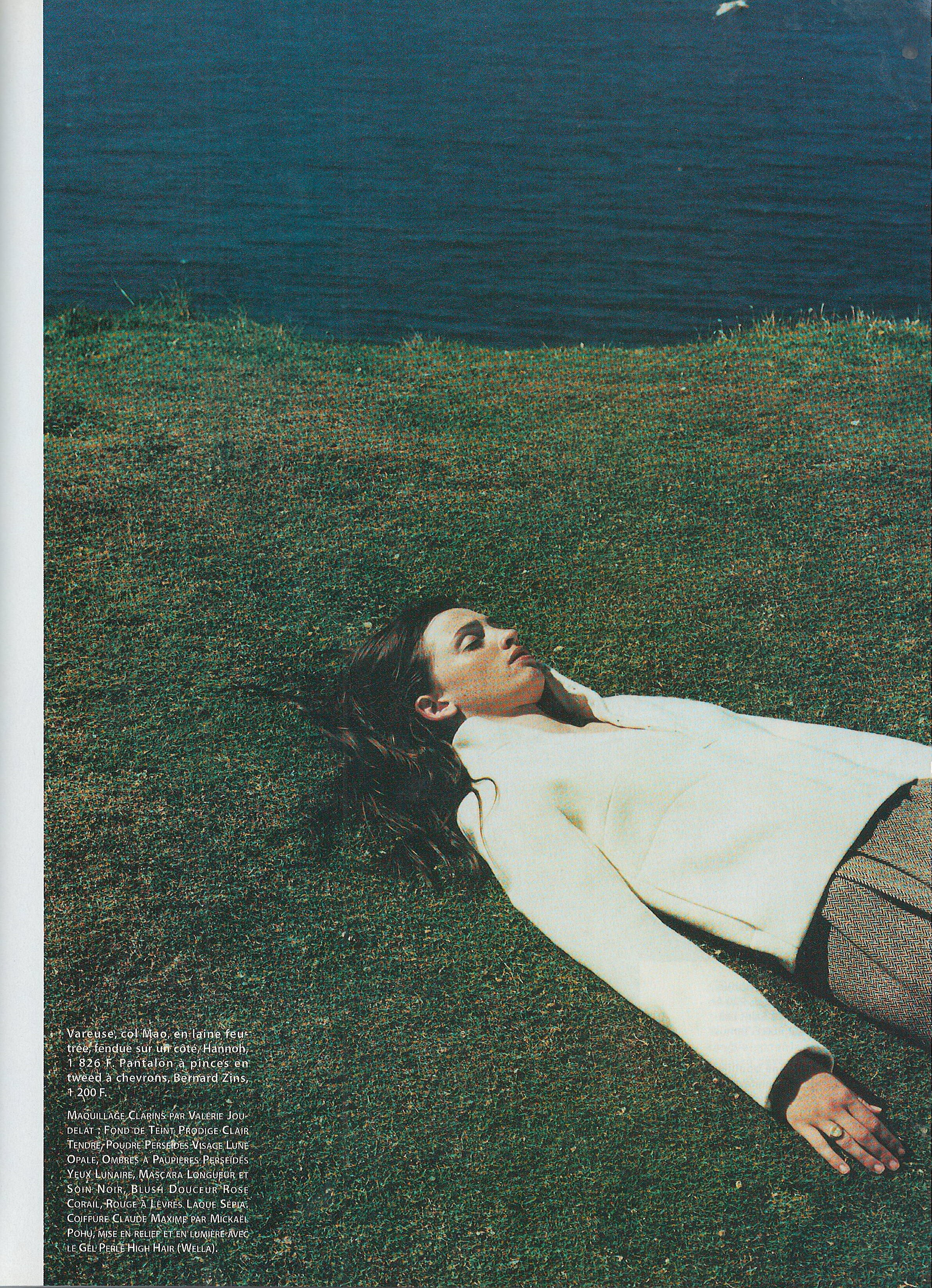
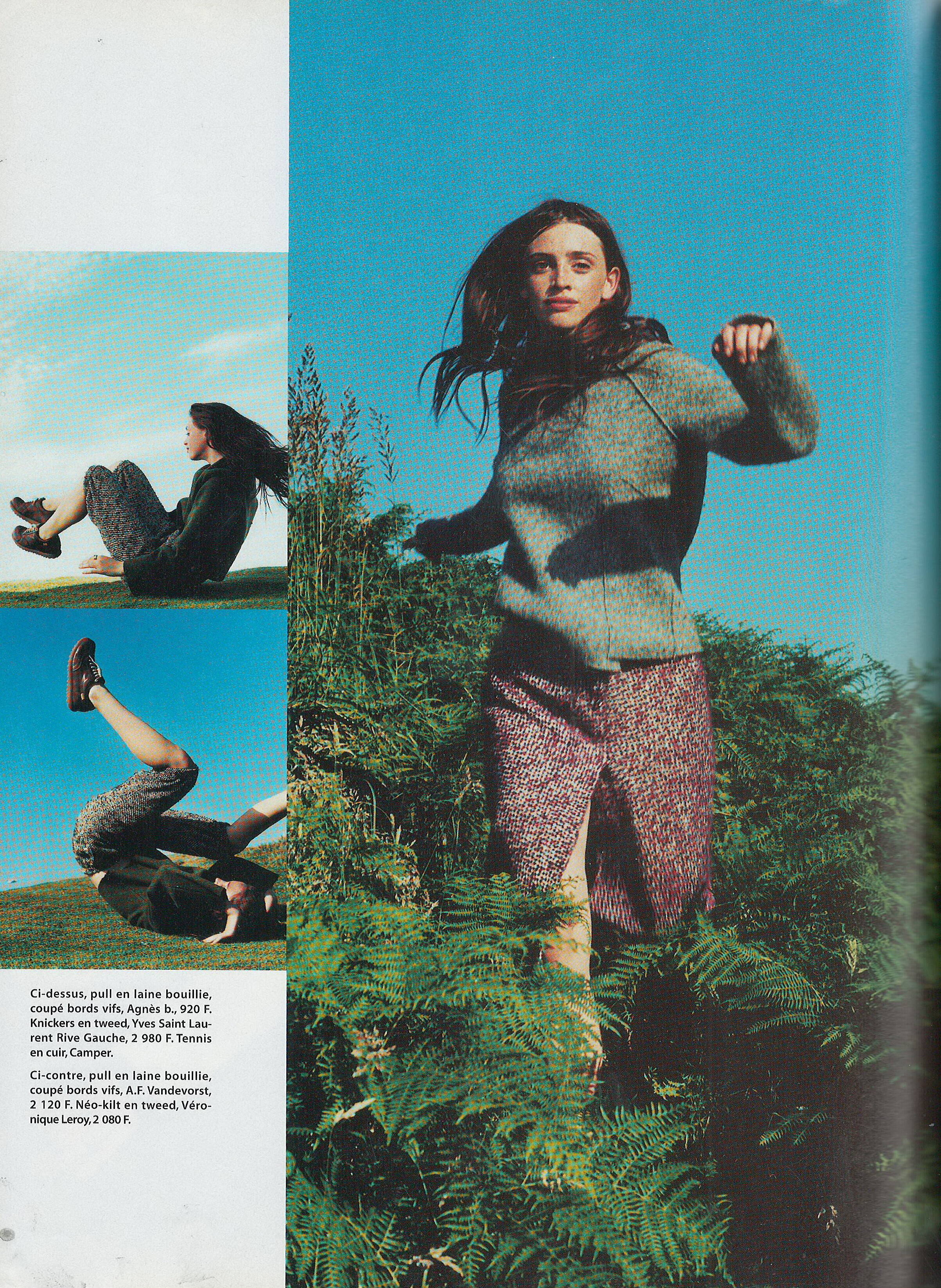
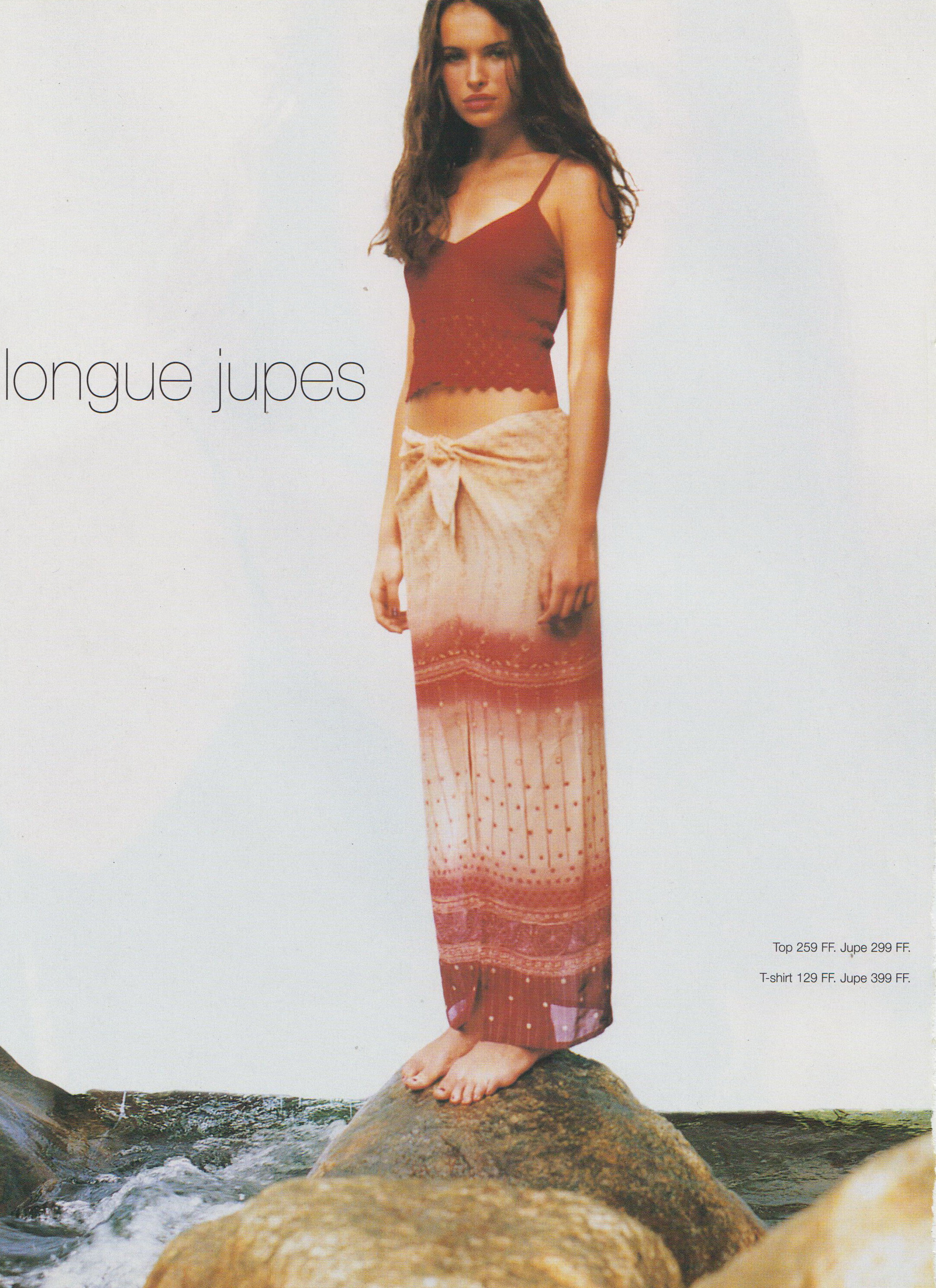
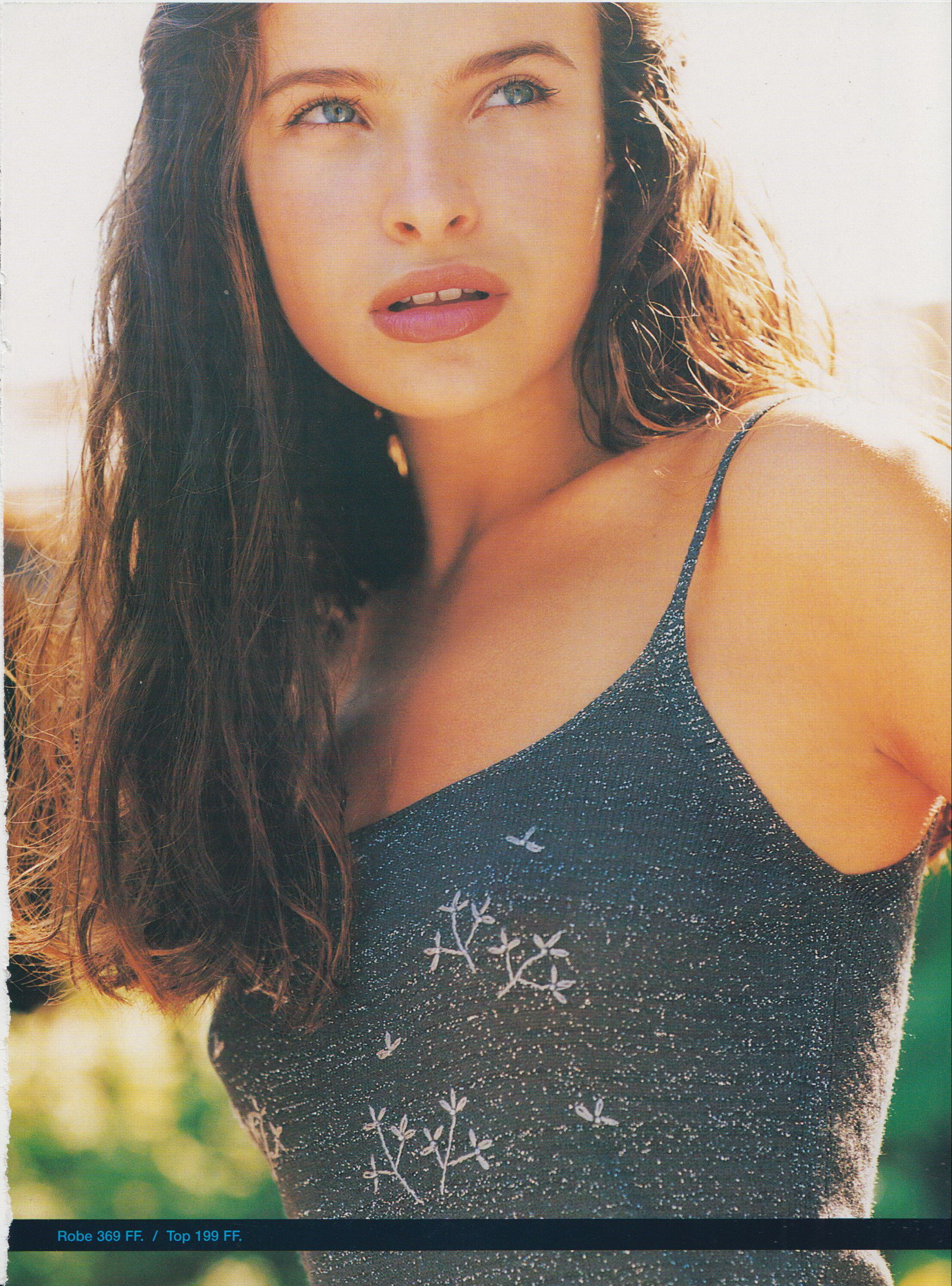
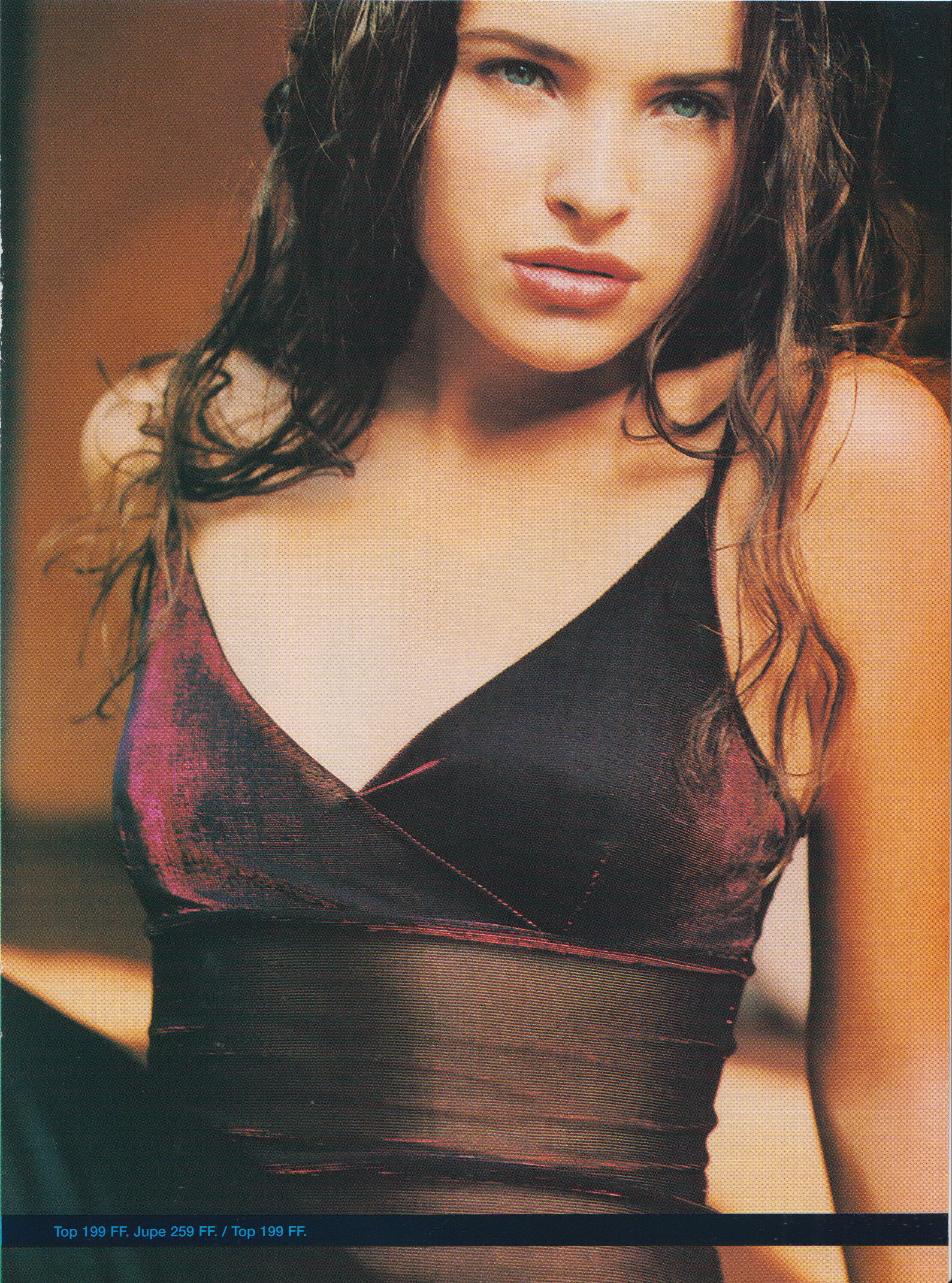
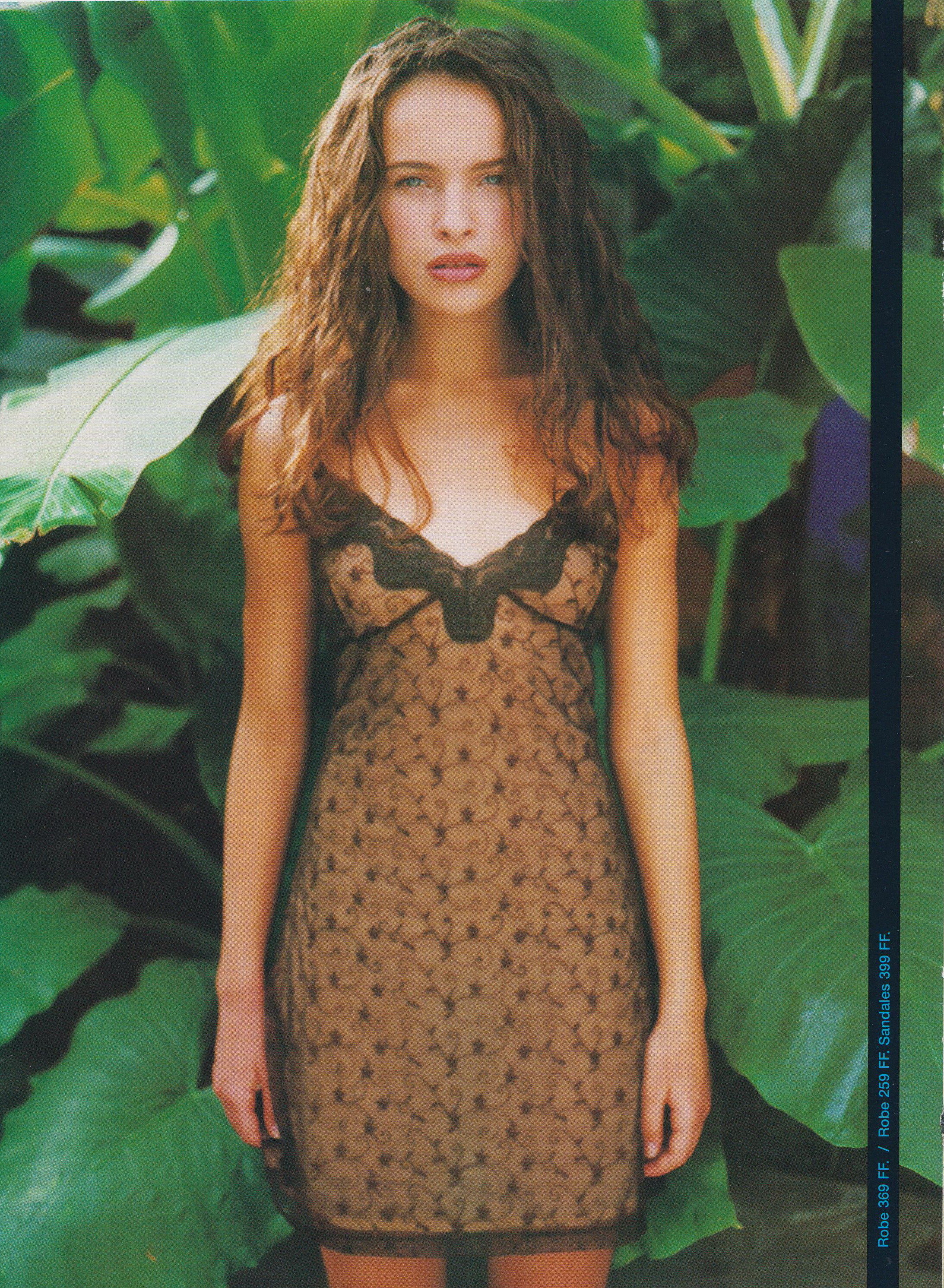
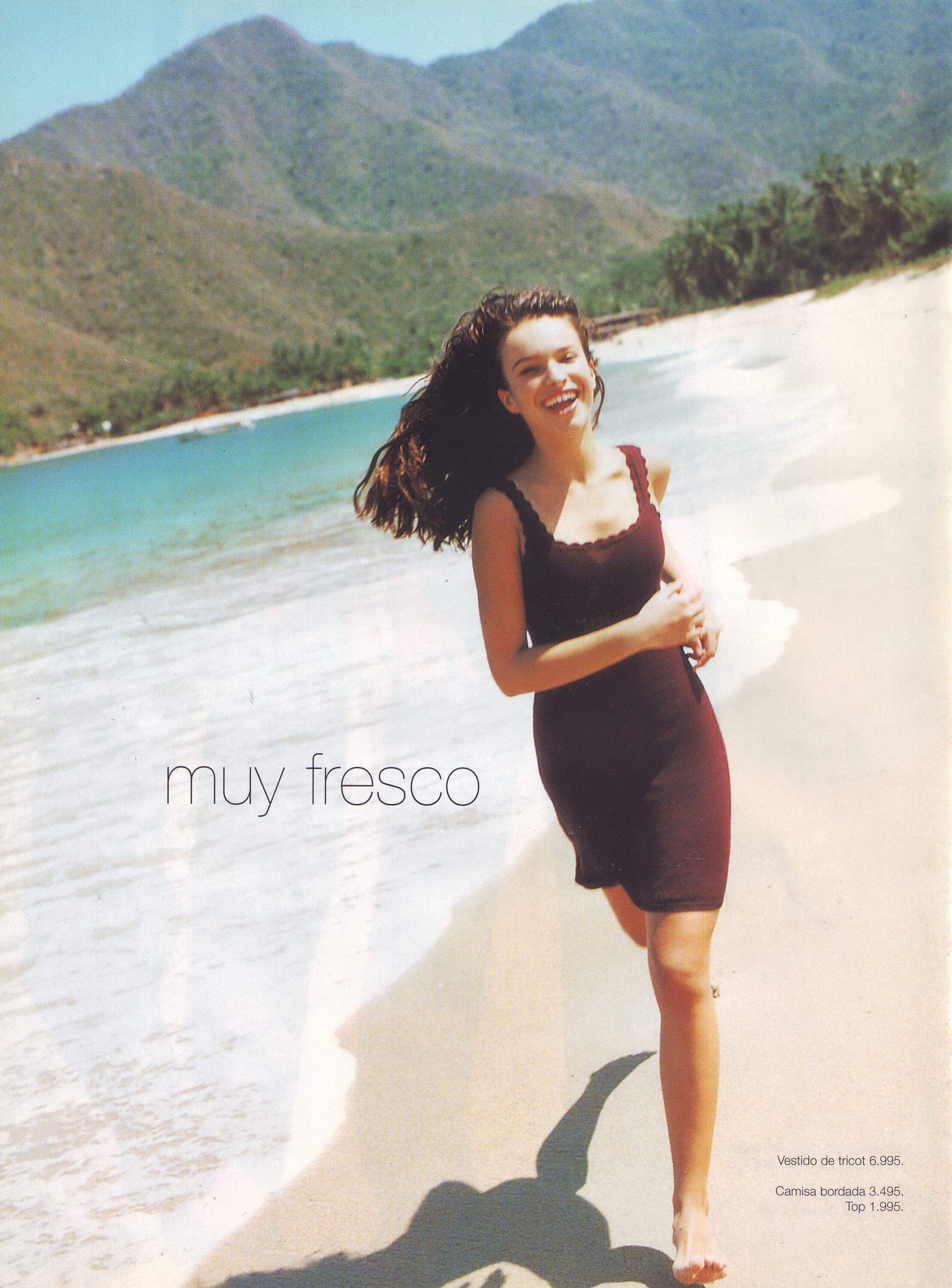
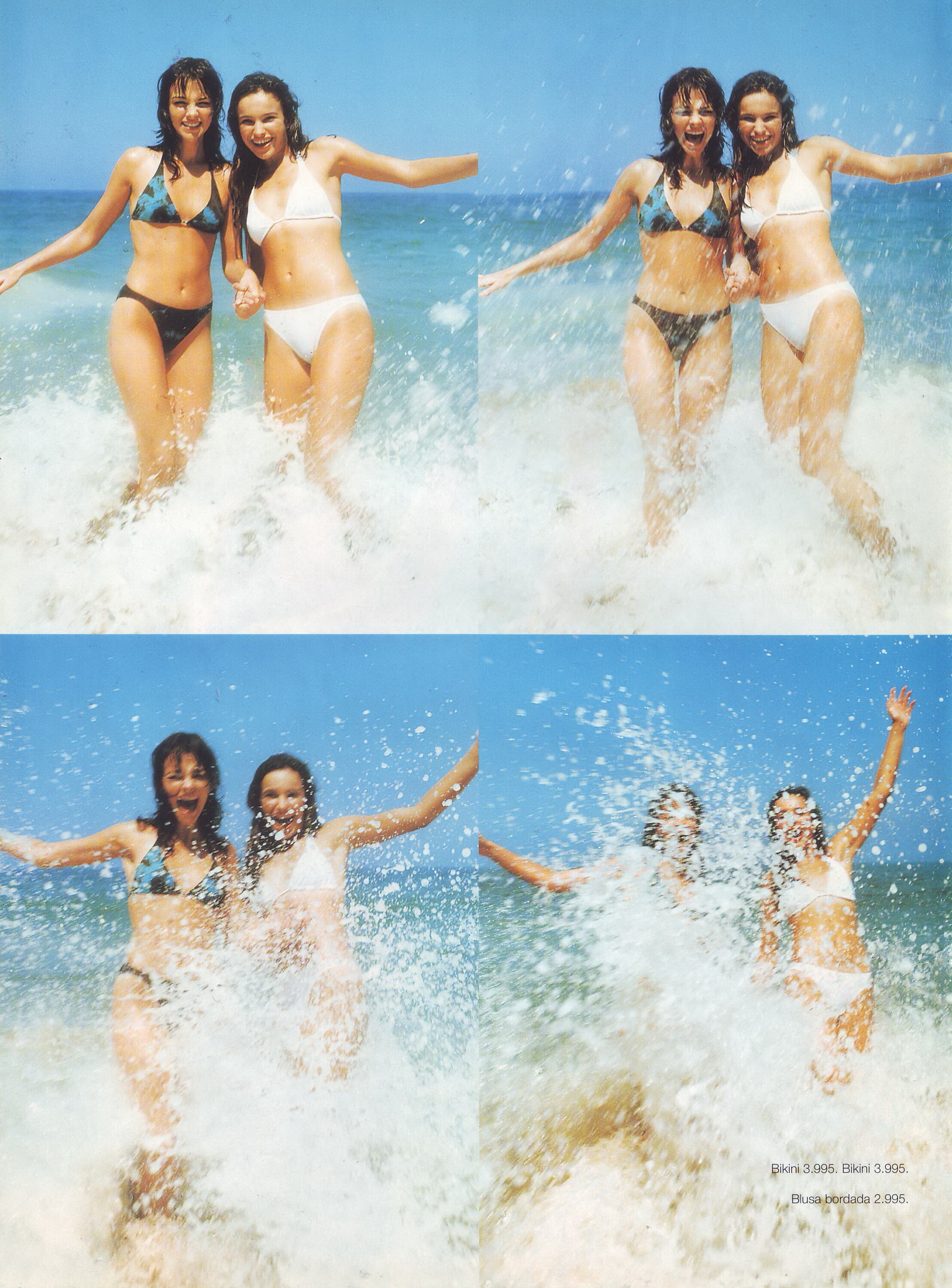
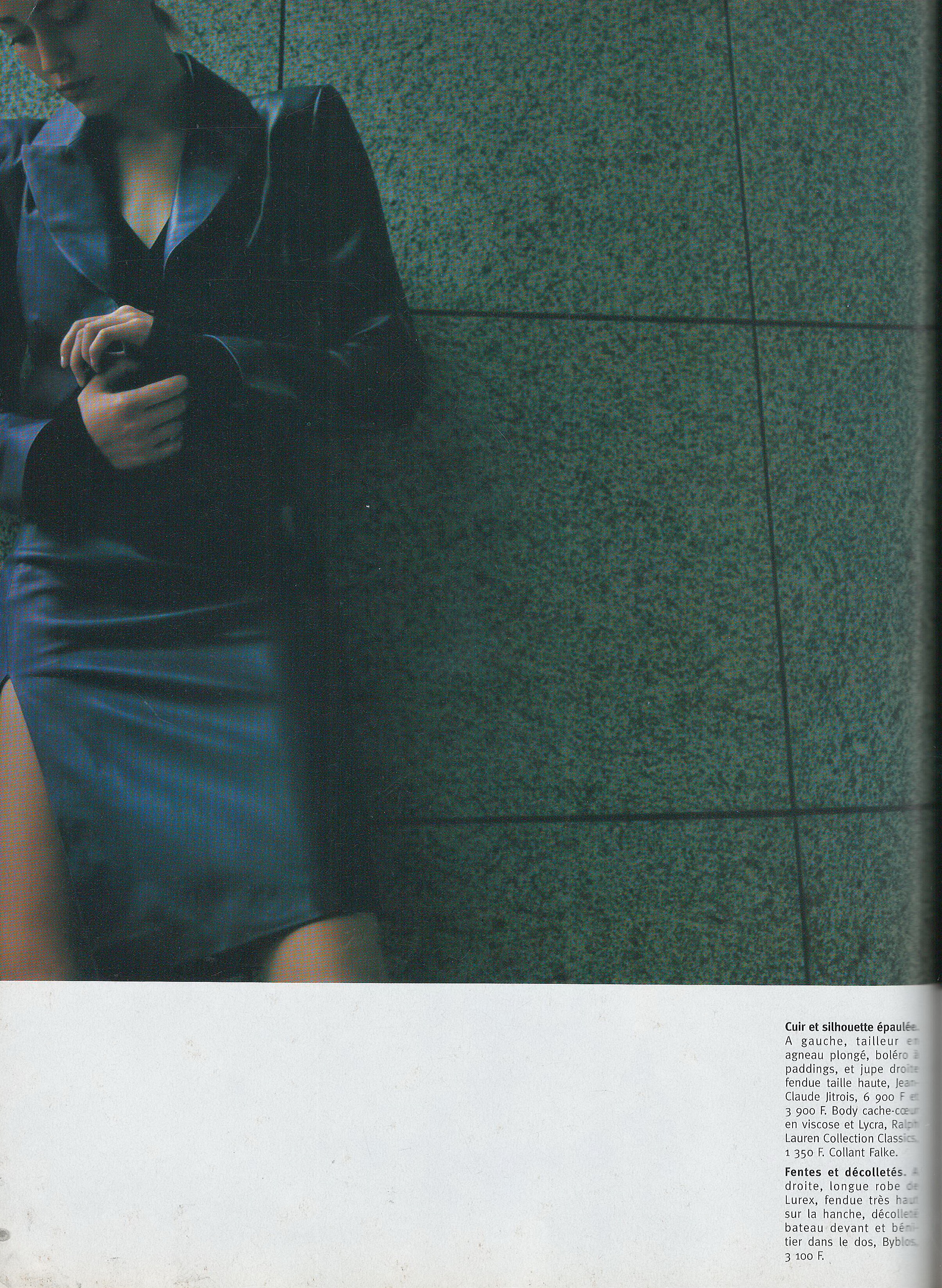
  3. Marie France February 1997 Scanned by me
  4. Glamour UK December 2002 Scanned by me model Ana Beatris Barros
  5. Glamour UK December 2002 Scanned by me
  6. Glamour UK December 2002 Scanned by me cover singer Mariah Carey
  7. Glamour UK December 2002 Scanned by me This is cover look from Cosmopolitan Hungary cover not Dolce and Gabbana 😂
  8. Patek Philippe spring 2019
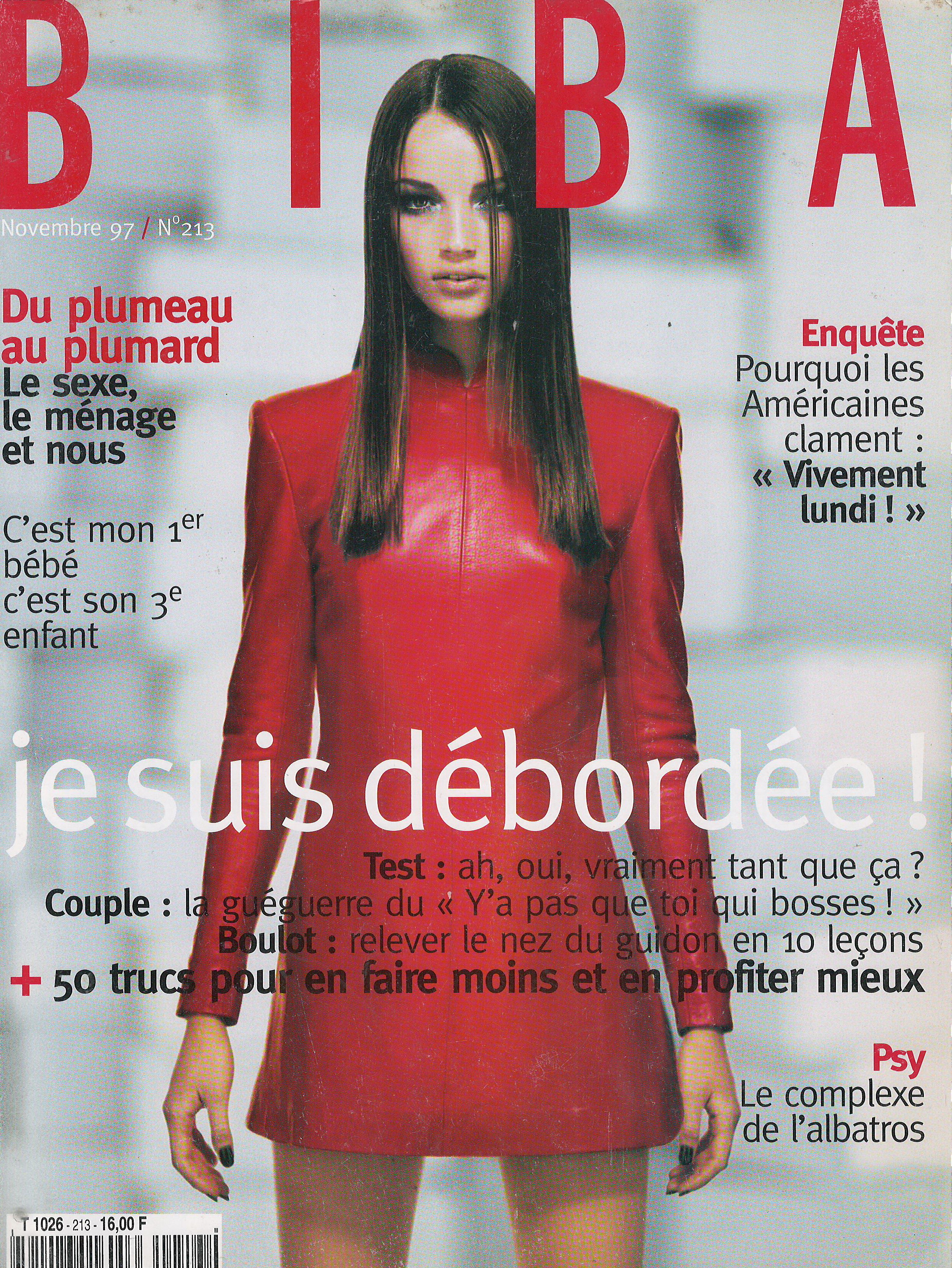
  9. Gioia Italy 29 February 2000 Scanned by me
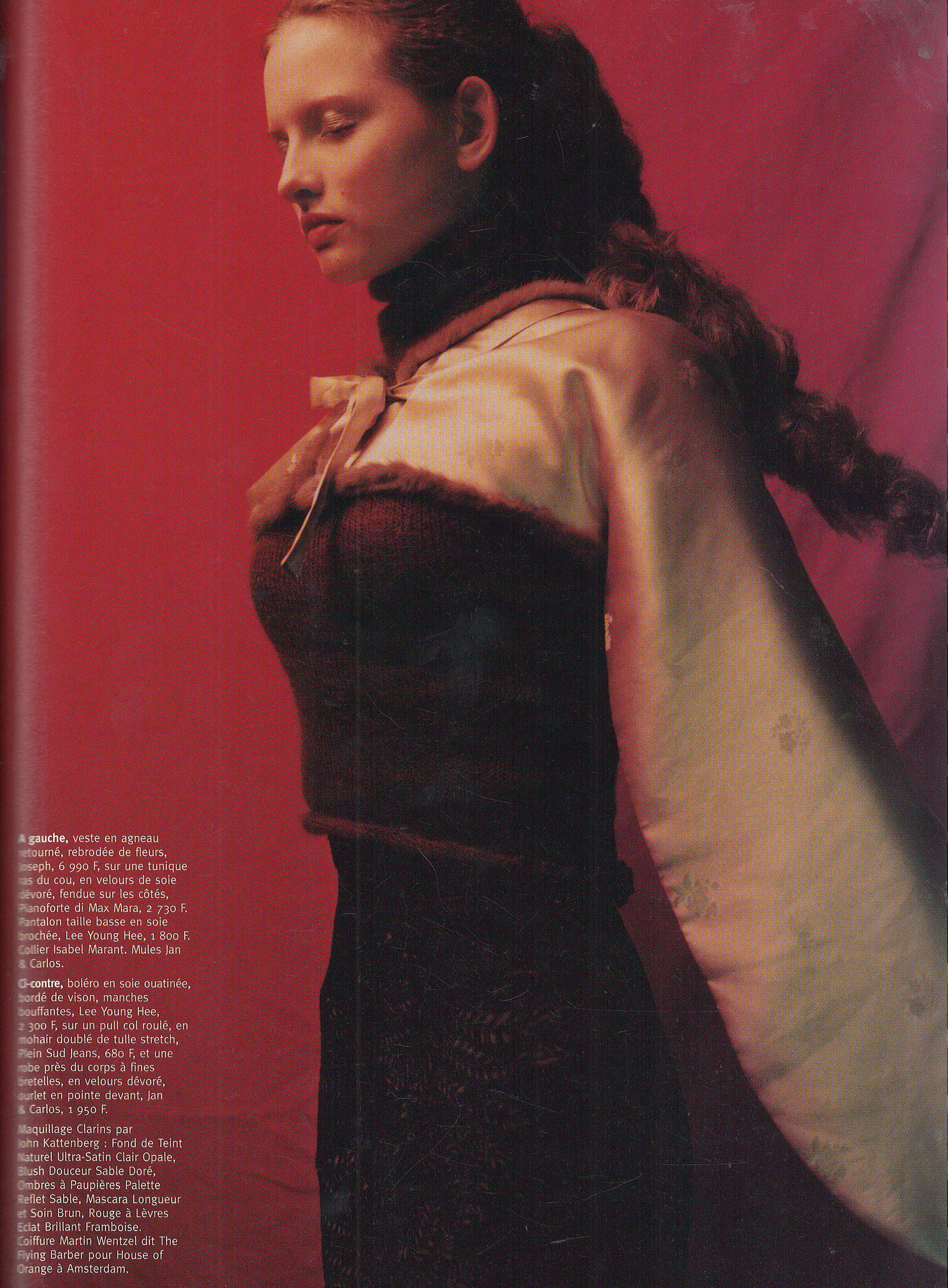
  10. Can you please find Lonneke pictures from Jill Stuart spring 2000 fashion show @ArianaVSCouture? Thank you so much
  11. Gioia Italy 29 February 2000 Scanned by me
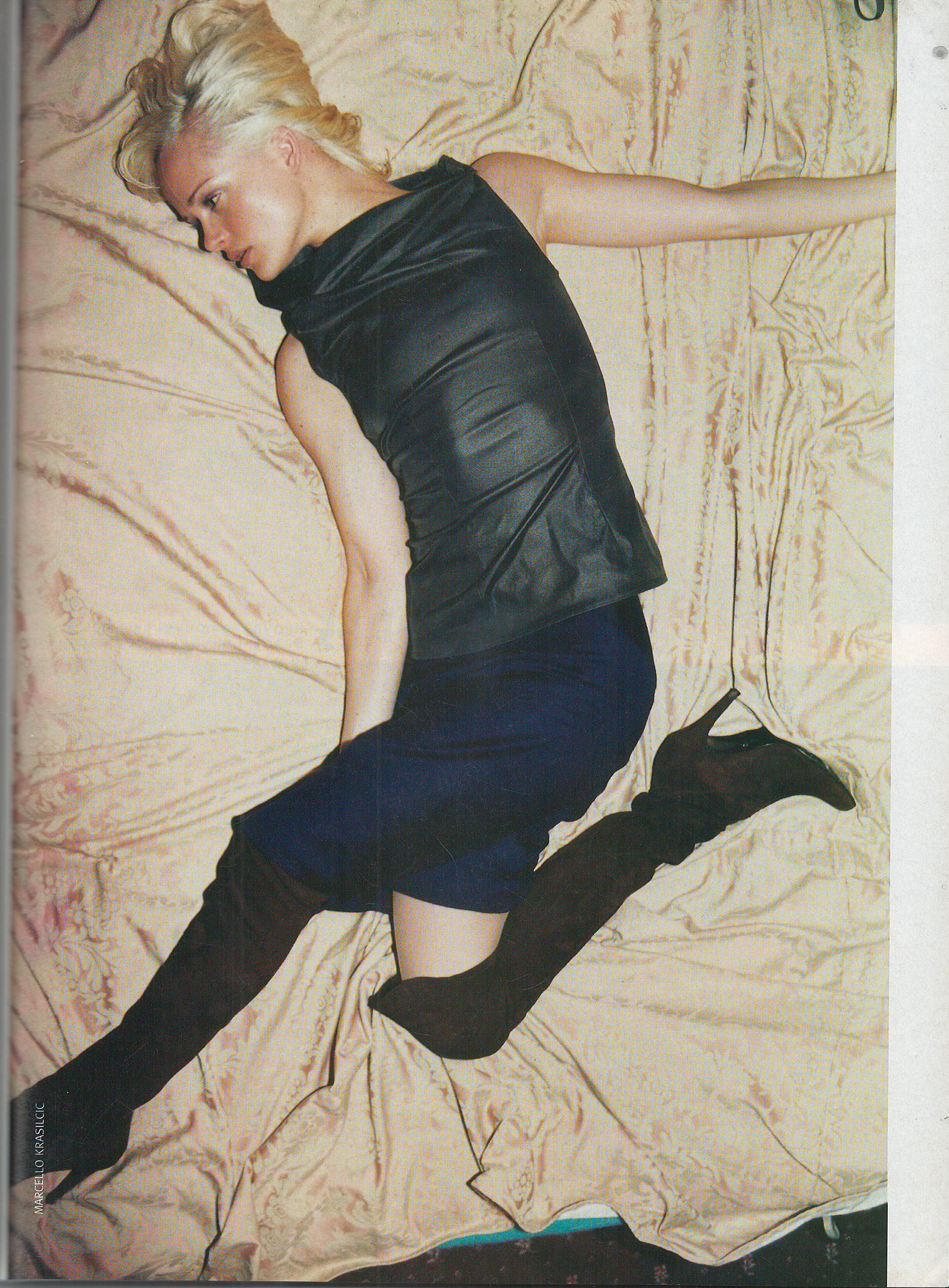
  12. Gioia Italy 29 February 2000 Scanned by me model Angelica Boss
  13. Gioia Italy 29 February 2000 Scanned by me model Angelica Boss model Angelica Boss
  14. Gioia Italy 29 February 2000 Scanned by me cover model Julia Rzepecka
  15. Gioia 24 March 2007 Scanned by me model Natasha Gilbert ❤️
  16. D la repubblica 4 December 2001 Scanned by me
  17. D la repubblica 4 December 2001 Scanned by me no editorial with her inside
  18. D la repubblica 4 December 2001 Scanned by me cover model Amy Lemmons
  19. D la repubblica 21 August 2001 Scanned by me
  20. D la repubblica 21 August 2001 Scanned by me cover model Eva Herzigova model Eva Herzigova
  21. D la repubblica 21 August 2001 Scanned by me
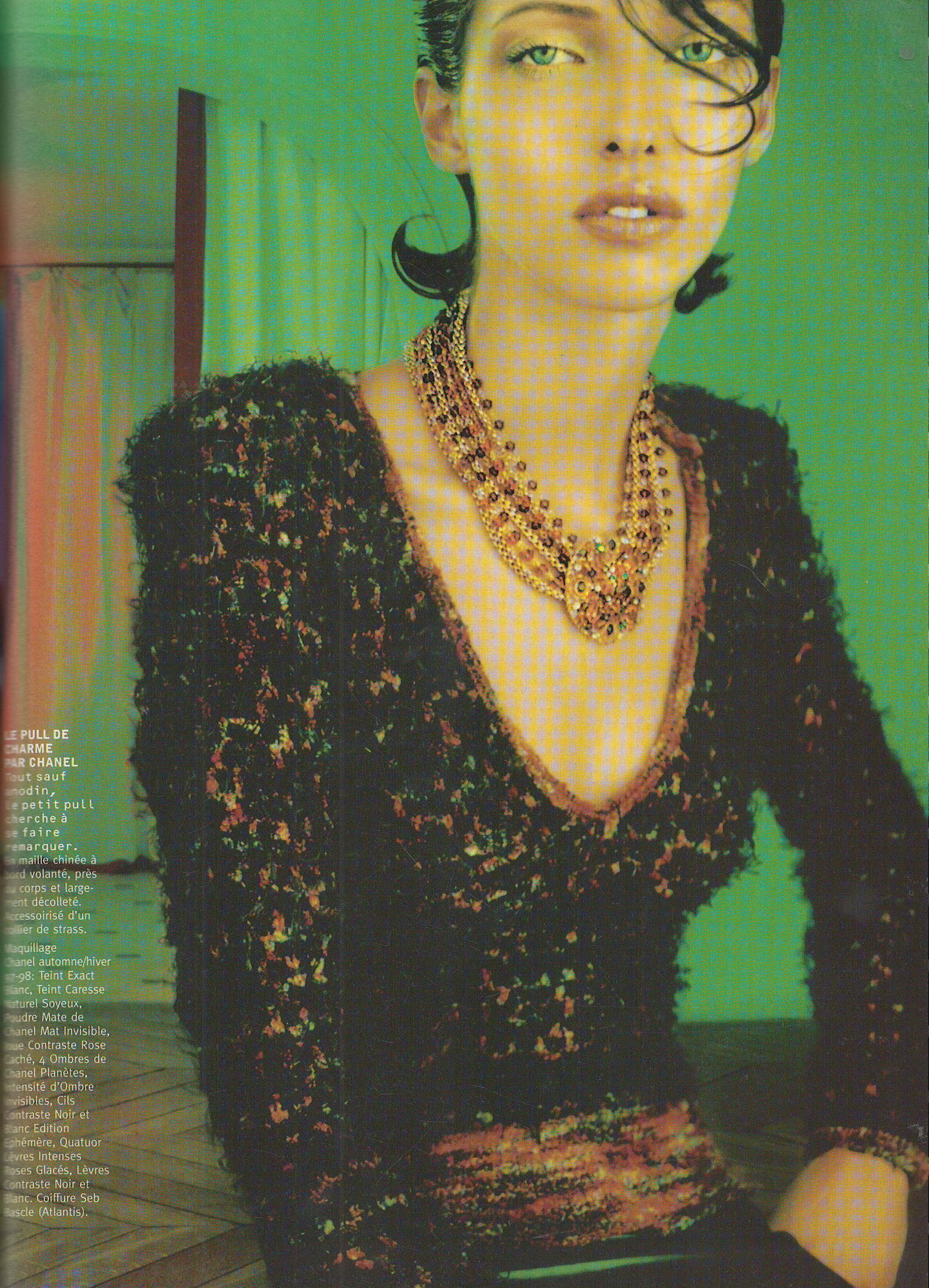
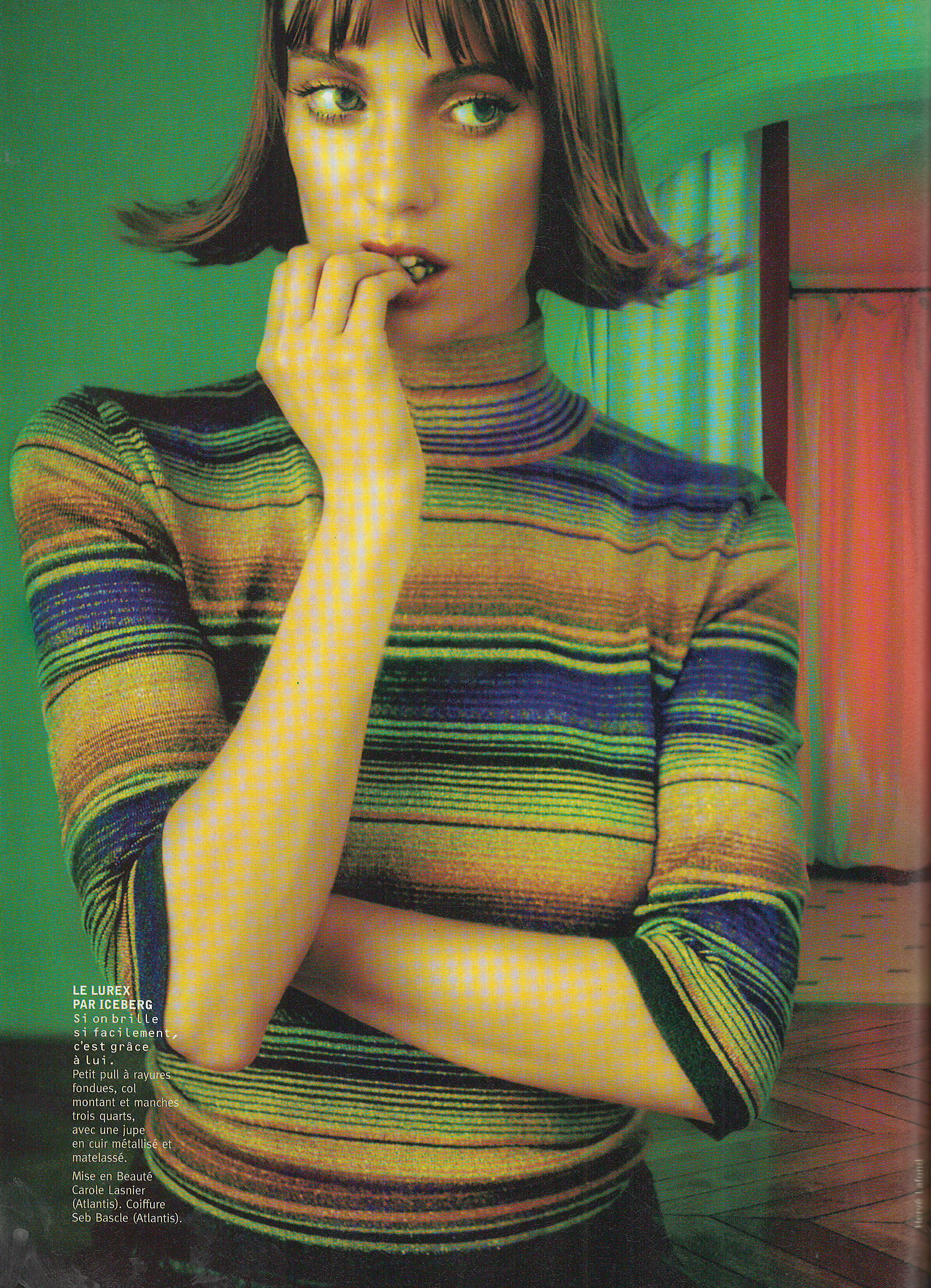
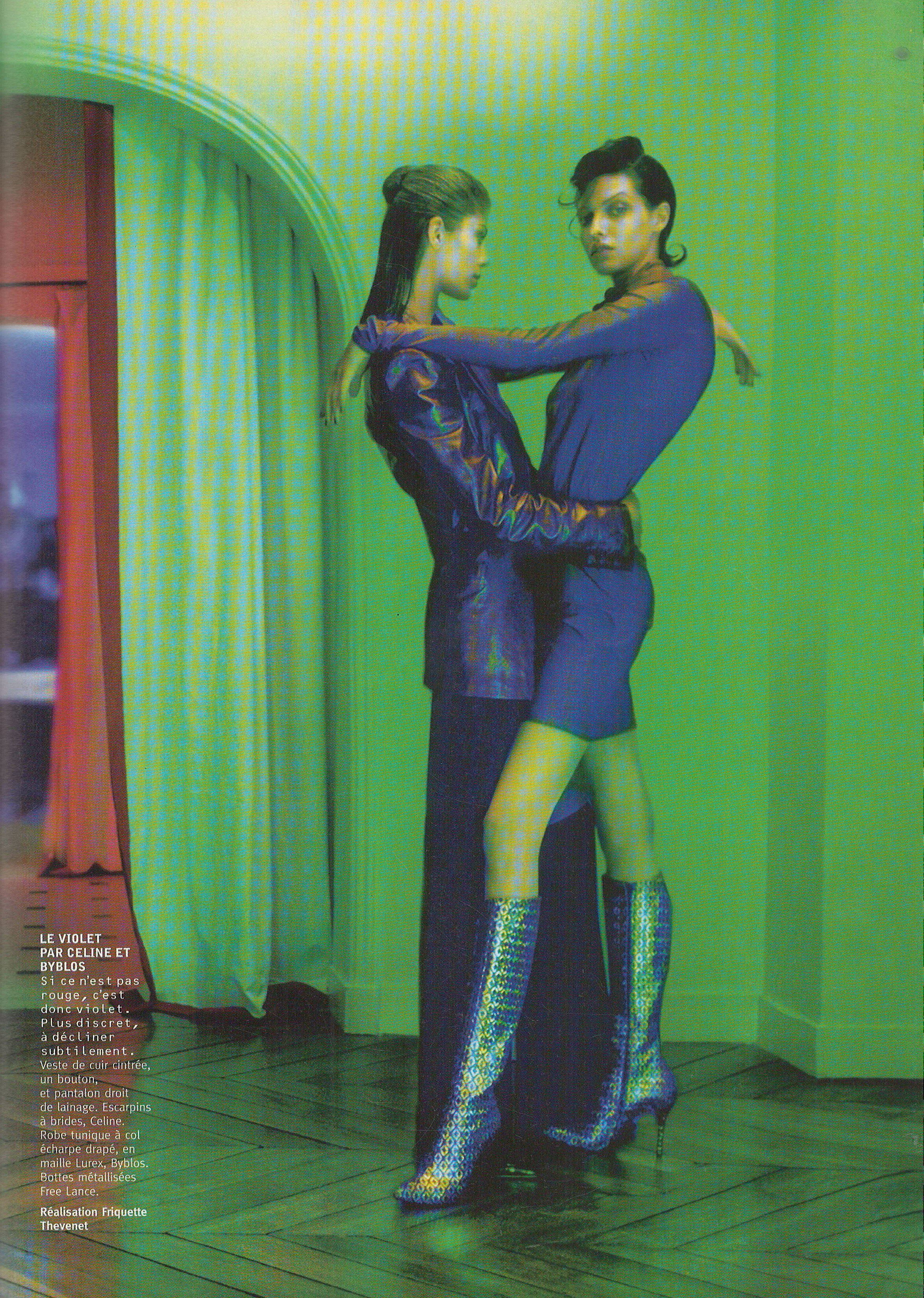
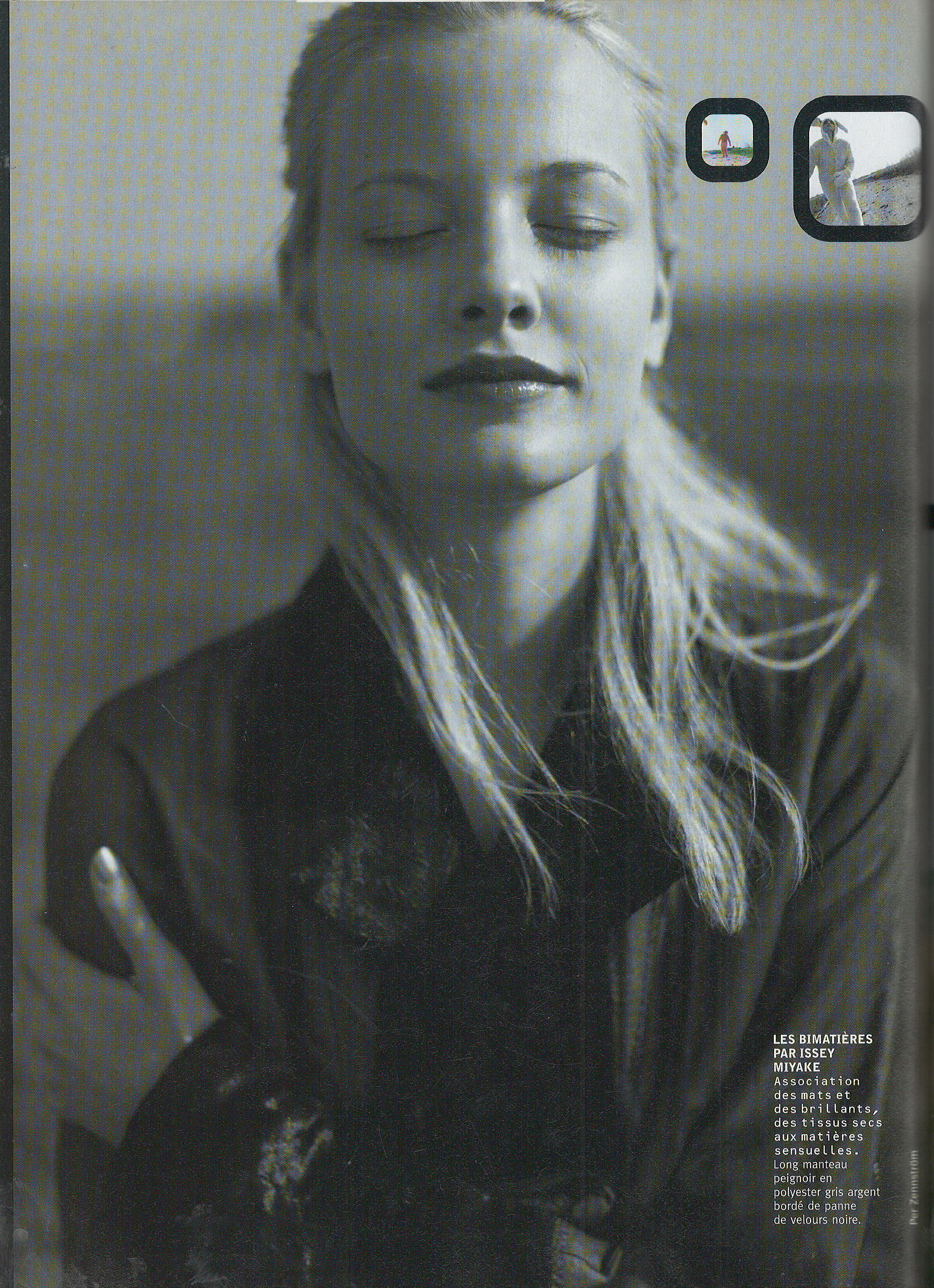
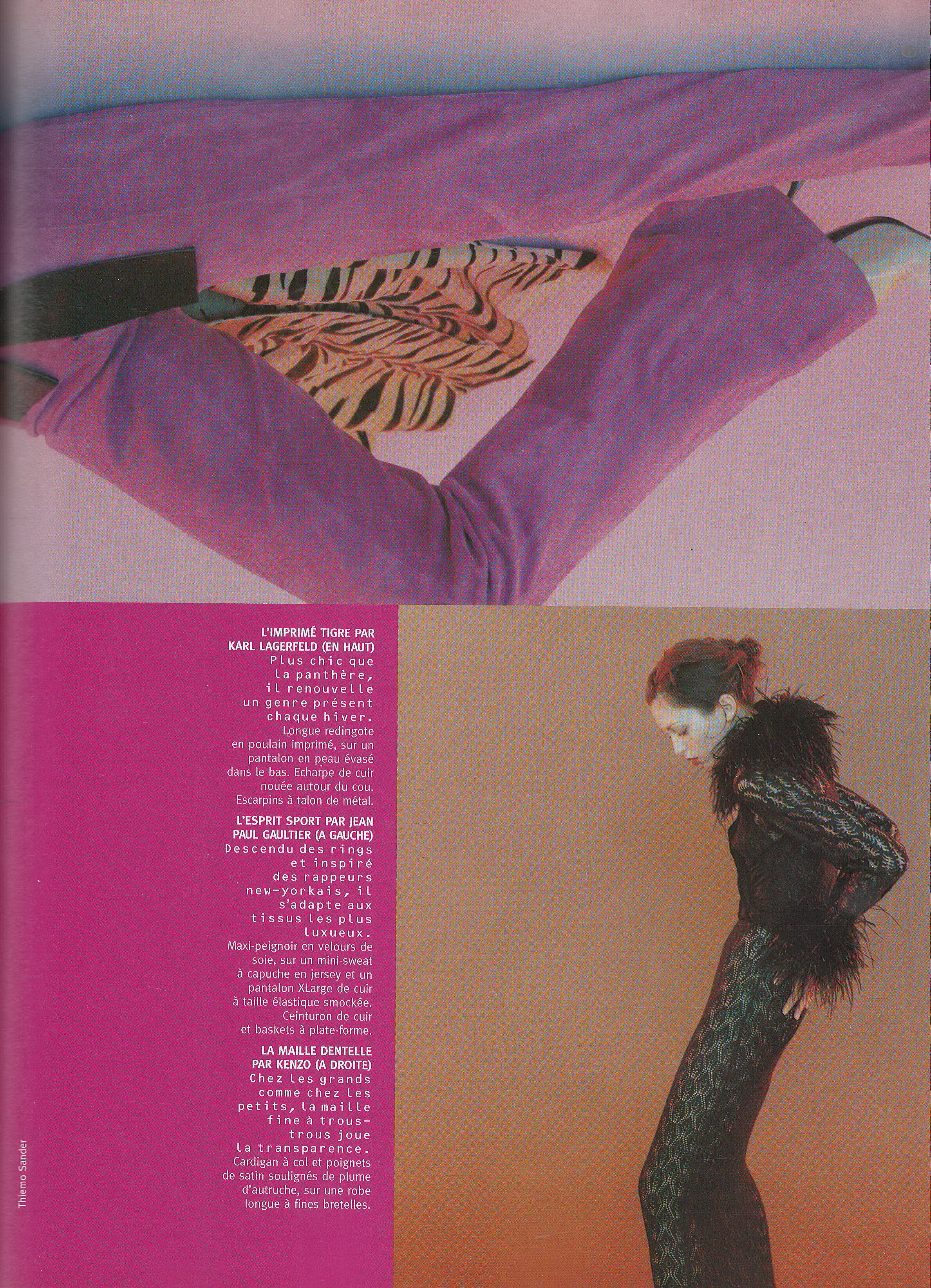
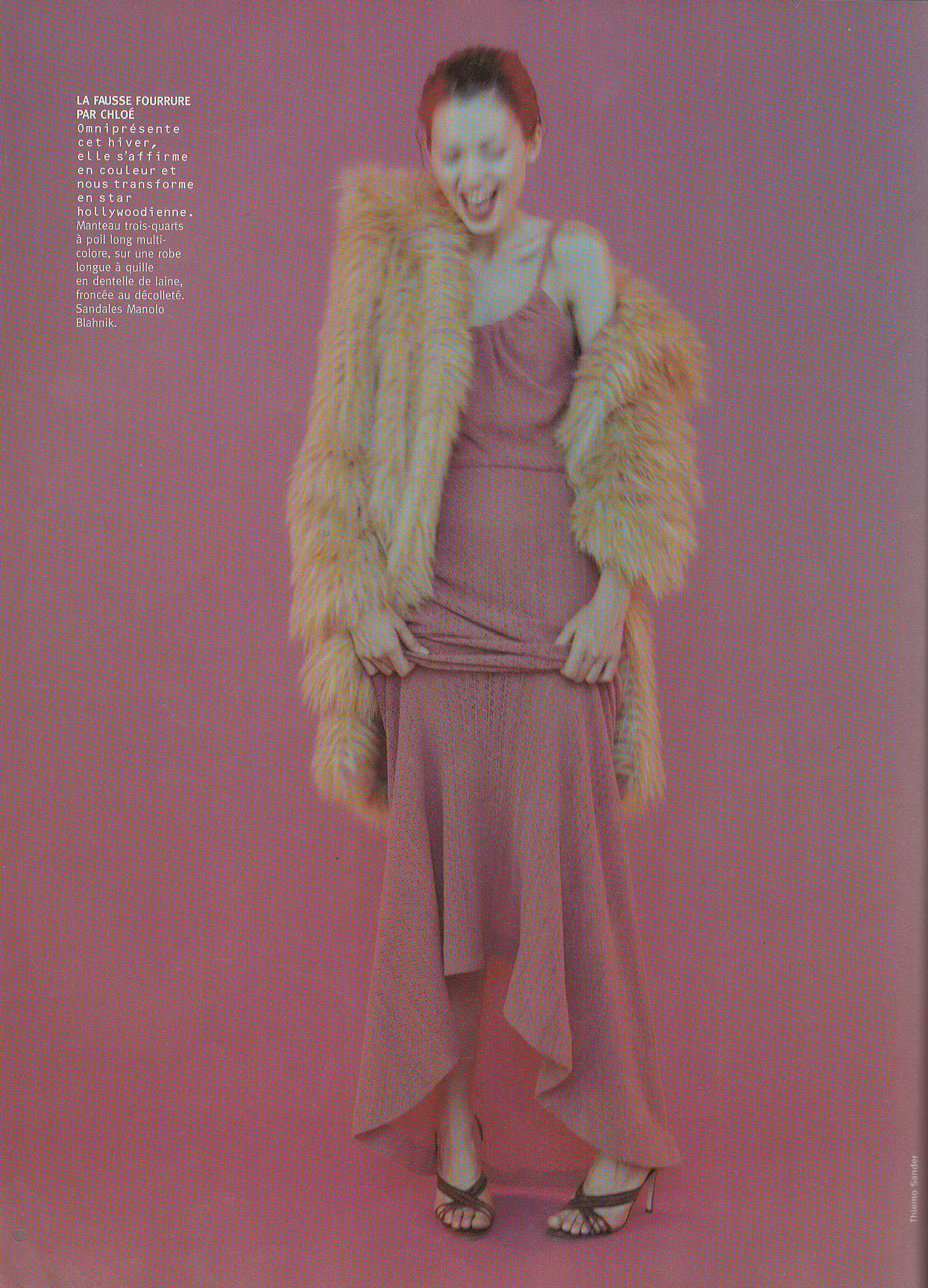
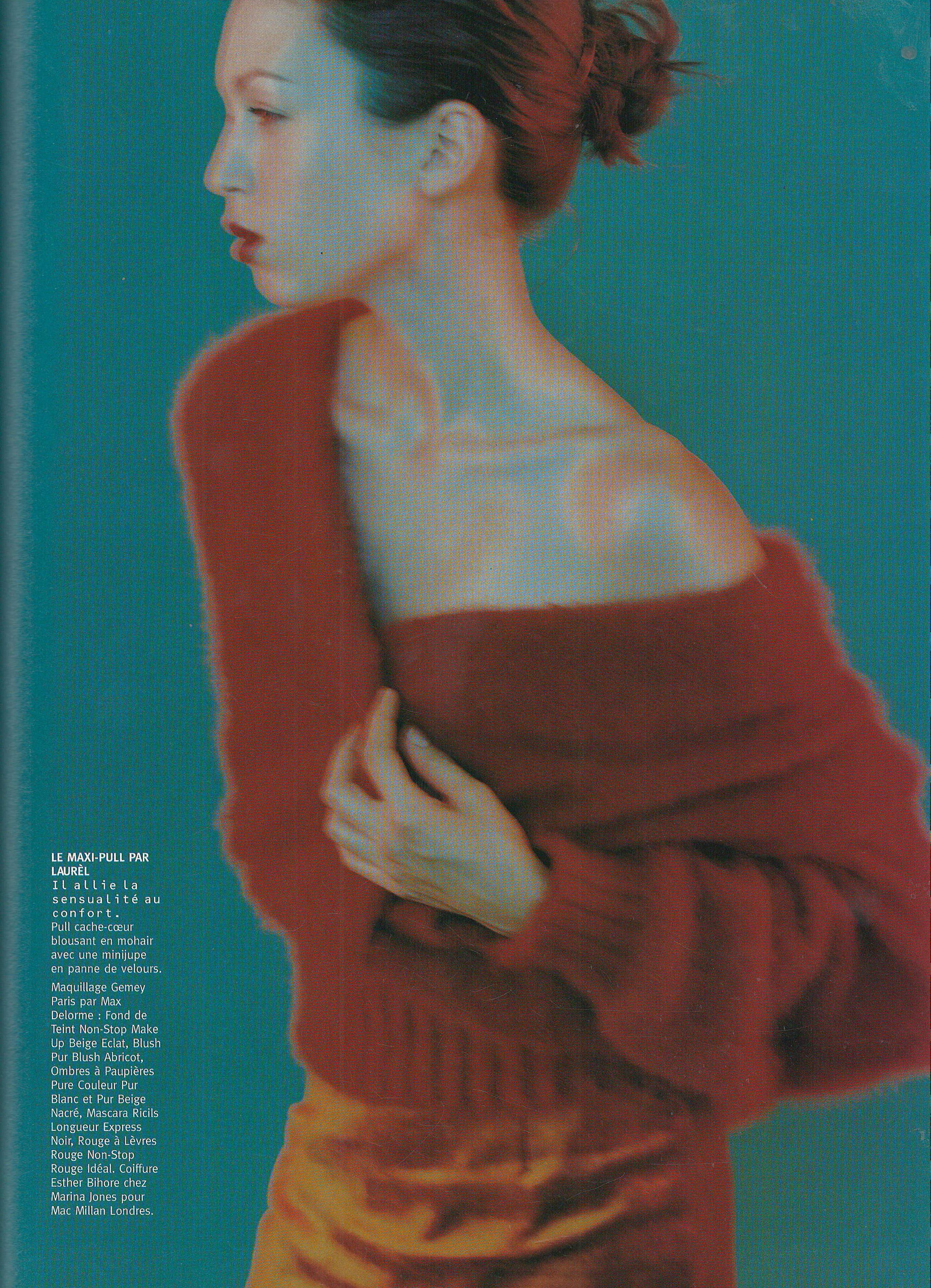
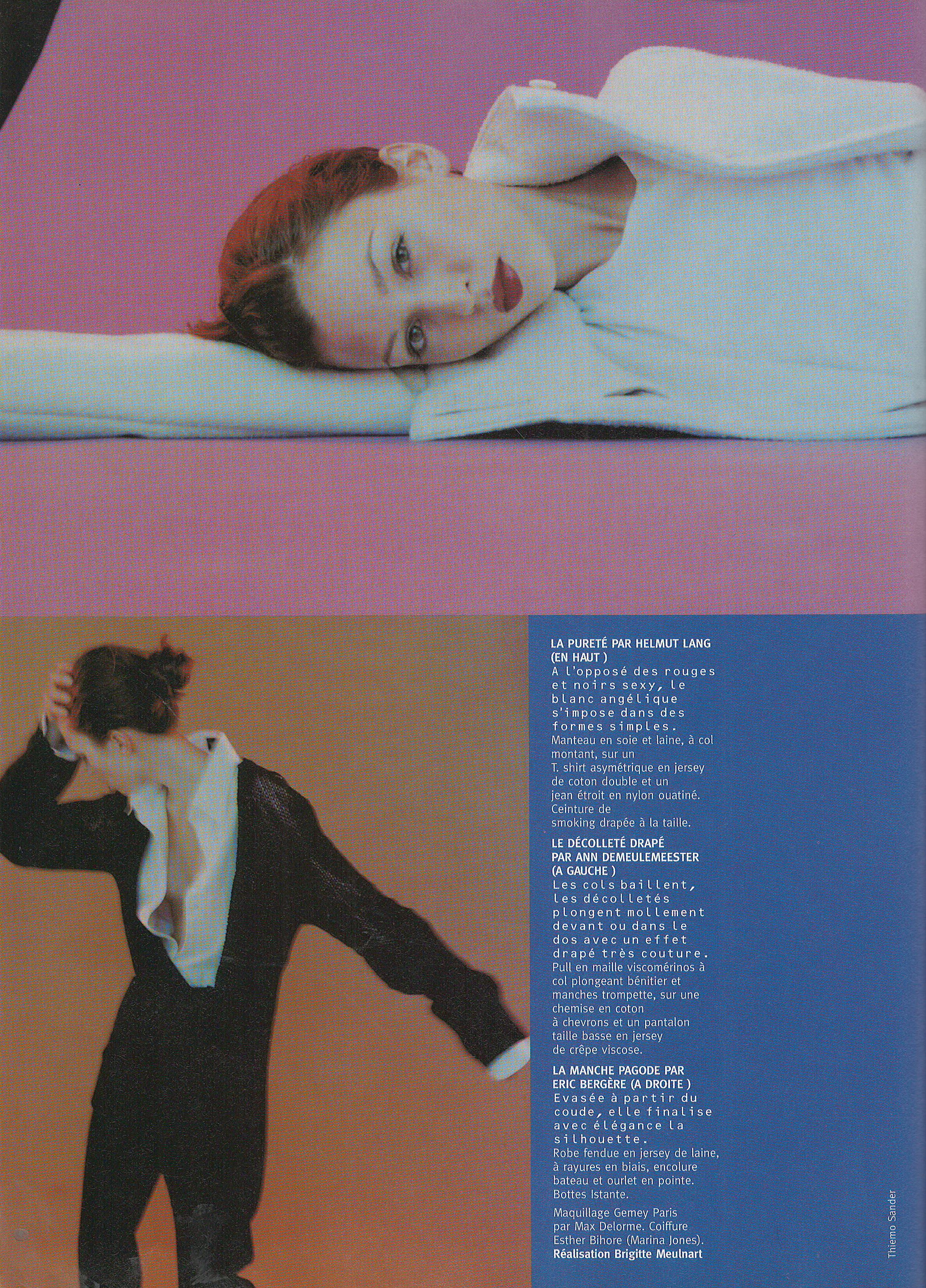
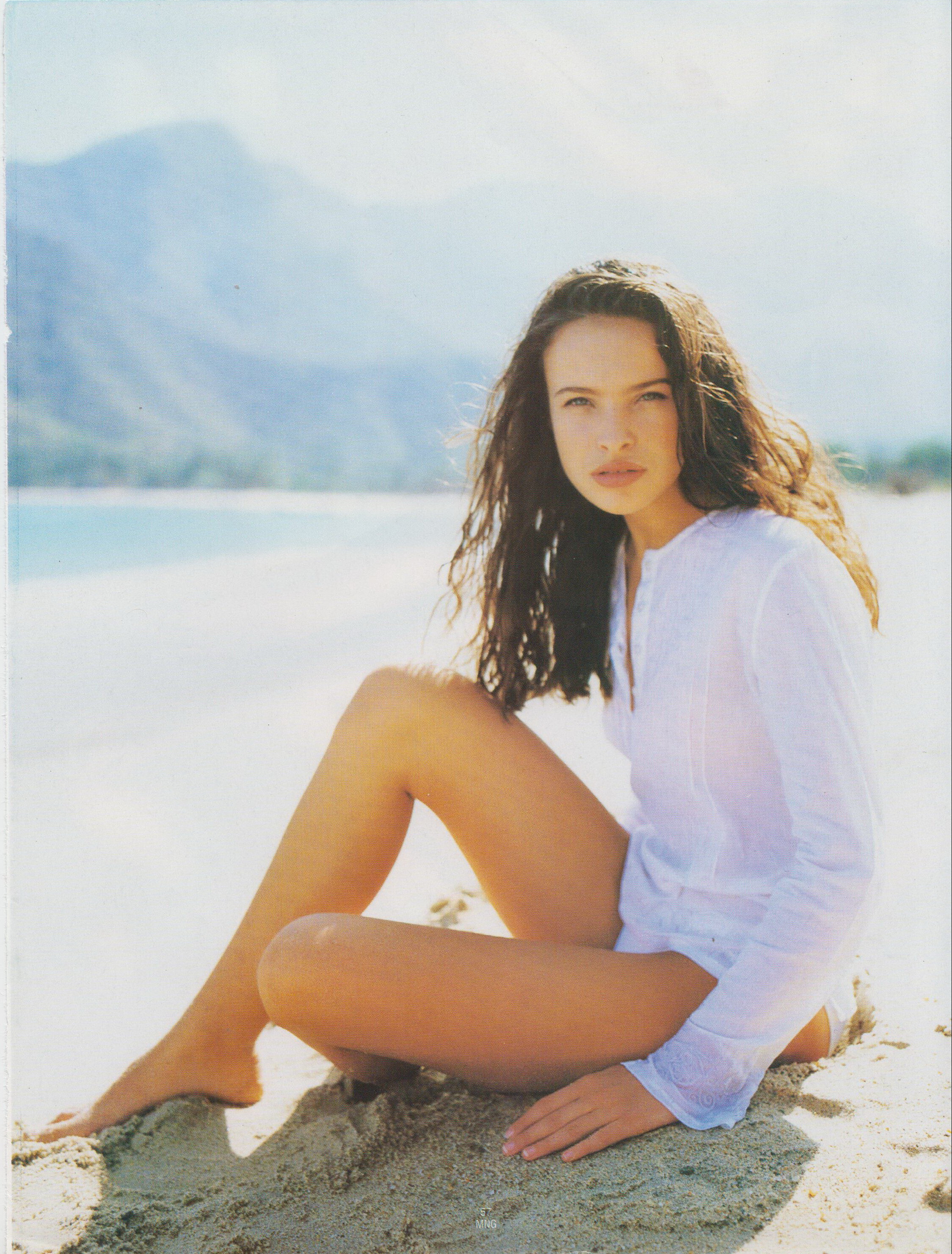
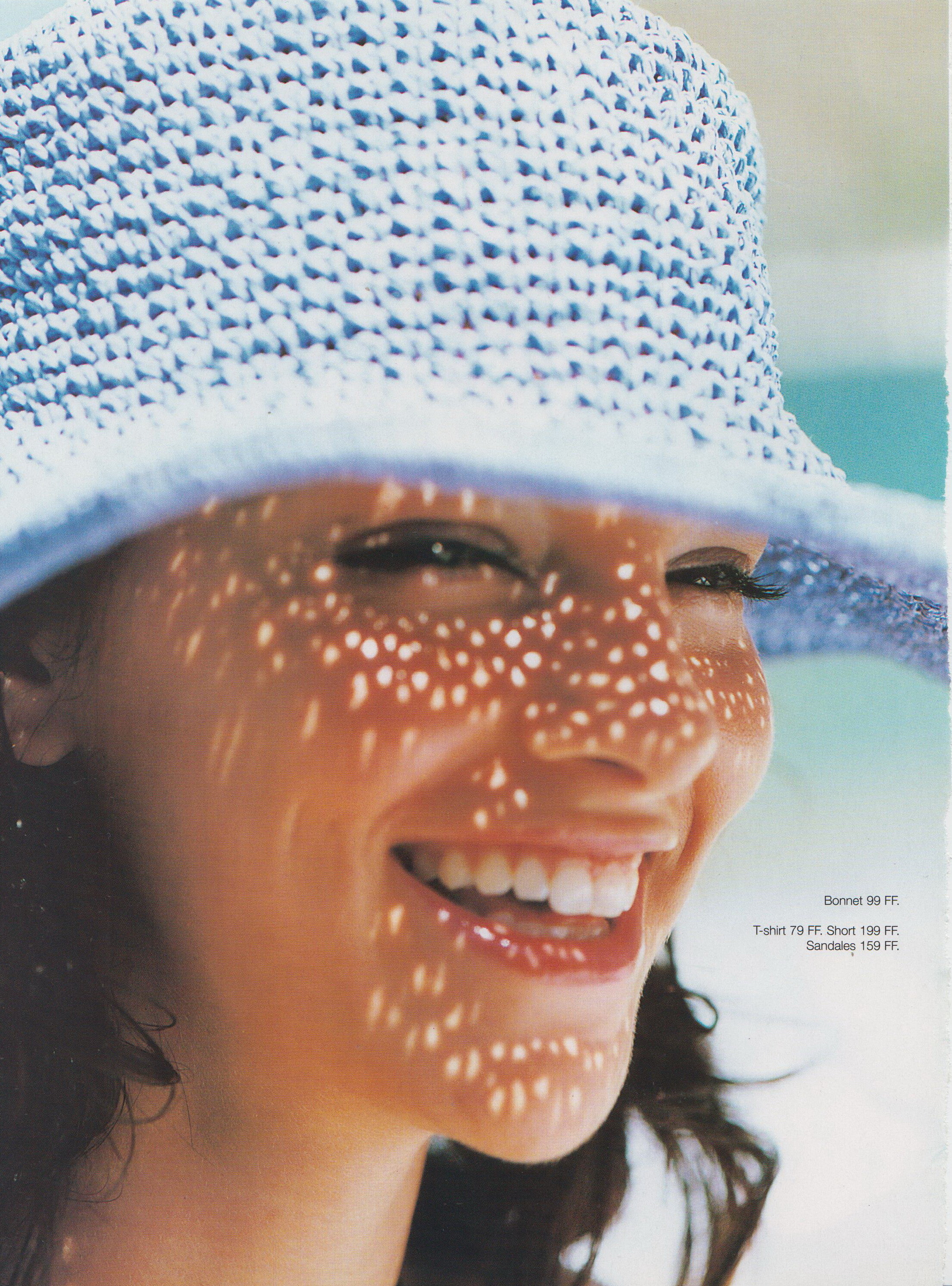
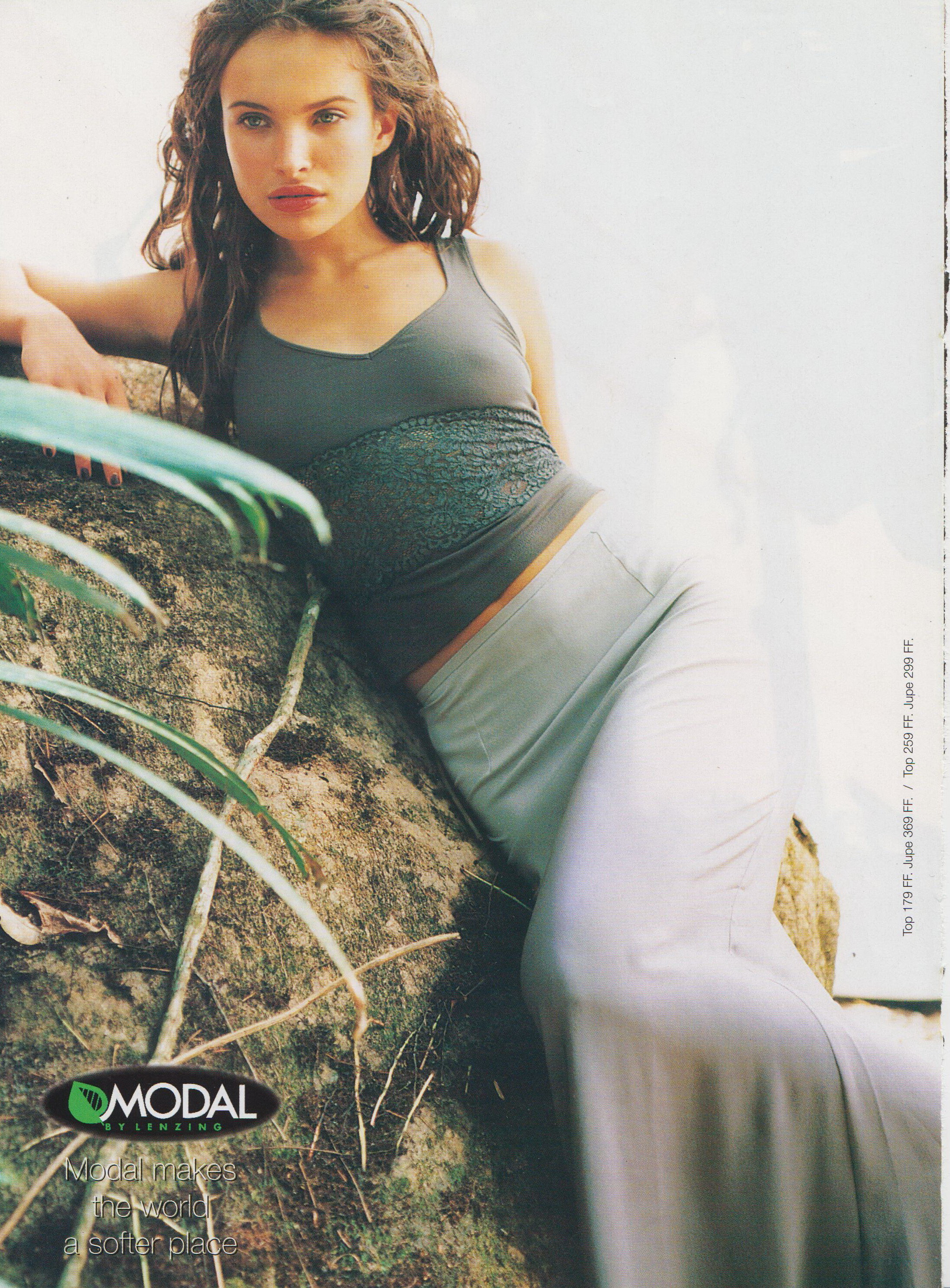
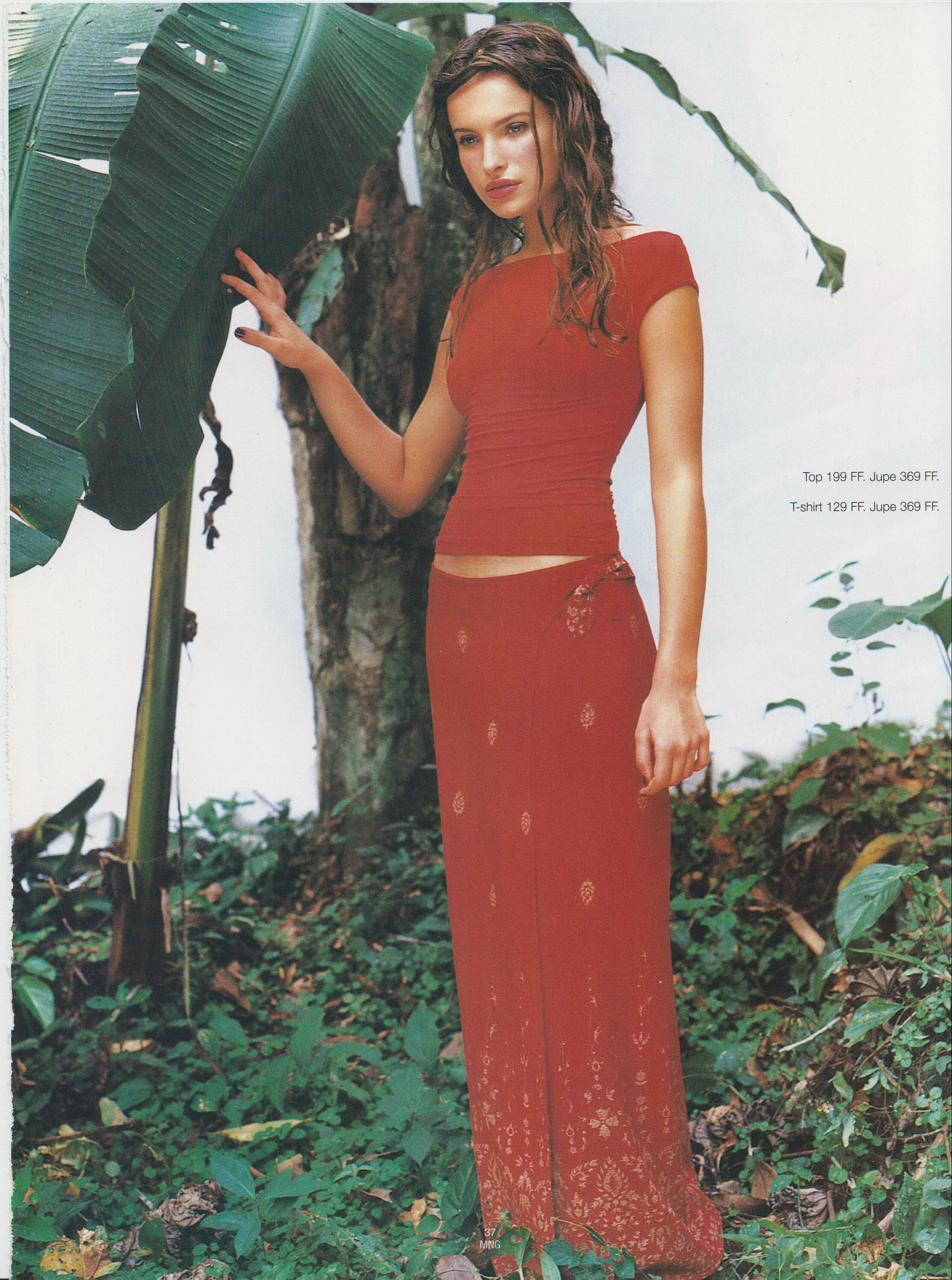
  22. D la repubblica 8 July 1997 Scanned by me

Configure browser push notifications

Chrome (Android)
  1. Tap the lock icon next to the address bar.
  2. Tap Permissions → Notifications.
  3. Adjust your preference.
Chrome (Desktop)
  1. Click the padlock icon in the address bar.
  2. Select Site settings.
  3. Find Notifications and adjust your preference.