jal718
Members
-
Joined
-
Last visited
Everything posted by jal718
-
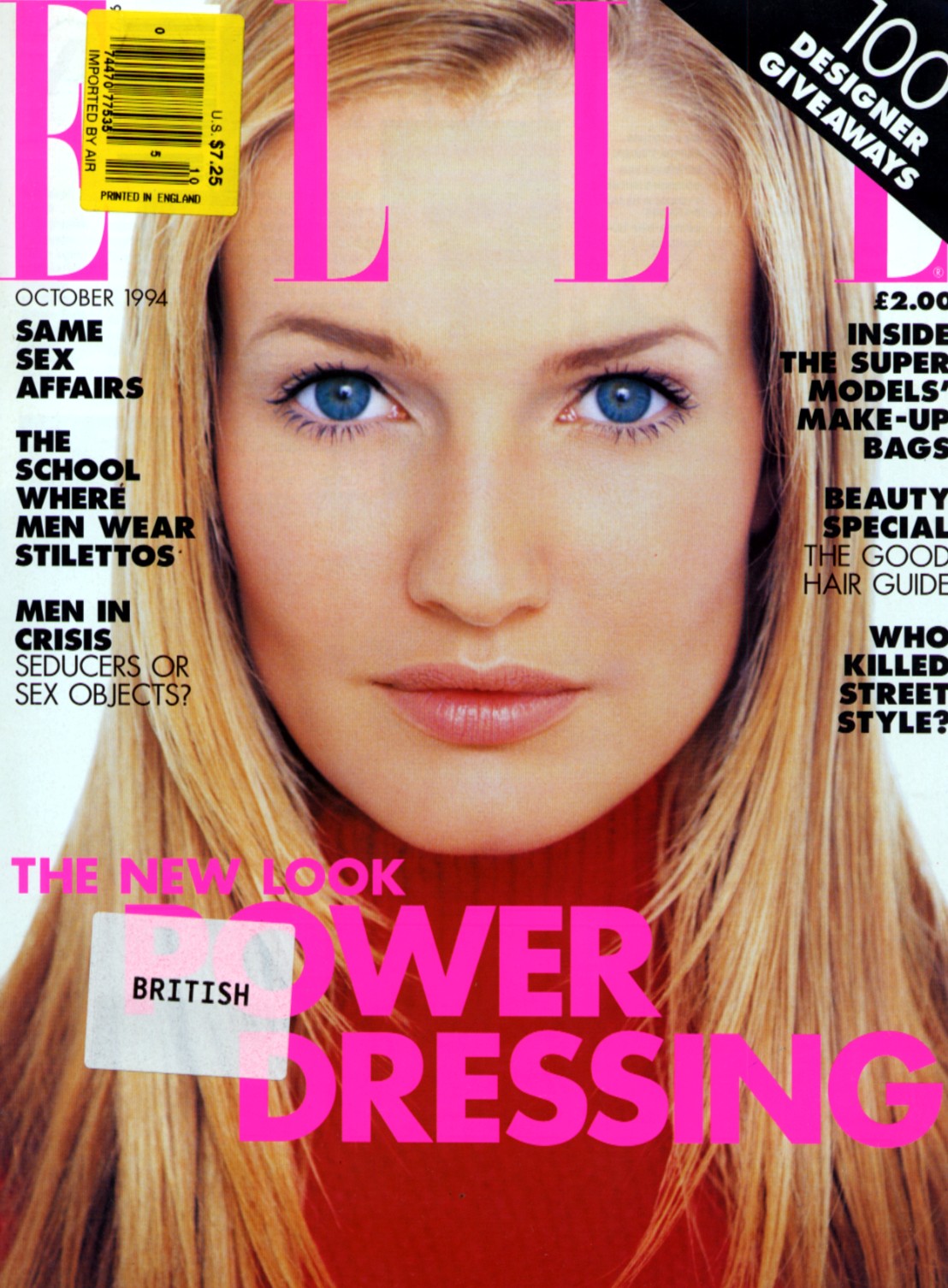
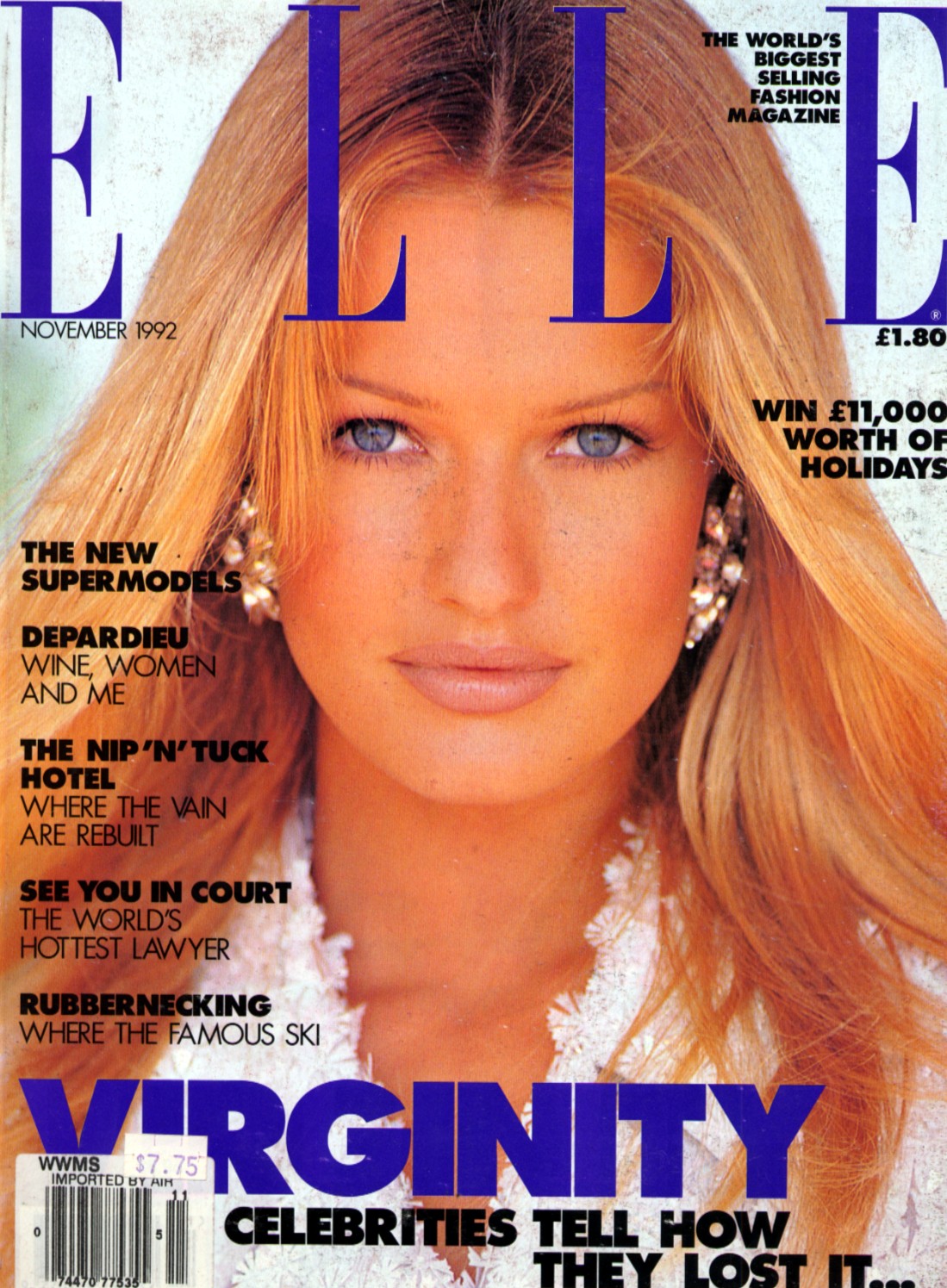
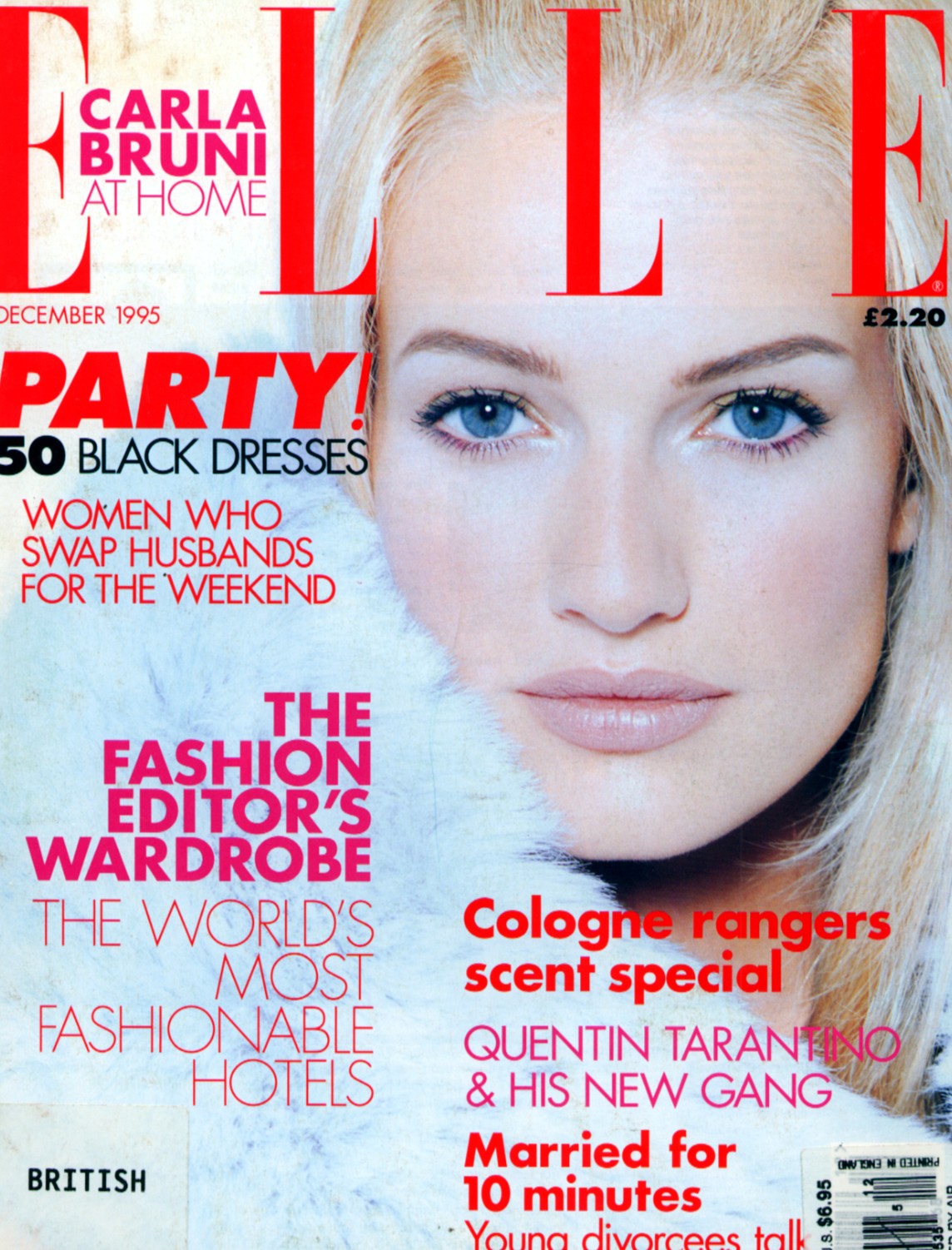
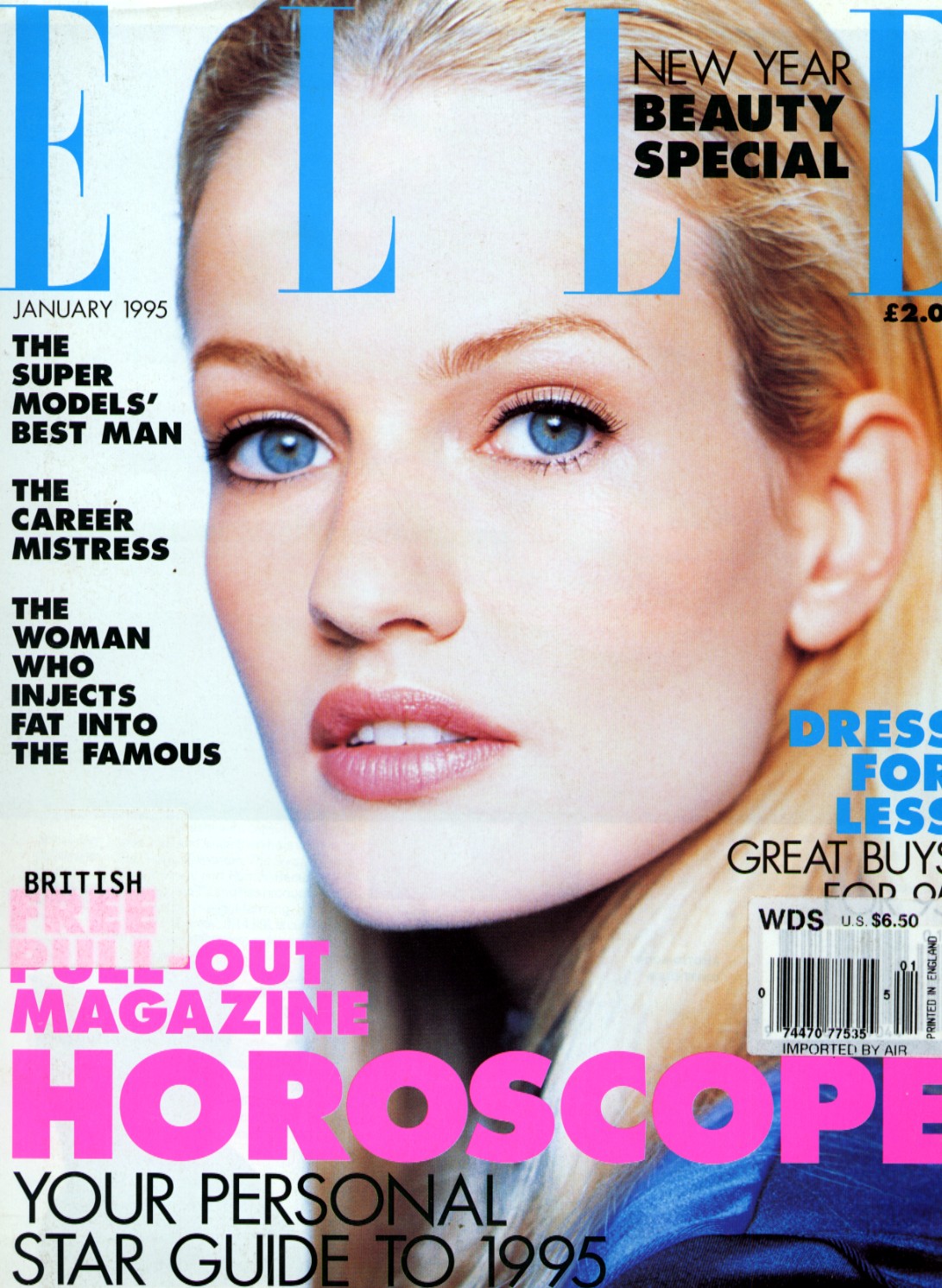
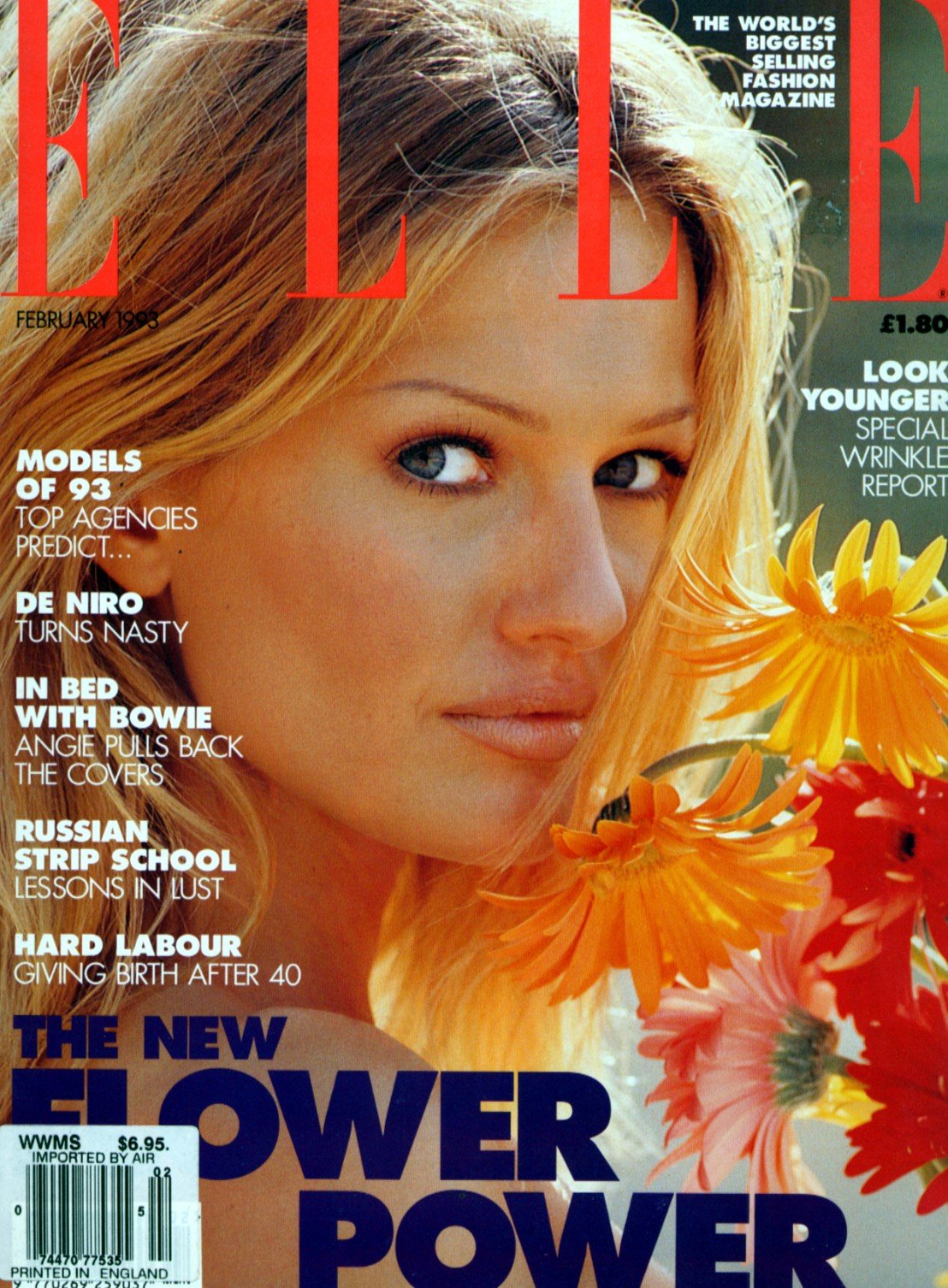
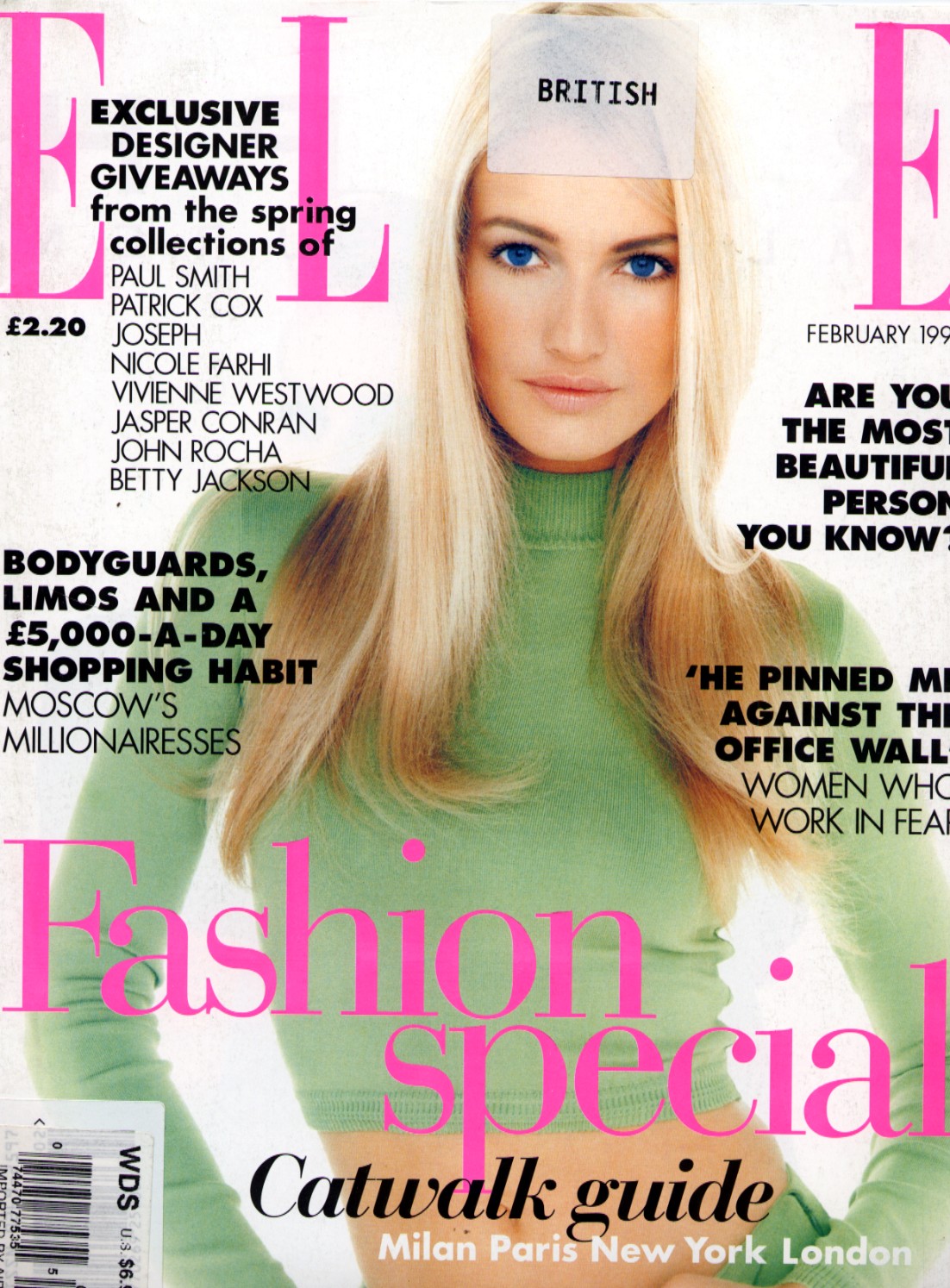
 Elle cover courtesy of Miss.
-
That's all I have so please feel free as we need to build this thread!





-
Signed one for Penny-d!


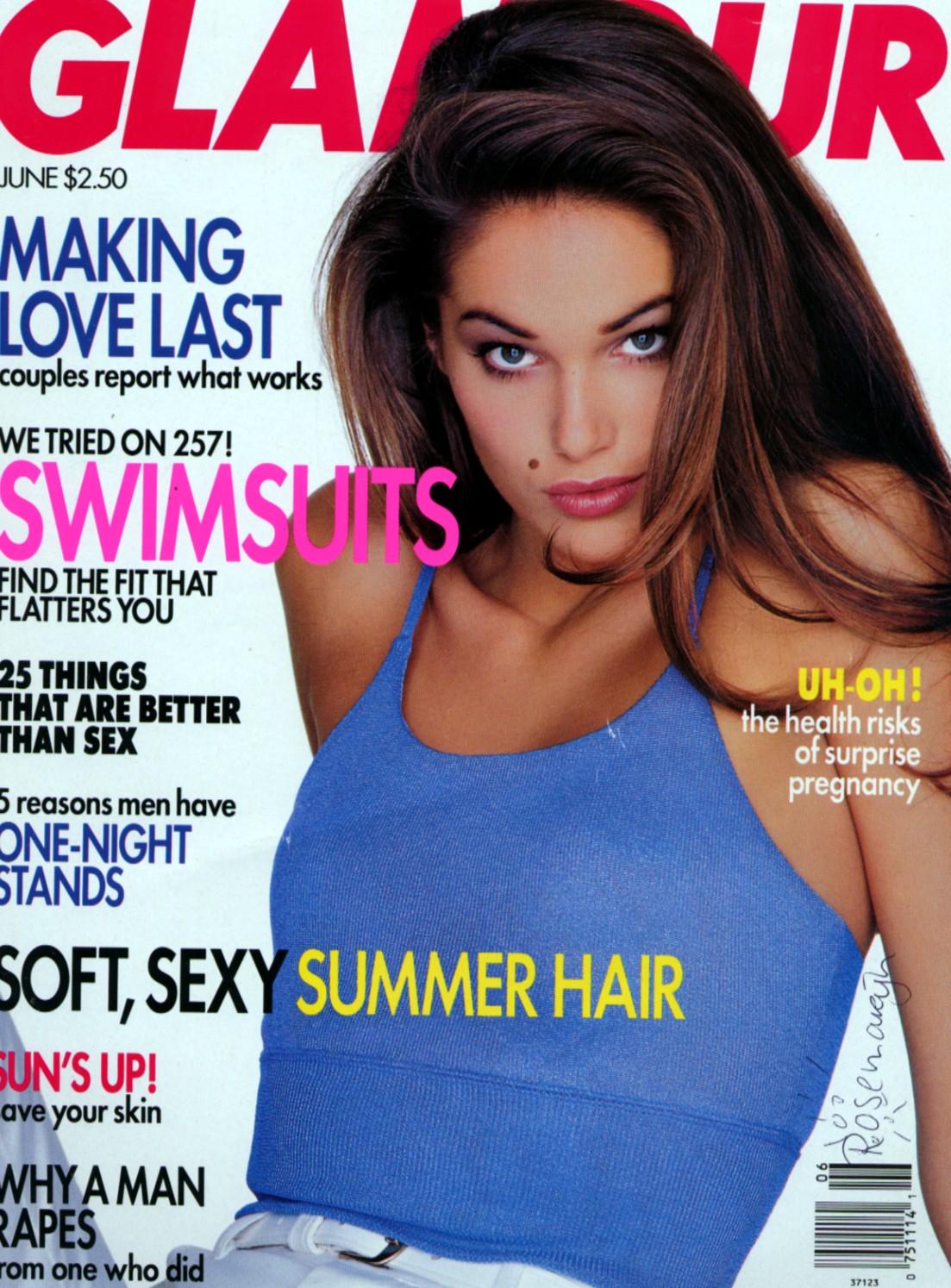
 Forgot I had this Elle cover, freaking smoking!!!!!!!!!!!!!!
 The girl really was only around from 95 to 97 and then was never really heard from again. I have no bio on her at all. This thread was a request from Melange with prodding from Penny-d and Miss got the ball rolling with her post of a joint Elle cover with Karen Mulder.
A pleasure Miss!
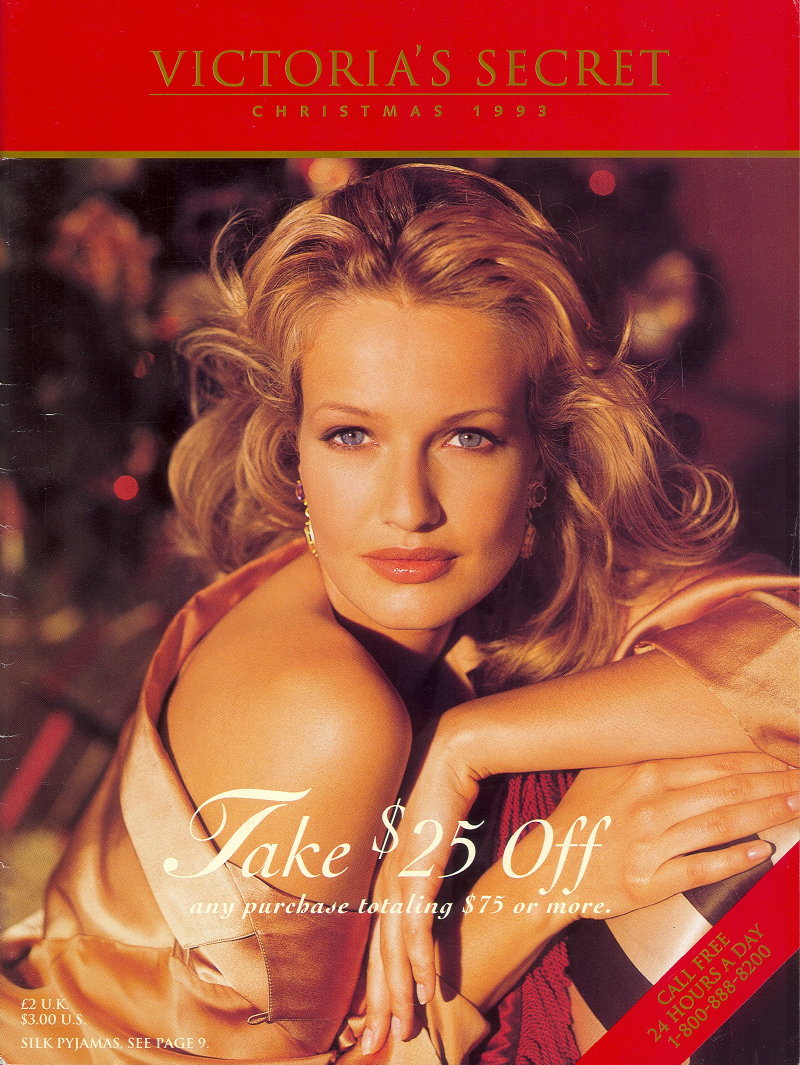
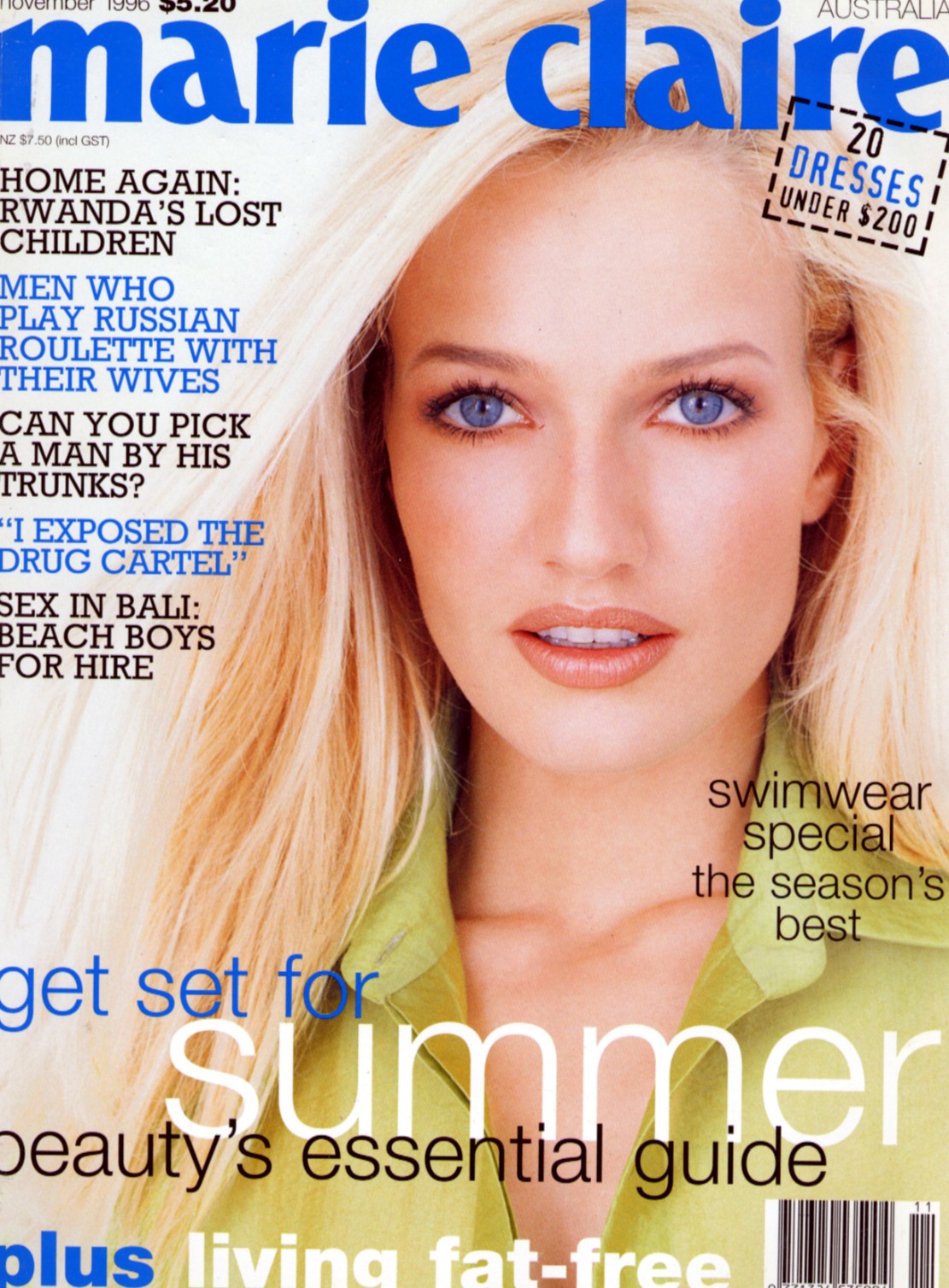
My favorite picture all time of Karen.
The girl really was only around from 95 to 97 and then was never really heard from again. I have no bio on her at all. This thread was a request from Melange with prodding from Penny-d and Miss got the ball rolling with her post of a joint Elle cover with Karen Mulder.
A pleasure Miss!
My favorite picture all time of Karen.



 Sorry for the duplicates, gremlins in my laptop.



Account
Navigation
Search
Configure browser push notifications
Chrome (Android)
- Tap the lock icon next to the address bar.
- Tap Permissions → Notifications.
- Adjust your preference.
Chrome (Desktop)
- Click the padlock icon in the address bar.
- Select Site settings.
- Find Notifications and adjust your preference.
Safari (iOS 16.4+)
- Ensure the site is installed via Add to Home Screen.
- Open Settings App → Notifications.
- Find your app name and adjust your preference.
Safari (macOS)
- Go to Safari → Preferences.
- Click the Websites tab.
- Select Notifications in the sidebar.
- Find this website and adjust your preference.
Edge (Android)
- Tap the lock icon next to the address bar.
- Tap Permissions.
- Find Notifications and adjust your preference.
Edge (Desktop)
- Click the padlock icon in the address bar.
- Click Permissions for this site.
- Find Notifications and adjust your preference.
Firefox (Android)
- Go to Settings → Site permissions.
- Tap Notifications.
- Find this site in the list and adjust your preference.
Firefox (Desktop)
- Open Firefox Settings.
- Search for Notifications.
- Find this site in the list and adjust your preference.