
DarkOmenKnight
Members
-
Joined
-
Last visited
Everything posted by DarkOmenKnight
-

-
Pascual-Peña began her career as a model, modeling for companies such as Neiman Marcus and JCPenney. In 2011, Pascual-Peña was cast as Clara in the television series Chase. Pascual-Pena attended Marist College, where she majored in communications and political science. In 2020, Pascual-Peña was cast as Aisha Garcia in the Saved by the Bell reboot. Her character was not originally an Afro-Latina character, but was rewritten to be Latina after she was overheard speaking Spanish on set. In 2021, Pascual-Peña played Lucy in the Netflix film Moxie.





-
2024 Comic-Con International: San Diego









-
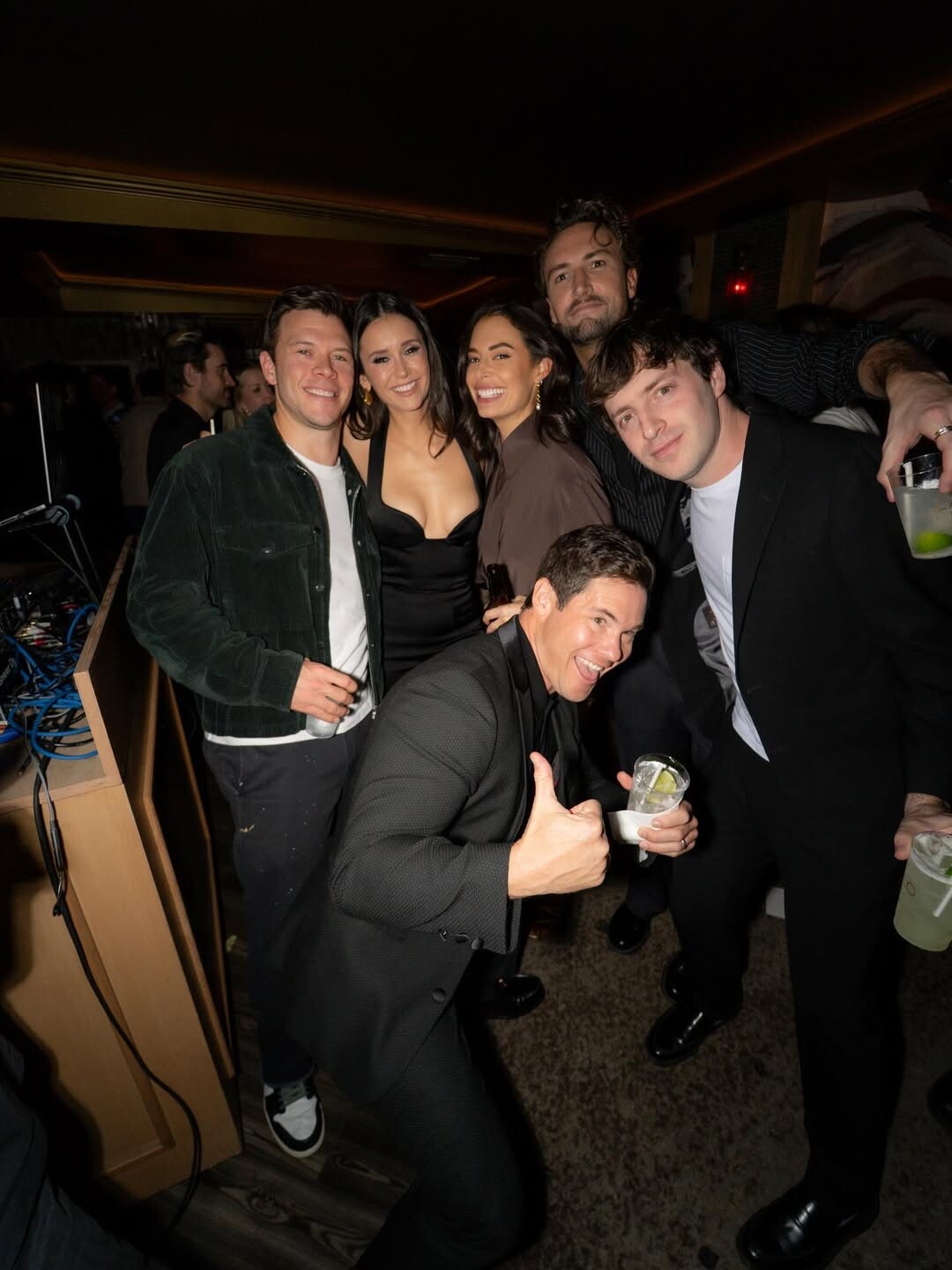
Los Angeles Bluey "The Sign" Premiere Party


-
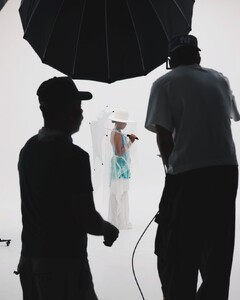
Videos AQO9F8kd5HQFMn9F1mLl9VnCvwXyYed06Q5wiVKvAK5GOKnhLqsaxI6H2CX6WGk-YUTMZ5HJc9dsPB2b4EZQbFLjWNkDSghCn0Xe9ng.mp4AQOFoJfSiCVN0aJV_GtxPRhJmNDyS2hJEqGqaEb8yKaKEQfHOIVyQ2bgpTqq_sFpwF9A0-Aenhg6w7kRbJ9tBtz8Wg6ra8j_DJSkdck.mp4AQMy5RcEysdk4oX9maGLek9_LWk2JKS3Fi32_aMMejhz240Na-Y-c5q7kQz_-he2_rwcLKK3S3tSCnSkd9aSRGVC2AHfcj2a7mDX6bw.mp4AQPSITEz50BljV4pAXlWrIsB5yfJ4yjtgUumsL1PKxZa1l3im34HQIntMtDqDkZsmOgQGdpWWj-tj4DGOIn6eKEs91TGpmzrMvkJUPU.mp4AQPaDkZmMqBL3PytycDHhAYXoycBQ_DV2cs_Ij2YaXfnncvzDHdDsl1VulUP5N89vDeO7MmdY4ESvUH-KECAaj-SYZI-MVKWqj-eFUA.mp4
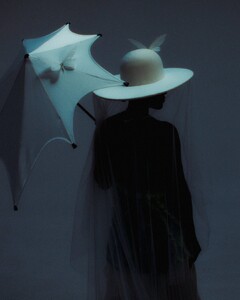

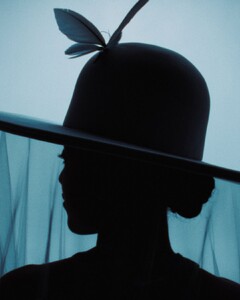





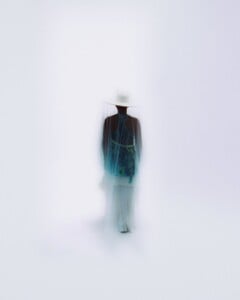

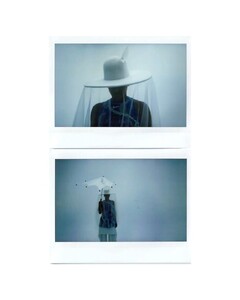

 Videos AQPE_B12iUB92K6Z0YQIO-gQP0SbsBcbpUqmA7wsHB-N0oqnwXS4JMtyLd0ouaWfndoDtnCPMH0sab3sj9eWrNK0SL4-pCIdmDciODw.mp4AQMC43bdbDXray1w-W3LgTHkXEpXG8rIcAIVcQ3SsJeQL3uGBxqxCecgq3aHTo_JQQCH2GX7R-XBiMw4y6JySWKJ30AztFodrqJ4-aY.mp4



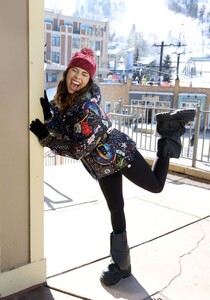
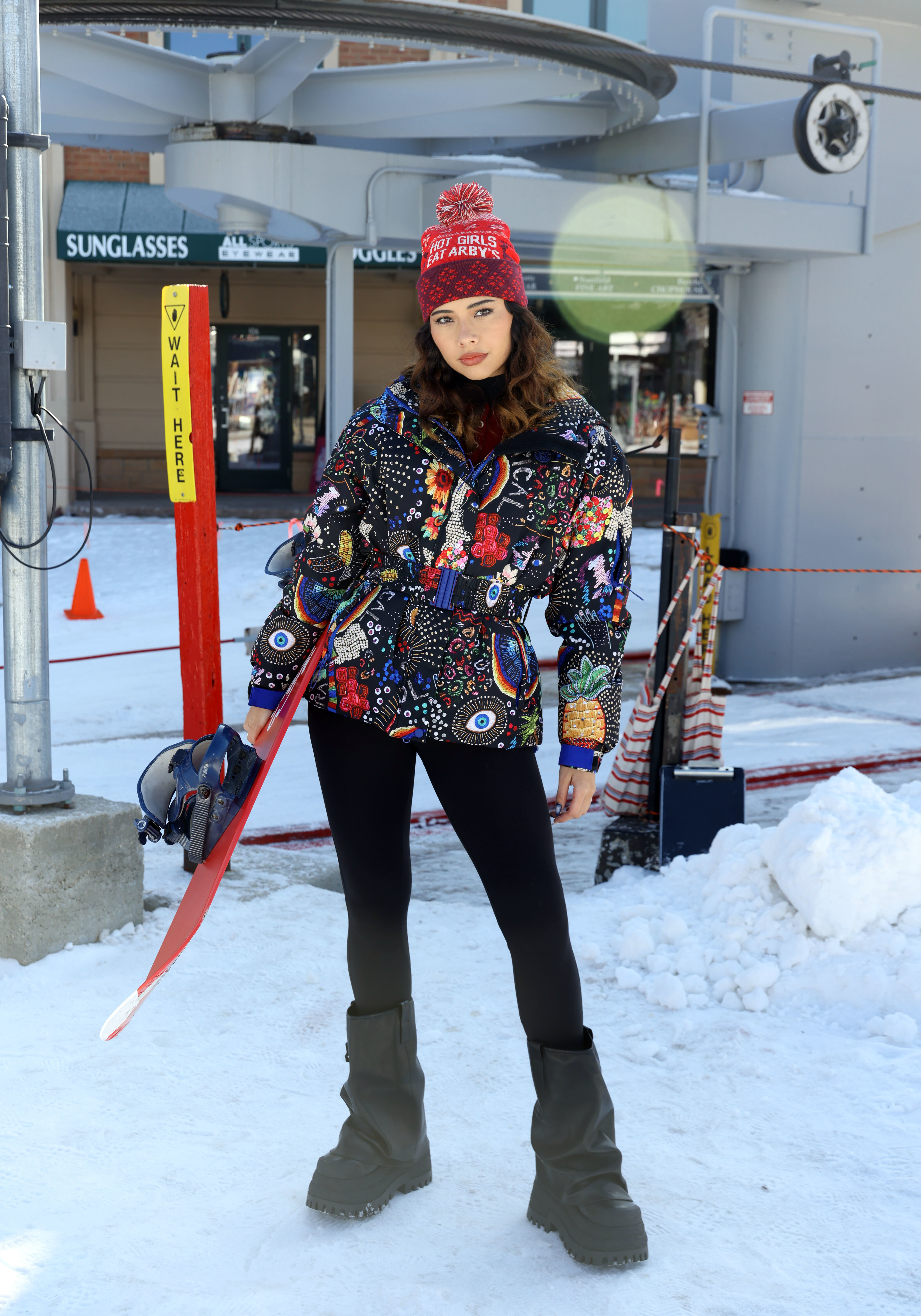
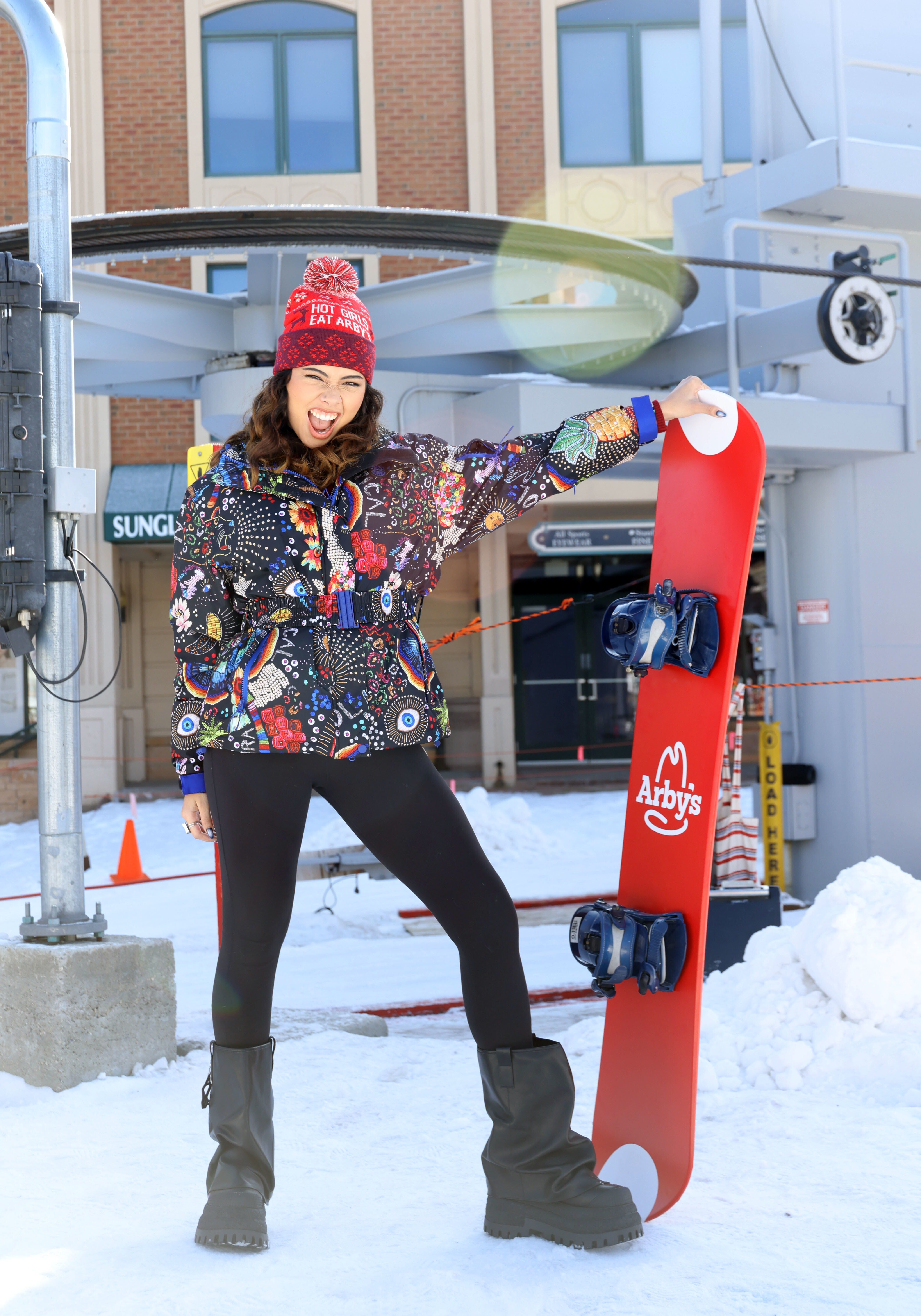
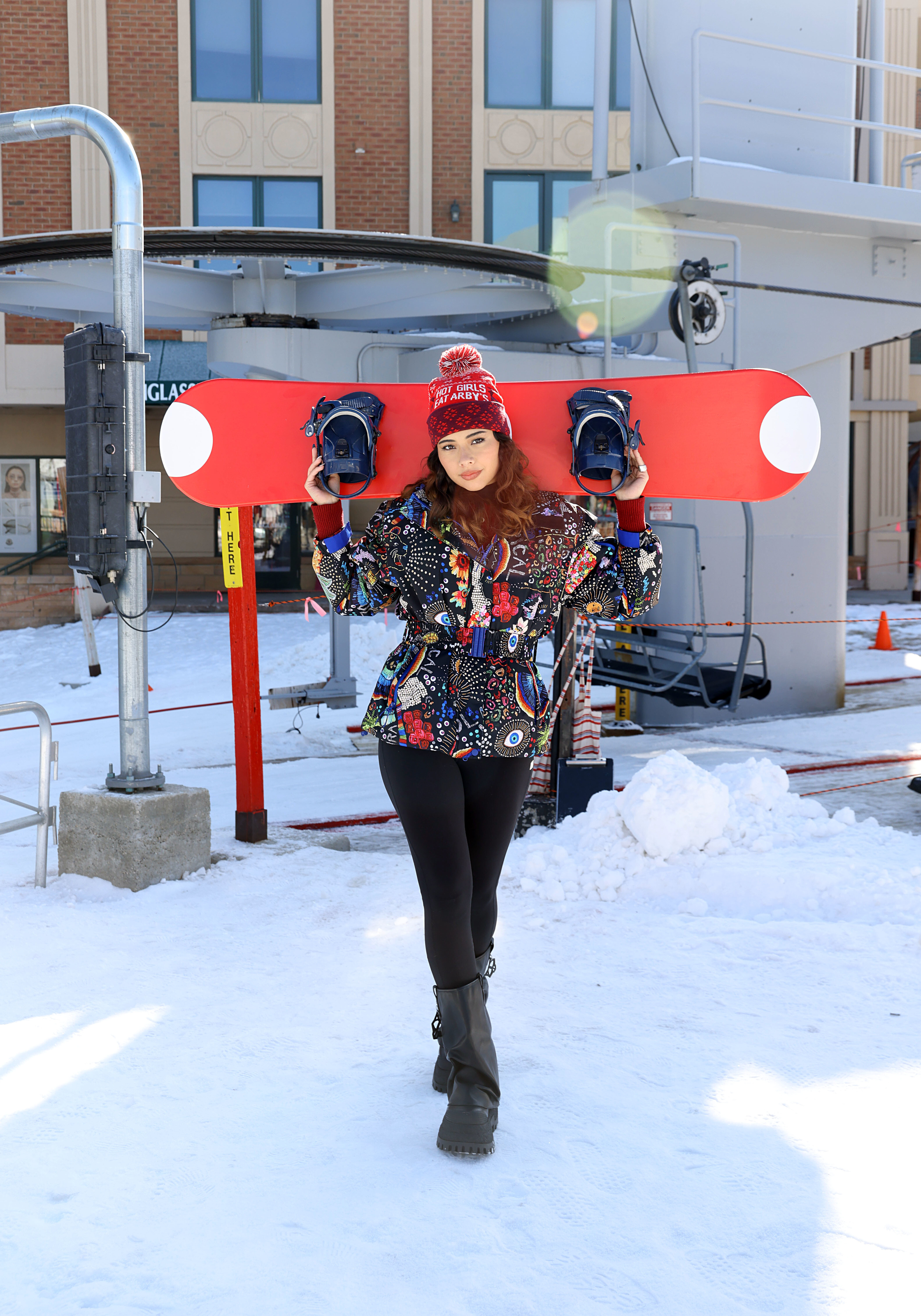
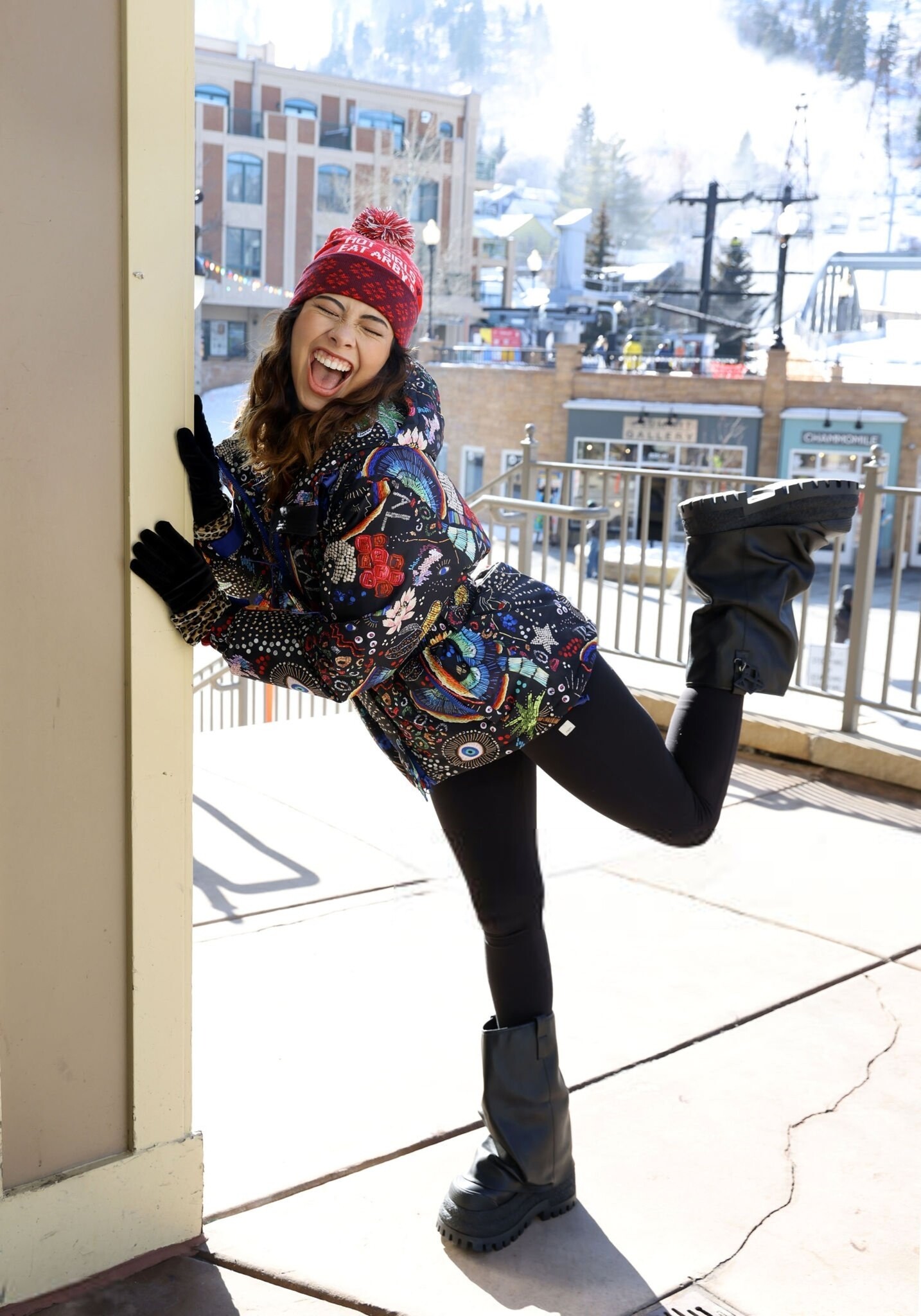
 Xochitl Gomez visits the Arby's Cinema Center during the Sundance Film Festival in Park City, 01/24/2026







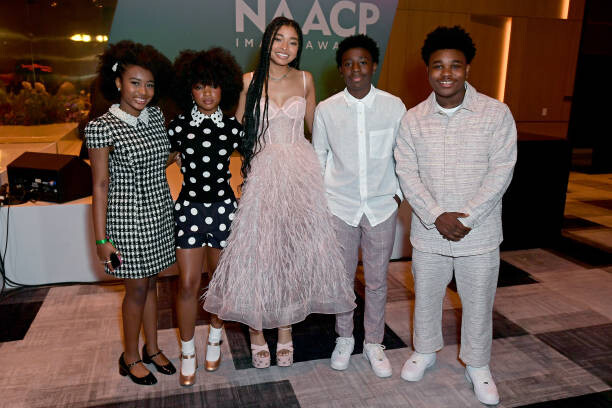
 NAACP Image Awards Nominees Brunch





 Disney's "Percy Jackson And The Olympians" New York Premiere gettyimages-1853903626-640_adpp.mp4 gettyimages-1853905004-640_adpp.mp4 gettyimages-1853904499-640_adpp.mp4 gettyimages-1854176863-640_adpp.mp4 gettyimages-1854177396-640_adpp.mp4
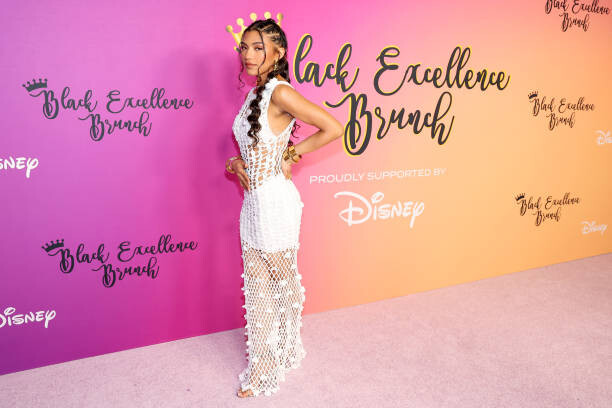
Black Excellence Brunch Proudly Supported By Disney
Disney's "Percy Jackson And The Olympians" New York Premiere gettyimages-1853903626-640_adpp.mp4 gettyimages-1853905004-640_adpp.mp4 gettyimages-1853904499-640_adpp.mp4 gettyimages-1854176863-640_adpp.mp4 gettyimages-1854177396-640_adpp.mp4
Black Excellence Brunch Proudly Supported By Disney

 2024 Winter TCA Portrait Folio, February 2024 (Adds)












 The Casting Society Presents the 39th Annual Artios Awards Videos gettyimages-2067561716-640_adpp.mp4gettyimages-2067559631-640_adpp.mp4gettyimages-2067558573-640_adpp.mp4gettyimages-2067557501-640_adpp.mp4













 Xochitl Gomez at Marvel Television's "Wonder Man" Launch Event held at TCL Chinese Theatre on January 22, 2026 Videos gettyimages-2257705833-640_adpp.mp4gettyimages-2257706093-640_adpp.mp4gettyimages-2257706813-640_adpp.mp4gettyimages-2257706999-640_adpp.mp4gettyimages-2257709624-640_adpp.mp4gettyimages-2257692975-640_adpp.mp4gettyimages-2257692976-640_adpp.mp4


































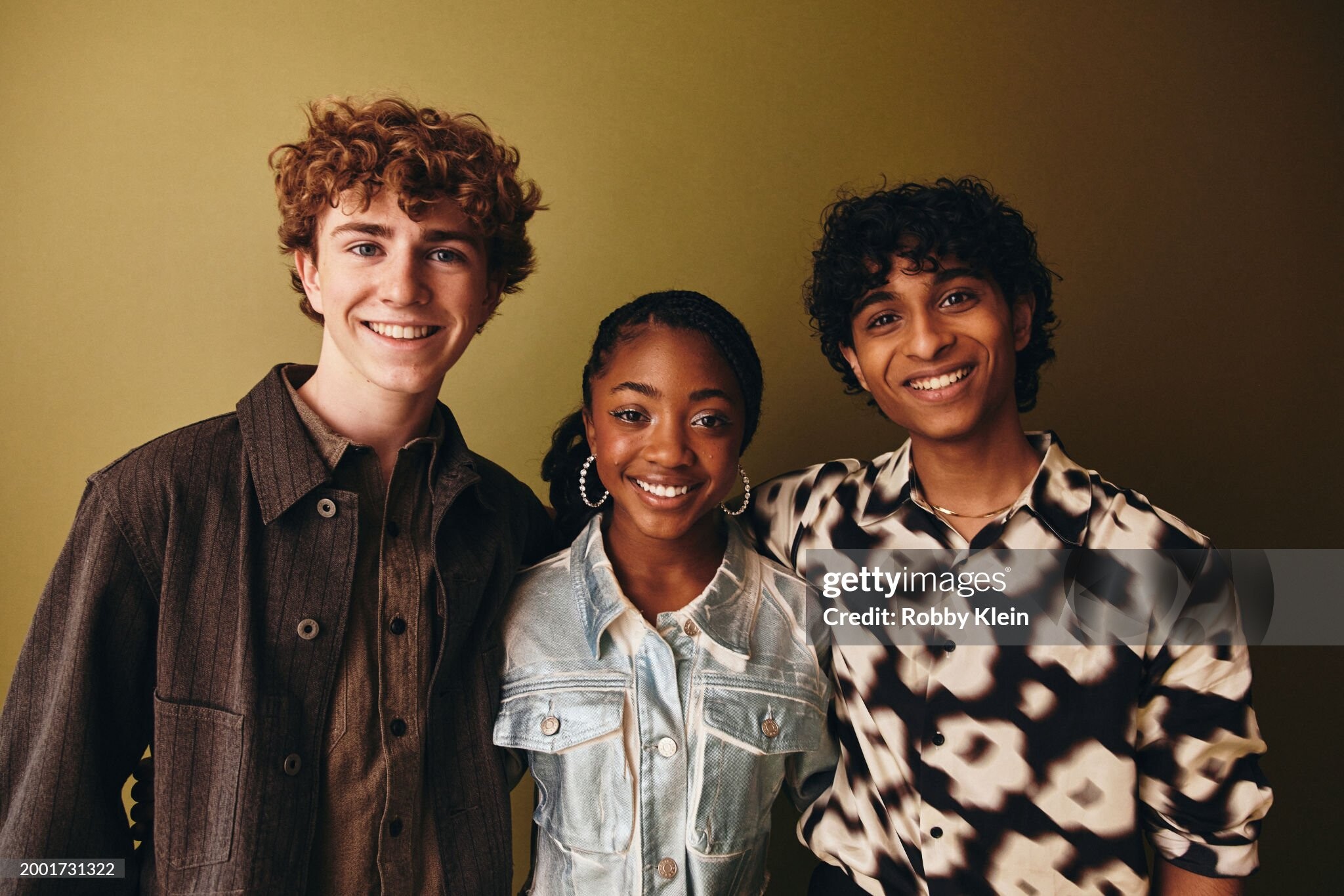
 2024 Winter TCA Portrait Studio (Photosby Robby Klein/Getty Images)

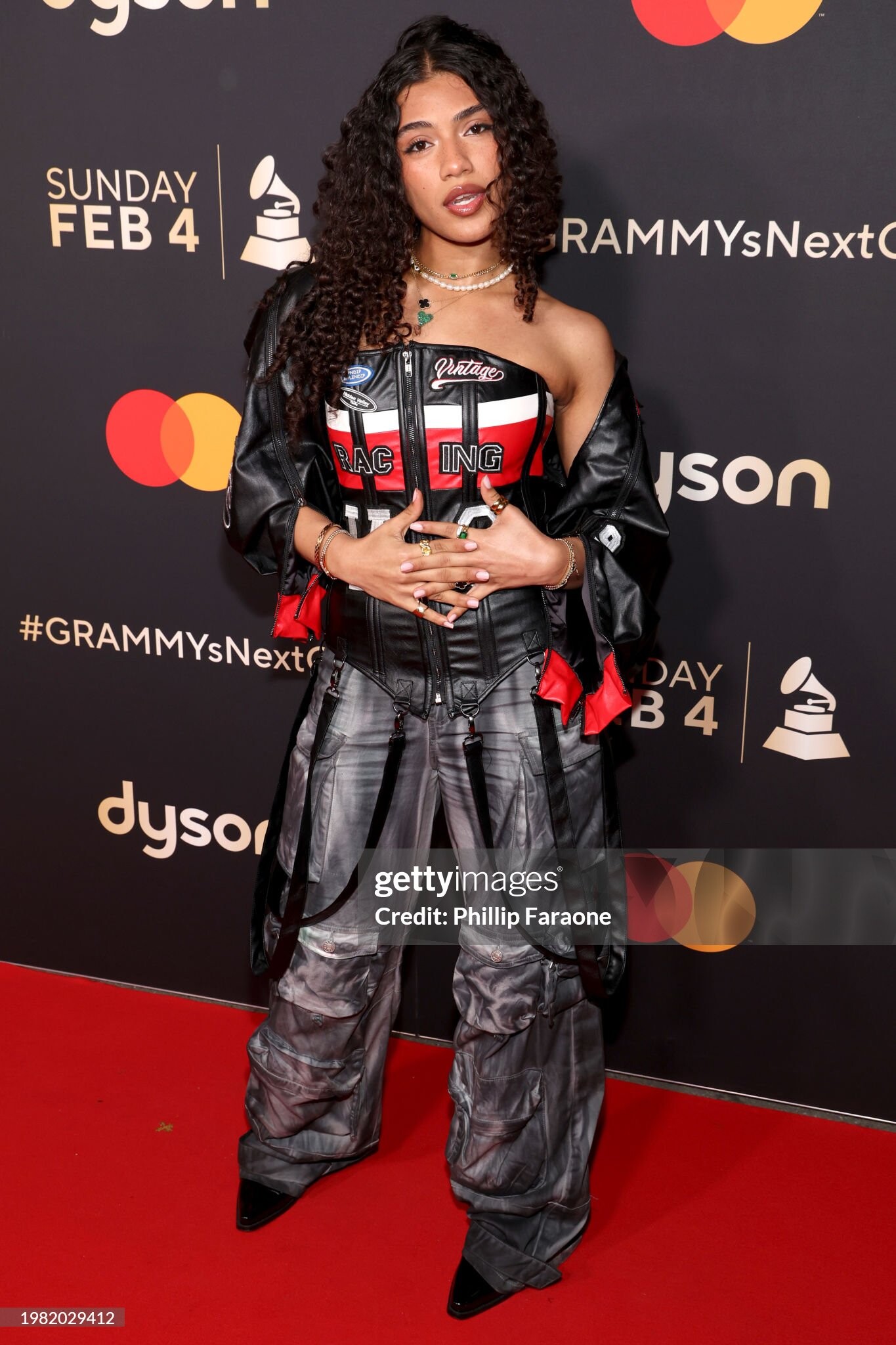
 2024 #GRAMMYsNextGen Party at Rolling Greens (Photos by Steven Simione/FilmMagic)


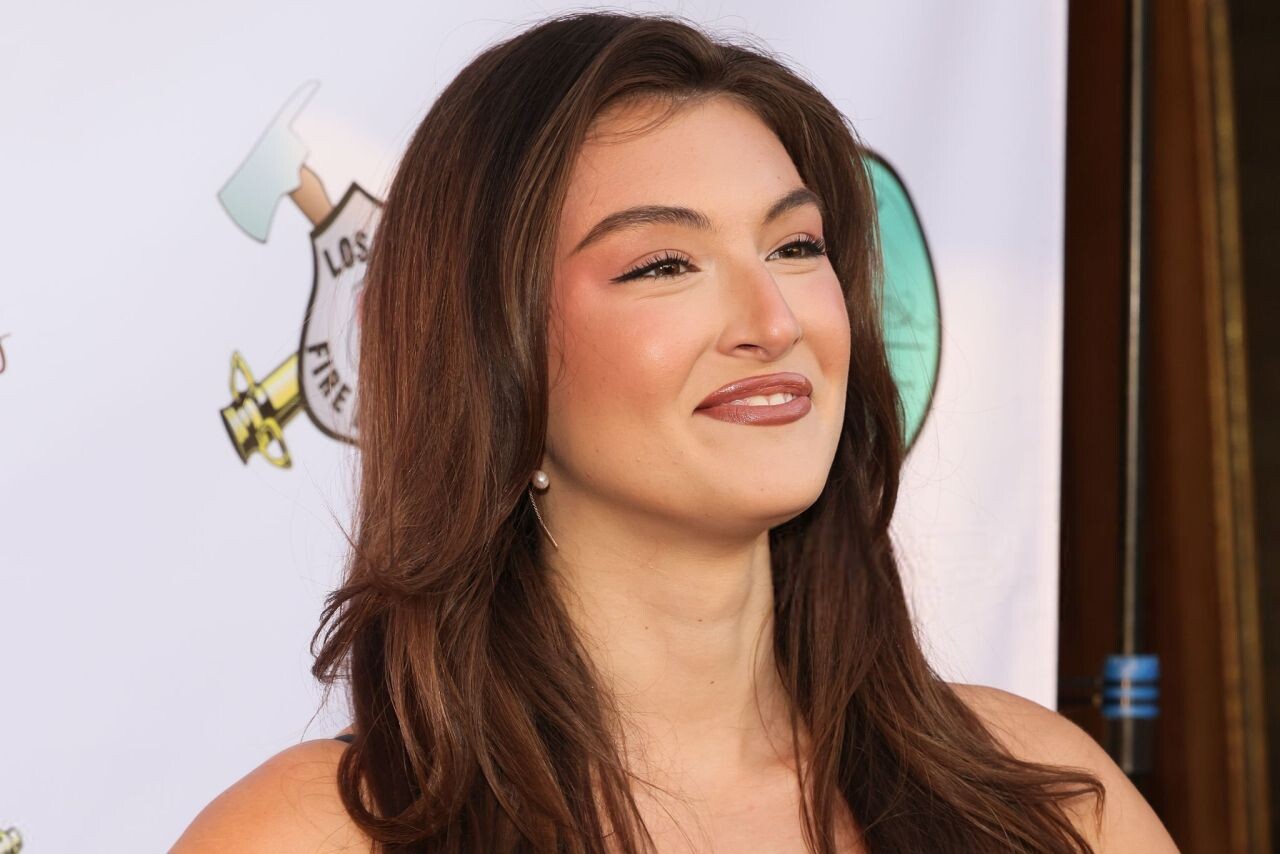
 Rachel Pizzolato at The Brave & Rescued Awards in Hollywood 2026




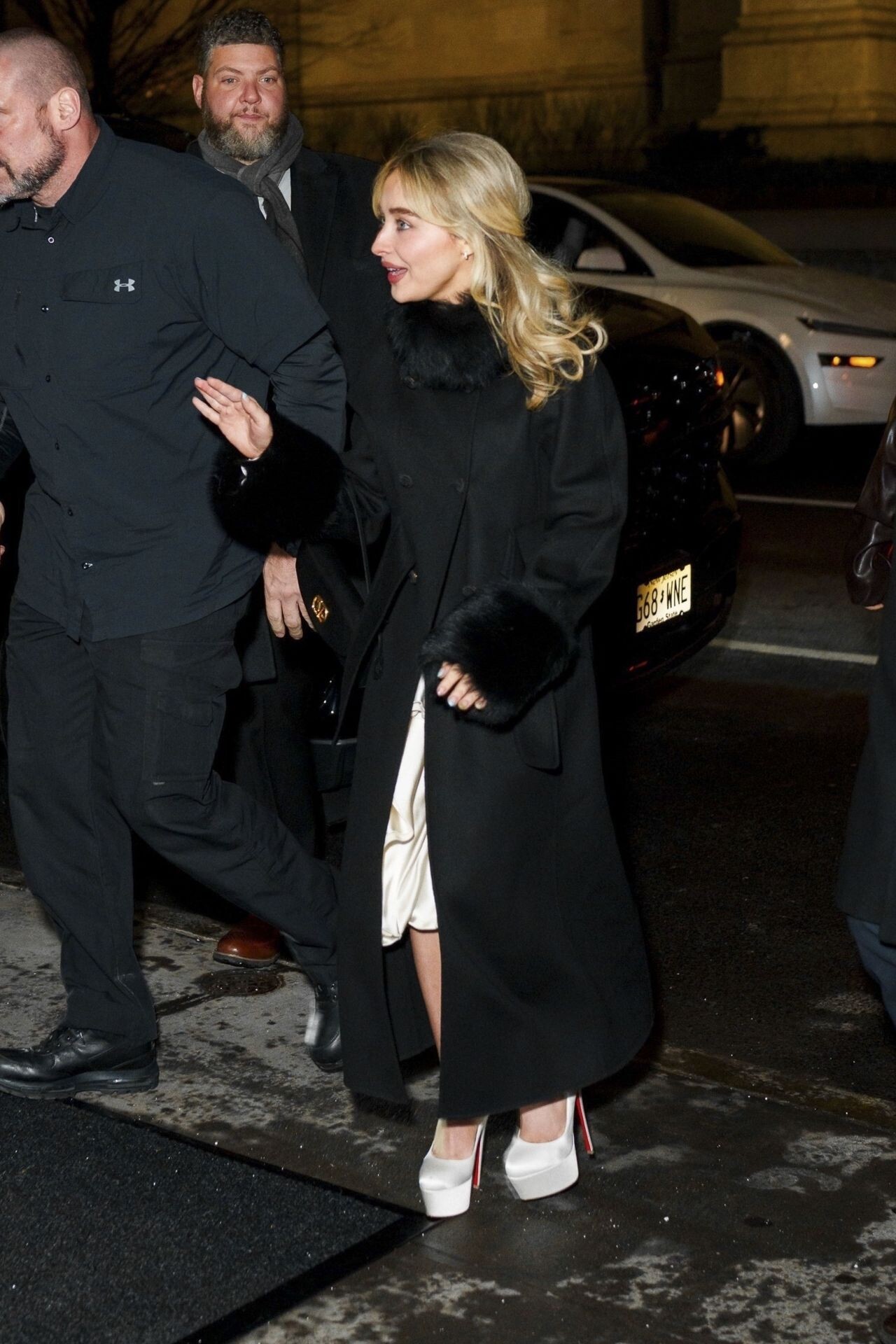
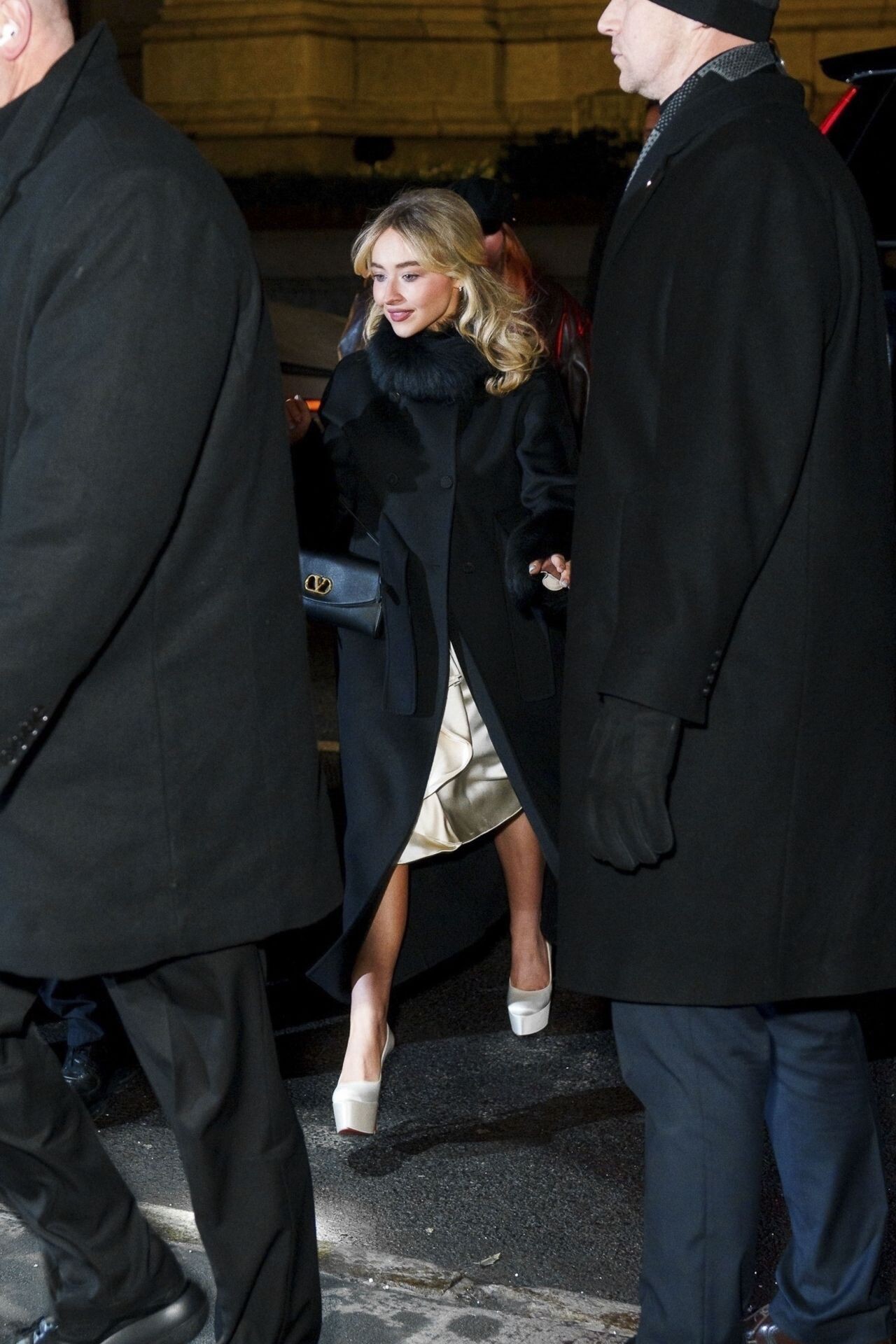
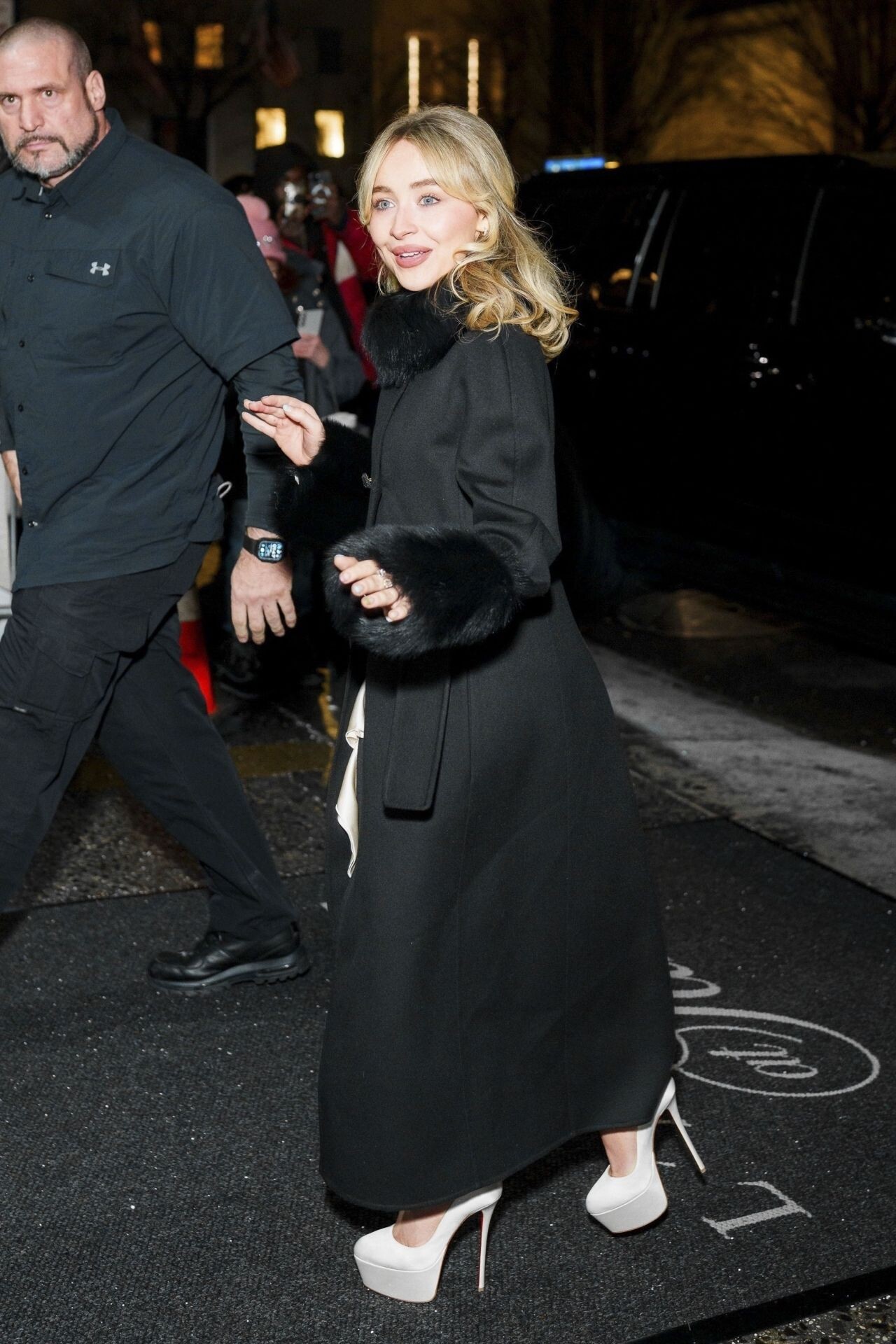
 Sabrina Carpenter at SNL Afterparty in New York, January 2026


























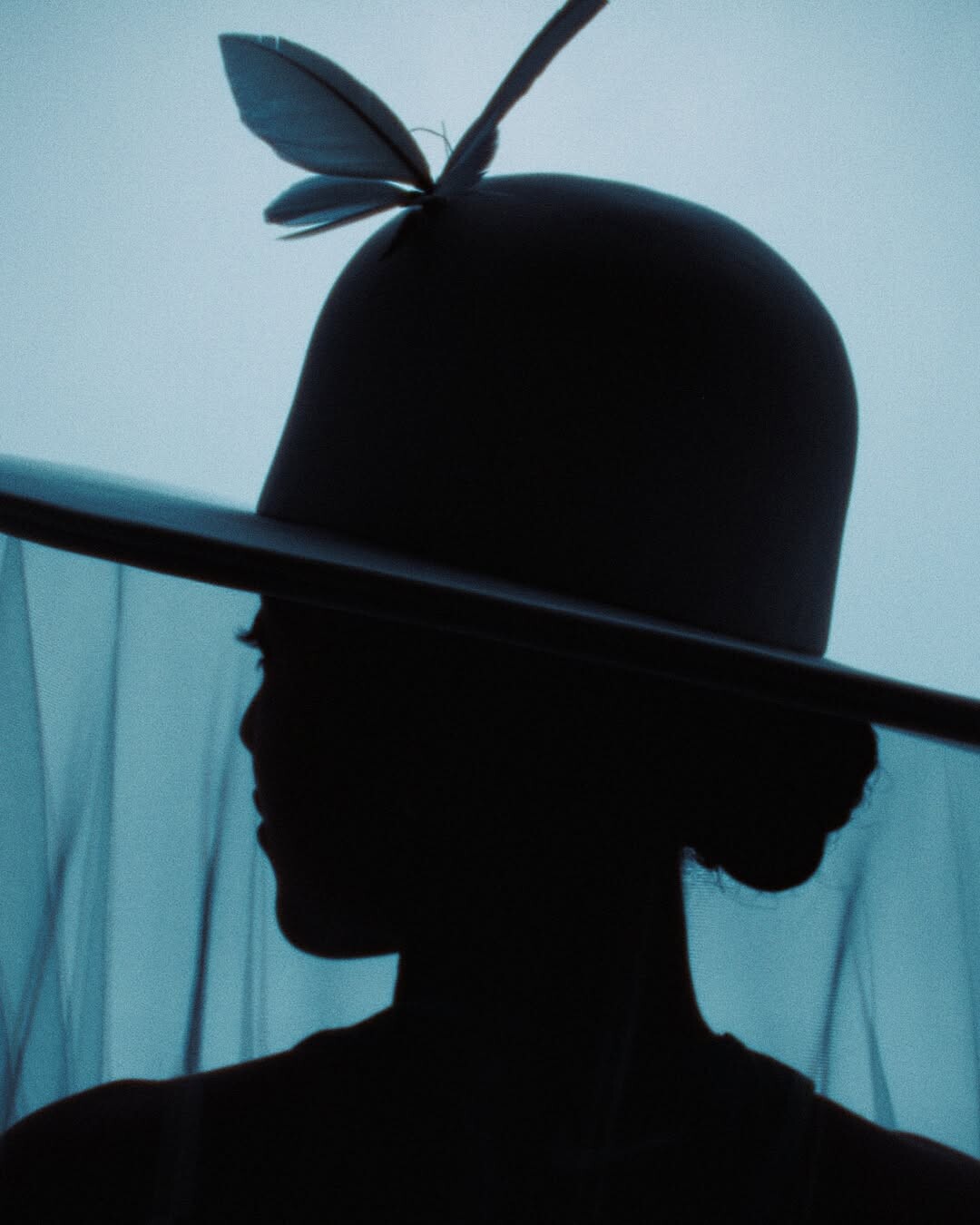
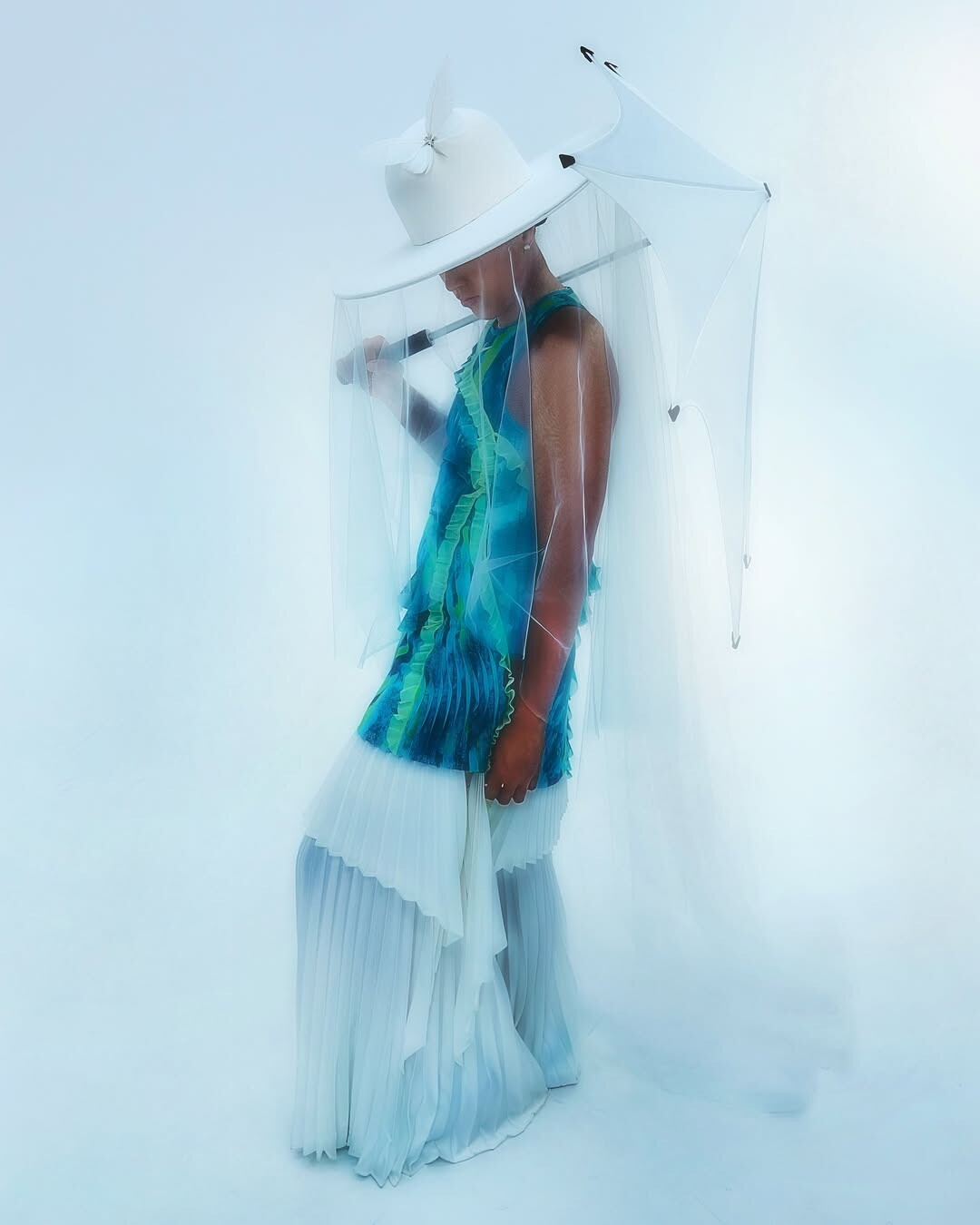
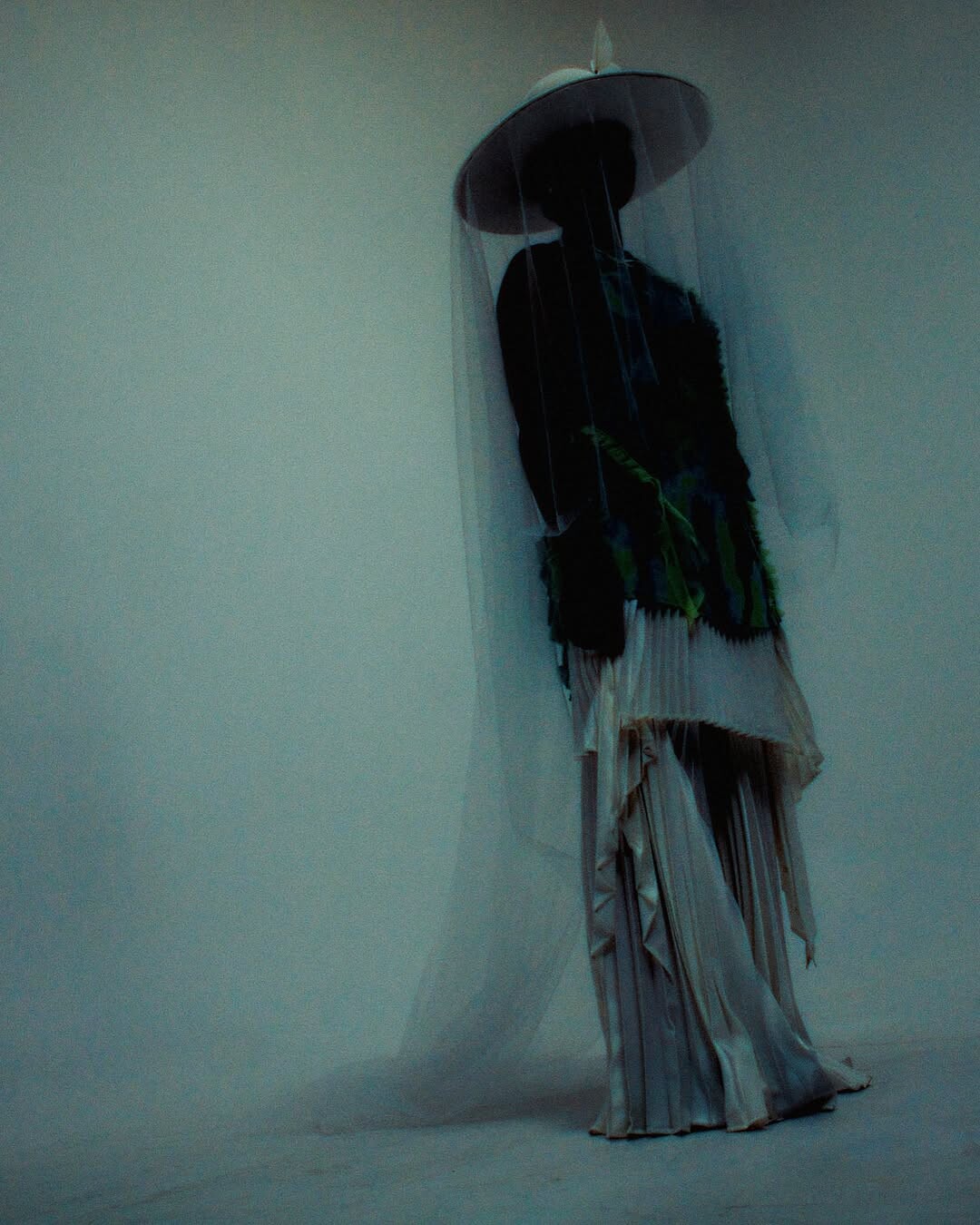















































































































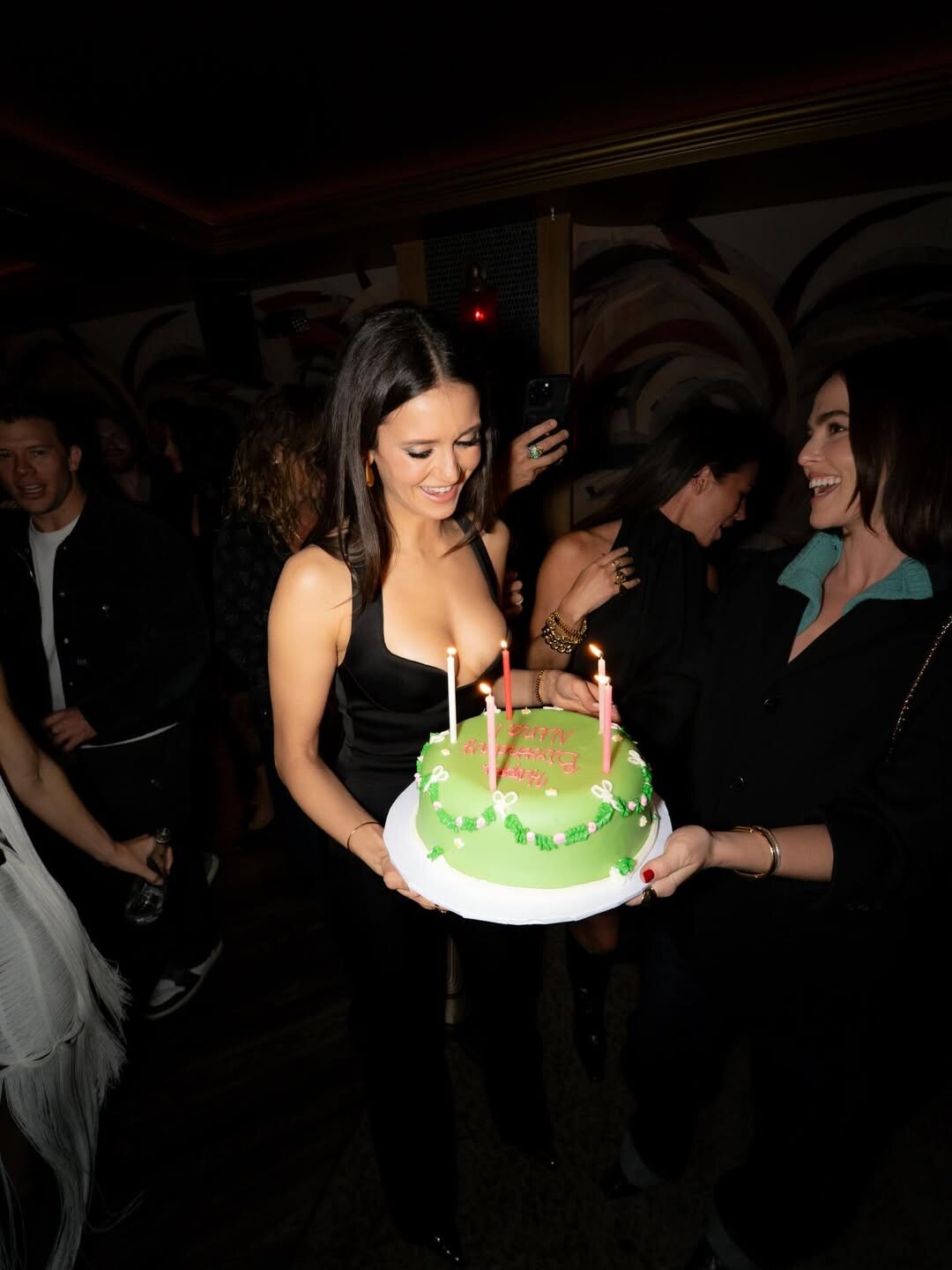


















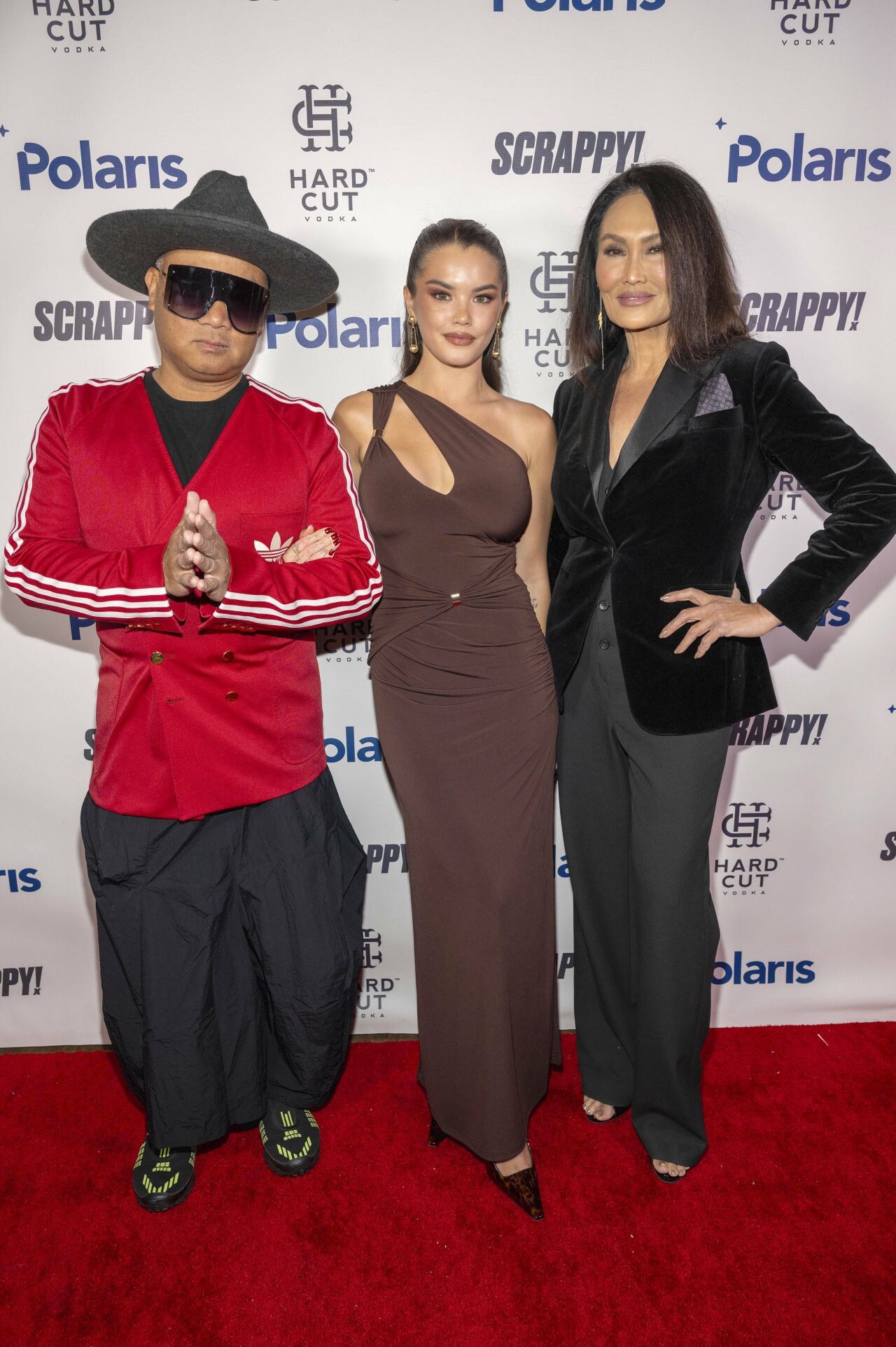




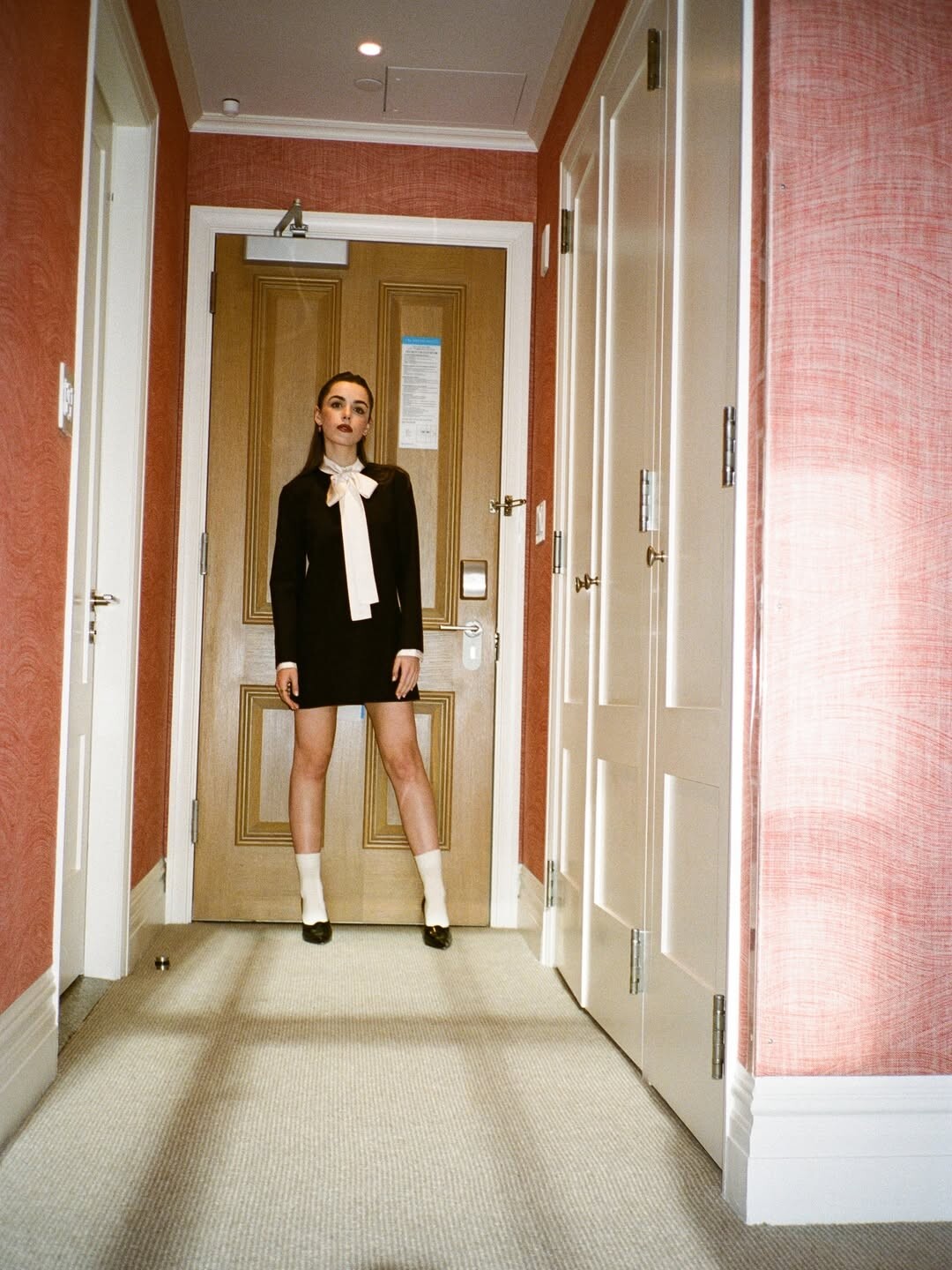
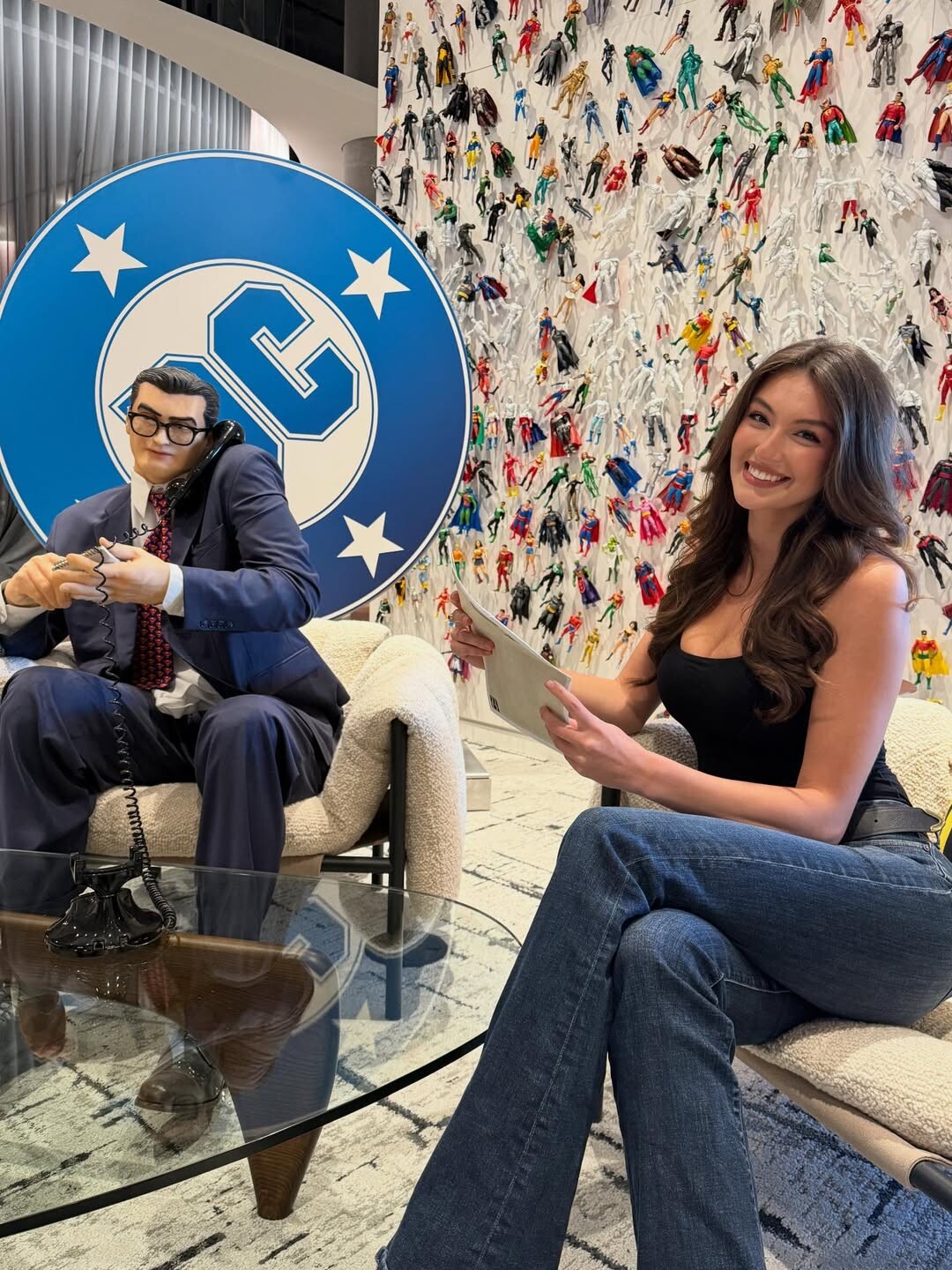
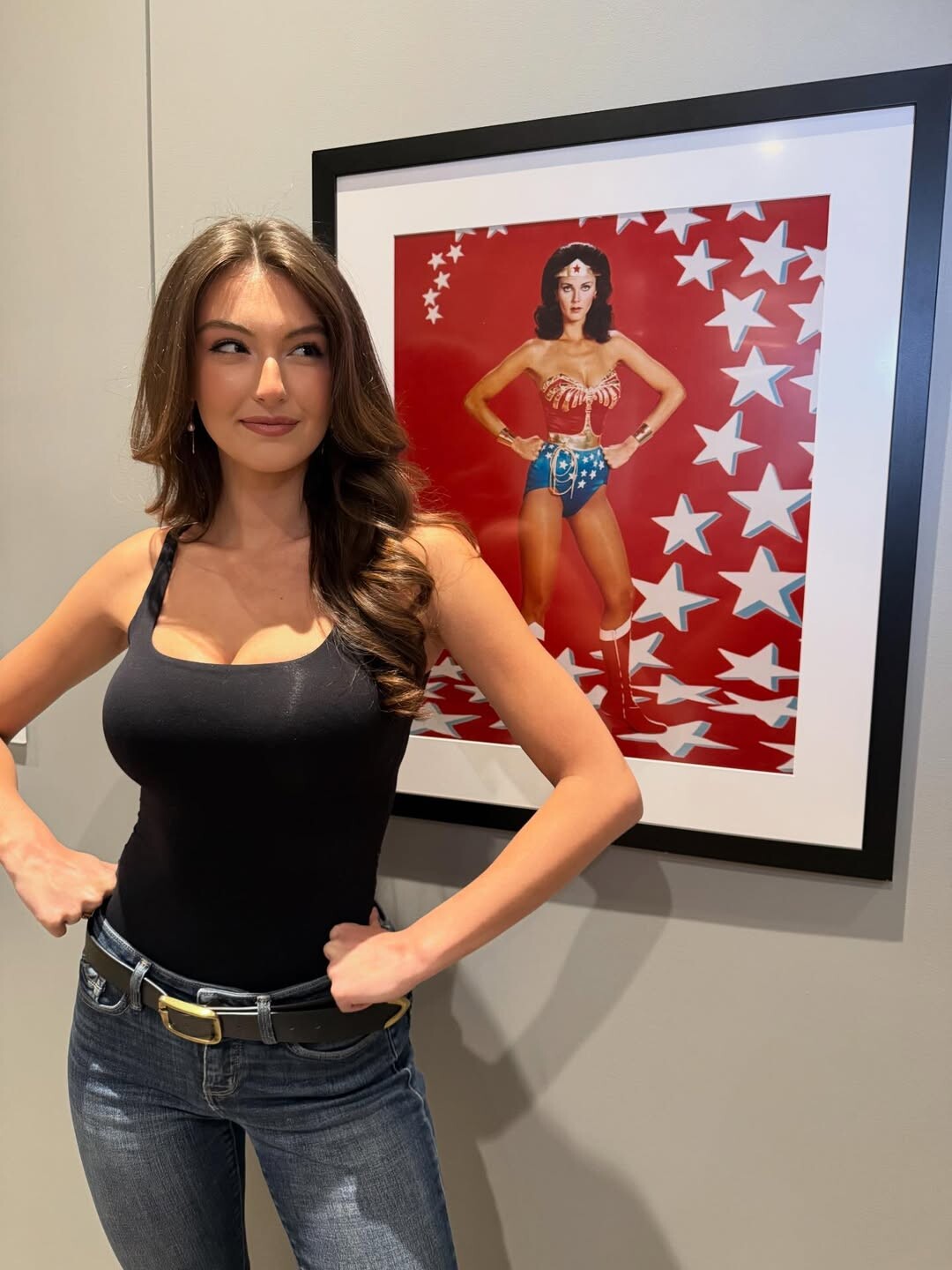

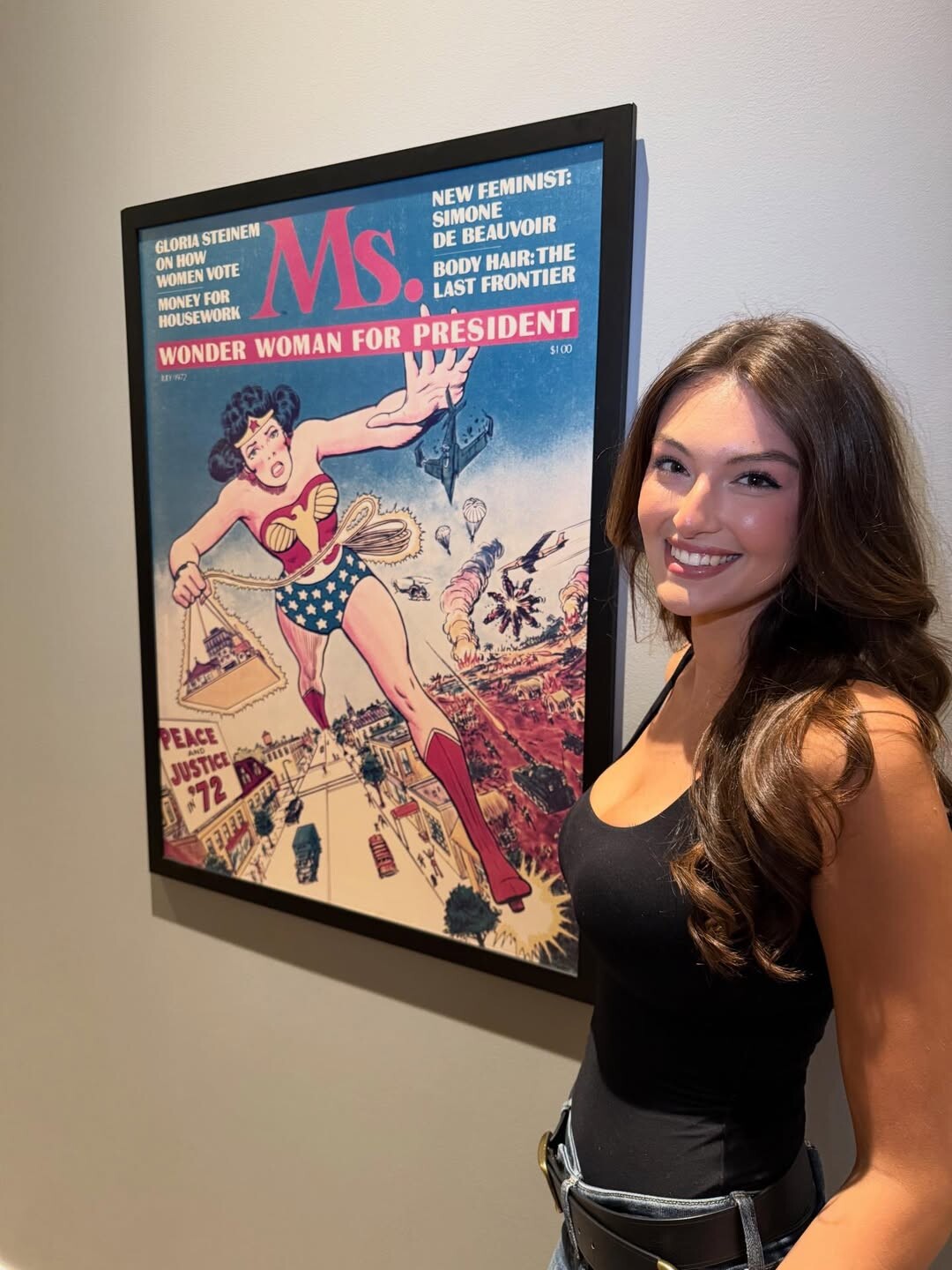
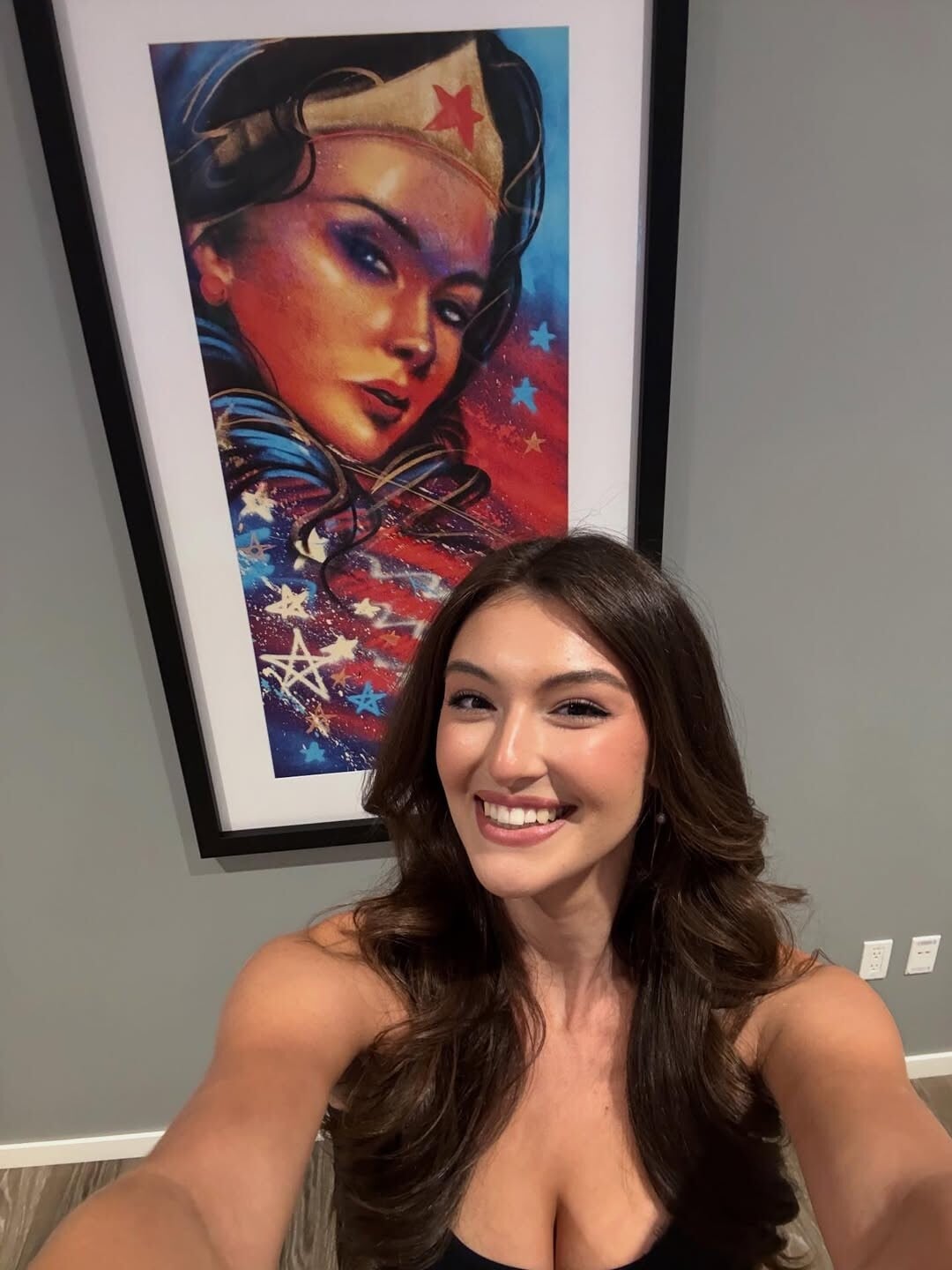
Account
Search
Configure browser push notifications
Chrome (Android)
- Tap the lock icon next to the address bar.
- Tap Permissions → Notifications.
- Adjust your preference.
Chrome (Desktop)
- Click the padlock icon in the address bar.
- Select Site settings.
- Find Notifications and adjust your preference.
Safari (iOS 16.4+)
- Ensure the site is installed via Add to Home Screen.
- Open Settings App → Notifications.
- Find your app name and adjust your preference.
Safari (macOS)
- Go to Safari → Preferences.
- Click the Websites tab.
- Select Notifications in the sidebar.
- Find this website and adjust your preference.
Edge (Android)
- Tap the lock icon next to the address bar.
- Tap Permissions.
- Find Notifications and adjust your preference.
Edge (Desktop)
- Click the padlock icon in the address bar.
- Click Permissions for this site.
- Find Notifications and adjust your preference.
Firefox (Android)
- Go to Settings → Site permissions.
- Tap Notifications.
- Find this site in the list and adjust your preference.
Firefox (Desktop)
- Open Firefox Settings.
- Search for Notifications.
- Find this site in the list and adjust your preference.