
Lilja K
Members
-
Joined
-
Last visited
Everything posted by Lilja K
-
 Leo with Lars Von Trier wannabe (sorry I couldn't resist) 😂
 -
She's such a polarizing person, but one thing cannot be taken away from her - she's an ultimate Hot Girl 🔥💯
-
Don't get me wrong, but I'm a little happy for her. I've heard a lot of disturbing things about her now ex husband, and while he won't disappear from her life for good, at least she won't be dangerously close to him. I wish her and her child all the best🌺
-
Agree 💯
-
It's impossible not to look at him like that 💞
-
Created to collect analyzes of various literature
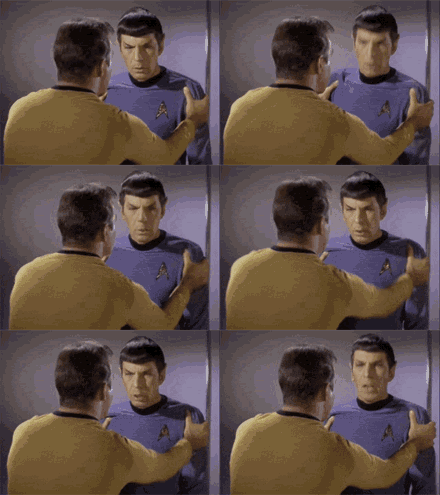
Quentin convincing Leo be like
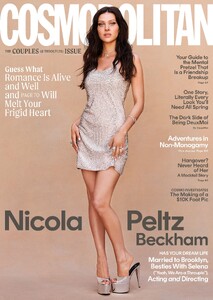
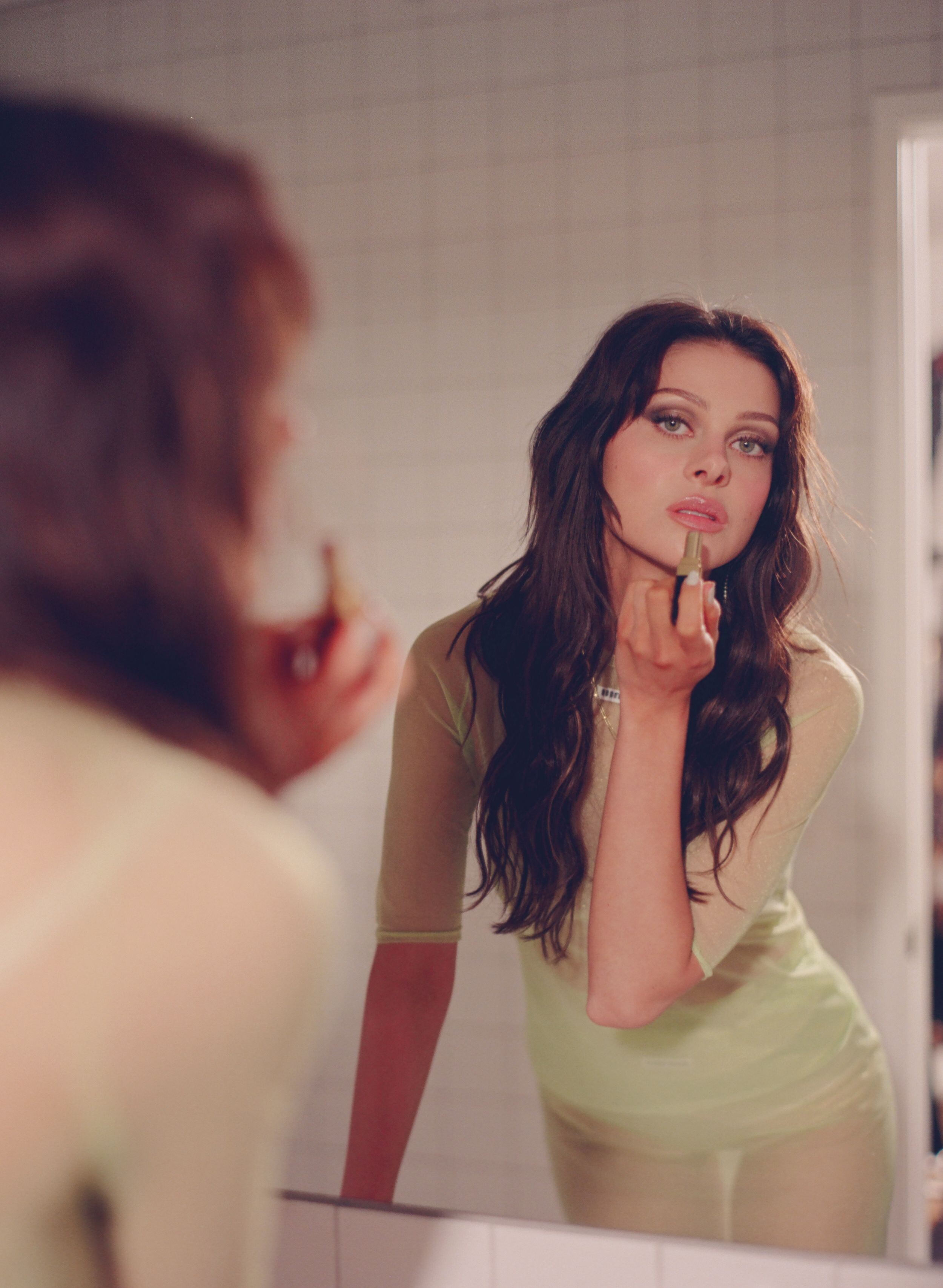
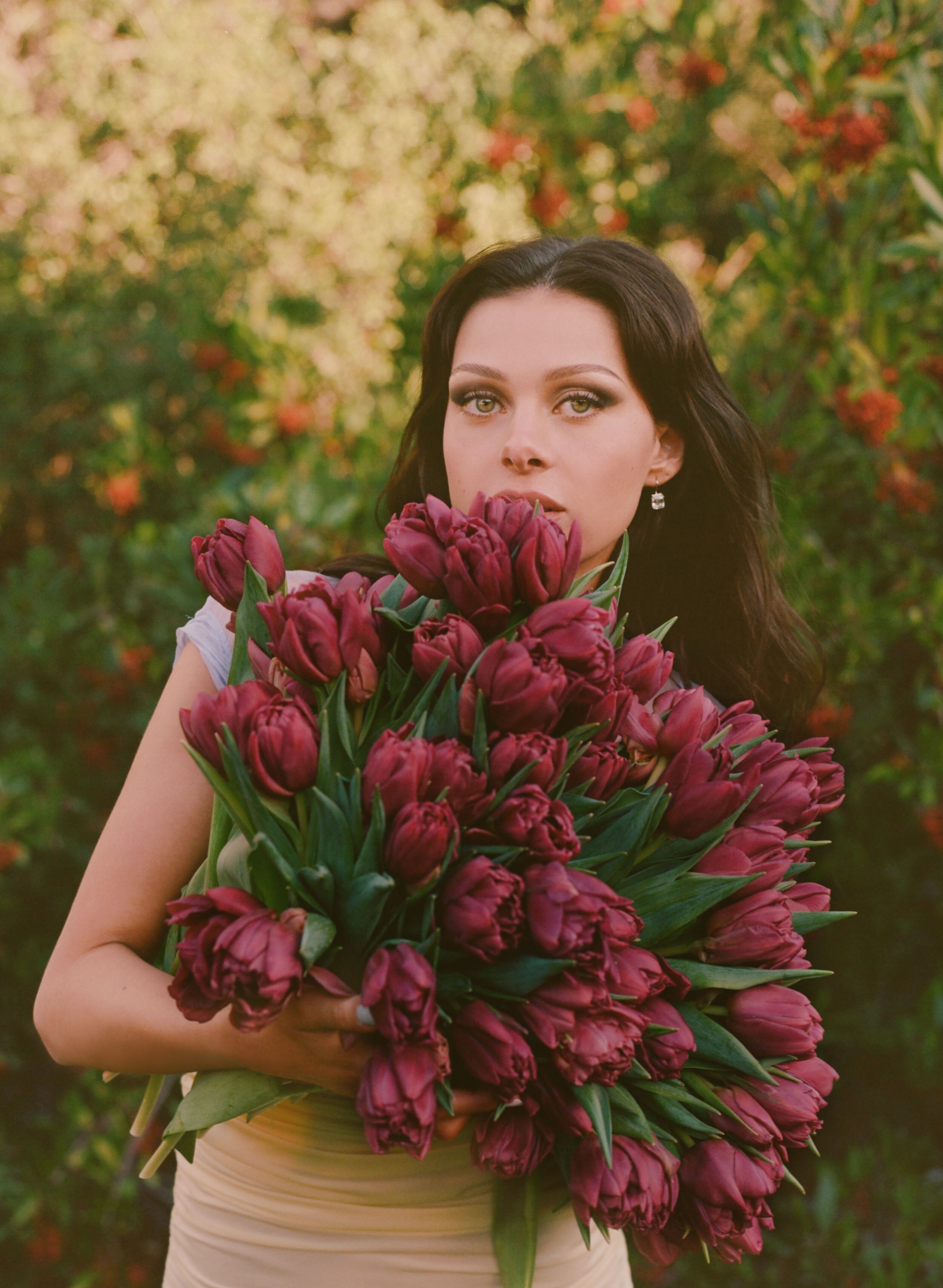
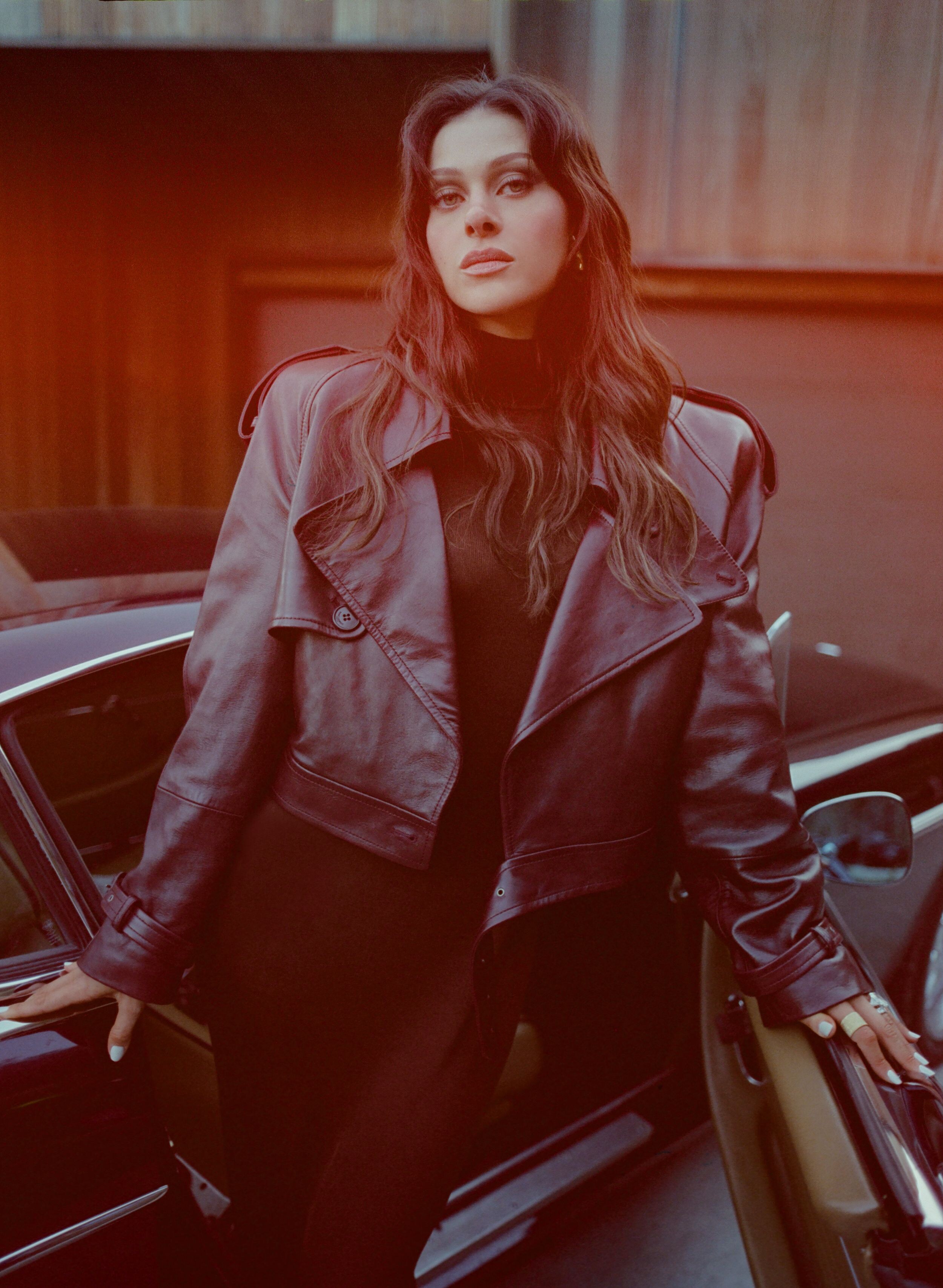
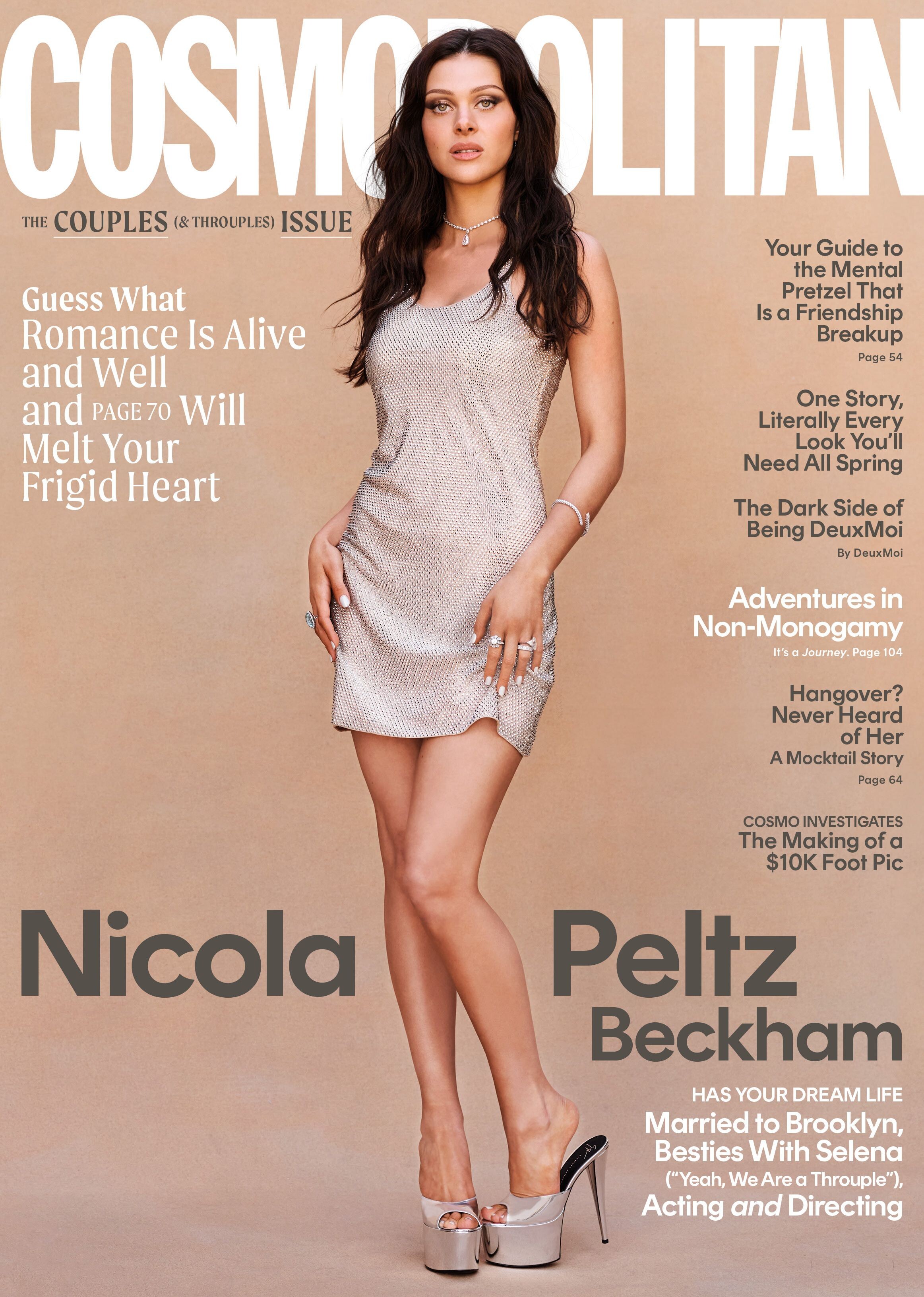
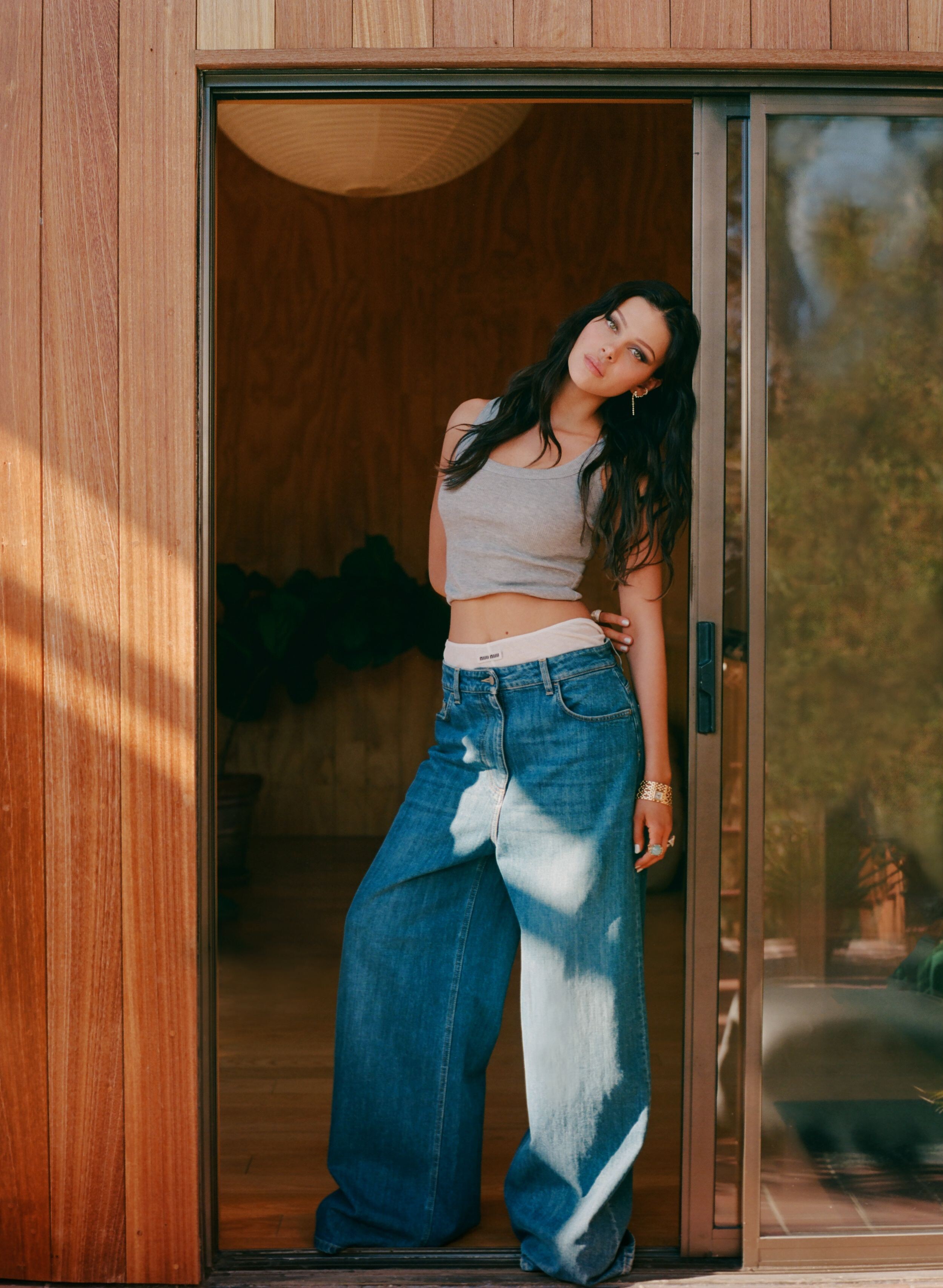
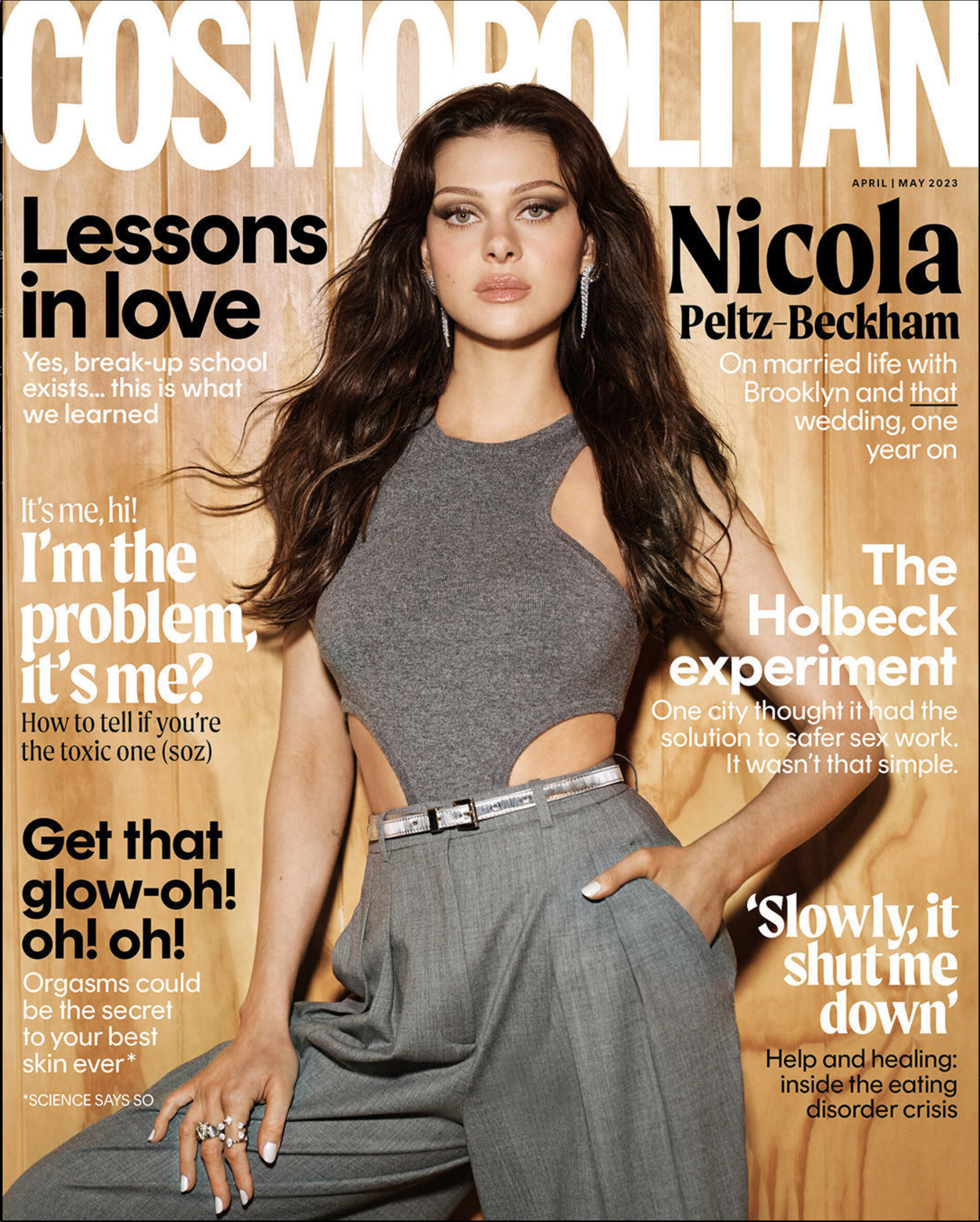
 Gonna revive this thread a bit Photoshoot from Cosmo Video










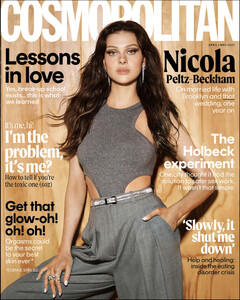 Hopefully they'll release the deleted scenes later 🤞🏻
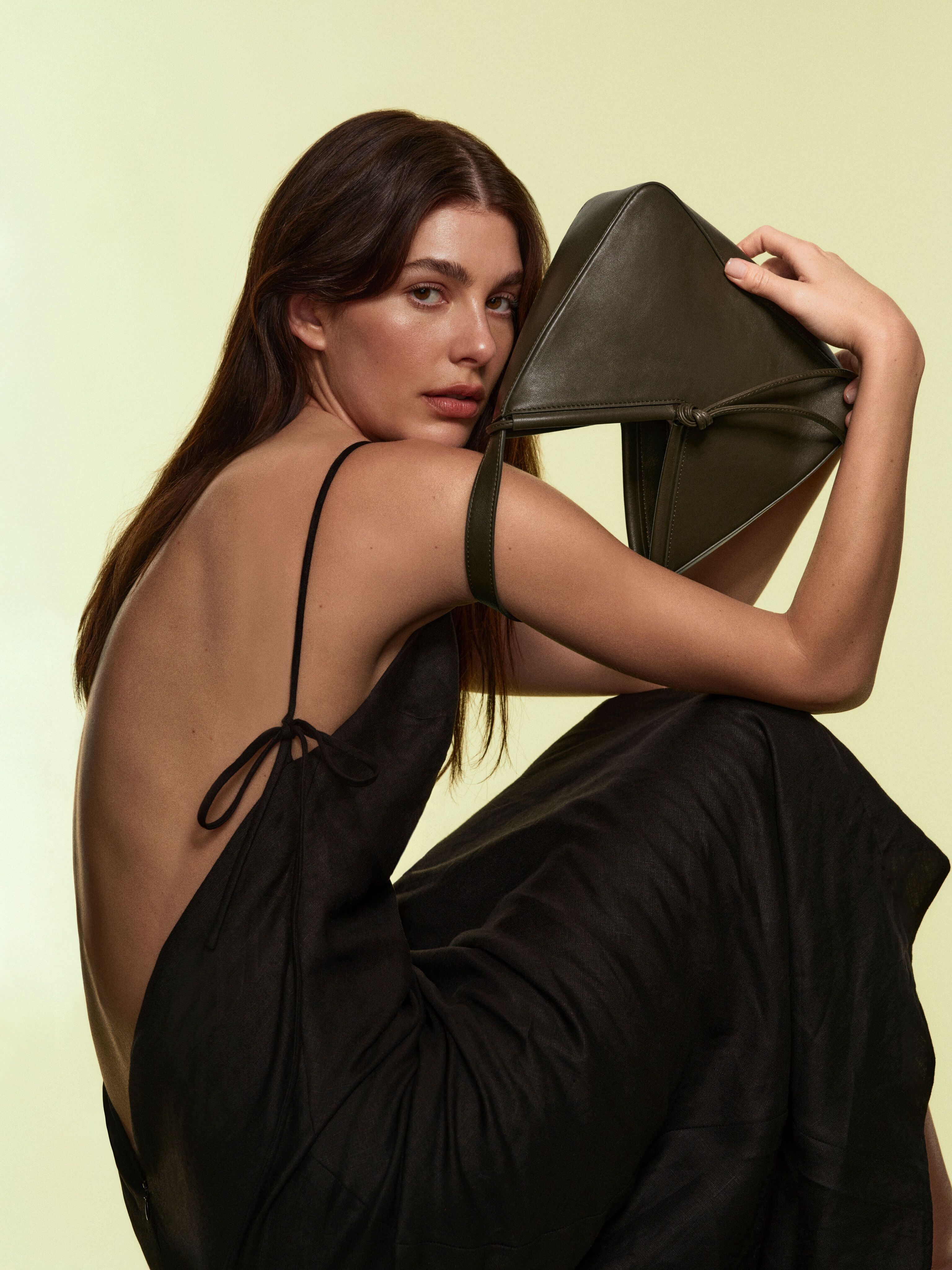
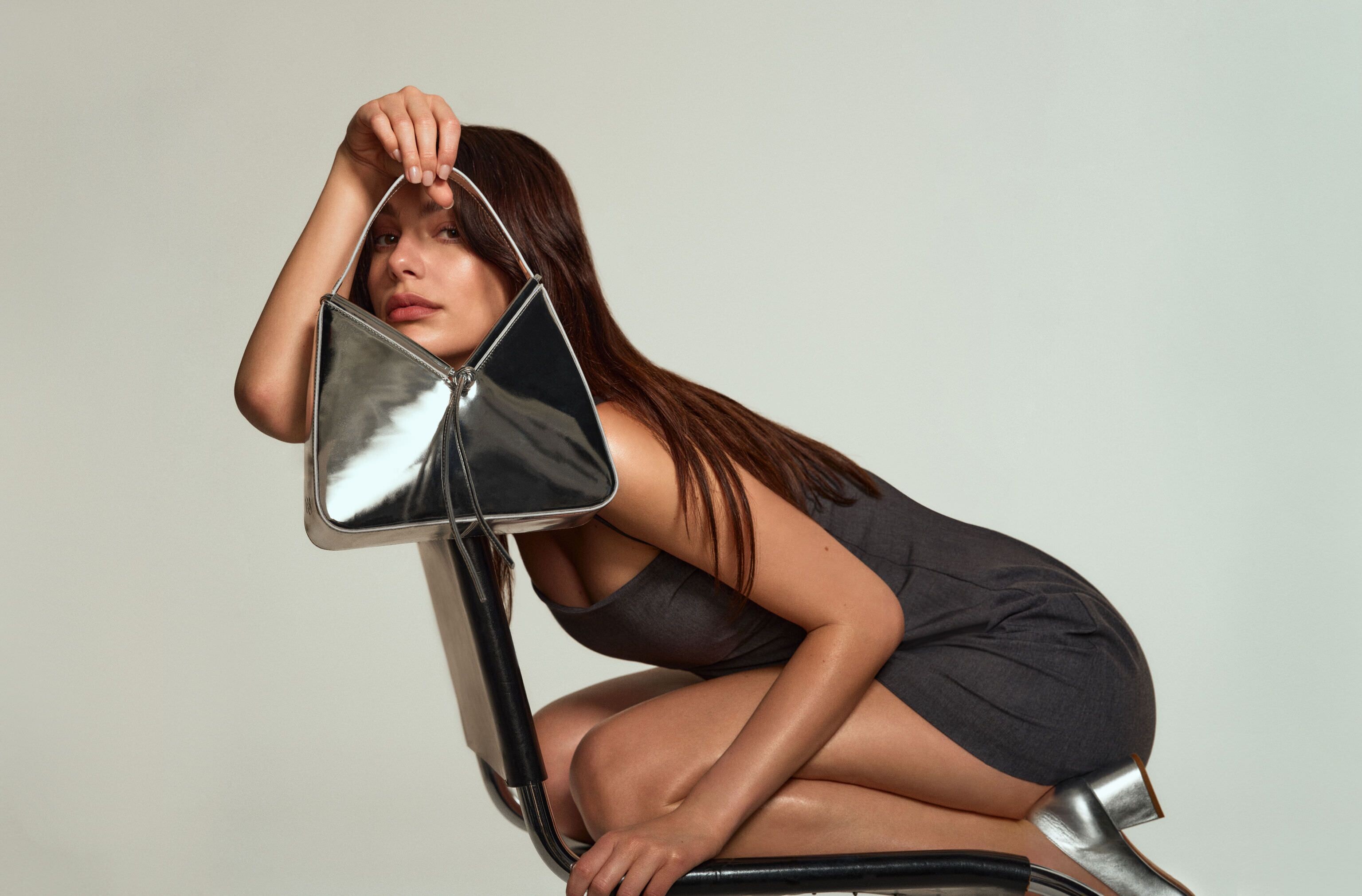
Reformation's First Bags Were Years in the Making BAZAAR has the exclusive first look at all three styles and the campaign starring Camila Morrone.
Hopefully they'll release the deleted scenes later 🤞🏻
Reformation's First Bags Were Years in the Making BAZAAR has the exclusive first look at all three styles and the campaign starring Camila Morrone.


 I missed her so much❤️ Thank you @Clarence
Ur welcome ☺️
First, Cami and Leo fostered Jack and his sister Jill. Jill was taken and Jack was adopted by Cami and Leo. Then they had another dog, Sally, then she was also adopted by them. So yes, they have two dogs. And the dog that the woman adopted is Jill. I think it's no secret that dumbasses work in DM 😂
In honor of Anya Taylor-Joy International Day🌟
A very Cami pic😂❤️
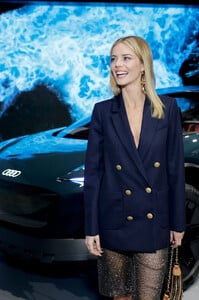
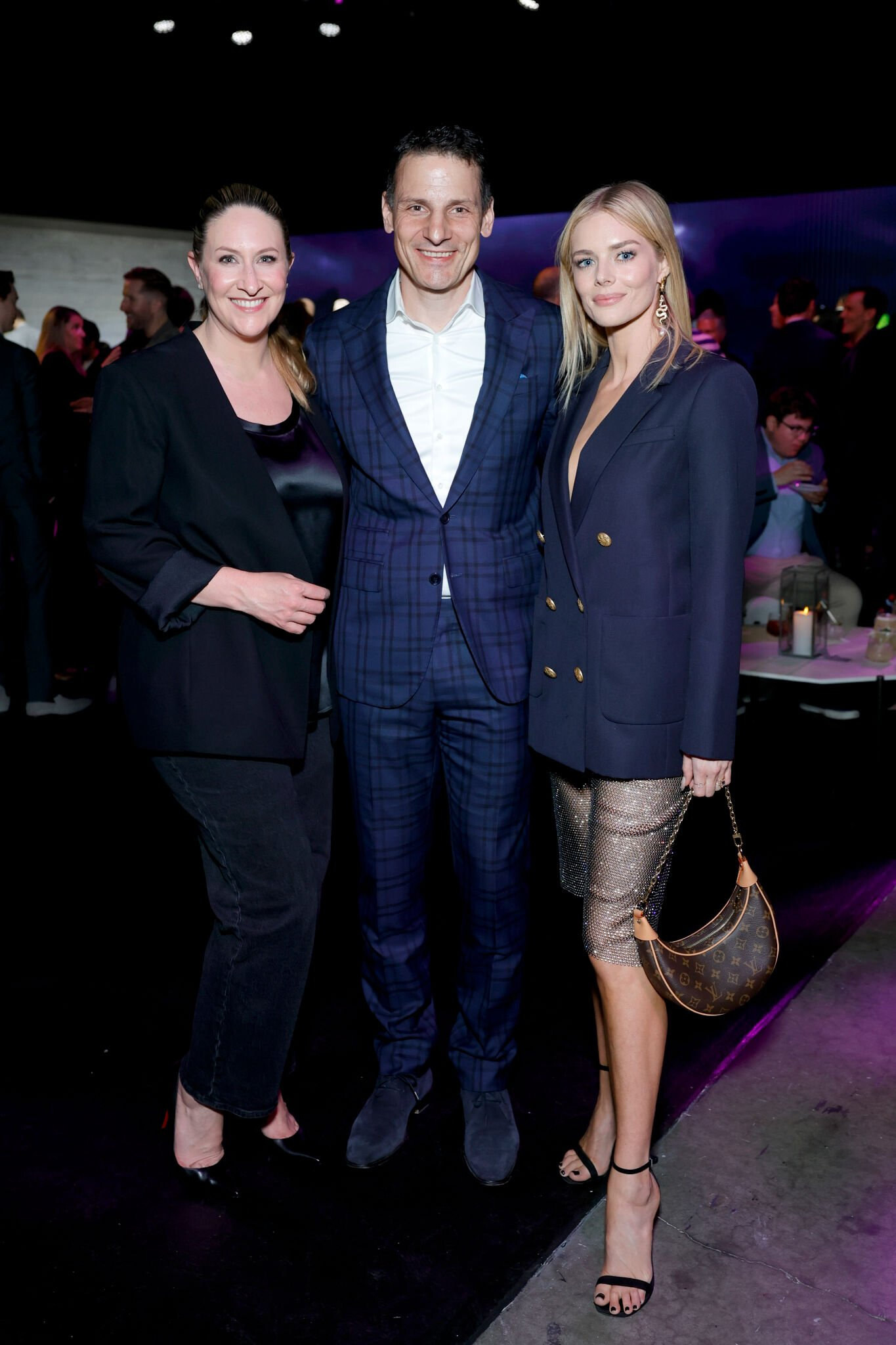
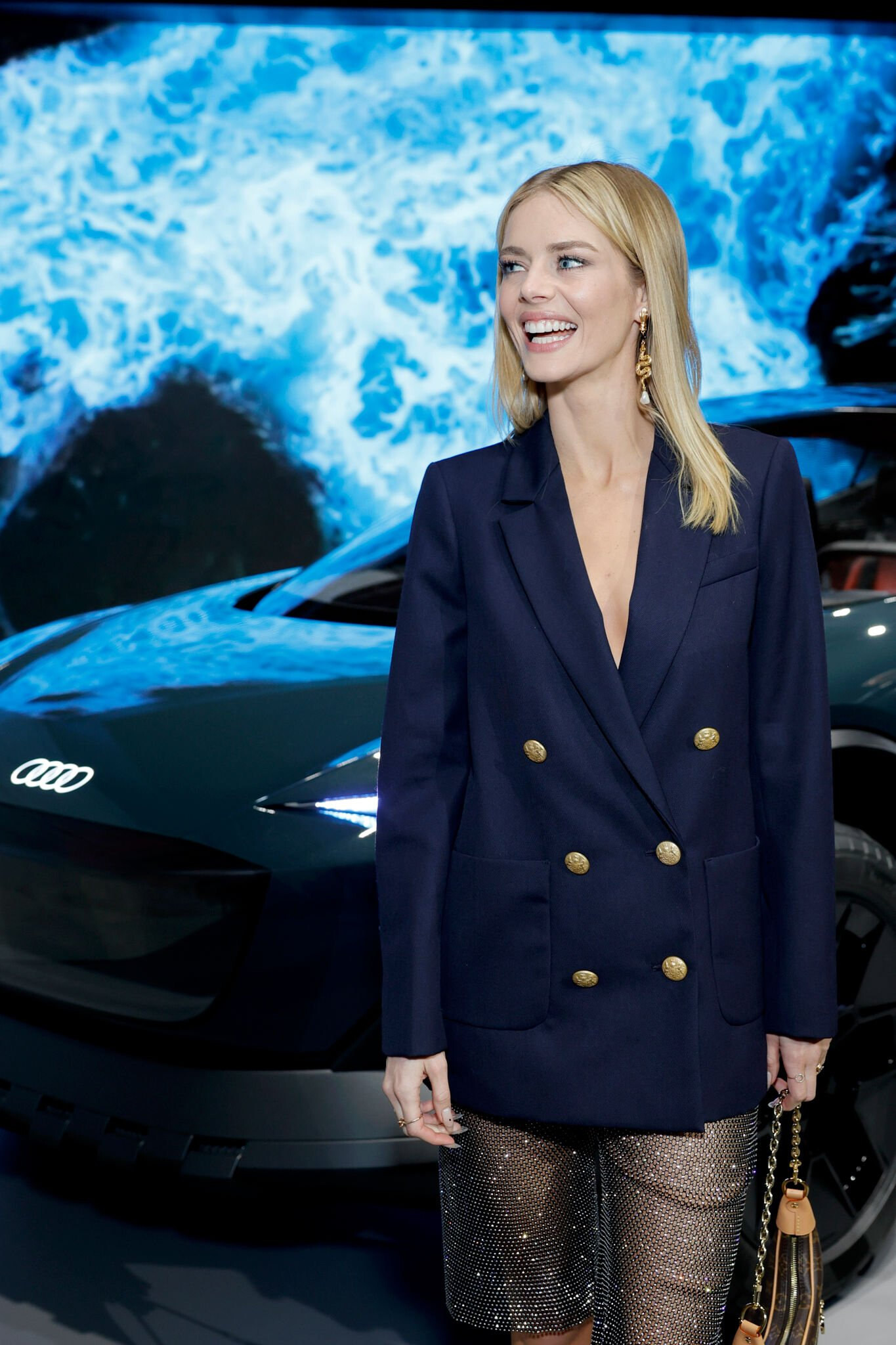
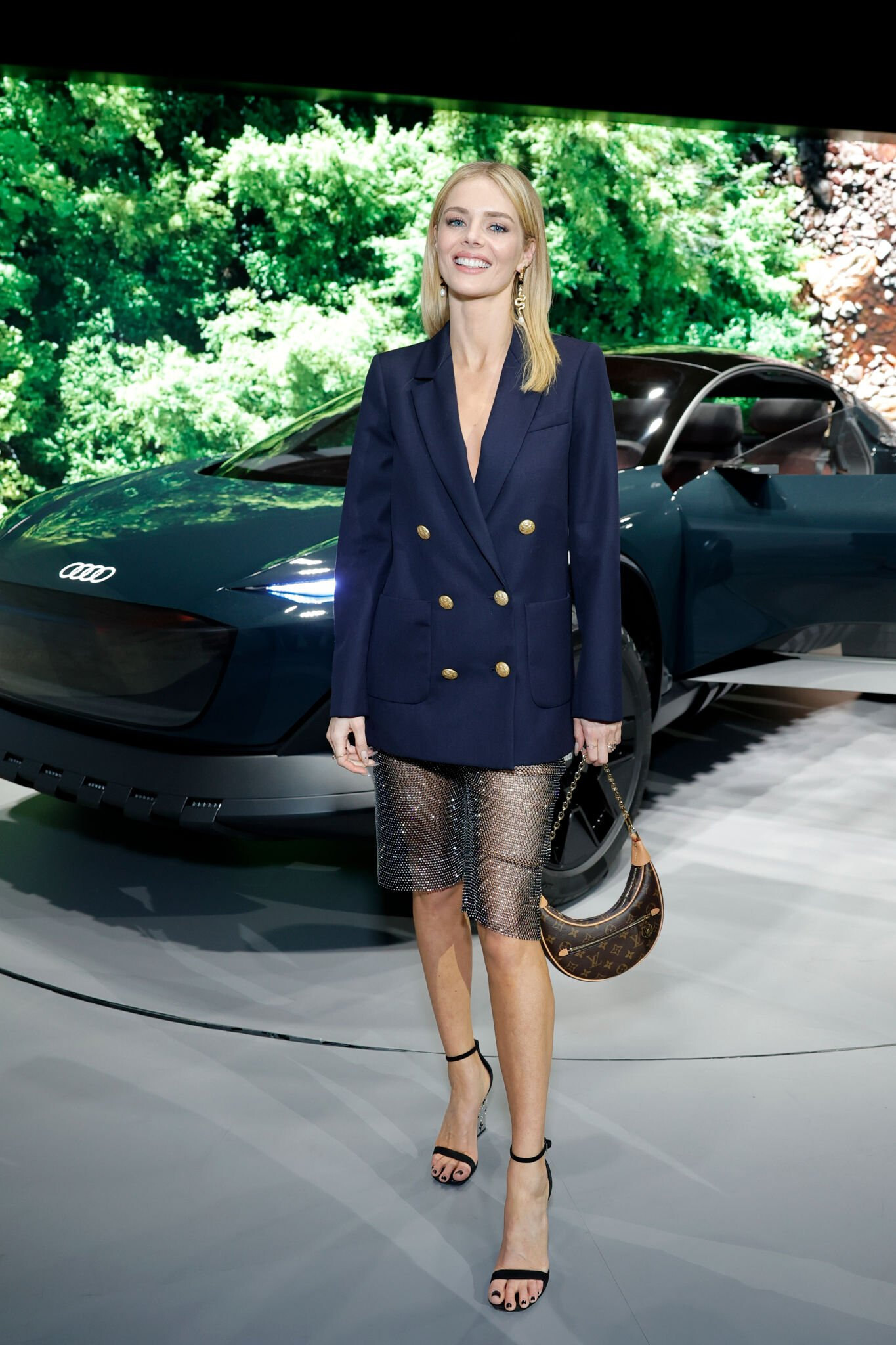
March 29: Hollywood Celebrates Audi Activesphere Concept Vehicle Source
I missed her so much❤️ Thank you @Clarence
Ur welcome ☺️
First, Cami and Leo fostered Jack and his sister Jill. Jill was taken and Jack was adopted by Cami and Leo. Then they had another dog, Sally, then she was also adopted by them. So yes, they have two dogs. And the dog that the woman adopted is Jill. I think it's no secret that dumbasses work in DM 😂
In honor of Anya Taylor-Joy International Day🌟
A very Cami pic😂❤️
March 29: Hollywood Celebrates Audi Activesphere Concept Vehicle Source
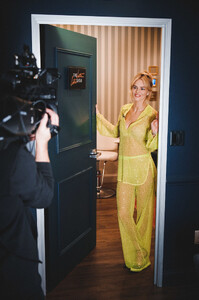
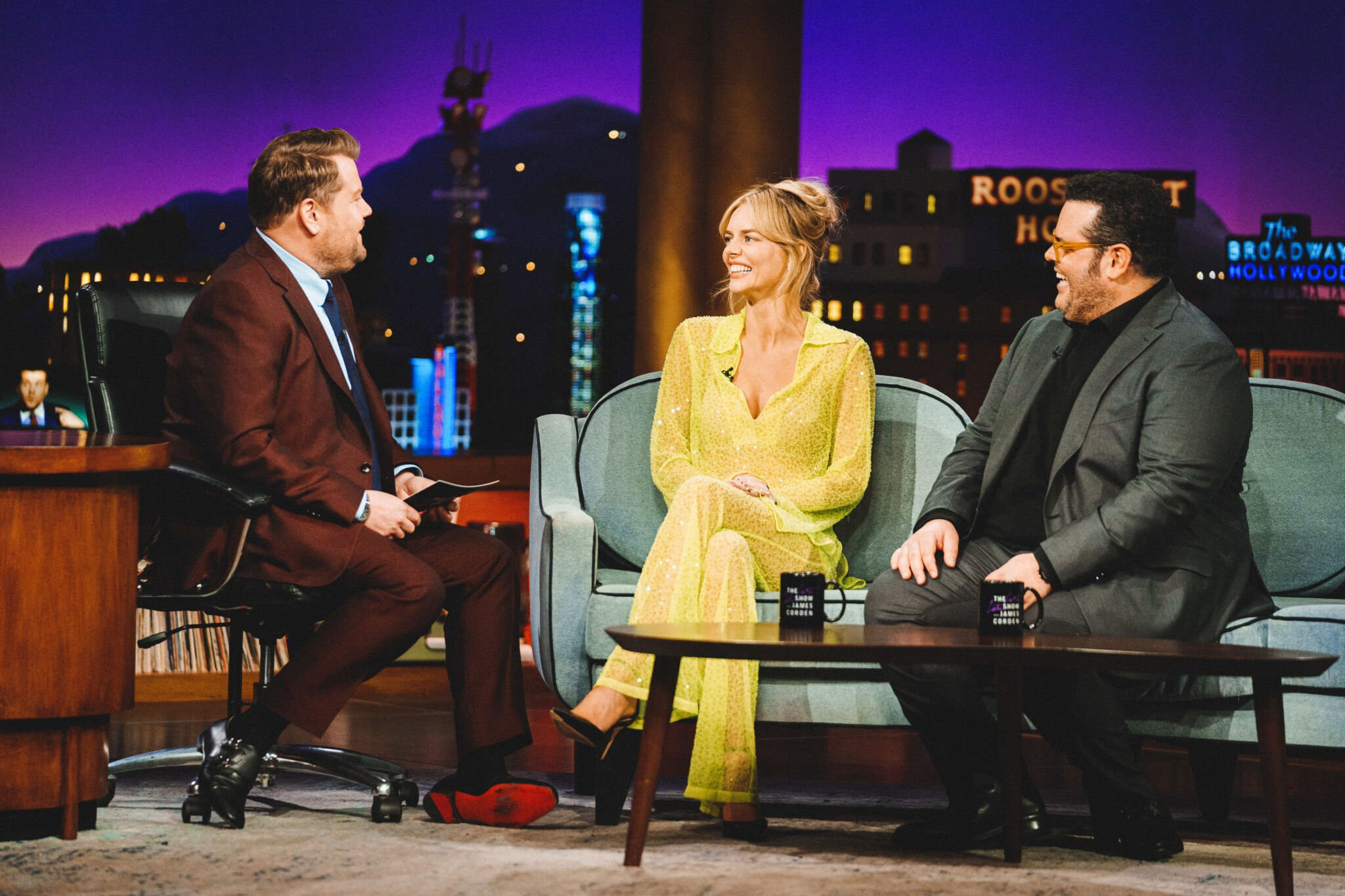
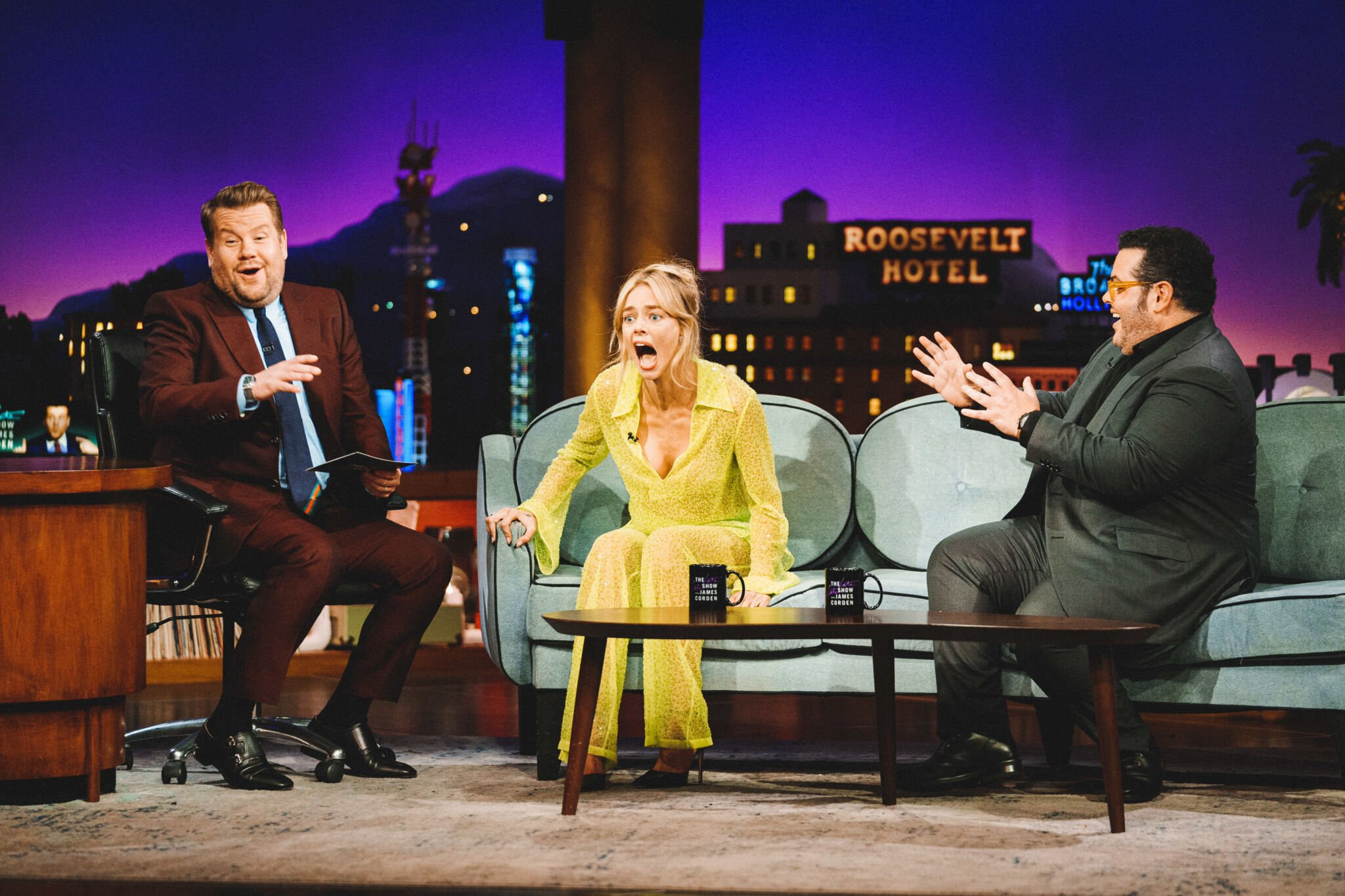
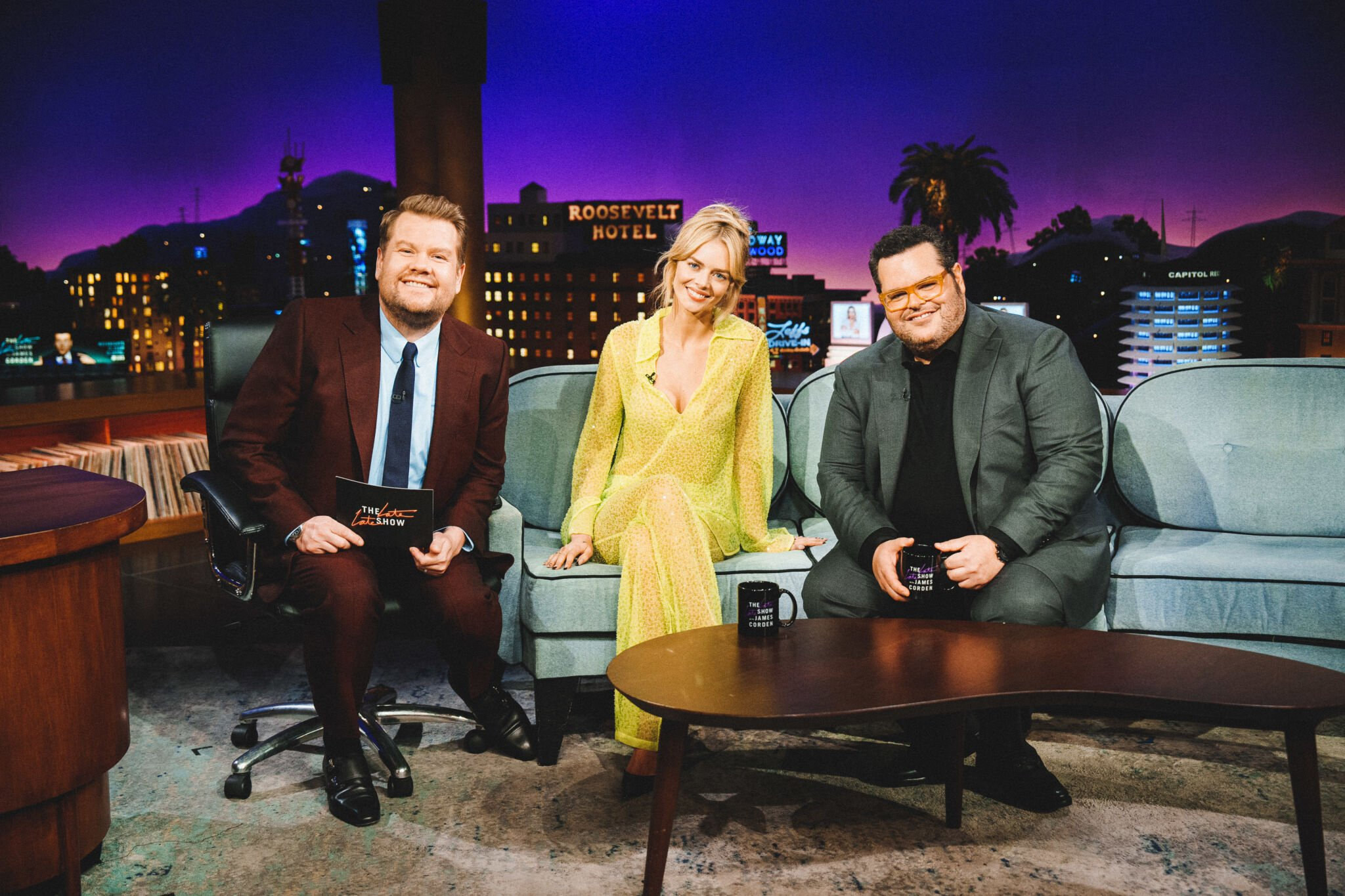
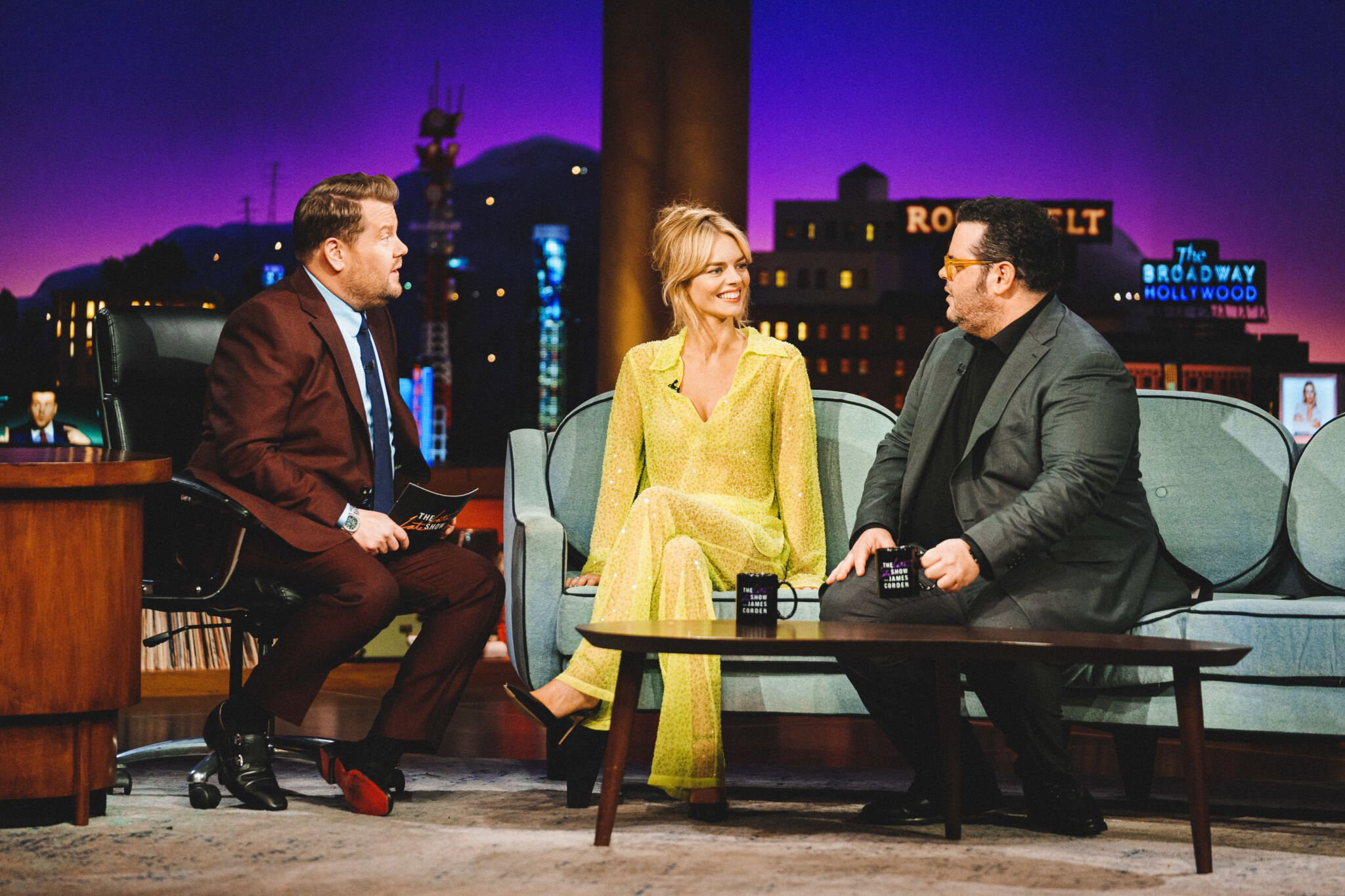
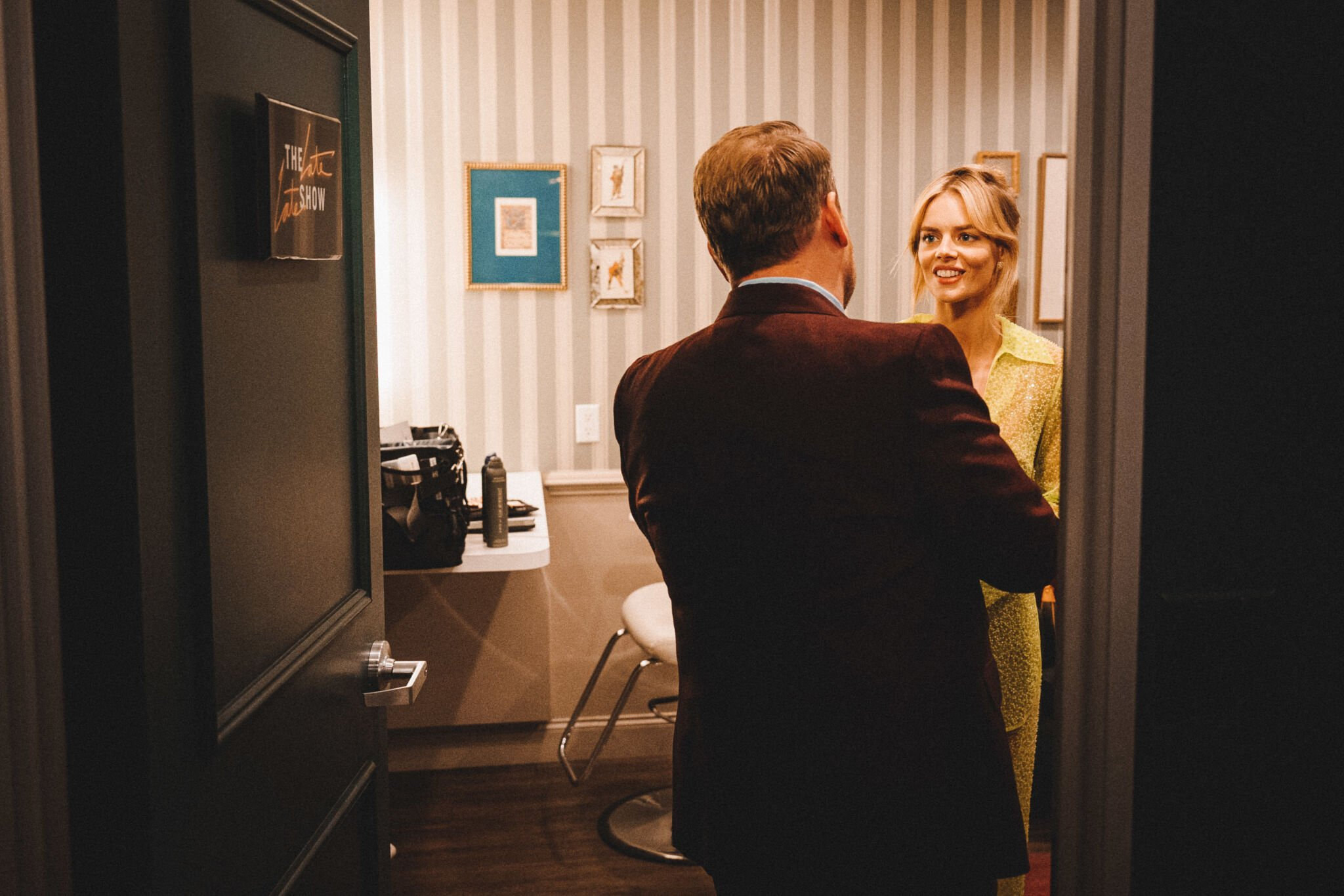
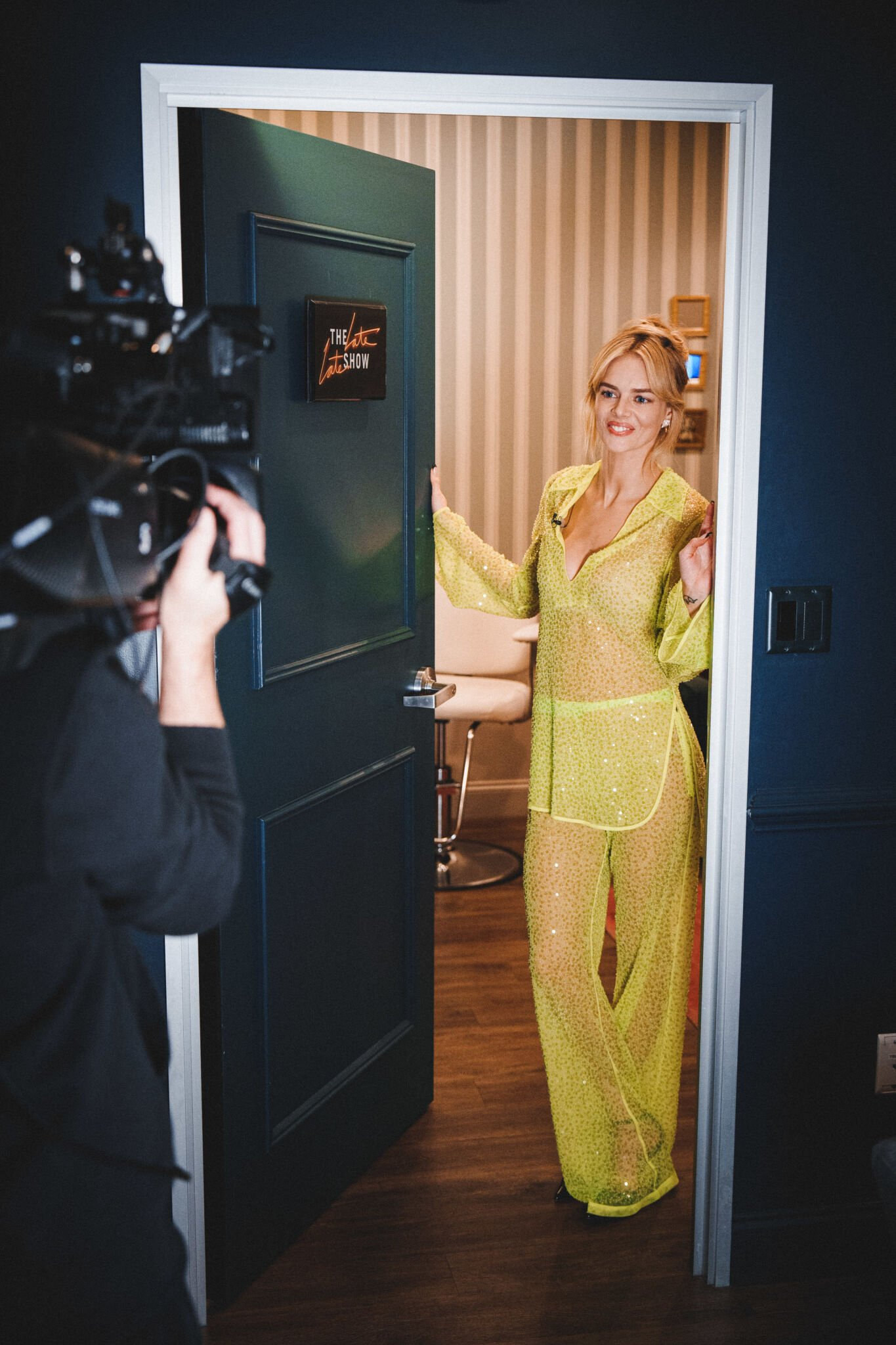
 March 14: The Late Late Show With James Corden 💛 Source




 March 24: The Macallan James Bond 60th Anniversary Event Source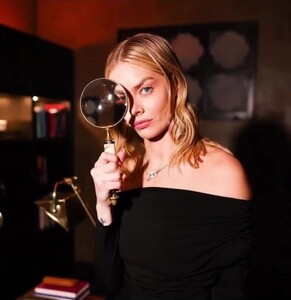




















Account
Search
Configure browser push notifications
Chrome (Android)
- Tap the lock icon next to the address bar.
- Tap Permissions → Notifications.
- Adjust your preference.
Chrome (Desktop)
- Click the padlock icon in the address bar.
- Select Site settings.
- Find Notifications and adjust your preference.
Safari (iOS 16.4+)
- Ensure the site is installed via Add to Home Screen.
- Open Settings App → Notifications.
- Find your app name and adjust your preference.
Safari (macOS)
- Go to Safari → Preferences.
- Click the Websites tab.
- Select Notifications in the sidebar.
- Find this website and adjust your preference.
Edge (Android)
- Tap the lock icon next to the address bar.
- Tap Permissions.
- Find Notifications and adjust your preference.
Edge (Desktop)
- Click the padlock icon in the address bar.
- Click Permissions for this site.
- Find Notifications and adjust your preference.
Firefox (Android)
- Go to Settings → Site permissions.
- Tap Notifications.
- Find this site in the list and adjust your preference.
Firefox (Desktop)
- Open Firefox Settings.
- Search for Notifications.
- Find this site in the list and adjust your preference.