snmkytkn
Members
-
Joined
-
Last visited
Everything posted by snmkytkn
-
 Ally Dunne Talisa Sotto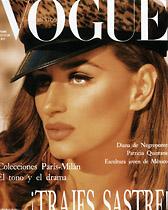
-
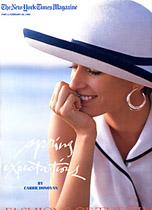
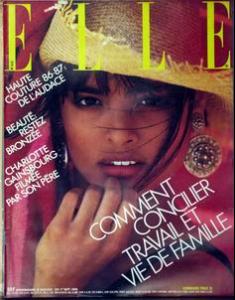
There are some models especially from the 80s , that I do not konw where to post. They were popular in those days but they were shadowed by other models who were more "super". Gail Elliott Fredeique van der Waal Kirsten Allen Michaela Bercu

-
I love Chrystelle, Penny. She has a very unusual beauty. Her hair is a bit wild tho.
Miss, you have done a great job here. Thanks for the info and the pics. They are all new for me...
Yes, I remember her very well. She was one of the first models that I learnt her name. One more of Michelle Eabry.
 Great pics. Thanks everyone.
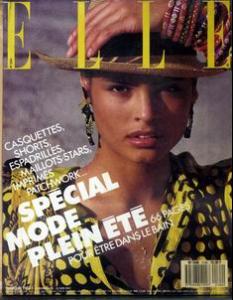
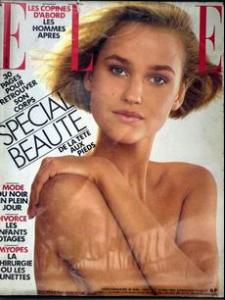
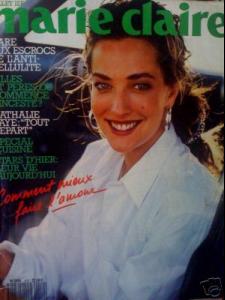
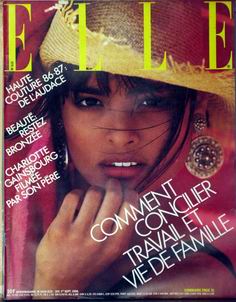
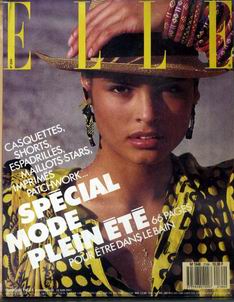
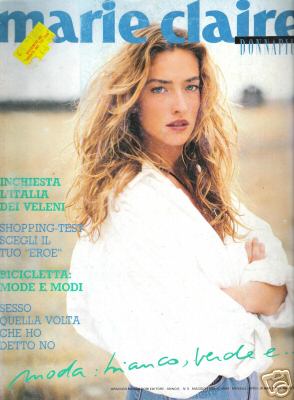
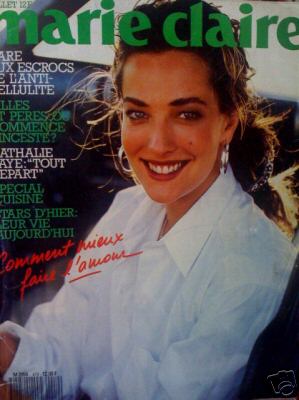
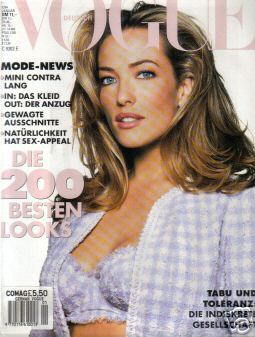
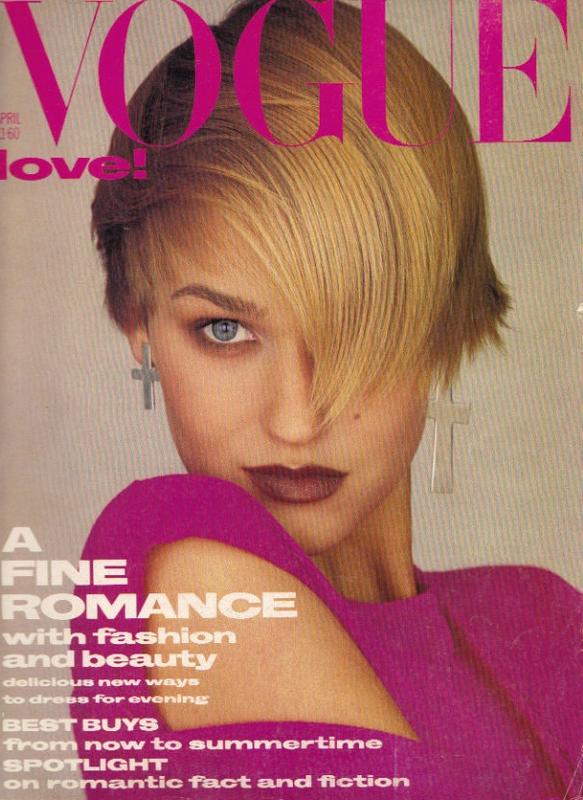
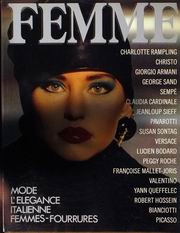
Misc covers. Some are so small.
Great pics. Thanks everyone.
Misc covers. Some are so small.






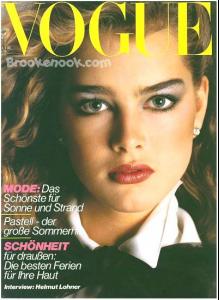
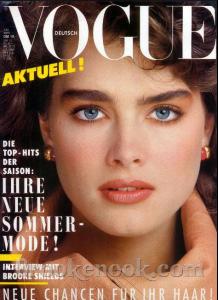
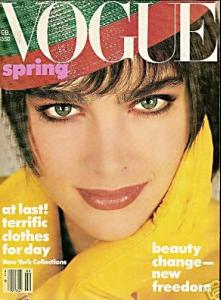
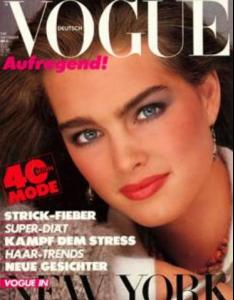
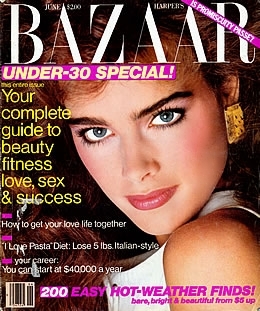
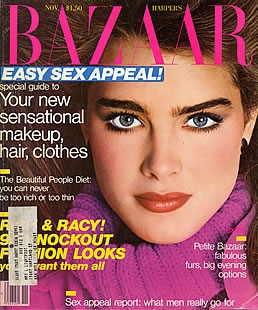
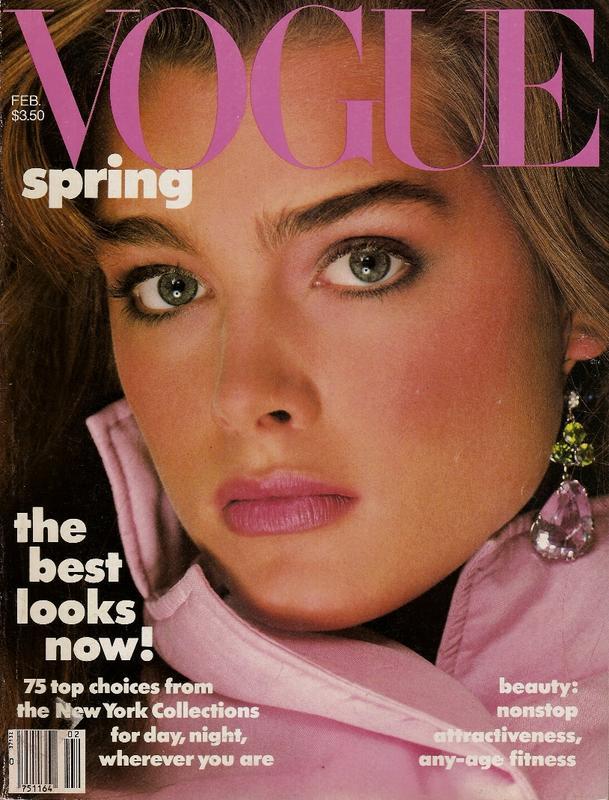
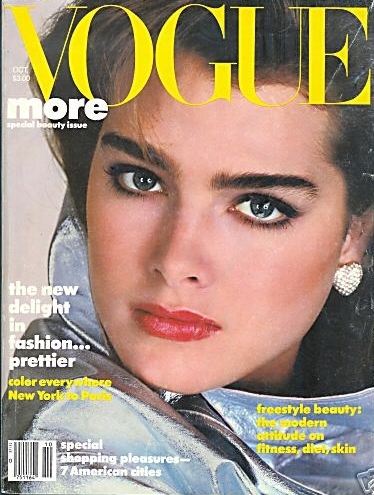
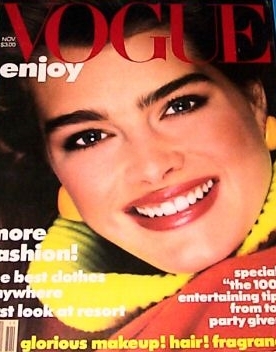
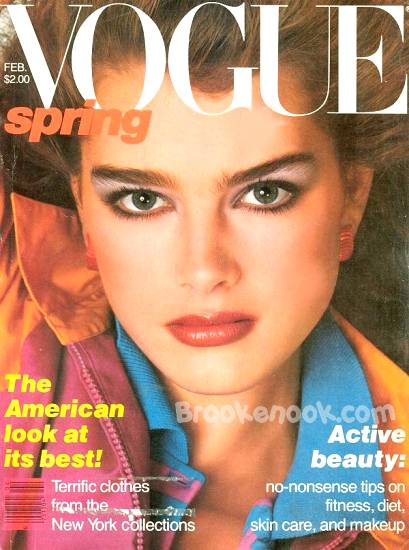
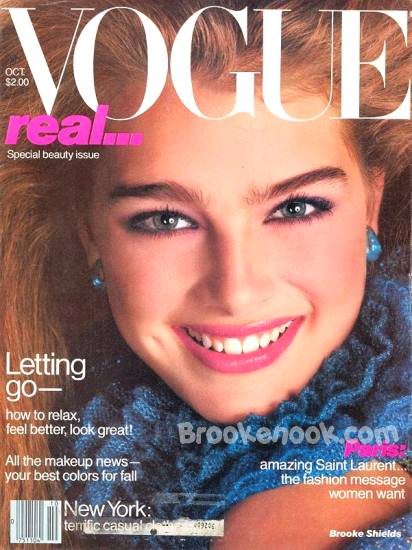
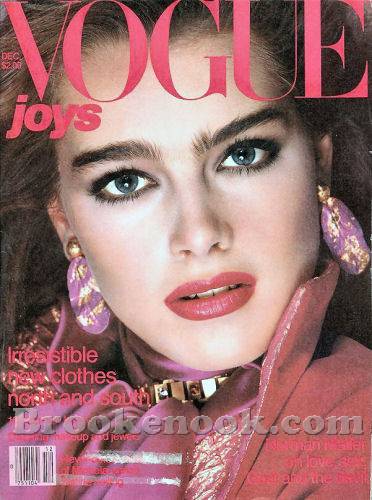
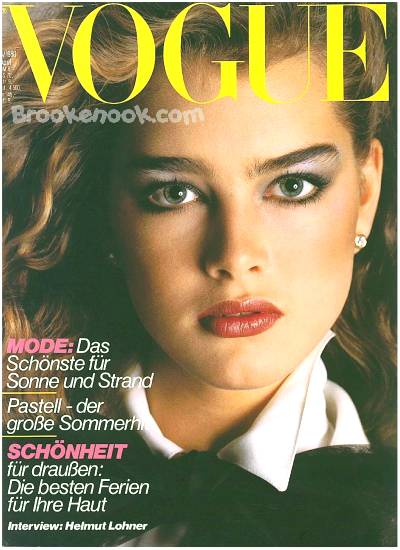
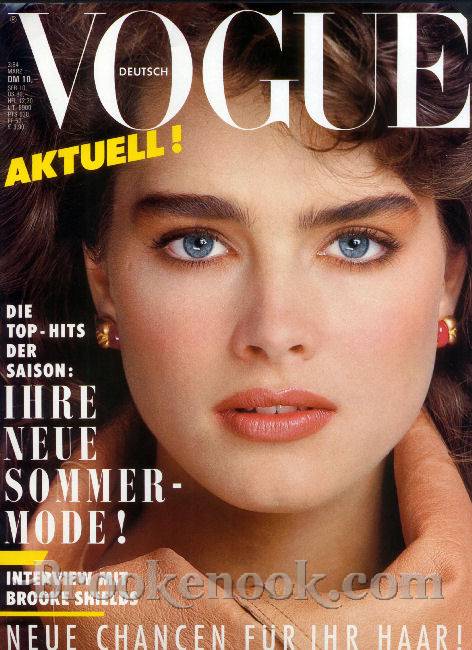
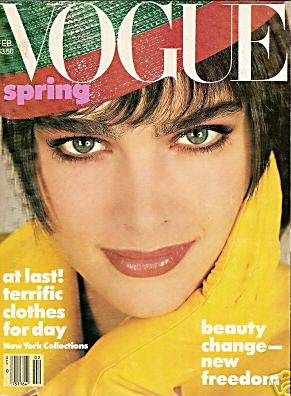
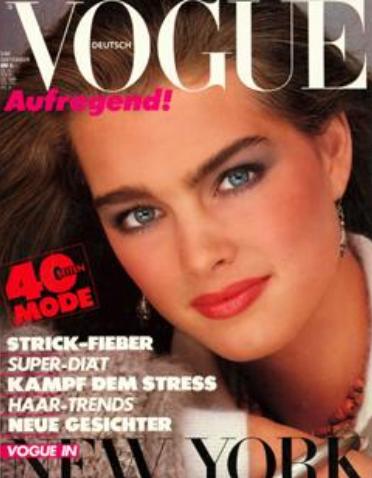
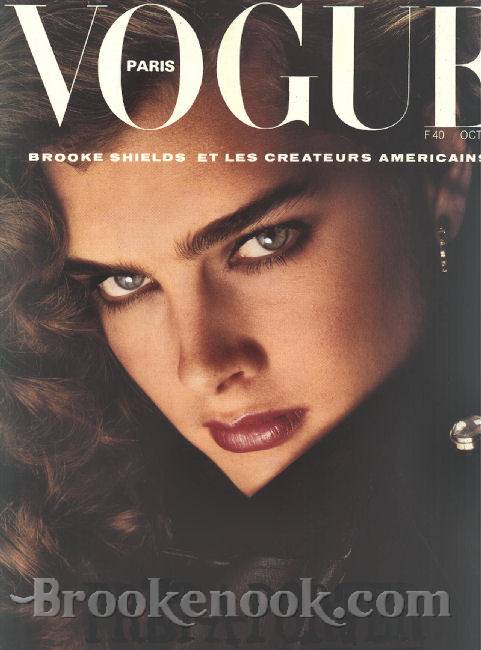
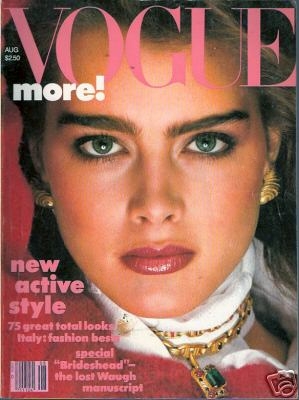
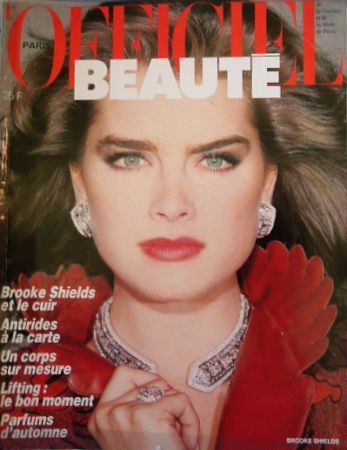
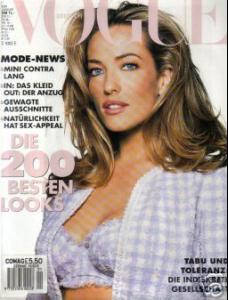 Brooke covers. Gathered on the net thru the years.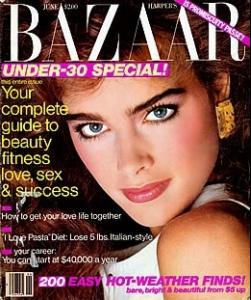
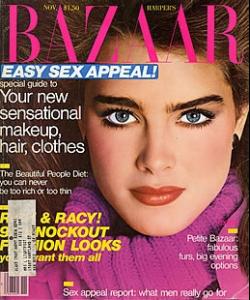
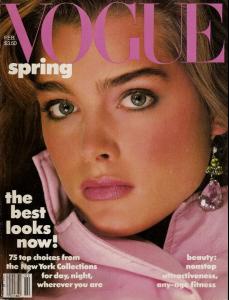
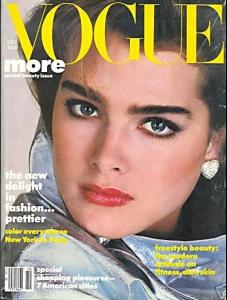
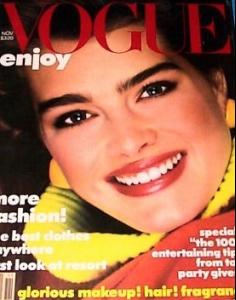
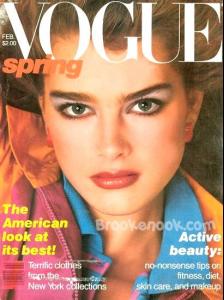
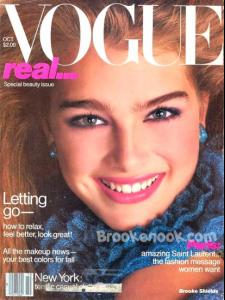
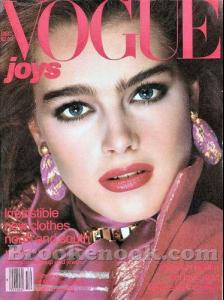
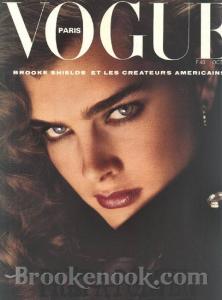
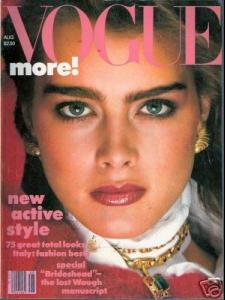
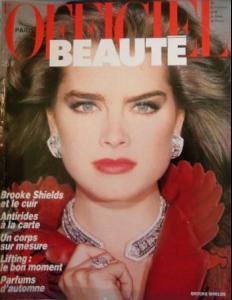 I have the last two Ferre ads but I can't remeber where did I hide those pics...
Two more pics that I especially like.
My scan. Photo by Patrick Demarchelier.
My scans again. One word to the people who want to copy the pics and post on other sites: Please give the credits complete and correct. It never hurts to be polite.
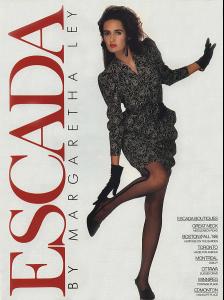
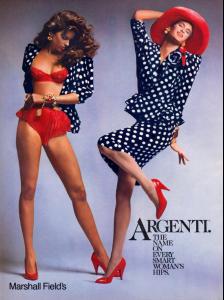
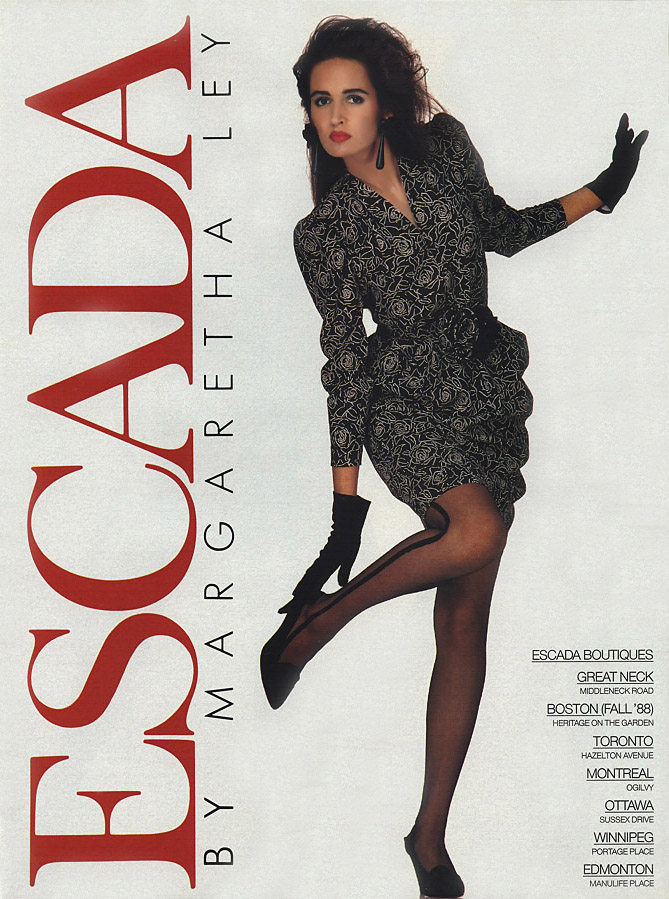
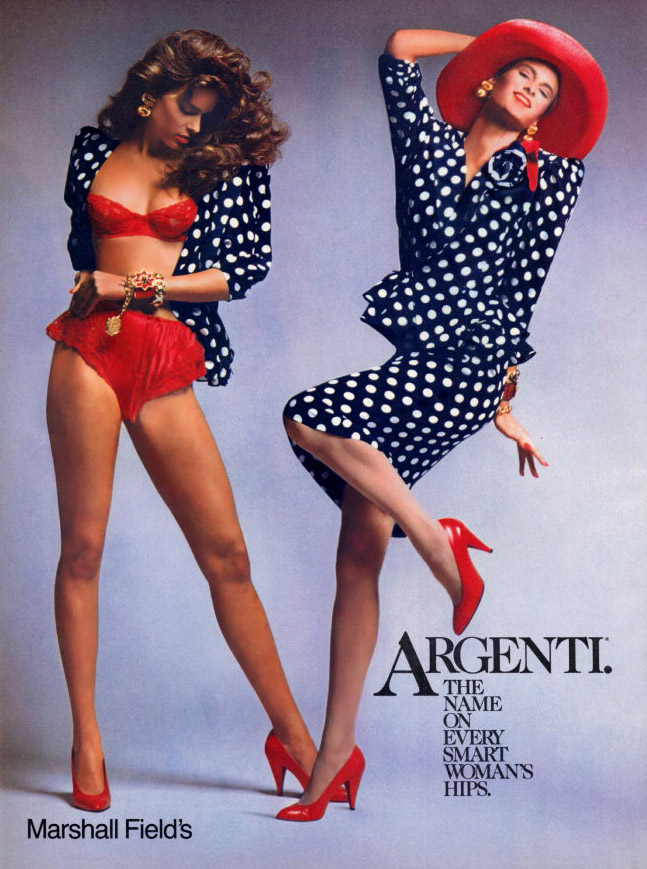
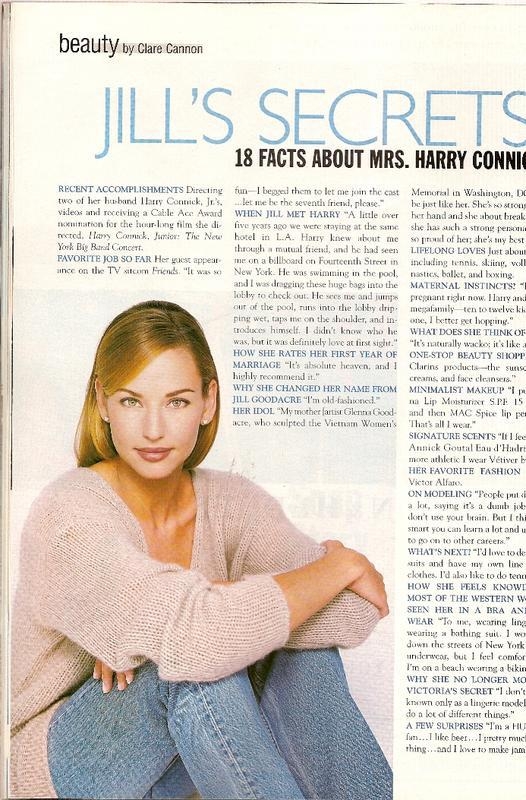
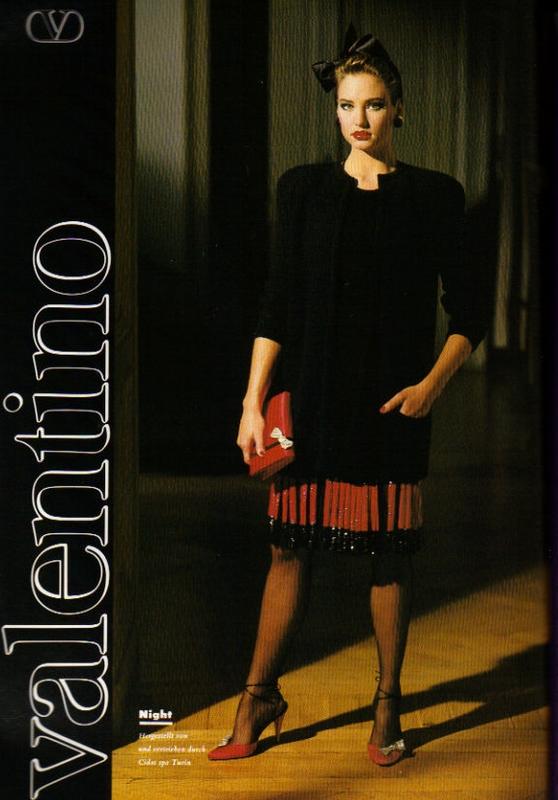
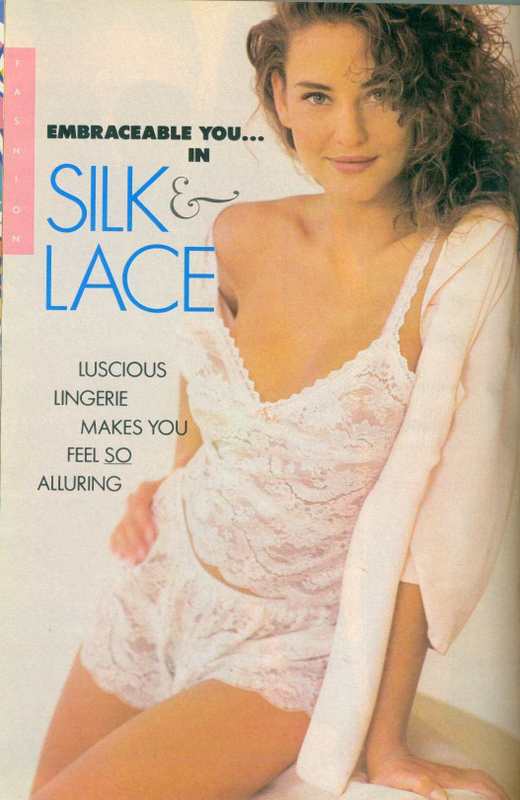
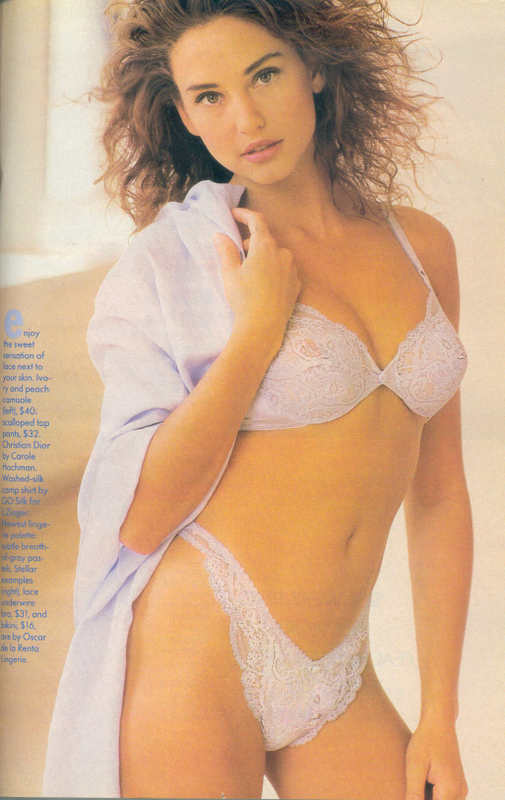
I scanned these pics last night. They are from my clipping collection so I do not know which magazine they are from.
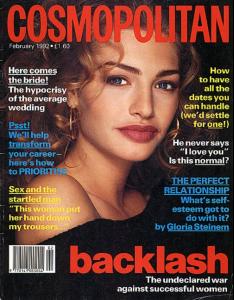
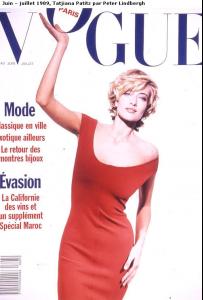
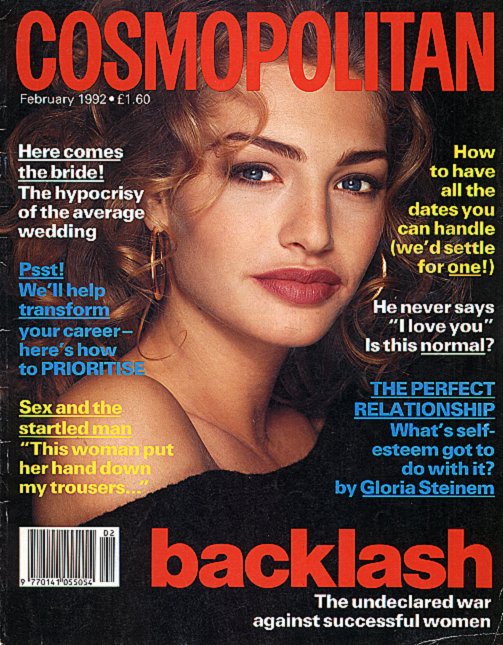
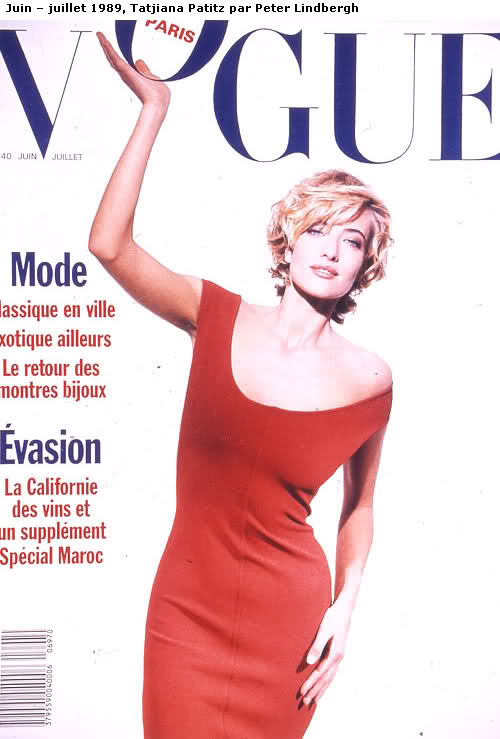
these covers are divine!!the cosmo , i had Totally forgot about michelle eabry till just this ,minute she was awesome!!!! and i never knew beth ruperts name,l i was always in love with her face its nice to have a name to go with face thank you, Miss Turkish Goddess <333333 tatjana looks sooooo luminescent in this pic <3 Hi Penny...It is so good to see you back. I was wondering if you were alright. Thanks for the Tatjana cover.
I have the last two Ferre ads but I can't remeber where did I hide those pics...
Two more pics that I especially like.
My scan. Photo by Patrick Demarchelier.
My scans again. One word to the people who want to copy the pics and post on other sites: Please give the credits complete and correct. It never hurts to be polite.
I scanned these pics last night. They are from my clipping collection so I do not know which magazine they are from.
these covers are divine!!the cosmo , i had Totally forgot about michelle eabry till just this ,minute she was awesome!!!! and i never knew beth ruperts name,l i was always in love with her face its nice to have a name to go with face thank you, Miss Turkish Goddess <333333 tatjana looks sooooo luminescent in this pic <3 Hi Penny...It is so good to see you back. I was wondering if you were alright. Thanks for the Tatjana cover.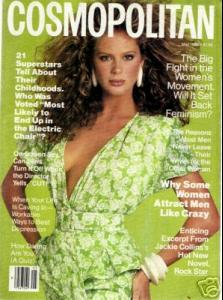
 New woman august 99, source ebay.
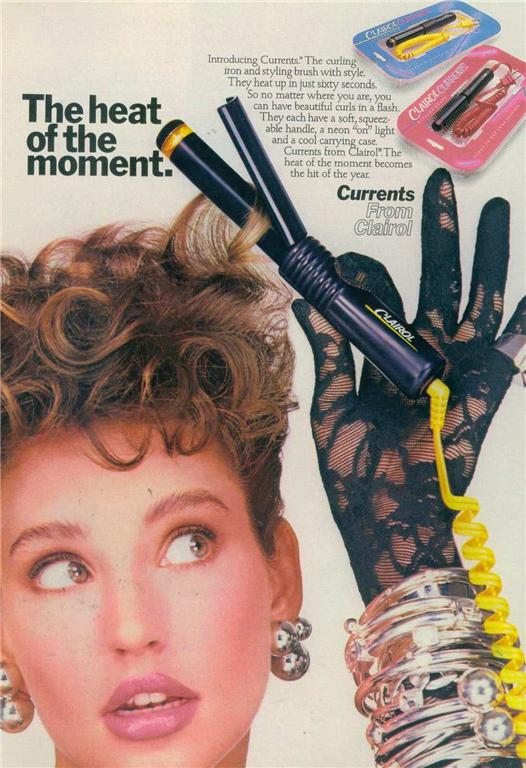
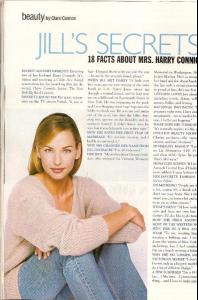 Clairol advertisement.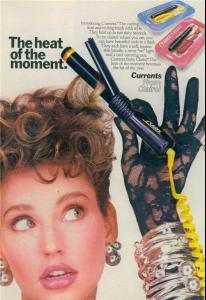
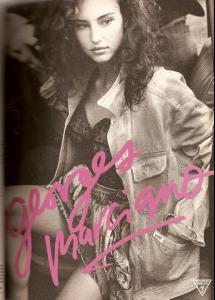
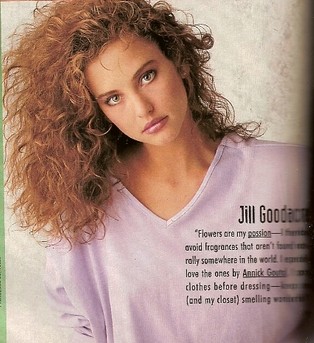
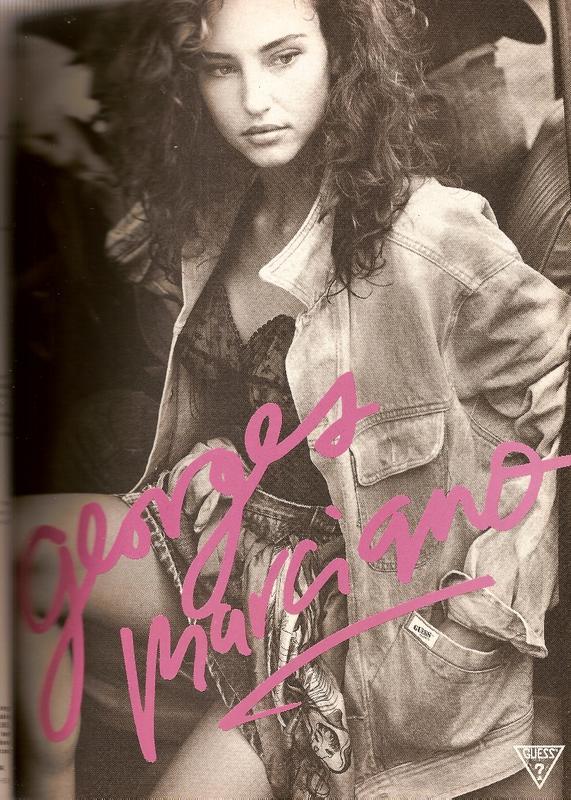
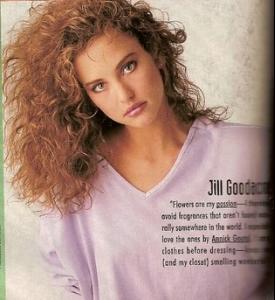 One of the earliest Guess girls.
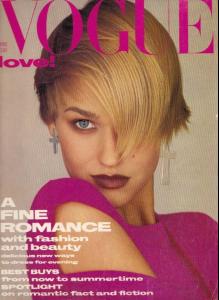
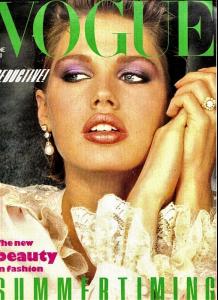
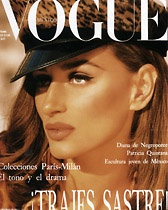
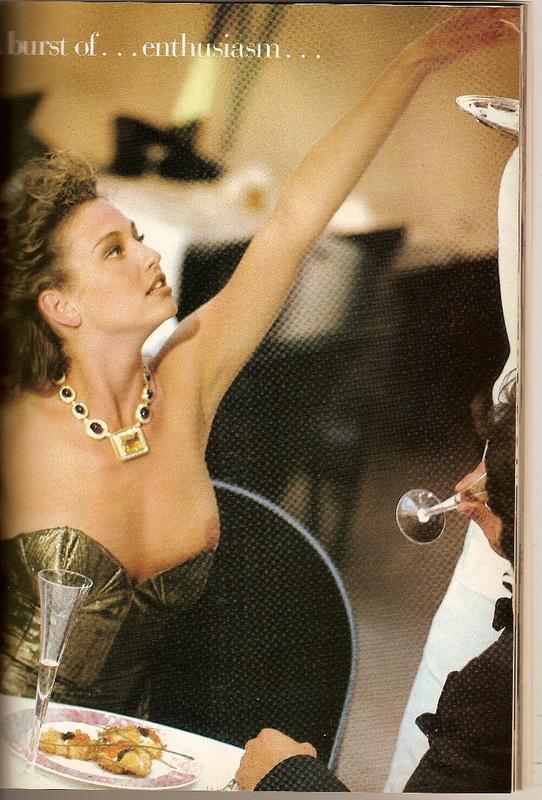
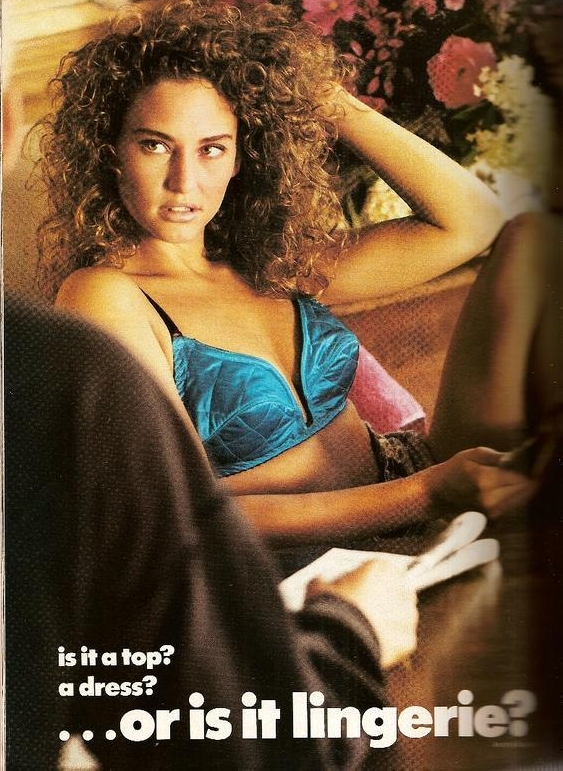
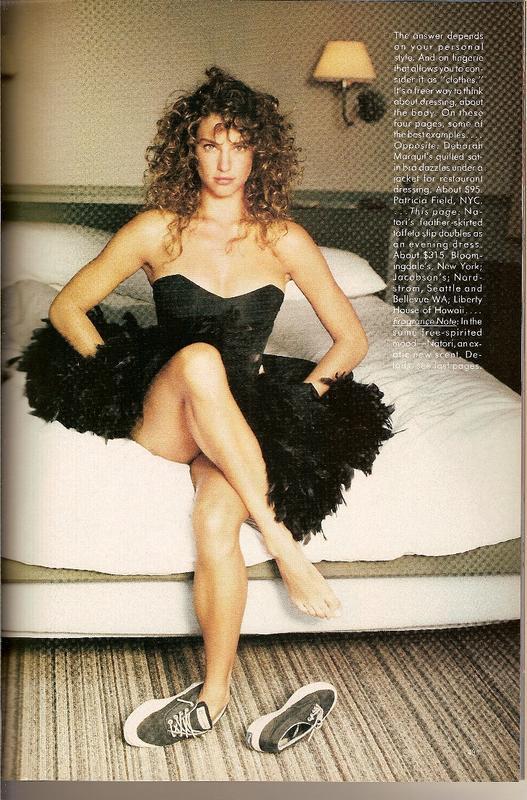
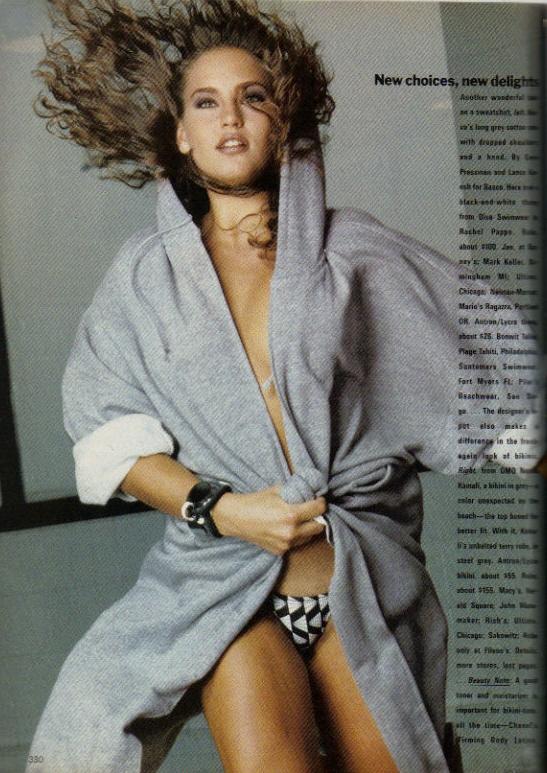
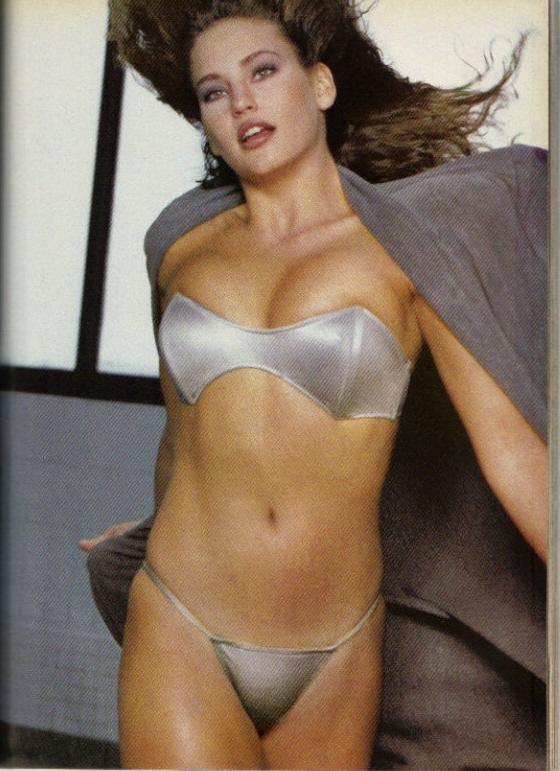
 Vogue 1987 november USA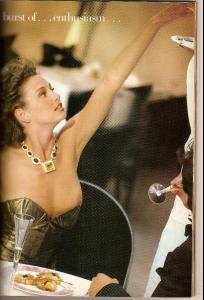
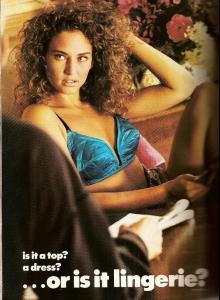
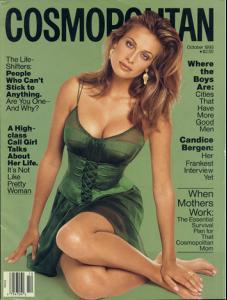
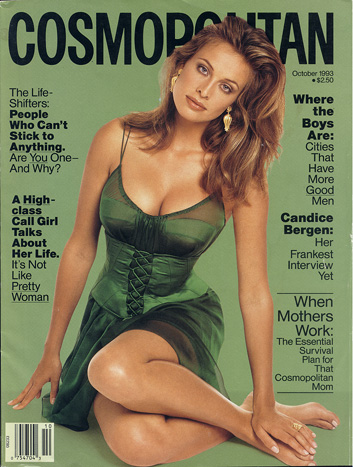
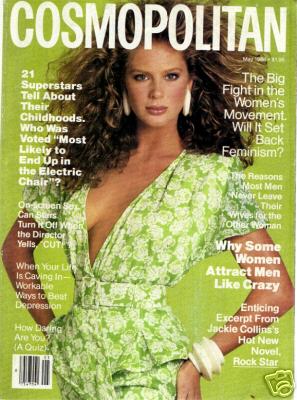
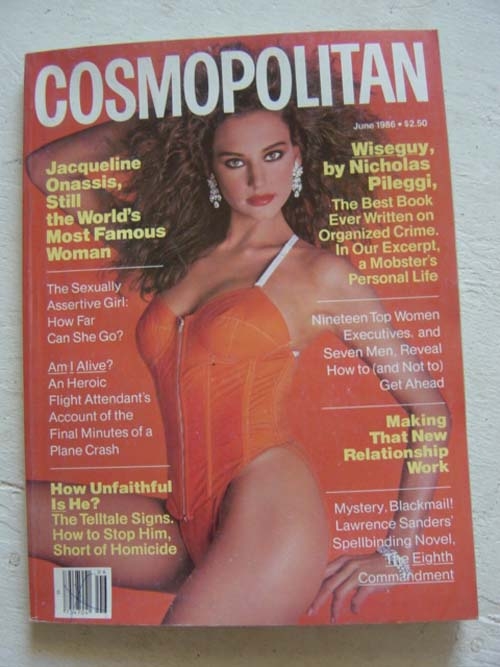
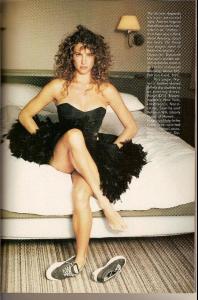 Cosmopolitan 1986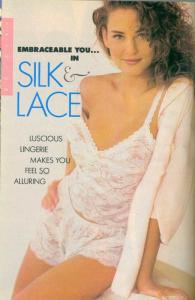
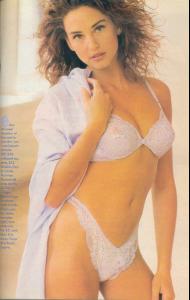
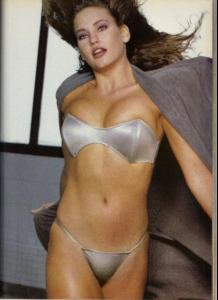
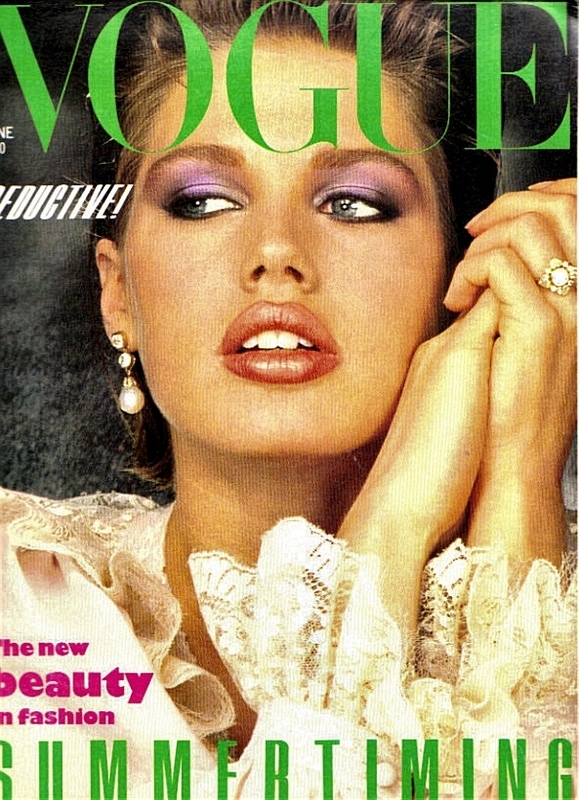
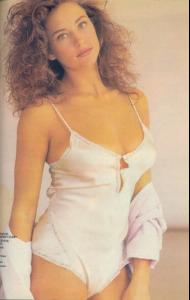 Vogue 1983 USA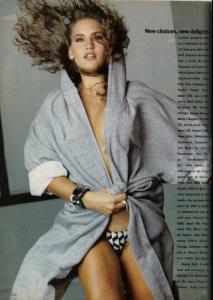
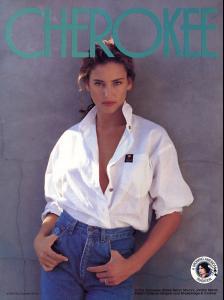
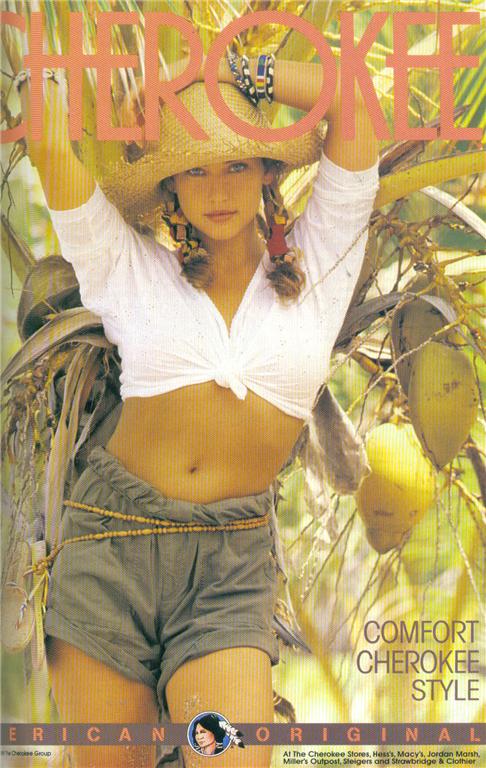
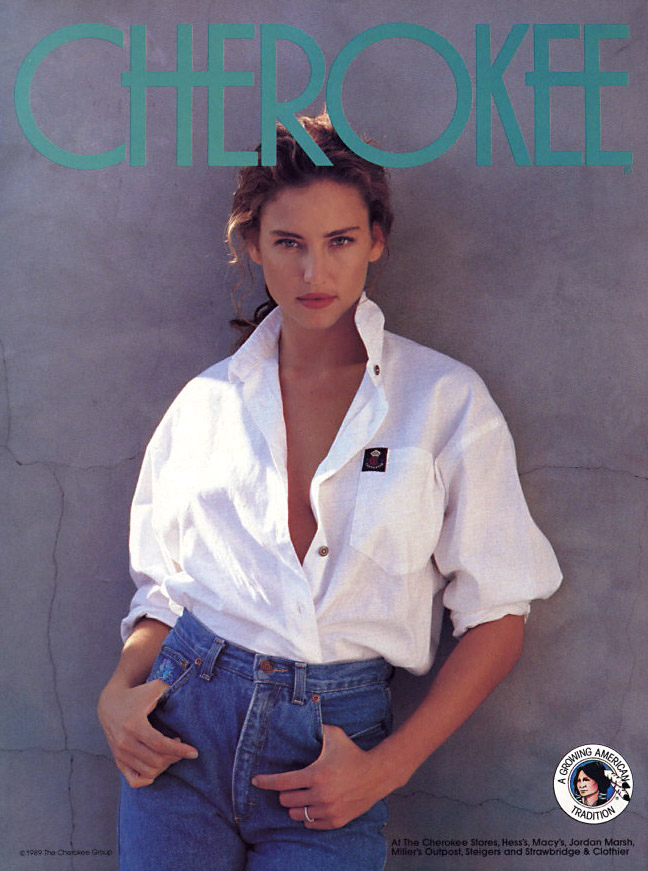
 The second Cherokee is posted by Miss in an another topic.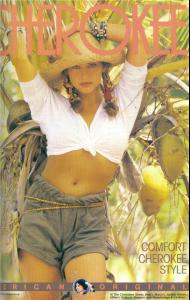
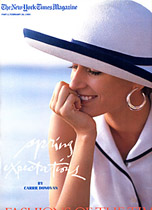
 I am sure Jal has HQ of these covers.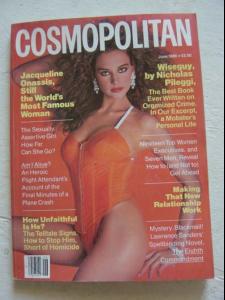


Account
Navigation
Search
Configure browser push notifications
Chrome (Android)
- Tap the lock icon next to the address bar.
- Tap Permissions → Notifications.
- Adjust your preference.
Chrome (Desktop)
- Click the padlock icon in the address bar.
- Select Site settings.
- Find Notifications and adjust your preference.
Safari (iOS 16.4+)
- Ensure the site is installed via Add to Home Screen.
- Open Settings App → Notifications.
- Find your app name and adjust your preference.
Safari (macOS)
- Go to Safari → Preferences.
- Click the Websites tab.
- Select Notifications in the sidebar.
- Find this website and adjust your preference.
Edge (Android)
- Tap the lock icon next to the address bar.
- Tap Permissions.
- Find Notifications and adjust your preference.
Edge (Desktop)
- Click the padlock icon in the address bar.
- Click Permissions for this site.
- Find Notifications and adjust your preference.
Firefox (Android)
- Go to Settings → Site permissions.
- Tap Notifications.
- Find this site in the list and adjust your preference.
Firefox (Desktop)
- Open Firefox Settings.
- Search for Notifications.
- Find this site in the list and adjust your preference.